Upgrade to Pro — share decks privately, control downloads, hide ads and more …

Workshop - The world of extensions

Sponsored · Ship Features Fearlessly Turn features on and off without deploys. Used by thousands of Ruby developers. →

Workshop - The world of extensions

The goal of this workshop is to learn the basics of Chrome and Firefox extensions development.

Avatar for c2lig

c2lig

May 09, 2015

Other Decks in Programming

Transcript

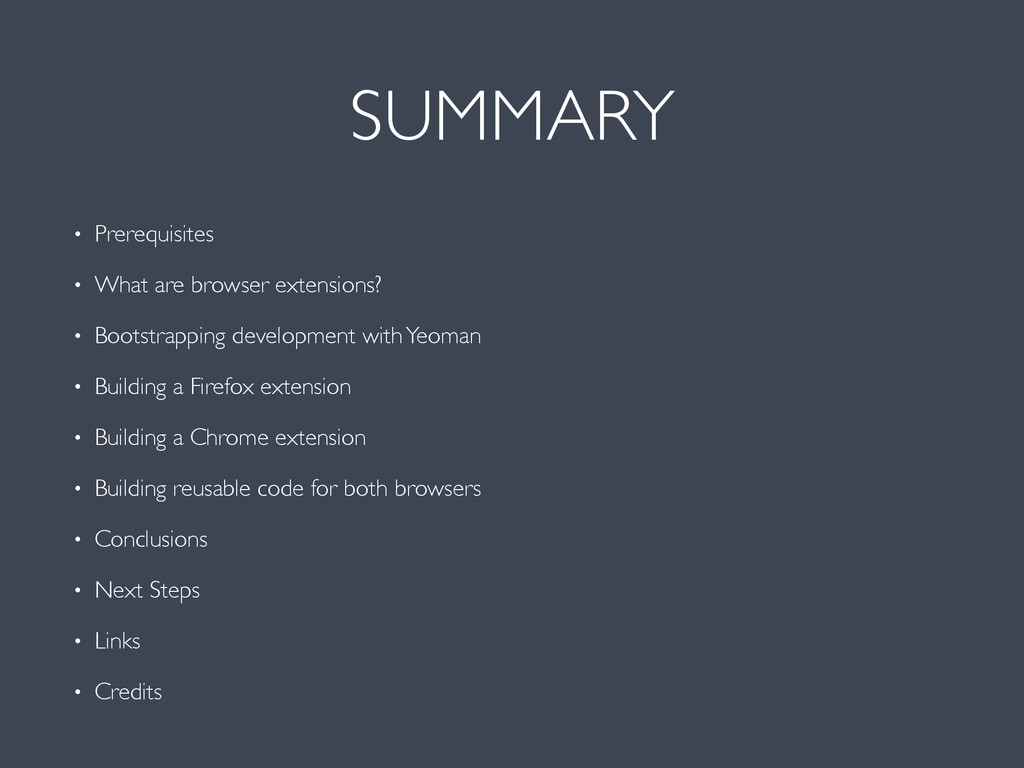
  1. SUMMARY • Prerequisites • What are browser extensions? • Bootstrapping

    development with Yeoman • Building a Firefox extension • Building a Chrome extension • Building reusable code for both browsers • Conclusions • Next Steps • Links • Credits
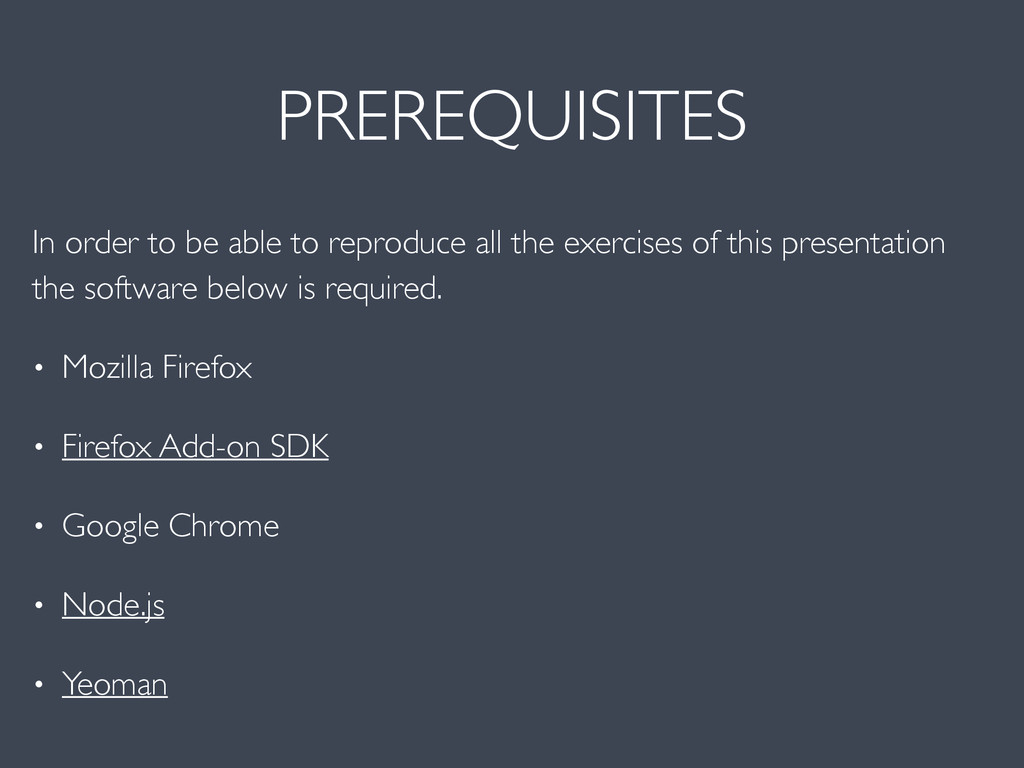
  2. PREREQUISITES In order to be able to reproduce all the

    exercises of this presentation the software below is required. • Mozilla Firefox • Firefox Add-on SDK • Google Chrome • Node.js • Yeoman
  3. Extensions are software programs that can modify and enhance the

    functionality of the browser. You write them using web technologies such as HTML, JavaScript, and CSS.
  4. Extensions bundle all their files into a single file that

    the user downloads and installs. This bundling means that, unlike ordinary web apps, extensions don't need to depend on content from the web.
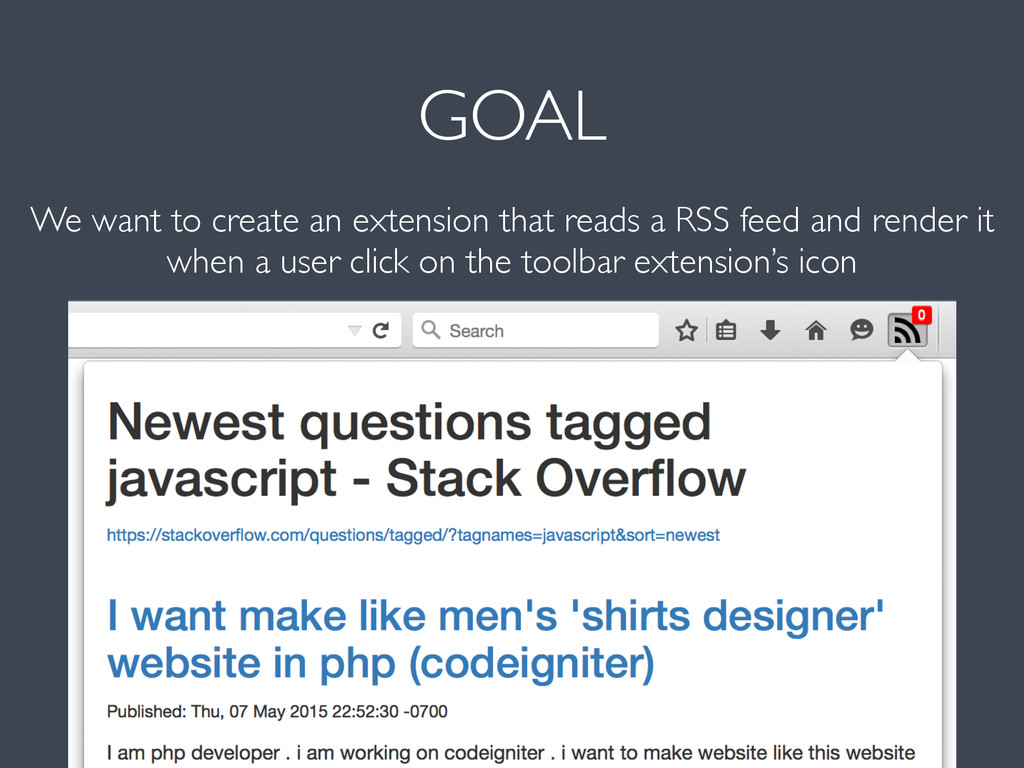
  5. GOAL We want to create an extension that reads a

    RSS feed and render it when a user click on the toolbar extension’s icon
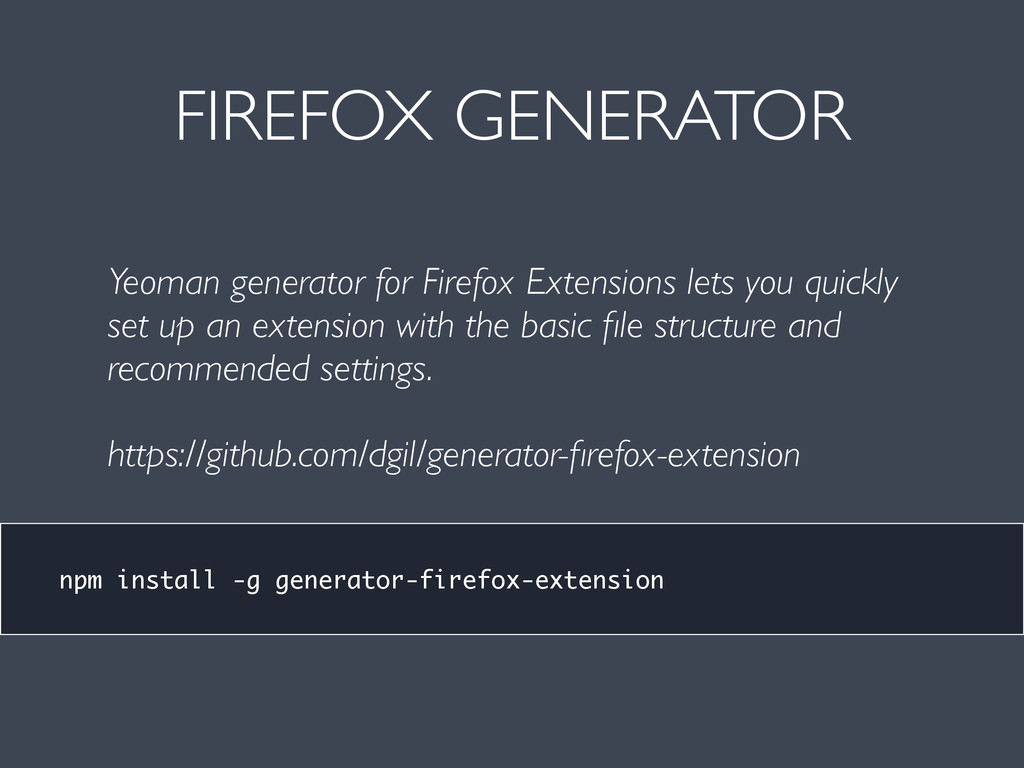
  6. FIREFOX GENERATOR npm install -g generator-firefox-extension Yeoman generator for Firefox

    Extensions lets you quickly set up an extension with the basic file structure and recommended settings. https://github.com/dgil/generator-firefox-extension
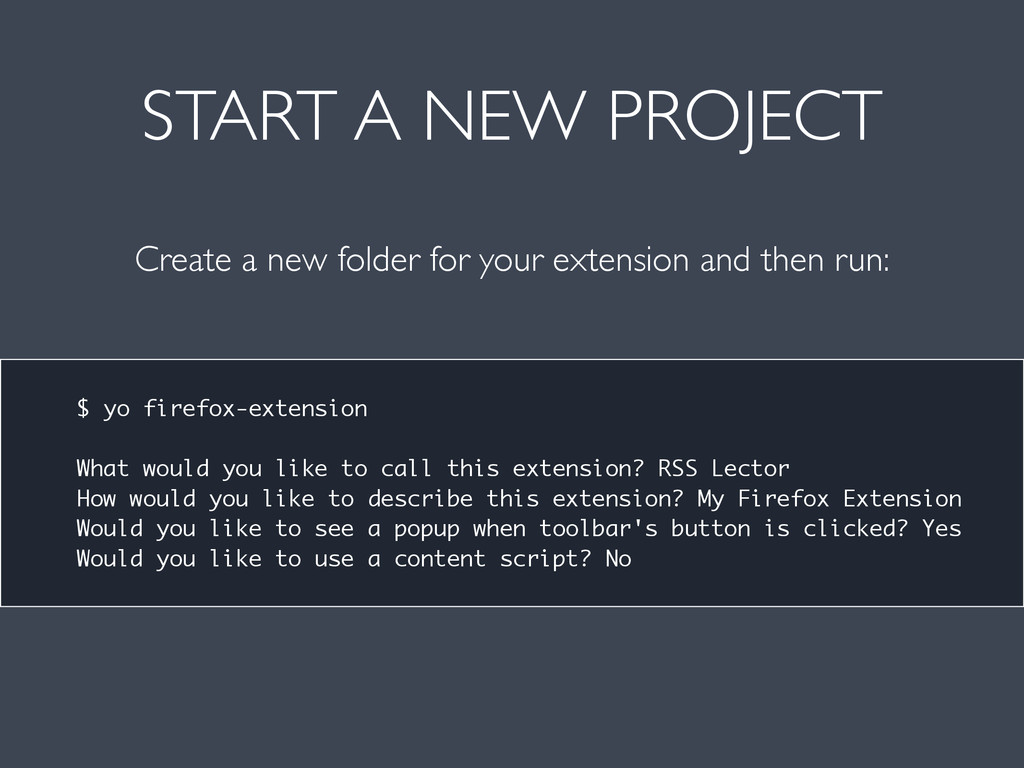
  7. START A NEW PROJECT Create a new folder for your

    extension and then run: $ yo firefox-extension What would you like to call this extension? RSS Lector How would you like to describe this extension? My Firefox Extension Would you like to see a popup when toolbar's button is clicked? Yes Would you like to use a content script? No
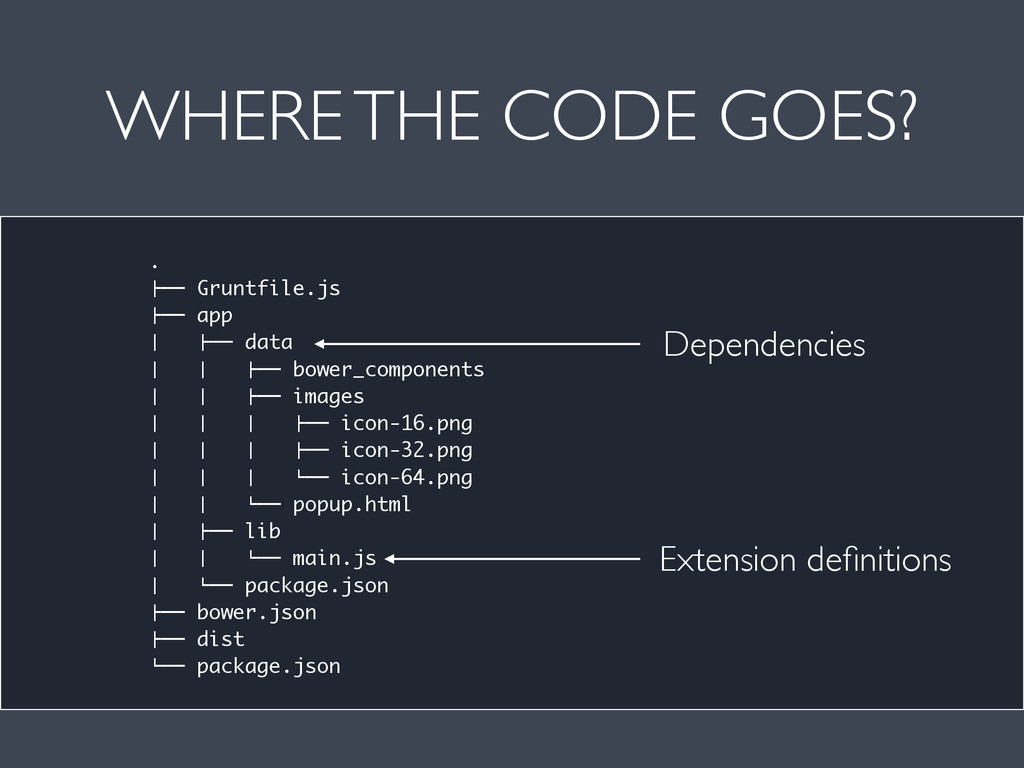
  8. WHERE THE CODE GOES? . !"" Gruntfile.js !"" app #

    !"" data # # !"" bower_components # # !"" images # # # !"" icon-16.png # # # !"" icon-32.png # # # %"" icon-64.png # # %"" popup.html # !"" lib # # %"" main.js # %"" package.json !"" bower.json !"" dist %"" package.json Dependencies Extension definitions
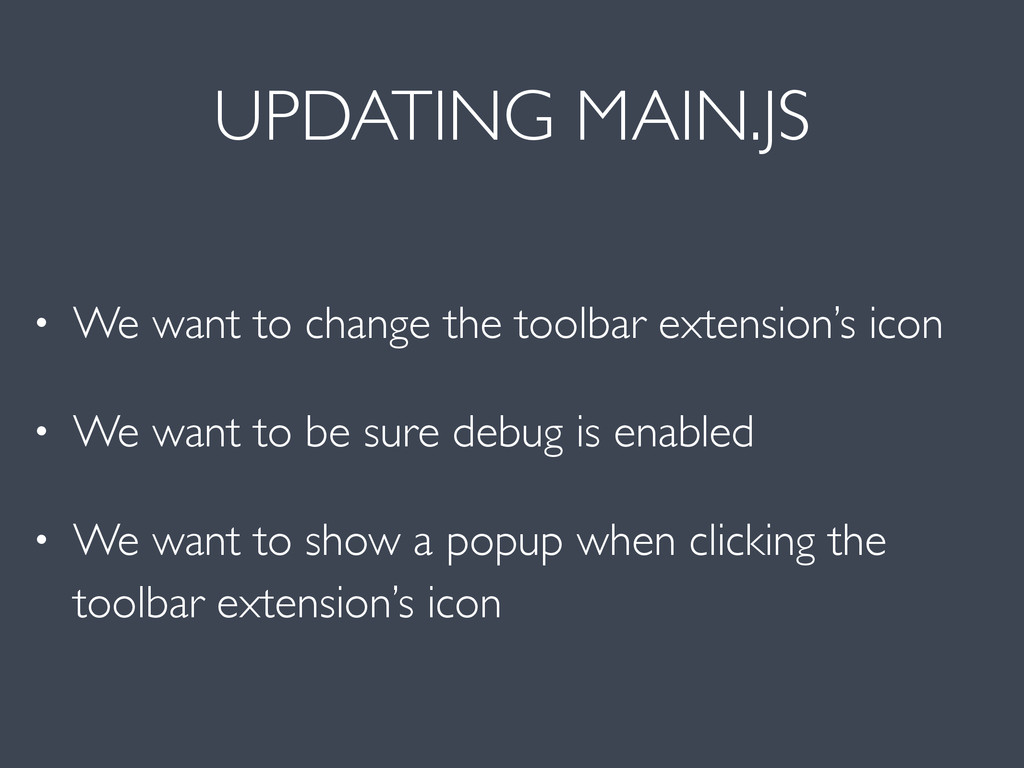
  9. UPDATING MAIN.JS • We want to change the toolbar extension’s

    icon • We want to be sure debug is enabled • We want to show a popup when clicking the toolbar extension’s icon
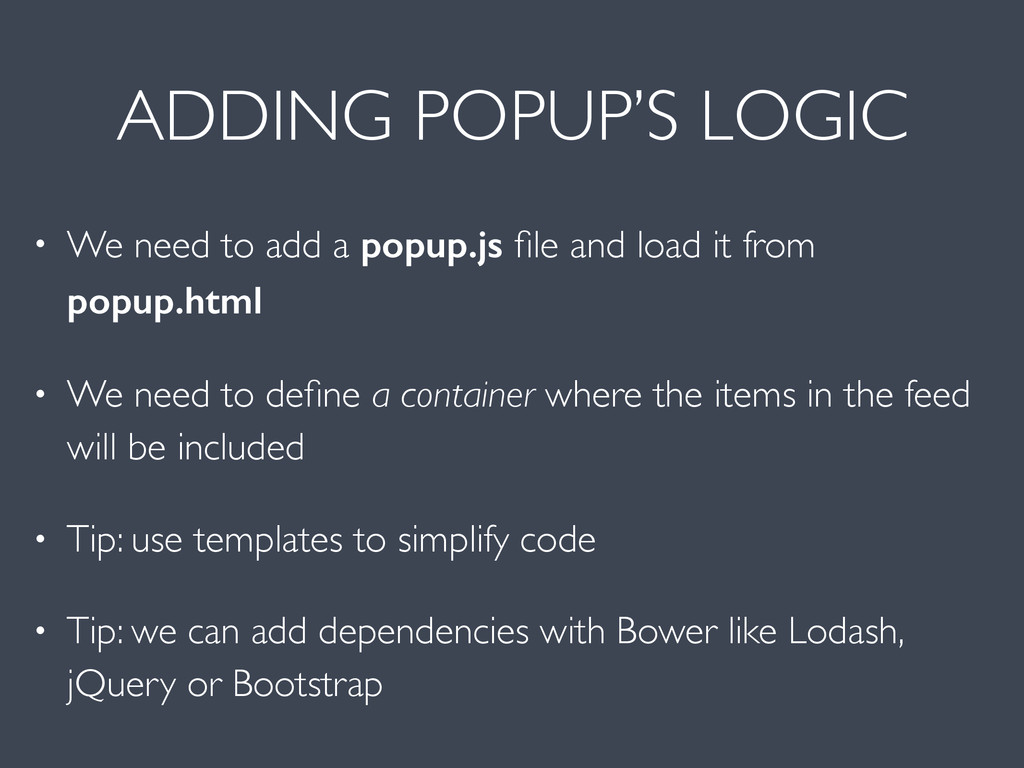
  10. ADDING POPUP’S LOGIC • We need to add a popup.js

    file and load it from popup.html • We need to define a container where the items in the feed will be included • Tip: use templates to simplify code • Tip: we can add dependencies with Bower like Lodash, jQuery or Bootstrap
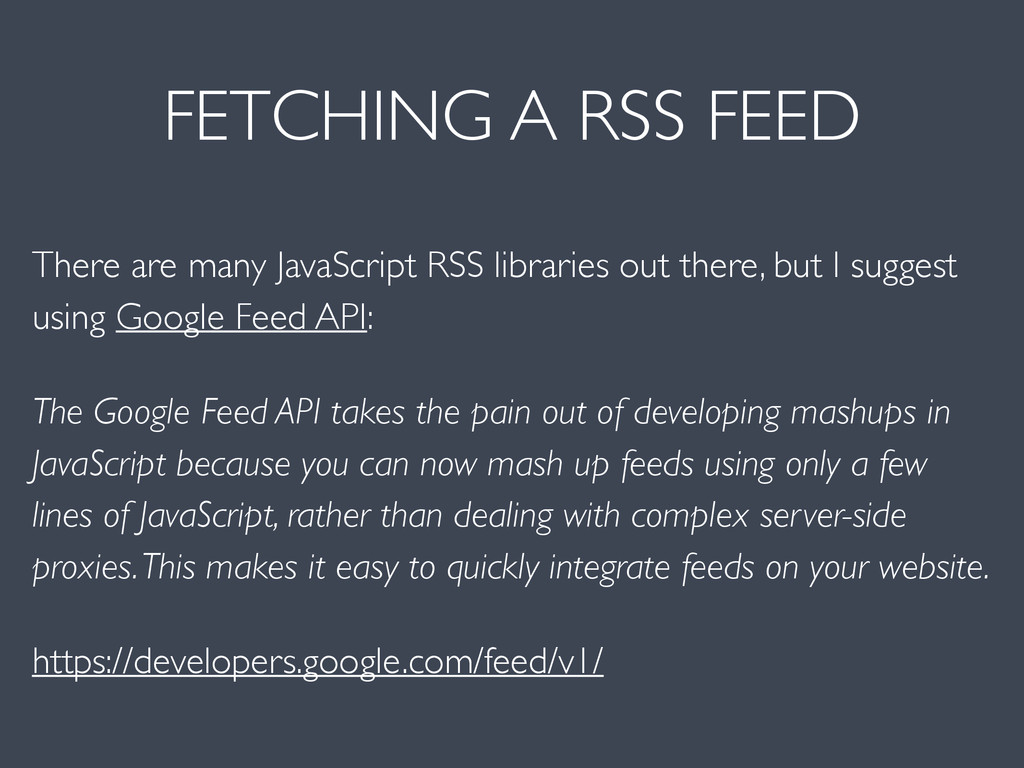
  11. FETCHING A RSS FEED There are many JavaScript RSS libraries

    out there, but I suggest using Google Feed API: The Google Feed API takes the pain out of developing mashups in JavaScript because you can now mash up feeds using only a few lines of JavaScript, rather than dealing with complex server-side proxies. This makes it easy to quickly integrate feeds on your website. https://developers.google.com/feed/v1/
  12. GOAL We want to create a Chrome extension like the

    Firefox extension we’ve just created
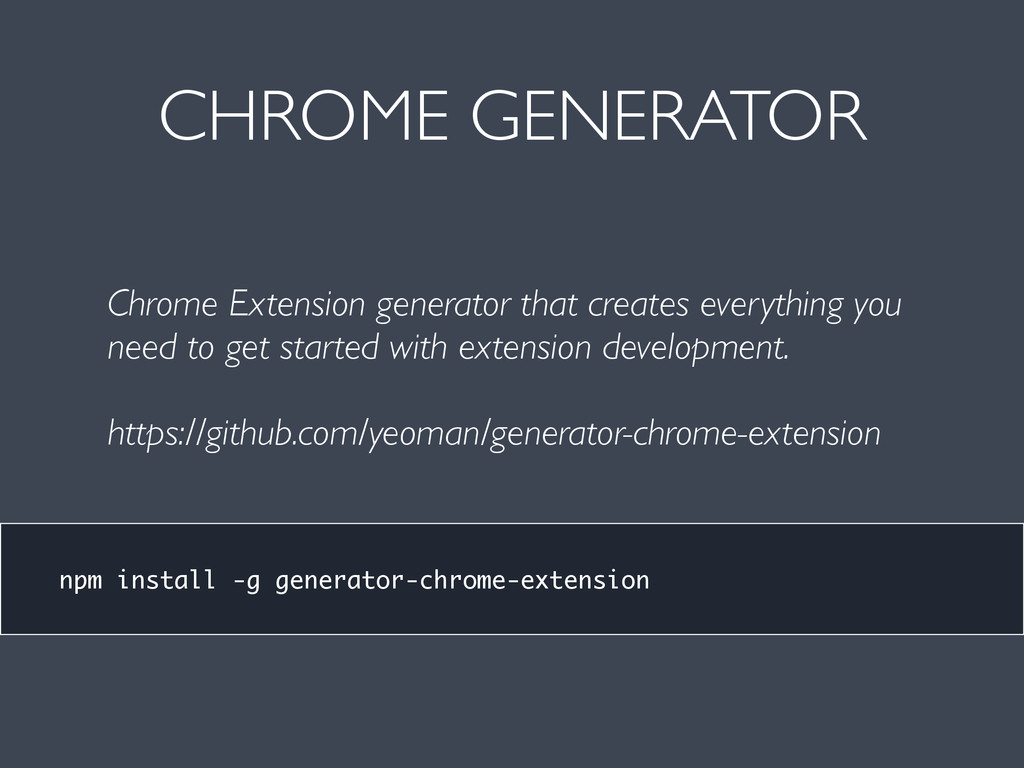
  13. CHROME GENERATOR npm install -g generator-chrome-extension Chrome Extension generator that

    creates everything you need to get started with extension development. https://github.com/yeoman/generator-chrome-extension
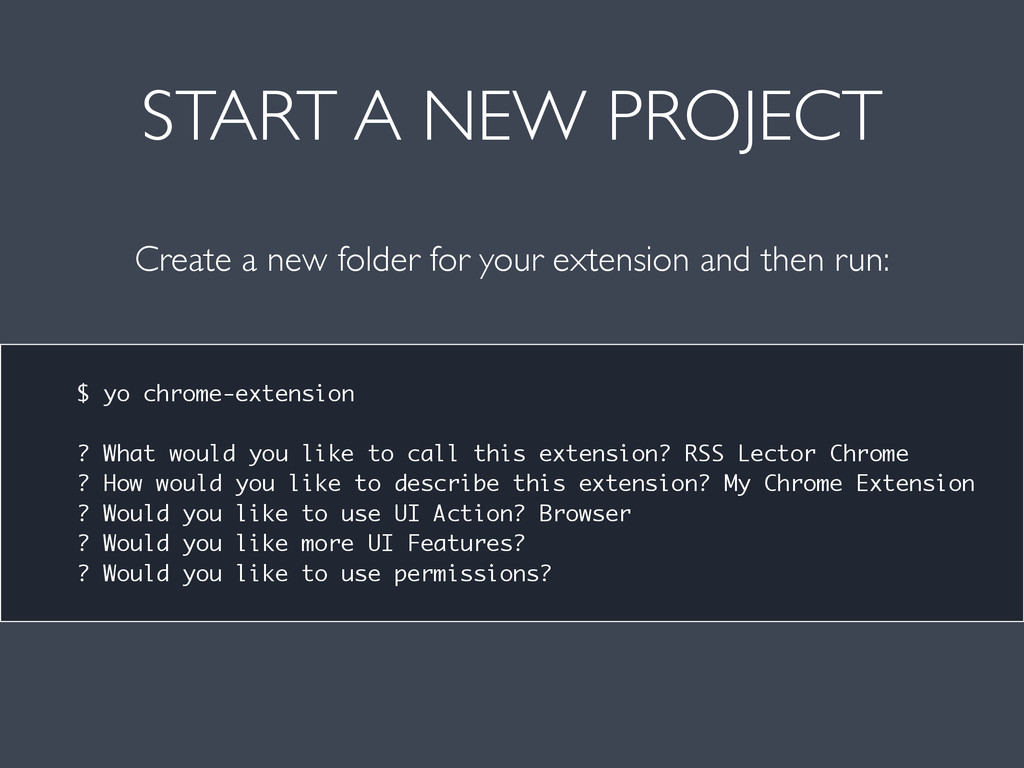
  14. START A NEW PROJECT Create a new folder for your

    extension and then run: $ yo chrome-extension ? What would you like to call this extension? RSS Lector Chrome ? How would you like to describe this extension? My Chrome Extension ? Would you like to use UI Action? Browser ? Would you like more UI Features? ? Would you like to use permissions?
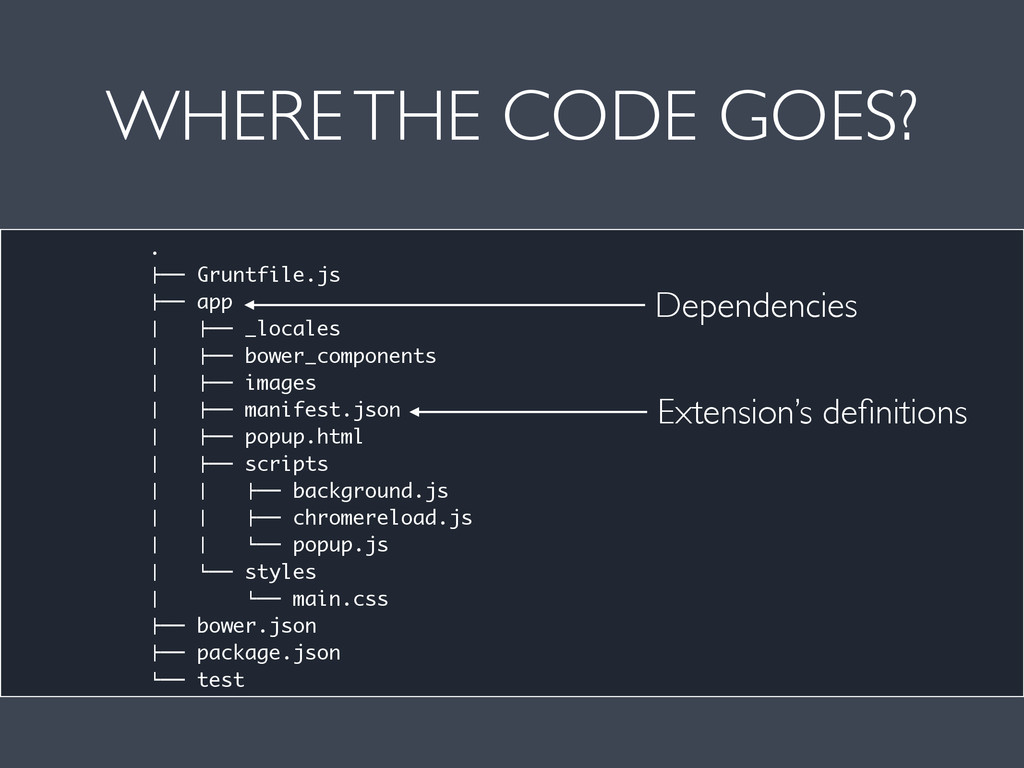
  15. WHERE THE CODE GOES? . !"" Gruntfile.js !"" app #

    !"" _locales # !"" bower_components # !"" images # !"" manifest.json # !"" popup.html # !"" scripts # # !"" background.js # # !"" chromereload.js # # %"" popup.js # %"" styles # %"" main.css !"" bower.json !"" package.json %"" test Dependencies Extension’s definitions
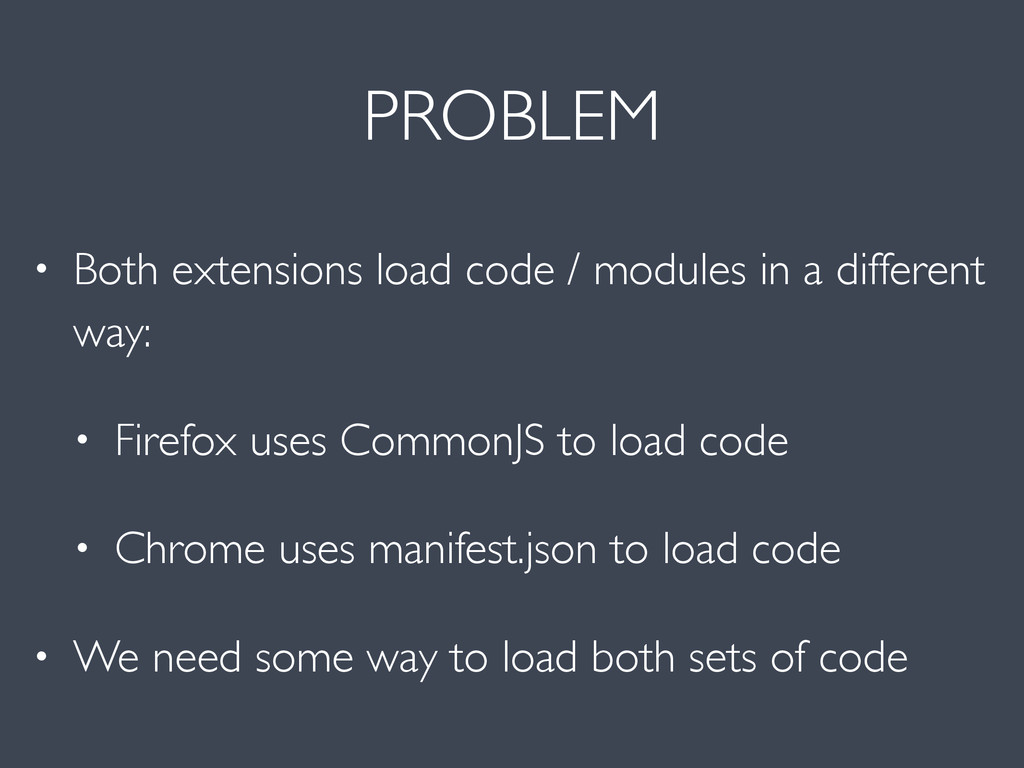
  16. PROBLEM • Both extensions load code / modules in a

    different way: • Firefox uses CommonJS to load code • Chrome uses manifest.json to load code • We need some way to load both sets of code
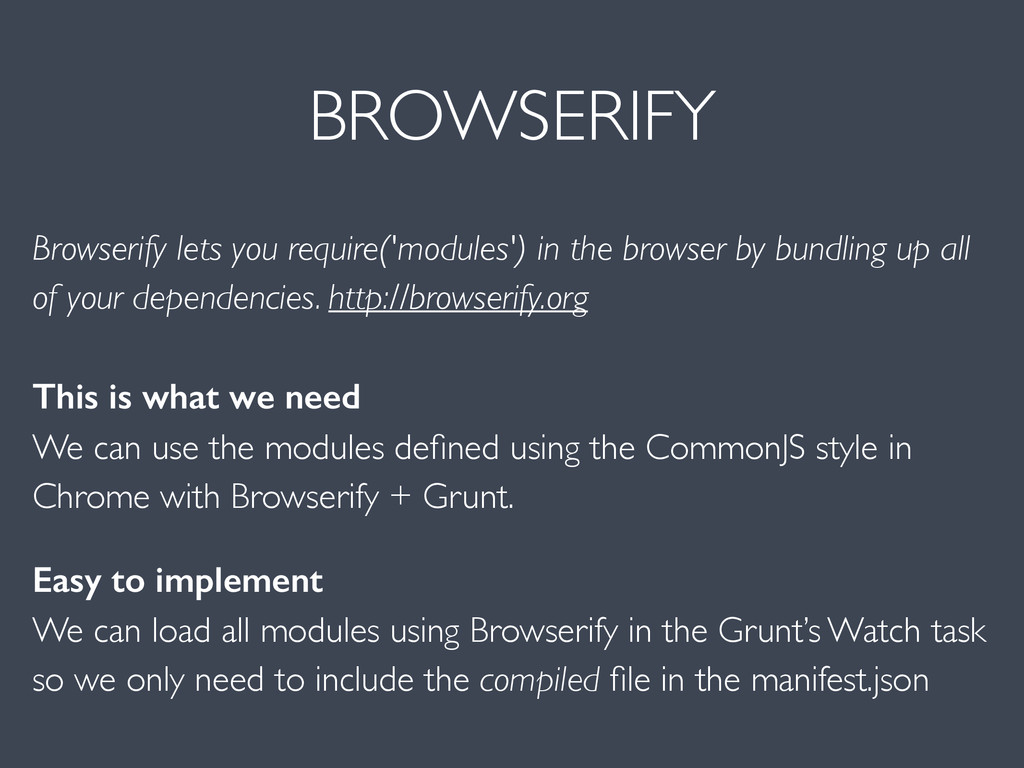
  17. BROWSERIFY Browserify lets you require('modules') in the browser by bundling

    up all of your dependencies. http://browserify.org This is what we need We can use the modules defined using the CommonJS style in Chrome with Browserify + Grunt. Easy to implement We can load all modules using Browserify in the Grunt’s Watch task so we only need to include the compiled file in the manifest.json
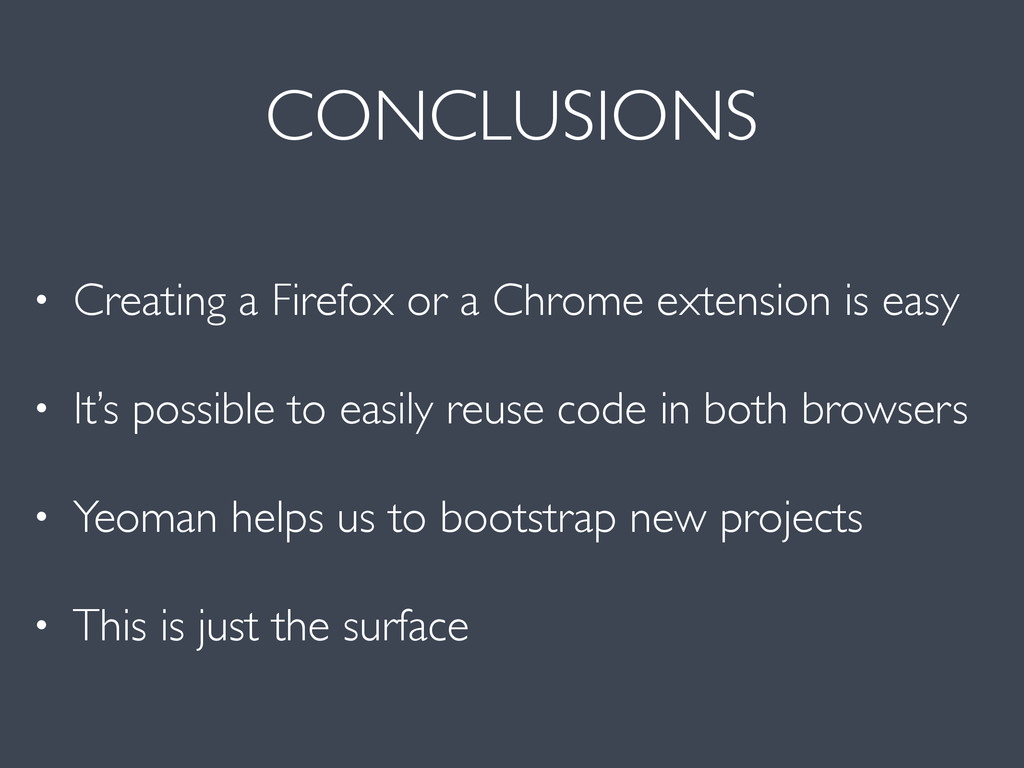
  18. CONCLUSIONS • Creating a Firefox or a Chrome extension is

    easy • It’s possible to easily reuse code in both browsers • Yeoman helps us to bootstrap new projects • This is just the surface
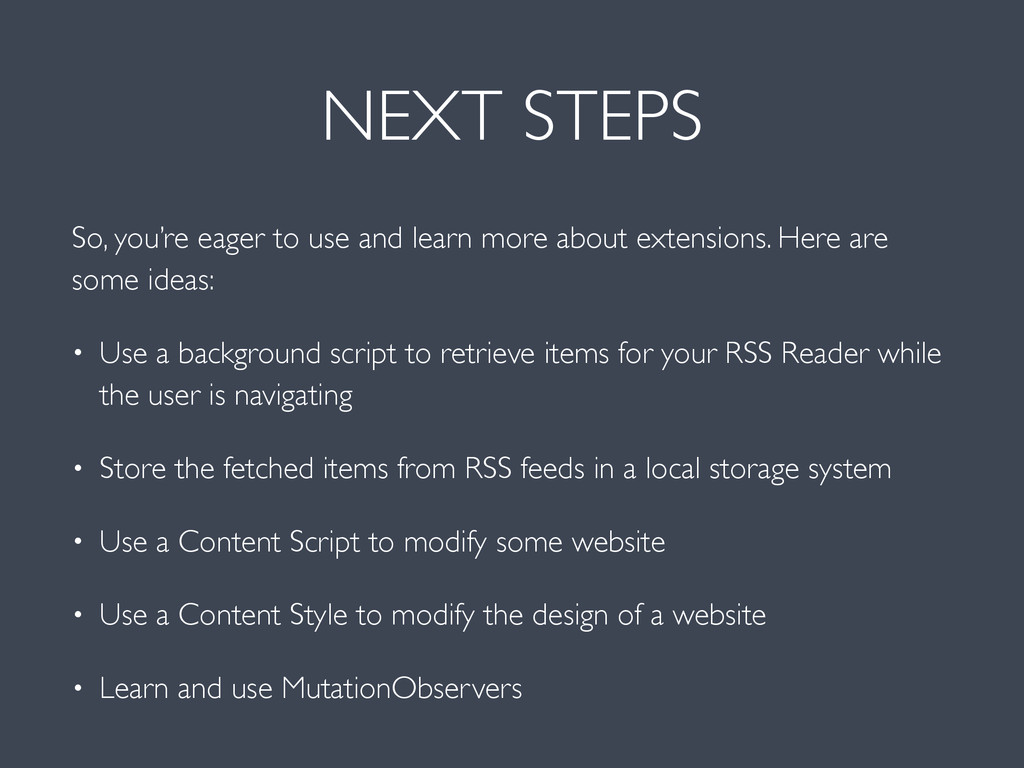
  19. NEXT STEPS So, you’re eager to use and learn more

    about extensions. Here are some ideas: • Use a background script to retrieve items for your RSS Reader while the user is navigating • Store the fetched items from RSS feeds in a local storage system • Use a Content Script to modify some website • Use a Content Style to modify the design of a website • Learn and use MutationObservers
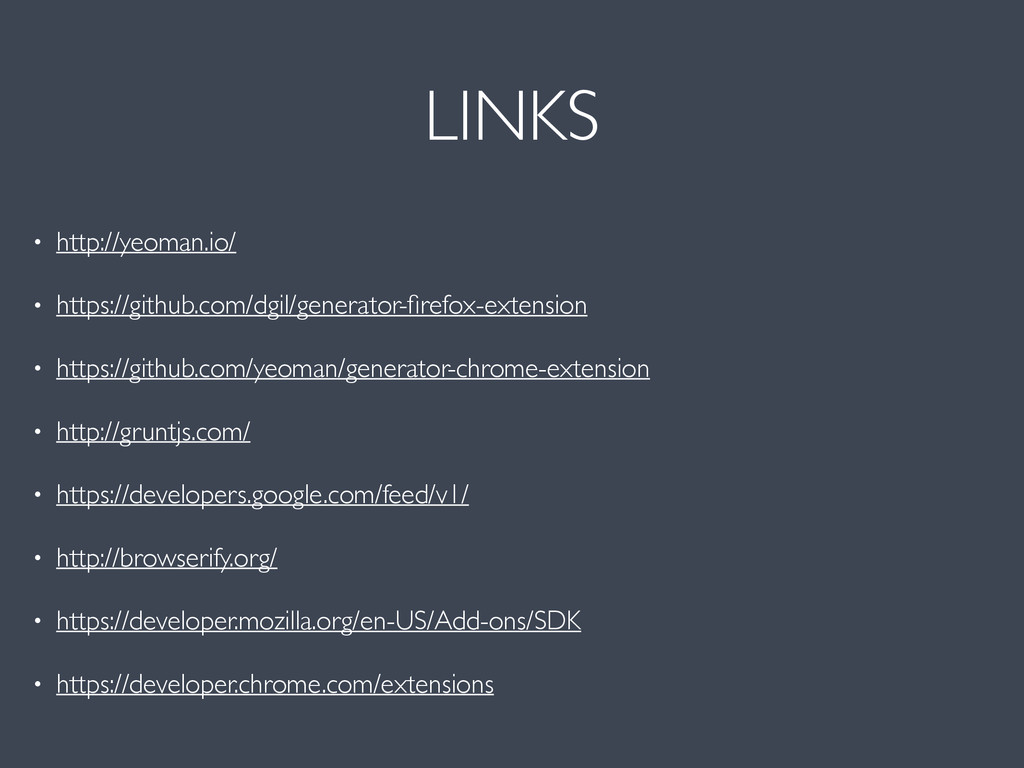
  20. LINKS • http://yeoman.io/ • https://github.com/dgil/generator-firefox-extension • https://github.com/yeoman/generator-chrome-extension • http://gruntjs.com/ •

    https://developers.google.com/feed/v1/ • http://browserify.org/ • https://developer.mozilla.org/en-US/Add-ons/SDK • https://developer.chrome.com/extensions
  21. CREDITS • Planet icon created by Henry Kennedy CC BY

    3.0 • Paper-Airplane icon created by Tom Walsh CC By 3.0