Upgrade to Pro — share decks privately, control downloads, hide ads and more …

Docker Tip/Discussions for Starter

Sponsored · Your Podcast. Everywhere. Effortlessly. Share. Educate. Inspire. Entertain. You do you. We'll handle the rest. →

Docker Tip/Discussions for Starter

Avatar for Jatesadakarn Saengrat

Jatesadakarn Saengrat

November 26, 2017

Other Decks in Technology

Transcript

  1. Disclaimer • This session is too short to cover everything

    • We need your comments/recommandations
  2. Slow start-to-code time • Even all setups can be automate

    on deployment, developers have to know, and setup all of requirements manually, locally.
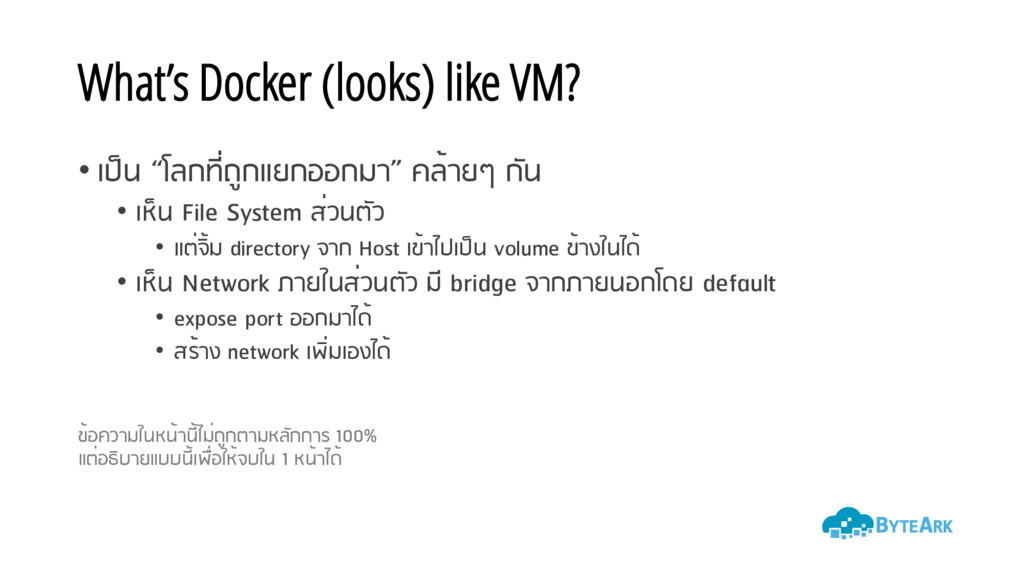
  3. What’s Docker (looks) like VM? • เป็น “โลกที่ถูกแยกออกมา” คล้ายๆ กัน

    • เห็น File System ส่วนตัว • แต่จิ้ม directory จาก Host เข้าไปเป็น volume ข้างในได้ • เห็น Network ภายในส่วนตัว มี bridge จากภายนอกโดย default • expose port ออกมาได้ • สร้าง network เพิ่มเองได้ ข้อความในหน้านี้ไม่ถูกตามหลักการ 100% แต่อธิบายแบบนี้เพื่อให้จบใน 1 หน้าได้
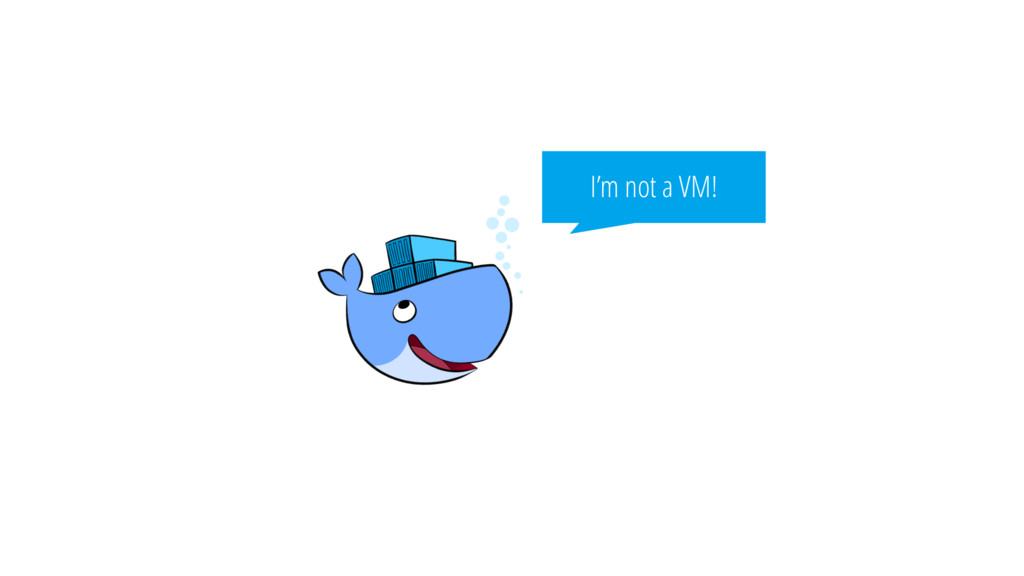
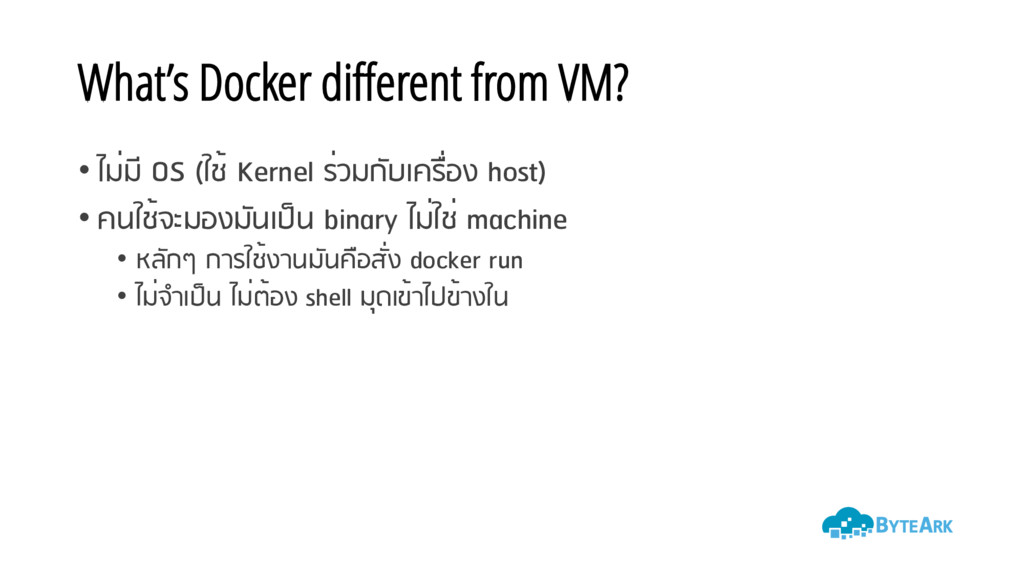
  4. What’s Docker different from VM? • ไม่มี OS (ใช้ Kernel

    ร่วมกับเครื่อง host) • คนใช้จะมองมันเป็น binary ไม่ใช่ machine • หลักๆ การใช้งานมันคือสั่ง docker run • ไม่จําเป็น ไม่ต้อง shell มุดเข้าไปข้างใน
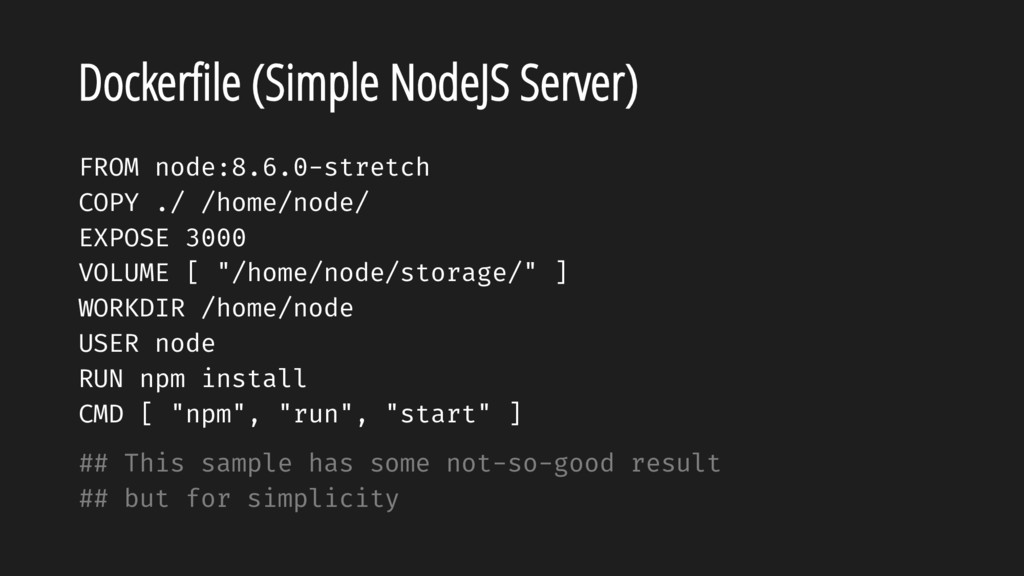
  5. Dockerfile (Simple NodeJS Server) FROM node:8.6.0-stretch COPY ./ /home/node/ EXPOSE

    3000 VOLUME [ "/home/node/storage/" ] WORKDIR /home/node USER node RUN npm install CMD [ "npm", "run", "start" ] ## This sample has some not-so-good result ## but for simplicity
  6. TIP Try setup by your hand first… • To know

    what’s required to run/develop your application • To know what should be configurable
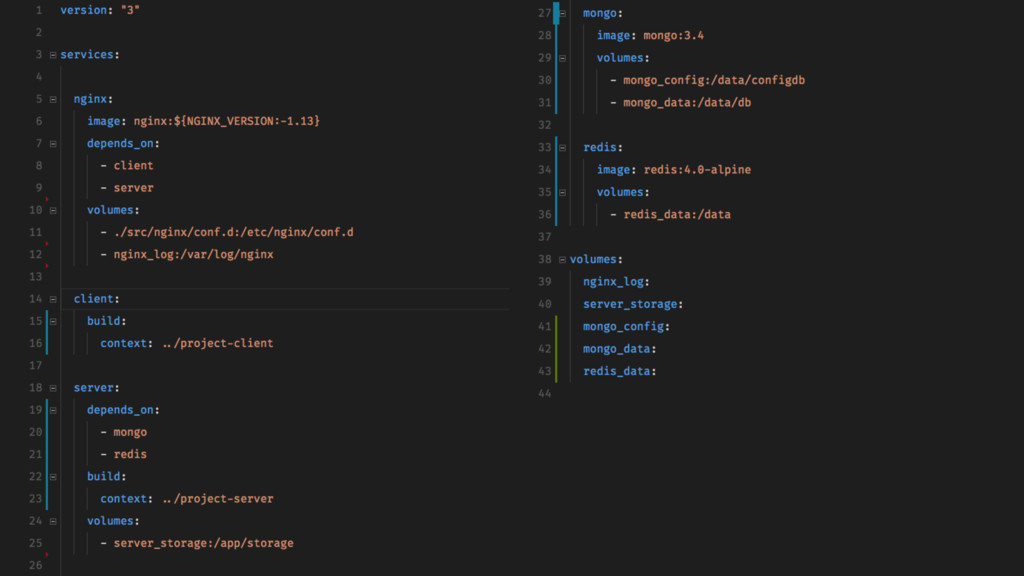
  7. TIP Try docker-compose first • Because it’s easier for most

    projects • Since most projects require more than a single container…
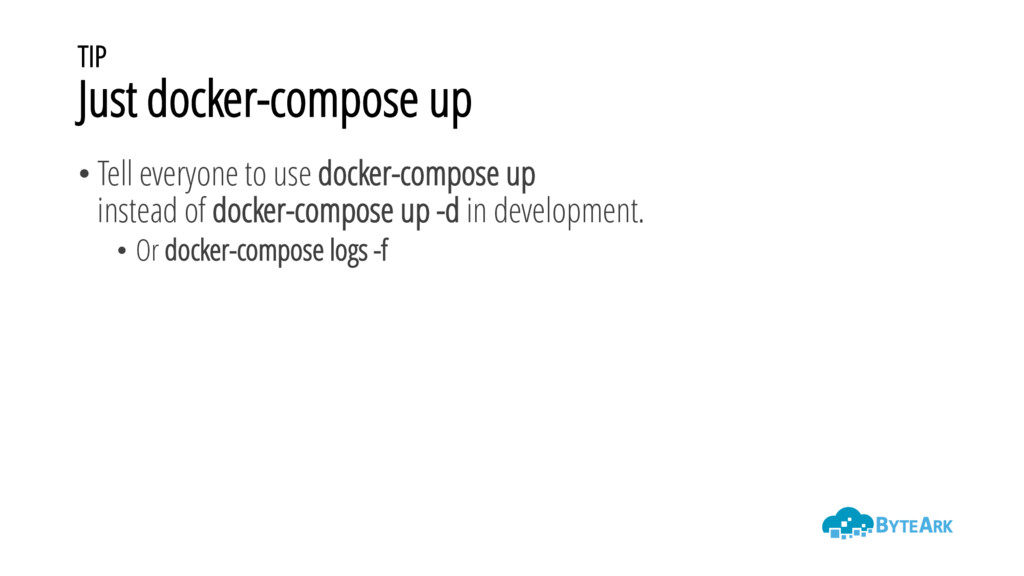
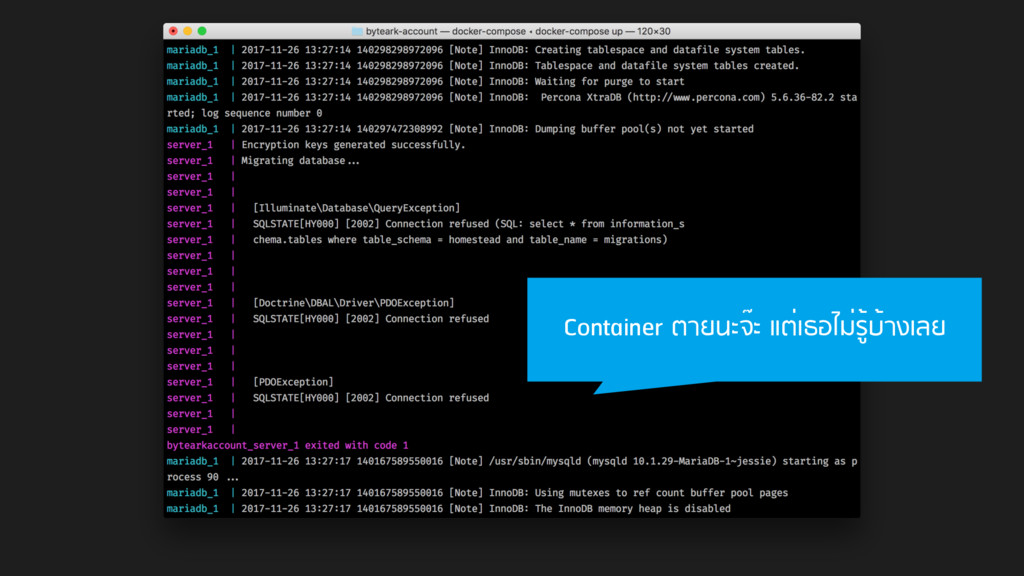
  8. TIP Just docker-compose up • Tell everyone to use docker-compose

    up instead of docker-compose up -d in development. • Or docker-compose logs -f
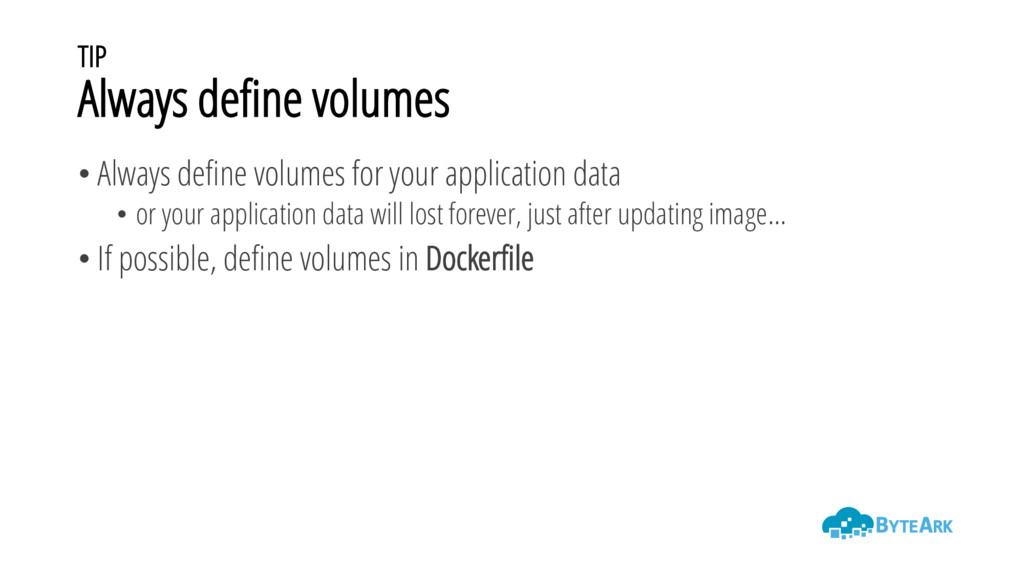
  9. TIP Always define volumes • Always define volumes for your

    application data • or your application data will lost forever, just after updating image… • If possible, define volumes in Dockerfile
  10. TIP Design your stretegy to develop and deploy • Use

    Docker container as runtime • Use Docker container as application
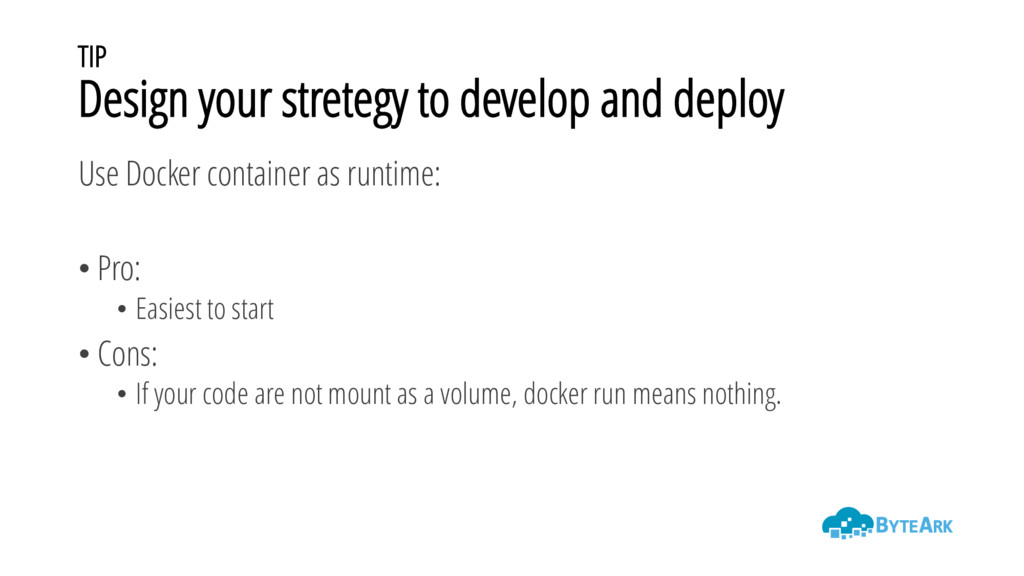
  11. TIP Design your stretegy to develop and deploy Use Docker

    container as runtime: • Pro: • Easiest to start • Cons: • If your code are not mount as a volume, docker run means nothing.
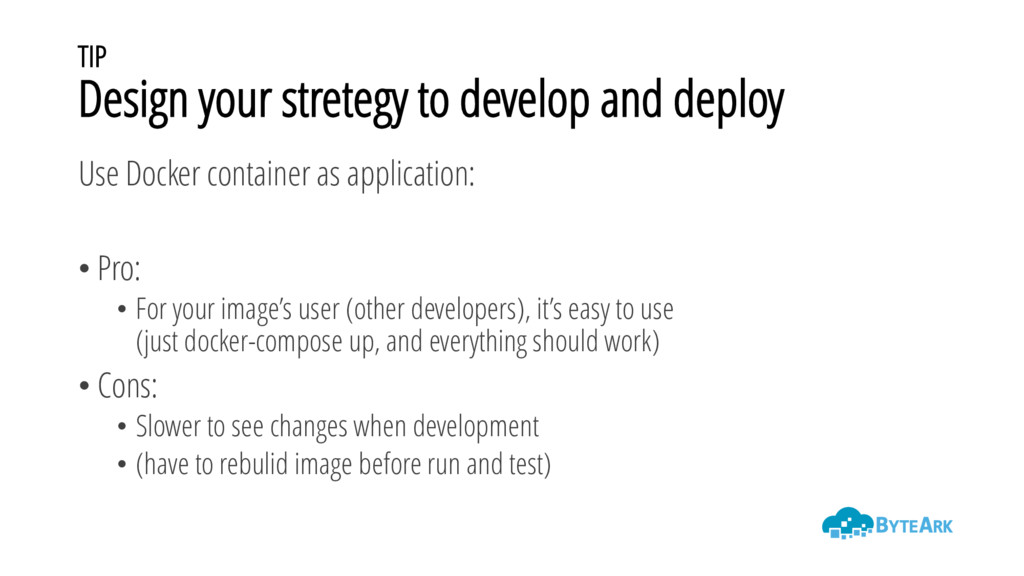
  12. TIP Design your stretegy to develop and deploy Use Docker

    container as application: • Pro: • For your image’s user (other developers), it’s easy to use (just docker-compose up, and everything should work) • Cons: • Slower to see changes when development • (have to rebulid image before run and test)
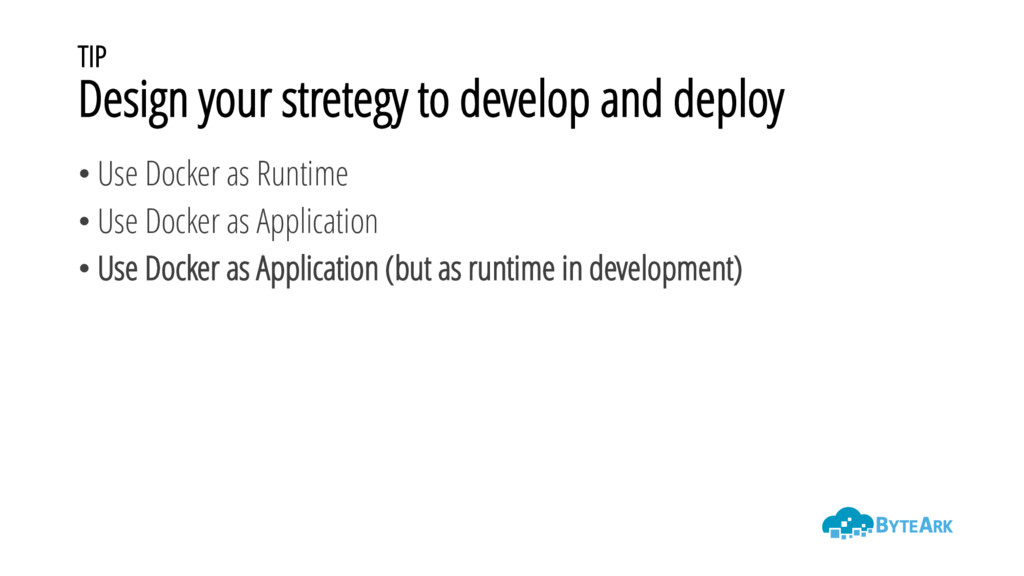
  13. TIP Design your stretegy to develop and deploy • Use

    Docker as Runtime • Use Docker as Application • Use Docker as Application (but as runtime in development)
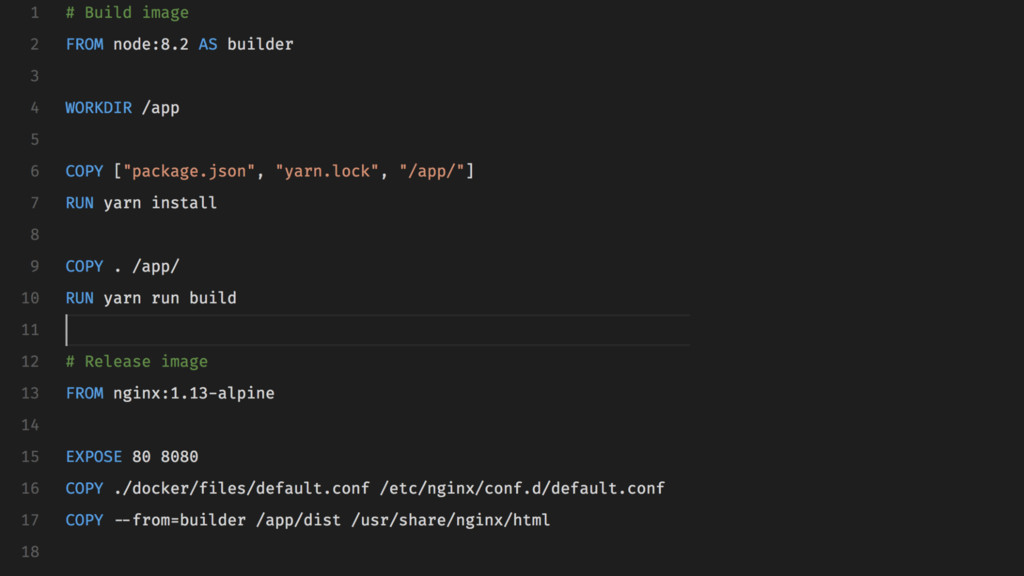
  14. TIP Use multi-stage builds for building client-side project • See

    https://docs.docker.com/engine/userguide/eng-image/multistage-build
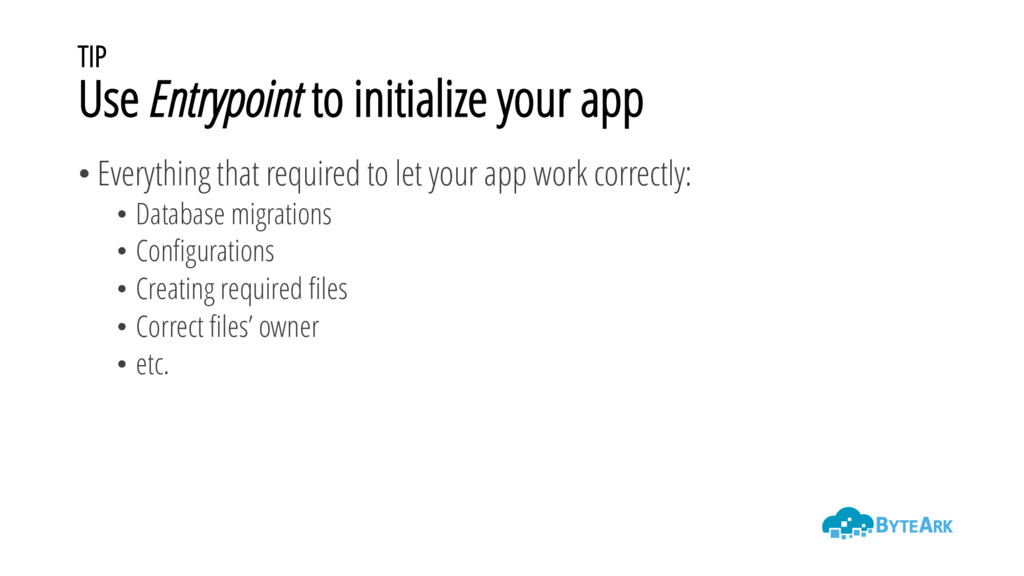
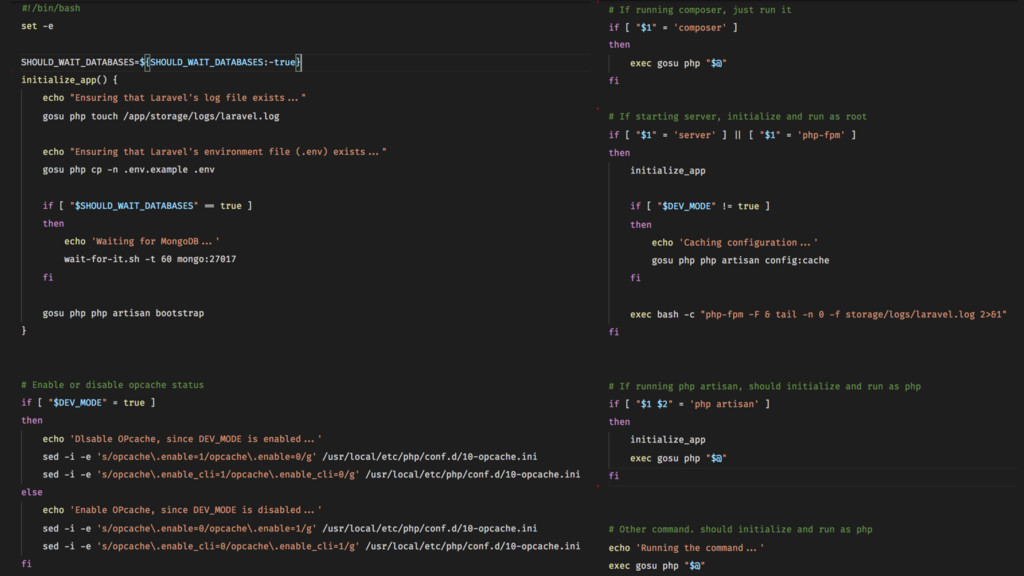
  15. TIP Use Entrypoint to initialize your app • Everything that

    required to let your app work correctly: • Database migrations • Configurations • Creating required files • Correct files’ owner • etc.