SoftakenSoftware Excel to vCard Converter converts XLS and XLSX contacts into vCard format. Supports bulk conversion, works offline and runs on all Windows versions from the latest to the older. Compatible with all Excel and vCard versions.
VCF (vCard) files for seamless use across mobile phones, email clients, and webmail platforms. https://www.softakensoftware.com/excel-to-vcf-converter.html
directly opened on mobile devices, creating a significant barrier for managing contacts across platforms. Without proper conversion, valuable contact data remains trapped in spreadsheets. The Solution VCF (vCard) is a universal contact format supported everywhere—from iPhones to Android devices, Outlook to Gmail. SoftakenSoftware Excel to VCF Converter bridges this gap, ensuring all contact details are preserved perfectly.
XLS and XLSX files across all Excel versions—2019, 2016, 2013, 2010, 2007, and earlier. Flexible Output Options Create a single VCF containing all contacts or generate multiple individual VCF files— your choice, your way. No Installation Required Works independently without needing Microsoft Excel installed on your system, ensuring hassle-free operation.
without any size restrictions or performance degradation. Smart Preview System Automatically scan and preview all contacts before conversion, ensuring accuracy and control. Intelligent Field Mapping Map Excel columns precisely to vCard attributes including name, phone, email, address, company, and more— guaranteeing zero data loss.
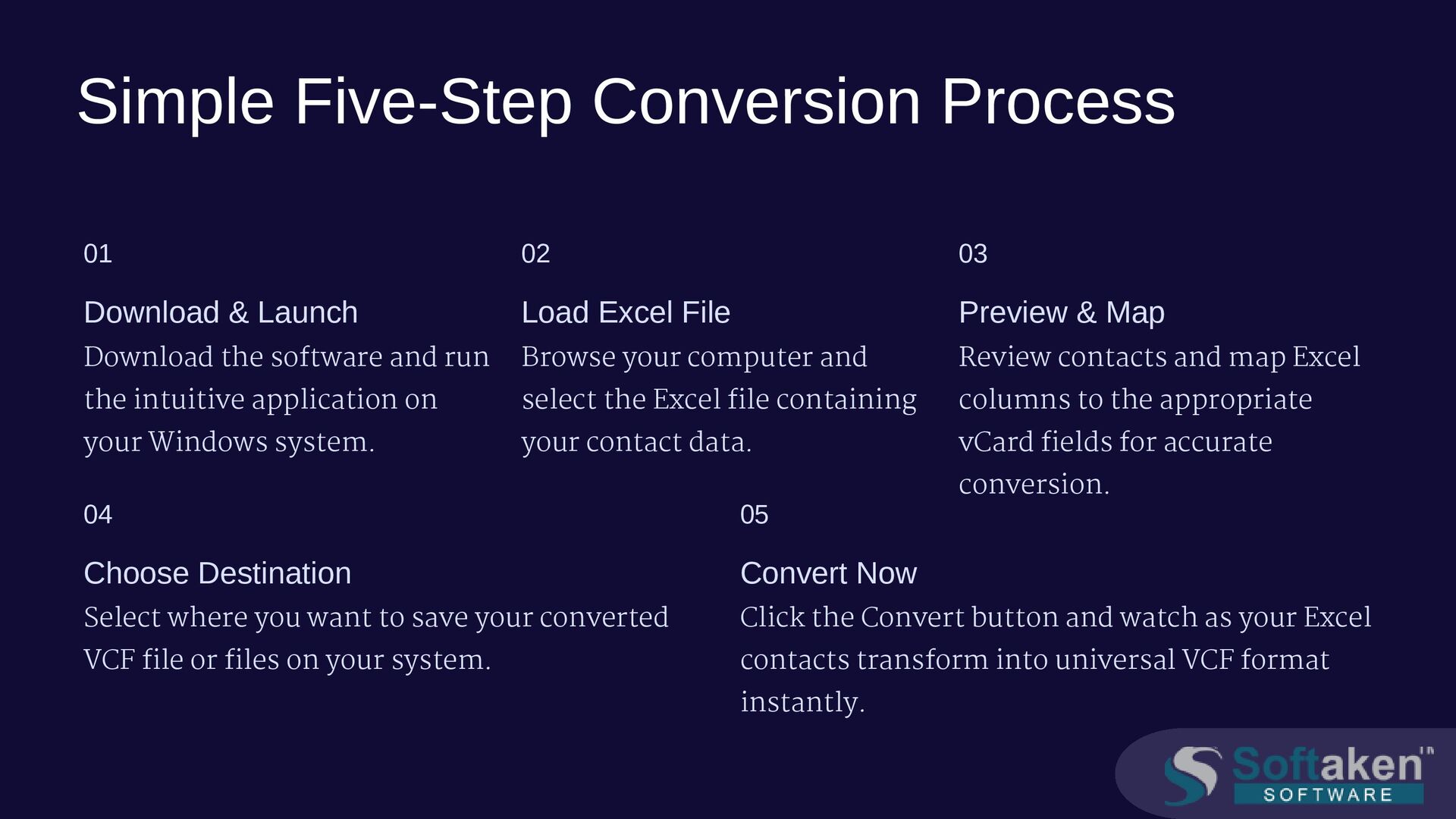
software and run the intuitive application on your Windows system. 02 Load Excel File Browse your computer and select the Excel file containing your contact data. 03 Preview & Map Review contacts and map Excel columns to the appropriate vCard fields for accurate conversion. 04 Choose Destination Select where you want to save your converted VCF file or files on your system. 05 Convert Now Click the Convert button and watch as your Excel contacts transform into universal VCF format instantly.
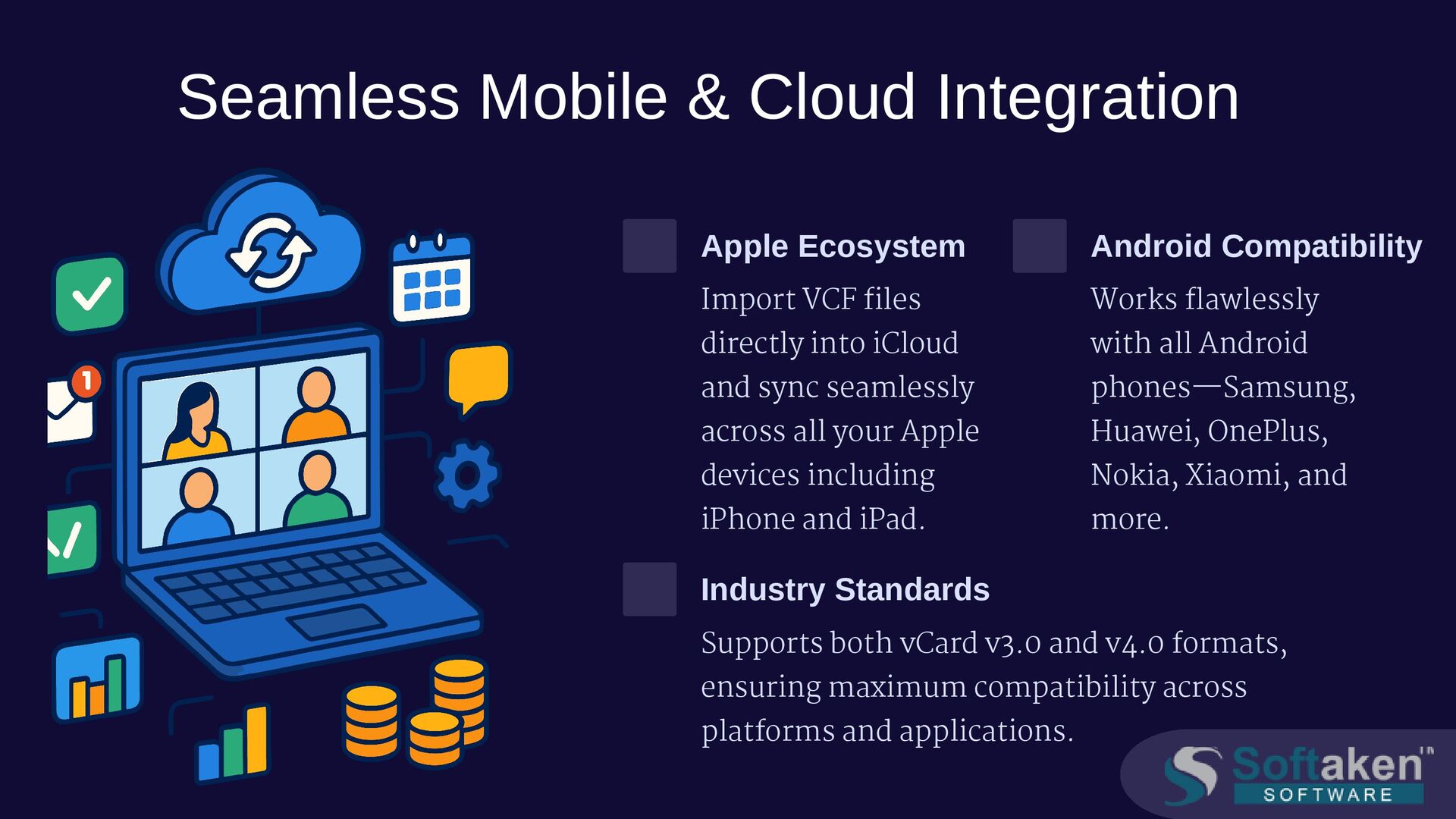
directly into iCloud and sync seamlessly across all your Apple devices including iPhone and iPad. Android Compatibility Works flawlessly with all Android phones—Samsung, Huawei, OnePlus, Nokia, Xiaomi, and more. Industry Standards Supports both vCard v3.0 and v4.0 formats, ensuring maximum compatibility across platforms and applications.
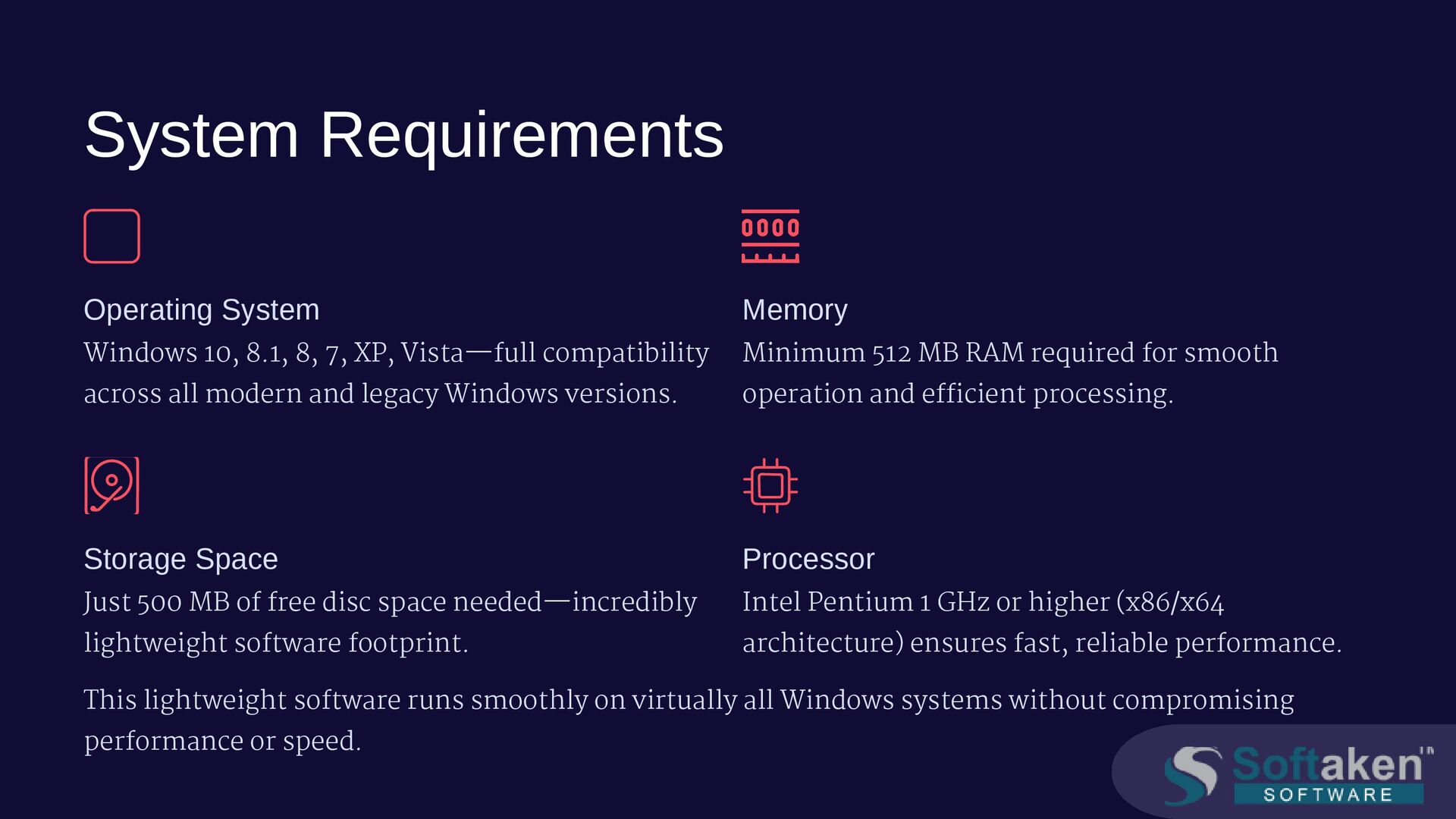
Vista—full compatibility across all modern and legacy Windows versions. Memory Minimum 512 MB RAM required for smooth operation and efficient processing. Storage Space Just 500 MB of free disc space needed—incredibly lightweight software footprint. Processor Intel Pentium 1 GHz or higher (x86/x64 architecture) ensures fast, reliable performance. This lightweight software runs smoothly on virtually all Windows systems without compromising performance or speed.
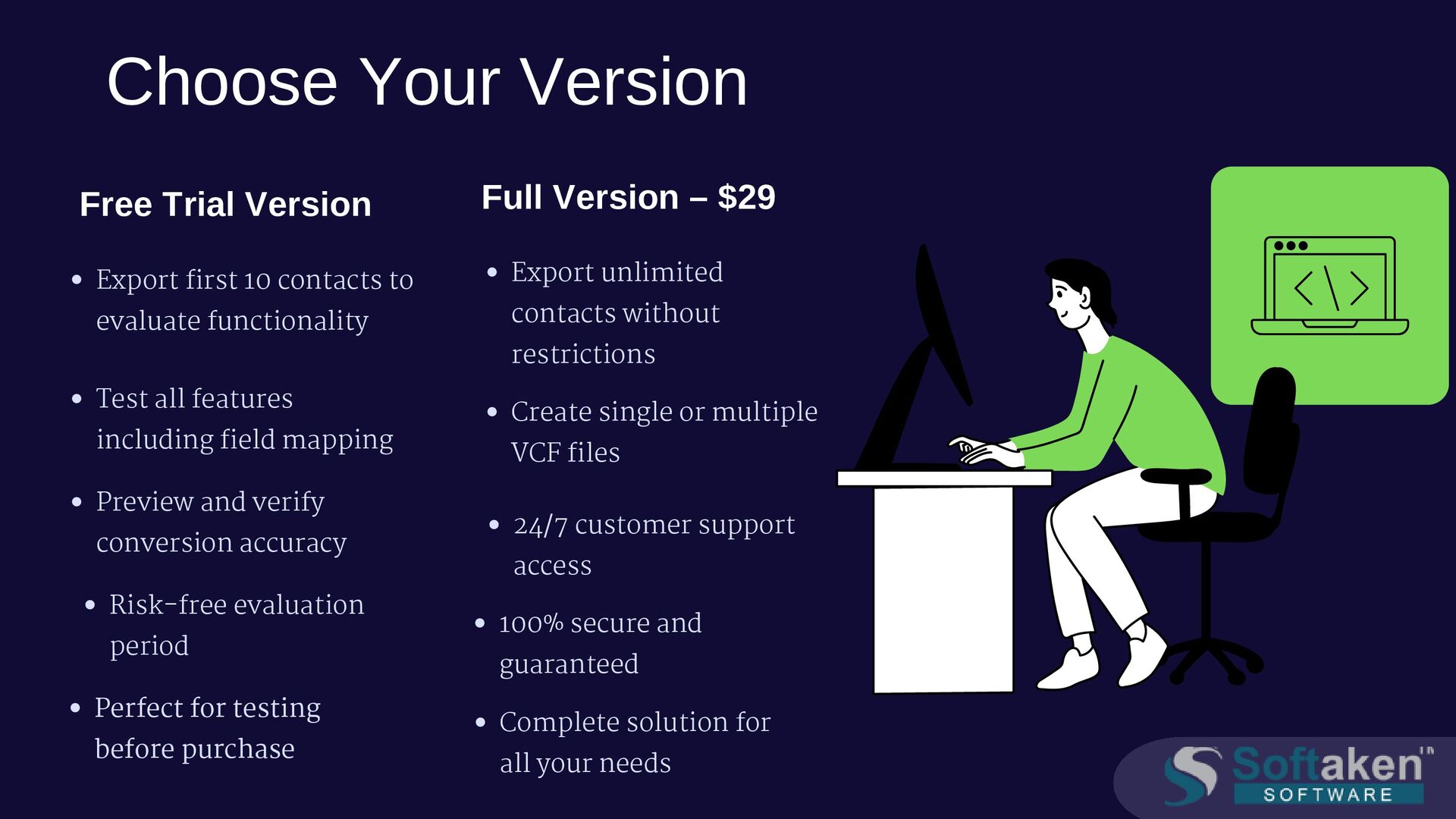
to evaluate functionality Test all features including field mapping Preview and verify conversion accuracy Risk-free evaluation period Perfect for testing before purchase Full Version – $29 Export unlimited contacts without restrictions Create single or multiple VCF files 24/7 customer support access 100% secure and guaranteed Complete solution for all your needs
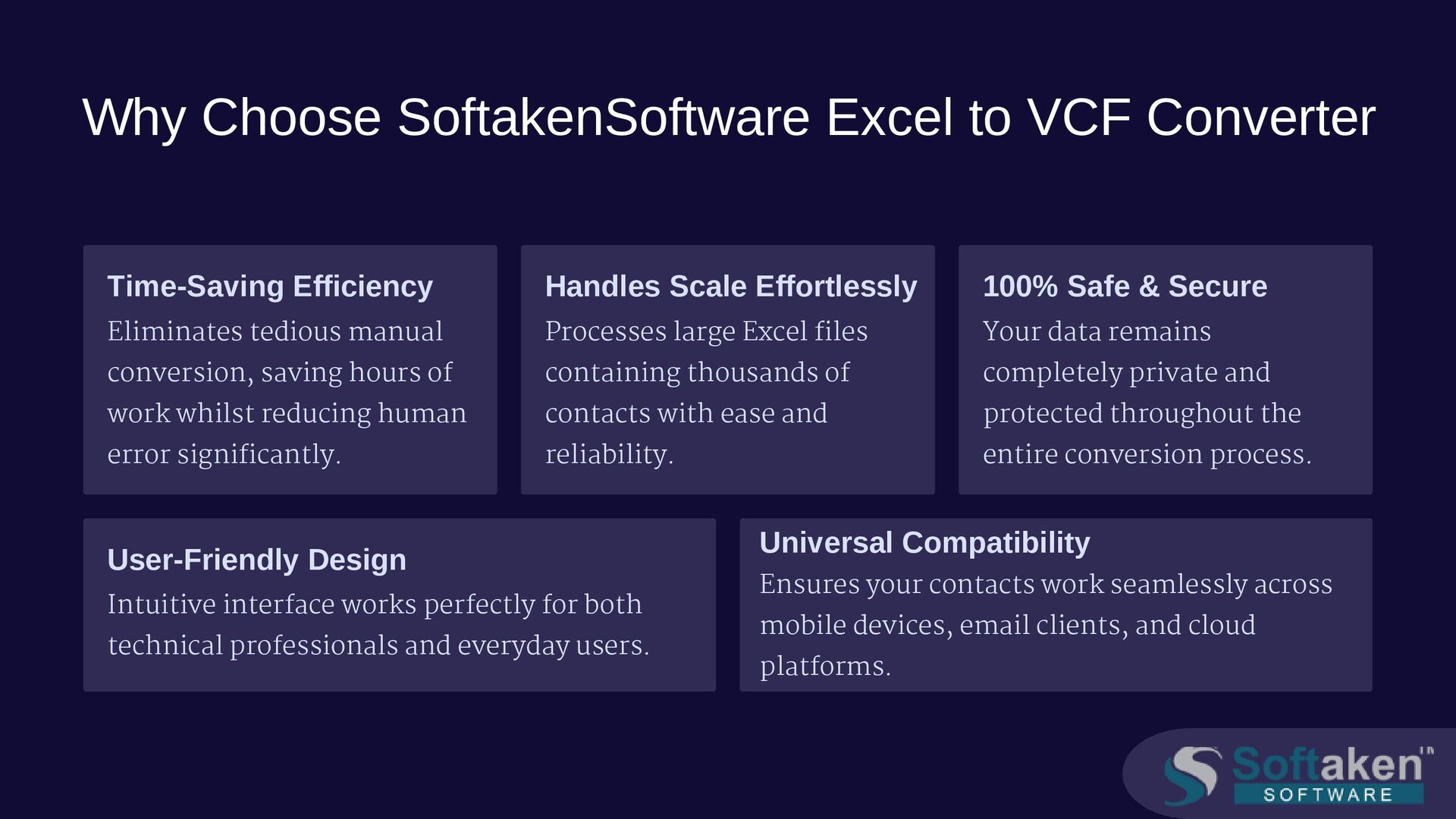
tedious manual conversion, saving hours of work whilst reducing human error significantly. Handles Scale Effortlessly Processes large Excel files containing thousands of contacts with ease and reliability. 100% Safe & Secure Your data remains completely private and protected throughout the entire conversion process. User-Friendly Design Intuitive interface works perfectly for both technical professionals and everyday users. Universal Compatibility Ensures your contacts work seamlessly across mobile devices, email clients, and cloud platforms.
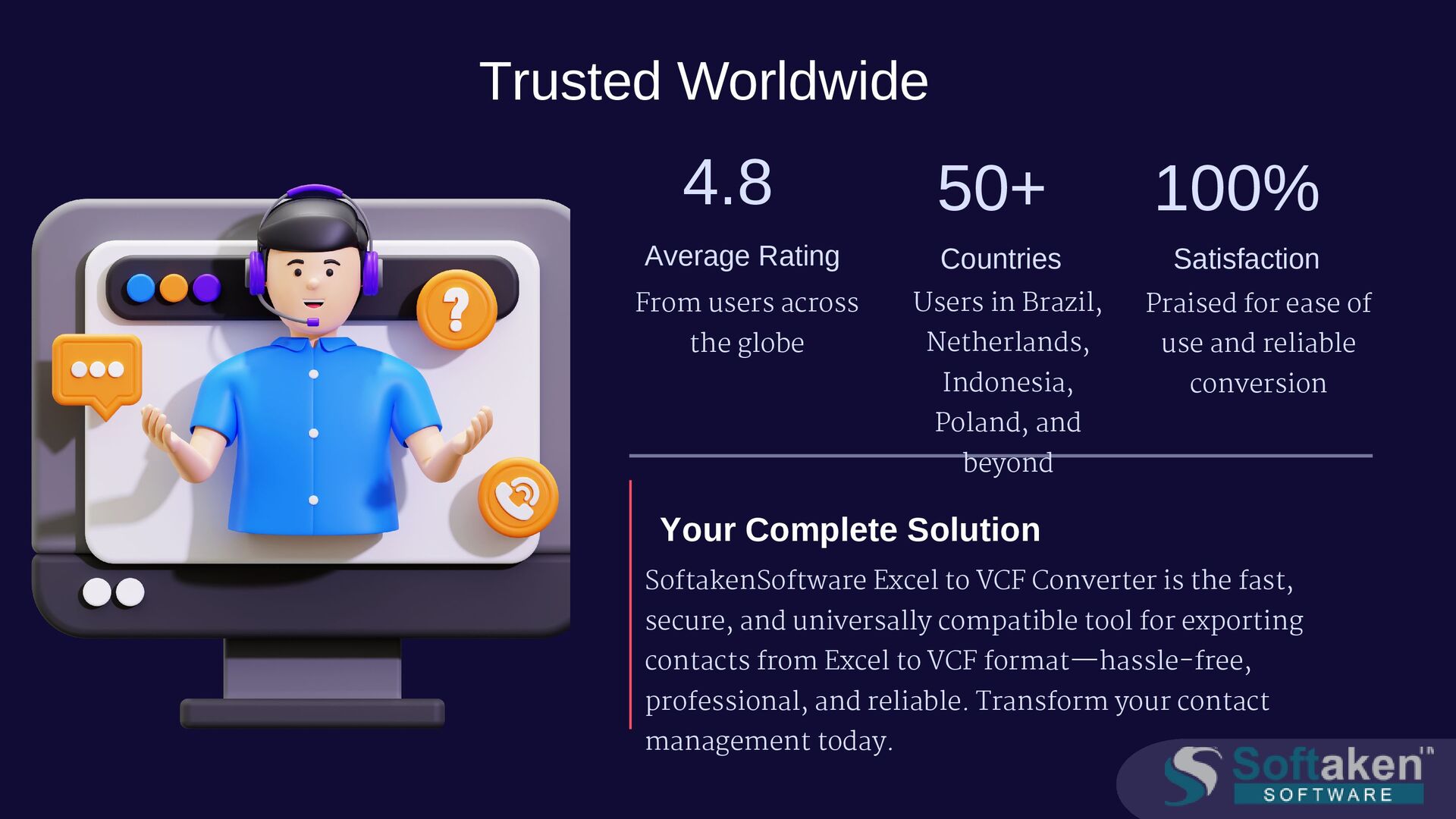
50+ Countries Users in Brazil, Netherlands, Indonesia, Poland, and beyond 100% Satisfaction Praised for ease of use and reliable conversion Your Complete Solution SoftakenSoftware Excel to VCF Converter is the fast, secure, and universally compatible tool for exporting contacts from Excel to VCF format—hassle-free, professional, and reliable. Transform your contact management today.


 jnunemaker
 techseoconnect
 retrage
 bethany
 signer
 yeseniaperezcruz
 axbom
axbom
 seathinner
 mkilby
 raygrieselhuber
 inesmontani
 danielanewman