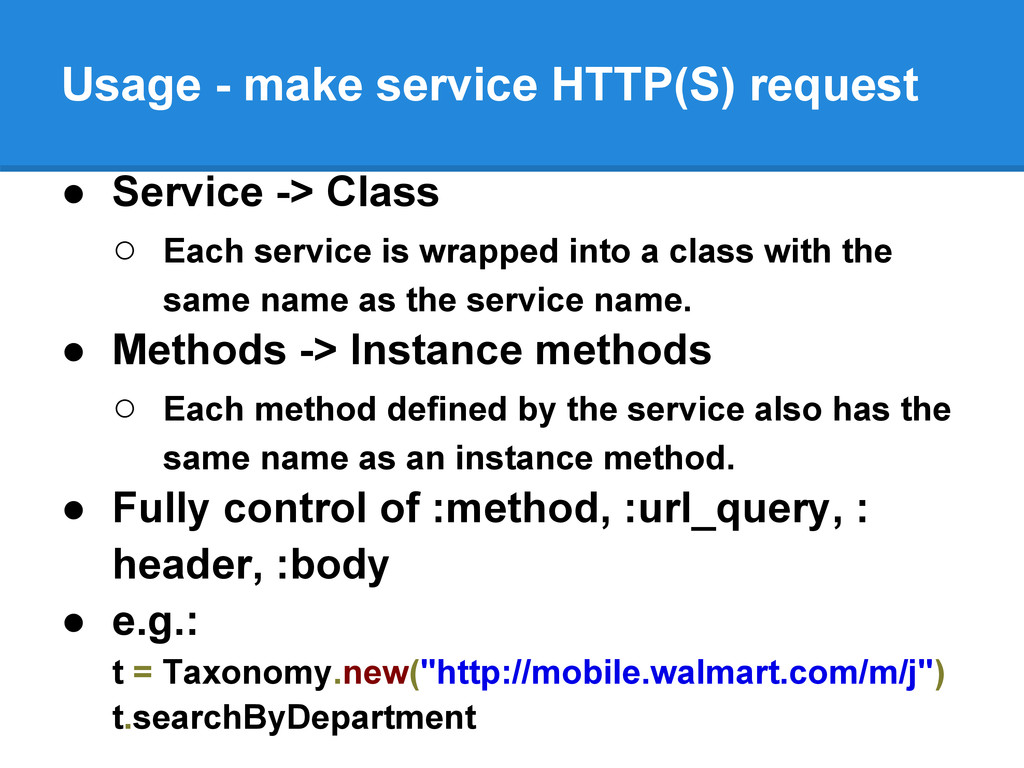
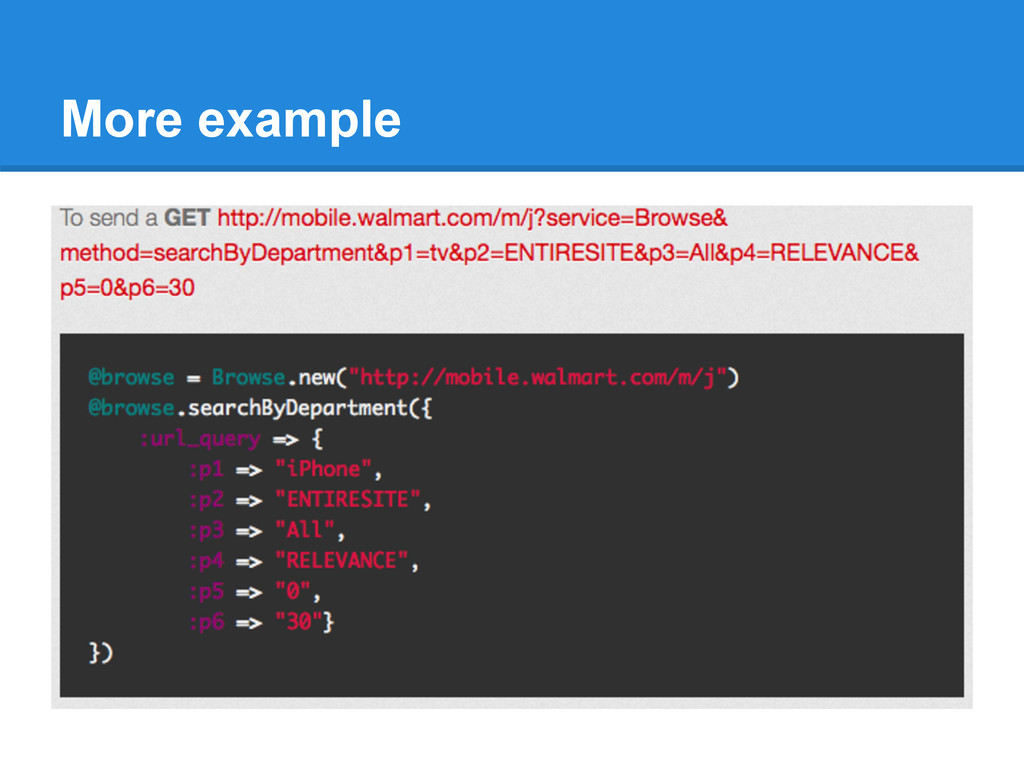
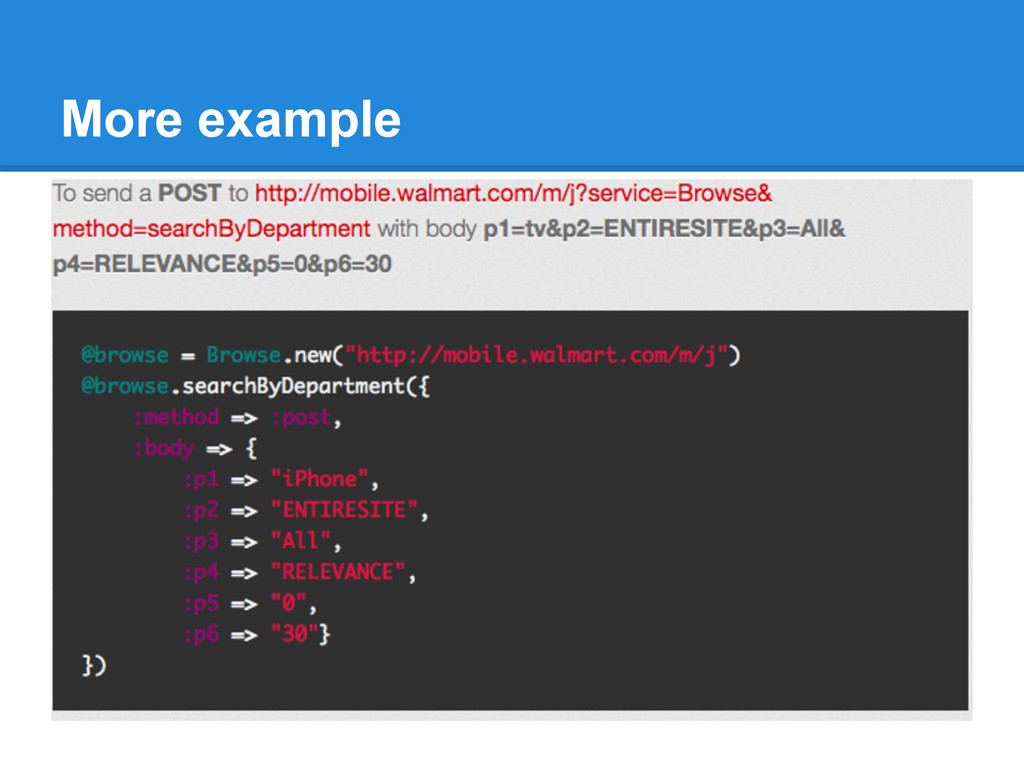
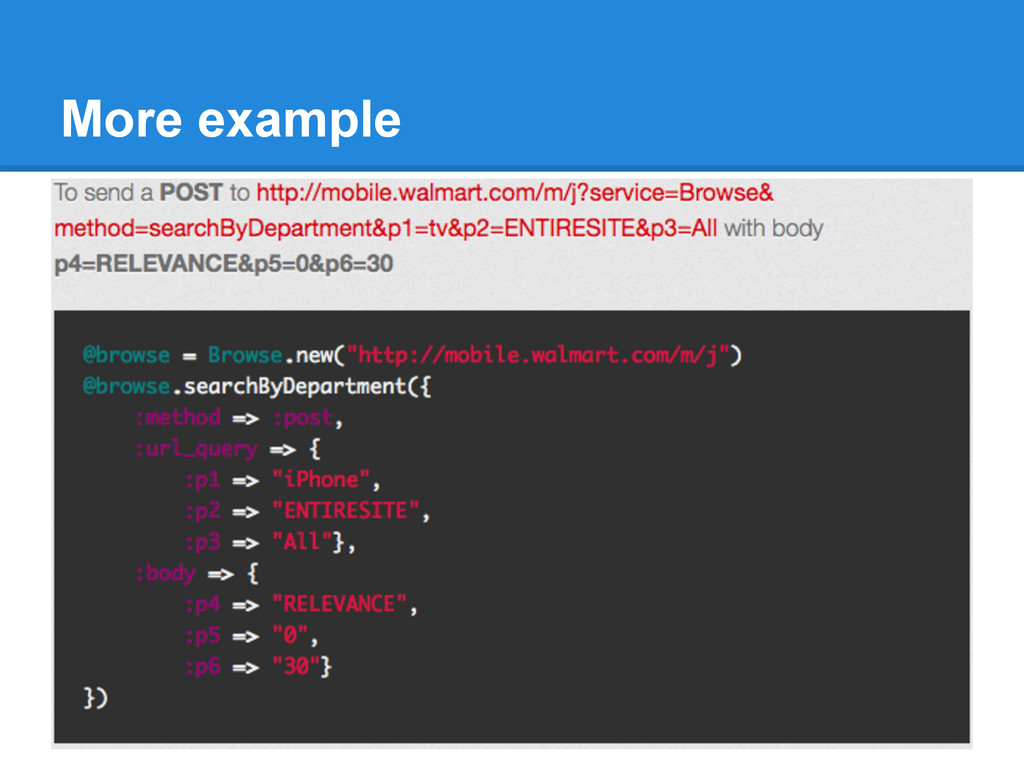
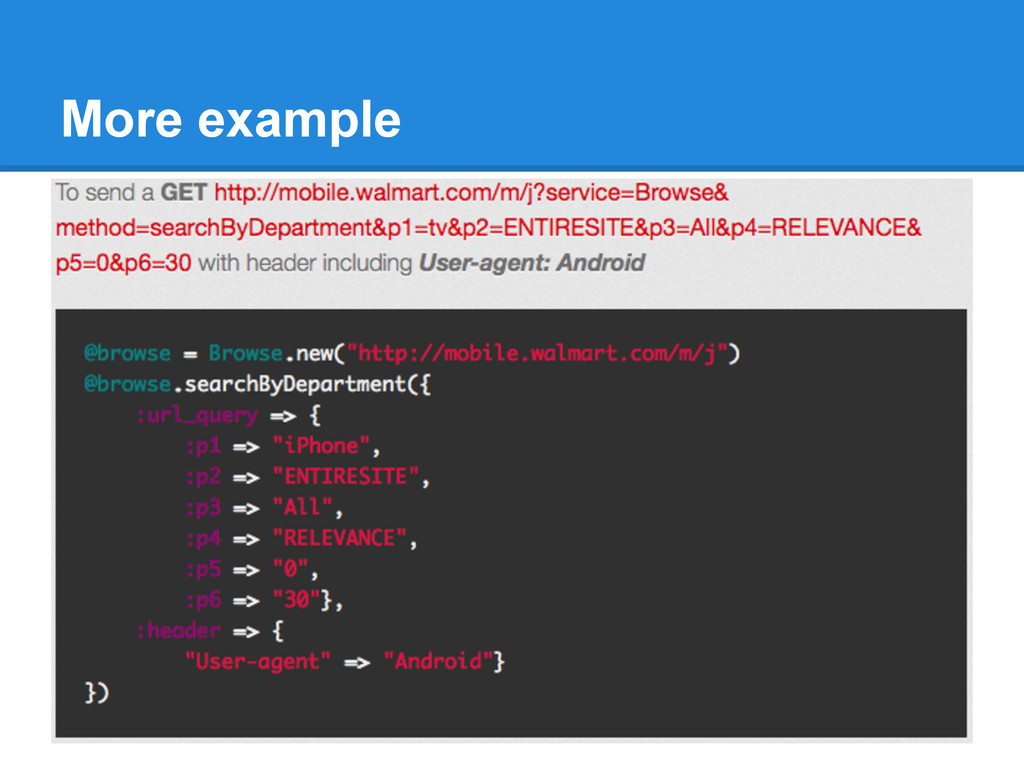
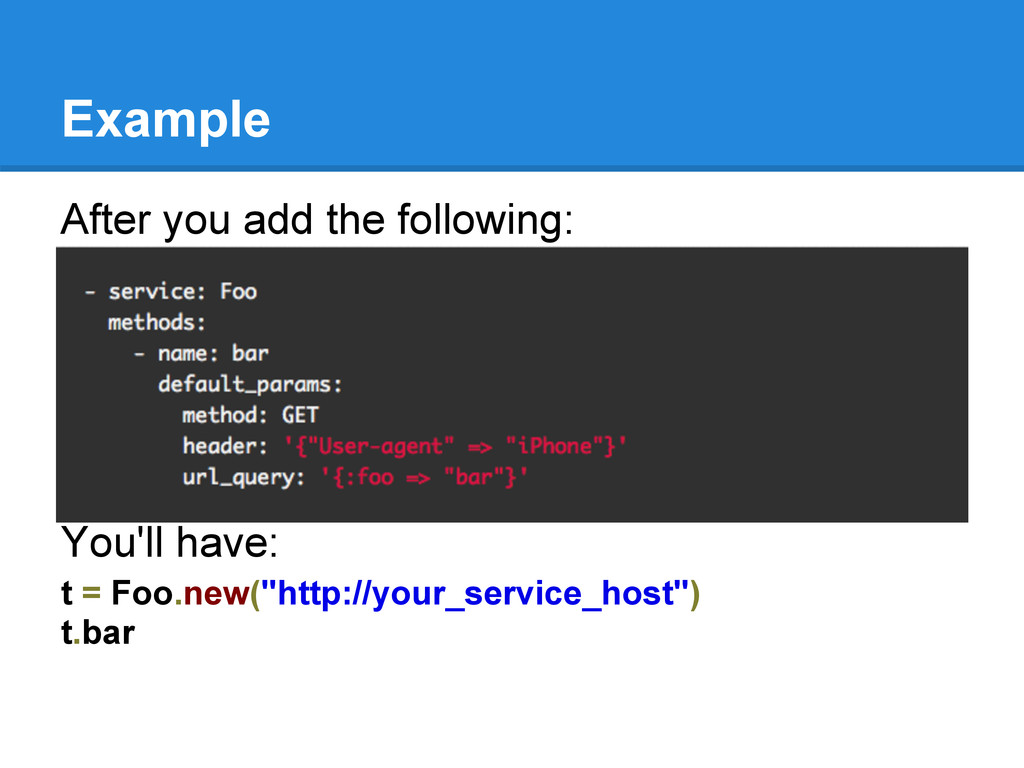
◦ Each service is wrapped into a class with the same name as the service name. • Methods -> Instance methods ◦ Each method defined by the service also has the same name as an instance method. • Fully control of :method, :url_query, : header, :body • e.g.: t = Taxonomy.new("http://mobile.walmart.com/m/j") t.searchByDepartment
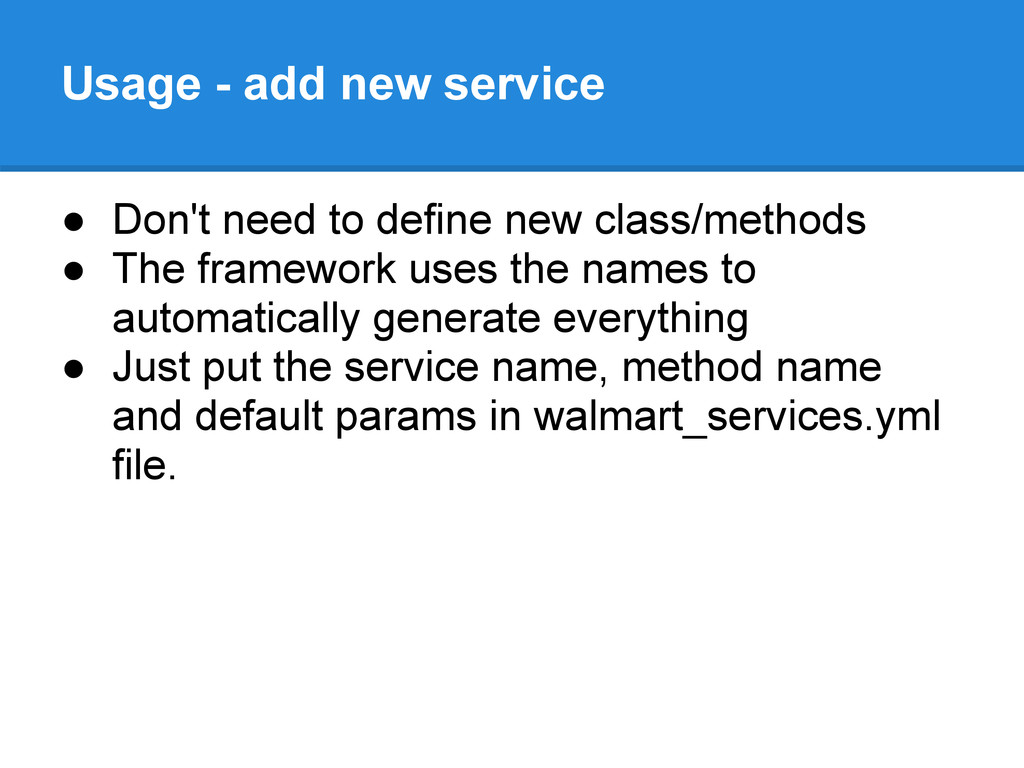
new class/methods • The framework uses the names to automatically generate everything • Just put the service name, method name and default params in walmart_services.yml file.
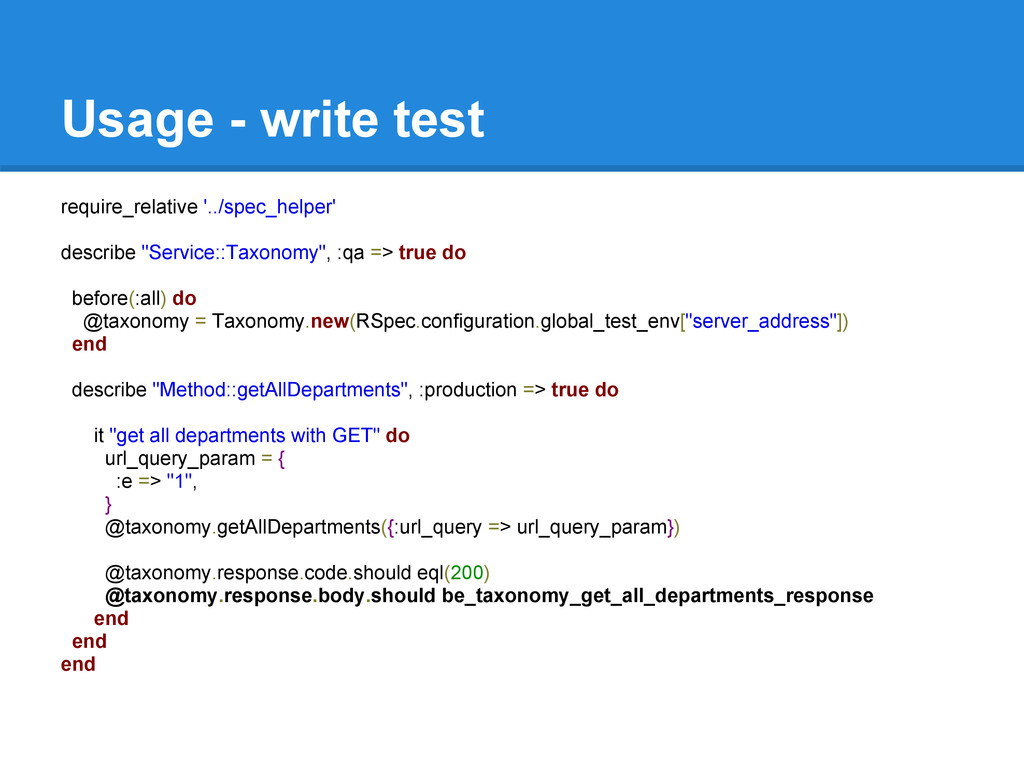
true do before(:all) do @taxonomy = Taxonomy.new(RSpec.configuration.global_test_env["server_address"]) end describe "Method::getAllDepartments", :production => true do it "get all departments with GET" do url_query_param = { :e => "1", } @taxonomy.getAllDepartments({:url_query => url_query_param}) @taxonomy.response.code.should eql(200) @taxonomy.response.body.should be_taxonomy_get_all_departments_response end end end


 minecr
 hannesfritz
 mclloyd
 paigeccino
 frankvandijk
 reverentgeek
 zakiyama
 panda_program
 ryanjones
 apolaine
 nikkihalliwell
 nwiizo