Upgrade to Pro — share decks privately, control downloads, hide ads and more …

Workshop: Building Robust, Maintainable Softwar...

Sponsored · Your Podcast. Everywhere. Effortlessly. Share. Educate. Inspire. Entertain. You do you. We'll handle the rest.
Avatar for Clare Sudbery Clare Sudbery
April 13, 2026
8

Workshop: Building Robust, Maintainable Software Using Generative AI

This was a day-long workshop at SDD 2026, 15th May 2026.

Even Kent Beck is vibe coding these days. Everywhere you go, you’ll see software professionals getting excited about what they’re able to build using tools such as CoPilot, Cursor and Claude Code. But for every person getting excited and making claims such as a 10x increase in productivity, you’ll see someone else telling you how unreliable the results can be, and casting doubt on the claims of the cheerleaders. How can you create robust maintainable systems, if you didn’t write the code yourself and you don’t understand how and why it works?

The news is full of tech companies who mandate the use of AI to write code. Junior developers are becoming more and more reliant on AI, and recruiters are struggling to tell the difference between applicants that did or didn’t use AI to enhance their submissions. But the range of genAI options is bewildering and ever-changing. And what about the ethical impact, not only on the state of our industry but also on global warming?

Many seasoned developers can find themselves reluctant to embrace AI. We enjoy writing code! Why would we want an LLM to do it on our behalf? But it feels like it’s going to get increasingly difficult to get and hold a position as a software developer without using AI.

It’s time to take a deep breath and leap in. Find out how to keep the fun of solving problems with code, while maximising the usefulness of AI. Learn how to use test driven development and robust test suites to monitor genAI outputs, understand what they’ve created for you and maintain confidence in the quality of your software. Find out how to use small language models to minimise the environmental impact.

The workshop will involve hands-on coding as we build a simple app piece by piece, checking the results as we go and often starting again from scratch to investigate different approaches and discover what impact they have on the quality of the output. By combining TDD (Test Driven Development) with the outputs of an AI coding assistant, what you can get is something very powerful.

Topics covered will include:

Intro to genAI coding and current arguments for and against
Getting started: First choices and simple results
Small Language Models (SLMs)
Prompt engineering: how to persuade genAI to behave itself
Getting started with the test-driven approach
Comparing the test-driven approach with allowing GenAI to roam free
Quality assurance and risk mitigation
Tweaking our app for best results
Summary of what we’ve learned
Laptops required. Participants will work both independently and in pairs. Programming languages used will be the choice of the participants. You don’t need to be a coding expert, but we do assume you have the ability to build simple software systems in the language of your choice. All attendees will need an OpenAI subscription in order to participate fully in the workshop.

Avatar for Clare Sudbery

Clare Sudbery

April 13, 2026

More Decks by Clare Sudbery

Transcript

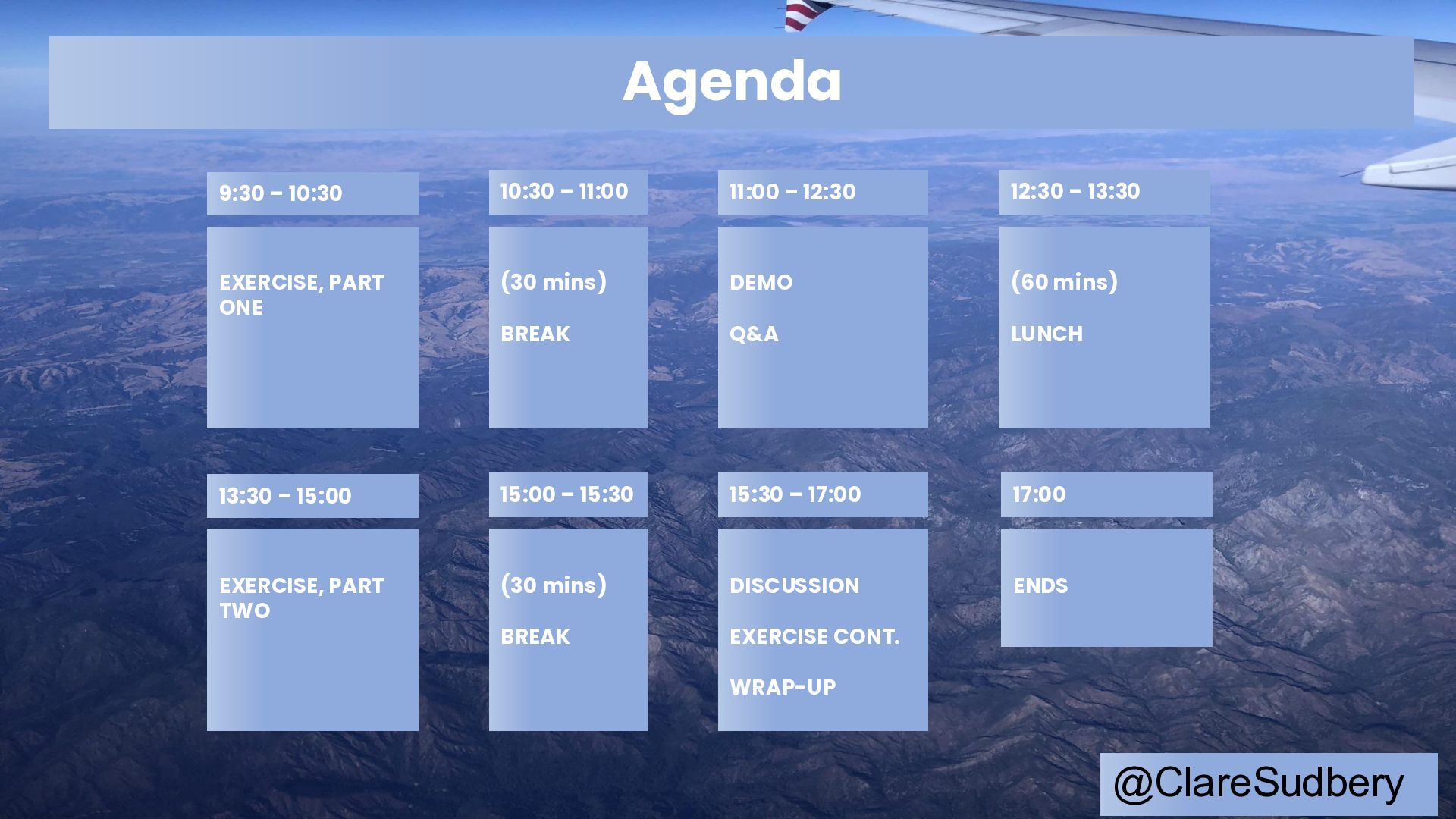
  1. DEMO Q&A EXERCISE, PART ONE (30 mins) BREAK Agenda 9:30

    – 10:30 10:30 – 11:00 11:00 – 12:30 (60 mins) LUNCH 12:30 – 13:30 @ClareSudbery DISCUSSION EXERCISE CONT. WRAP-UP EXERCISE, PART TWO (30 mins) BREAK 13:30 – 15:00 15:00 – 15:30 15:30 – 17:00 ENDS 17:00
  2. @ClareSudbery Windsurf – free until you reach your token limit

    (which could happen during the day!) Cursor – free up to a limit, or if you have your own API keys from OpenAI or Anthropic (Claude) VSCode with GitHub CoPilot – free up to a limit Download a tool (if you haven’t already) One that will work in an integrated IDE
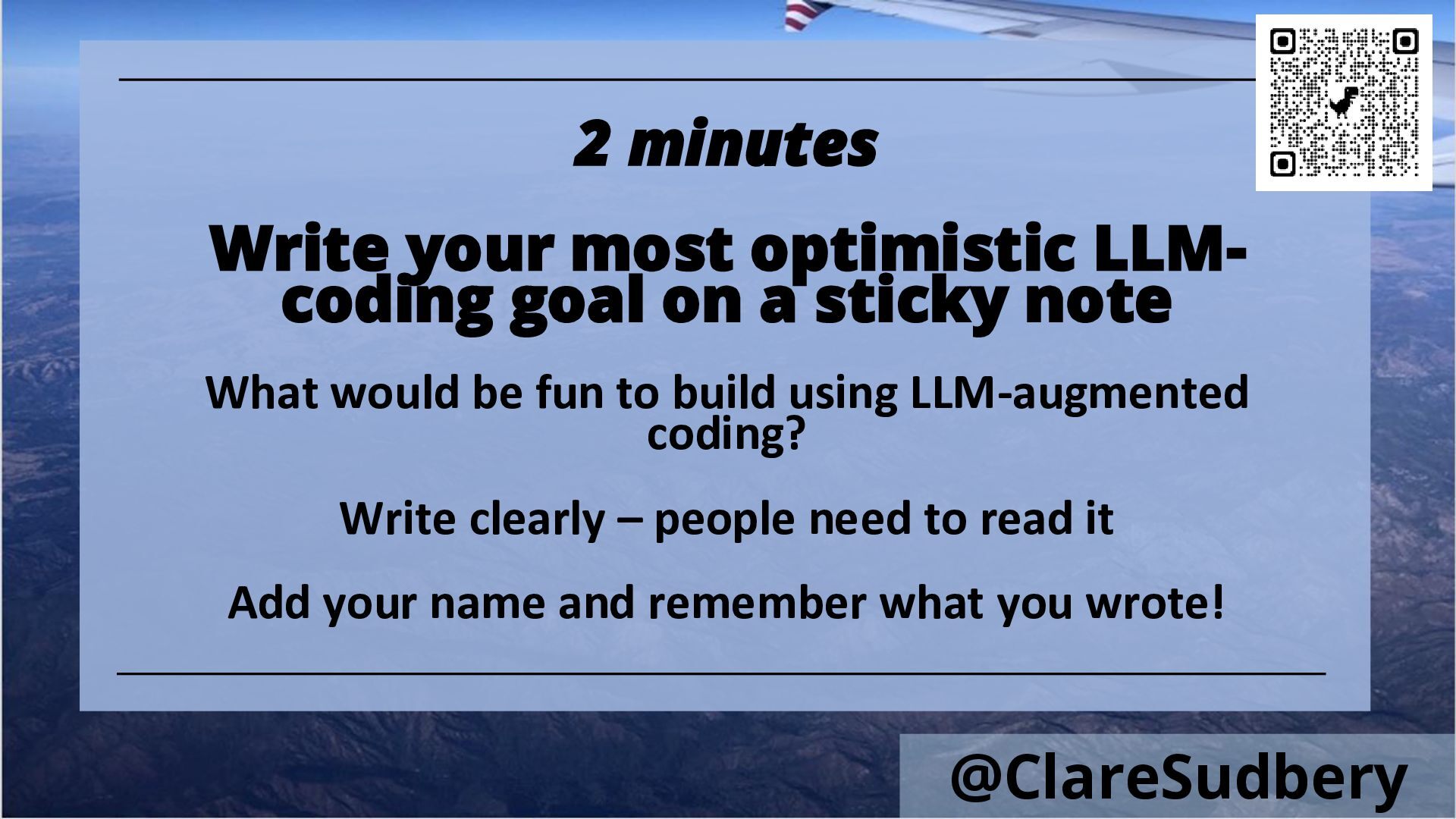
  3. @ClareSudbery 2 minutes Write your most optimistic LLM- coding goal
    on a sticky note What would be fun to build using LLM-augmented coding? Write clearly – people need to read it Add your name and remember what you wrote!
  4. @ClareSudbery YOU ARE LIKELY TO BE ABOUT TO MOVE SEATS

    Be prepared! And remember to introduce yourself… Name + role
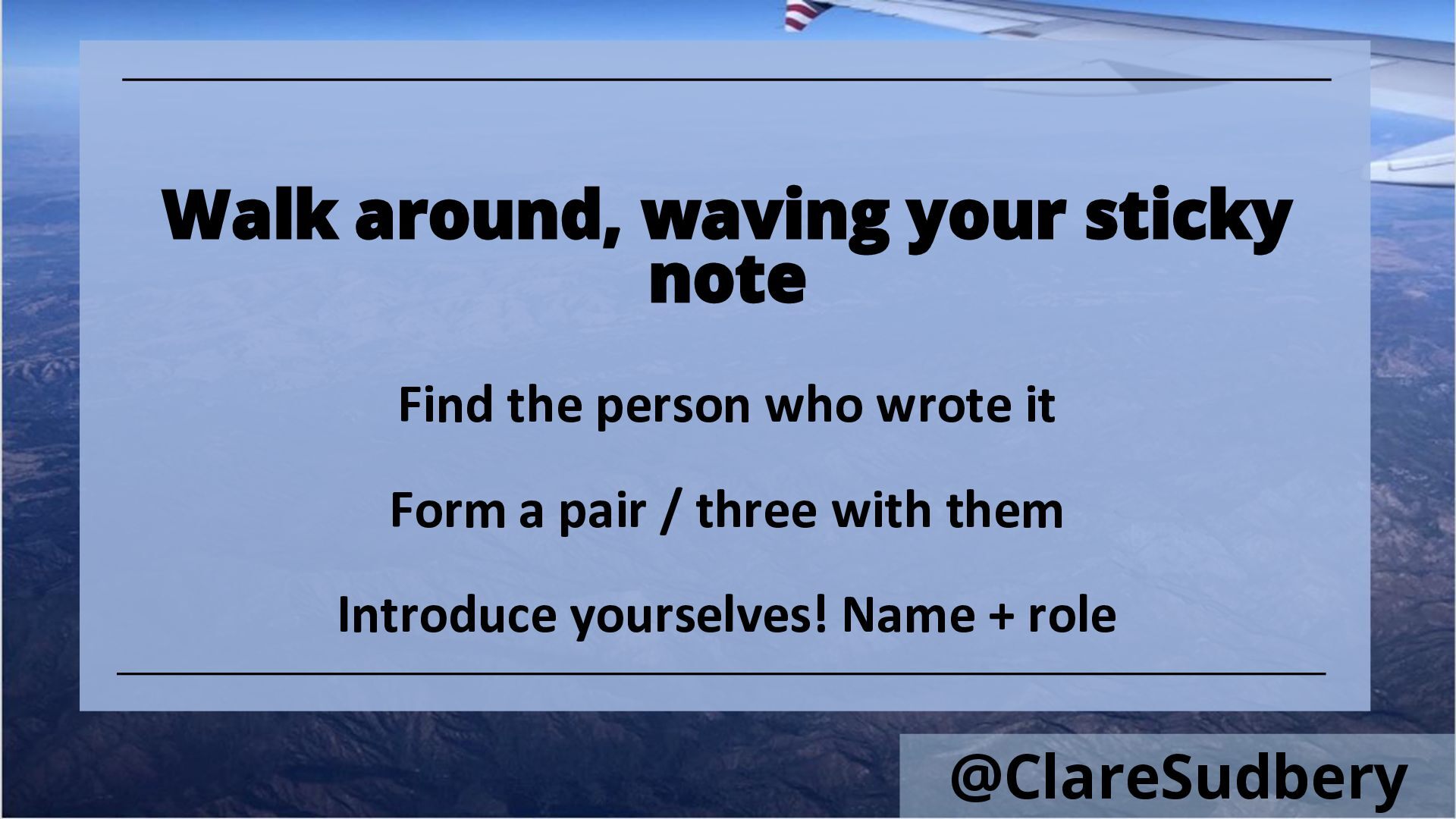
  5. @ClareSudbery Walk around, waving your sticky note Find the person

    who wrote it Form a pair / three with them Introduce yourselves! Name + role
  6. TDD • Know what it is? • Used it before?

    • Use it regularly? @ClareSudbery
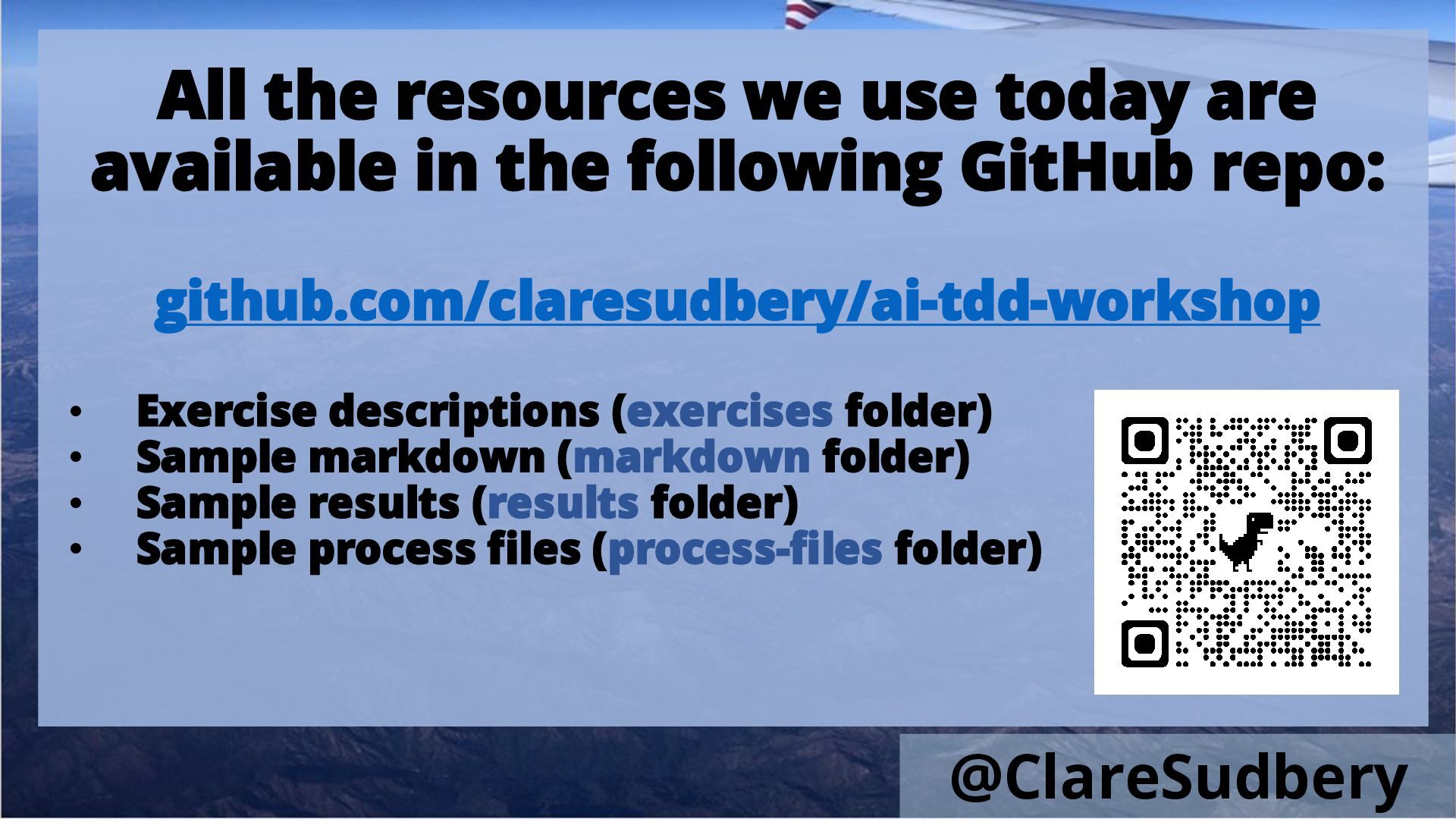
  7. All the resources we use today are available in the
    following GitHub repo: github.com/claresudbery/ai-tdd-workshop • Exercise descriptions (exercises folder) • Sample markdown (markdown folder) • Sample results (results folder) • Sample process files (process-files folder) @ClareSudbery
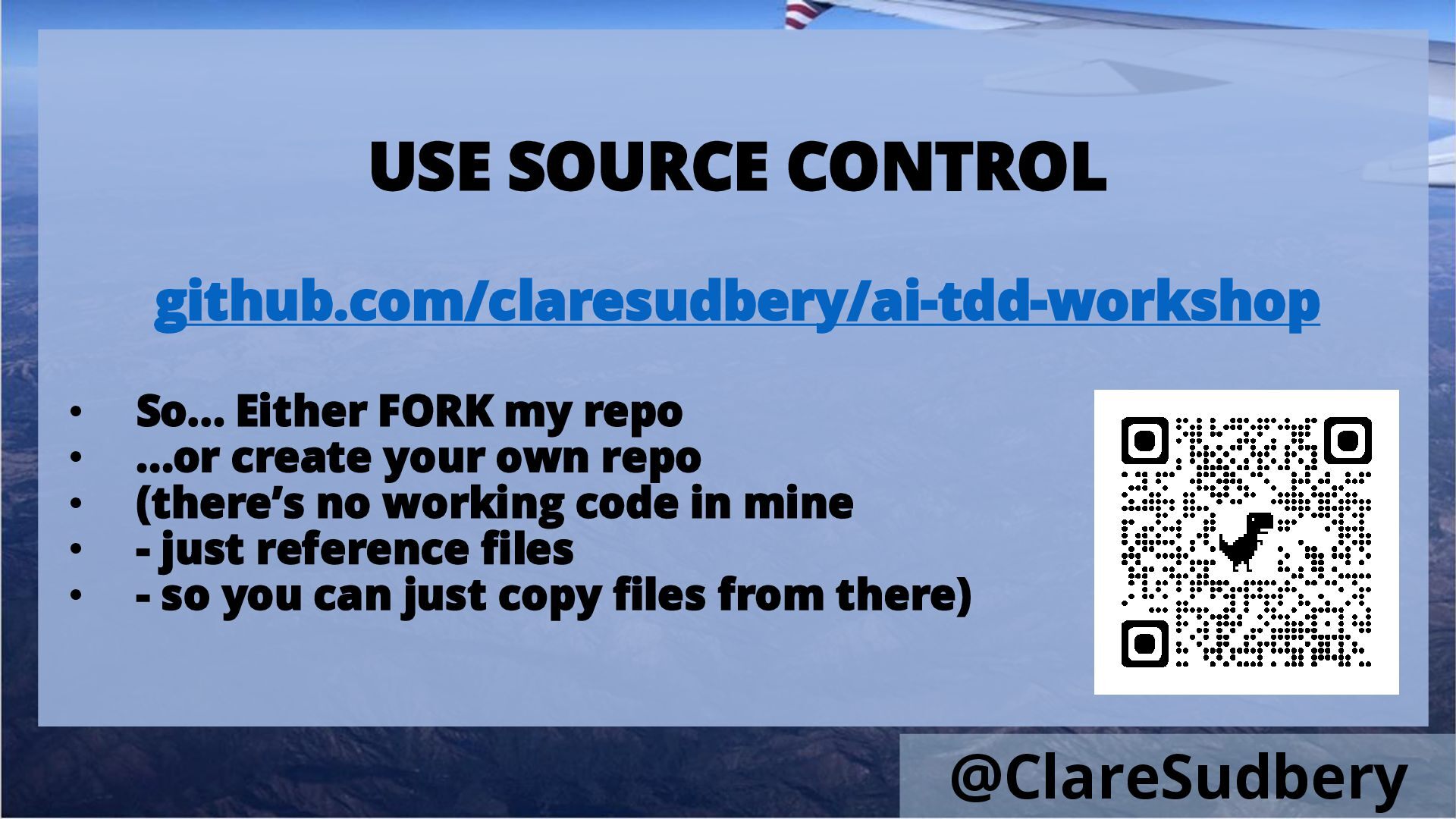
  8. USE SOURCE CONTROL github.com/claresudbery/ai-tdd-workshop • So… Either FORK my repo

    • …or create your own repo • (there’s no working code in mine • - just reference files • - so you can just copy files from there) @ClareSudbery
  9. @ClareSudbery Windsurf – free until you reach your token limit

    (which could happen during the day!) Cursor – free up to a limit, or if you have your own API keys from OpenAI or Anthropic (Claude) VSCode with GitHub CoPilot – free up to a limit Download a tool (if you haven’t already) One that will work in an integrated IDE
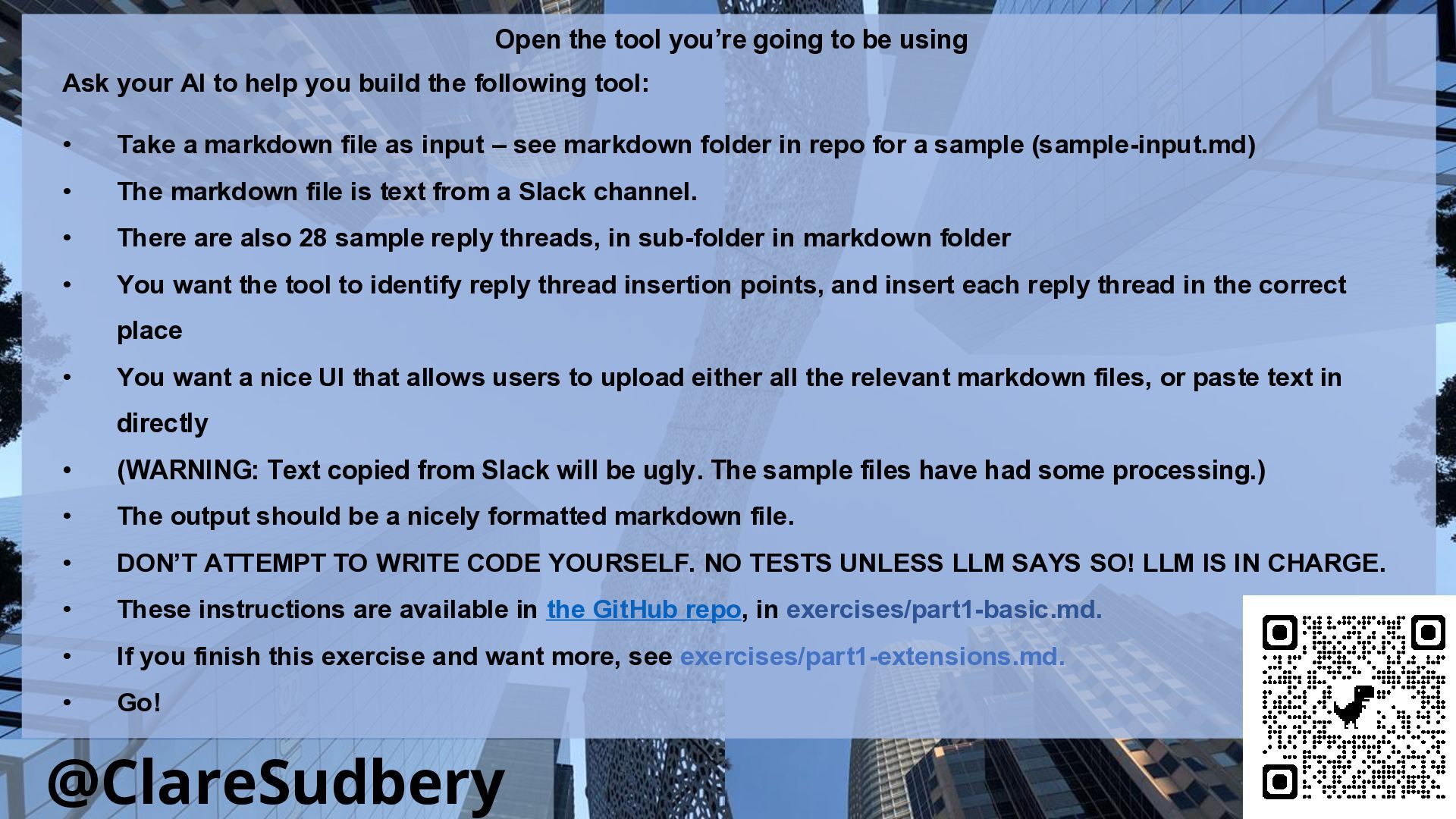
  10. @ClareSudbery Open the tool you’re going to be using Ask

    your AI to help you build the following tool: • Take a markdown file as input – see markdown folder in repo for a sample (sample-input.md) • The markdown file is text from a Slack channel. • There are also 28 sample reply threads, in sub-folder in markdown folder • You want the tool to identify reply thread insertion points, and insert each reply thread in the correct place • You want a nice UI that allows users to upload either all the relevant markdown files, or paste text in directly • (WARNING: Text copied from Slack will be ugly. The sample files have had some processing.) • The output should be a nicely formatted markdown file. • DON’T ATTEMPT TO WRITE CODE YOURSELF. NO TESTS UNLESS LLM SAYS SO! LLM IS IN CHARGE. • These instructions are available in the GitHub repo, in exercises/part1-basic.md. • If you finish this exercise and want more, see exercises/part1-extensions.md. • Go!
  11. Halfway (ish) Start a new chat context …because in the

    real world, projects are shared and contexts are lost @ClareSudbery
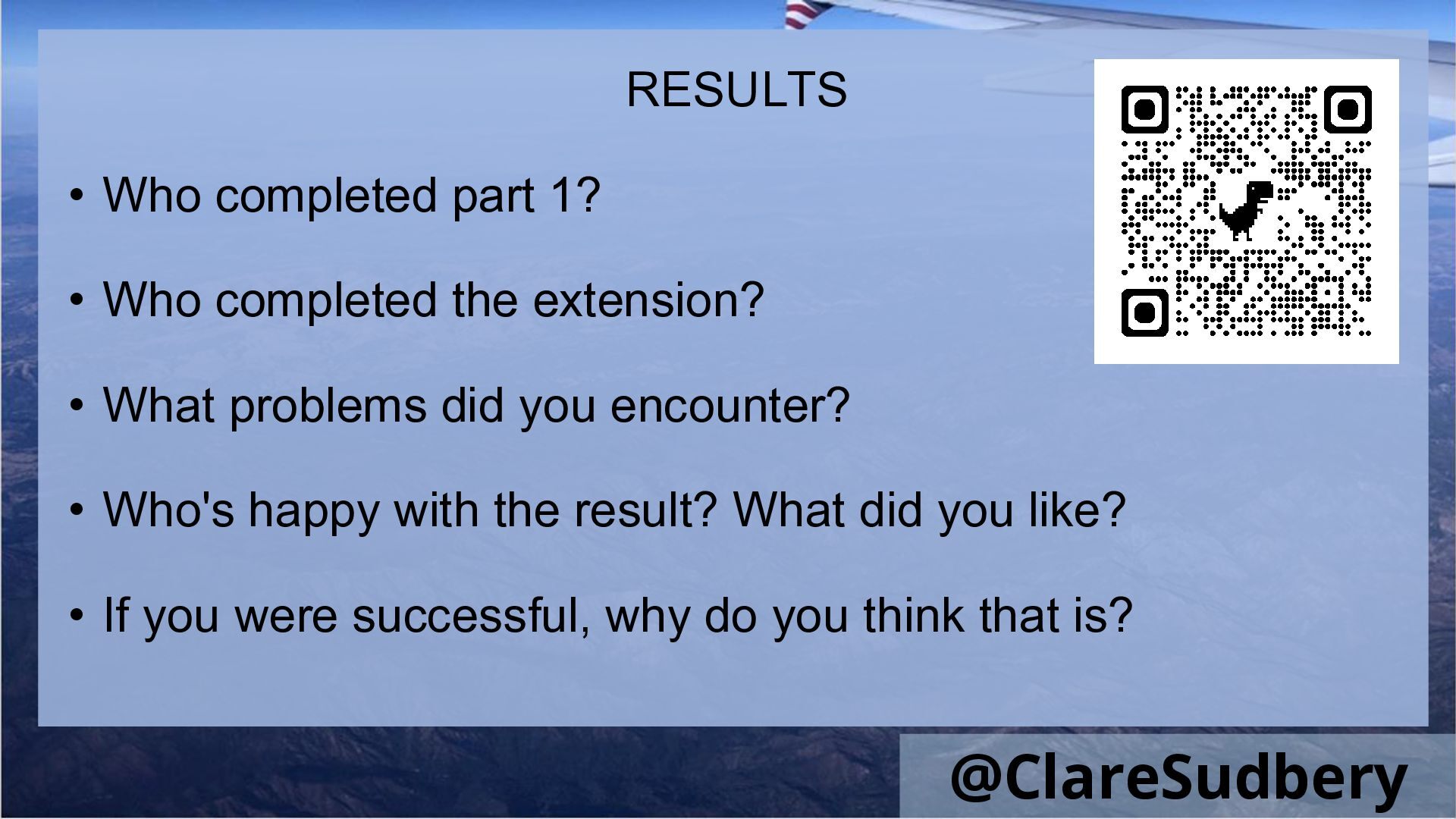
  12. RESULTS • Who completed part 1? • Who completed the

    extension? • What problems did you encounter? • Who's happy with the result? What did you like? • If you were successful, why do you think that is? @ClareSudbery
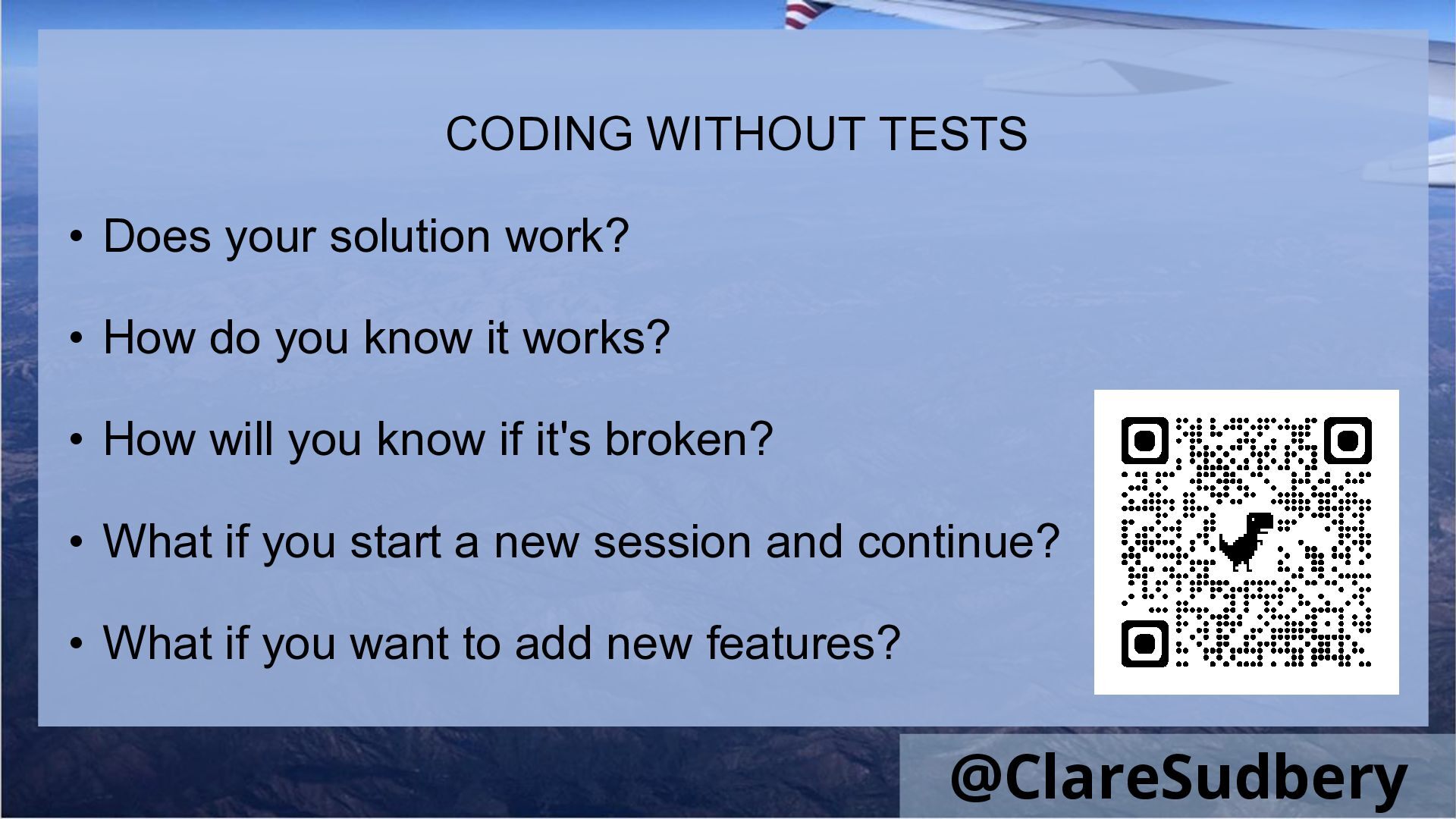
  13. CODING WITHOUT TESTS • Does your solution work? • How

    do you know it works? • How will you know if it's broken? • What if you start a new session and continue? • What if you want to add new features? @ClareSudbery
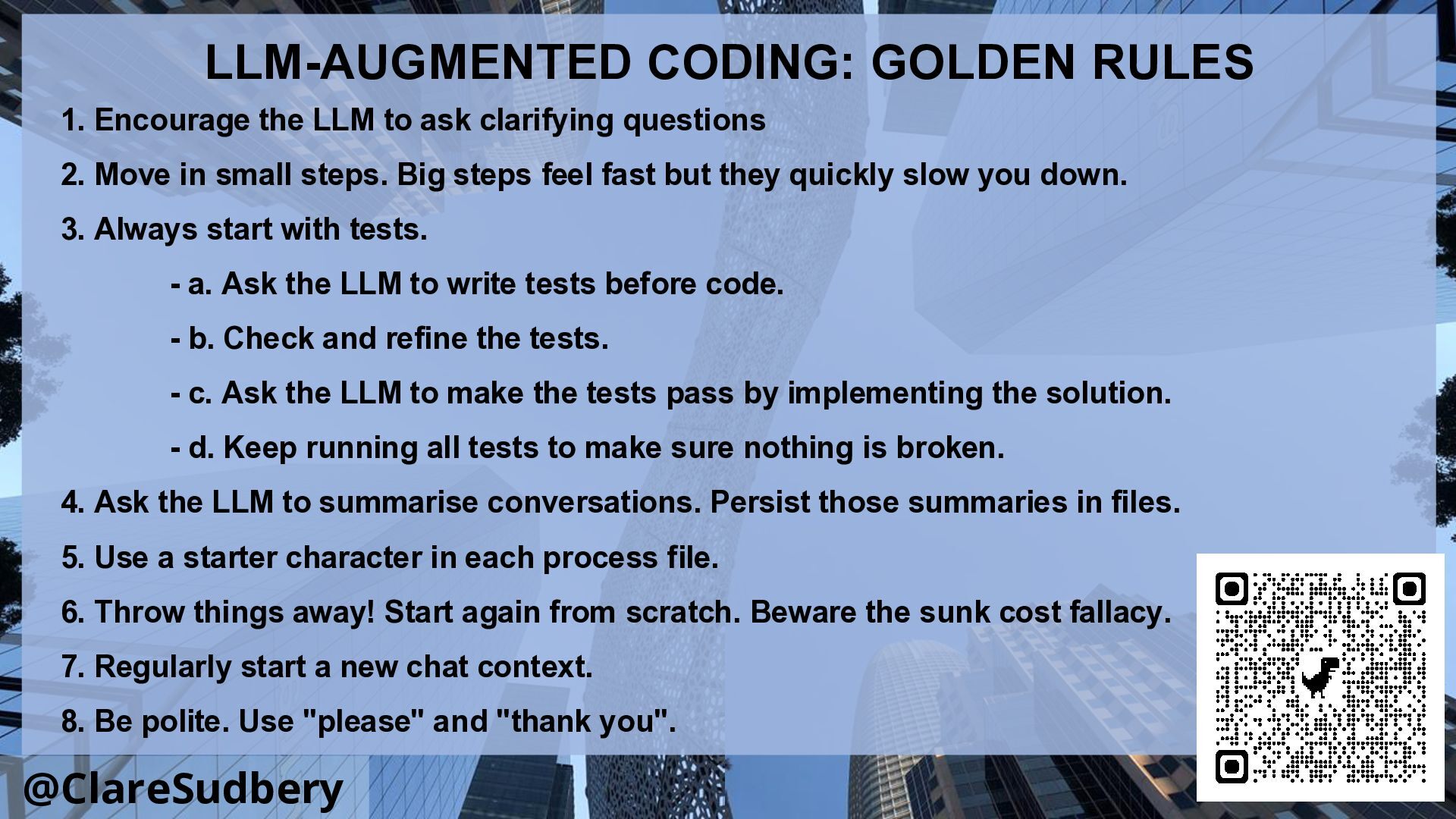
  14. @ClareSudbery LLM-AUGMENTED CODING: GOLDEN RULES 1. Encourage the LLM to

    ask clarifying questions 2. Move in small steps. Big steps feel fast but they quickly slow you down. 3. Always start with tests. - a. Ask the LLM to write tests before code. - b. Check and refine the tests. - c. Ask the LLM to make the tests pass by implementing the solution. - d. Keep running all tests to make sure nothing is broken. 4. Ask the LLM to summarise conversations. Persist those summaries in files. 5. Use a starter character in each process file. 6. Throw things away! Start again from scratch. Beware the sunk cost fallacy. 7. Regularly start a new chat context. 8. Be polite. Use "please" and "thank you".
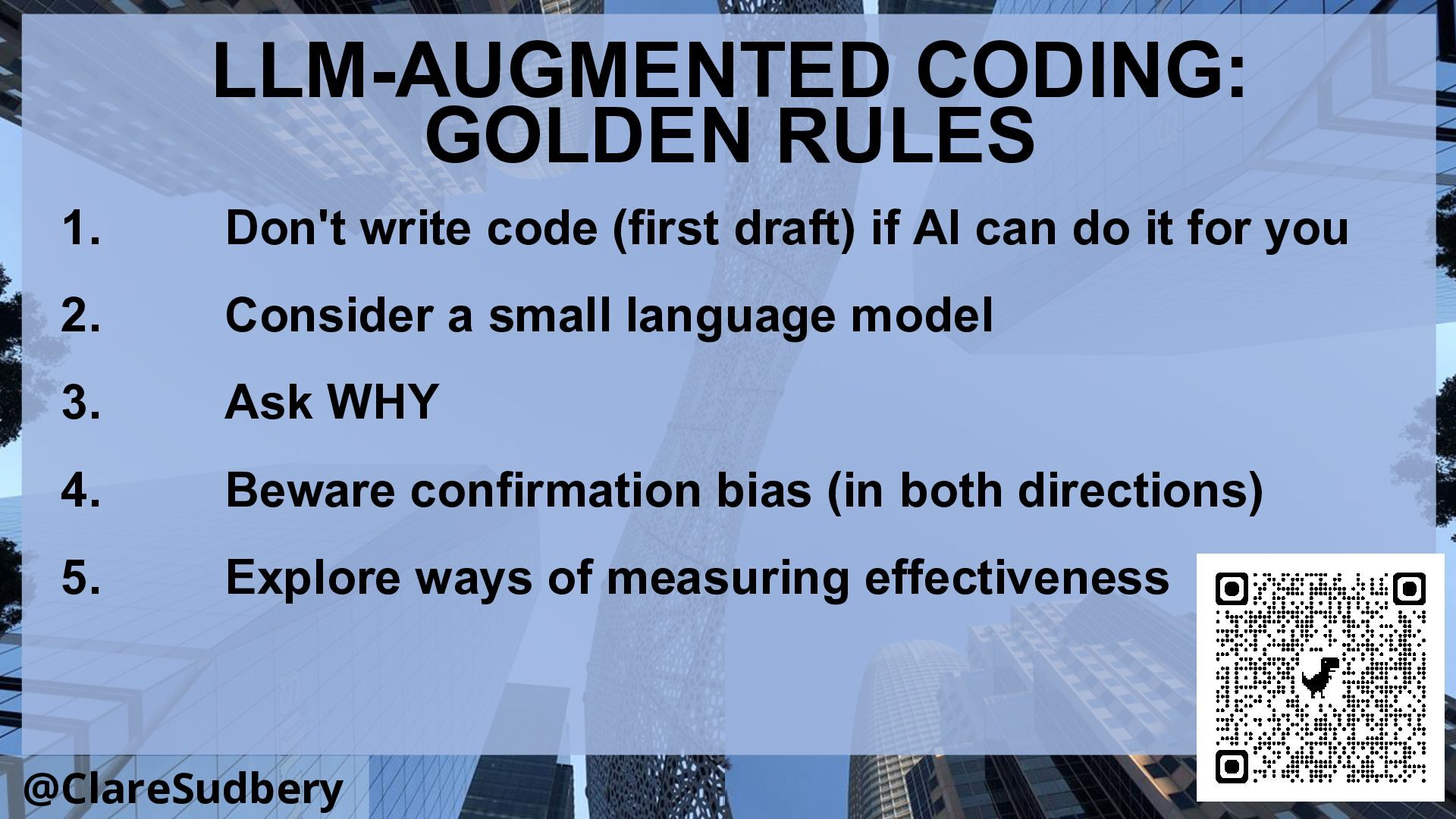
  15. @ClareSudbery LLM-AUGMENTED CODING: GOLDEN RULES 1. Don't write code (first

    draft) if AI can do it for you 2. Consider a small language model 3. Ask WHY 4. Beware confirmation bias (in both directions) 5. Explore ways of measuring effectiveness
  16. @ClareSudbery EXERCISE TWO STEP 1 • Get your LLM to

    help you summarise everything you’ve discussed so far, about what you’re building and how you want it to function • Persist the results – eg in a file called project_spec.md
  17. @ClareSudbery EXERCISE TWO STEP 2 • Start again from scratch!

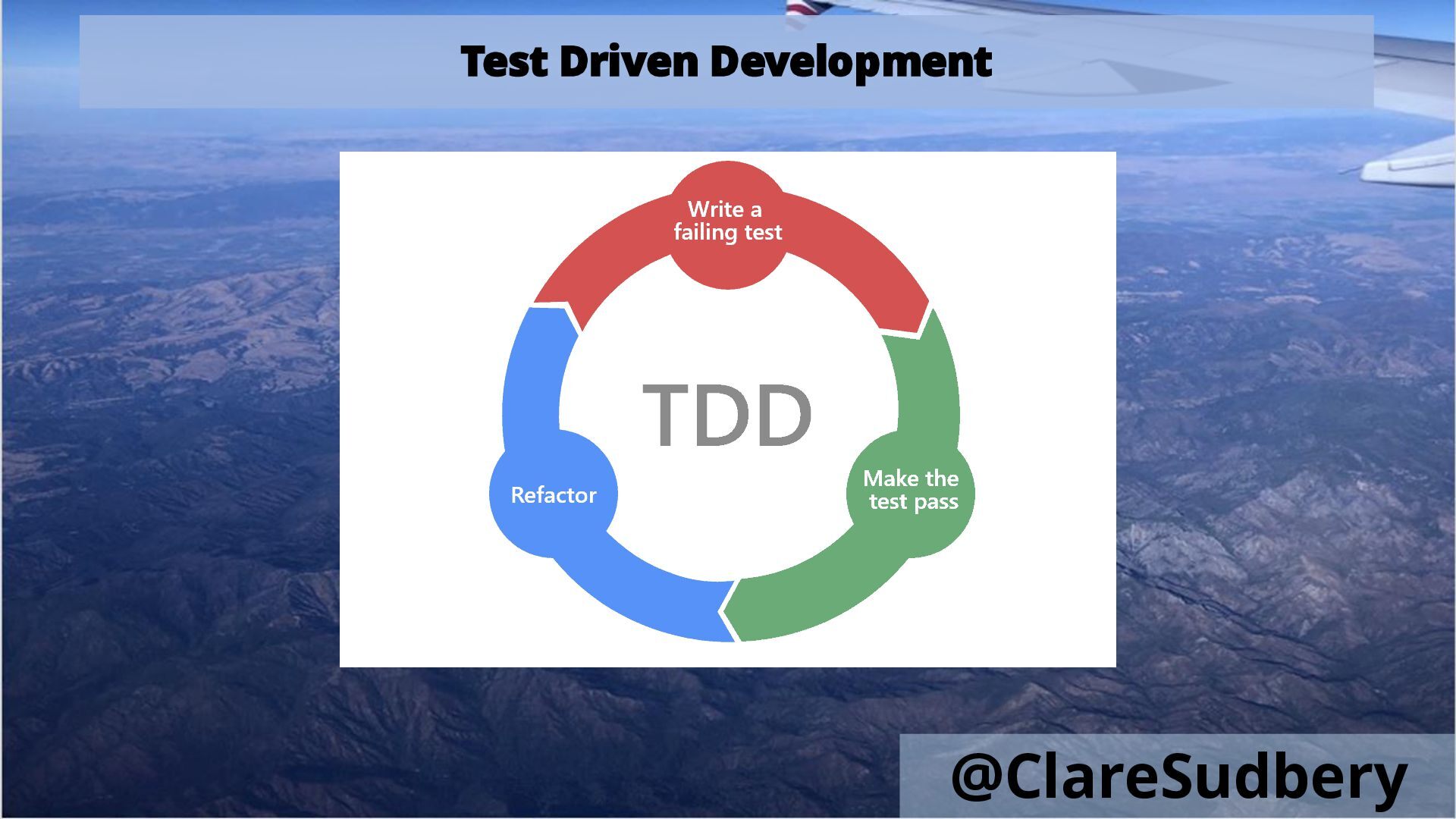
    • Delete everything except project_spec.md (or equivalent) • Start a brand new chat window. Try a different LLM if you can! • Tell the LLM you want to proceed using TDD (test driven development) • >>>
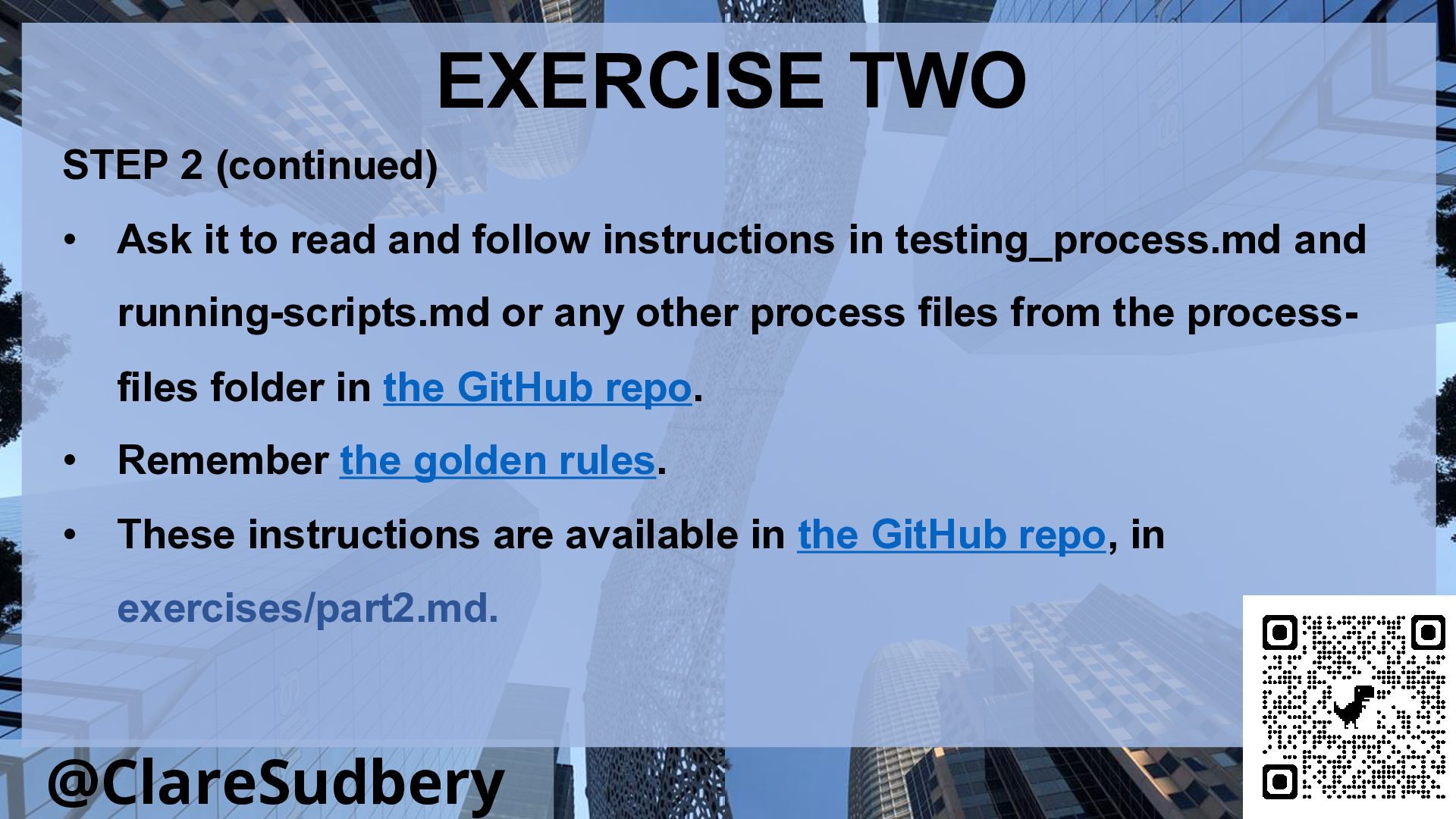
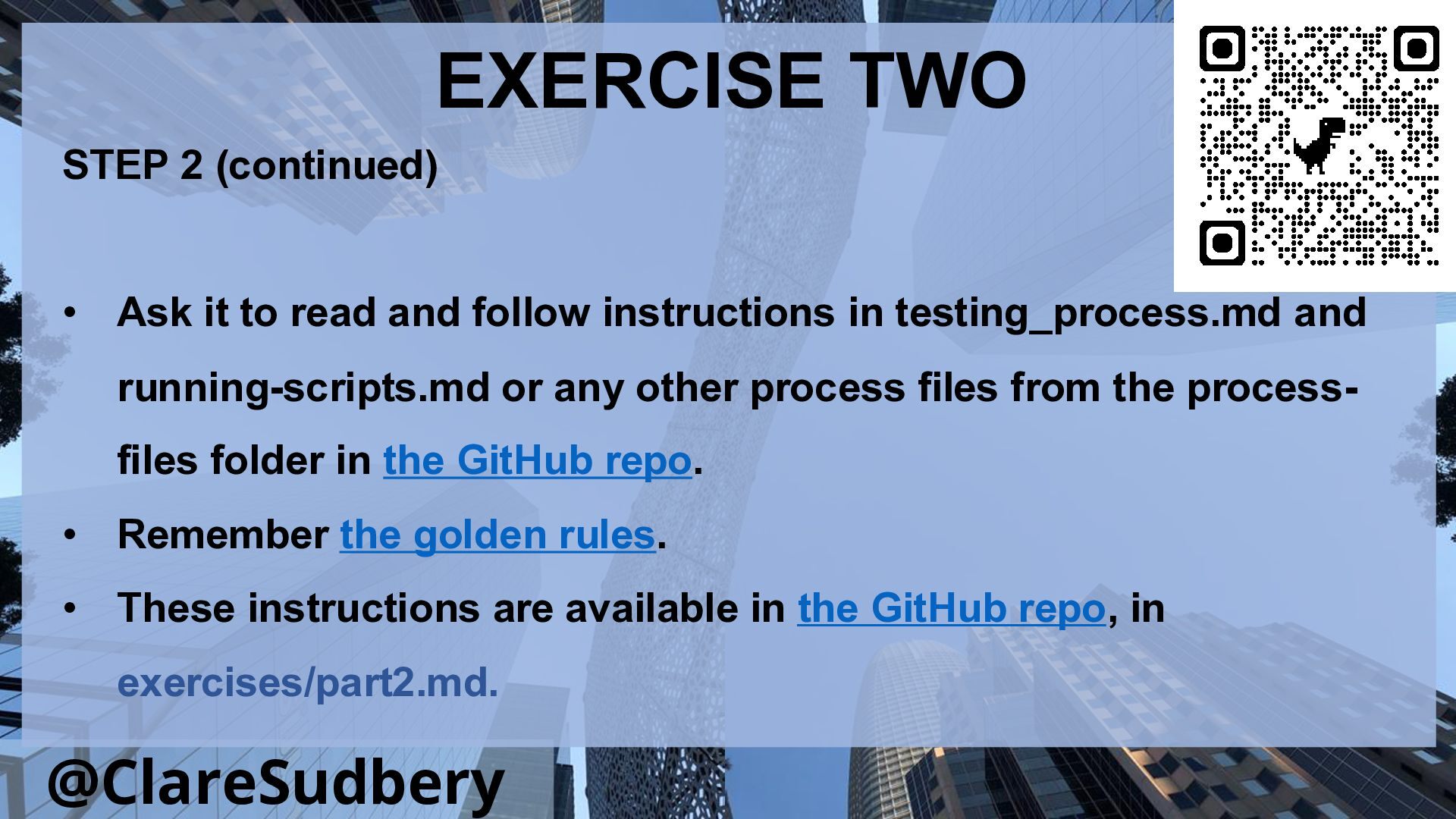
  18. @ClareSudbery EXERCISE TWO STEP 2 (continued) • Ask it to

    read and follow instructions in testing_process.md and running-scripts.md or any other process files from the process- files folder in the GitHub repo. • Remember the golden rules. • These instructions are available in the GitHub repo, in exercises/part2.md.
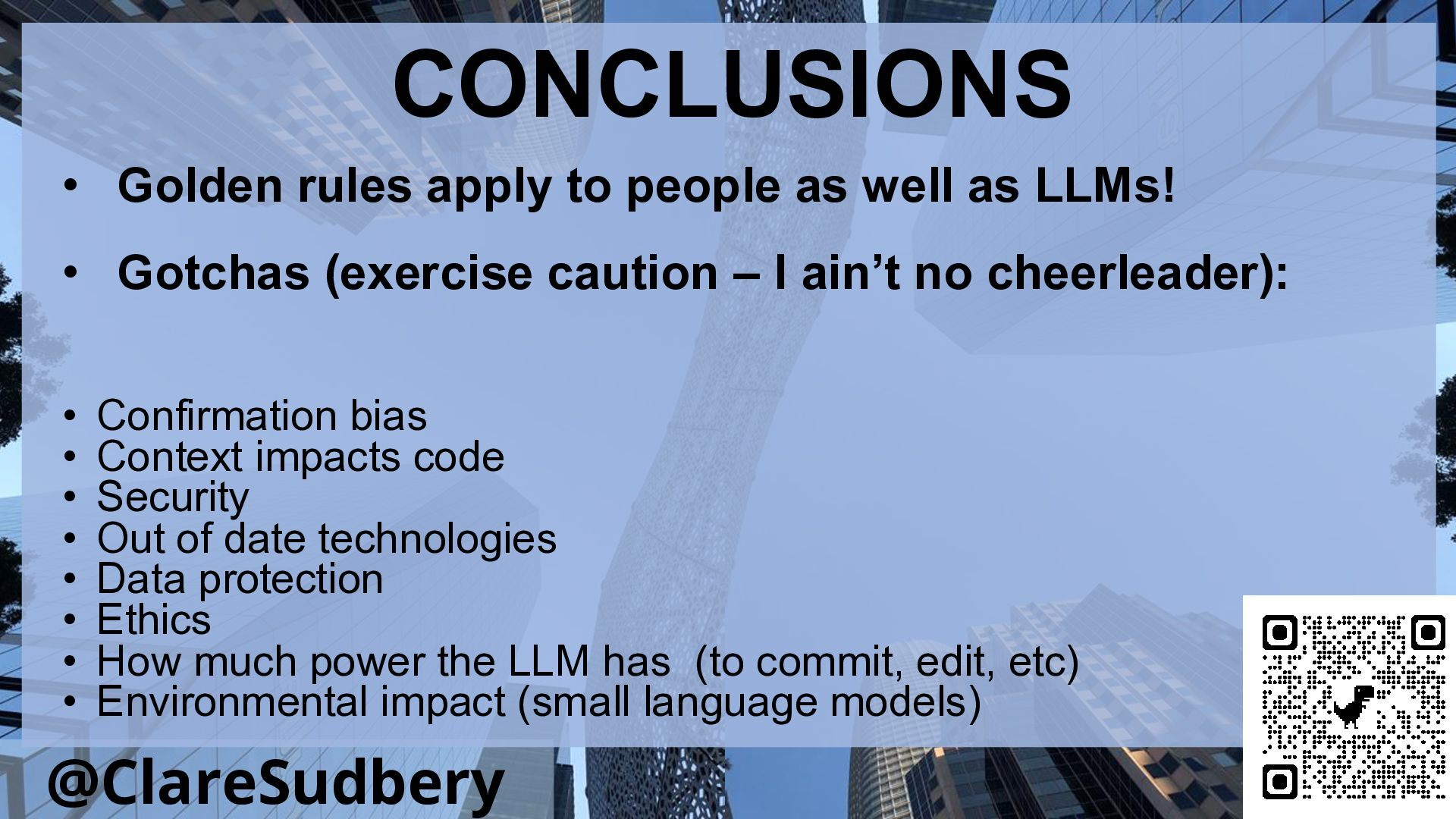
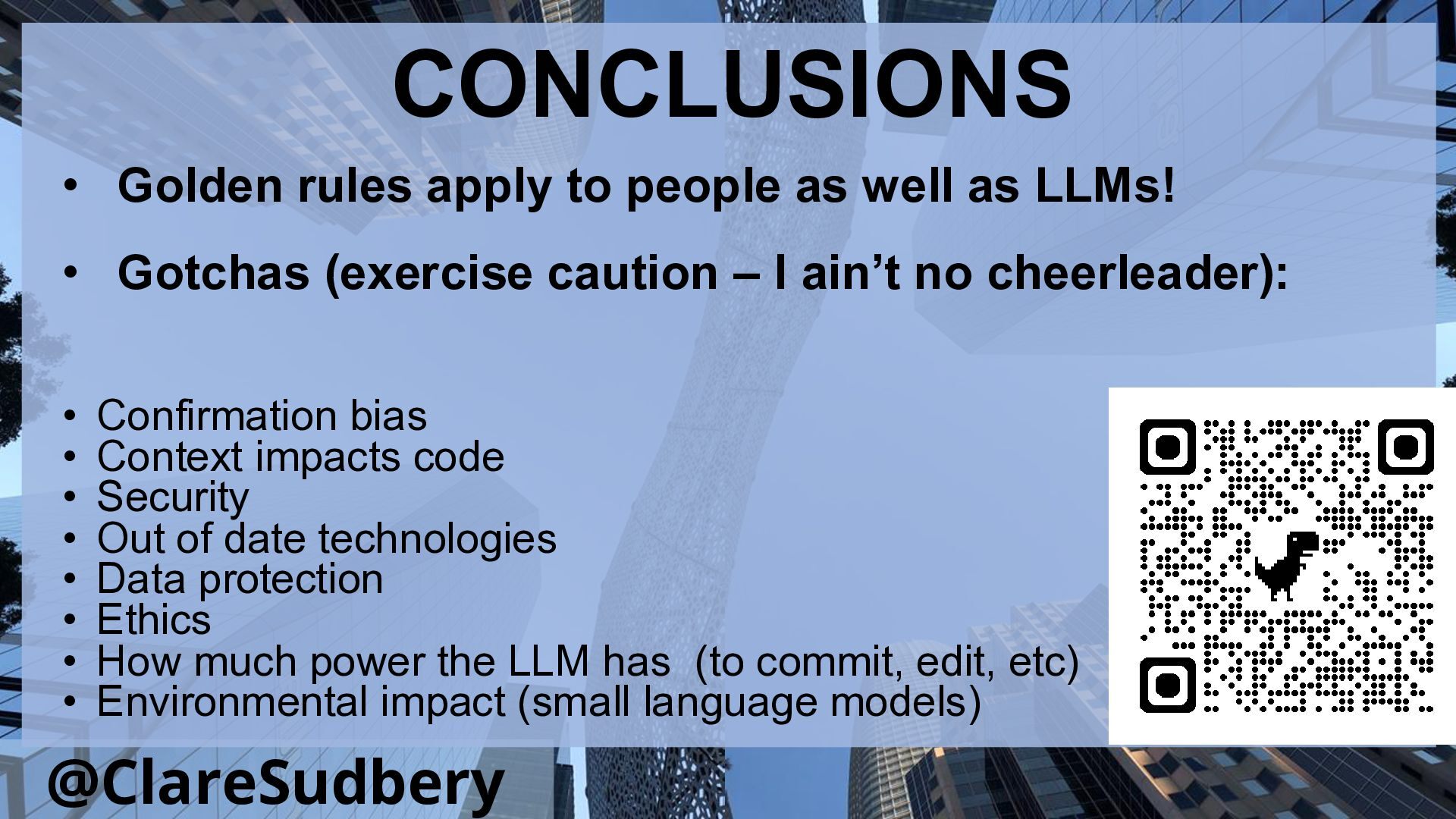
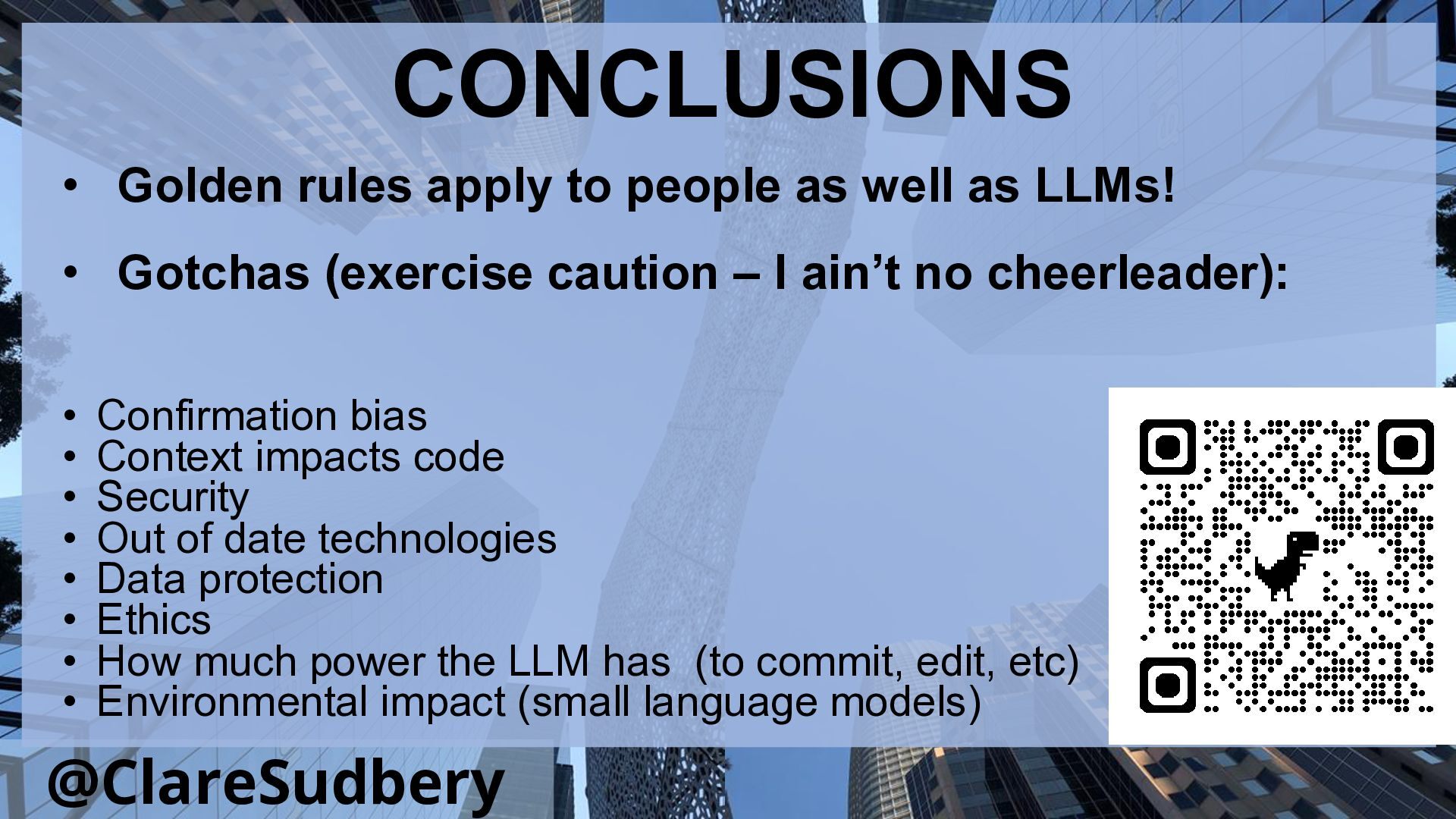
  19. @ClareSudbery CONCLUSIONS • Golden rules apply to people as well

    as LLMs! • Gotchas (exercise caution – I ain’t no cheerleader): • Confirmation bias • Context impacts code • Security • Out of date technologies • Data protection • Ethics • How much power the LLM has (to commit, edit, etc) • Environmental impact (small language models)
  20. @ClareSudbery 2 minutes Write new stickies for either “INSPIRED” or

    “STILL SEEKING ANSWERS” Make sure you include the headings on the stickies! It will help me. Then stick them on the wall in the designated areas.