Upgrade to Pro — share decks privately, control downloads, hide ads and more …

Fundamentals of Git

Sponsored · SiteGround - Reliable hosting with speed, security, and support you can count on. →

Fundamentals of Git

A beginner Git talk that I gave for the Refresh Baton Rouge meetup group

Avatar for Chris McKnight

Chris McKnight

March 26, 2015

More Decks by Chris McKnight

Other Decks in Technology

Transcript

  1. Overview • History of Git • Project setup • Staging

    Changes and Committing • Branching, Merging, and Rebasing • Working with remotes
  2. History of Git • Linux kernel developers started using BitKeeper1

    • BitKeeper license revoked • Linus Torvalds created Git in 2005 1http://git-scm.com/book/en/v2/Getting-Started-A-Short-History-of-Git
  3. What is Git? • Distributed revision control system • Goals

    • Efficiency • Speed • Non-linear workflows
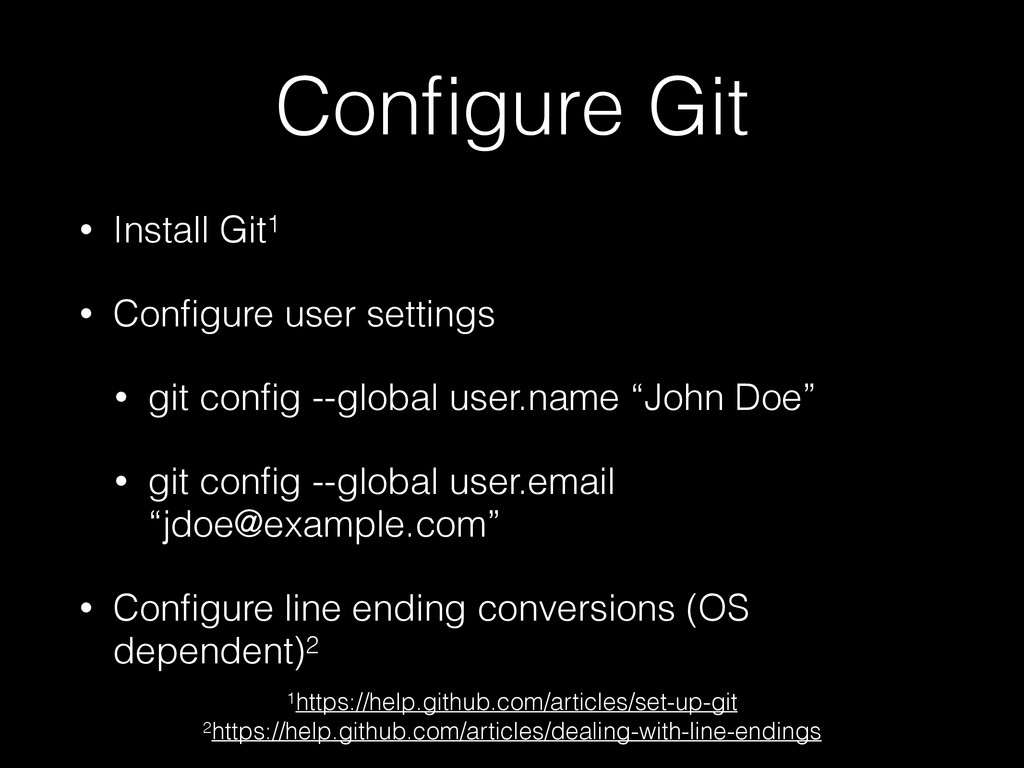
  4. Configure Git • Install Git1 • Configure user settings •

    git config --global user.name “John Doe” • git config --global user.email “[email protected]” • Configure line ending conversions (OS dependent)2 1https://help.github.com/articles/set-up-git 2https://help.github.com/articles/dealing-with-line-endings
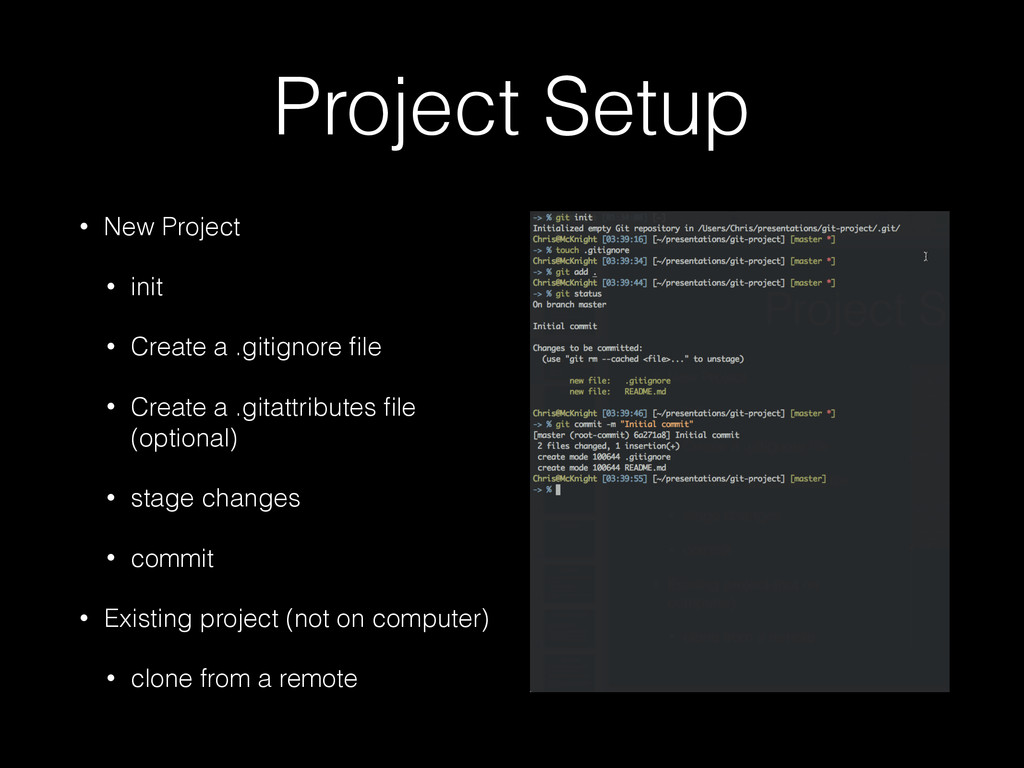
  5. Project Setup • New Project • init • Create a

    .gitignore file • Create a .gitattributes file (optional) • stage changes • commit • Existing project (not on computer) • clone from a remote
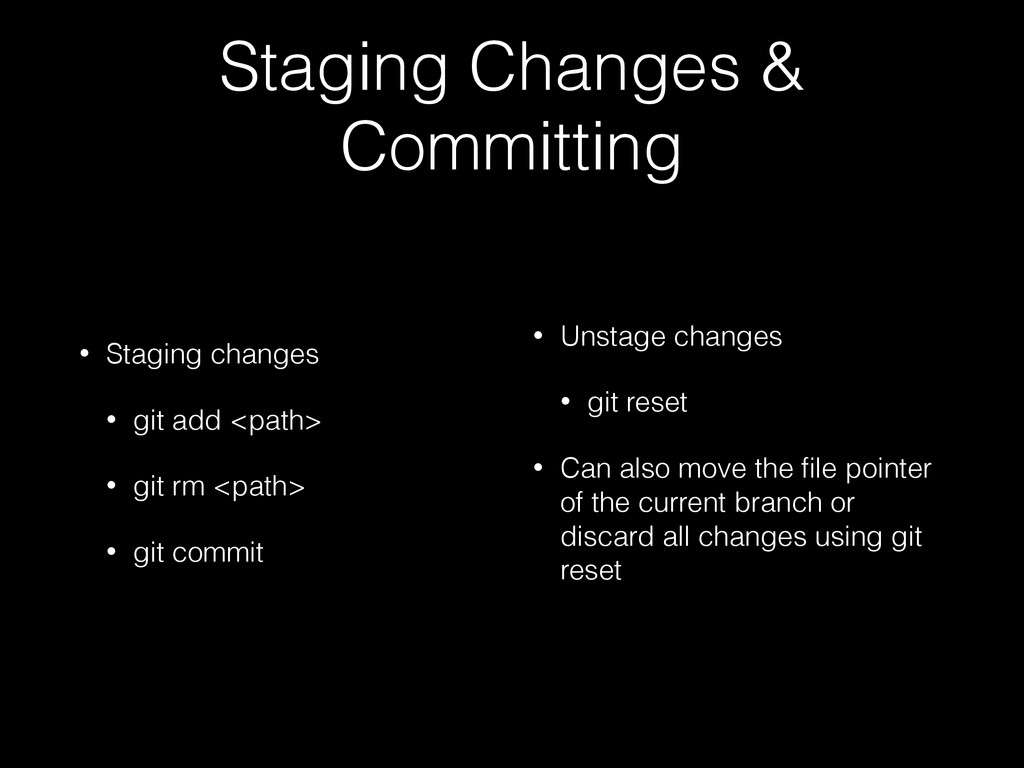
  6. Staging Changes & Committing • Staging changes • git add

    <path> • git rm <path> • git commit • Unstage changes • git reset • Can also move the file pointer of the current branch or discard all changes using git reset
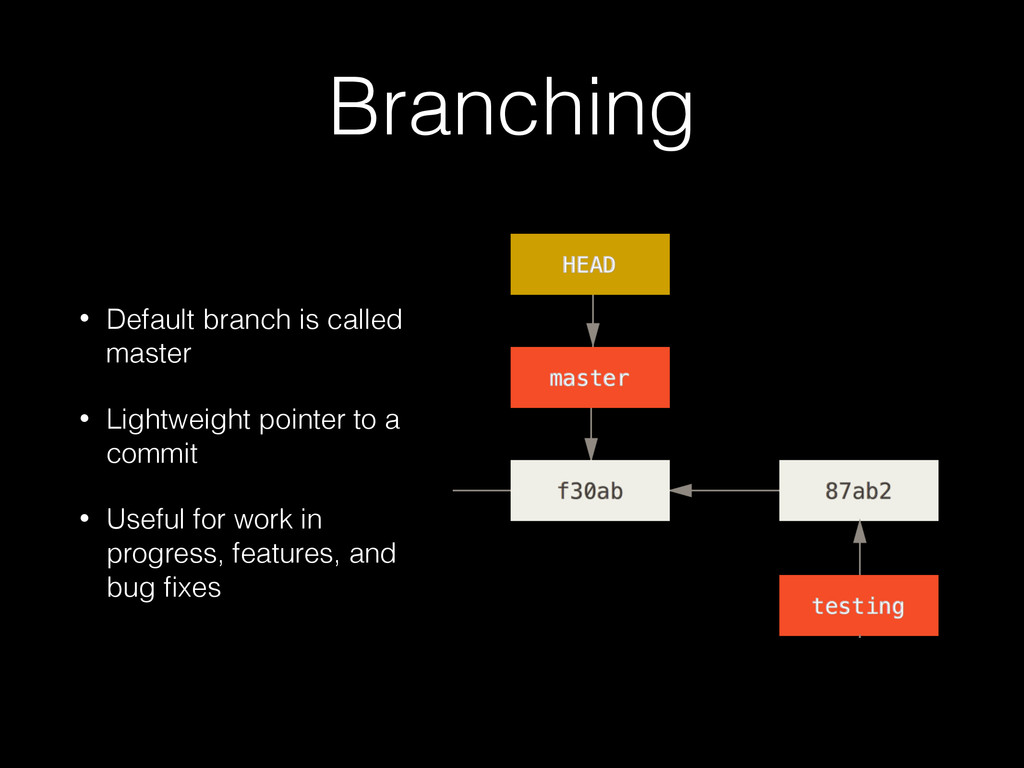
  7. Branching • Default branch is called master • Lightweight pointer

    to a commit • Useful for work in progress, features, and bug fixes
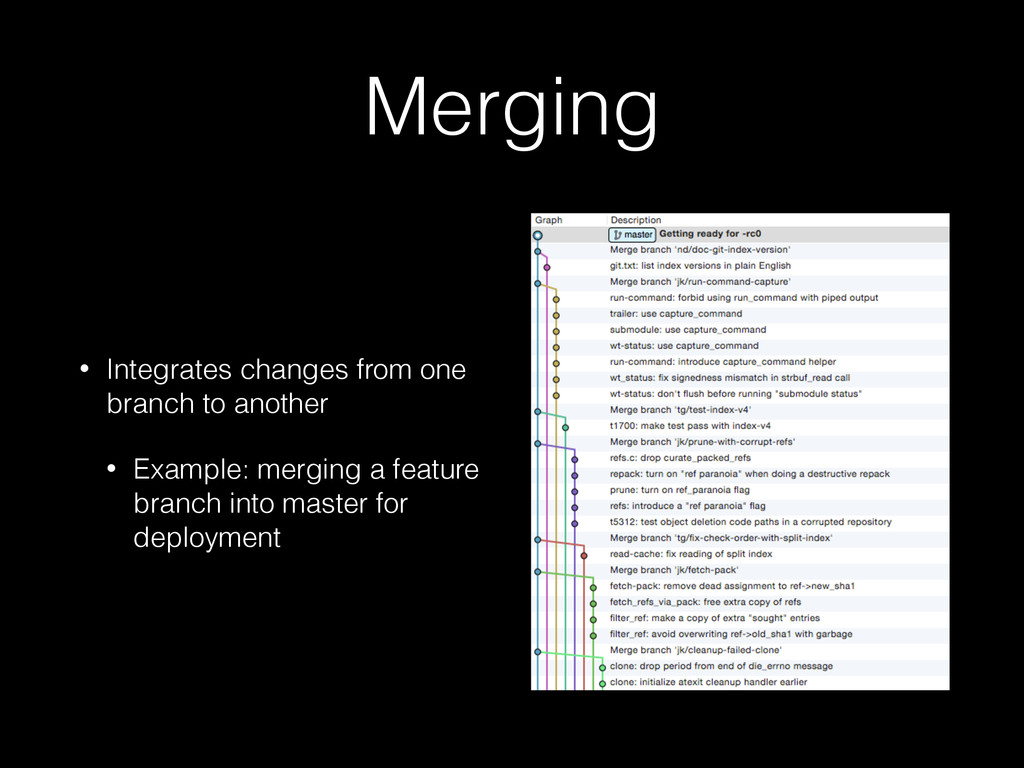
  8. Merging • Integrates changes from one branch to another •

    Example: merging a feature branch into master for deployment
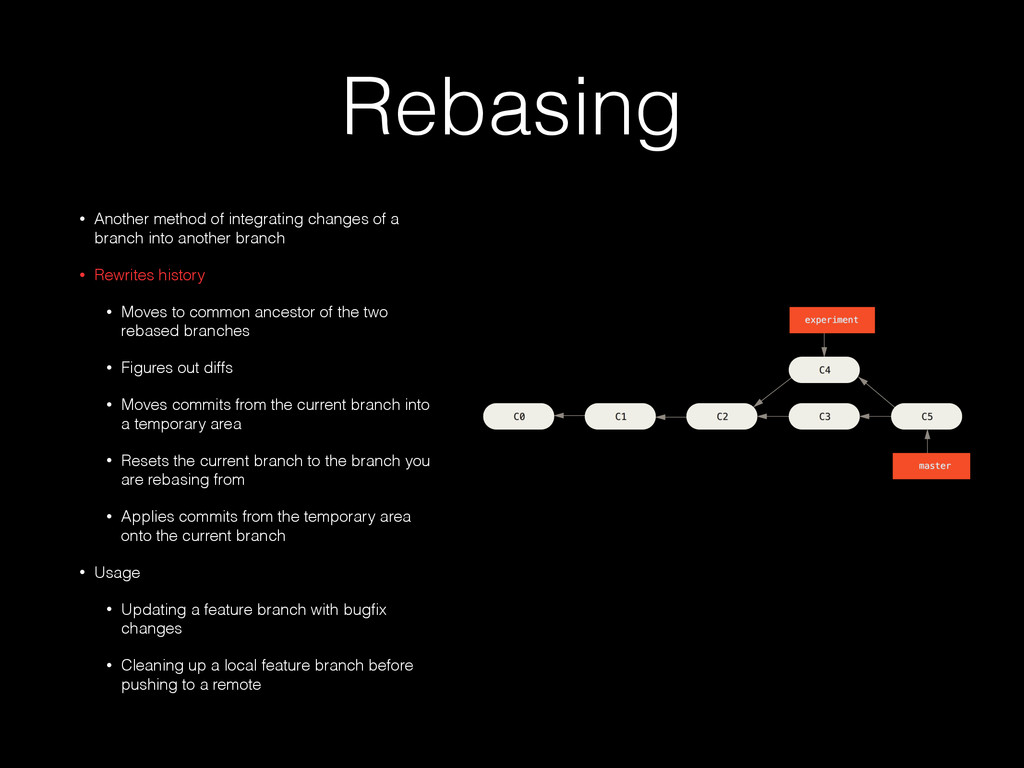
  9. Rebasing • Another method of integrating changes of a branch

    into another branch • Rewrites history • Moves to common ancestor of the two rebased branches • Figures out diffs • Moves commits from the current branch into a temporary area • Resets the current branch to the branch you are rebasing from • Applies commits from the temporary area onto the current branch • Usage • Updating a feature branch with bugfix changes • Cleaning up a local feature branch before pushing to a remote
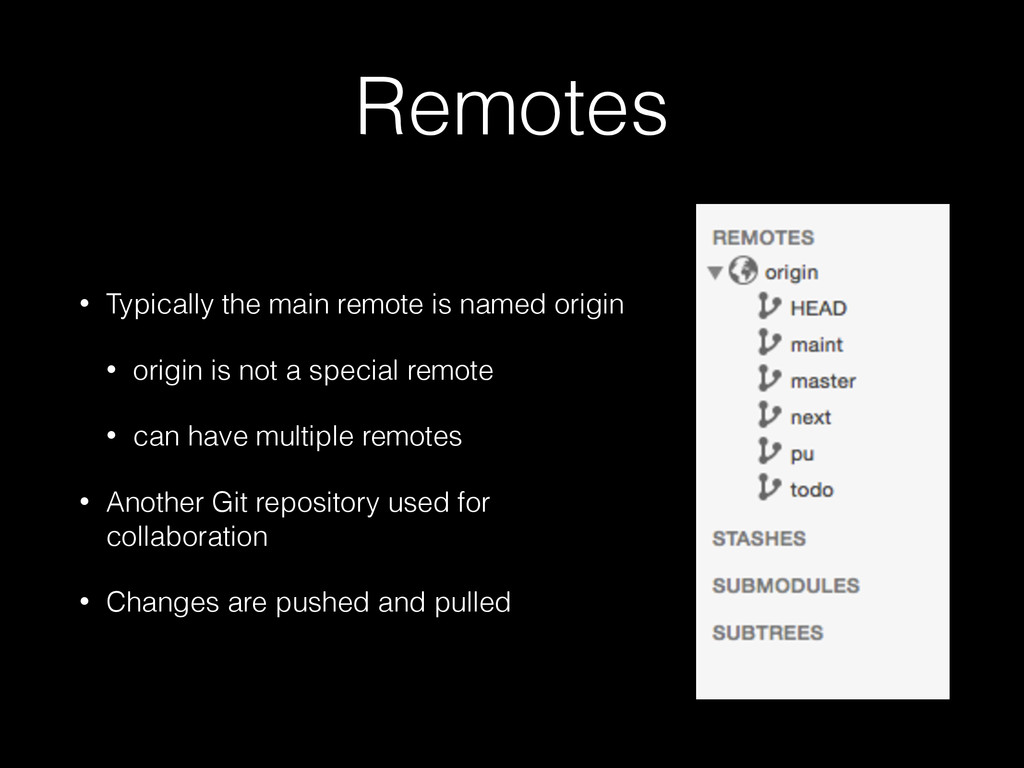
  10. Remotes • Typically the main remote is named origin •

    origin is not a special remote • can have multiple remotes • Another Git repository used for collaboration • Changes are pushed and pulled
  11. A basic workflow • Create a new project • Stage

    files and commit • Create a remote and push • Iterative development by using branches, merging and pushing changes
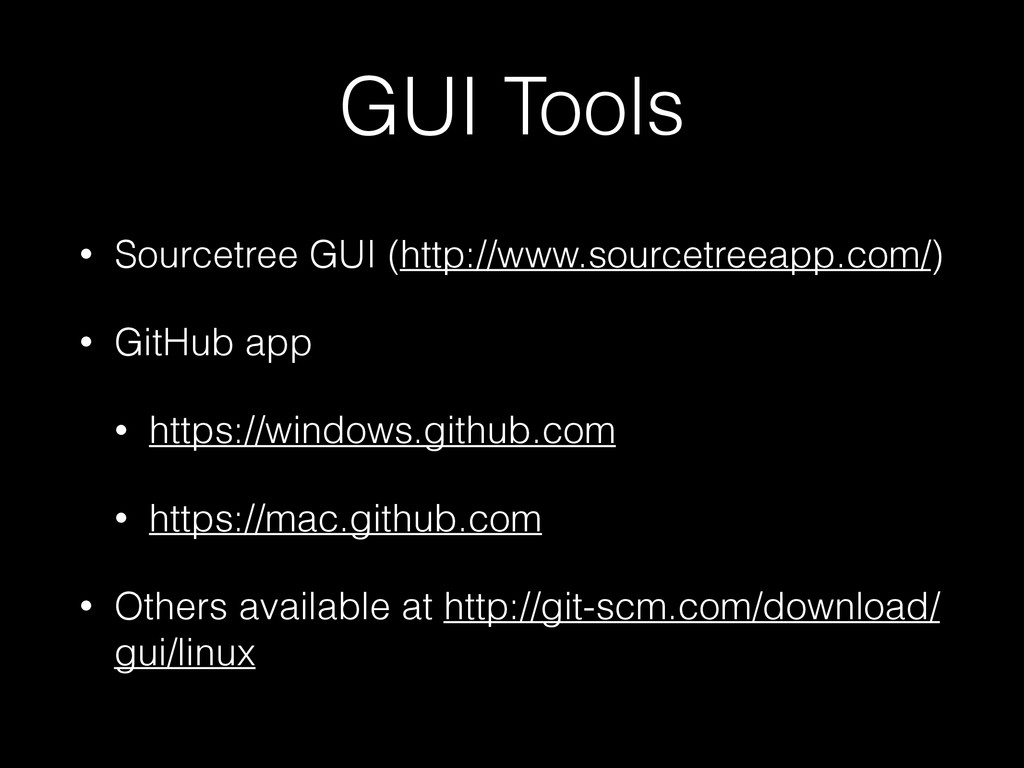
  12. GUI Tools • Sourcetree GUI (http://www.sourcetreeapp.com/) • GitHub app •

    https://windows.github.com • https://mac.github.com • Others available at http://git-scm.com/download/ gui/linux
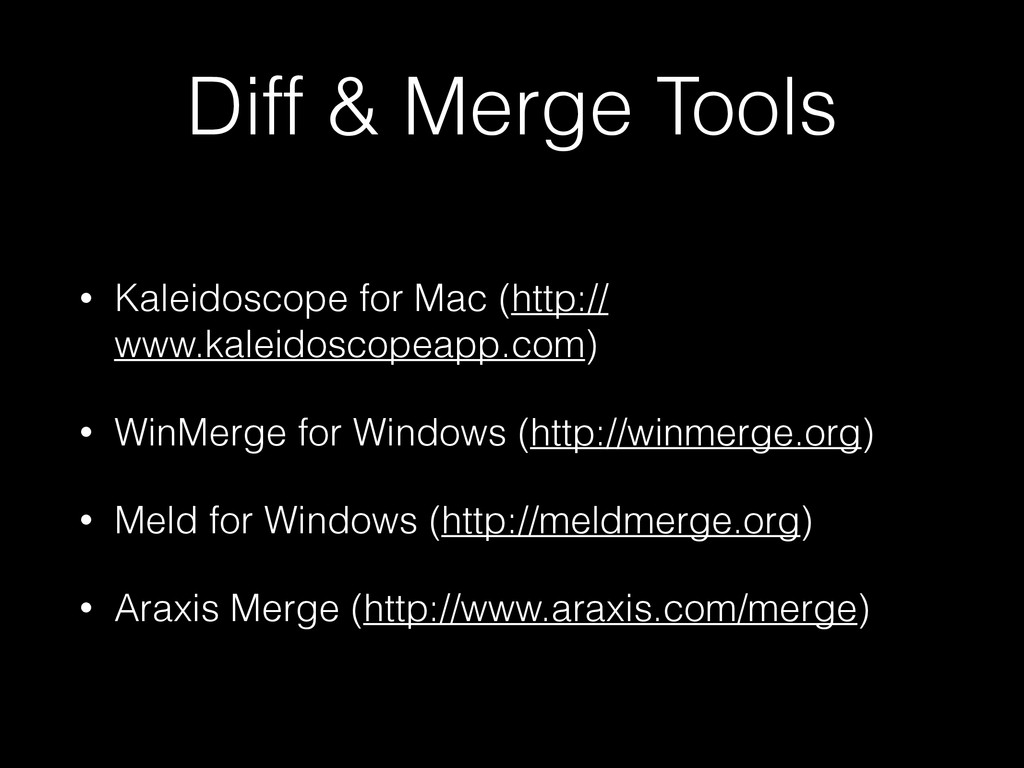
  13. Diff & Merge Tools • Kaleidoscope for Mac (http:// www.kaleidoscopeapp.com)

    • WinMerge for Windows (http://winmerge.org) • Meld for Windows (http://meldmerge.org) • Araxis Merge (http://www.araxis.com/merge)
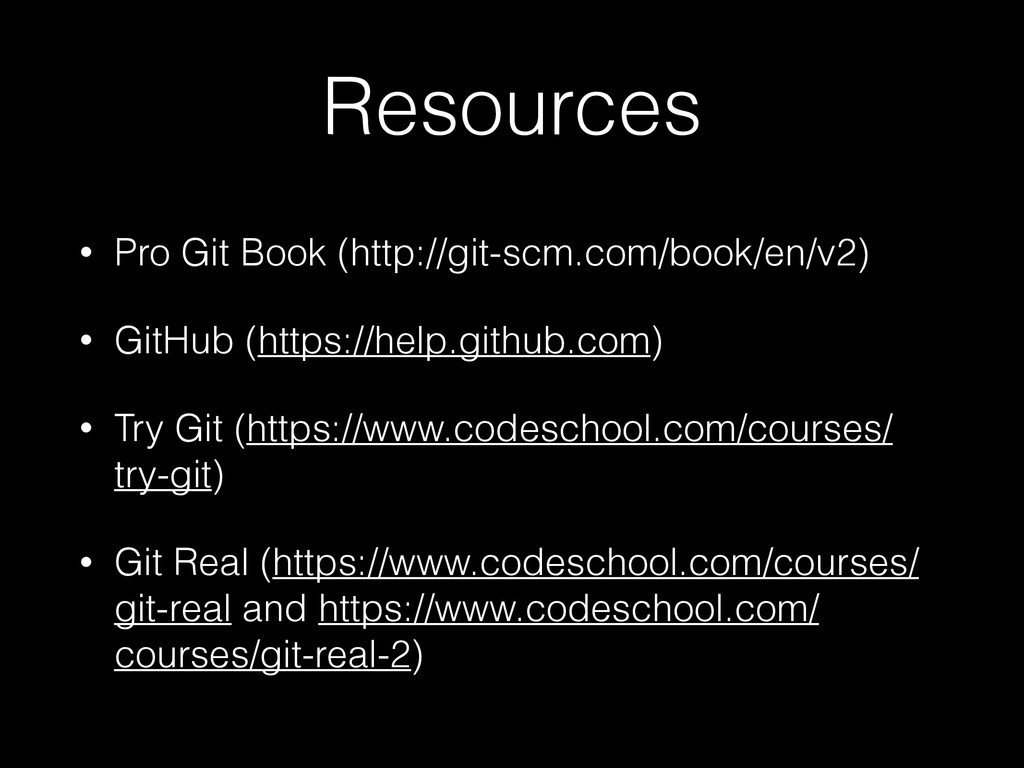
  14. Resources • Pro Git Book (http://git-scm.com/book/en/v2) • GitHub (https://help.github.com) •

    Try Git (https://www.codeschool.com/courses/ try-git) • Git Real (https://www.codeschool.com/courses/ git-real and https://www.codeschool.com/ courses/git-real-2)