Upgrade to Pro — share decks privately, control downloads, hide ads and more …

Let Them Say What They Want: Adding Siri Shortcuts

Let Them Say What They Want: Adding Siri Shortcuts

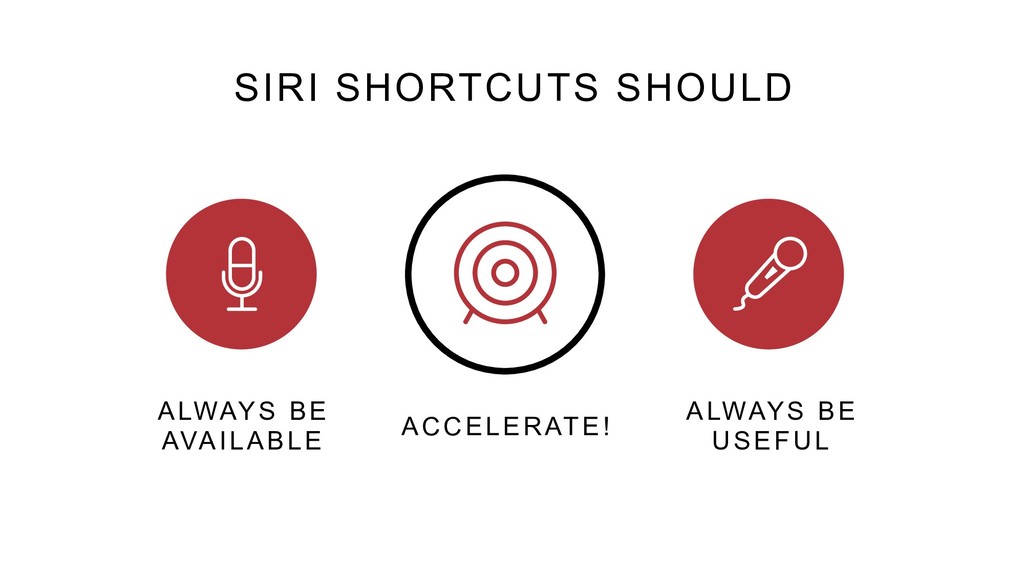
Siri Shortcuts help to improve your user experience by making actions available with Siri in iOS, watchOS, CarPlay and HomePod. We can set up our apps to give easy access to frequent actions without needing to open the app. Even better, iOS can suggest frequently used actions pro-actively using notifications or the lock screen.

We’ll see how to add custom Siri Shortcuts to our apps, how to expose them so that Siri can recommend them, and how to let users set up their own voice commands to access their favourite Shortcuts.

Avatar for Christina Moulton, iOS Dev

Christina Moulton, iOS Dev

September 04, 2018

More Decks by Christina Moulton, iOS Dev

Other Decks in Programming

Transcript

  1. LET THEM SAY WHAT THEY WANT: ADDING SIRI SHORTCUTS C

    H R I S T I N A M O U LTO N TEAK MOBILE INC. TEAKMOBILE.COM GROKSWIFT.COM
  2. SIRI SHORTCUTS ARE Access to App Features via Voice Command

    Available on lock screen, watch face, search suggestions, CarPlay, Shortcuts app
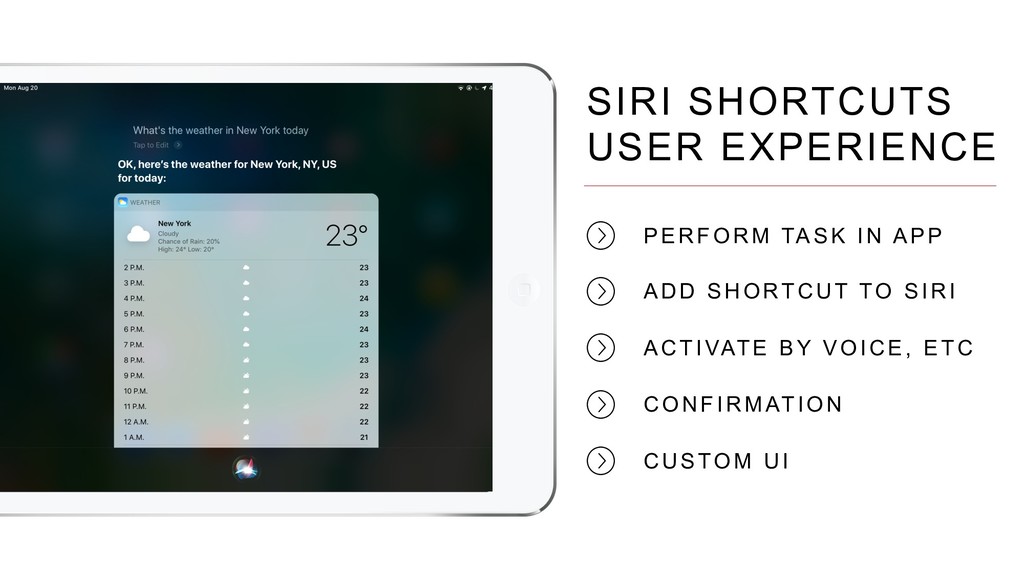
  3. SIRI SHORTCUTS USER EXPERIENCE           PERFORM

    TASK I N APP ADD SHO RTCUT TO SI RI ACTIVATE BY VOICE, ETC C O N F I R M AT I O N C U S TO M U I
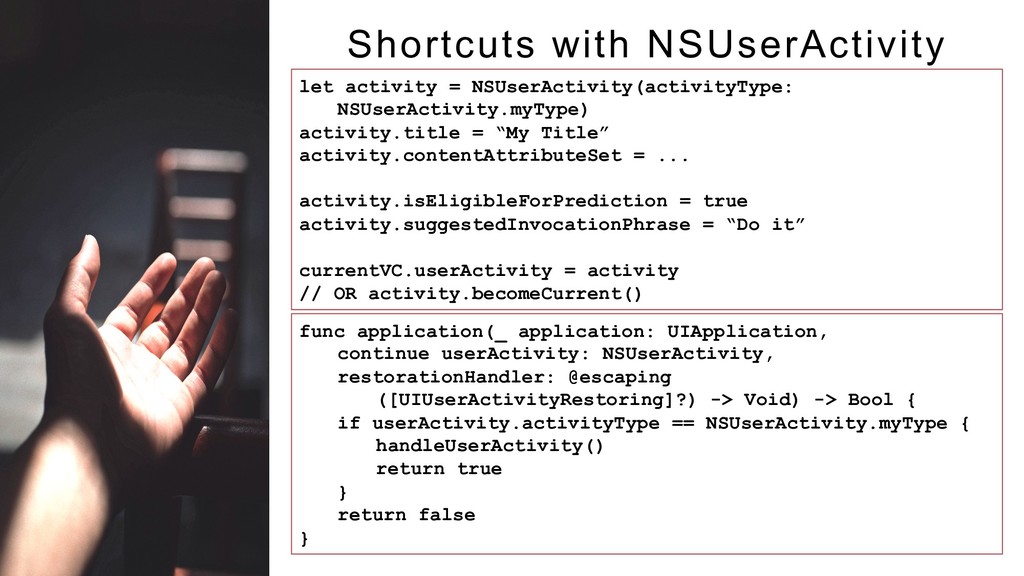
  4. Shortcuts with NSUserActivity let activity = NSUserActivity(activityType: NSUserActivity.myType) activity.title =

    “My Title” activity.contentAttributeSet = ... activity.isEligibleForPrediction = true activity.suggestedInvocationPhrase = “Do it” currentVC.userActivity = activity // OR activity.becomeCurrent() func application(_ application: UIApplication, continue userActivity: NSUserActivity, restorationHandler: @escaping ([UIUserActivityRestoring]?) -> Void) -> Bool { if userActivity.activityType == NSUserActivity.myType { handleUserActivity() return true } return false }
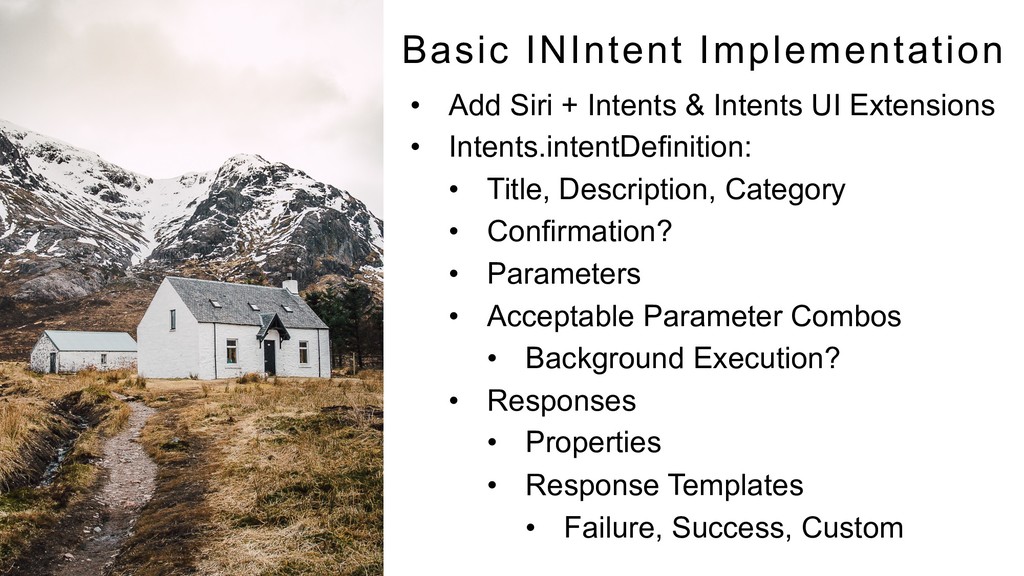
  5. Basic INIntent Implementation •  Add Siri + Intents & Intents

    UI Extensions •  Intents.intentDefinition: •  Title, Description, Category •  Confirmation? •  Parameters •  Acceptable Parameter Combos •  Background Execution? •  Responses •  Properties •  Response Templates •  Failure, Success, Custom
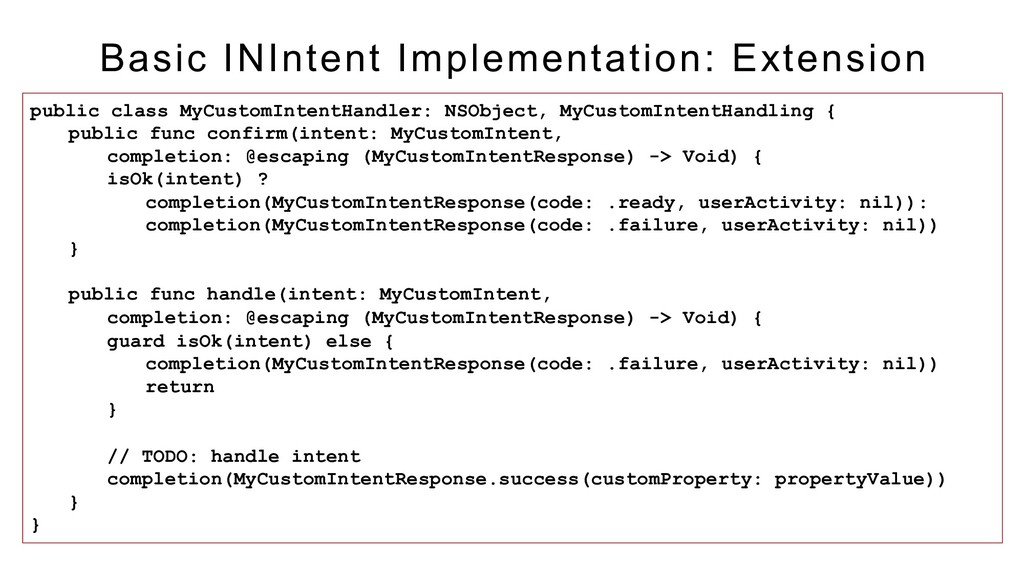
  6. Basic INIntent Implementation: Extension public class MyCustomIntentHandler: NSObject, MyCustomIntentHandling {

    public func confirm(intent: MyCustomIntent, completion: @escaping (MyCustomIntentResponse) -> Void) { isOk(intent) ? completion(MyCustomIntentResponse(code: .ready, userActivity: nil)): completion(MyCustomIntentResponse(code: .failure, userActivity: nil)) } public func handle(intent: MyCustomIntent, completion: @escaping (MyCustomIntentResponse) -> Void) { guard isOk(intent) else { completion(MyCustomIntentResponse(code: .failure, userActivity: nil)) return } // TODO: handle intent completion(MyCustomIntentResponse.success(customProperty: propertyValue)) } }
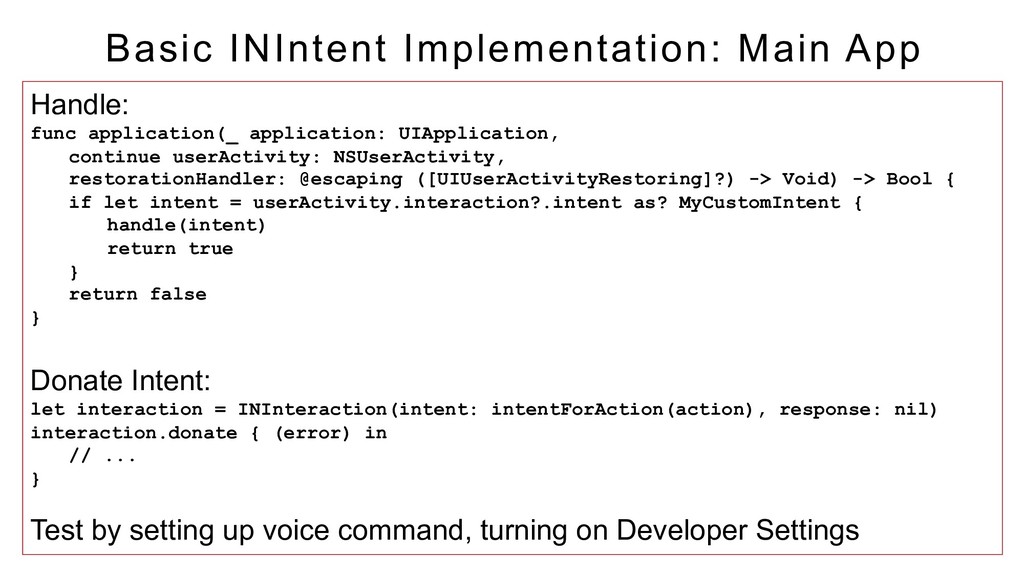
  7. Basic INIntent Implementation: Main App Handle: func application(_ application: UIApplication,

    continue userActivity: NSUserActivity, restorationHandler: @escaping ([UIUserActivityRestoring]?) -> Void) -> Bool { if let intent = userActivity.interaction?.intent as? MyCustomIntent { handle(intent) return true } return false } Donate Intent: let interaction = INInteraction(intent: intentForAction(action), response: nil) interaction.donate { (error) in // ... } Test by setting up voice command, turning on Developer Settings
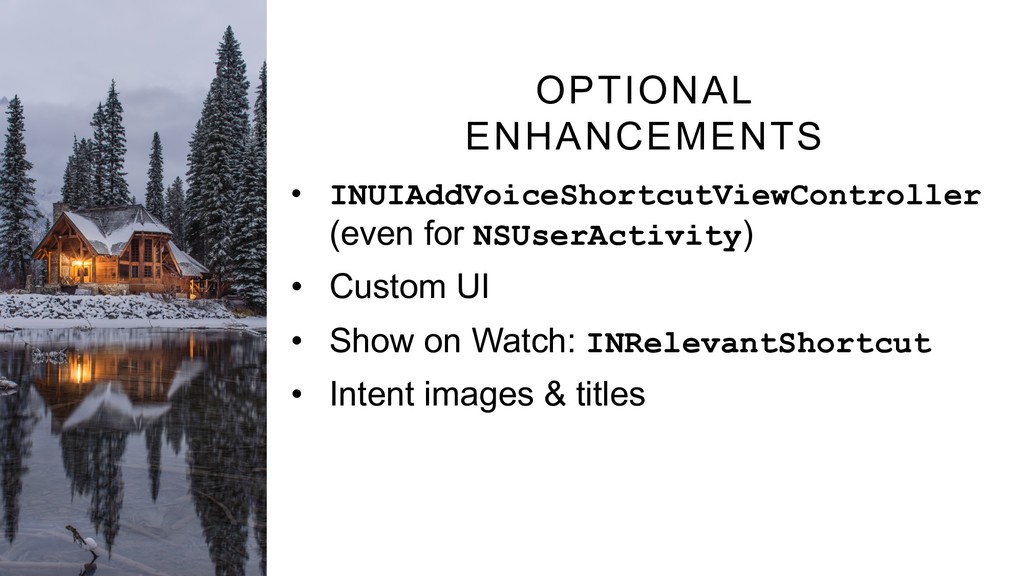
  8. OPTIONAL ENHANCEMENTS •  INUIAddVoiceShortcutViewController (even for NSUserActivity) •  Custom UI

    •  Show on Watch: INRelevantShortcut •  Intent images & titles
  9. WWDC Videos 2018 – 202, 211, 214, 217 2017 –

    214 Apple Demo App developer.apple.com/ documentation/sirikit/ accelerating_app_ interactions_with_shortcuts SiriKit Docs developer.apple.com/ sirikit Walkthrough medium.com/@pietropizzi/a- beginners-guide-to-developing- custom-intent-siri-shortcuts- for-ios-12-a3627b7011af RESOURCES