$30 off During Our Annual Pro Sale. View Details »

SharePoint in The Cloud

Avatar for Mete Bulutay Mete Bulutay
September 15, 2014

SharePoint in The Cloud

SharePoint Competence Community

Avatar for Mete Bulutay

Mete Bulutay

September 15, 2014
Tweet

More Decks by Mete Bulutay

Other Decks in Programming

Transcript

  1. Mete Bulutay Software Engineer – Atos AirC2IS – SP Portal

    Working in SharePoint projects since 2005 SharePoint 2003 - 2013 @codeholionet http://www.codeholio.net http://codingmag.com [email protected]
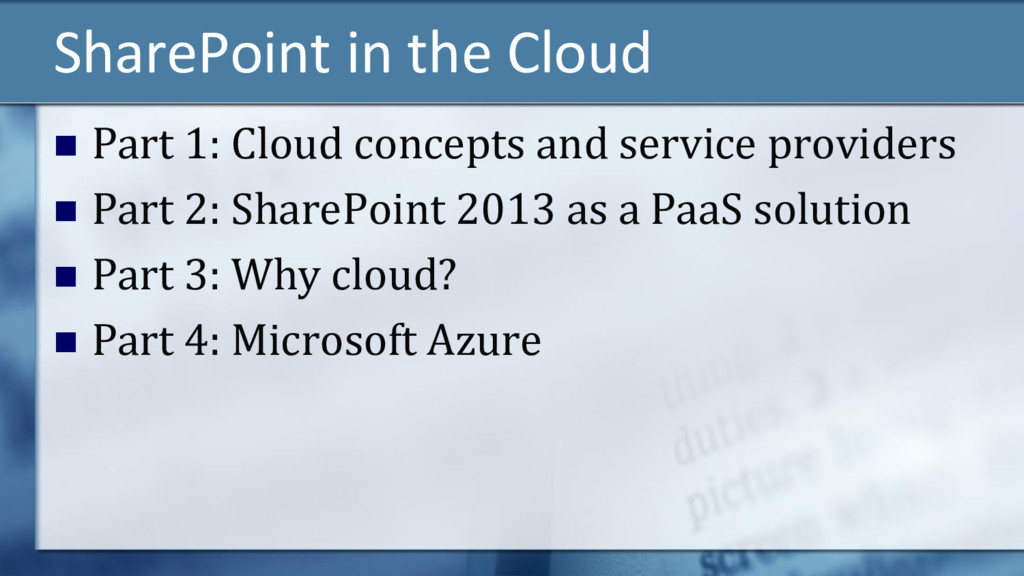
  2. SharePoint in the Cloud  Part 1: Cloud concepts and

    service providers  Part 2: SharePoint 2013 as a PaaS solution  Part 3: Why cloud?  Part 4: Microsoft Azure
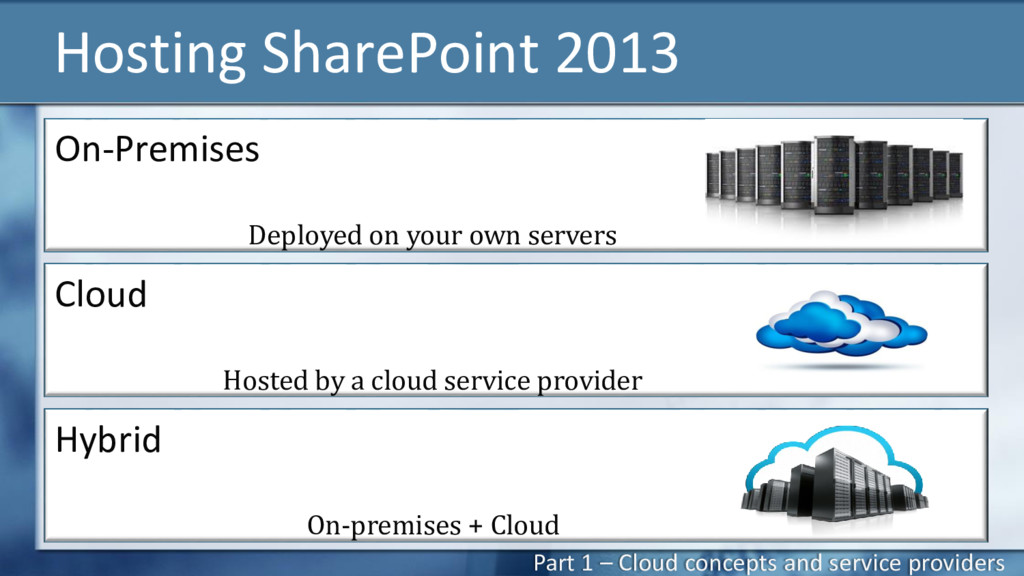
  3. Hosting SharePoint 2013 Part 1 – Cloud concepts and service

    providers On-Premises Deployed on your own servers Hybrid On-premises + Cloud Cloud Hosted by a cloud service provider
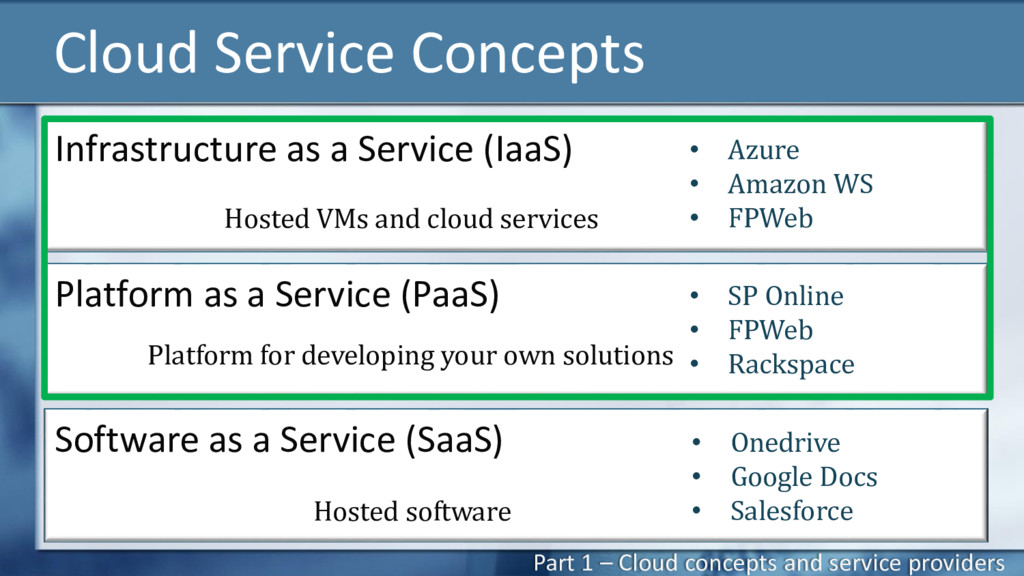
  4. Cloud Service Concepts Infrastructure as a Service (IaaS) Hosted VMs

    and cloud services Software as a Service (SaaS) Hosted software Platform as a Service (PaaS) Platform for developing your own solutions • Azure • Amazon WS • FPWeb • SP Online • FPWeb • Rackspace • Onedrive • Google Docs • Salesforce Part 1 – Cloud concepts and service providers
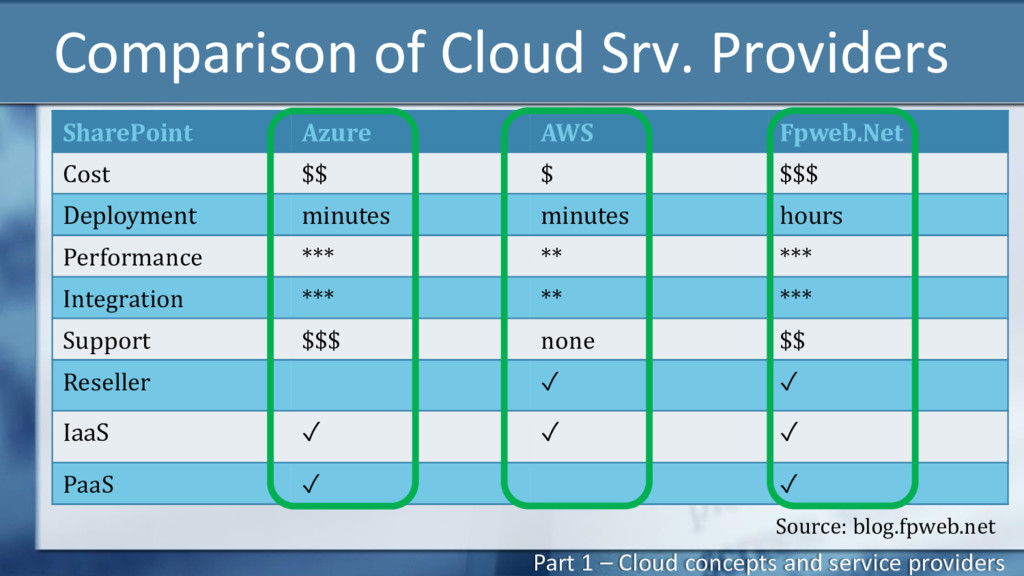
  5. Comparison of Cloud Srv. Providers SharePoint Azure AWS Fpweb.Net Cost

    $$ $ $$$ Deployment minutes minutes hours Performance *** ** *** Integration *** ** *** Support $$$ none $$ Reseller ✓ ✓ IaaS ✓ ✓ ✓ PaaS ✓ ✓ Source: blog.fpweb.net Part 1 – Cloud concepts and service providers
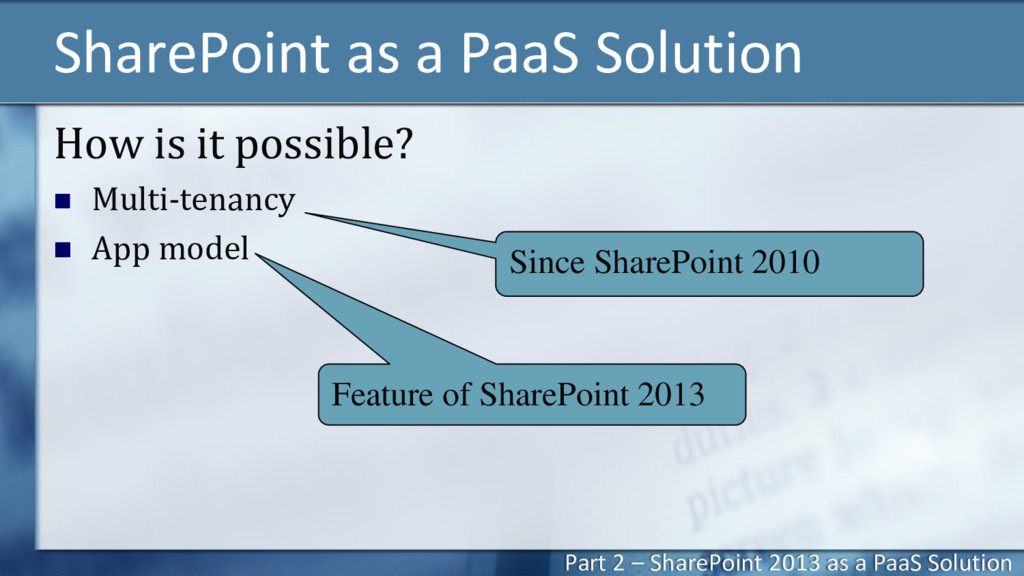
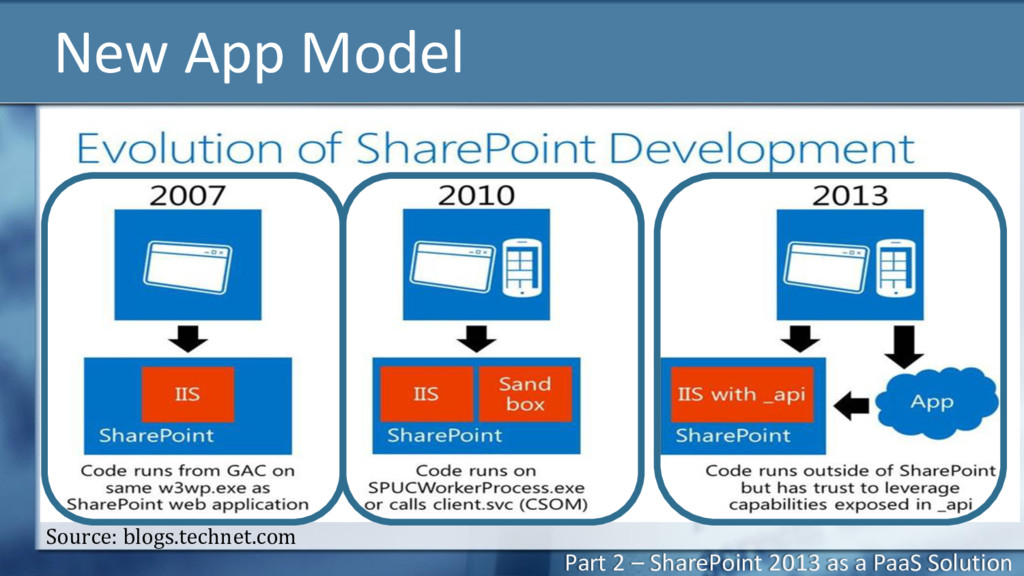
  6. SharePoint as a PaaS Solution How is it possible? 

    Multi-tenancy  App model Since SharePoint 2010 Feature of SharePoint 2013 Part 2 – SharePoint 2013 as a PaaS Solution
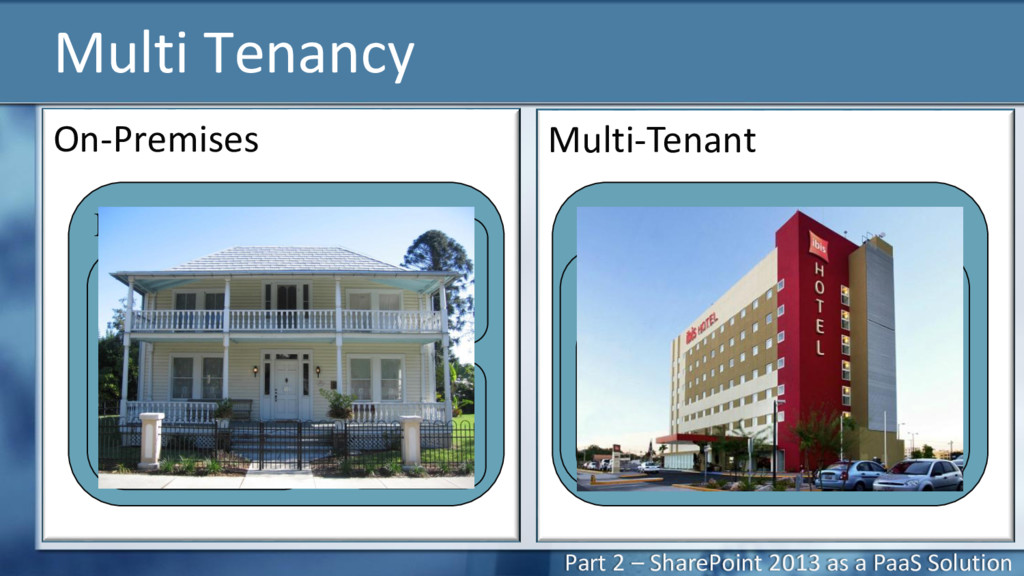
  7. Multi Tenancy On-Premises Multi-Tenant Farm Service Apps Farm Settings Web

    App Site Collection Farm Tenant Service App Settings Tenant Settings Site Collection Part 2 – SharePoint 2013 as a PaaS Solution
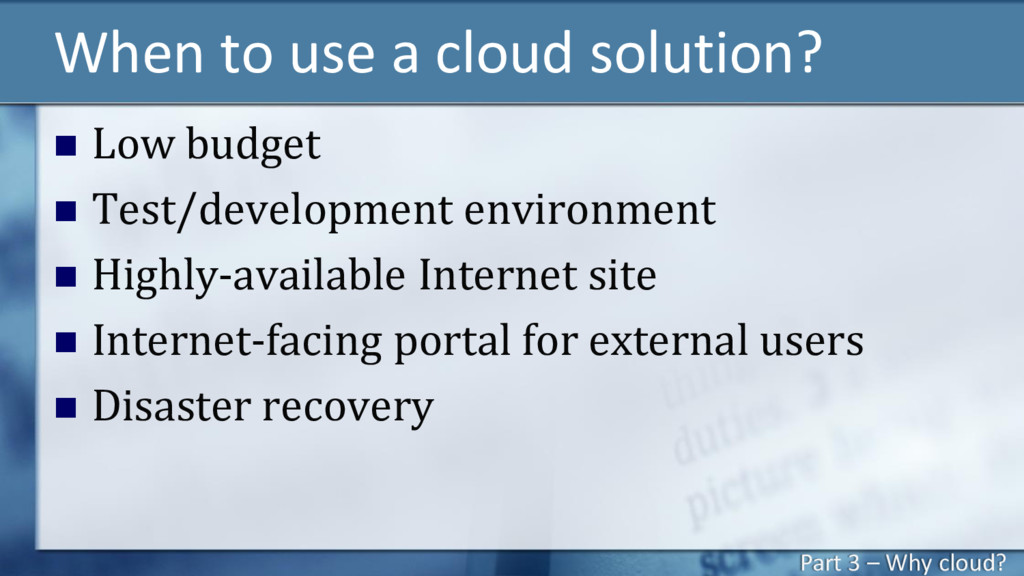
  8. When to use a cloud solution?  Low budget 

    Test/development environment  Highly-available Internet site  Internet-facing portal for external users  Disaster recovery Part 3 – Why cloud?
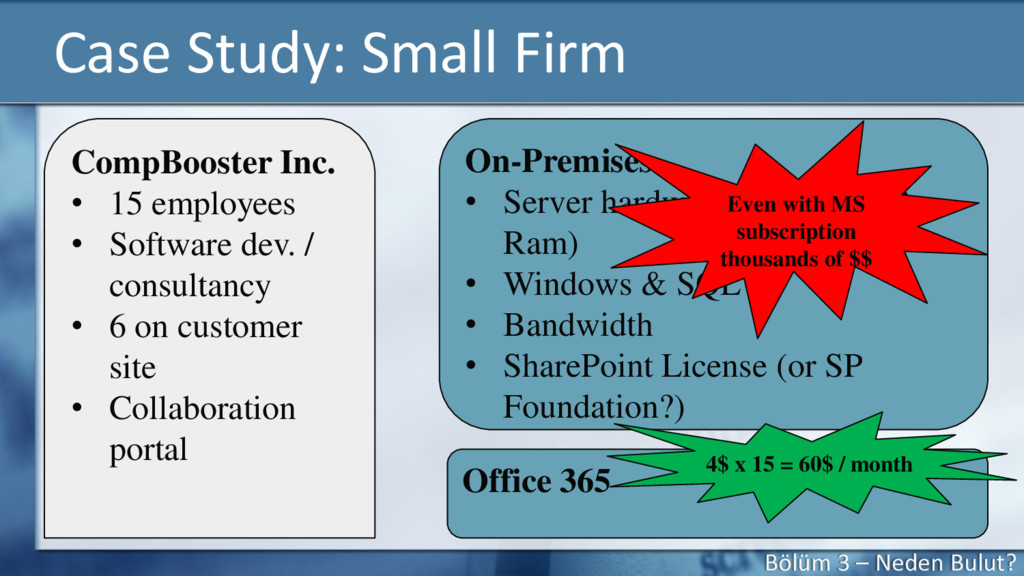
  9. Case Study: Small Firm CompBooster Inc. • 15 employees •

    Software dev. / consultancy • 6 on customer site • Collaboration portal On-Premises • Server hardware (Min. 16 GB Ram) • Windows & SQL • Bandwidth • SharePoint License (or SP Foundation?) Office 365 Even with MS subscription thousands of $$ 4$ x 15 = 60$ / month Bölüm 3 – Neden Bulut?
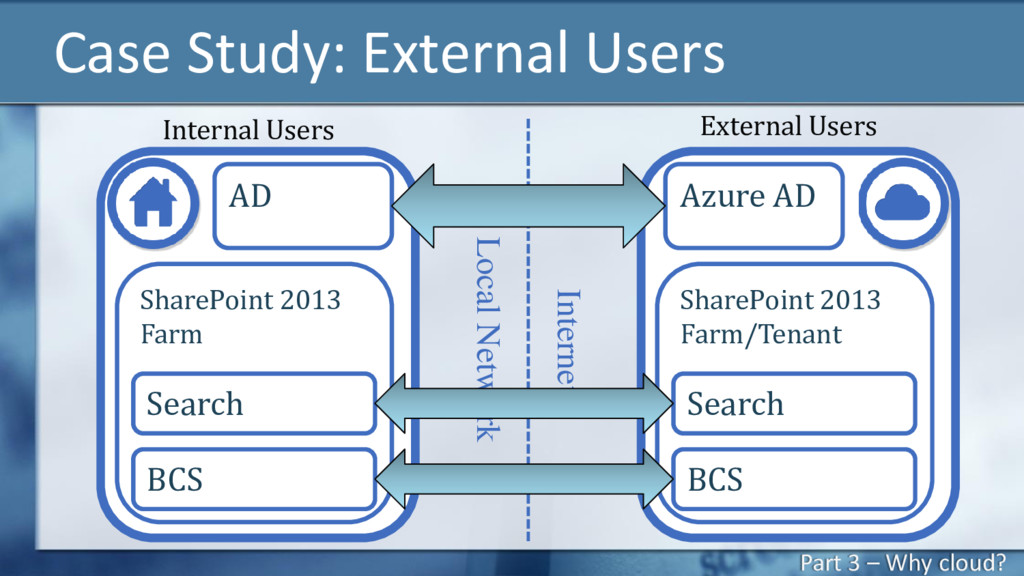
  10. Internet Case Study: External Users AD SharePoint 2013 Farm Search

    BCS Azure AD SharePoint 2013 Farm/Tenant Search BCS Internal Users External Users Local Network Part 3 – Why cloud?
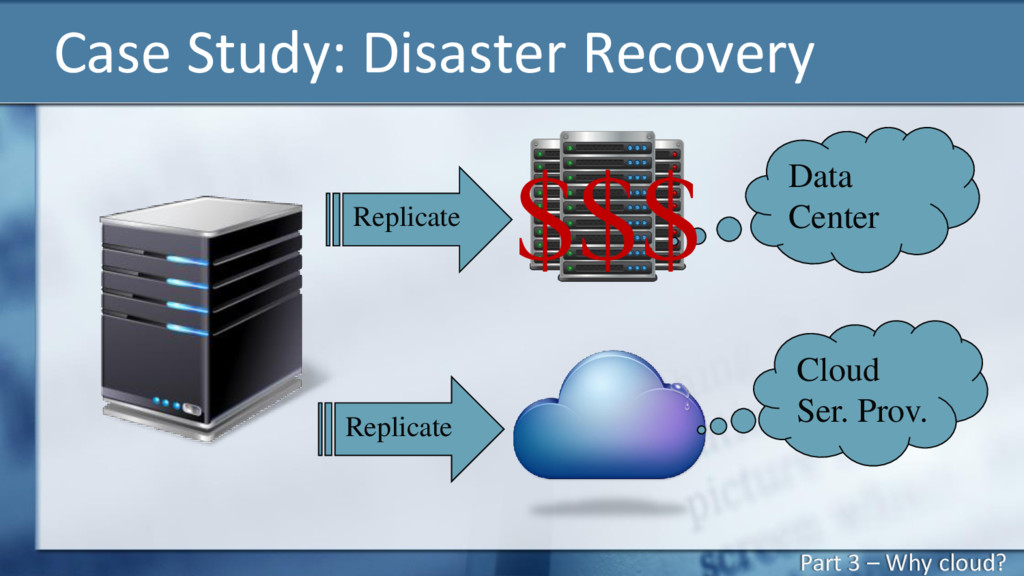
  11. Case Study: Disaster Recovery Data Center Cloud Ser. Prov. $$$

    Replicate Replicate Part 3 – Why cloud?
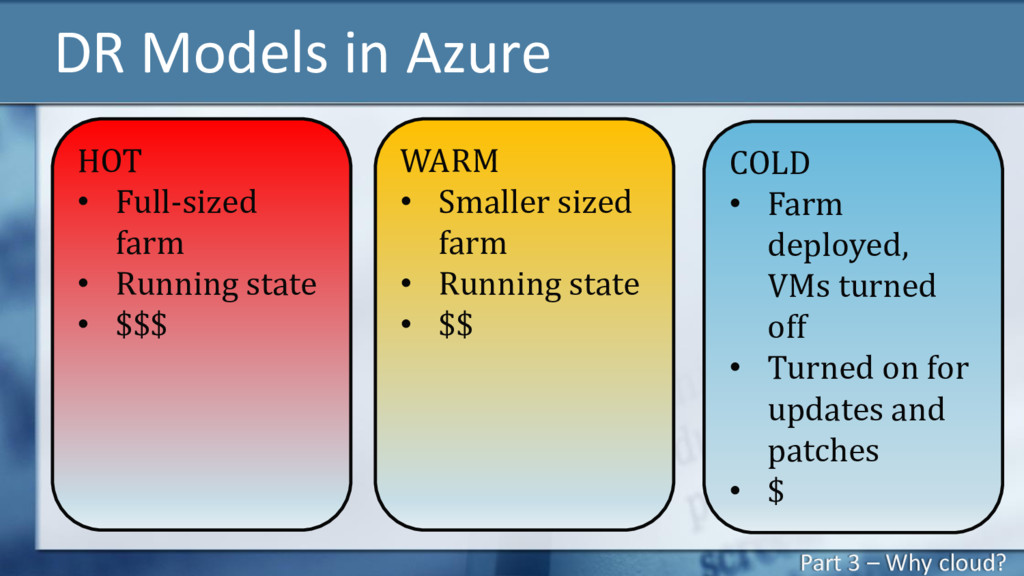
  12. DR Models in Azure HOT • Full-sized farm • Running

    state • $$$ WARM • Smaller sized farm • Running state • $$ COLD • Farm deployed, VMs turned off • Turned on for updates and patches • $ Part 3 – Why cloud?
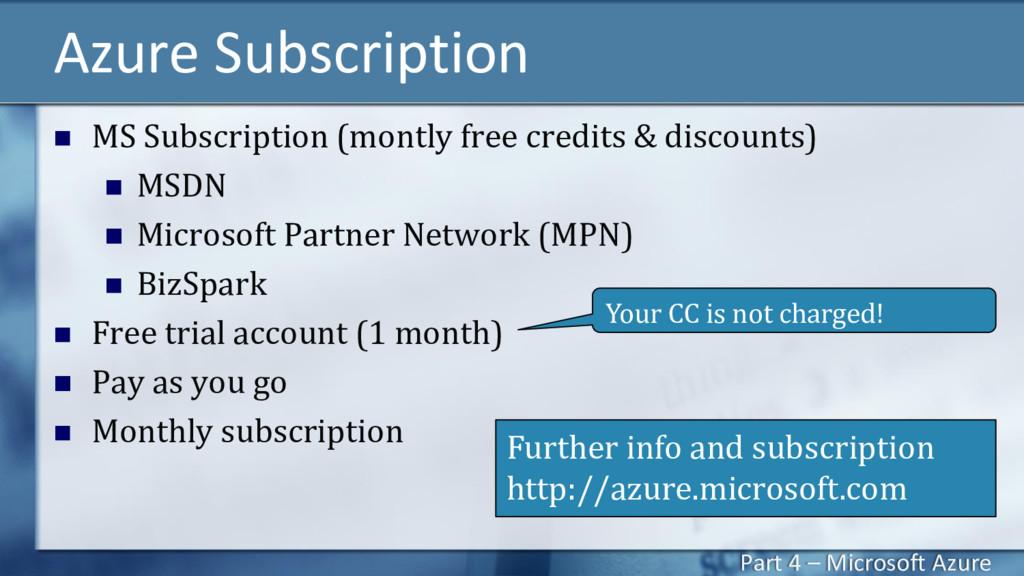
  13. Azure Subscription  MS Subscription (montly free credits & discounts)

     MSDN  Microsoft Partner Network (MPN)  BizSpark  Free trial account (1 month)  Pay as you go  Monthly subscription Further info and subscription http://azure.microsoft.com Your CC is not charged! Part 4 – Microsoft Azure
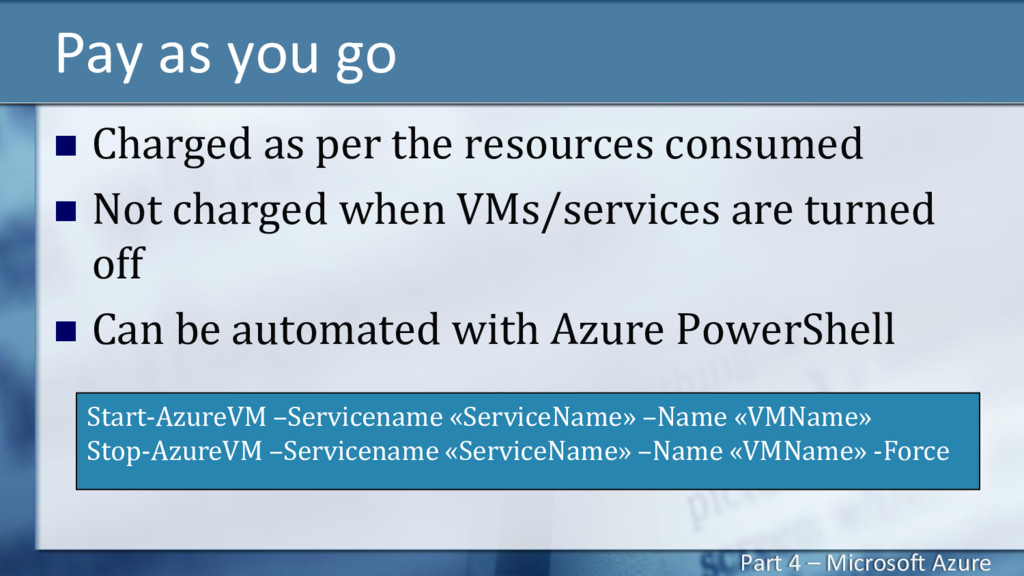
  14. Pay as you go  Charged as per the resources

    consumed  Not charged when VMs/services are turned off  Can be automated with Azure PowerShell Start-AzureVM –Servicename «ServiceName» –Name «VMName» Stop-AzureVM –Servicename «ServiceName» –Name «VMName» -Force Part 4 – Microsoft Azure
  15. Virtual Network  Isolated network in the cloud  Site-to-site

    VPN  Hybrid solutions Part 4 – Microsoft Azure
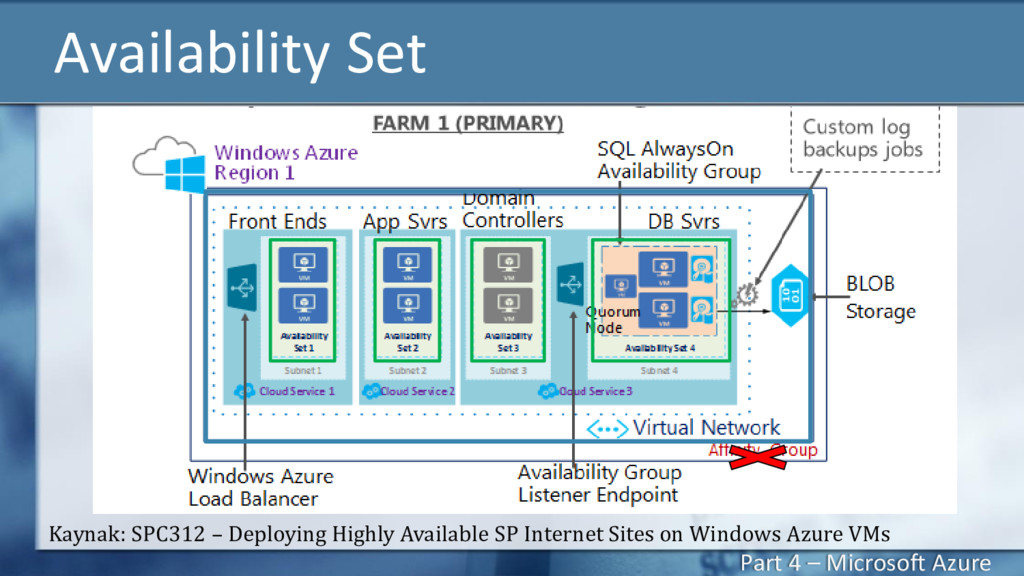
  16. Availability Set Kaynak: SPC312 – Deploying Highly Available SP Internet

    Sites on Windows Azure VMs Part 4 – Microsoft Azure
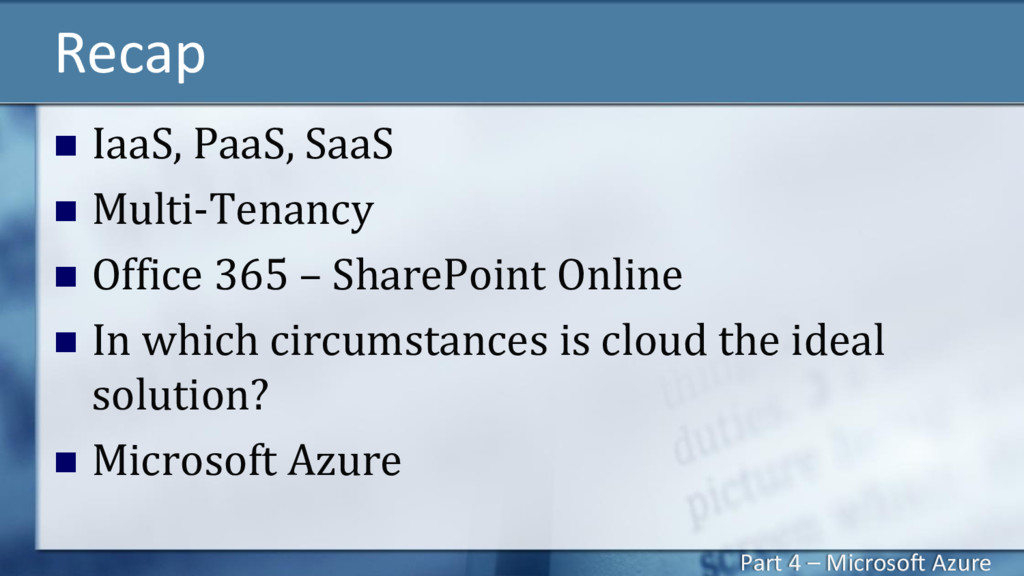
  17. Recap  IaaS, PaaS, SaaS  Multi-Tenancy  Office 365

    – SharePoint Online  In which circumstances is cloud the ideal solution?  Microsoft Azure Part 4 – Microsoft Azure