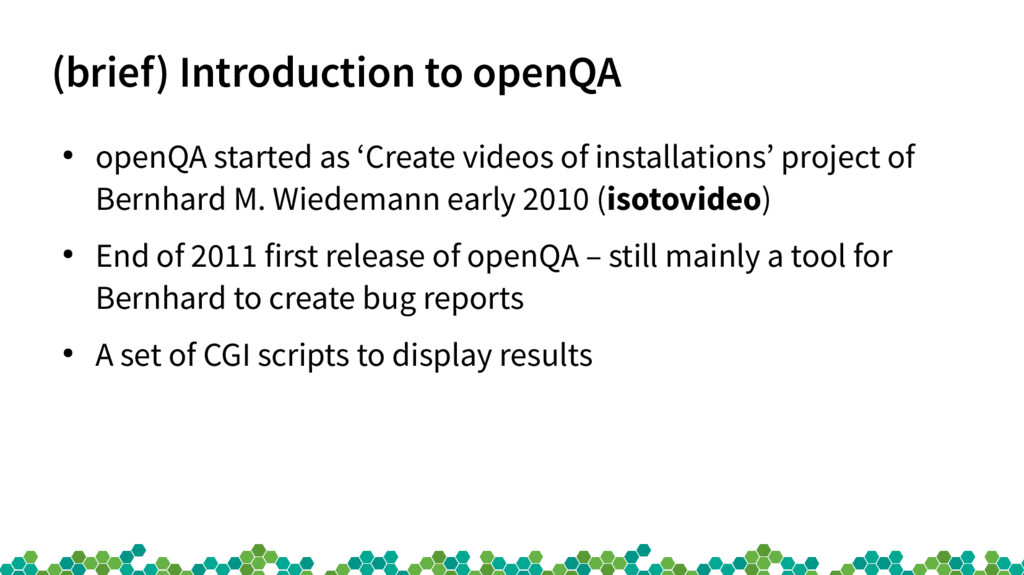
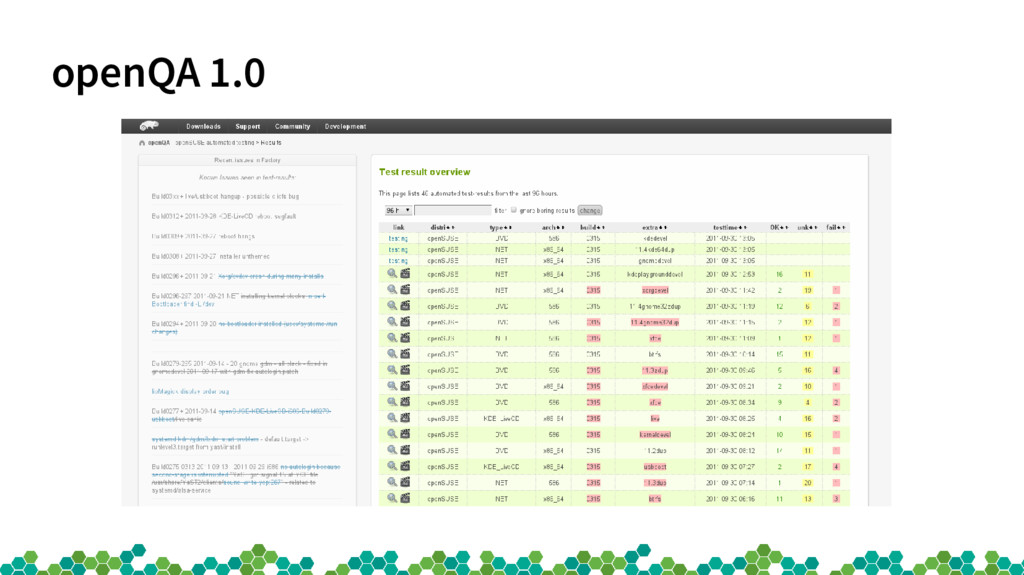
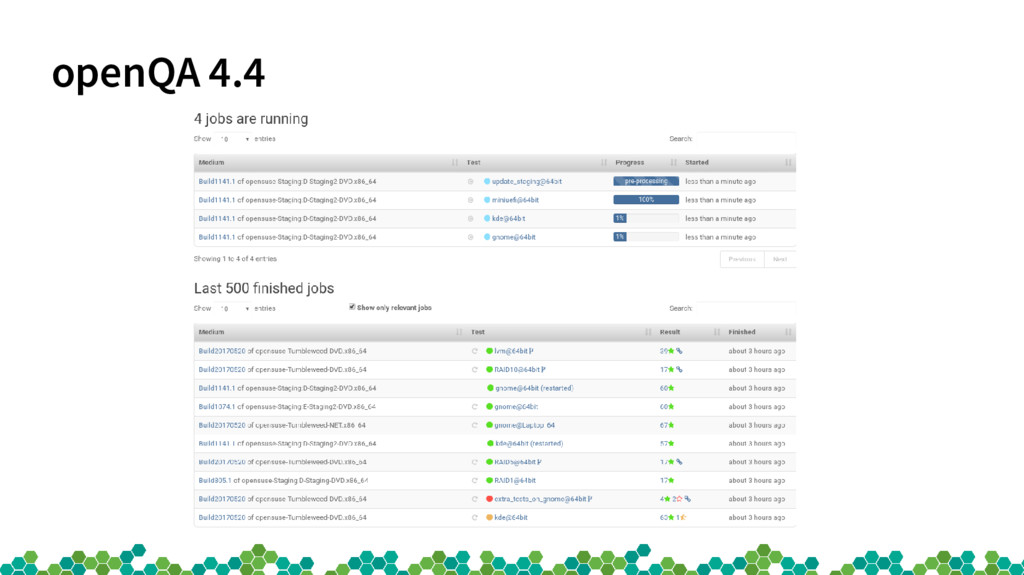
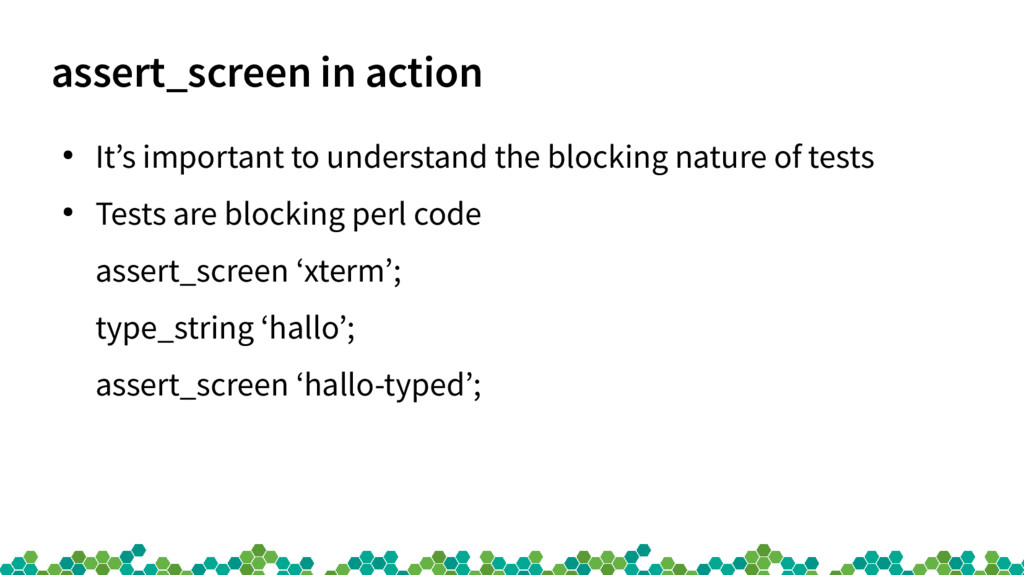
of installations’ project of Bernhard M. Wiedemann early 2010 (isotovideo) • End of 2011 first release of openQA – still mainly a tool for Bernhard to create bug reports • A set of CGI scripts to display results
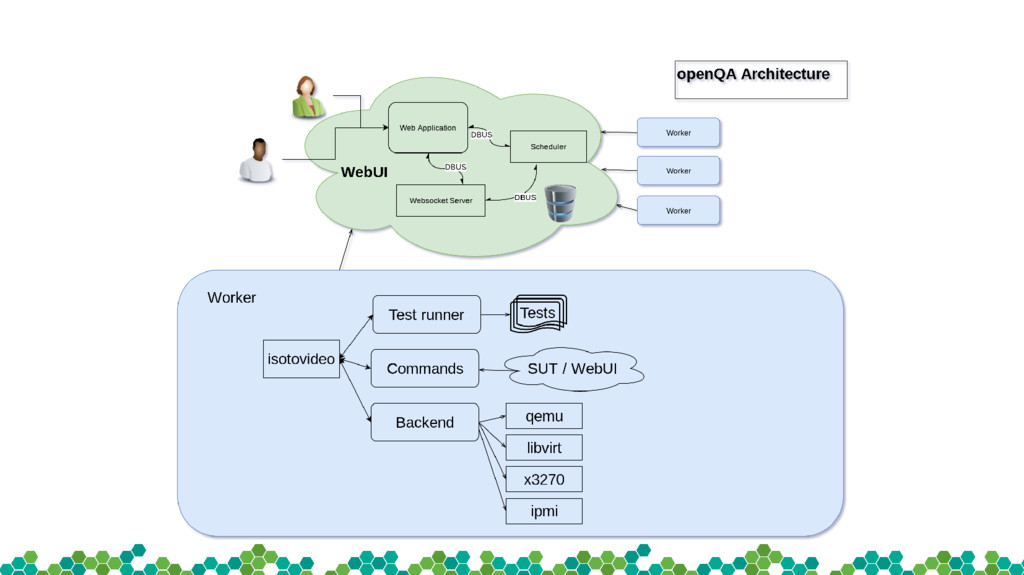
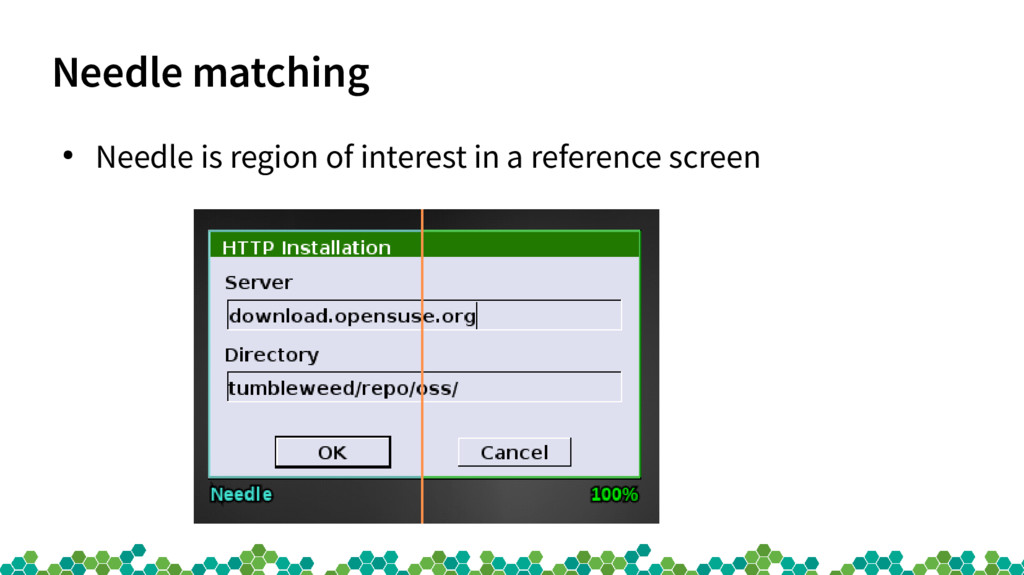
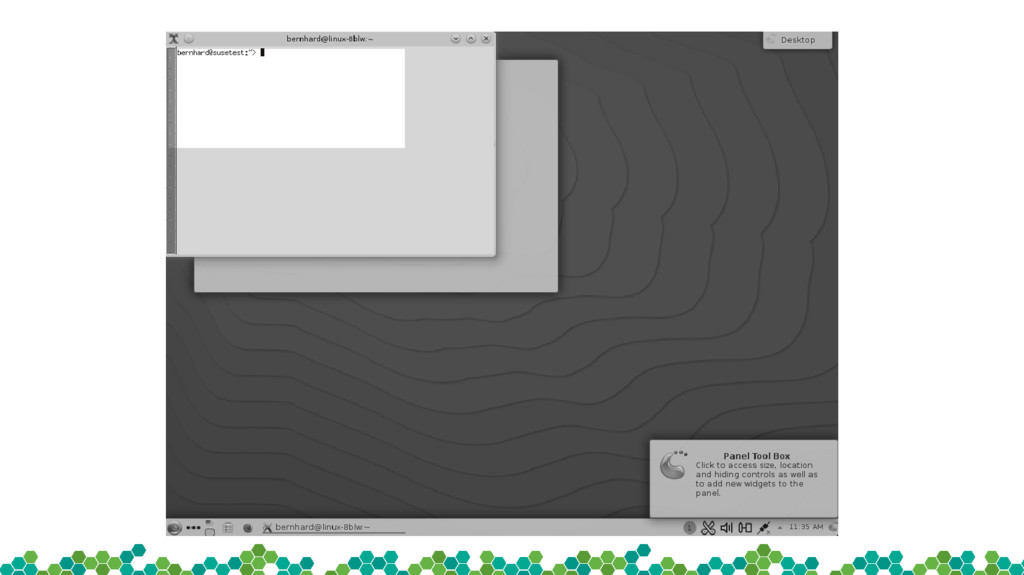
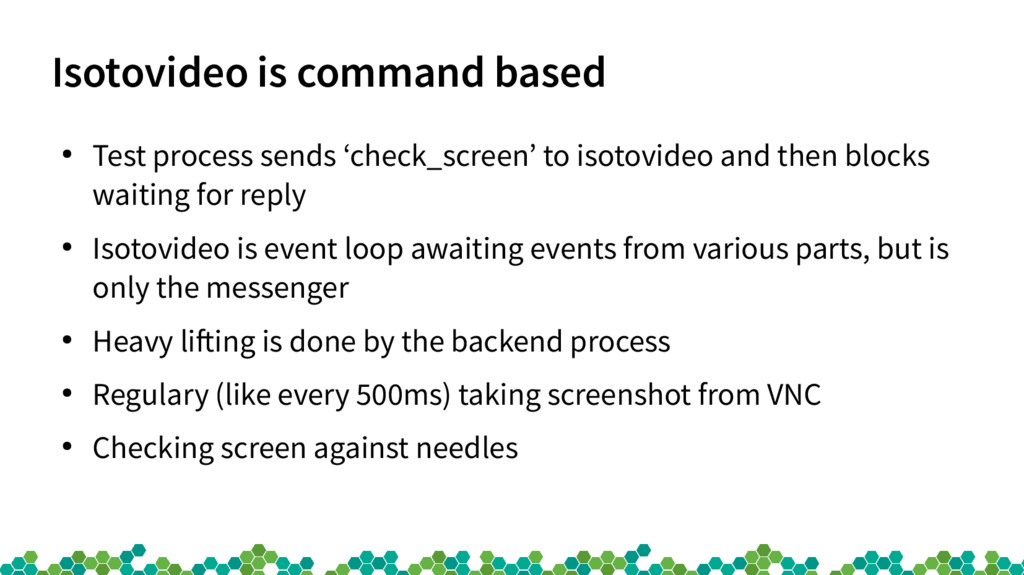
isotovideo and then blocks waiting for reply • Isotovideo is event loop awaiting events from various parts, but is only the messenger • Heavy lifting is done by the backend process • Regulary (like every 500ms) taking screenshot from VNC • Checking screen against needles
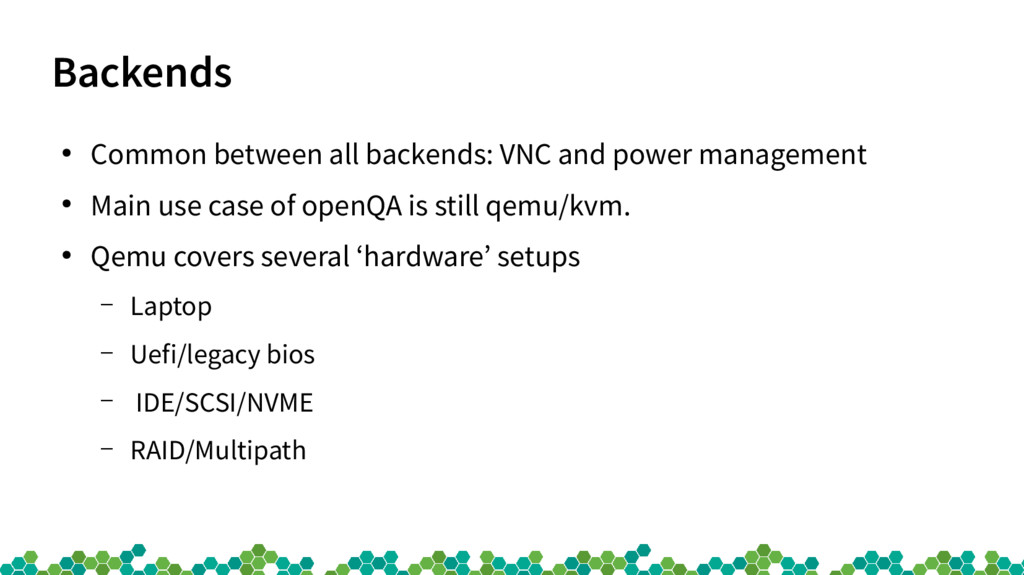
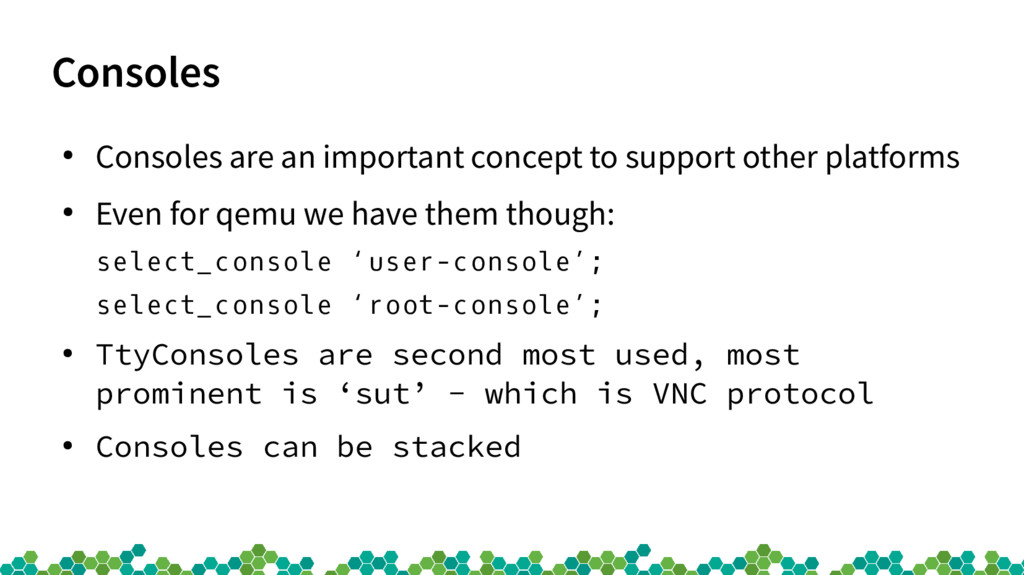
platforms • Even for qemu we have them though: select_console ‘user-console’; select_console ‘root-console’; • TtyConsoles are second most used, most prominent is ‘sut’ - which is VNC protocol • Consoles can be stacked
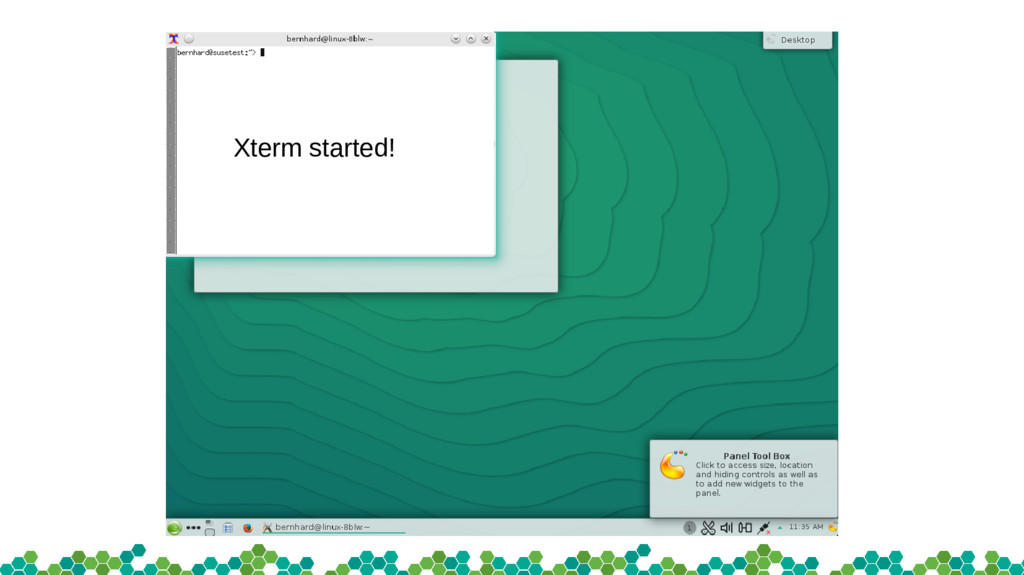
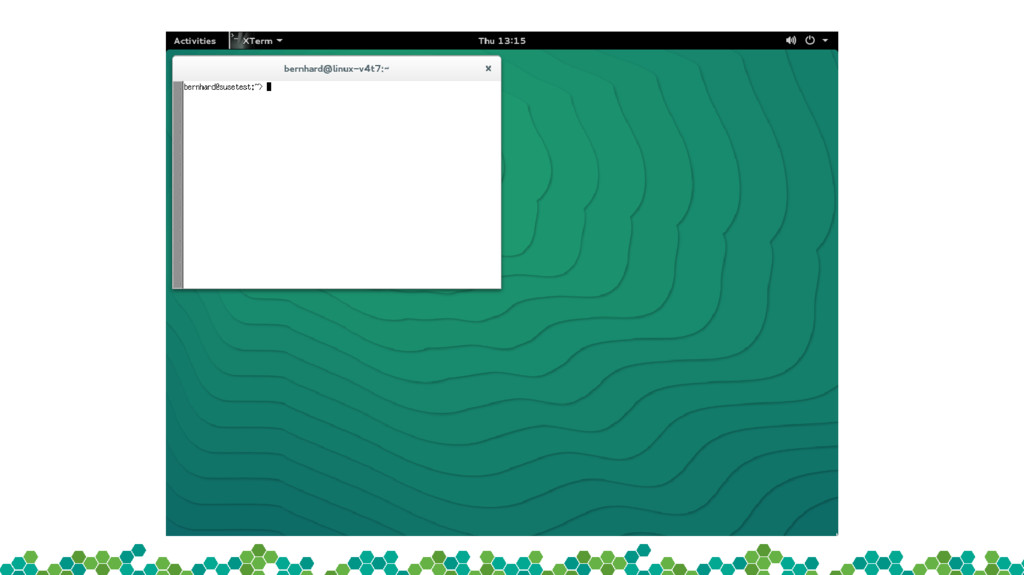
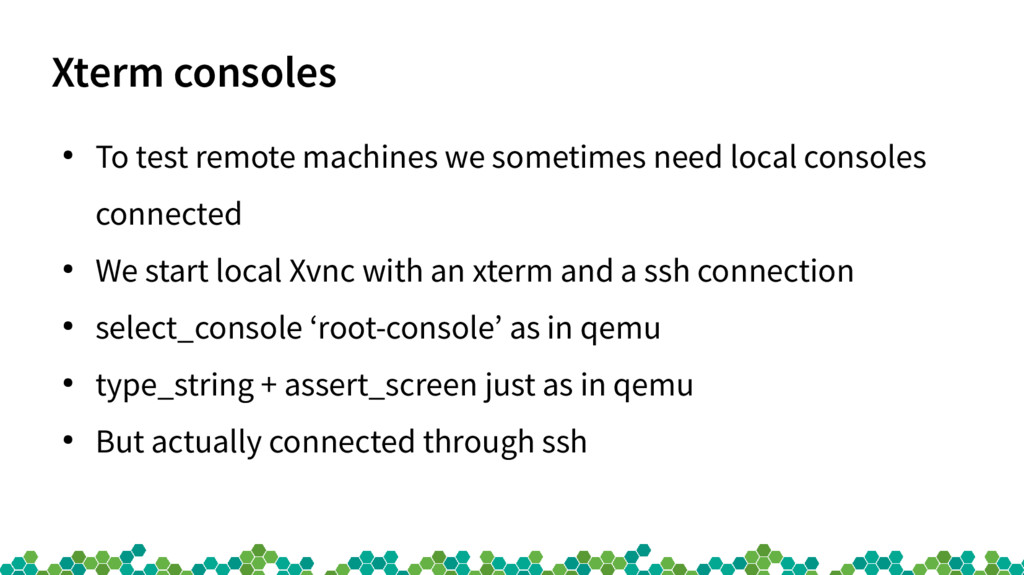
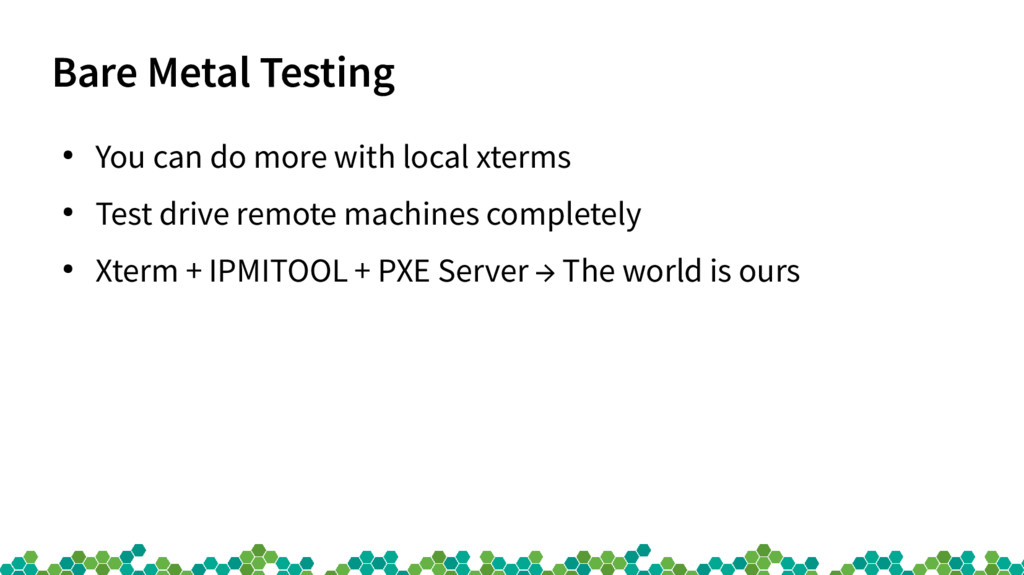
local consoles connected • We start local Xvnc with an xterm and a ssh connection • select_console ‘root-console’ as in qemu • type_string + assert_screen just as in qemu • But actually connected through ssh
Attribution-ShareAlike 4.0 International license. It can be shared and adapted for any purpose (even commercially) as long as Attribution is given and any derivative work is distributed under the same license. Details can be found at https://creativecommons.org/licenses/by-sa/4.0/ General Disclaimer This document is not to be construed as a promise by any participating organisation to develop, deliver, or market a product. It is not a commitment to deliver any material, code, or functionality, and should not be relied upon in making purchasing decisions. openSUSE makes no representations or warranties with respect to the contents of this document, and specifically disclaims any express or implied warranties of merchantability or fitness for any particular purpose. The development, release, and timing of features or functionality described for openSUSE products remains at the sole discretion of openSUSE. Further, openSUSE reserves the right to revise this document and to make changes to its content, at any time, without obligation to notify any person or entity of such revisions or changes. All openSUSE marks referenced in this presentation are trademarks or registered trademarks of SUSE LLC, in the United States and other countries. All third-party trademarks are the property of their respective owners. Credits Template Richard Brown [email protected] Design & Inspiration openSUSE Design Team http://opensuse.github.io/branding- guidelines/


 rfdnxbro
 sansantech
 gogutan
 yu23ki14
 terapyon
 ivry_presentationmaterials
 techtekt
 sh_fk2
 riyaamemiya
 makocchi
 maimyyym
 raspython3
 kimpetersen
 techseoconnect
 eileencodes
 portentint
 lauravandoore
 aleyda
 kneath
 katarinadahlin
 raygrieselhuber
 tanoku
 addyosmani
![Stephan Kulow Coolo [email protected] How openQA works Technical background](https://files.speakerdeck.com/presentations/2d20bbc7510e4024942a0ca14bdecedb/slide_0.jpg)