Upgrade to Pro — share decks privately, control downloads, hide ads and more …

The Web is for Everyone - Techorama 2021

Sponsored · SiteGround - Reliable hosting with speed, security, and support you can count on. →

The Web is for Everyone - Techorama 2021

Tim Berners-Lee is noted as saying “the power of the web is in its universality." The web was meant to be a great equalizer for everyone - whether you are situationally, temporarily, or permanently disabled. After all, you never know when you might break your arm or have to order pizza while holding a child. This talk will go over why things like inclusive design, user experience, and programming for accessibility aren't just good practices, but why they are essential to helping make the web a better place for everyone. You'll leave this session with greater knowledge of how to design and develop with accessibility in mind.

Courtney Heitman

May 17, 2021

Transcript

54 slides
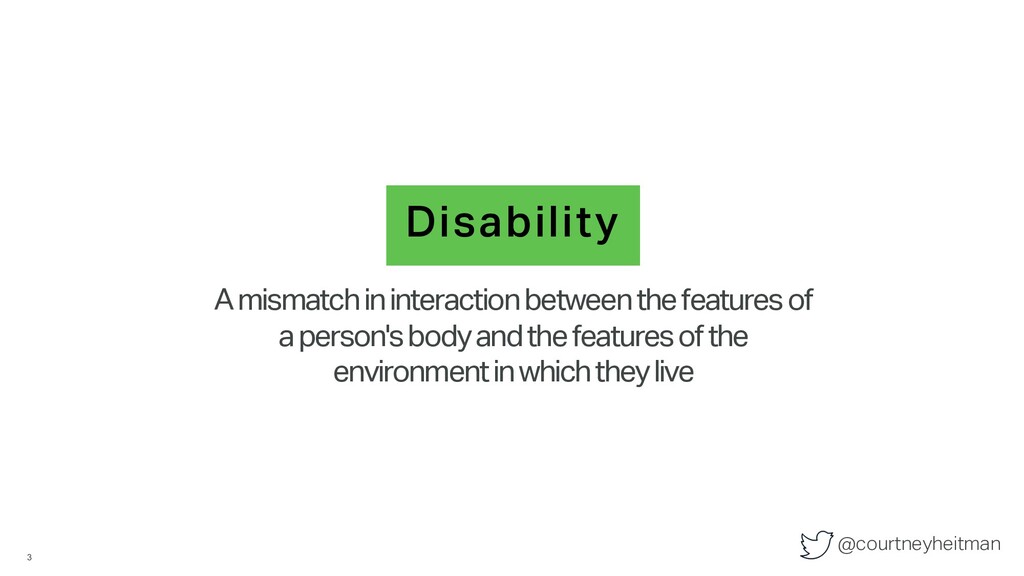
  1. @courtneyheitman Disability A mismatch in interaction between the features of
    a person's body and the features of the environment in which they live 3
  2. @courtneyheitman We will all be disabled in our lifetimes. 4

    Graphic from Microsoft’s Inclusive Design Toolkit One arm Arm injury New parent Deaf Ear infection Bartender Non-verbal Laryngitis Heavy Accent Blind Cataracts Distracted Driver
  3. @courtneyheitman Opportunity 11 “THE POWER OF THE WEB IS IN

    ITS UNIVERSALITY.” Tim Berners-Lee, Director of W3C and Inventor of the World Wide Web
  4. @courtneyheitman What does accessible code look like? 32 SEMANTIC HTML

    HEADING LEVELS 1-6 LISTS TABLES <P> <EM> LINKS <A></A> BUTTON INPUT
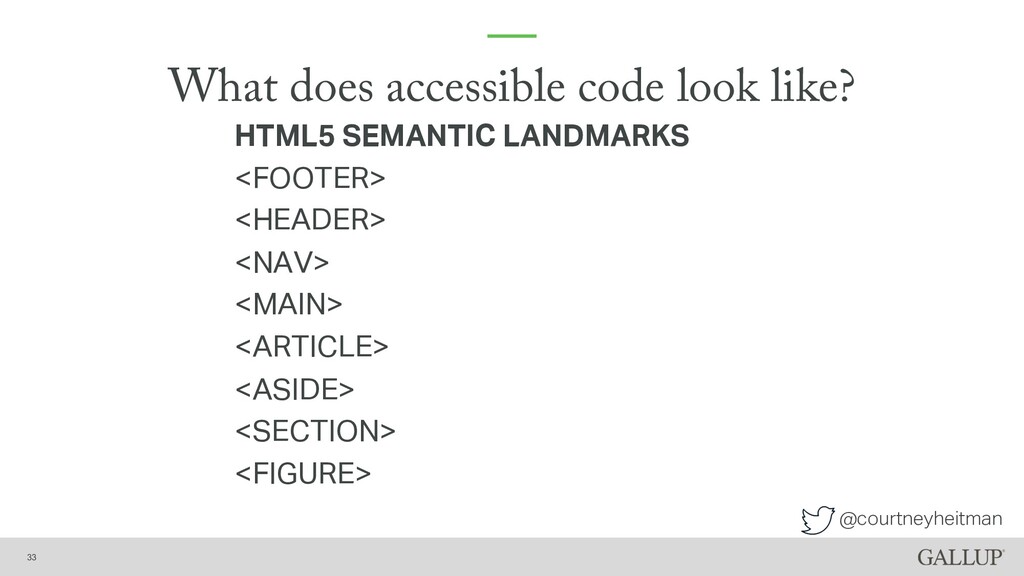
  5. @courtneyheitman What does accessible code look like? 33 HTML5 SEMANTIC

    LANDMARKS <FOOTER> <HEADER> <NAV> <MAIN> <ARTICLE> <ASIDE> <SECTION> <FIGURE>
  6. @courtneyheitman What does accessible code look like? LANDMARKS ROLES ARIA

    ROLES JAVASCRIPT WIDGETS ARIA ROLES FOCUS STATES PROPERTIES 34 https://www.html5accessibility.com/
  7. @courtneyheitman Roles & ARIA Roles RICH <div role=”button” aria- pressed="false">click

    me!</div> <span role="link" onclick="goToLink(event, '#')" onkeydown="(goToLink(event, #')"> click me!</span> 37 SEMANTIC <button type="button"> click me!</button> <a href="#" class="button"> click me!</a> CLICK ME!
  8. @courtneyheitman Roles & ARIA Roles RICH <figure aria-labelledby="operahouse_1" role="group"> <img

    src="operahousesteps.jpg" alt="the Sydney Opera House"> <figcaption id="operahouse_1">we saw the opera <em>Barber of Seville</em> here!</figcaption> </figure> 38 SEMANTIC <img src=“operahousesteps.jpg” alt=“the Sydney Opera House” /> We saw the opera Barber of Seville here!
  9. @courtneyheitman Accessible Forms <div id="radio_label">my radio label</div> <ul role="radiogroup" aria-labelledby="radio_label">

    <li role="radio">item #1</li> <li role="radio">item #2</li> <li role="radio">item #3</li> </ul> Advanced Labeling: https://webaim.org/techniques/forms/advanced 41
  10. @courtneyheitman Popular Screen Readers 48 • NVDA - Windows •

    JAWS – Windows (Paid) • VoiceOver – Mac and iOS • TalkBack - Android
  11. @courtneyheitman BARCLAY’S DESIGNING FOR VULNERABLE POPULATIONS https://www.youtube.com/watch?v=e 8qUCi-lqVo HTML5 ACCESSIBILITY

    https://www.html5accessibility.com/ ACCESSIBLE FORMS https://webaim.org/techniques/forms /controls https://webaim.org/techniques/forms /advanced Resources AUTOMATED TOOLS https://www.deque.com/axe/ browser-extensions/ https://accessibilityinsights.io SCREEN READER https://webaim.org/projects/screen readersurvey8/ https://dequeuniversity.com/screen readers/ https://sr-workshop101.glitch.me/ 52
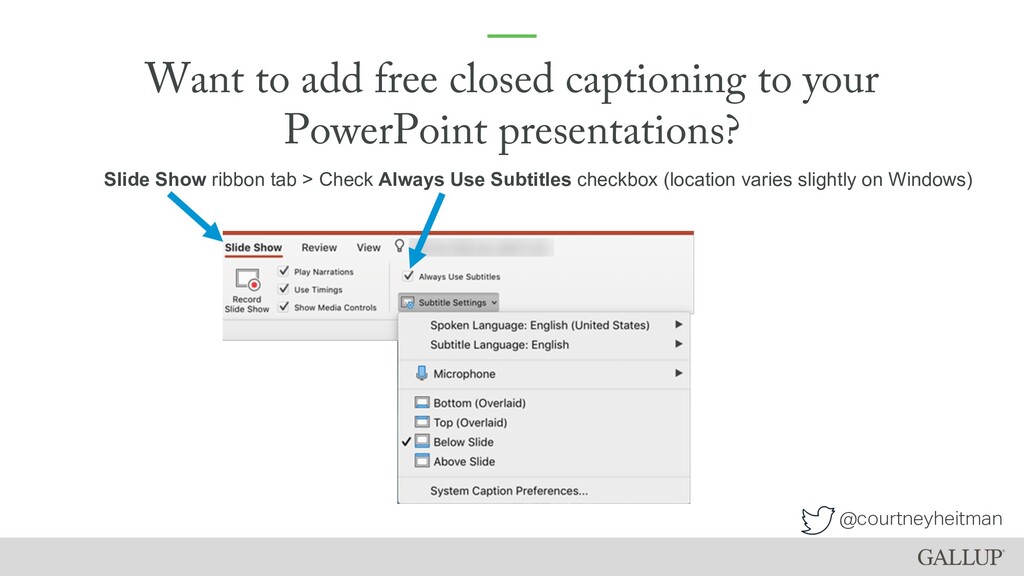
  12. @courtneyheitman Want to add free closed captioning to your PowerPoint

    presentations? Slide Show ribbon tab > Check Always Use Subtitles checkbox (location varies slightly on Windows)

More Decks by Courtney Heitman

Other Decks in Technology