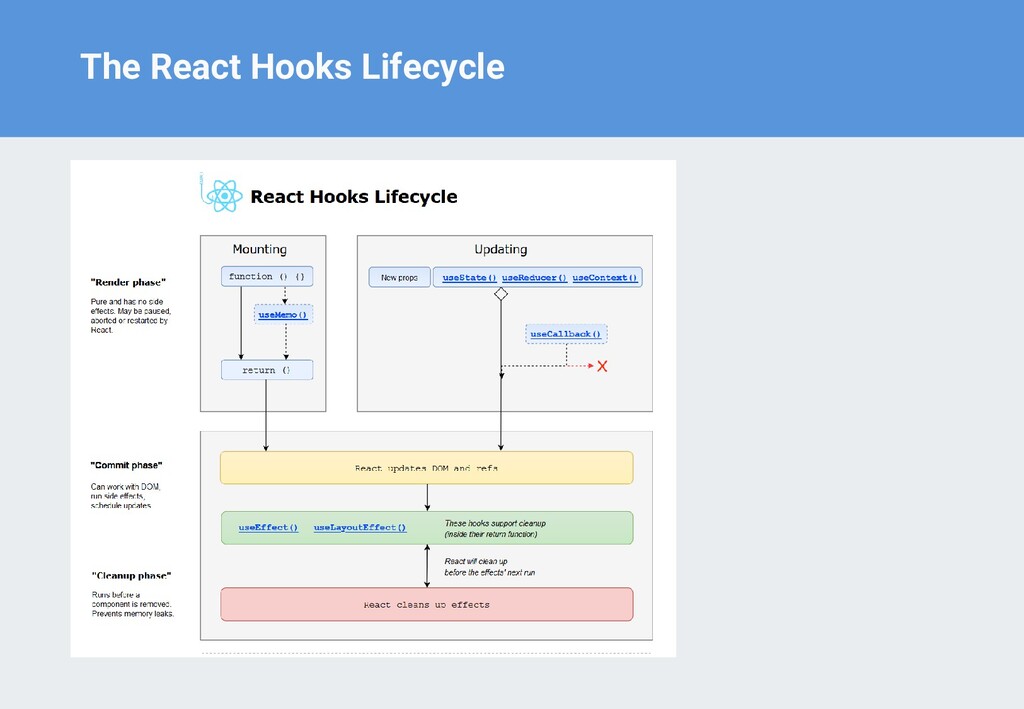
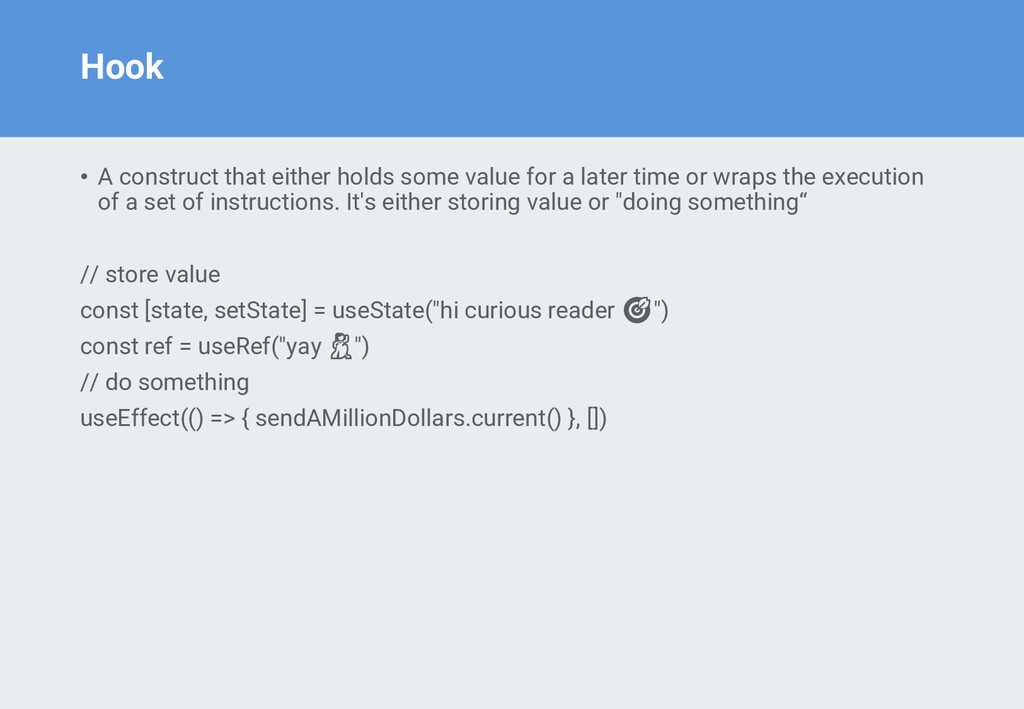
a later time or wraps the execution of a set of instructions. It's either storing value or "doing something“ // store value const [state, setState] = useState("hi curious reader 🎯") const ref = useRef("yay 💃") // do something useEffect(() => { sendAMillionDollars.current() }, [])
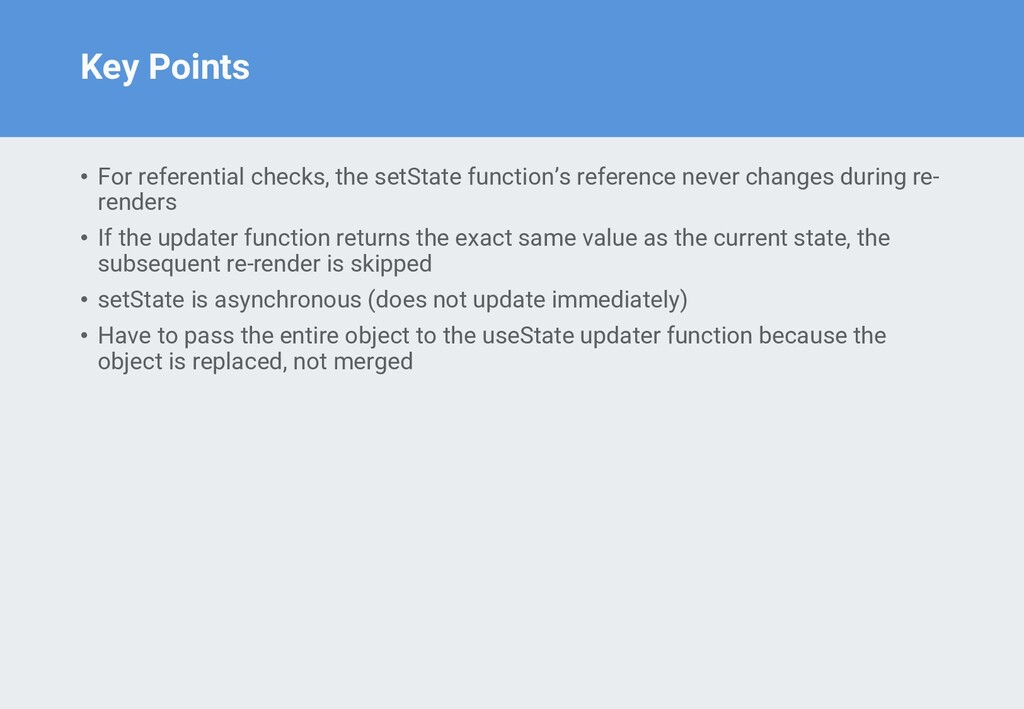
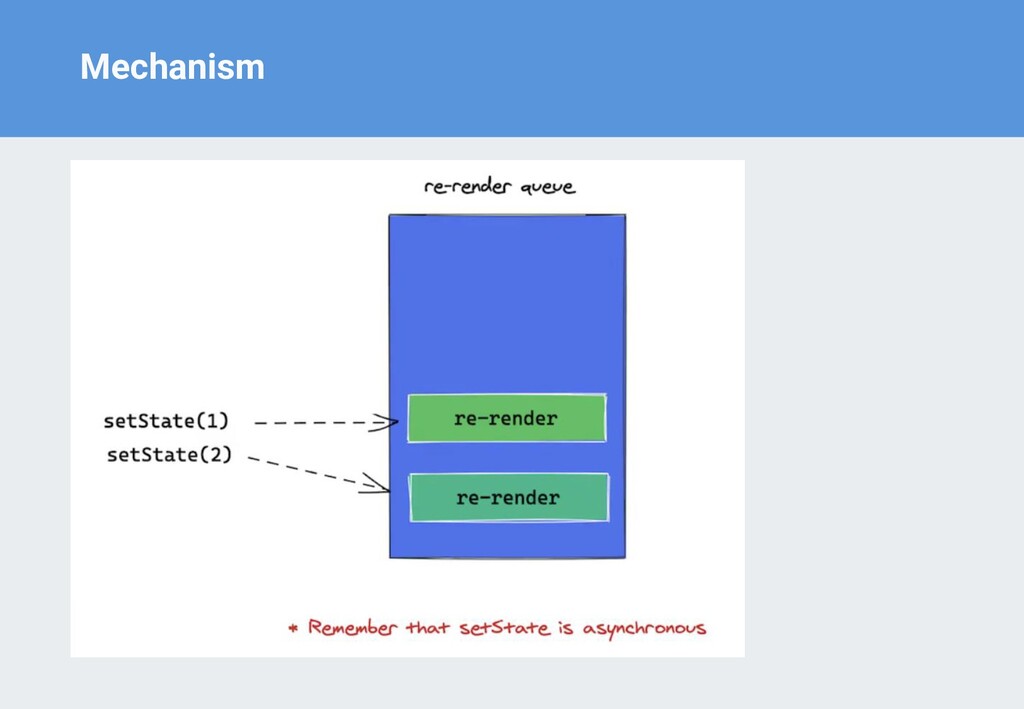
never changes during re- renders • If the updater function returns the exact same value as the current state, the subsequent re-render is skipped • setState is asynchronous (does not update immediately) • Have to pass the entire object to the useState updater function because the object is replaced, not merged
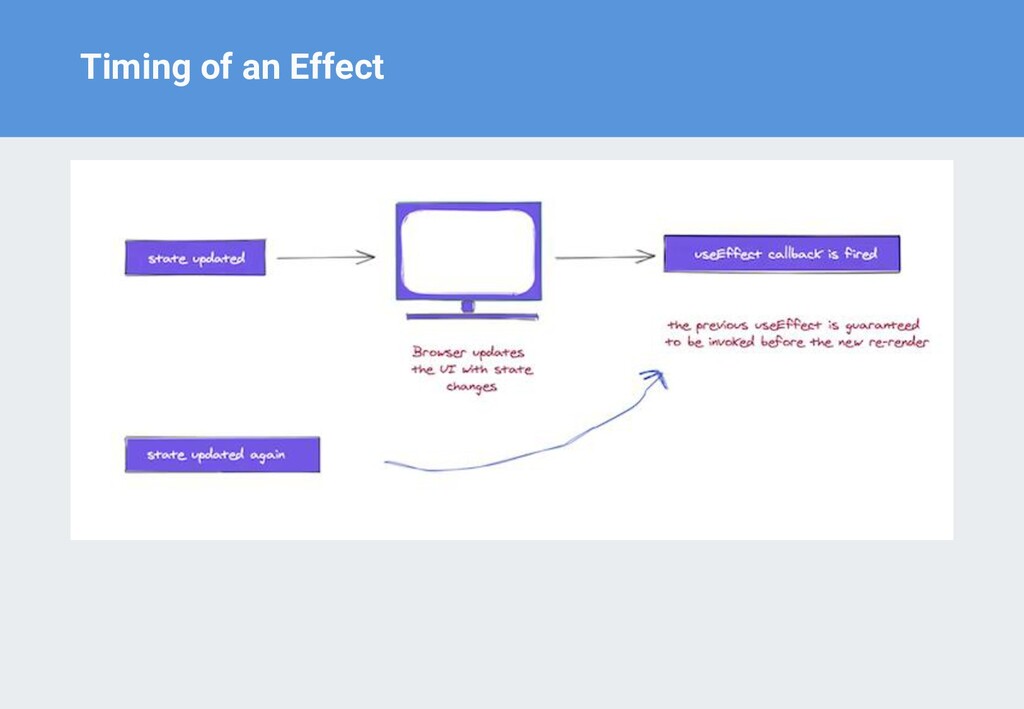
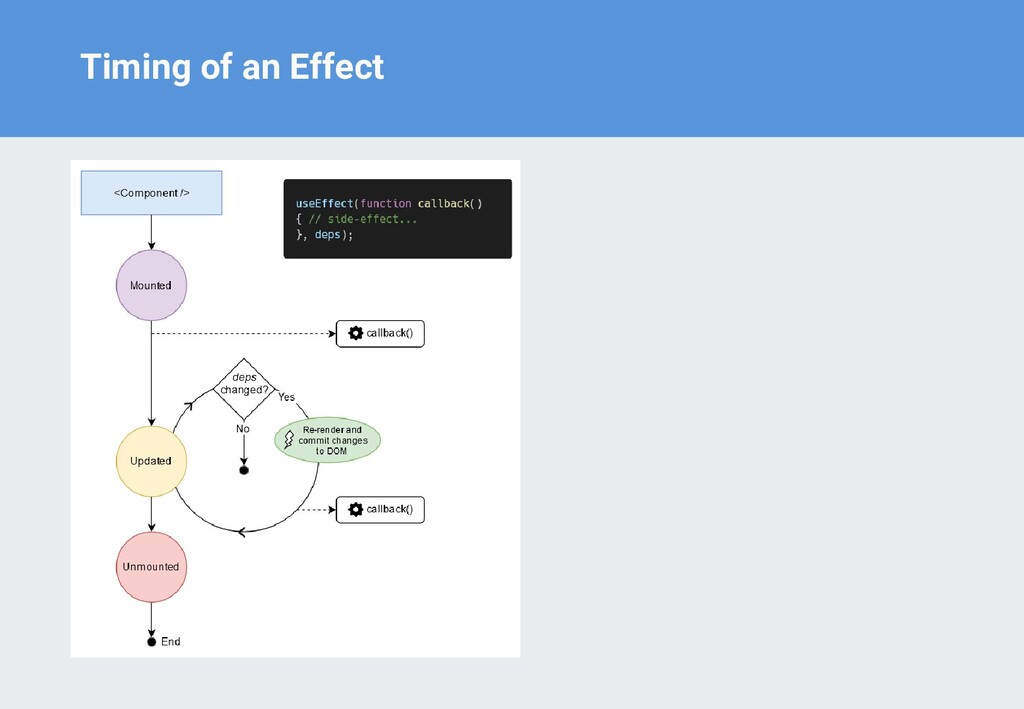
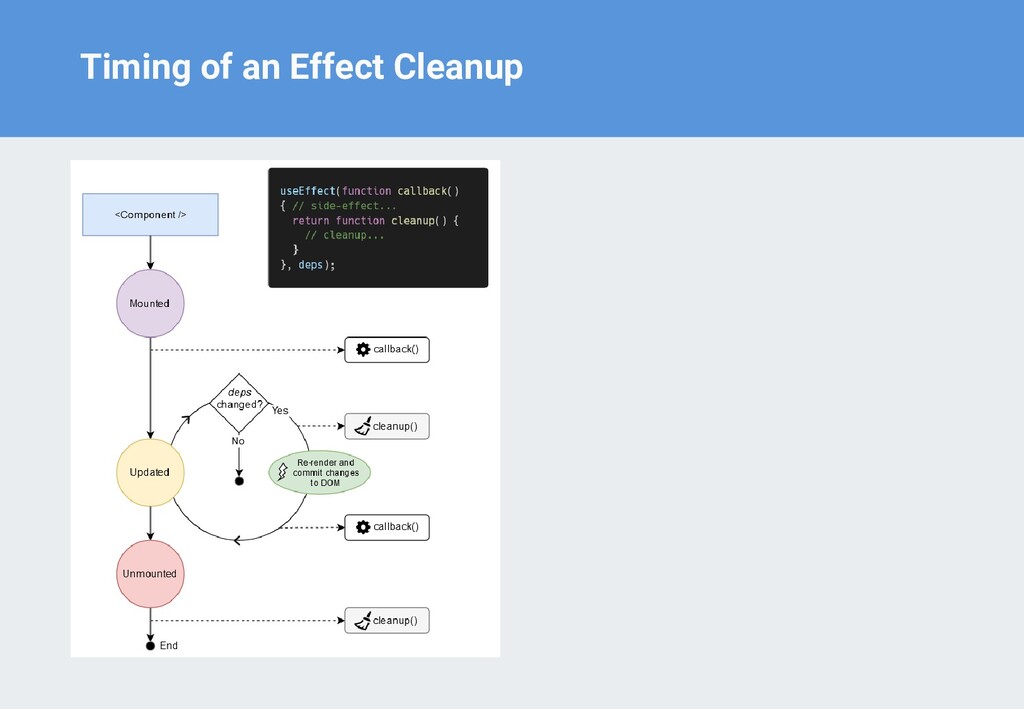
has painted, it is still guaranteed to be fired before any re-renders • Timers, heavy fetch requests (like uploading files), sockets — almost always have to be clean up
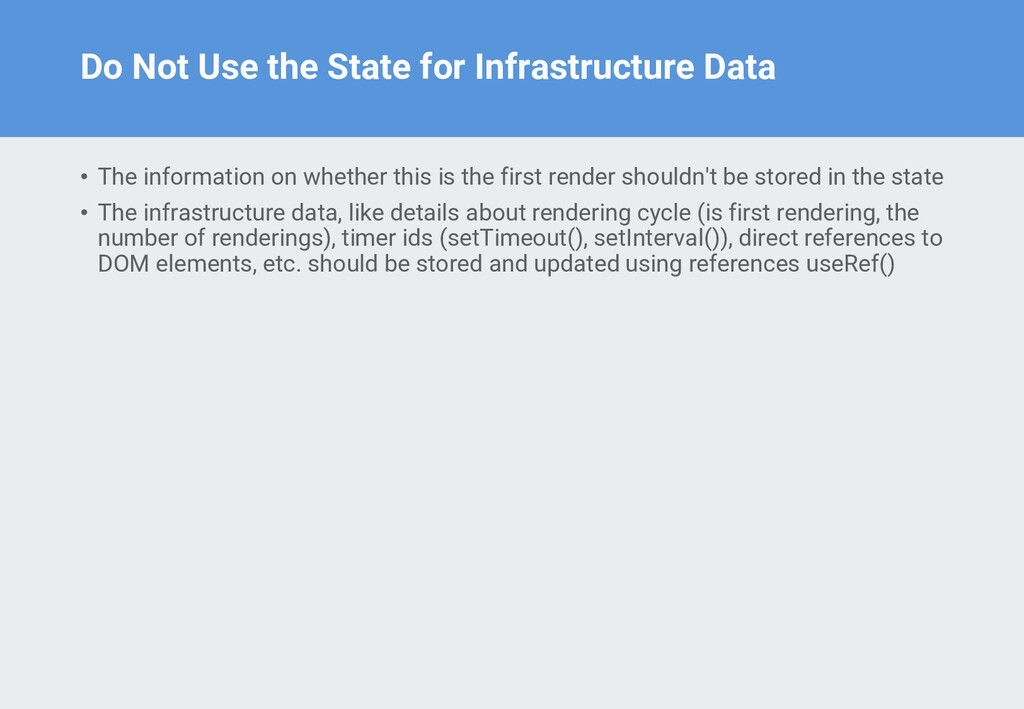
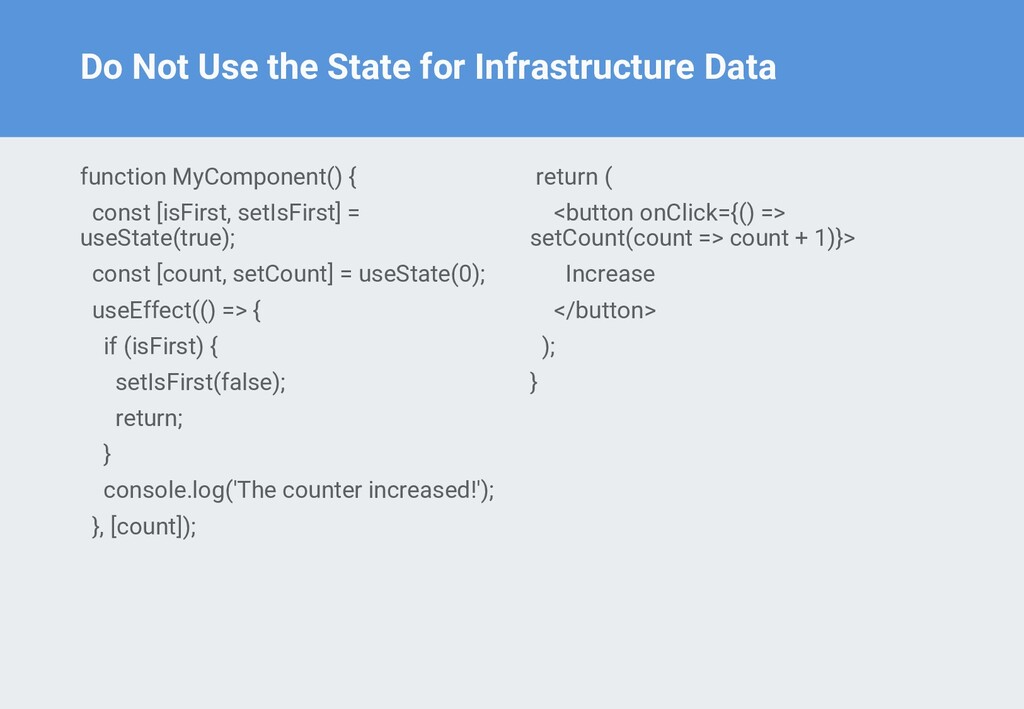
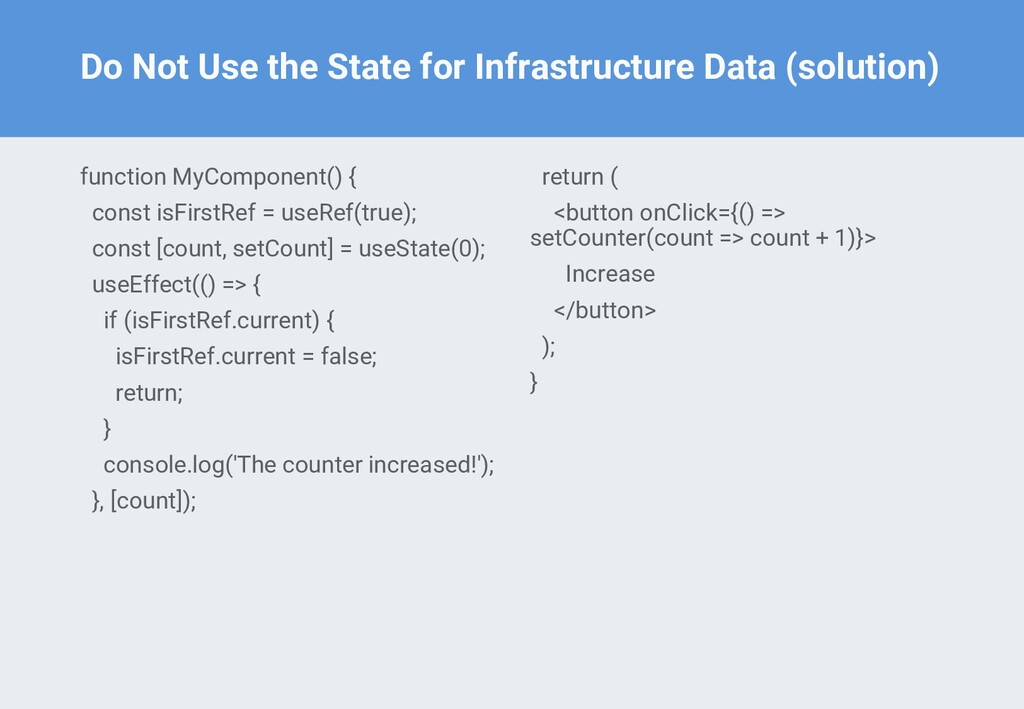
information on whether this is the first render shouldn't be stored in the state • The infrastructure data, like details about rendering cycle (is first rendering, the number of renderings), timer ids (setTimeout(), setInterval()), direct references to DOM elements, etc. should be stored and updated using references useRef()
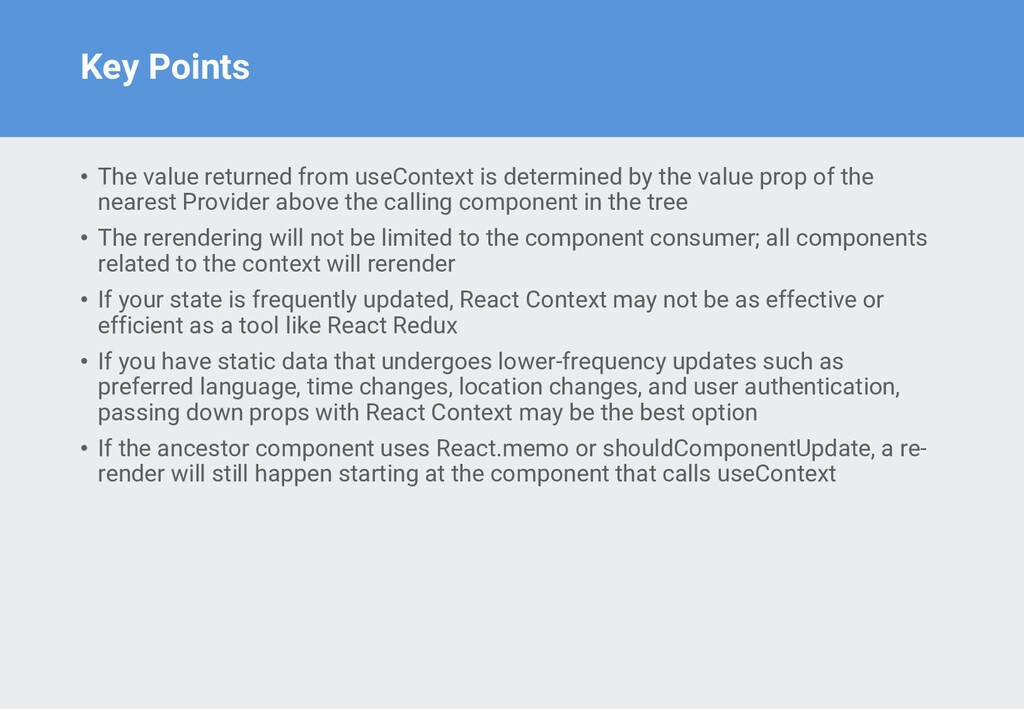
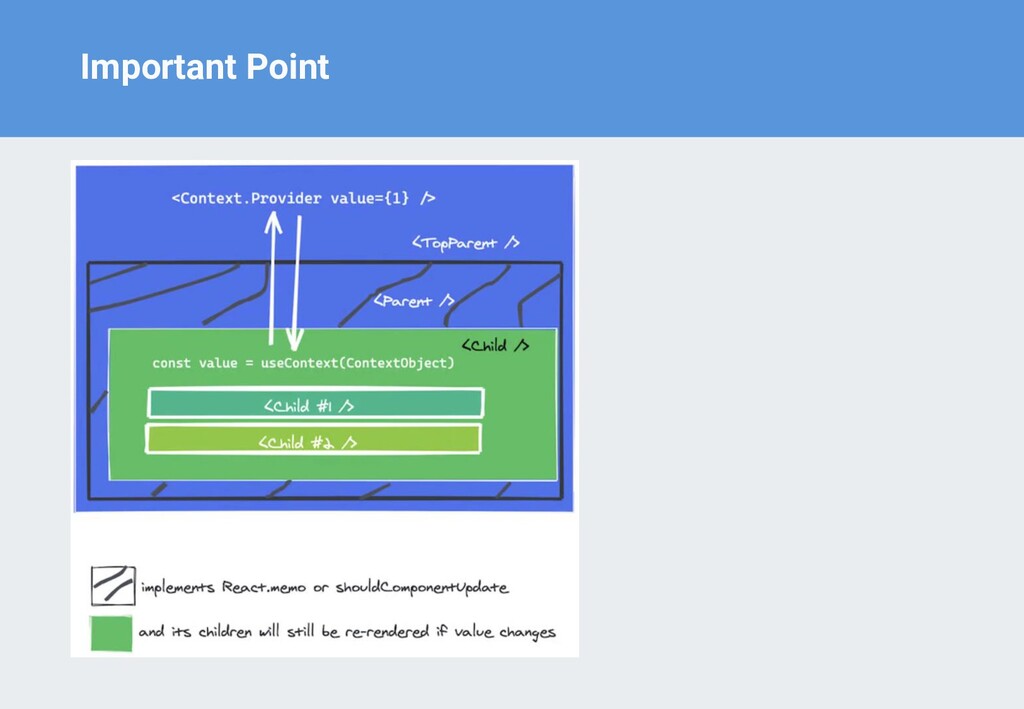
by the value prop of the nearest Provider above the calling component in the tree • The rerendering will not be limited to the component consumer; all components related to the context will rerender • If your state is frequently updated, React Context may not be as effective or efficient as a tool like React Redux • If you have static data that undergoes lower-frequency updates such as preferred language, time changes, location changes, and user authentication, passing down props with React Context may be the best option • If the ancestor component uses React.memo or shouldComponentUpdate, a re- render will still happen starting at the component that calls useContext
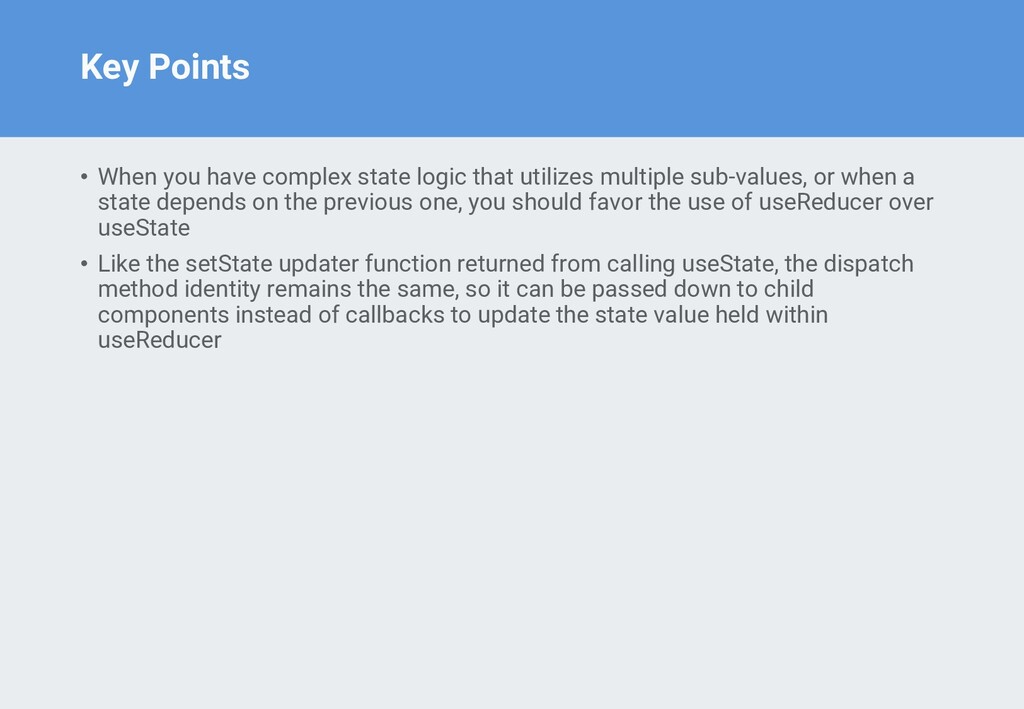
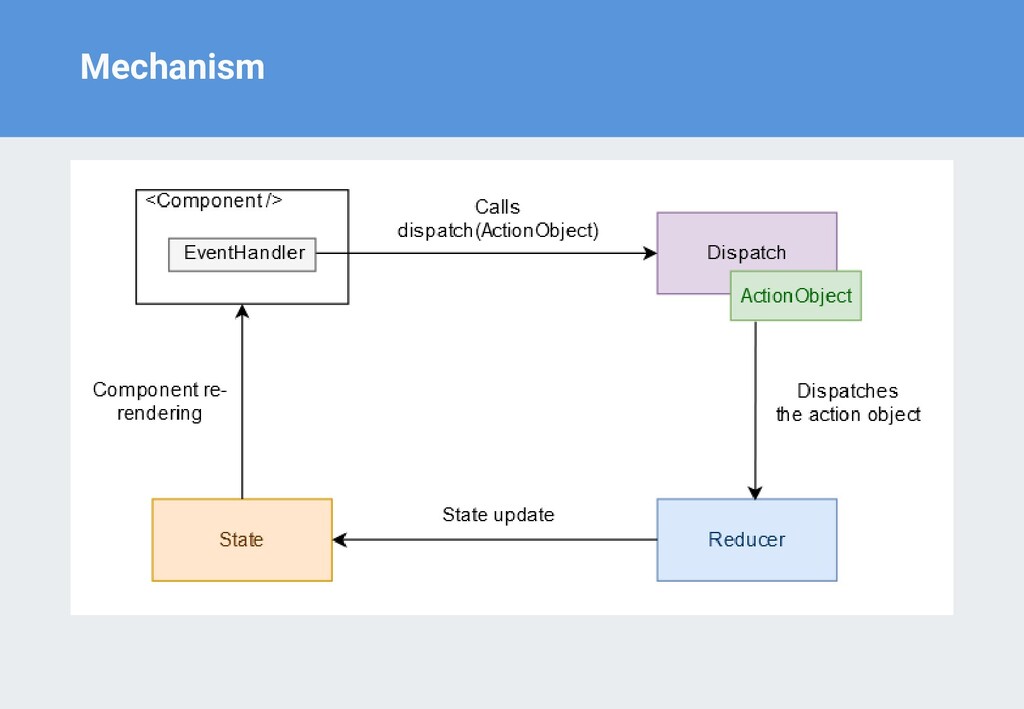
utilizes multiple sub-values, or when a state depends on the previous one, you should favor the use of useReducer over useState • Like the setState updater function returned from calling useState, the dispatch method identity remains the same, so it can be passed down to child components instead of callbacks to update the state value held within useReducer
guaranteed to have the same reference • It’s especially useful when passing callbacks to child components that depend on referential checks to prevent needless re-renders
a callback argument and an array dependency list and returns a memoized callback • useCallback will recompute the memoized callback if any of the array dependency changes
being memoized an expensive one, is it recomputed after mount, and is the returned value a primitive • It’s especially useful when passing callbacks to child components that depend on referential checks to prevent needless re-renders
rendering, useMemo(compute, dependencies) invokes compute, memoizes the calculation result, and returns it to the component. • If during next renderings the dependencies don't change, then useMemo() doesn't invoke compute but returns the memoized value. • But if dependencies change during re-rendering, then useMemo() invokes compute, memoizes the new value, and returns it.
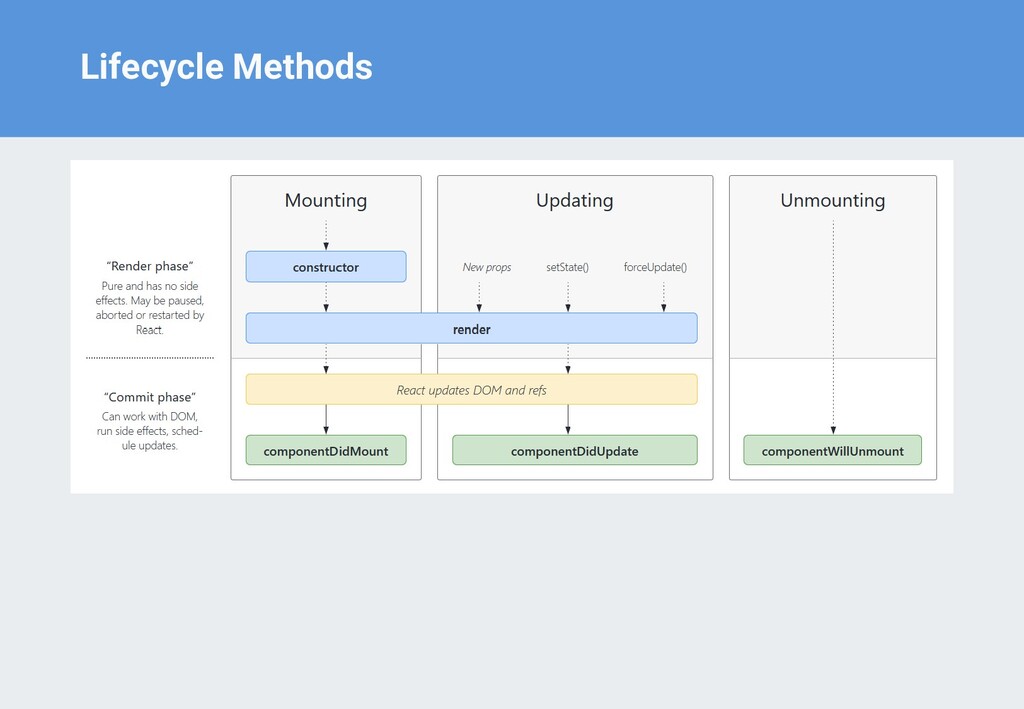
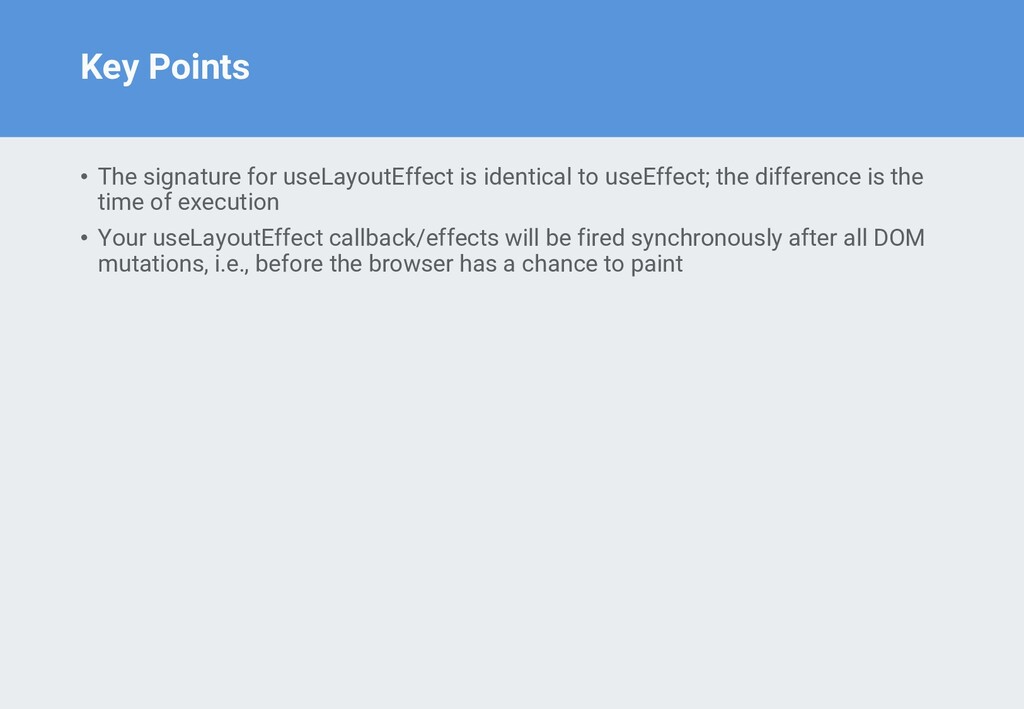
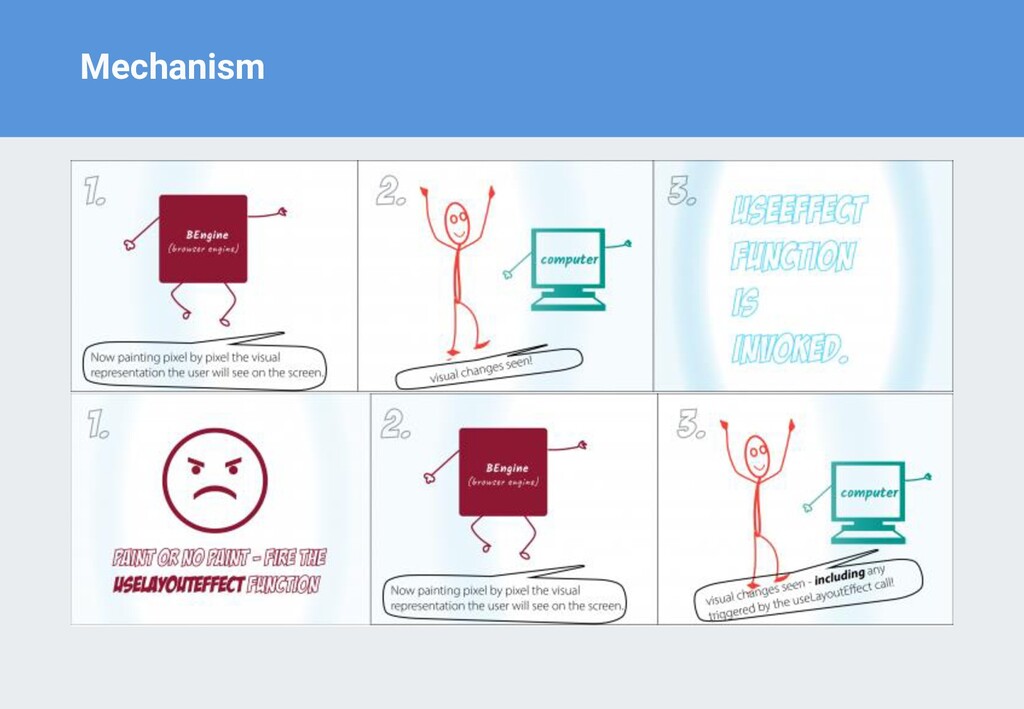
useEffect; the difference is the time of execution • Your useLayoutEffect callback/effects will be fired synchronously after all DOM mutations, i.e., before the browser has a chance to paint
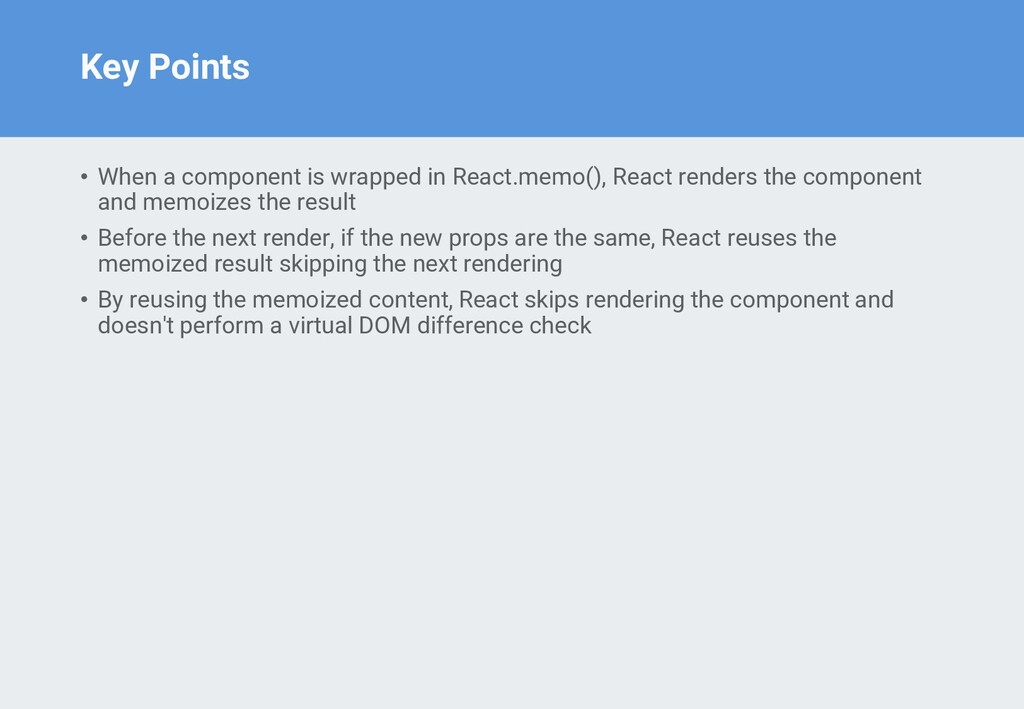
React renders the component and memoizes the result • Before the next render, if the new props are the same, React reuses the memoized result skipping the next rendering • By reusing the memoized content, React skips rendering the component and doesn't perform a virtual DOM difference check
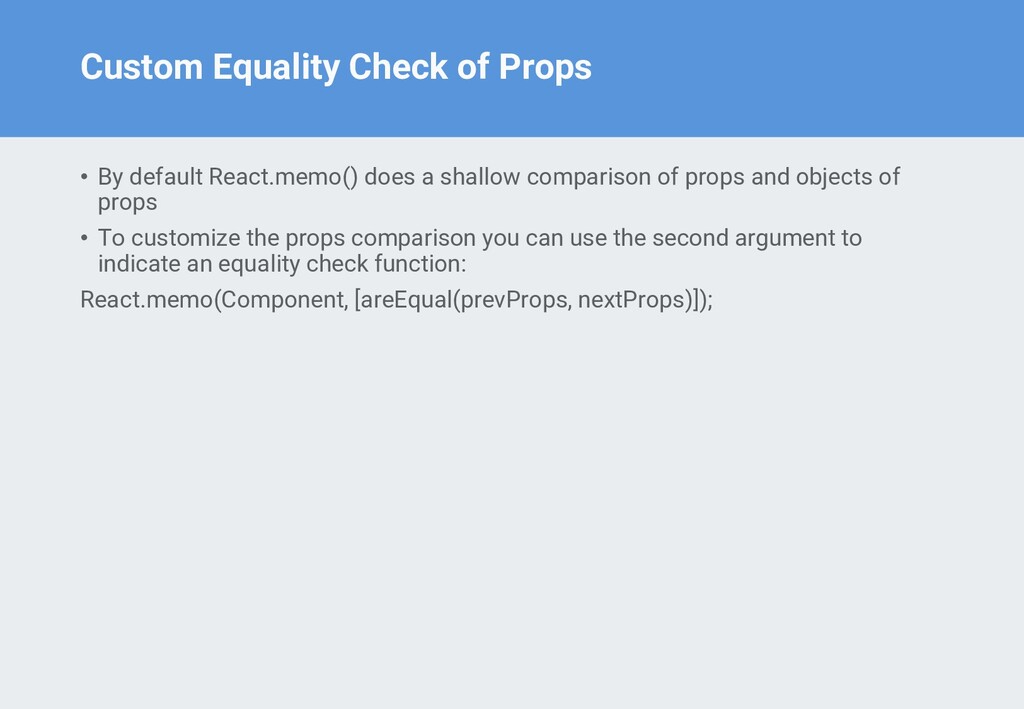
a shallow comparison of props and objects of props • To customize the props comparison you can use the second argument to indicate an equality check function: React.memo(Component, [areEqual(prevProps, nextProps)]);
in React.memo() is when you expect the functional component to render often and usually with the same props • Avoid: If the component isn't heavy and usually renders with different props, most likely you don't need React.memo()
defines a callback for its child, it creates new function instances • Solution: Let's apply useCallback() to preserve the callback instance between renderings
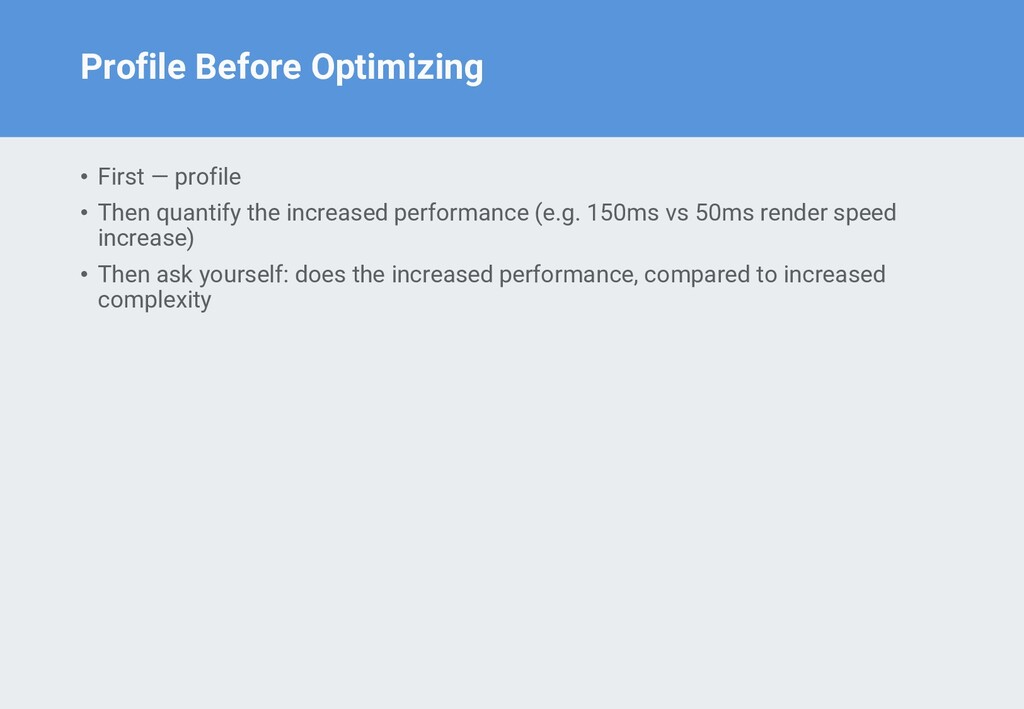
the increased performance (e.g. 150ms vs 50ms render speed increase) • Then ask yourself: does the increased performance, compared to increased complexity


 sorah
sorah
 minodriven
 prota
prota
 clockmaker
 naokihaba
 oku053
 sylph01
 akit37
 kmars0605
 oniak3ibm
 taiseiue
 optim
optim
 shlominoach
 techseoconnect
 rasmusluckow
 irinanazarova
 addyosmani
 skoyamalab
 gurzu
gurzu
 mza
mza
 sstephenson
 skipperchong
 charlesmeaden
 quramy


![Functional Updates const [state, setState] = useState(initialStateValue) // update state](https://files.speakerdeck.com/presentations/91eba1efce21426f95b876bed17735b2/slide_6.jpg)
![Initialize State from Function () => { const [token] =](https://files.speakerdeck.com/presentations/91eba1efce21426f95b876bed17735b2/slide_7.jpg)
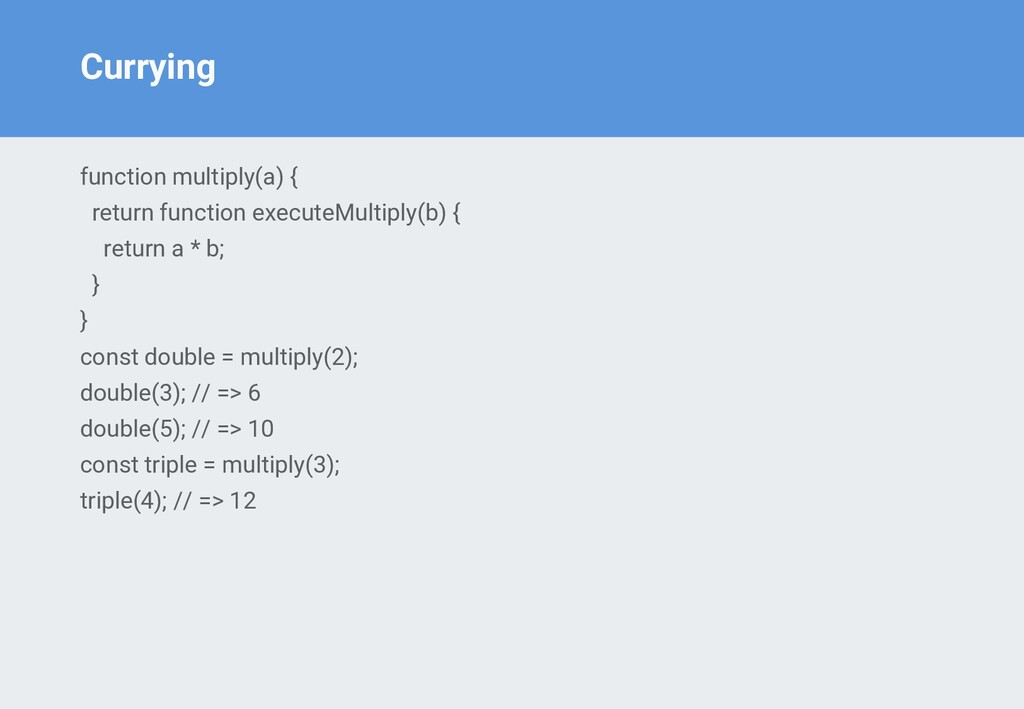
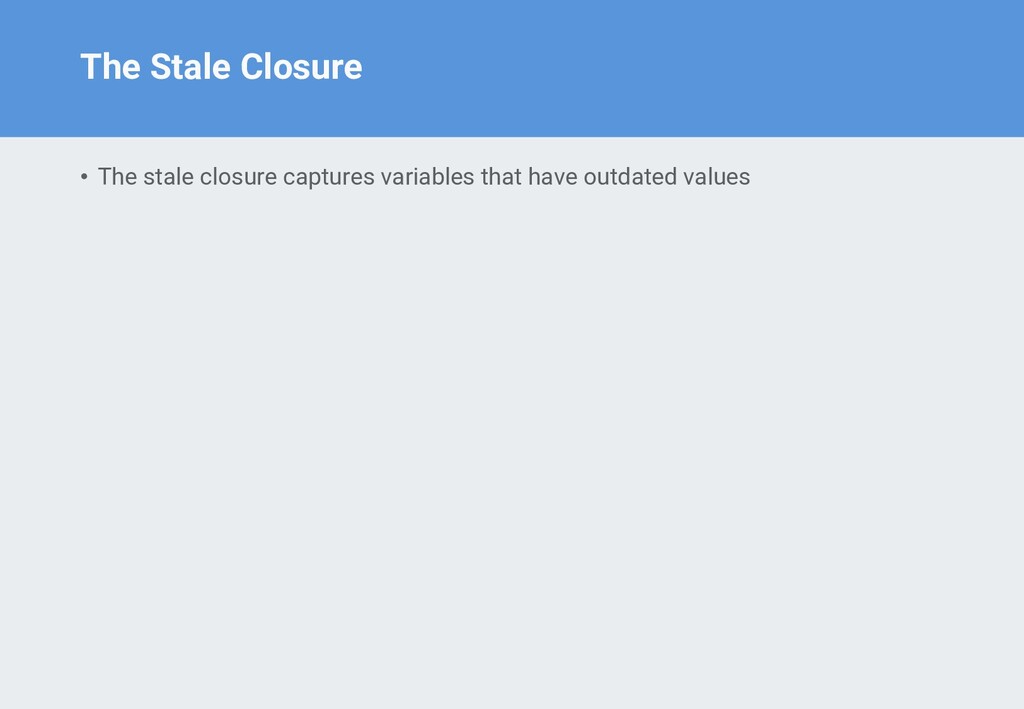
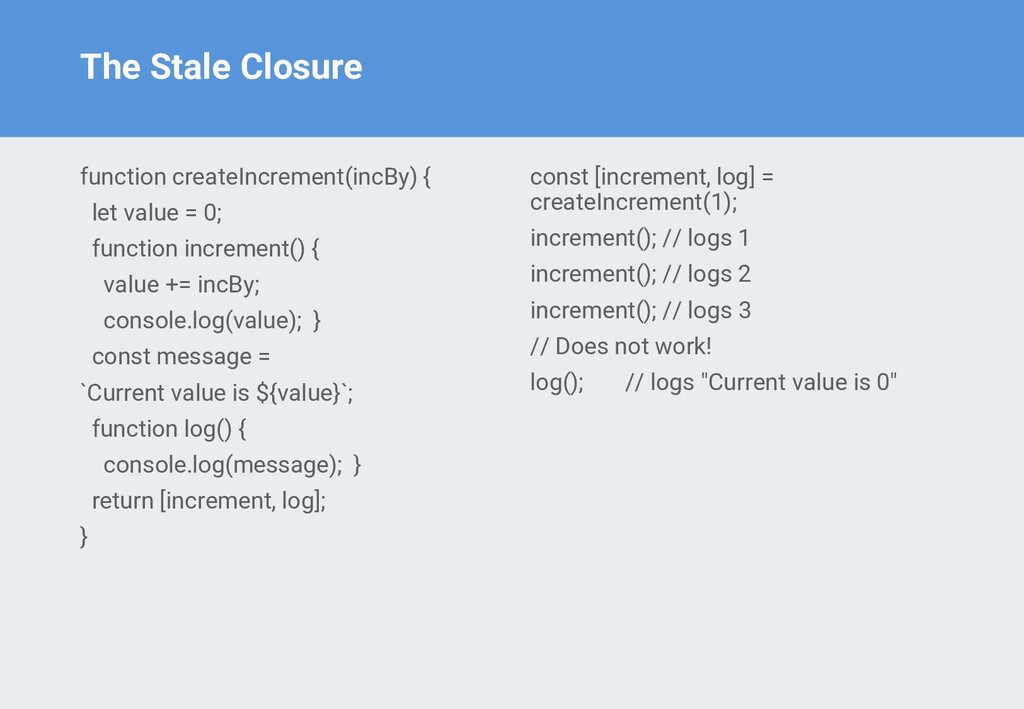
![Stale Closures of Hooks function WatchCount() { const [count, setCount]](https://files.speakerdeck.com/presentations/91eba1efce21426f95b876bed17735b2/slide_22.jpg)
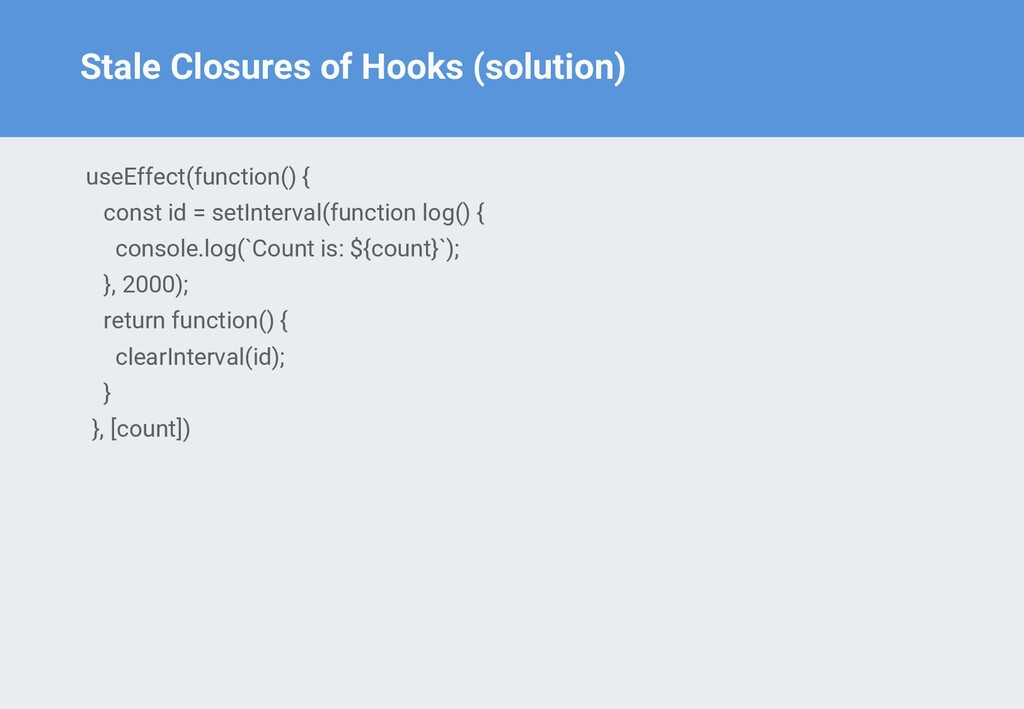
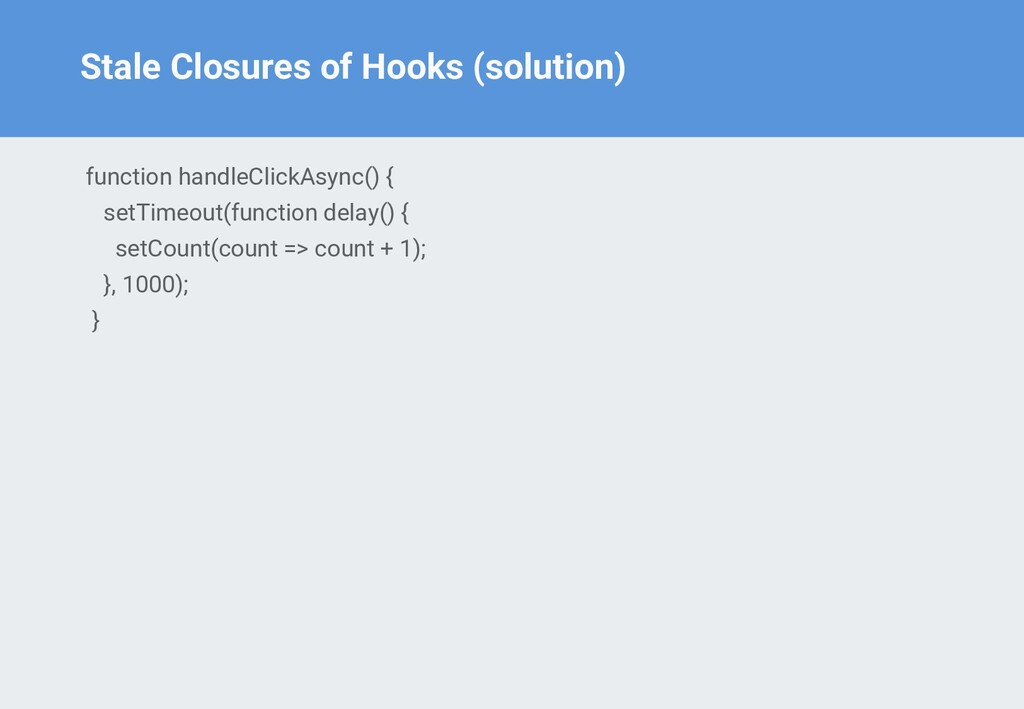
![Stale Closures of Hooks function DelayedCount() { const [count, setCount]](https://files.speakerdeck.com/presentations/91eba1efce21426f95b876bed17735b2/slide_24.jpg)
![Basic Usage const [state, dispatch] = useReducer(reducer, initialArgument, init); //receives](https://files.speakerdeck.com/presentations/91eba1efce21426f95b876bed17735b2/slide_31.jpg)


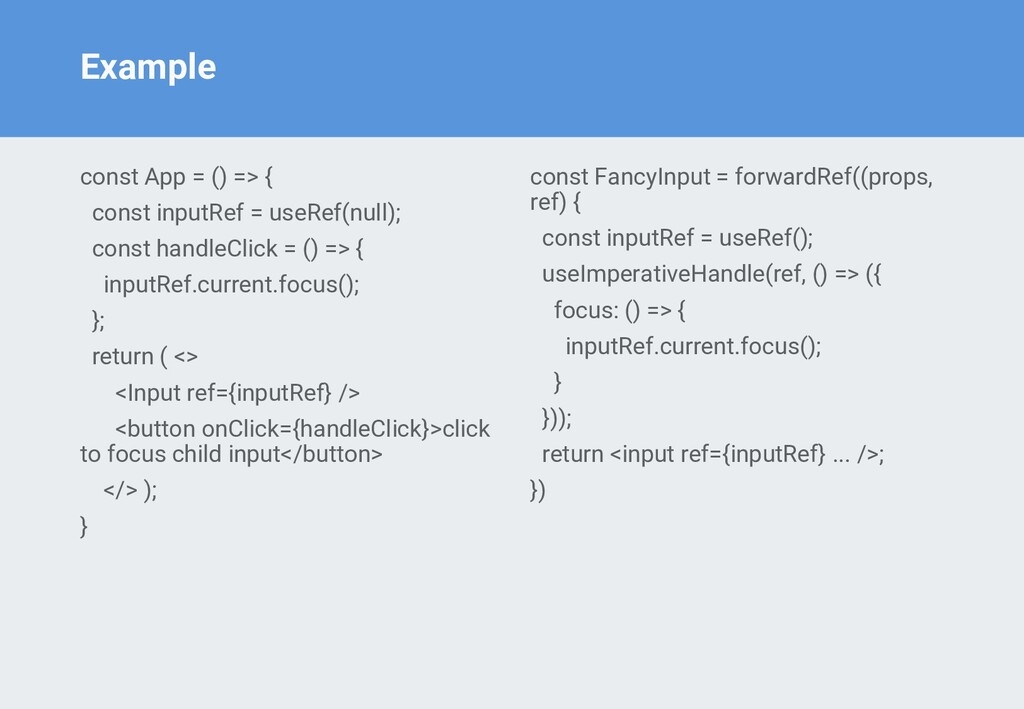
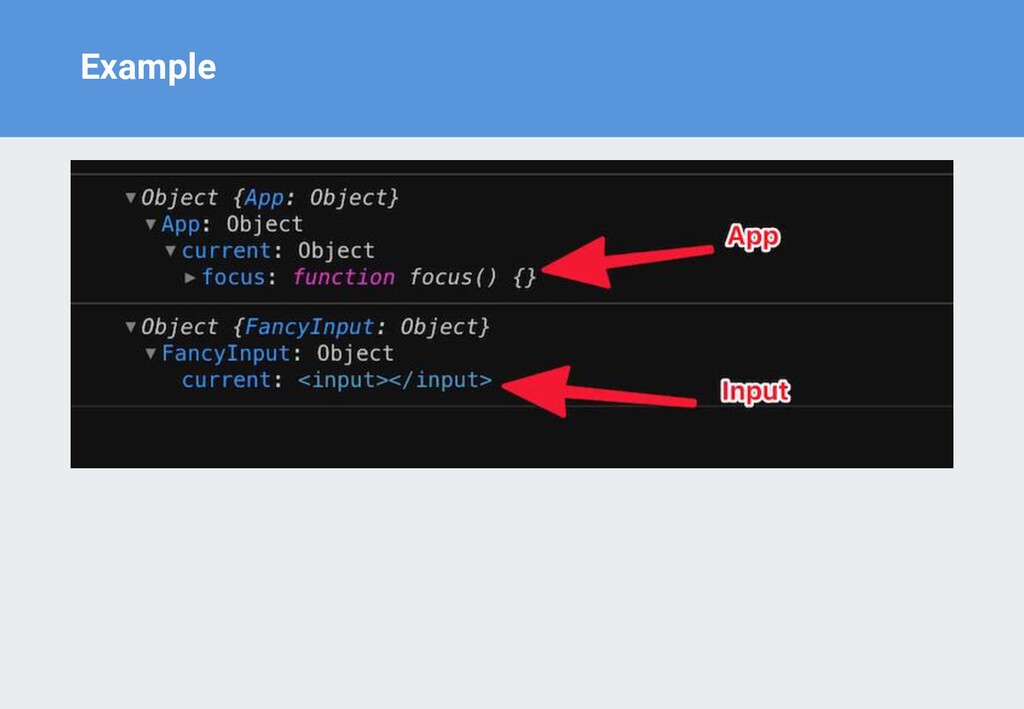
![Basic Usage useImperativeHandle(ref, createHandle, [arrayDependency]) • useImperativeHandle takes a ref](https://files.speakerdeck.com/presentations/91eba1efce21426f95b876bed17735b2/slide_49.jpg)