Upgrade to Pro — share decks privately, control downloads, hide ads and more …

pip + virtualenv

Sponsored · Ship Features Fearlessly Turn features on and off without deploys. Used by thousands of Ruby developers. →
Avatar for D. Yu D. Yu
October 29, 2013

pip + virtualenv

My presentation for the very first PizzaPy.ph meetup.

Avatar for D. Yu

D. Yu

October 29, 2013

More Decks by D. Yu

Other Decks in Programming

Transcript

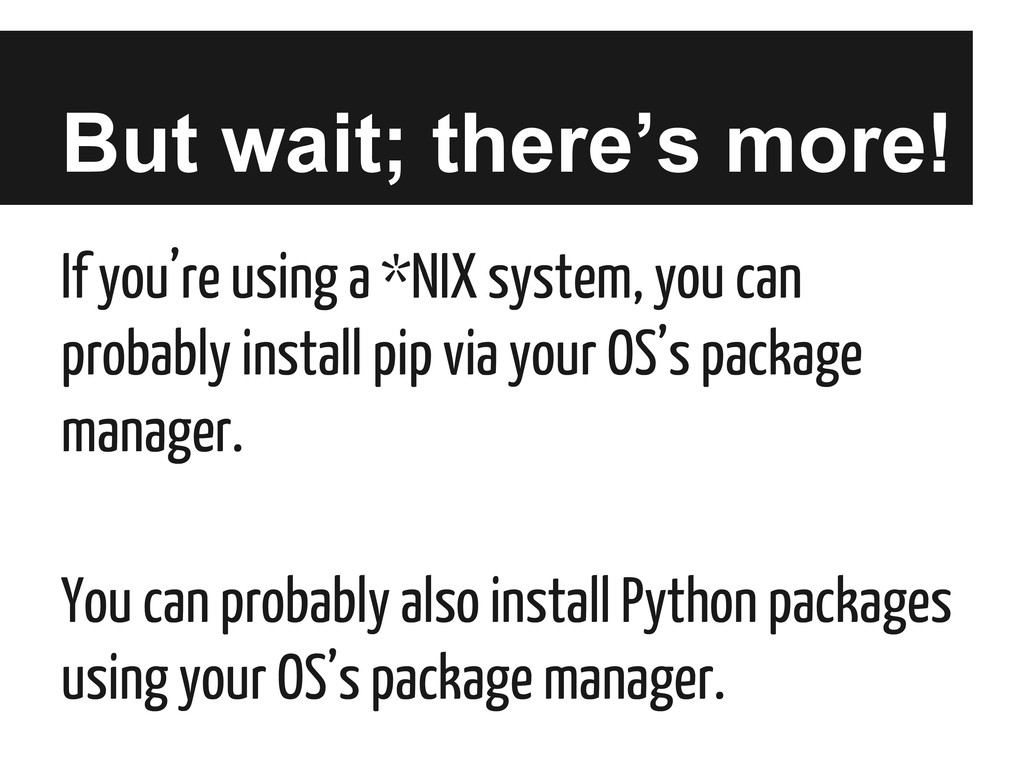
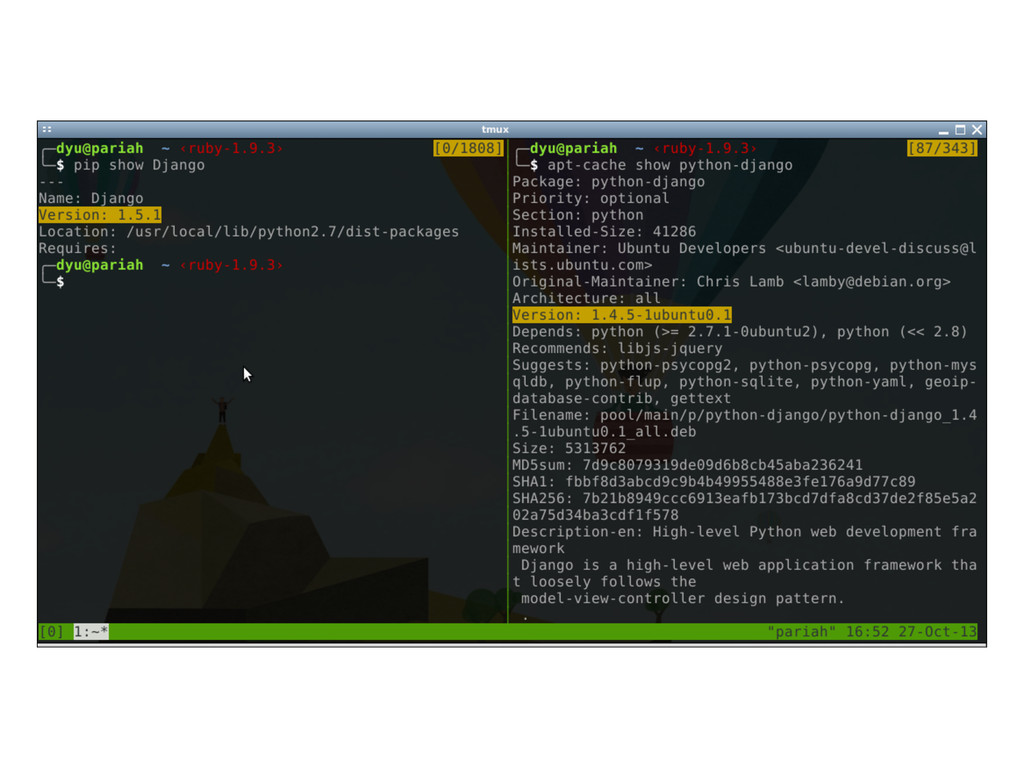
  1. But wait; there’s more! If you’re using a *NIX system,

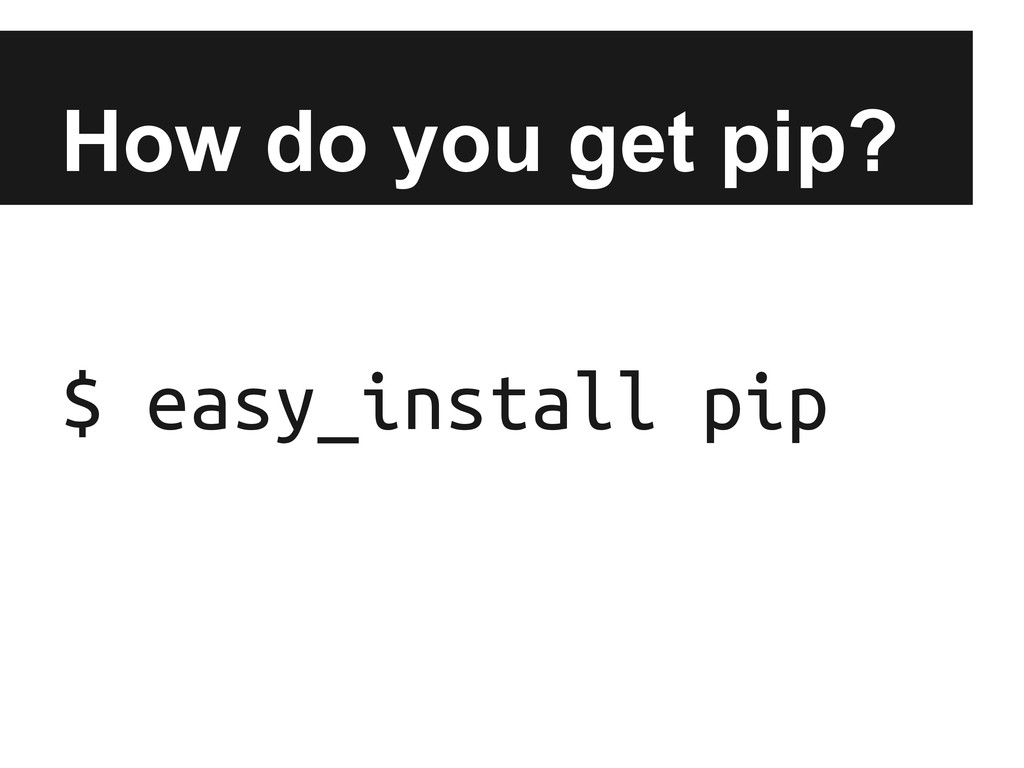
    you can probably install pip via your OS’s package manager. You can probably also install Python packages using your OS’s package manager.
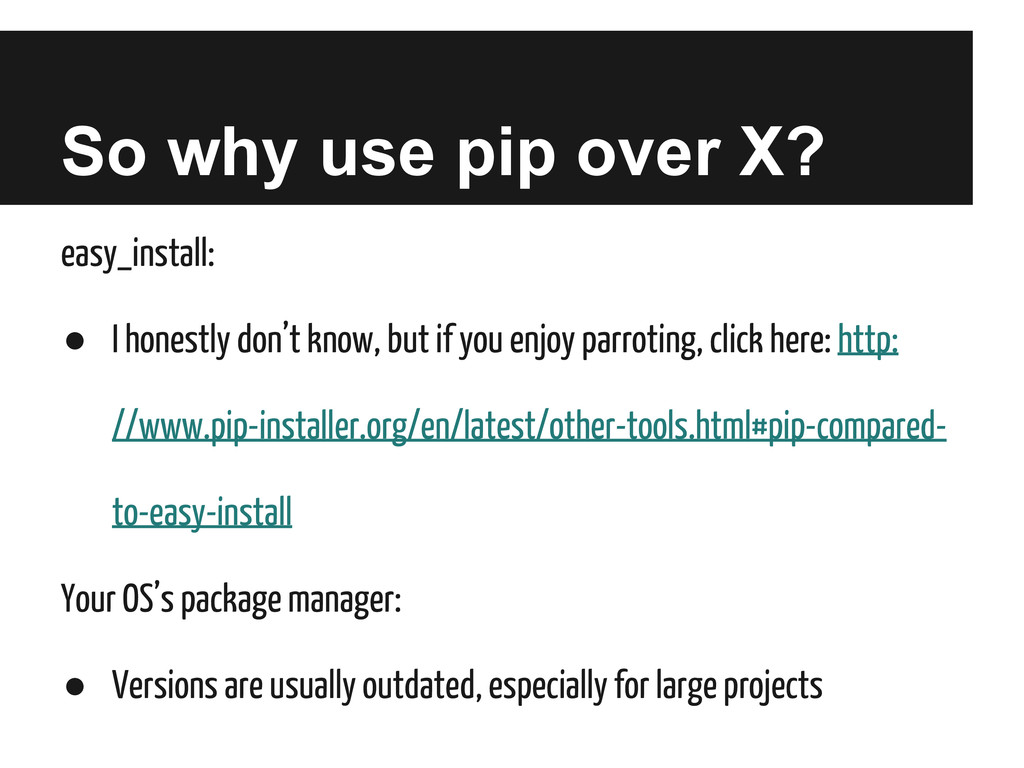
  2. So why use pip over X? easy_install: • I honestly

    don’t know, but if you enjoy parroting, click here: http: //www.pip-installer.org/en/latest/other-tools.html#pip-compared- to-easy-install Your OS’s package manager: • Versions are usually outdated, especially for large projects
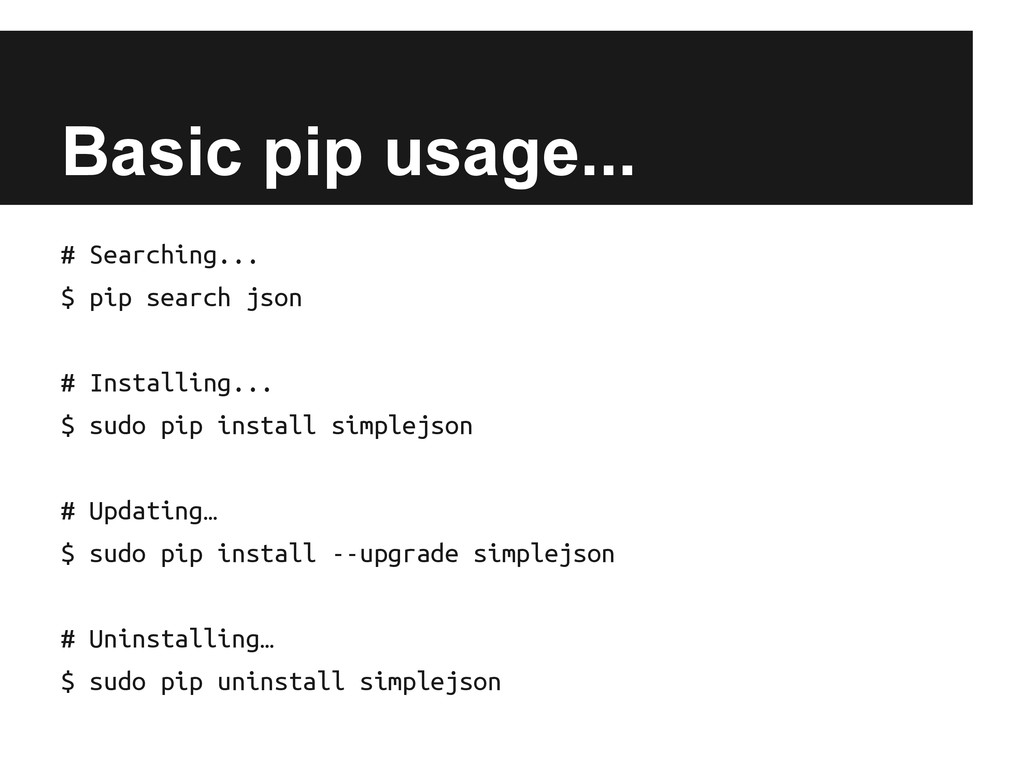
  3. Basic pip usage... # Searching... $ pip search json #

    Installing... $ sudo pip install simplejson # Updating… $ sudo pip install --upgrade simplejson # Uninstalling… $ sudo pip uninstall simplejson
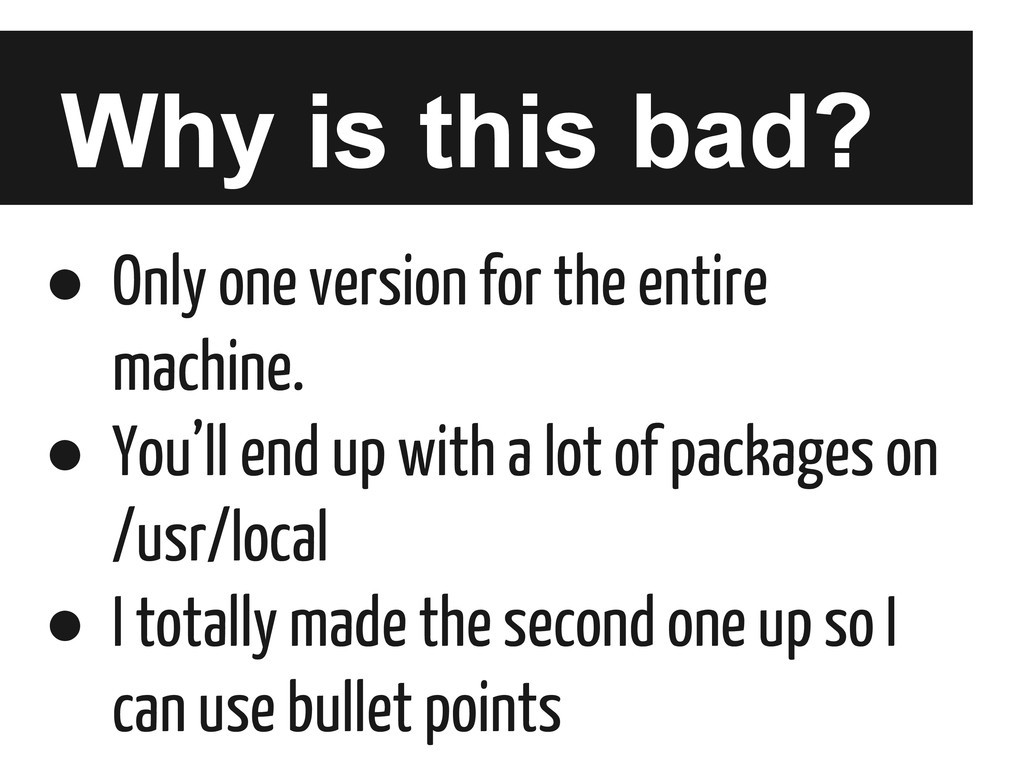
  4. Why is this bad? • Only one version for the

    entire machine. • You’ll end up with a lot of packages on /usr/local • I totally made the second one up so I can use bullet points
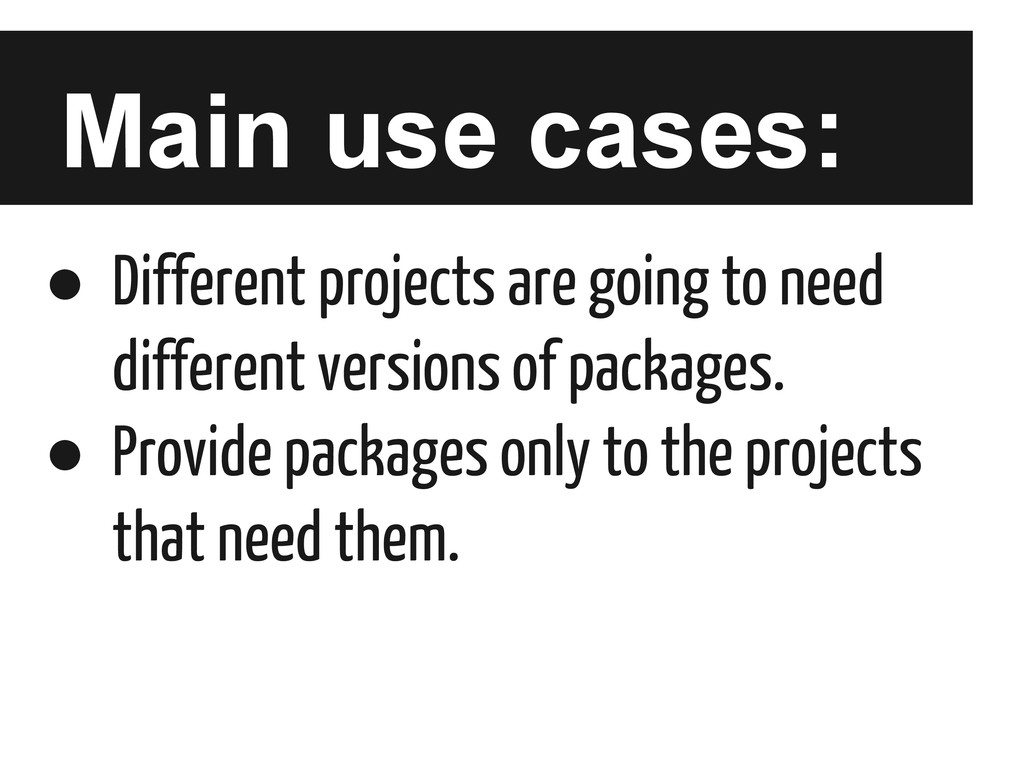
  5. Main use cases: • Different projects are going to need

    different versions of packages. • Provide packages only to the projects that need them.
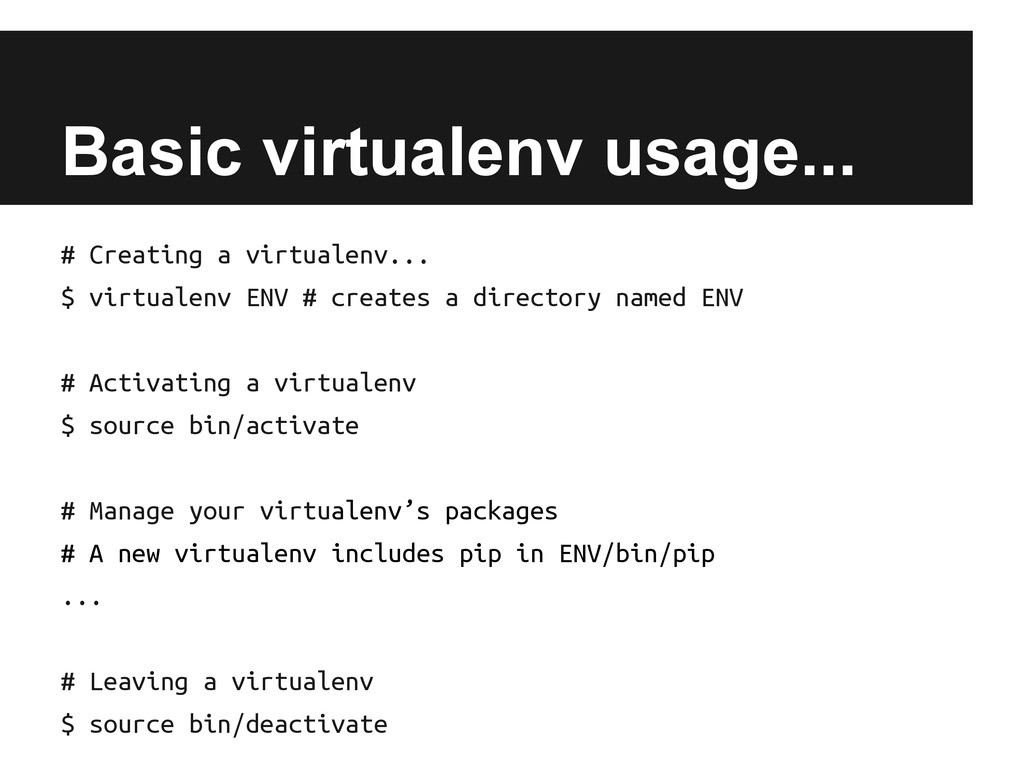
  6. Basic virtualenv usage... # Creating a virtualenv... $ virtualenv ENV

    # creates a directory named ENV # Activating a virtualenv $ source bin/activate # Manage your virtualenv’s packages # A new virtualenv includes pip in ENV/bin/pip ... # Leaving a virtualenv $ source bin/deactivate
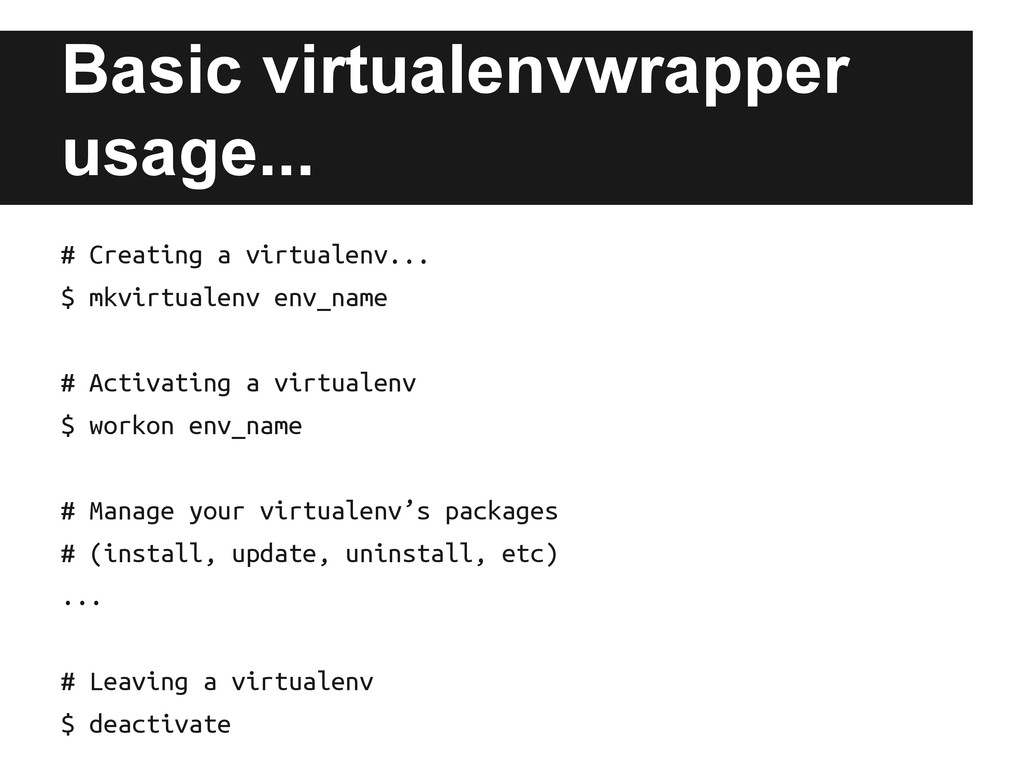
  7. Basic virtualenvwrapper usage... # Creating a virtualenv... $ mkvirtualenv env_name

    # Activating a virtualenv $ workon env_name # Manage your virtualenv’s packages # (install, update, uninstall, etc) ... # Leaving a virtualenv $ deactivate
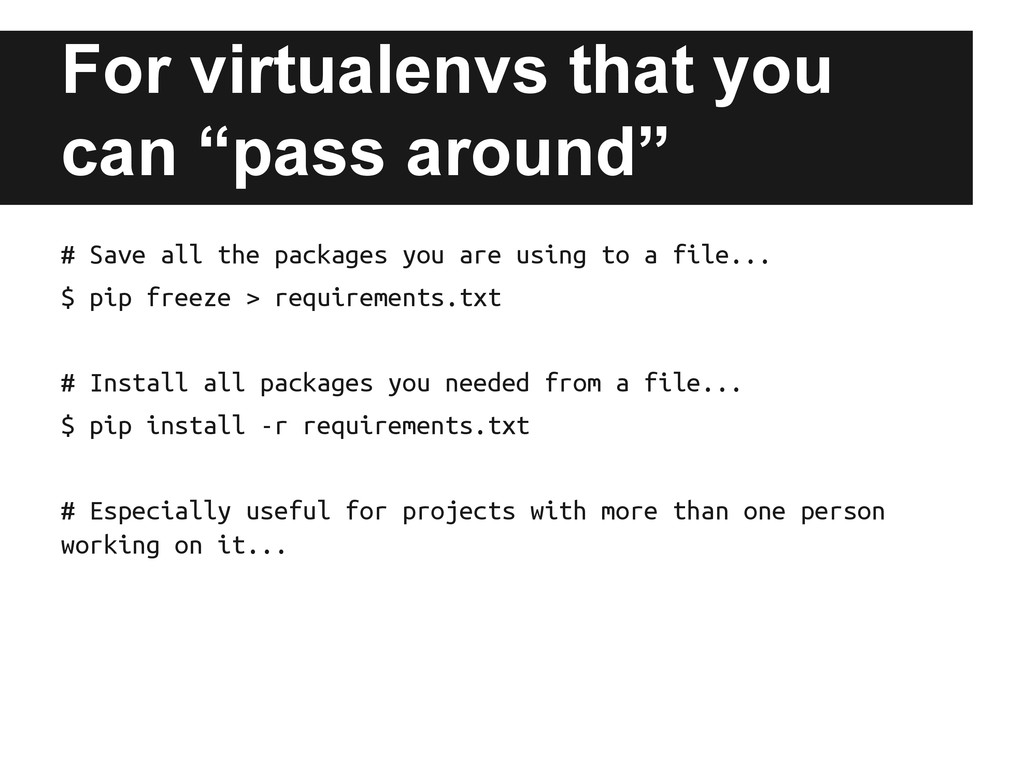
  8. For virtualenvs that you can “pass around” # Save all

    the packages you are using to a file... $ pip freeze > requirements.txt # Install all packages you needed from a file... $ pip install -r requirements.txt # Especially useful for projects with more than one person working on it...
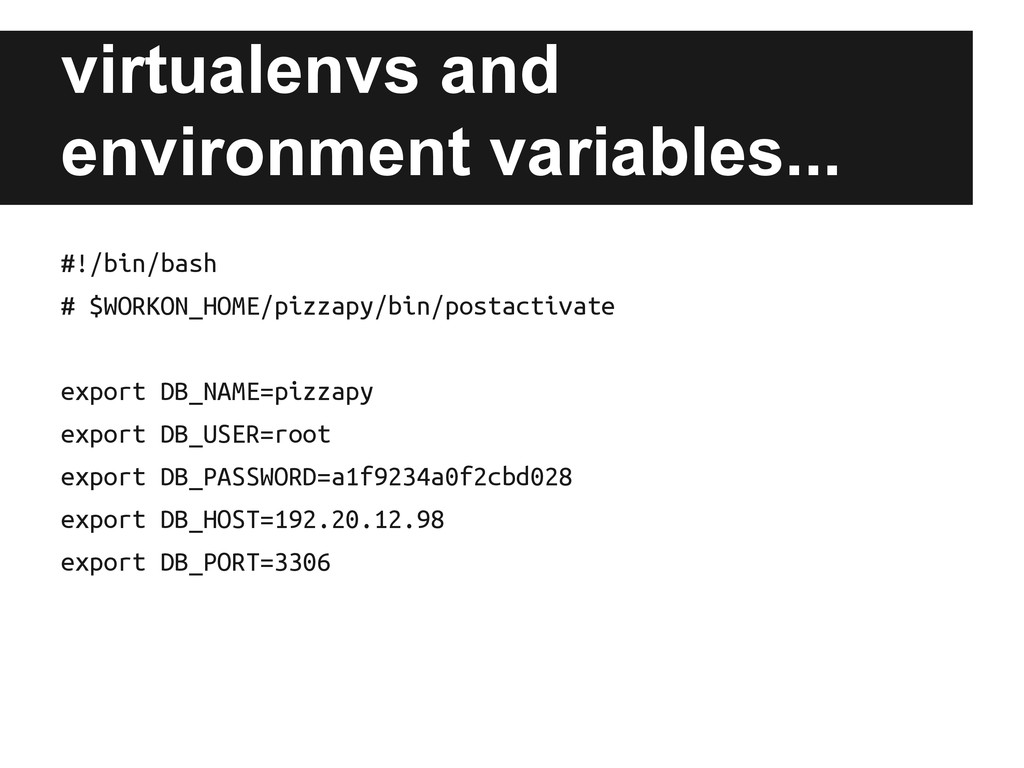
  9. virtualenvs and environment variables... #!/bin/bash # $WORKON_HOME/pizzapy/bin/postactivate export DB_NAME=pizzapy export

    DB_USER=root export DB_PASSWORD=a1f9234a0f2cbd028 export DB_HOST=192.20.12.98 export DB_PORT=3306
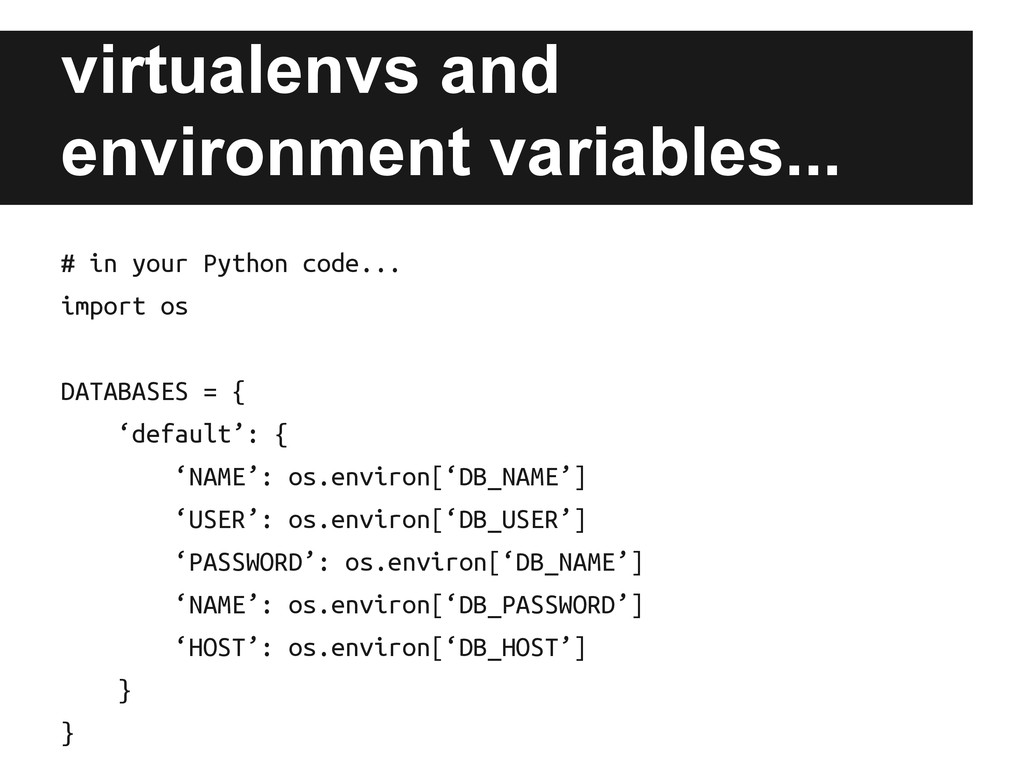
  10. virtualenvs and environment variables... # in your Python code... import

    os DATABASES = { ‘default’: { ‘NAME’: os.environ[‘DB_NAME’] ‘USER’: os.environ[‘DB_USER’] ‘PASSWORD’: os.environ[‘DB_NAME’] ‘NAME’: os.environ[‘DB_PASSWORD’] ‘HOST’: os.environ[‘DB_HOST’] } }