Upgrade to Pro — share decks privately, control downloads, hide ads and more …

Building Continuous Delivery

Building Continuous Delivery

Talk given to GeekFest and 1871 Chicago about repeatable builds and continuous delivery. Check out the Git repo or look me up on the interwebs!

https://github.com/davidnortonjr/continuous-gradle

https://twitter.com/davidnortonjr

[email protected]

Avatar for David Norton

David Norton

February 23, 2016

More Decks by David Norton

Other Decks in Programming

Transcript

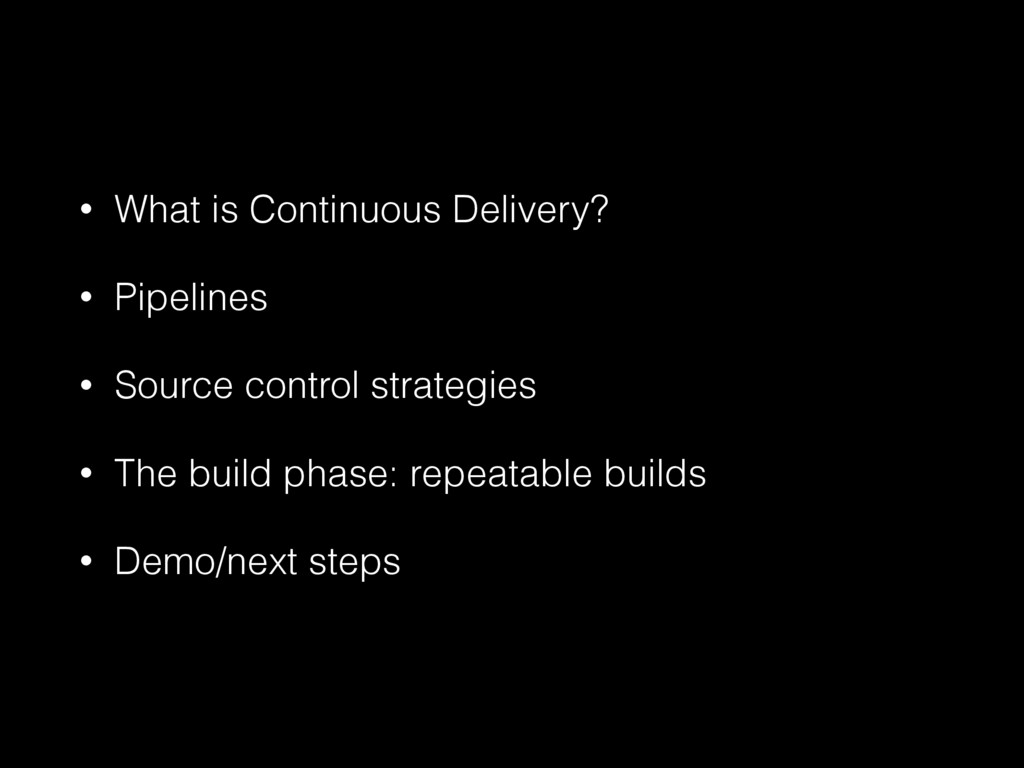
  1. • What is Continuous Delivery? • Pipelines • Source control

    strategies • The build phase: repeatable builds • Demo/next steps
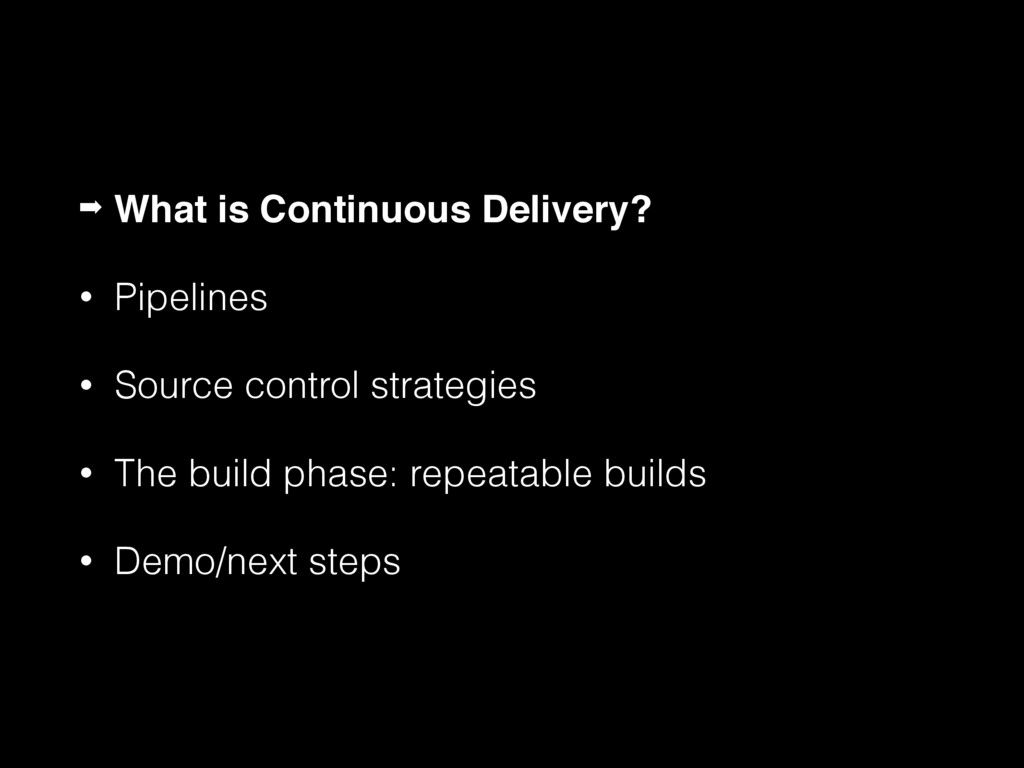
  2. ➡ What is Continuous Delivery? • Pipelines • Source control

    strategies • The build phase: repeatable builds • Demo/next steps
  3. Continuous Delivery “Our highest priority is to satisfy the customer


    through early and continuous delivery 
 of valuable software.” 
 
 http://www.agilemanifesto.org/principles.html
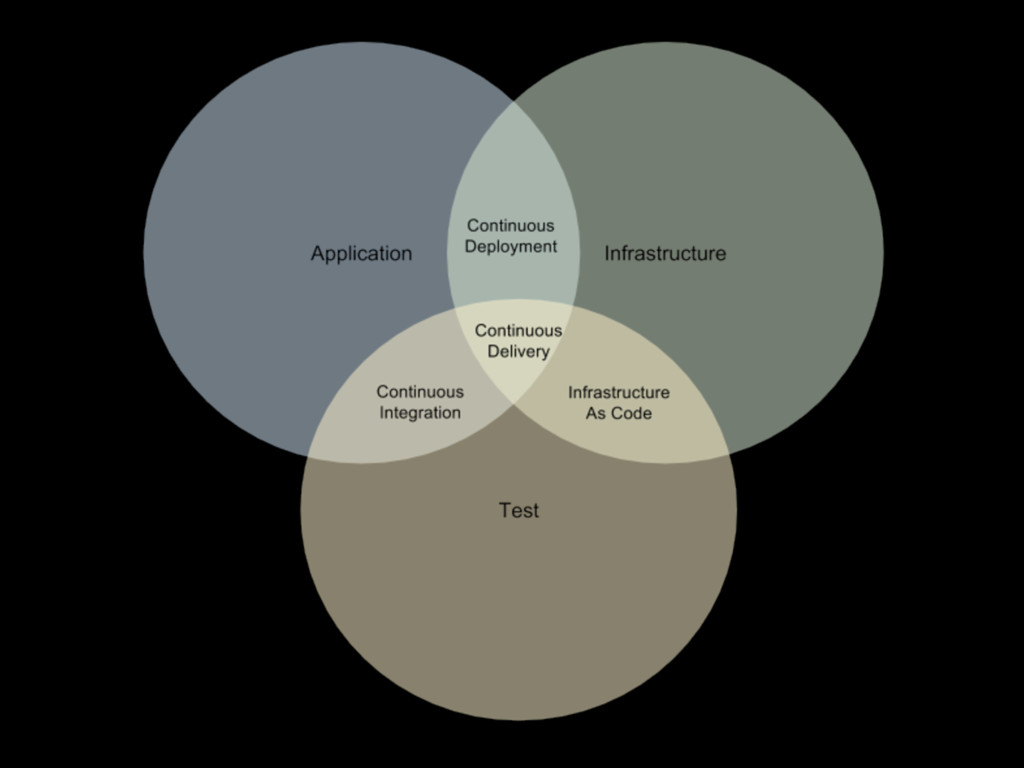
  4. Continuous Delivery • “Continuous Delivery is a software development discipline

    where you build software in such a way that the software can be released to production at any time.” - Martin Fowler
 
 http://martinfowler.com/bliki/ContinuousDelivery.html
  5. Continuous Delivery • If you add a feature, how quickly

    can you get it in front of users? • How quickly can you fix a bug? How confident are you that nothing else was broken? • If you have an infrastructure change, how confident are you about side effects? • If a new developer picks up the project, how easily will they be able to get started?
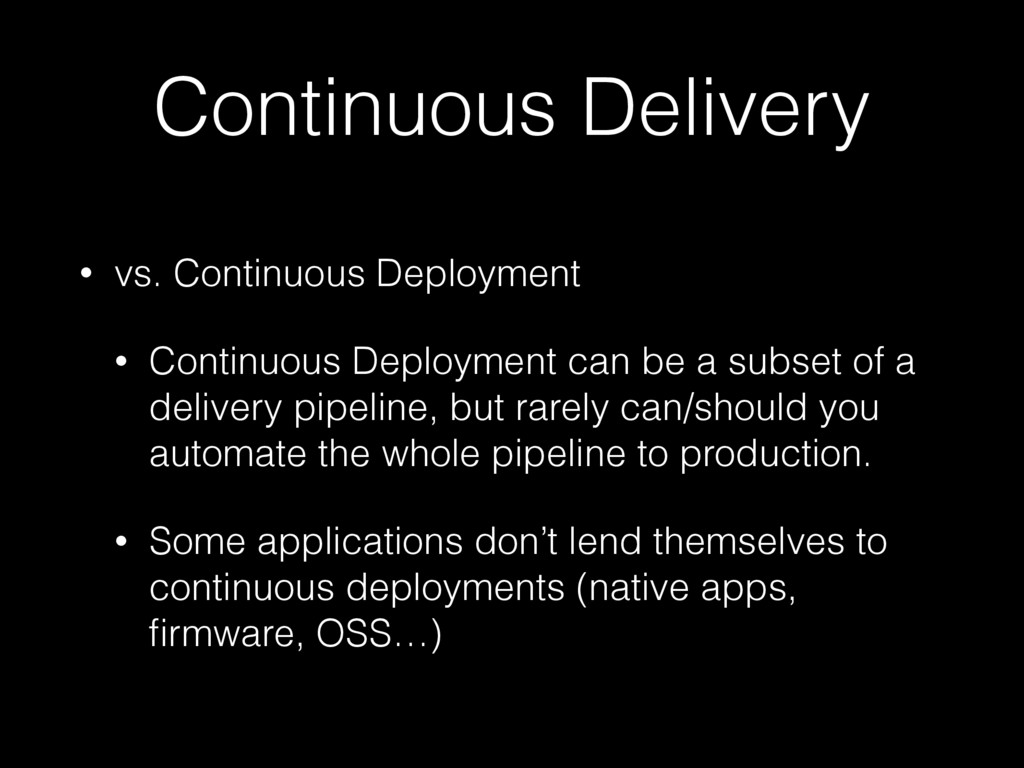
  6. Continuous Delivery • vs. Continuous Deployment • Continuous Deployment can

    be a subset of a delivery pipeline, but rarely can/should you automate the whole pipeline to production. • Some applications don’t lend themselves to continuous deployments (native apps, firmware, OSS…)
  7. • What is Continuous Delivery? ➡ Pipelines • Source control

    strategies • The build phase: repeatable builds • Demo/next steps
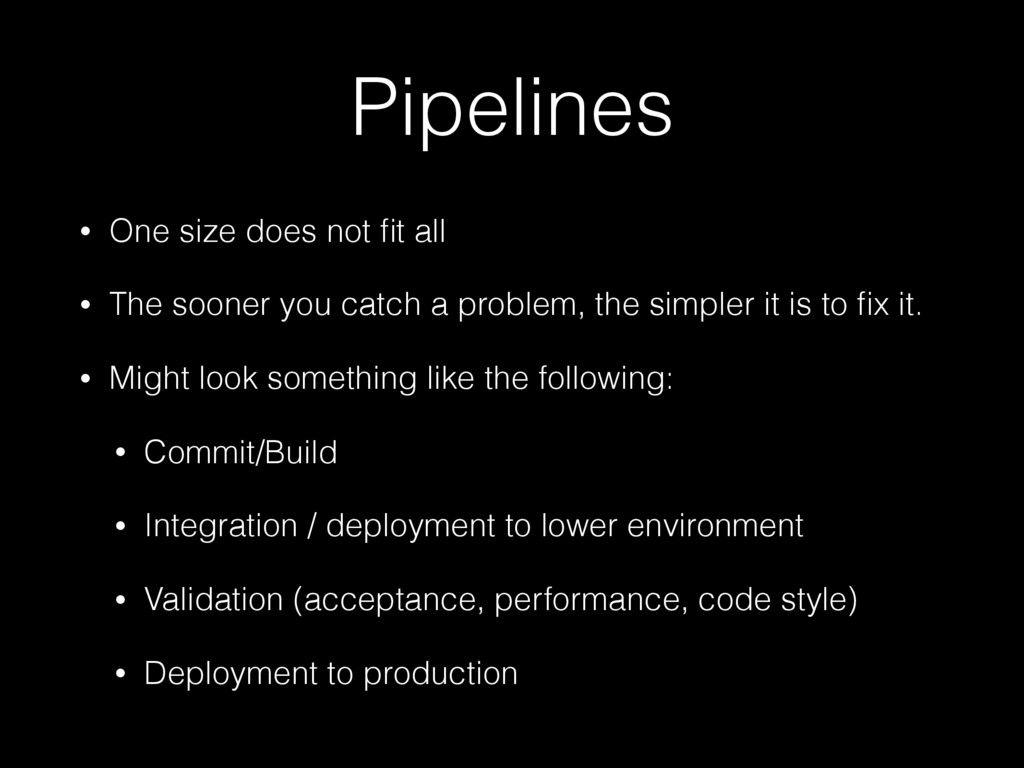
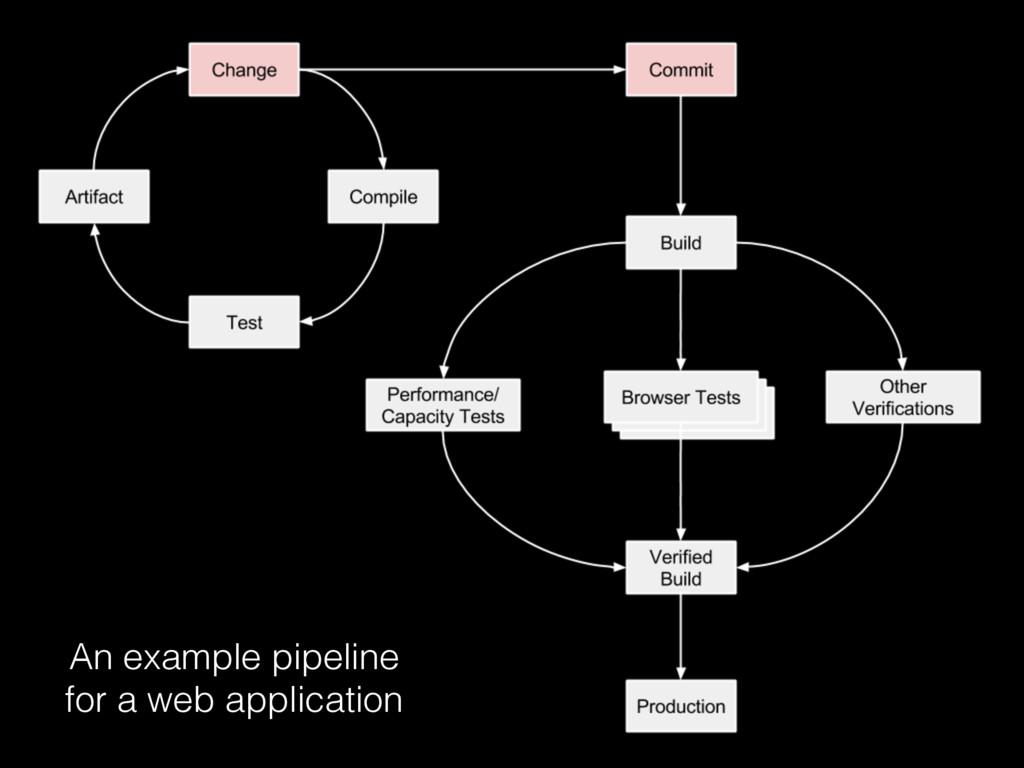
  8. Pipelines • One size does not fit all • The

    sooner you catch a problem, the simpler it is to fix it. • Might look something like the following: • Commit/Build • Integration / deployment to lower environment • Validation (acceptance, performance, code style) • Deployment to production
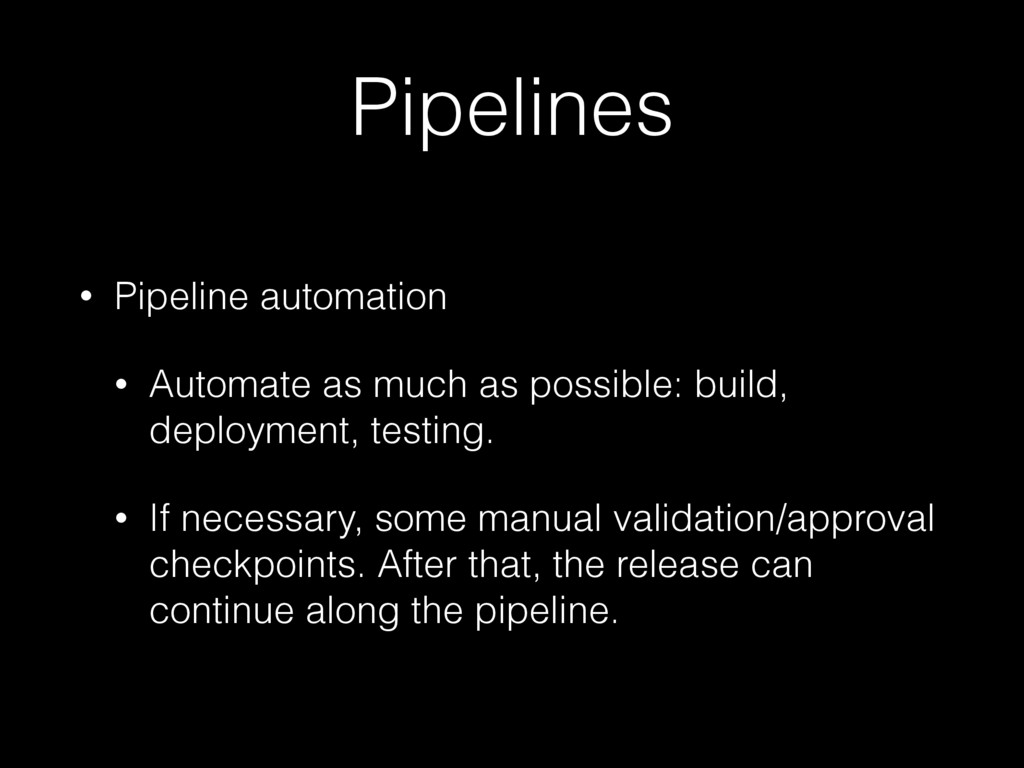
  9. Pipelines • Pipeline automation • Automate as much as possible:

    build, deployment, testing. • If necessary, some manual validation/approval checkpoints. After that, the release can continue along the pipeline.
  10. But I’m just an engineer! • You may not control

    the entire ecosystem… • But you can always improve your continuous delivery practices to deliver a higher-quality product.
  11. • What is Continuous Delivery? • Pipelines ➡ Source control

    strategies • The build phase: repeatable builds • Demo/next steps
  12. Source Control • Everything necessary to build project is in

    source control (or retrievable in a repeatable way) • Use a README.md • Master-based development
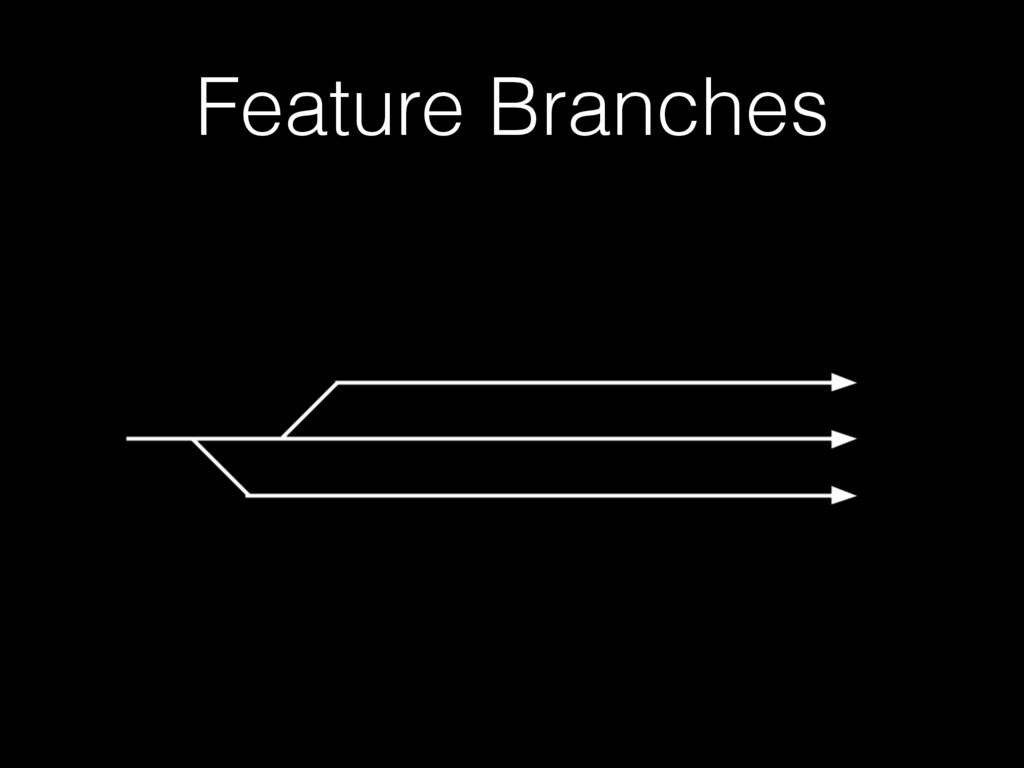
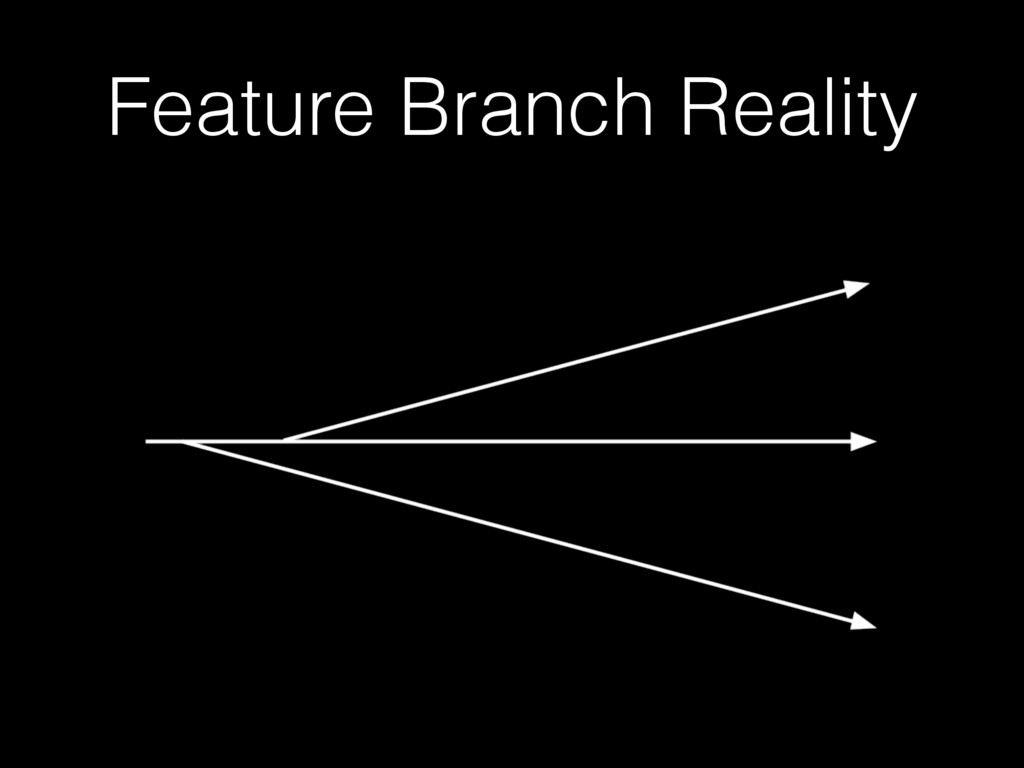
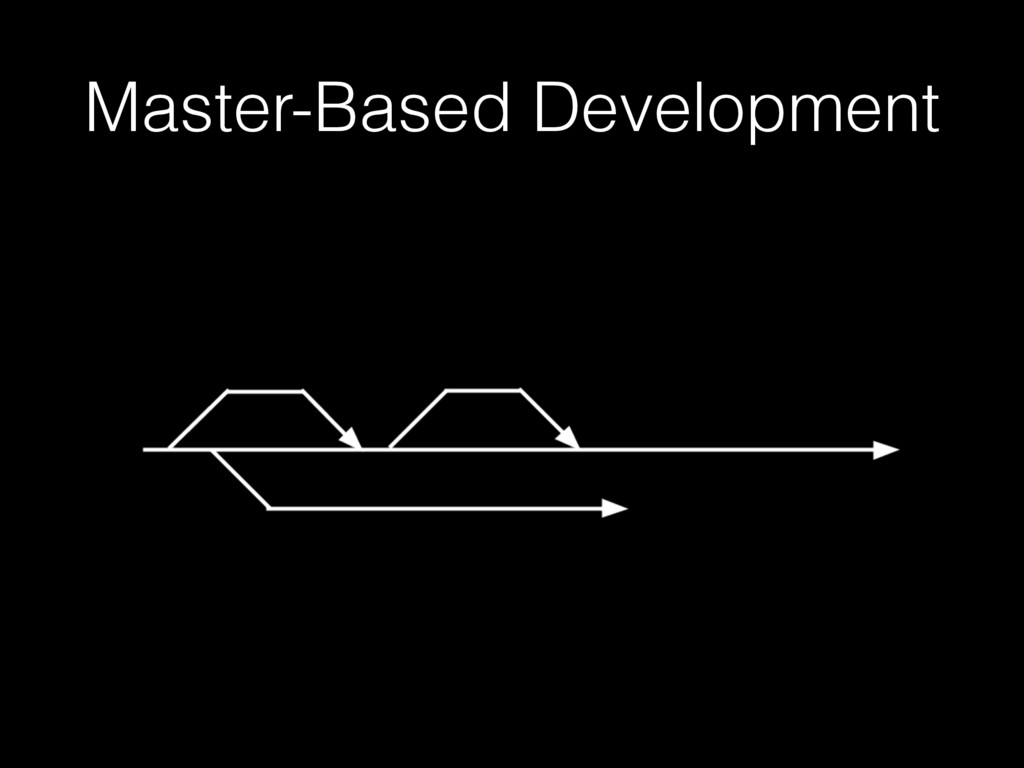
  13. Master-Based Development • Avoid long-lived feature branches • (Avoid Git

    Flow) • Separate deployment from release with feature flags • Branch by abstraction
  14. Master-Based Development • Release branches • For fast-tracked fixes to

    releases • Become less necessary as cycle time decreases (automation down the pipeline improves)
  15. • What is Continuous Delivery? • Pipelines • Source control

    strategies ➡ The build phase: repeatable builds • Demo/next steps
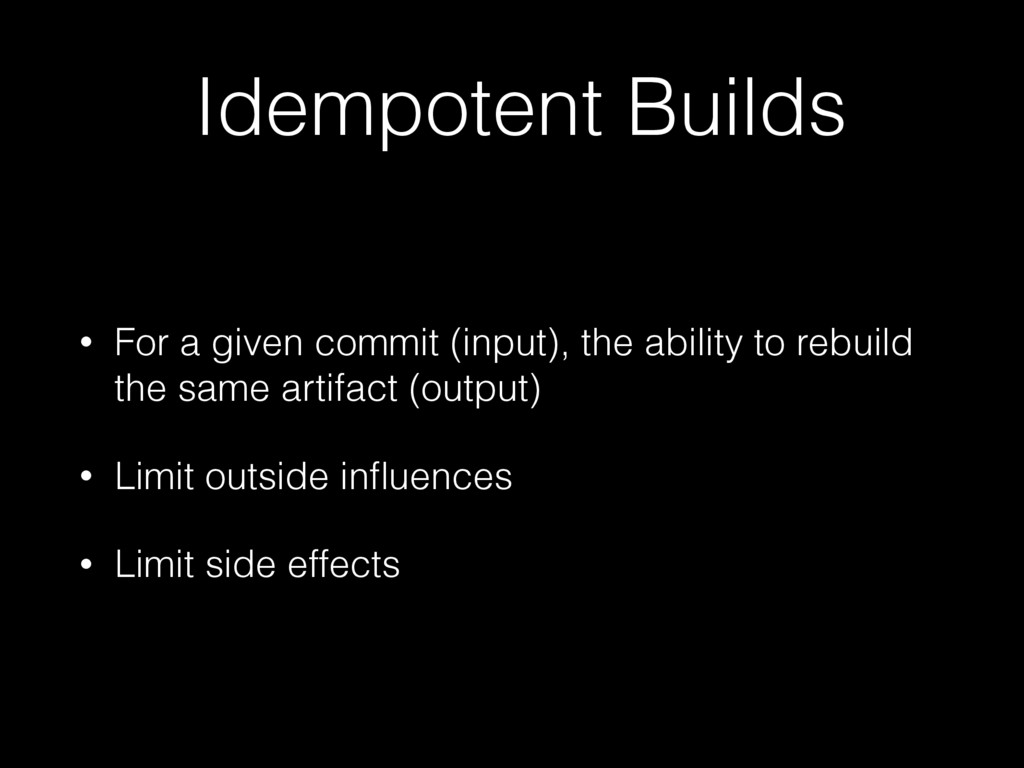
  16. Idempotent Builds • For a given commit (input), the ability

    to rebuild the same artifact (output) • Limit outside influences • Limit side effects
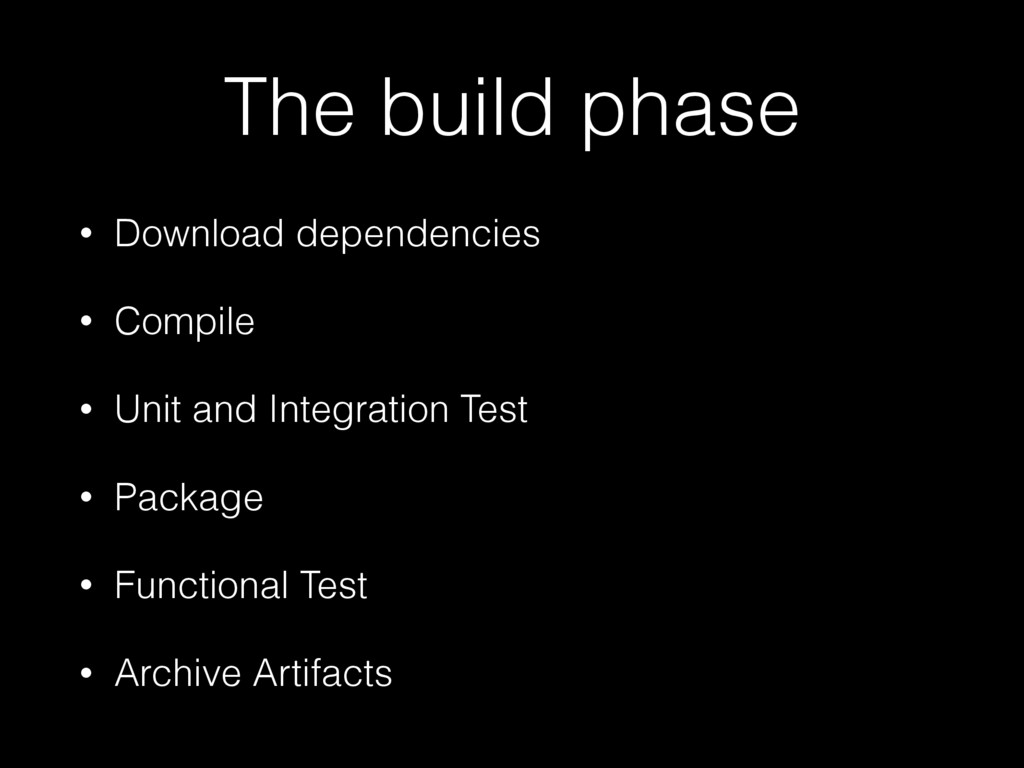
  17. The build phase • Download dependencies • Compile • Unit

    and Integration Test • Package • Functional Test • Archive Artifacts
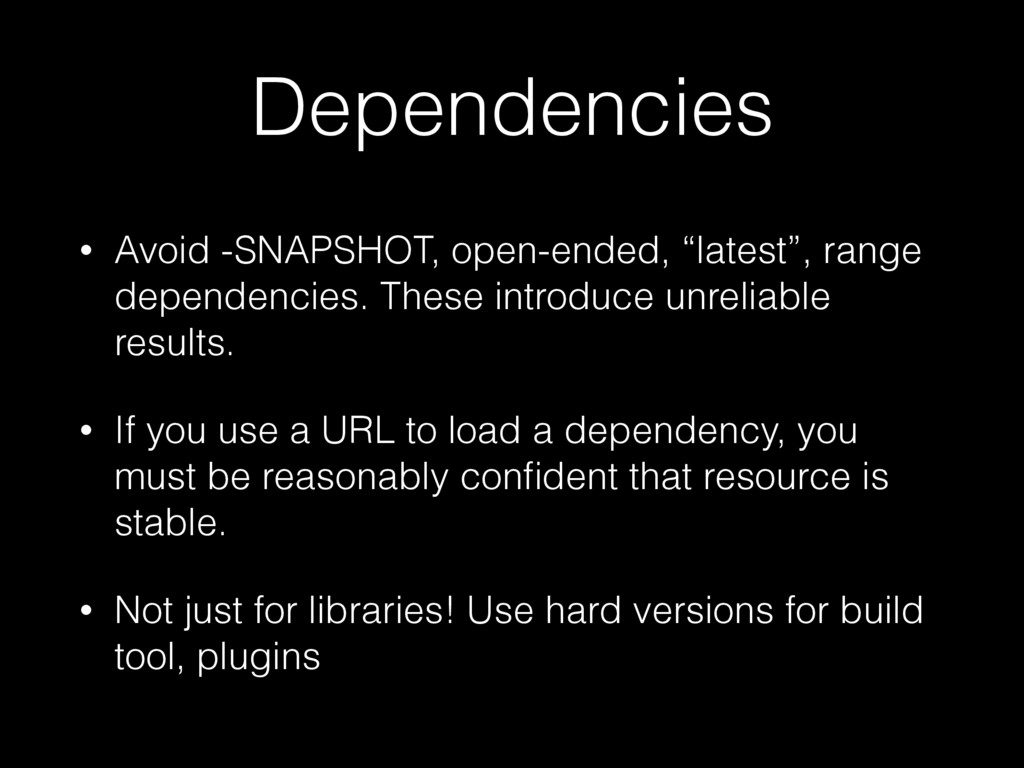
  18. Dependencies • Avoid -SNAPSHOT, open-ended, “latest”, range dependencies. These introduce

    unreliable results. • If you use a URL to load a dependency, you must be reasonably confident that resource is stable. • Not just for libraries! Use hard versions for build tool, plugins
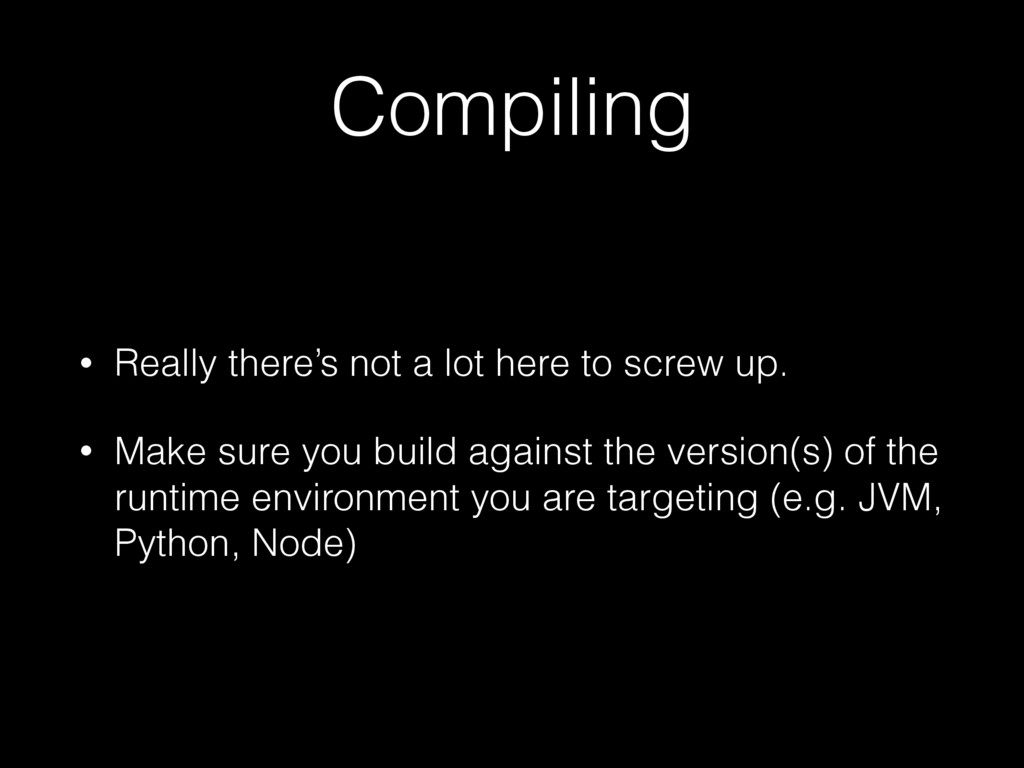
  19. Compiling • Really there’s not a lot here to screw

    up. • Make sure you build against the version(s) of the runtime environment you are targeting (e.g. JVM, Python, Node)
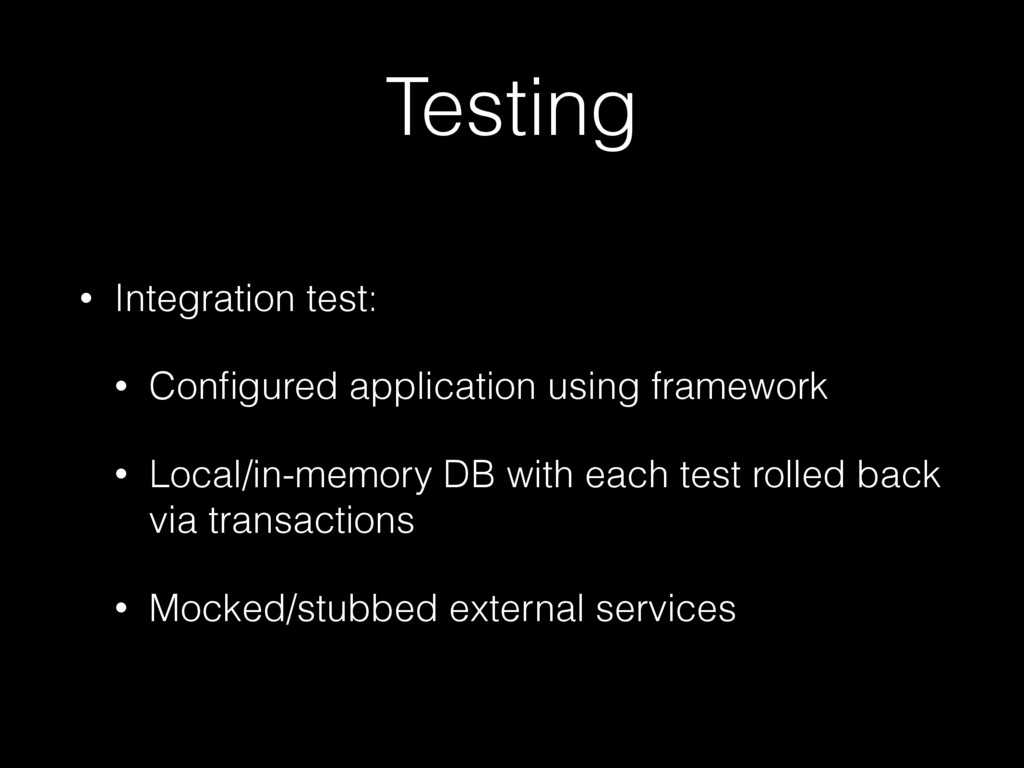
  20. Testing • Integration test: • Configured application using framework •

    Local/in-memory DB with each test rolled back via transactions • Mocked/stubbed external services
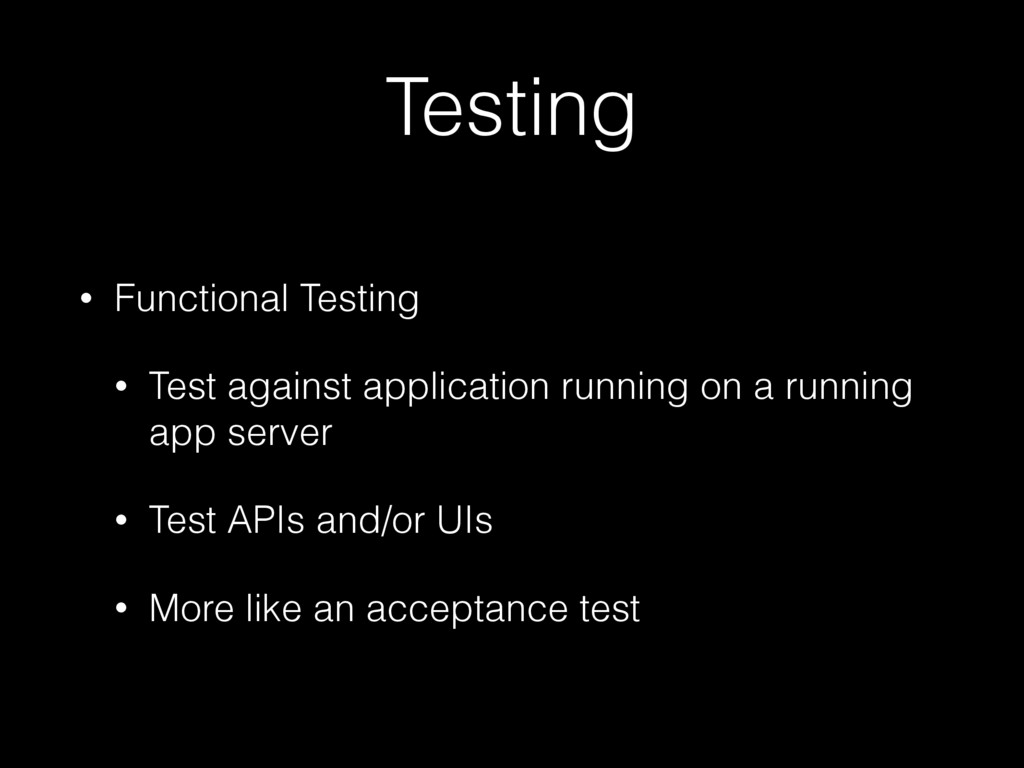
  21. Testing • Functional Testing • Test against application running on

    a running app server • Test APIs and/or UIs • More like an acceptance test
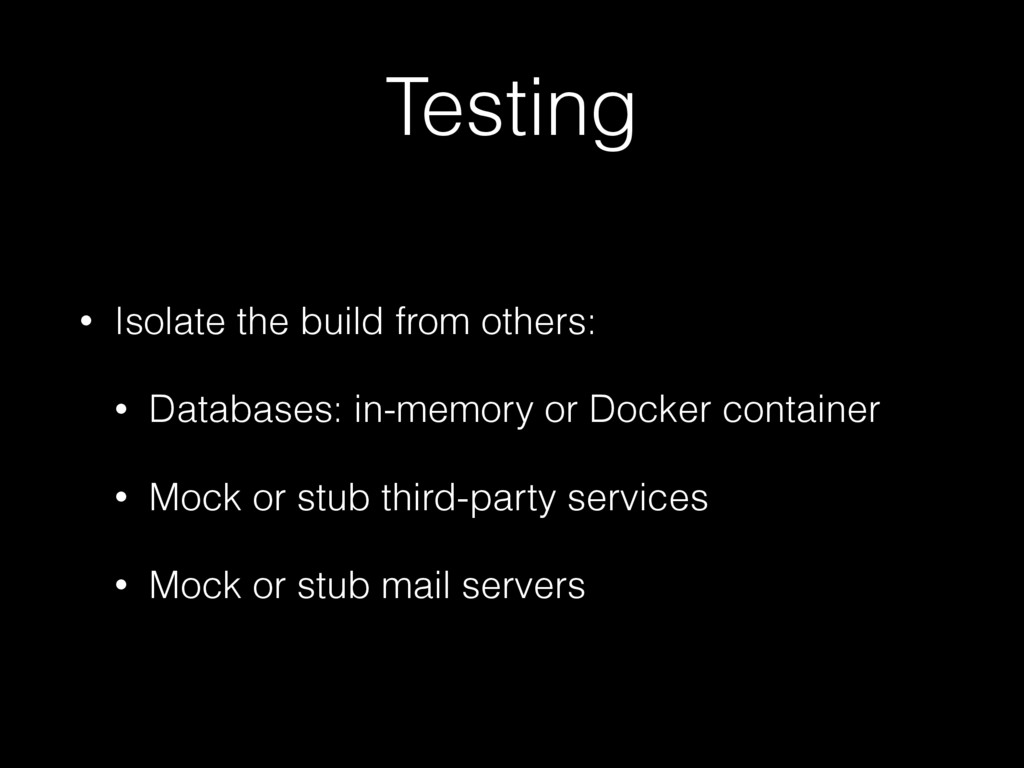
  22. Testing • Isolate the build from others: • Databases: in-memory

    or Docker container • Mock or stub third-party services • Mock or stub mail servers
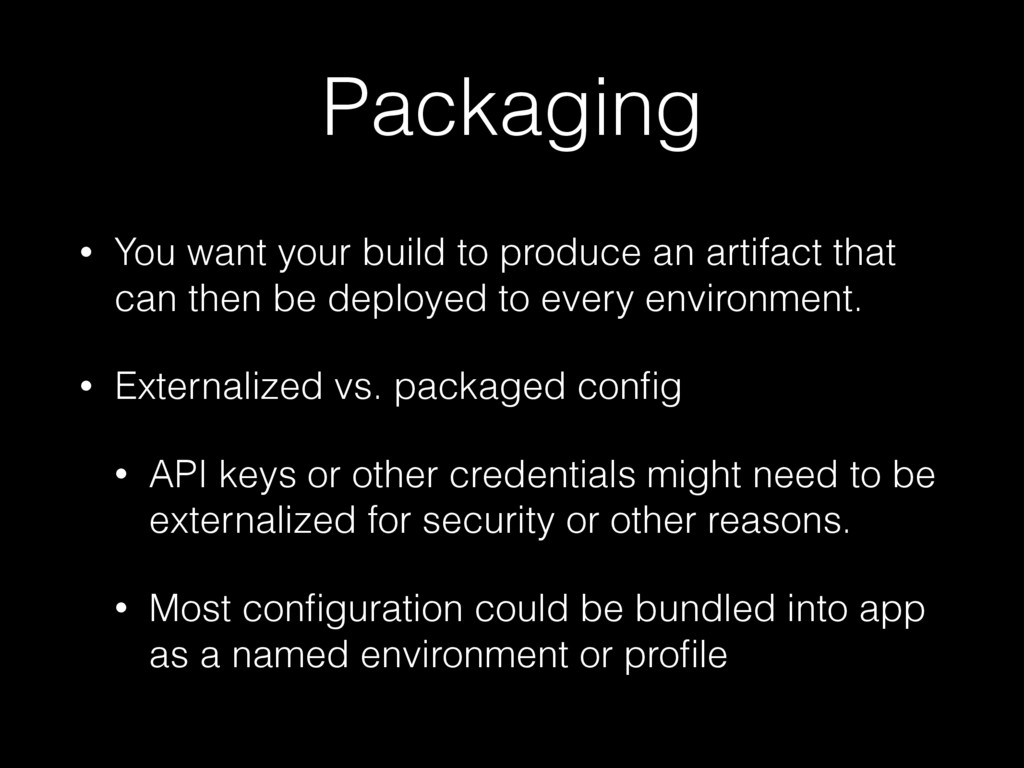
  23. Packaging • You want your build to produce an artifact

    that can then be deployed to every environment. • Externalized vs. packaged config • API keys or other credentials might need to be externalized for security or other reasons. • Most configuration could be bundled into app as a named environment or profile
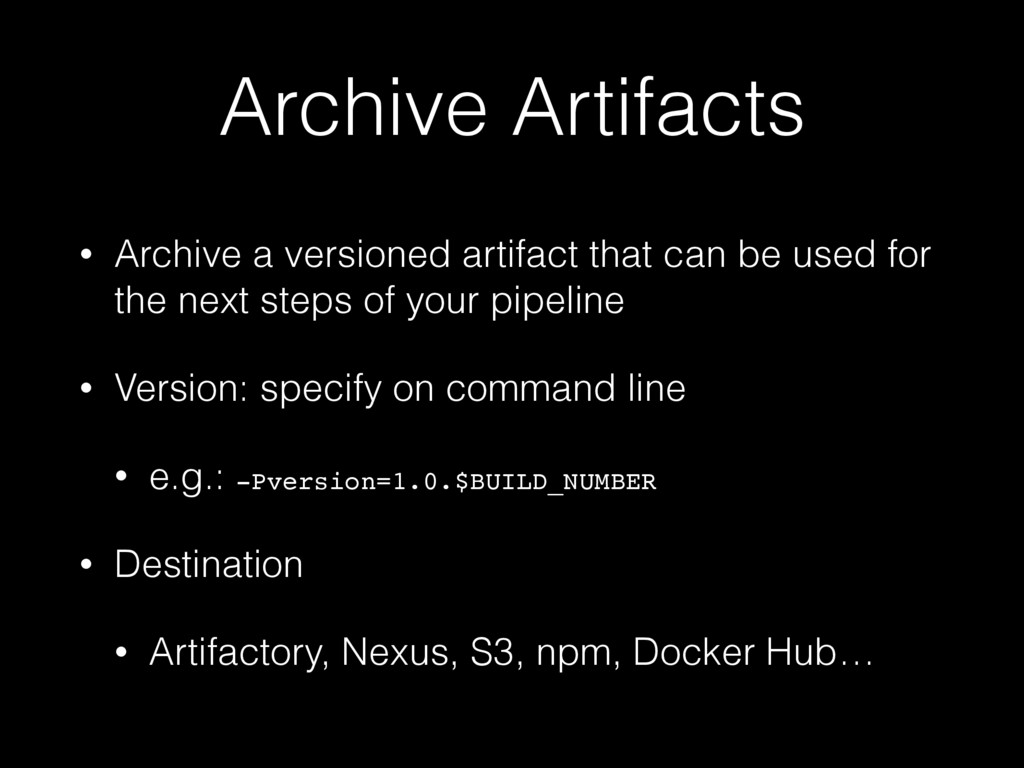
  24. Archive Artifacts • Archive a versioned artifact that can be

    used for the next steps of your pipeline • Version: specify on command line • e.g.: -Pversion=1.0.$BUILD_NUMBER • Destination • Artifactory, Nexus, S3, npm, Docker Hub…
  25. • What is Continuous Delivery? • Pipelines • Source control
    strategies • The build phase: repeatable builds ➡ Demo/next steps