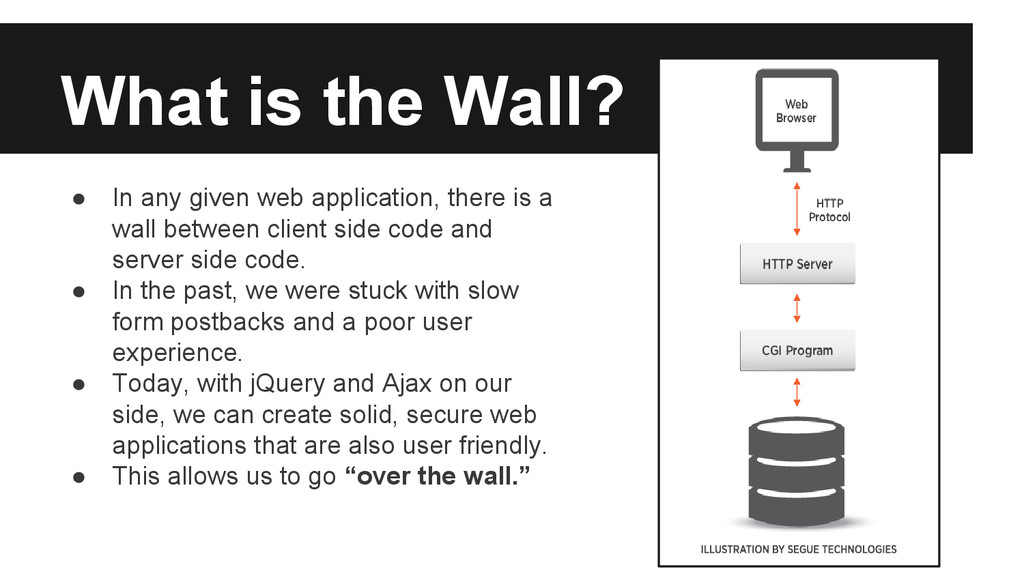
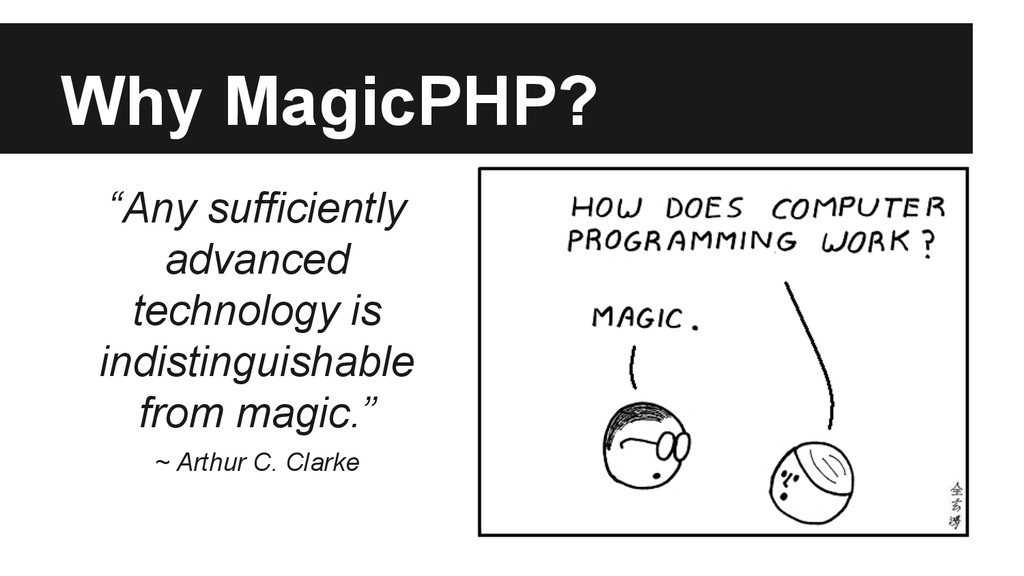
there is a wall between client side code and server side code. • In the past, we were stuck with slow form postbacks and a poor user experience. • Today, with jQuery and Ajax on our side, we can create solid, secure web applications that are also user friendly. • This allows us to go “over the wall.”
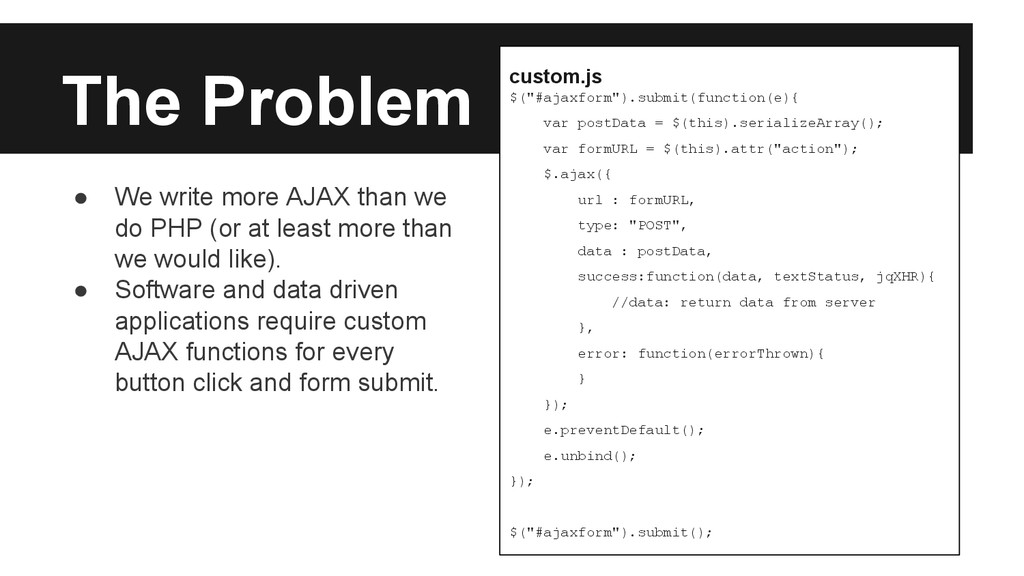
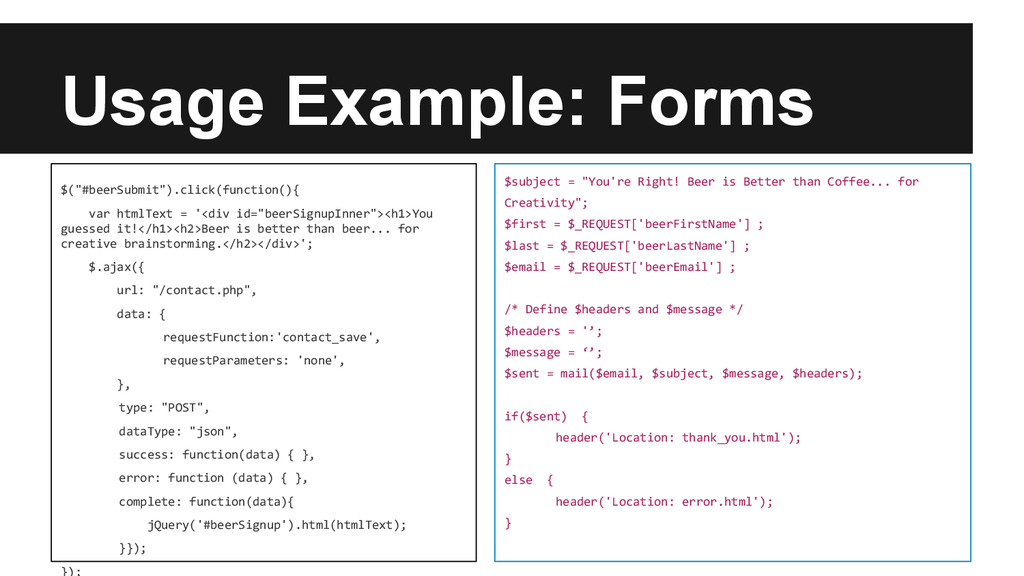
= $(this).attr("action"); $.ajax({ url : formURL, type: "POST", data : postData, success:function(data, textStatus, jqXHR){ //data: return data from server }, error: function(errorThrown){ } }); e.preventDefault(); e.unbind(); }); $("#ajaxform").submit(); • We write more AJAX than we do PHP (or at least more than we would like). • Software and data driven applications require custom AJAX functions for every button click and form submit.
an integrated approach to utilizing AJAX within our PHP code. • A standard set of functions handles most view requests and is called within a PHP function. • This helps us reduce code redundancy and keep our code DRY. • It also frees us up to do what we do best.
NASBA for the last few years. However, it is unsupported and seriously out of date. • We wanted to use the latest features of jQuery without creating conflicts. • We wanted a lighter-weight, cleaner library.
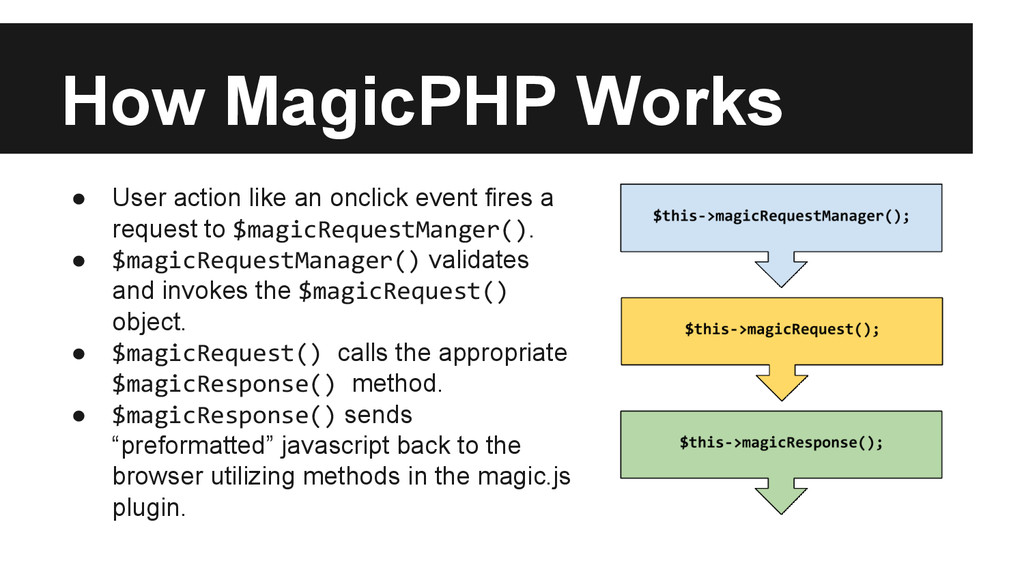
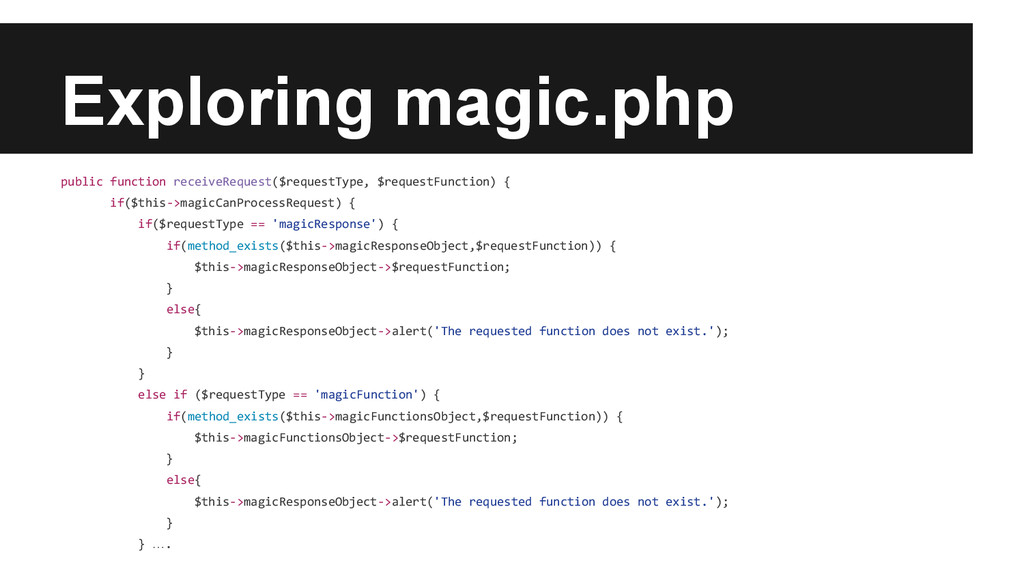
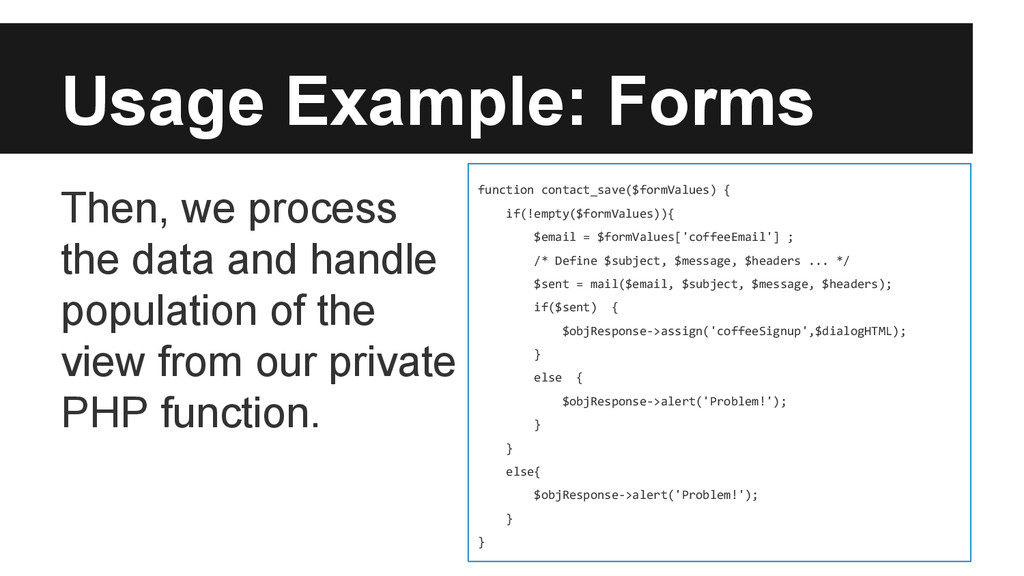
fires a request to $magicRequestManger(). • $magicRequestManager() validates and invokes the $magicRequest() object. • $magicRequest() calls the appropriate $magicResponse() method. • $magicResponse() sends “preformatted” javascript back to the browser utilizing methods in the magic.js plugin.
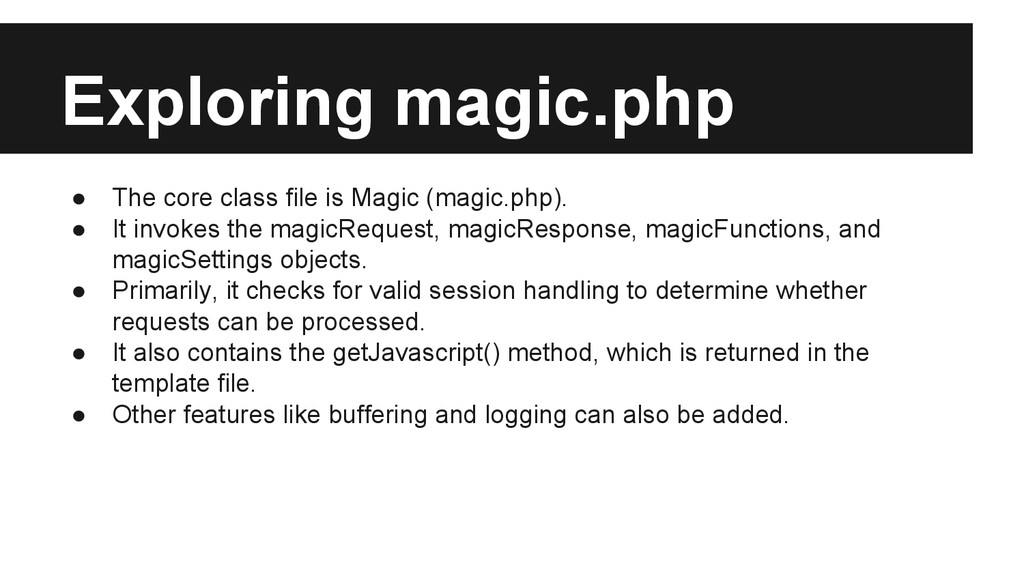
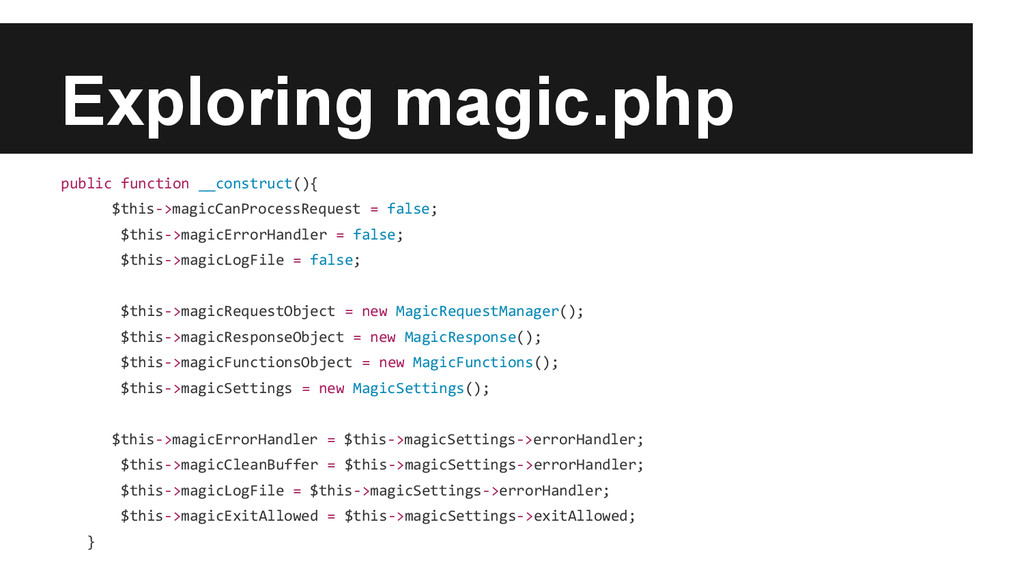
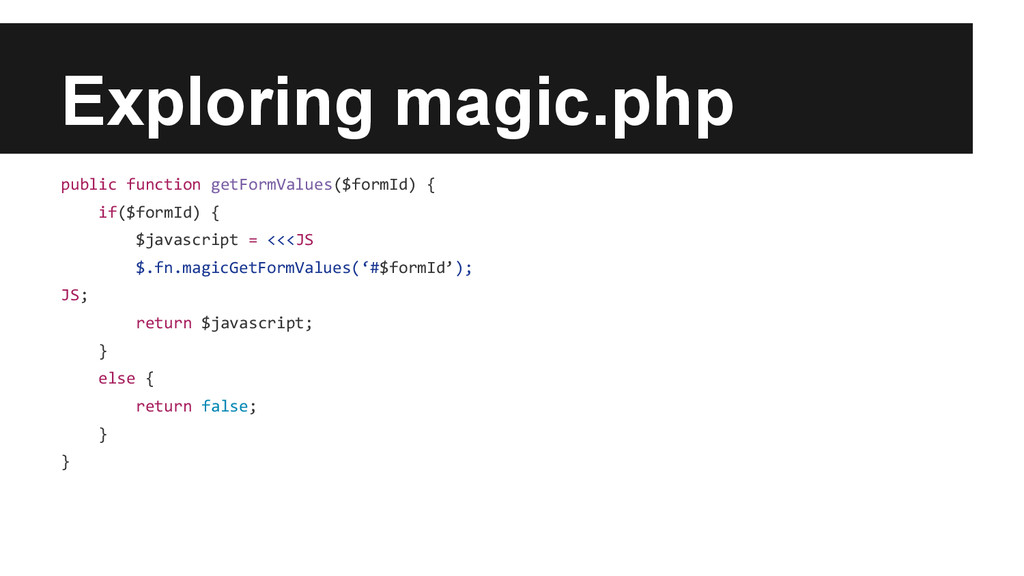
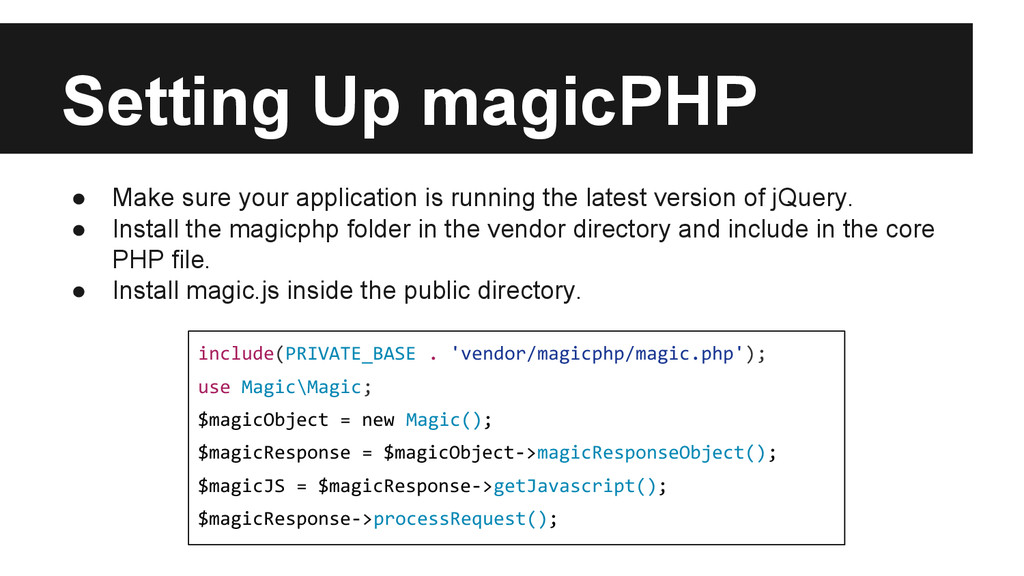
• It invokes the magicRequest, magicResponse, magicFunctions, and magicSettings objects. • Primarily, it checks for valid session handling to determine whether requests can be processed. • It also contains the getJavascript() method, which is returned in the template file. • Other features like buffering and logging can also be added.
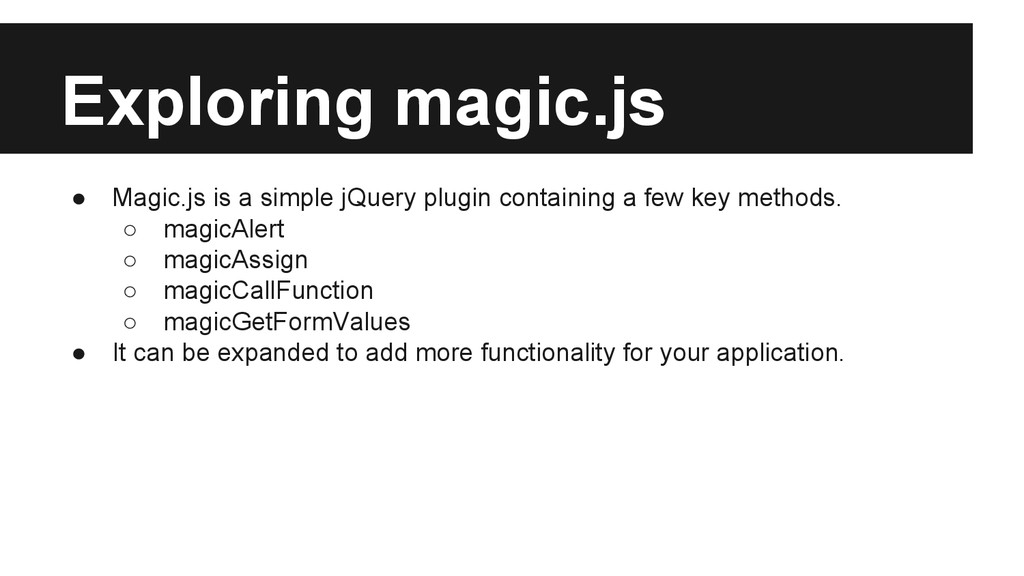
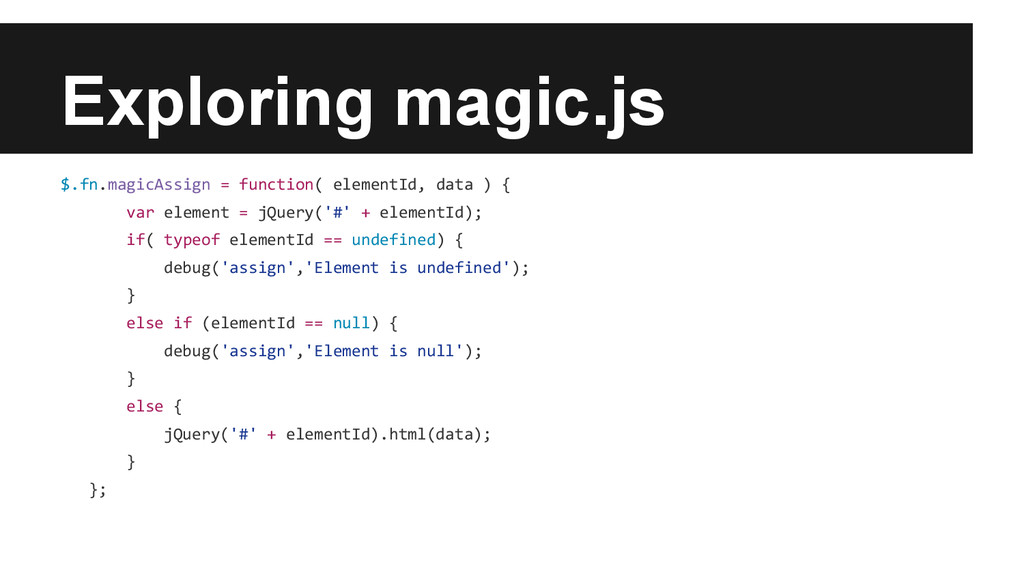
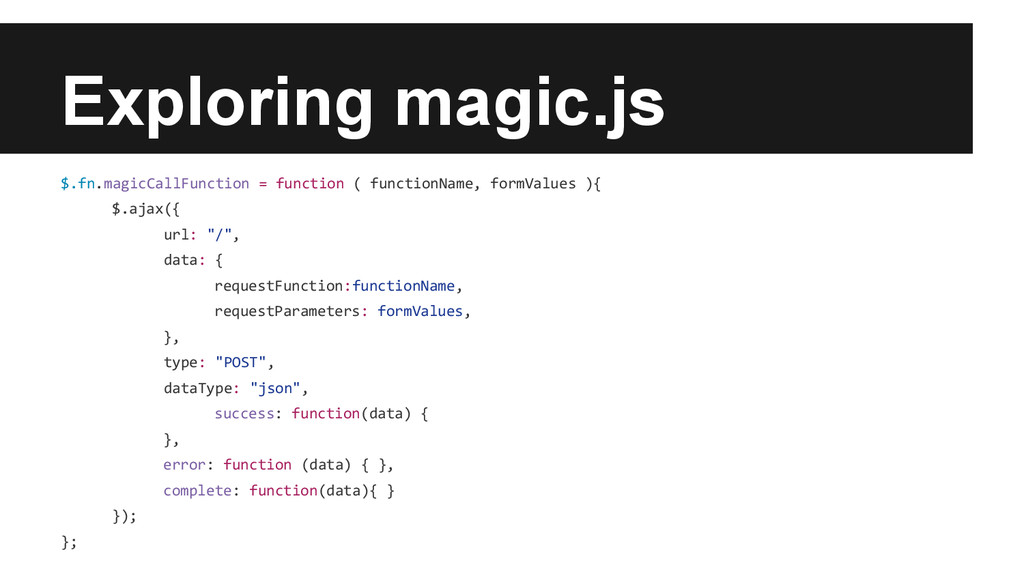
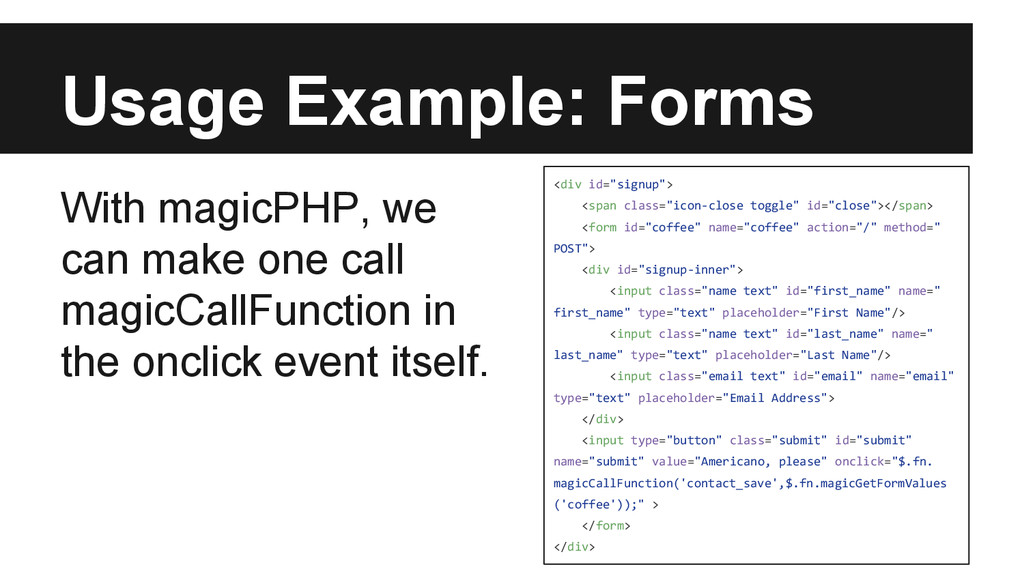
a few key methods. ◦ magicAlert ◦ magicAssign ◦ magicCallFunction ◦ magicGetFormValues • It can be expanded to add more functionality for your application.
the latest version of jQuery. • Install the magicphp folder in the vendor directory and include in the core PHP file. • Install magic.js inside the public directory. include(PRIVATE_BASE . 'vendor/magicphp/magic.php'); use Magic\Magic; $magicObject = new Magic(); $magicResponse = $magicObject->magicResponseObject(); $magicJS = $magicResponse->getJavascript(); $magicResponse->processRequest();
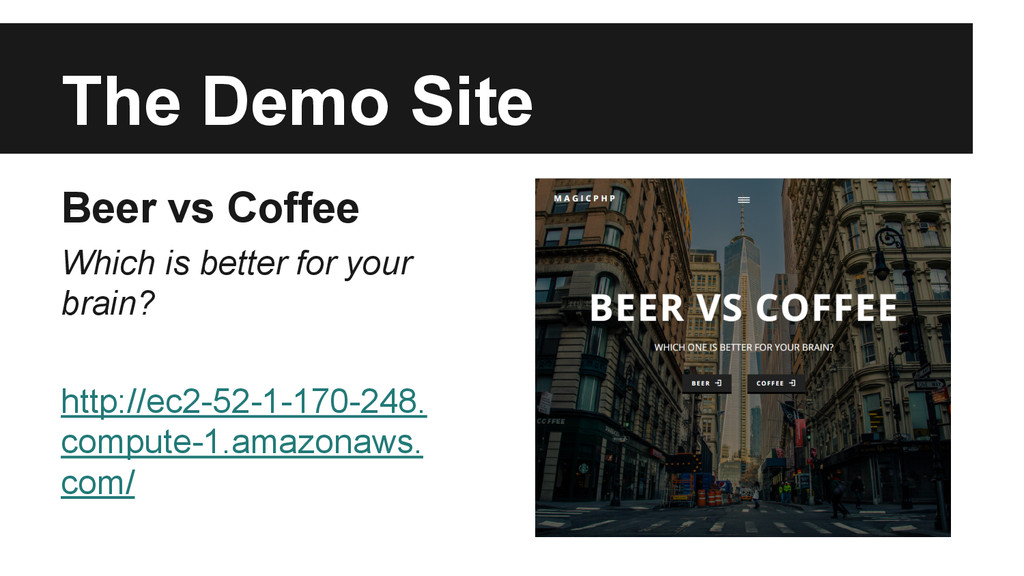
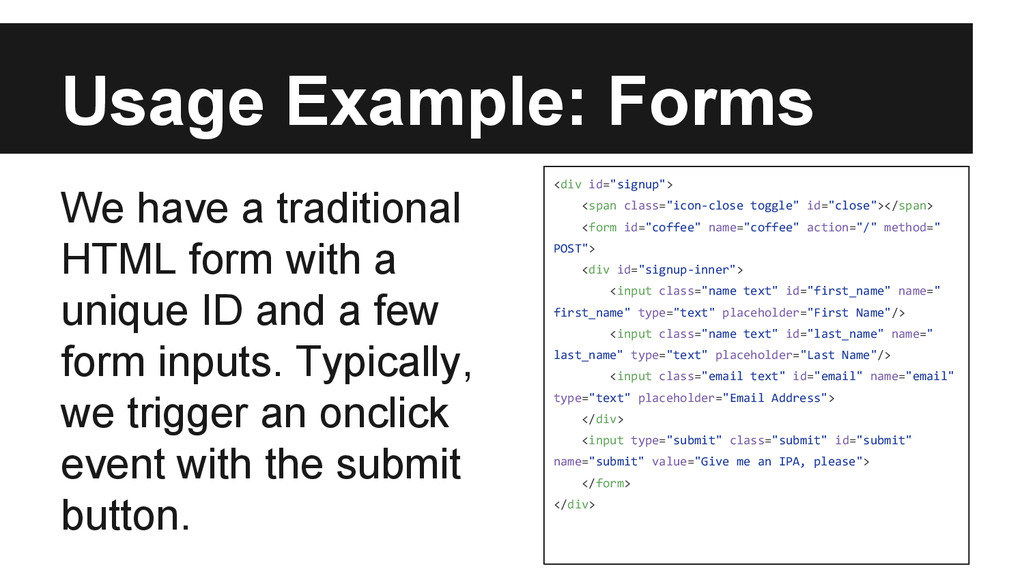
id="coffee" name="coffee" action="/" method=" POST"> <div id="signup-inner"> <input class="name text" id="first_name" name=" first_name" type="text" placeholder="First Name"/> <input class="name text" id="last_name" name=" last_name" type="text" placeholder="Last Name"/> <input class="email text" id="email" name="email" type="text" placeholder="Email Address"> </div> <input type="submit" class="submit" id="submit" name="submit" value="Give me an IPA, please"> </form> </div> We have a traditional HTML form with a unique ID and a few form inputs. Typically, we trigger an onclick event with the submit button.
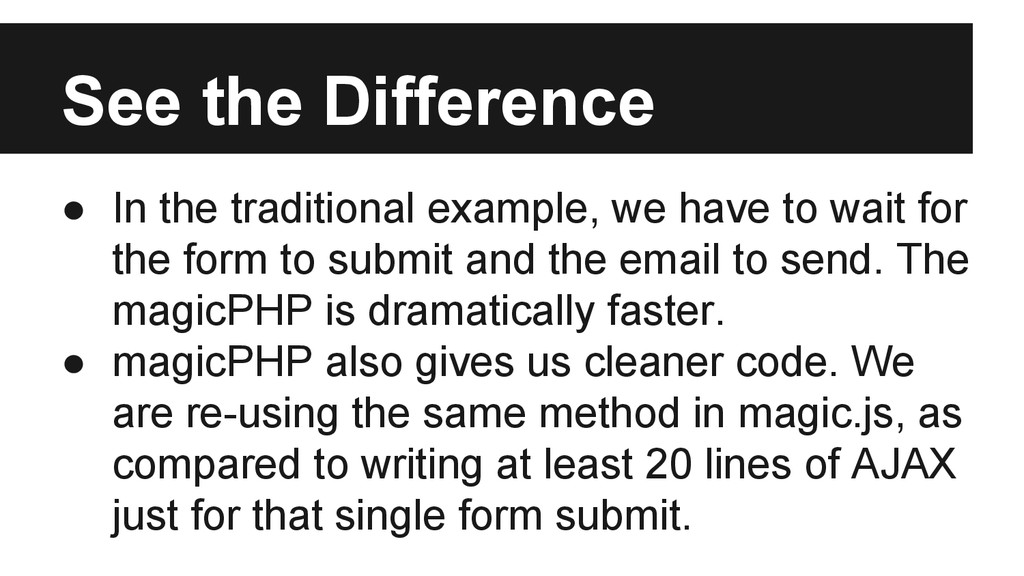
to wait for the form to submit and the email to send. The magicPHP is dramatically faster. • magicPHP also gives us cleaner code. We are re-using the same method in magic.js, as compared to writing at least 20 lines of AJAX just for that single form submit.


 deewilcox
 uyuki234
 jame2408
 ichirokano2
 dske104
 morizo_1984
 palkan
 kenjiyoneyama
 florets1
 oku053
 gonta
gonta
 nabondance
 andpad
 reverentgeek
 addyosmani
 jct
jct
 tammyeverts
 szymonslowik
 auna
auna
 pedronauck
 greggifford
 sabderemane
 jonoalderson
 axbom
axbom
 kneath