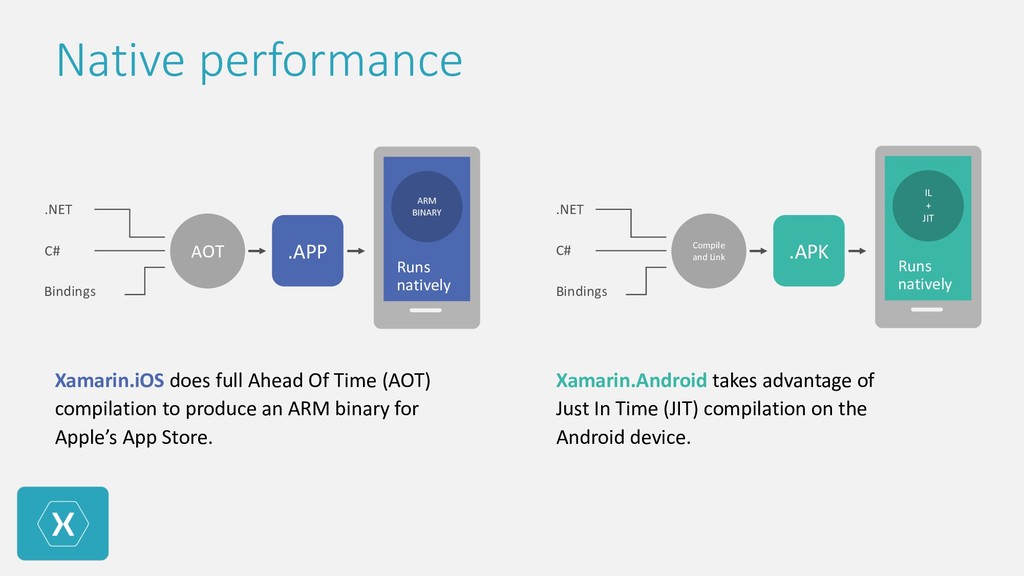
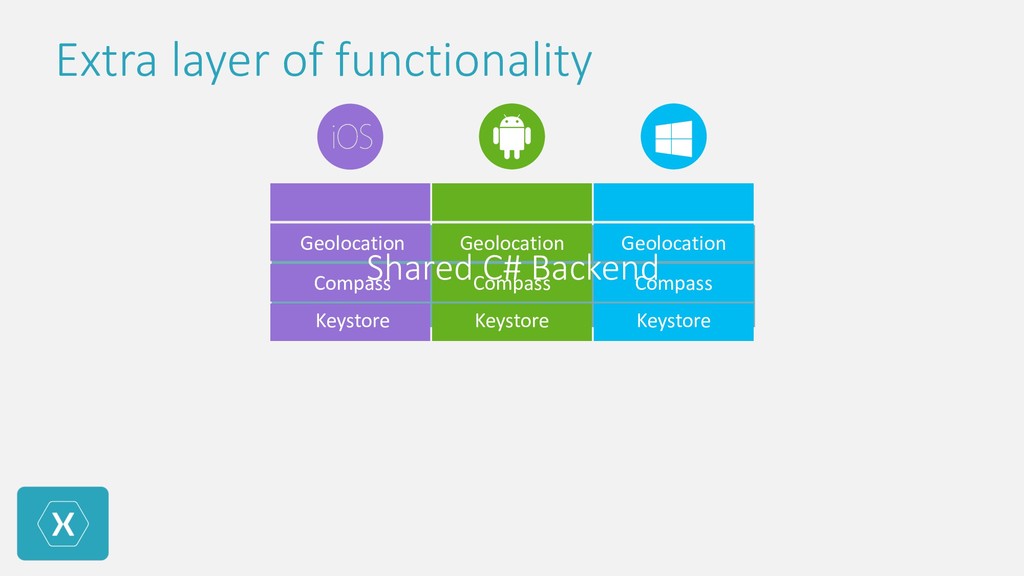
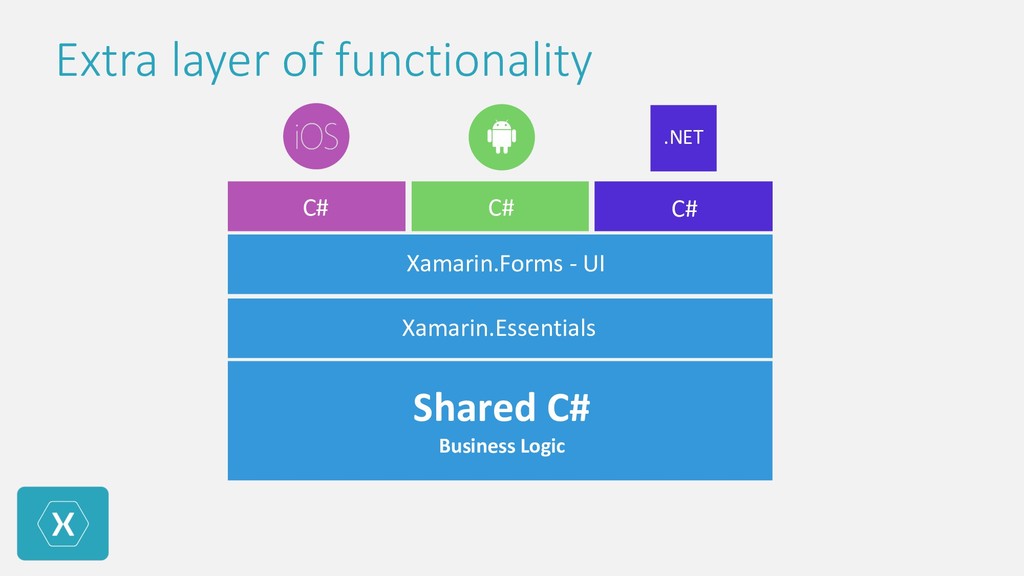
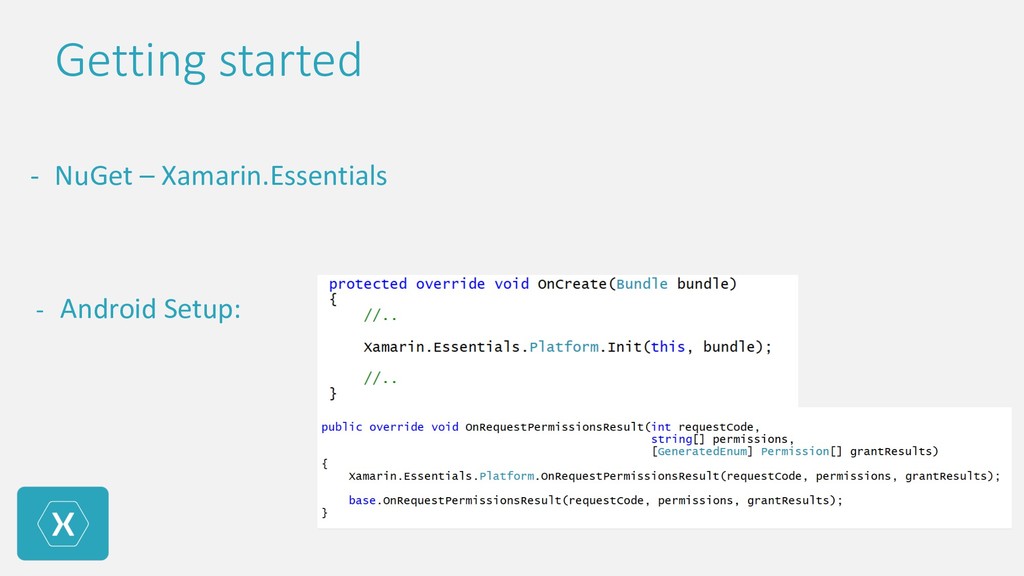
to produce an ARM binary for Apple’s App Store. Xamarin.Android takes advantage of Just In Time (JIT) compilation on the Android device. ARM BINARY Runs natively .APP AOT .APK Compile and Link .NET C# Bindings IL + JIT Runs natively .NET C# Bindings
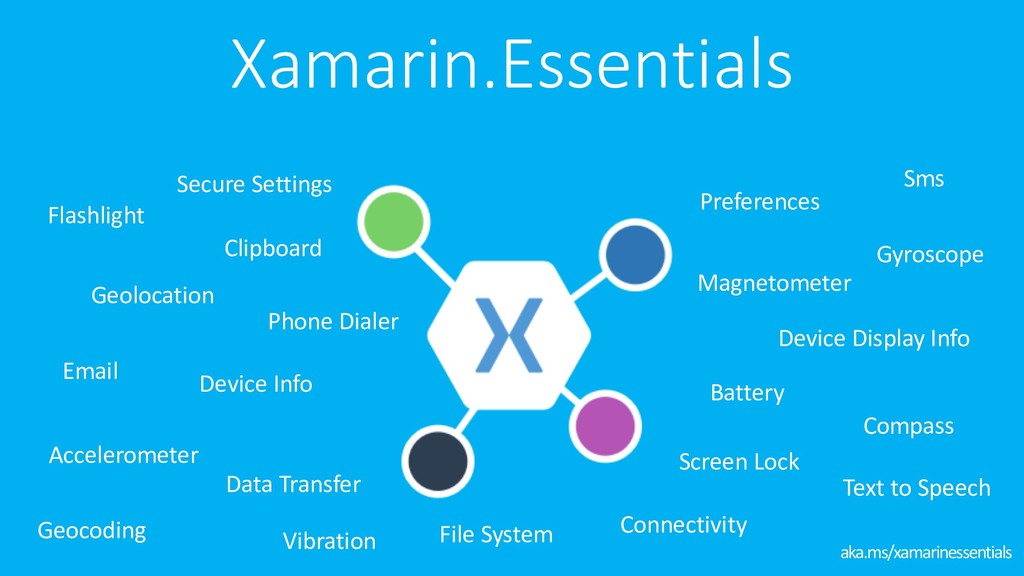
Secure Settings Accelerometer Battery Clipboard Compass Connectivity Data Transfer Email File System Geocoding Gyroscope Magnetometer Phone Dialer Screen Lock Sms Text to Speech Vibration
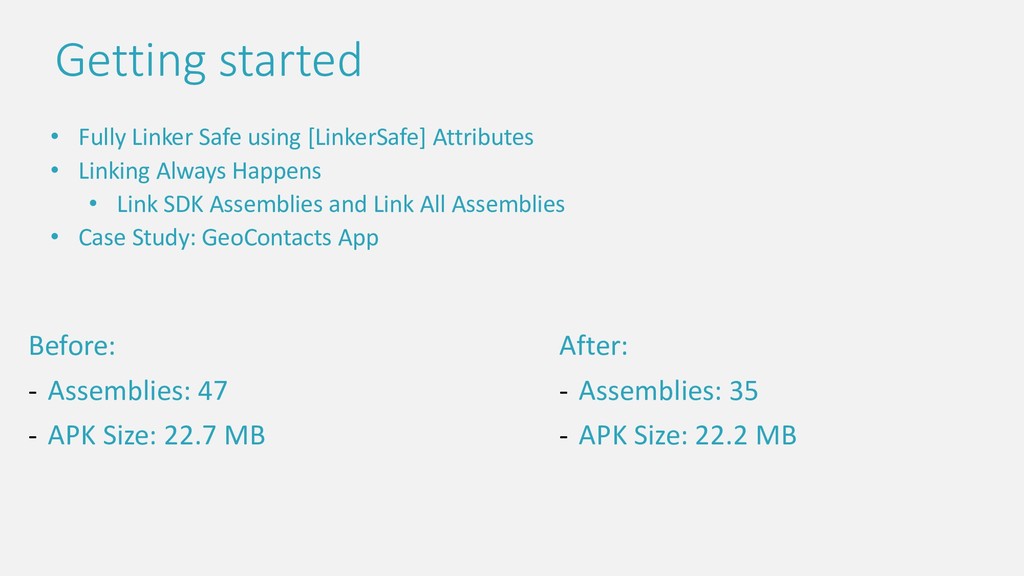
- Assemblies: 35 - APK Size: 22.2 MB • Fully Linker Safe using [LinkerSafe] Attributes • Linking Always Happens • Link SDK Assemblies and Link All Assemblies • Case Study: GeoContacts App Getting started
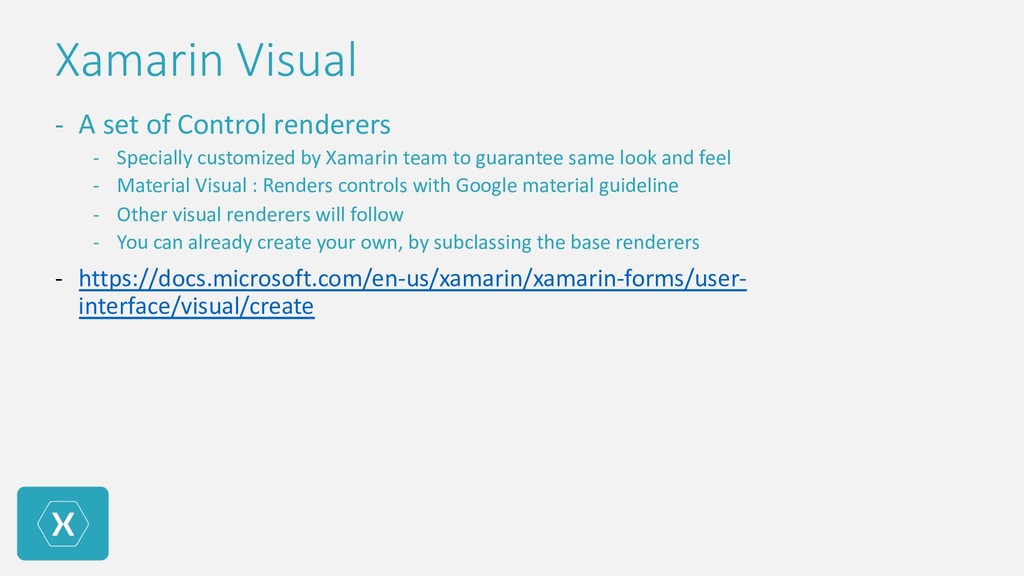
customized by Xamarin team to guarantee same look and feel - Material Visual : Renders controls with Google material guideline - Other visual renderers will follow - You can already create your own, by subclassing the base renderers - https://docs.microsoft.com/en-us/xamarin/xamarin-forms/user- interface/visual/create
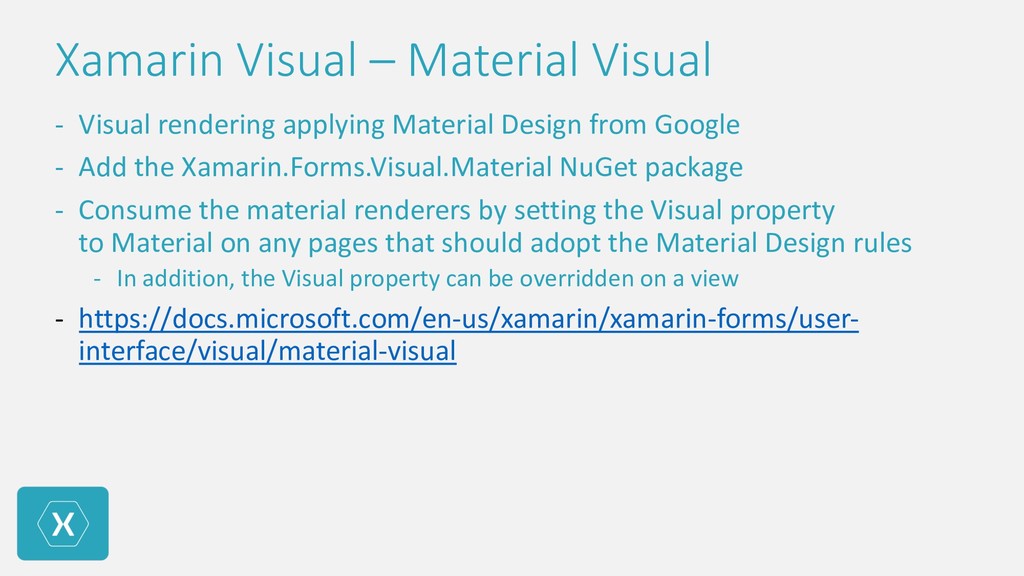
Design from Google - Add the Xamarin.Forms.Visual.Material NuGet package - Consume the material renderers by setting the Visual property to Material on any pages that should adopt the Material Design rules - In addition, the Visual property can be overridden on a view - https://docs.microsoft.com/en-us/xamarin/xamarin-forms/user- interface/visual/material-visual
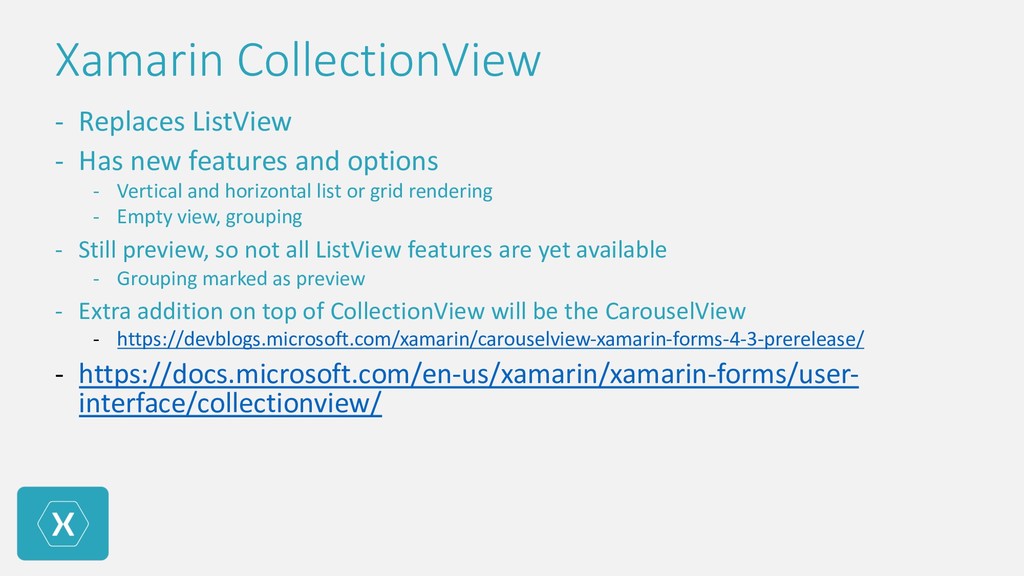
options - Vertical and horizontal list or grid rendering - Empty view, grouping - Still preview, so not all ListView features are yet available - Grouping marked as preview - Extra addition on top of CollectionView will be the CarouselView - https://devblogs.microsoft.com/xamarin/carouselview-xamarin-forms-4-3-prerelease/ - https://docs.microsoft.com/en-us/xamarin/xamarin-forms/user- interface/collectionview/
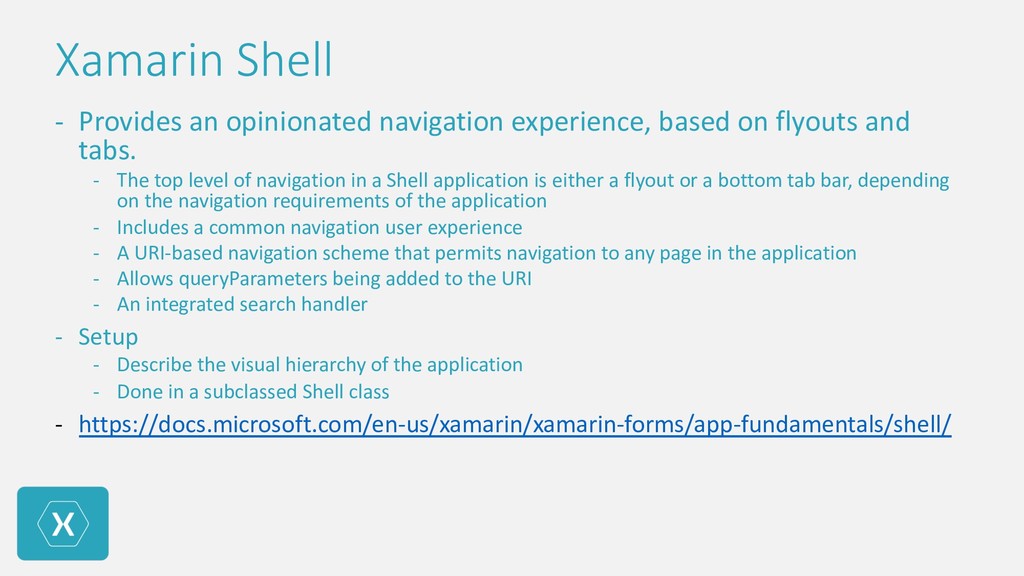
flyouts and tabs. - The top level of navigation in a Shell application is either a flyout or a bottom tab bar, depending on the navigation requirements of the application - Includes a common navigation user experience - A URI-based navigation scheme that permits navigation to any page in the application - Allows queryParameters being added to the URI - An integrated search handler - Setup - Describe the visual hierarchy of the application - Done in a subclassed Shell class - https://docs.microsoft.com/en-us/xamarin/xamarin-forms/app-fundamentals/shell/


 teyamagu
 florets1
 yutobara
 morizo_1984
 dske104
 marcoroth
 akihisaikeda
 rshindo
 nao_randd
 optim
optim
 timakin
 skydoves
 denniskardys
 aleyda
 baasie
 smashingmag
 mraible
 paigeccino
 speakerdeck
 thoeni
 zakiyama
 dugsong
 davetheseo
 swwweet