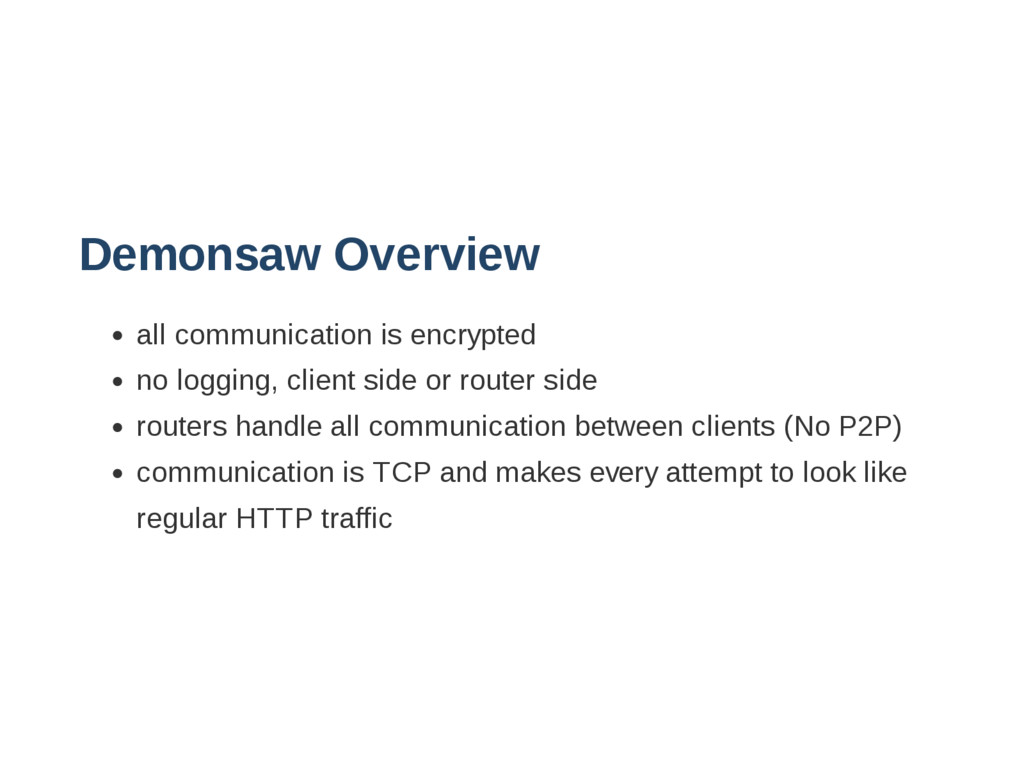
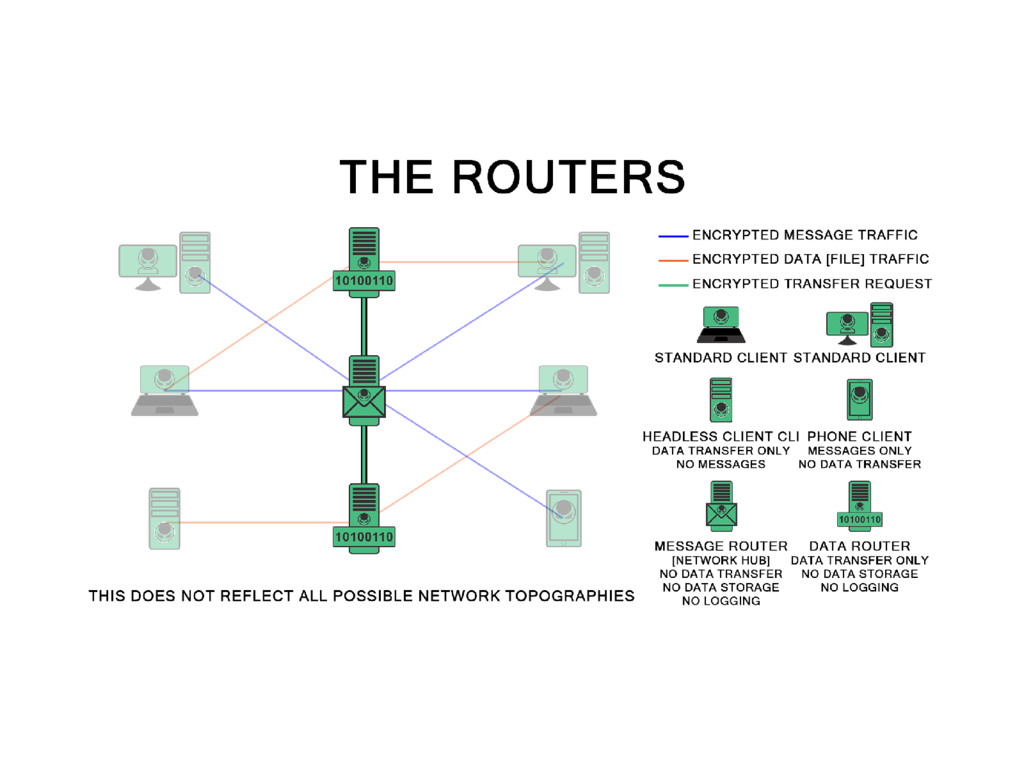
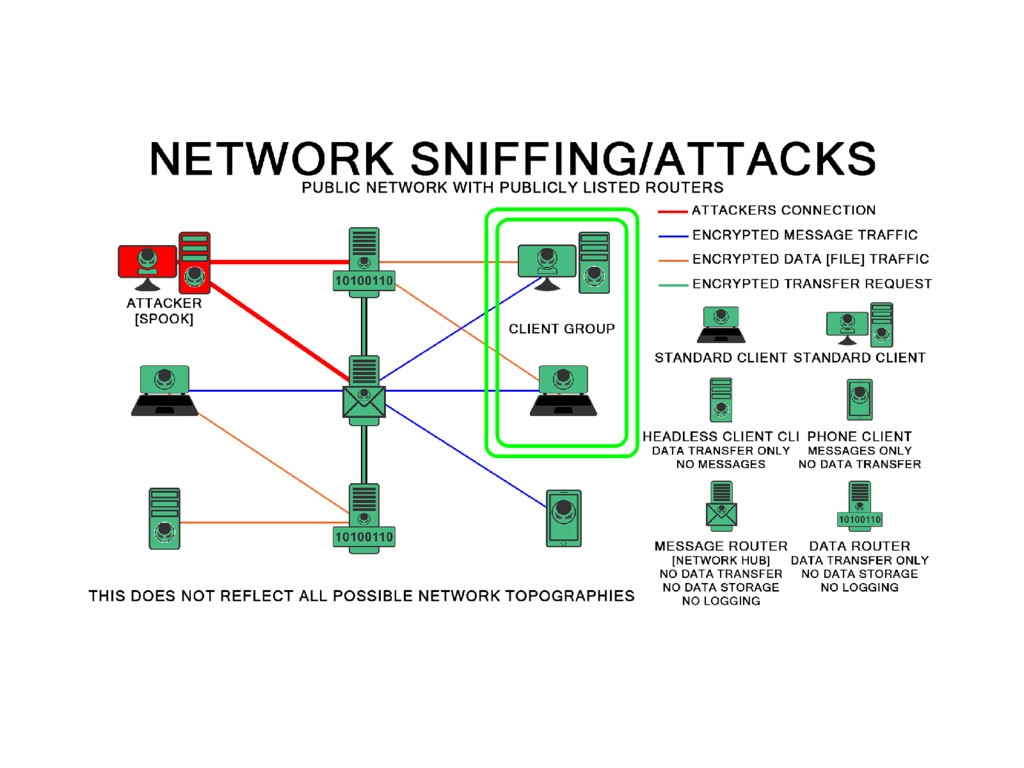
or router side routers handle all communication between clients (No P2P) communication is TCP and makes every attempt to look like regular HTTP traffic
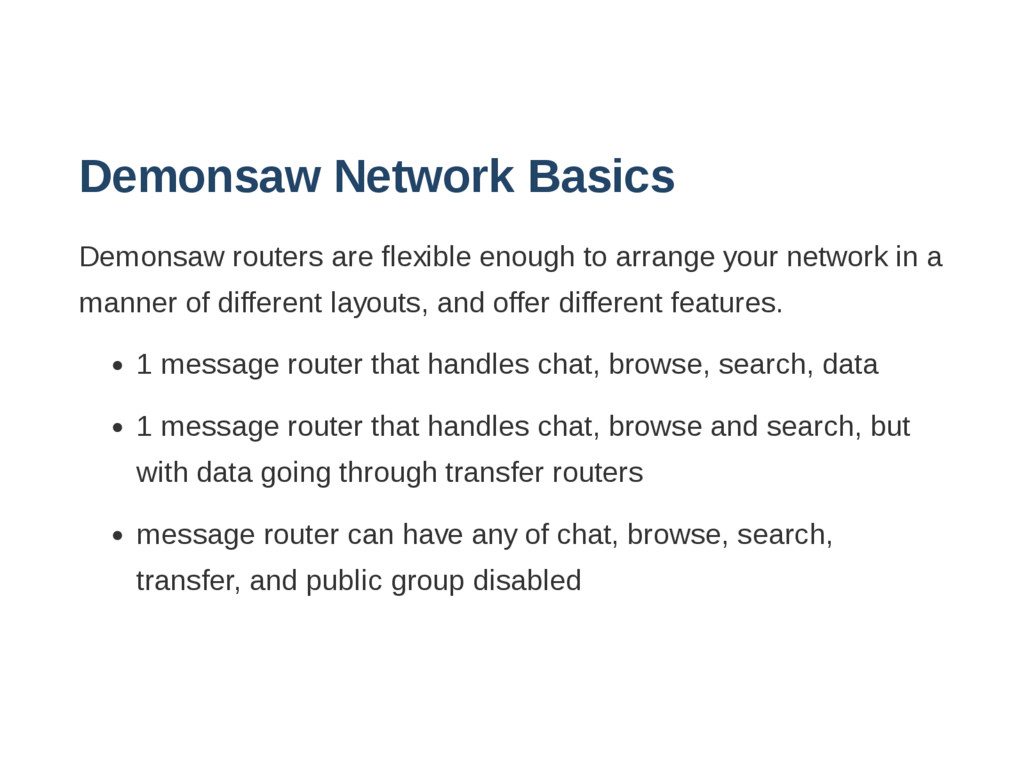
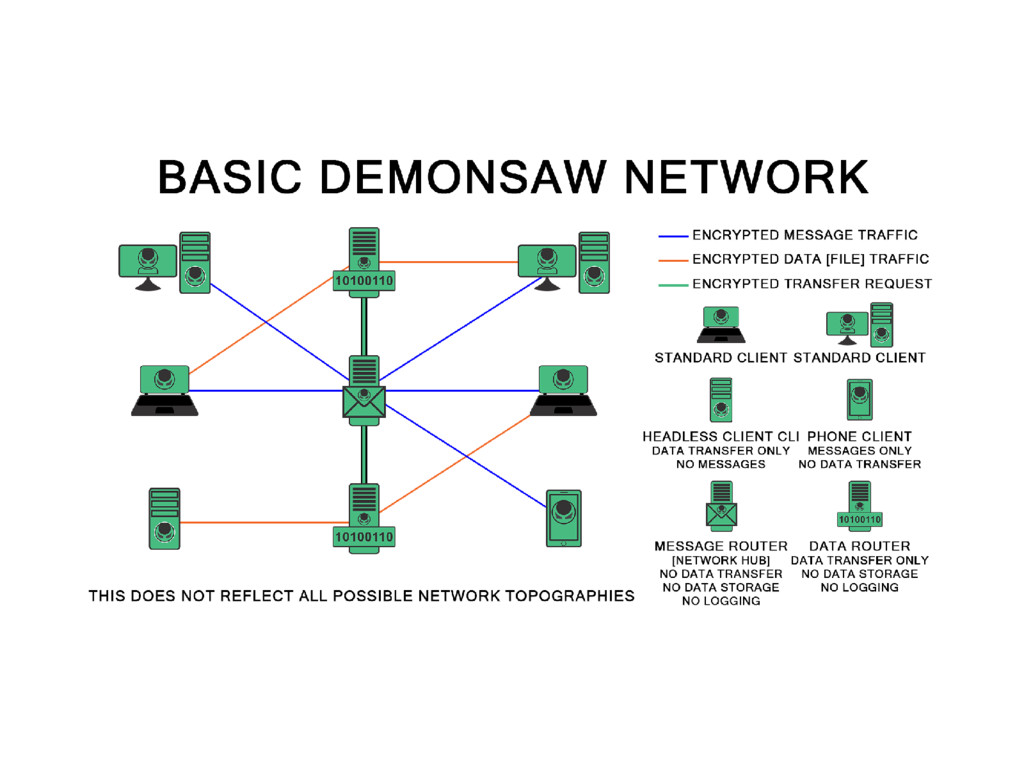
your network in a manner of different layouts, and offer different features. 1 message router that handles chat, browse, search, data 1 message router that handles chat, browse and search, but with data going through transfer routers message router can have any of chat, browse, search, transfer, and public group disabled
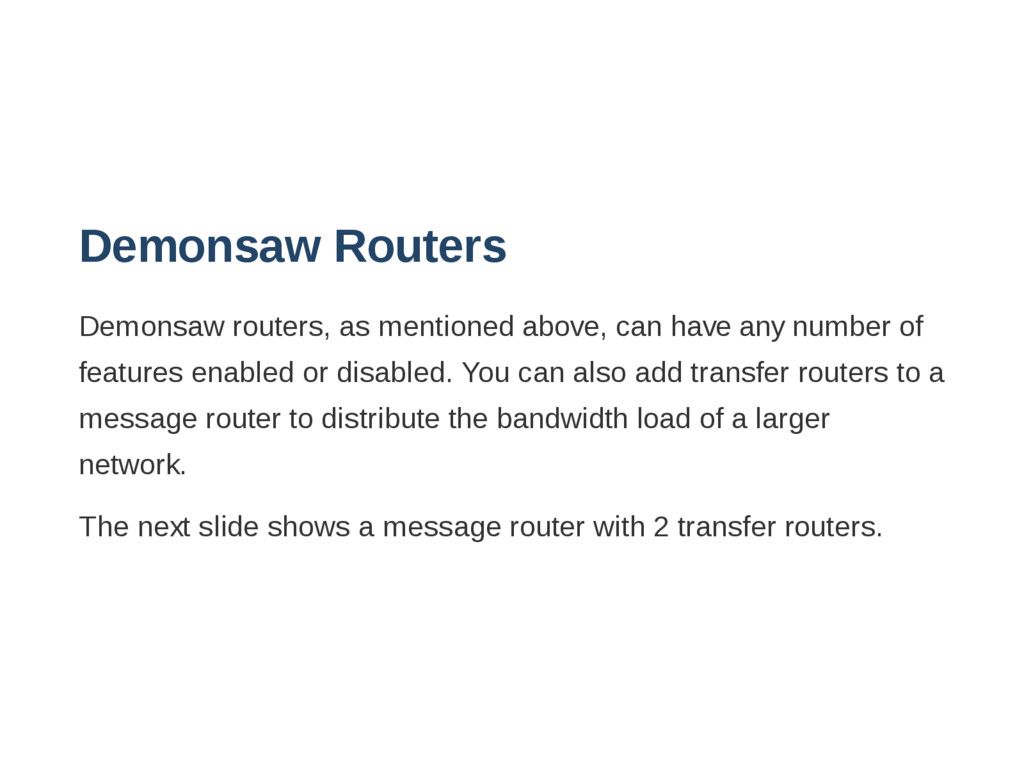
number of features enabled or disabled. You can also add transfer routers to a message router to distribute the bandwidth load of a larger network. The next slide shows a message router with 2 transfer routers.
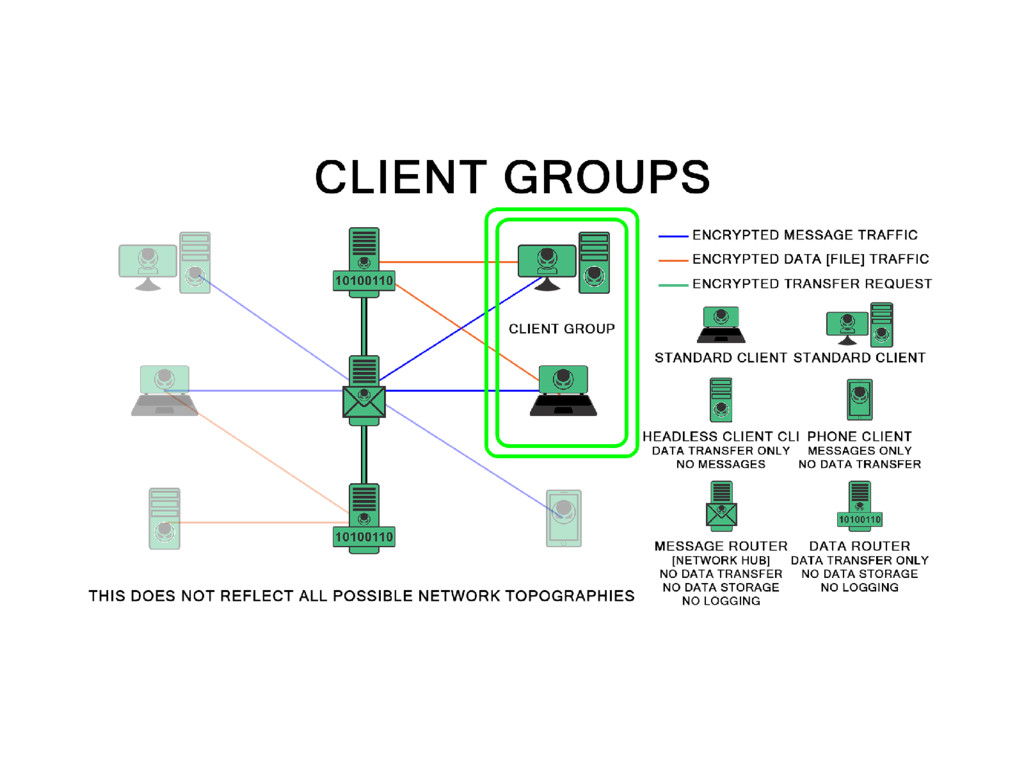
strong crypto based on shared knowledge such as files or websites, Demonsaw uses this for creating layers of crypto for groups within Demonsaw as well as to restrict access to routers (demonsaw 3) Extra crypto layers created by groups on client side will allow you to be isolated from the public group on a message router, so that you can communicate and share with only those in your group.
aren't required to trust the routers, that said.. You are offered the best protection when using a group to connect to a router. Demonsaw 3 allows you to choose what transfer routers to trust Strong cryptography prevents traffic sniffing, decryption, and replay attacks.


 ivry_presentationmaterials
 kizawa2020
 sh_fk2
 takonda
 ueponx
 shuta13
 kenichiodo
 moznion
 pfn
pfn
 odashi
 bitkey
 iktakahiro
 marcoroth
 davidcarrasco
 nikkihalliwell
 cassininazir
 aki_iinuma
 soysaucechin
 takai
takai
 jnunemaker
 portentint
 tammyeverts
 matthewcrist
 popppiees