Upgrade to Pro — share decks privately, control downloads, hide ads and more …

Seamless mobile real-time communication with We...

Sponsored · Your Podcast. Everywhere. Effortlessly. Share. Educate. Inspire. Entertain. You do you. We'll handle the rest.
Avatar for Brian Wangi Brian Wangi
June 08, 2024
17

Seamless mobile real-time communication with WebRTC

The WebRTC project allows developers to build strong voice and video communication solutions by facilitating the transmission of data between peers.
During this talk, we will discover the WebRTC project, its design, and how to implement a simple mobile app in a Kotlin Multiplatform project.

Avatar for Brian Wangi

Brian Wangi

June 08, 2024
Tweet

Transcript

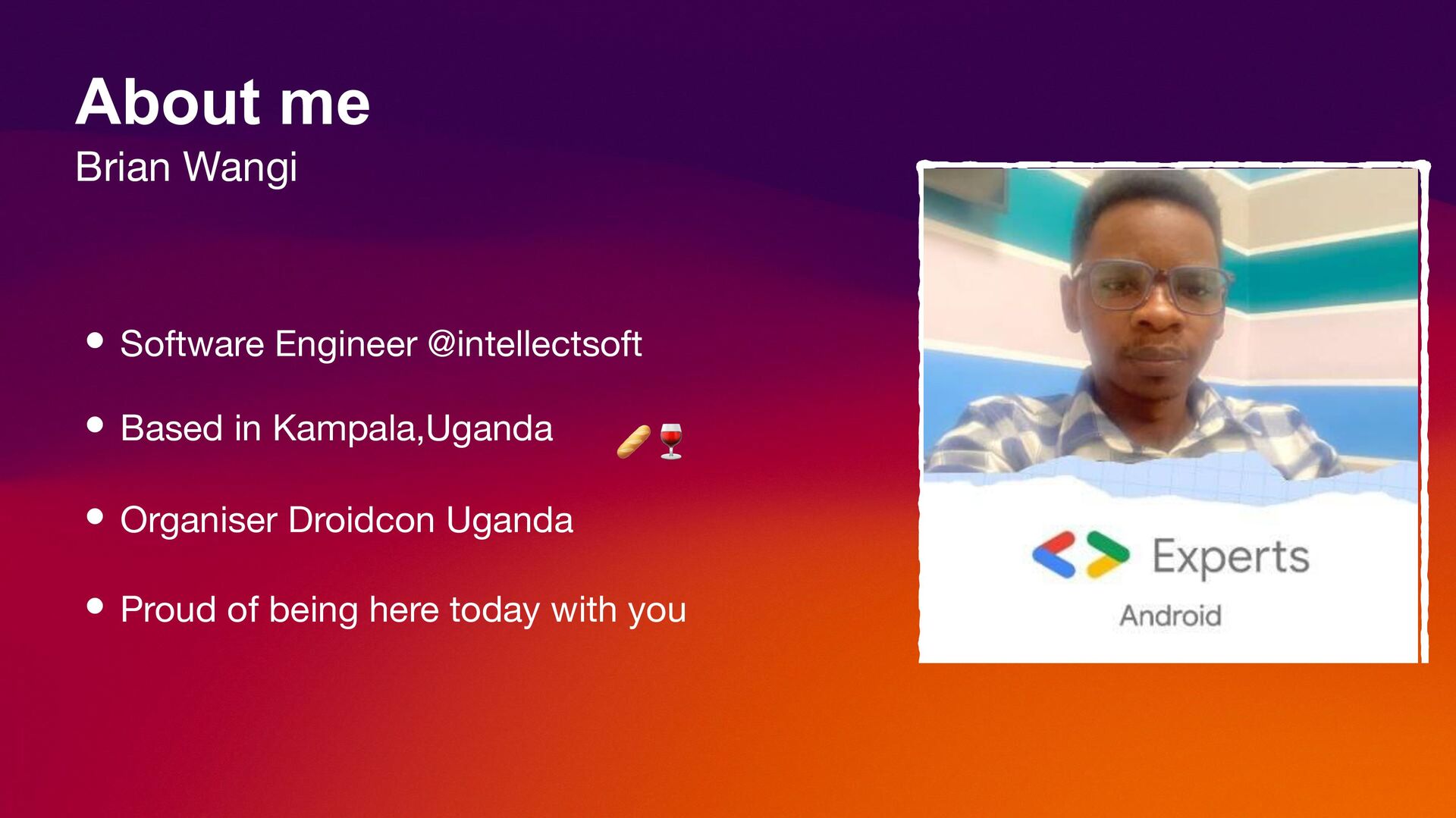
  1. • Software Engineer @intellectsoft • Based in Kampala,Uganda • Organiser

    Droidcon Uganda • Proud of being here today with you About me Brian Wangi
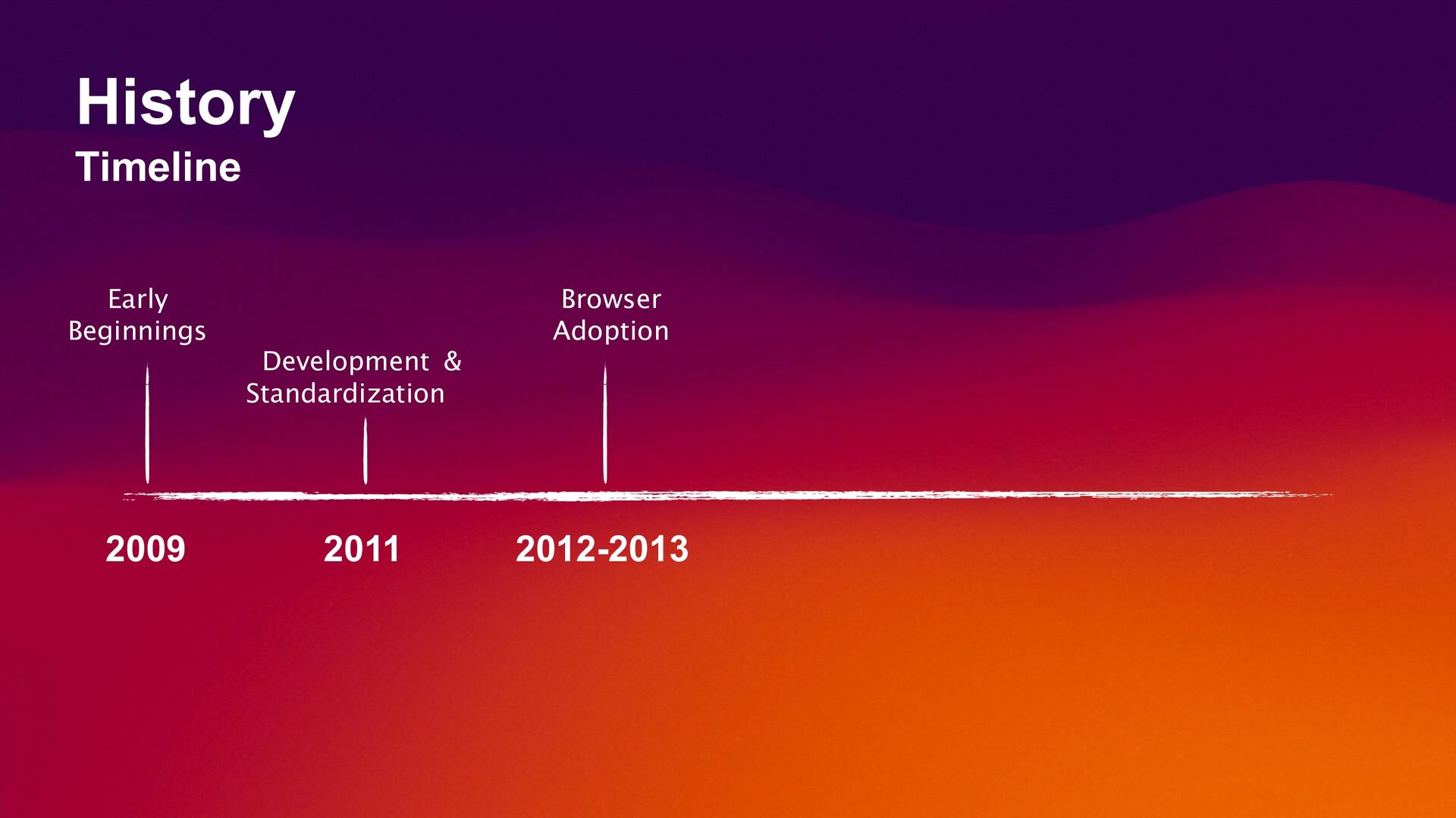
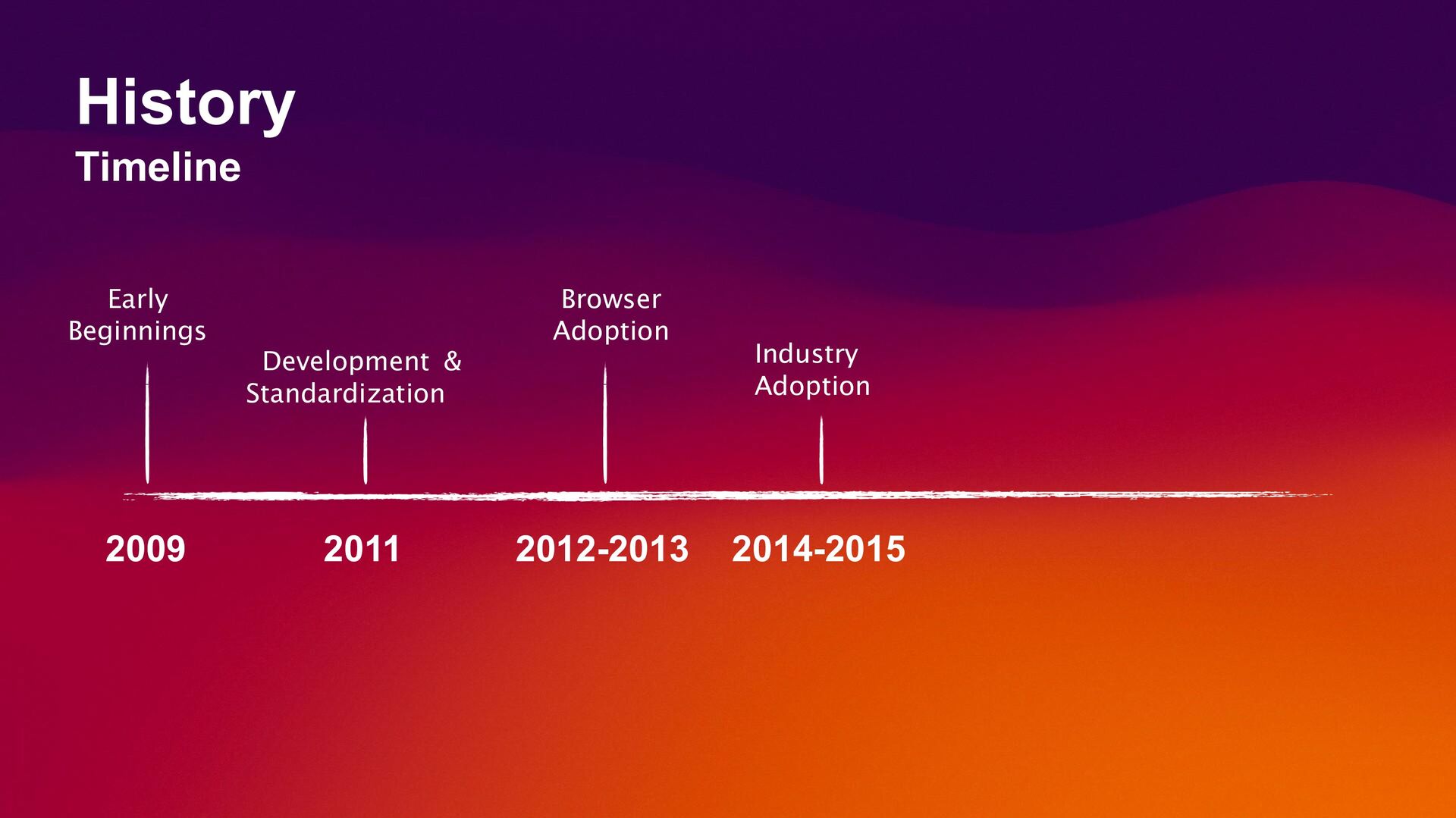
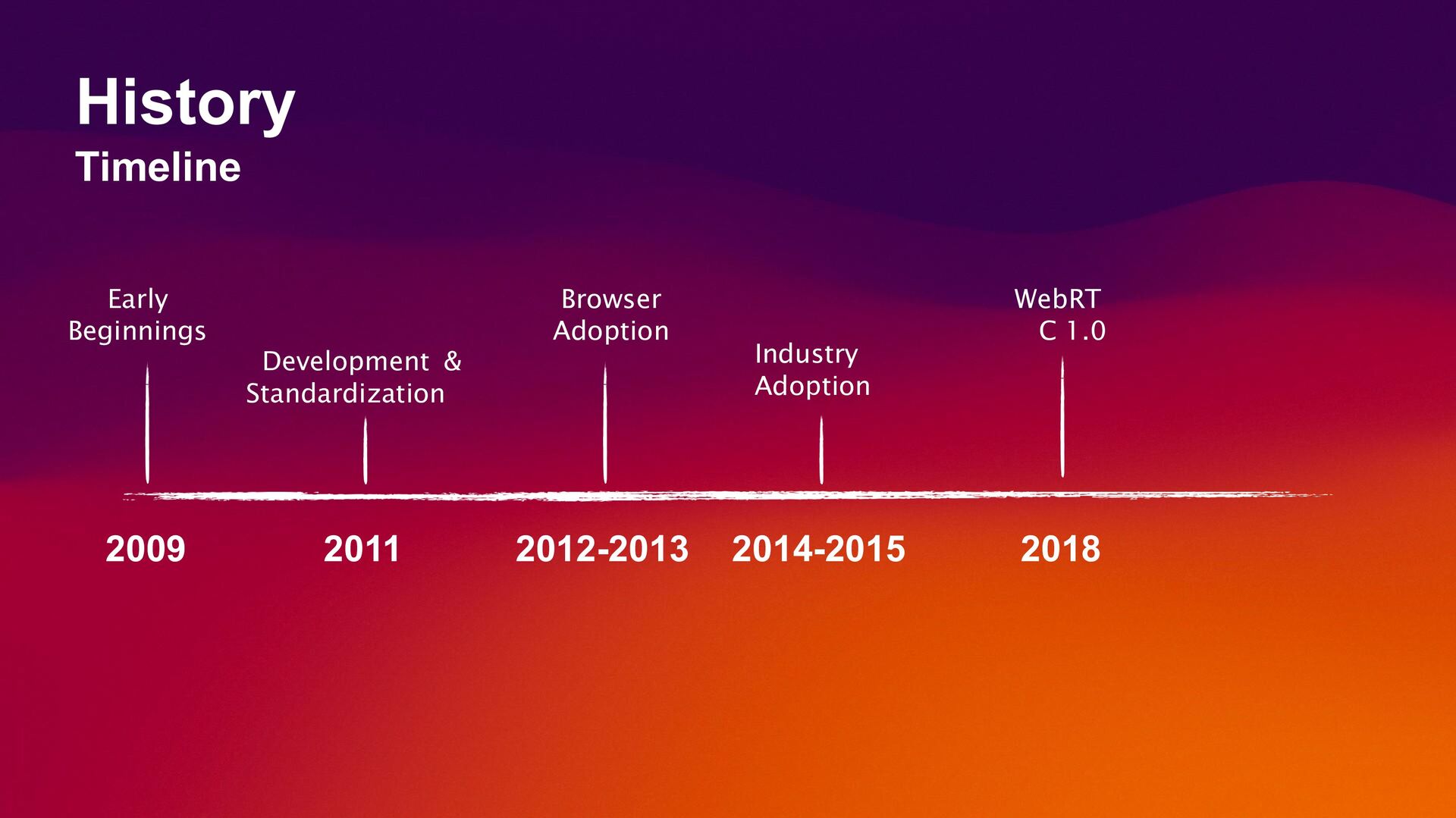
  2. Early Beginnings 2009 2011 Development & Standardization Browser Adoption 2012-2013

    Industry Adoption 2014-2015 2018 WebRT C 1.0 History Timeline
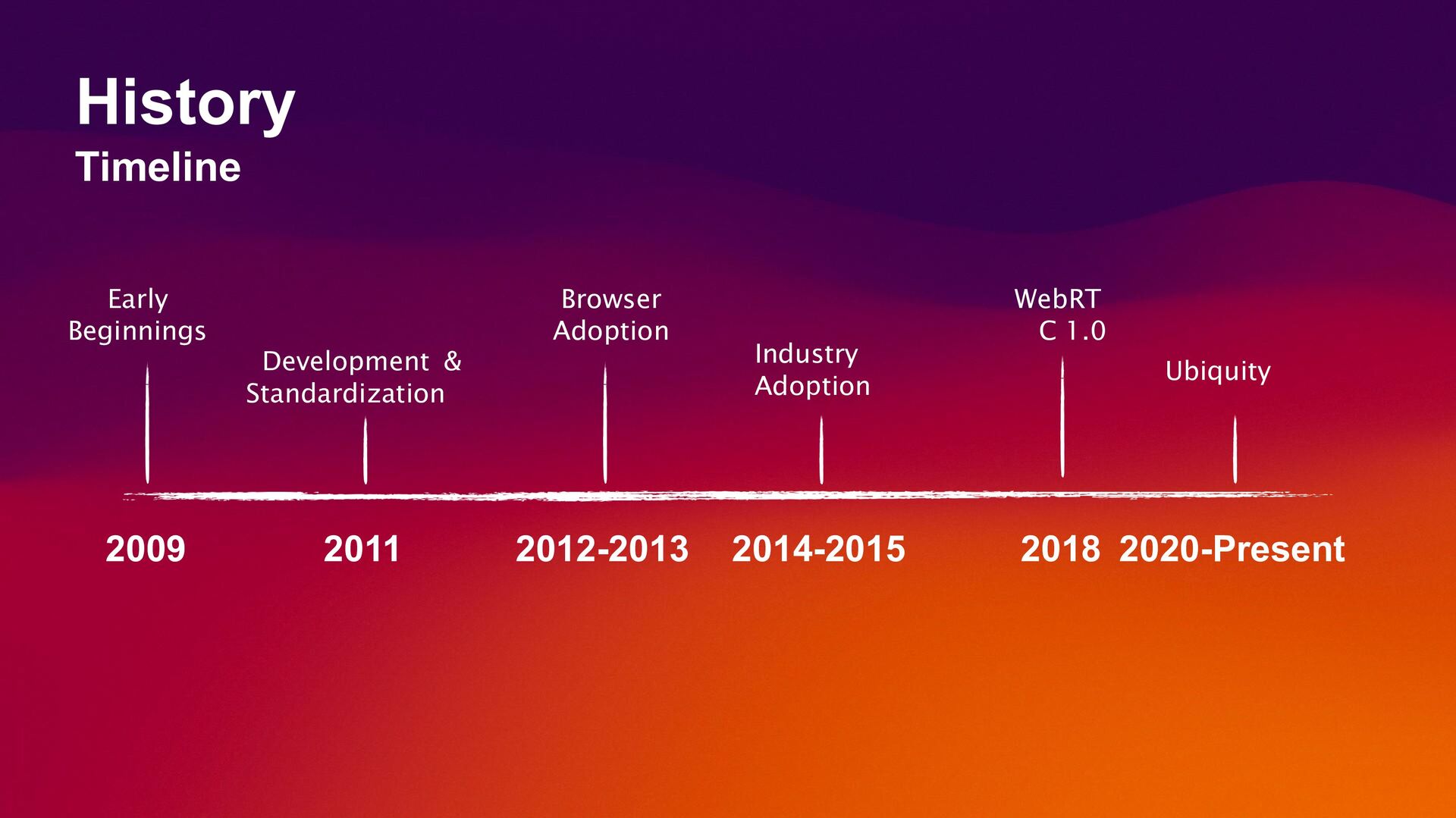
  3. Early Beginnings 2009 2011 Development & Standardization Browser Adoption 2012-2013

    Industry Adoption 2014-2015 WebRT C 1.0 2018 2020-Present Ubiquity History Timeline
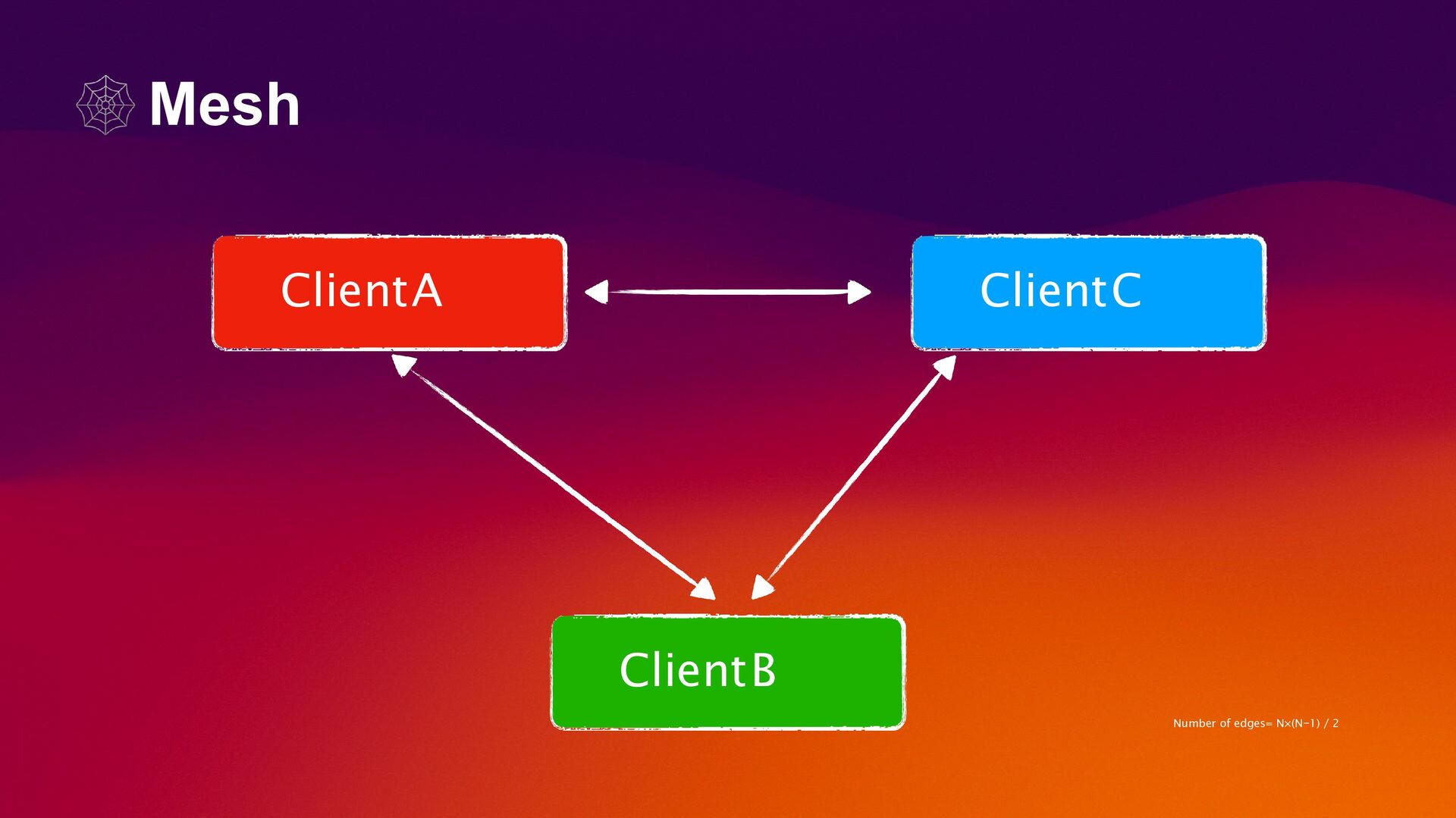
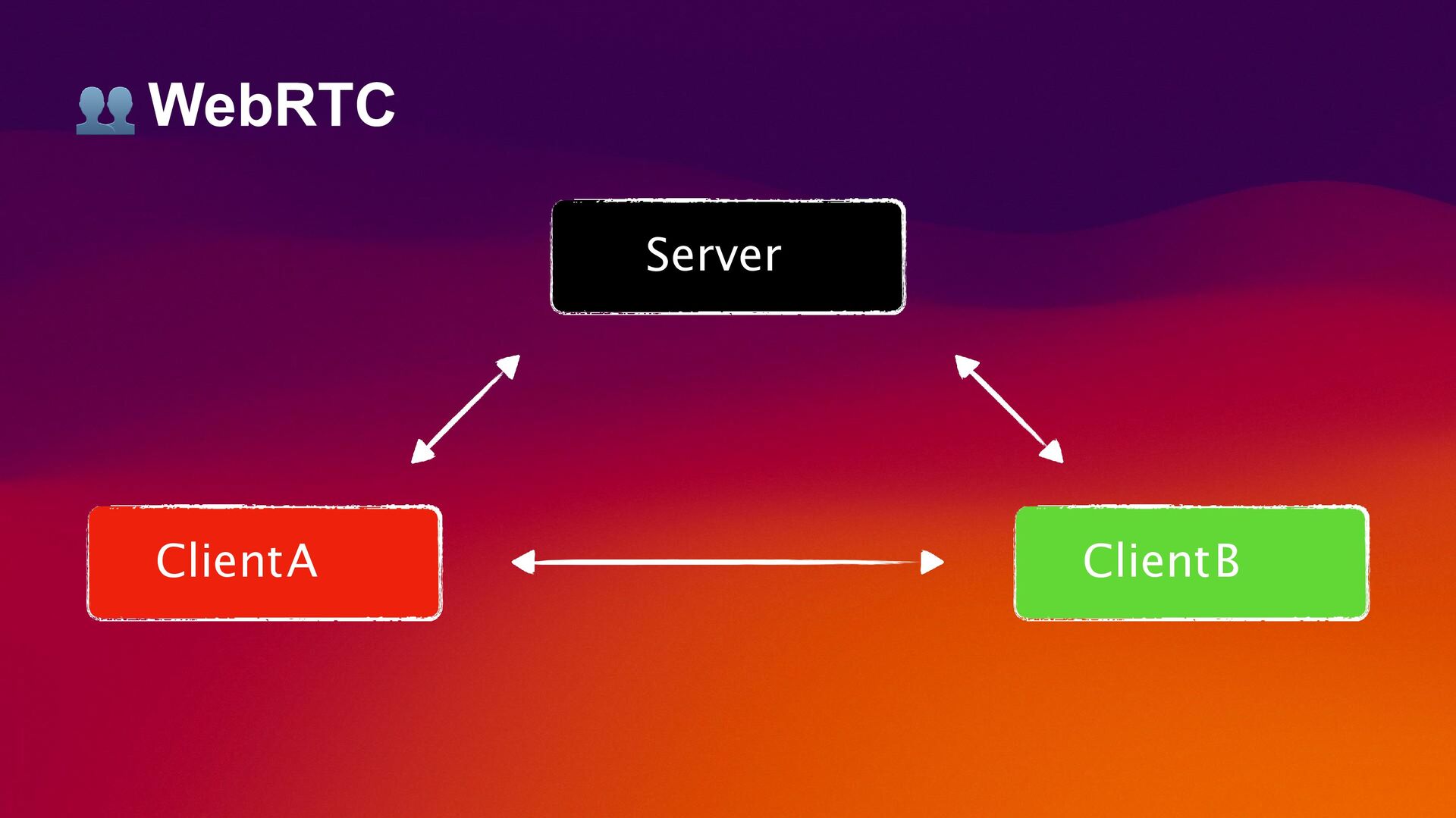
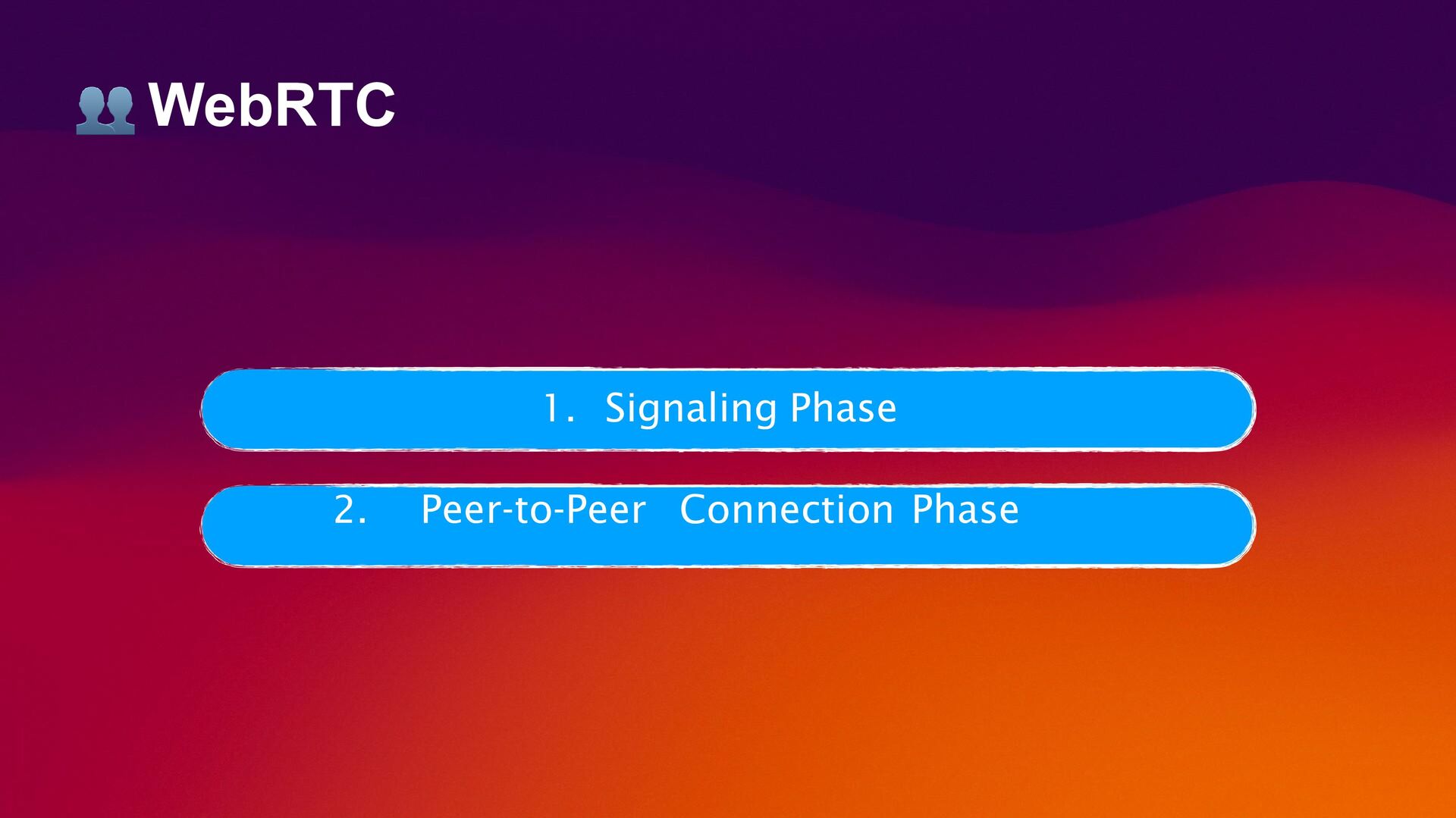
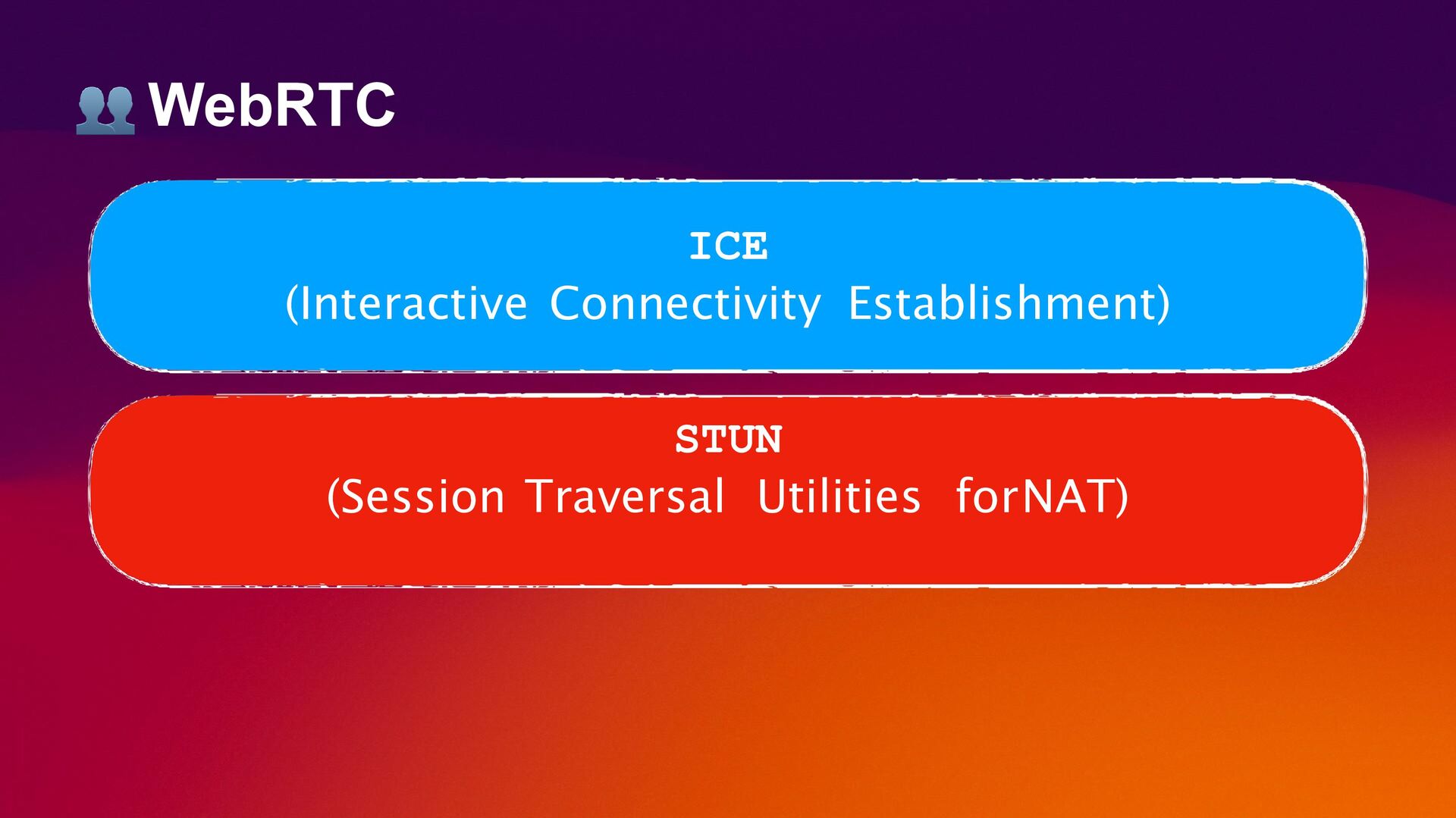
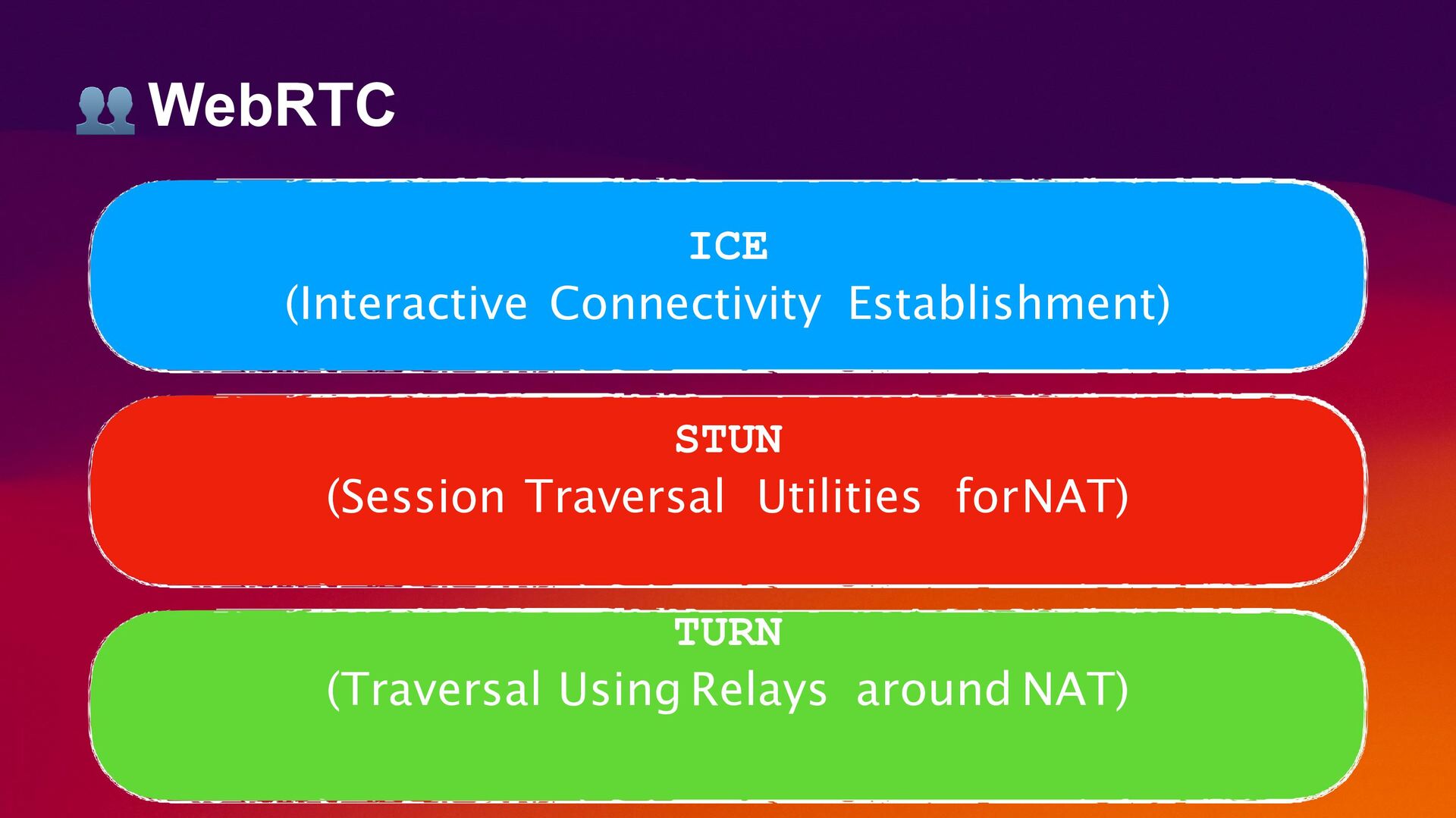
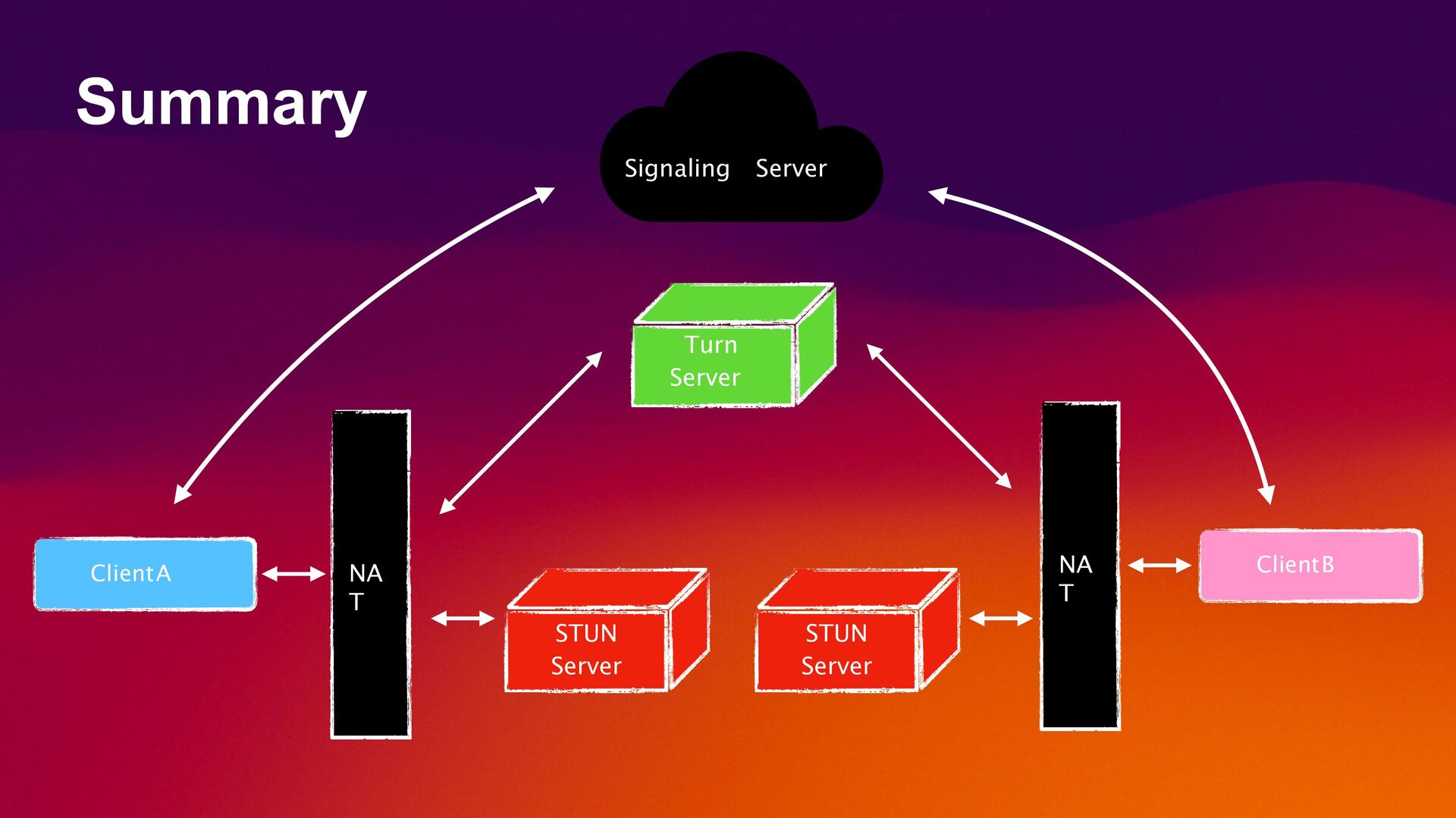
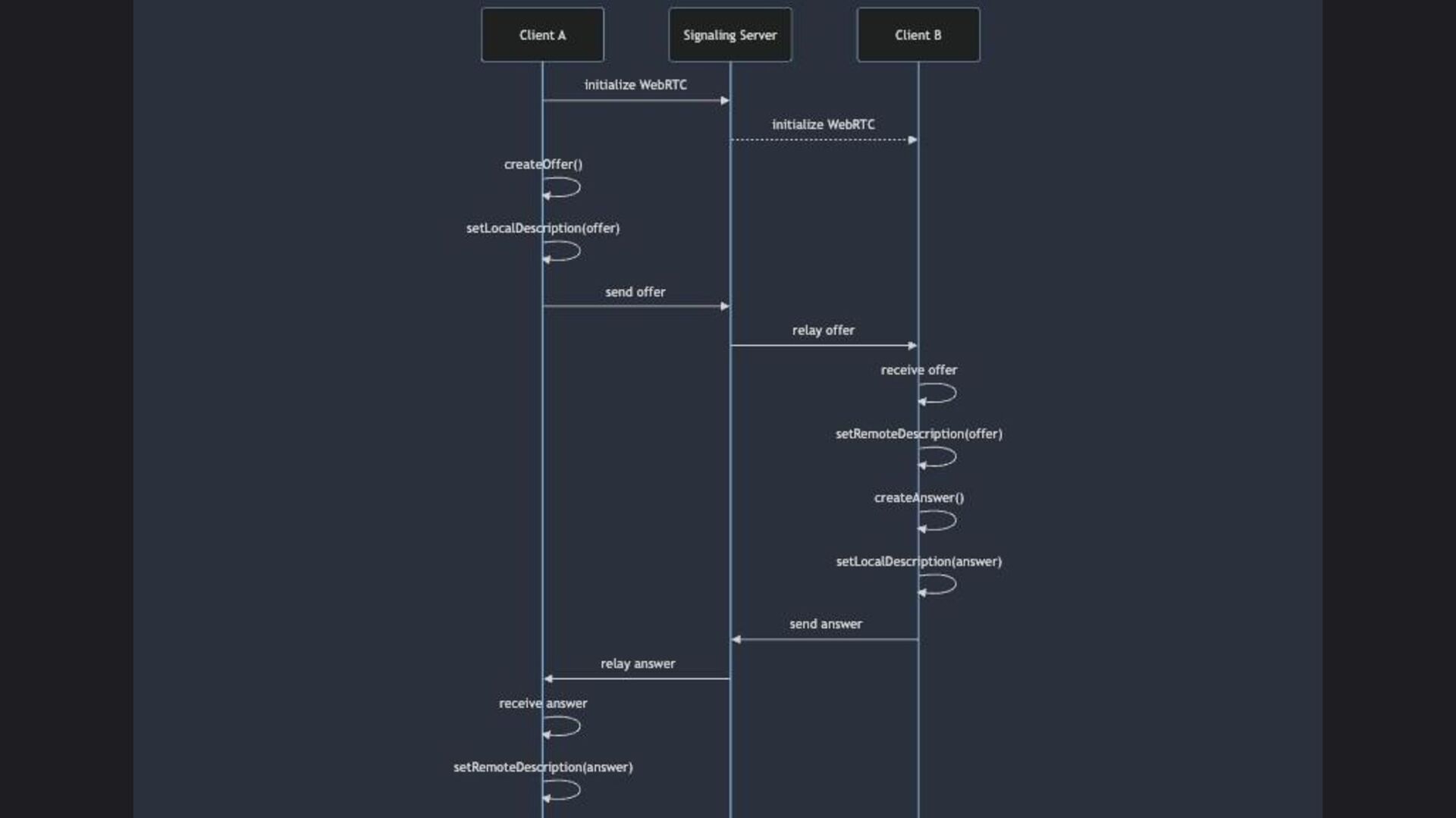
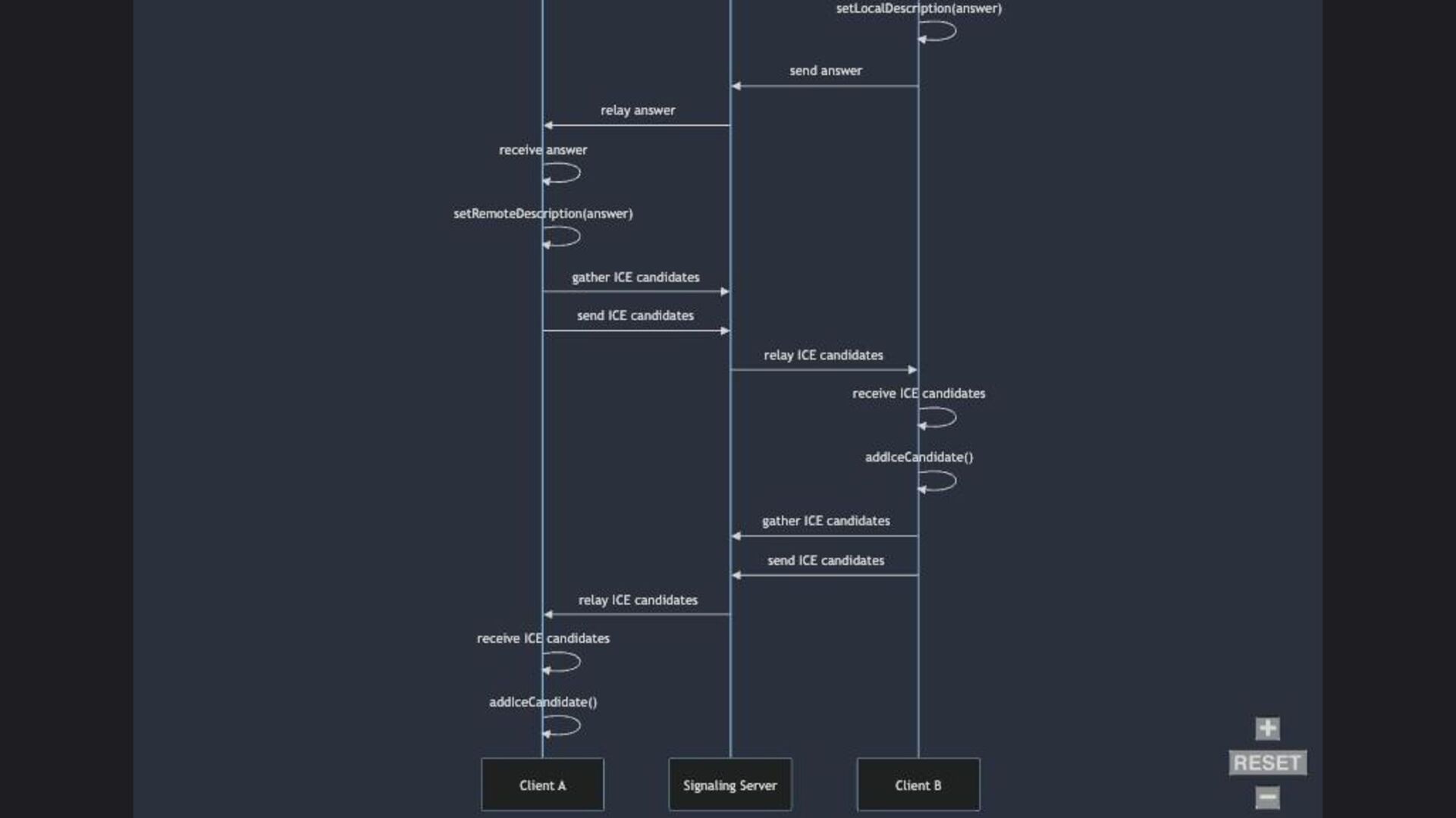
  4. Turn Server STUN Server NA T NA T ClientA ClientB

    STUN Server Signaling Server Summary
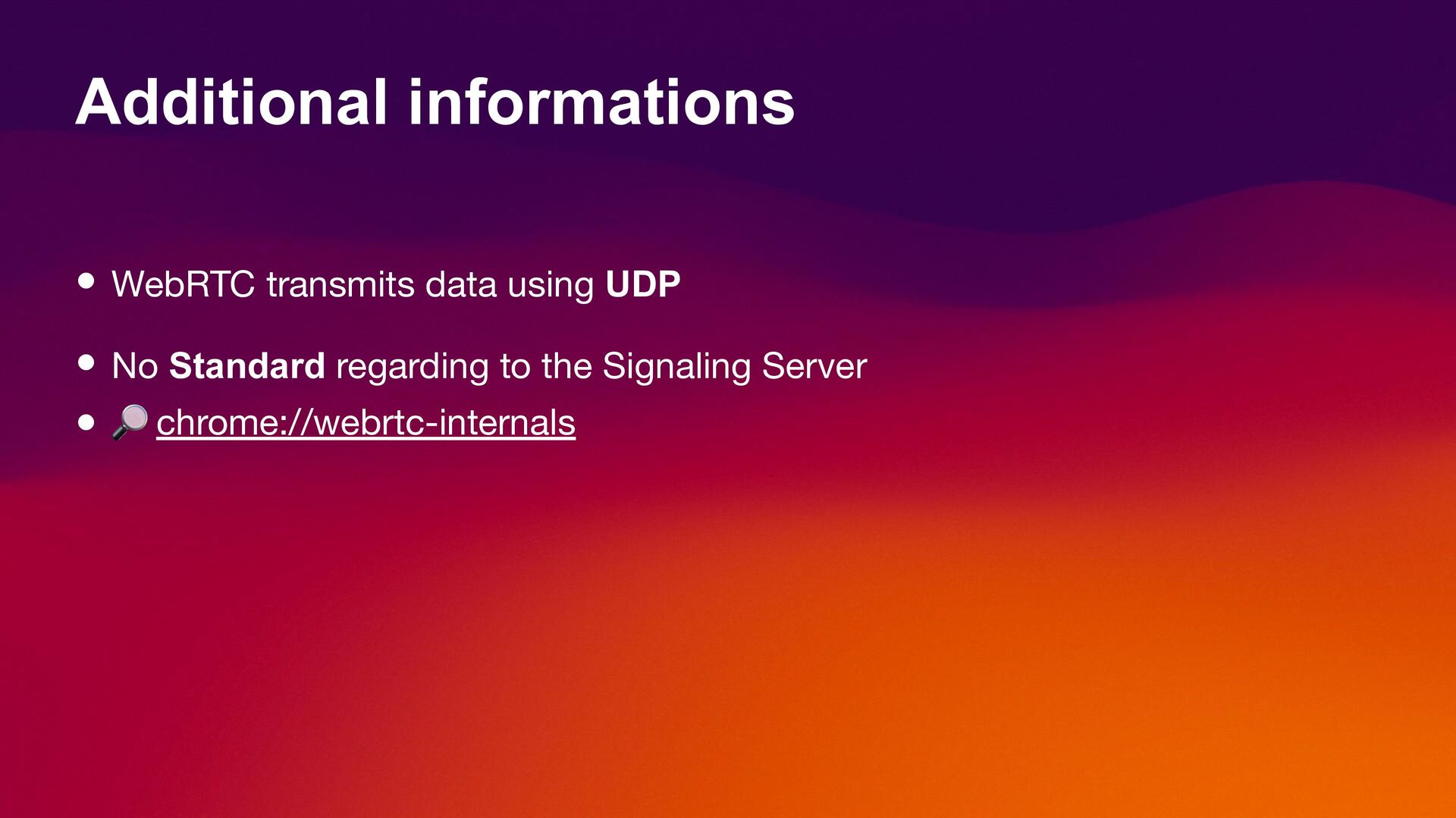
  5. Additional informations • WebRTC transmits data using UDP • No

    Standard regarding to the Signaling Server • chrome://webrtc-internals
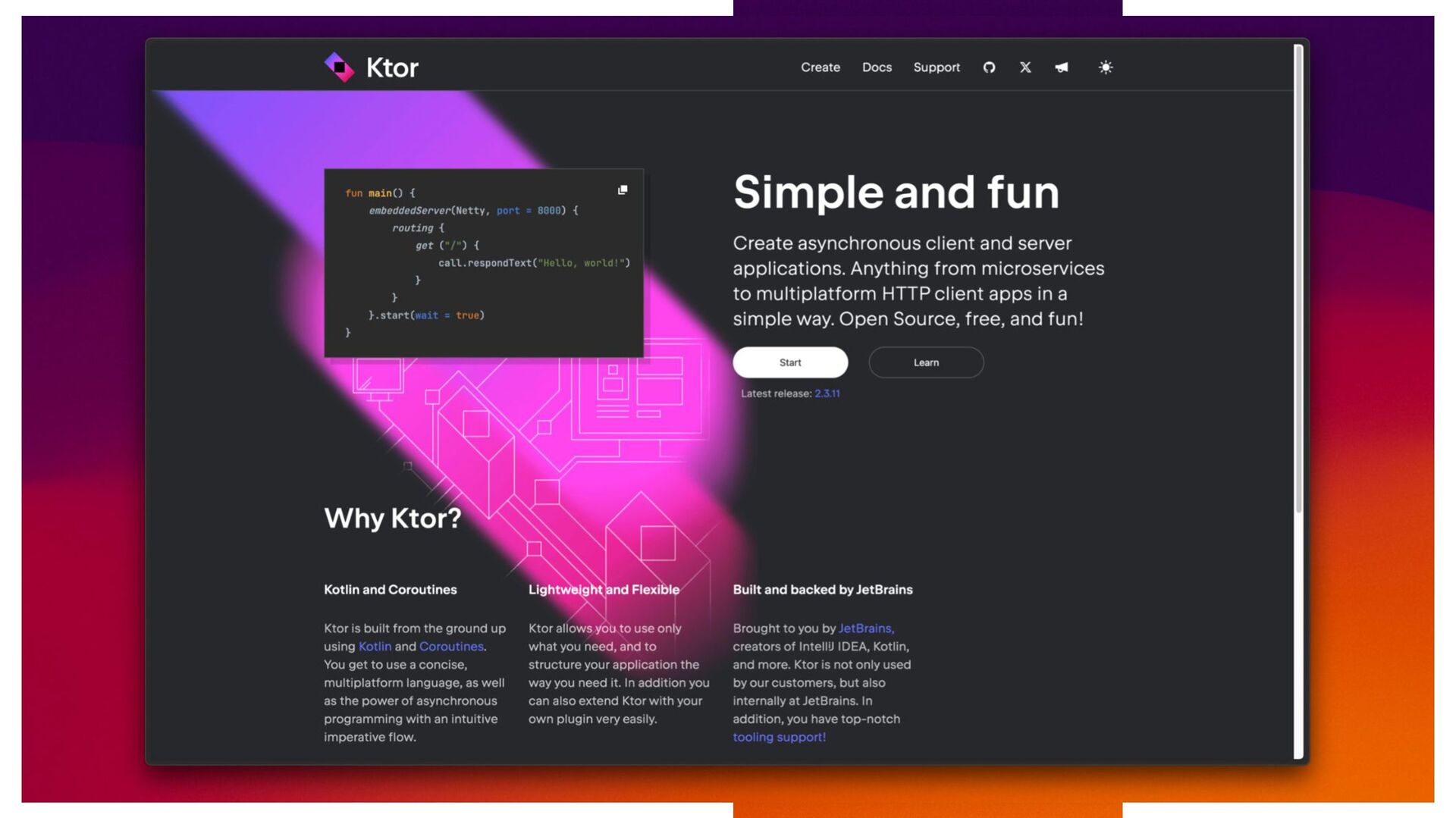
  6. ŃtO F Why Ktor? Kotlin and Coroutines Lightw 'and Flexible

    Simple and fun Built and backed by JetBrains Learn
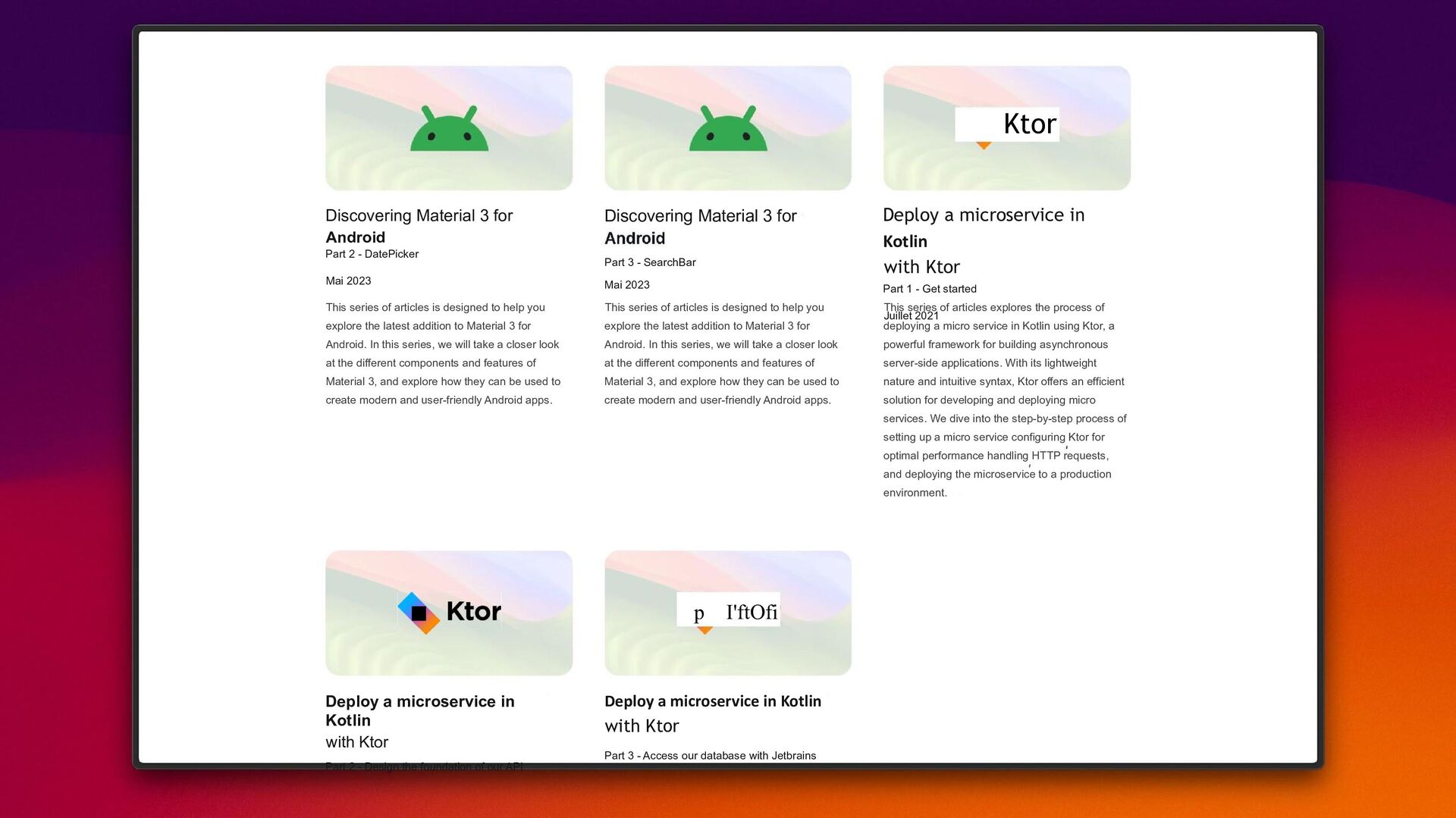
  7. Discovering Material 3 for Android Part 2 - DatePicker Mai

    2023 This series of articles is designed to help you explore the latest addition to Material 3 for Android. In this series, we will take a closer look at the different components and features of Material 3, and explore how they can be used to create modern and user-friendly Android apps. Deploy a microservice in Kotlin with Ktor Part 2 - Design the foundation of our API Discovering Material 3 for Part 3 - SearchBar Mai 2023 This series of articles is designed to help you explore the latest addition to Material 3 for Android. In this series, we will take a closer look at the different components and features of Material 3, and explore how they can be used to create modern and user-friendly Android apps. p I'ftOfi Deploy a microservice in Kotlin with Ktor Part 3 - Access our database with Jetbrains Ktor Deploy a microservice in Kotlin with Ktor Part 1 - Get started Juillet 2021 This series of articles explores the process of deploying a micro service in Kotlin using Ktor, a powerful framework for building asynchronous server-side applications. With its lightweight nature and intuitive syntax, Ktor offers an efficient solution for developing and deploying micro services. We dive into the step-by-step process of setting up a micro service configuring Ktor for optimal performance handling HTTP requests, and deploying the microservice to a production environment.
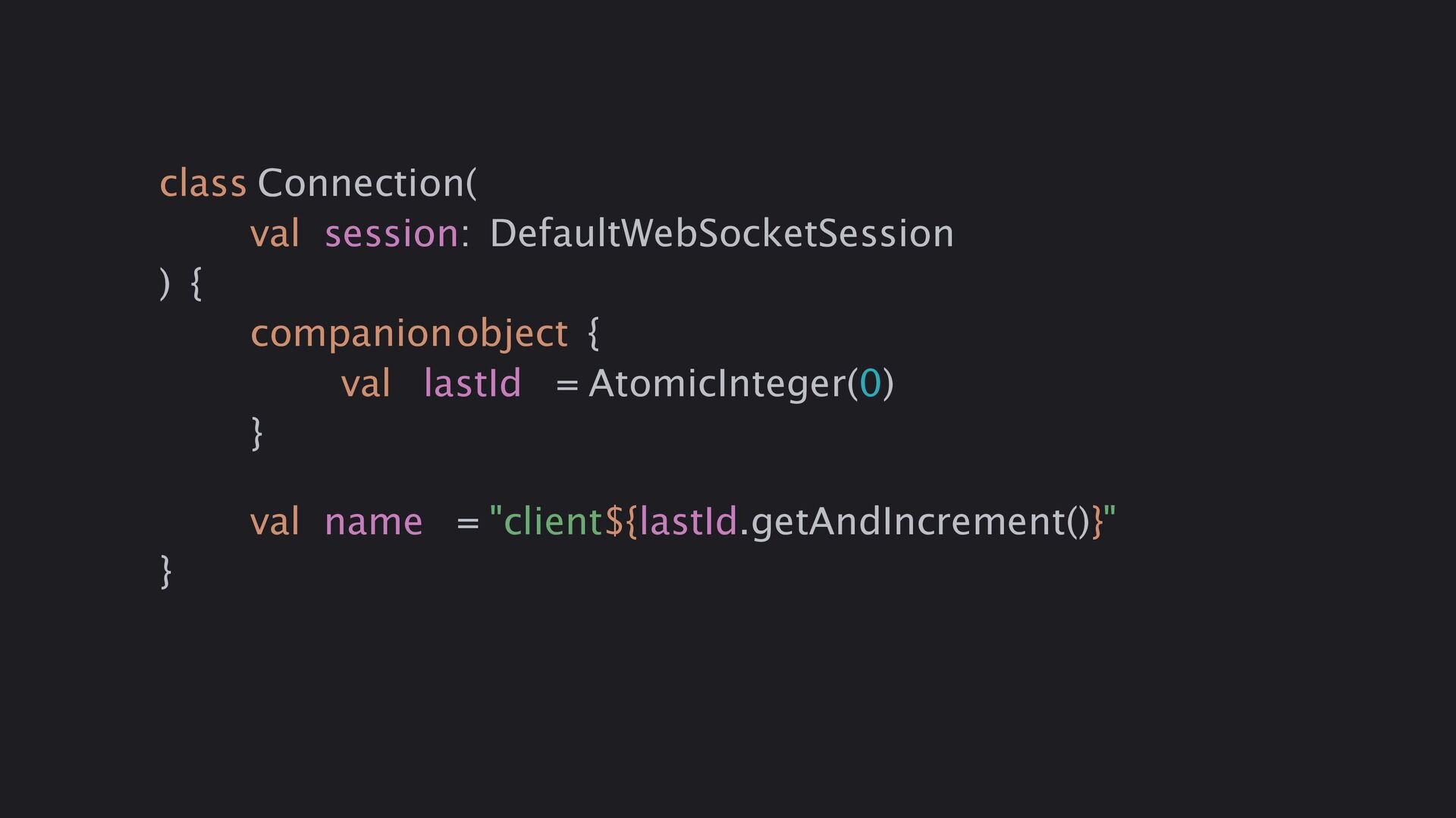
  8. class Connection( val session: DefaultWebSocketSession ) { companionobject { val

    lastId = AtomicInteger(0) } val name = "client${lastId.getAndIncrement()}" }
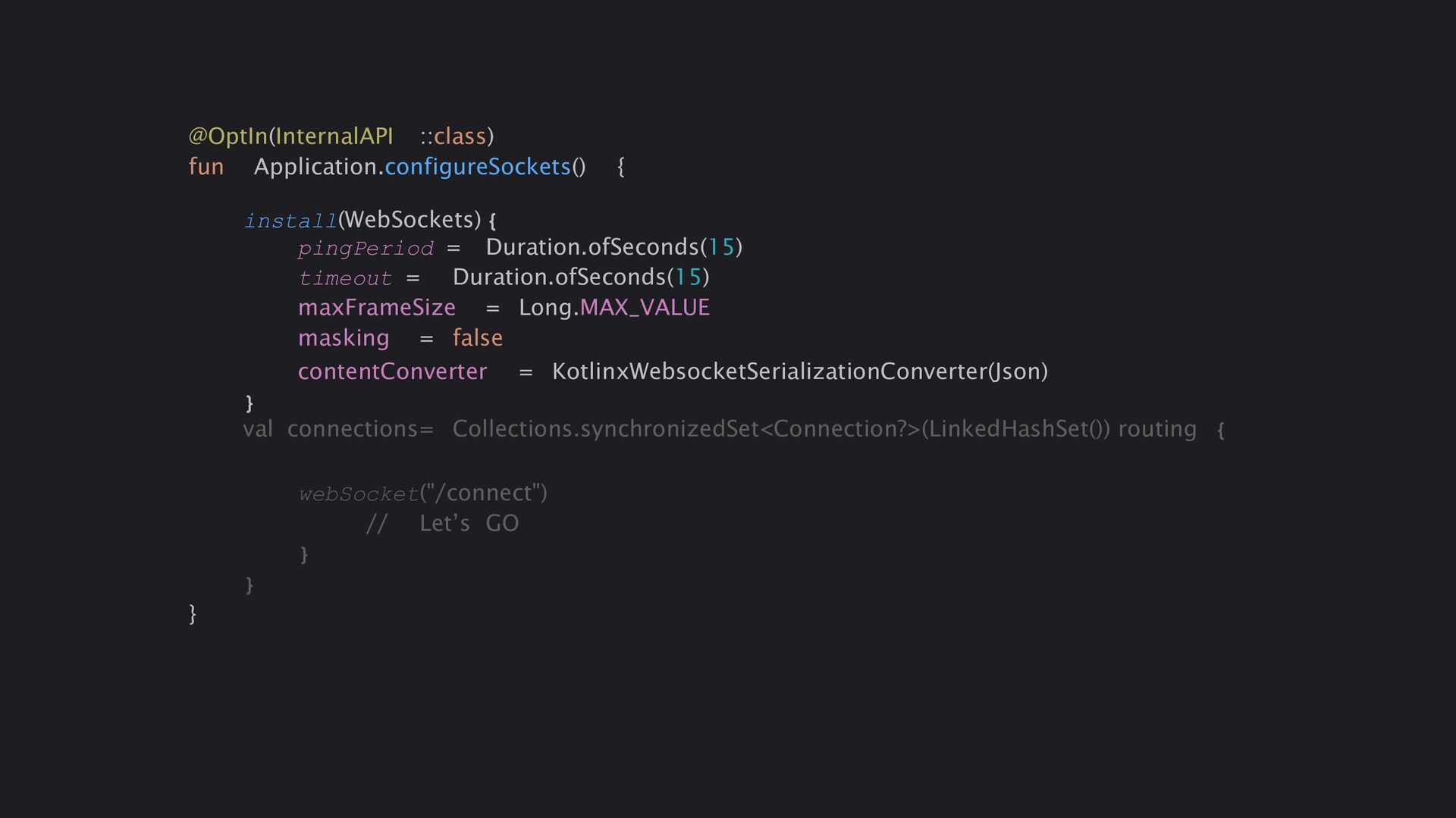
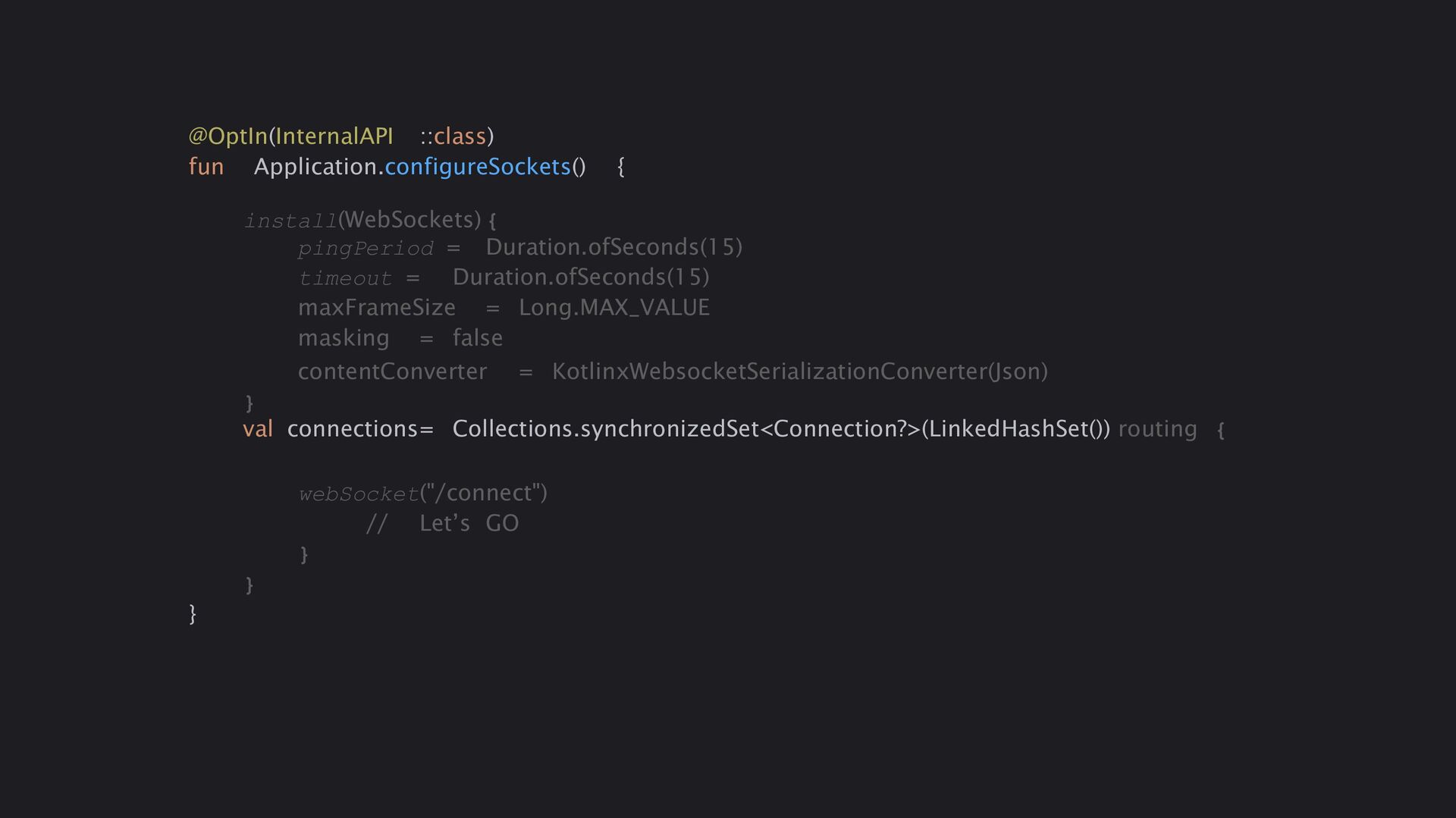
  9. @OptIn(InternalAPI ::class) fun Application.configureSockets() { install(WebSockets) { pingPeriod = Duration.ofSeconds(15)

    timeout = Duration.ofSeconds(15) maxFrameSize = Long.MAX_VALUE masking = false contentConverter = KotlinxWebsocketSerializationConverter(Json) } val connections= Collections.synchronizedSet<Connection?>(LinkedHashSet()) routing { webSocket("/connect") // Let’s GO } } }
  10. @OptIn(InternalAPI ::class) fun Application.configureSockets() { install(WebSockets) { pingPeriod = Duration.ofSeconds(15)

    timeout = Duration.ofSeconds(15) maxFrameSize = Long.MAX_VALUE masking = false contentConverter = KotlinxWebsocketSerializationConverter(Json) } val connections= Collections.synchronizedSet<Connection?>(LinkedHashSet()) routing { webSocket("/connect") // Let’s GO } } }
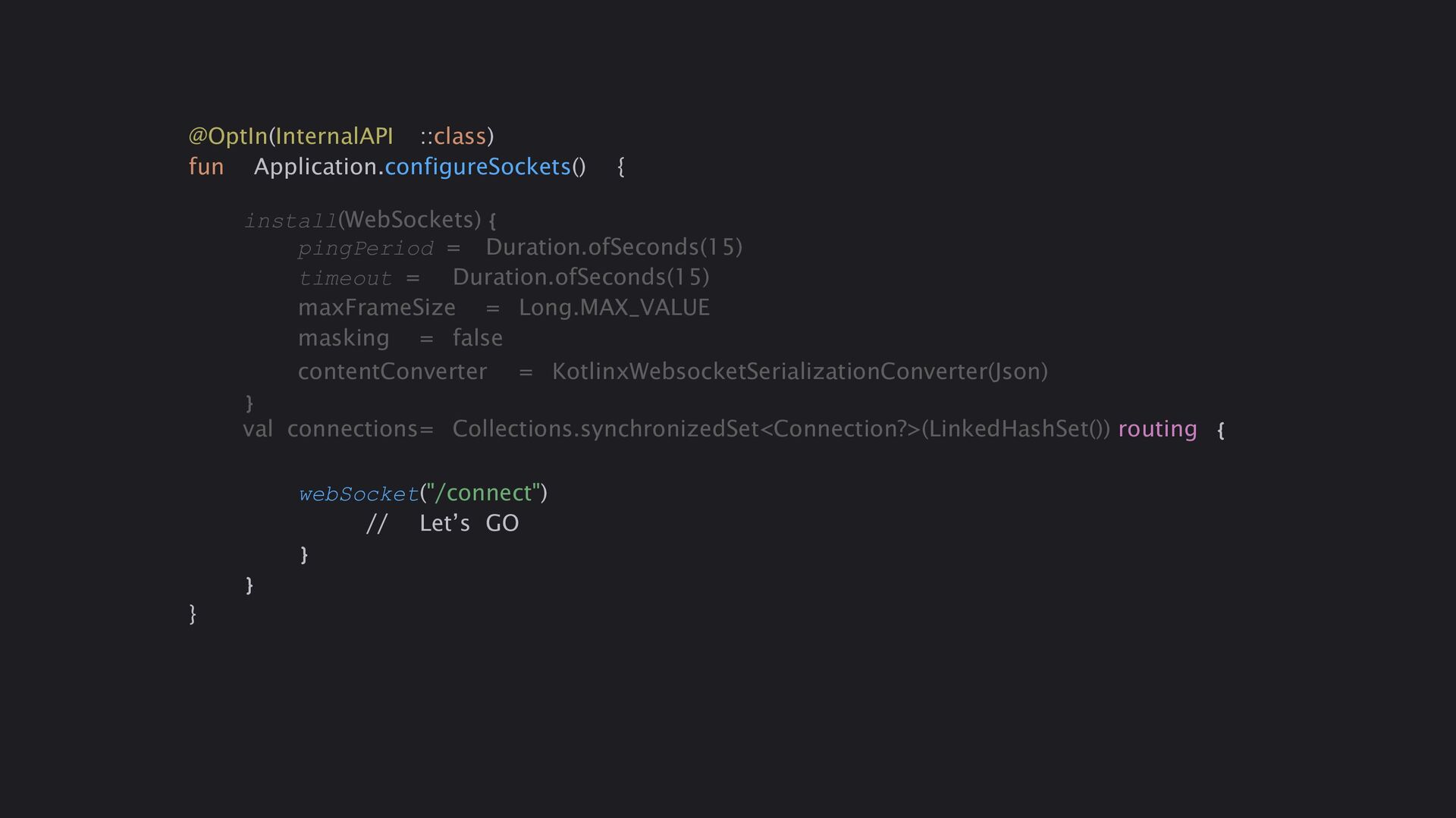
  11. @OptIn(InternalAPI ::class) fun Application.configureSockets() { install(WebSockets) { pingPeriod = Duration.ofSeconds(15)

    timeout = Duration.ofSeconds(15) maxFrameSize = Long.MAX_VALUE masking = false contentConverter = KotlinxWebsocketSerializationConverter(Json) } val connections= Collections.synchronizedSet<Connection?>(LinkedHashSet()) routing { webSocket("/connect") // Let’s GO } } }
  12. webSocket("/connect") { // Register this new client val thisConnection= Connection(this)

    connections += thisConnection try { while (true) { val wsPacket = receiveDeserialized<WsPacket>() when (wsPacket.id) { WsMessage.WsInit, WsMessage.WsError, WsMessage.WsIceCandidates, WsMessage.WsIceServers, WsMessage.WsSDPAnswer, WsMessage.WsSDPOffer -> { //DO SOMETHING } } } } catch (e: Exception) { println(e.localizedMessage) } finally{ println("Removing$thisConnection!") connections -= thisConnection } }
  13. webSocket("/connect") { // Register this new client val thisConnection= Connection(this)

    connections += thisConnection try { while (true) { val wsPacket = receiveDeserialized<WsPacket>() when (wsPacket.id) { WsMessage.WsInit, WsMessage.WsError, WsMessage.WsIceCandidates, WsMessage.WsIceServers, WsMessage.WsSDPAnswer, WsMessage.WsSDPOffer -> { //DO SOMETHING } } } } catch (e: Exception) { println(e.localizedMessage) } finally{ println("Removing$thisConnection!") connections -= thisConnection } }
  14. webSocket("/connect") { // Register this new client val thisConnection= Connection(this)

    connections += thisConnection try { while (true) { val wsPacket = receiveDeserialized<WsPacket>() when (wsPacket.id) { WsMessage.WsInit, WsMessage.WsError, WsMessage.WsIceCandidates, WsMessage.WsIceServers, WsMessage.WsSDPAnswer, WsMessage.WsSDPOffer -> { //DO SOMETHING } } } } catch (e: Exception) { println(e.localizedMessage) } finally{ println("Removing$thisConnection!") connections -= thisConnection } }
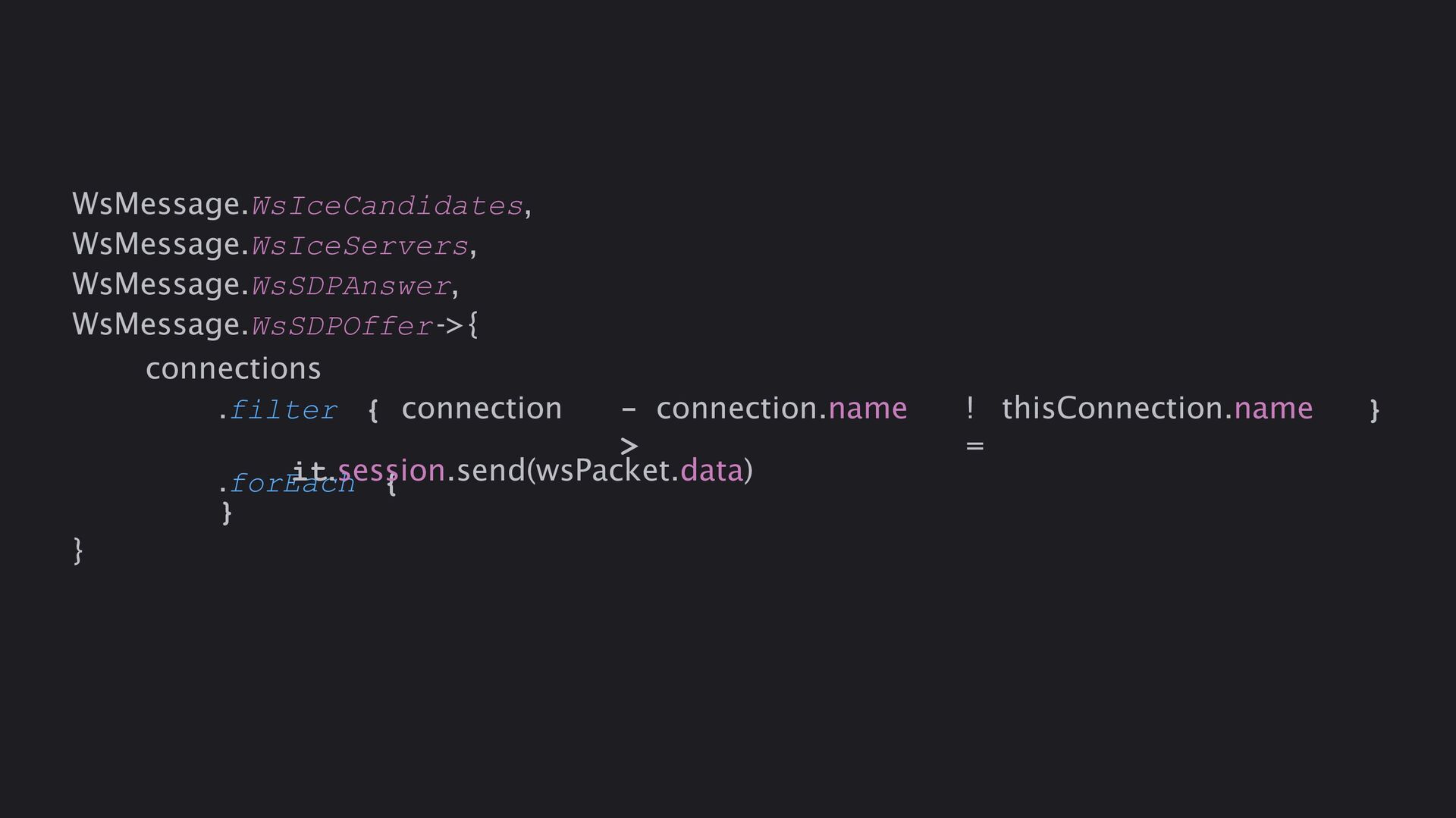
  15. .filter { connection - > connection.name ! = thisConnection.name }

    .forEach { WsMessage.WsIceCandidates, WsMessage.WsIceServers, WsMessage.WsSDPAnswer, WsMessage.WsSDPOffer->{ connections it.session.send(wsPacket.data) } }
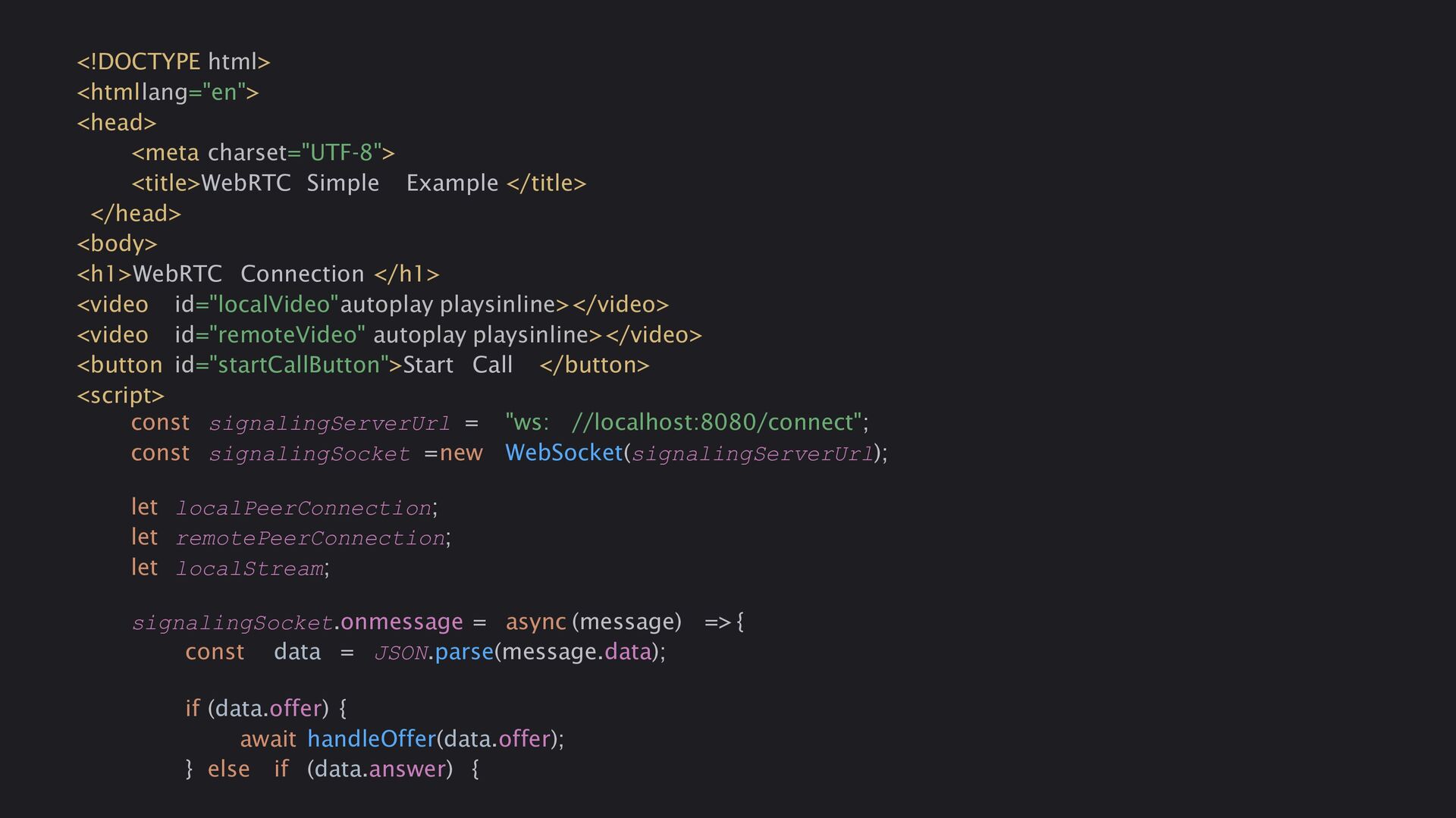
  16. <!DOCTYPE html> <htmllang="en"> <head> <meta charset="UTF-8"> <title>WebRTC Simple Example </title>

    </head> <body> <h1>WebRTC Connection </h1> <video id="localVideo"autoplay playsinline></video> <video id="remoteVideo" autoplay playsinline></video> <button id="startCallButton">Start Call </button> <script> const signalingServerUrl = "ws: //localhost:8080/connect"; const signalingSocket =new WebSocket(signalingServerUrl); let localPeerConnection; let remotePeerConnection; let localStream; signalingSocket.onmessage = async (message) => { const data = JSON.parse(message.data); if (data.offer) { await handleOffer(data.offer); } else if (data.answer) {
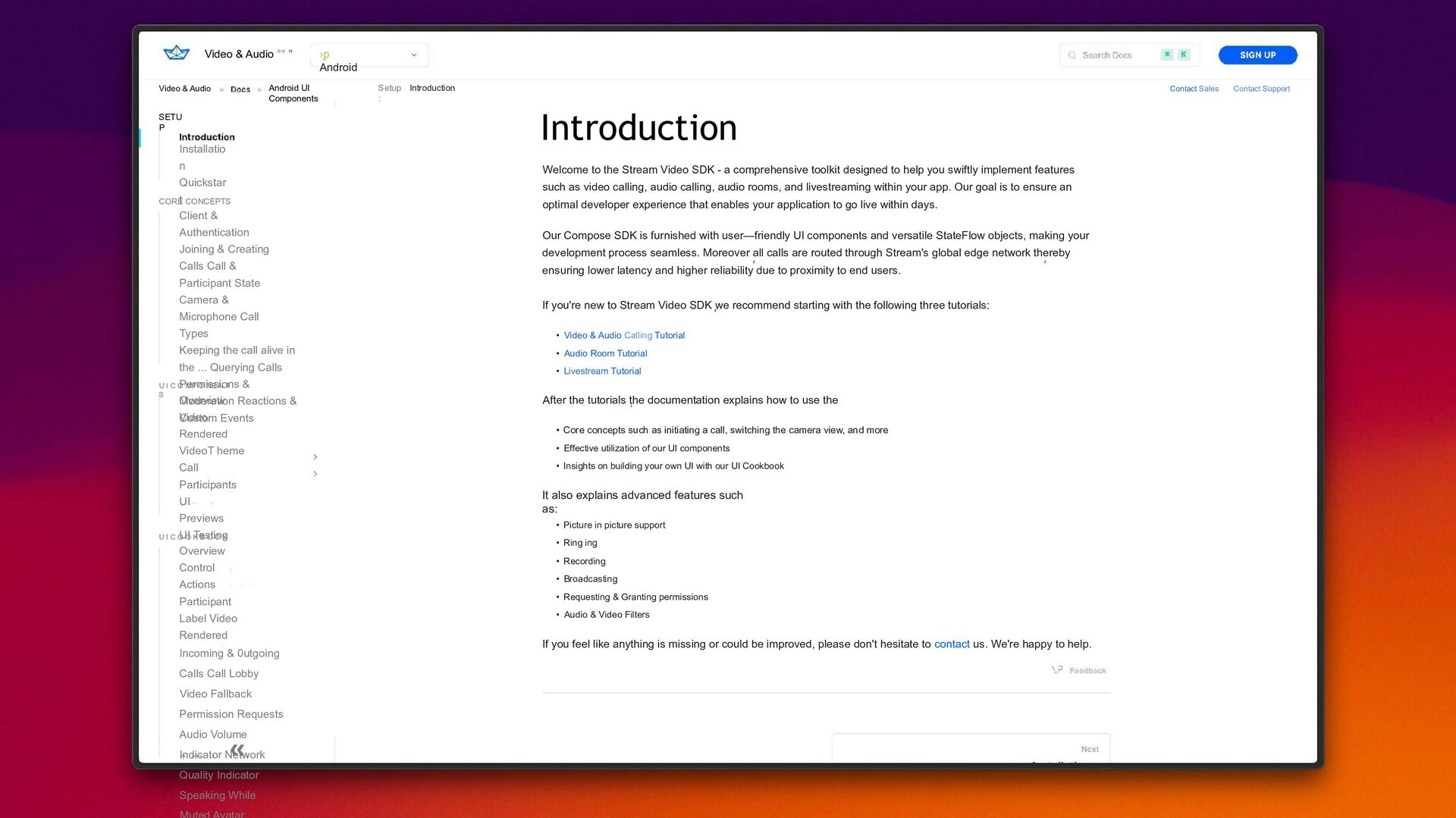
  17. Video & Audio °° " ›p Android Video & Audio

    SETU P Installatio n Quickstar t Android UI Components Setup : Introduction CORE CONCEPTS Client & Authentication Joining & Creating Calls Call & Participant State Camera & Microphone Call Types Keeping the call alive in the ... Querying Calls Permissions & Moderation Reactions & Custom Events U I C O MP O NE N T S Overview Video Rendered VideoT heme Call Participants UI Previews UI Testing U I C O O K B O O K Overview Control Actions Participant Label Video Rendered Incoming & 0utgoing Calls Call Lobby Video Fallback Permission Requests Audio Volume Indicator Network Quality Indicator Speaking While Introduction Welcome to the Stream Video SDK - a comprehensive toolkit designed to help you swiftly implement features such as video calling, audio calling, audio rooms, and livestreaming within your app. Our goal is to ensure an optimal developer experience that enables your application to go live within days. Our Compose SDK is furnished with user—friendly UI components and versatile StateFlow objects, making your development process seamless. Moreover all calls are routed through Stream's global edge network thereby ensuring lower latency and higher reliability due to proximity to end users. If you're new to Stream Video SDK we recommend starting with the following three tutorials: • Video & Audio Calling Tutorial • Audio Room Tutorial • Livestream Tutorial After the tutorials the documentation explains how to use the • Core concepts such as initiating a call, switching the camera view, and more • Effective utilization of our UI components • Insights on building your own UI with our UI Cookbook It also explains advanced features such as: • Picture in picture support • Ring ing • Recording • Broadcasting • Requesting & Granting permissions • Audio & Video Filters If you feel like anything is missing or could be improved, please don't hesitate to contact us. We're happy to help. Contact Sales Contact Support
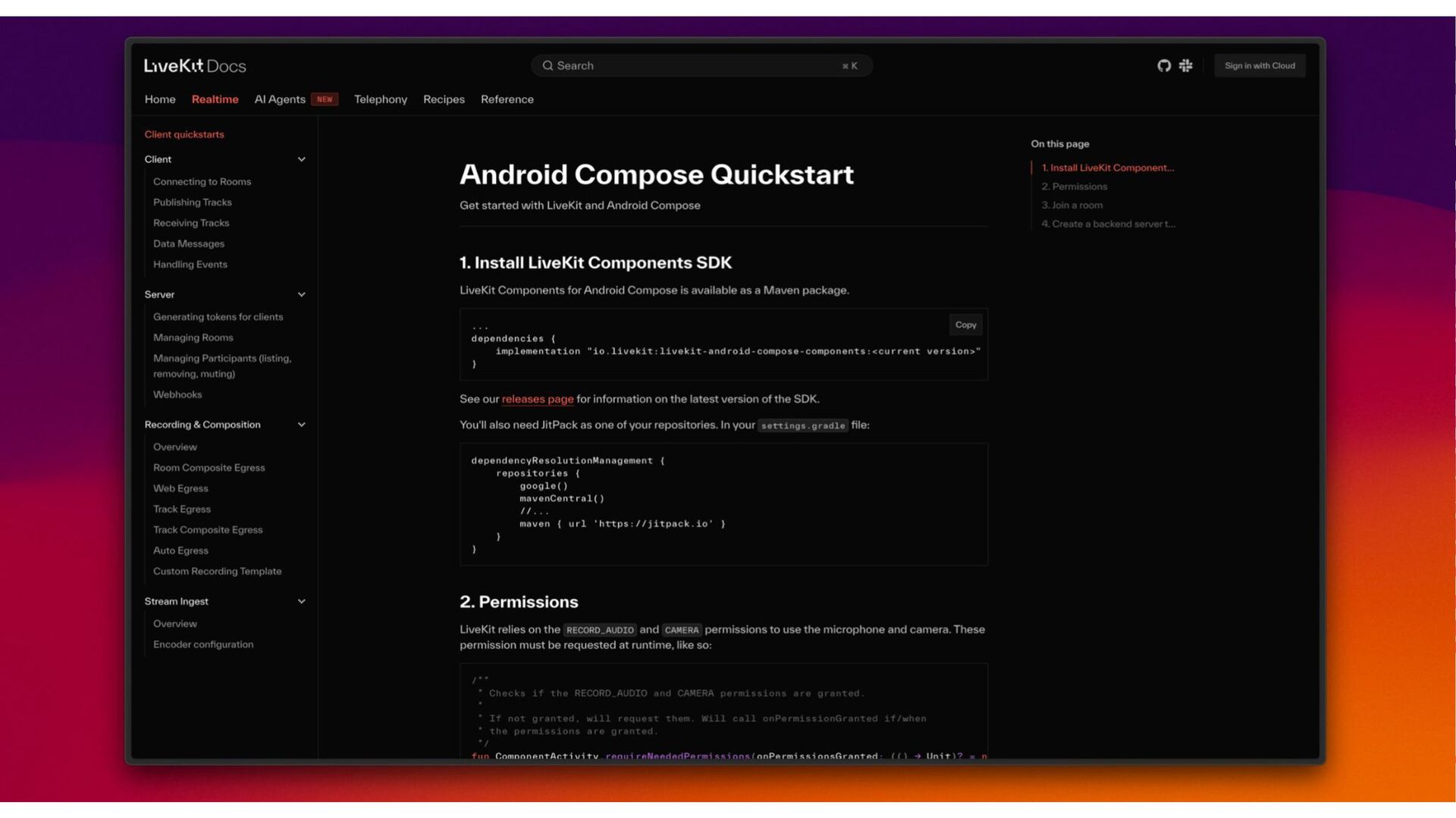
  18. L v e K i. t Docs Q Search I

    N Hom e /\I /\gents Telephon y Recipes Referenc e On this page Android Compose Quickstart Publish ii c Tracks Get started with LiveKit and Android Coianpose Data I\/Iessag es Hai cl jug E lents 1. Install LiveKit Components SDK Server v LiveKit Components for Android Compose is available as a Maven package. Genes ating tokens foi cliei ts Copy dependencies ( implementation ”io. livekit : livekit-android-compose-components:<cur rent versions“ I el IO / Ill , I» LI t log) \/\/ebI ooks Recording & Composition See our for information on the latest version of the SDK. You'll also need Jit Pack as one of your repositories. I n your s ering s . g ra dl e fil e: Roon Coi osite E i ess dep end en c y Re s o1 ut io nMa n a g em en t ( r epo s it o r i e s { \/\/eb Edi ess google() mavenCentral() Tracl‹ Egress Tracl‹ Coi iposite Egress maven ( url ' hips: //jitpack.io ' } Custoi» Recoi cling Tei p! ate Stream Ingest 2. Permissions O her lie lv LiveKit relies on the REcORD AUDIO and CAMERA permissions to use the ianicroplaone and camera. These Encodei configui atioi permission must be requested at runtime, like so:
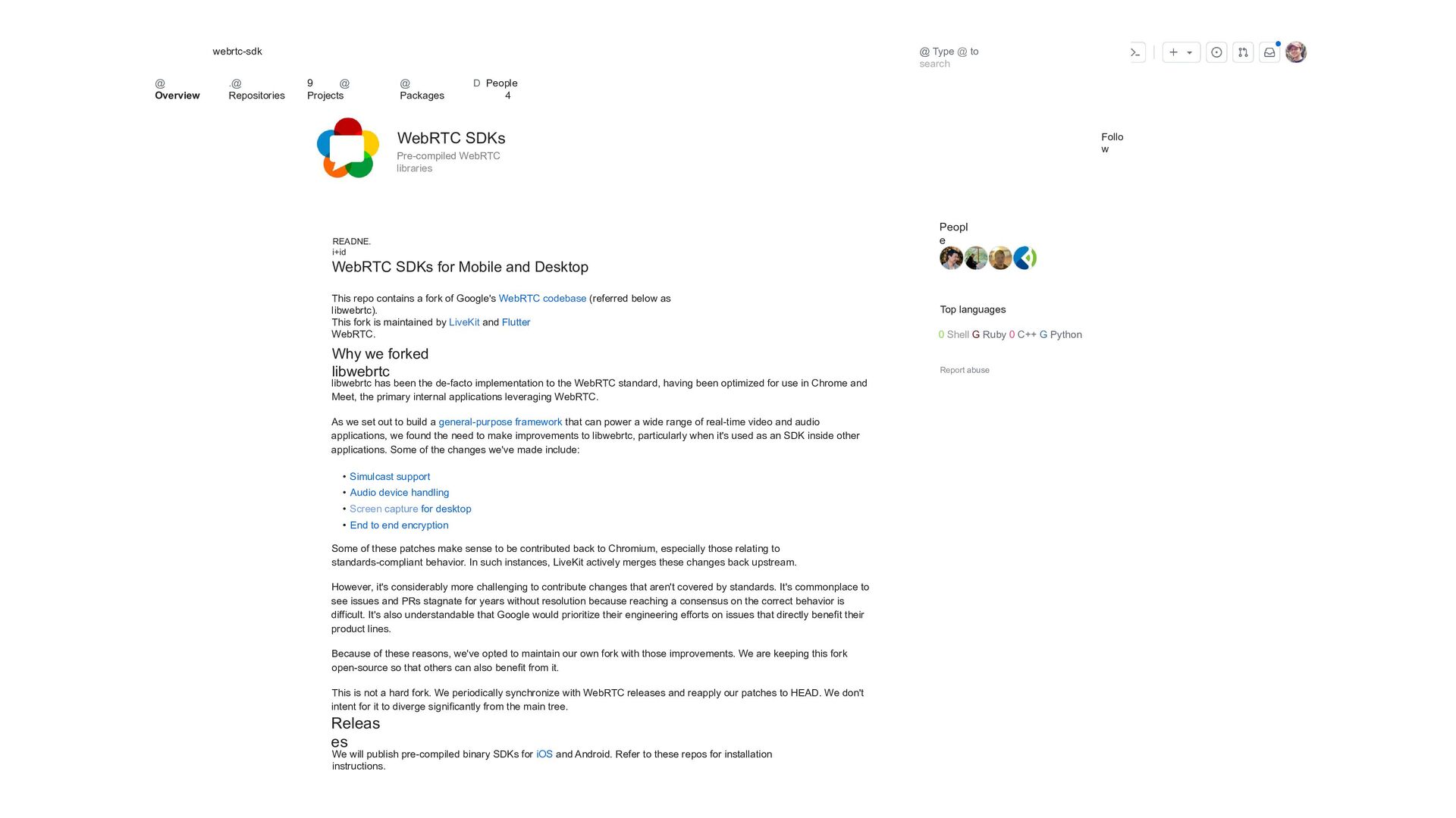
  19. webrtc-sdk @ Overview .@ Repositories 9 @ Projects @ Packages

    D People 4 READNE. i+id WebRTC SDKs Pre-compiled WebRTC libraries WebRTC SDKs for Mobile and Desktop This repo contains a fork of Google's WebRTC codebase (referred below as libwebrtc). This fork is maintained by LiveKit and Flutter WebRTC. Why we forked libwebrtc libwebrtc has been the de-facto implementation to the WebRTC standard, having been optimized for use in Chrome and Meet, the primary internal applications leveraging WebRTC. As we set out to build a general-purpose framework that can power a wide range of real-time video and audio applications, we found the need to make improvements to libwebrtc, particularly when it's used as an SDK inside other applications. Some of the changes we've made include: • Simulcast support • Audio device handling • Screen capture for desktop • End to end encryption Some of these patches make sense to be contributed back to Chromium, especially those relating to standards-compliant behavior. In such instances, LiveKit actively merges these changes back upstream. However, it's considerably more challenging to contribute changes that aren't covered by standards. It's commonplace to see issues and PRs stagnate for years without resolution because reaching a consensus on the correct behavior is difficult. It's also understandable that Google would prioritize their engineering efforts on issues that directly benefit their product lines. Because of these reasons, we've opted to maintain our own fork with those improvements. We are keeping this fork open-source so that others can also benefit from it. This is not a hard fork. We periodically synchronize with WebRTC releases and reapply our patches to HEAD. We don't intent for it to diverge significantly from the main tree. Releas es We will publish pre-compiled binary SDKs for iOS and Android. Refer to these repos for installation instructions. @ Type @ to search Peopl e Top languages 0 Shell G Ruby 0 C++ G Python Report abuse Follo w
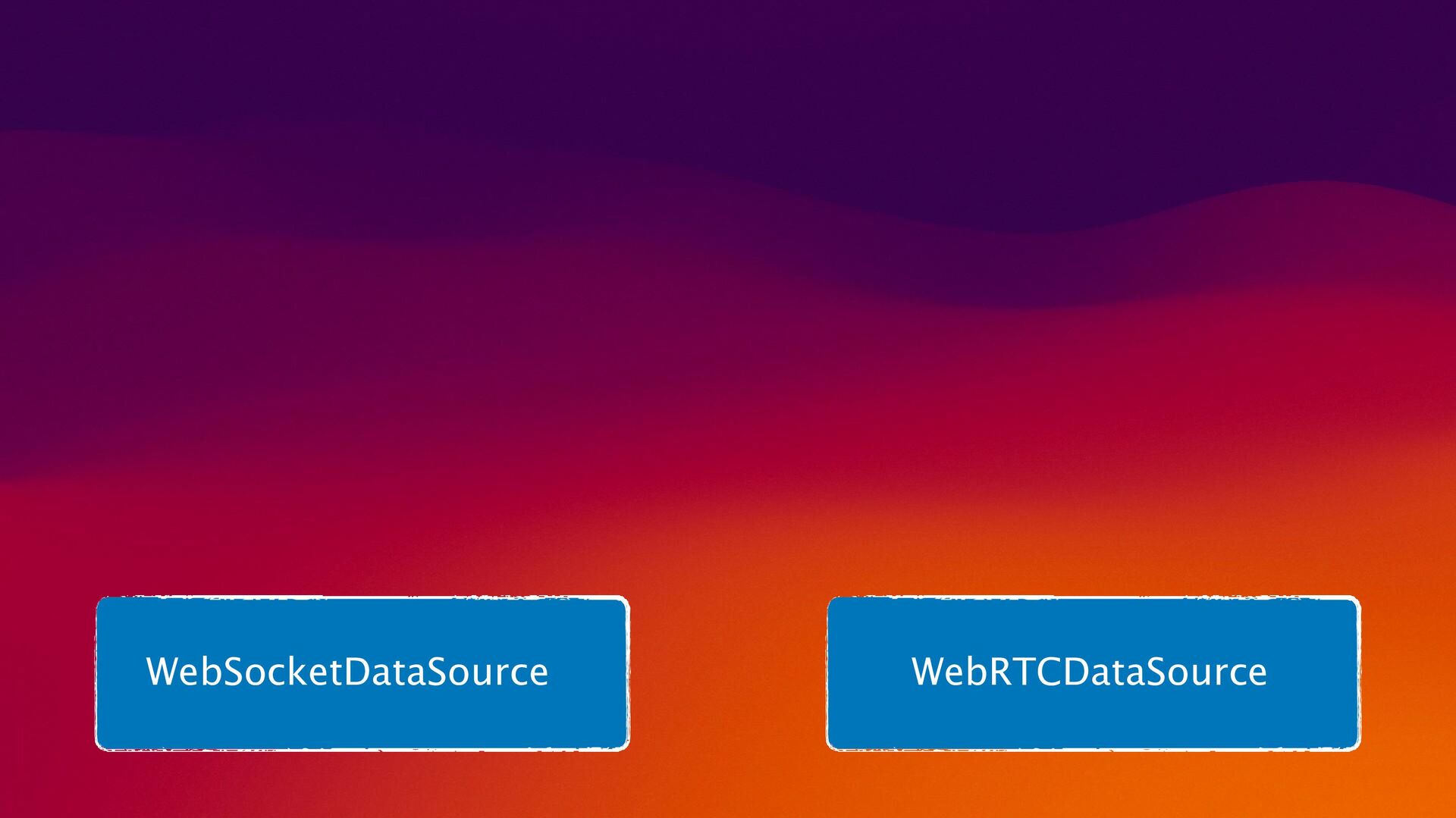
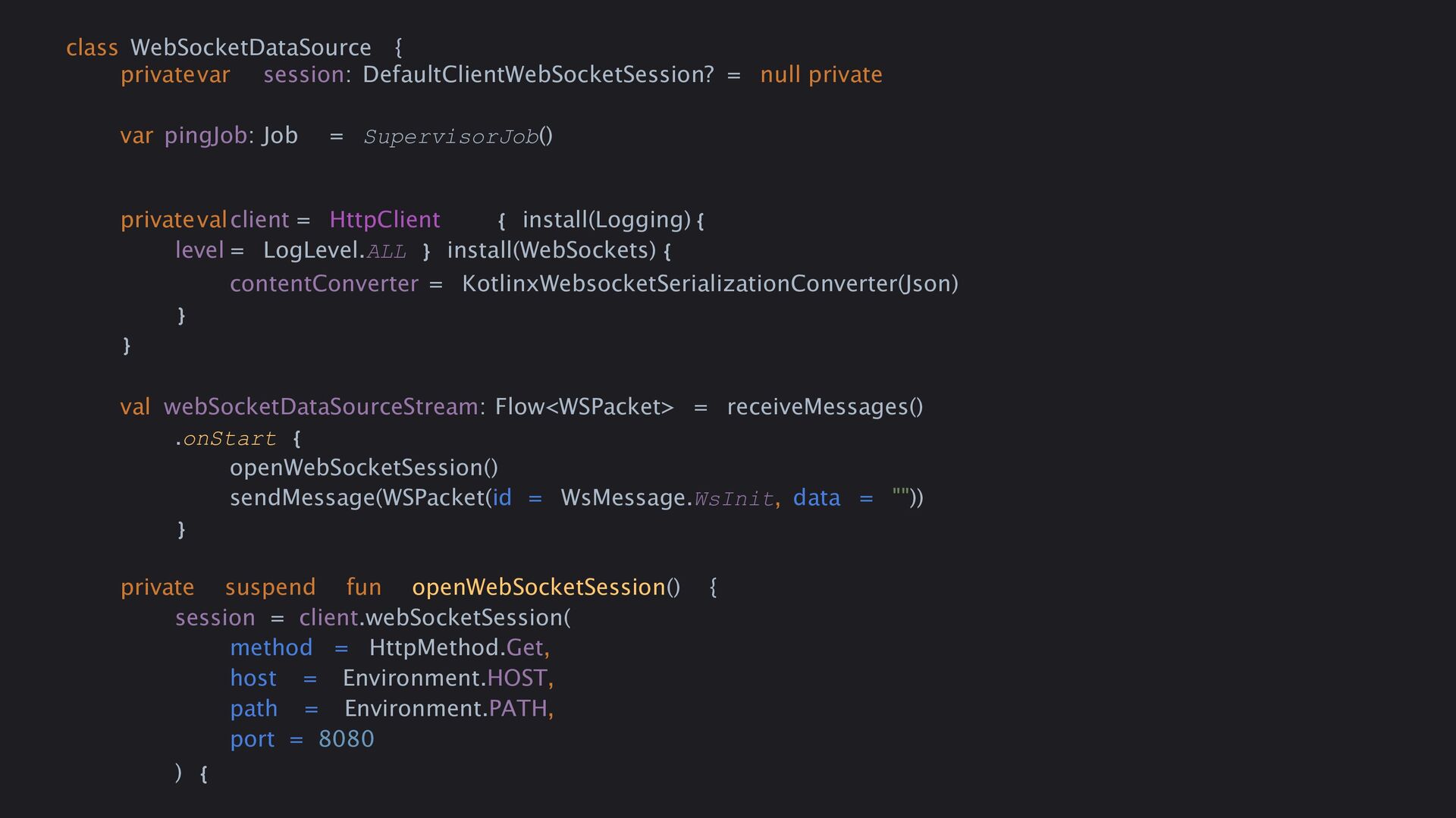
  20. class WebSocketDataSource { privatevar session: DefaultClientWebSocketSession? = null private var

    pingJob: Job = SupervisorJob() privatevalclient = HttpClient { install(Logging){ level = LogLevel.ALL } install(WebSockets) { contentConverter = KotlinxWebsocketSerializationConverter(Json) } } val webSocketDataSourceStream: Flow<WSPacket> = receiveMessages() .onStart { openWebSocketSession() sendMessage(WSPacket(id = WsMessage.WsInit, data = "")) } private suspend fun openWebSocketSession() { session = client.webSocketSession( method = HttpMethod.Get, host = Environment.HOST, path = Environment.PATH, port = 8080 ) {
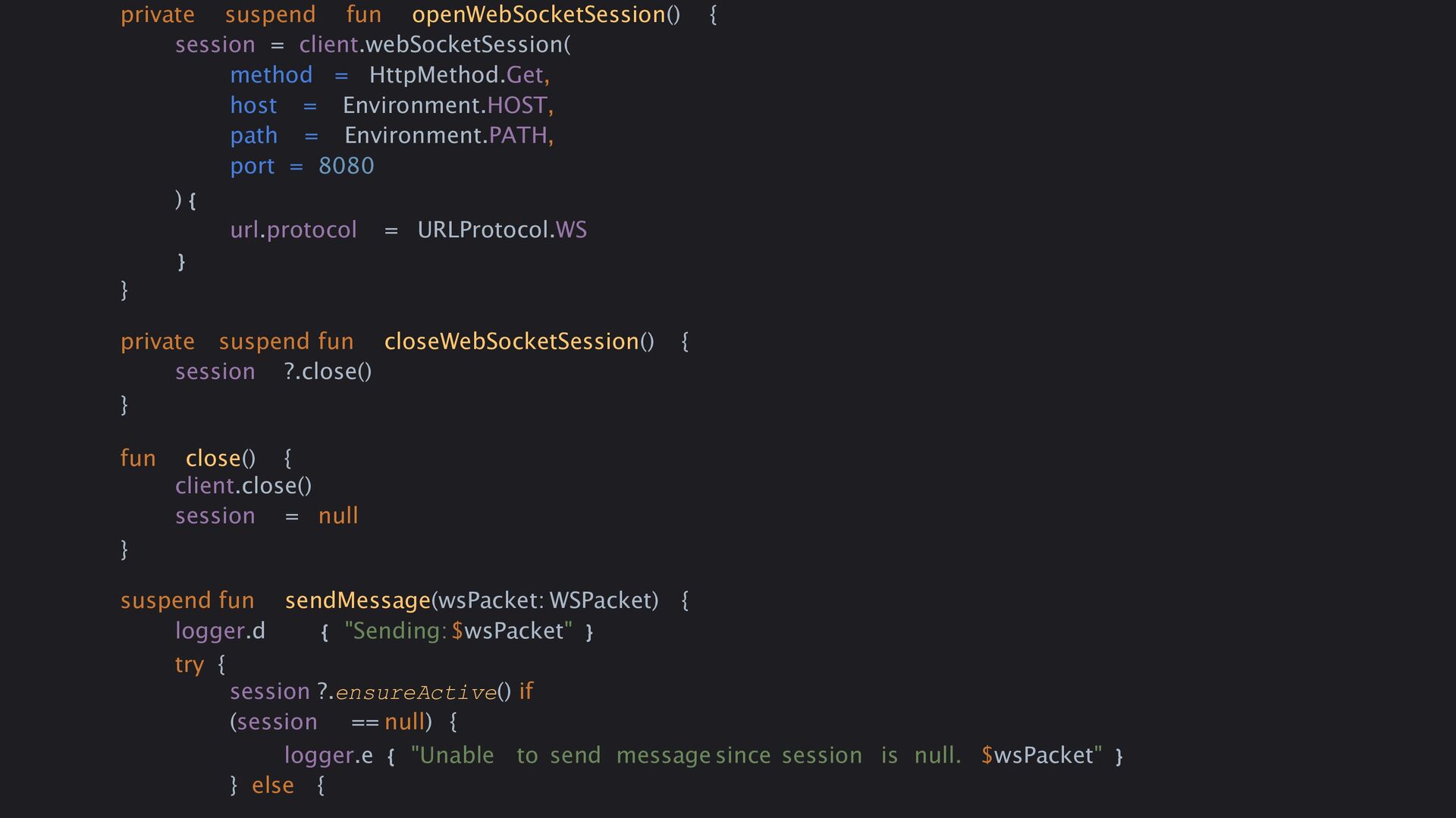
  21. private suspend fun openWebSocketSession() { session = client.webSocketSession( method =

    HttpMethod.Get, host = Environment.HOST, path = Environment.PATH, port = 8080 ) { url.protocol = URLProtocol.WS } } private suspend fun closeWebSocketSession() { session ?.close() } fun close() { client.close() session = null } suspend fun sendMessage(wsPacket: WSPacket) { logger.d { "Sending:$wsPacket" } try { session ?.ensureActive() if (session == null) { logger.e { "Unable to send message since session is null. $wsPacket" } } else {
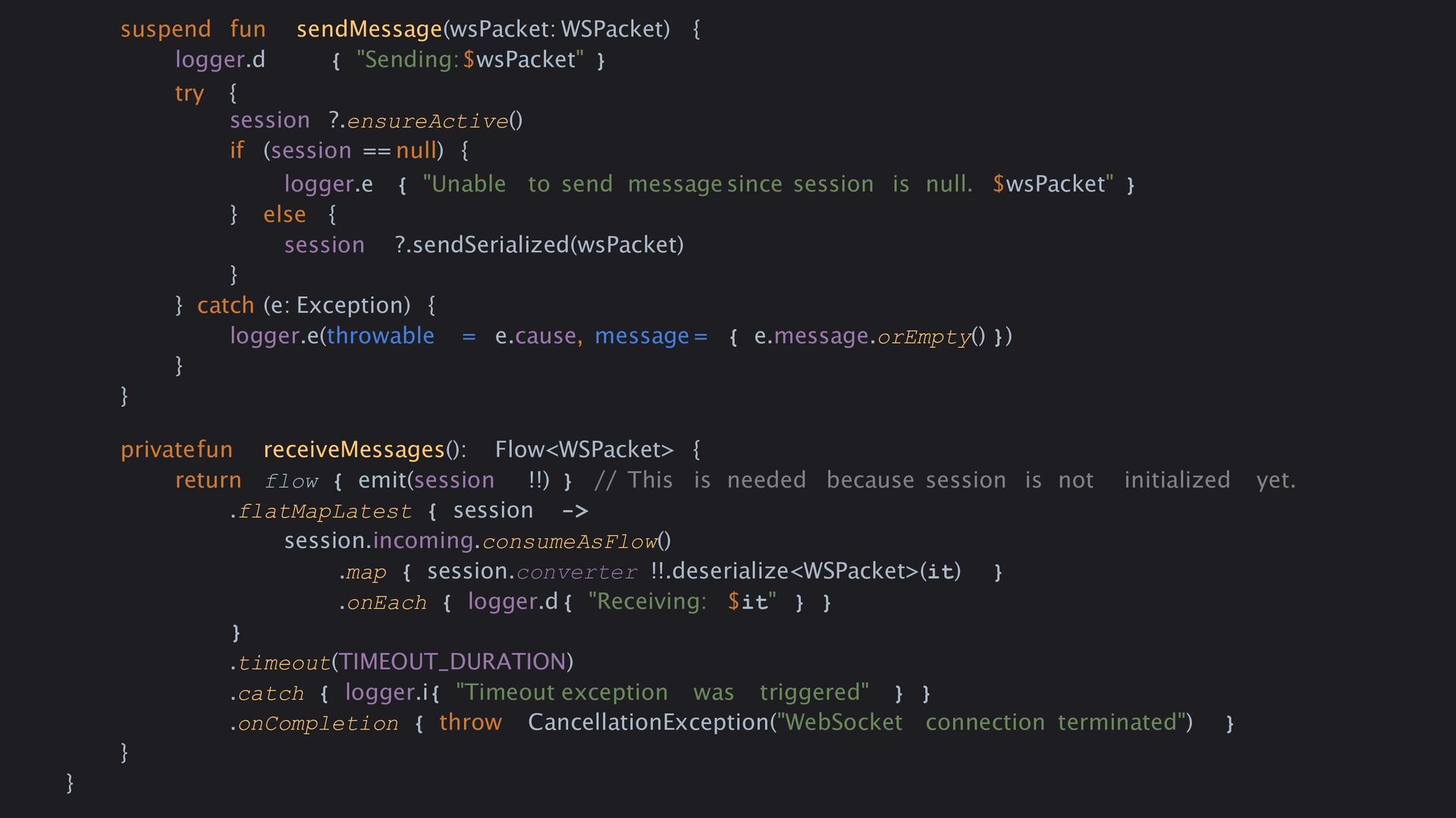
  22. suspend fun sendMessage(wsPacket: WSPacket) { logger.d { "Sending:$wsPacket" } try

    { session ?.ensureActive() if (session == null) { logger.e { "Unable to send message since session is null. $wsPacket" } } else { session ?.sendSerialized(wsPacket) } } catch (e: Exception) { logger.e(throwable = e.cause, message = { e.message.orEmpty() }) } } privatefun receiveMessages(): Flow<WSPacket> { return flow { emit(session !!) } // This is needed because session is not initialized yet. .flatMapLatest { session -> session.incoming.consumeAsFlow() .map { session.converter !!.deserialize<WSPacket>(it) } .onEach { logger.d{ "Receiving: $it" } } } .timeout(TIMEOUT_DURATION) .catch { logger.i{ "Timeout exception was triggered" } } .onCompletion { throw CancellationException("WebSocket connection terminated") } } }
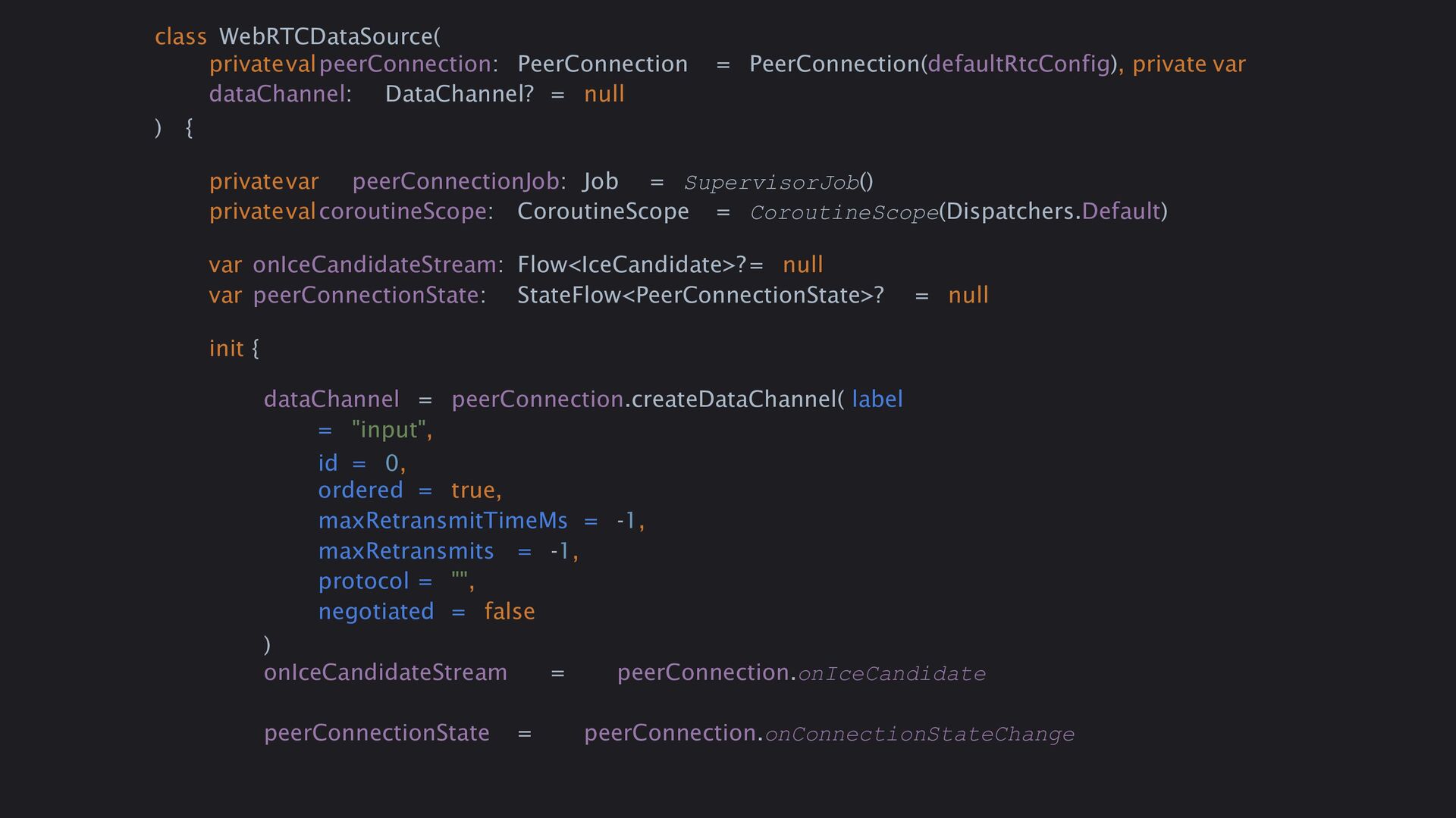
  23. class WebRTCDataSource( privatevalpeerConnection: PeerConnection = PeerConnection(defaultRtcConfig), private var dataChannel: DataChannel?

    = null ) { privatevar peerConnectionJob: Job = SupervisorJob() privatevalcoroutineScope: CoroutineScope = CoroutineScope(Dispatchers.Default) var onIceCandidateStream: Flow<IceCandidate>?= null var peerConnectionState: StateFlow<PeerConnectionState>? = null init { dataChannel = peerConnection.createDataChannel( label = "input", id = 0, ordered = true, maxRetransmitTimeMs = -1, maxRetransmits = -1, protocol = "", negotiated = false ) onIceCandidateStream = peerConnection.onIceCandidate peerConnectionState = peerConnection.onConnectionStateChange
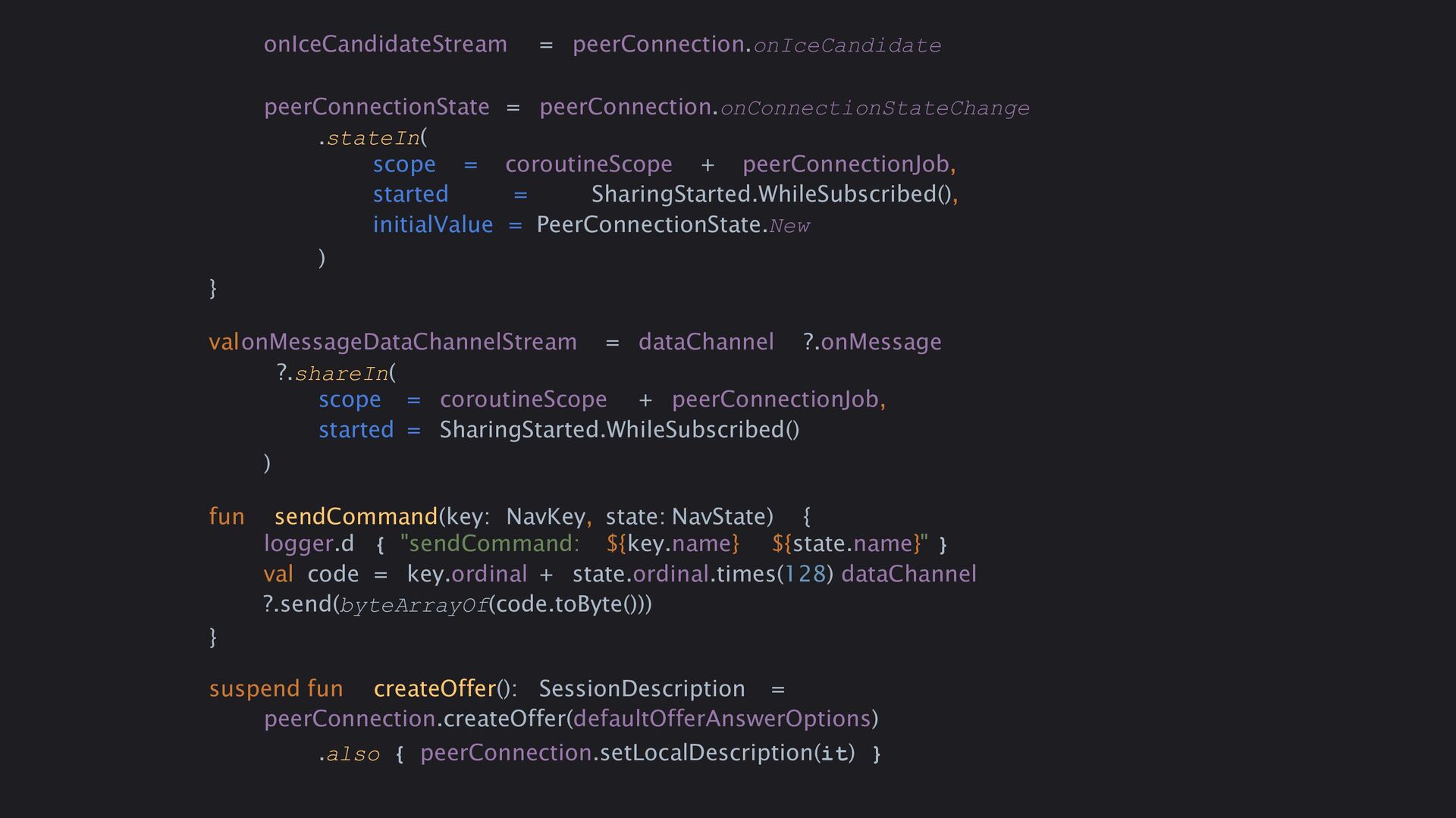
  24. onIceCandidateStream = peerConnection.onIceCandidate peerConnectionState = peerConnection.onConnectionStateChange .stateIn( scope = coroutineScope

    + peerConnectionJob, started = SharingStarted.WhileSubscribed(), initialValue = PeerConnectionState.New ) } valonMessageDataChannelStream = dataChannel ?.onMessage ?.shareIn( scope = coroutineScope + peerConnectionJob, started = SharingStarted.WhileSubscribed() ) fun sendCommand(key: NavKey, state: NavState) { logger.d { "sendCommand: ${key.name} ${state.name}" } val code = key.ordinal + state.ordinal.times(128) dataChannel ?.send(byteArrayOf(code.toByte())) } suspend fun createOffer(): SessionDescription = peerConnection.createOffer(defaultOfferAnswerOptions) .also { peerConnection.setLocalDescription(it) }
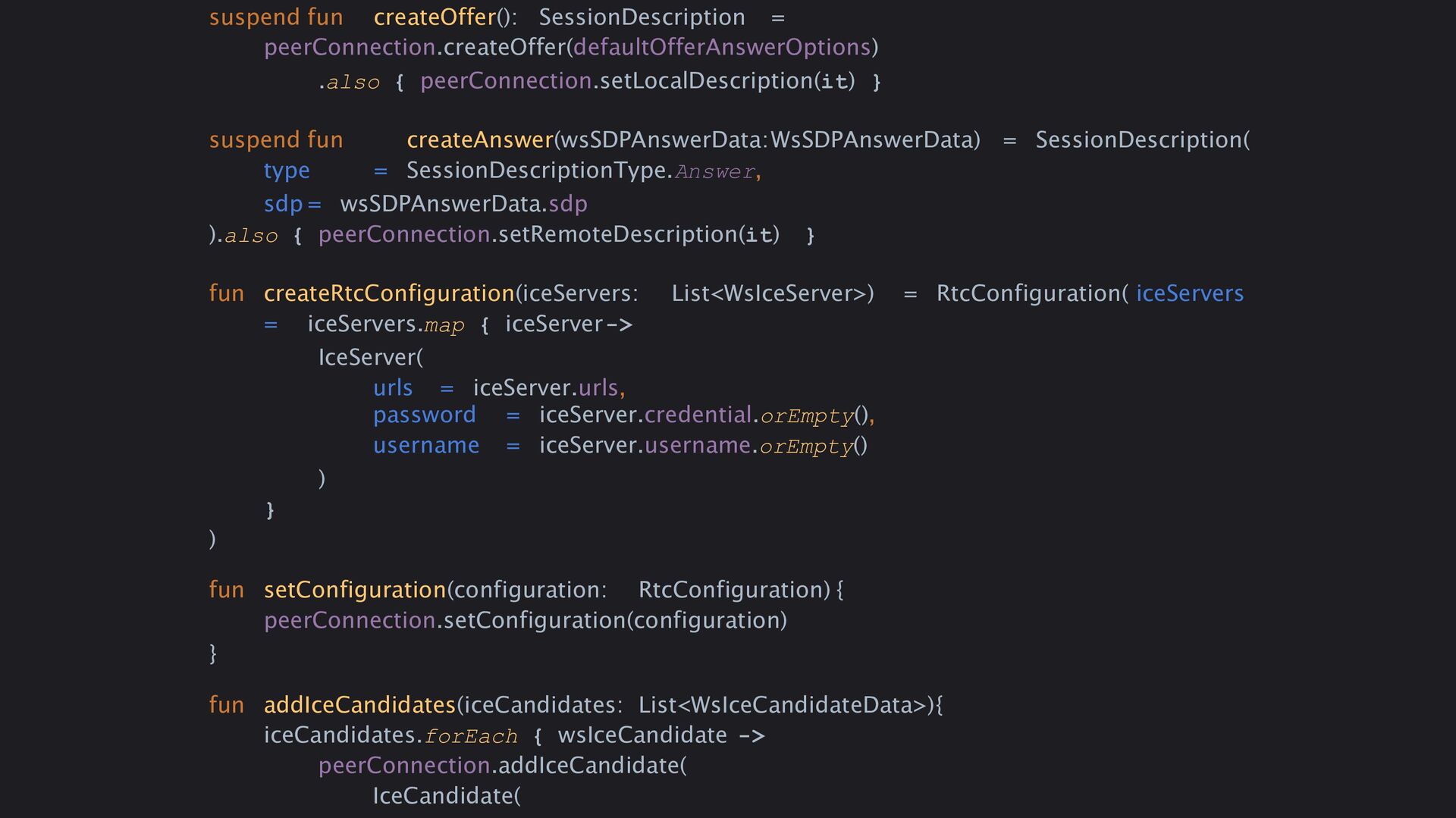
  25. suspend fun createOffer(): SessionDescription = peerConnection.createOffer(defaultOfferAnswerOptions) .also { peerConnection.setLocalDescription(it) }

    suspend fun createAnswer(wsSDPAnswerData:WsSDPAnswerData) = SessionDescription( type = SessionDescriptionType.Answer, sdp = wsSDPAnswerData.sdp ).also { peerConnection.setRemoteDescription(it) } fun createRtcConfiguration(iceServers: List<WsIceServer>) = RtcConfiguration( iceServers = iceServers.map { iceServer-> IceServer( urls = iceServer.urls, password = iceServer.credential.orEmpty(), username = iceServer.username.orEmpty() ) } ) fun setConfiguration(configuration: RtcConfiguration) { peerConnection.setConfiguration(configuration) } fun addIceCandidates(iceCandidates: List<WsIceCandidateData>){ iceCandidates.forEach { wsIceCandidate -> peerConnection.addIceCandidate( IceCandidate(
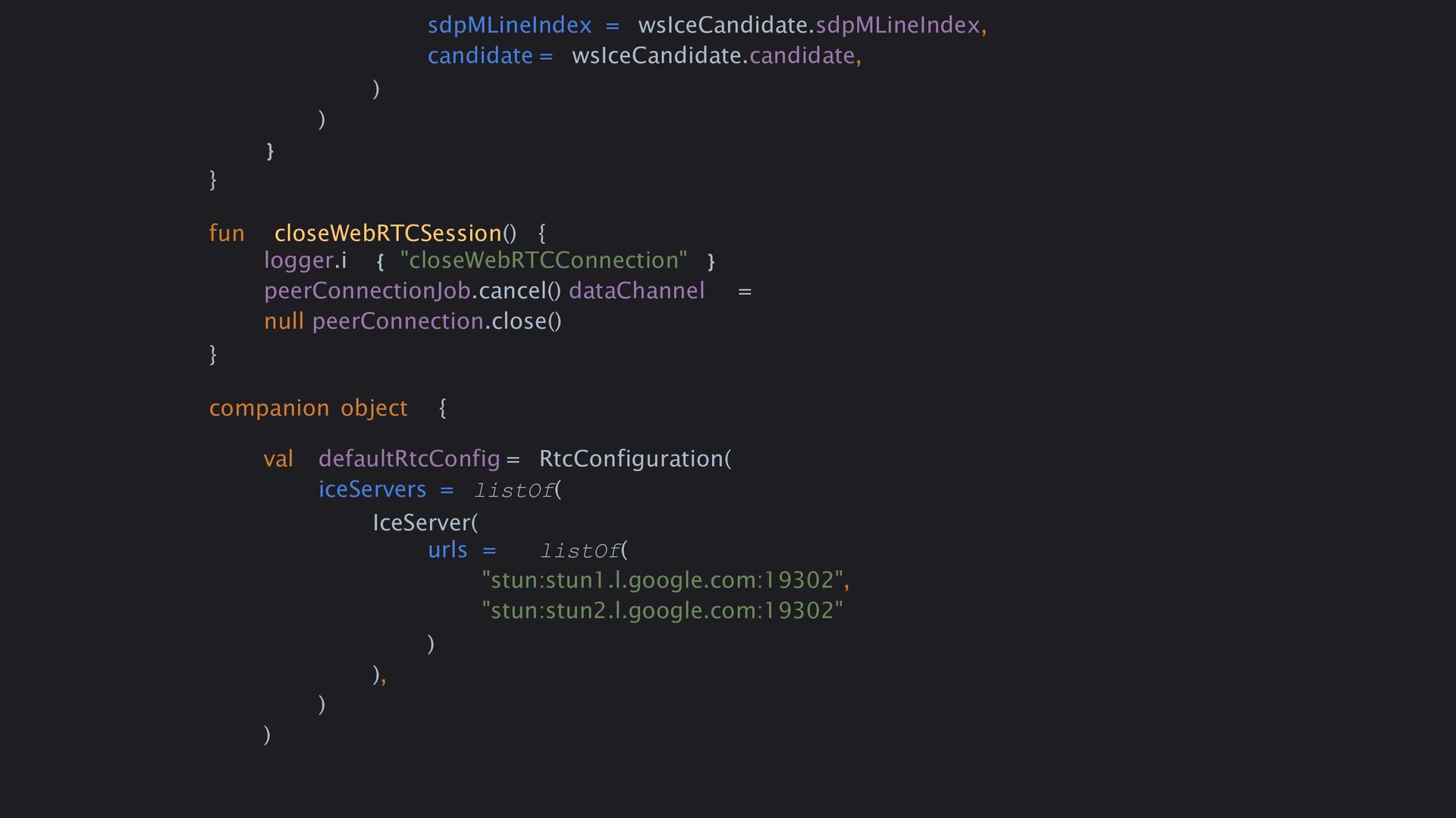
  26. sdpMLineIndex = wsIceCandidate.sdpMLineIndex, candidate = wsIceCandidate.candidate, ) ) } }

    fun closeWebRTCSession() { logger.i { "closeWebRTCConnection" } peerConnectionJob.cancel() dataChannel = null peerConnection.close() } companion object { val defaultRtcConfig = RtcConfiguration( iceServers = listOf( IceServer( urls = listOf( "stun:stun1.l.google.com:19302", "stun:stun2.l.google.com:19302" ) ), ) )
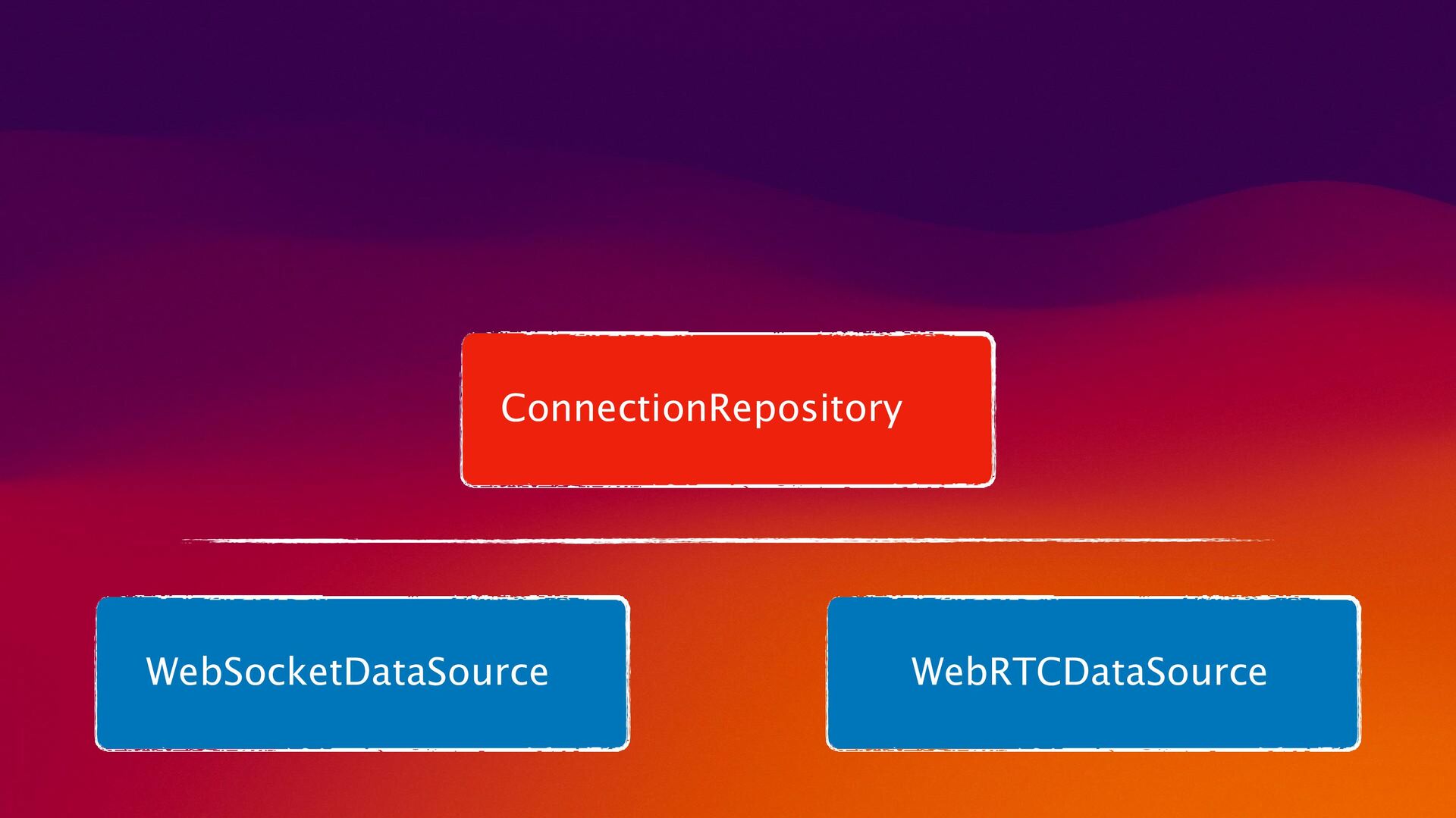
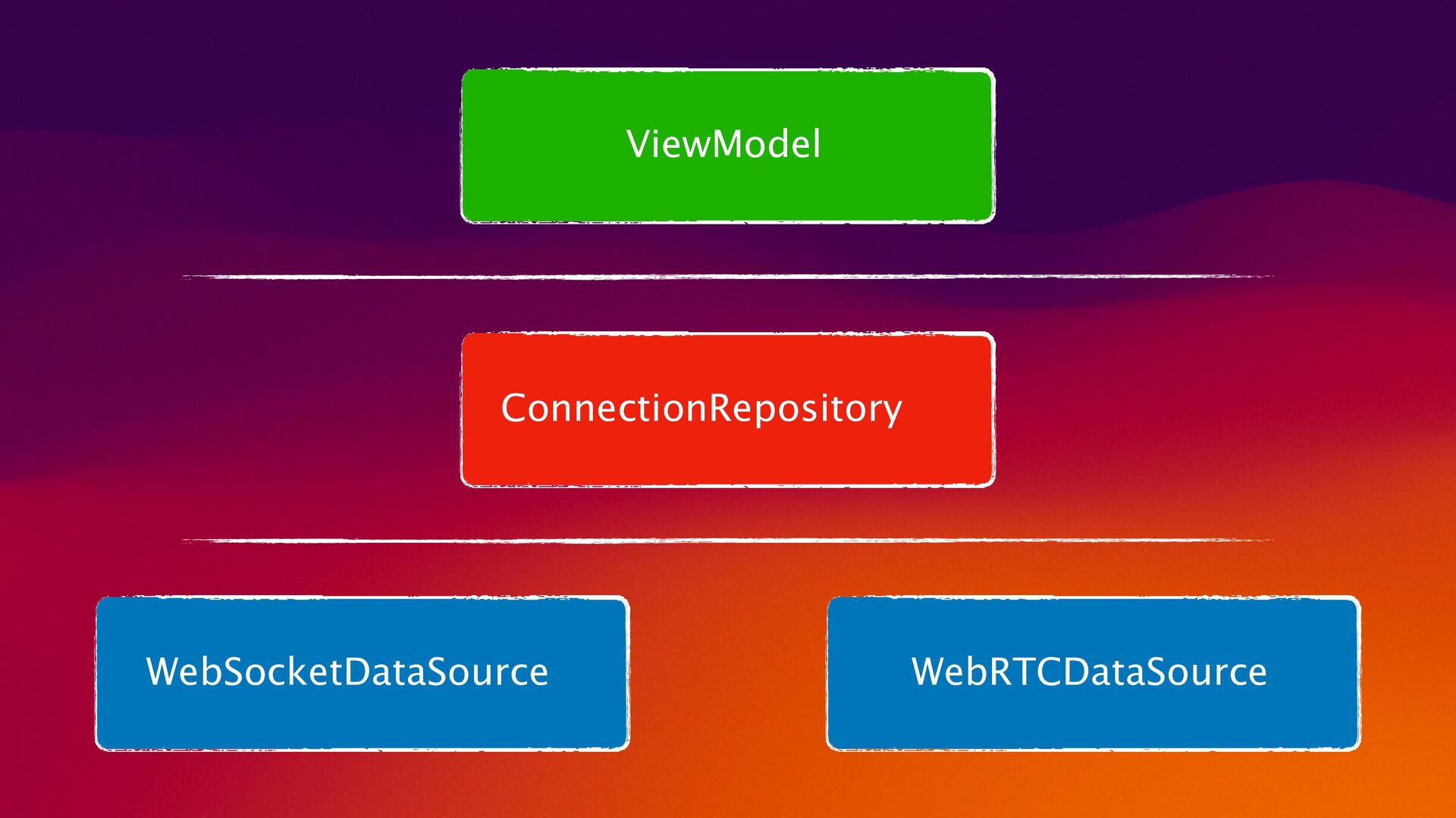
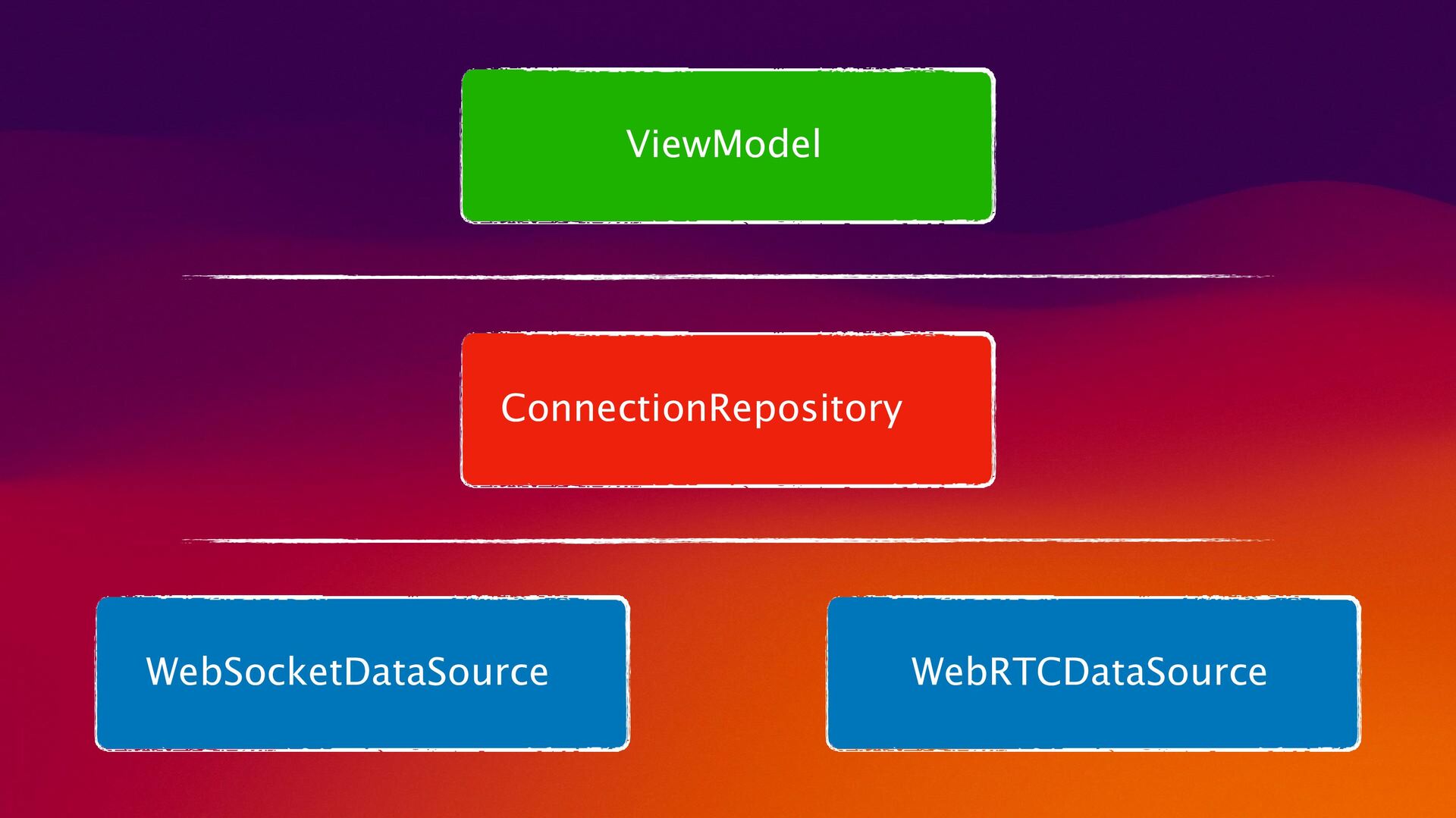
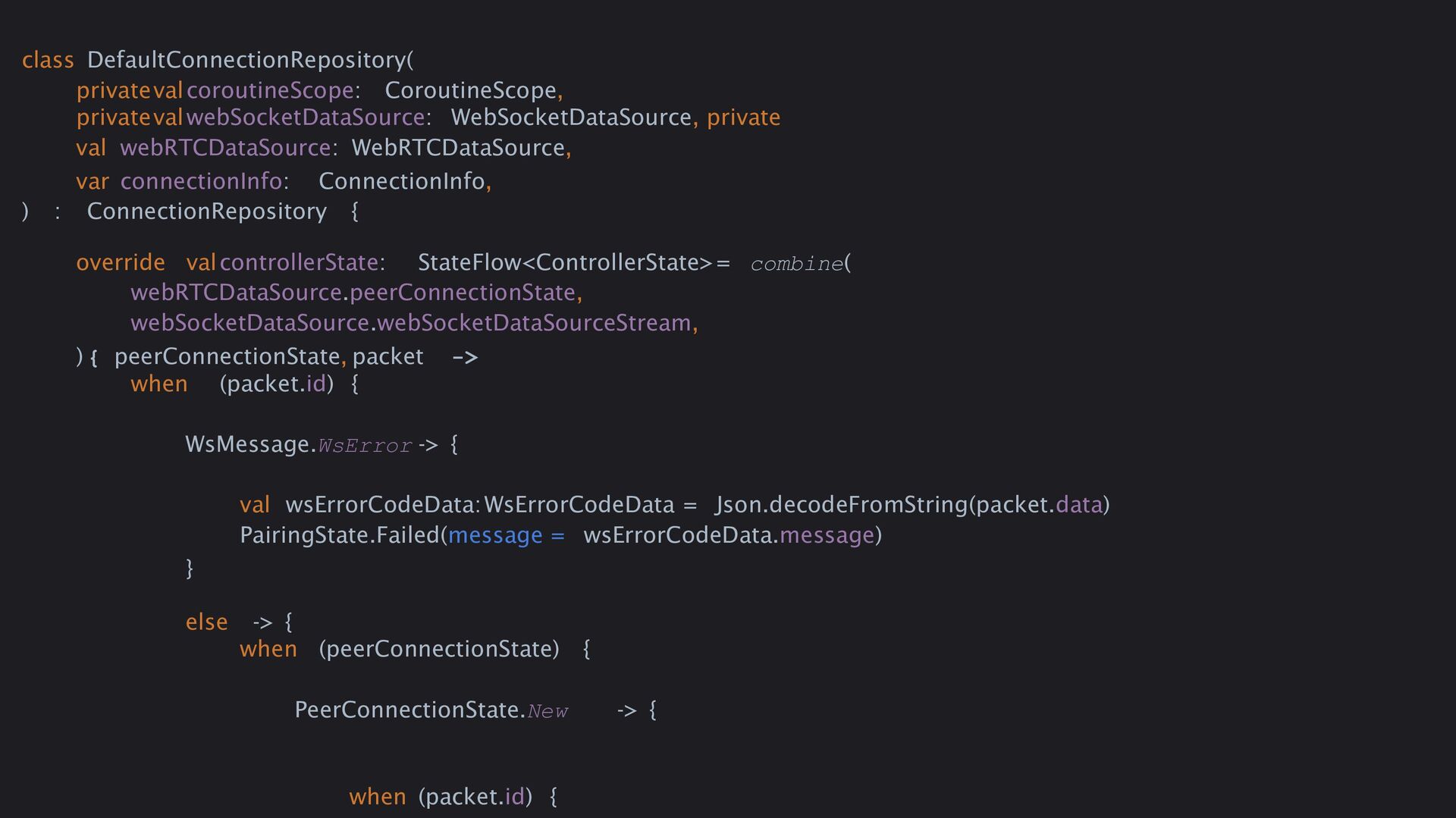
  27. class DefaultConnectionRepository( privatevalcoroutineScope: CoroutineScope, privatevalwebSocketDataSource: WebSocketDataSource, private val webRTCDataSource: WebRTCDataSource,

    var connectionInfo: ConnectionInfo, ) : ConnectionRepository { override valcontrollerState: StateFlow<ControllerState>= combine( webRTCDataSource.peerConnectionState, webSocketDataSource.webSocketDataSourceStream, ) { peerConnectionState, packet -> when (packet.id) { WsMessage.WsError -> { val wsErrorCodeData:WsErrorCodeData = Json.decodeFromString(packet.data) PairingState.Failed(message = wsErrorCodeData.message) } else -> { when (peerConnectionState) { PeerConnectionState.New -> { when (packet.id) {
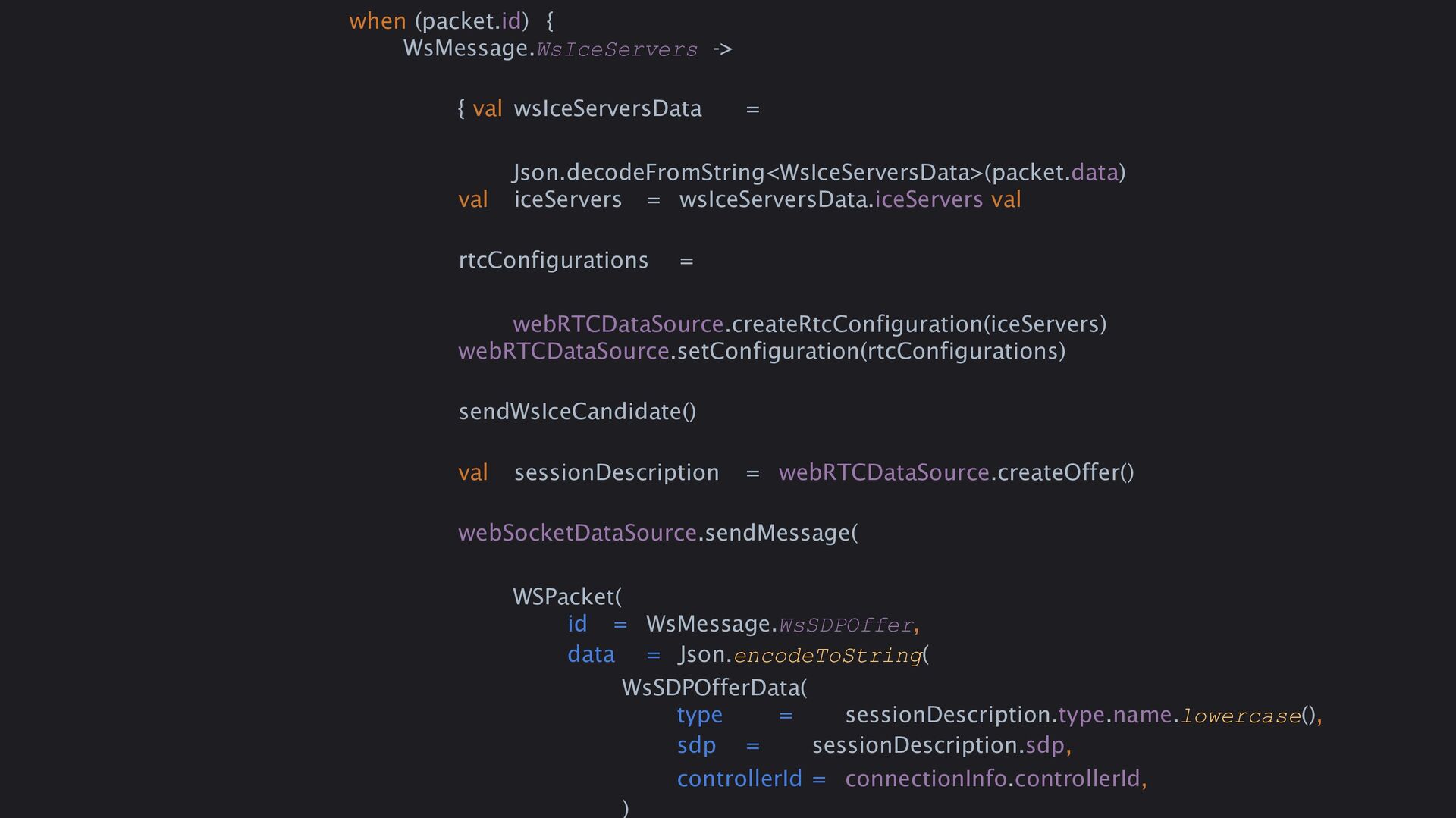
  28. when (packet.id) { WsMessage.WsIceServers -> { val wsIceServersData = Json.decodeFromString<WsIceServersData>(packet.data)

    val iceServers = wsIceServersData.iceServers val rtcConfigurations = webRTCDataSource.createRtcConfiguration(iceServers) webRTCDataSource.setConfiguration(rtcConfigurations) sendWsIceCandidate() val sessionDescription = webRTCDataSource.createOffer() webSocketDataSource.sendMessage( WSPacket( id = WsMessage.WsSDPOffer, data = Json.encodeToString( WsSDPOfferData( type = sessionDescription.type.name.lowercase(), sdp = sessionDescription.sdp, controllerId = connectionInfo.controllerId, )
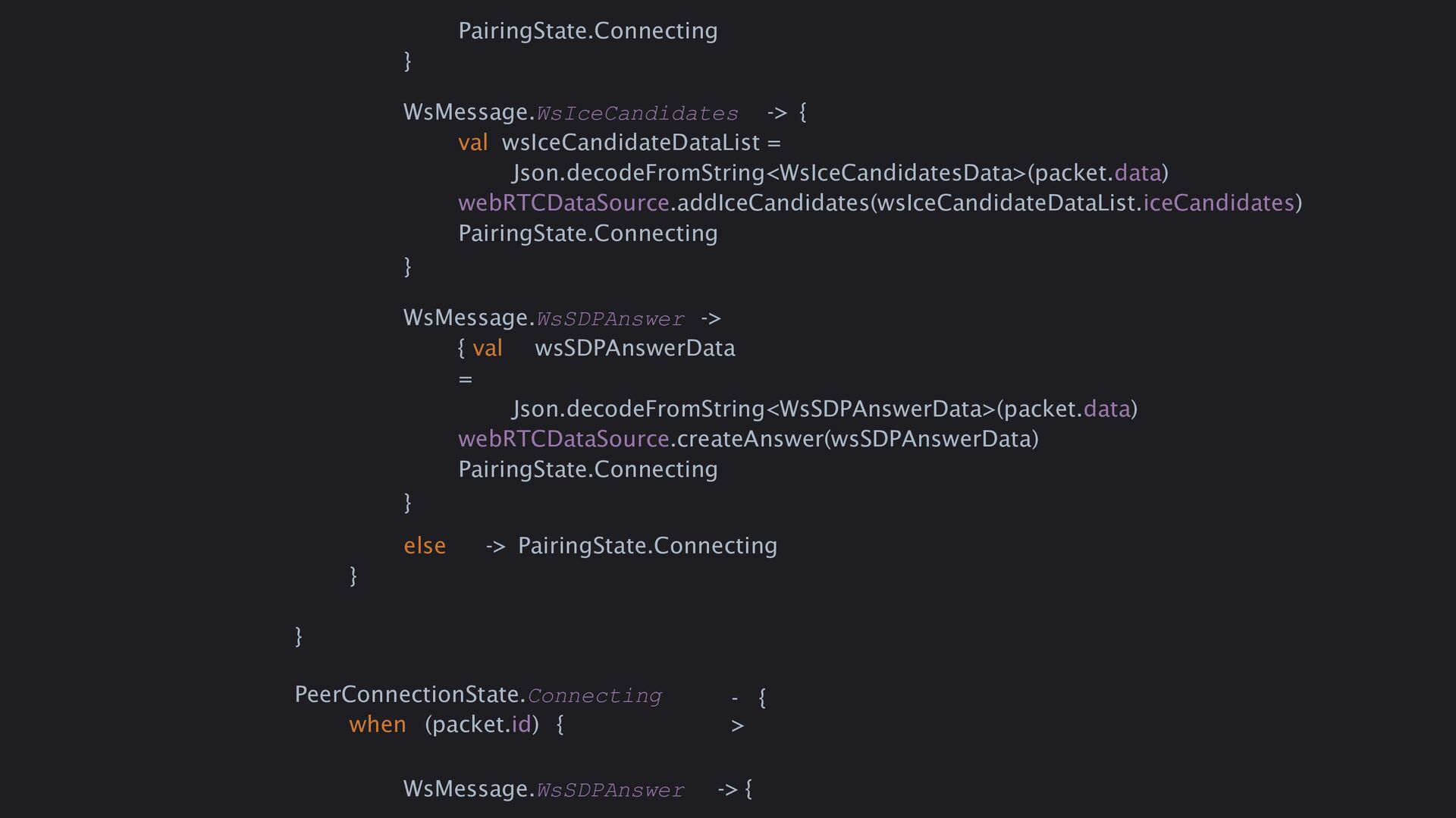
  29. PairingState.Connecting } WsMessage.WsIceCandidates -> { val wsIceCandidateDataList = Json.decodeFromString<WsIceCandidatesData>(packet.data) webRTCDataSource.addIceCandidates(wsIceCandidateDataList.iceCandidates)

    PairingState.Connecting } WsMessage.WsSDPAnswer -> { val wsSDPAnswerData = Json.decodeFromString<WsSDPAnswerData>(packet.data) webRTCDataSource.createAnswer(wsSDPAnswerData) PairingState.Connecting } else -> PairingState.Connecting } } PeerConnectionState.Connecting when (packet.id) { - > { WsMessage.WsSDPAnswer -> {
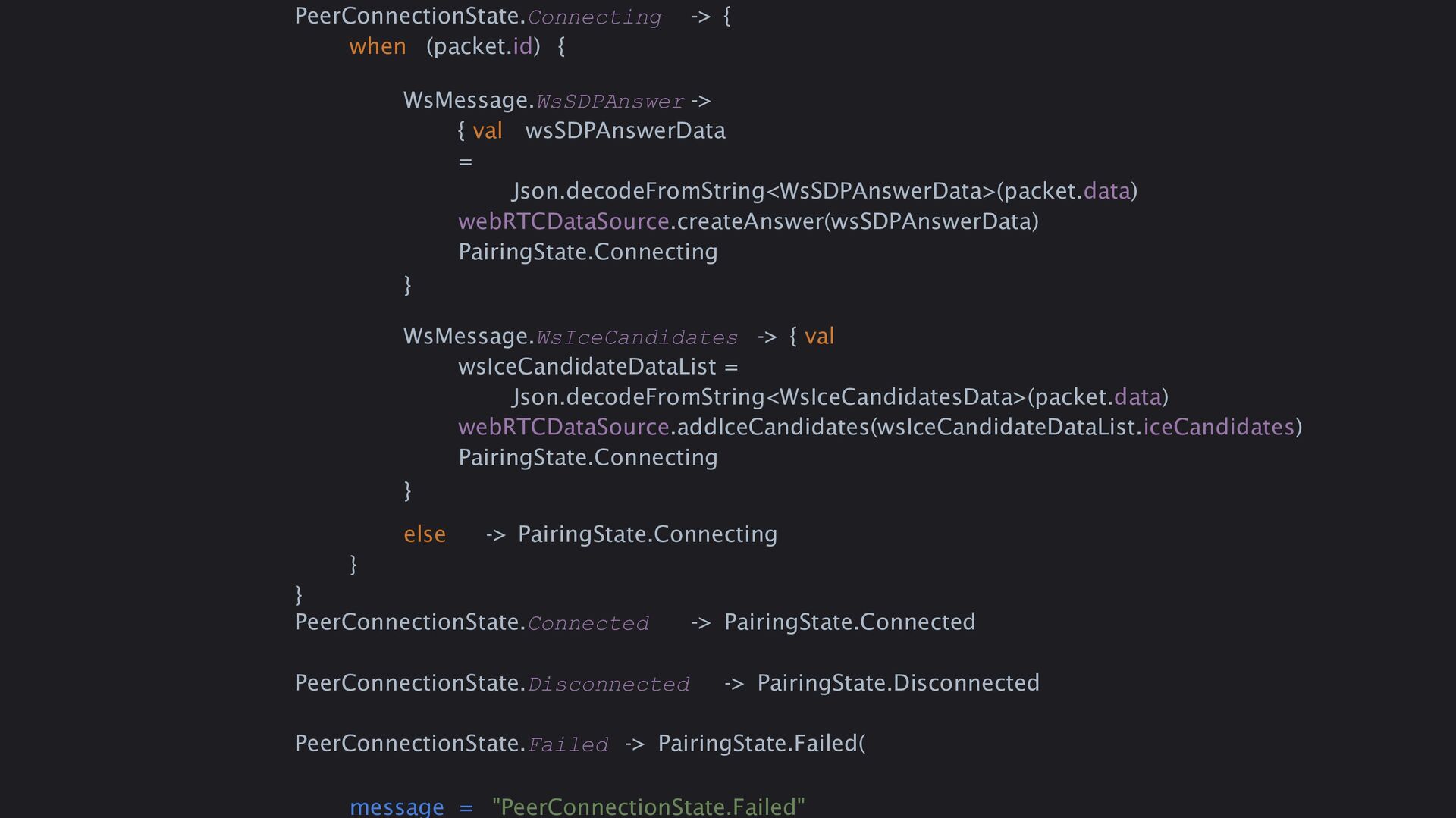
  30. PeerConnectionState.Connecting -> { when (packet.id) { WsMessage.WsSDPAnswer -> { val

    wsSDPAnswerData = Json.decodeFromString<WsSDPAnswerData>(packet.data) webRTCDataSource.createAnswer(wsSDPAnswerData) PairingState.Connecting } WsMessage.WsIceCandidates -> { val wsIceCandidateDataList = Json.decodeFromString<WsIceCandidatesData>(packet.data) webRTCDataSource.addIceCandidates(wsIceCandidateDataList.iceCandidates) PairingState.Connecting } else -> PairingState.Connecting } } PeerConnectionState.Connected -> PairingState.Connected PeerConnectionState.Disconnected -> PairingState.Disconnected PeerConnectionState.Failed -> PairingState.Failed( message = "PeerConnectionState.Failed"
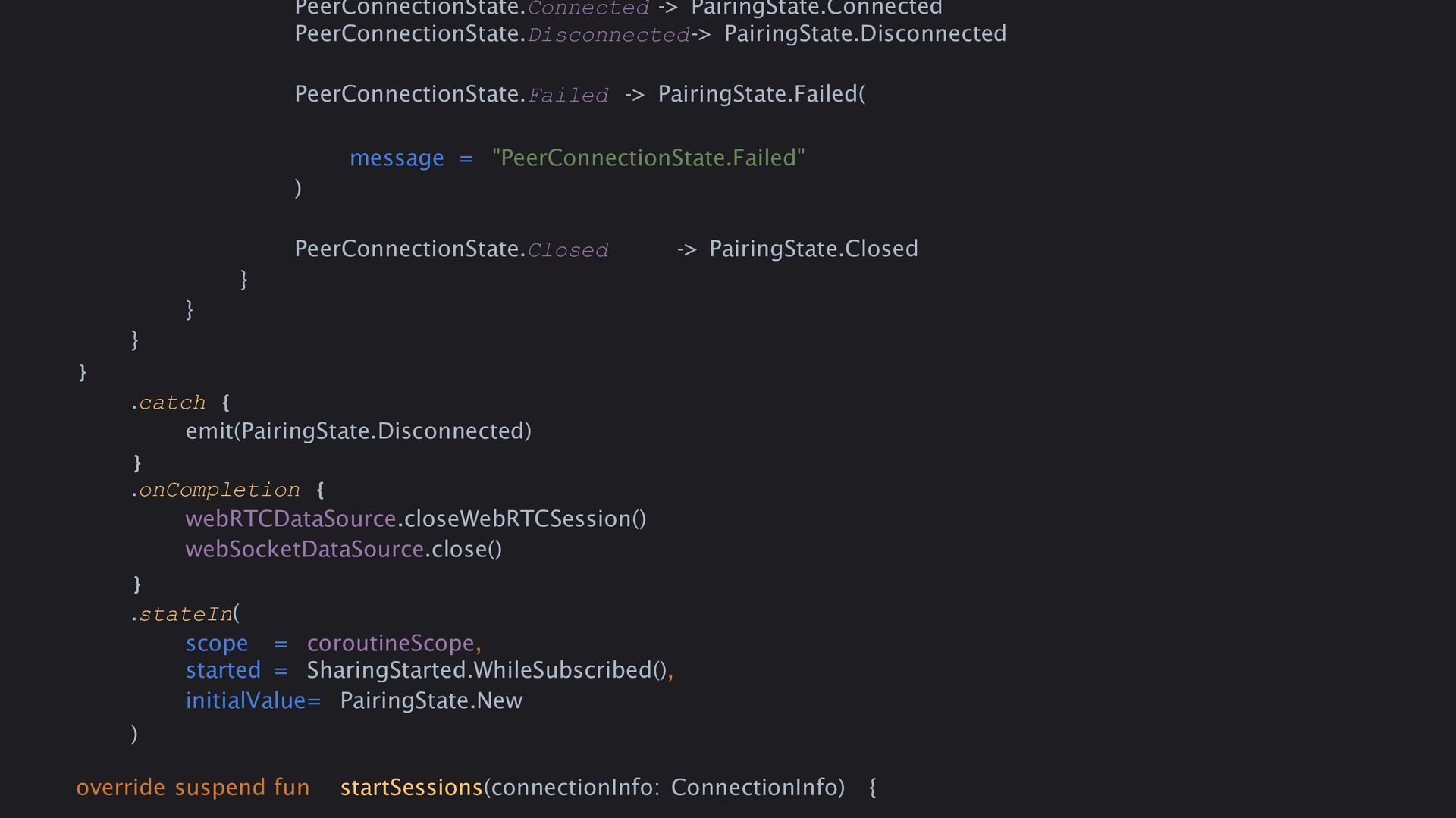
  31. PeerConnectionState.Connected -> PairingState.Connected PeerConnectionState.Disconnected-> PairingState.Disconnected PeerConnectionState.Failed -> PairingState.Failed( message =

    "PeerConnectionState.Failed" ) PeerConnectionState.Closed -> PairingState.Closed } } } } .catch { emit(PairingState.Disconnected) } .onCompletion { webRTCDataSource.closeWebRTCSession() webSocketDataSource.close() } .stateIn( scope = coroutineScope, started = SharingStarted.WhileSubscribed(), initialValue= PairingState.New ) override suspend fun startSessions(connectionInfo: ConnectionInfo) {
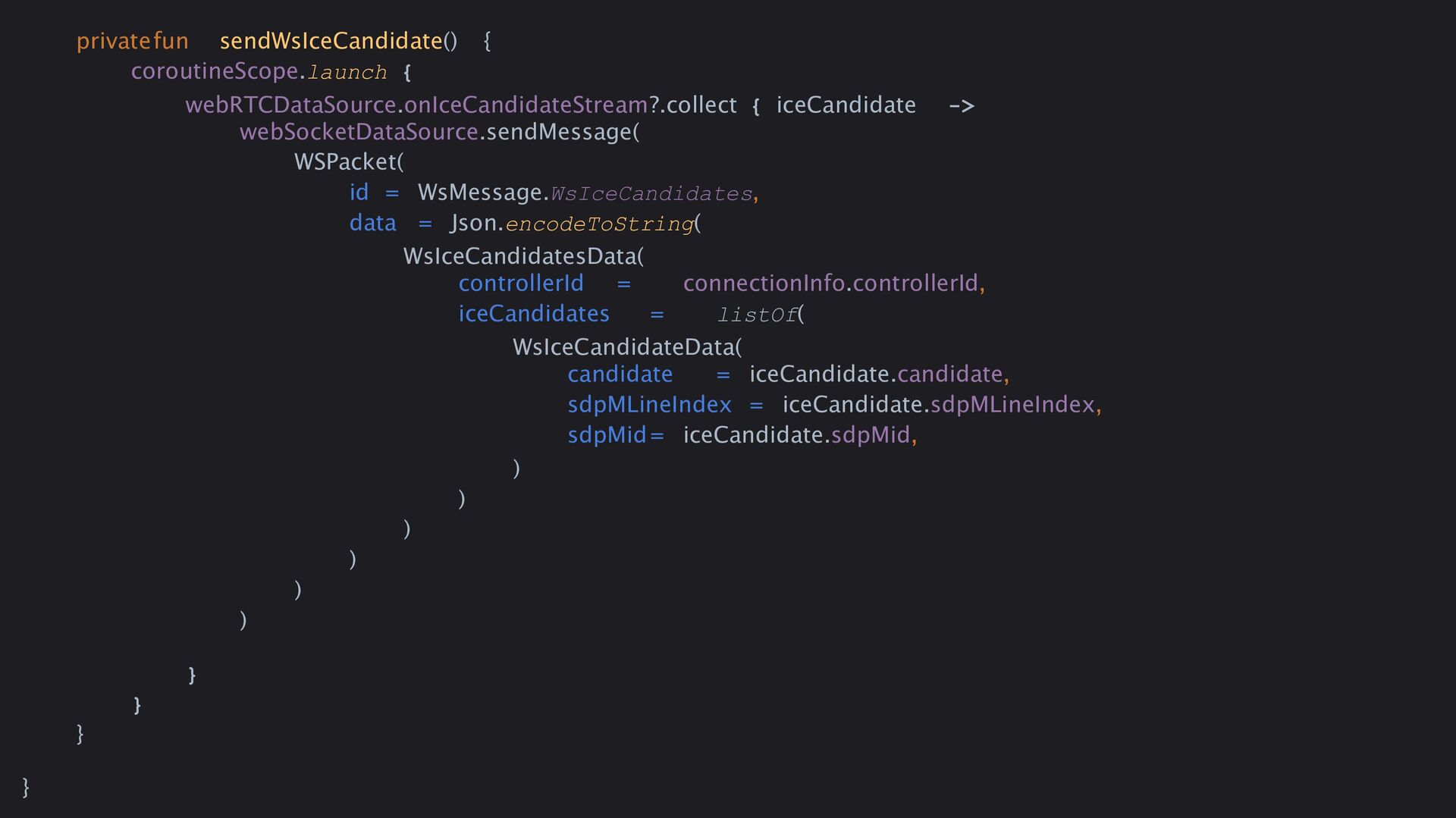
  32. privatefun sendWsIceCandidate() { coroutineScope.launch { webRTCDataSource.onIceCandidateStream?.collect { iceCandidate -> webSocketDataSource.sendMessage(

    WSPacket( id = WsMessage.WsIceCandidates, data = Json.encodeToString( WsIceCandidatesData( controllerId = connectionInfo.controllerId, iceCandidates = listOf( WsIceCandidateData( candidate = iceCandidate.candidate, sdpMLineIndex = iceCandidate.sdpMLineIndex, sdpMid= iceCandidate.sdpMid, ) ) ) ) ) ) } } } }
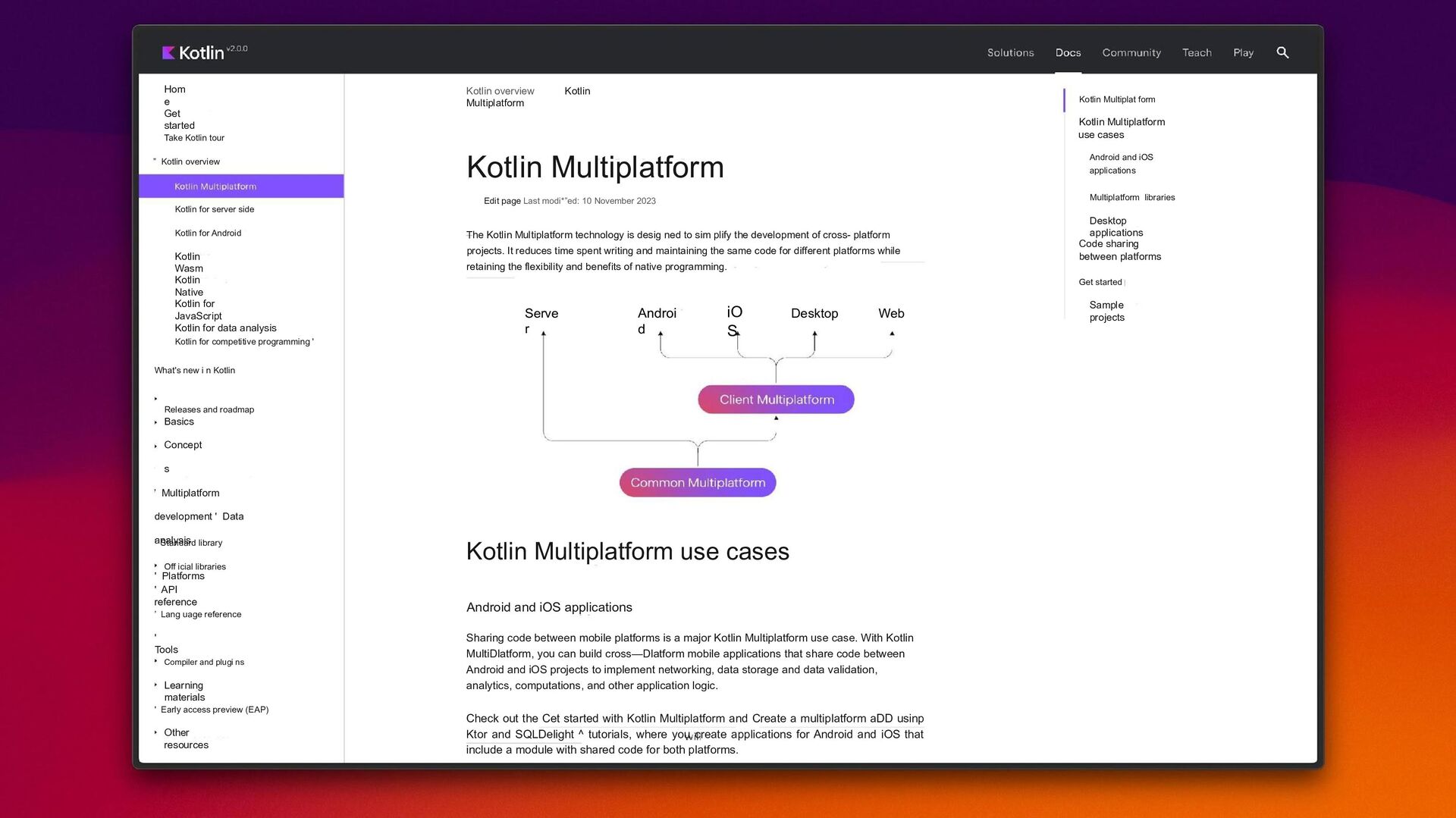
  33. Hom e Get started Take Kotlin tour ” Kotlin overview

    Kotlin for server side Kotlin for Android Kotlin Wasm Kotlin Native Kotlin for JavaScript Kotlin for data analysis Kotlin for competitive programming ' What's new i n Kotlin Releases and roadmap Basics Concept s ’ Multiplatform development ' Data analysis ' Platforms ’ Standard library Off icial libraries ' API reference ’ Lang uage reference ' Tools Compiler and plugi ns Learning materials ' Early access preview (EAP) Other resources Kotlin overview Kotlin Multiplatform Kotlin Multiplatform Edit page Last modi*”ed: 10 November 2023 The Kotlin Multiplatform technology is desig ned to sim plify the development of cross- platform projects. It reduces time spent writing and maintaining the same code for different platforms while retaining the flexibility and benefits of native programming. Serve r Androi d iO S Desktop Web Kotlin Multiplatform use cases Android and iOS applications Sharing code between mobile platforms is a major Kotlin Multiplatform use case. With Kotlin MultiDlatform, you can build cross—Dlatform mobile applications that share code between Android and iOS projects to implement networking, data storage and data validation, analytics, computations, and other application logic. Check out the Cet started with Kotlin Multiplatform and Create a multiplatform aDD usinp Ktor and SQLDelight ^ tutorials, where you create applications for Android and iOS that include a module with shared code for both platforms. Kotlin Multiplat form Kotlin Multiplatform use cases Android and iOS applications Multiplatform libraries Desktop applications Code sharing between platforms Get started Sample projects
  34. shepeliev | webrtc-kmp I › Code @ Issues 8 ]"}

    Pull requests 3 NJ Discussions @ Actions |@ Projects Security | ' Insights webrtc-km p Publ ic main • 7 Branches @ 17 Tags B B B B B B B B shepeliev Bump version I .github/workflows buildsrc gradle kotlin-js-store sample webrtc-kmp .gitignore LICENS E README.m d build.gradIe.kt s gradIe.properties gradlew gradIew.bat settings.gradIe.kts READM E @ Apache-2.0 license Q Go to file @ Type @ to search Watch 4 @ Fork 29 • Star 144 • t Add file • About f9908f4 • last month 139 Commits CI: Extract jobs into reusable workflows (#115) Simplify sample app (#111) Add WasmJS target (#114) Simplify sample app (#111) Add WasmJS target (#114) Bump version Simplify sample app (#111) Initial commit Add WasmJS target (#114) Simplify sample app (#111) Bump version Isolate lib from samples Isolate lib from samples Simplify sample app (#111) WebRTC KMP WebRTC Kotlin Multiplatform SDK is a comprehensive toolkit for integrating WebRTC functionality into your multiplatform projects. It supports Android, iOS, JS. Other platforms - PRs are welcome. WebRTC Kotlin Multiplatform SDK Readme @ Apache-2.0 license -^v- Activity @’ 144 stars o 4 watching 29 forks last month 2 months ago last month 2 months ago Report repository last month last month Releases 2 months ago 17 tags 4 years ago Packages last month No packages published 2 months ago last month 3 years ago Contributor s 6 3 years ago Languages 2 months ago G Kotlin 99.0% G Ruby 1.0%
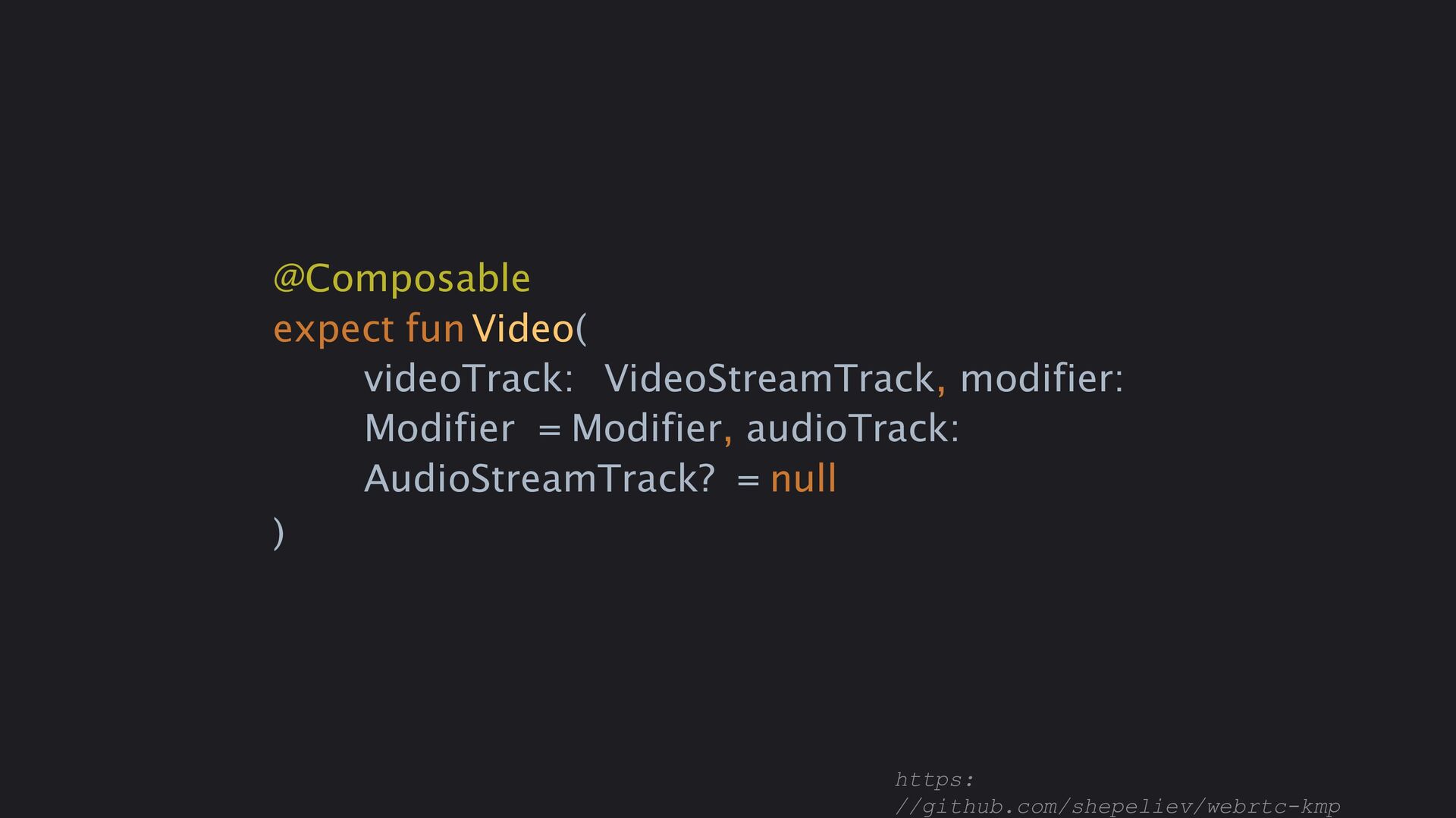
  35. @Composable expect funVideo( videoTrack: VideoStreamTrack, modifier: Modifier = Modifier, audioTrack:

    AudioStreamTrack? = null ) https: //github.com/shepeliev/webrtc-kmp
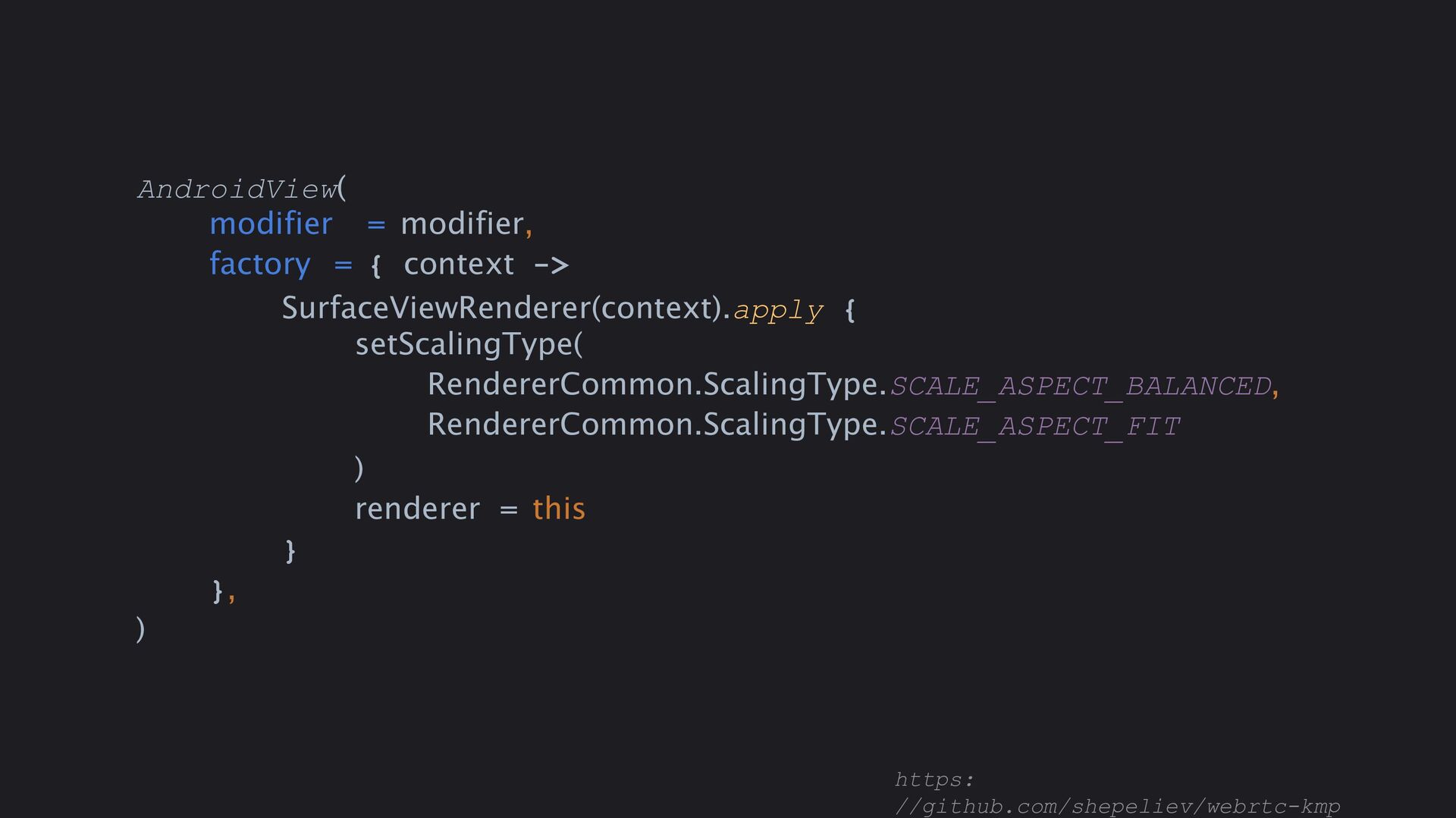
  36. AndroidView( modifier = modifier, factory = { context -> SurfaceViewRenderer(context).apply

    { setScalingType( RendererCommon.ScalingType.SCALE_ASPECT_BALANCED, RendererCommon.ScalingType.SCALE_ASPECT_FIT ) renderer = this } }, ) https: //github.com/shepeliev/webrtc-kmp
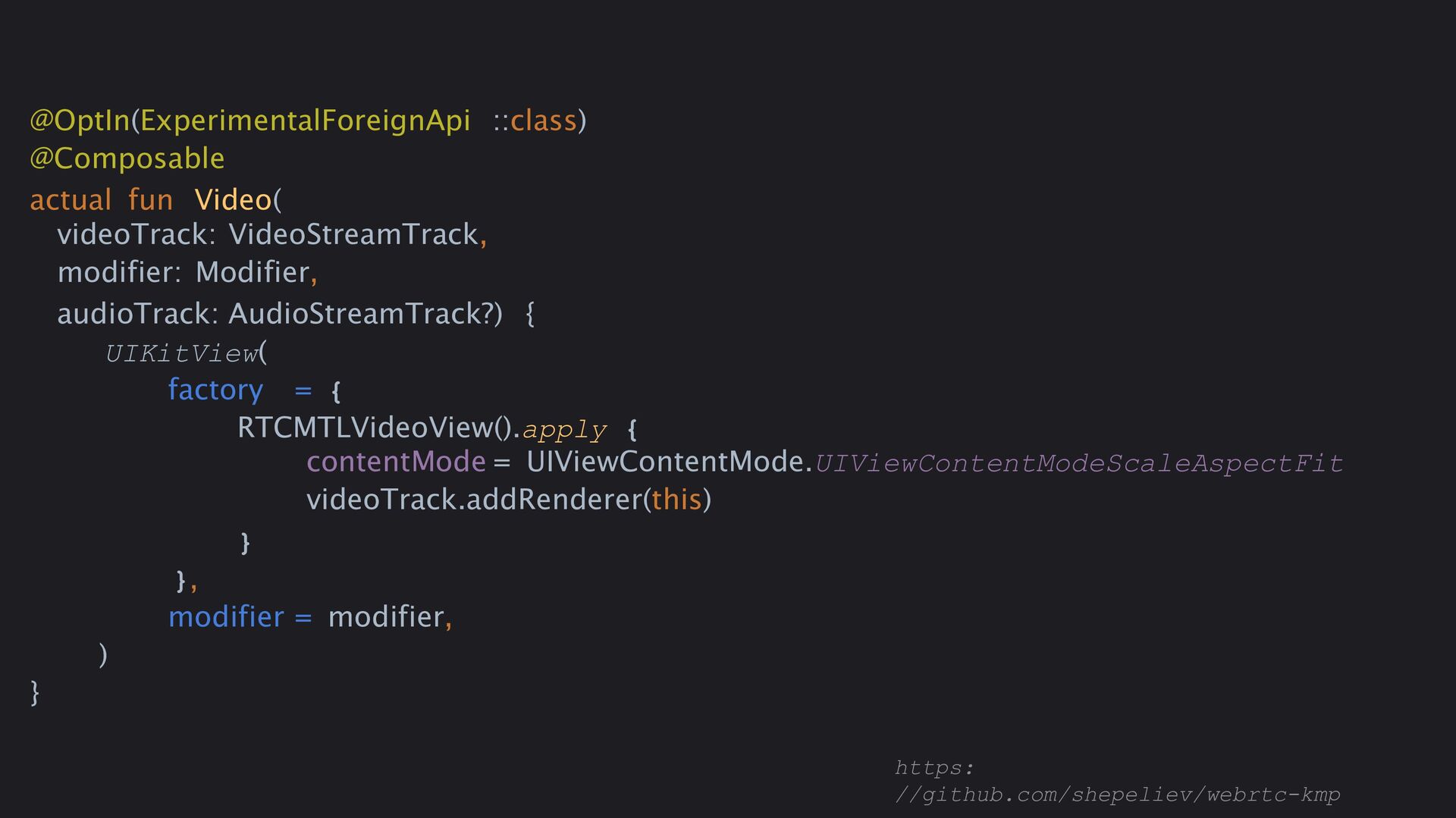
  37. @OptIn(ExperimentalForeignApi ::class) @Composable actual fun Video( videoTrack: VideoStreamTrack, modifier: Modifier,

    audioTrack: AudioStreamTrack?) { UIKitView( factory = { RTCMTLVideoView().apply { contentMode = UIViewContentMode.UIViewContentModeScaleAspectFit videoTrack.addRenderer(this) } }, modifier = modifier, ) } https: //github.com/shepeliev/webrtc-kmp
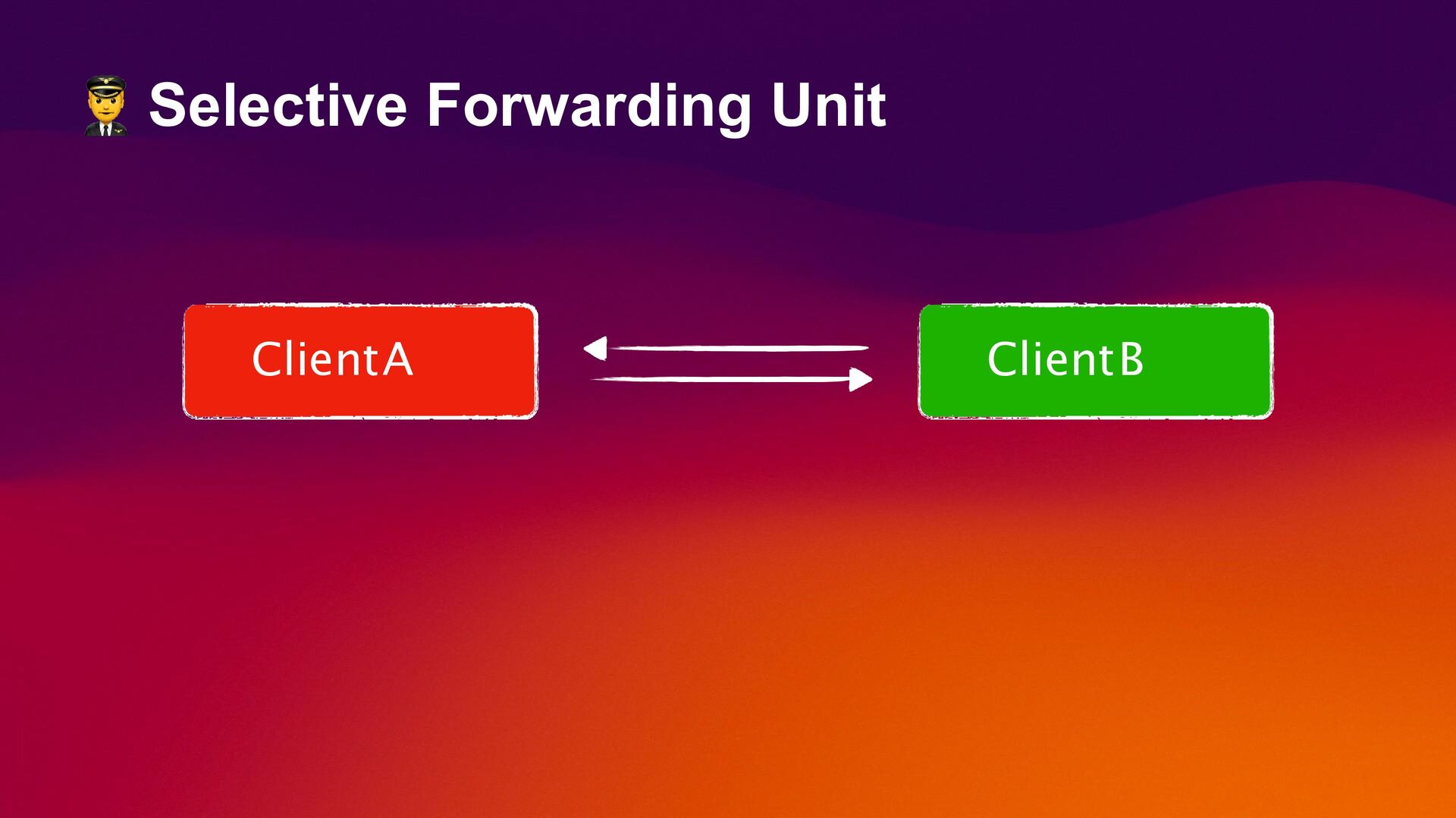
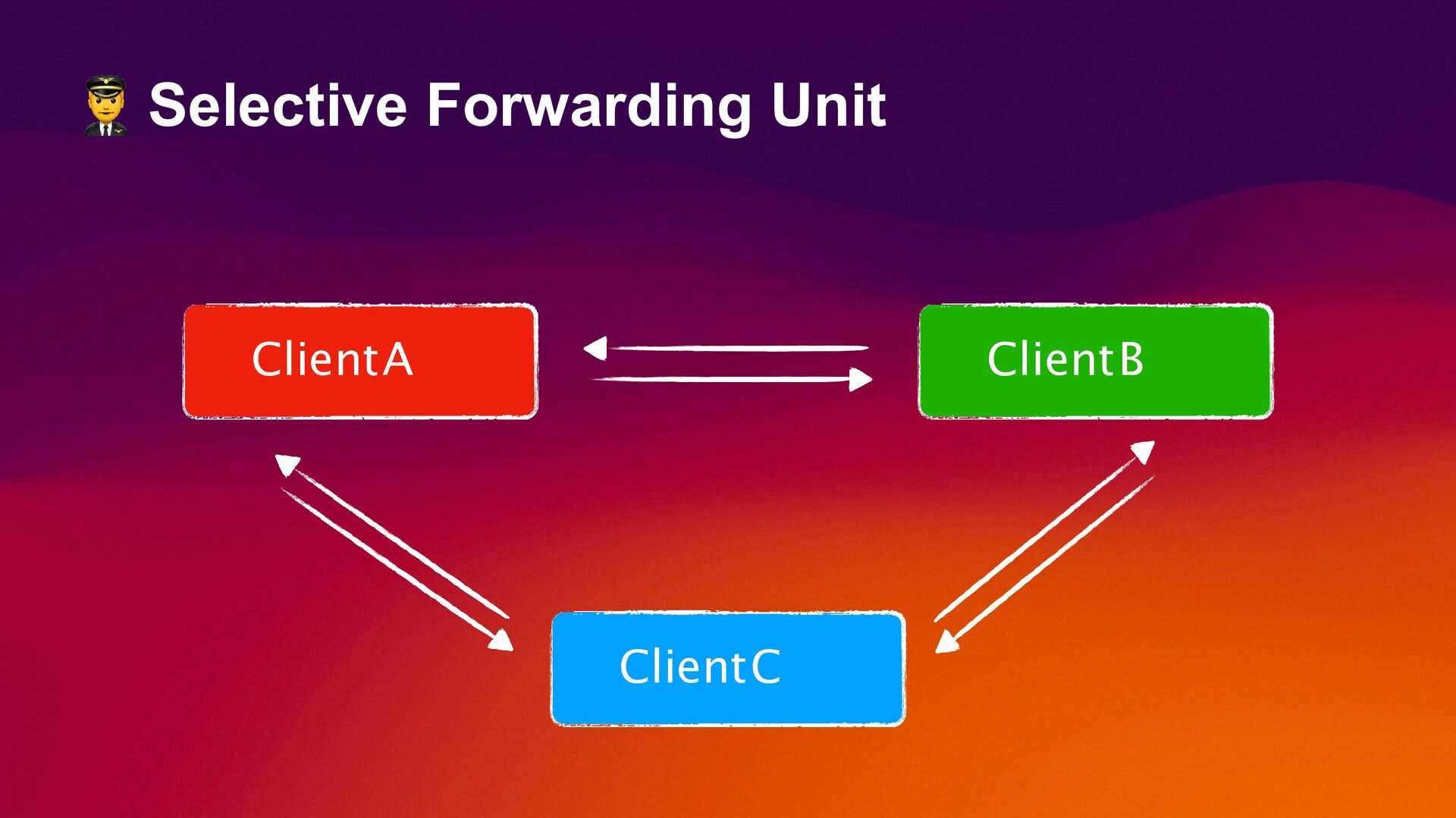
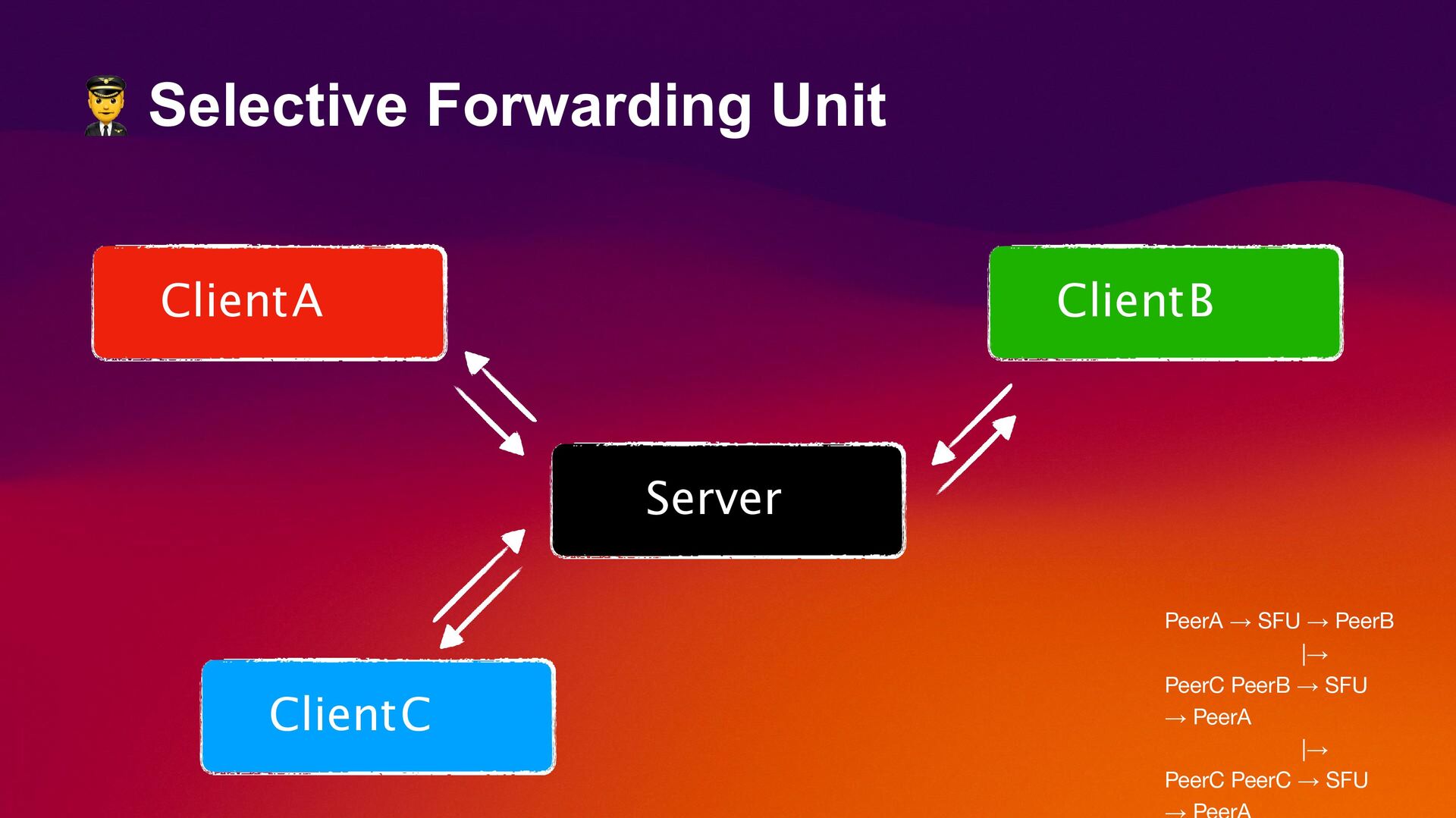
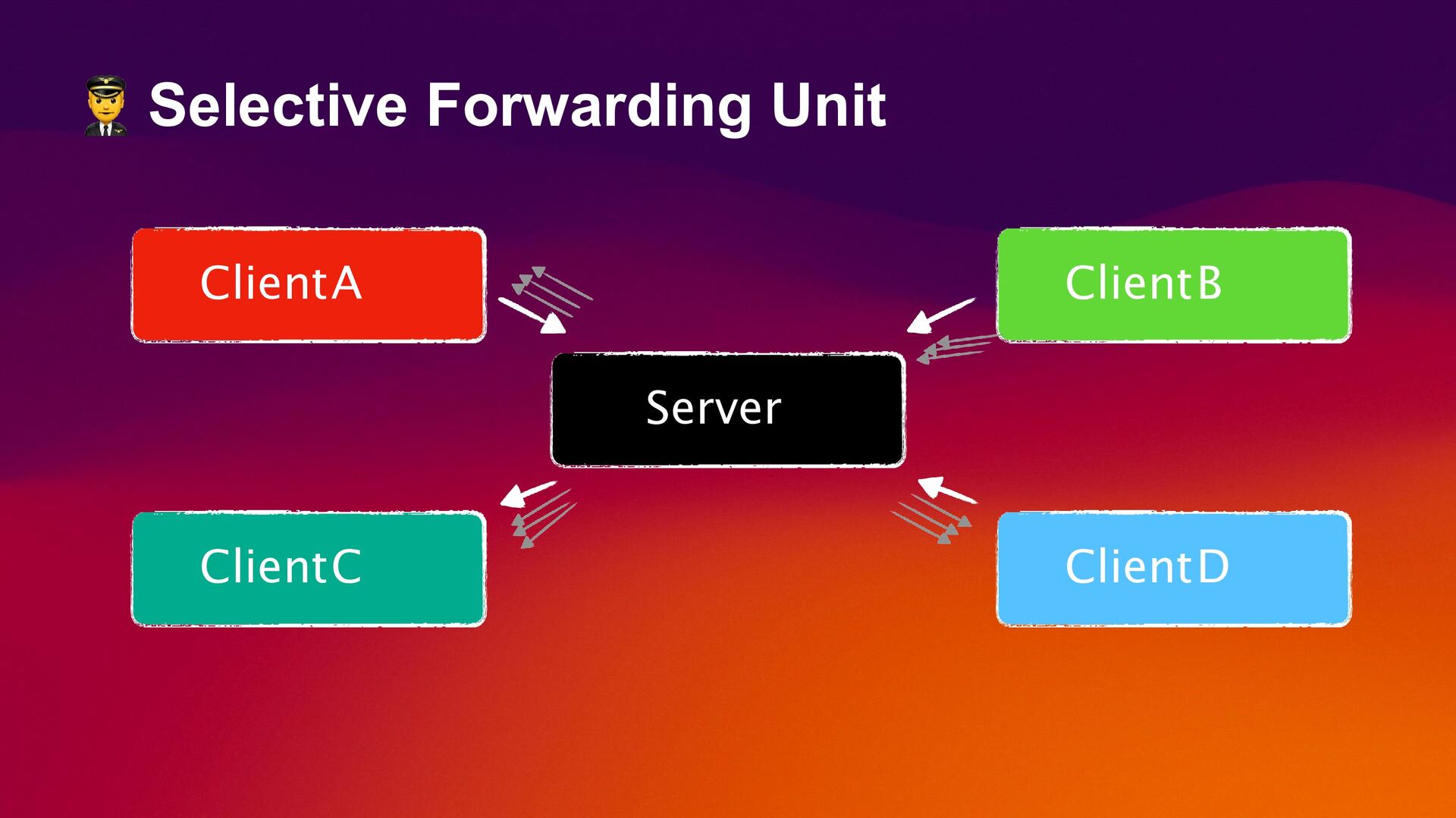
  38. Selective Forwarding Unit ClientA ClientB ClientC Server PeerA → SFU

    → PeerB |→ PeerC PeerB → SFU → PeerA |→ PeerC PeerC → SFU
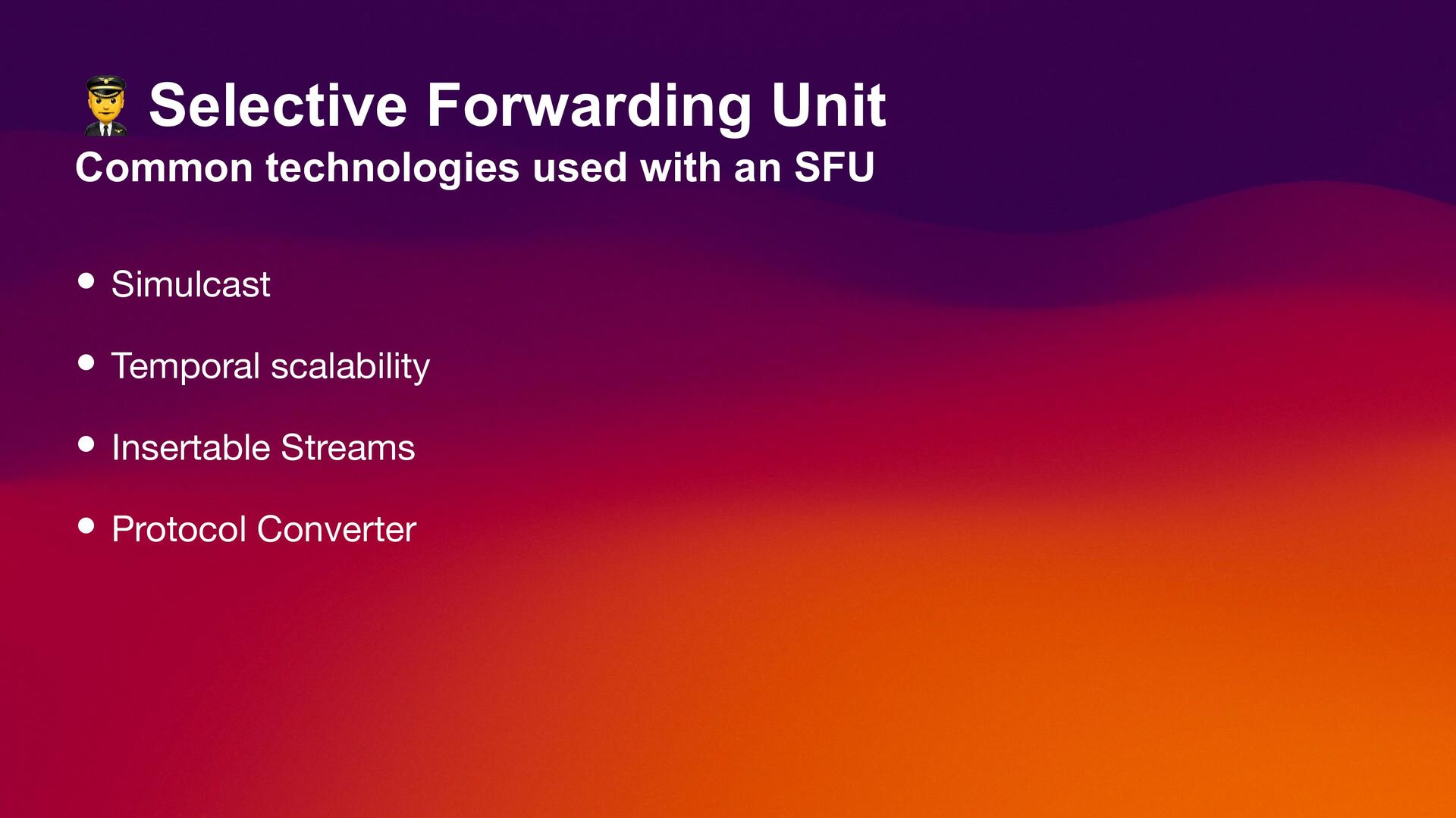
  39. Selective Forwarding Unit Common technologies used with an SFU •

    Simulcast • Temporal scalability • Insertable Streams • Protocol Converter
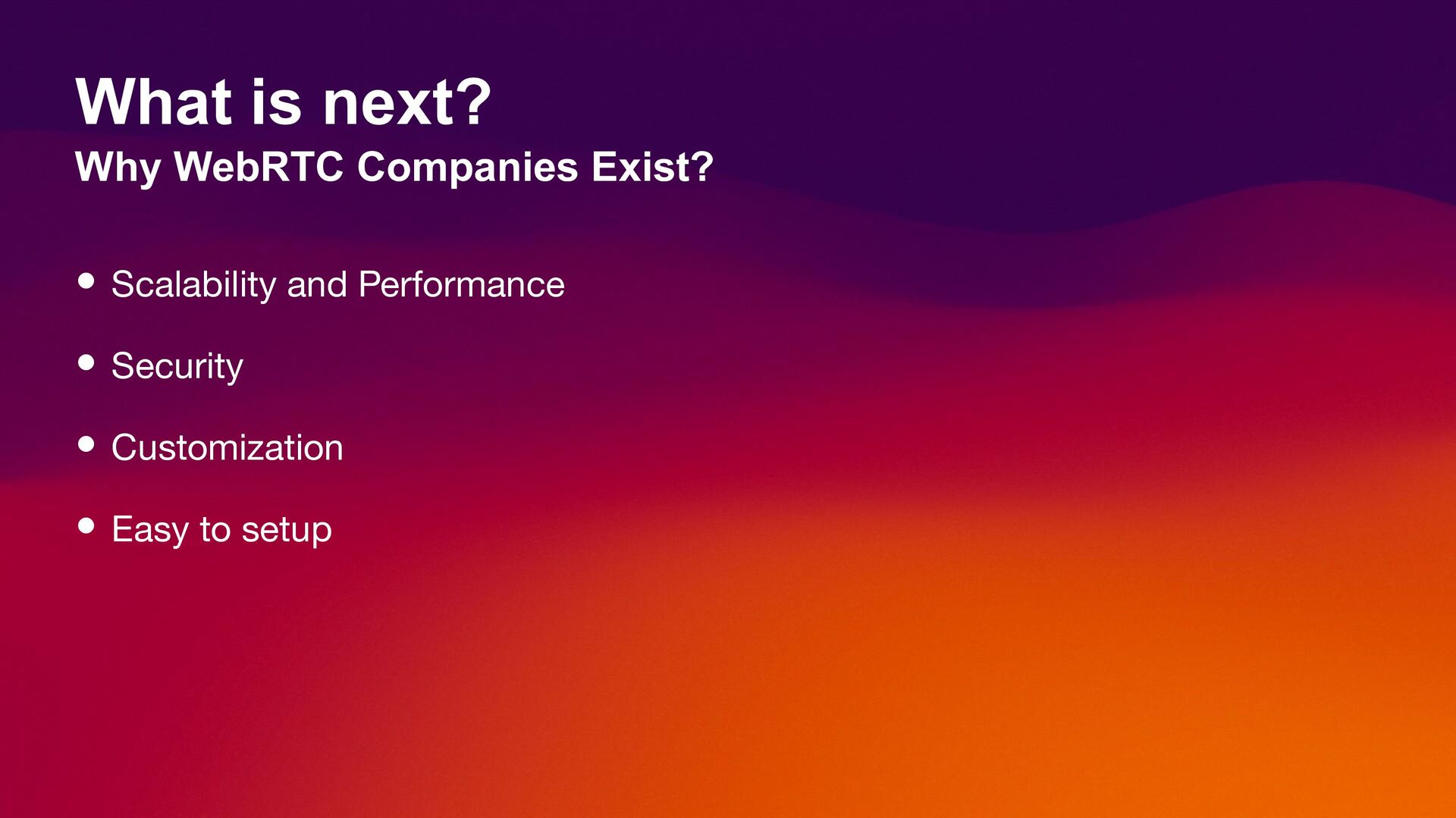
  40. What is next? Why WebRTC Companies Exist? • Scalability and

    Performance • Security • Customization • Easy to setup
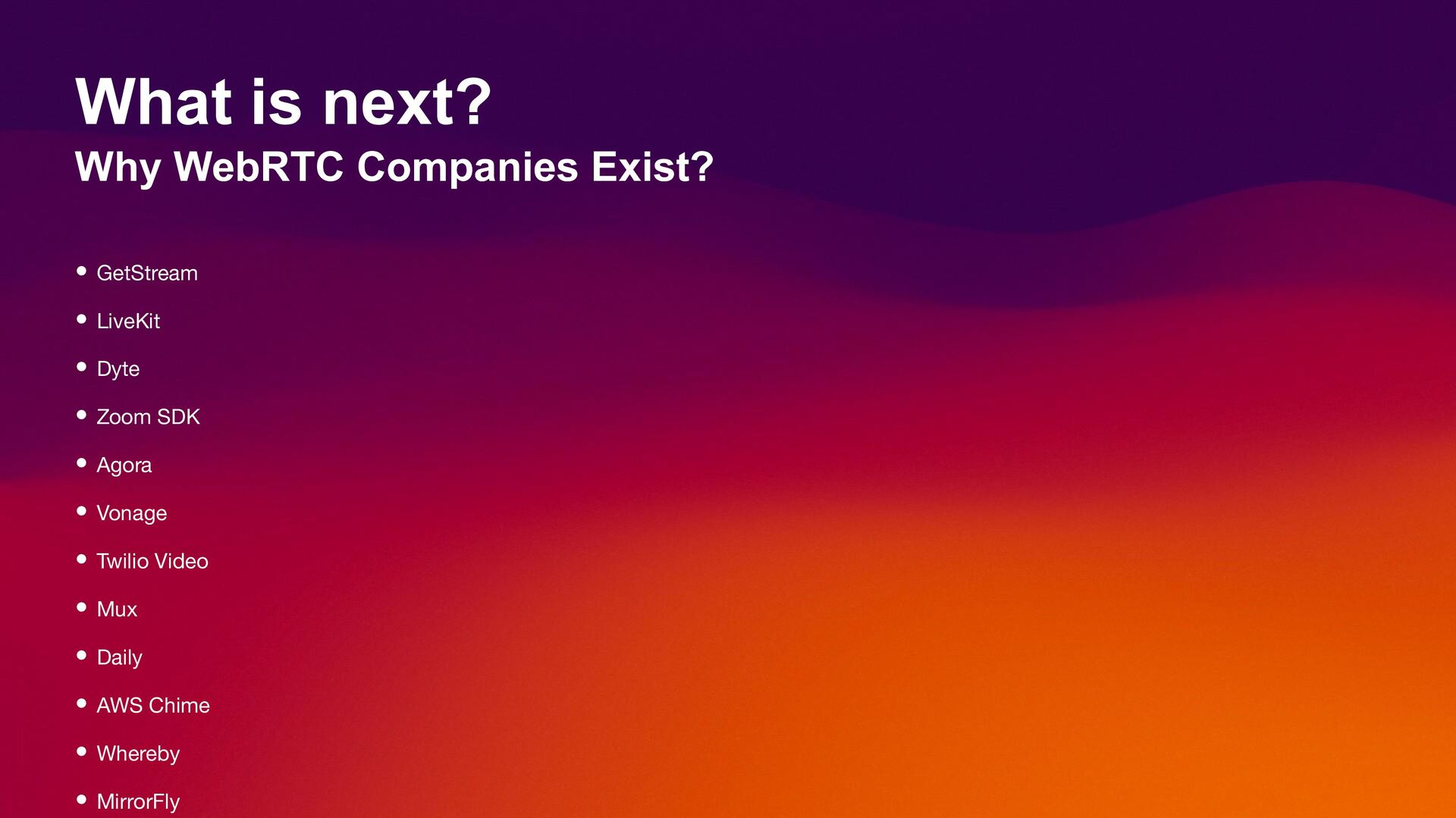
  41. What is next? Why WebRTC Companies Exist? • GetStream •

    LiveKit • Dyte • Zoom SDK • Agora • Vonage • Twilio Video • Mux • Daily • AWS Chime • Whereby • MirrorFly