Upgrade to Pro — share decks privately, control downloads, hide ads and more …

Make Browser Extensions Great Again... Again

Sponsored · Ship Features Fearlessly Turn features on and off without deploys. Used by thousands of Ruby developers. →

Make Browser Extensions Great Again... Again

Avatar for Dhaya

Dhaya

June 20, 2018

More Decks by Dhaya

Other Decks in Programming

Transcript

  1. Summary 3 1. Browser extensions? 2. Live code Take a

    Break! 3. Packaging & Deployment
  2. Part I 4 1. Browser extensions? 2. Live code Take

    a Break! 3. Packaging & Deployment
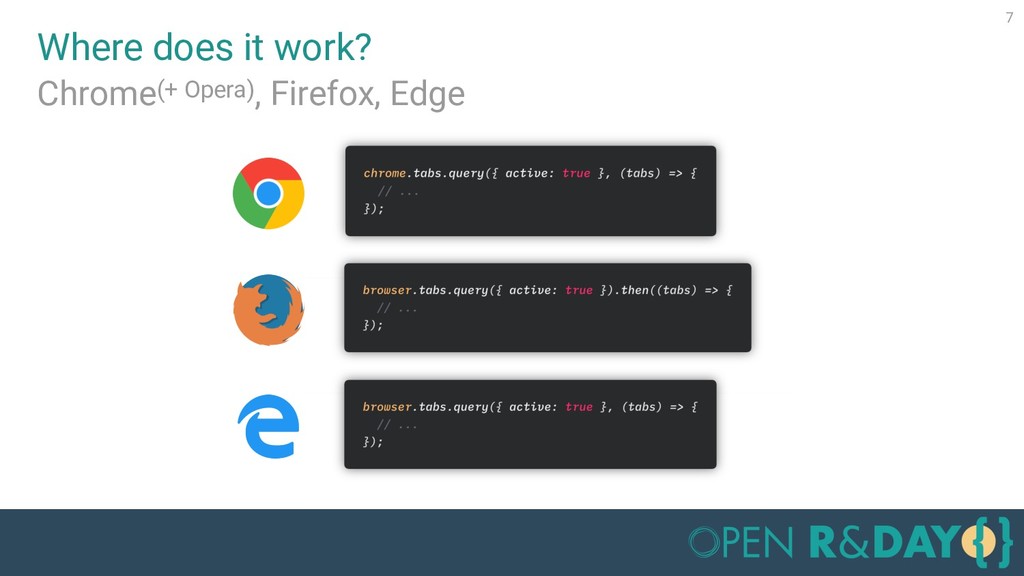
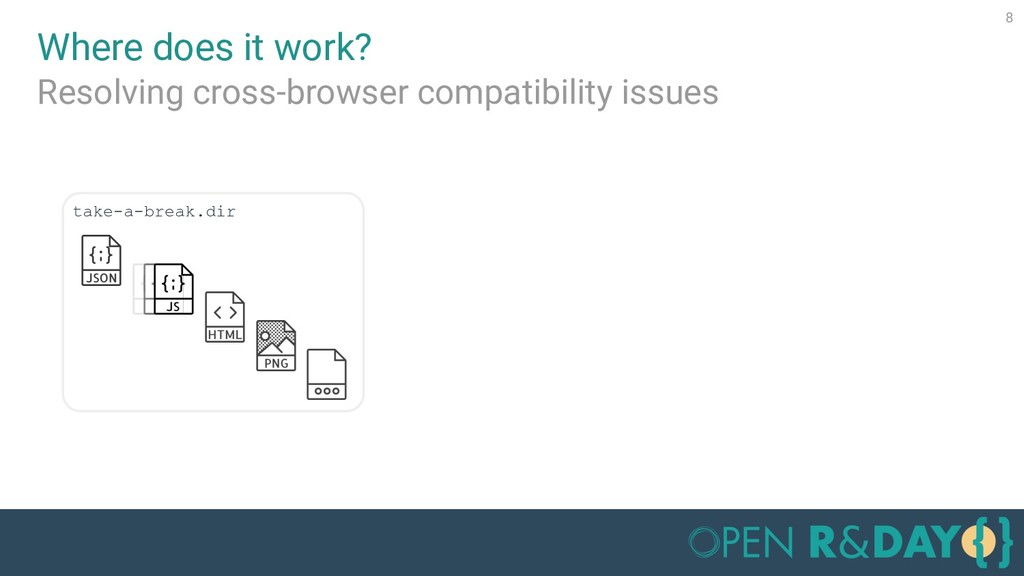
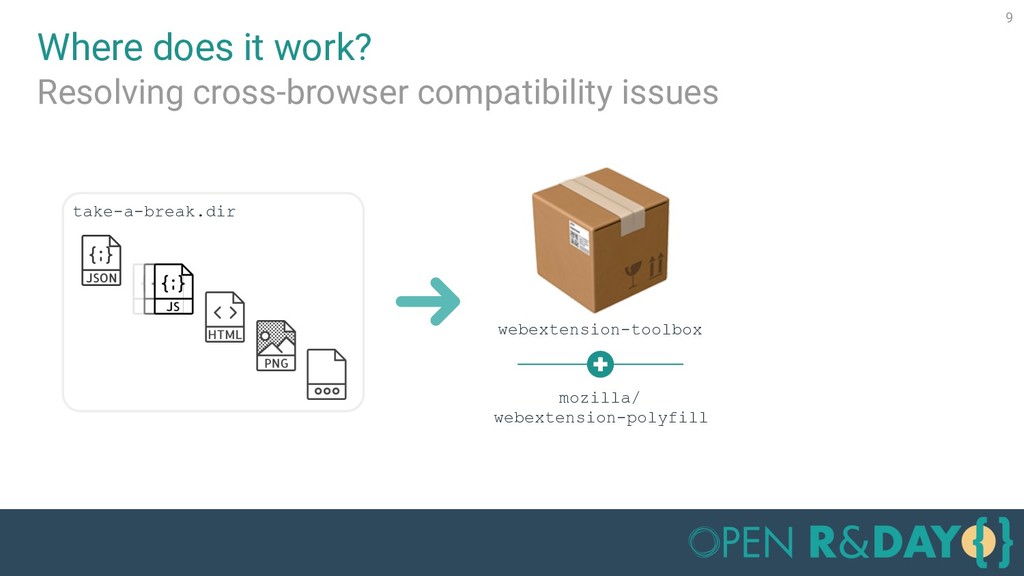
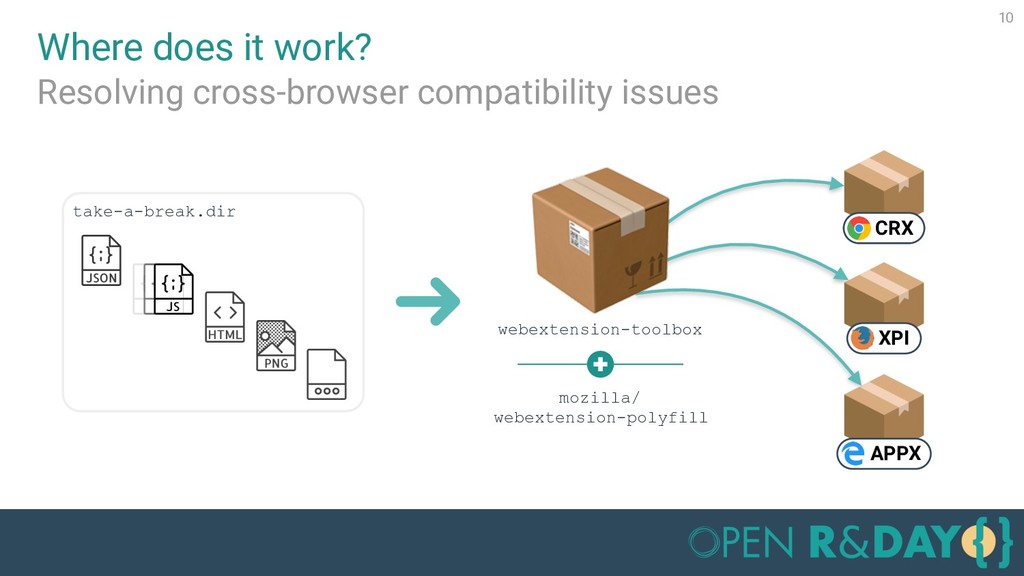
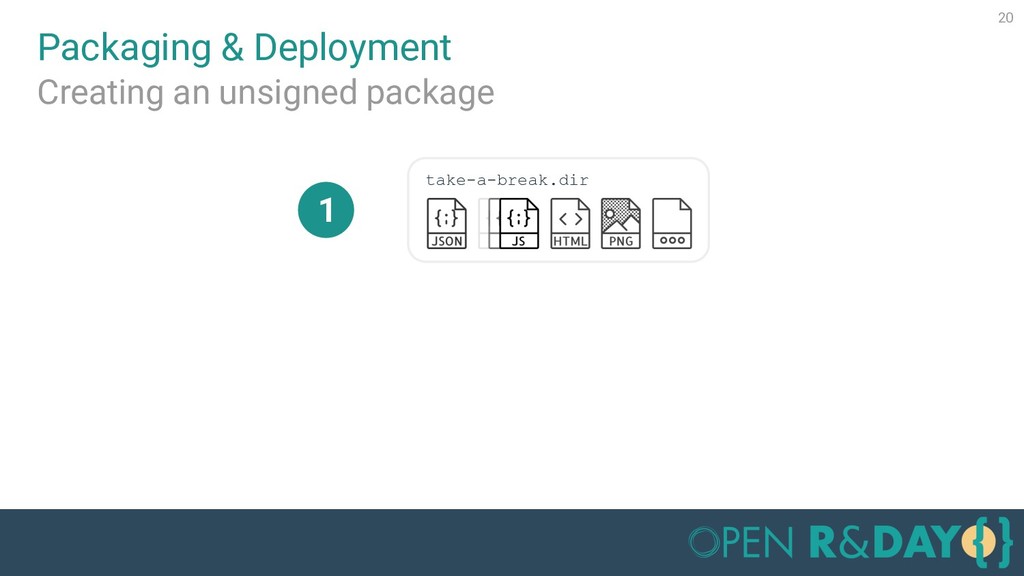
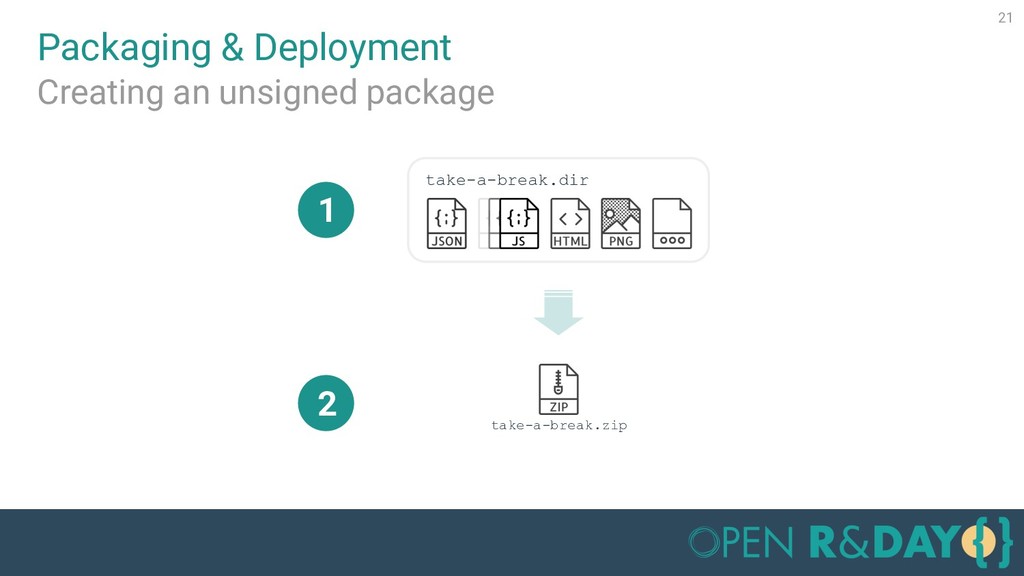
  3. 10 Where does it work? take-a-break.dir Resolving cross-browser compatibility issues

    CRX XPI APPX webextension-toolbox mozilla/ webextension-polyfill
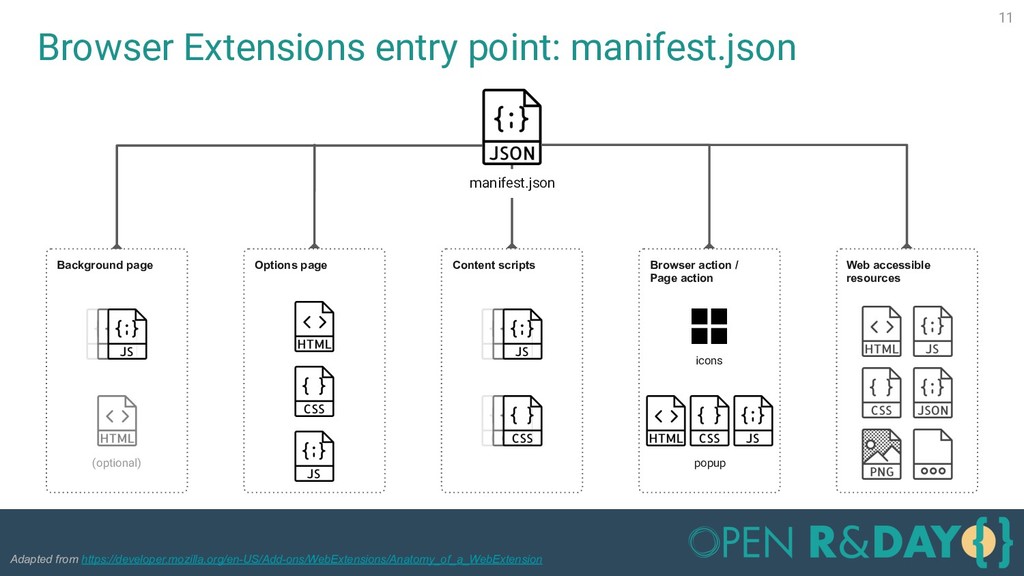
  4. Browser Extensions entry point: manifest.json 11 manifest.json Background page (optional)

    Content scripts Browser action / Page action icons popup Options page Web accessible resources Adapted from https://developer.mozilla.org/en-US/Add-ons/WebExtensions/Anatomy_of_a_WebExtension
  5. Part II 12 1. Browser extensions? 2. Live code Take

    a Break! 3. Packaging & Deployment
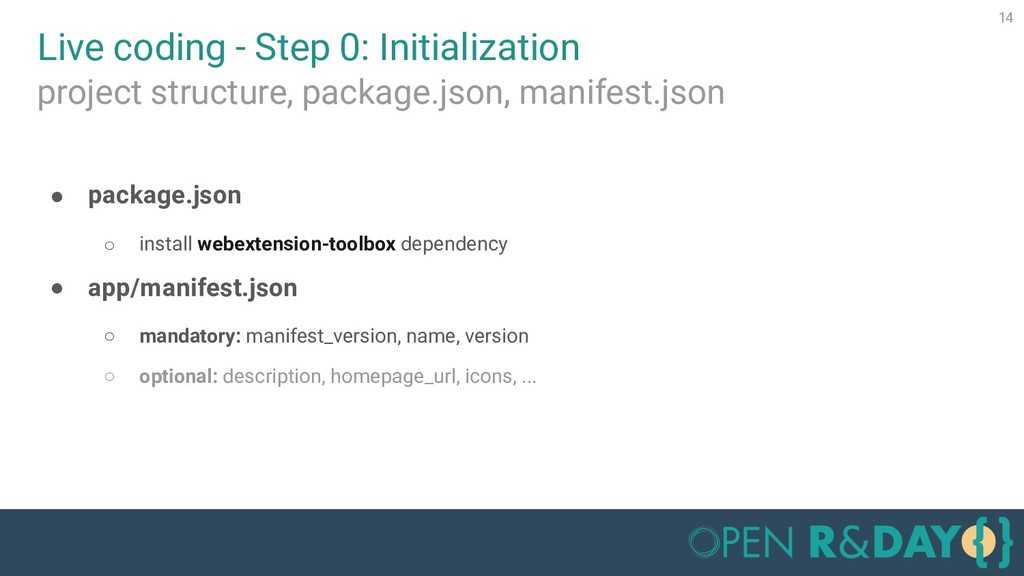
  6. Live coding - Step 0: Initialization 14 • package.json ◦

    install webextension-toolbox dependency • app/manifest.json ◦ mandatory: manifest_version, name, version ◦ optional: description, homepage_url, icons, ... project structure, package.json, manifest.json
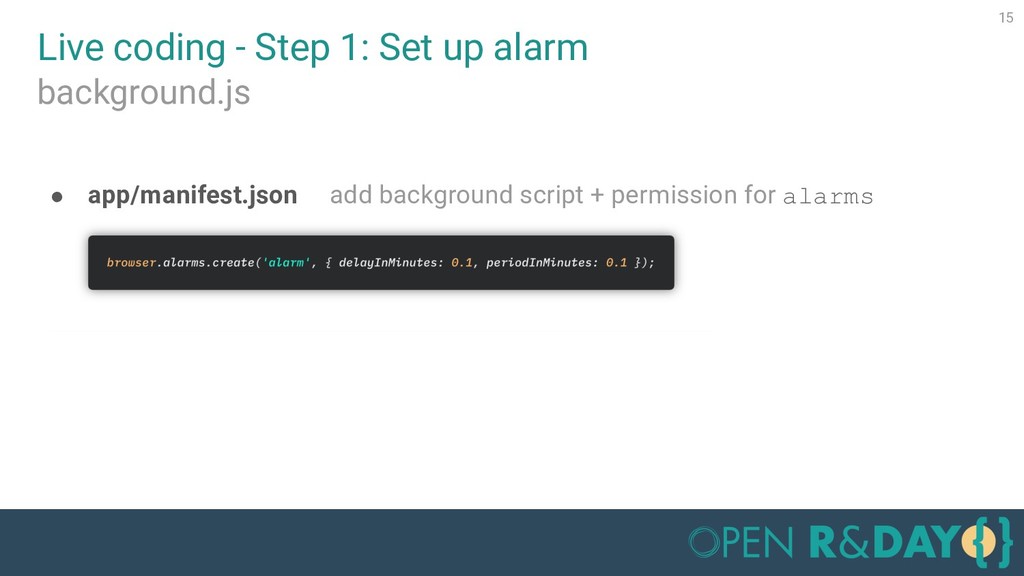
  7. • app/manifest.json add background script + permission for alarms Live

    coding - Step 1: Set up alarm 15 background.js
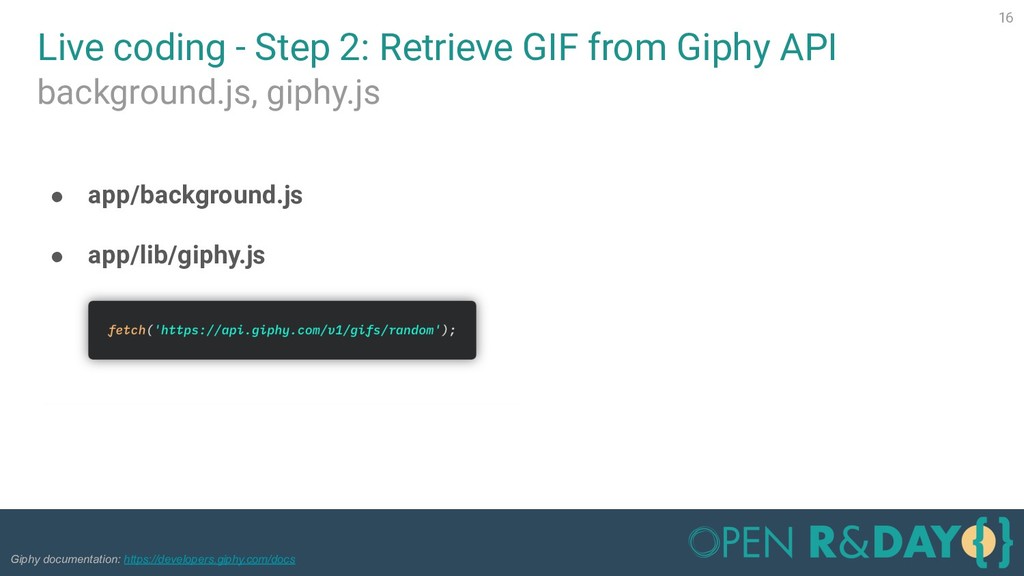
  8. Live coding - Step 2: Retrieve GIF from Giphy API

    16 background.js, giphy.js • app/background.js • app/lib/giphy.js Giphy documentation: https://developers.giphy.com/docs
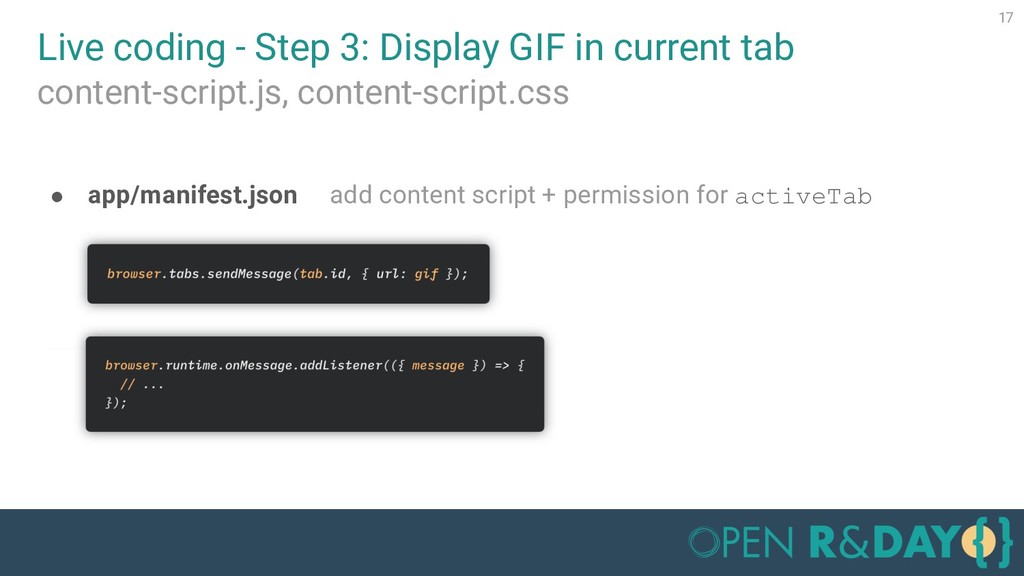
  9. Live coding - Step 3: Display GIF in current tab

    17 content-script.js, content-script.css • app/manifest.json add content script + permission for activeTab
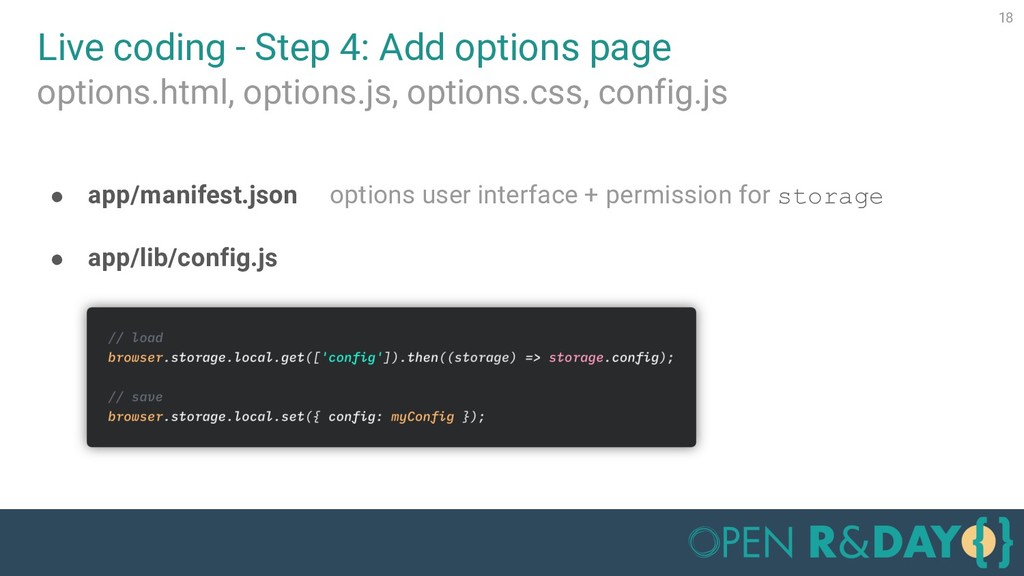
  10. Live coding - Step 4: Add options page 18 options.html,

    options.js, options.css, config.js • app/manifest.json options user interface + permission for storage • app/lib/config.js
  11. Part III 19 1. Browser extensions? 2. Live code Take

    a Break! 3. Packaging & Deployment
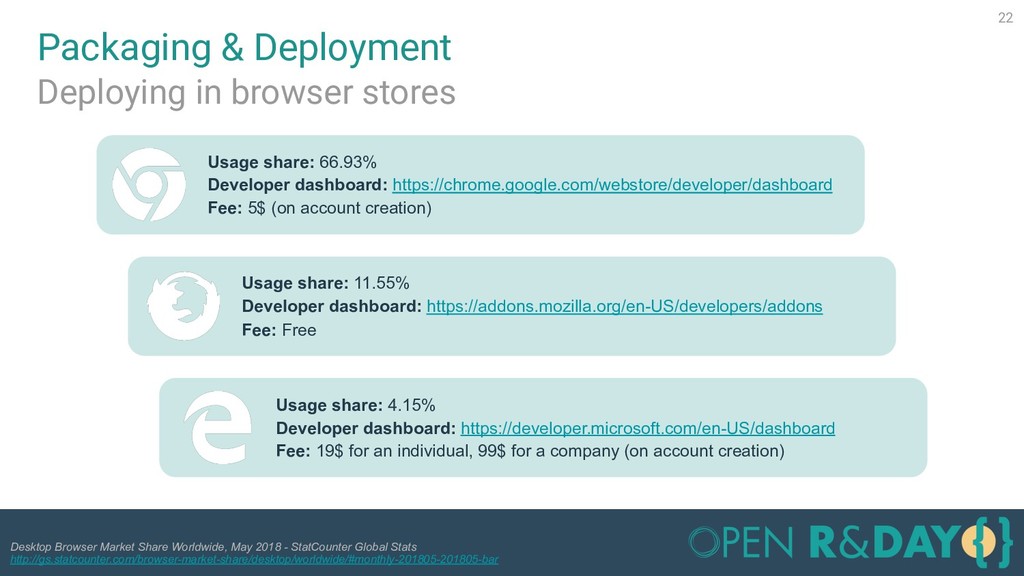
  12. Packaging & Deployment 22 Deploying in browser stores Usage share:

    66.93% Developer dashboard: https://chrome.google.com/webstore/developer/dashboard Fee: 5$ (on account creation) Usage share: 11.55% Developer dashboard: https://addons.mozilla.org/en-US/developers/addons Fee: Free Desktop Browser Market Share Worldwide, May 2018 - StatCounter Global Stats http://gs.statcounter.com/browser-market-share/desktop/worldwide/#monthly-201805-201805-bar Usage share: 4.15% Developer dashboard: https://developer.microsoft.com/en-US/dashboard Fee: 19$ for an individual, 99$ for a company (on account creation)
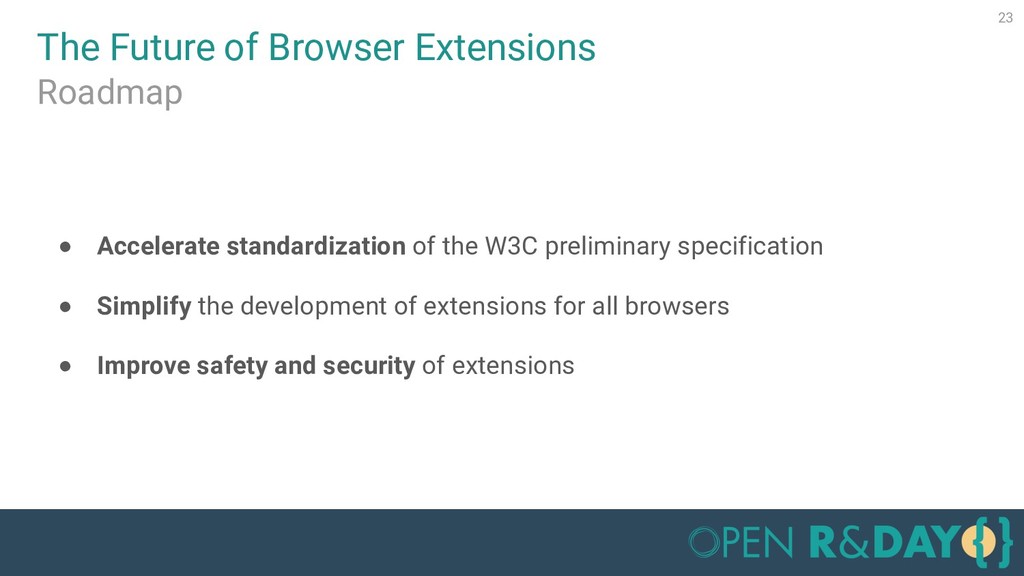
  13. The Future of Browser Extensions 23 Roadmap • Accelerate standardization

    of the W3C preliminary specification • Simplify the development of extensions for all browsers • Improve safety and security of extensions
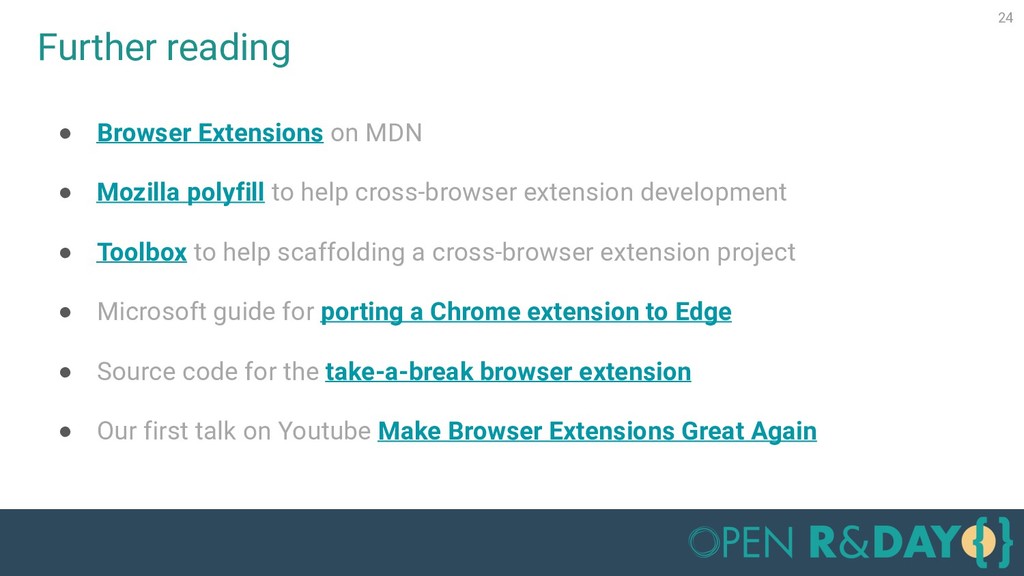
  14. Further reading 24 • Browser Extensions on MDN • Mozilla

    polyfill to help cross-browser extension development • Toolbox to help scaffolding a cross-browser extension project • Microsoft guide for porting a Chrome extension to Edge • Source code for the take-a-break browser extension • Our first talk on Youtube Make Browser Extensions Great Again
  15. QUESTIONS? Notice and acknowledgments All product names, logos, and brands

    are property of their respective owners. All company, product and service names used in this presentation are for identification purposes only. Icons made by Eucalyp, Freepik, Kiranshastry, Smashicons, Icomoon, Pixel perfect from flaticon.com. Icons made by mikicon from thenounproject.com. Jean-François Grand gritchou Dhaya Benmessaoud _dhaya_