Upgrade to Pro — share decks privately, control downloads, hide ads and more …

Introductory Web Development Workshop

Avatar for Gil Domingues Gil Domingues
February 22, 2017
22

Introductory Web Development Workshop

Introductory Web Development workshop give at NuIEEE

Avatar for Gil Domingues

Gil Domingues

February 22, 2017

Transcript

  1. On the menu Brief Introduction HTML Basics CSS Basics PHP

    Basics Javascript and Jquery Basics Exercises/Questions
  2. HTML HTML is composed of a tree of HTML elements

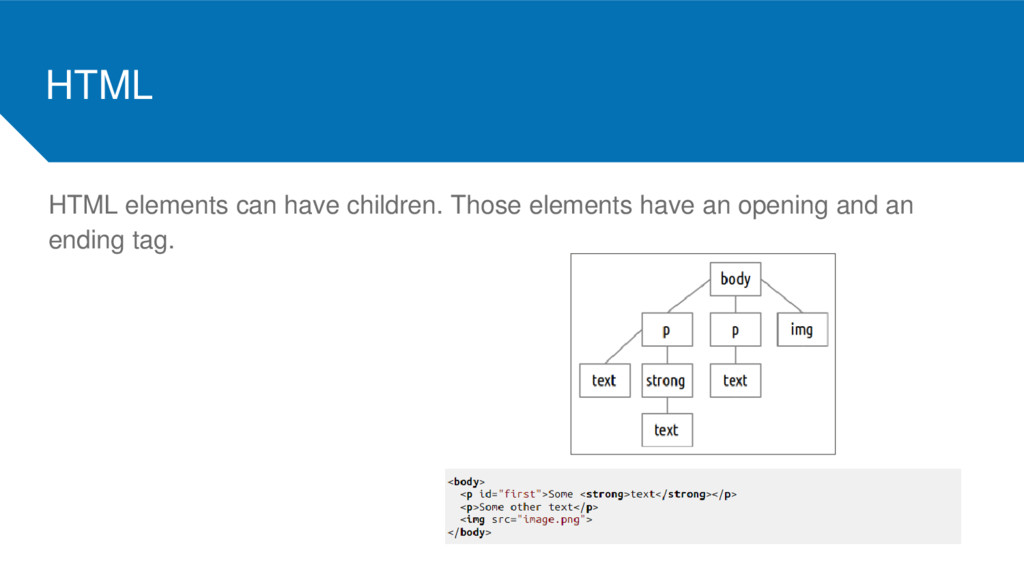
    Elements can contain other elements or text HTML elements are defined by tags Elements can have attributes A tag starts with a < and ends with a > and always contains a name. <html> Some tags come in pairs, an opening tag and a closing tag. <html> content </html>
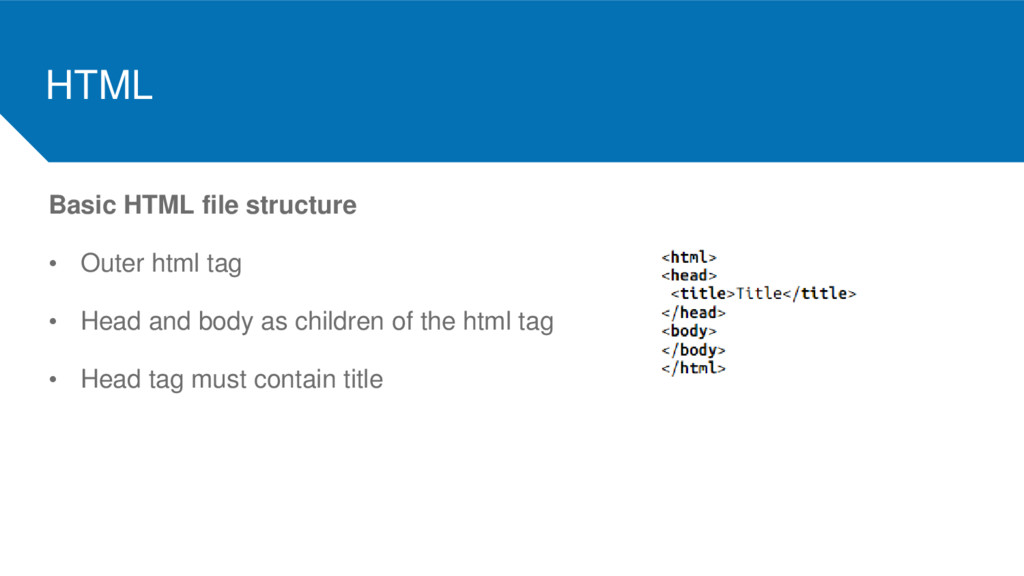
  3. HTML Basic HTML file structure • Outer html tag •

    Head and body as children of the html tag • Head tag must contain title
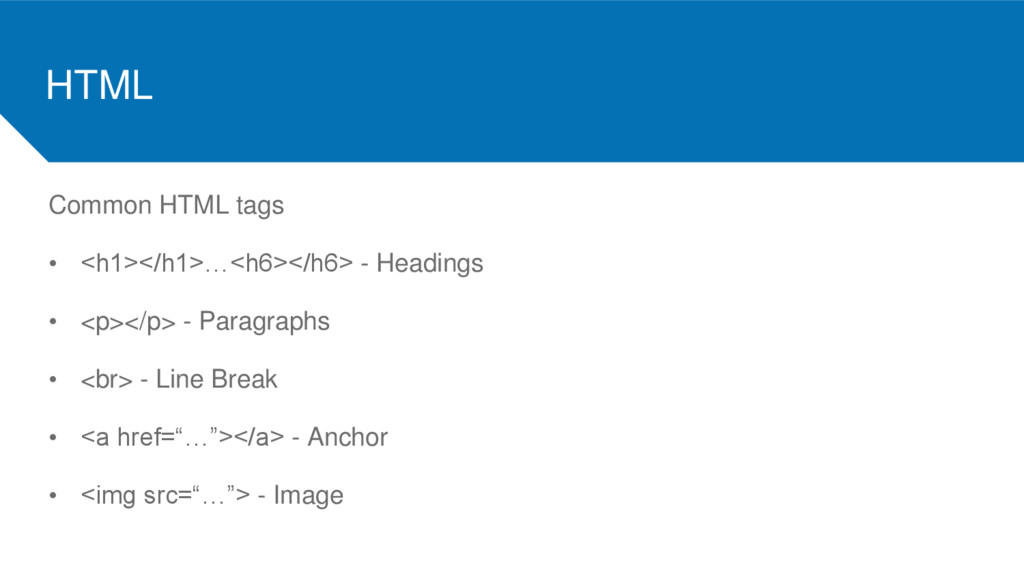
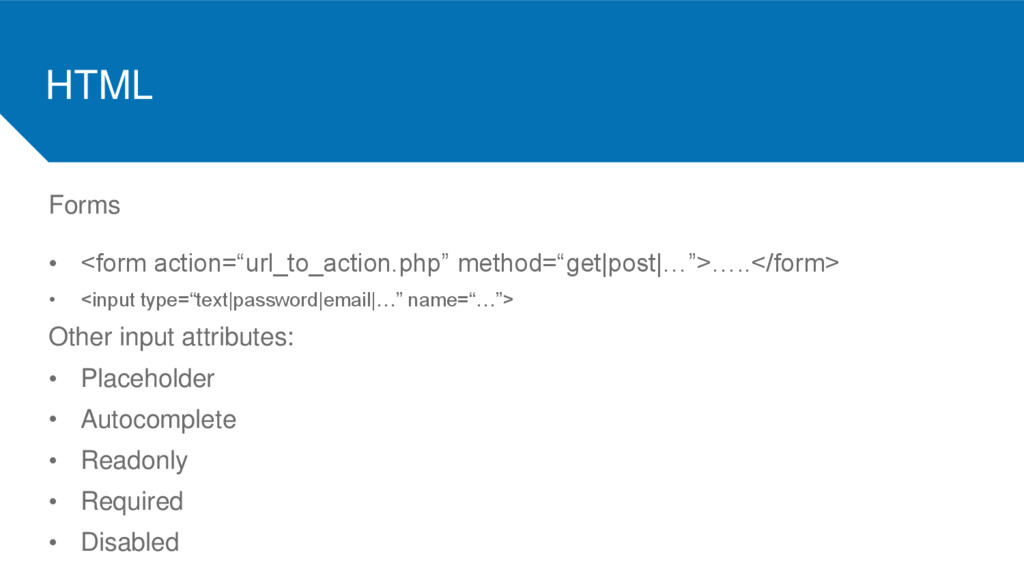
  4. HTML Common HTML tags • <h1></h1>…<h6></h6> - Headings • <p></p>

    - Paragraphs • <br> - Line Break • <a href=“…”></a> - Anchor • <img src=“…”> - Image
  5. HTML Lists • <ul></ul> - Unordered list • <ol></ol> -

    Ordered list • <li></li> - List item
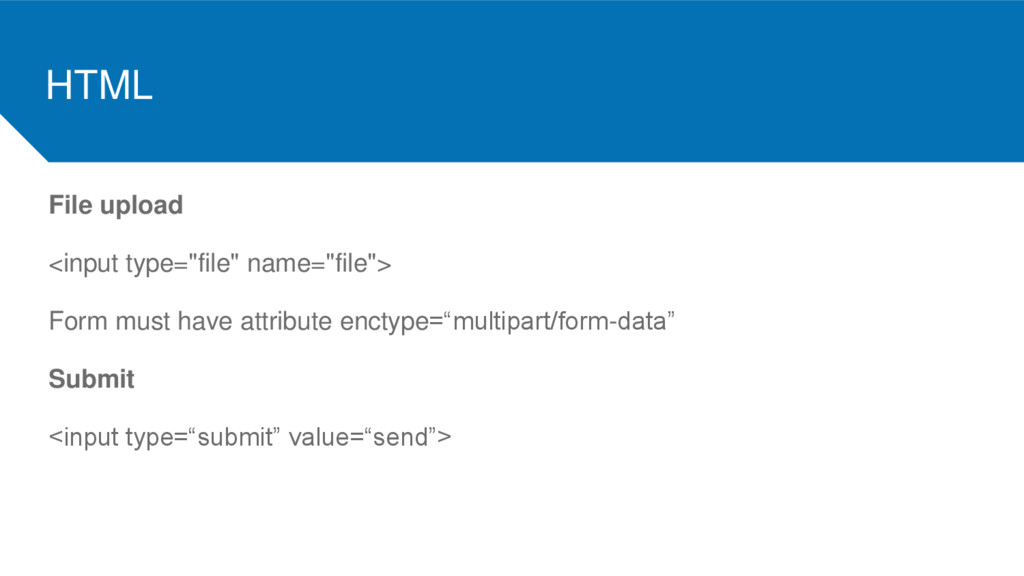
  6. HTML File upload <input type="file" name="file"> Form must have attribute

    enctype=“multipart/form-data” Submit <input type=“submit” value=“send”>
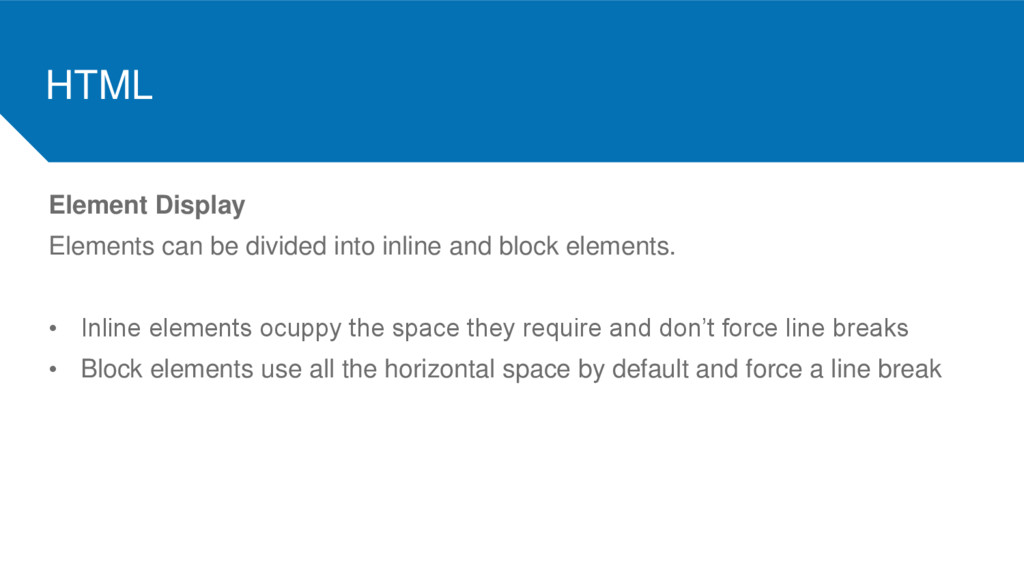
  7. HTML Element Display Elements can be divided into inline and

    block elements. • Inline elements ocuppy the space they require and don’t force line breaks • Block elements use all the horizontal space by default and force a line break
  8. HTML ID’s and Classes Attributes used to easily identify elements.

    • ID is an unique identifier of a specific element • Multiple elements can have a common class
  9. HTML Generic Tags Tags that have no meaning other than

    provide structure • Span: generic inline tag (mark specific parts of text) • Div: generic block tag (define sections of a website)
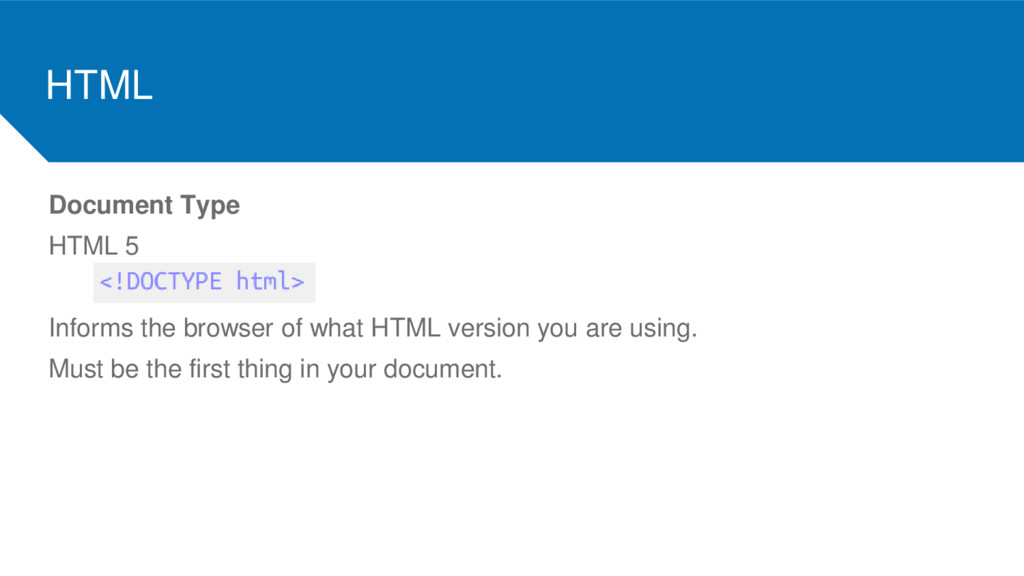
  10. HTML Document Type HTML 5 Informs the browser of what

    HTML version you are using. Must be the first thing in your document.
  11. CSS

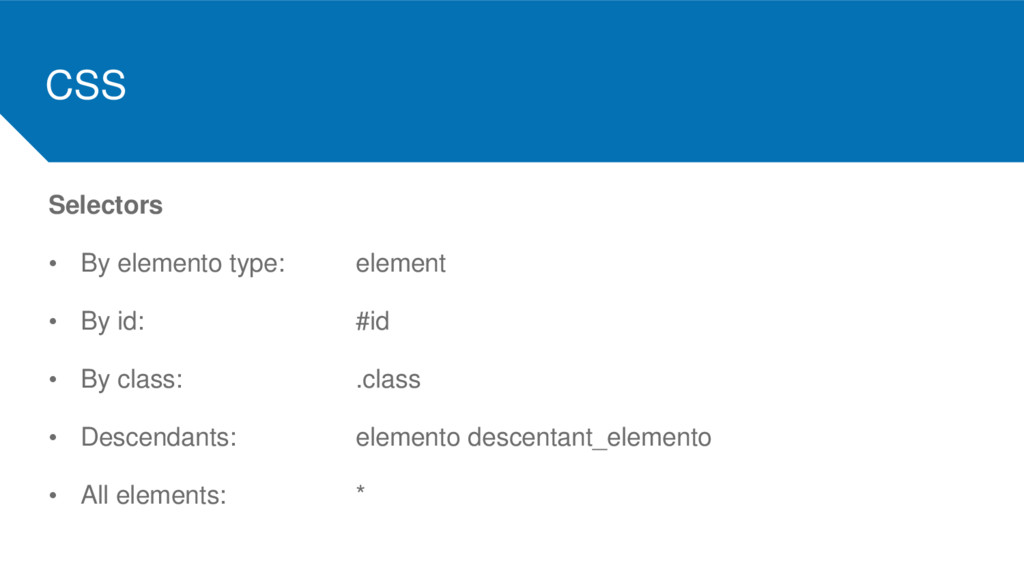
  12. CSS Selectors • By elemento type: element • By id:

    #id • By class: .class • Descendants: elemento descentant_elemento • All elements: *
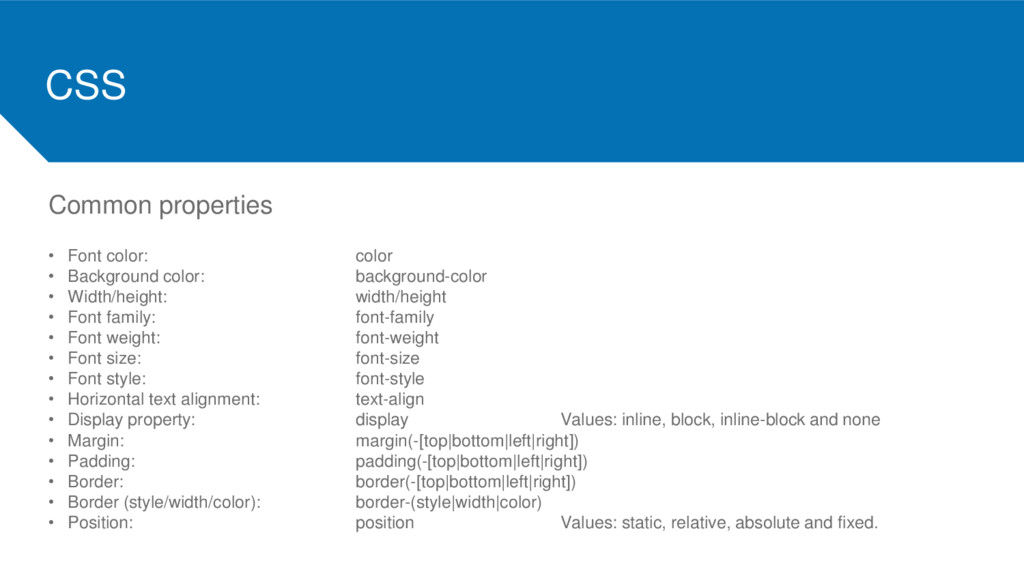
  13. CSS Common properties • Font color: color • Background color:

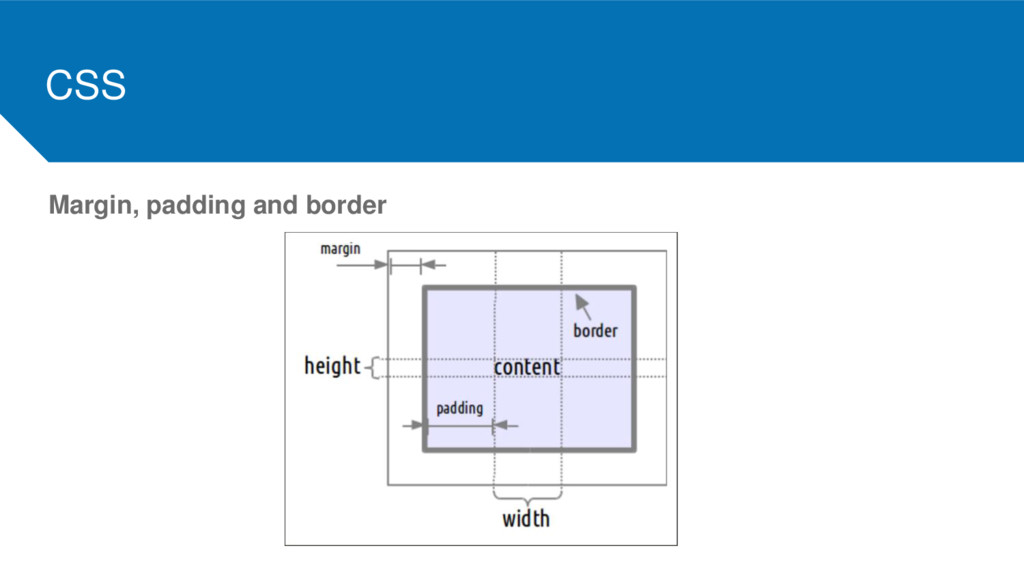
    background-color • Width/height: width/height • Font family: font-family • Font weight: font-weight • Font size: font-size • Font style: font-style • Horizontal text alignment: text-align • Display property: display Values: inline, block, inline-block and none • Margin: margin(-[top|bottom|left|right]) • Padding: padding(-[top|bottom|left|right]) • Border: border(-[top|bottom|left|right]) • Border (style/width/color): border-(style|width|color) • Position: position Values: static, relative, absolute and fixed.
  14. PHP

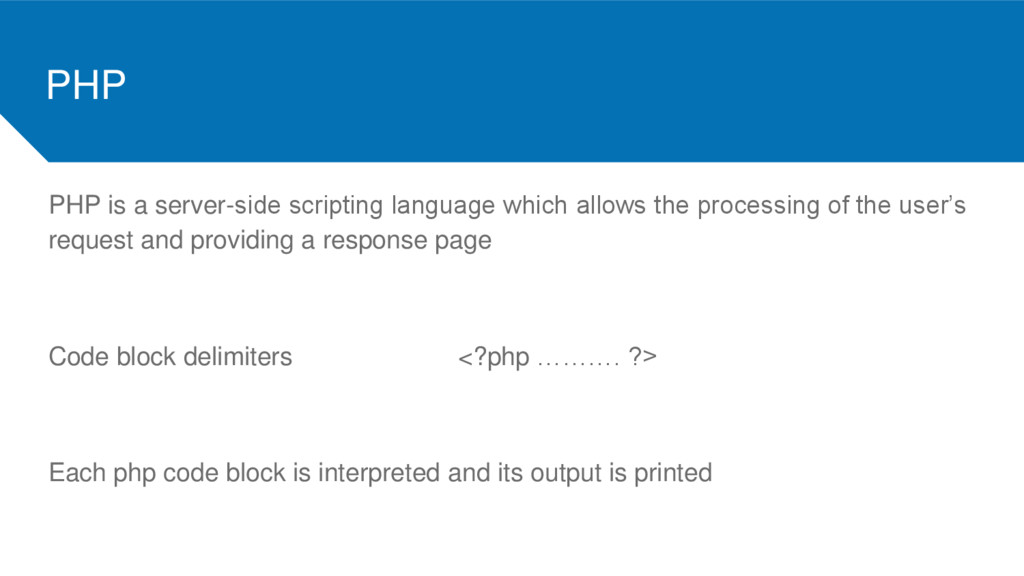
  15. PHP PHP is a server-side scripting language which allows the

    processing of the user’s request and providing a response page Code block delimiters <?php ………. ?> Each php code block is interpreted and its output is printed
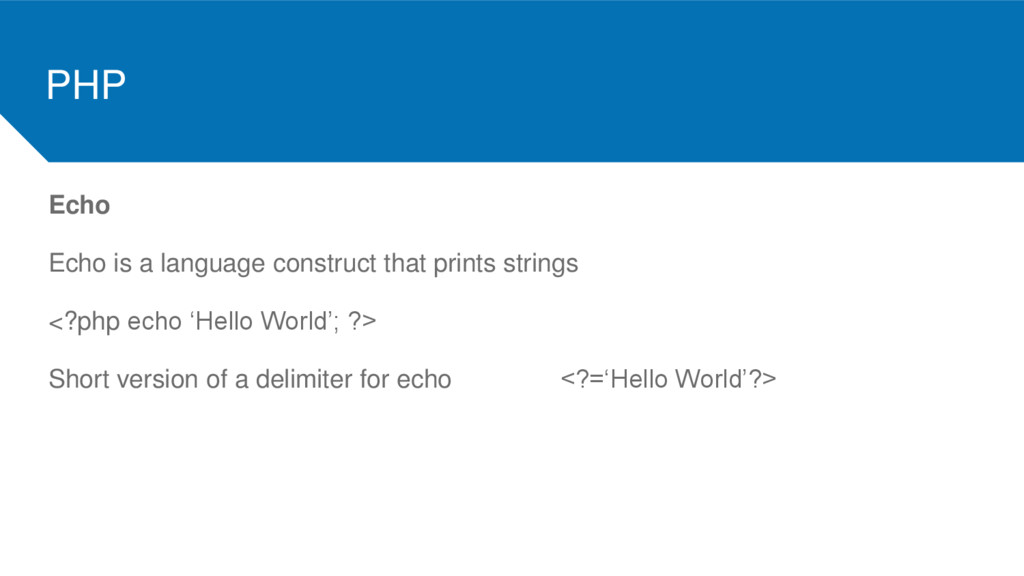
  16. PHP Echo Echo is a language construct that prints strings

    <?php echo ‘Hello World’; ?> Short version of a delimiter for echo <?=‘Hello World’?>
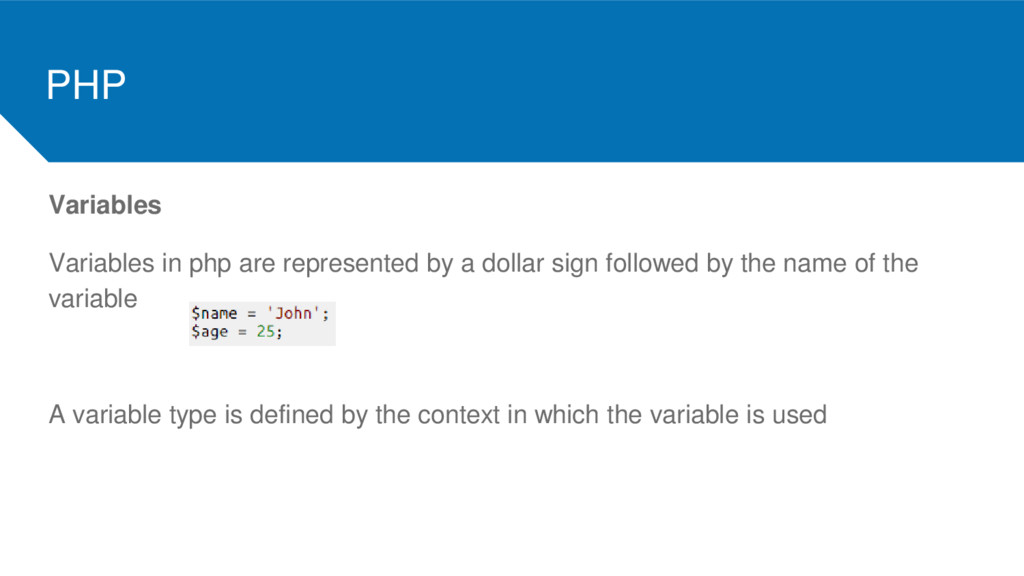
  17. PHP Variables Variables in php are represented by a dollar

    sign followed by the name of the variable A variable type is defined by the context in which the variable is used
  18. PHP Assignment The type of a variable changes with the

    type of value attributed to it Assignment is done by value unless the & sign is used
  19. PHP Control structures Php has the common control structures: while

    loops, for loops, if..else, break, continue, switch, die/exit.
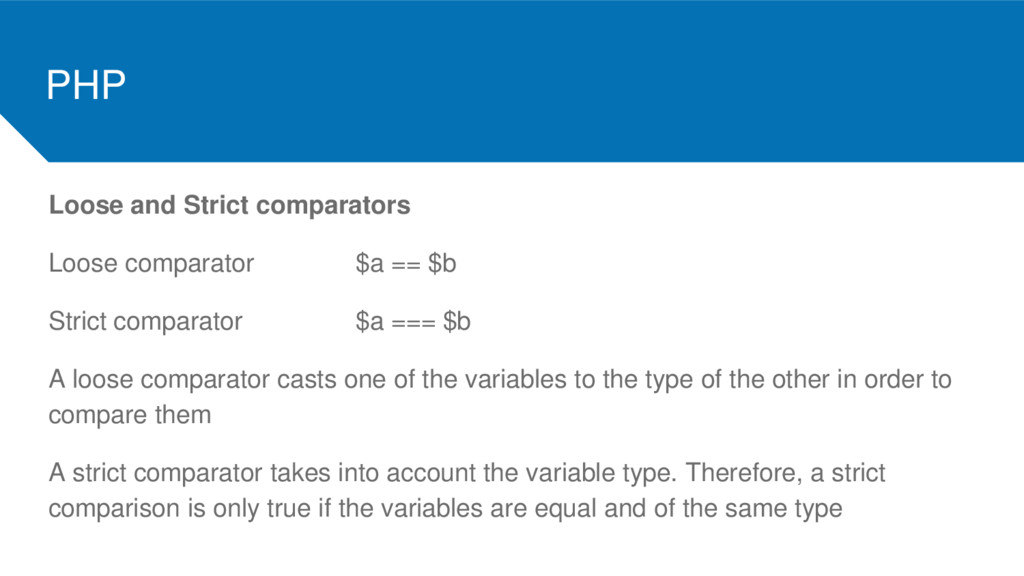
  20. PHP Loose and Strict comparators Loose comparator $a == $b

    Strict comparator $a === $b A loose comparator casts one of the variables to the type of the other in order to compare them A strict comparator takes into account the variable type. Therefore, a strict comparison is only true if the variables are equal and of the same type
  21. PHP String concatenation echo $stringOne . $stringTwo Attention: in php

    the ‘+’ is reserved for arithmetic operations Other string functions strlen(), strops(), substr(), str_replace(), explode(), implode(),
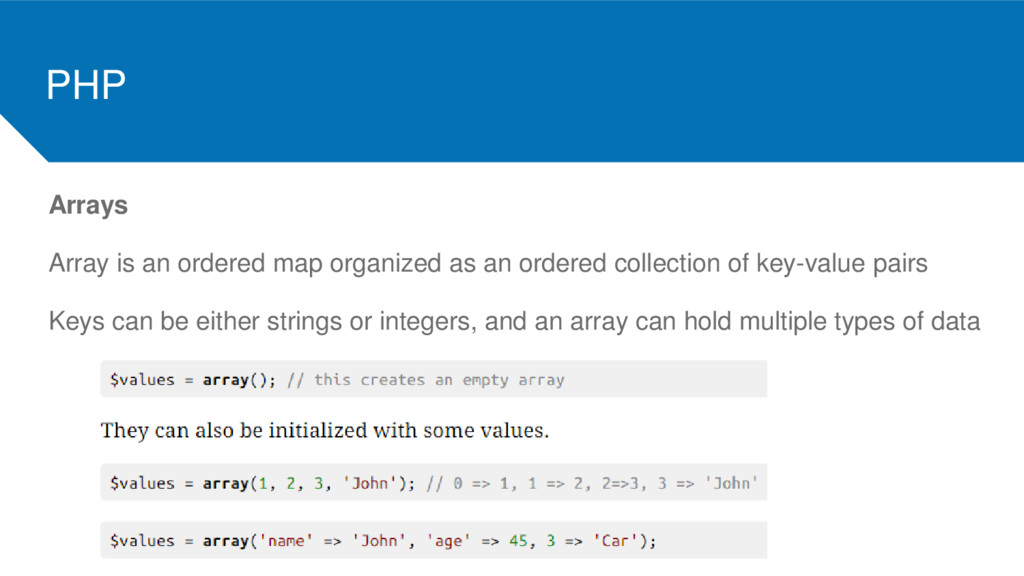
  22. PHP Arrays Array is an ordered map organized as an

    ordered collection of key-value pairs Keys can be either strings or integers, and an array can hold multiple types of data
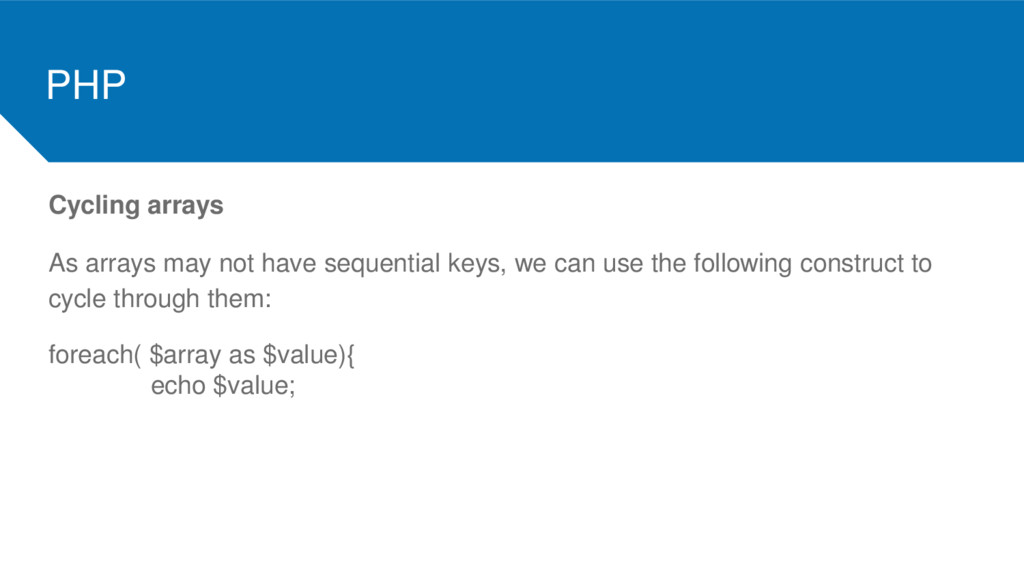
  23. PHP Cycling arrays As arrays may not have sequential keys,

    we can use the following construct to cycle through them: foreach( $array as $value){ echo $value;
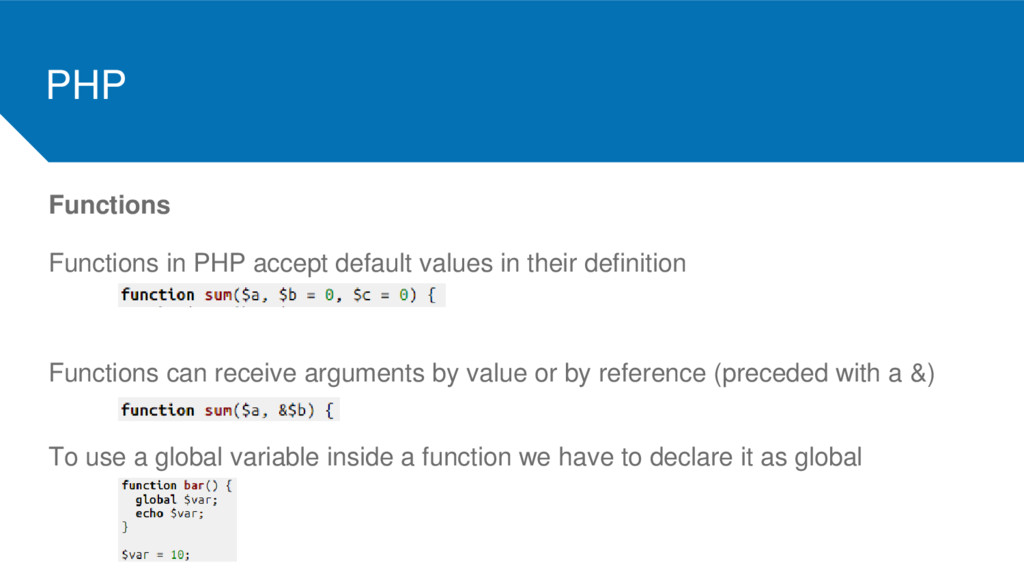
  24. PHP Functions Functions in PHP accept default values in their

    definition Functions can receive arguments by value or by reference (preceded with a &) To use a global variable inside a function we have to declare it as global
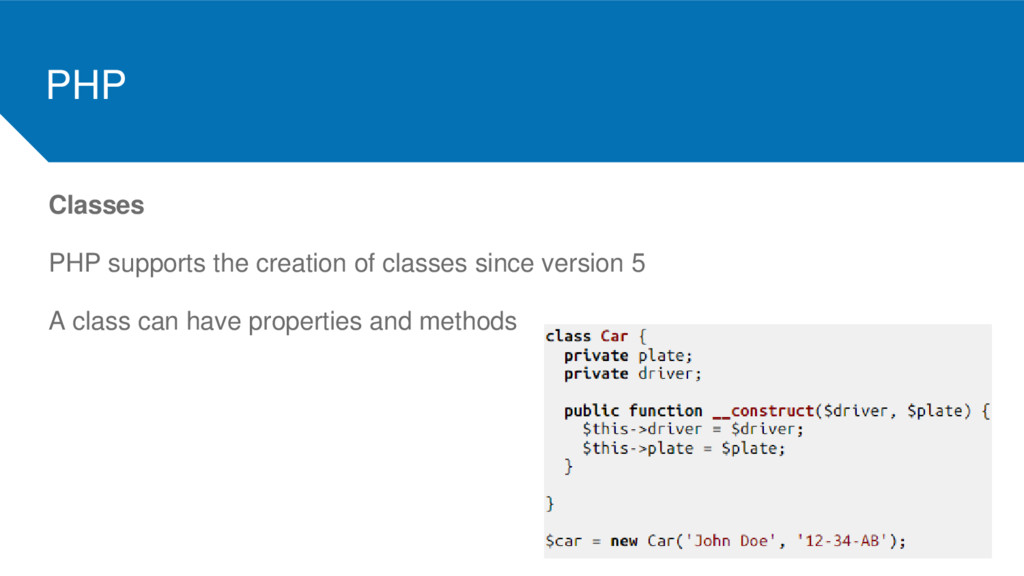
  25. PHP Classes PHP supports the creation of classes since version

    5 A class can have properties and methods
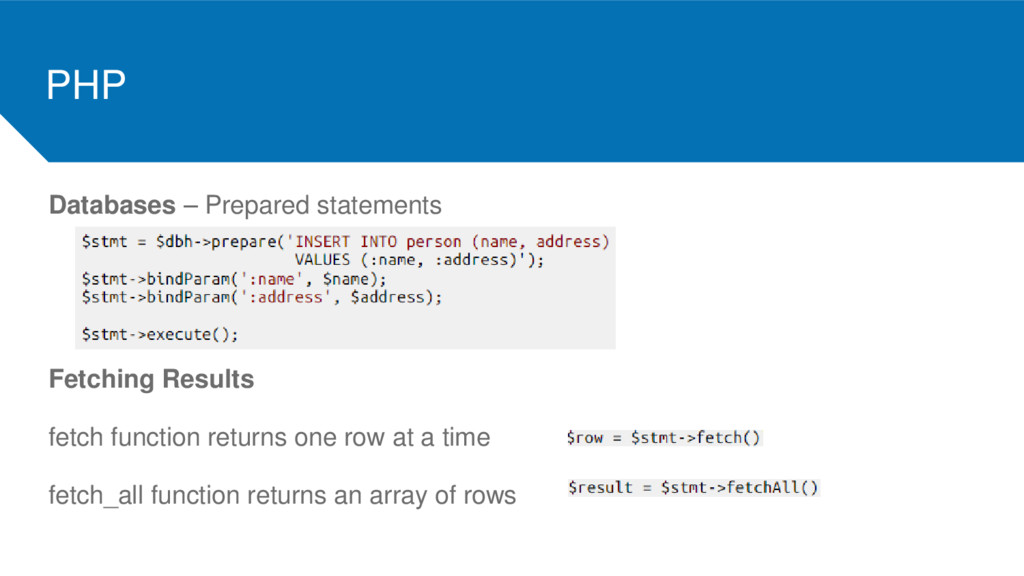
  26. PHP Databases – Prepared statements Fetching Results fetch function returns

    one row at a time fetch_all function returns an array of rows
  27. PHP HTTP Parameters $_GET is an associative array of variables

    passed to the current script via the URL parameters $_POST is an associative array of variables passed to the current script via HTTP Header
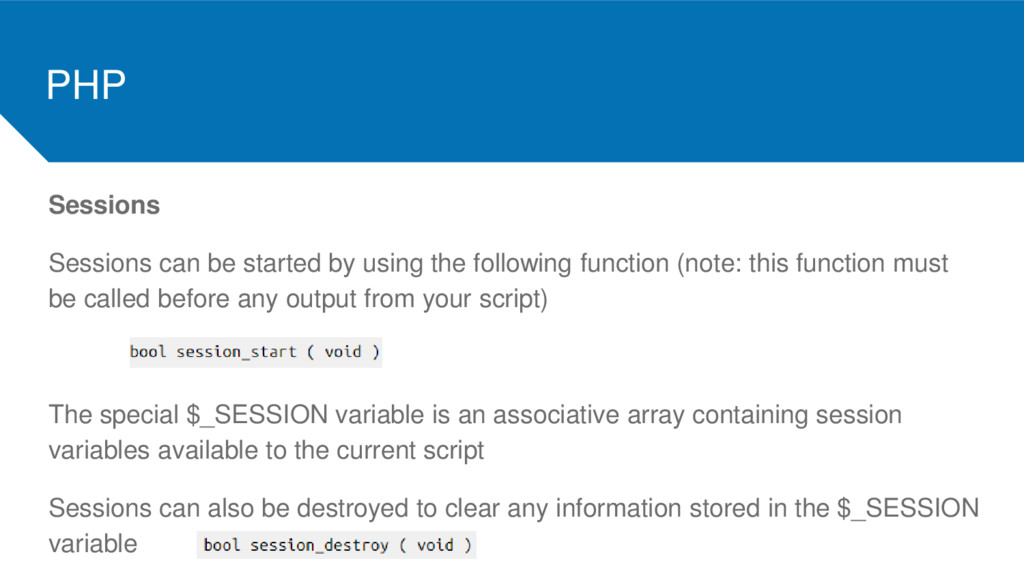
  28. PHP Sessions Sessions can be started by using the following

    function (note: this function must be called before any output from your script) The special $_SESSION variable is an associative array containing session variables available to the current script Sessions can also be destroyed to clear any information stored in the $_SESSION variable
  29. PHP Includes The include statement includes and evaluates a given

    file The required statement is identical to include but in case of failure it will produce a fatal error The include_once statement is identical to include but PHP will check if the file has already been included The require_once statement is identical to require but PHP will check if the file has already been included
  30. PHP

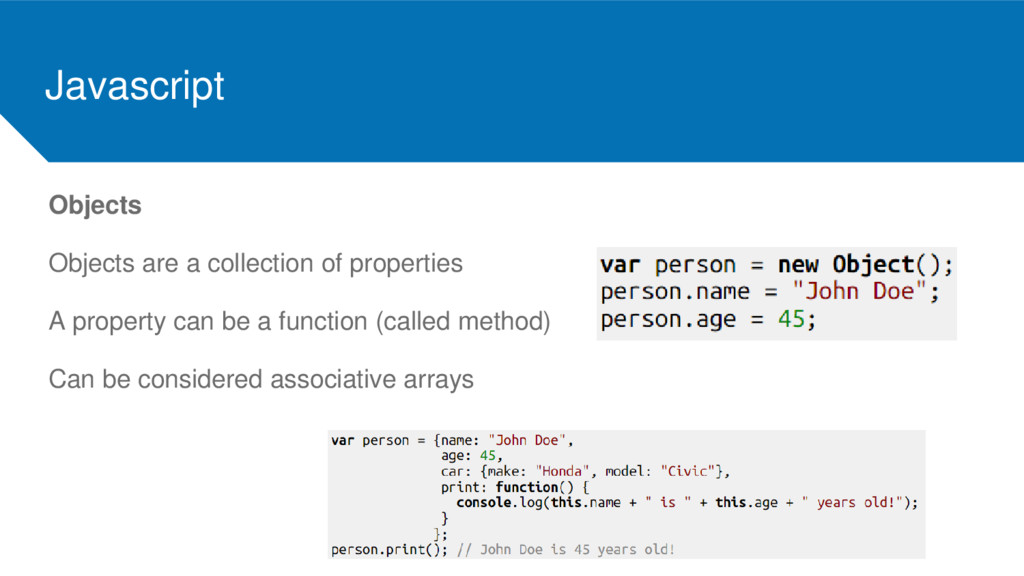
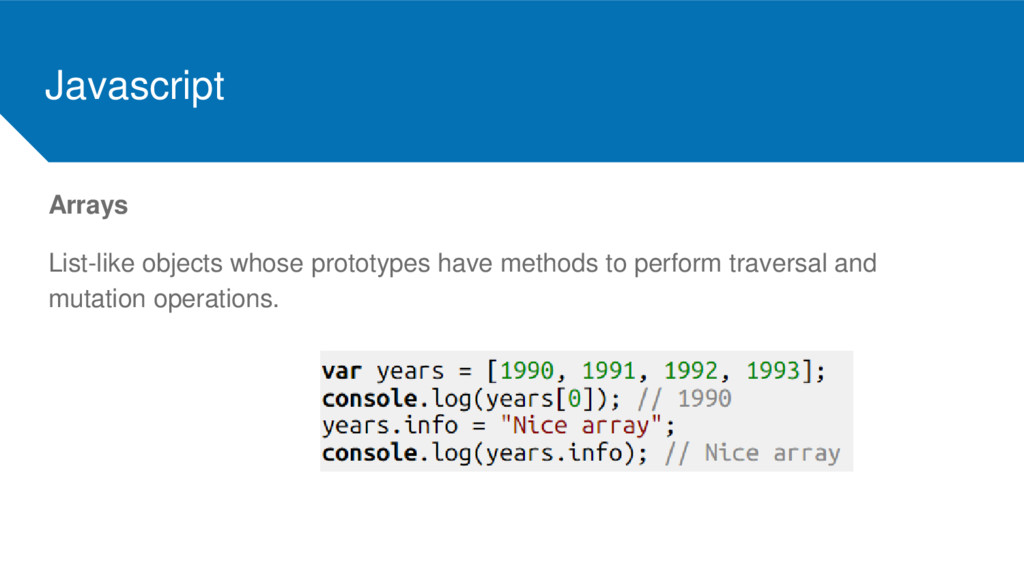
  31. Javascript Objects Objects are a collection of properties A property

    can be a function (called method) Can be considered associative arrays
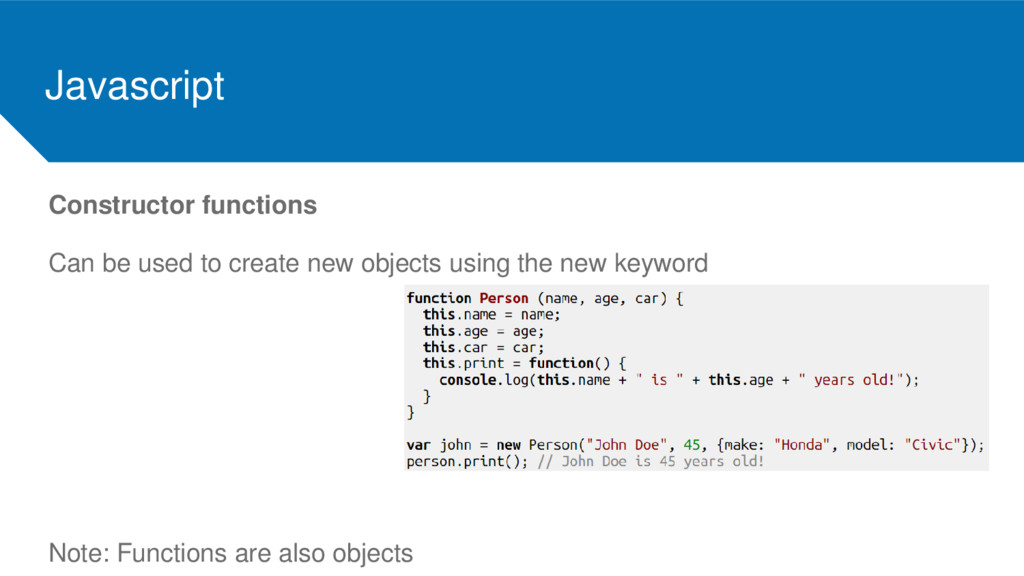
  32. Javascript Constructor functions Can be used to create new objects

    using the new keyword Note: Functions are also objects
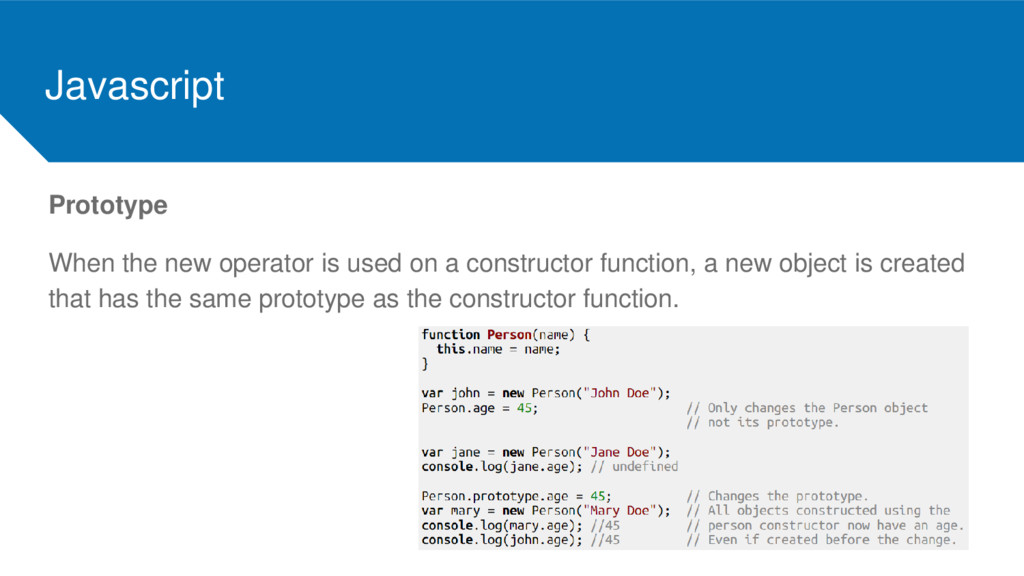
  33. Javascript Prototype When the new operator is used on a

    constructor function, a new object is created that has the same prototype as the constructor function.
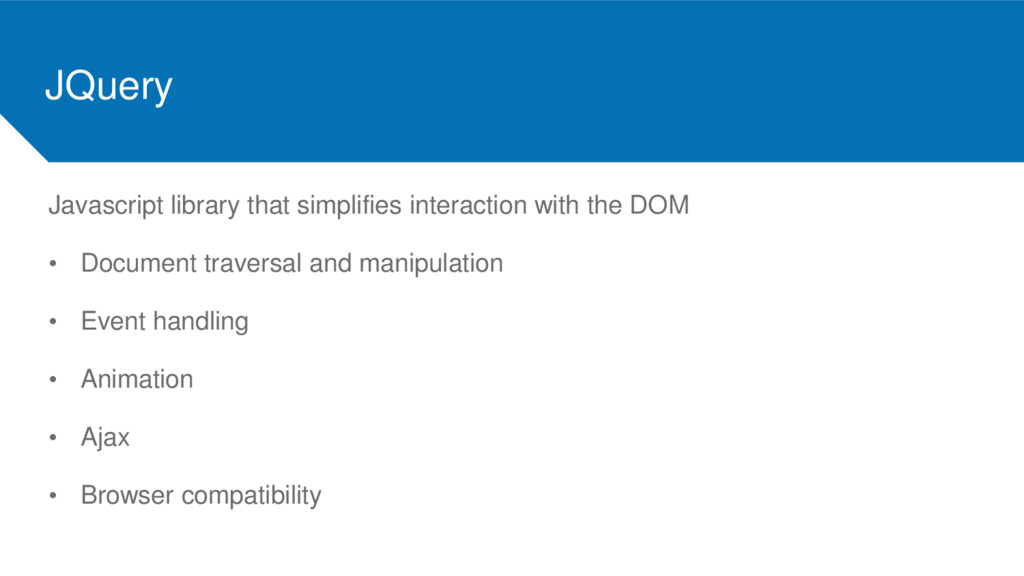
  34. JQuery Javascript library that simplifies interaction with the DOM •

    Document traversal and manipulation • Event handling • Animation • Ajax • Browser compatibility
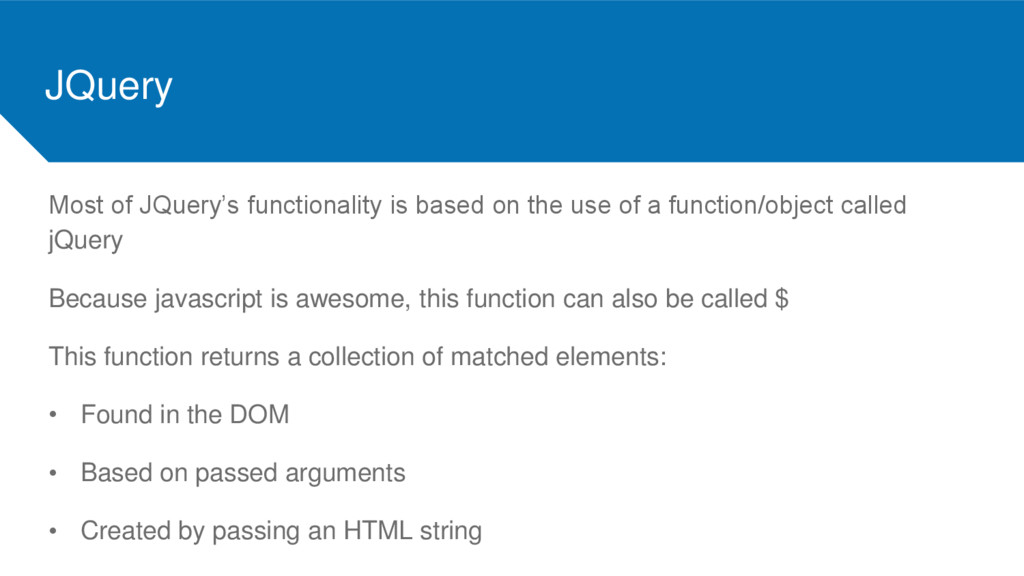
  35. JQuery Most of JQuery’s functionality is based on the use

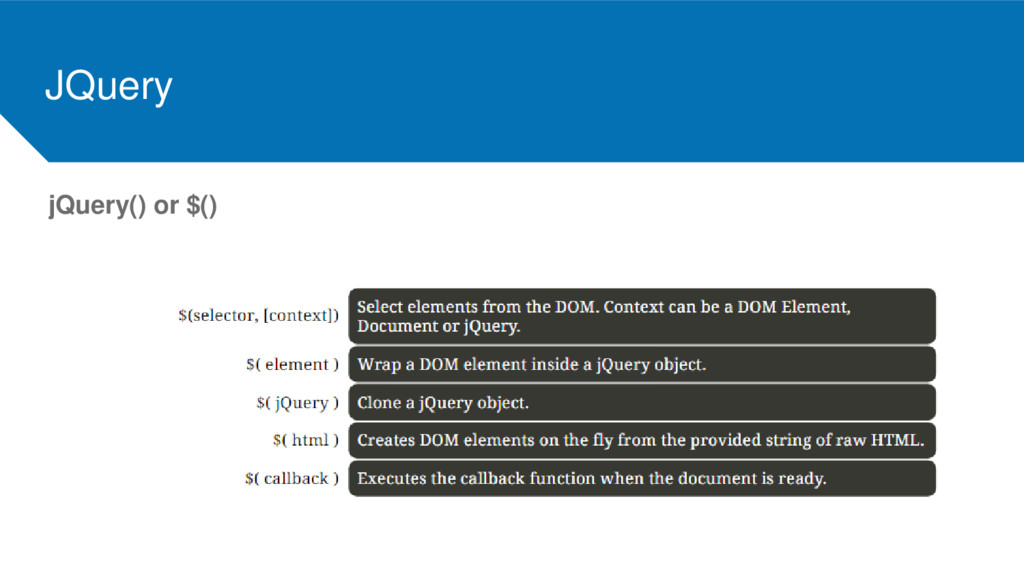
    of a function/object called jQuery Because javascript is awesome, this function can also be called $ This function returns a collection of matched elements: • Found in the DOM • Based on passed arguments • Created by passing an HTML string
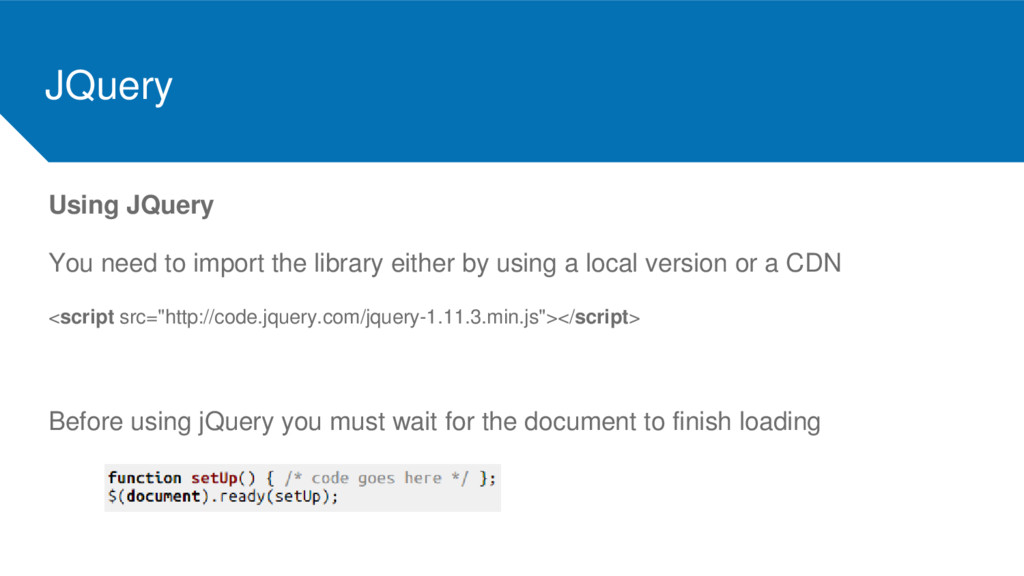
  36. JQuery Using JQuery You need to import the library either

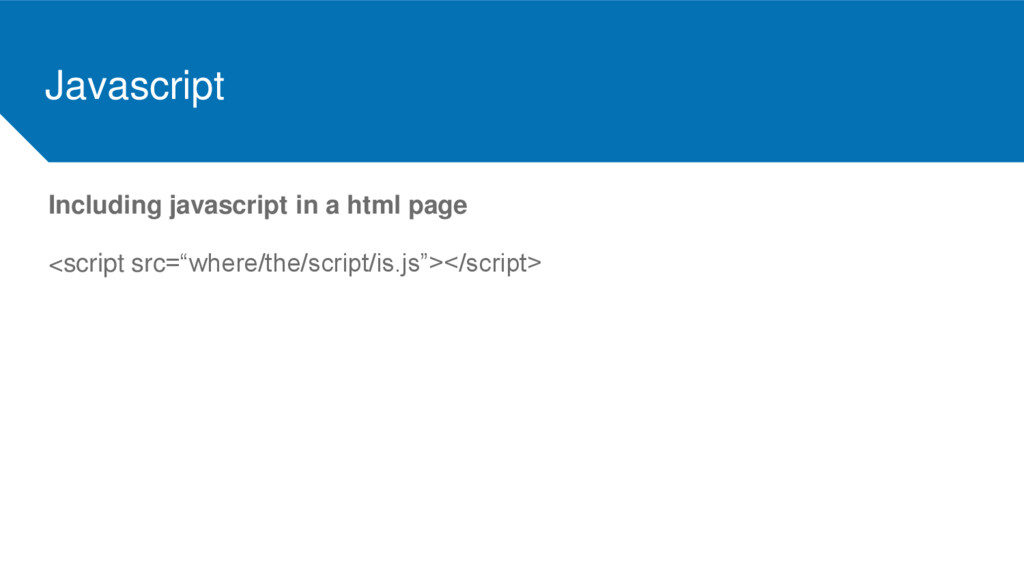
    by using a local version or a CDN <script src="http://code.jquery.com/jquery-1.11.3.min.js"></script> Before using jQuery you must wait for the document to finish loading
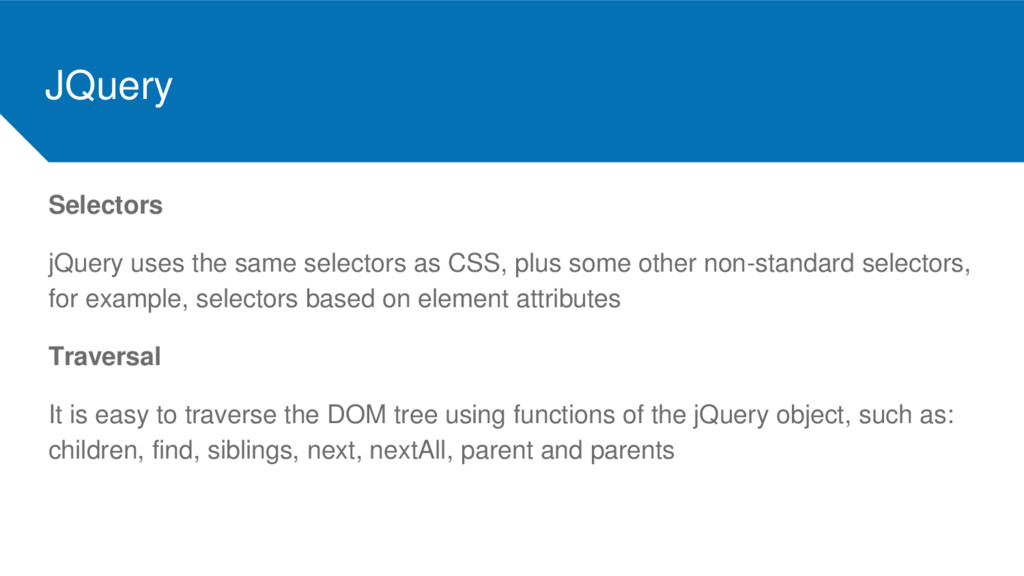
  37. JQuery Selectors jQuery uses the same selectors as CSS, plus

    some other non-standard selectors, for example, selectors based on element attributes Traversal It is easy to traverse the DOM tree using functions of the jQuery object, such as: children, find, siblings, next, nextAll, parent and parents
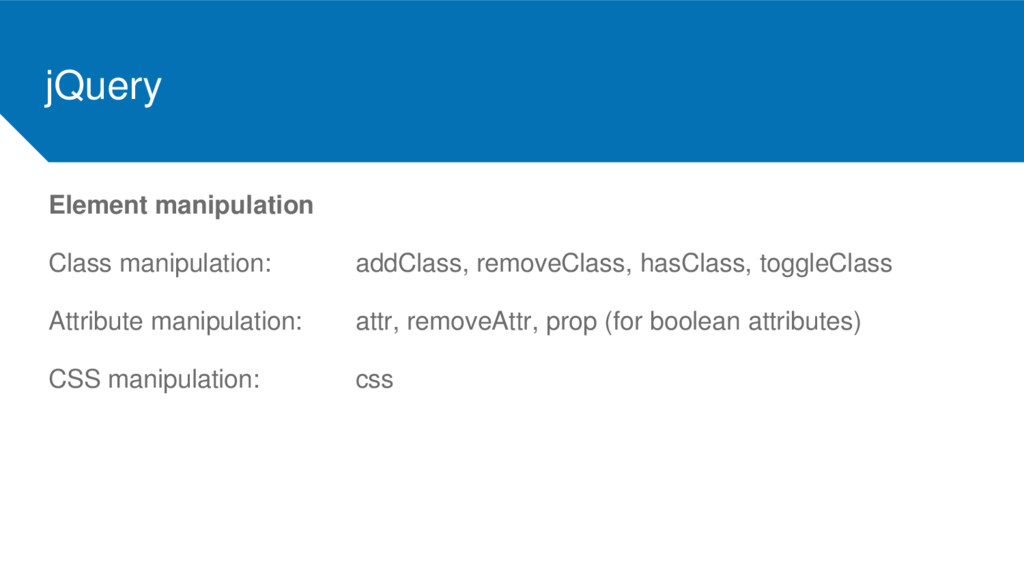
  38. jQuery Element manipulation Class manipulation: addClass, removeClass, hasClass, toggleClass Attribute

    manipulation: attr, removeAttr, prop (for boolean attributes) CSS manipulation: css
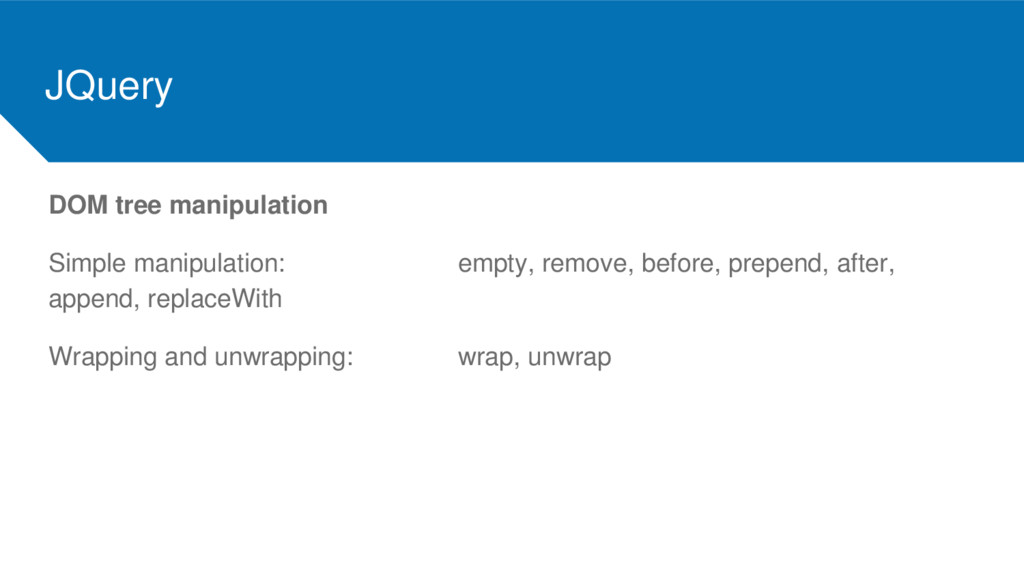
  39. JQuery DOM tree manipulation Simple manipulation: empty, remove, before, prepend,

    after, append, replaceWith Wrapping and unwrapping: wrap, unwrap