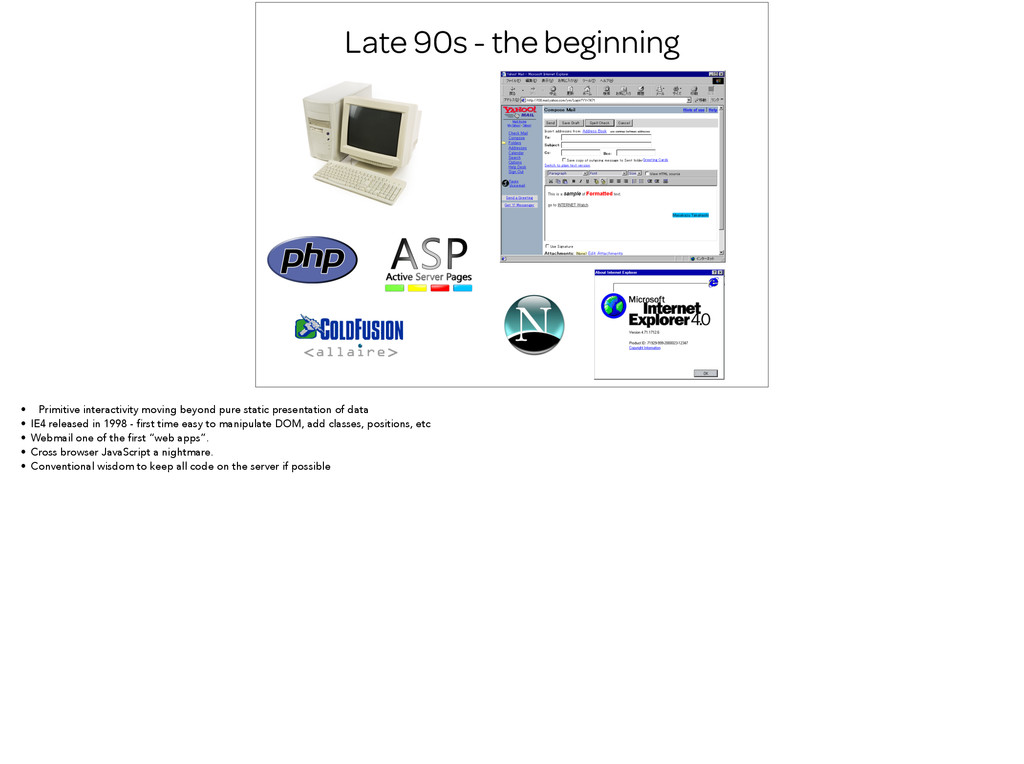
pure static presentation of data • IE4 released in 1998 - first time easy to manipulate DOM, add classes, positions, etc • Webmail one of the first “web apps”. • Cross browser JavaScript a nightmare. • Conventional wisdom to keep all code on the server if possible
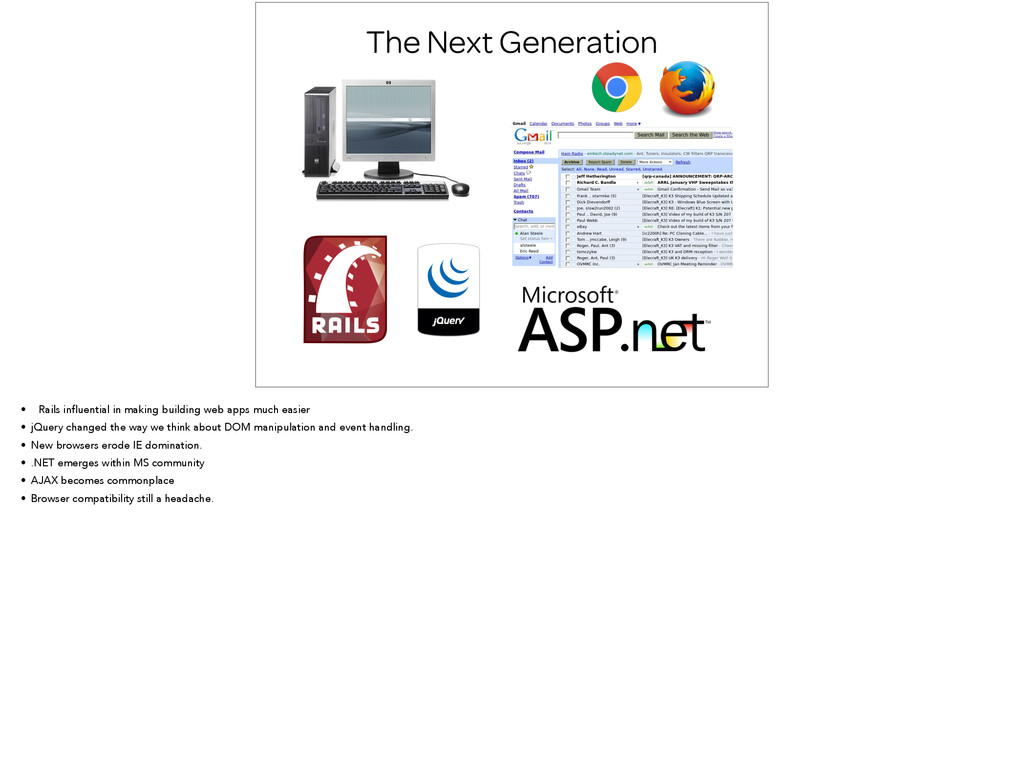
apps much easier • jQuery changed the way we think about DOM manipulation and event handling. • New browsers erode IE domination. • .NET emerges within MS community • AJAX becomes commonplace • Browser compatibility still a headache.
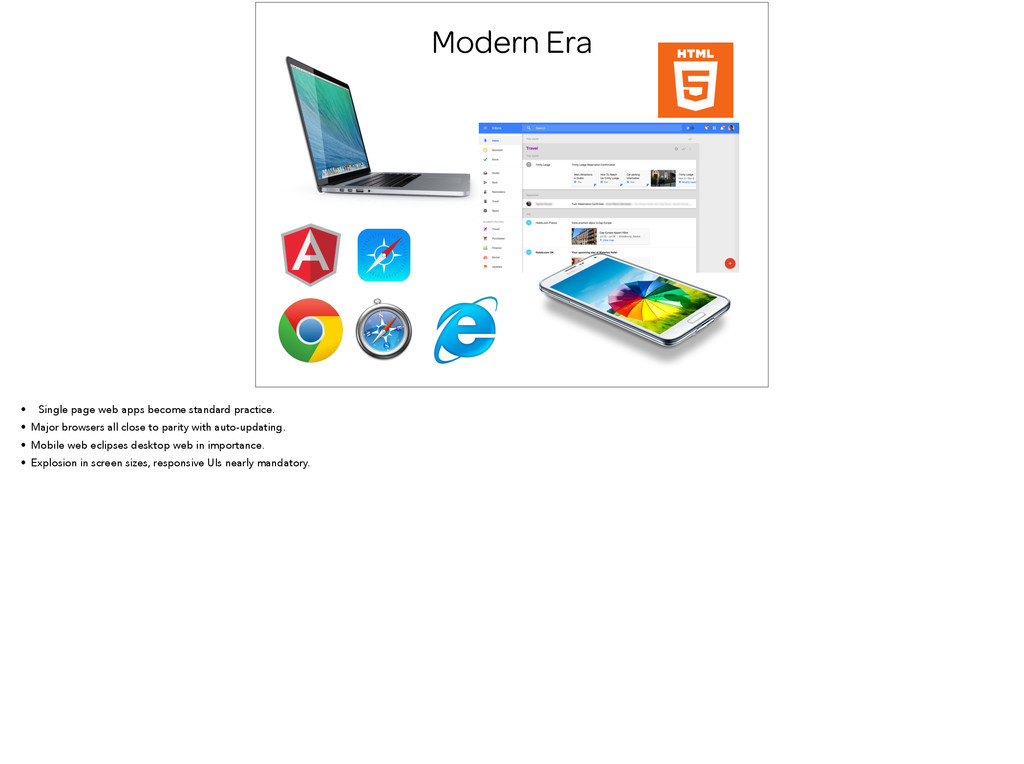
• Major browsers all close to parity with auto-updating. • Mobile web eclipses desktop web in importance. • Explosion in screen sizes, responsive UIs nearly mandatory.
of all the modern web has to offer, a new way of architecting web apps is needed. • It’s no longer about enhancing server rendered templates with some jQuery sugar • Front-end apps should be thought of as a new standalone entity. • Just serve up an index page with static assets and let the browser do the rest. • Ideally “Single page applications” will become the deficit for web apps and the name will die off.
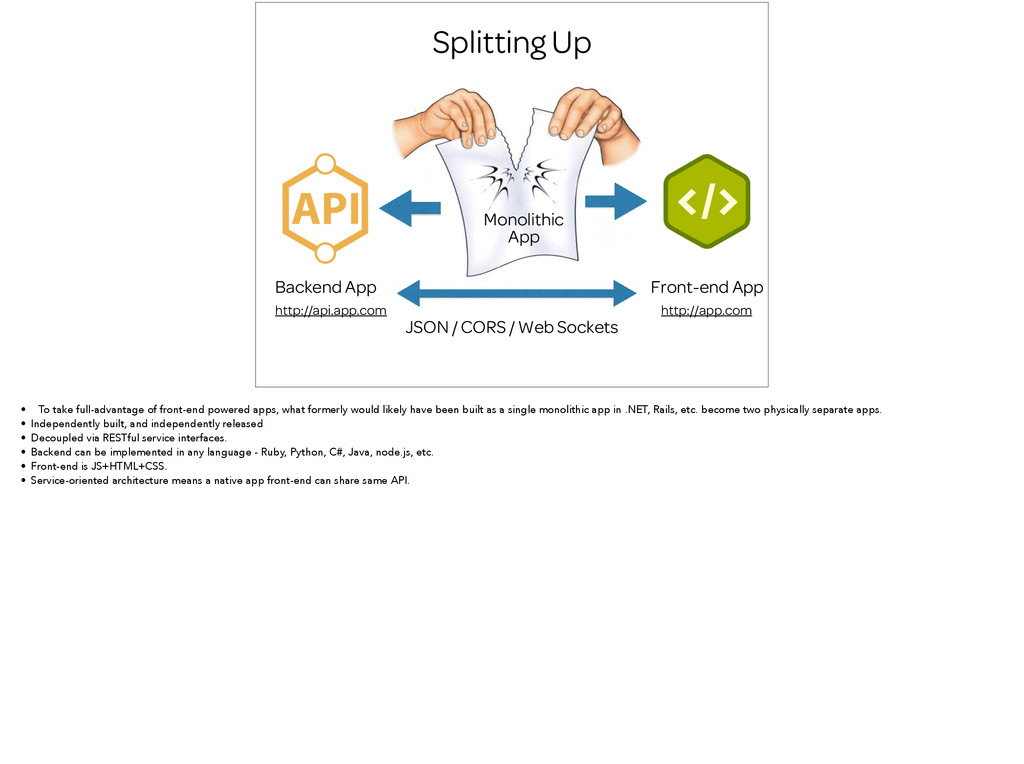
CORS / Web Sockets http://api.app.com http://app.com • To take full-advantage of front-end powered apps, what formerly would likely have been built as a single monolithic app in .NET, Rails, etc. become two physically separate apps. • Independently built, and independently released • Decoupled via RESTful service interfaces. • Backend can be implemented in any language - Ruby, Python, C#, Java, node.js, etc. • Front-end is JS+HTML+CSS. • Service-oriented architecture means a native app front-end can share same API.
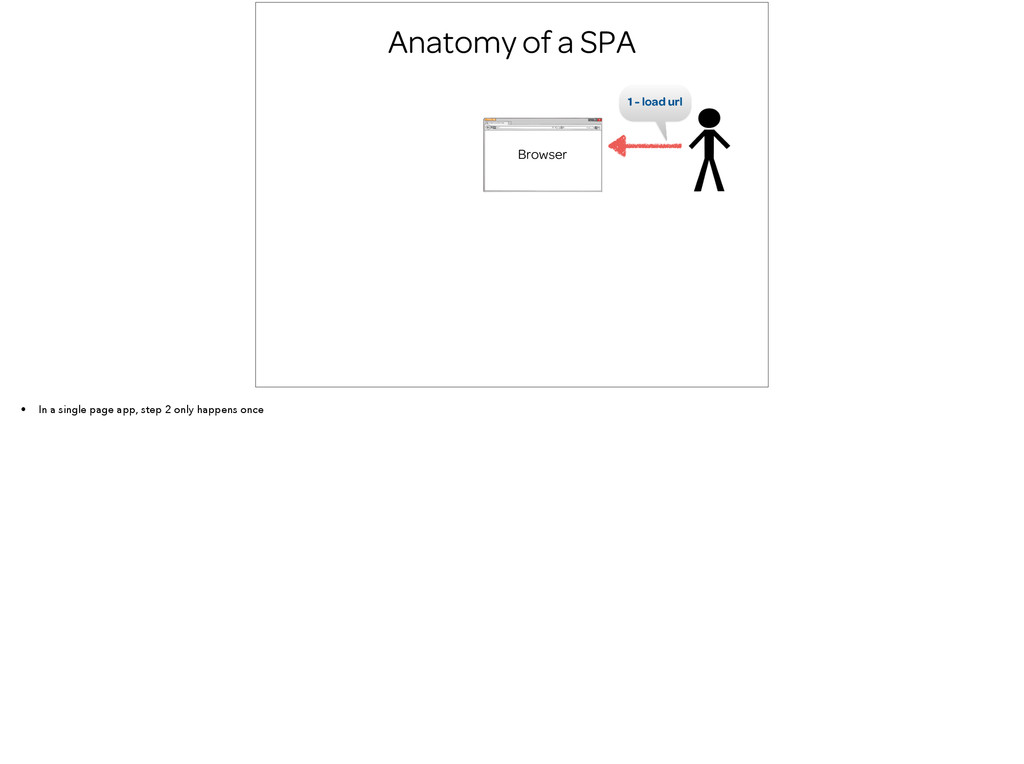
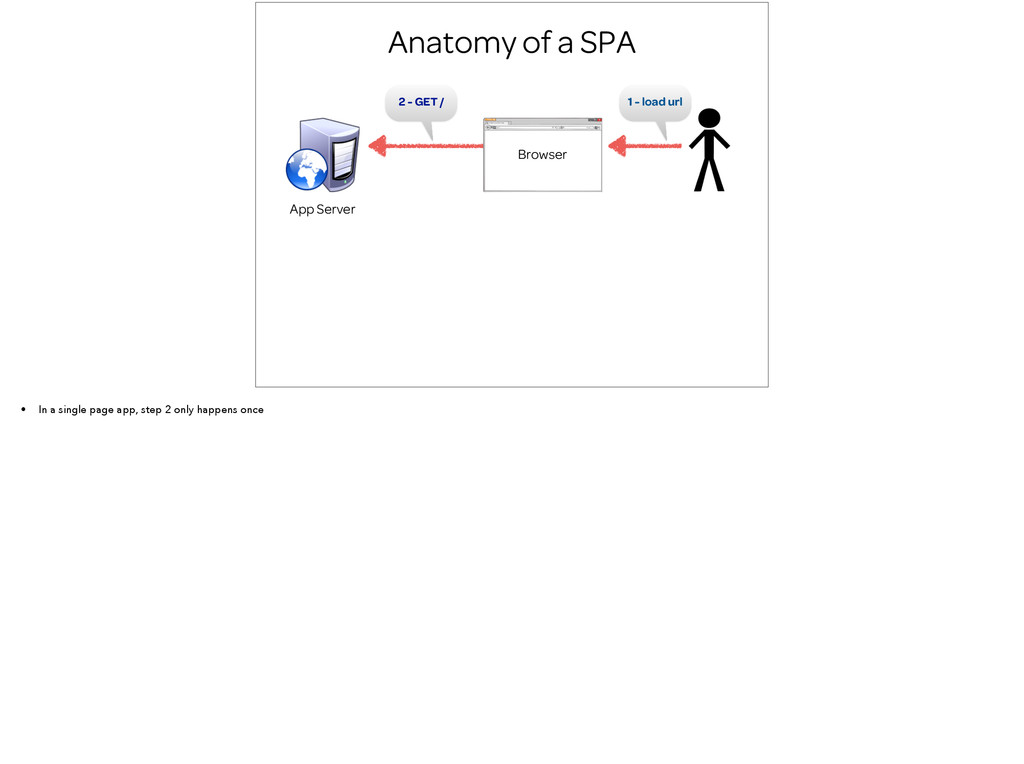
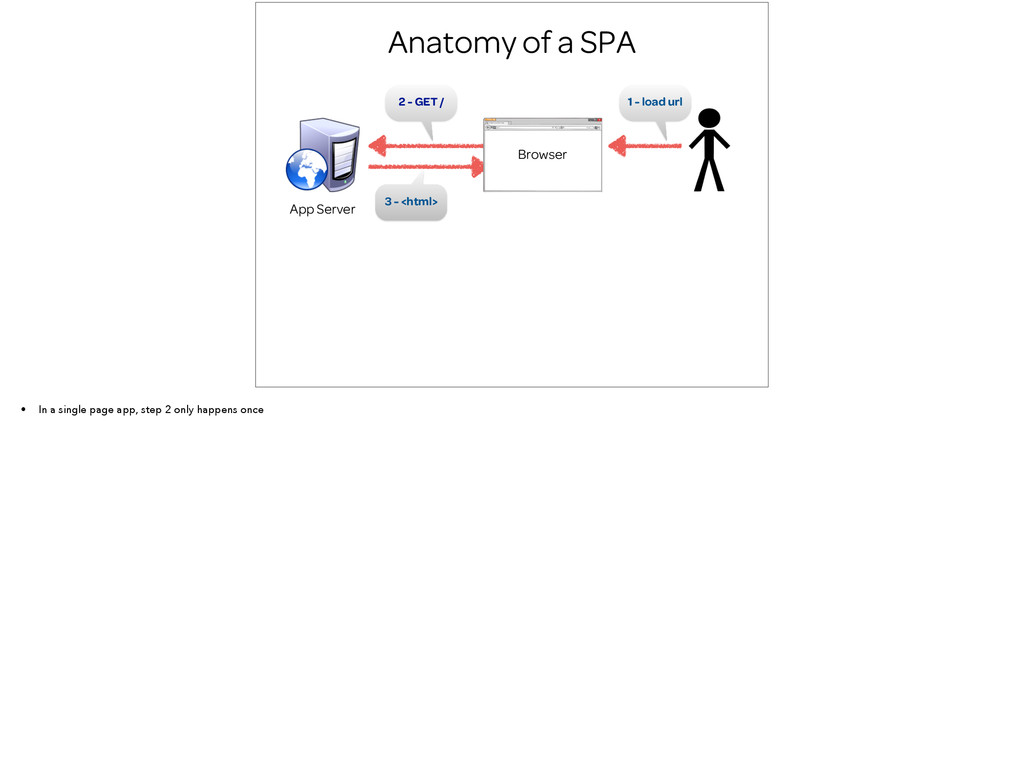
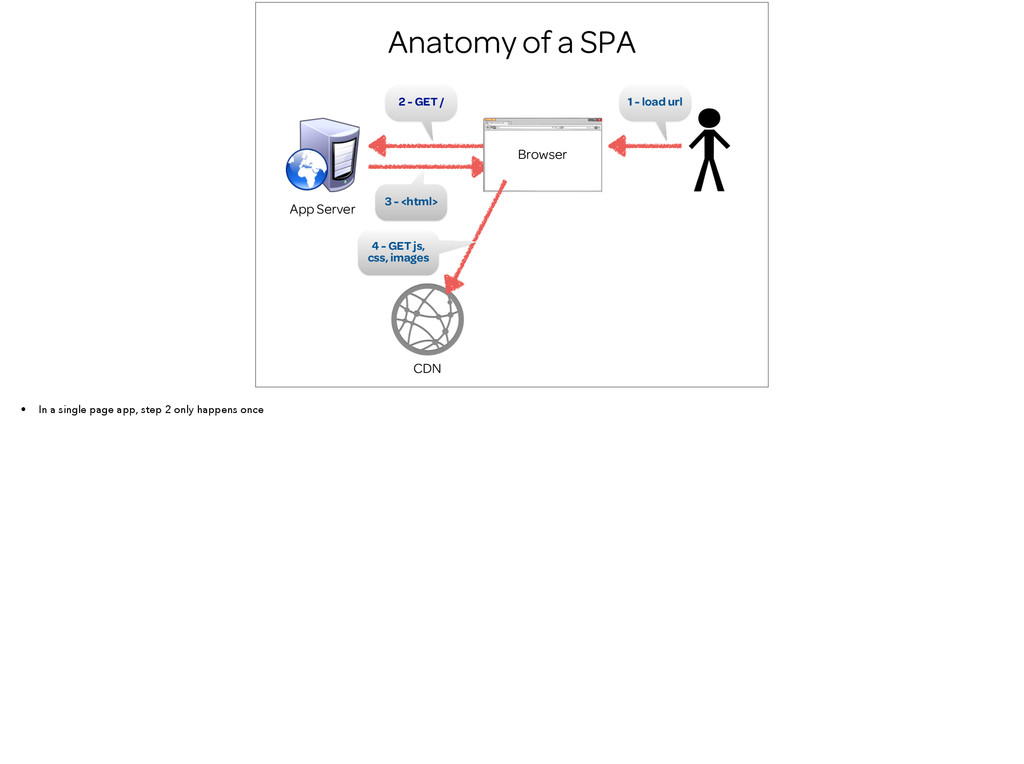
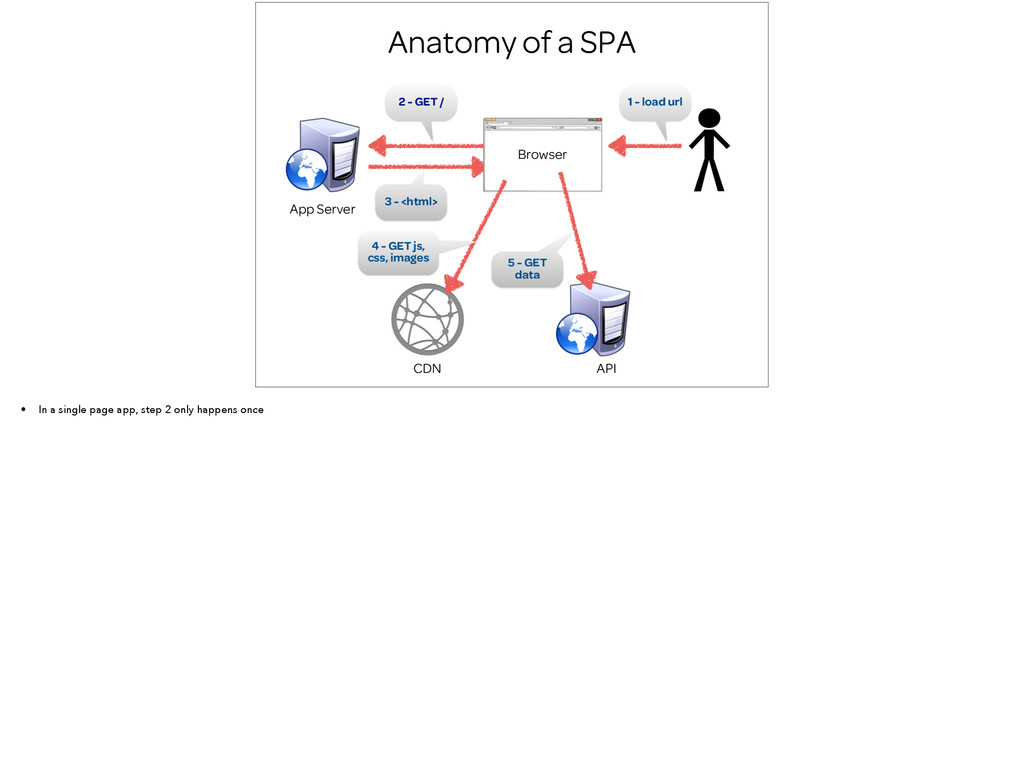
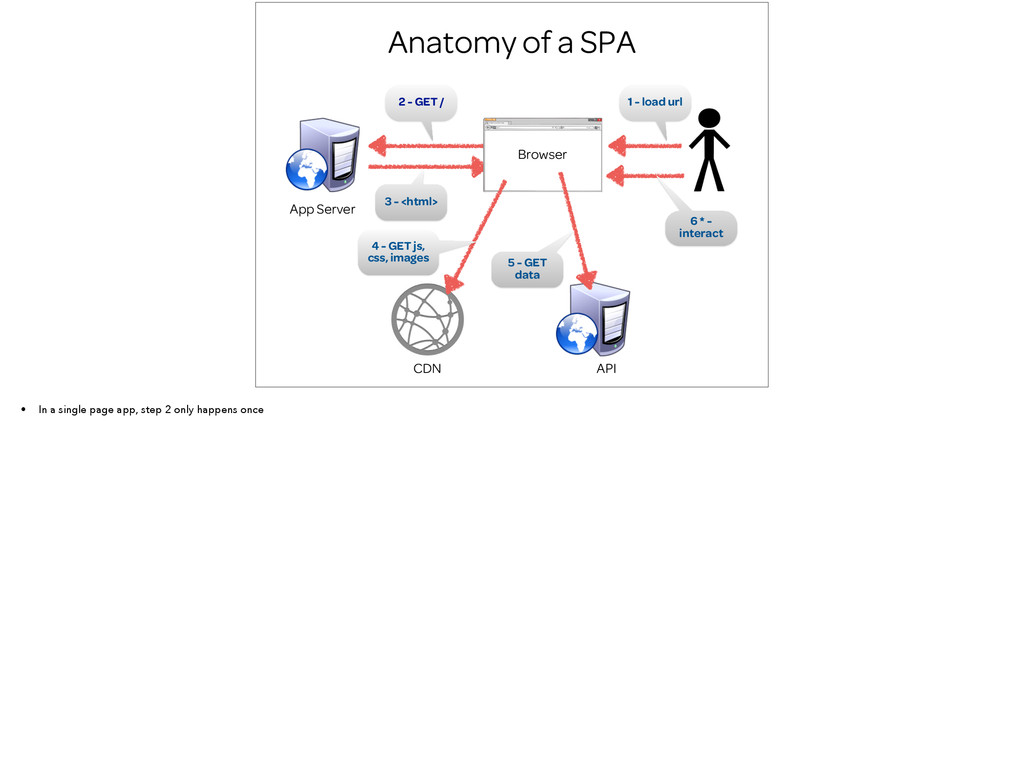
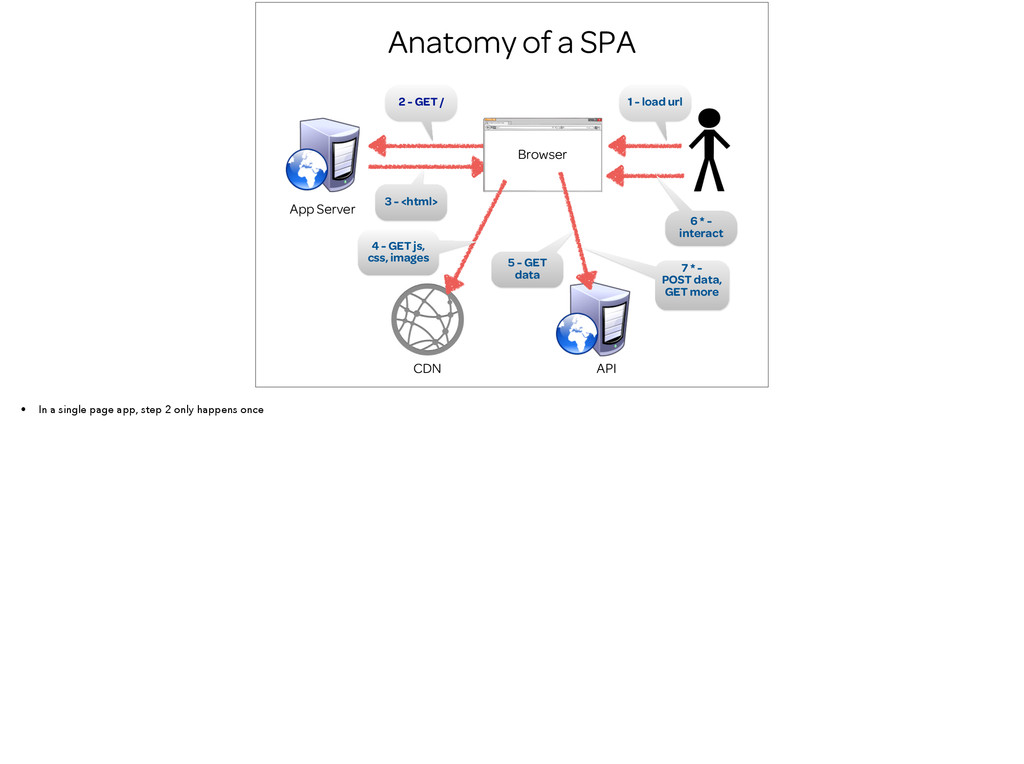
<html> 2 - GET / App Server Browser CDN 4 - GET js, css, images API 5 - GET data 6 * - interact 7 * - POST data, GET more • In a single page app, step 2 only happens once
the Web • End users like apps that feels snappy and smooth • By decoupling from the backend, the front-end is liberated to iterate and release more quickly • Service oriented architecture means better re-use and greater ability to adapt over time • Harness the full power of advances in browser technology
and more complexity - more moving parts with APIs. Modern frameworks have lowered the bar considerably. • Special steps required in order for search bots to get at all content. Google starting to crawl AJAX. • Old IE still a potential deal killer
Comers • Start with the client framework, not the server. The client app framework is the scaffolding for your app on which everything else is supported. • App is characterized not as a .NET, or Rails, app, but as an Angular or Ember app. • Might be temptation to start simple with jQuery and vanilla JS, but resist, it’s harder to retrofit in a framework later. • Remember “you’re always using a framework, even if it’s your own”
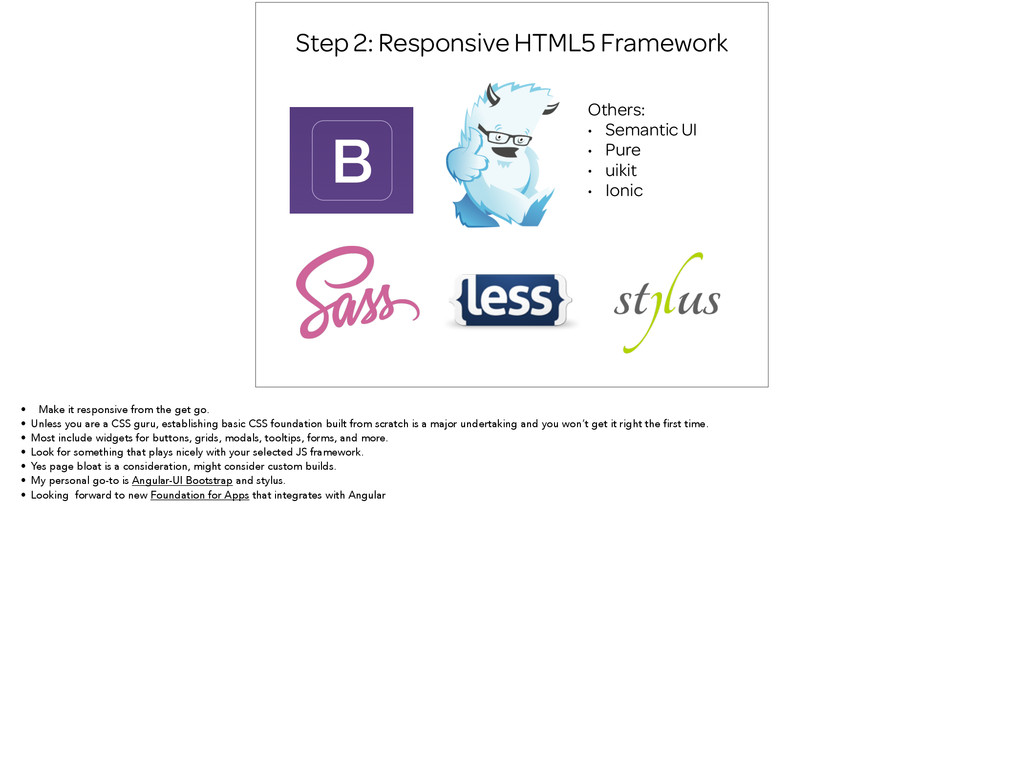
Pure • uikit • Ionic • Make it responsive from the get go. • Unless you are a CSS guru, establishing basic CSS foundation built from scratch is a major undertaking and you won’t get it right the first time. • Most include widgets for buttons, grids, modals, tooltips, forms, and more. • Look for something that plays nicely with your selected JS framework. • Yes page bloat is a consideration, might consider custom builds. • My personal go-to is Angular-UI Bootstrap and stylus. • Looking forward to new Foundation for Apps that integrates with Angular
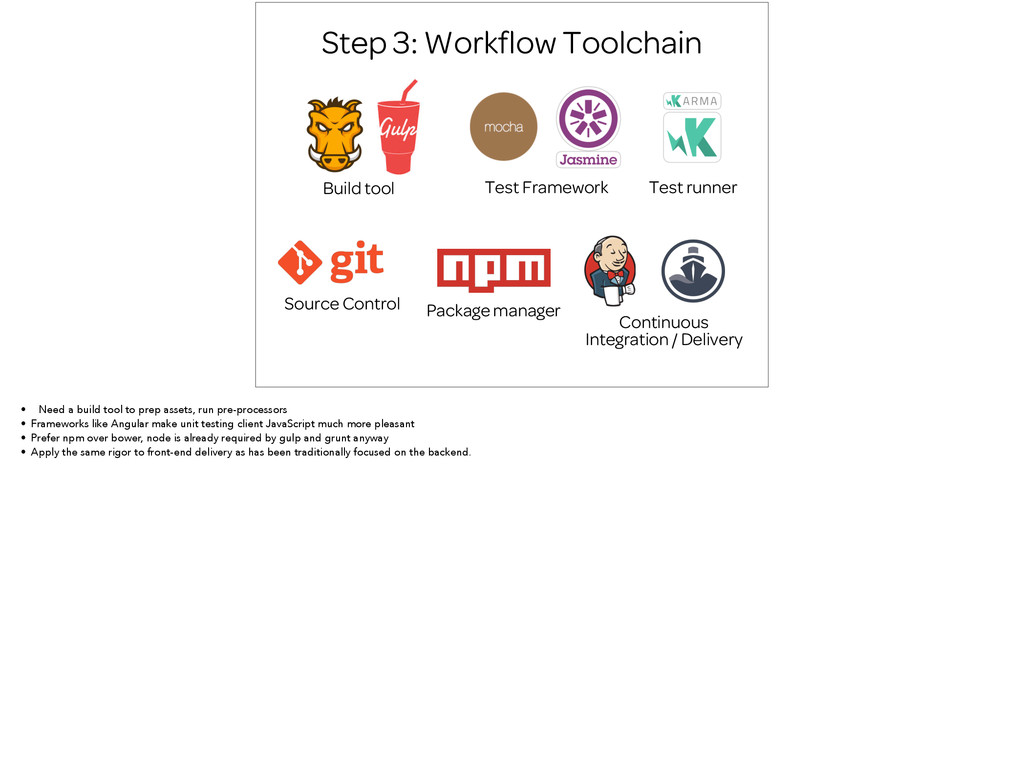
Source Control Continuous Integration / Delivery Package manager • Need a build tool to prep assets, run pre-processors • Frameworks like Angular make unit testing client JavaScript much more pleasant • Prefer npm over bower, node is already required by gulp and grunt anyway • Apply the same rigor to front-end delivery as has been traditionally focused on the backend.
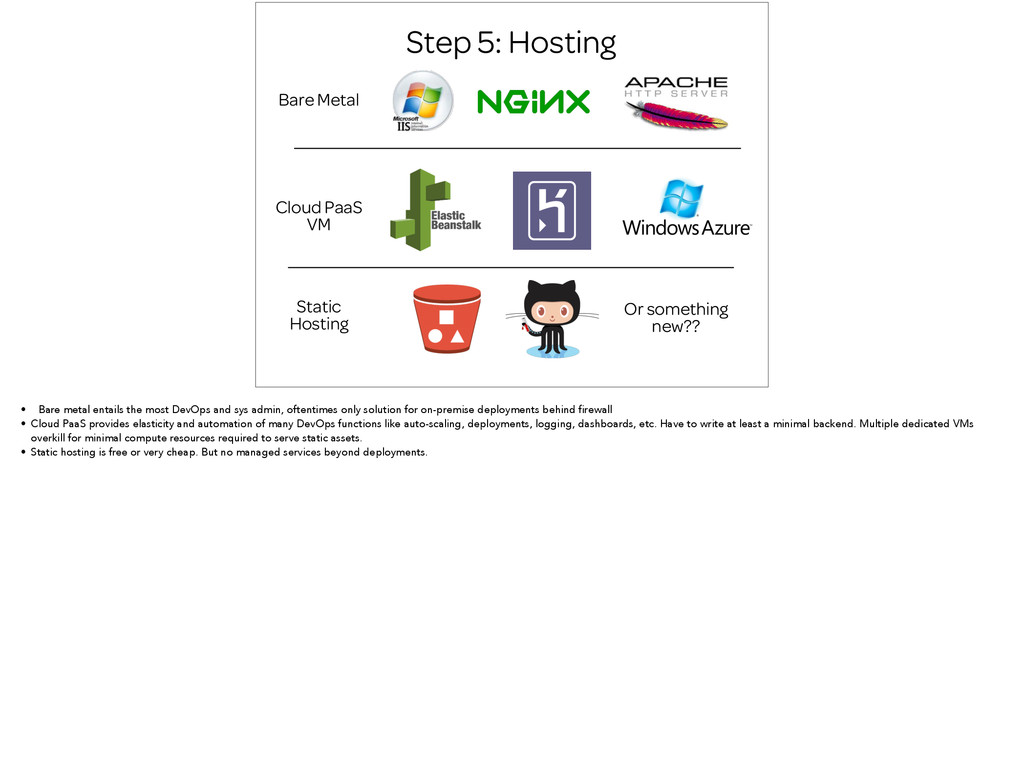
Or something new?? • Bare metal entails the most DevOps and sys admin, oftentimes only solution for on-premise deployments behind firewall • Cloud PaaS provides elasticity and automation of many DevOps functions like auto-scaling, deployments, logging, dashboards, etc. Have to write at least a minimal backend. Multiple dedicated VMs overkill for minimal compute resources required to serve static assets. • Static hosting is free or very cheap. But no managed services beyond deployments.
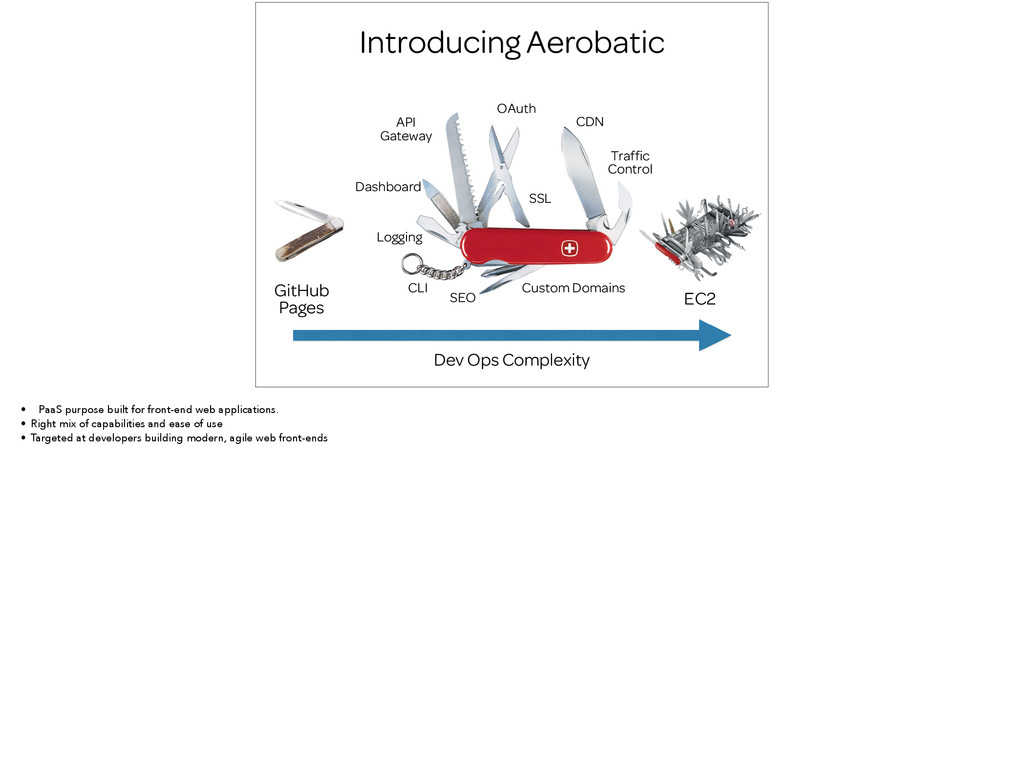
Dev Ops Complexity EC2 GitHub Pages SEO Logging Custom Domains SSL • PaaS purpose built for front-end web applications. • Right mix of capabilities and ease of use • Targeted at developers building modern, agile web front-ends
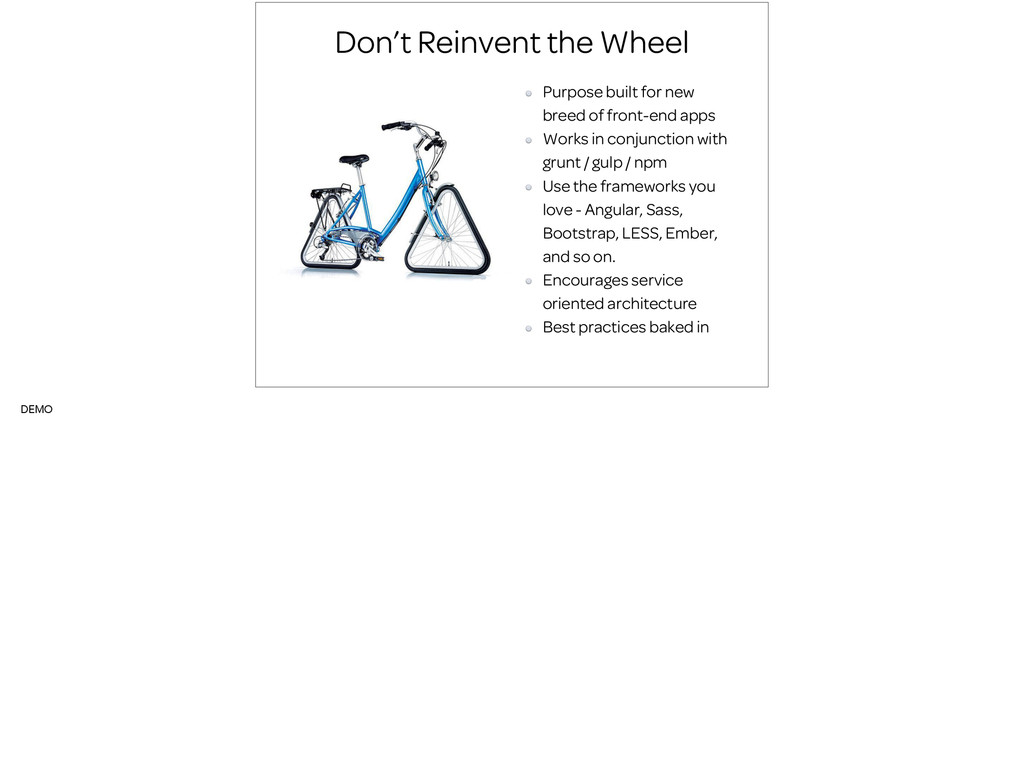
front-end apps Works in conjunction with grunt / gulp / npm Use the frameworks you love - Angular, Sass, Bootstrap, LESS, Ember, and so on. Encourages service oriented architecture Best practices baked in DEMO


 kasacchiful
 shihochan
 utakaha
 falcon8823
 gam0022
 a_matsuda
 kawashimo0
 o0h
o0h
 suneo3476
 kishida
 skydoves
 guaca
guaca
 tonyrice
 ammeep
 raygrieselhuber
 twada
twada
 greggifford
 codingconduct
 reverentgeek
 takai
takai
 eileencodes
 tamaranovitovic
 aleyda
 jonyablonski
![David Von Lehman @davidvlsea [email protected] www.aerobatic.com](https://files.speakerdeck.com/presentations/0ab12340569c0132648d6658fa5a36ee/slide_26.jpg)