Upgrade to Pro — share decks privately, control downloads, hide ads and more …

An Introduction to R

Avatar for Ed Berry Ed Berry
January 09, 2017

An Introduction to R

This talk provides an introduction to R, focusing on tools from the tidyverse. The aim was provide some motivation for learning R, as well as including examples and resources.

The talk was given at the Perception, Action & Cognition Lab Open Science Week, University of Leeds, January 2017.

Avatar for Ed Berry

Ed Berry

January 09, 2017

More Decks by Ed Berry

Other Decks in Programming

Transcript

  1. Why now? Efficiency Point-and-click software just isn't time efficient Automating

    tasks will pay off within the time frame of a PhD and thereafter · · 3/48
  2. Why now? Reproducibility There is an increasing expectation that materials,

    data, and analysis details are provided alongside research to ensure it is reproducible Peer Reviewers' Openness Initiative · This is easier when things are script based - · 4/48
  3. Why R? Jobs R is increasingly taught in Psychology departments,

    including at undergraduate level Useful skill for jobs outside academia Makes you a more efficient academic · · · 5/48
  4. Why R? Range of packages There are R packages for

    a huge range of analyses Great data manipulation packages Slides Documents Interactive HTML applications · · · · Including books - · 7/48
  5. General comments Given the age of R there are many

    ways to complete a task Most data manipulation tasks can be done with 'base R' · · However, this often isn't the most efficient or readable approach - 11/48
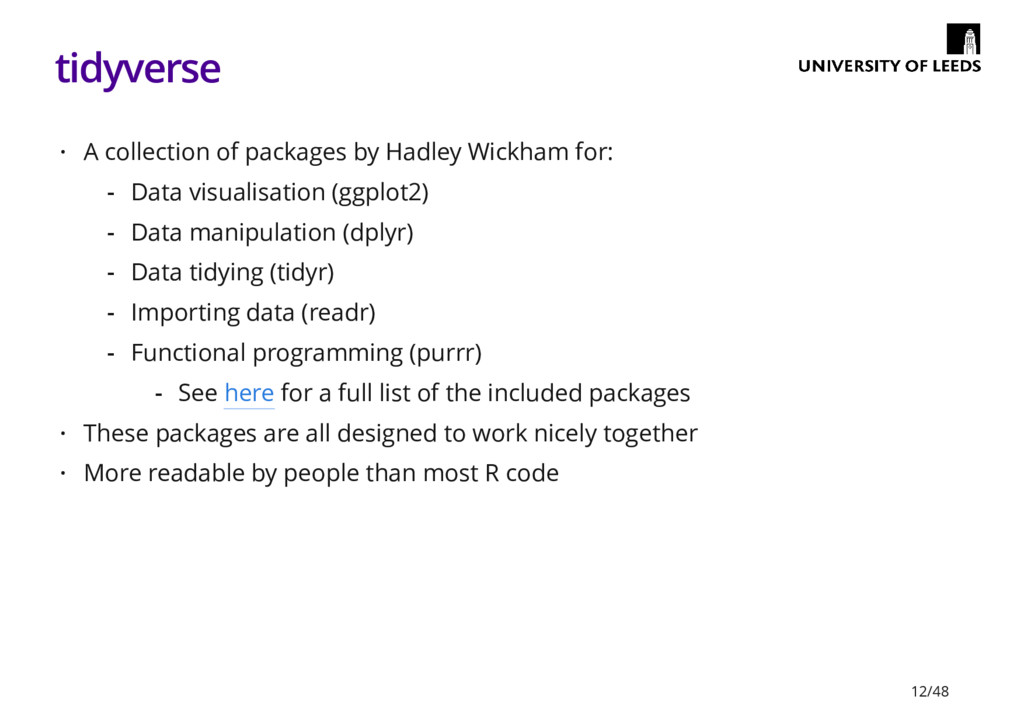
  6. tidyverse A collection of packages by Hadley Wickham for: These

    packages are all designed to work nicely together More readable by people than most R code · Data visualisation (ggplot2) Data manipulation (dplyr) Data tidying (tidyr) Importing data (readr) Functional programming (purrr) - - - - - See here for a full list of the included packages - · · 12/48
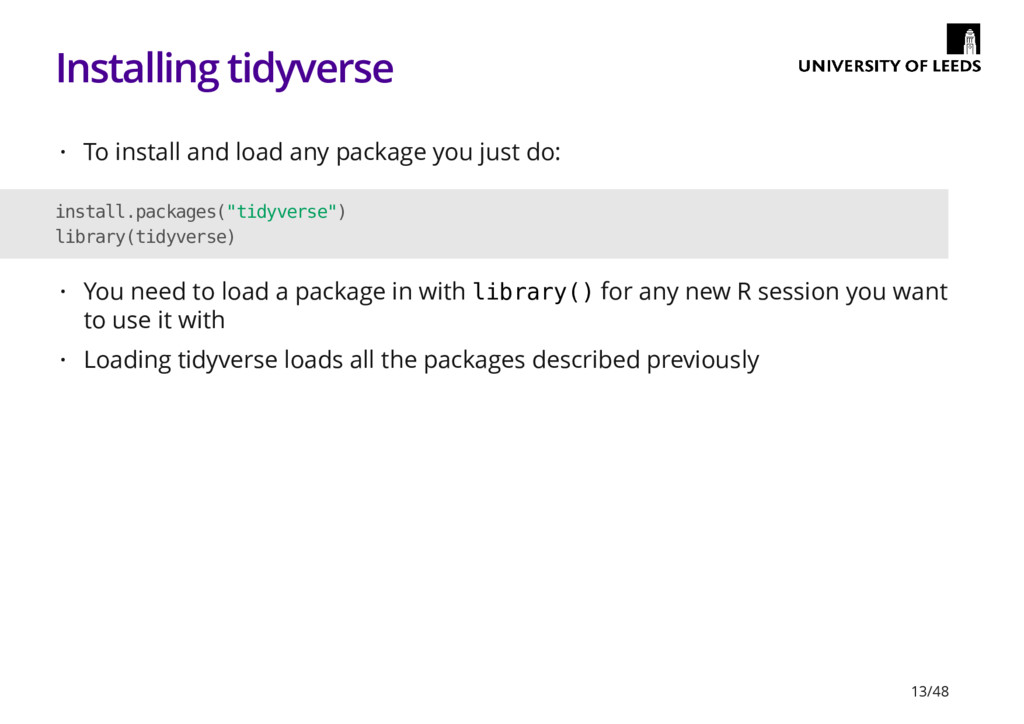
  7. Installing tidyverse To install and load any package you just

    do: · install.packages("tidyverse") library(tidyverse) You need to load a package in with library() for any new R session you want to use it with Loading tidyverse loads all the packages described previously · · 13/48
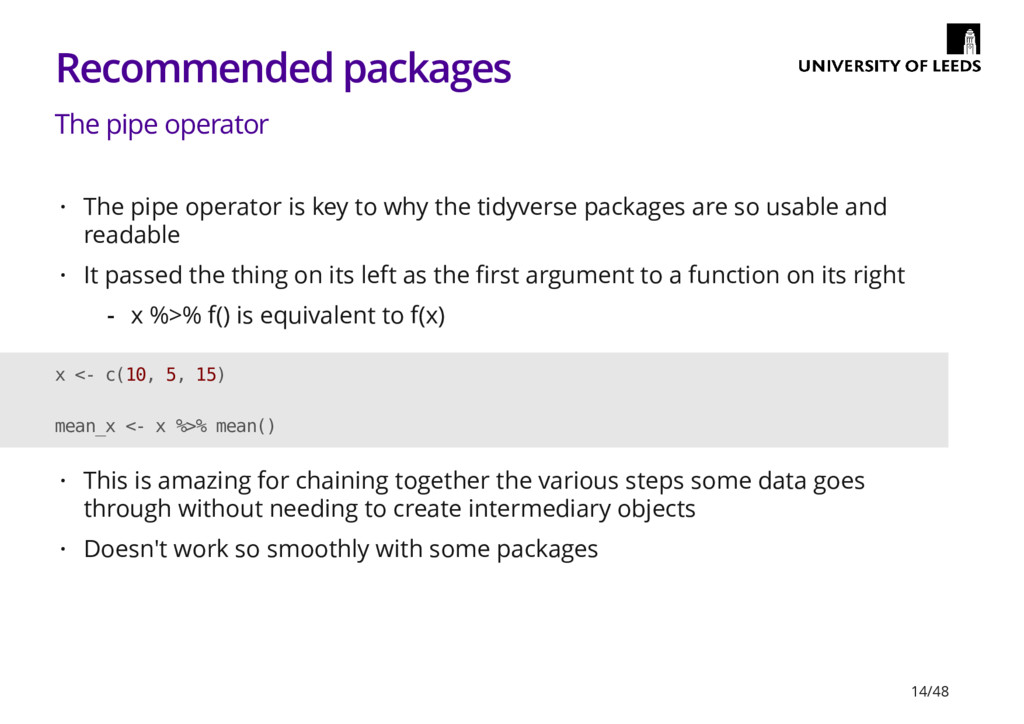
  8. Recommended packages The pipe operator The pipe operator is key

    to why the tidyverse packages are so usable and readable It passed the thing on its left as the first argument to a function on its right · · x %>% f() is equivalent to f(x) - x <- c(10, 5, 15) mean_x <- x %>% mean() This is amazing for chaining together the various steps some data goes through without needing to create intermediary objects Doesn't work so smoothly with some packages · · 14/48
  9. ggplot2 Build graphs by specifying: · Aesthetics: physical properties of

    the plot mapped to variables in the data (x & y positions, size, shape, colour etc.) Geometries: what to actually use to represent the data (lines, bars, points etc.) - - 15/48
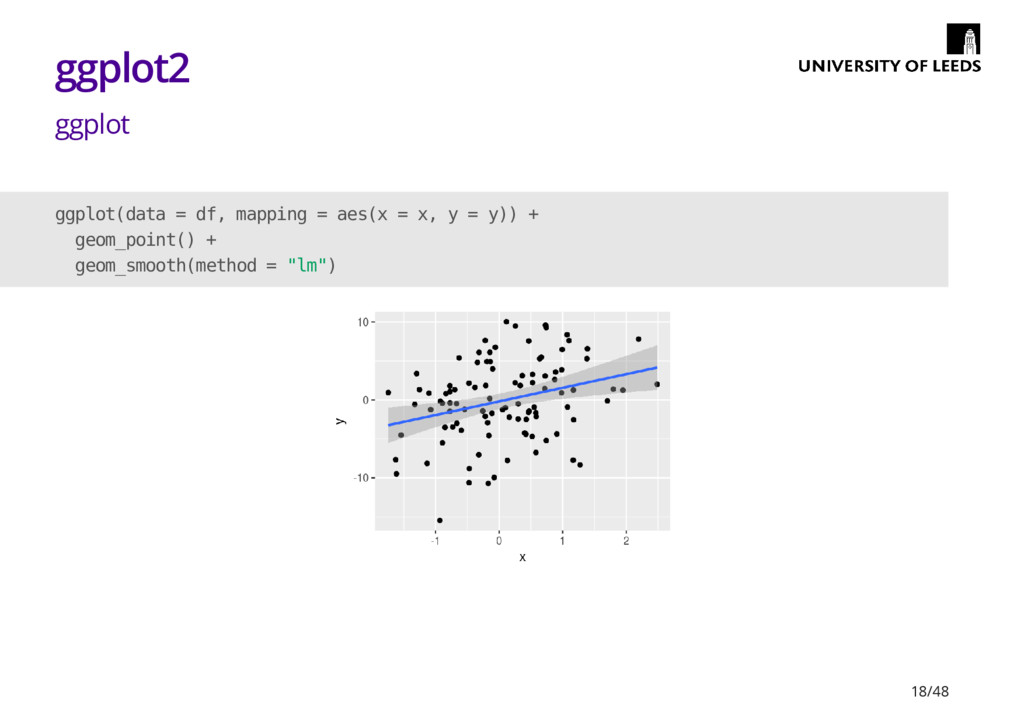
  10. ggplot2 ggplot ggplot(data = df, mapping = aes(x = x,

    y = y)) + geom_point() + geom_smooth(method = "lm") 18/48
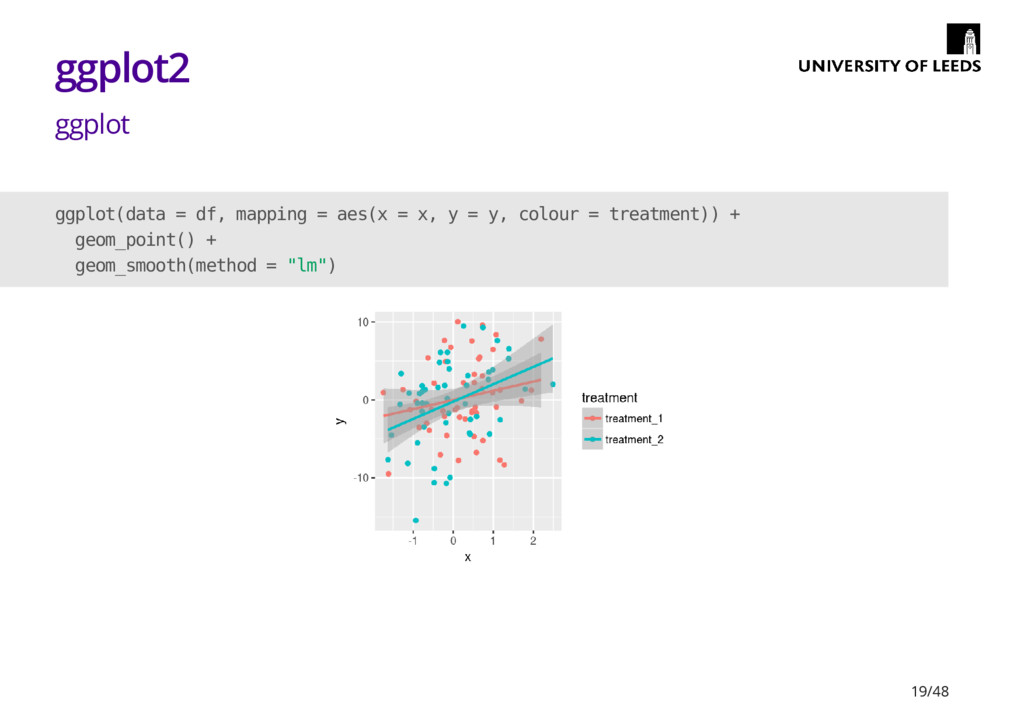
  11. ggplot2 ggplot ggplot(data = df, mapping = aes(x = x,

    y = y, colour = treatment)) + geom_point() + geom_smooth(method = "lm") 19/48
  12. ggplot2 Other tips The package ggthemes is good for providing

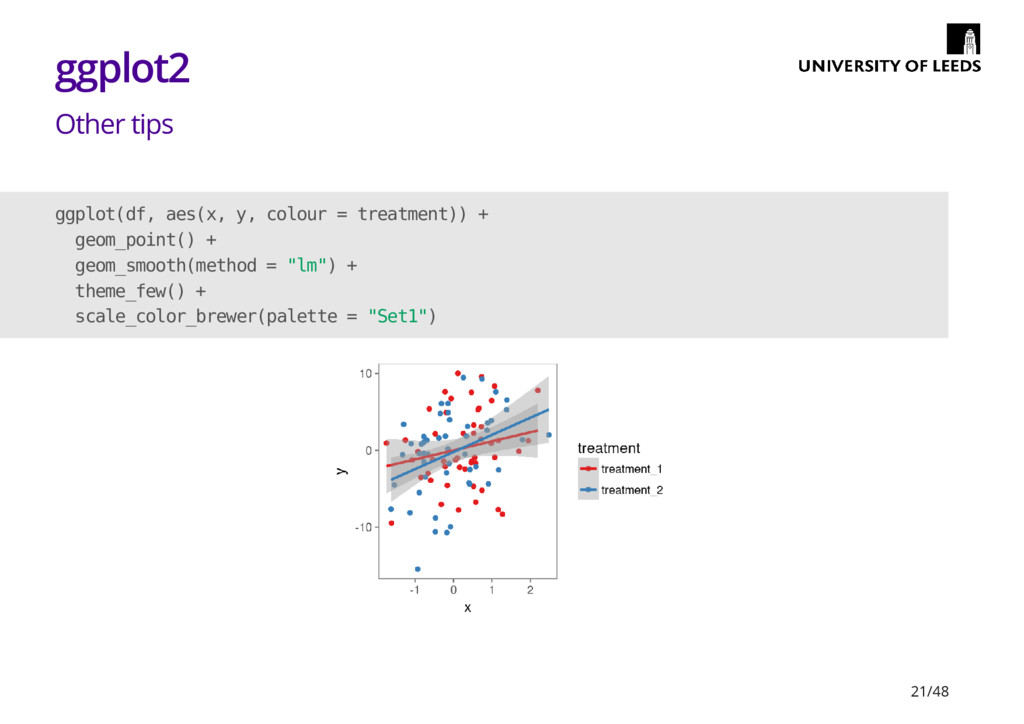
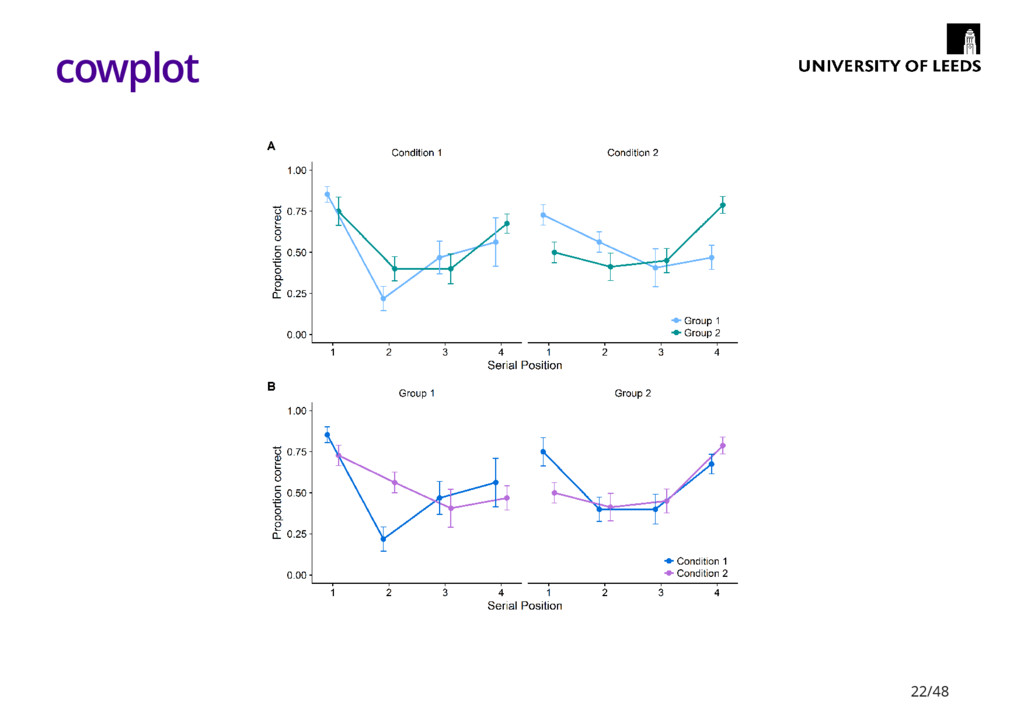
    premade plot 'styles' RColorBrewer is useful for colours cowplot is good for creating grids of labelled plots for papers · · Useful info on colour in ggplot2 here - · cowplot vignette - 20/48
  13. ggplot2 Other tips ggplot(df, aes(x, y, colour = treatment)) +

    geom_point() + geom_smooth(method = "lm") + theme_few() + scale_color_brewer(palette = "Set1") 21/48
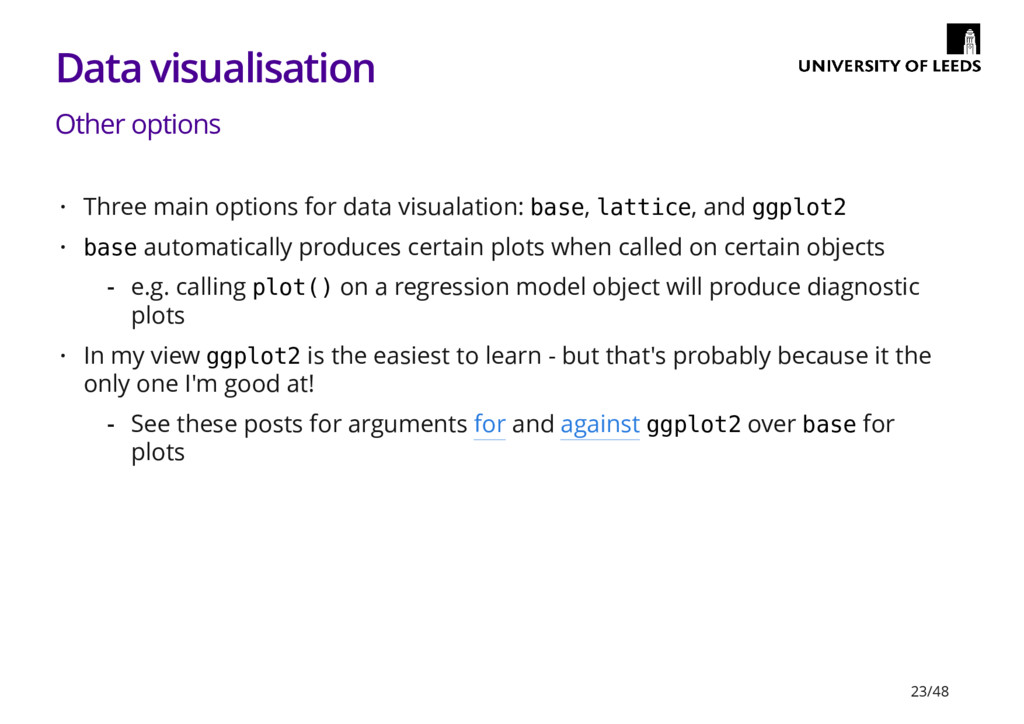
  14. Data visualisation Other options Three main options for data visualation:

    base, lattice, and ggplot2 base automatically produces certain plots when called on certain objects In my view ggplot2 is the easiest to learn - but that's probably because it the only one I'm good at! · · e.g. calling plot() on a regression model object will produce diagnostic plots - · See these posts for arguments for and against ggplot2 over base for plots - 23/48
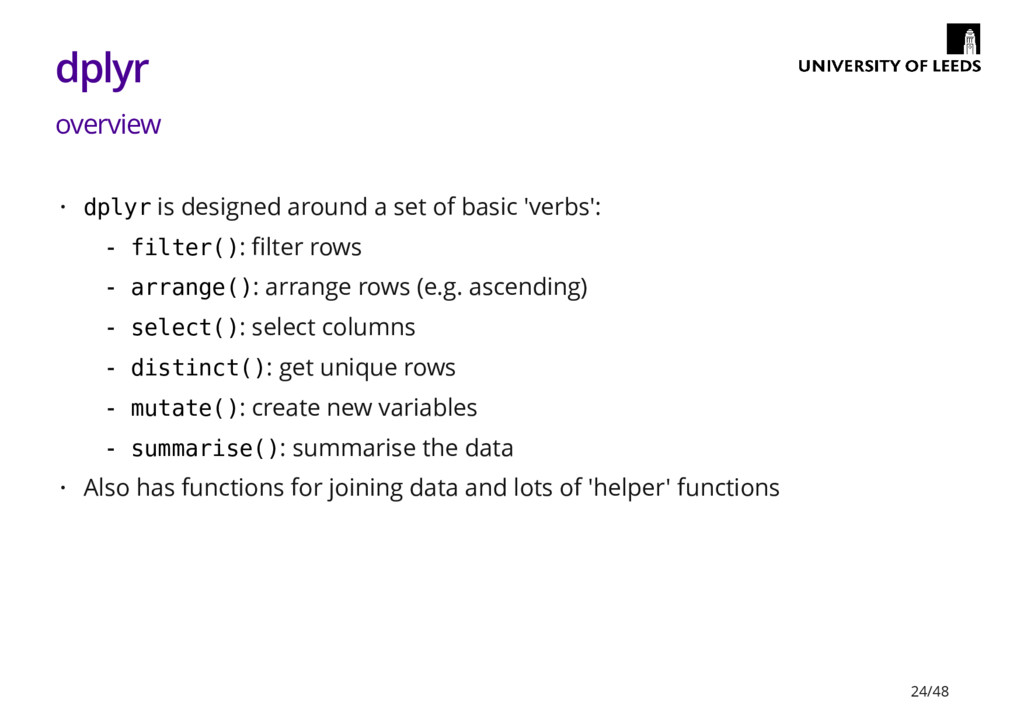
  15. dplyr overview dplyr is designed around a set of basic

    'verbs': Also has functions for joining data and lots of 'helper' functions · filter(): filter rows arrange(): arrange rows (e.g. ascending) select(): select columns distinct(): get unique rows mutate(): create new variables summarise(): summarise the data - - - - - - · 24/48
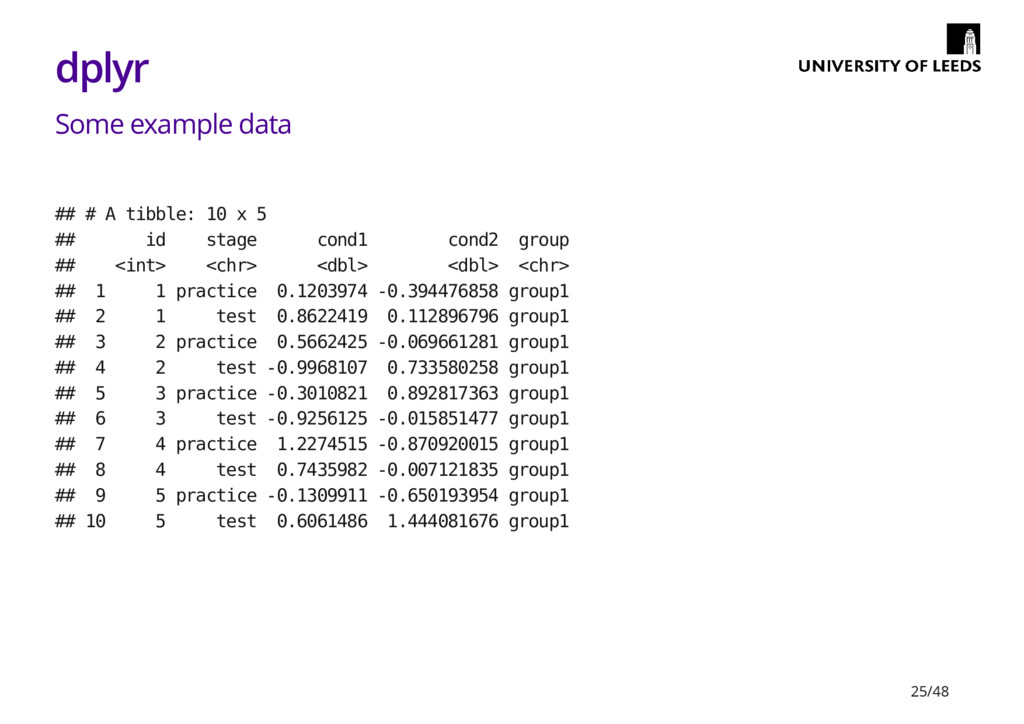
  16. dplyr Some example data ## # A tibble: 10 x

    5 ## id stage cond1 cond2 group ## <int> <chr> <dbl> <dbl> <chr> ## 1 1 practice 0.1203974 -0.394476858 group1 ## 2 1 test 0.8622419 0.112896796 group1 ## 3 2 practice 0.5662425 -0.069661281 group1 ## 4 2 test -0.9968107 0.733580258 group1 ## 5 3 practice -0.3010821 0.892817363 group1 ## 6 3 test -0.9256125 -0.015851477 group1 ## 7 4 practice 1.2274515 -0.870920015 group1 ## 8 4 test 0.7435982 -0.007121835 group1 ## 9 5 practice -0.1309911 -0.650193954 group1 ## 10 5 test 0.6061486 1.444081676 group1 25/48
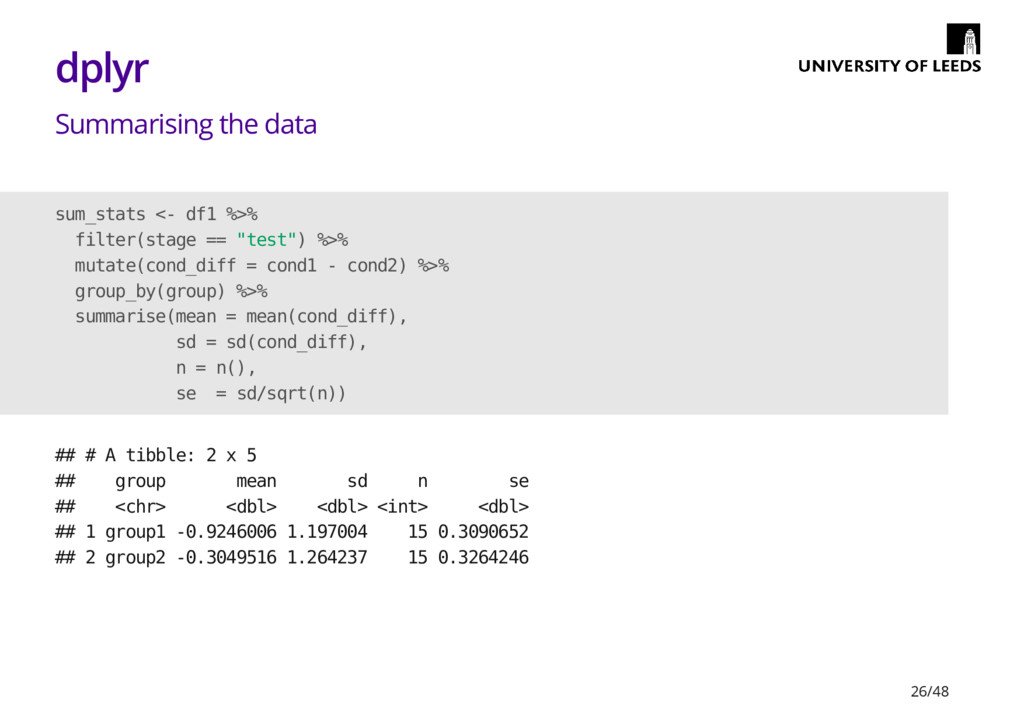
  17. dplyr Summarising the data sum_stats <- df1 %>% filter(stage ==

    "test") %>% mutate(cond_diff = cond1 - cond2) %>% group_by(group) %>% summarise(mean = mean(cond_diff), sd = sd(cond_diff), n = n(), se = sd/sqrt(n)) ## # A tibble: 2 x 5 ## group mean sd n se ## <chr> <dbl> <dbl> <int> <dbl> ## 1 group1 -0.9246006 1.197004 15 0.3090652 ## 2 group2 -0.3049516 1.264237 15 0.3264246 26/48
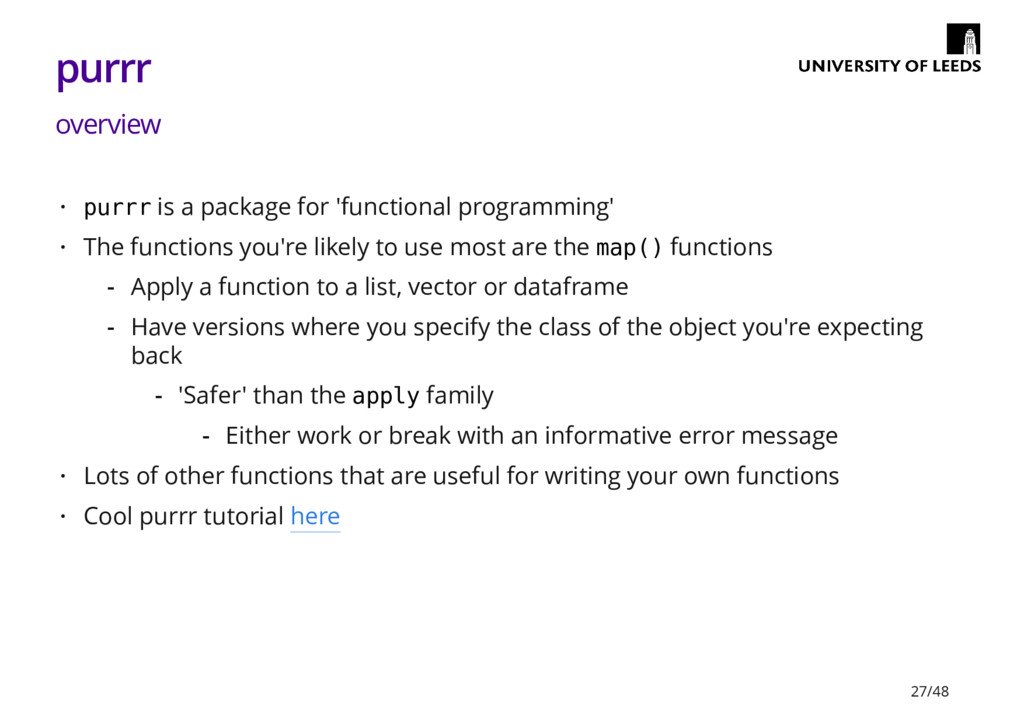
  18. purrr overview purrr is a package for 'functional programming' The

    functions you're likely to use most are the map() functions Lots of other functions that are useful for writing your own functions Cool purrr tutorial here · · Apply a function to a list, vector or dataframe Have versions where you specify the class of the object you're expecting back - - 'Safer' than the apply family - Either work or break with an informative error message - · · 27/48
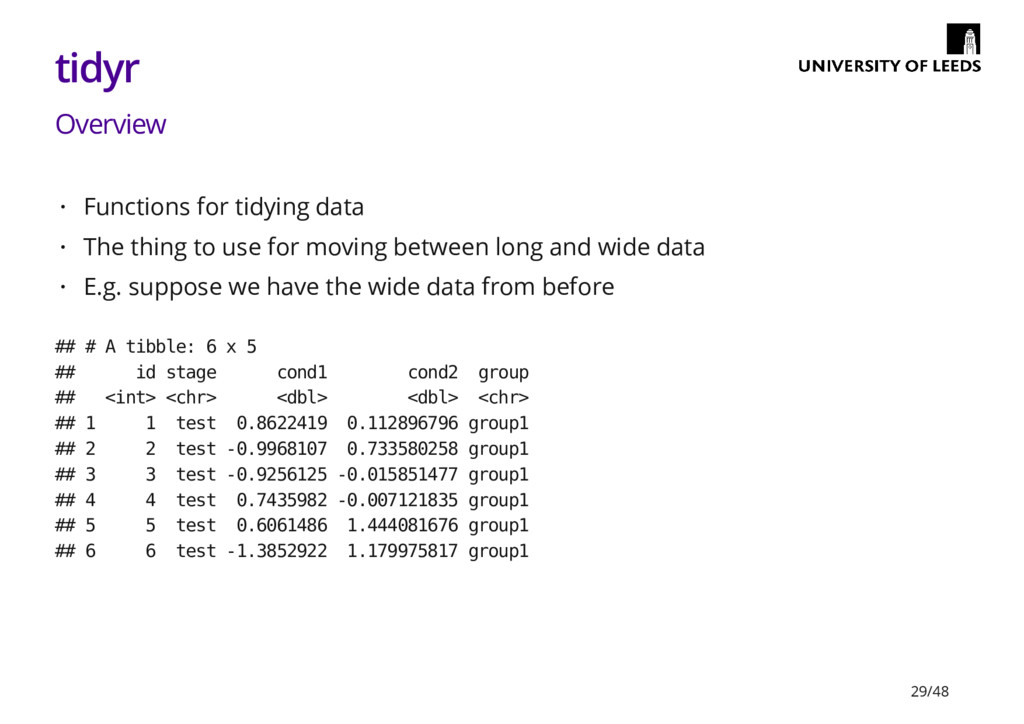
  19. tidyr Overview Functions for tidying data The thing to use

    for moving between long and wide data E.g. suppose we have the wide data from before · · · ## # A tibble: 6 x 5 ## id stage cond1 cond2 group ## <int> <chr> <dbl> <dbl> <chr> ## 1 1 test 0.8622419 0.112896796 group1 ## 2 2 test -0.9968107 0.733580258 group1 ## 3 3 test -0.9256125 -0.015851477 group1 ## 4 4 test 0.7435982 -0.007121835 group1 ## 5 5 test 0.6061486 1.444081676 group1 ## 6 6 test -1.3852922 1.179975817 group1 29/48
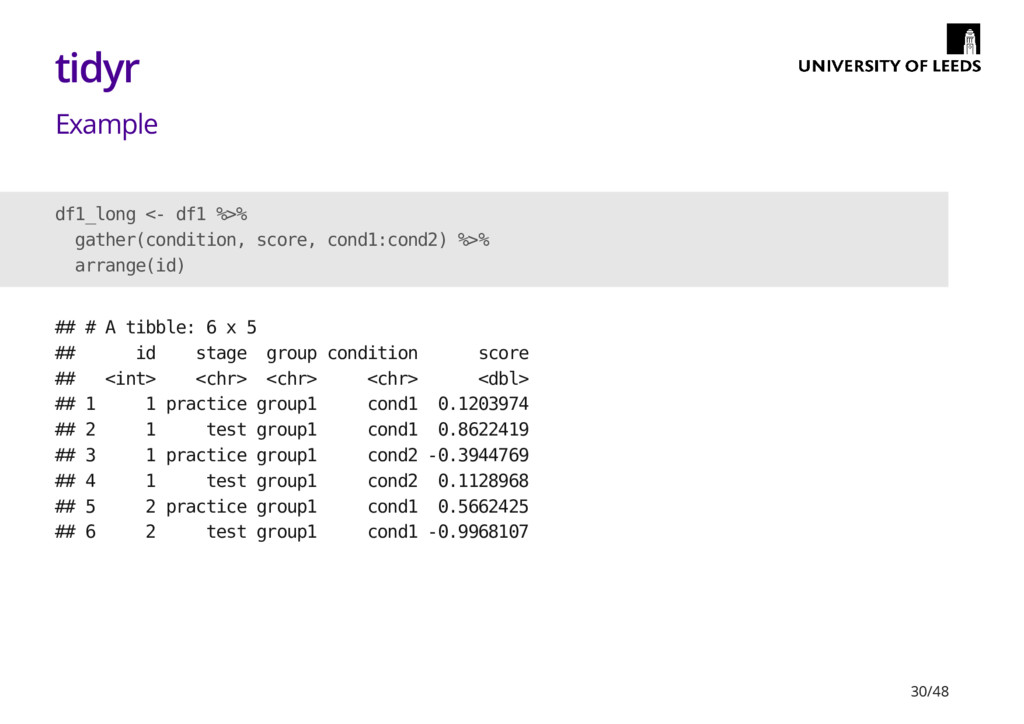
  20. tidyr Example df1_long <- df1 %>% gather(condition, score, cond1:cond2) %>%

    arrange(id) ## # A tibble: 6 x 5 ## id stage group condition score ## <int> <chr> <chr> <chr> <dbl> ## 1 1 practice group1 cond1 0.1203974 ## 2 1 test group1 cond1 0.8622419 ## 3 1 practice group1 cond2 -0.3944769 ## 4 1 test group1 cond2 0.1128968 ## 5 2 practice group1 cond1 0.5662425 ## 6 2 test group1 cond1 -0.9968107 30/48
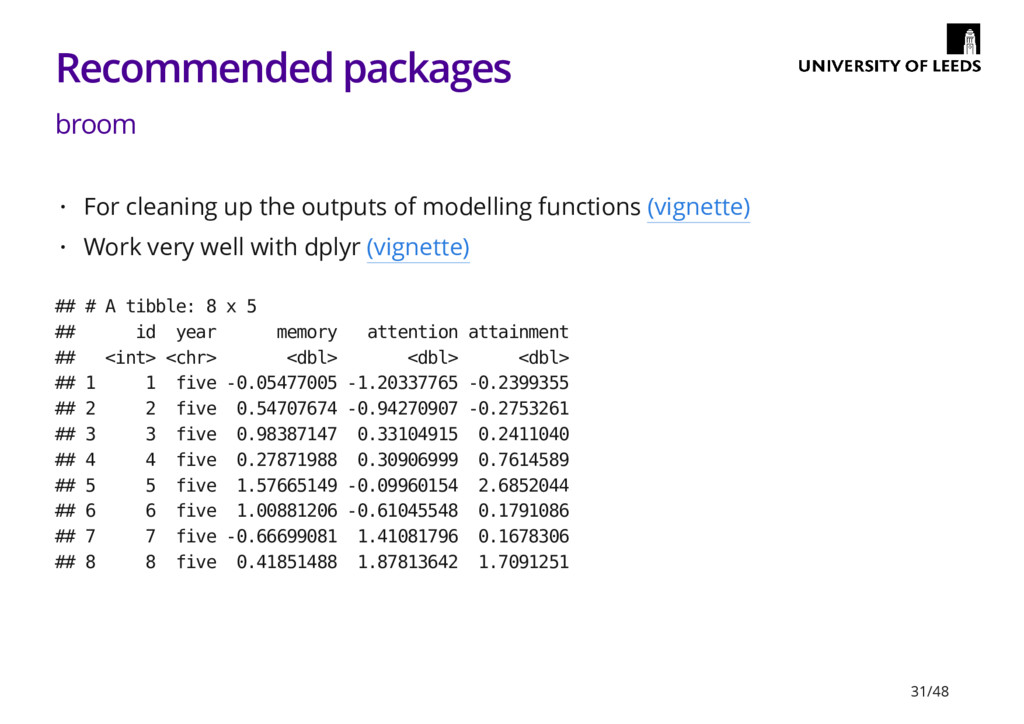
  21. Recommended packages broom For cleaning up the outputs of modelling

    functions (vignette) Work very well with dplyr (vignette) · · ## # A tibble: 8 x 5 ## id year memory attention attainment ## <int> <chr> <dbl> <dbl> <dbl> ## 1 1 five -0.05477005 -1.20337765 -0.2399355 ## 2 2 five 0.54707674 -0.94270907 -0.2753261 ## 3 3 five 0.98387147 0.33104915 0.2411040 ## 4 4 five 0.27871988 0.30906999 0.7614589 ## 5 5 five 1.57665149 -0.09960154 2.6852044 ## 6 6 five 1.00881206 -0.61045548 0.1791086 ## 7 7 five -0.66699081 1.41081796 0.1678306 ## 8 8 five 0.41851488 1.87813642 1.7091251 31/48
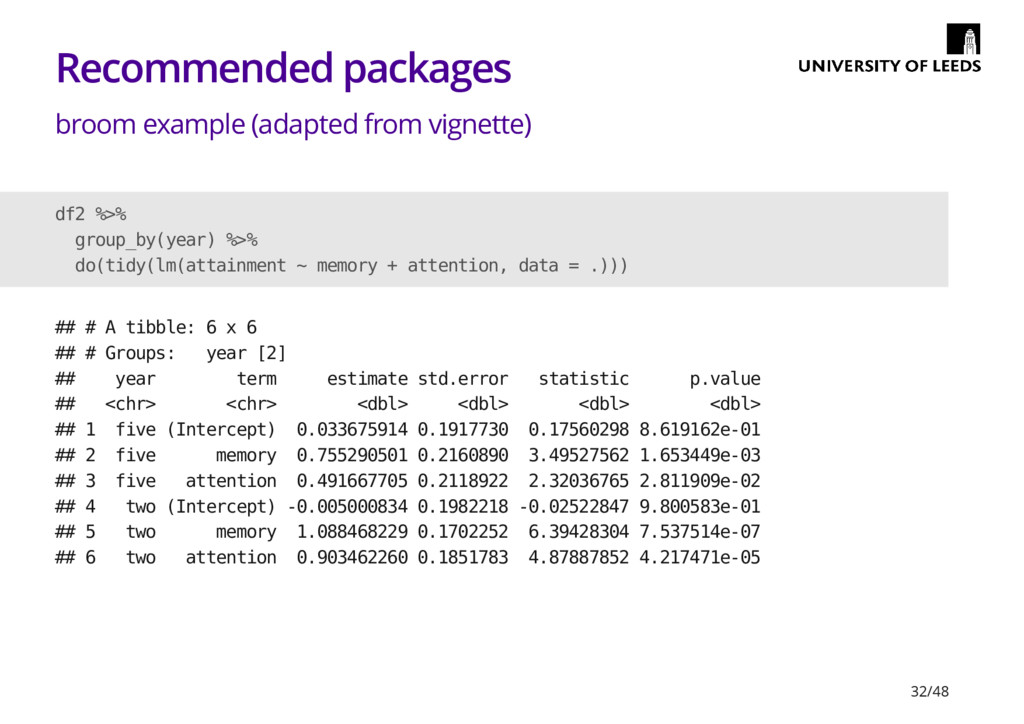
  22. Recommended packages broom example (adapted from vignette) df2 %>% group_by(year)

    %>% do(tidy(lm(attainment ~ memory + attention, data = .))) ## # A tibble: 6 x 6 ## # Groups: year [2] ## year term estimate std.error statistic p.value ## <chr> <chr> <dbl> <dbl> <dbl> <dbl> ## 1 five (Intercept) 0.033675914 0.1917730 0.17560298 8.619162e-01 ## 2 five memory 0.755290501 0.2160890 3.49527562 1.653449e-03 ## 3 five attention 0.491667705 0.2118922 2.32036765 2.811909e-02 ## 4 two (Intercept) -0.005000834 0.1982218 -0.02522847 9.800583e-01 ## 5 two memory 1.088468229 0.1702252 6.39428304 7.537514e-07 ## 6 two attention 0.903462260 0.1851783 4.87887852 4.217471e-05 32/48
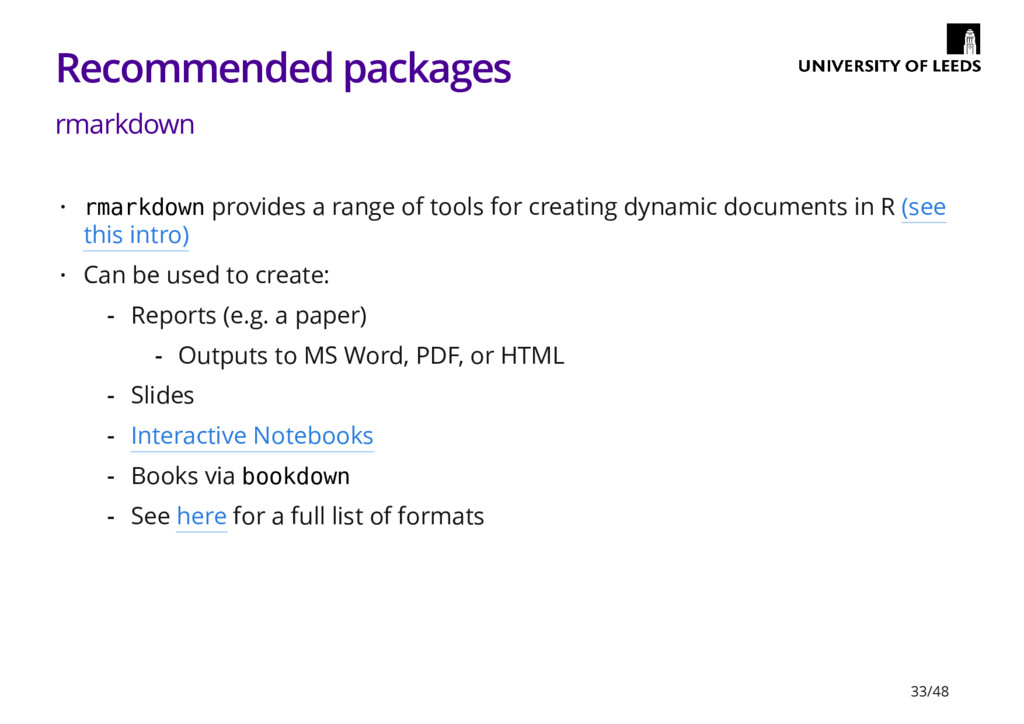
  23. Recommended packages rmarkdown rmarkdown provides a range of tools for

    creating dynamic documents in R (see this intro) Can be used to create: · · Reports (e.g. a paper) Slides Interactive Notebooks Books via bookdown See here for a full list of formats - Outputs to MS Word, PDF, or HTML - - - - - 33/48
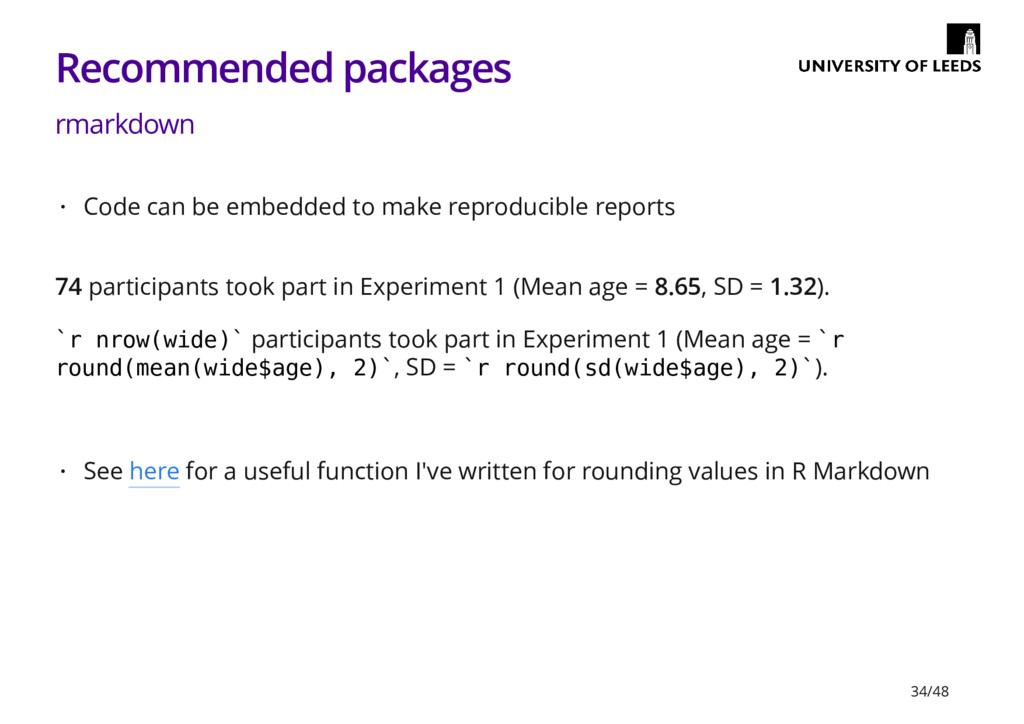
  24. Recommended packages rmarkdown 74 participants took part in Experiment 1

    (Mean age = 8.65, SD = 1.32). `r nrow(wide)` participants took part in Experiment 1 (Mean age = `r round(mean(wide$age), 2)`, SD = `r round(sd(wide$age), 2)`). Code can be embedded to make reproducible reports · See here for a useful function I've written for rounding values in R Markdown · 34/48
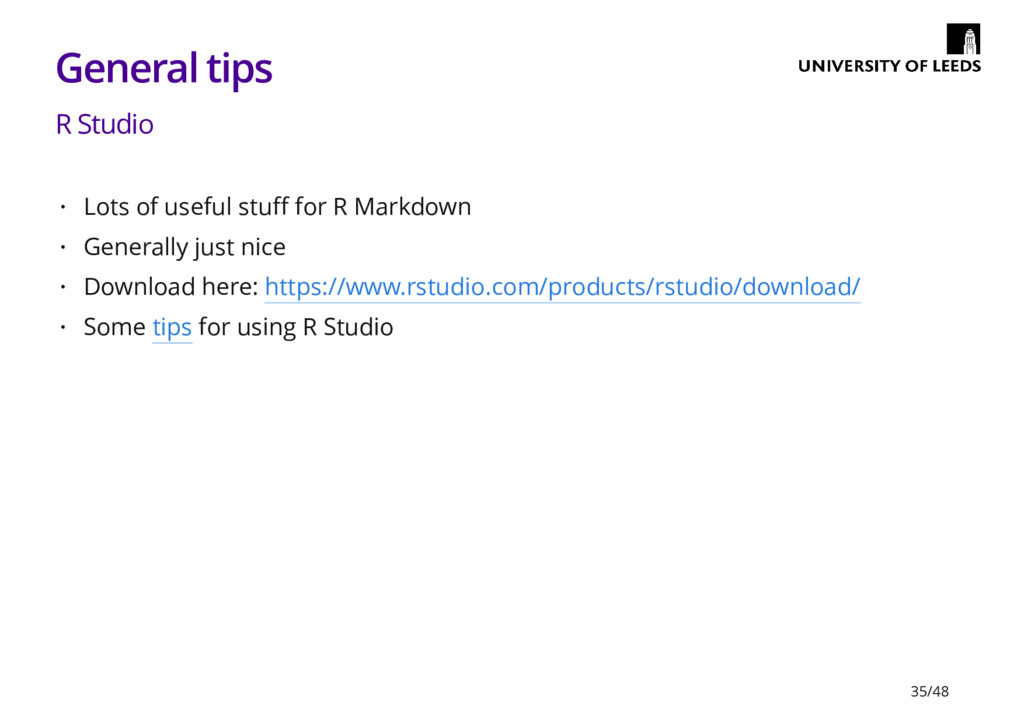
  25. General tips R Studio Lots of useful stuff for R

    Markdown Generally just nice Download here: https://www.rstudio.com/products/rstudio/download/ Some tips for using R Studio · · · · 35/48
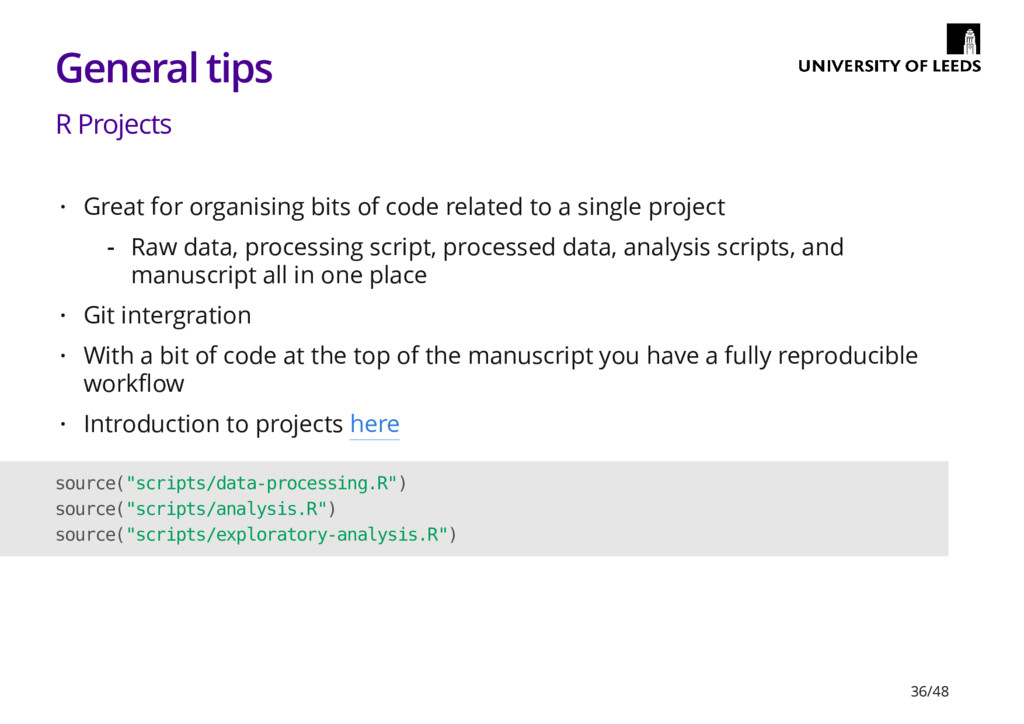
  26. General tips R Projects Great for organising bits of code

    related to a single project Git intergration With a bit of code at the top of the manuscript you have a fully reproducible workflow Introduction to projects here · Raw data, processing script, processed data, analysis scripts, and manuscript all in one place - · · · source("scripts/data-processing.R") source("scripts/analysis.R") source("scripts/exploratory-analysis.R") 36/48
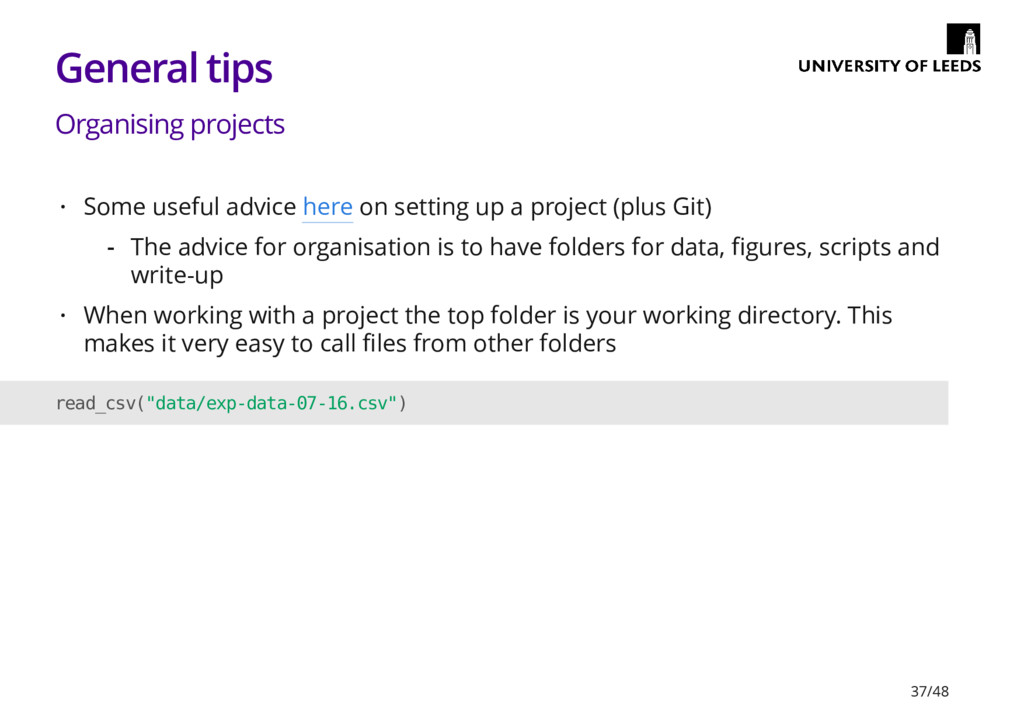
  27. General tips Organising projects Some useful advice here on setting

    up a project (plus Git) When working with a project the top folder is your working directory. This makes it very easy to call files from other folders · The advice for organisation is to have folders for data, figures, scripts and write-up - · read_csv("data/exp-data-07-16.csv") 37/48
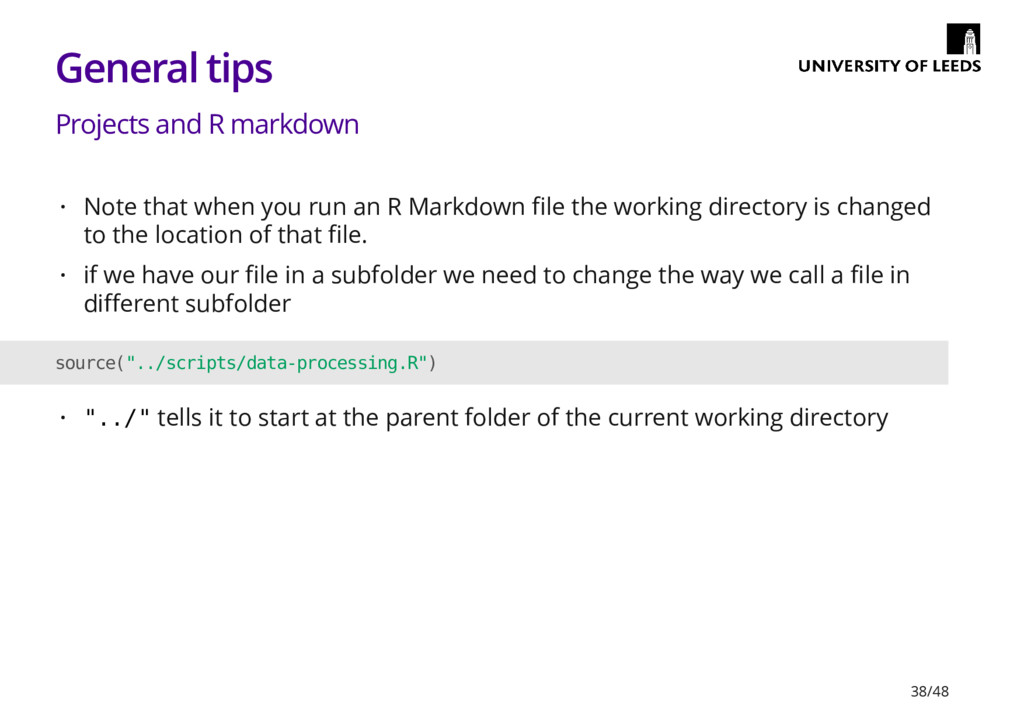
  28. General tips Projects and R markdown Note that when you

    run an R Markdown file the working directory is changed to the location of that file. if we have our file in a subfolder we need to change the way we call a file in different subfolder · · source("../scripts/data-processing.R") "../" tells it to start at the parent folder of the current working directory · 38/48
  29. General tips Reuse and improve Obviously the point of writing

    scripts is that they can be reused However, don't just settle for whatever worked first. Try to work out the best way to do something Trying to improve old code when you revisit is a useful exercise · · 'If you aren't getting frustrated you aren't learning' - Hadley Wickham - · 39/48
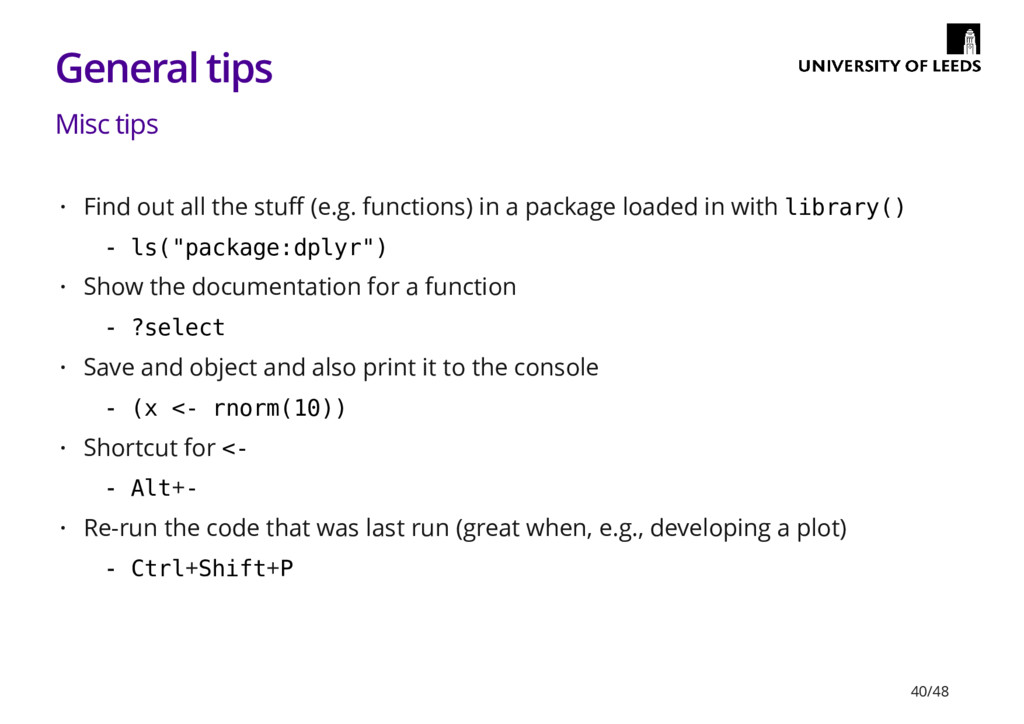
  30. General tips Misc tips Find out all the stuff (e.g.

    functions) in a package loaded in with library() Show the documentation for a function Save and object and also print it to the console Shortcut for <- Re-run the code that was last run (great when, e.g., developing a plot) · ls("package:dplyr") - · ?select - · (x <- rnorm(10)) - · Alt+- - · Ctrl+Shift+P - 40/48
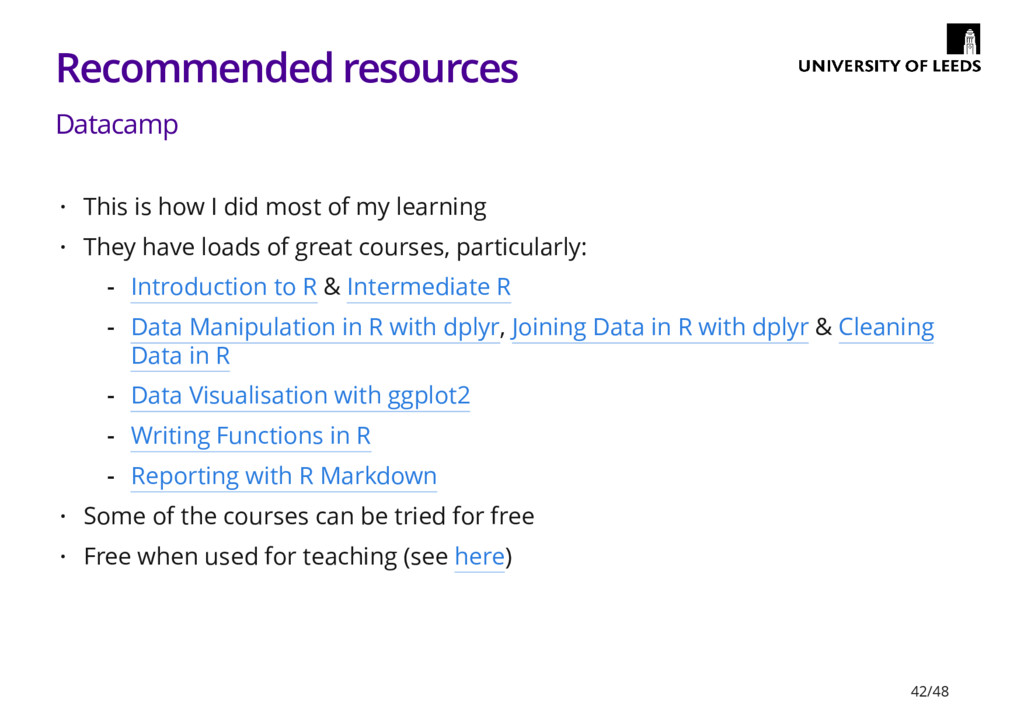
  31. Recommended resources Datacamp This is how I did most of

    my learning They have loads of great courses, particularly: Some of the courses can be tried for free Free when used for teaching (see here) · · Introduction to R & Intermediate R Data Manipulation in R with dplyr, Joining Data in R with dplyr & Cleaning Data in R Data Visualisation with ggplot2 Writing Functions in R Reporting with R Markdown - - - - - · · 42/48
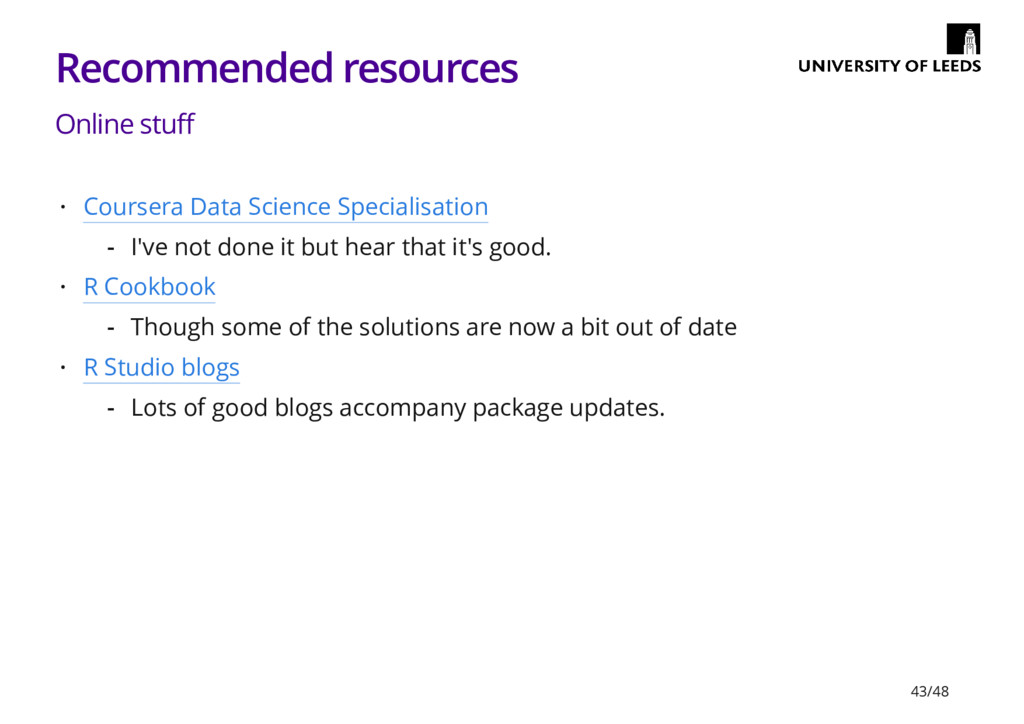
  32. Recommended resources Online stuff Coursera Data Science Specialisation R Cookbook

    R Studio blogs · I've not done it but hear that it's good. - · Though some of the solutions are now a bit out of date - · Lots of good blogs accompany package updates. - 43/48
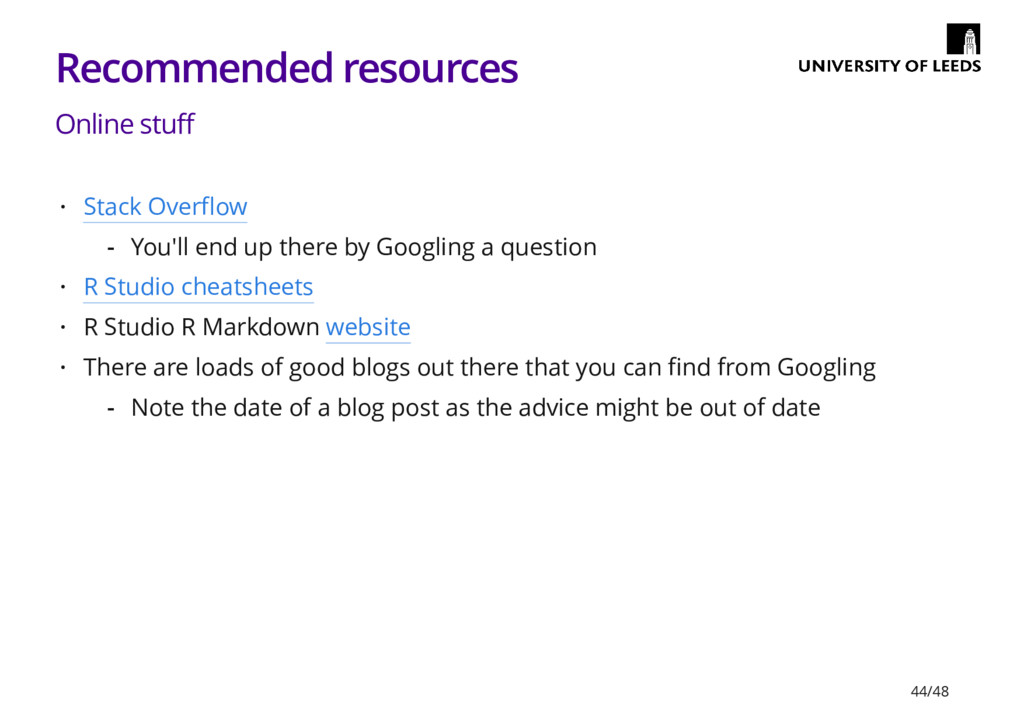
  33. Recommended resources Online stuff Stack Overflow R Studio cheatsheets R

    Studio R Markdown website There are loads of good blogs out there that you can find from Googling · You'll end up there by Googling a question - · · · Note the date of a blog post as the advice might be out of date - 44/48
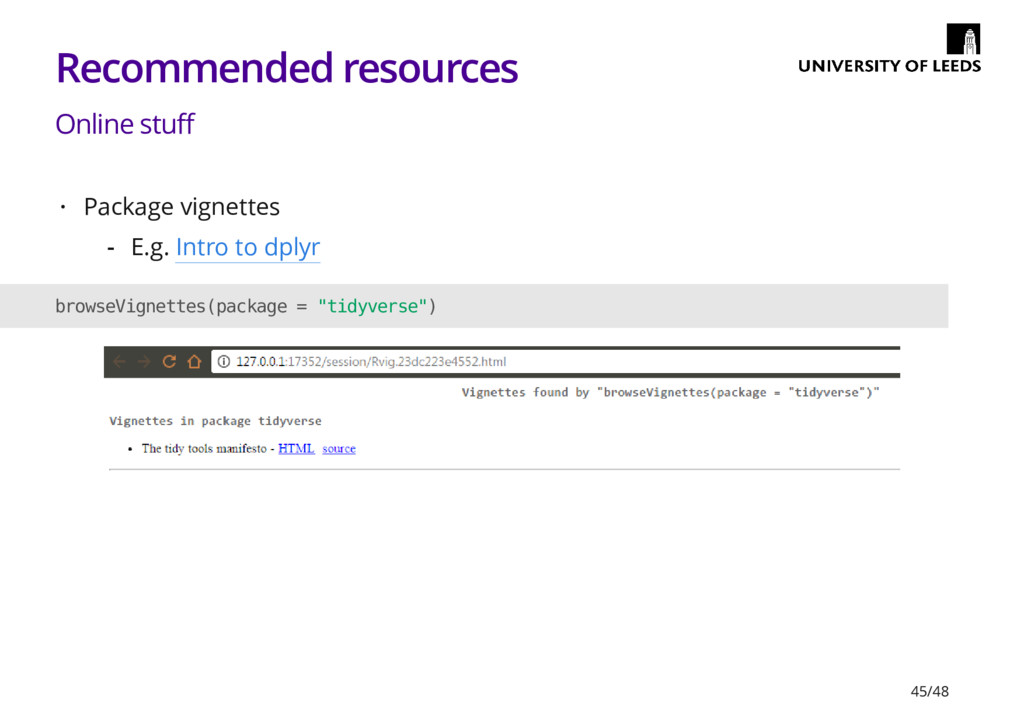
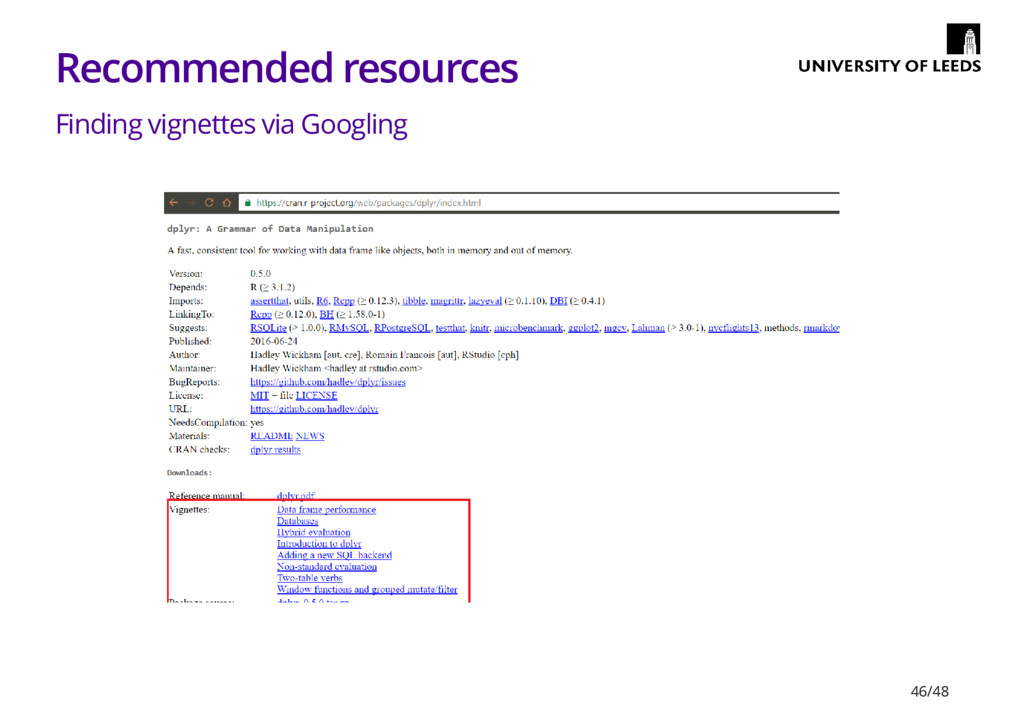
  34. Recommended resources Online stuff Package vignettes · E.g. Intro to

    dplyr - browseVignettes(package = "tidyverse") 45/48
  35. Recommended resources Books R for Data Science by Garrett Grolemund

    & Hadley Wickham bookdown: Authoring Books and Technical Documents with R Markdown by Yihui Xie Dynamic Documents with R and Knitr by Yihui Xie Discovering Statistics Using R by Andy Field · · · · Published in 2012 so the stuff on data manipulation, in particular, is out of date - 47/48
  36. Where to get the code for these slides https://github.com/eddjberry/intro-to-R-talks See

    the file intro-to-R.Rmd · · There is also a knitted HTML version of the slides on GitHub - 48/48