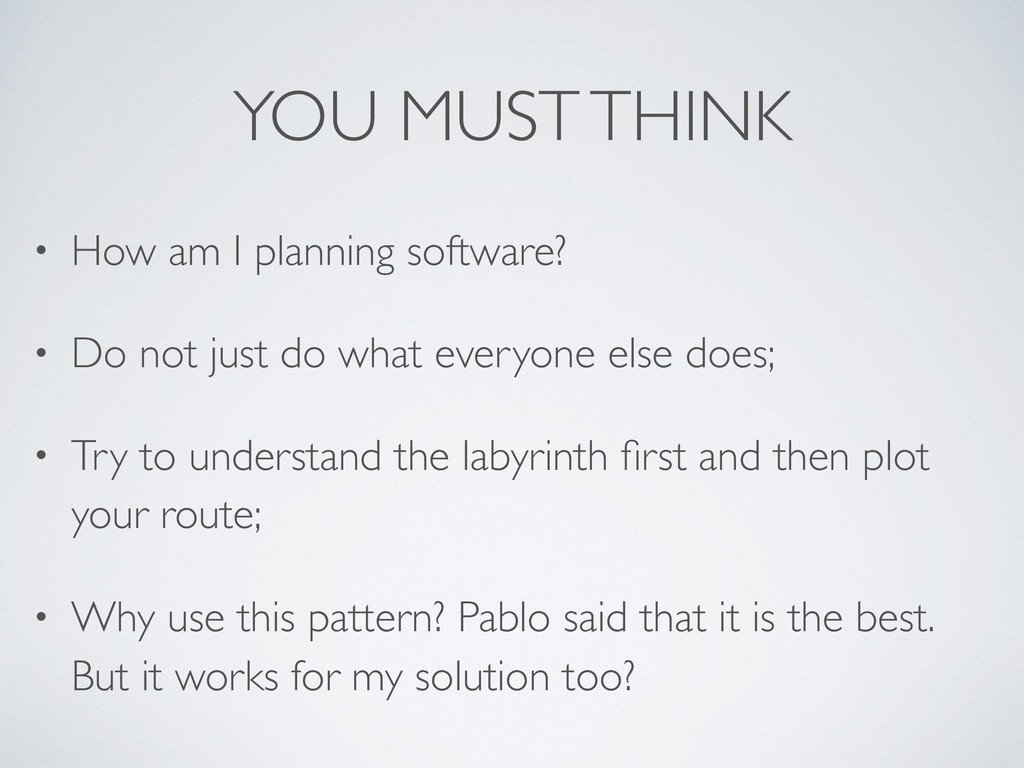
Do not just do what everyone else does; • Try to understand the labyrinth first and then plot your route; • Why use this pattern? Pablo said that it is the best. But it works for my solution too?
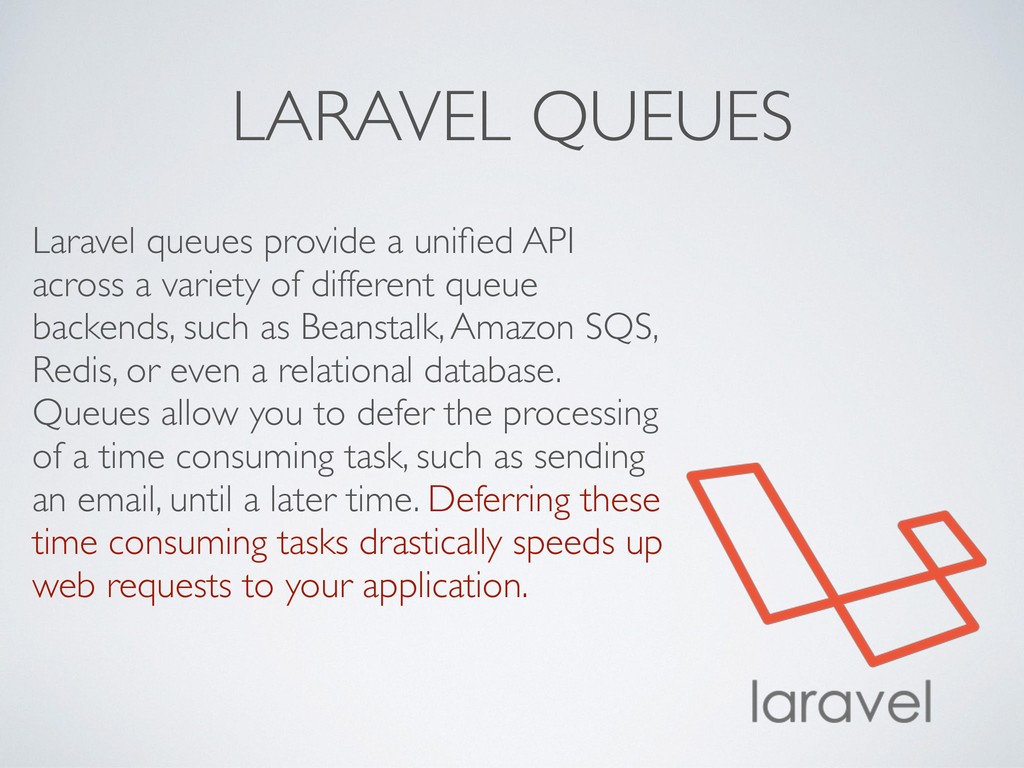
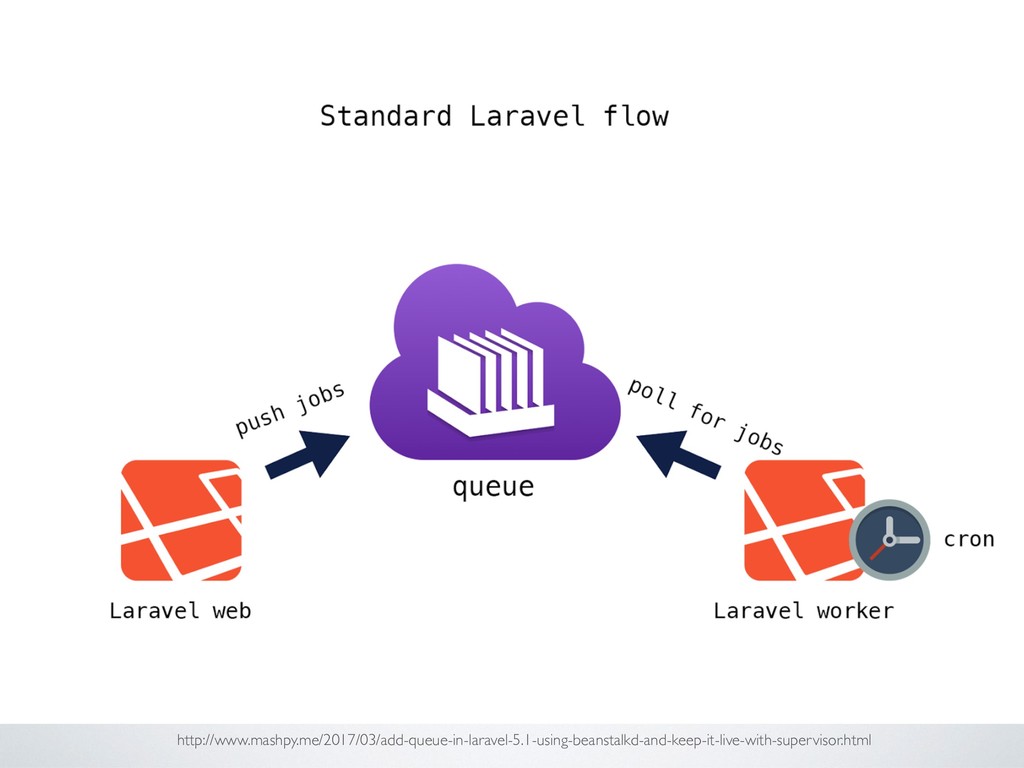
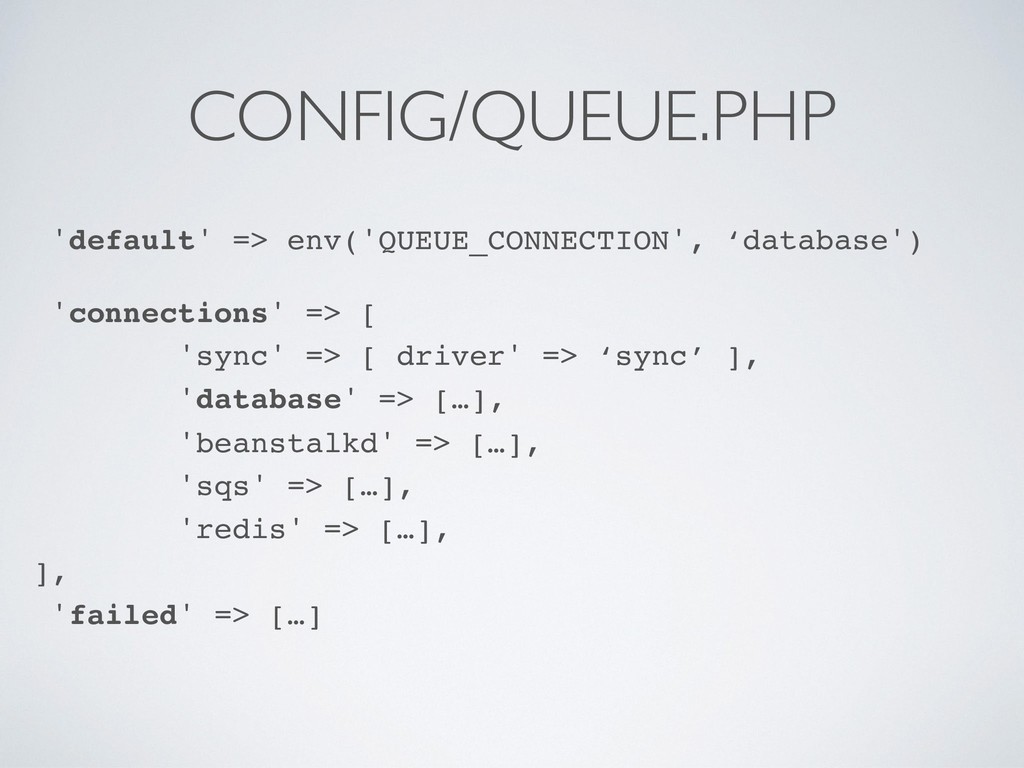
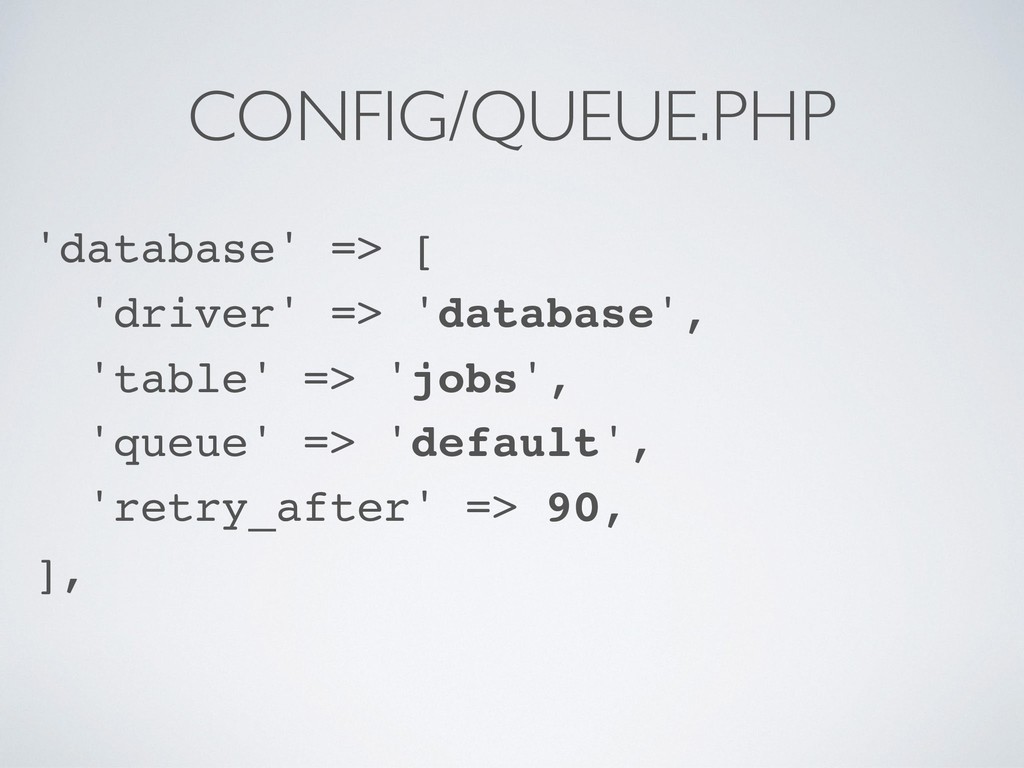
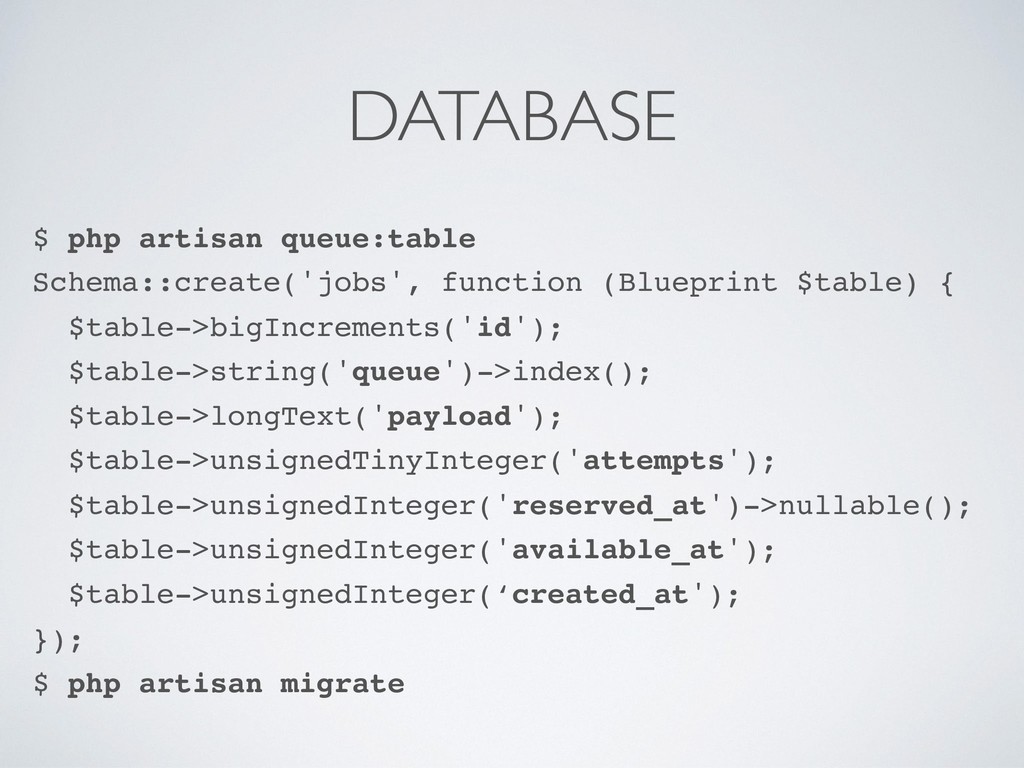
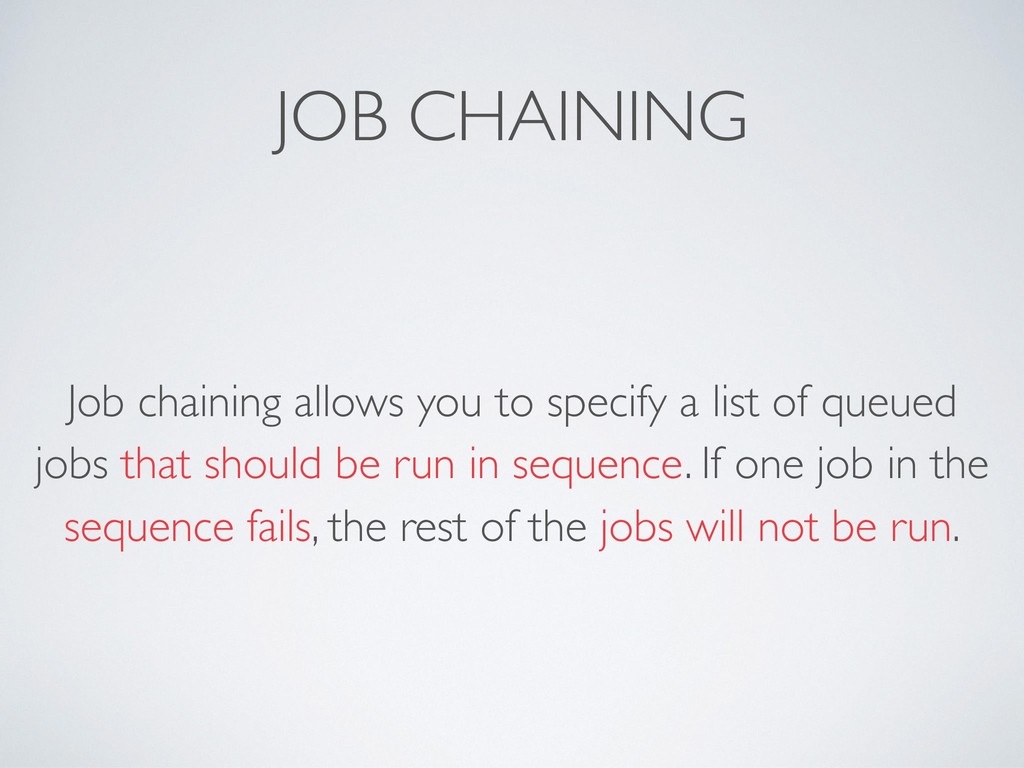
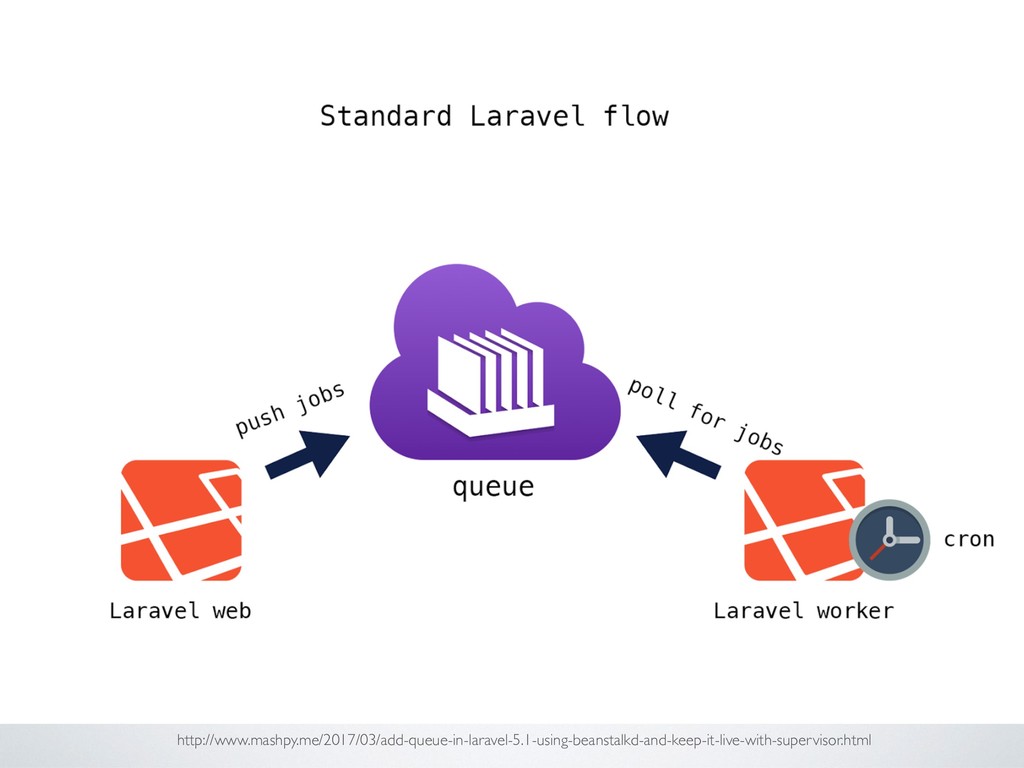
variety of different queue backends, such as Beanstalk, Amazon SQS, Redis, or even a relational database. Queues allow you to defer the processing of a time consuming task, such as sending an email, until a later time. Deferring these time consuming tasks drastically speeds up web requests to your application.
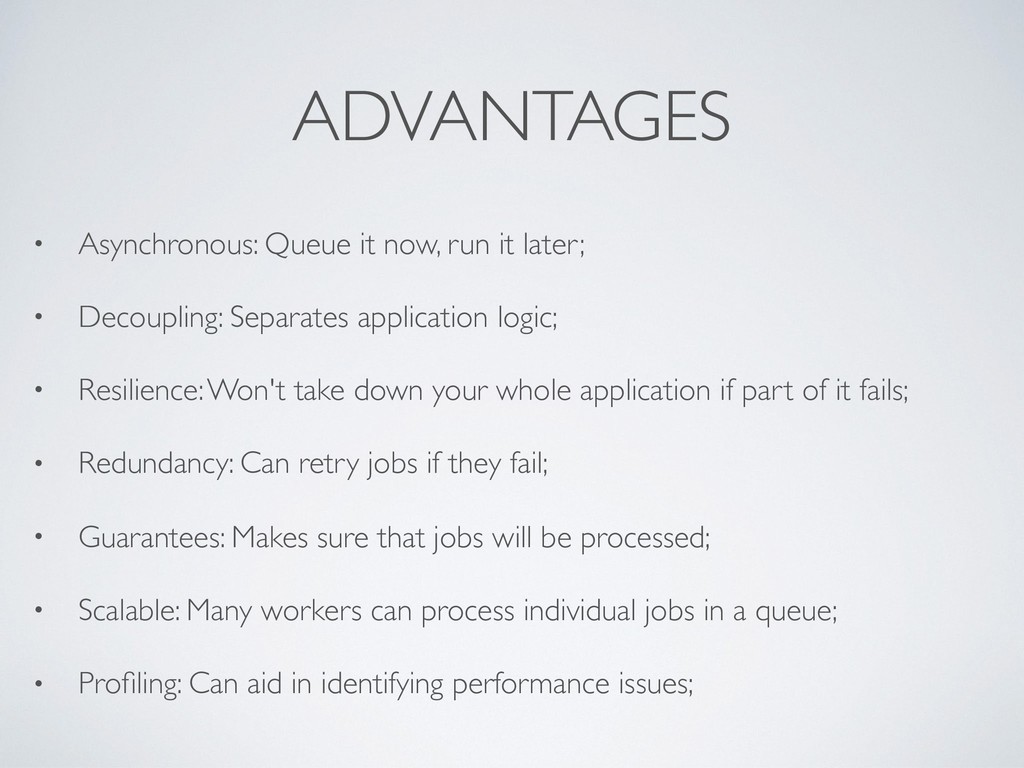
Decoupling: Separates application logic; • Resilience: Won't take down your whole application if part of it fails; • Redundancy: Can retry jobs if they fail; • Guarantees: Makes sure that jobs will be processed; • Scalable: Many workers can process individual jobs in a queue; • Profiling: Can aid in identifying performance issues;
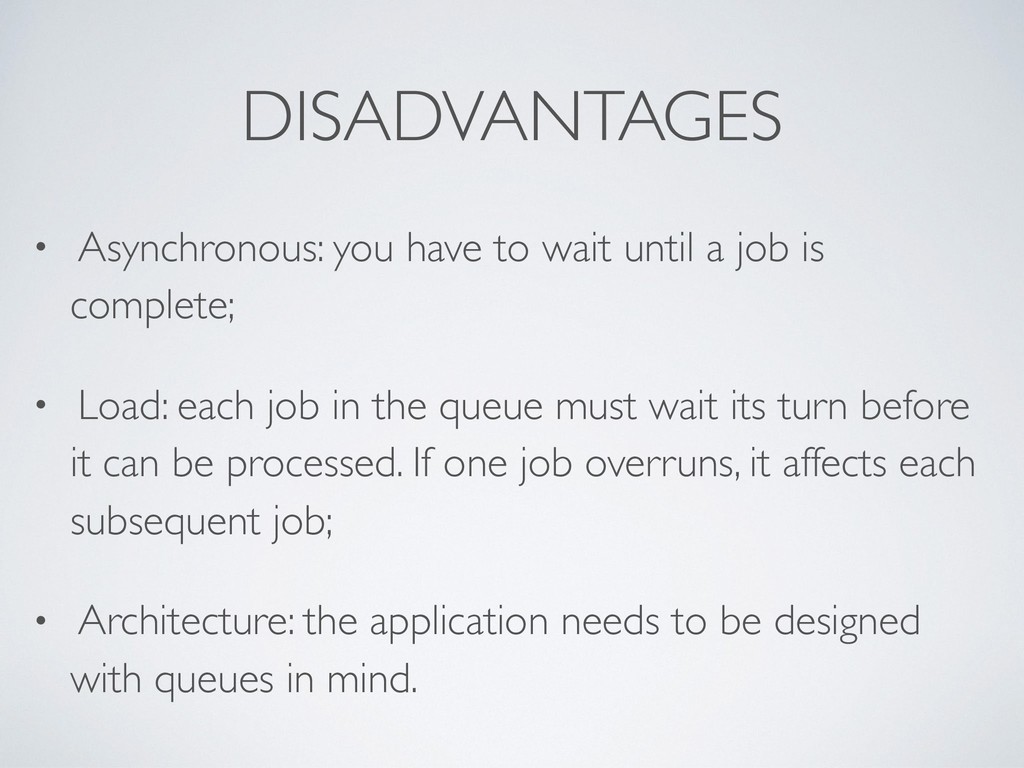
is complete; • Load: each job in the queue must wait its turn before it can be processed. If one job overruns, it affects each subsequent job; • Architecture: the application needs to be designed with queues in mind.
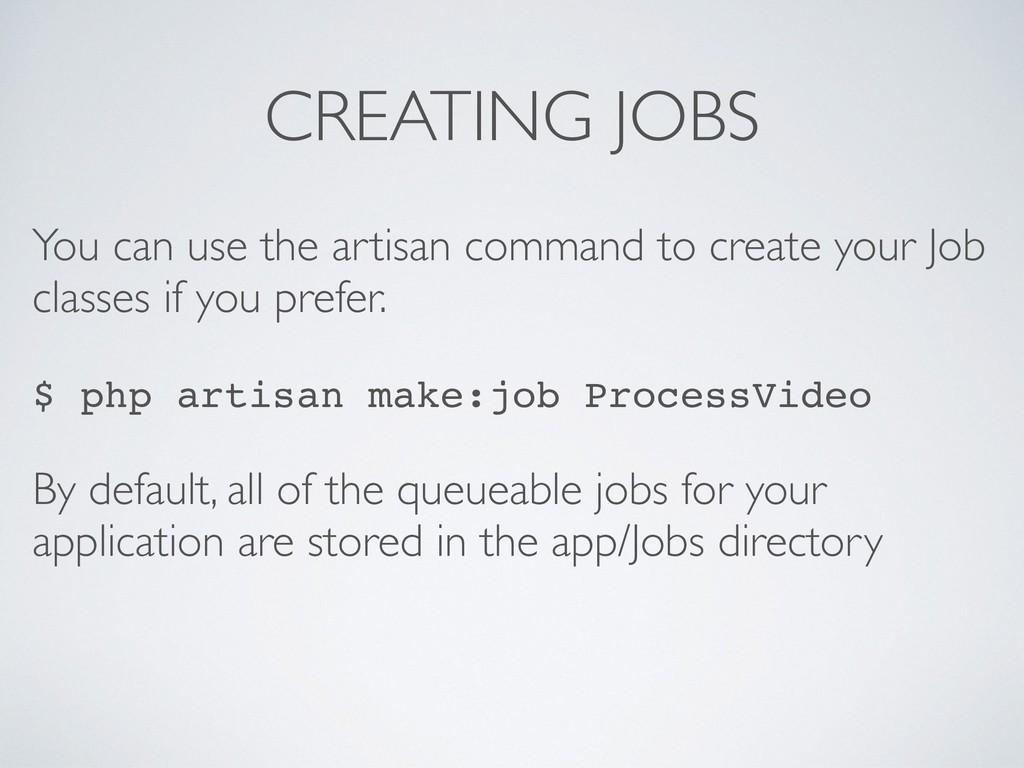
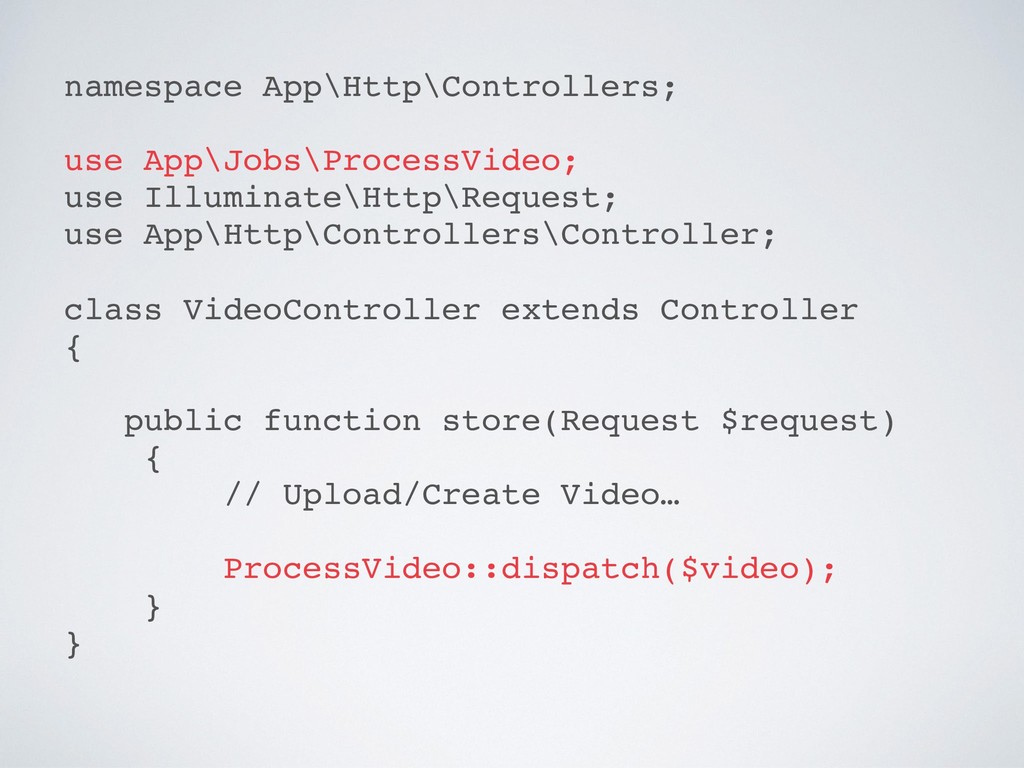
your Job classes if you prefer. $ php artisan make:job ProcessVideo By default, all of the queueable jobs for your application are stored in the app/Jobs directory
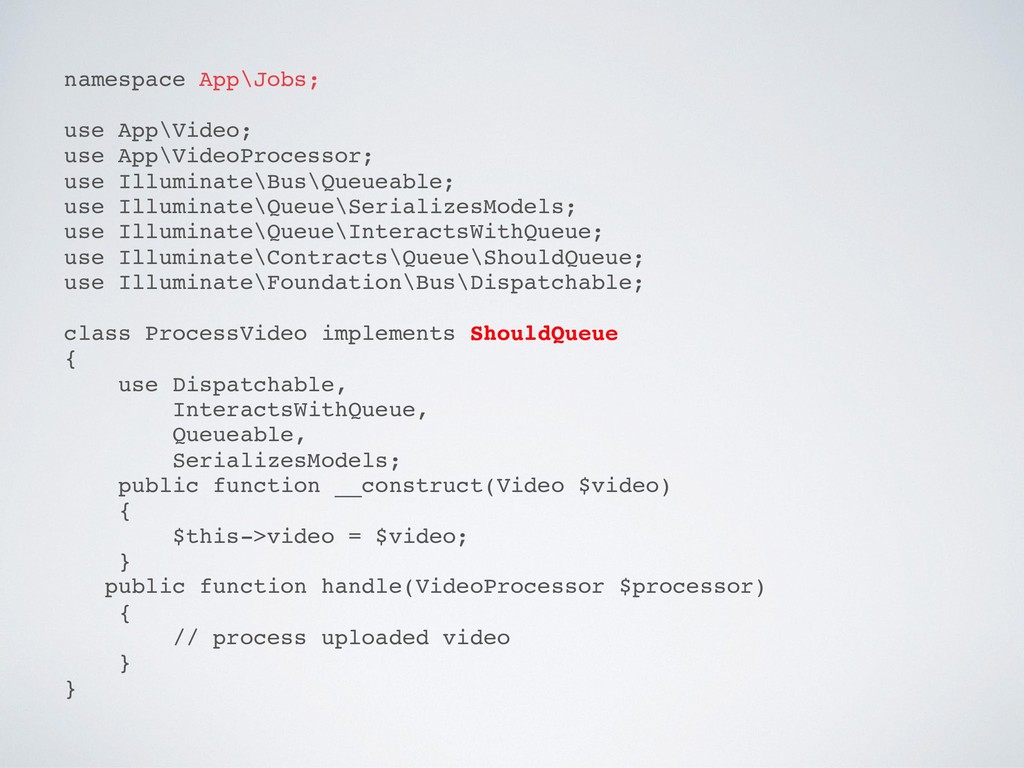
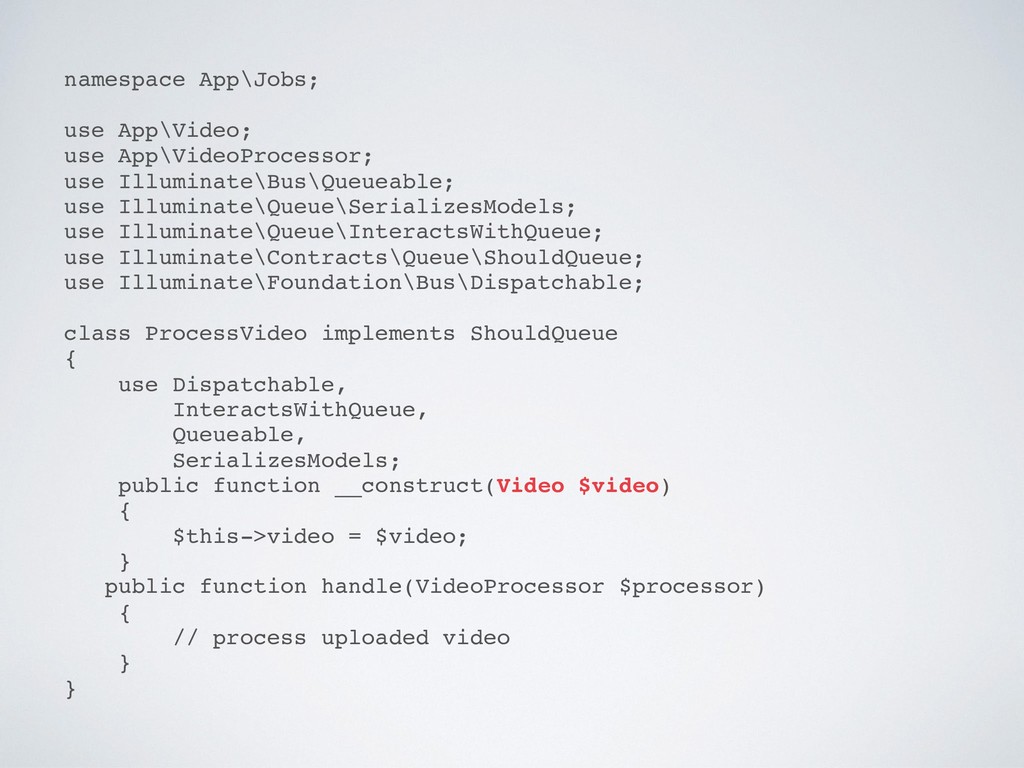
use Illuminate\Queue\InteractsWithQueue; use Illuminate\Contracts\Queue\ShouldQueue; use Illuminate\Foundation\Bus\Dispatchable; class ProcessVideo implements ShouldQueue { use Dispatchable, InteractsWithQueue, Queueable, SerializesModels; public function __construct(Video $video) { $this->video = $video; } public function handle(VideoProcessor $processor) { // process uploaded video } }
system will automatically re-retrieve the full model instance from the database. It's all totally transparent to your application and prevents issues that can arise from serializing full Eloquent model instances.
use Illuminate\Queue\InteractsWithQueue; use Illuminate\Contracts\Queue\ShouldQueue; use Illuminate\Foundation\Bus\Dispatchable; class ProcessVideo implements ShouldQueue { use Dispatchable, InteractsWithQueue, Queueable, SerializesModels; public function __construct(Video $video) { $this->video = $video; } public function handle(VideoProcessor $processor) { // process uploaded video } }
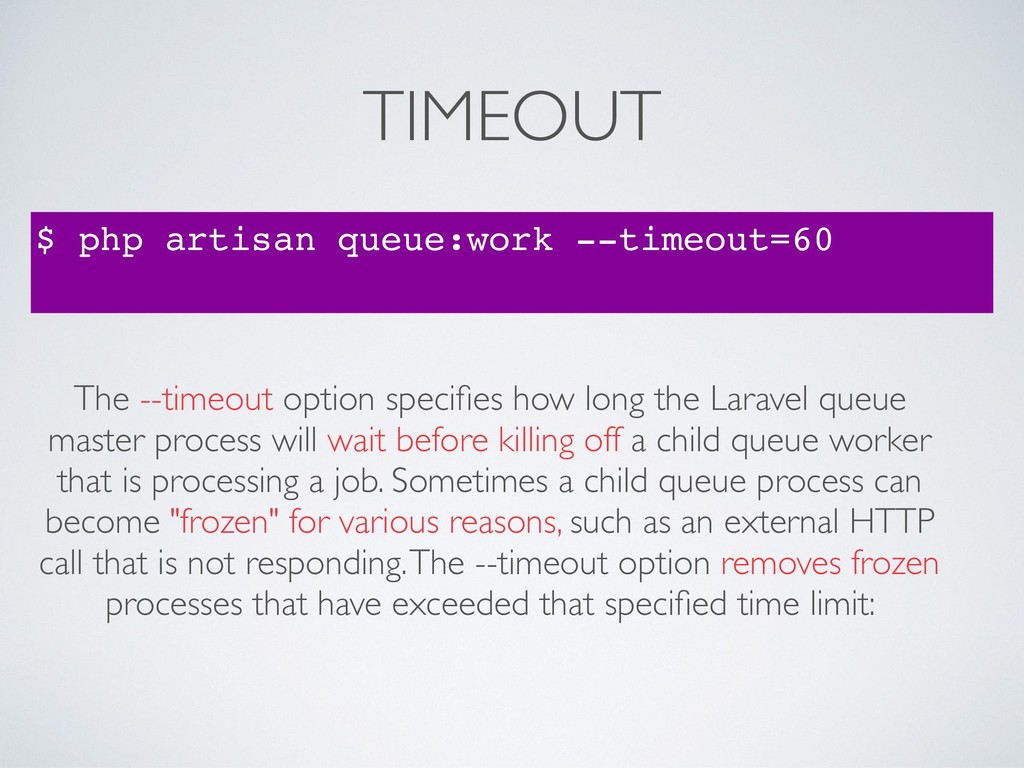
how long the Laravel queue master process will wait before killing off a child queue worker that is processing a job. Sometimes a child queue process can become "frozen" for various reasons, such as an external HTTP call that is not responding. The --timeout option removes frozen processes that have exceeded that specified time limit:
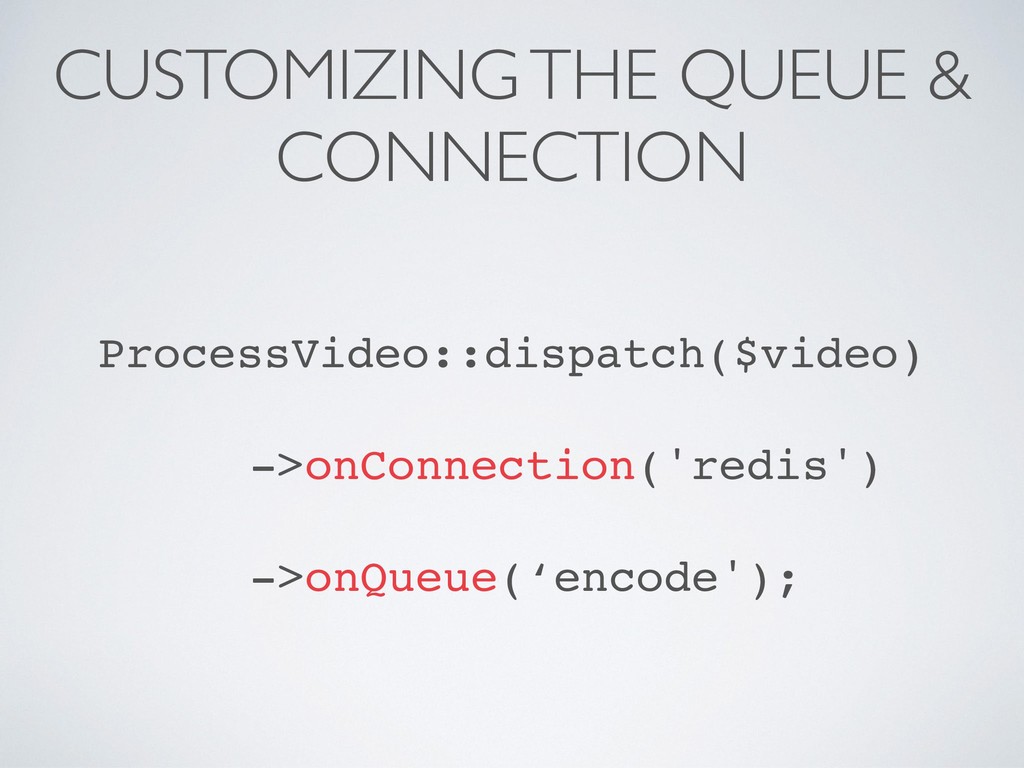
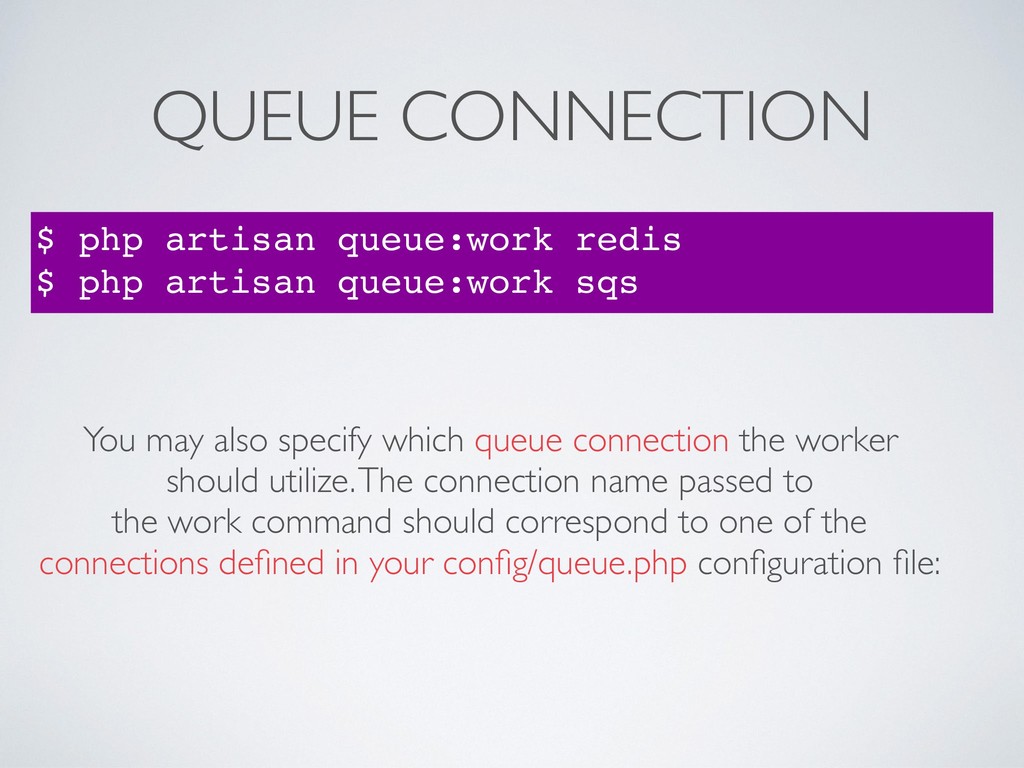
queue:work sqs You may also specify which queue connection the worker should utilize. The connection name passed to the work command should correspond to one of the connections defined in your config/queue.php configuration file:
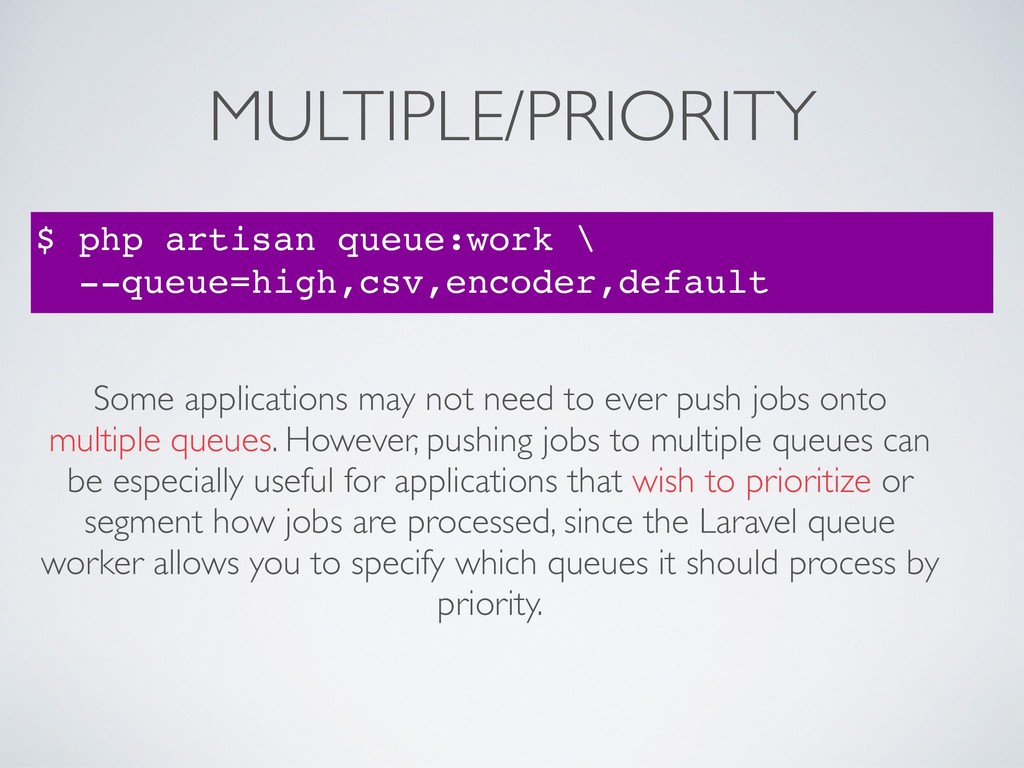
not need to ever push jobs onto multiple queues. However, pushing jobs to multiple queues can be especially useful for applications that wish to prioritize or segment how jobs are processed, since the Laravel queue worker allows you to specify which queues it should process by priority.
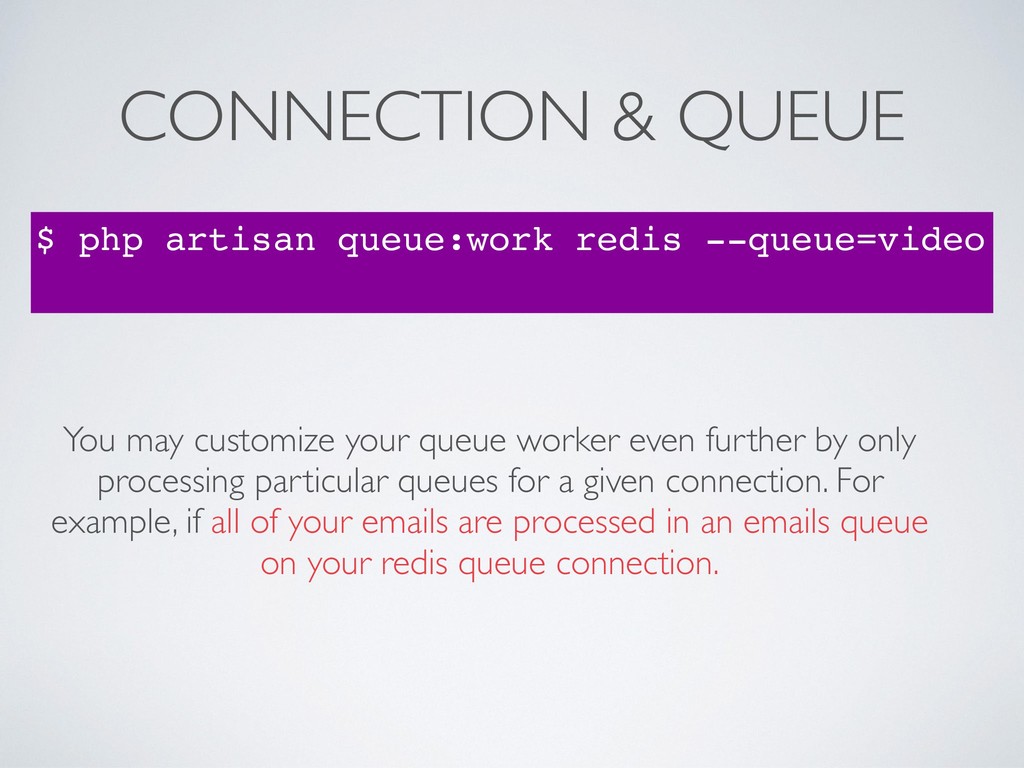
may customize your queue worker even further by only processing particular queues for a given connection. For example, if all of your emails are processed in an emails queue on your redis queue connection.
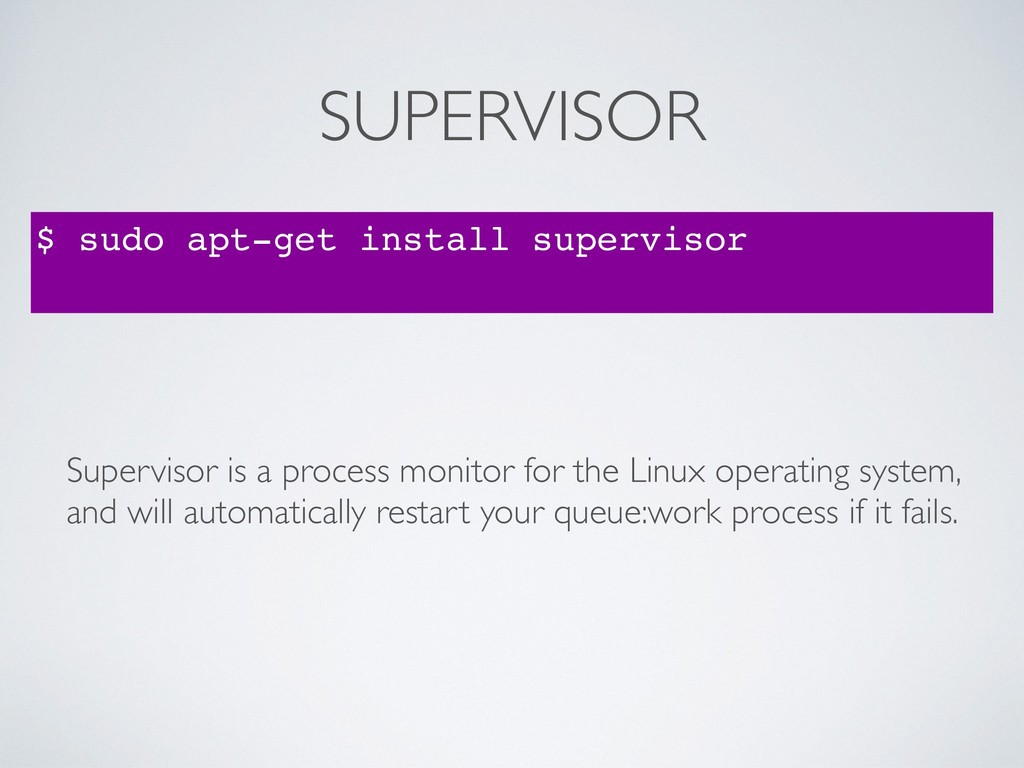
autostart=true autorestart=true user=laravel numprocs=10 redirect_stderr=true stdout_logfile=/home/forge/app.com/worker.log In this example, the numprocs directive will instruct Supervisor to run 10 queue:work processes and monitor all of them, automatically restarting them if they fail.
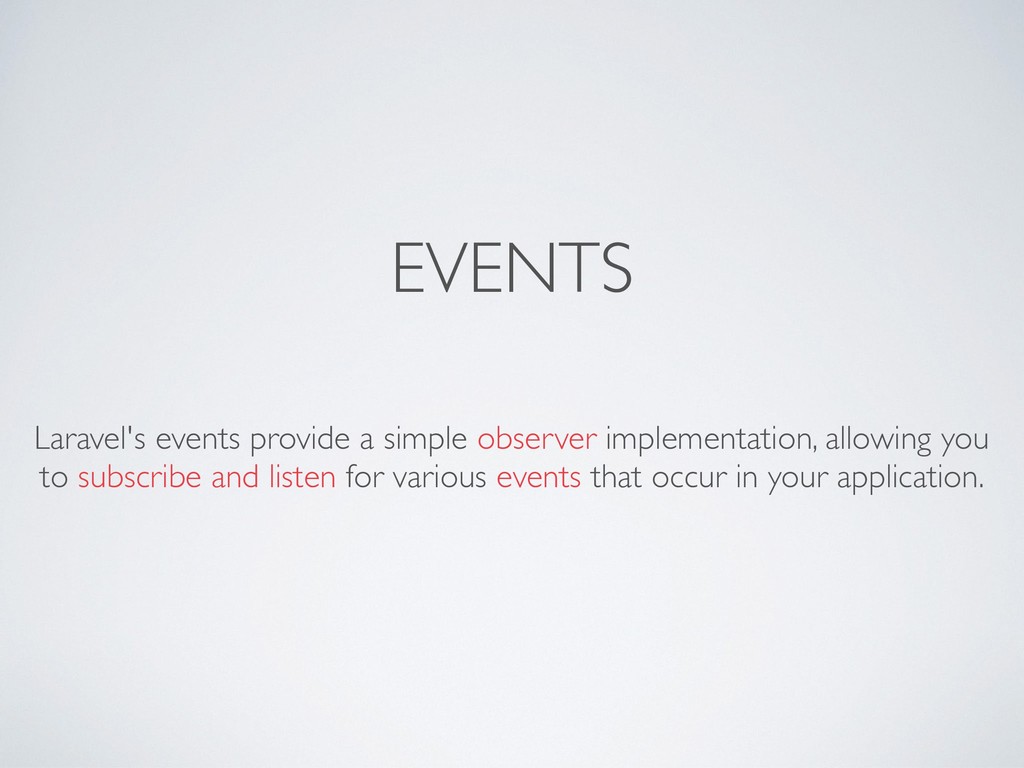
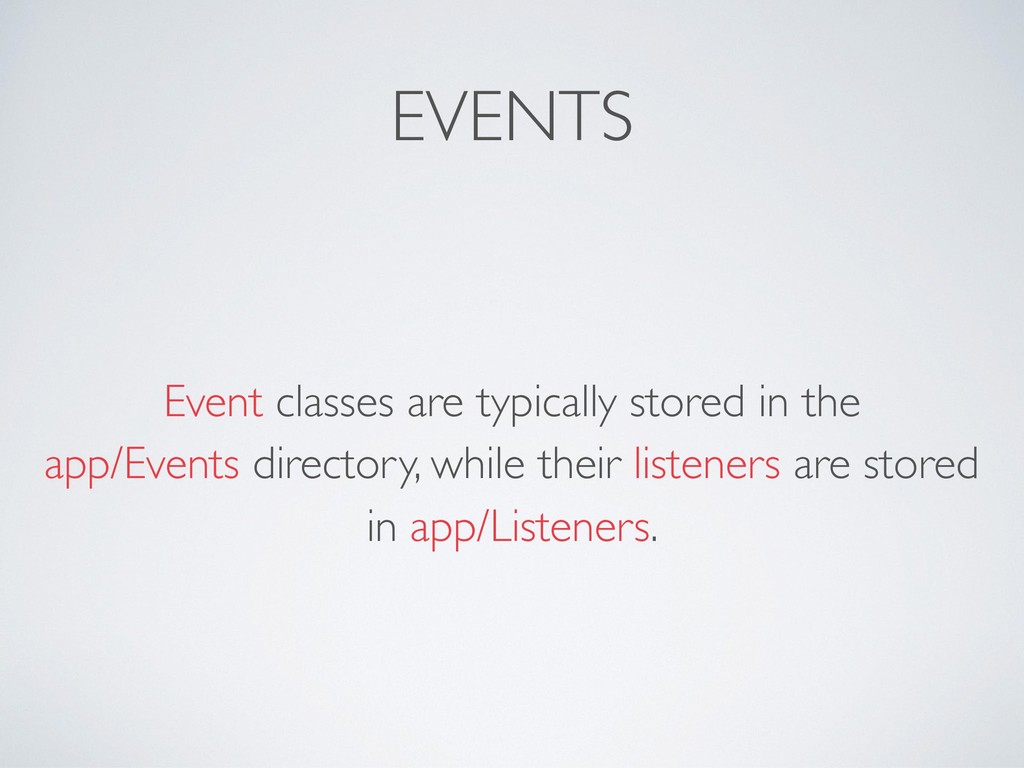
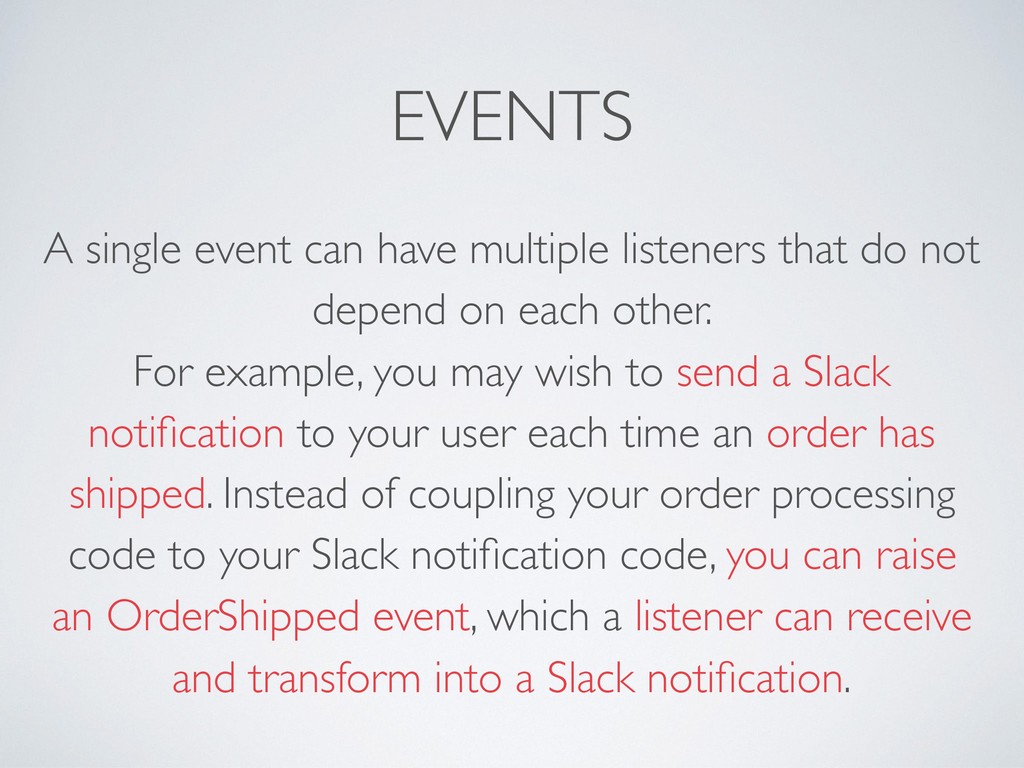
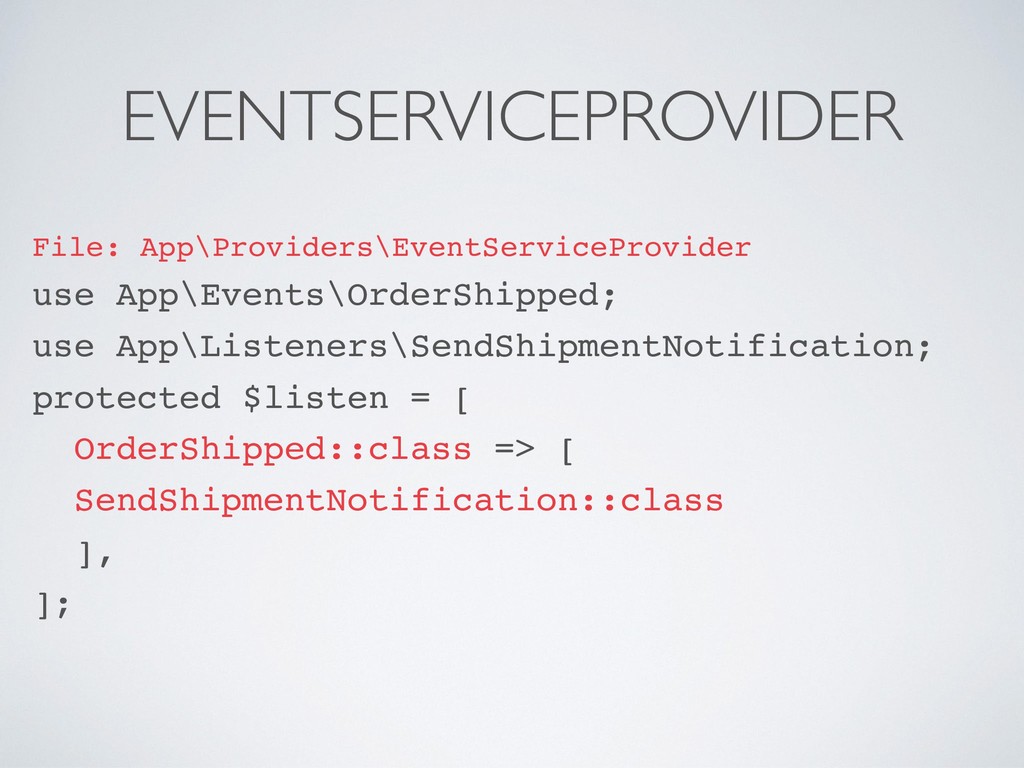
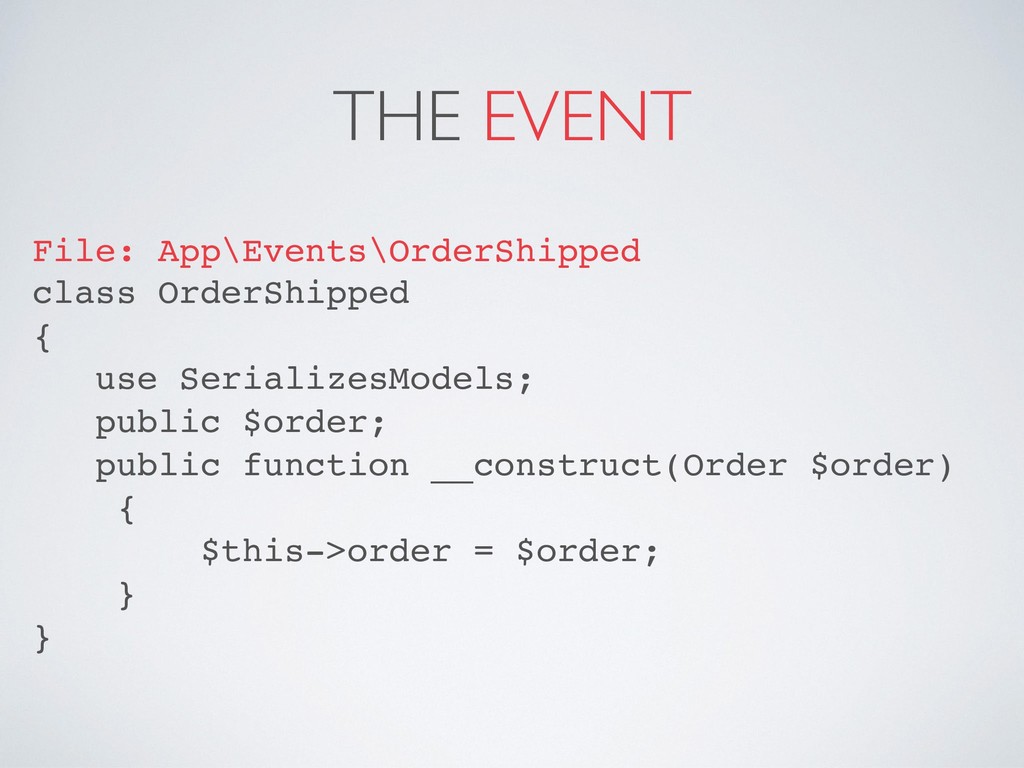
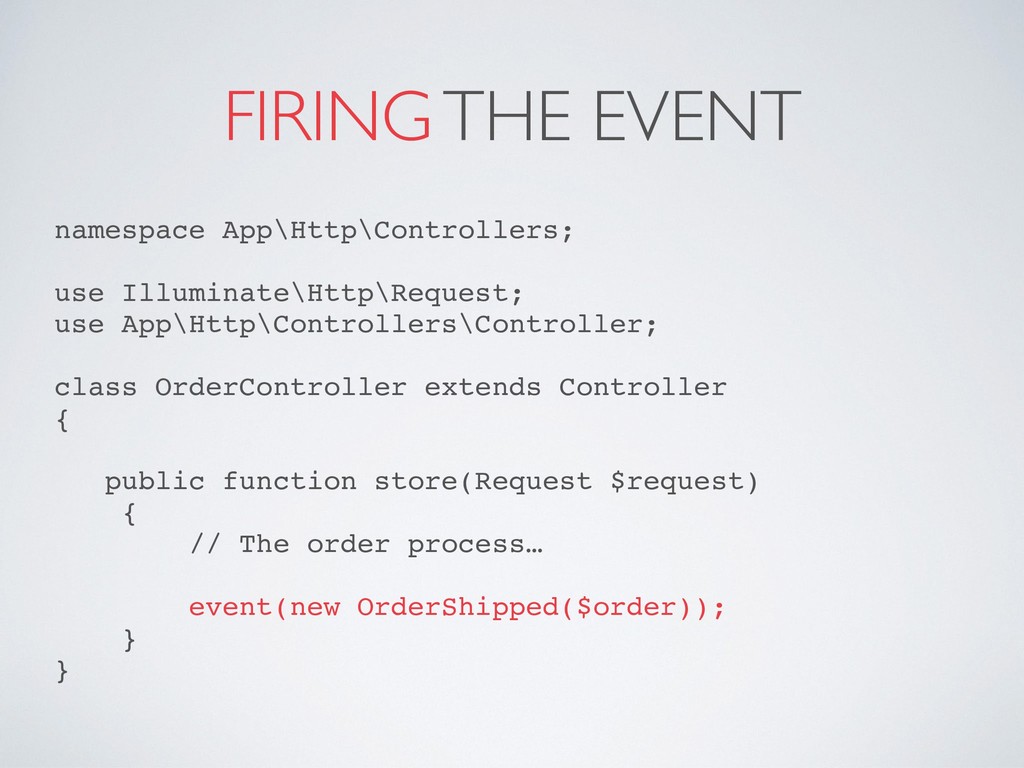
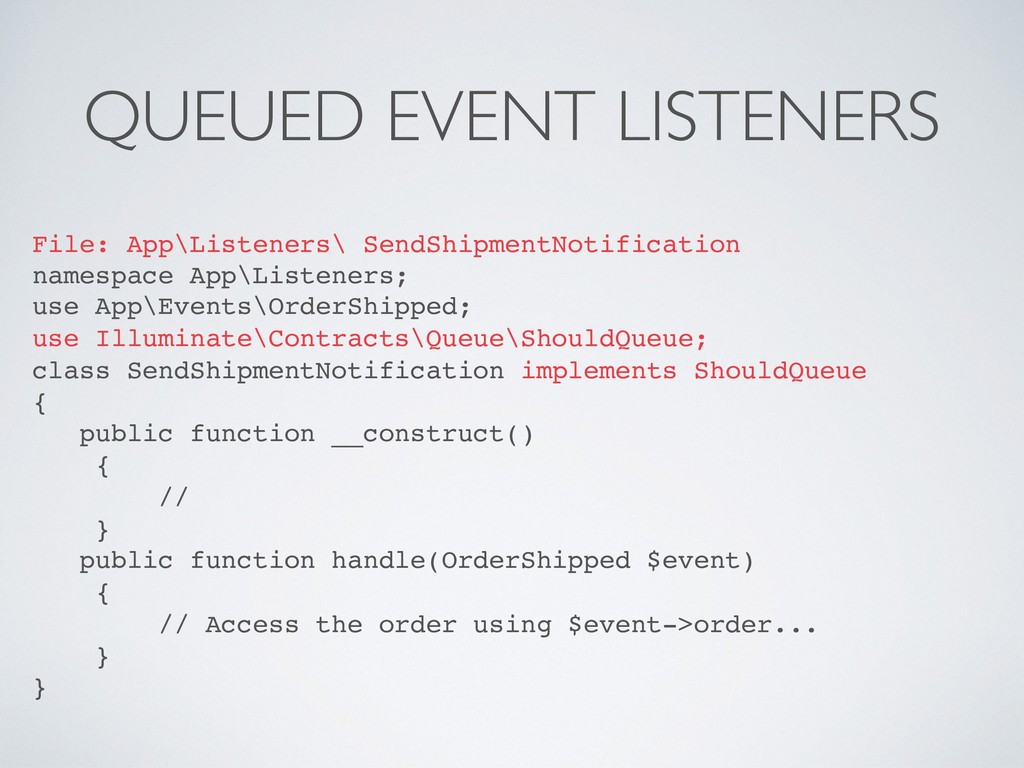
not depend on each other. For example, you may wish to send a Slack notification to your user each time an order has shipped. Instead of coupling your order processing code to your Slack notification code, you can raise an OrderShipped event, which a listener can receive and transform into a Slack notification.
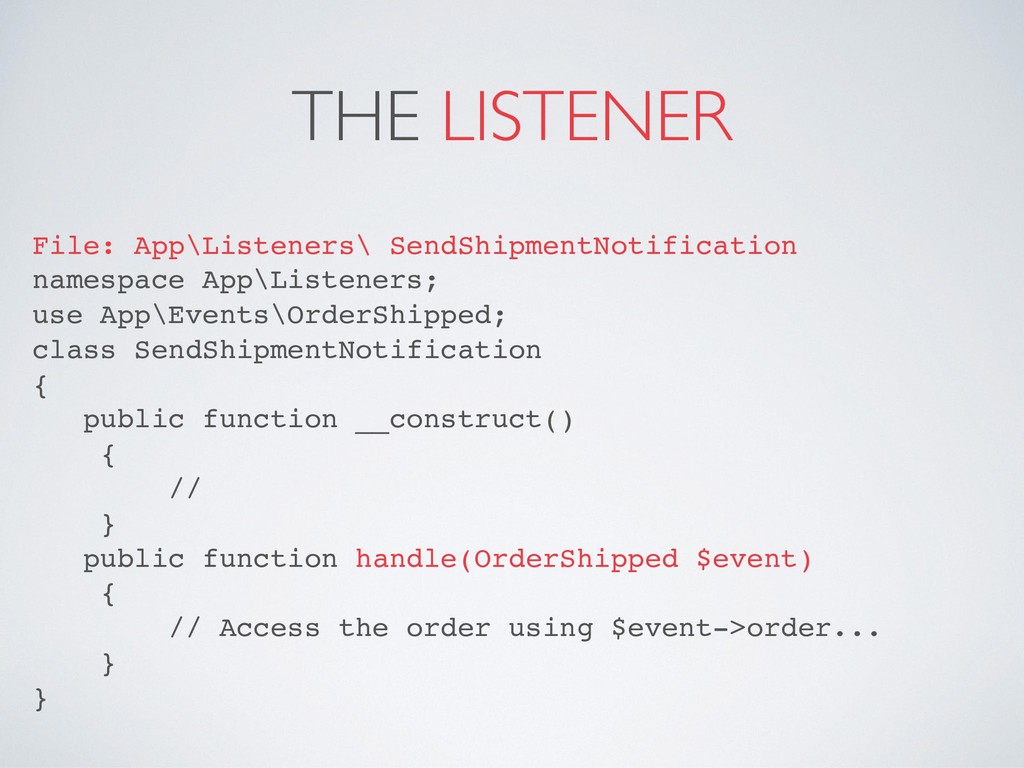
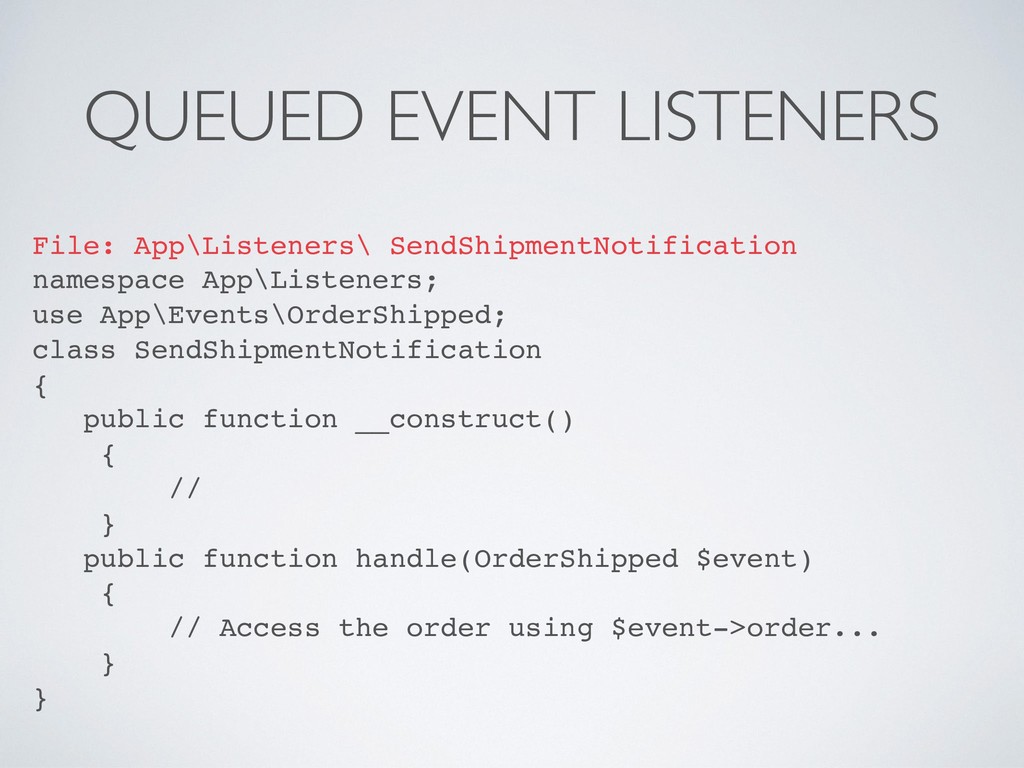
SendShipmentNotification { public function __construct() { // } public function handle(OrderShipped $event) { // Access the order using $event->order... } }
class SendShipmentNotification { public function __construct() { // } public function handle(OrderShipped $event) { // Access the order using $event->order... } }
use Illuminate\Contracts\Queue\ShouldQueue; class SendShipmentNotification implements ShouldQueue { public function __construct() { // } public function handle(OrderShipped $event) { // Access the order using $event->order... } }
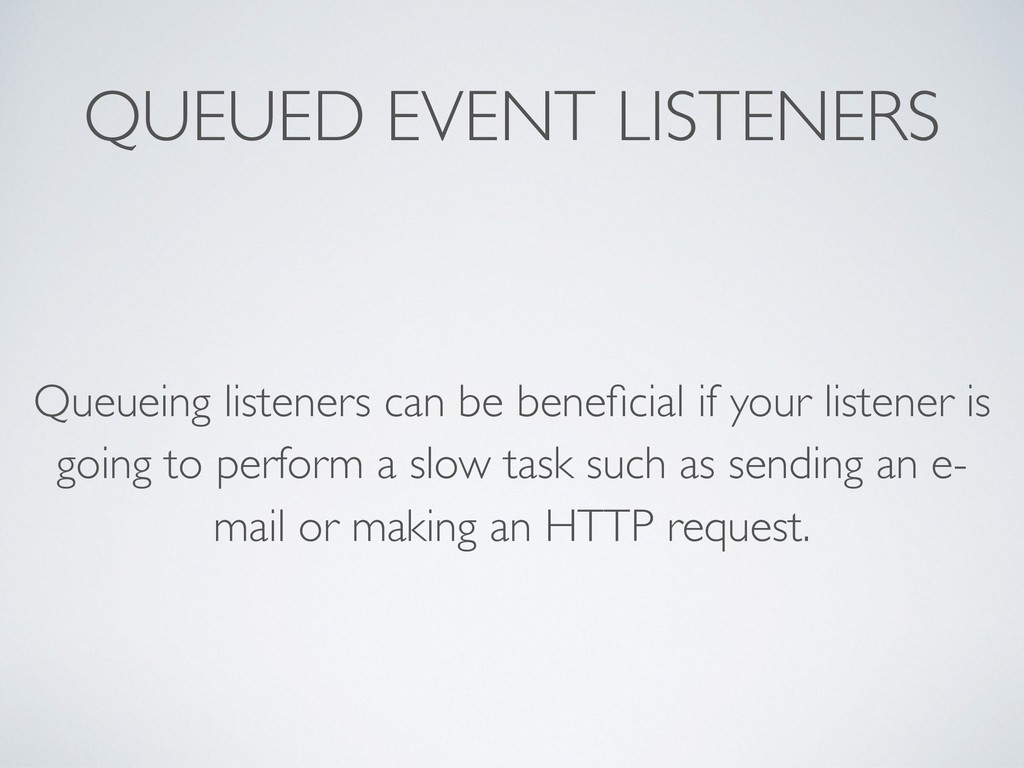
event, it will be automatically queued by the event dispatcher using Laravel's queue system. If no exceptions are thrown when the listener is executed by the queue, the queued job will automatically be deleted after it has finished processing.
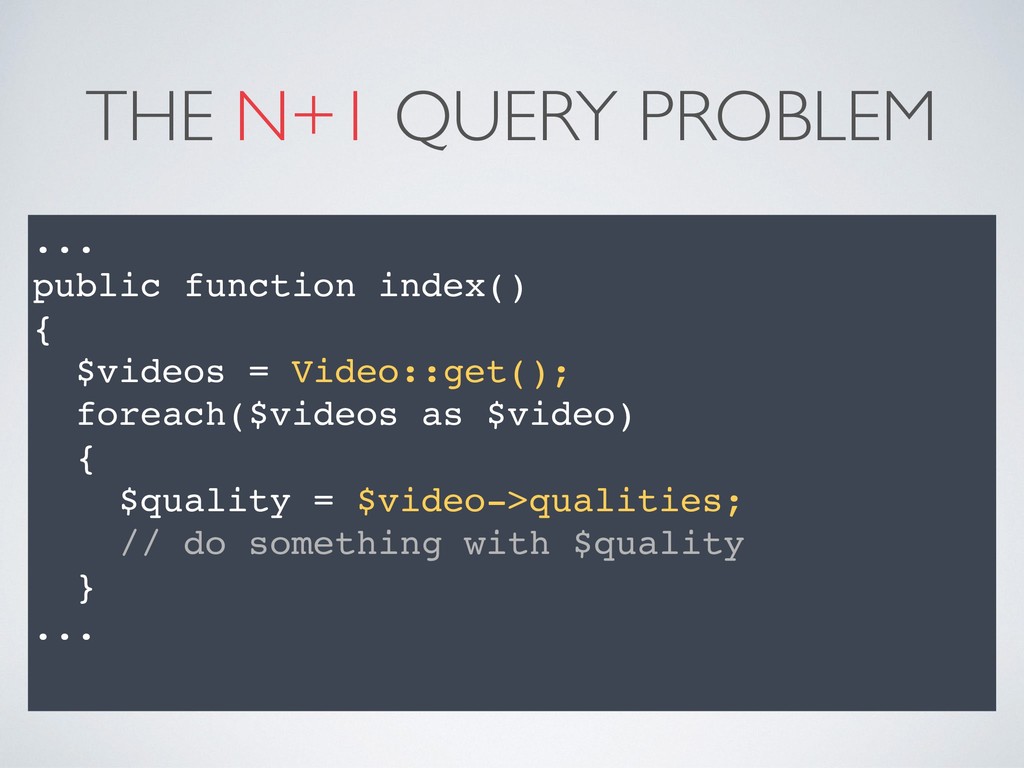
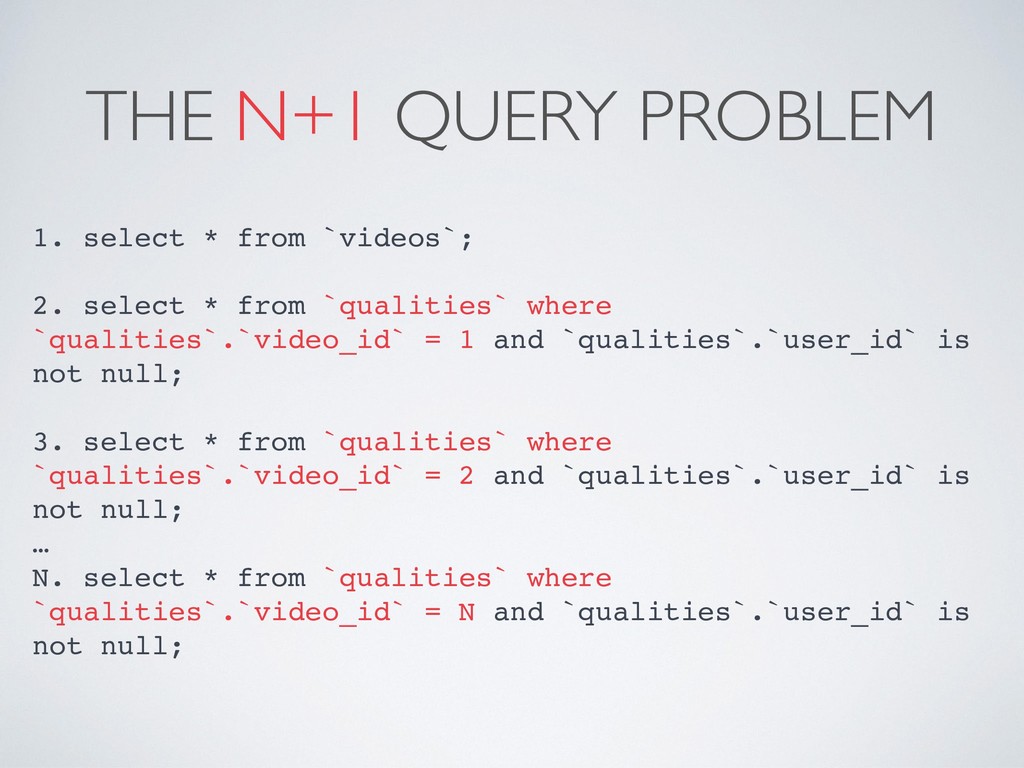
select * from `qualities` where `qualities`.`video_id` = 1 and `qualities`.`user_id` is not null; 3. select * from `qualities` where `qualities`.`video_id` = 2 and `qualities`.`user_id` is not null; … N. select * from `qualities` where `qualities`.`video_id` = N and `qualities`.`user_id` is not null;
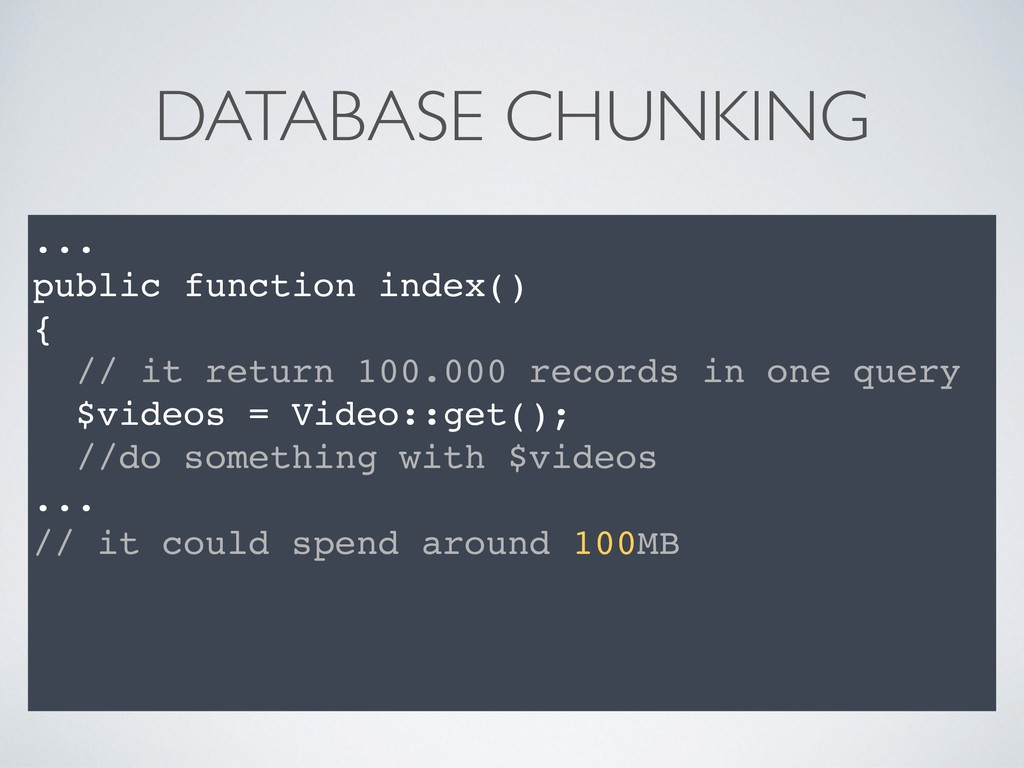
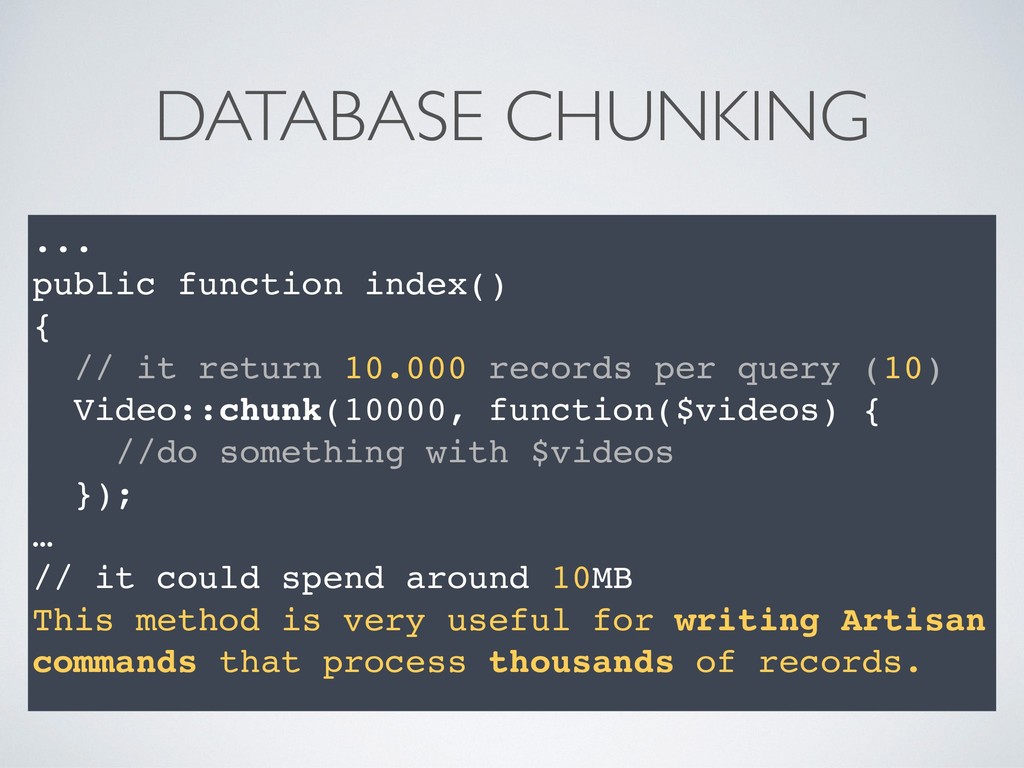
10.000 records per query (10) Video::chunk(10000, function($videos) { //do something with $videos }); … // it could spend around 10MB This method is very useful for writing Artisan commands that process thousands of records.
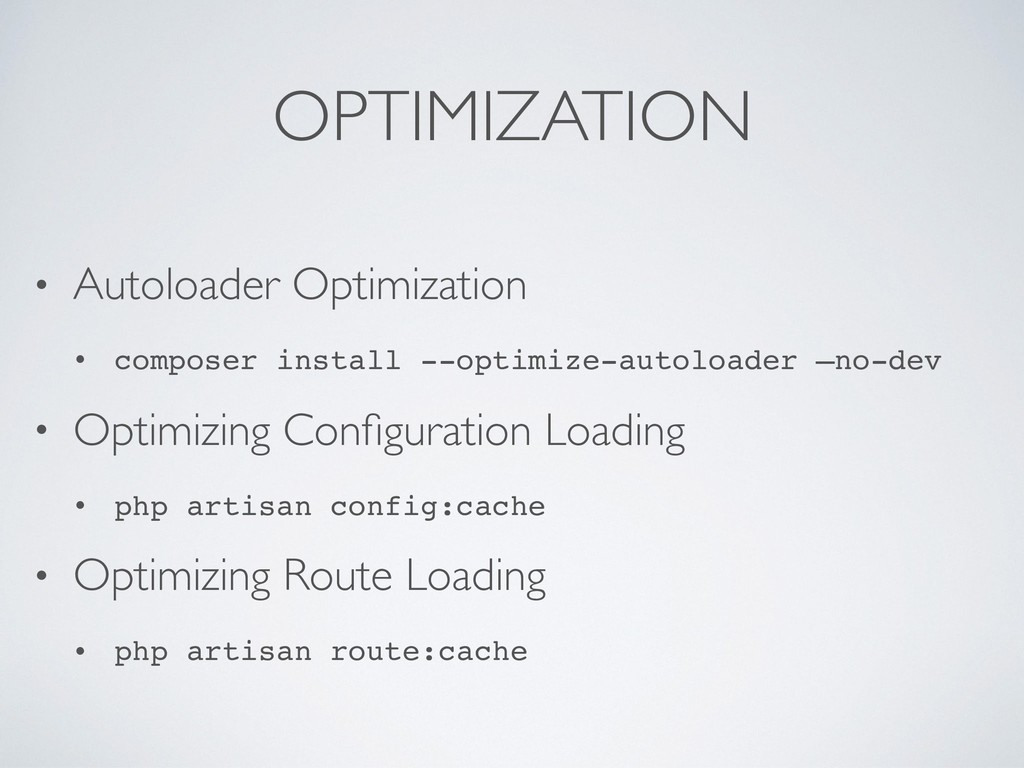
should cache all of your configuration files into a single file using the config:cache Artisan command. This will combine all of the configuration options for your application into a single file which will be loaded quickly by the framework. $ php artisan config:cache
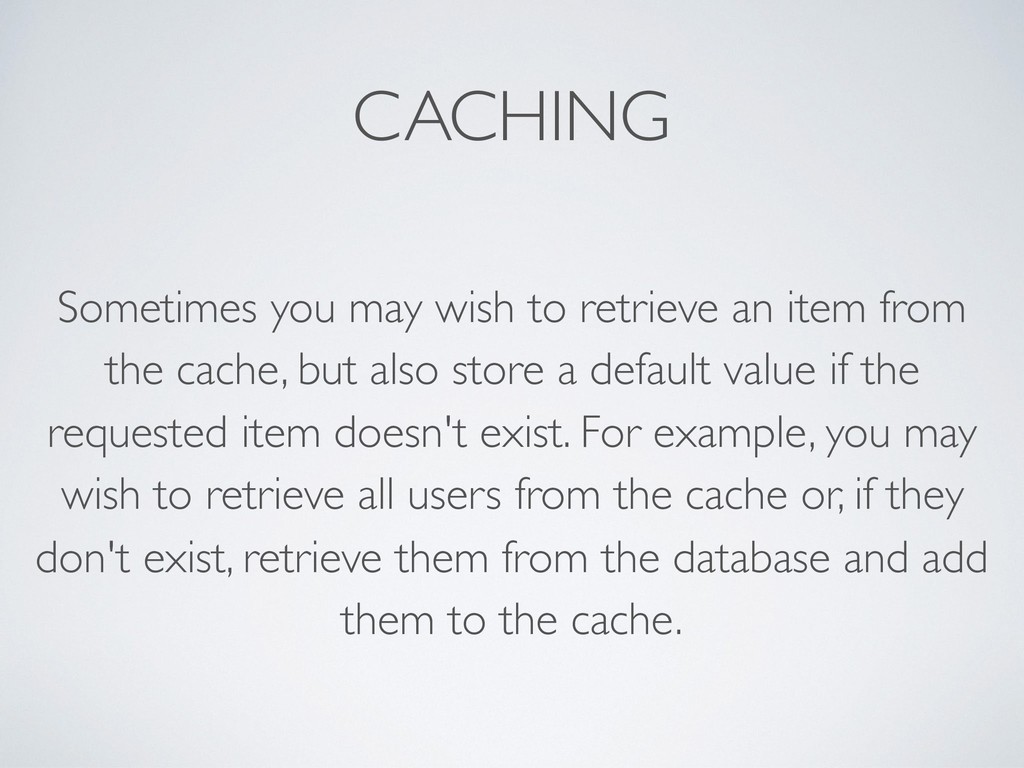
the cache, but also store a default value if the requested item doesn't exist. For example, you may wish to retrieve all users from the cache or, if they don't exist, retrieve them from the database and add them to the cache.
the performance of SELECT query statements. For small tables, an index does not help much. However, if you have tables with a large amount of data, indexes can dramatically improve performance.


 eduardobcolombo
 akihisaikeda
 teyamagu
 rkaga
rkaga
 oku053
 kawashimo0
 ivargrimstad
 satoshi256kbyte
 colorful12
 moro
moro
 uyuki234
 mixplace
 hollycummins
 bethany
 stephenakadiri
 hatefulcrawdad
 3n
3n
 ks91
ks91
 techseoconnect
 reverentgeek
 lara
lara
 tmiket
 skoyamalab
 szymonslowik
 chriscoyier
![DON’T KEEP CUSTOMER WAITING Eduardo de Brito Colombo [email protected] about.me/eduardobcolombo](https://files.speakerdeck.com/presentations/3d124985b89a4c35b08431e1f26bf579/slide_0.jpg)





![SUPERVISOR [program:laravel-worker] process_name=%(program_name)s_%(process_num)02d command=php /../artisan queue:work redis --sleep=3 — tries=3](https://files.speakerdeck.com/presentations/3d124985b89a4c35b08431e1f26bf579/slide_37.jpg)



![OBJECT CACHING $cacheKey = md5(vsprintf(‘%s.%s.%s’, [ auth()->user->id, $course, $actived ];](https://files.speakerdeck.com/presentations/3d124985b89a4c35b08431e1f26bf579/slide_69.jpg)
![THANK YOU Eduardo de Brito Colombo [email protected] about.me/eduardobcolombo “ Community](https://files.speakerdeck.com/presentations/3d124985b89a4c35b08431e1f26bf579/slide_71.jpg)