Upgrade to Pro — share decks privately, control downloads, hide ads and more …

Putting Your App On A Diet

Sponsored · Your Podcast. Everywhere. Effortlessly. Share. Educate. Inspire. Entertain. You do you. We'll handle the rest. →
Avatar for ellsk1 ellsk1
October 25, 2018

Putting Your App On A Diet

Is your app written in Swift or are you considering rewriting your app in Swift? Are you adding more and more features to your app, and getting worried about your app size blowing up? If so, reducing your app size should be on your radar.

When our Uber Rider app exceeded the OTA limit, we had to find solutions to reduce the app size. We dug into the Swift compiler process and analyzed the compiler output to find the root causes of size increases. We used this information to identify potential changes to both compiler process and to the source code which allowed us to attain significant size decreases without major changes to the app.

While you might not be running up against the size limits, keeping your app size small will help you keep your app more performant thus be more attractive to users. This talk will go over binary size analysis and optimizations we used at Uber, as well as general tips and tricks you might be able to apply to your app.

Avatar for ellsk1

ellsk1

October 25, 2018

More Decks by ellsk1

Other Decks in Technology

Transcript

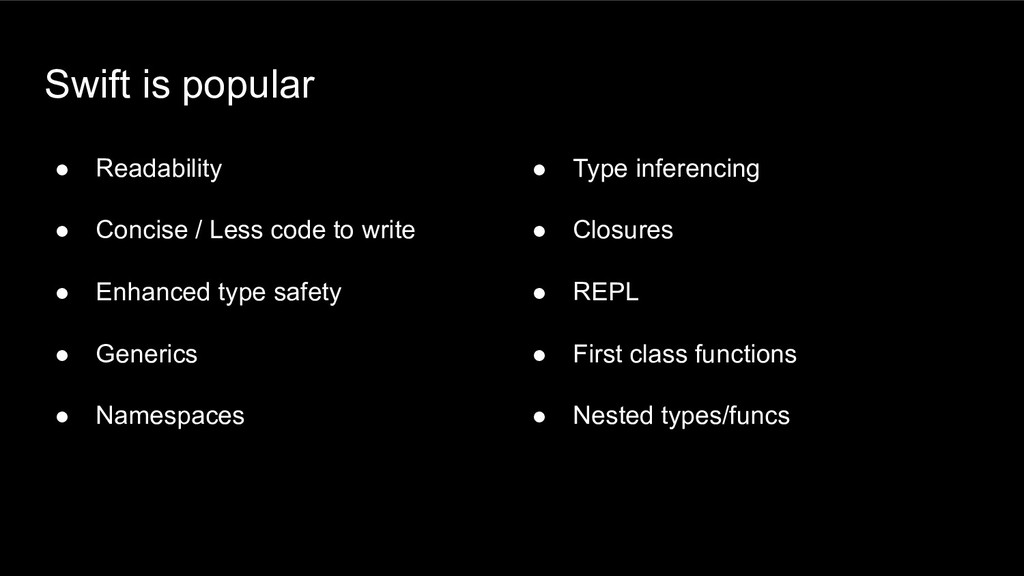
  1. Swift is popular • Readability • Concise / Less code

    to write • Enhanced type safety • Generics • Namespaces • Type inferencing • Closures • REPL • First class functions • Nested types/funcs
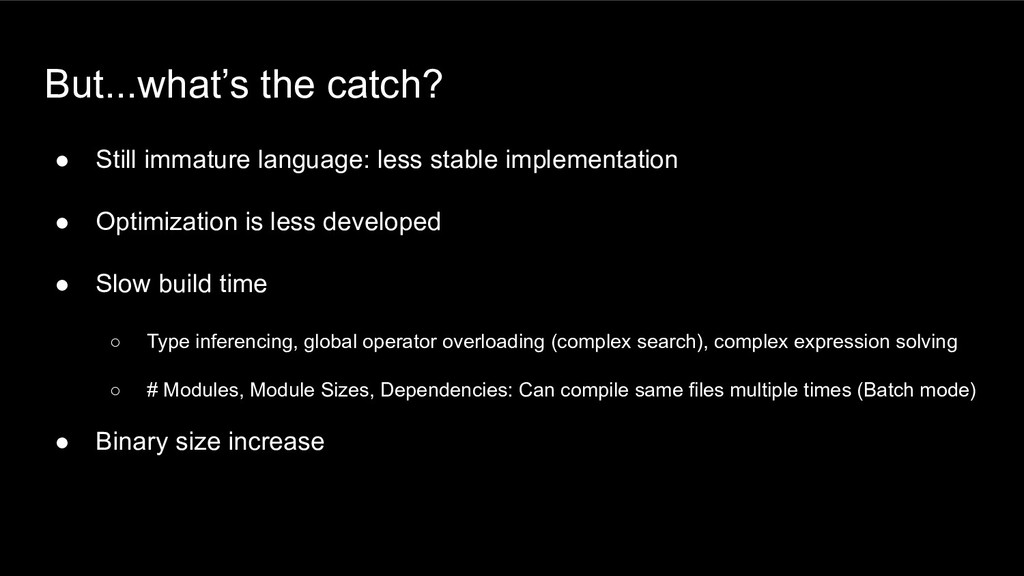
  2. But...what’s the catch? • Still immature language: less stable implementation

    • Optimization is less developed • Slow build time ◦ Type inferencing, global operator overloading (complex search), complex expression solving ◦ # Modules, Module Sizes, Dependencies: Can compile same files multiple times (Batch mode) • Binary size increase
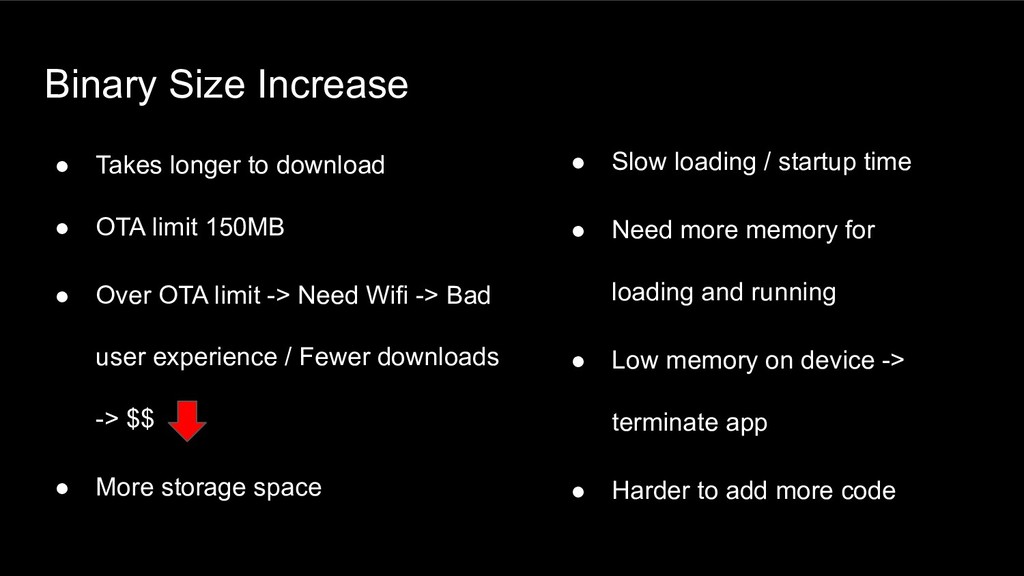
  3. Binary Size Increase • Takes longer to download • OTA

    limit 150MB • Over OTA limit -> Need Wifi -> Bad user experience / Fewer downloads -> $$ • More storage space • Slow loading / startup time • Need more memory for loading and running • Low memory on device -> terminate app • Harder to add more code
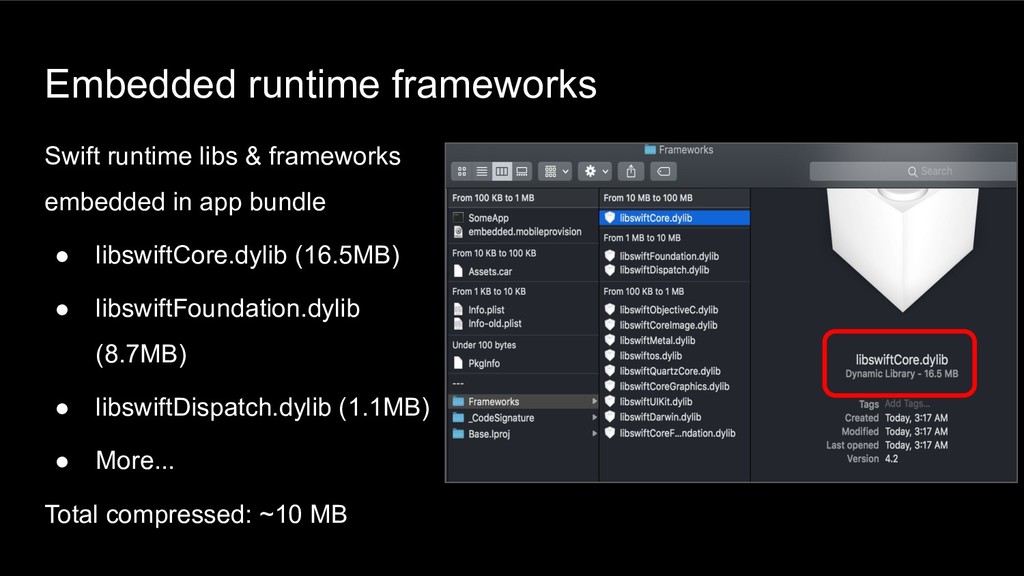
  4. Embedded runtime frameworks Swift runtime libs & frameworks embedded in

    app bundle • libswiftCore.dylib (16.5MB) • libswiftFoundation.dylib (8.7MB) • libswiftDispatch.dylib (1.1MB) • More... Total compressed: ~10 MB
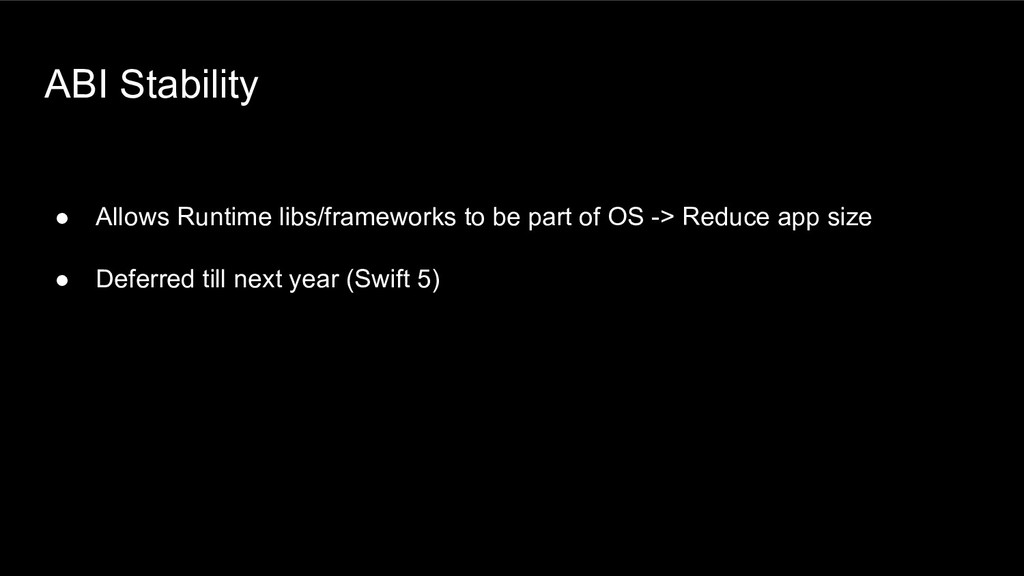
  5. ABI Stability • Allows Runtime libs/frameworks to be part of

    OS -> Reduce app size • Deferred till next year (Swift 5)
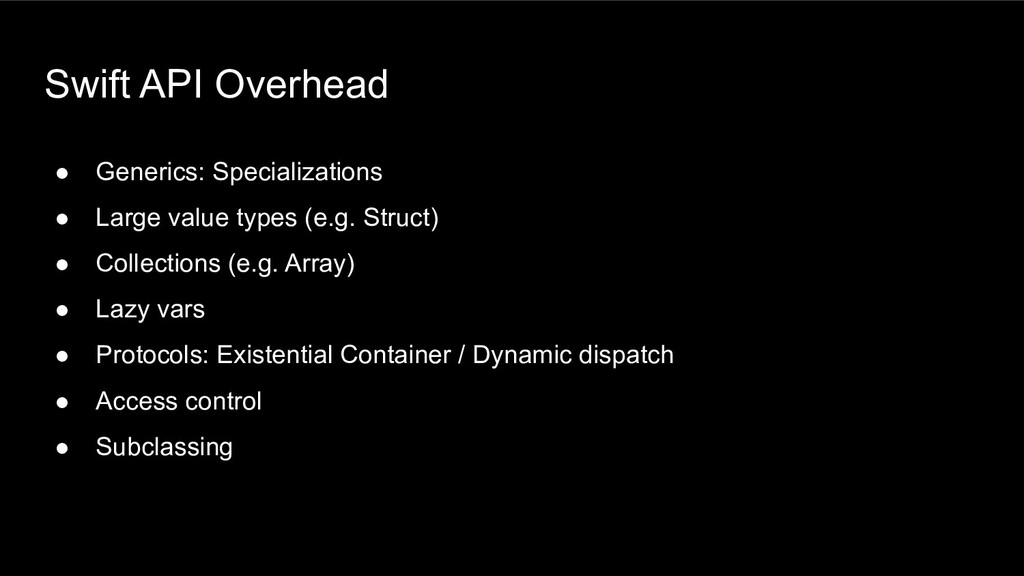
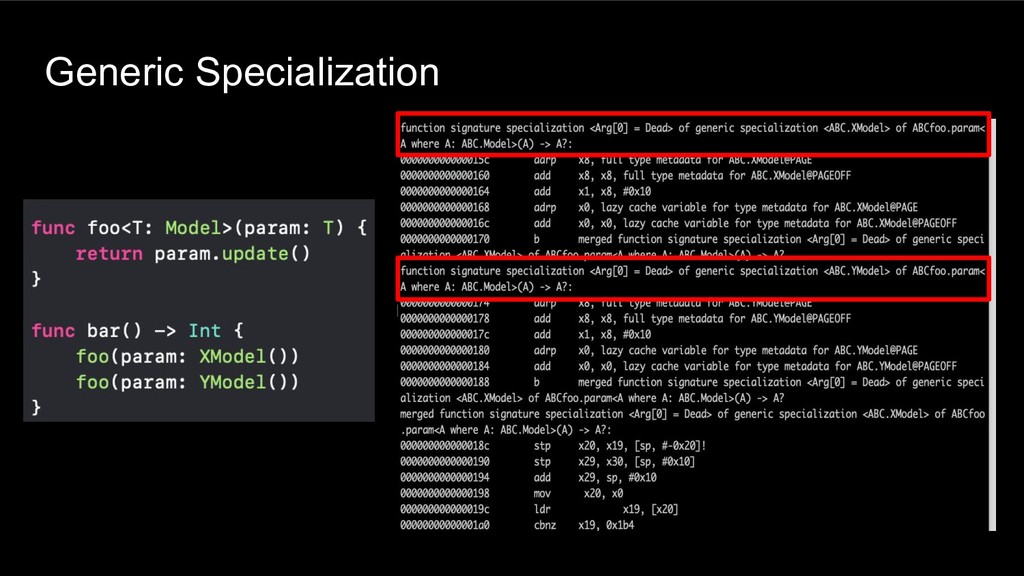
  6. Swift API Overhead • Generics: Specializations • Large value types

    (e.g. Struct) • Collections (e.g. Array) • Lazy vars • Protocols: Existential Container / Dynamic dispatch • Access control • Subclassing
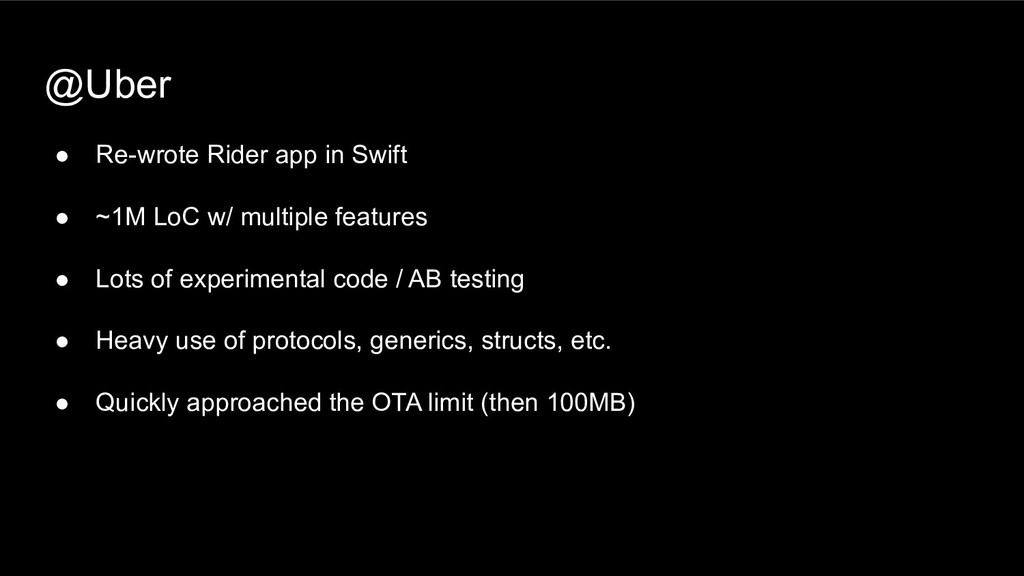
  7. @Uber • Re-wrote Rider app in Swift • ~1M LoC

    w/ multiple features • Lots of experimental code / AB testing • Heavy use of protocols, generics, structs, etc. • Quickly approached the OTA limit (then 100MB)
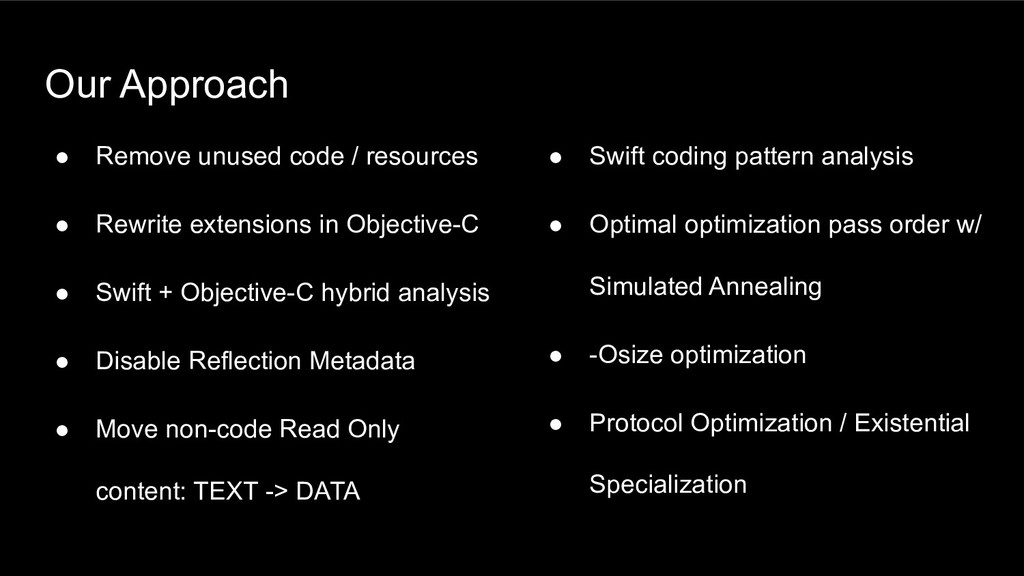
  8. Our Approach • Remove unused code / resources • Rewrite

    extensions in Objective-C • Swift + Objective-C hybrid analysis • Disable Reflection Metadata • Move non-code Read Only content: TEXT -> DATA • Swift coding pattern analysis • Optimal optimization pass order w/ Simulated Annealing • -Osize optimization • Protocol Optimization / Existential Specialization
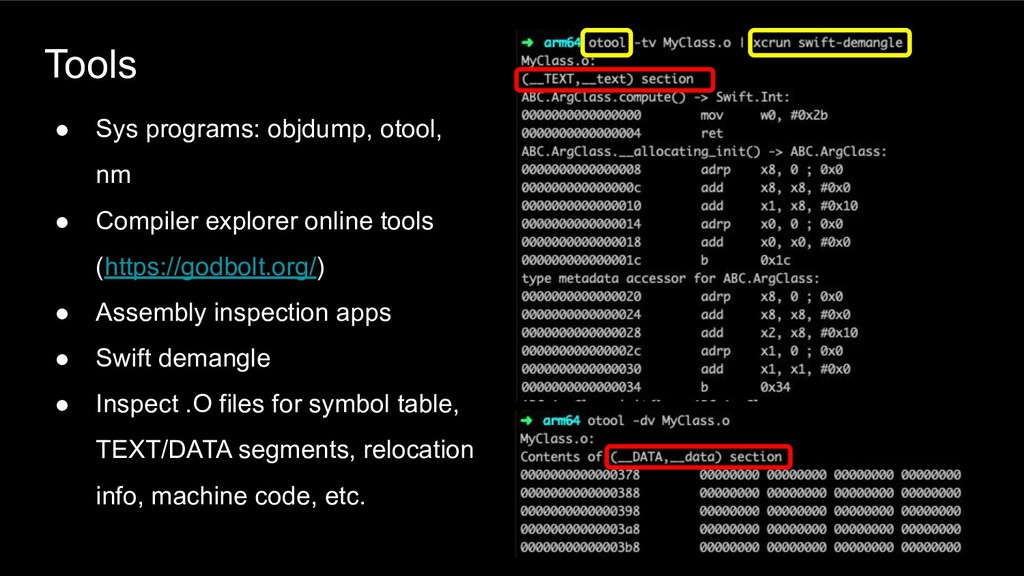
  9. Tools • Sys programs: objdump, otool, nm • Compiler explorer

    online tools (https://godbolt.org/) • Assembly inspection apps • Swift demangle • Inspect .O files for symbol table, TEXT/DATA segments, relocation info, machine code, etc.
  10. Tools • Size measurements ◦ Per module ◦ FAT /

    Sliced app size • Visualization tool for size trends • Optimization effect analysis ◦ Display what modules / functions were optimized most ◦ Size delta per function
  11. Remove Deadcode • A lot of experimental code / AB

    testing • Identify unused features / codepaths / resources • Use analytics for search • Results: 2% savings Rewrite Watch Extension • Rewrite in Objective-C • Results: 3% savings
  12. Swift / Objective-C Hybrid • Rewrite all in Objective-C: Not

    plausible • Experimented on a sample project first for size and scalability • Risky / Low Gains • Total size savings were not significant: Had to export Swift types to Objective-C -> Increased size by 30% • Less type safe: Objective-C nullability, runtime issues, undefined behavior when mixing Objective-C and Swift • Risky for Rider app
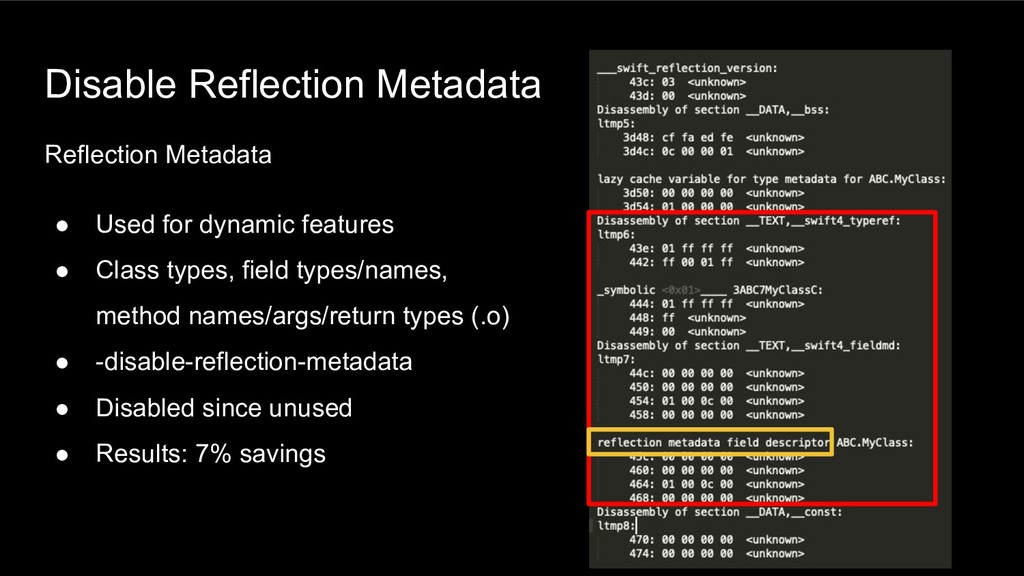
  13. Disable Reflection Metadata Reflection Metadata • Used for dynamic features

    • Class types, field types/names, method names/args/return types (.o) • -disable-reflection-metadata • Disabled since unused • Results: 7% savings
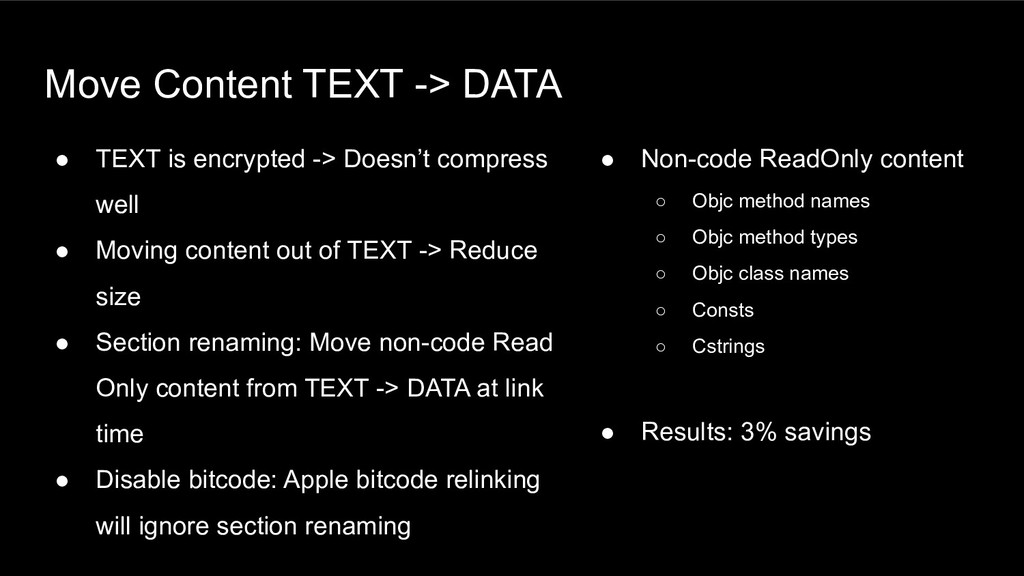
  14. Move Content TEXT -> DATA • TEXT is encrypted ->

    Doesn’t compress well • Moving content out of TEXT -> Reduce size • Section renaming: Move non-code Read Only content from TEXT -> DATA at link time • Disable bitcode: Apple bitcode relinking will ignore section renaming • Non-code ReadOnly content ◦ Objc method names ◦ Objc method types ◦ Objc class names ◦ Consts ◦ Cstrings • Results: 3% savings
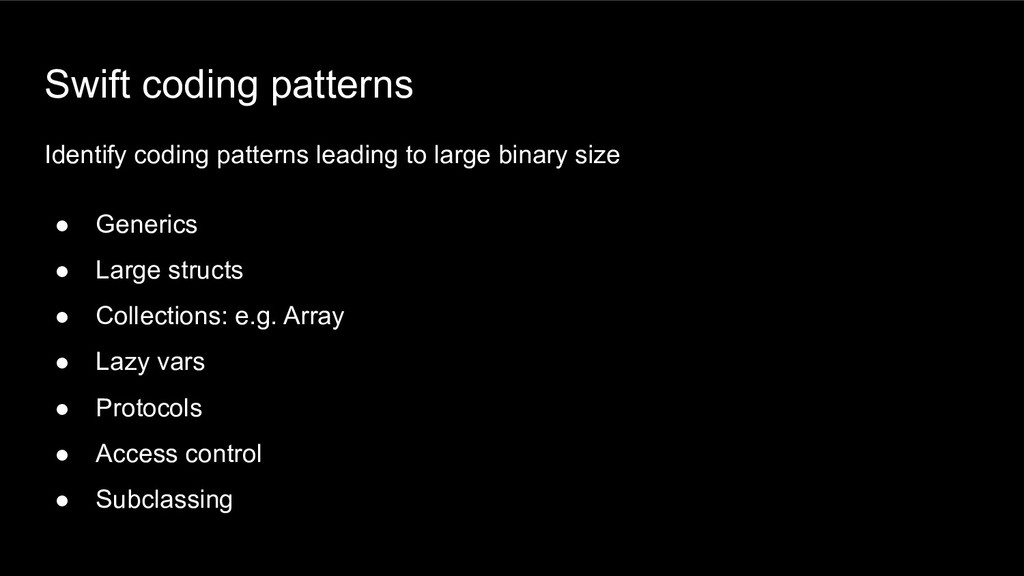
  15. Swift coding patterns Identify coding patterns leading to large binary

    size • Generics • Large structs • Collections: e.g. Array • Lazy vars • Protocols • Access control • Subclassing
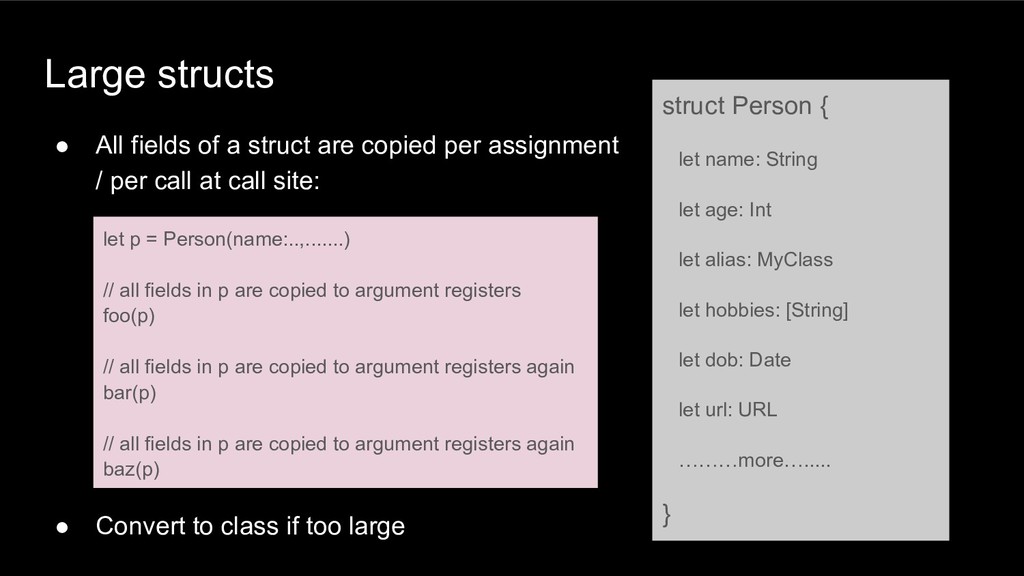
  16. Large structs • All fields of a struct are copied

    per assignment / per call at call site: • Convert to class if too large struct Person { let name: String let age: Int let alias: MyClass let hobbies: [String] let dob: Date let url: URL ………more…..... } let p = Person(name:..,.......) // all fields in p are copied to argument registers foo(p) // all fields in p are copied to argument registers again bar(p) // all fields in p are copied to argument registers again baz(p)
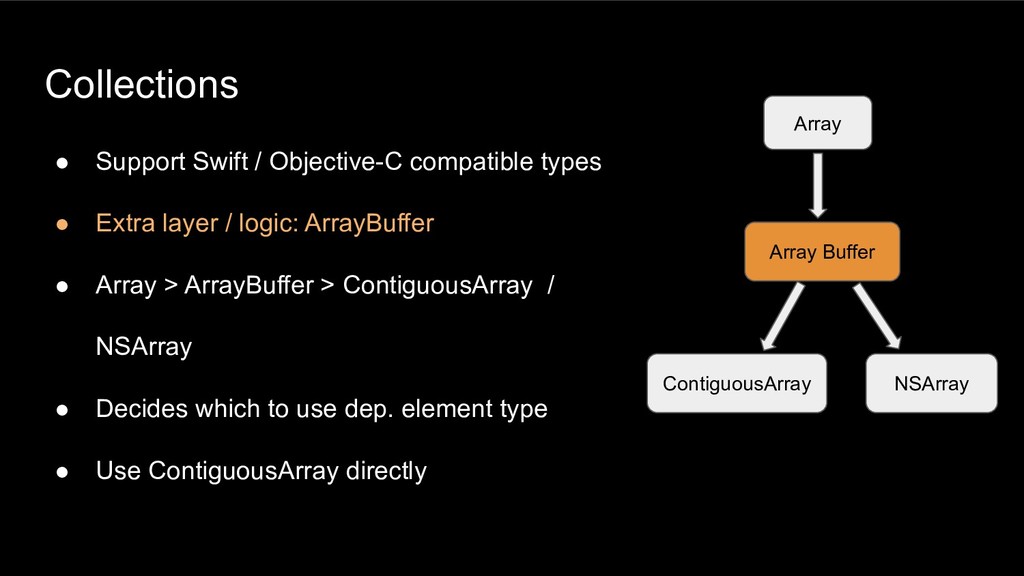
  17. Collections • Support Swift / Objective-C compatible types • Extra

    layer / logic: ArrayBuffer • Array > ArrayBuffer > ContiguousArray / NSArray • Decides which to use dep. element type • Use ContiguousArray directly Array Array Buffer ContiguousArray NSArray
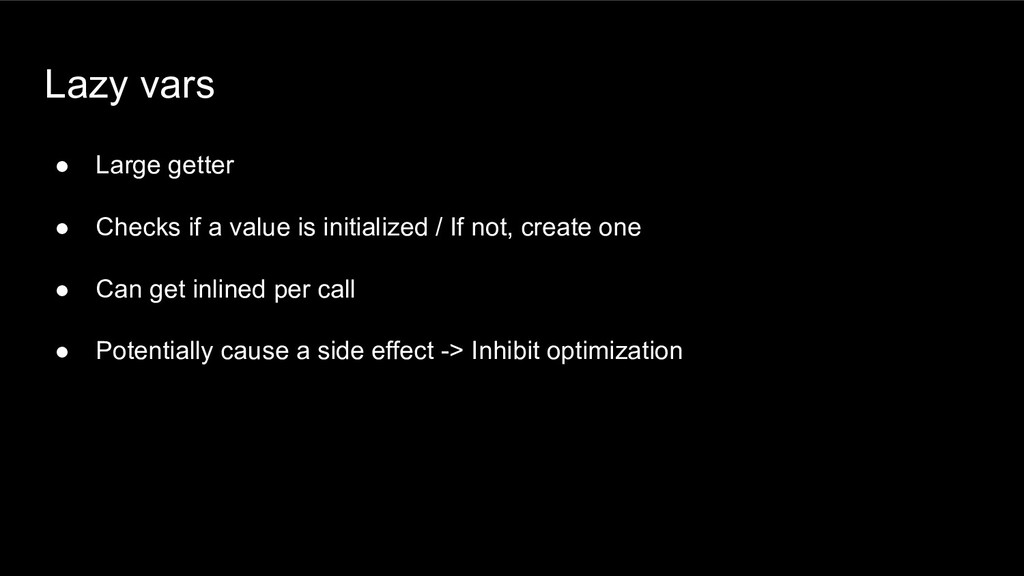
  18. Lazy vars • Large getter • Checks if a value

    is initialized / If not, create one • Can get inlined per call • Potentially cause a side effect -> Inhibit optimization
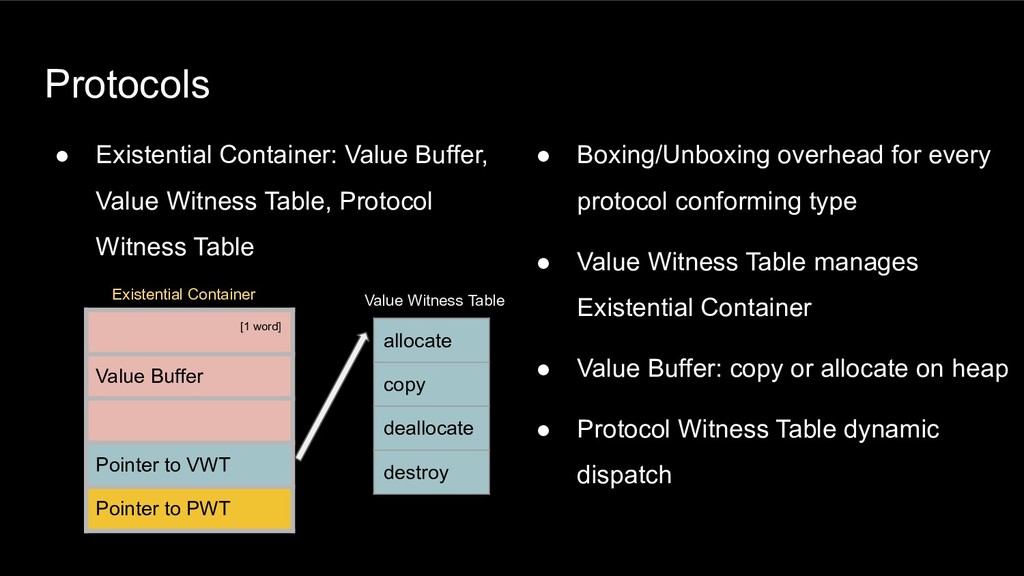
  19. Protocols • Boxing/Unboxing overhead for every protocol conforming type •

    Value Witness Table manages Existential Container • Value Buffer: copy or allocate on heap • Protocol Witness Table dynamic dispatch • Existential Container: Value Buffer, Value Witness Table, Protocol Witness Table [1 word] Value Buffer Pointer to VWT Pointer to PWT allocate copy deallocate destroy Existential Container Value Witness Table
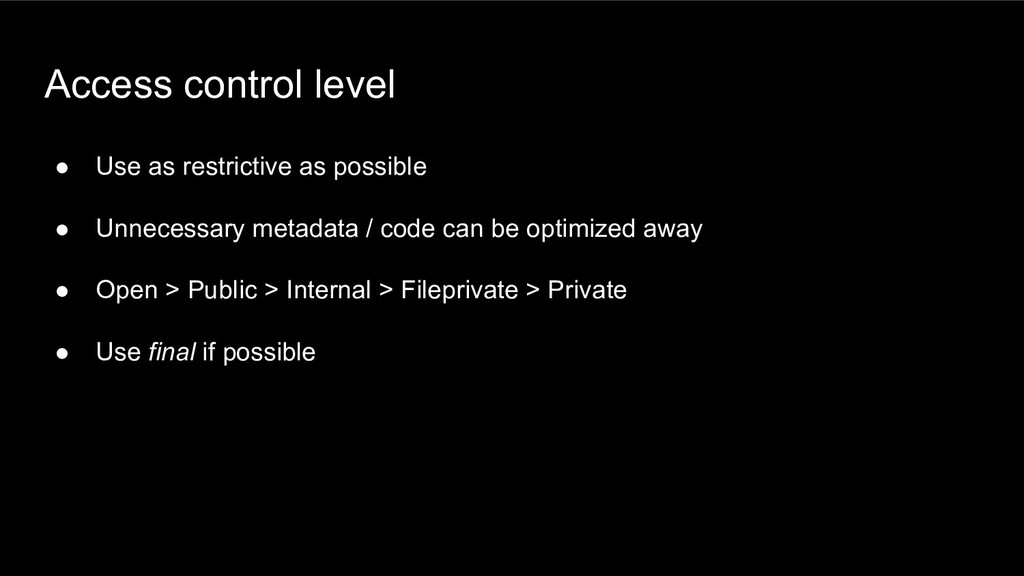
  20. Access control level • Use as restrictive as possible •

    Unnecessary metadata / code can be optimized away • Open > Public > Internal > Fileprivate > Private • Use final if possible
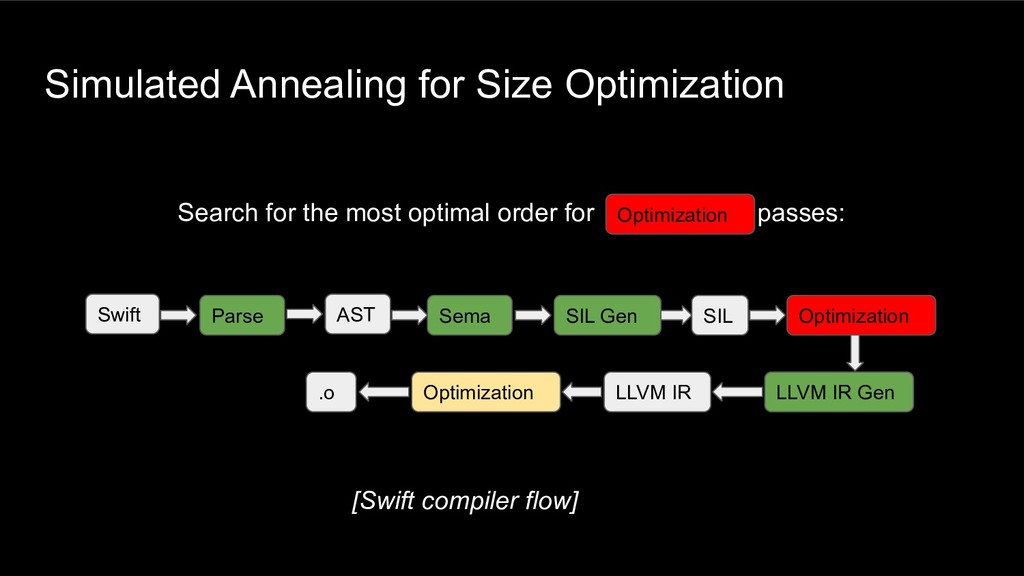
  21. Simulated Annealing for Size Optimization Search for the most optimal

    order for passes: [Swift compiler flow] Swift Parse AST Sema SIL Gen SIL LLVM IR Gen .o Optimization LLVM IR Optimization Optimization
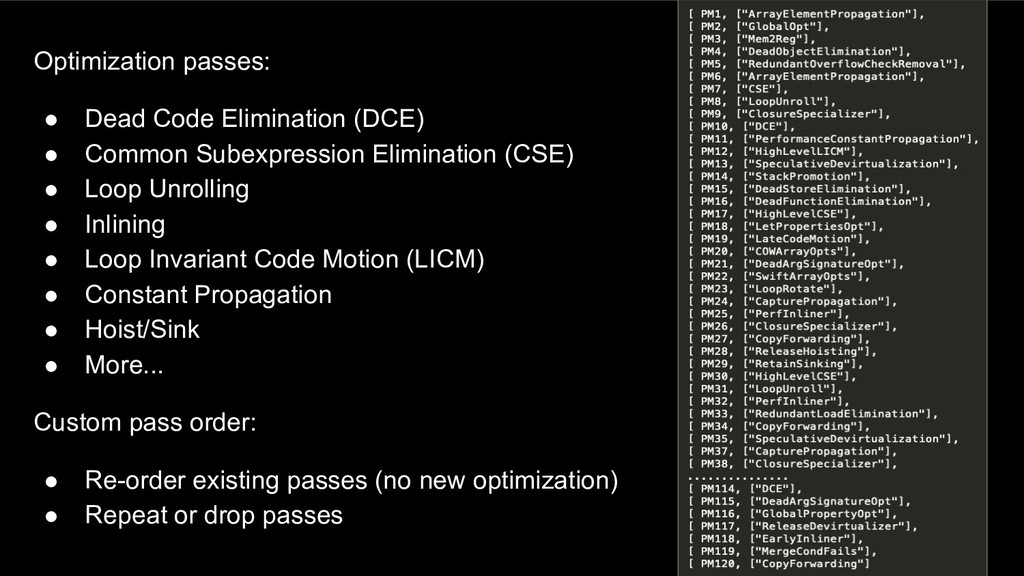
  22. Optimization passes: • Dead Code Elimination (DCE) • Common Subexpression

    Elimination (CSE) • Loop Unrolling • Inlining • Loop Invariant Code Motion (LICM) • Constant Propagation • Hoist/Sink • More... Custom pass order: • Re-order existing passes (no new optimization) • Repeat or drop passes
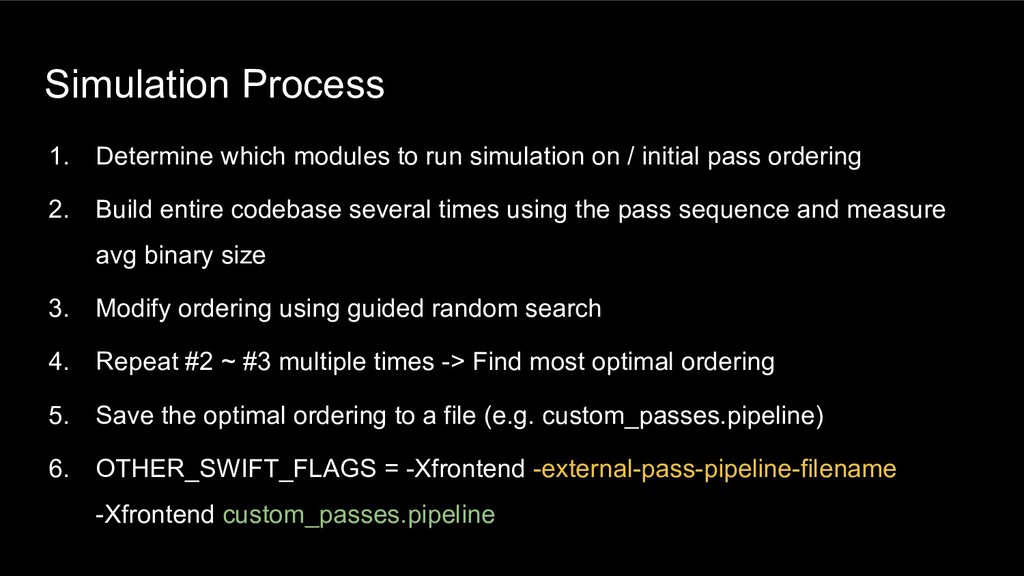
  23. 1. Determine which modules to run simulation on / initial

    pass ordering 2. Build entire codebase several times using the pass sequence and measure avg binary size 3. Modify ordering using guided random search 4. Repeat #2 ~ #3 multiple times -> Find most optimal ordering 5. Save the optimal ordering to a file (e.g. custom_passes.pipeline) 6. OTHER_SWIFT_FLAGS = -Xfrontend -external-pass-pipeline-filename -Xfrontend custom_passes.pipeline Simulation Process
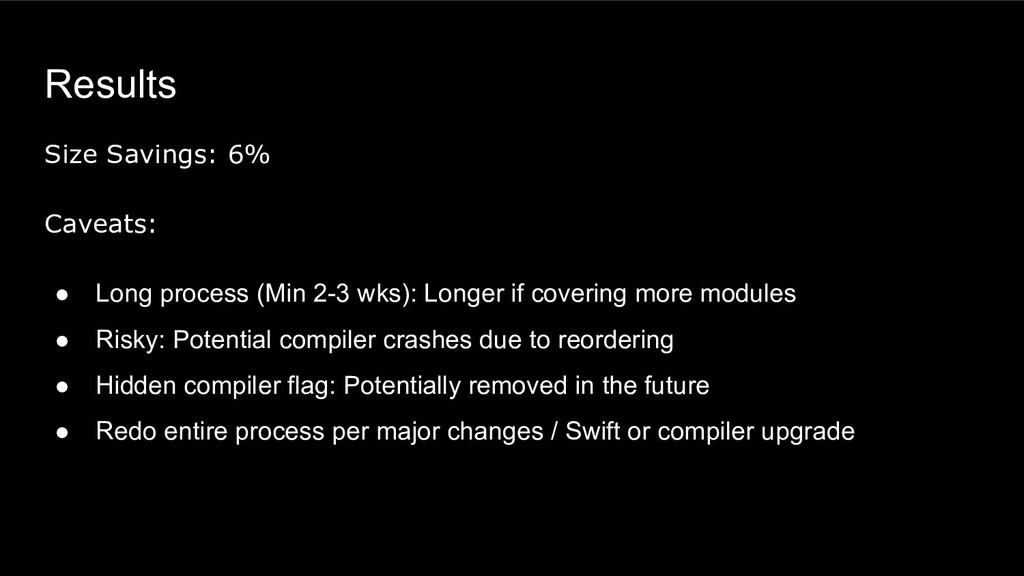
  24. Results Size Savings: 6% Caveats: • Long process (Min 2-3

    wks): Longer if covering more modules • Risky: Potential compiler crashes due to reordering • Hidden compiler flag: Potentially removed in the future • Redo entire process per major changes / Swift or compiler upgrade
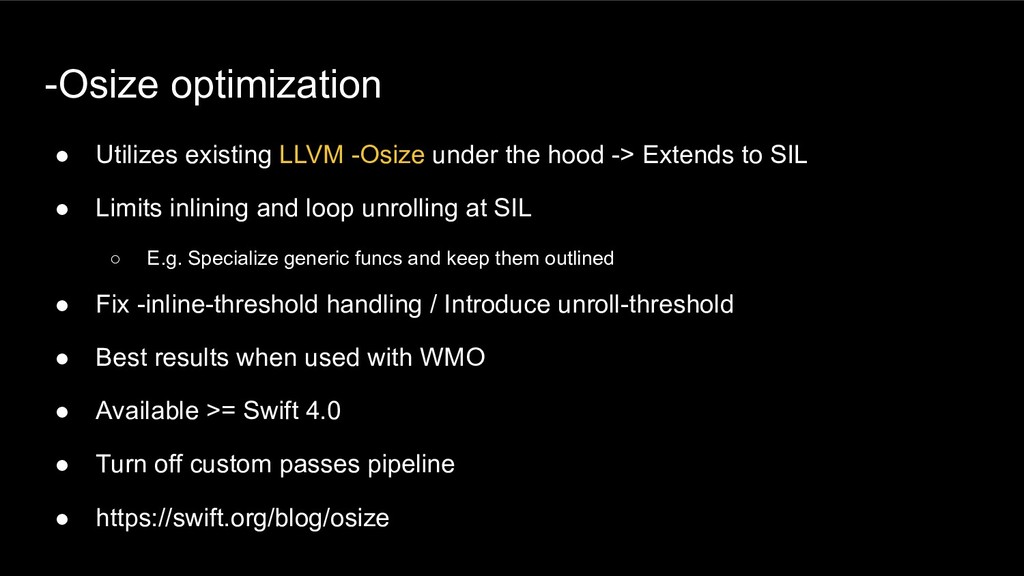
  25. -Osize optimization • Utilizes existing LLVM -Osize under the hood

    -> Extends to SIL • Limits inlining and loop unrolling at SIL ◦ E.g. Specialize generic funcs and keep them outlined • Fix -inline-threshold handling / Introduce unroll-threshold • Best results when used with WMO • Available >= Swift 4.0 • Turn off custom passes pipeline • https://swift.org/blog/osize
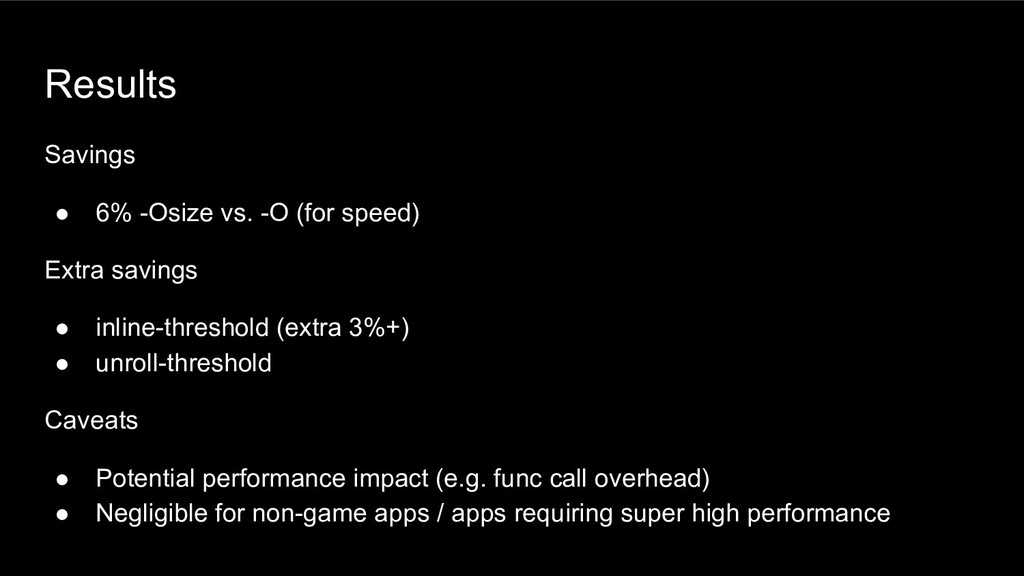
  26. Results Savings • 6% -Osize vs. -O (for speed) Extra

    savings • inline-threshold (extra 3%+) • unroll-threshold Caveats • Potential performance impact (e.g. func call overhead) • Negligible for non-game apps / apps requiring super high performance
  27. Existential Specialization for protocols • Heavy use of protocols in

    Uber Rider app: ~6650 protocols • Use of protocol comes w/ significant overhead
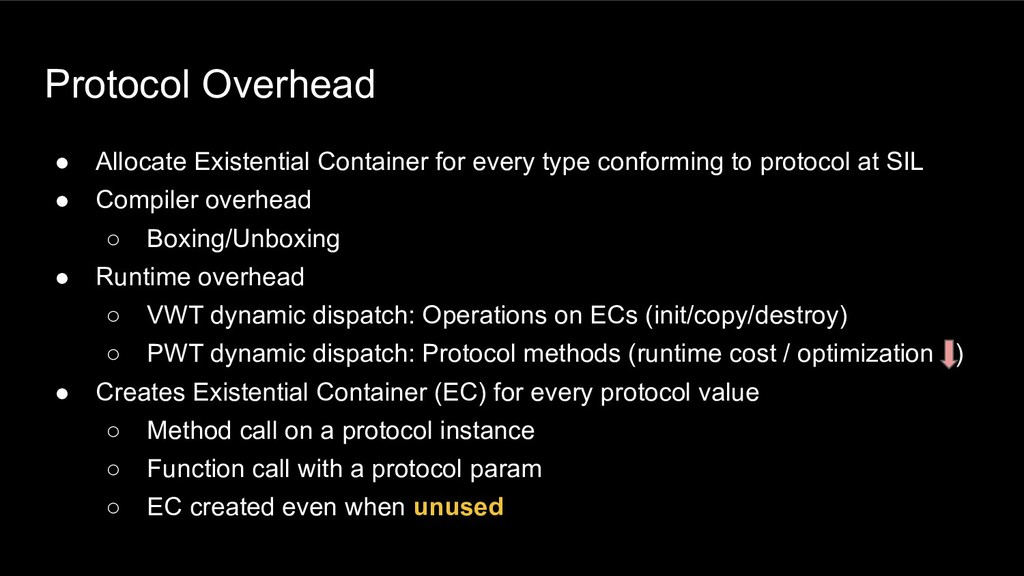
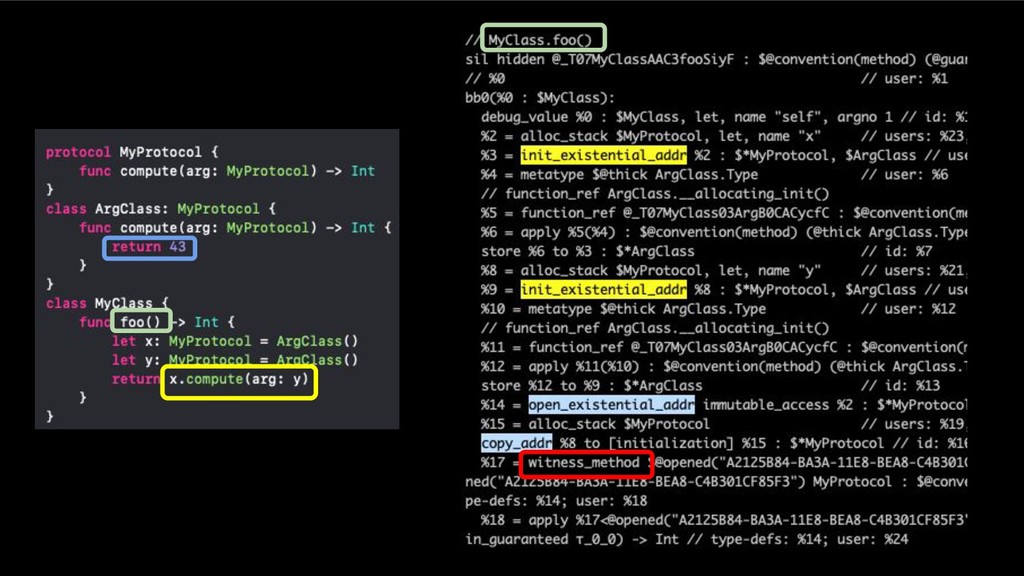
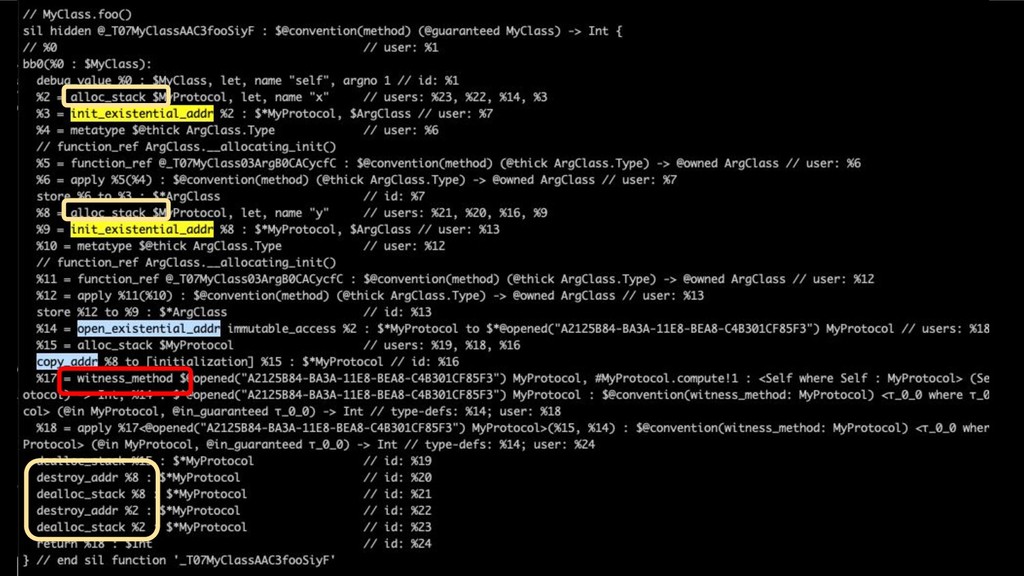
  28. Protocol Overhead • Allocate Existential Container for every type conforming

    to protocol at SIL • Compiler overhead ◦ Boxing/Unboxing • Runtime overhead ◦ VWT dynamic dispatch: Operations on ECs (init/copy/destroy) ◦ PWT dynamic dispatch: Protocol methods (runtime cost / optimization ) • Creates Existential Container (EC) for every protocol value ◦ Method call on a protocol instance ◦ Function call with a protocol param ◦ EC created even when unused
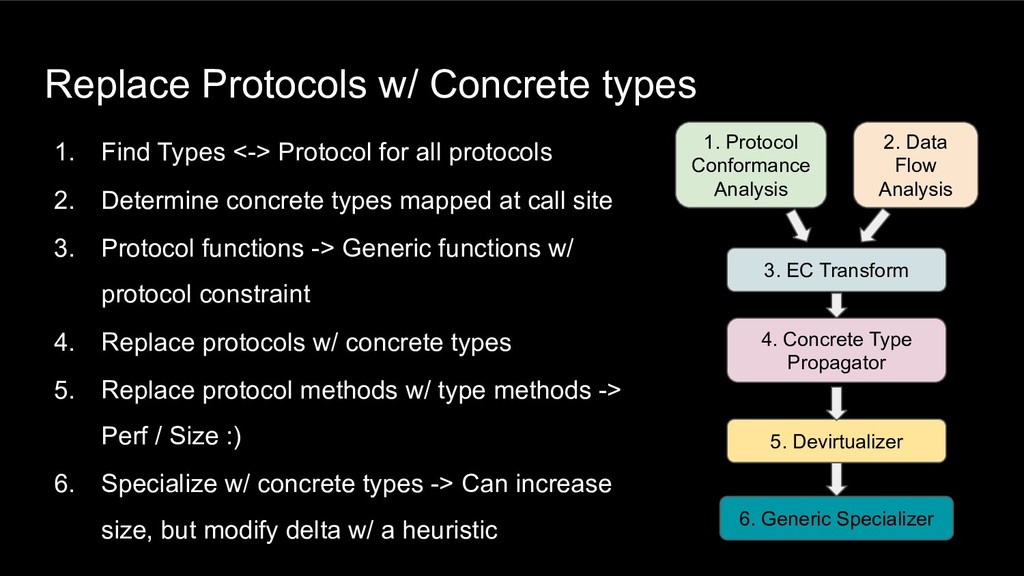
  29. Replace Protocols w/ Concrete types 1. Find Types <-> Protocol

    for all protocols 2. Determine concrete types mapped at call site 3. Protocol functions -> Generic functions w/ protocol constraint 4. Replace protocols w/ concrete types 5. Replace protocol methods w/ type methods -> Perf / Size :) 6. Specialize w/ concrete types -> Can increase size, but modify delta w/ a heuristic 1. Protocol Conformance Analysis 2. Data Flow Analysis 4. Concrete Type Propagator 3. EC Transform 5. Devirtualizer 6. Generic Specializer
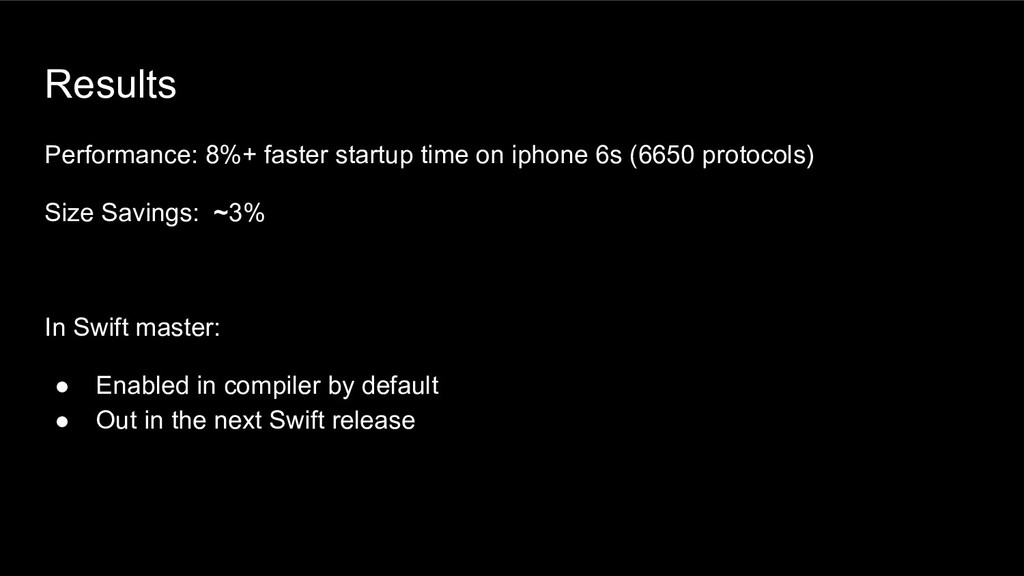
  30. Results Performance: 8%+ faster startup time on iphone 6s (6650

    protocols) Size Savings: ~3% In Swift master: • Enabled in compiler by default • Out in the next Swift release
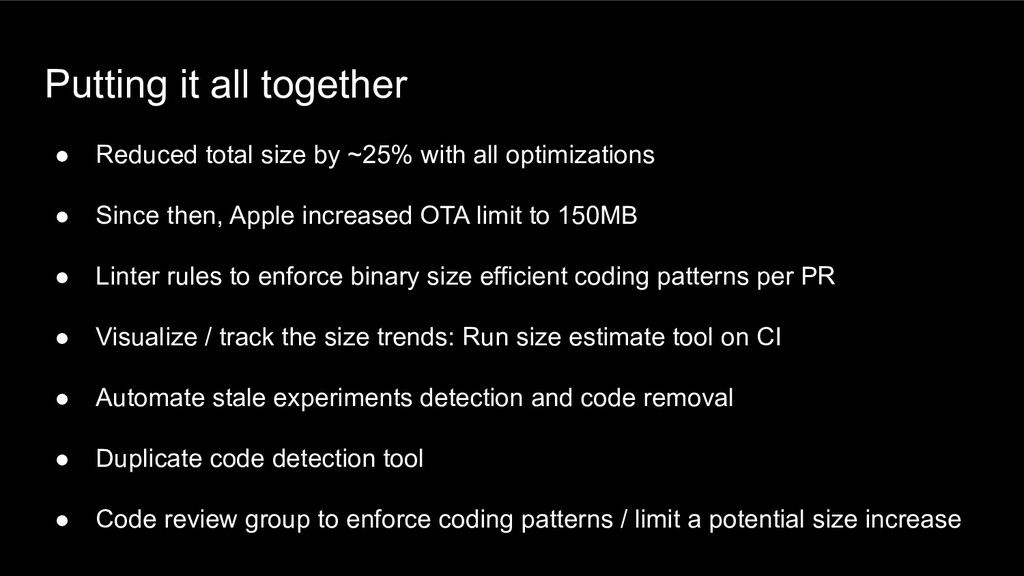
  31. Putting it all together • Reduced total size by ~25%

    with all optimizations • Since then, Apple increased OTA limit to 150MB • Linter rules to enforce binary size efficient coding patterns per PR • Visualize / track the size trends: Run size estimate tool on CI • Automate stale experiments detection and code removal • Duplicate code detection tool • Code review group to enforce coding patterns / limit a potential size increase
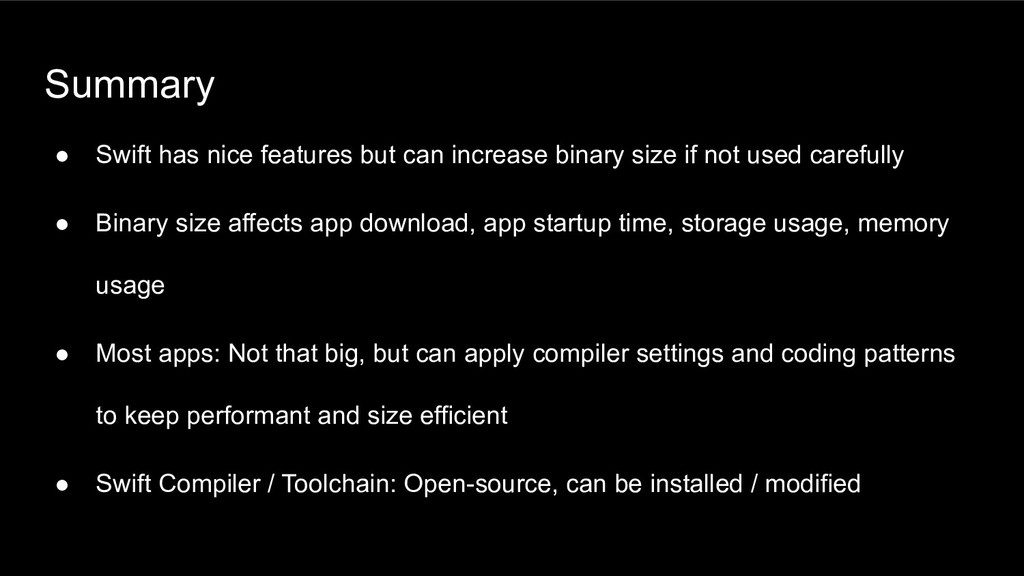
  32. Summary • Swift has nice features but can increase binary

    size if not used carefully • Binary size affects app download, app startup time, storage usage, memory usage • Most apps: Not that big, but can apply compiler settings and coding patterns to keep performant and size efficient • Swift Compiler / Toolchain: Open-source, can be installed / modified
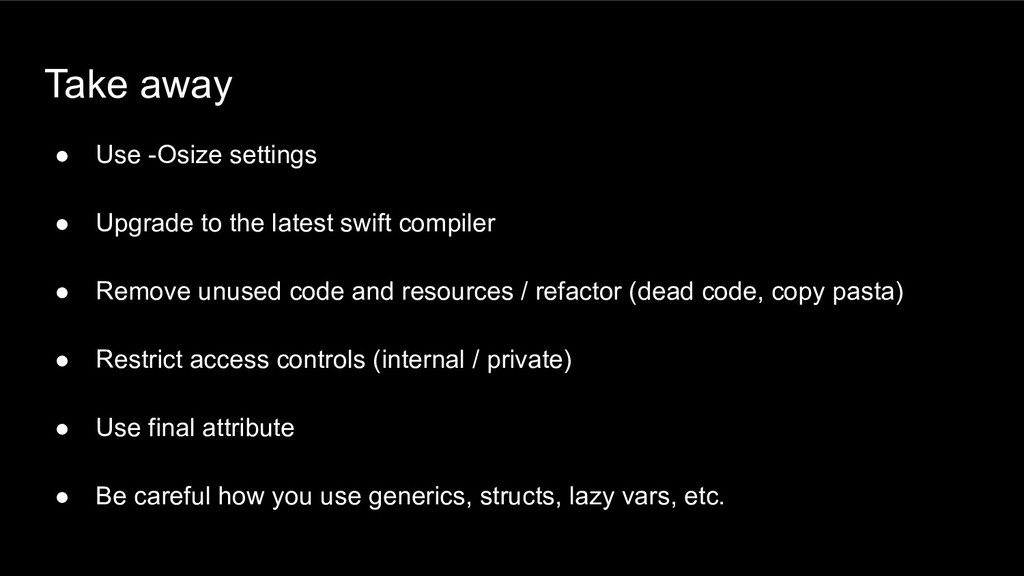
  33. Take away • Use -Osize settings • Upgrade to the

    latest swift compiler • Remove unused code and resources / refactor (dead code, copy pasta) • Restrict access controls (internal / private) • Use final attribute • Be careful how you use generics, structs, lazy vars, etc.
  34. Proprietary and confidential © 2019 Uber Technologies, Inc. All rights

    reserved. No part of this document may be reproduced or utilized in any form or by any means, electronic or mechanical, including photocopying, recording, or by any information storage or retrieval systems, without permission in writing from Uber. This document is intended only for the use of the individual or entity to whom it is addressed and contains information that is privileged, confidential or otherwise exempt from disclosure under applicable law. All recipients of this document are notified that the information contained herein includes proprietary and confidential information of Uber, and recipient may not make use of, disseminate, or in any way disclose this document or any of the enclosed information to any person other than employees of addressee to the extent necessary for consultations with authorized personnel of Uber.