How well does Flutter work with Redux and Thunk action?
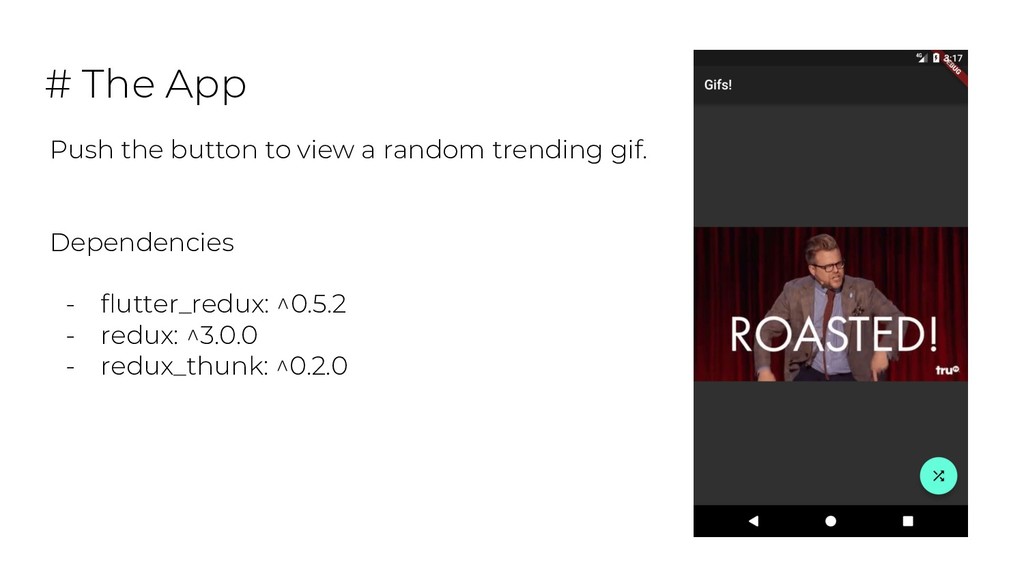
Take a look at flutter using store, state, actions and reducers to build an app.
Top it off with a quick look at testing these parts
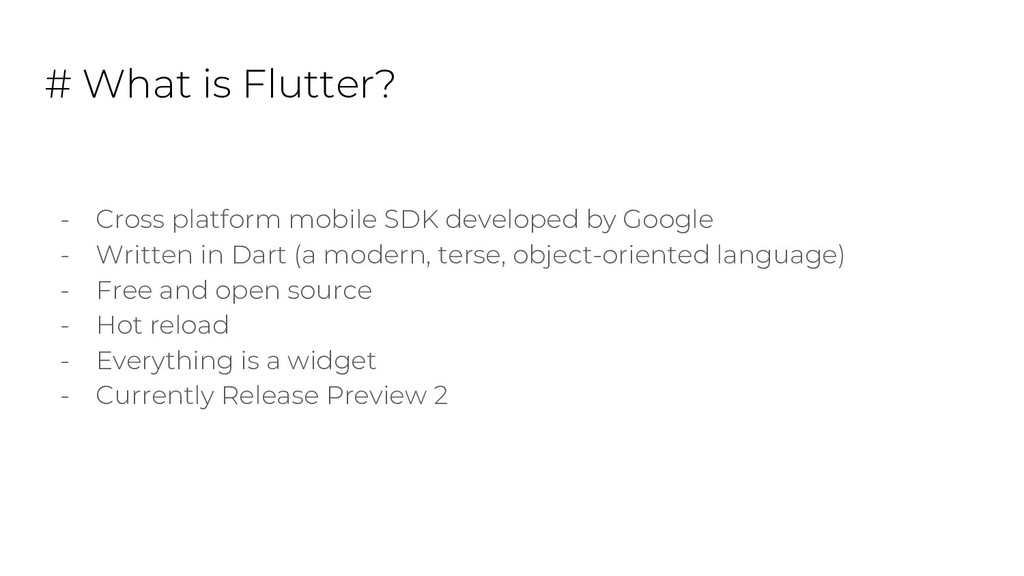
by Google - Written in Dart (a modern, terse, object-oriented language) - Free and open source - Hot reload - Everything is a widget - Currently Release Preview 2
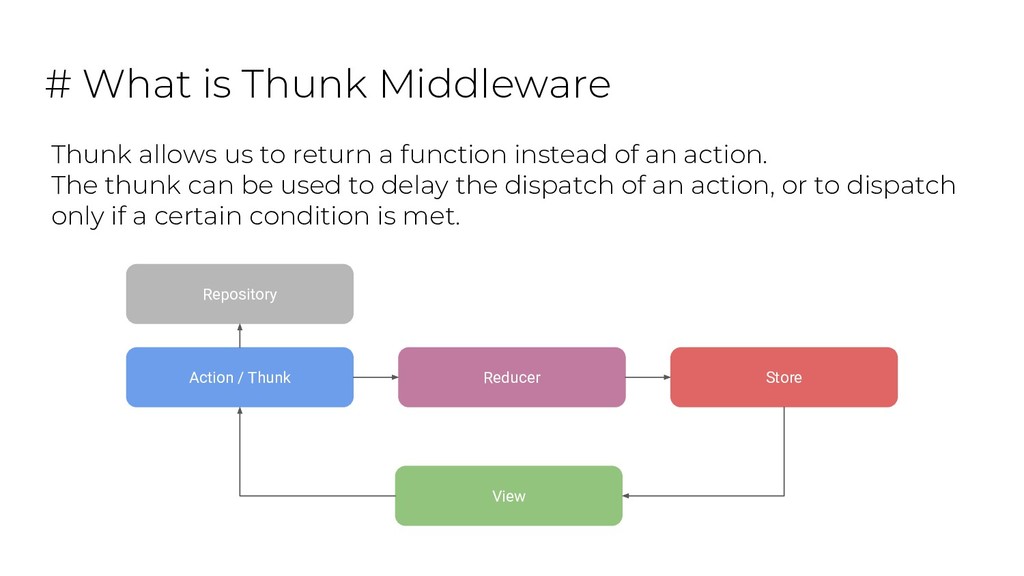
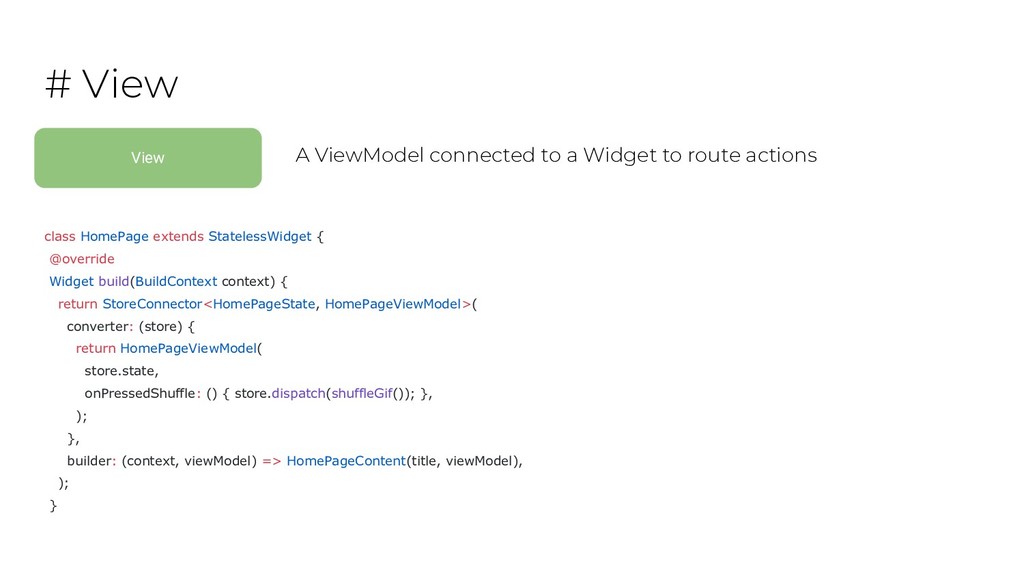
a function instead of an action. The thunk can be used to delay the dispatch of an action, or to dispatch only if a certain condition is met. View Reducer Store Action / Thunk Repository
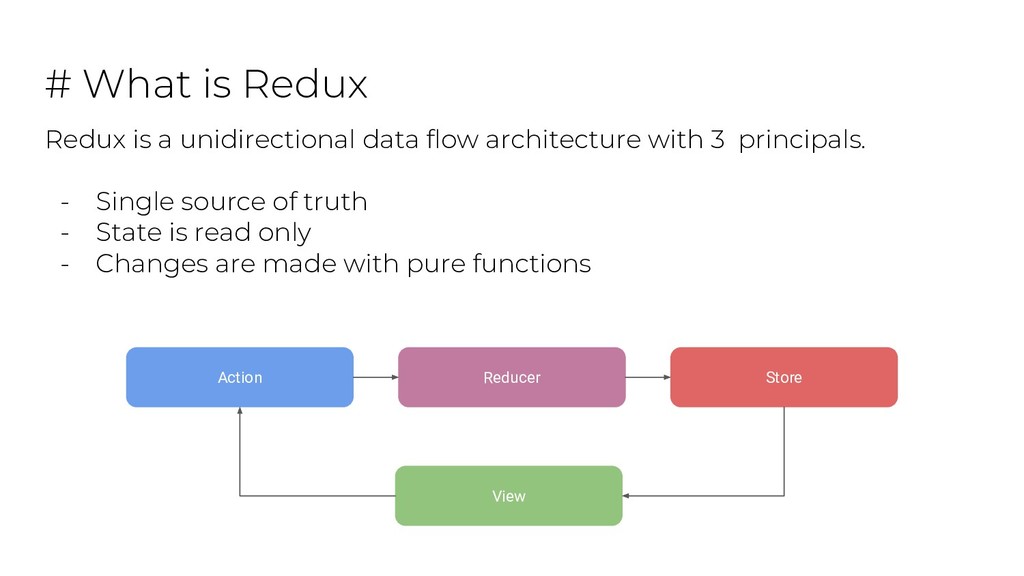
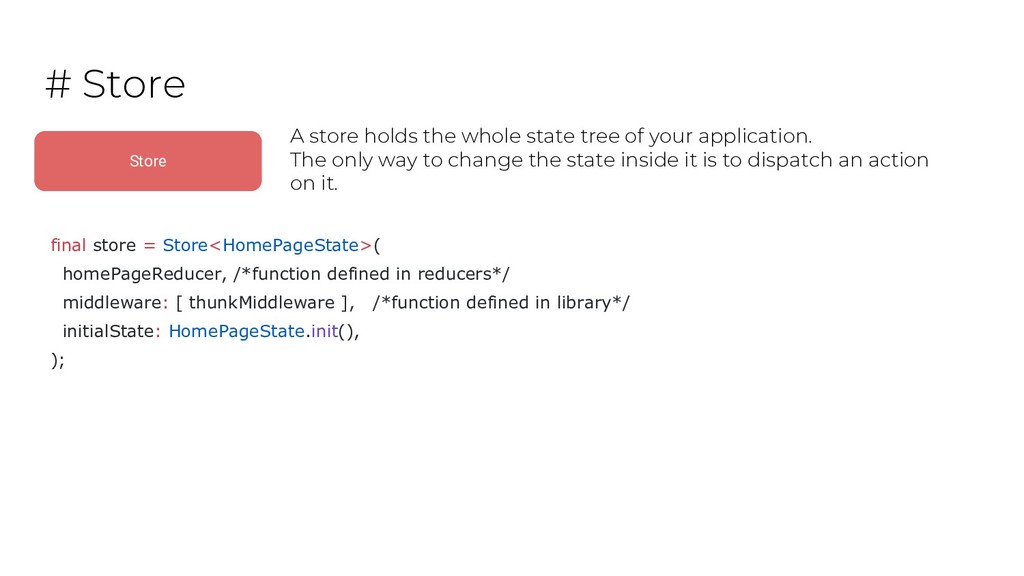
of your application. The only way to change the state inside it is to dispatch an action on it. final store = Store<HomePageState>( homePageReducer, /*function defined in reducers*/ middleware: [ thunkMiddleware ], /*function defined in library*/ initialState: HomePageState.init(), );
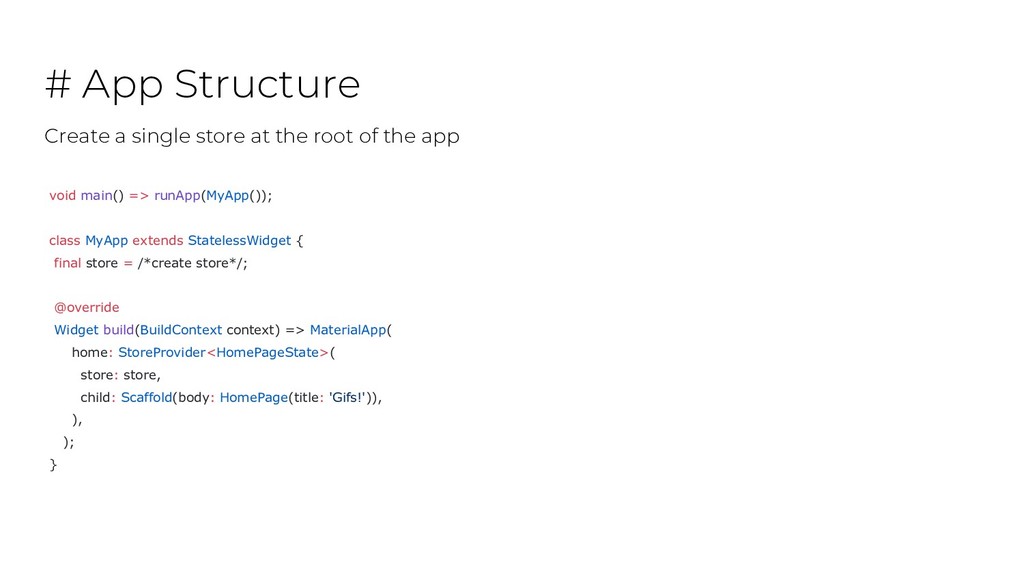
StatelessWidget { final store = /*create store*/; @override Widget build(BuildContext context) => MaterialApp( home: StoreProvider<HomePageState>( store: store, child: Scaffold(body: HomePage(title: 'Gifs!')), ), ); } Create a single store at the root of the app
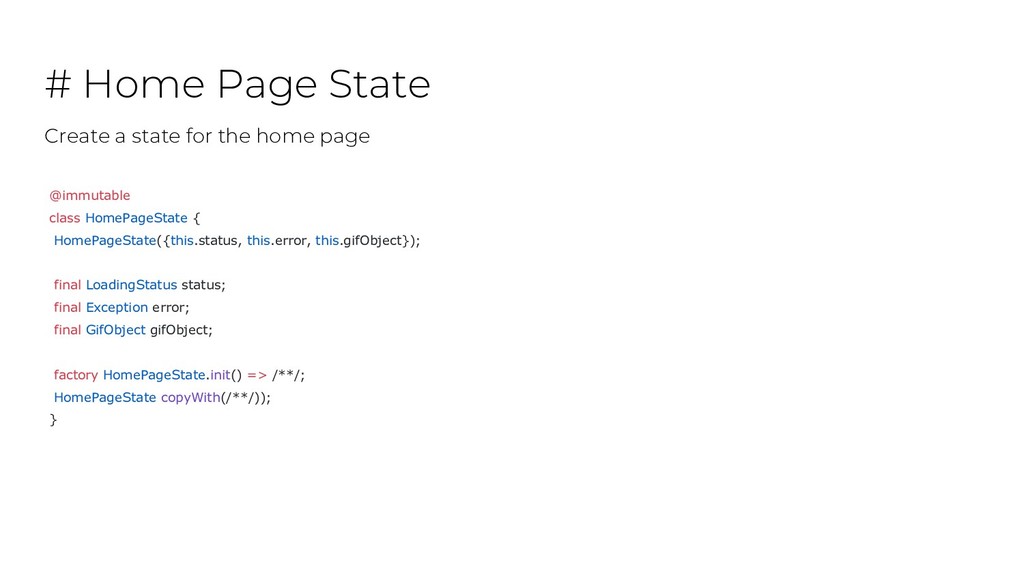
this.gifObject}); final LoadingStatus status; final Exception error; final GifObject gifObject; factory HomePageState.init() => /**/; HomePageState copyWith(/**/)); } Create a state for the home page
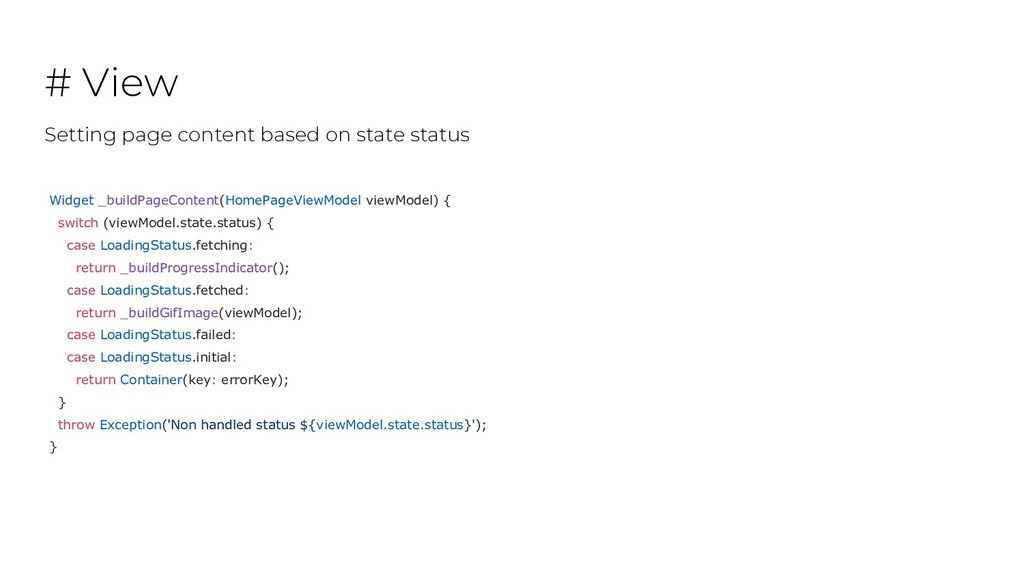
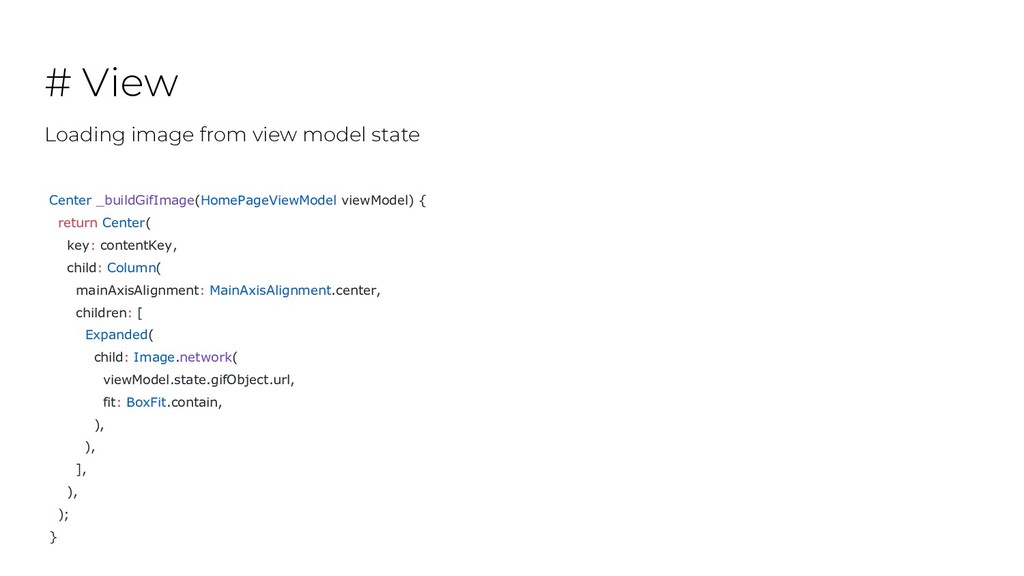
_buildProgressIndicator(); case LoadingStatus.fetched: return _buildGifImage(viewModel); case LoadingStatus.failed: case LoadingStatus.initial: return Container(key: errorKey); } throw Exception('Non handled status ${viewModel.state.status}'); } # View Setting page content based on state status
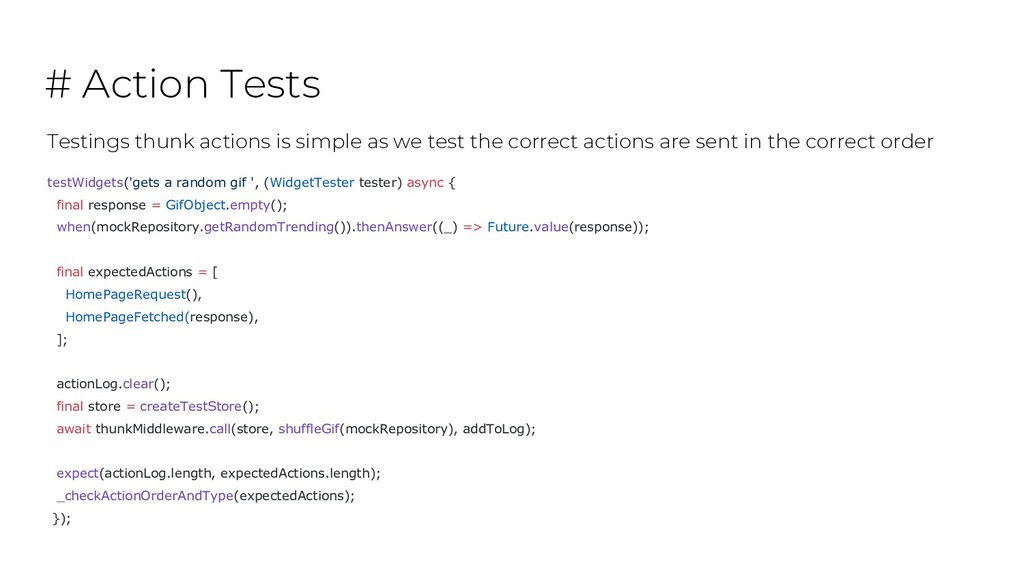
test the correct actions are sent in the correct order testWidgets('gets a random gif ', (WidgetTester tester) async { final response = GifObject.empty(); when(mockRepository.getRandomTrending()).thenAnswer((_) => Future.value(response)); final expectedActions = [ HomePageRequest(), HomePageFetched(response), ]; actionLog.clear(); final store = createTestStore(); await thunkMiddleware.call(store, shuffleGif(mockRepository), addToLog); expect(actionLog.length, expectedActions.length); _checkActionOrderAndType(expectedActions); });
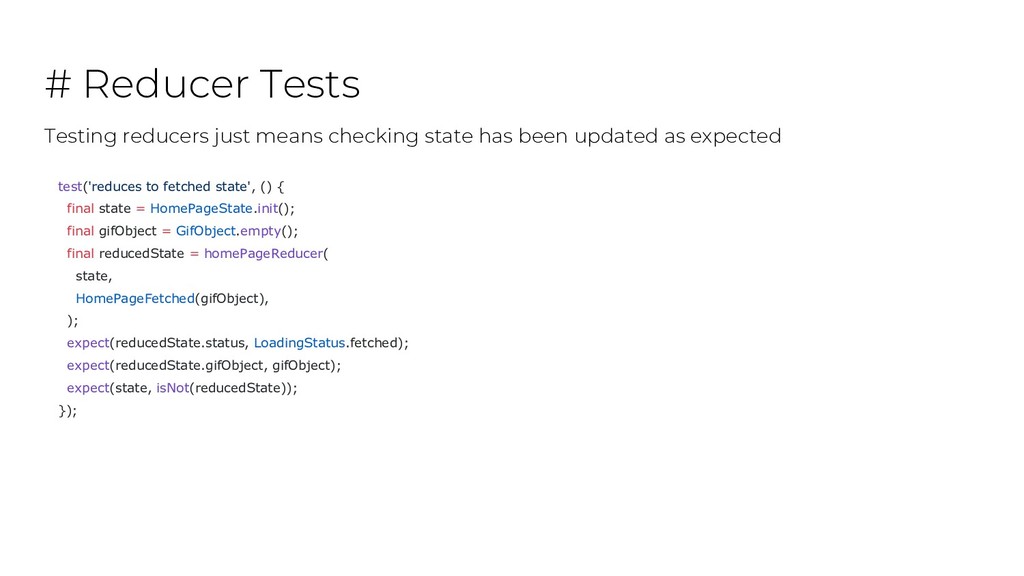
state = HomePageState.init(); final gifObject = GifObject.empty(); final reducedState = homePageReducer( state, HomePageFetched(gifObject), ); expect(reducedState.status, LoadingStatus.fetched); expect(reducedState.gifObject, gifObject); expect(state, isNot(reducedState)); }); Testing reducers just means checking state has been updated as expected
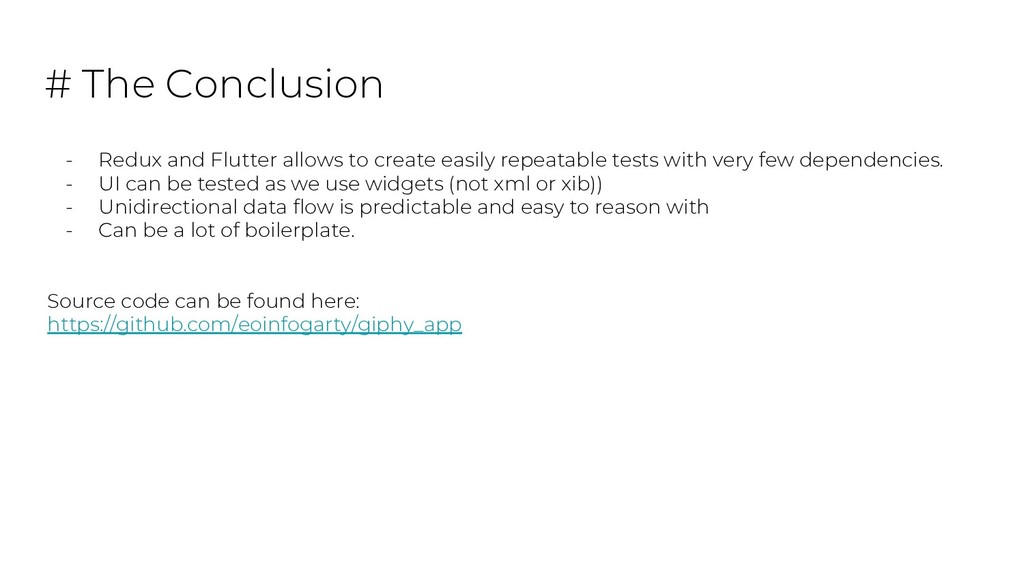
easily repeatable tests with very few dependencies. - UI can be tested as we use widgets (not xml or xib)) - Unidirectional data flow is predictable and easy to reason with - Can be a lot of boilerplate. Source code can be found here: https://github.com/eoinfogarty/giphy_app


 eoinfogarty
 tmikov2023
 texmeijin
 yutobara
 tosite
 drumath2237
 y0hgi
y0hgi
 satoshi256kbyte
 syumai
 kishida
 uyuki234
 mofurune
 siroemk
 signer
 aleyda
 marktimemedia
 livdayseo
 tammyeverts
 samlambert
 wjessup
 thoeni
 palkan
 chriscoyier
 baasie
 sugarenia


![# Action ThunkAction<HomePageState> shuffleGif([ GifRepository repository = const GifRepository(), ])](https://files.speakerdeck.com/presentations/86ab134b54c84cffacd945e4b89ca56a/slide_12.jpg)