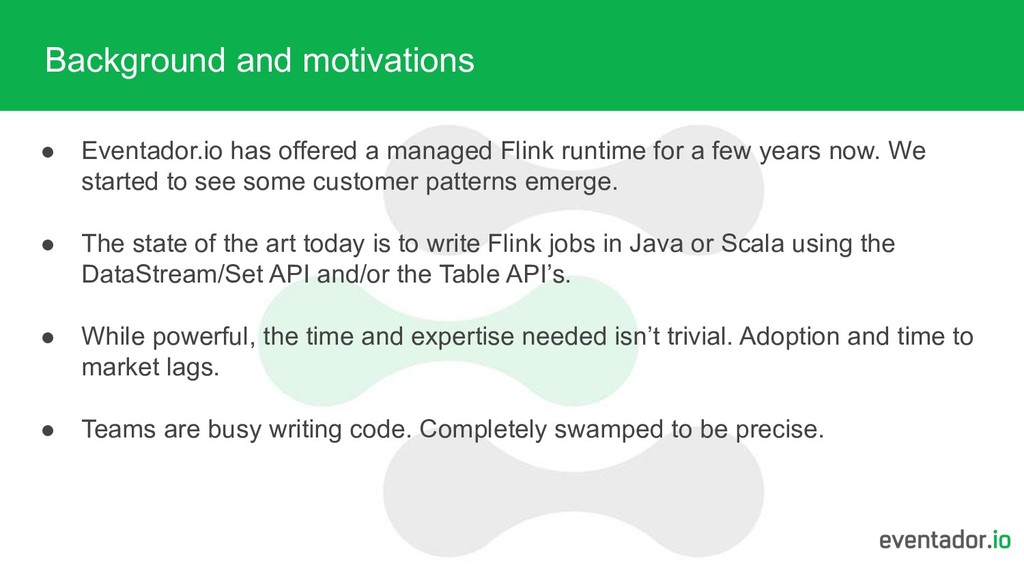
runtime for a few years now. We started to see some customer patterns emerge. • The state of the art today is to write Flink jobs in Java or Scala using the DataStream/Set API and/or the Table API’s. • While powerful, the time and expertise needed isn’t trivial. Adoption and time to market lags. • Teams are busy writing code. Completely swamped to be precise.
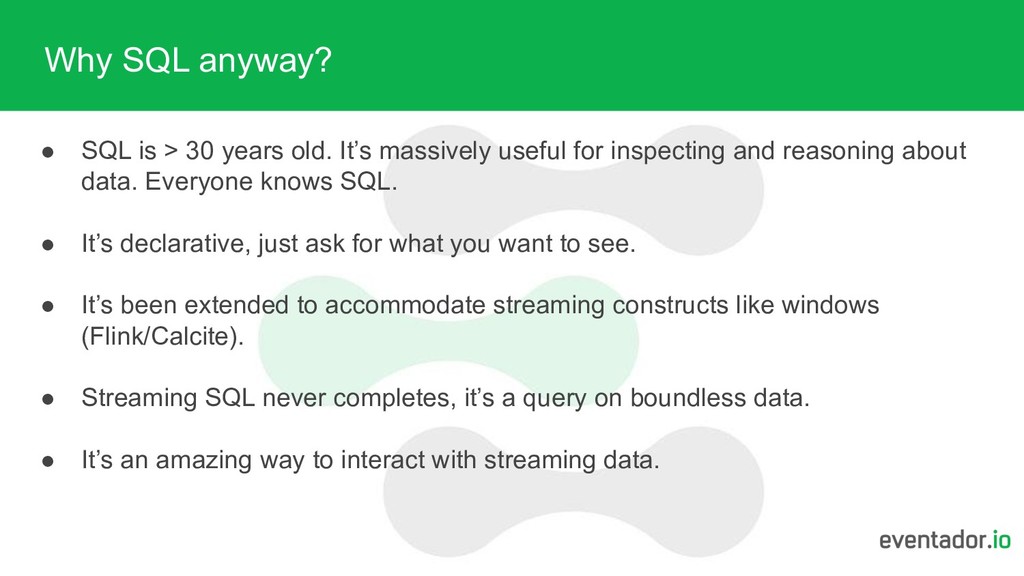
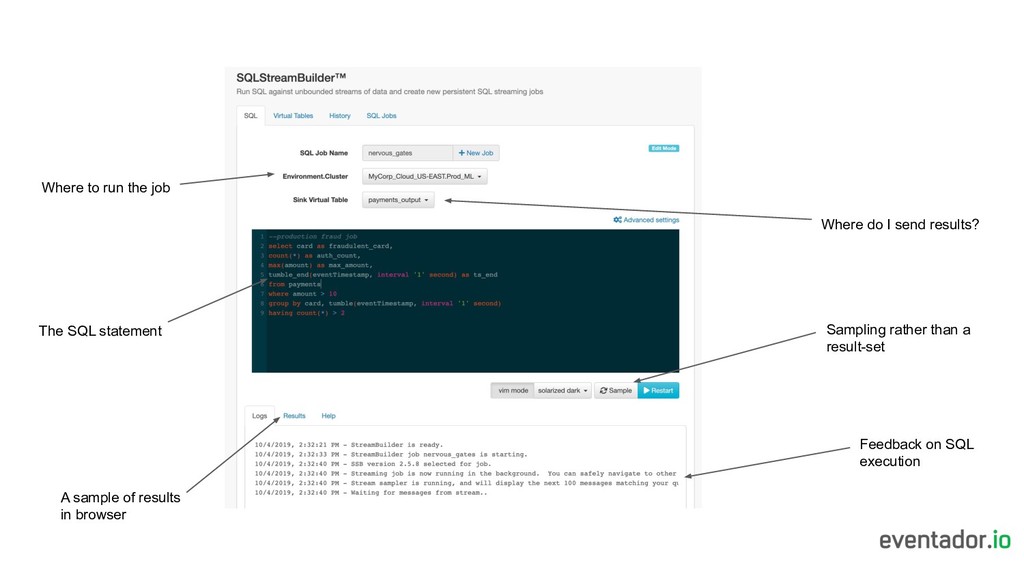
It’s massively useful for inspecting and reasoning about data. Everyone knows SQL. • It’s declarative, just ask for what you want to see. • It’s been extended to accommodate streaming constructs like windows (Flink/Calcite). • Streaming SQL never completes, it’s a query on boundless data. • It’s an amazing way to interact with streaming data.
SQL - do it interactively, manage schema’s and make it all easy? Could building logic on streams be as productive and intuitive as using a database yet as scalable and powerful as Flink?
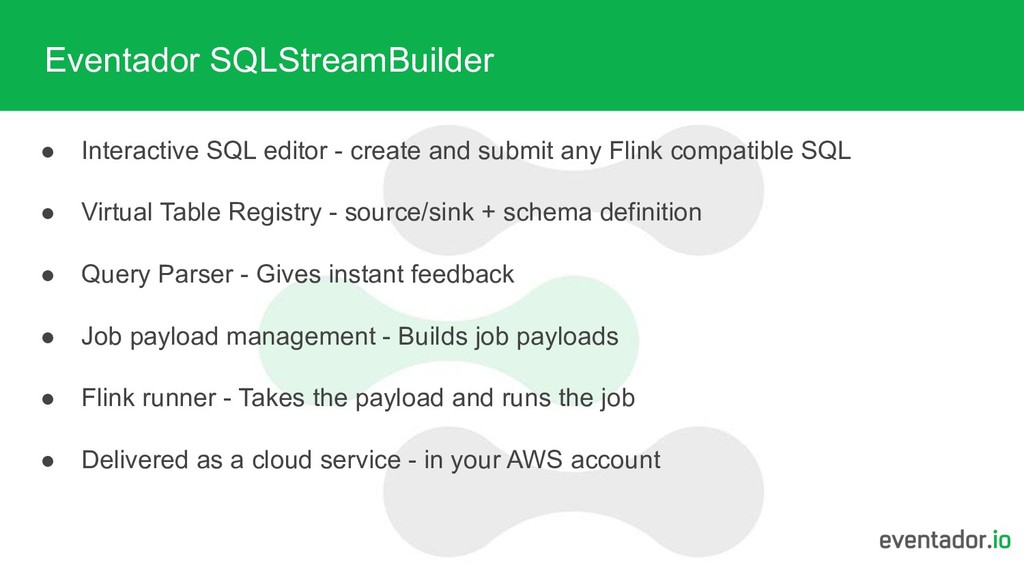
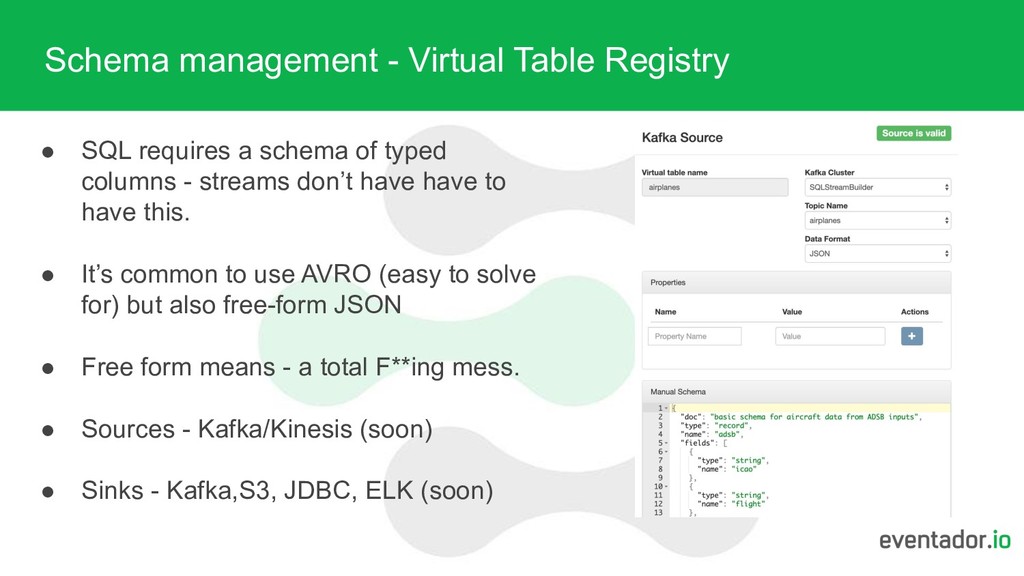
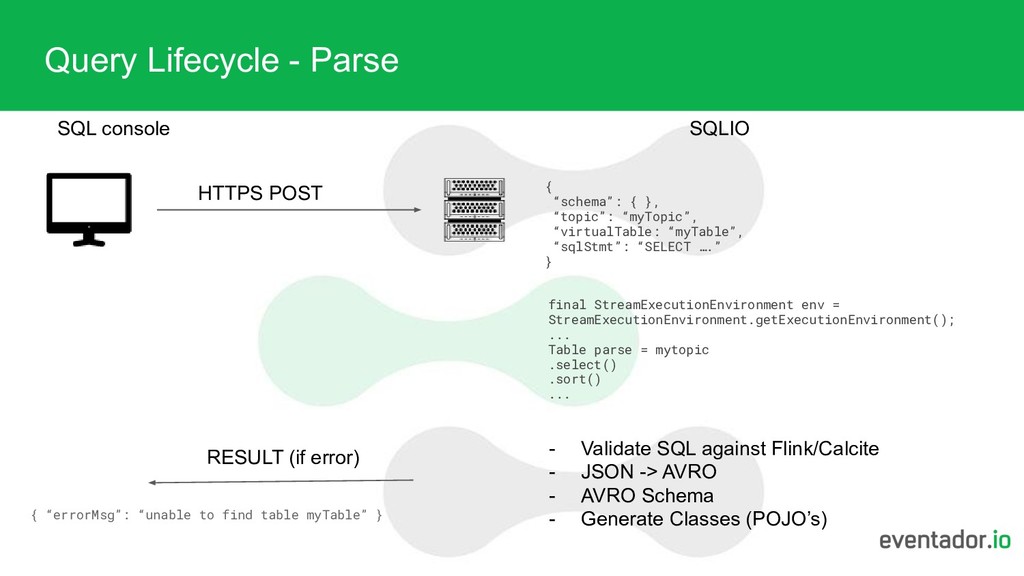
schema of typed columns - streams don’t have have to have this. • It’s common to use AVRO (easy to solve for) but also free-form JSON • Free form means - a total F**ing mess. • Sources - Kafka/Kinesis (soon) • Sinks - Kafka,S3, JDBC, ELK (soon)
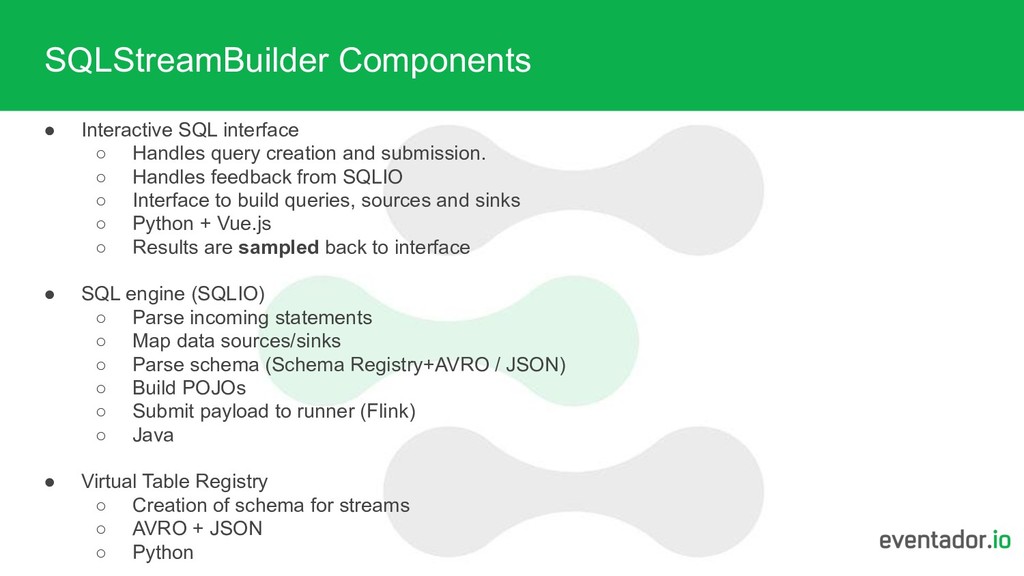
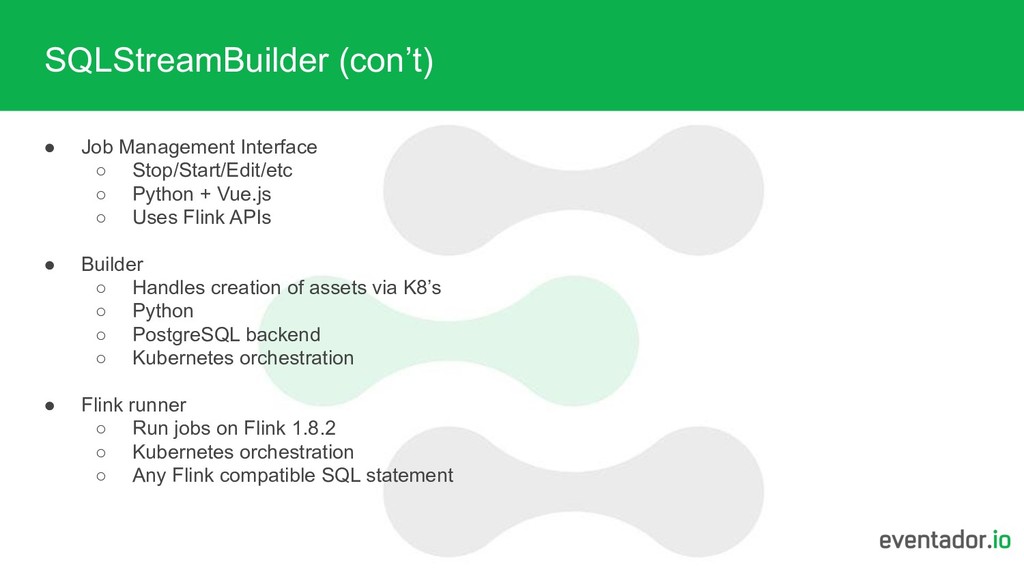
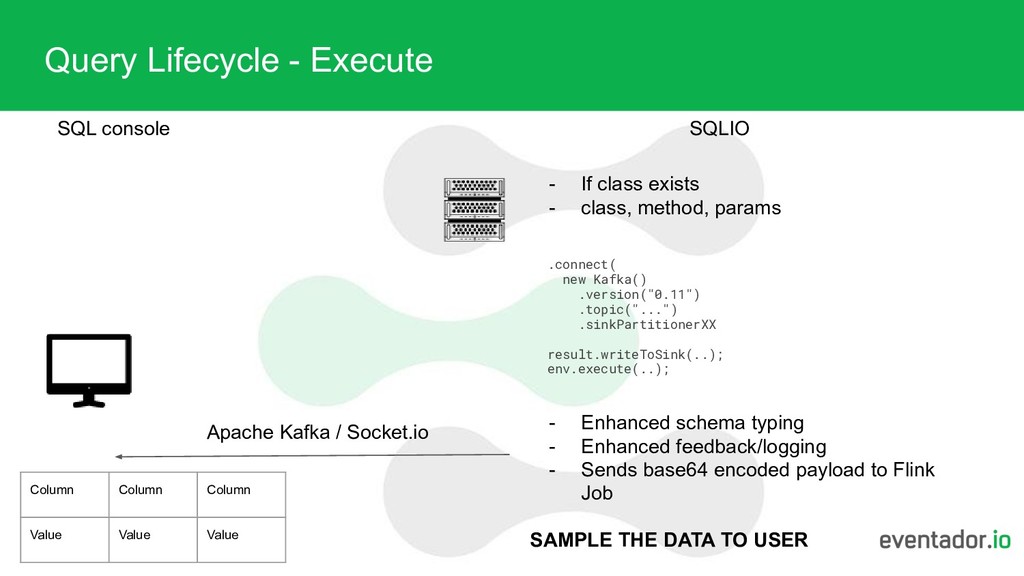
console Column Column Column Value Value Value - If class exists - class, method, params .connect( new Kafka() .version("0.11") .topic("...") .sinkPartitionerXX result.writeToSink(..); env.execute(..); - Enhanced schema typing - Enhanced feedback/logging - Sends base64 encoded payload to Flink Job SAMPLE THE DATA TO USER
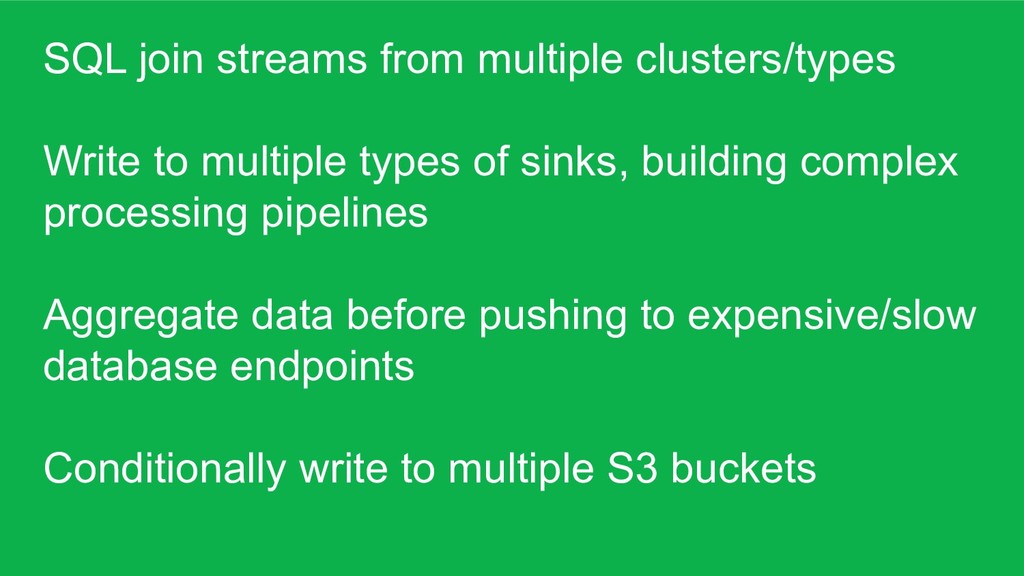
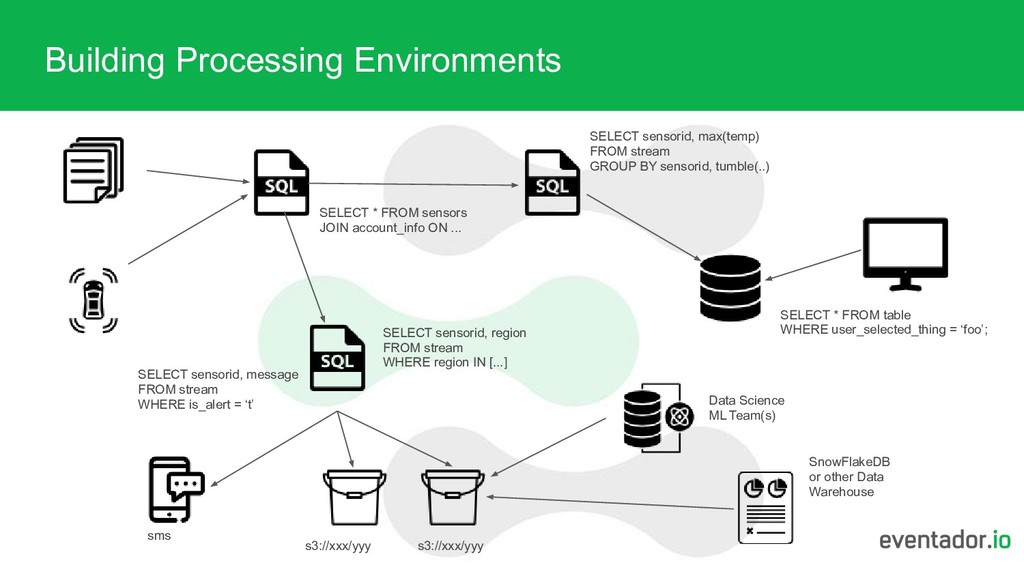
of sinks, building complex processing pipelines Aggregate data before pushing to expensive/slow database endpoints Conditionally write to multiple S3 buckets
... SELECT sensorid, max(temp) FROM stream GROUP BY sensorid, tumble(..) SELECT sensorid, region FROM stream WHERE region IN [...] s3://xxx/yyy s3://xxx/yyy sms SELECT * FROM table WHERE user_selected_thing = ‘foo’; SELECT sensorid, message FROM stream WHERE is_alert = ‘t’ Data Science ML Team(s) SnowFlakeDB or other Data Warehouse


 eventador
 makocchi
 ykanoh
 terurou
 tokuty
 takanorip
 endonanana
 prog893
 shuta13
 hiracky16
 yamanoku
 ymotongpoo
 iktakahiro
 tomoyanonymous
 aleyda
 jdejongh
 palkan
 honzajavorek
 tessaabrams
 colly
colly
 sonatard
 geshan
 427marketing
 honnibal
 addyosmani





![Thank You [email protected]](https://files.speakerdeck.com/presentations/c18c941f9e694124adb9e60b077003cc/slide_19.jpg)