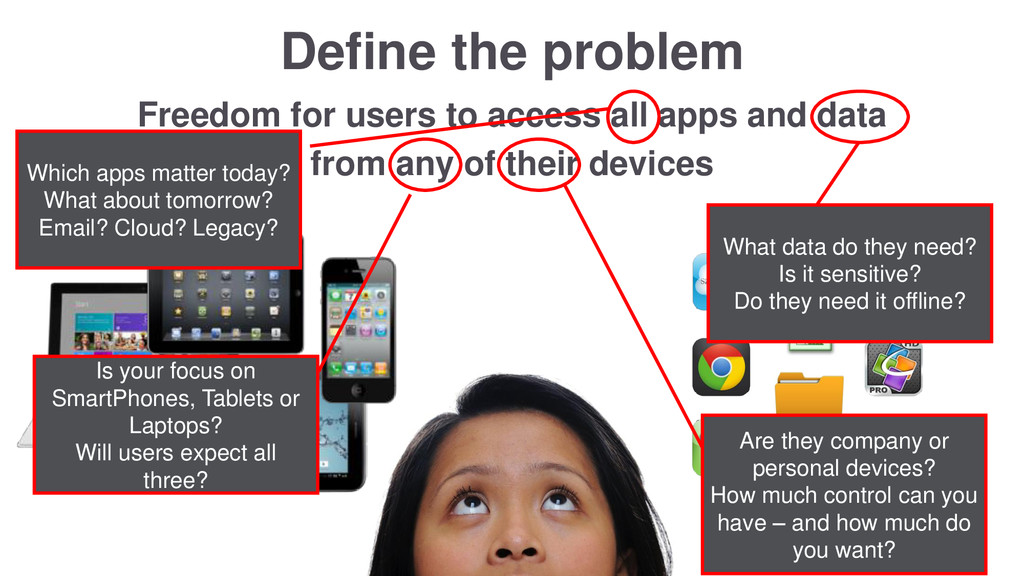
and data from any of their devices Which apps matter today? What about tomorrow? Email? Cloud? Legacy? What data do they need? Is it sensitive? Do they need it offline? Is your focus on SmartPhones, Tablets or Laptops? Will users expect all three? Are they company or personal devices? How much control can you have – and how much do you want?
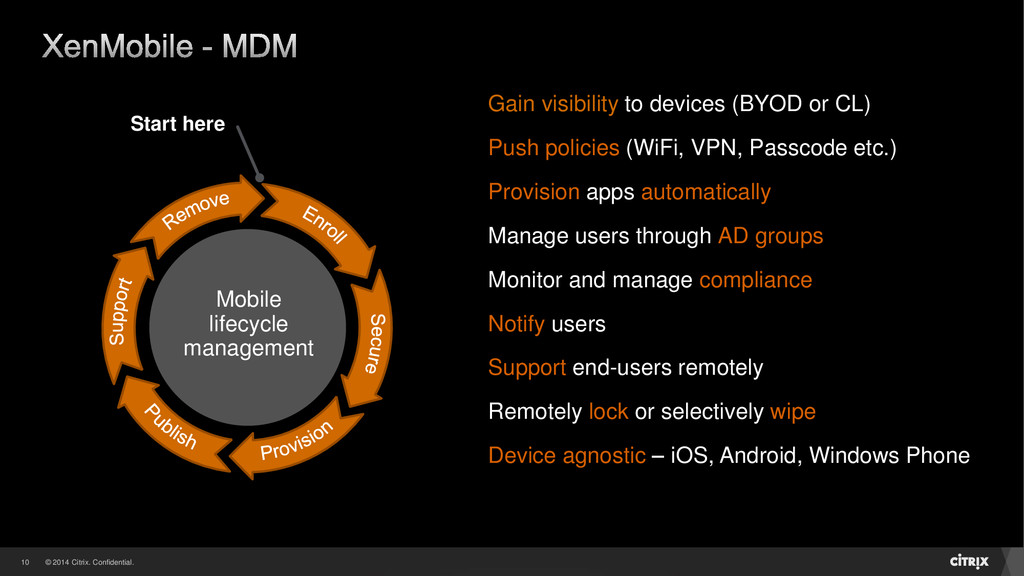
Gain visibility to devices (BYOD or CL) Push policies (WiFi, VPN, Passcode etc.) Provision apps automatically Manage users through AD groups Monitor and manage compliance Notify users Support end-users remotely Remotely lock or selectively wipe Device agnostic – iOS, Android, Windows Phone
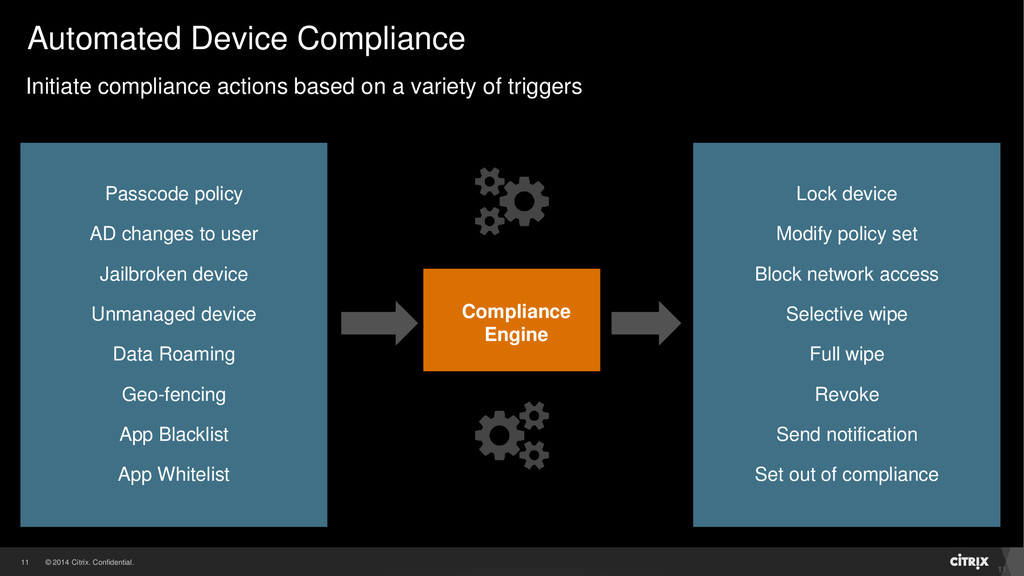
policy AD changes to user Jailbroken device Unmanaged device Data Roaming Geo-fencing App Blacklist App Whitelist Compliance Engine Initiate compliance actions based on a variety of triggers Lock device Modify policy set Block network access Selective wipe Full wipe Revoke Send notification Set out of compliance
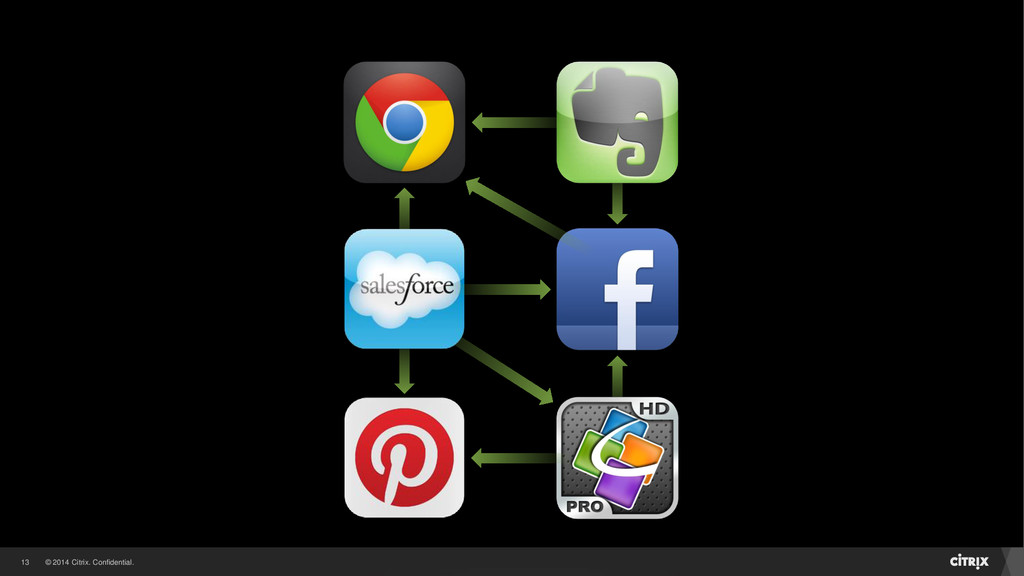
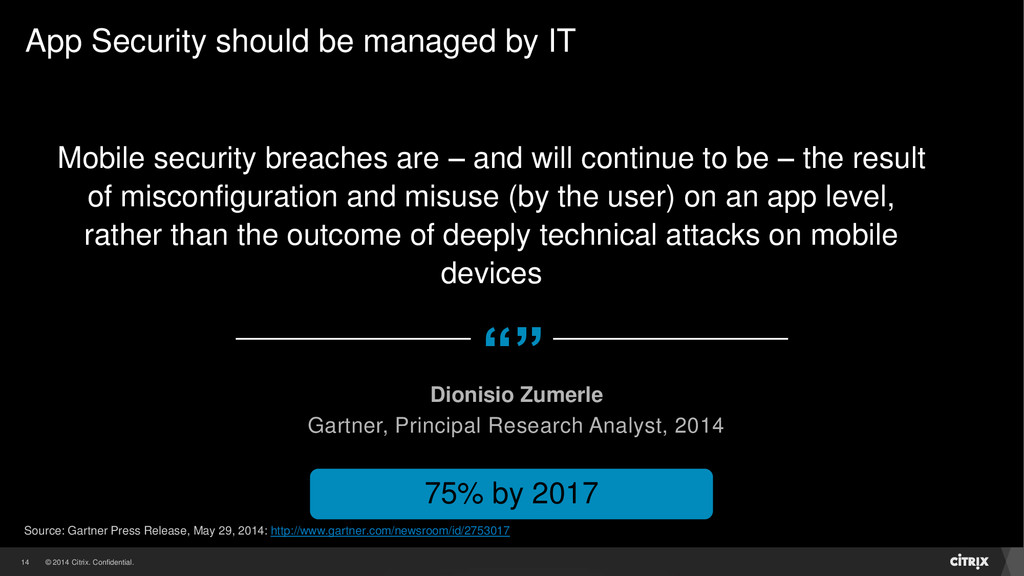
– and will continue to be – the result of misconfiguration and misuse (by the user) on an app level, rather than the outcome of deeply technical attacks on mobile devices Dionisio Zumerle Gartner, Principal Research Analyst, 2014 75% by 2017 App Security should be managed by IT Source: Gartner Press Release, May 29, 2014: http://www.gartner.com/newsroom/id/2753017
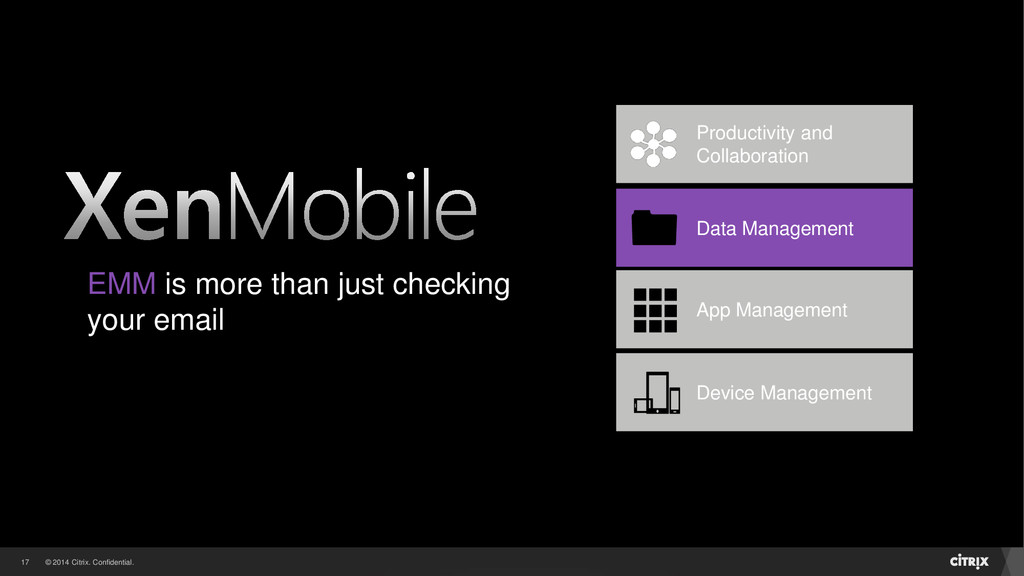
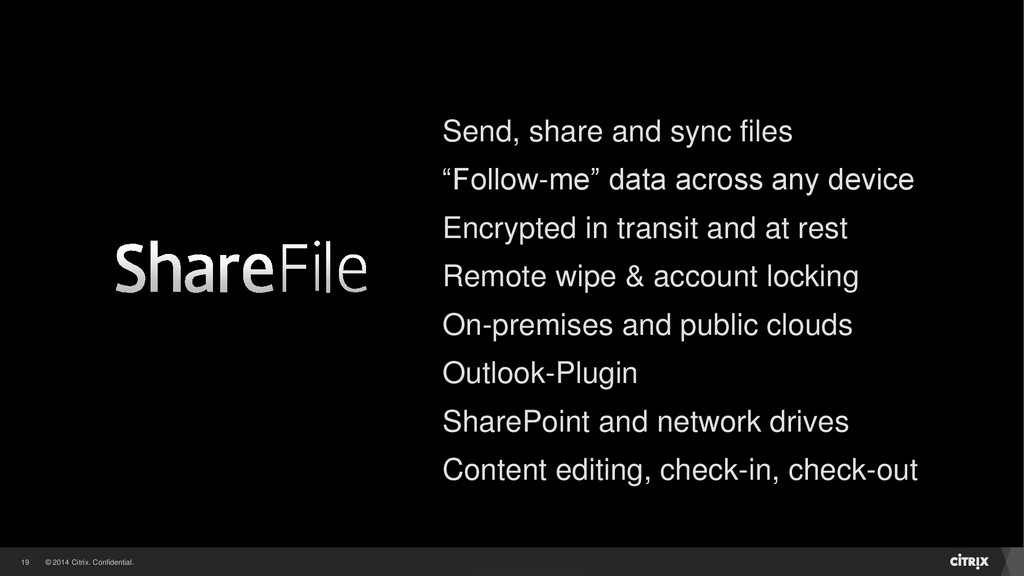
“Follow-me” data across any device Encrypted in transit and at rest Remote wipe & account locking On-premises and public clouds Outlook-Plugin SharePoint and network drives Content editing, check-in, check-out
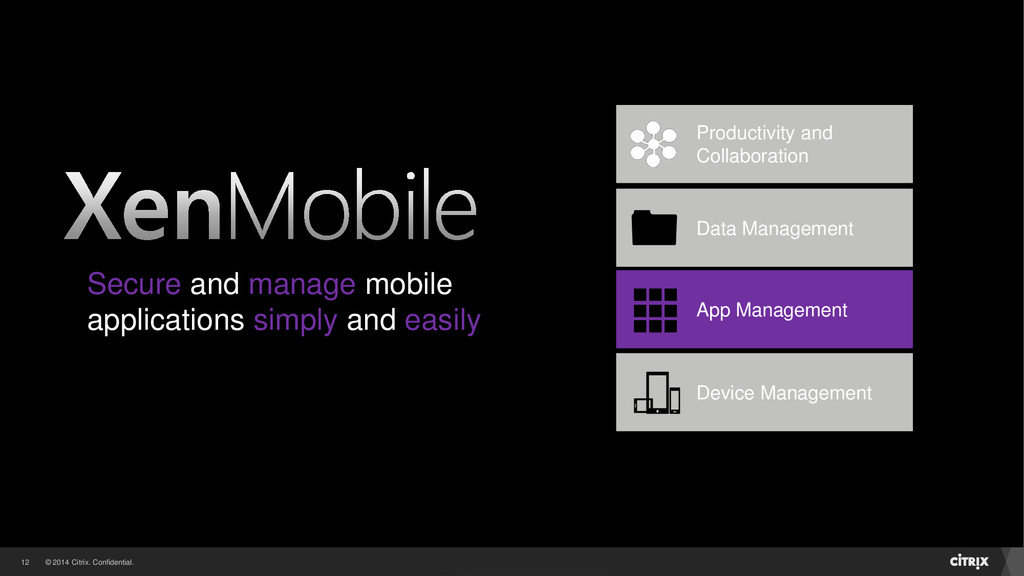
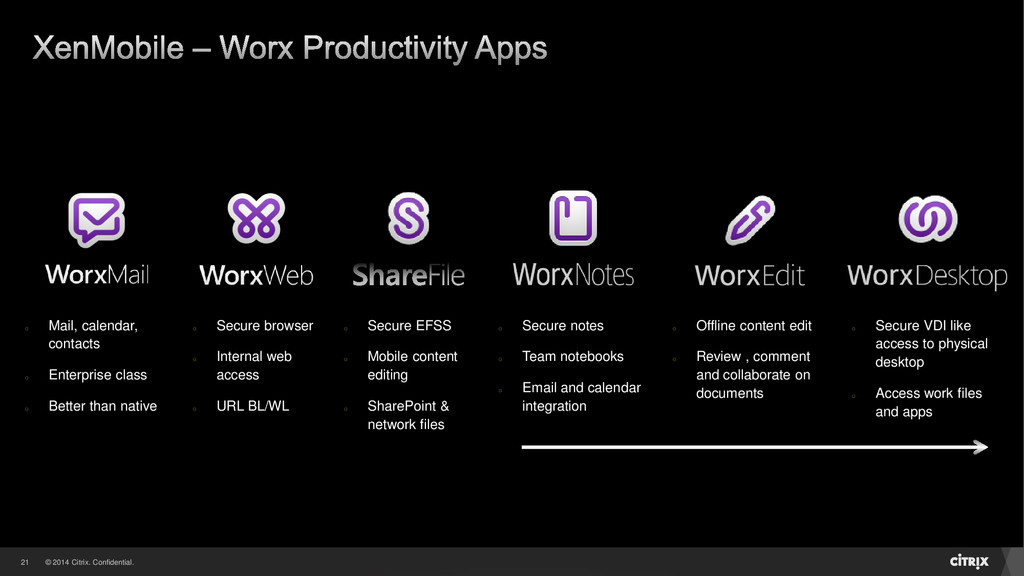
web access o URL BL/WL o Mail, calendar, contacts o Enterprise class o Better than native o Secure VDI like access to physical desktop o Access work files and apps o Offline content edit o Review , comment and collaborate on documents o Secure notes o Team notebooks o Email and calendar integration o Secure EFSS o Mobile content editing o SharePoint & network files


 evry
evry
 smashingmag
 kristinabergwall1
 stuffmc
 akademiya2063
 rkendrick25
 pedronauck
 aleyda
 jct
jct
 eileencodes
 tmiket
 mongodb
 samlambert