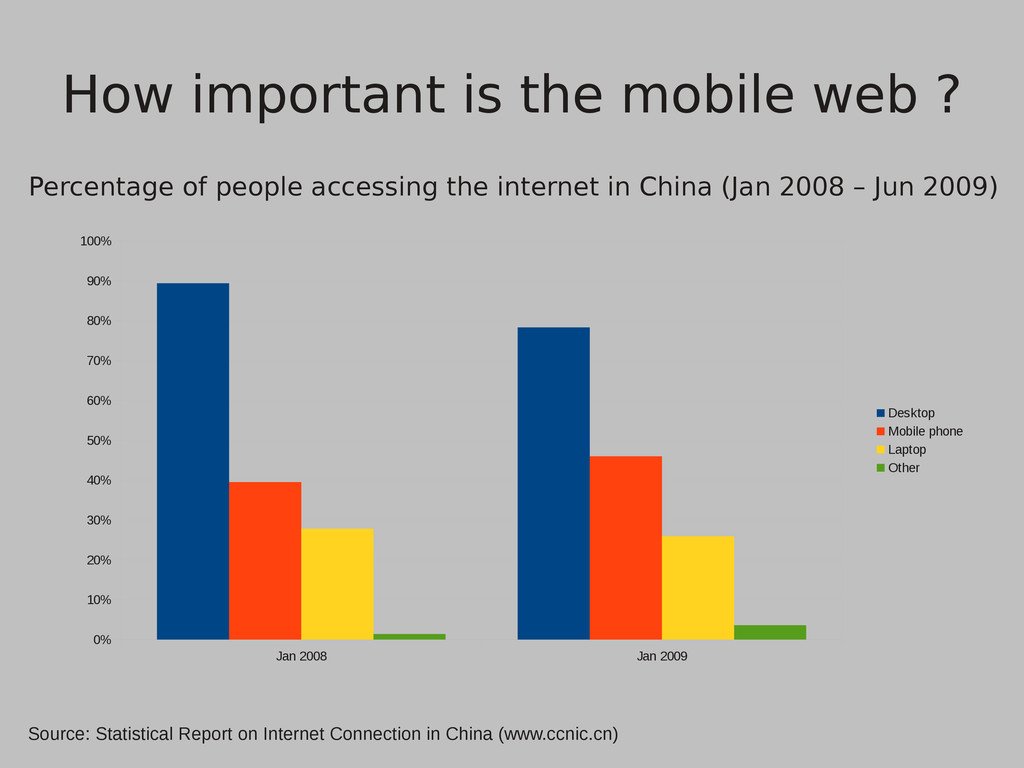
accessing the internet in China (Jan 2008 – Jun 2009) Jan 2008 Jan 2009 0% 10% 20% 30% 40% 50% 60% 70% 80% 90% 100% Desktop Mobile phone Laptop Other Source: Statistical Report on Internet Connection in China (www.ccnic.cn)
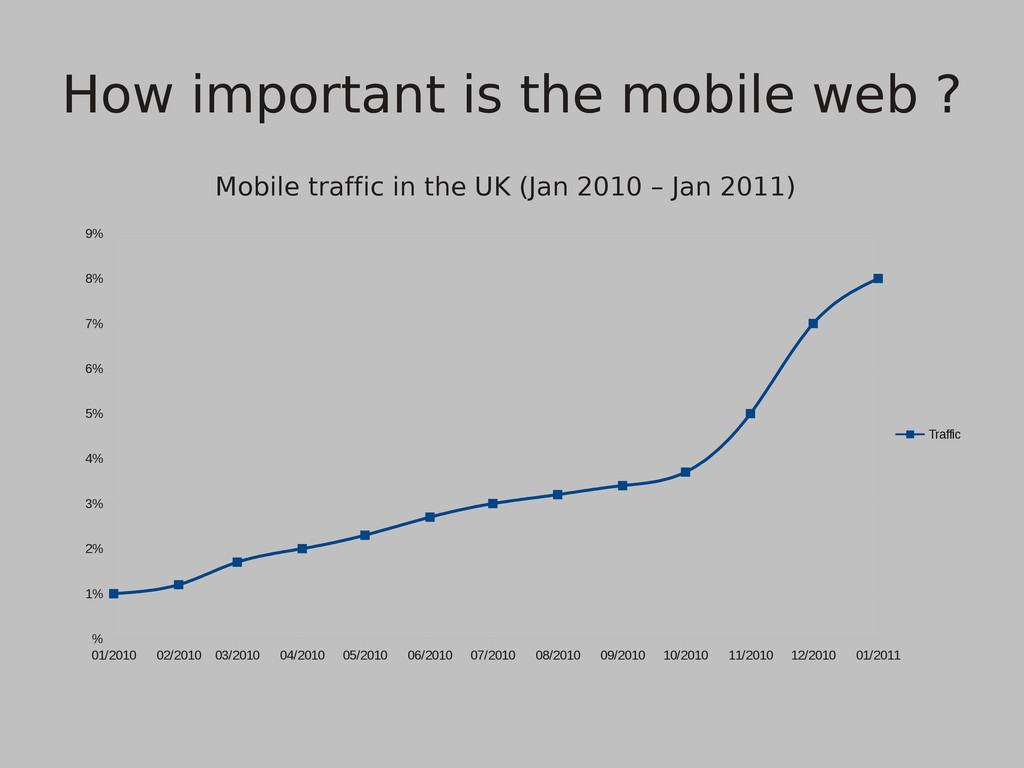
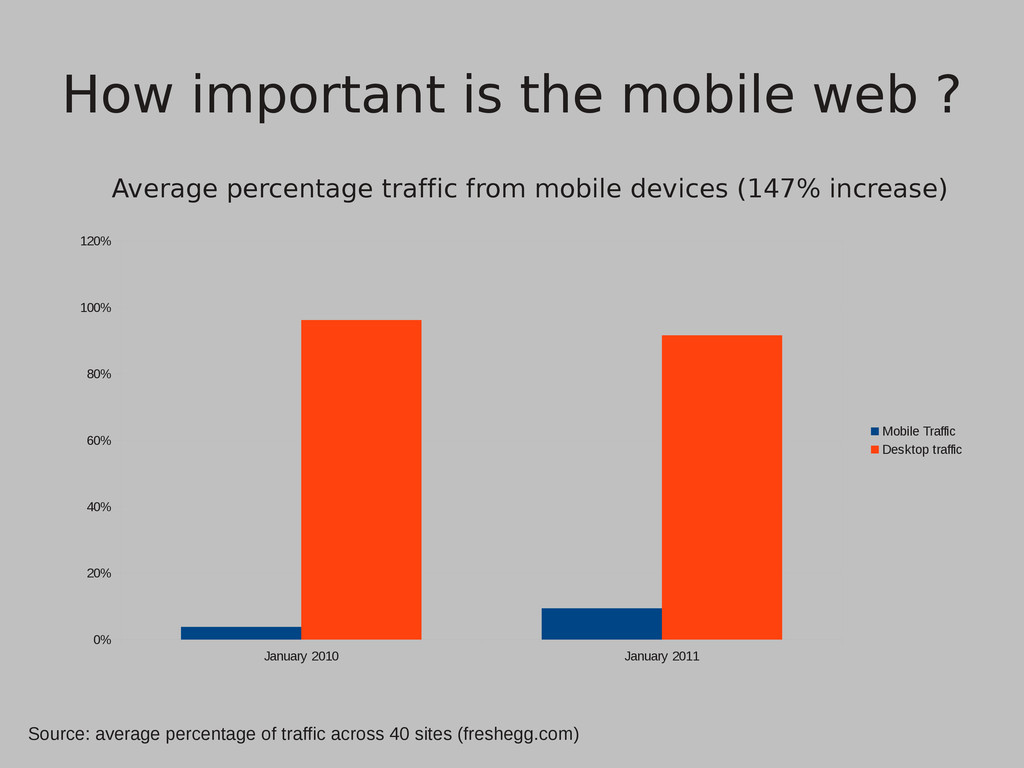
from mobile devices (147% increase) January 2010 January 2011 0% 20% 40% 60% 80% 100% 120% Mobile Traffic Desktop traffic Source: average percentage of traffic across 40 sites (freshegg.com)
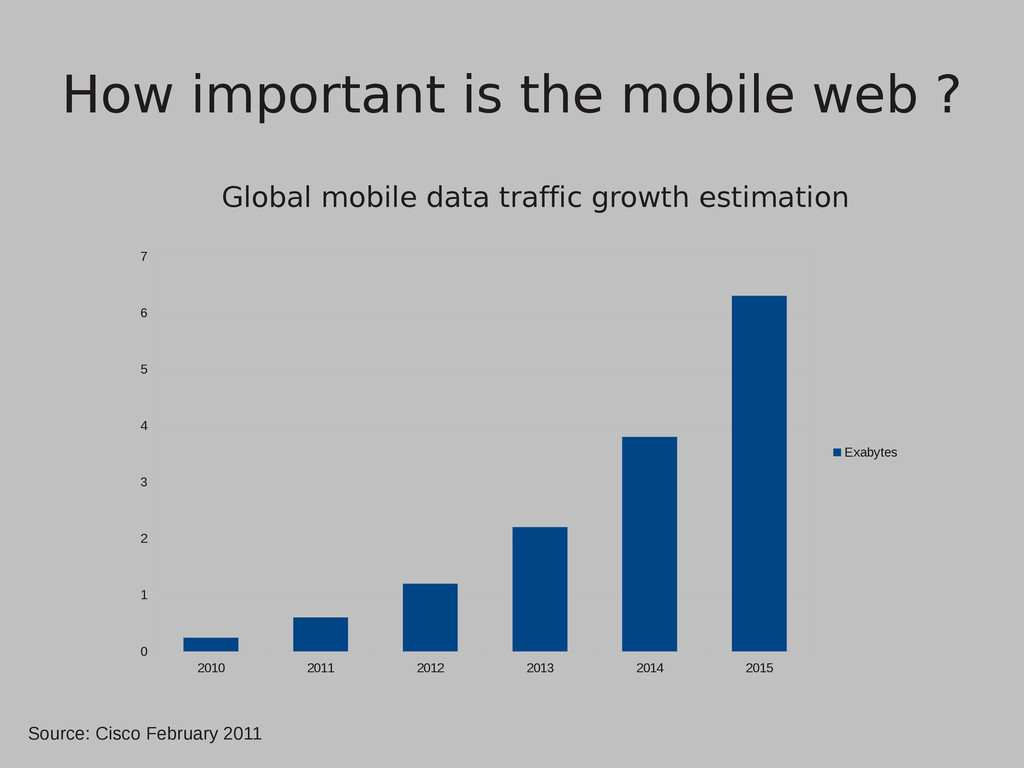
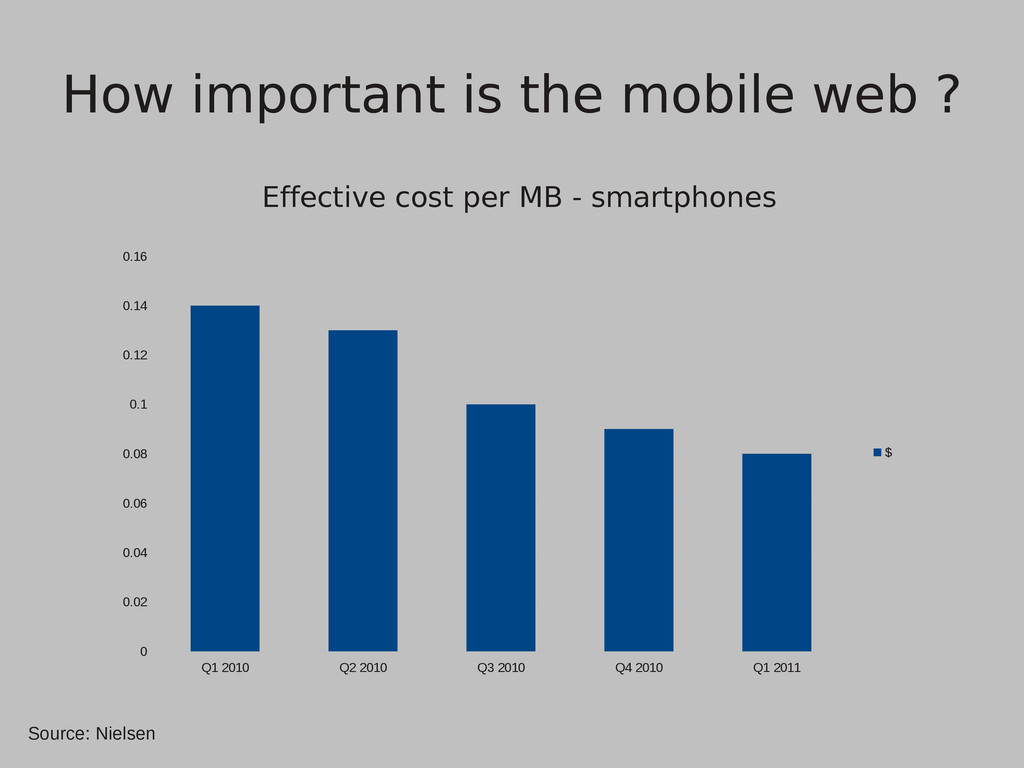
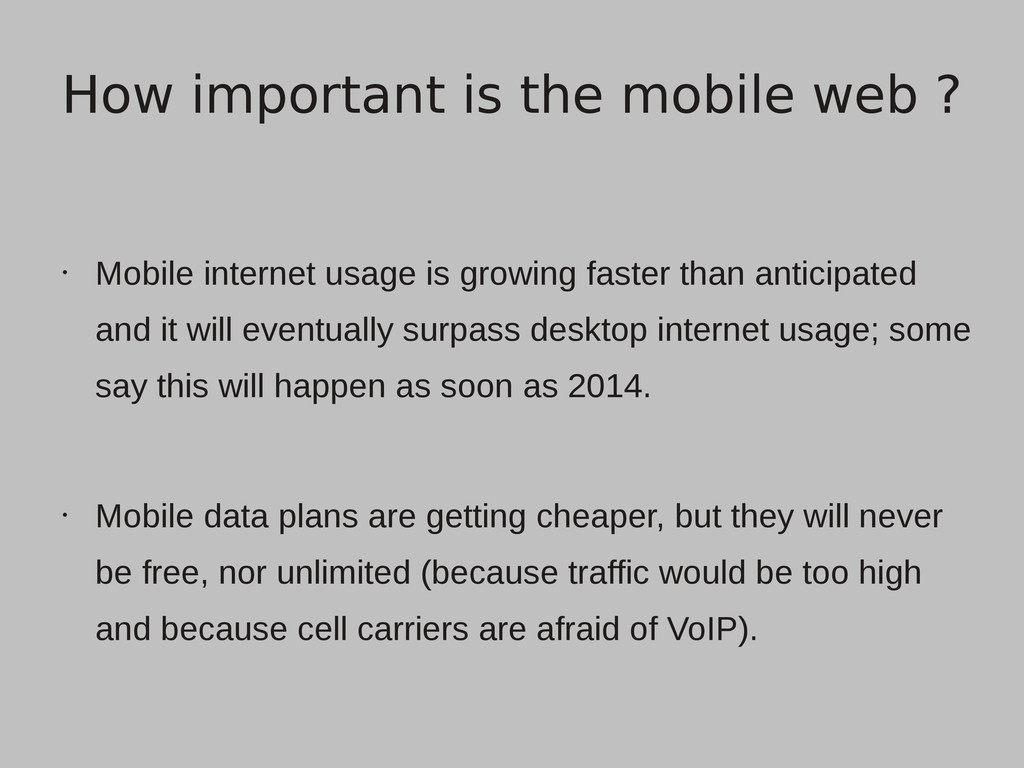
it will eventually surpass desktop internet usage; some say this will happen as soon as 2014. • Mobile data plans are getting cheaper, but they will never be free, nor unlimited (because traffic would be too high and because cell carriers are afraid of VoIP). How important is the mobile web ?
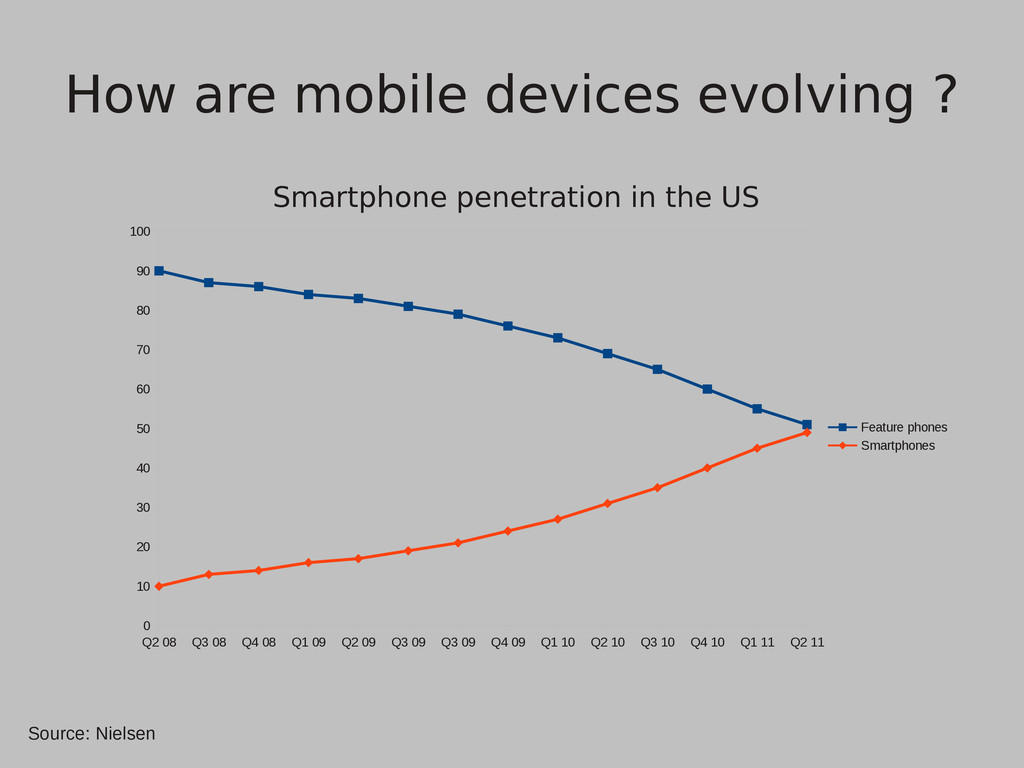
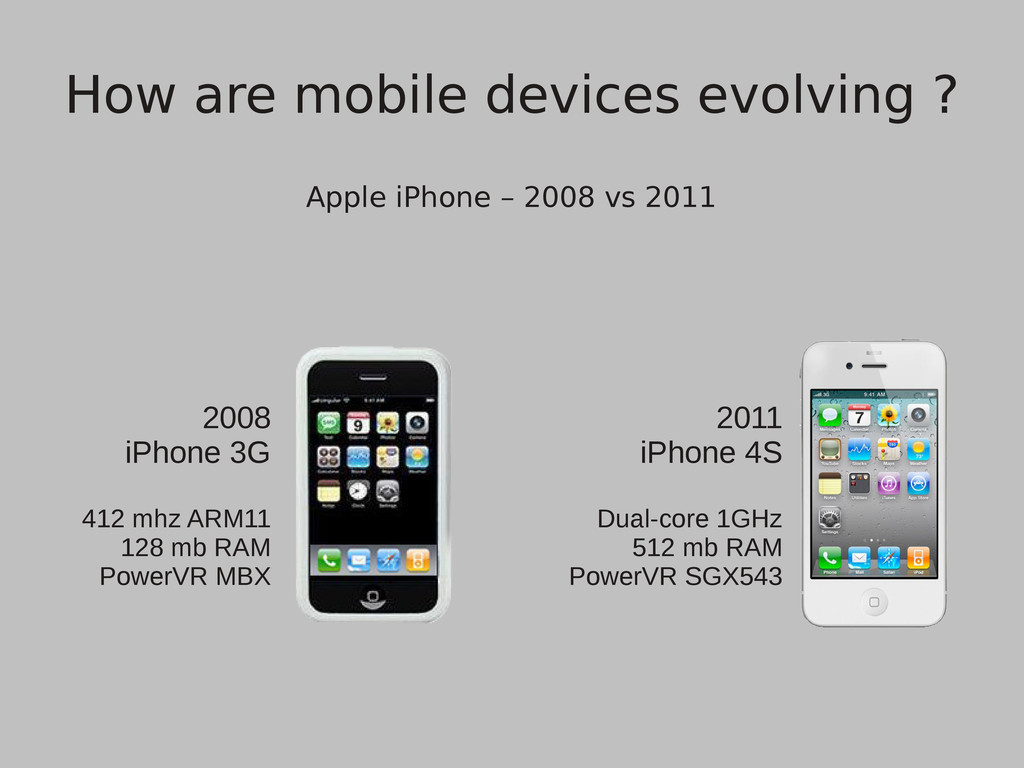
Ericsson's shares • Nokia is developing another homebrew OS to replace it's line of feature phones (S40), presumably named 'Meltemi OS' • In conclusion, the smartphone killed the feature phone; hardware on mobile devices is evolving fast but it still is a lot slower than that of your average PC How are mobile devices evolving ?
in developing mobile applications is the diversity of operating systems they run on. • Because the hardware is so diverse the best way to target multiple devices is to add an abstraction layer and this common abstraction layer that all the mobile operating systems support is HTML5. Developing mobile apps
browsers or they can have the look and feel of a native app by using a 'web view' control and routing the Javascript calls to a native API. • Obviously, performance on CPU intensive apps is lower on HTML5, but how much lower depends on the smart usage of the features that HTML5 provides. Developing mobile apps
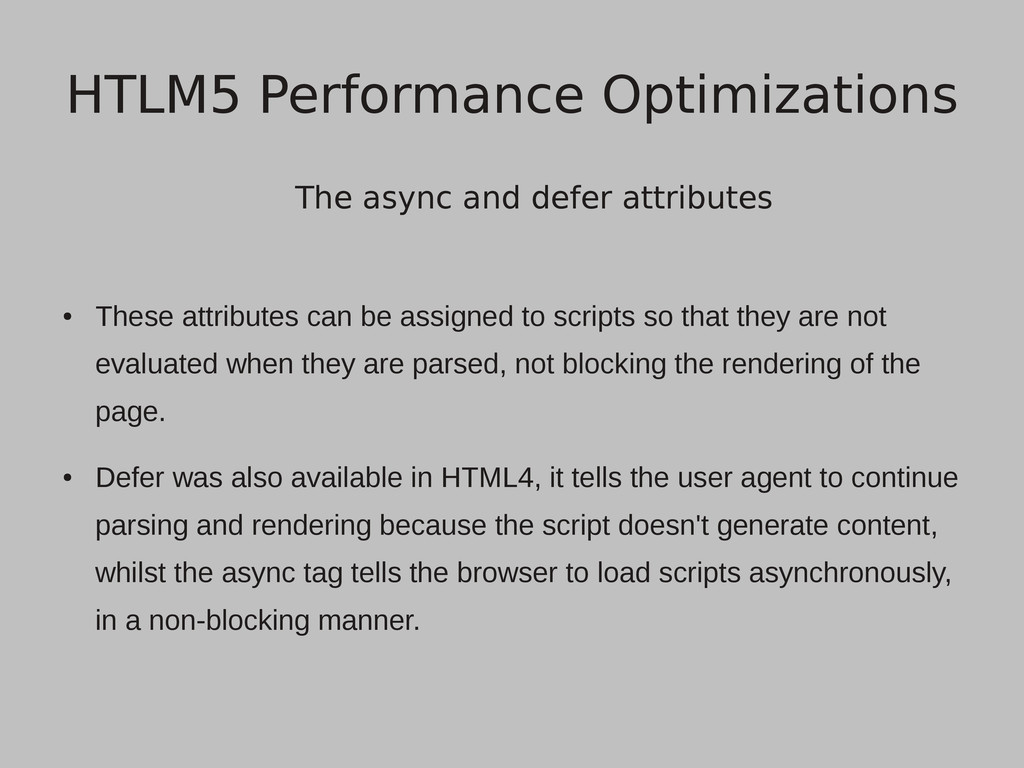
assigned to scripts so that they are not evaluated when they are parsed, not blocking the rendering of the page. • Defer was also available in HTML4, it tells the user agent to continue parsing and rendering because the script doesn't generate content, whilst the async tag tells the browser to load scripts asynchronously, in a non-blocking manner. HTLM5 Performance Optimizations
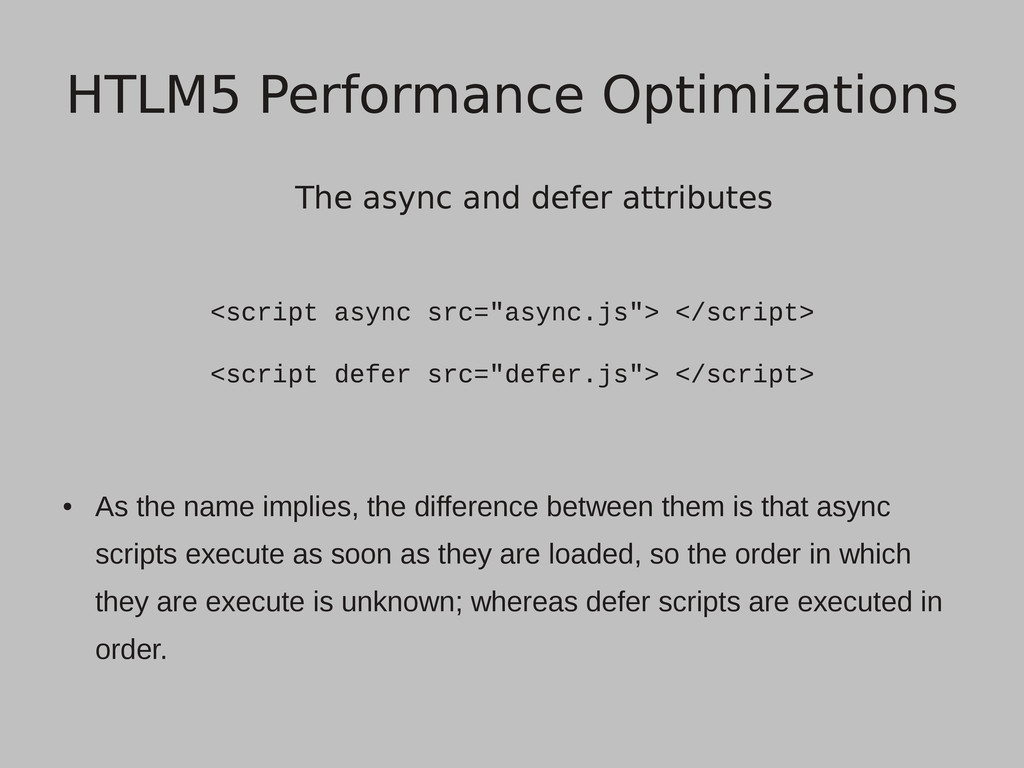
defer src="defer.js"> </script> • As the name implies, the difference between them is that async scripts execute as soon as they are loaded, so the order in which they are execute is unknown; whereas defer scripts are executed in order. HTLM5 Performance Optimizations
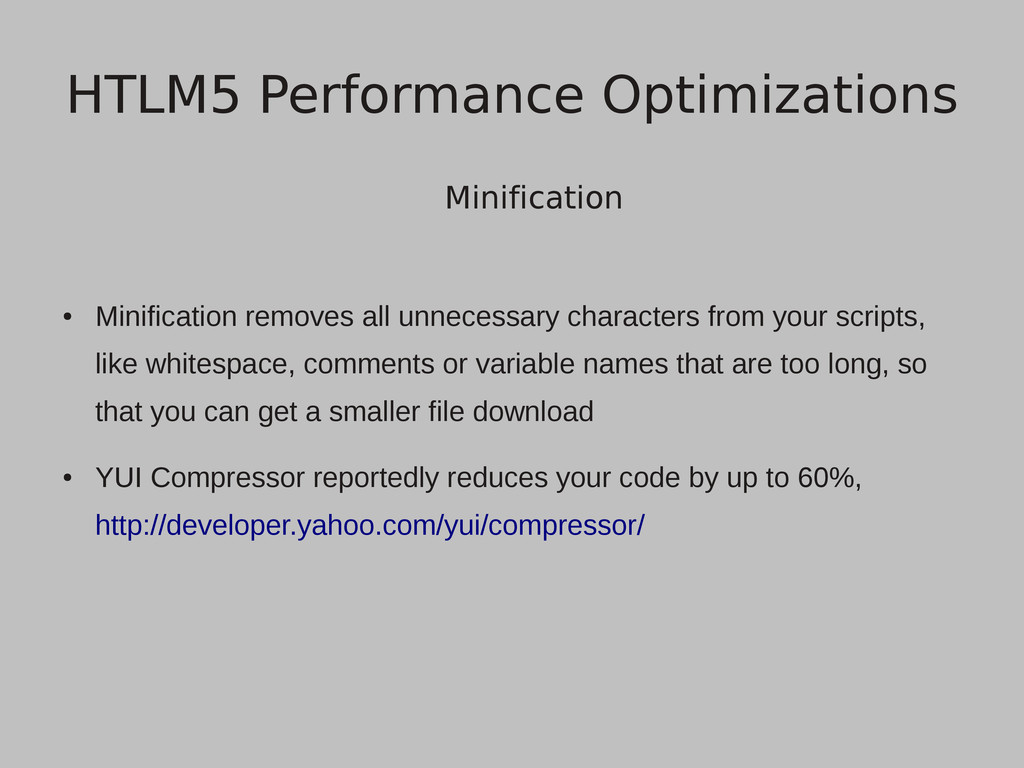
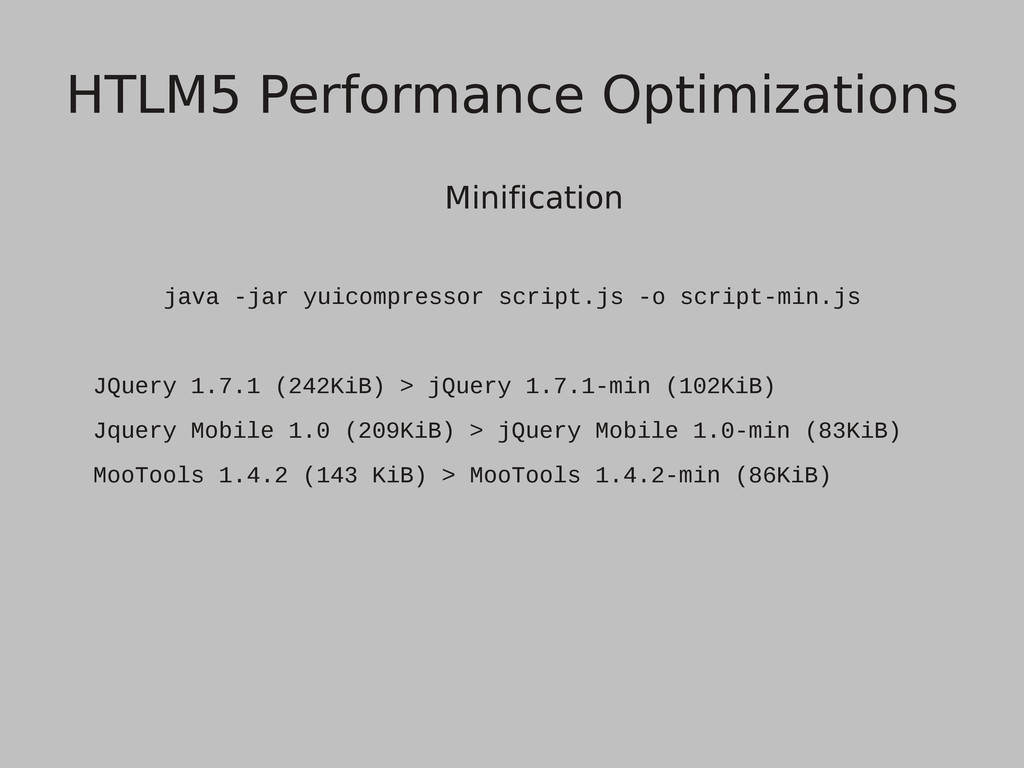
like whitespace, comments or variable names that are too long, so that you can get a smaller file download • YUI Compressor reportedly reduces your code by up to 60%, http://developer.yahoo.com/yui/compressor/ HTLM5 Performance Optimizations
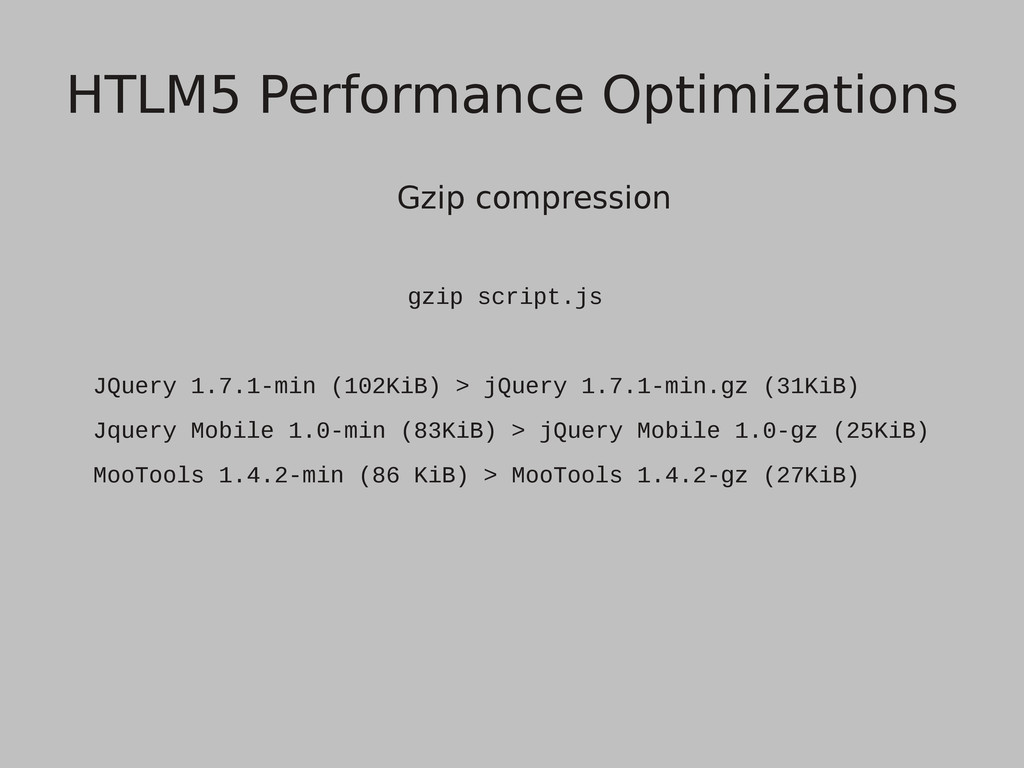
from the web server, most browsers (including mobile browsers) have support for gzip decompression • Decompressing gzipped data is not expensive, meaning that it doesn't have any impact on the slower CPUs of mobile devices HTLM5 Performance Optimizations
parallel connections per server, so they should be used wisely. Combining script or css files, although obviously generating a larger file gives us a faster download time, by reducing the number of required connections. HTLM5 Performance Optimizations
where there is no need to access an element on every iteration, it's much better to assign the element to a variable outside the loop. • It's a good idea to store the accessed DOM elements and when needed again to access them from the local data structures, and not by accessing the DOM again. HTLM5 Performance Optimizations
• The selector engine searches the DOM from right to left meaning that we should be specific to the selectors that are in the right side of the selection and the left side should be as limited as possible. HTLM5 Performance Optimizations
the style for every element, one at a time, like element.style(...) or element.css (if using jQuery); it's better to append a stylesheet to the page with all the required changes. HTLM5 Performance Optimizations
latency is so important for mobile devices, use Ajax as often as possible. • XMLHttpRequest Level 2 offers extended functionality, including progress events, cross-site requests and handling of byte streams, things that make a web application look more like a native application. HTLM5 Performance Optimizations
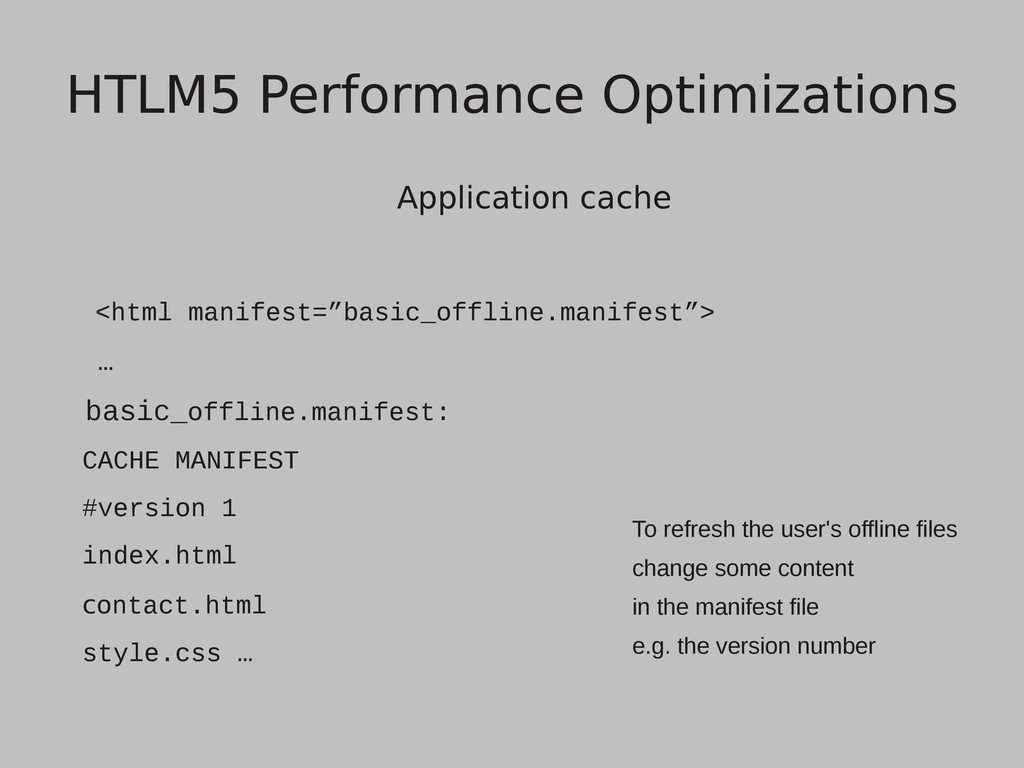
the client, HTML5 application cache let's us specify which files should the client store locally, through a manifest file that is pointed out by a 'manifest' attribute included in the html tag. • The manifest file can also specify files that require the user to be online and fallback files for when he's offline. HTLM5 Performance Optimizations
index.html contact.html style.css … HTLM5 Performance Optimizations To refresh the user's offline files change some content in the manifest file e.g. the version number
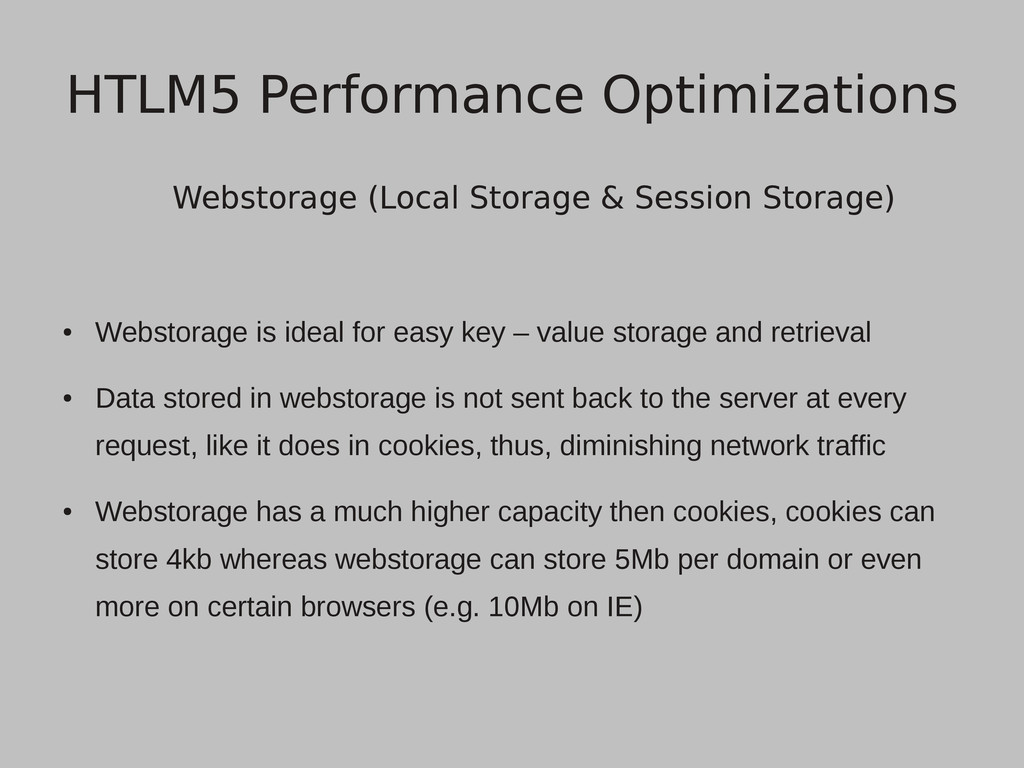
for easy key – value storage and retrieval • Data stored in webstorage is not sent back to the server at every request, like it does in cookies, thus, diminishing network traffic • Webstorage has a much higher capacity then cookies, cookies can store 4kb whereas webstorage can store 5Mb per domain or even more on certain browsers (e.g. 10Mb on IE) HTLM5 Performance Optimizations
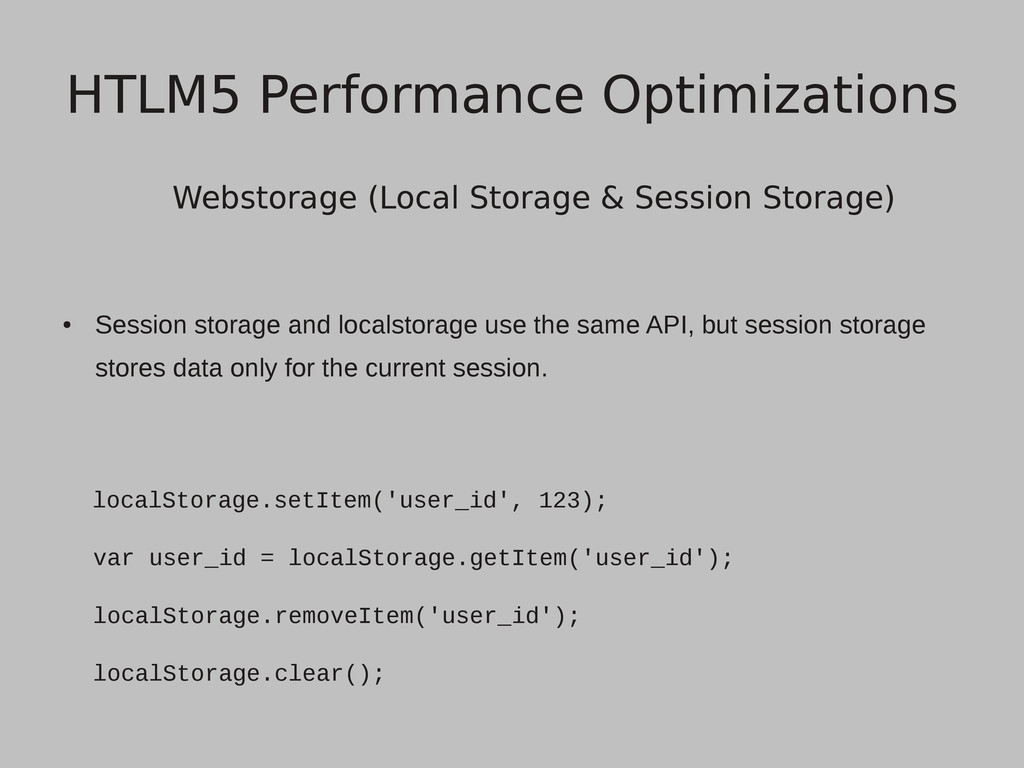
localstorage use the same API, but session storage stores data only for the current session. localStorage.setItem('user_id', 123); var user_id = localStorage.getItem('user_id'); localStorage.removeItem('user_id'); localStorage.clear(); HTLM5 Performance Optimizations
openDatabase: For creating the database object. • transaction: For controlling a transaction and performing either commit or rollback. • executeSql: For executing SQL queries. HTLM5 Performance Optimizations
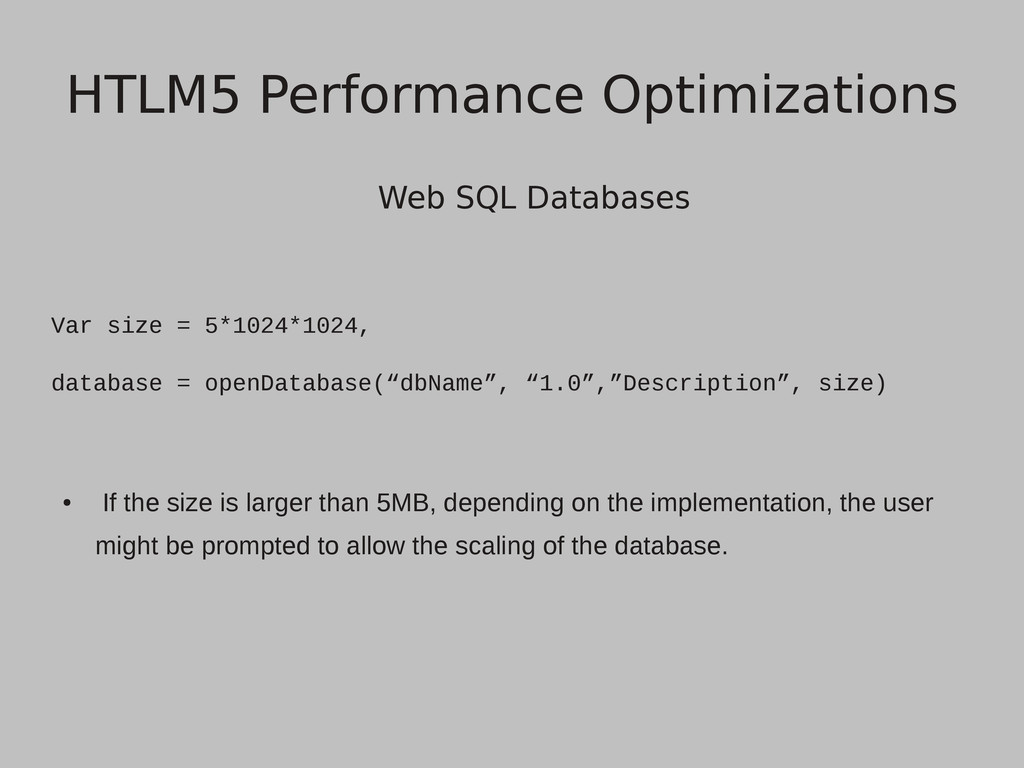
“1.0”,”Description”, size) • If the size is larger than 5MB, depending on the implementation, the user might be prompted to allow the scaling of the database. HTLM5 Performance Optimizations
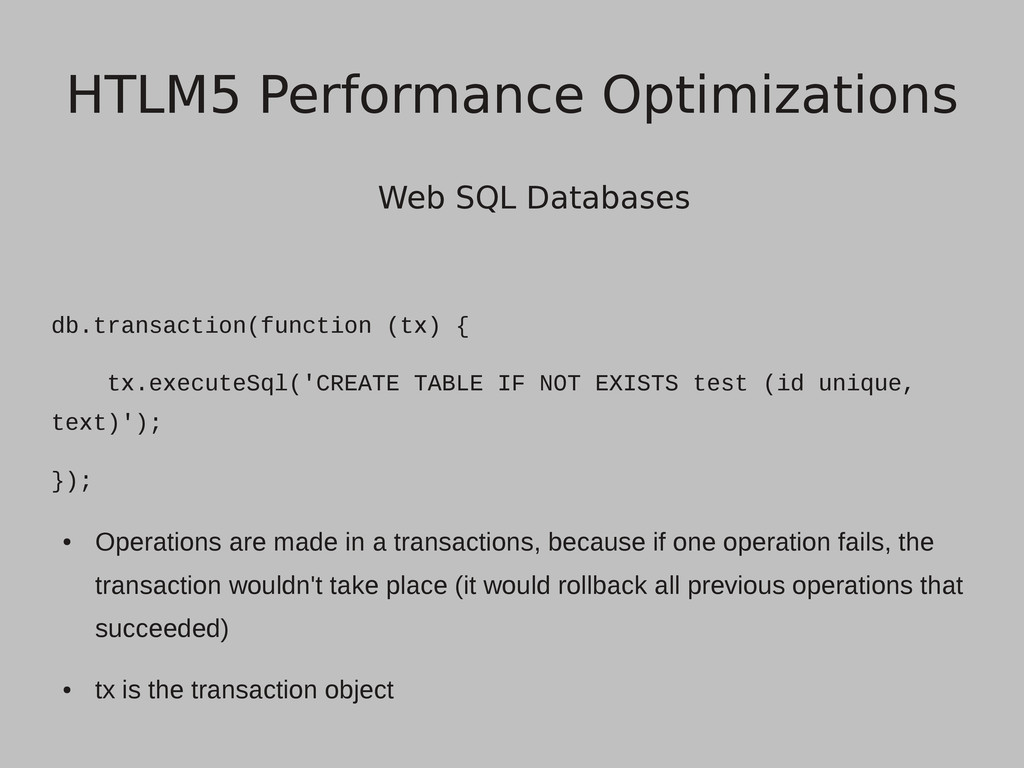
EXISTS test (id unique, text)'); }); • Operations are made in a transactions, because if one operation fails, the transaction wouldn't take place (it would rollback all previous operations that succeeded) • tx is the transaction object HTLM5 Performance Optimizations
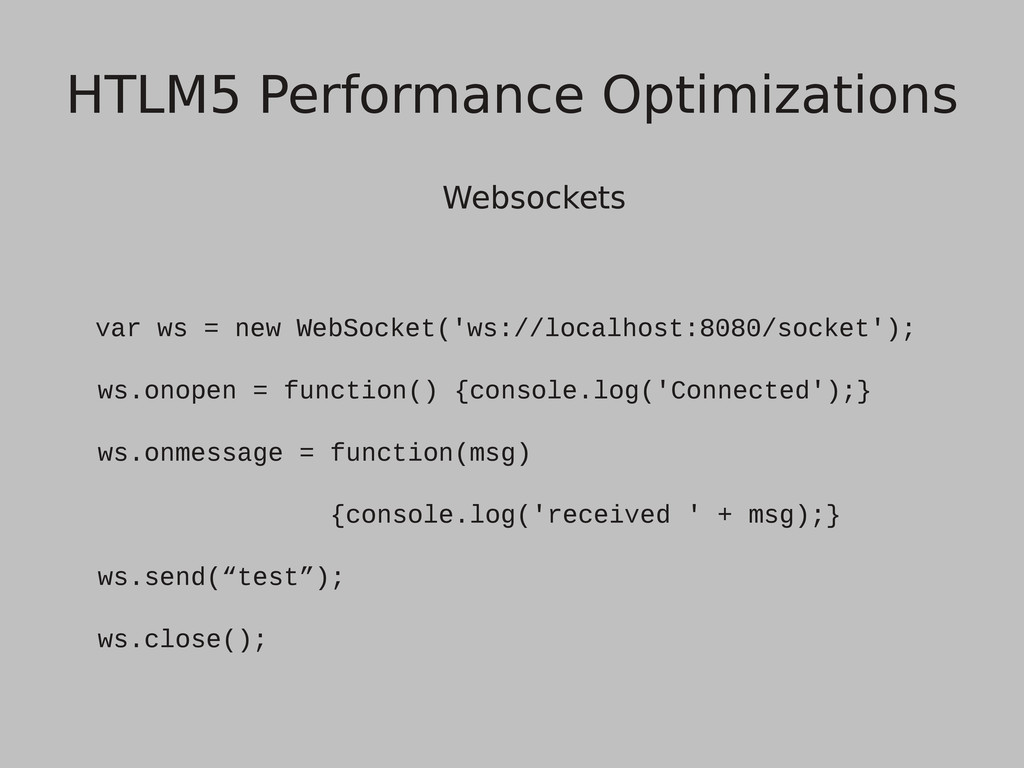
• There is no longer a need to have multiple ajax requests or comet long polling for real time communication; methods that feel unnatural and use more bandwidth (because of the HTTP overhead) • Websockets allow cross origin communication • It can be used in all of today's major browsers, but it may be disabled by default in some, because of previous security vulnerabilities. HTLM5 Performance Optimizations
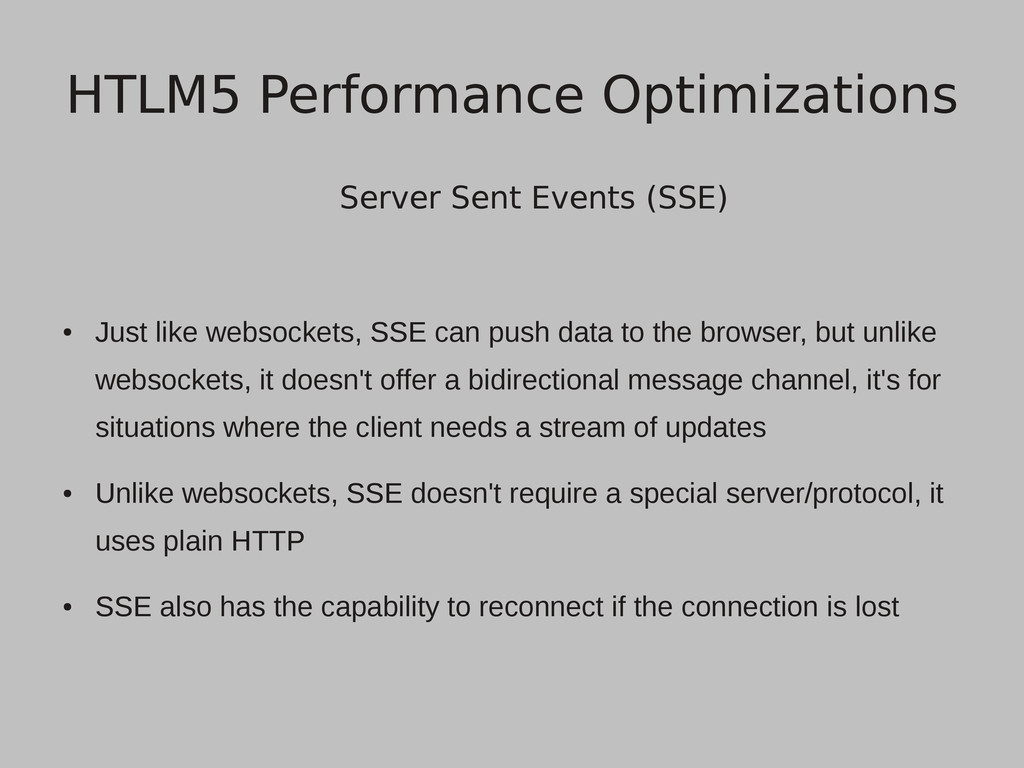
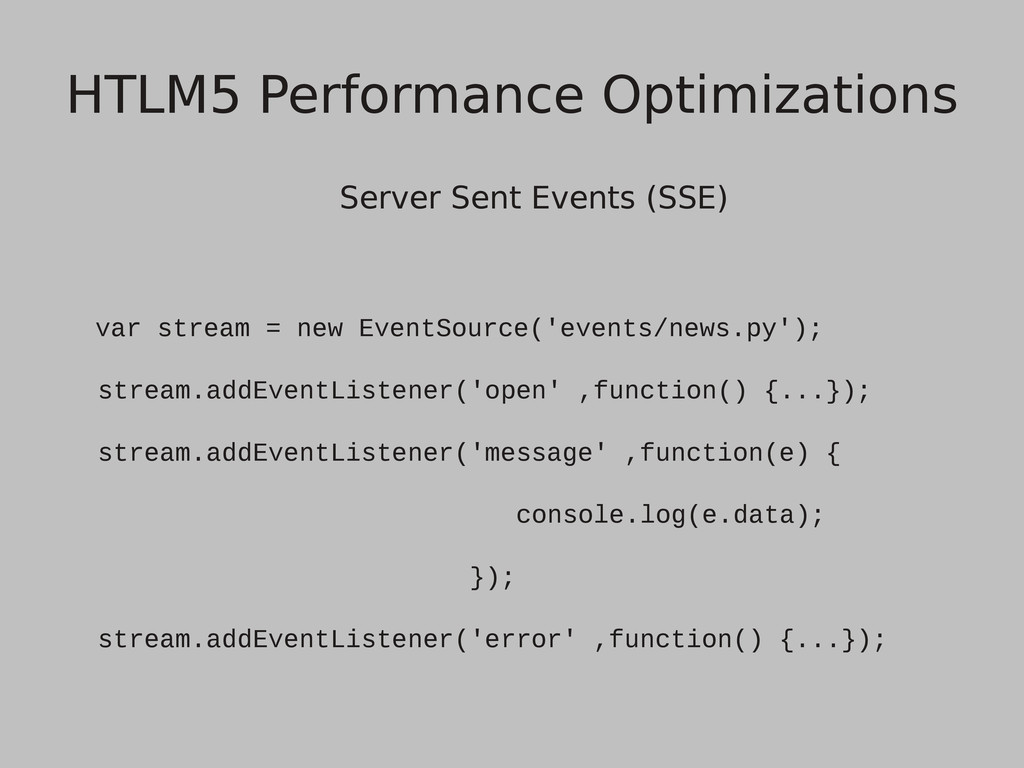
push data to the browser, but unlike websockets, it doesn't offer a bidirectional message channel, it's for situations where the client needs a stream of updates • Unlike websockets, SSE doesn't require a special server/protocol, it uses plain HTTP • SSE also has the capability to reconnect if the connection is lost HTLM5 Performance Optimizations
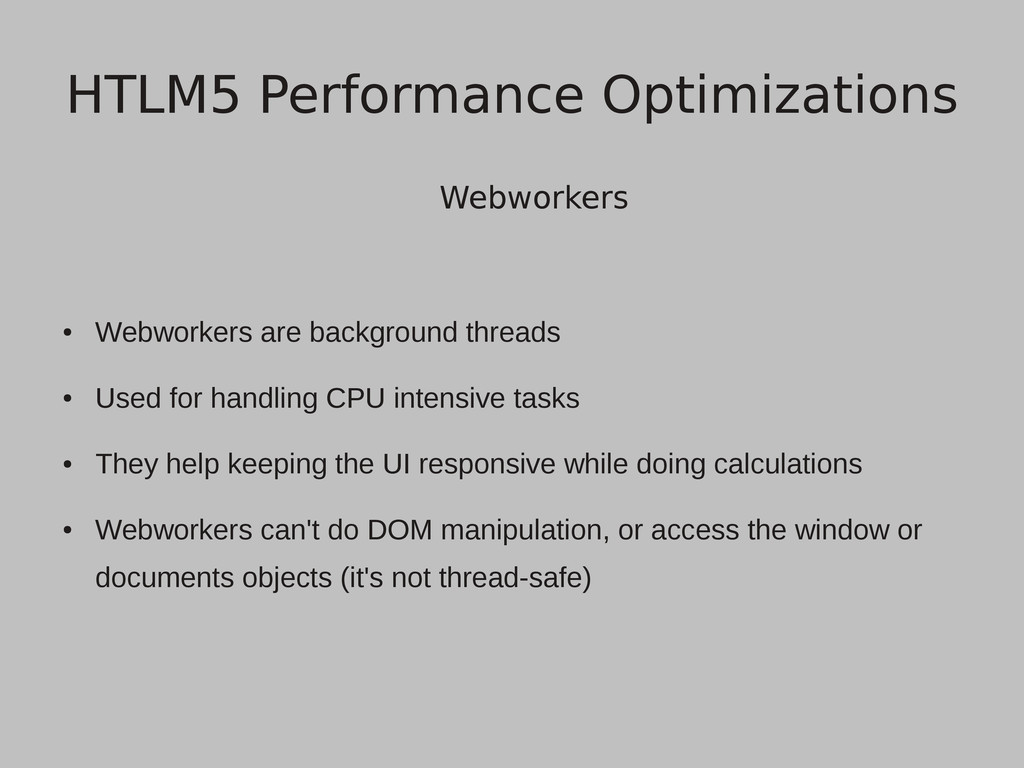
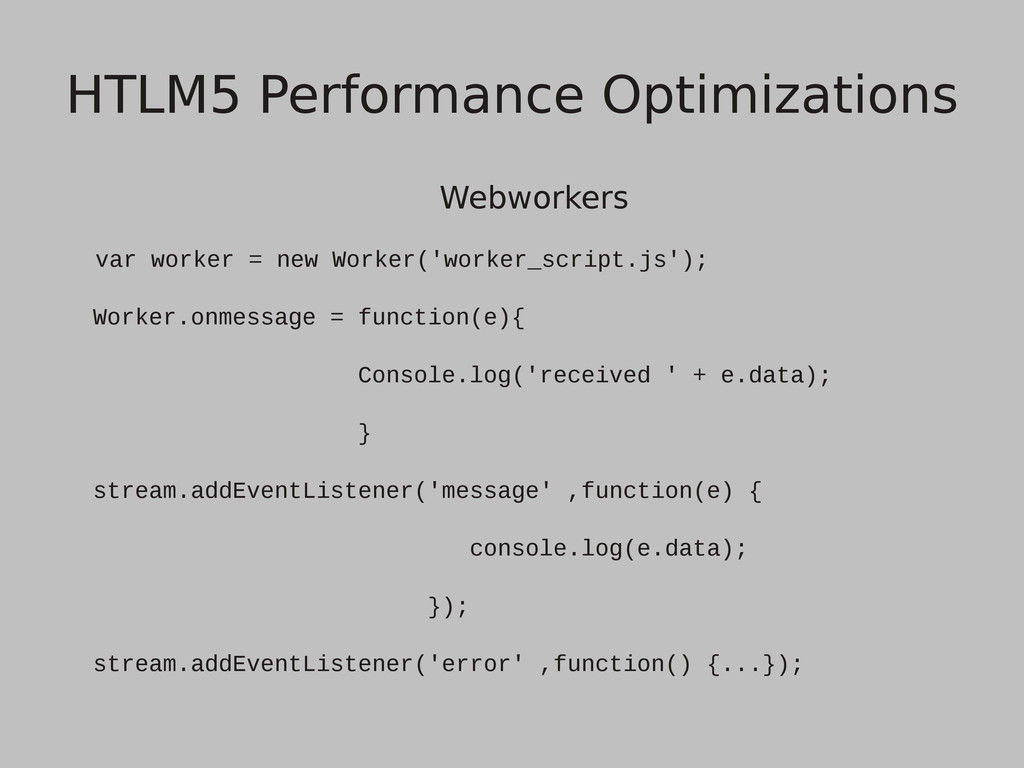
CPU intensive tasks • They help keeping the UI responsive while doing calculations • Webworkers can't do DOM manipulation, or access the window or documents objects (it's not thread-safe) HTLM5 Performance Optimizations
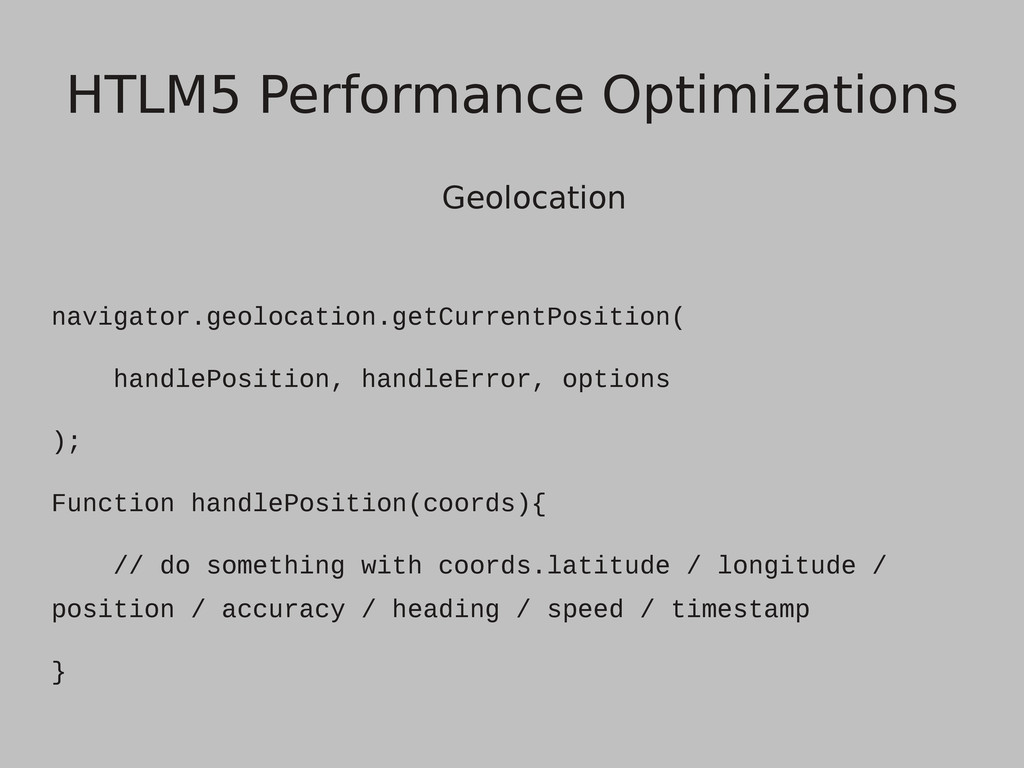
there is no longer required to inspect the client's IP address and give a “very approximate” answer • Geolocation provides an easy API for detecting the user's position based on GPS, signal on certain cell towers, and lastly IP address HTLM5 Performance Optimizations
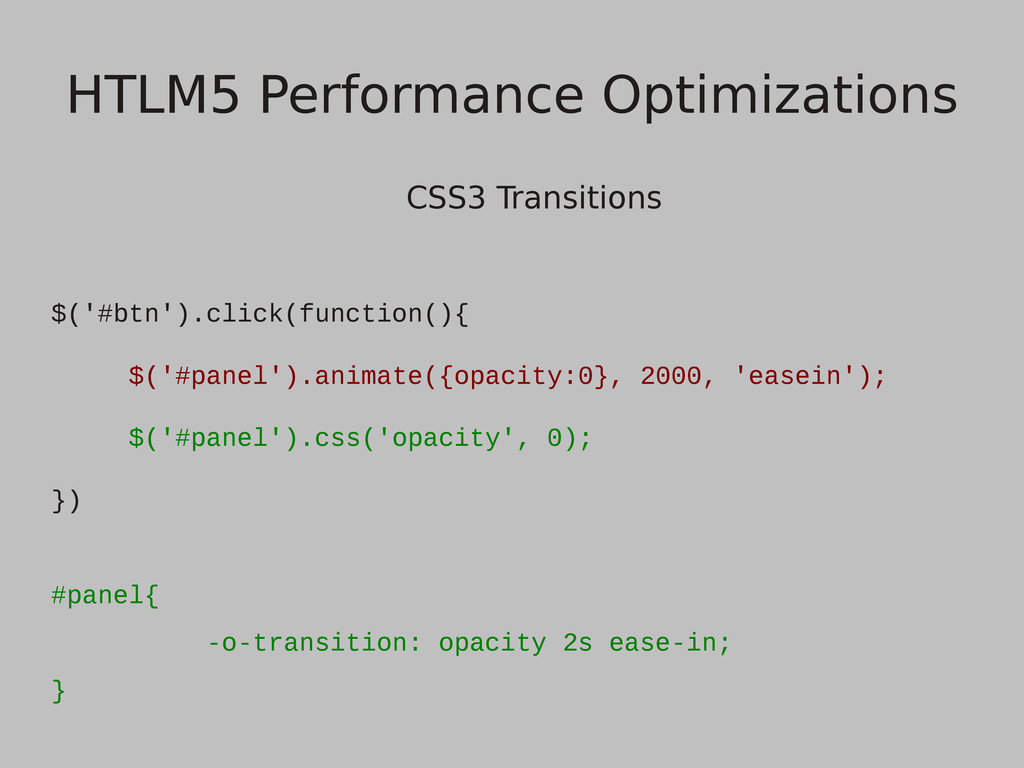
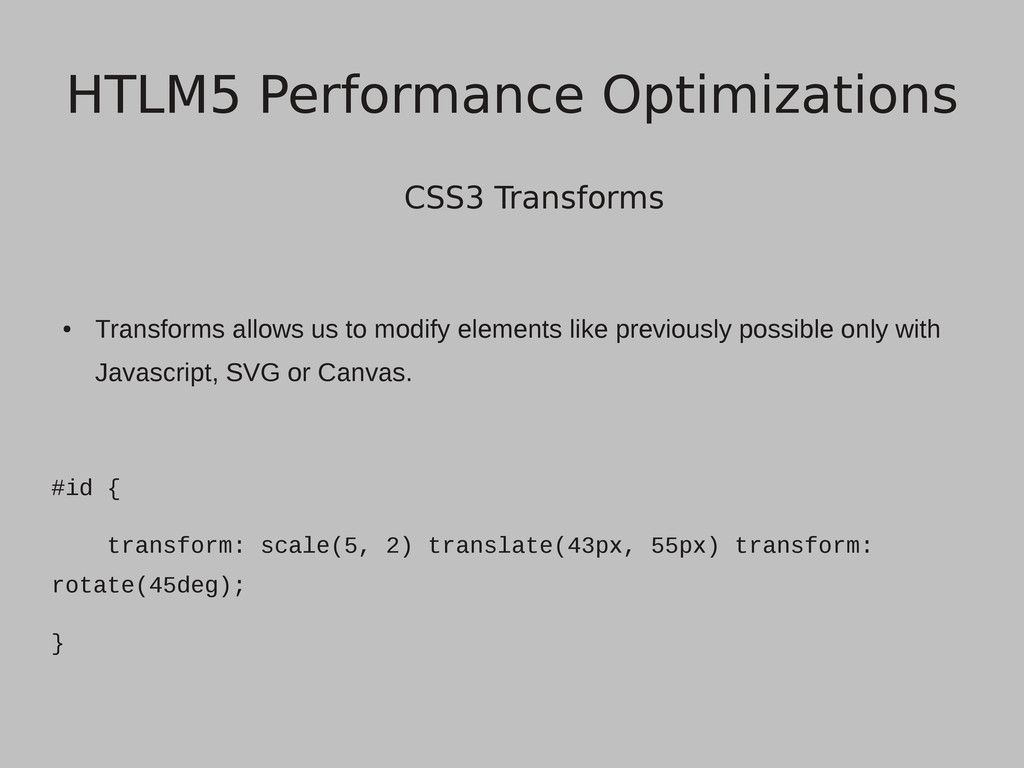
a much smoother experience, because they are directly handled by the GPU. We just provide an end states and the browser handles all the hardware acceleration optimizations. HTLM5 Performance Optimizations
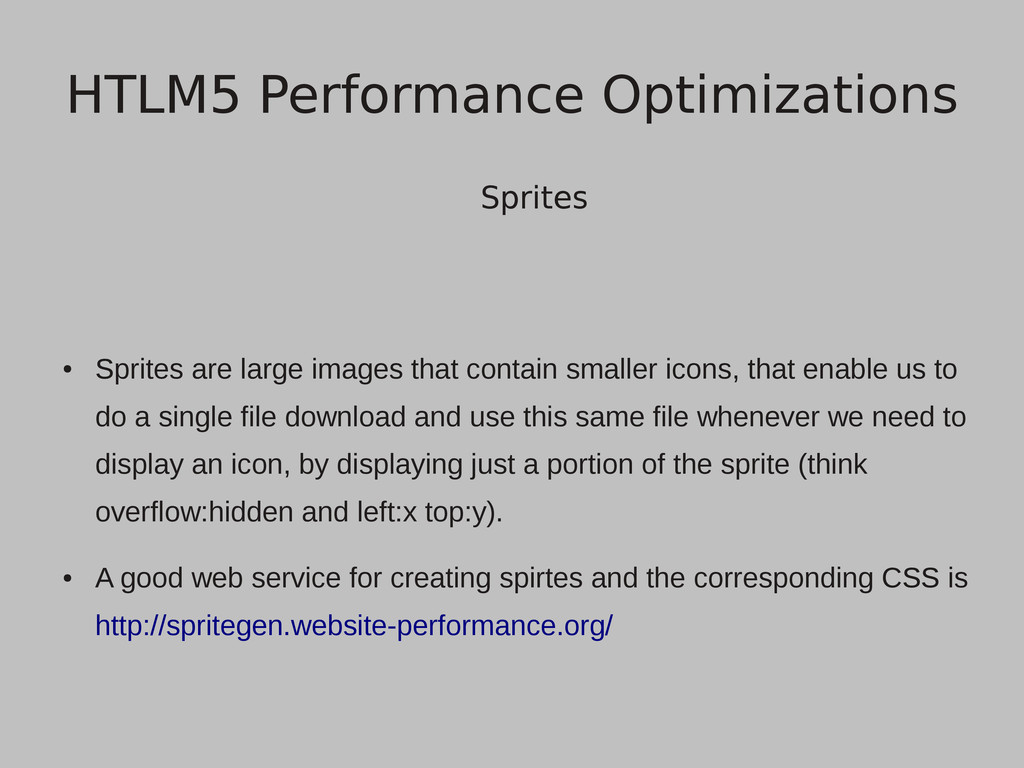
that enable us to do a single file download and use this same file whenever we need to display an icon, by displaying just a portion of the sprite (think overflow:hidden and left:x top:y). • A good web service for creating spirtes and the corresponding CSS is http://spritegen.website-performance.org/ HTLM5 Performance Optimizations
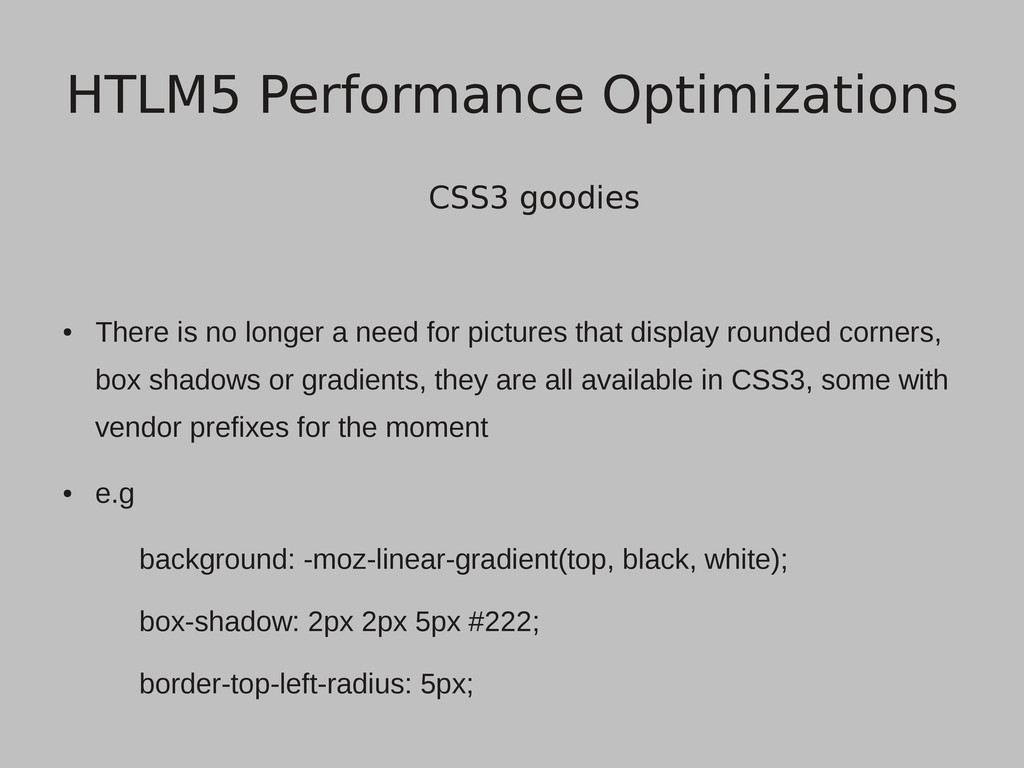
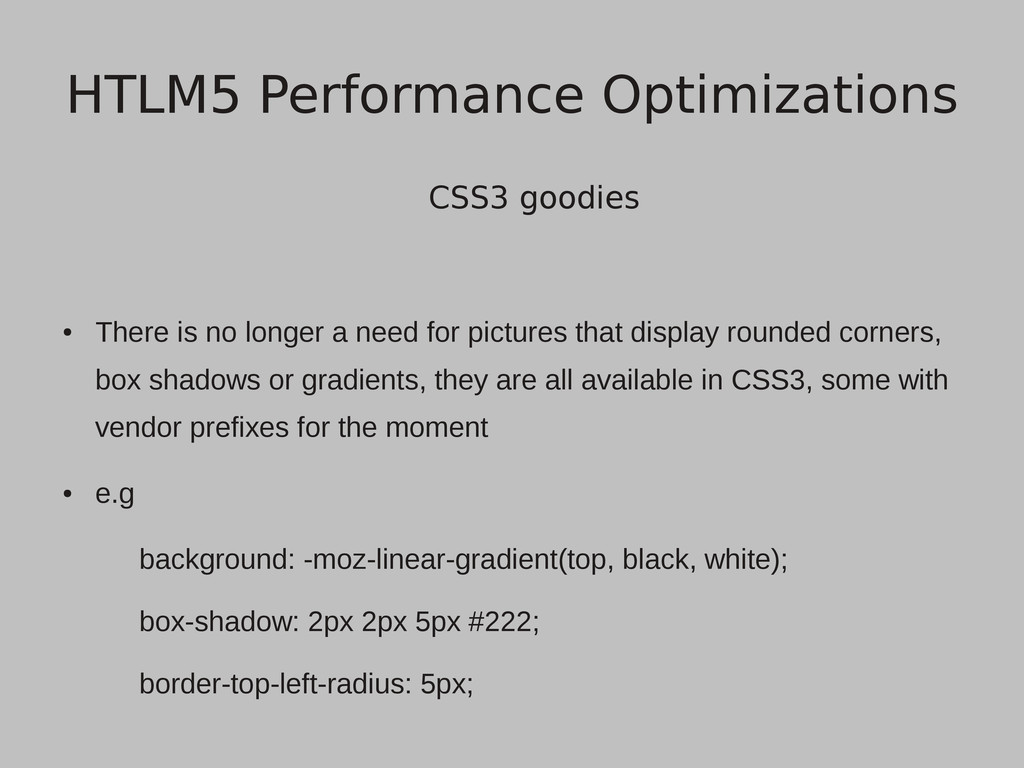
pictures that display rounded corners, box shadows or gradients, they are all available in CSS3, some with vendor prefixes for the moment • e.g background: -moz-linear-gradient(top, black, white); box-shadow: 2px 2px 5px #222; border-top-left-radius: 5px; HTLM5 Performance Optimizations
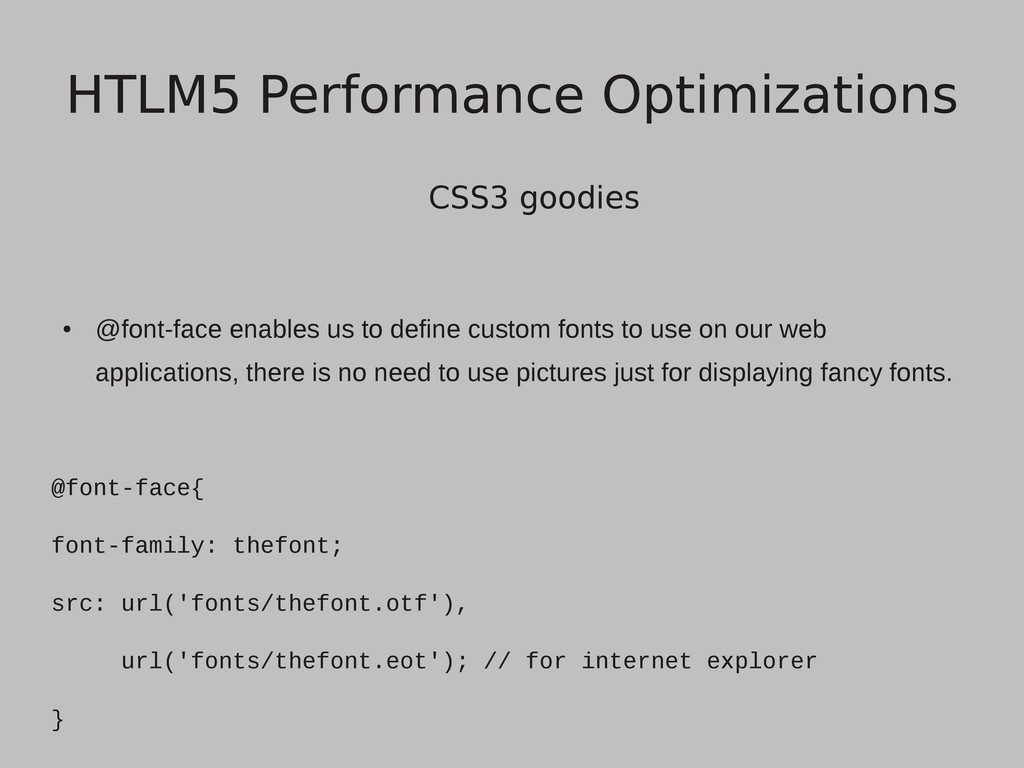
to use on our web applications, there is no need to use pictures just for displaying fancy fonts. @font-face{ font-family: thefont; src: url('fonts/thefont.otf'), url('fonts/thefont.eot'); // for internet explorer } HTLM5 Performance Optimizations
pictures that display rounded corners, box shadows or gradients, they are all available in CSS3, some with vendor prefixes for the moment • e.g background: -moz-linear-gradient(top, black, white); box-shadow: 2px 2px 5px #222; border-top-left-radius: 5px; HTLM5 Performance Optimizations
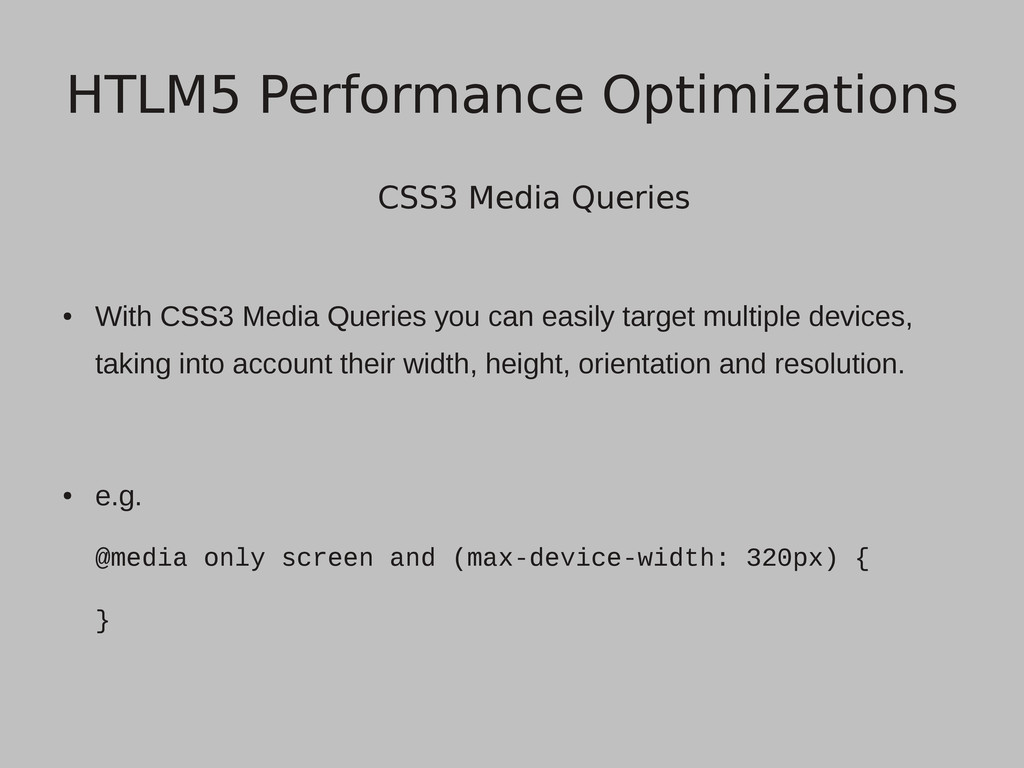
easily target multiple devices, taking into account their width, height, orientation and resolution. • e.g. @media only screen and (max-device-width: 320px) { } HTLM5 Performance Optimizations
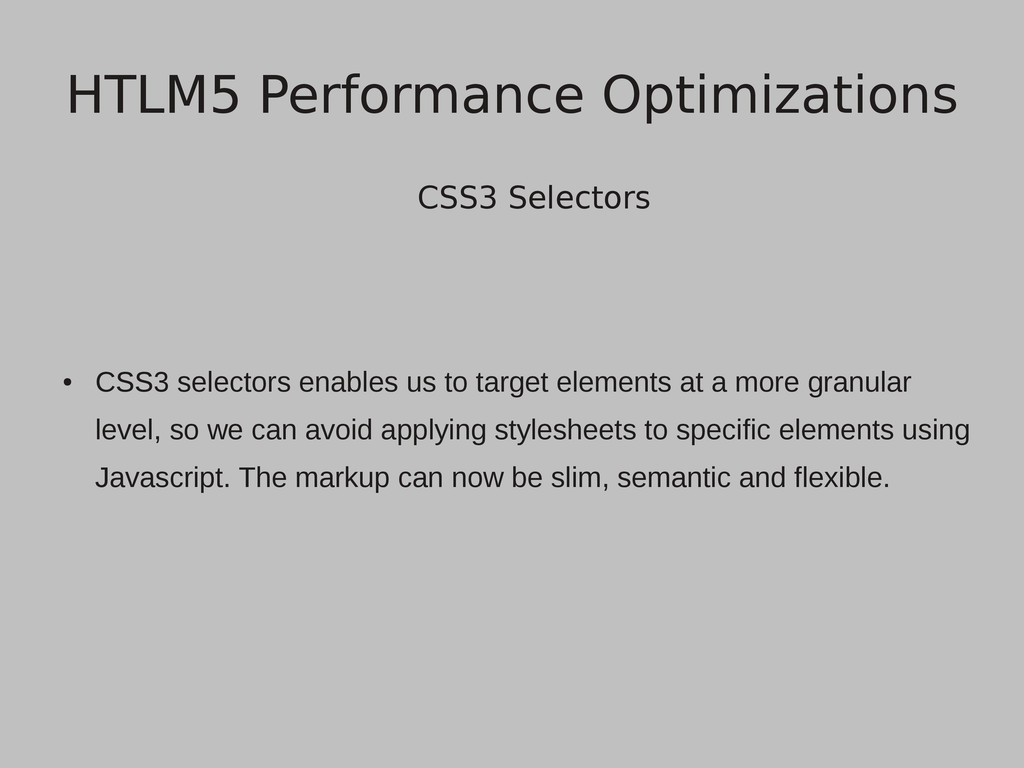
at a more granular level, so we can avoid applying stylesheets to specific elements using Javascript. The markup can now be slim, semantic and flexible. HTLM5 Performance Optimizations
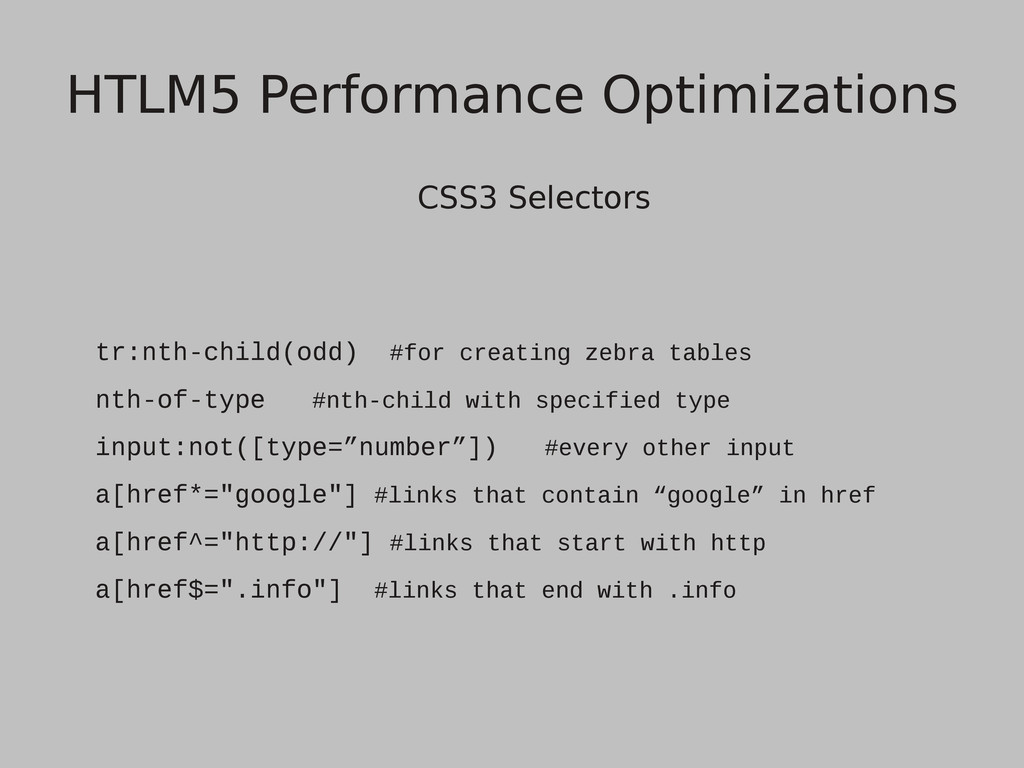
specified type input:not([type=”number”]) #every other input a[href*="google"] #links that contain “google” in href a[href^="http://"] #links that start with http a[href$=".info"] #links that end with .info HTLM5 Performance Optimizations


 skydoves
 oniak3ibm
 econanringo
 optim
optim
 guaca
guaca
 kmars0605
 koic
koic
 hollycummins
 kasacchiful
 suneo3476
 ryu1013
 nao_randd
 destraynor
 marcoroth
 tonyrice
 katarinadahlin
 cassininazir
 jonoalderson
 nmsamuel
 bethany
 codingconduct
 skipperchong
 shpigford
 nikkihalliwell

![Code caching for(var i=0; i<$('section').length; i++) { $('section')[i].hide(); } Var](https://files.speakerdeck.com/presentations/4f0b6930a1f63c001f004080/slide_20.jpg)