• IP Networking since 1997 • FreeBSD Ports Team since 2004 • Enthusiastic coder (Perl/Python/C/Go/…) • Internet Security Researcher (Mostly BGP and DNS) @farrokhi
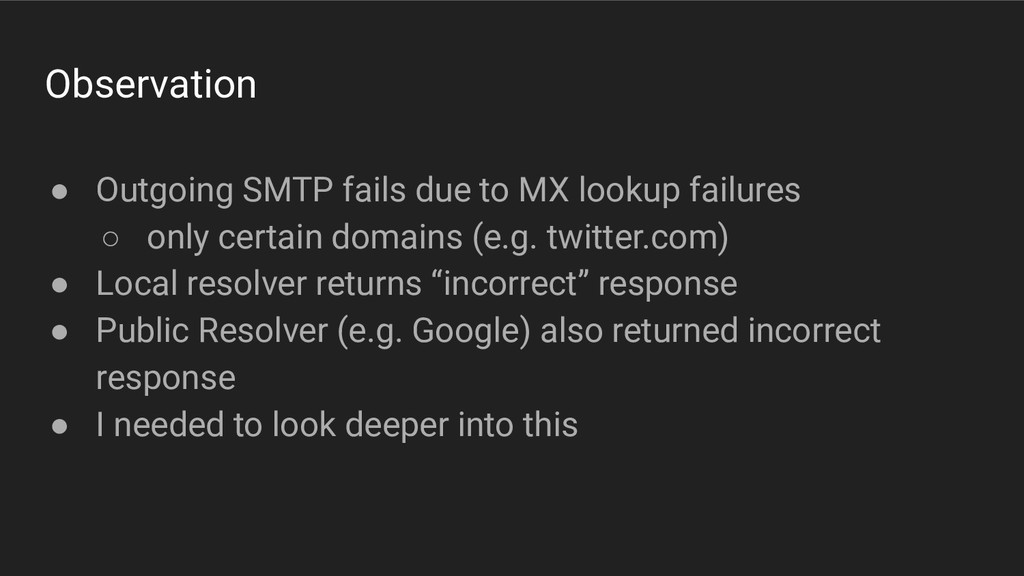
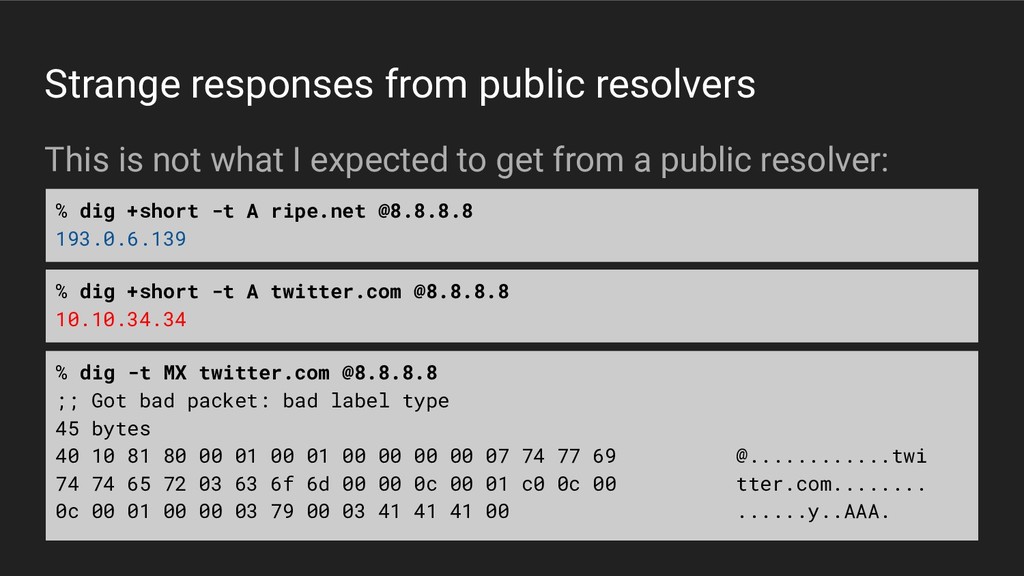
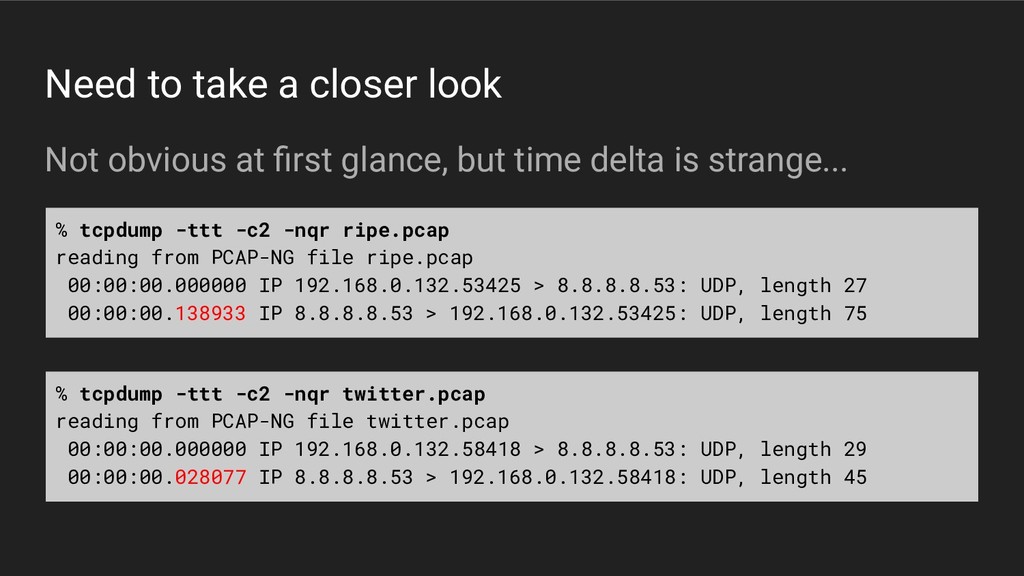
◦ only certain domains (e.g. twitter.com) • Local resolver returns “incorrect” response • Public Resolver (e.g. Google) also returned incorrect response • I needed to look deeper into this
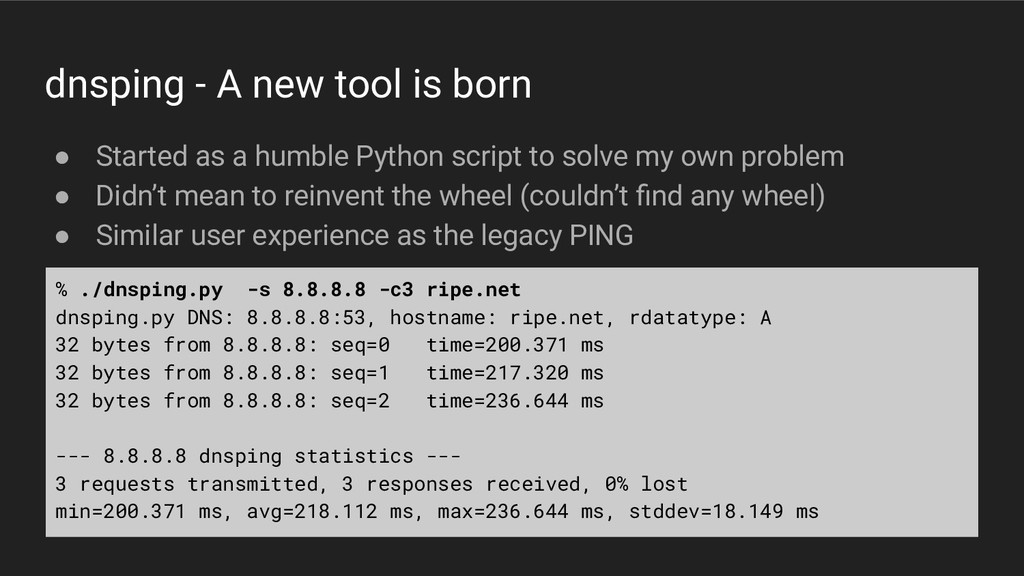
a humble Python script to solve my own problem • Didn’t mean to reinvent the wheel (couldn’t find any wheel) • Similar user experience as the legacy PING % ./dnsping.py -s 8.8.8.8 -c3 ripe.net dnsping.py DNS: 8.8.8.8:53, hostname: ripe.net, rdatatype: A 32 bytes from 8.8.8.8: seq=0 time=200.371 ms 32 bytes from 8.8.8.8: seq=1 time=217.320 ms 32 bytes from 8.8.8.8: seq=2 time=236.644 ms --- 8.8.8.8 dnsping statistics --- 3 requests transmitted, 3 responses received, 0% lost min=200.371 ms, avg=218.112 ms, max=236.644 ms, stddev=18.149 ms
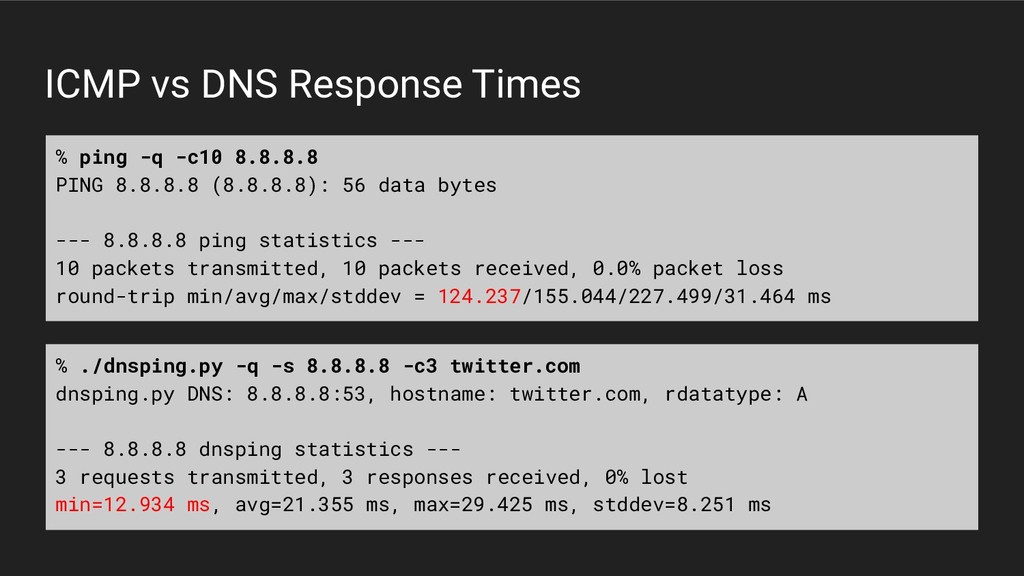
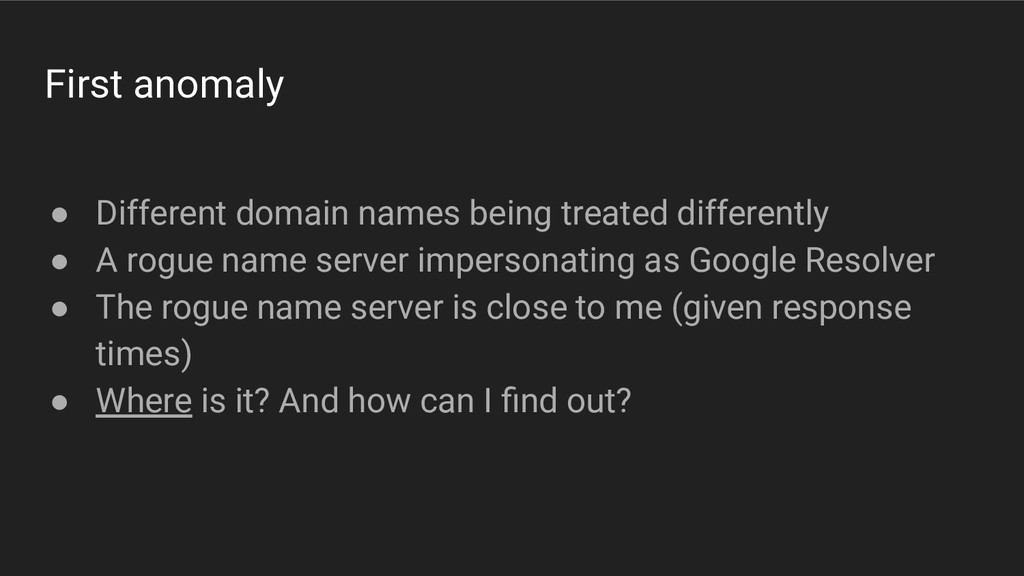
A rogue name server impersonating as Google Resolver • The rogue name server is close to me (given response times) • Where is it? And how can I find out?
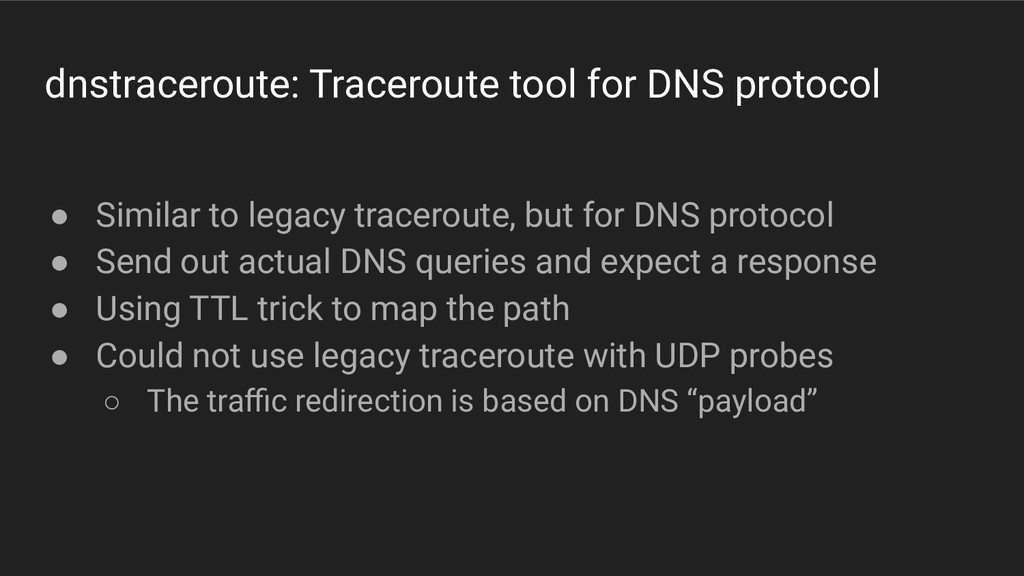
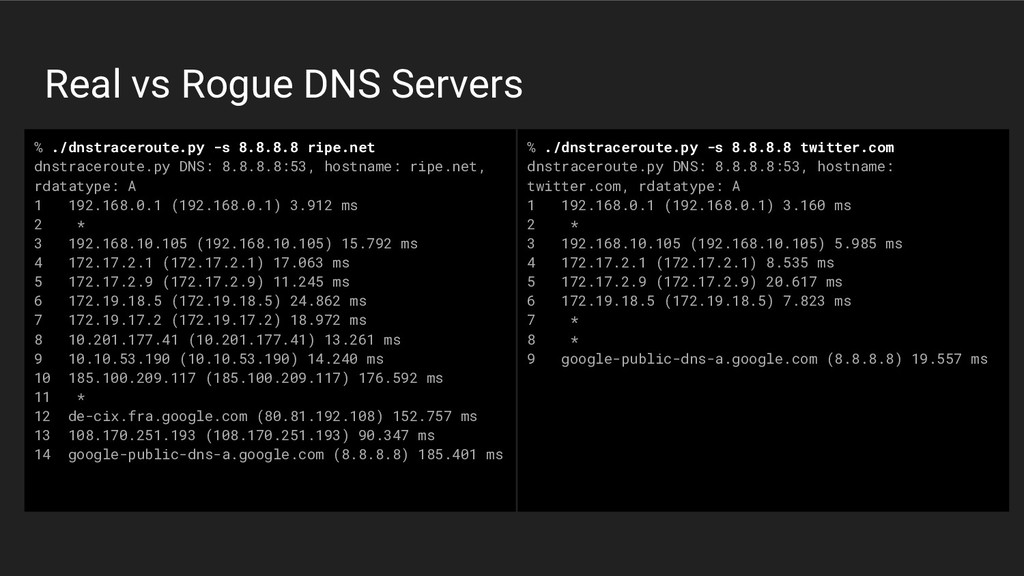
traceroute, but for DNS protocol • Send out actual DNS queries and expect a response • Using TTL trick to map the path • Could not use legacy traceroute with UDP probes ◦ The traffic redirection is based on DNS “payload”
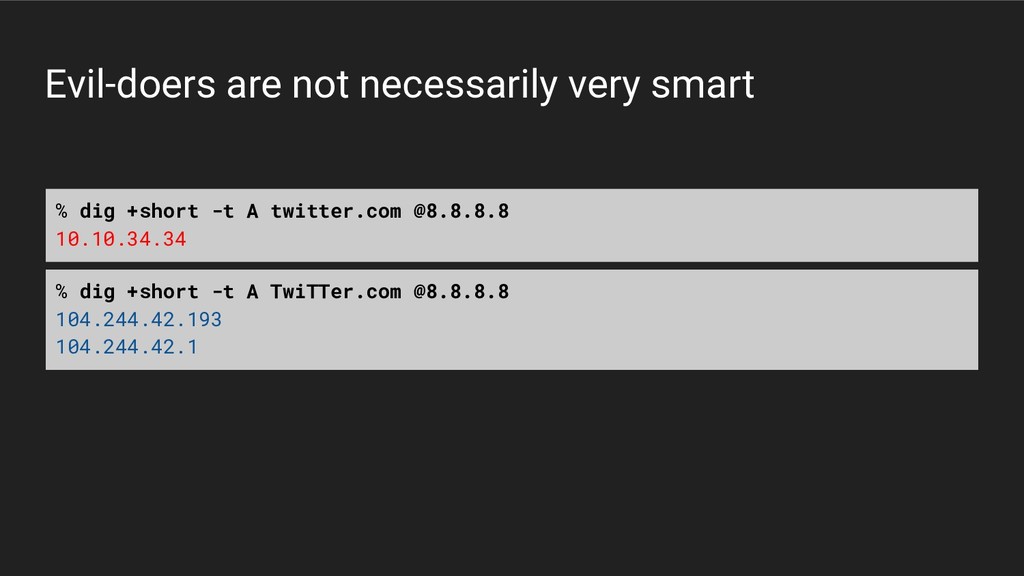
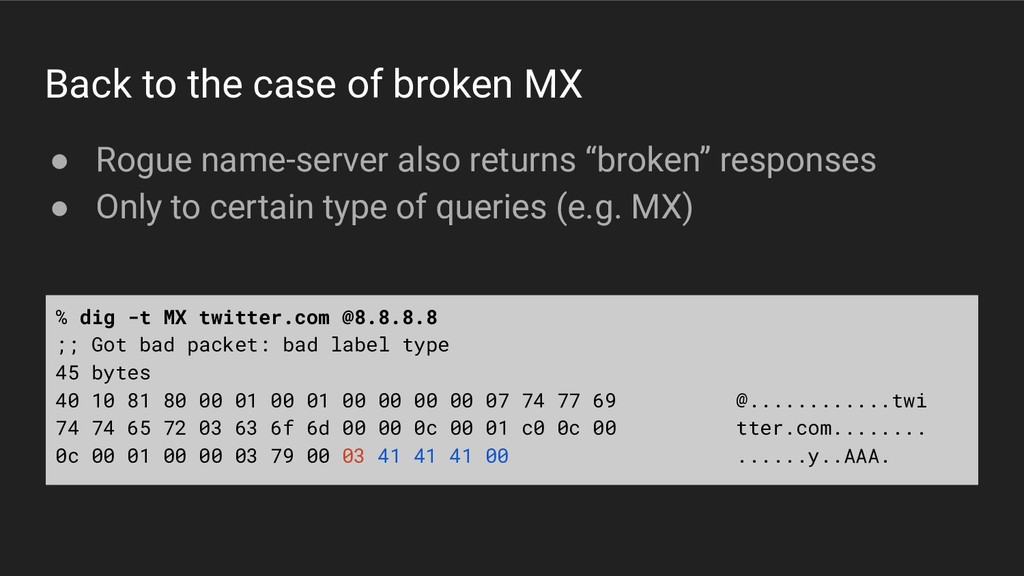
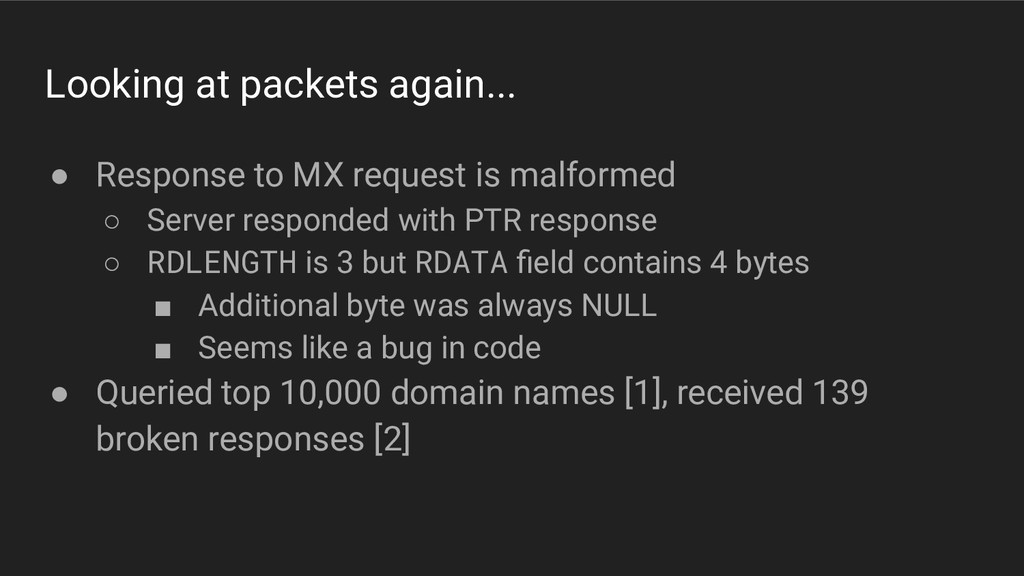
malformed ◦ Server responded with PTR response ◦ RDLENGTH is 3 but RDATA field contains 4 bytes ▪ Additional byte was always NULL ▪ Seems like a bug in code • Queried top 10,000 domain names [1], received 139 broken responses [2]
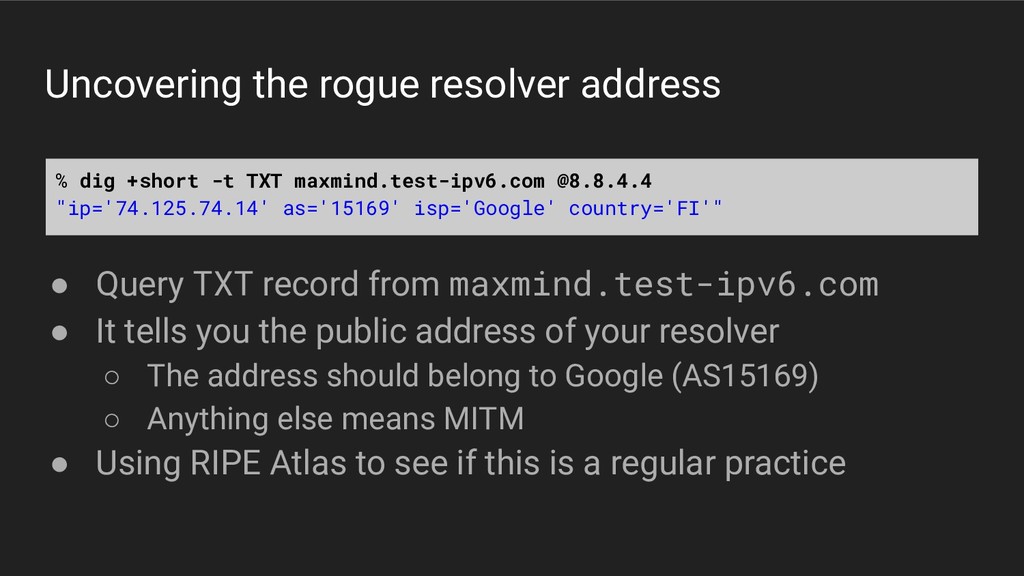
maxmind.test-ipv6.com • It tells you the public address of your resolver ◦ The address should belong to Google (AS15169) ◦ Anything else means MITM • Using RIPE Atlas to see if this is a regular practice % dig +short -t TXT maxmind.test-ipv6.com @8.8.4.4 "ip='74.125.74.14' as='15169' isp='Google' country='FI'"
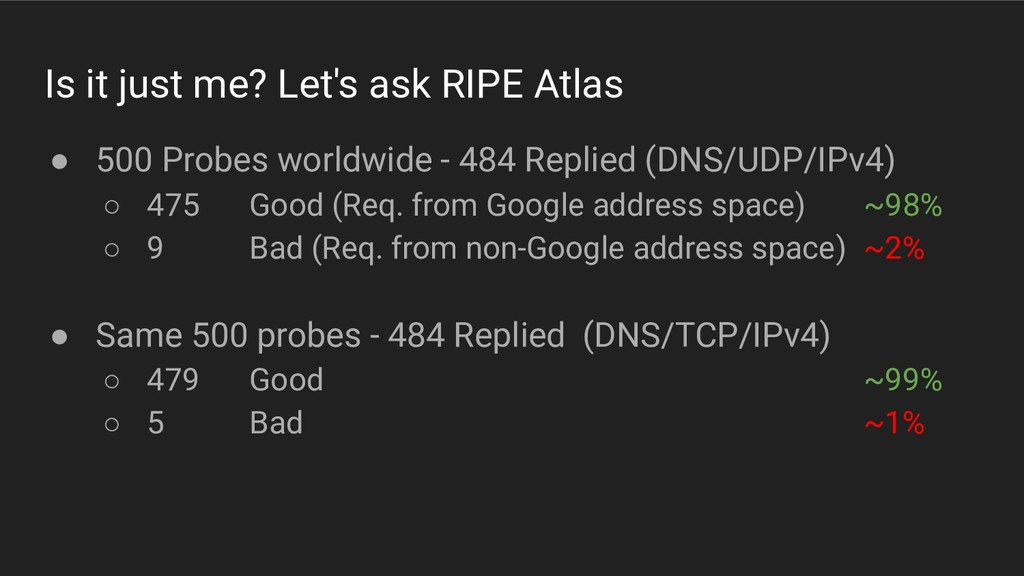
Probes worldwide - 484 Replied (DNS/UDP/IPv4) ◦ 475 Good (Req. from Google address space) ~98% ◦ 9 Bad (Req. from non-Google address space) ~2% • Same 500 probes - 484 Replied (DNS/TCP/IPv4) ◦ 479 Good ~99% ◦ 5 Bad ~1%
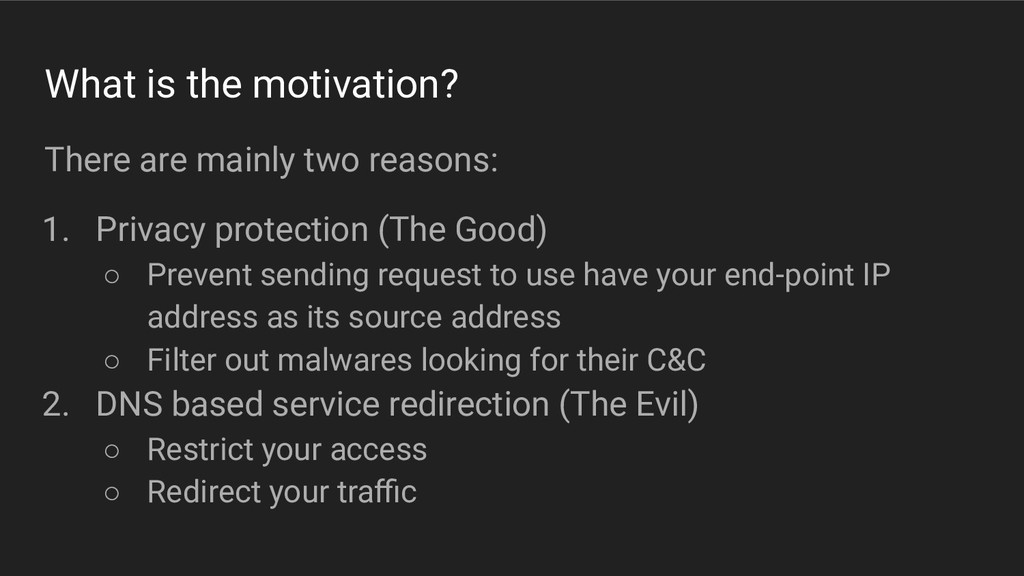
Privacy protection (The Good) ◦ Prevent sending request to use have your end-point IP address as its source address ◦ Filter out malwares looking for their C&C 2. DNS based service redirection (The Evil) ◦ Restrict your access ◦ Redirect your traffic
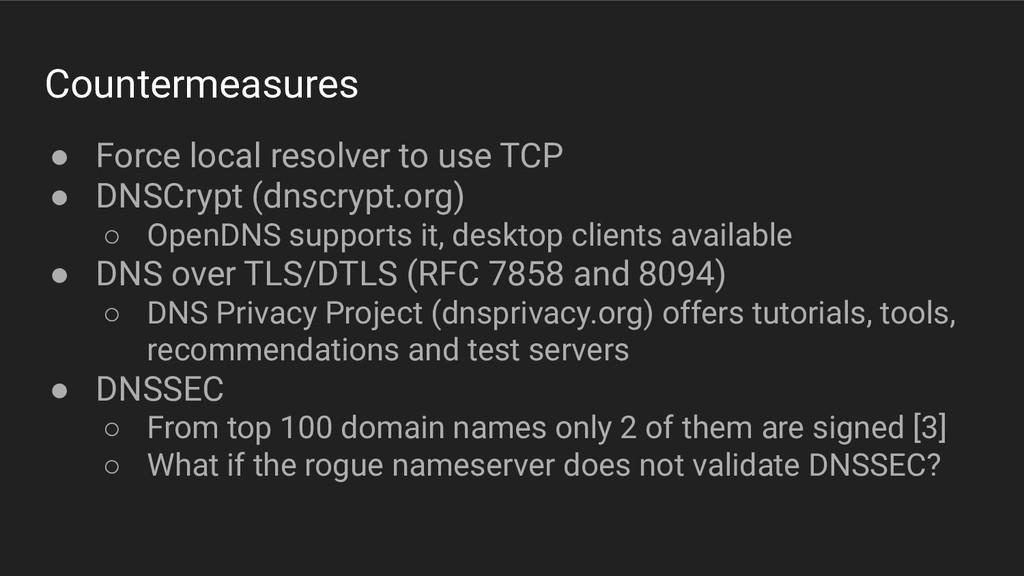
(dnscrypt.org) ◦ OpenDNS supports it, desktop clients available • DNS over TLS/DTLS (RFC 7858 and 8094) ◦ DNS Privacy Project (dnsprivacy.org) offers tutorials, tools, recommendations and test servers • DNSSEC ◦ From top 100 domain names only 2 of them are signed [3] ◦ What if the rogue nameserver does not validate DNSSEC?
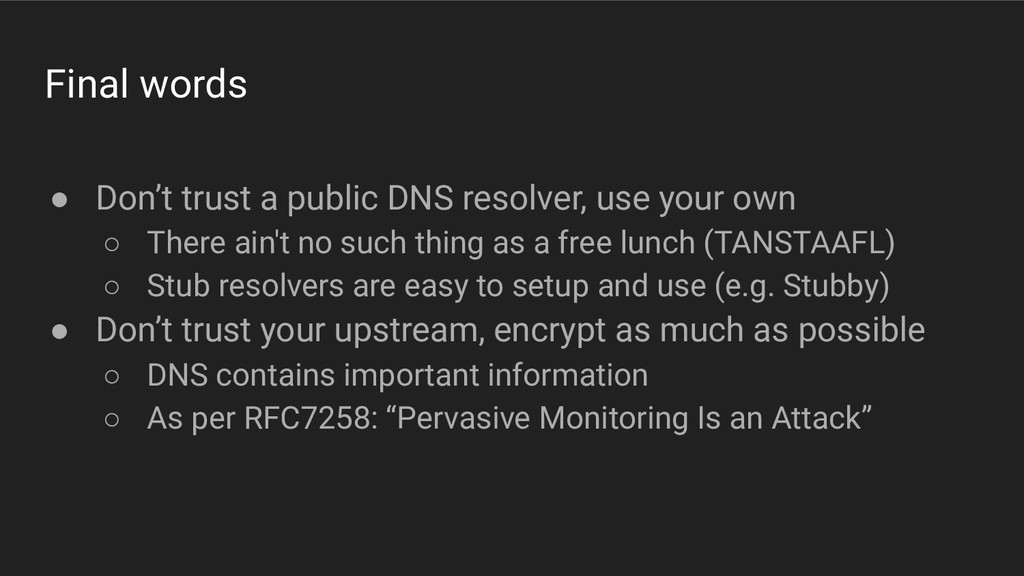
your own ◦ There ain't no such thing as a free lunch (TANSTAAFL) ◦ Stub resolvers are easy to setup and use (e.g. Stubby) • Don’t trust your upstream, encrypt as much as possible ◦ DNS contains important information ◦ As per RFC7258: “Pervasive Monitoring Is an Attack”
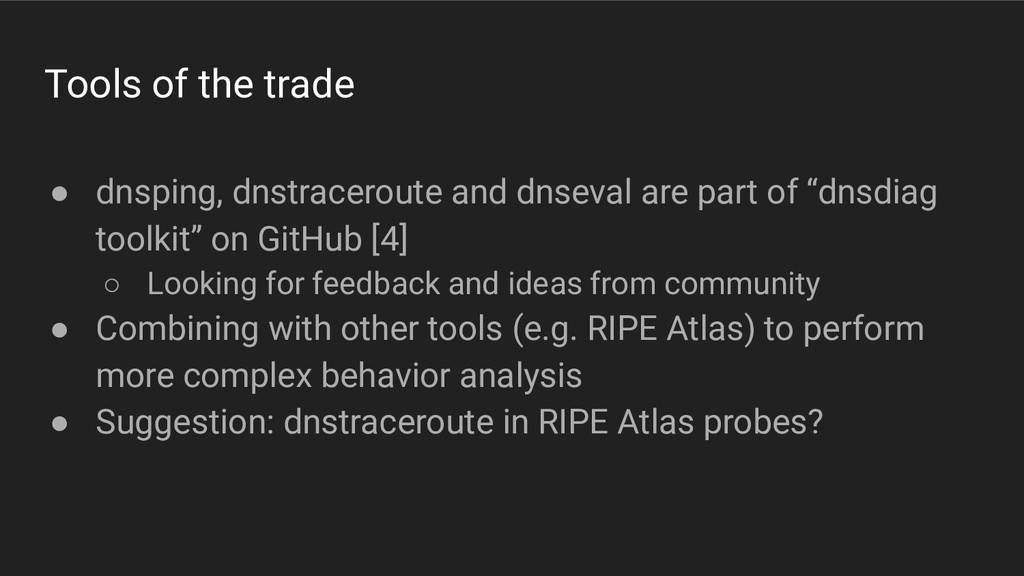
part of “dnsdiag toolkit” on GitHub [4] ◦ Looking for feedback and ideas from community • Combining with other tools (e.g. RIPE Atlas) to perform more complex behavior analysis • Suggestion: dnstraceroute in RIPE Atlas probes?


 farrokhi
 ludicmind
 gogutan
 pfn
pfn
 kentapapa
 yu23ki14
 ezaki
ezaki
 yut0naga1_fa
 kairim0
 namiki64
 kworkdev
 riyaamemiya
 shuta13
 frankvandijk
 tammyeverts
 62gerente
 reverentgeek
 skoyamalab
 carmenintech
 leimatthew05
 elsirapls
 lcolladotor
 aleyda
 stephaniewalter
 rasagy




![Resources [1] https://github.com/opendns/public-domain-lists [2] https://gist.github.com/farrokhi/0b56ae06813391be9164 [3] https://gist.github.com/farrokhi/1d9de9df5877aaf9c42fc14412a4b0f8 [4] https://github.com/farrokhi/dnsdiag Also](https://files.speakerdeck.com/presentations/9f43696aa1aa407ba5f236a67b456f6d/slide_23.jpg)