the Possibilities of Custom Connectors Build tailored integrations to any system and turn every voice interaction into structured data that flows exactly where you need it. https://letstawk.ai/
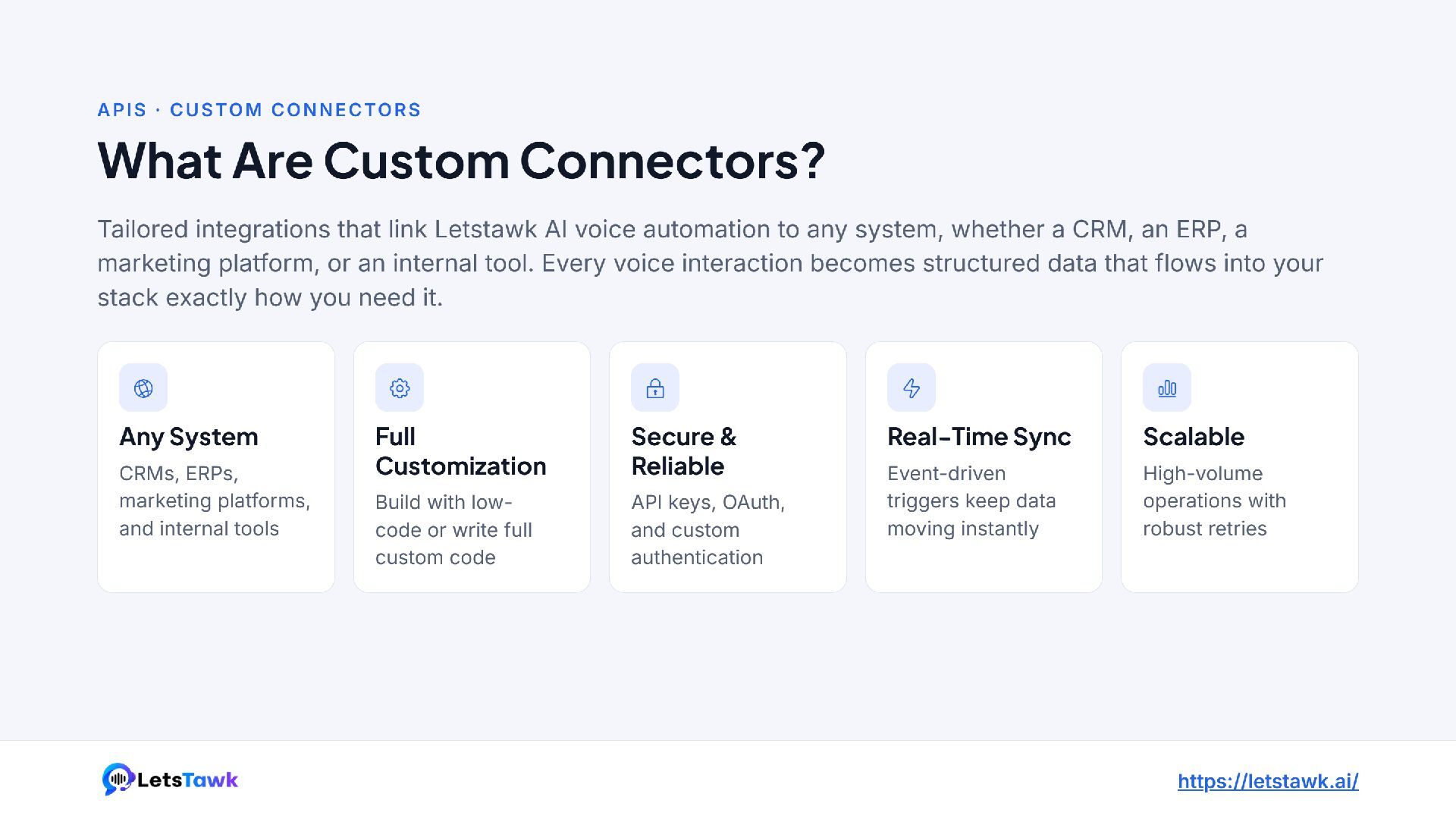
that link Letstawk AI voice automation to any system, whether a CRM, an ERP, a marketing platform, or an internal tool. Every voice interaction becomes structured data that flows into your stack exactly how you need it. Any System Full Customization Secure & Reliable Real-Time Sync Scalable Build with lowcode or write full custom code API keys, OAuth, and custom authentication Event-driven triggers keep data moving instantly High-volume operations with robust retries CRMs, ERPs, marketing platforms, and internal tools https://letstawk.ai/
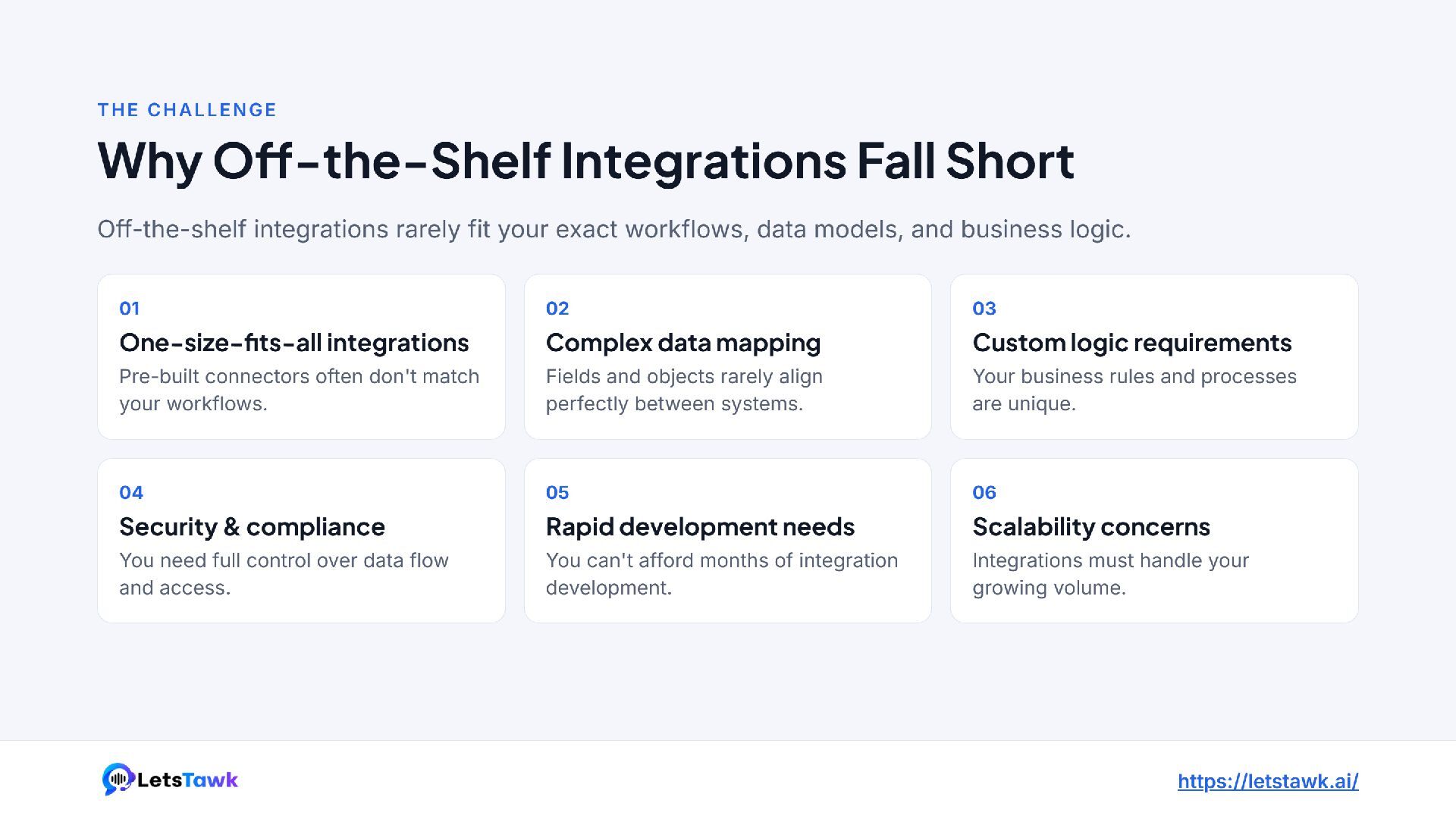
fit your exact workflows, data models, and business logic. 01 02 03 One-size-fits-all integrations Complex data mapping Custom logic requirements Pre-built connectors often don't match your workflows. Fields and objects rarely align perfectly between systems. Your business rules and processes are unique. 04 05 06 Security & compliance Rapid development needs Scalability concerns You need full control over data flow and access. You can't afford months of integration development. Integrations must handle your growing volume. https://letstawk.ai/
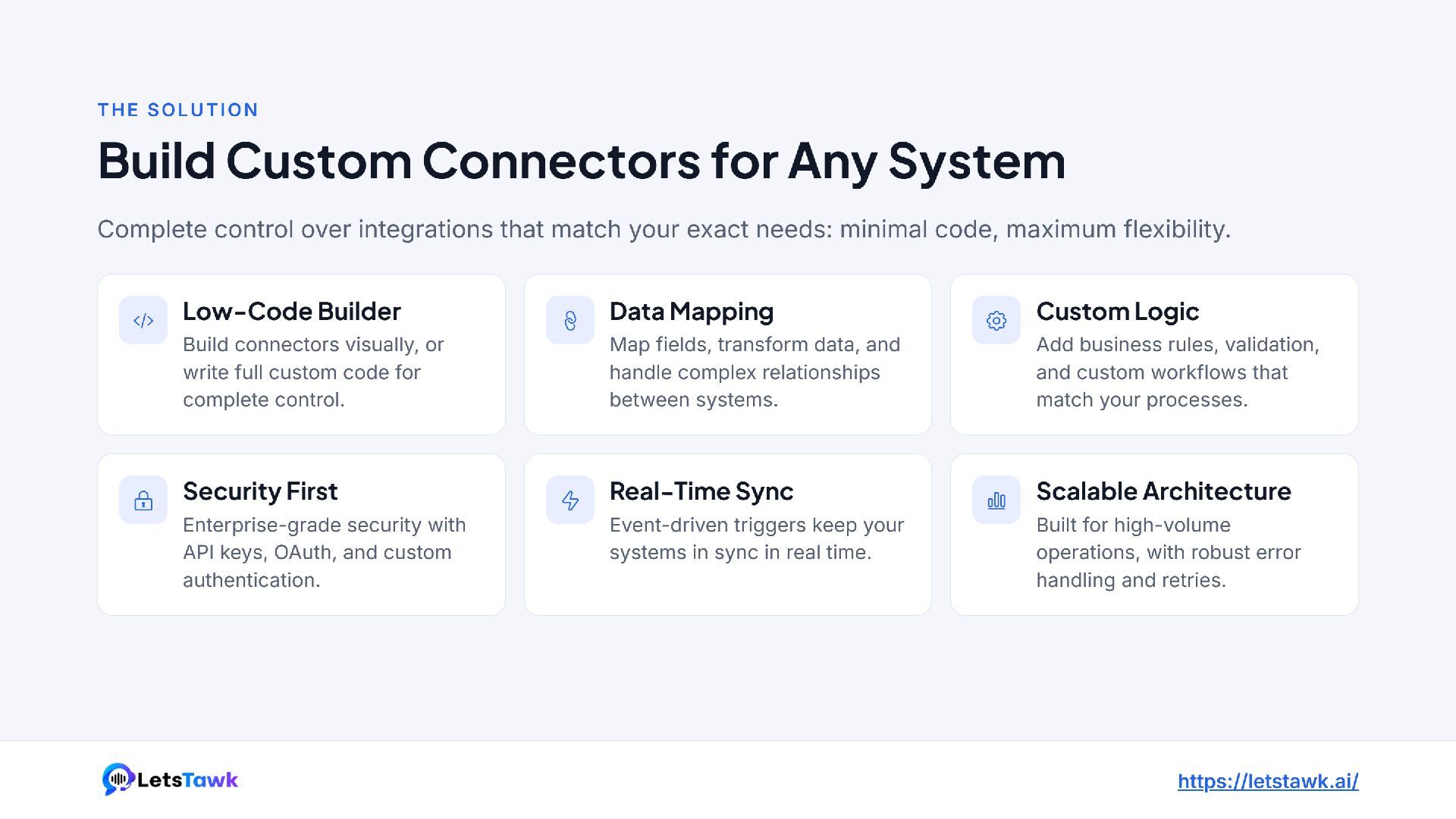
over integrations that match your exact needs: minimal code, maximum flexibility. Low-Code Builder Security First Build connectors visually, or write full custom code for complete control. Enterprise-grade security with API keys, OAuth, and custom authentication. Data Mapping Real-Time Sync Map fields, transform data, and handle complex relationships between systems. Event-driven triggers keep your systems in sync in real time. Custom Logic Scalable Architecture Add business rules, validation, and custom workflows that match your processes. Built for high-volume operations, with robust error handling and retries. https://letstawk.ai/
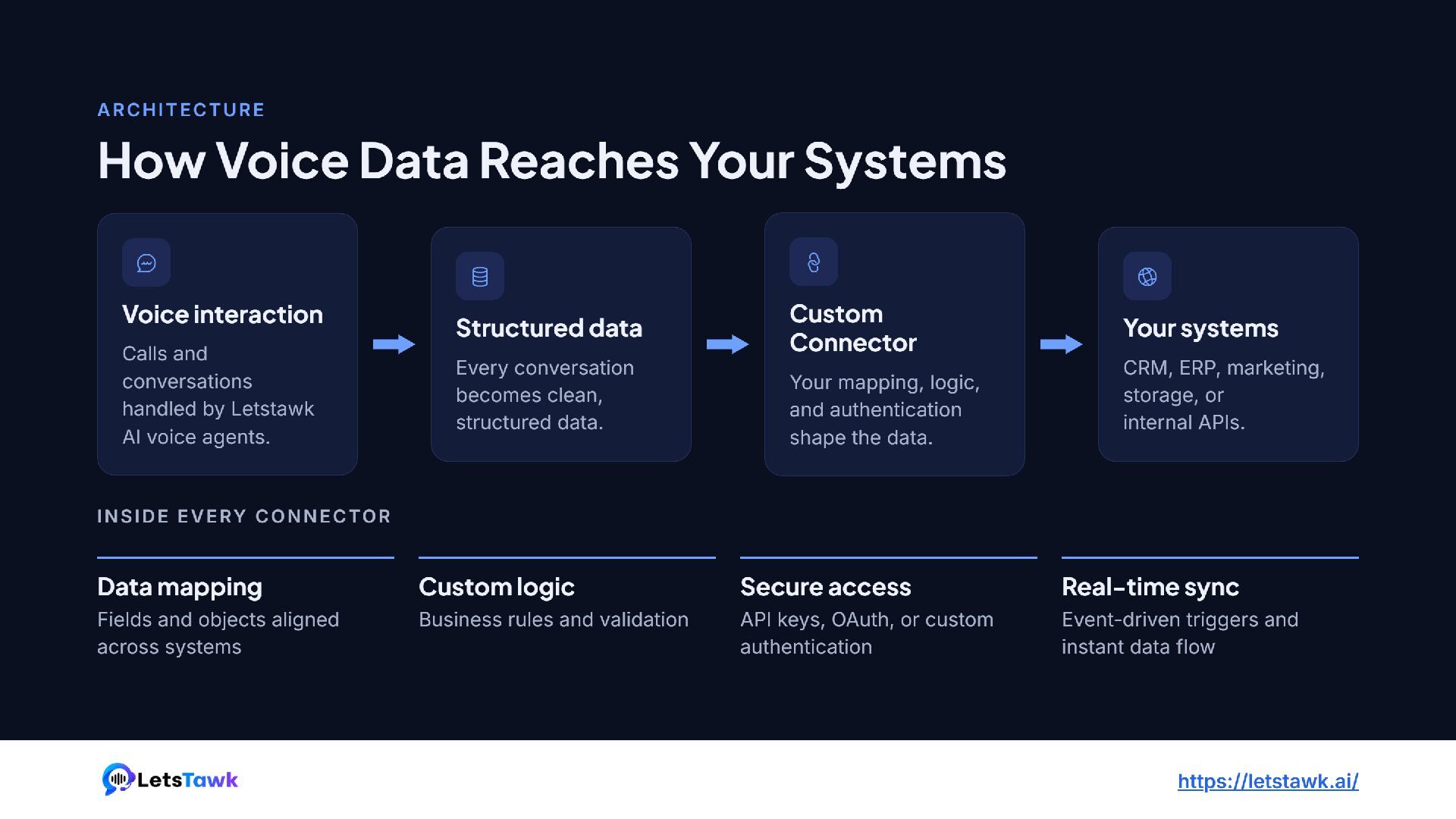
Calls and conversations handled by Letstawk AI voice agents. Structured data Every conversation becomes clean, structured data. Custom Connector Your mapping, logic, and authentication shape the data. Your systems CRM, ERP, marketing, storage, or internal APIs. Inside every connector Data mapping Custom logic Secure access Real-time sync Fields and objects aligned across systems Business rules and validation API keys, OAuth, or custom authentication Event-driven triggers and instant data flow https://letstawk.ai/
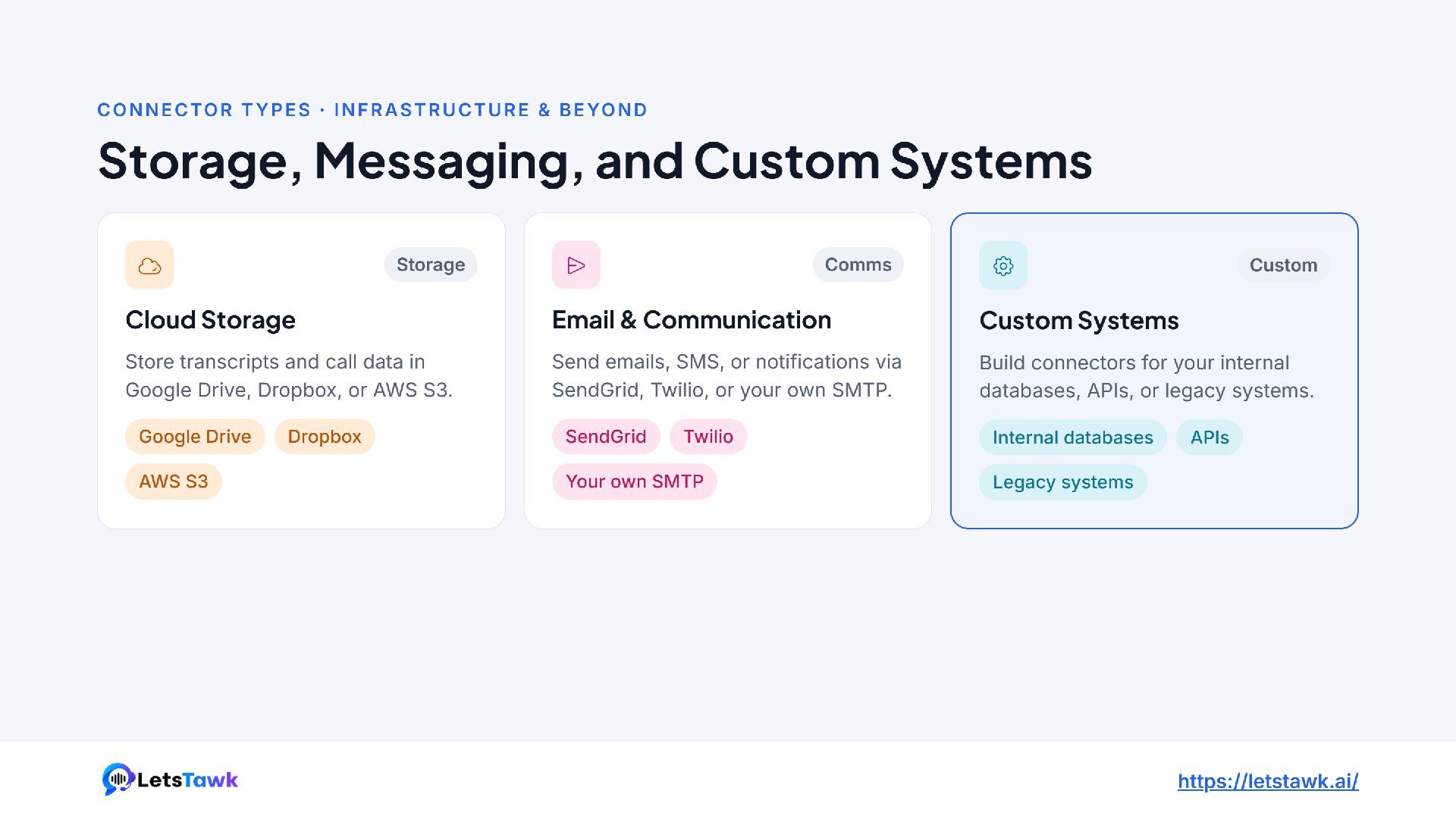
Systems Storage Comms Custom Cloud Storage Email & Communication Custom Systems Store transcripts and call data in Google Drive, Dropbox, or AWS S3. Send emails, SMS, or notifications via SendGrid, Twilio, or your own SMTP. Build connectors for your internal databases, APIs, or legacy systems. Google Drive AWS S3 Dropbox SendGrid Twilio Your own SMTP Internal databases APIs Legacy systems https://letstawk.ai/
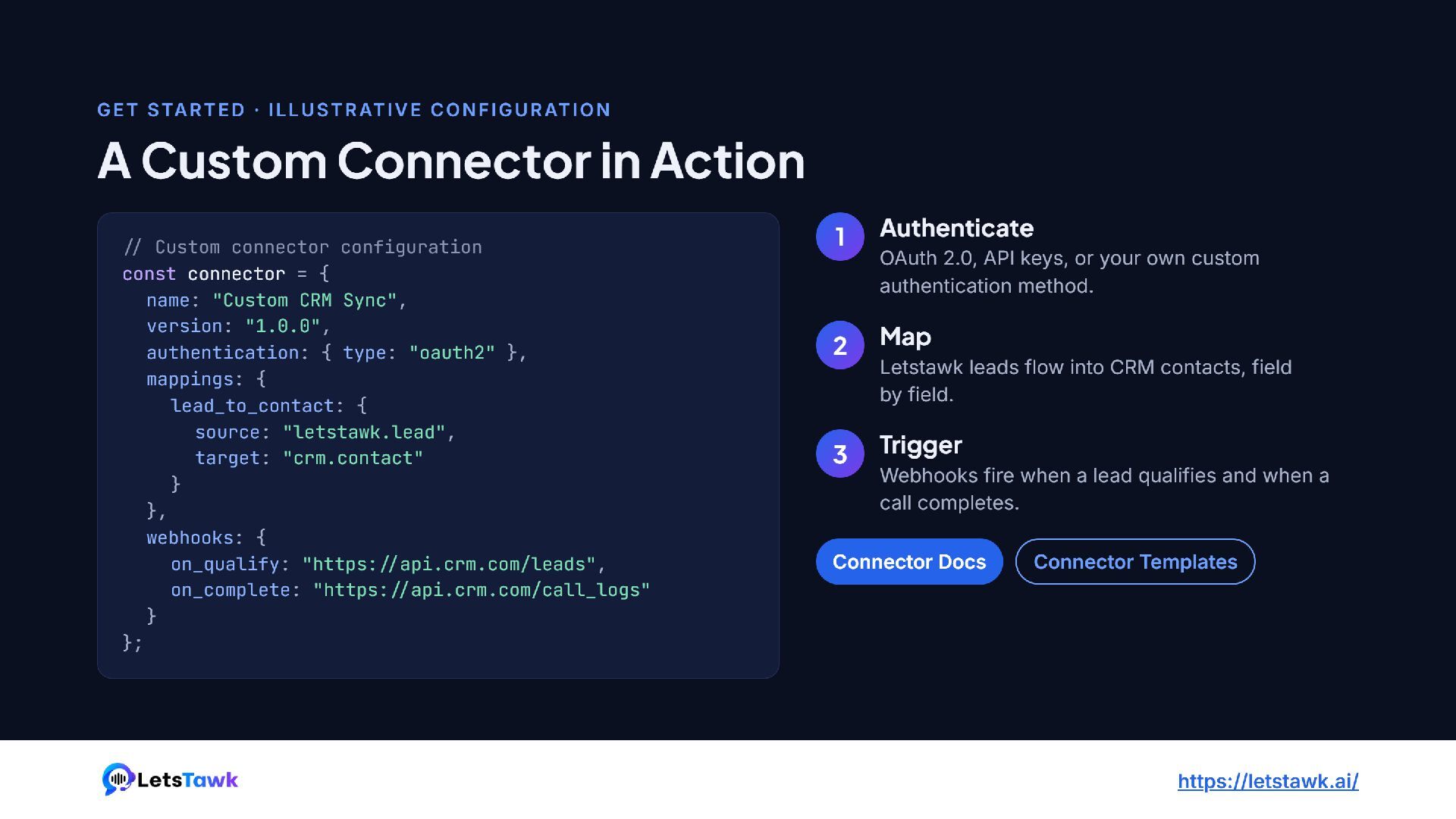
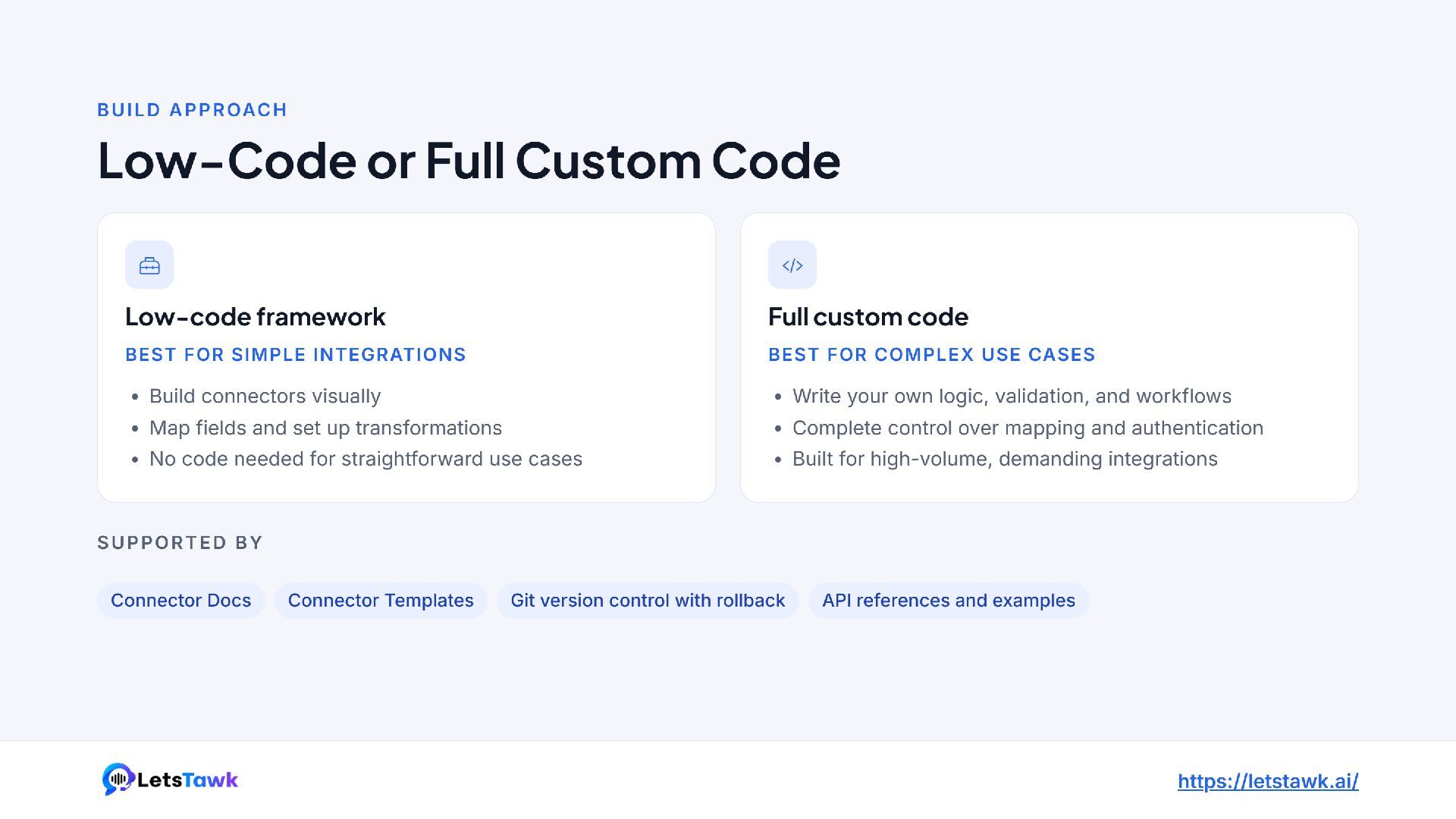
framework Full custom code Best for simple integrations Best for complex use cases Build connectors visually Write your own logic, validation, and workflows Map fields and set up transformations Complete control over mapping and authentication No code needed for straightforward use cases Built for high-volume, demanding integrations Supported by Connector Docs Connector Templates Git version control with rollback API references and examples https://letstawk.ai/
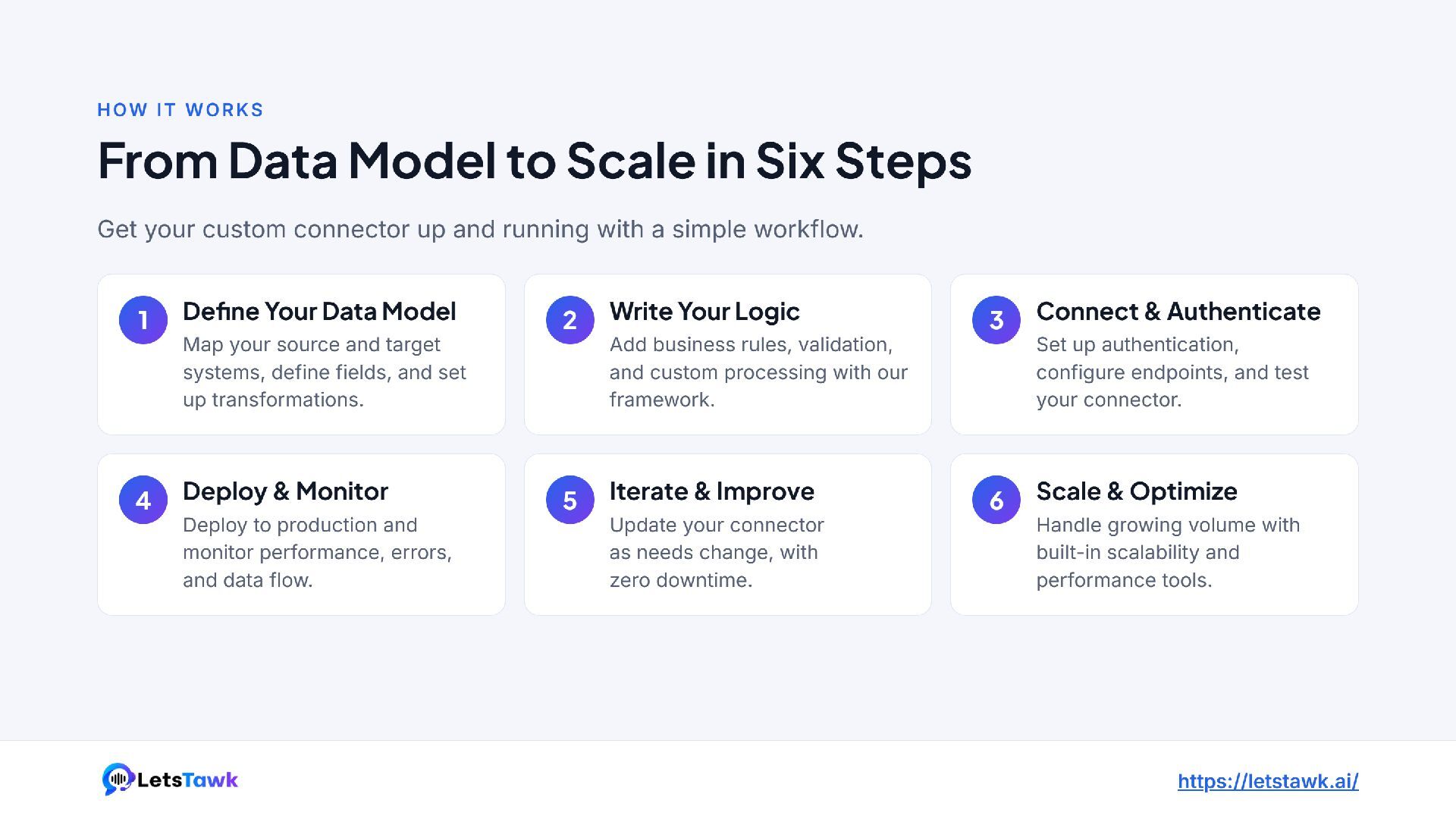
Steps Get your custom connector up and running with a simple workflow. 1 Define Your Data Model 2 Map your source and target systems, define fields, and set up transformations. 4 Deploy & Monitor Deploy to production and monitor performance, errors, and data flow. Write Your Logic 3 Add business rules, validation, and custom processing with our framework. 5 Iterate & Improve Update your connector as needs change, with zero downtime. Connect & Authenticate Set up authentication, configure endpoints, and test your connector. 6 Scale & Optimize Handle growing volume with built-in scalability and performance tools. https://letstawk.ai/
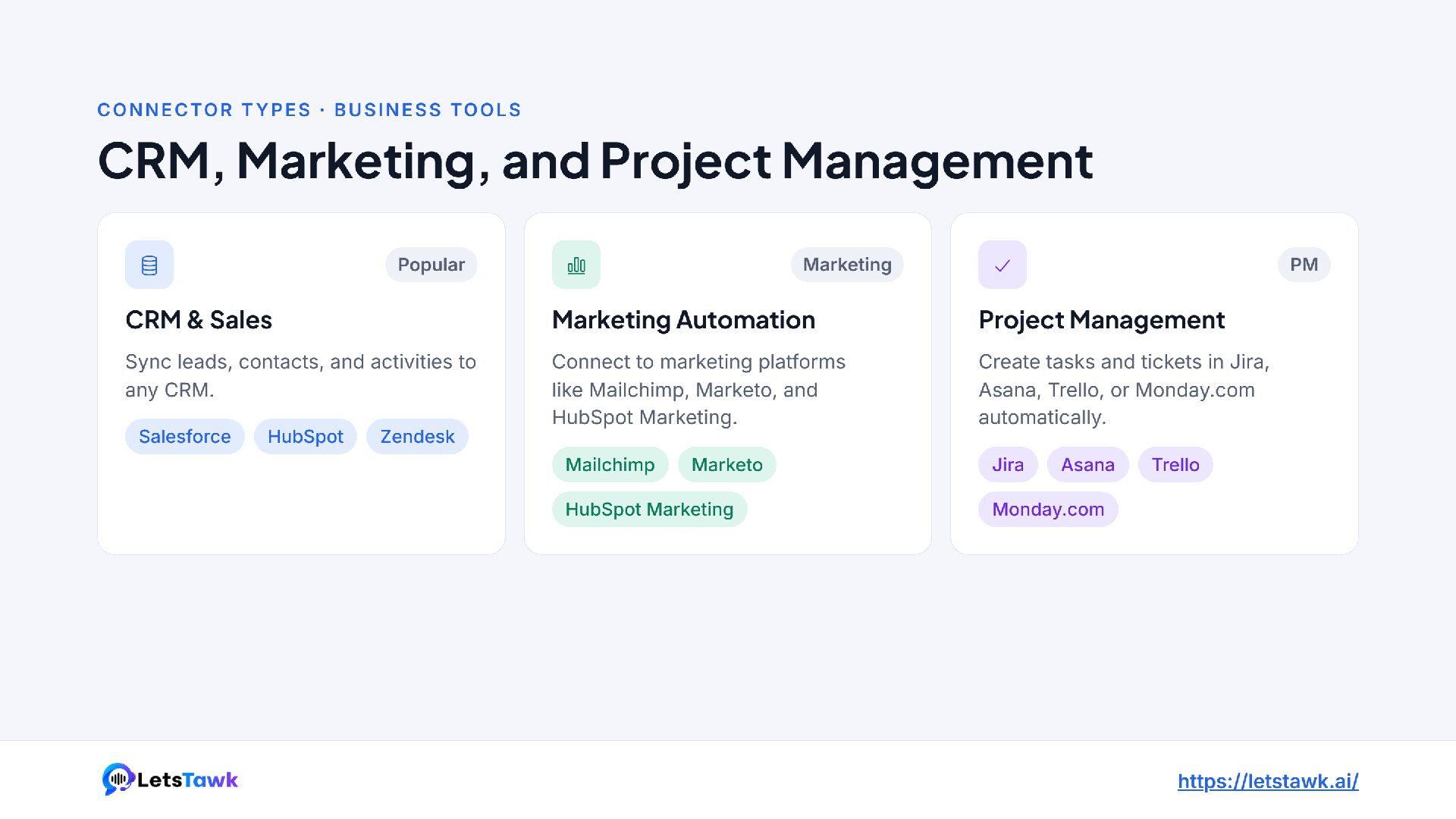
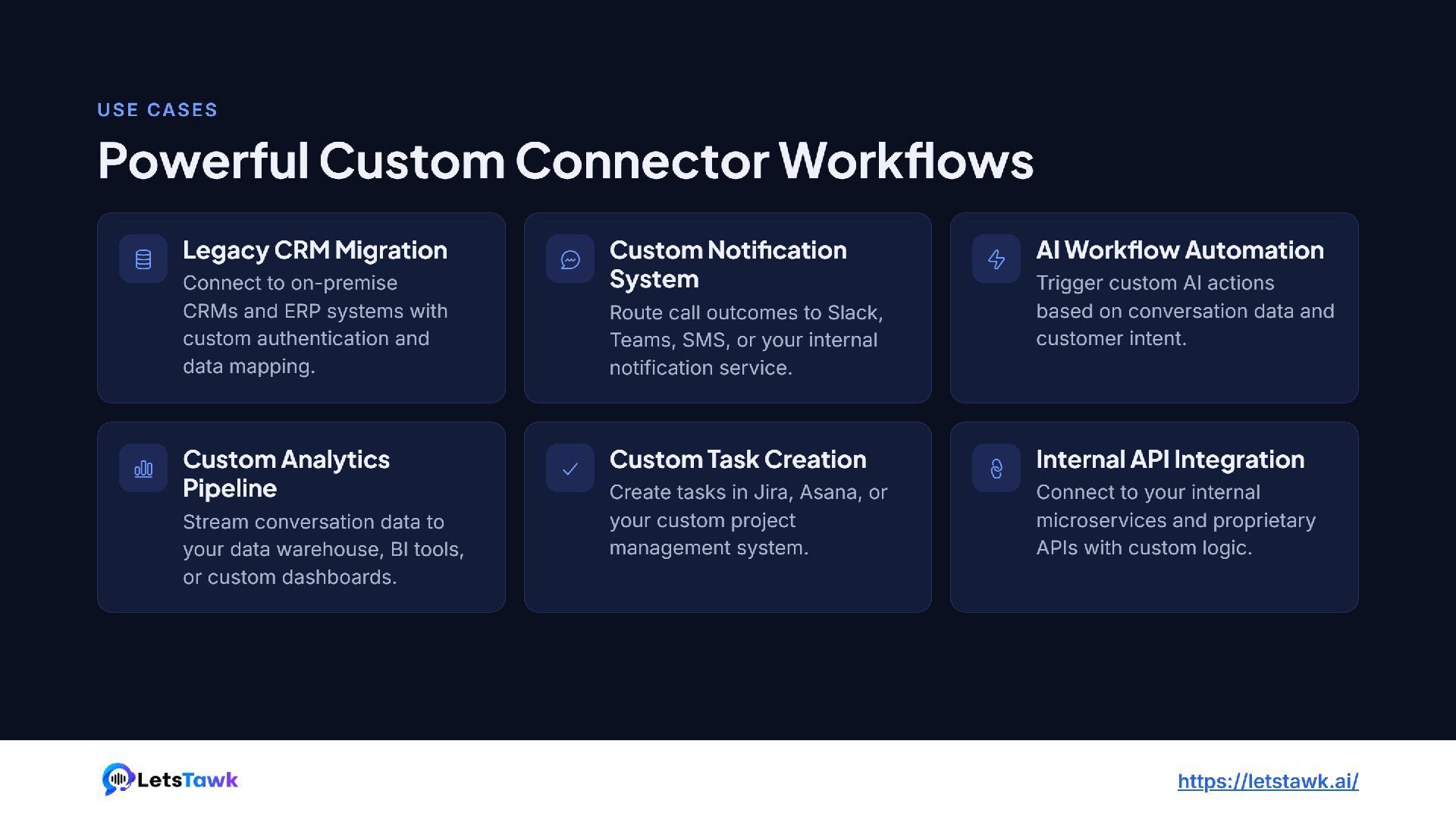
Migration Connect to on-premise CRMs and ERP systems with custom authentication and data mapping. Custom Analytics Pipeline Stream conversation data to your data warehouse, BI tools, or custom dashboards. Custom Notification System AI Workflow Automation Internal API Integration Route call outcomes to Slack, Teams, SMS, or your internal notification service. Custom Task Creation Create tasks in Jira, Asana, or your custom project management system. Trigger custom AI actions based on conversation data and customer intent. Connect to your internal microservices and proprietary APIs with custom logic. https://letstawk.ai/
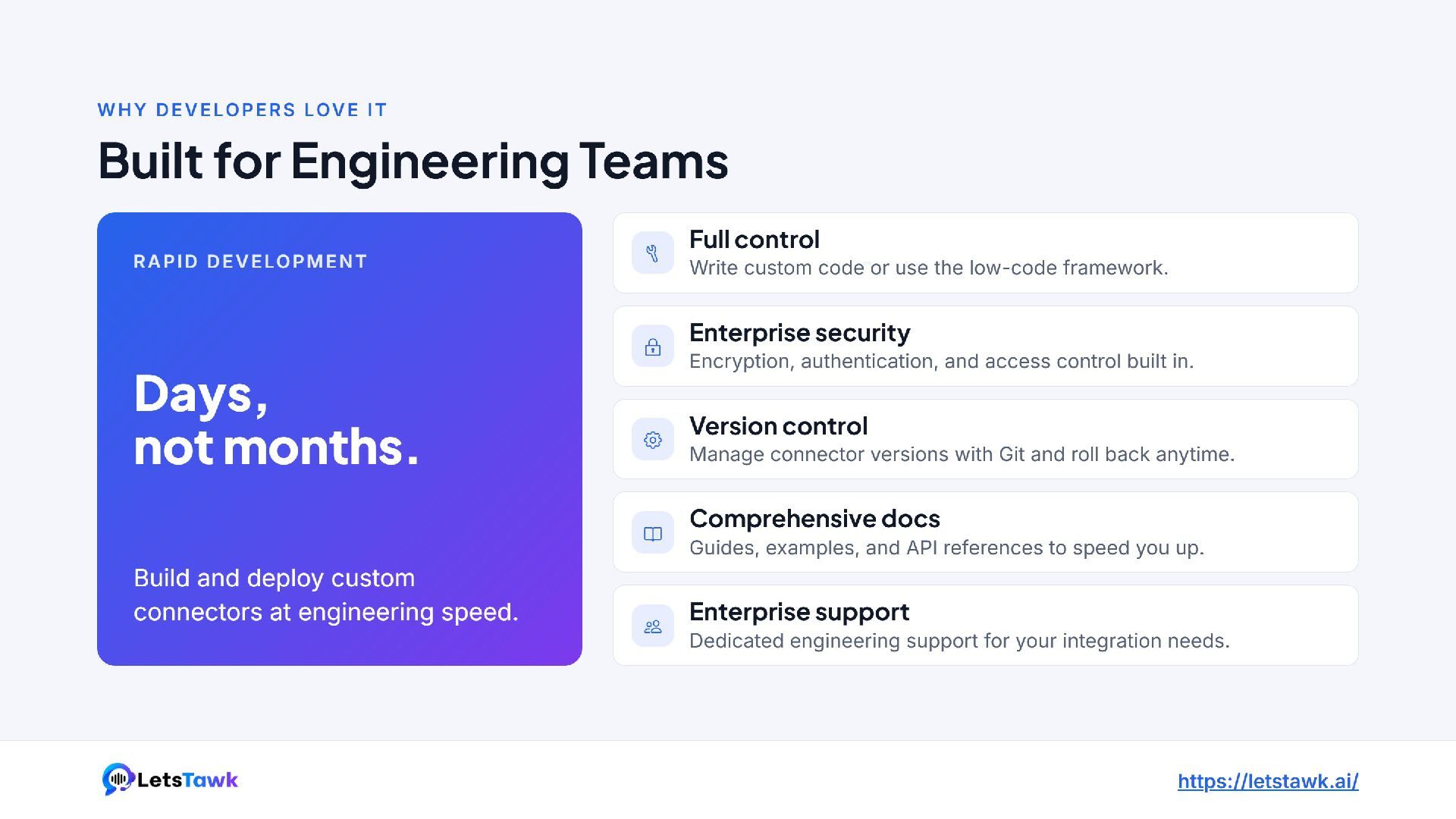
Days, not months. Build and deploy custom connectors at engineering speed. Full control Write custom code or use the low-code framework. Enterprise security Encryption, authentication, and access control built in. Version control Manage connector versions with Git and roll back anytime. Comprehensive docs Guides, examples, and API references to speed you up. Enterprise support Dedicated engineering support for your integration needs. https://letstawk.ai/
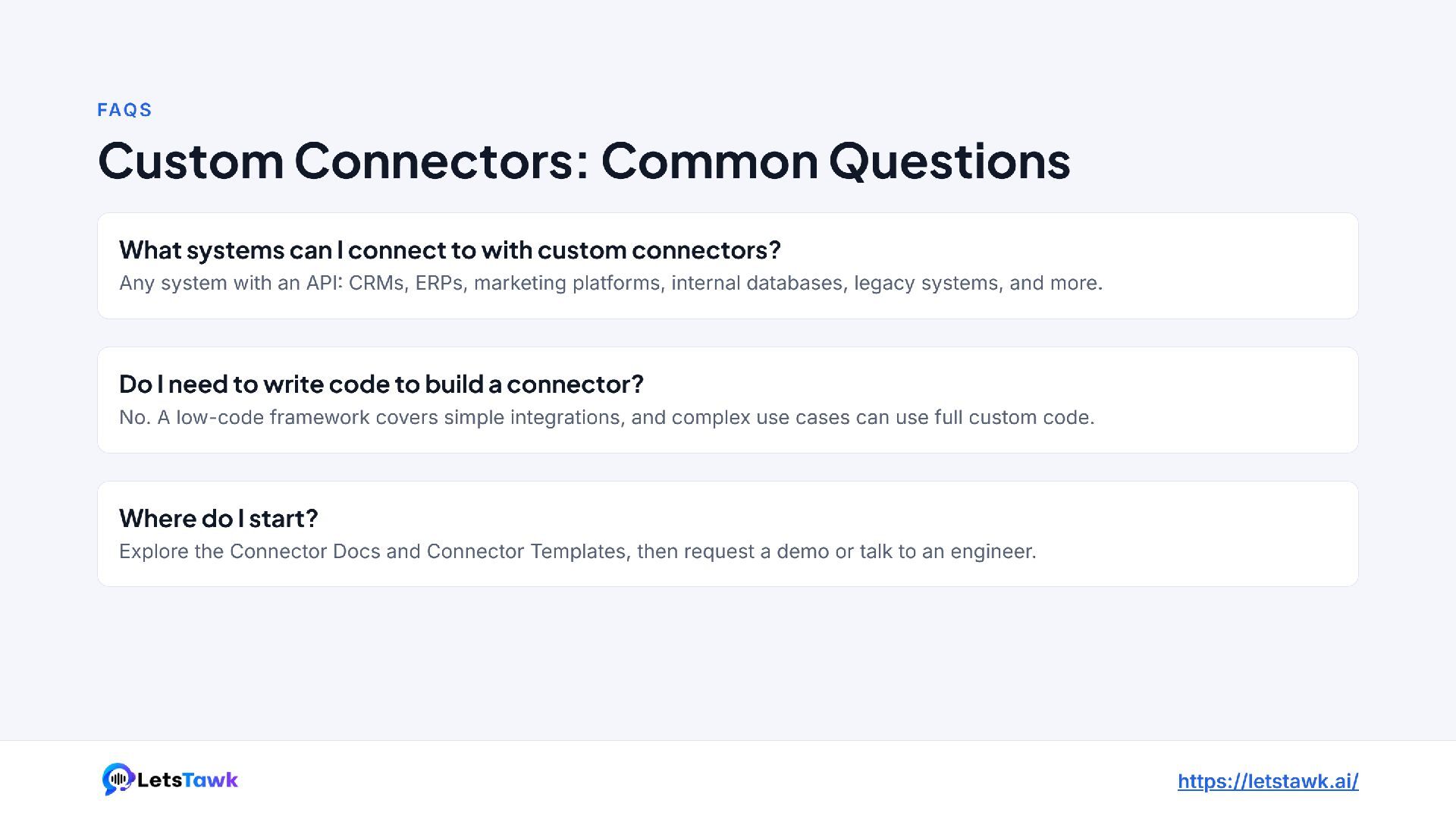
to with custom connectors? Any system with an API: CRMs, ERPs, marketing platforms, internal databases, legacy systems, and more. Do I need to write code to build a connector? No. A low-code framework covers simple integrations, and complex use cases can use full custom code. Where do I start? Explore the Connector Docs and Connector Templates, then request a demo or talk to an engineer. https://letstawk.ai/
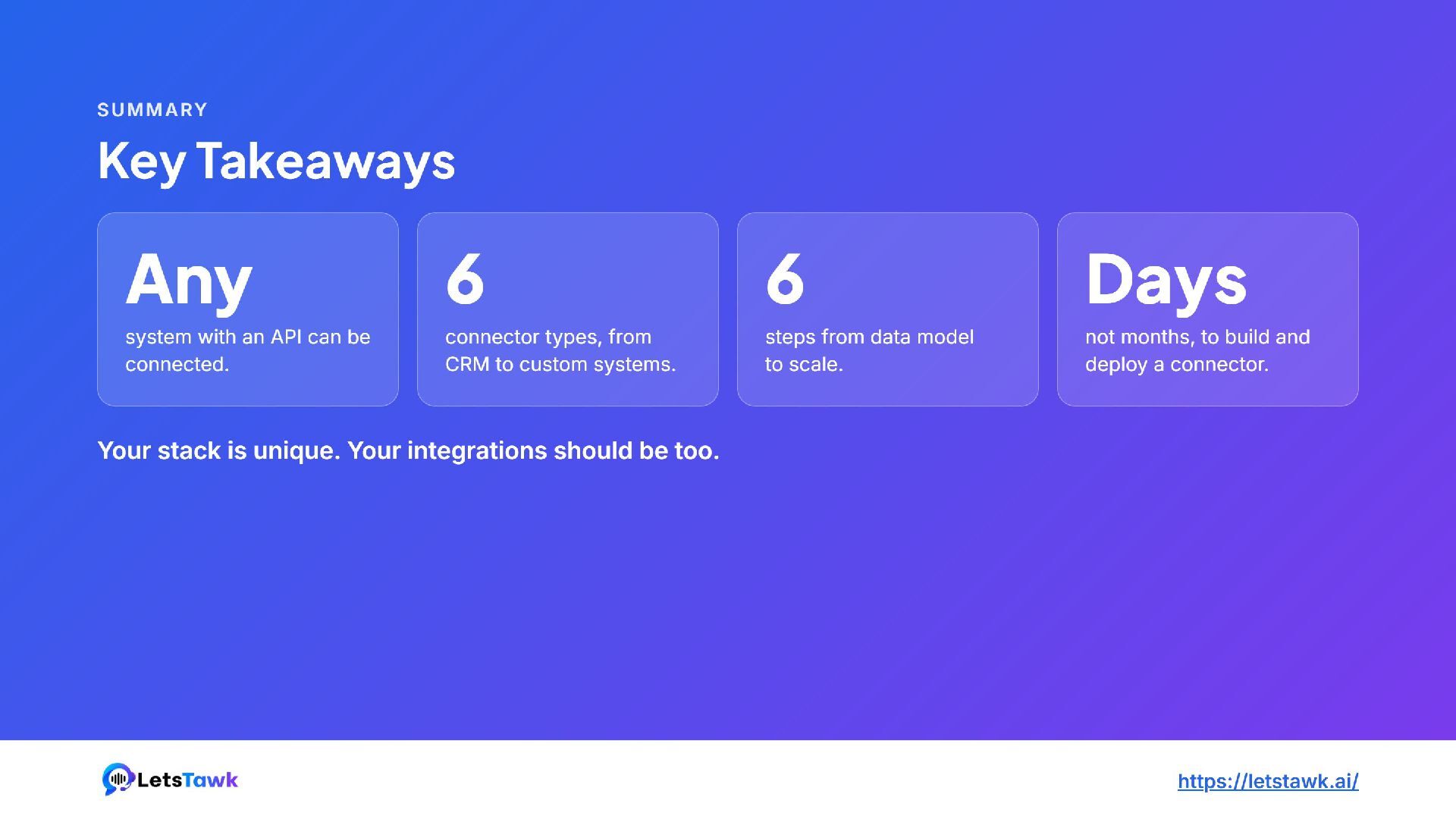
API can be connected. connector types, from CRM to custom systems. steps from data model to scale. not months, to build and deploy a connector. Your stack is unique. Your integrations should be too. https://letstawk.ai/
engineering teams building custom integrations with Letstawk. Get full control over your data flow and build exactly what you need. Request a Demo Talk to an expert https://letstawk.ai/


 felixparker1
 nttcom
 yahonda
 colopl
 finengine
 kaminashi
 yamanoku
 shugo
shugo
 carta_engineering
 teamlab
 gogutan
.png) yamad
yamad
 ymotongpoo
 tessaabrams
 skipperchong
 codingconduct
 axbom
axbom
 jnunemaker
 smashingmag
 marktimemedia
 afnizarnur
 chriscoyier
 watany
 geshan
 mojombo