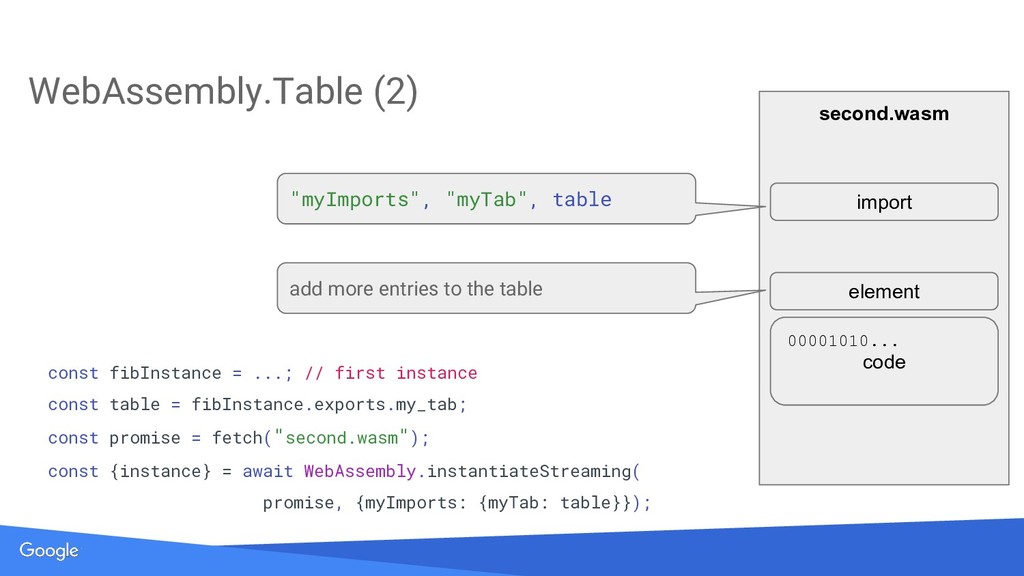
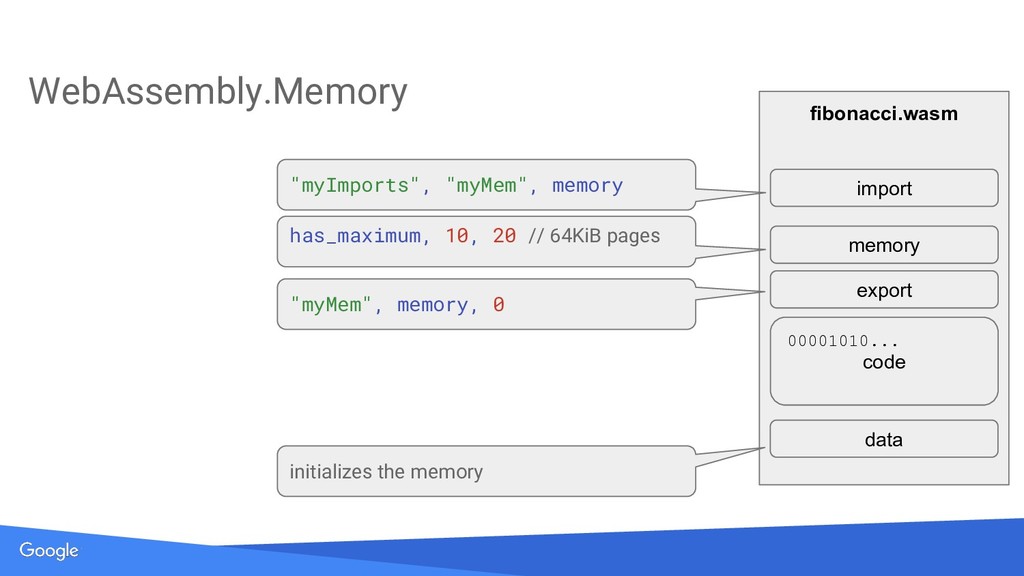
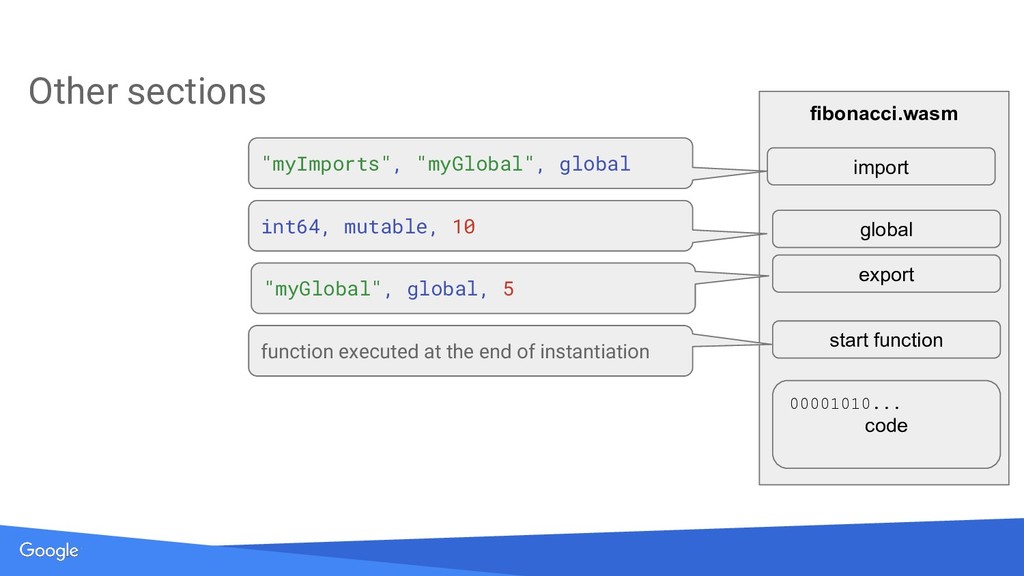
This talk gives a rough overview over the internal structure of a WebAssembly module. It describes the sections in a WebAssembly module and their purpose. A recording of this talk is available on YouTube: https://youtu.be/OekKui_QOpU
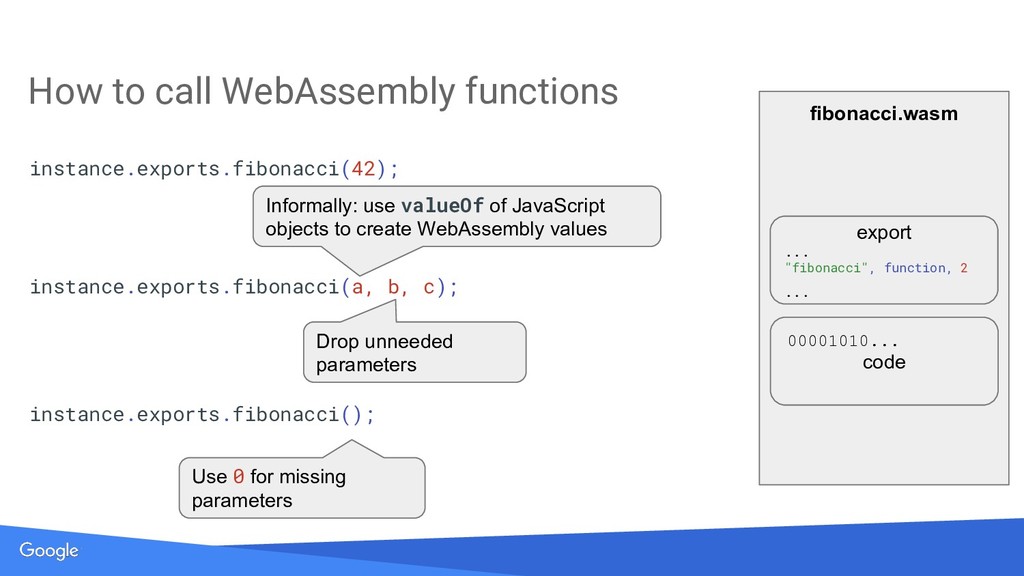
Informally: use valueOf of JavaScript objects to create WebAssembly values Drop unneeded parameters Use 0 for missing parameters instance.exports.fibonacci(a, b, c); instance.exports.fibonacci(); How to call WebAssembly functions
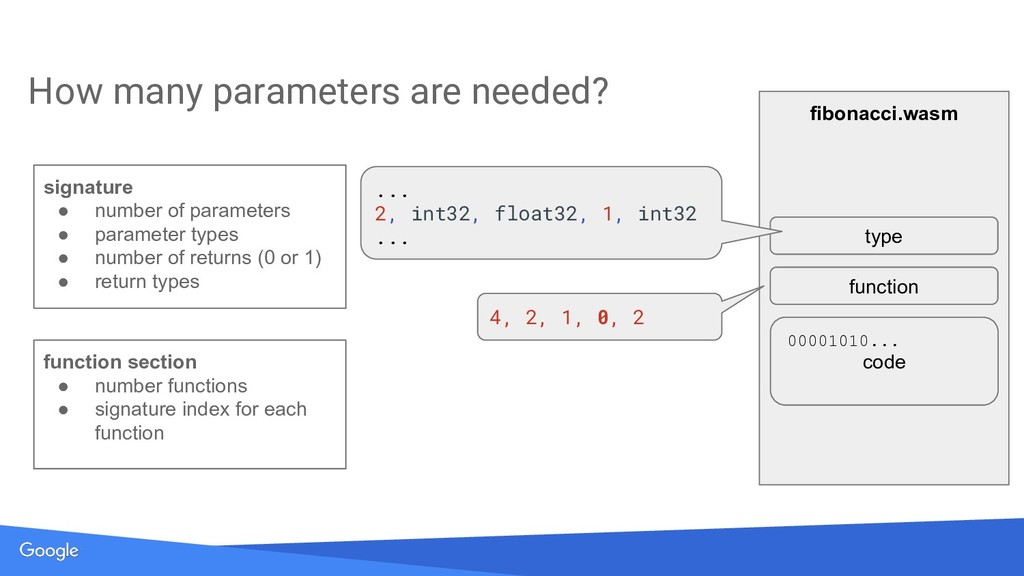
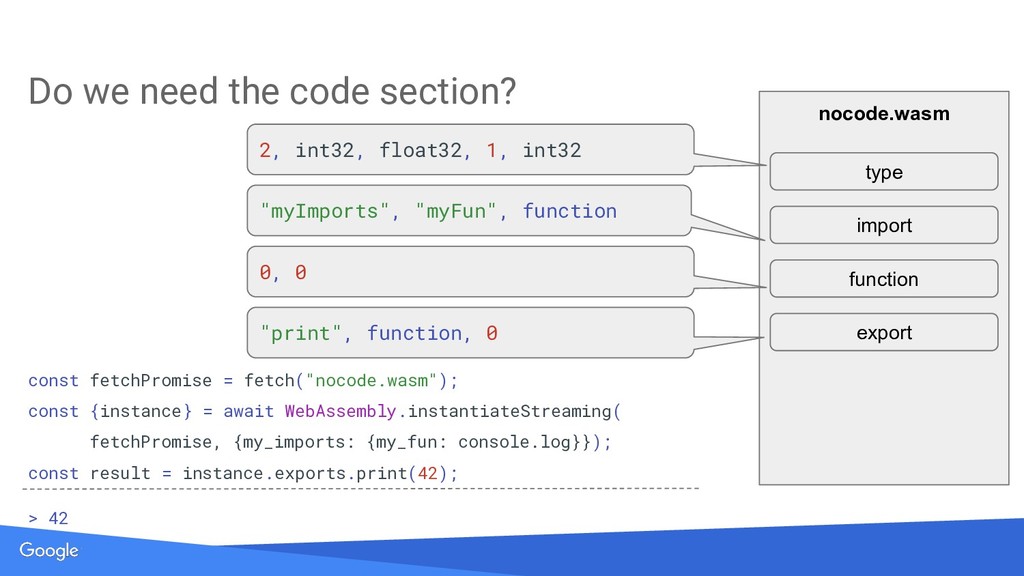
... 2, int32, float32, 1, int32 ... 4, 2, 1, 0, 2 signature • number of parameters • parameter types • number of returns (0 or 1) • return types function section • number functions • signature index for each function
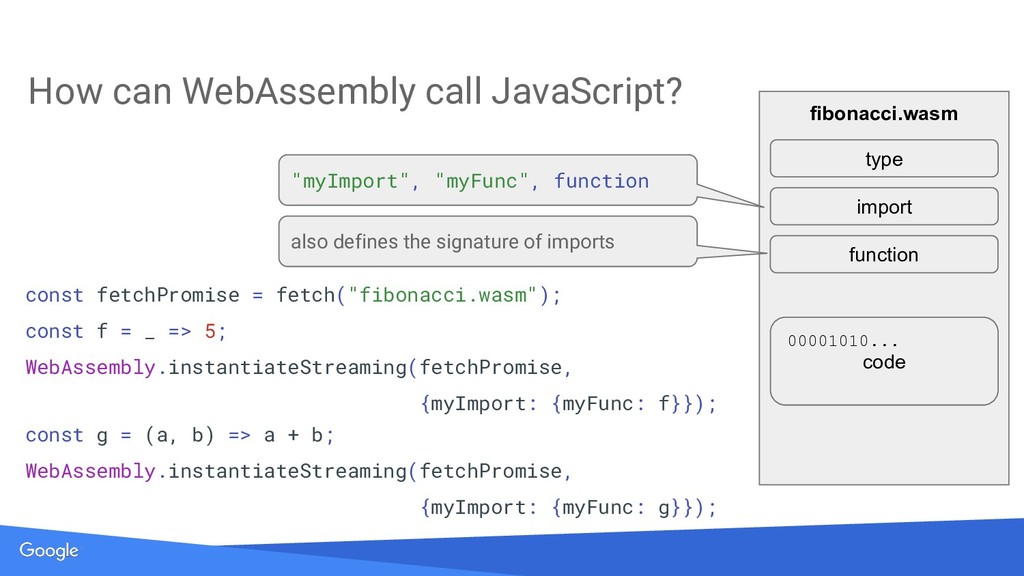
"myFunc", function const fetchPromise = fetch("fibonacci.wasm"); const f = _ => 5; WebAssembly.instantiateStreaming(fetchPromise, {myImport: {myFunc: f}}); const g = (a, b) => a + b; WebAssembly.instantiateStreaming(fetchPromise, {myImport: {myFunc: g}}); function also defines the signature of imports type
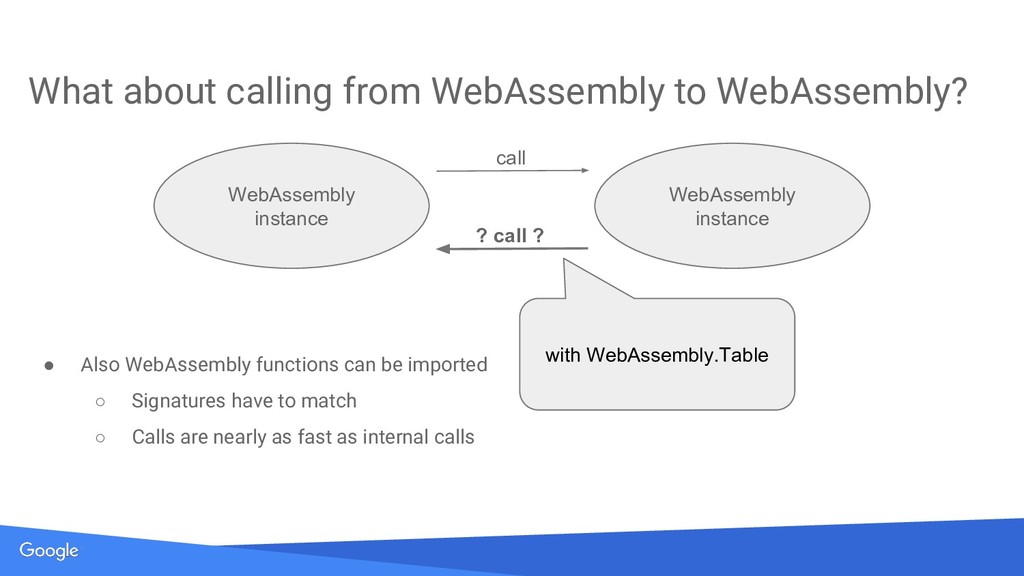
to match ◦ Calls are nearly as fast as internal calls What about calling from WebAssembly to WebAssembly? WebAssembly instance WebAssembly instance call ? call ? with WebAssembly.Table
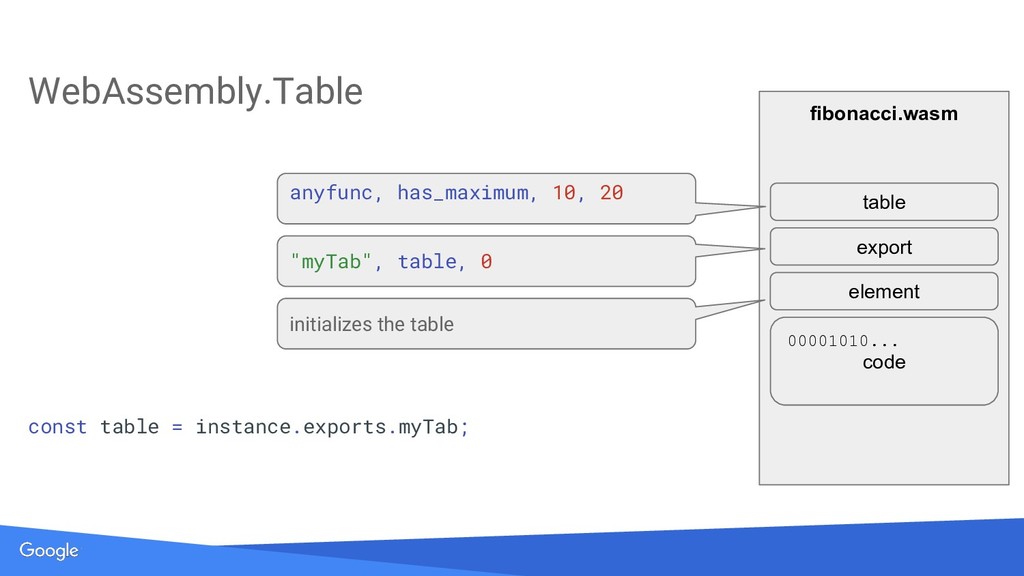
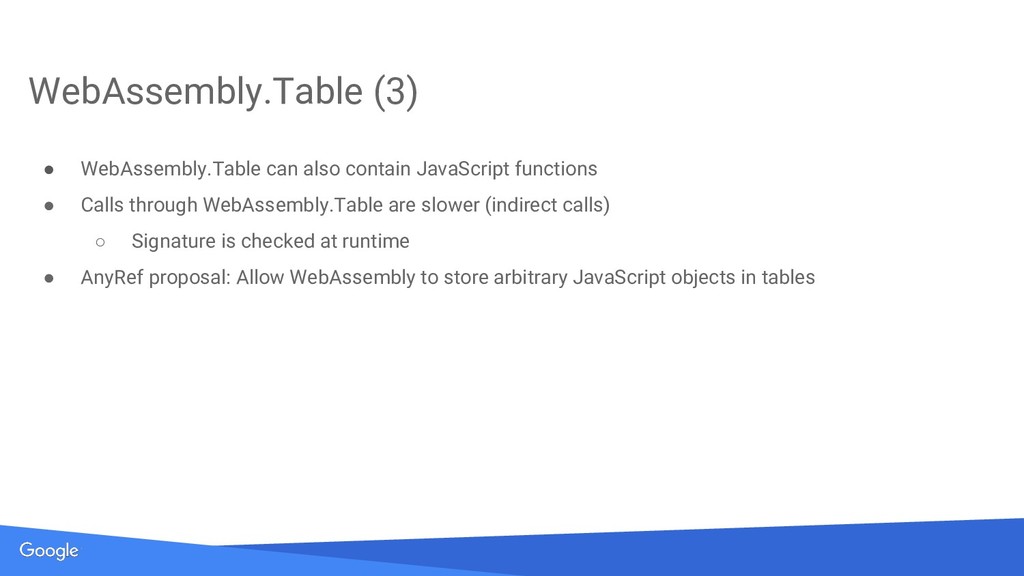
WebAssembly.Table are slower (indirect calls) ◦ Signature is checked at runtime • AnyRef proposal: Allow WebAssembly to store arbitrary JavaScript objects in tables WebAssembly.Table (3)


 kinopeee
 dske104
 rkaga
rkaga
 ichirokano2
 neuecc
 o0h
o0h
 steliosf
 shihochan
 utakaha
 uyuki234
 deka_morita
 gam0022
 andyhume
 aleyda
 marktimemedia
 skipperchong
 axbom
axbom
 konakalab
 jonoalderson
 akademiya2063
 techseoconnect
 ipullrank
 bryan
bryan