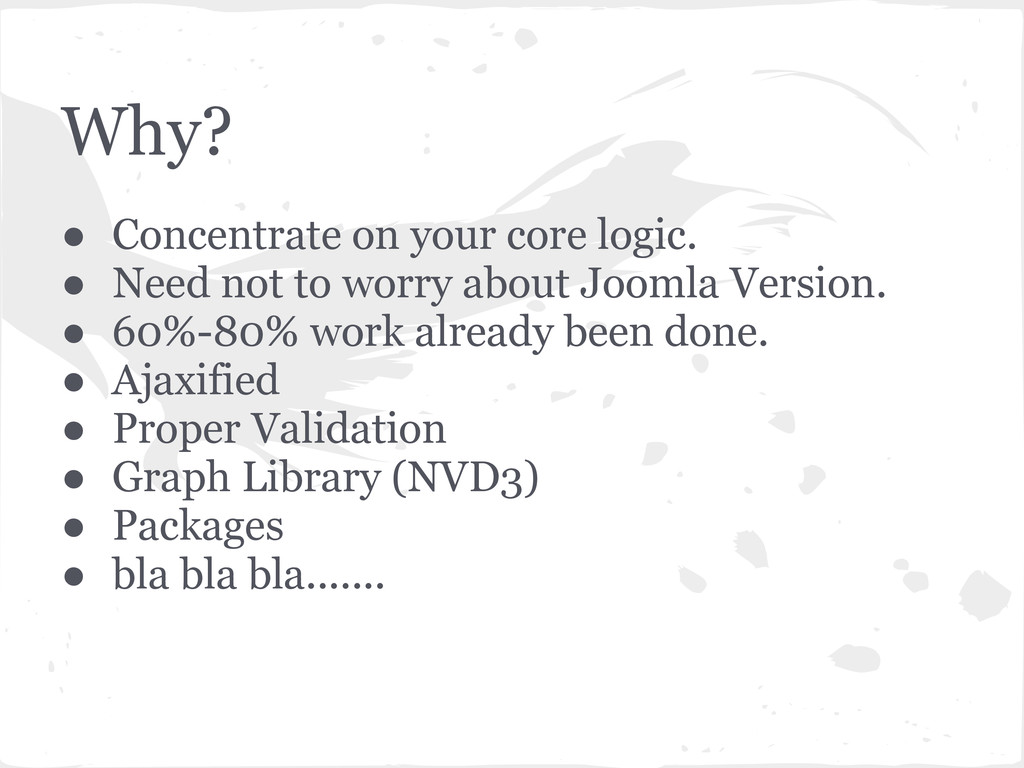
to worry about Joomla Version. • 60%-80% work already been done. • Ajaxified • Proper Validation • Graph Library (NVD3) • Packages • bla bla bla.......
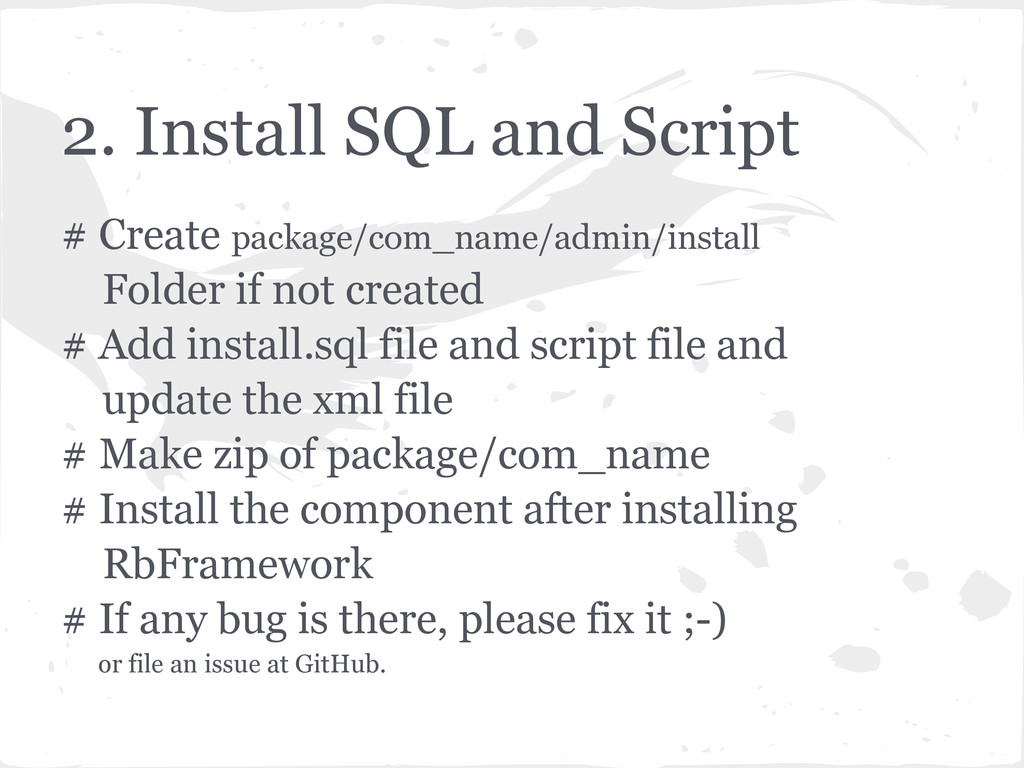
not created # Add install.sql file and script file and update the xml file # Make zip of package/com_name # Install the component after installing RbFramework # If any bug is there, please fix it ;-) or file an issue at GitHub.


 kinopeee
 y0hgi
y0hgi
 nao_randd
 rollbear
 yutobara
 texmeijin
 satoshi256kbyte
 gam0022
 seike460
 andpad
 kmars0605
 minodriven
 frankvandijk
 swwweet
 mkilby
 axbom
axbom
 lara
lara
 addyosmani
 chriscoyier
 danielanewman
 skipperchong
 tonyrice
 mongodb
 ryanjones