Upgrade to Pro — share decks privately, control downloads, hide ads and more …

Quarkus Introduction

Quarkus Introduction

Introduction to the new Java Framework Quarkus. Which impresses with its fast boot time and its low memory footprint.

Avatar for Michael Gerber

Michael Gerber

November 06, 2019

Other Decks in Programming

Transcript

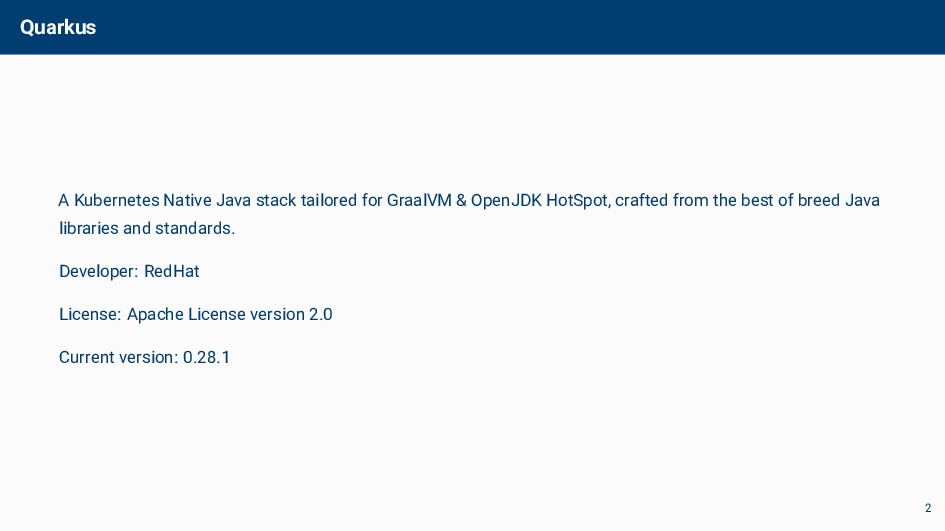
  1. Quarkus A Kubernetes Native Java stack tailored for GraalVM &

    OpenJDK HotSpot, crafted from the best of breed Java libraries and standards. Developer: RedHat License: Apache License version 2.0 Current version: 0.28.1 2
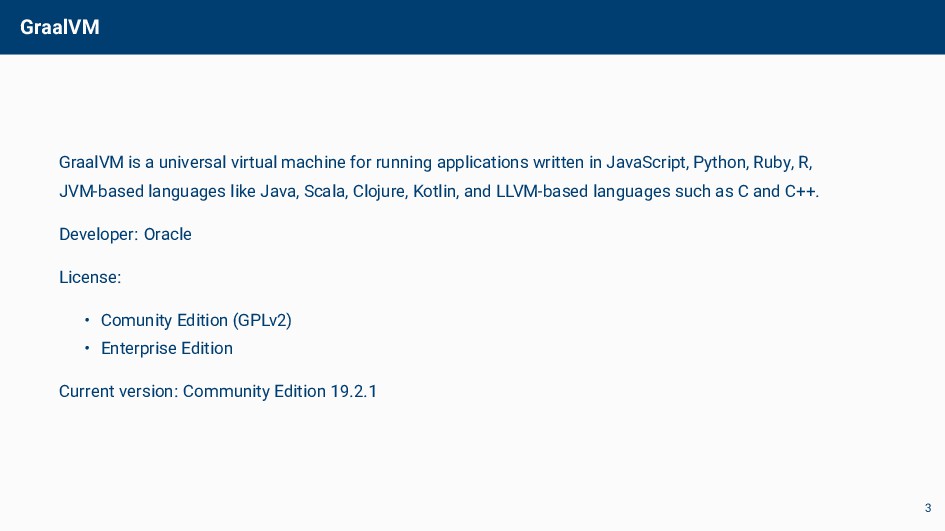
  2. GraalVM GraalVM is a universal virtual machine for running applications

    written in JavaScript, Python, Ruby, R, JVM-based languages like Java, Scala, Clojure, Kotlin, and LLVM-based languages such as C and C++. Developer: Oracle License: • Comunity Edition (GPLv2) • Enterprise Edition Current version: Community Edition 19.2.1 3
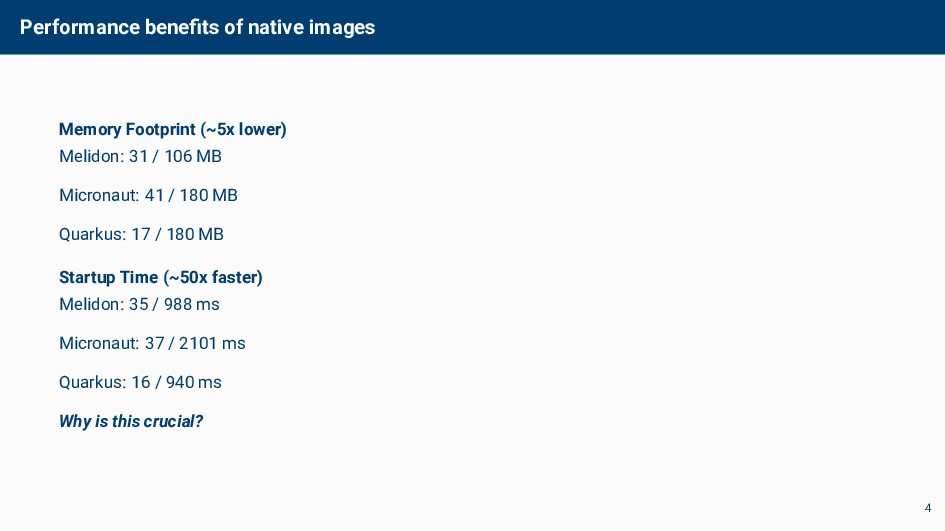
  3. Performance benefits of native images Memory Footprint (~5x lower) Melidon:

    31 / 106 MB Micronaut: 41 / 180 MB Quarkus: 17 / 180 MB Startup Time (~50x faster) Melidon: 35 / 988 ms Micronaut: 37 / 2101 ms Quarkus: 16 / 940 ms Why is this crucial? 4
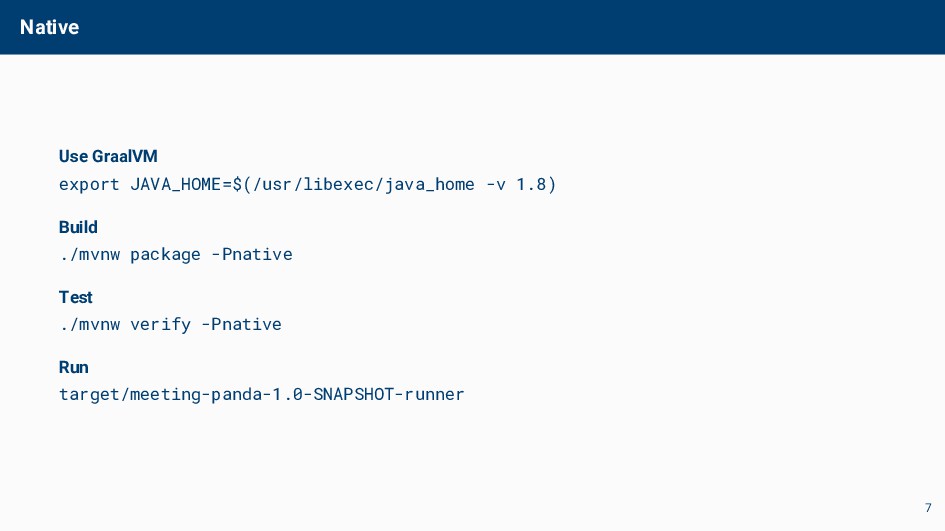
  4. Native Use GraalVM export JAVA_HOME=$(/usr/libexec/java_home -v 1.8) Build ./mvnw package

    -Pnative Test ./mvnw verify -Pnative Run target/meeting-panda-1.0-SNAPSHOT-runner 7
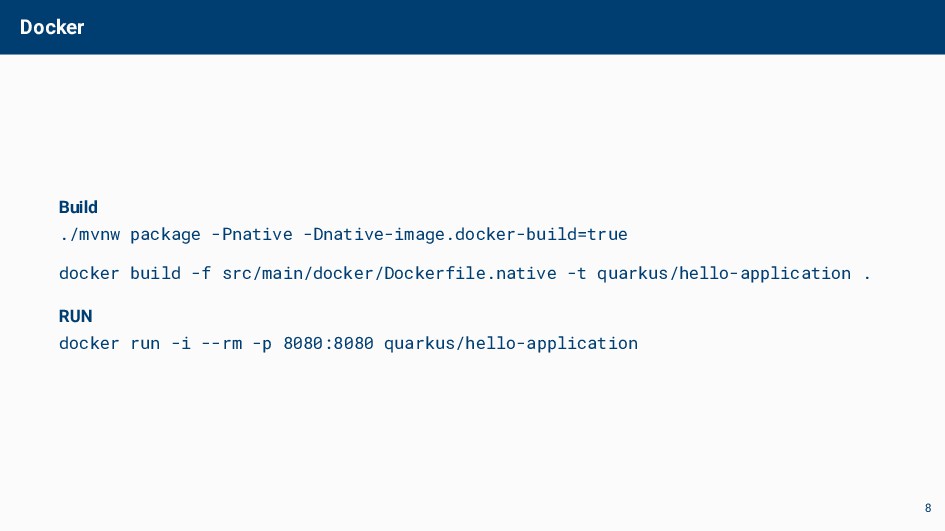
  5. Docker Build ./mvnw package -Pnative -Dnative-image.docker-build=true docker build -f src/main/docker/Dockerfile.native

    -t quarkus/hello-application . RUN docker run -i --rm -p 8080:8080 quarkus/hello-application 8
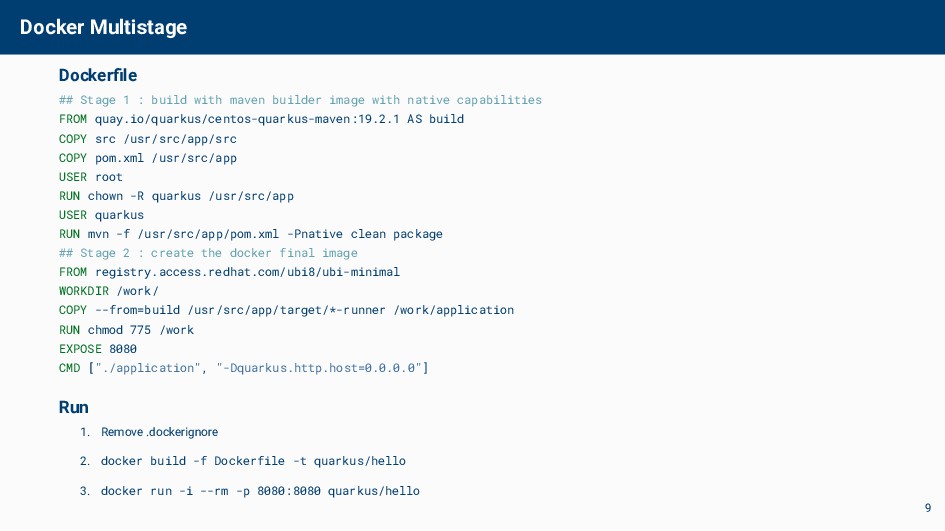
  6. Docker Multistage Dockerfile ## Stage 1 : build with maven

    builder image with native capabilities FROM quay.io/quarkus/centos-quarkus-maven:19.2.1 AS build COPY src /usr/src/app/src COPY pom.xml /usr/src/app USER root RUN chown -R quarkus /usr/src/app USER quarkus RUN mvn -f /usr/src/app/pom.xml -Pnative clean package ## Stage 2 : create the docker final image FROM registry.access.redhat.com/ubi8/ubi-minimal WORKDIR /work/ COPY --from=build /usr/src/app/target/*-runner /work/application RUN chmod 775 /work EXPOSE 8080 CMD ["./application", "-Dquarkus.http.host=0.0.0.0"] Run 1. Remove .dockerignore 2. docker build -f Dockerfile -t quarkus/hello 3. docker run -i --rm -p 8080:8080 quarkus/hello 9
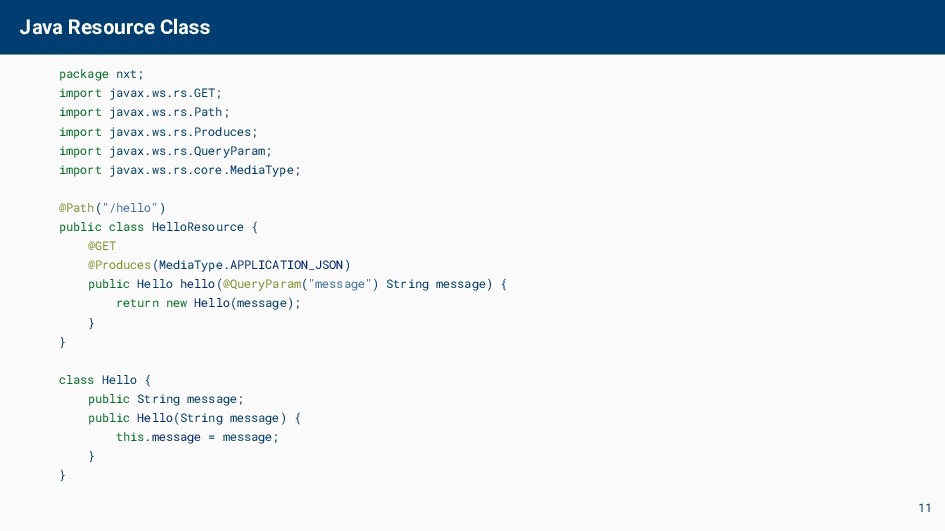
  7. Java Resource Class package nxt; import javax.ws.rs.GET; import javax.ws.rs.Path; import

    javax.ws.rs.Produces; import javax.ws.rs.QueryParam; import javax.ws.rs.core.MediaType; @Path("/hello") public class HelloResource { @GET @Produces(MediaType.APPLICATION_JSON) public Hello hello(@QueryParam("message") String message) { return new Hello(message); } } class Hello { public String message; public Hello(String message) { this.message = message; } } 11
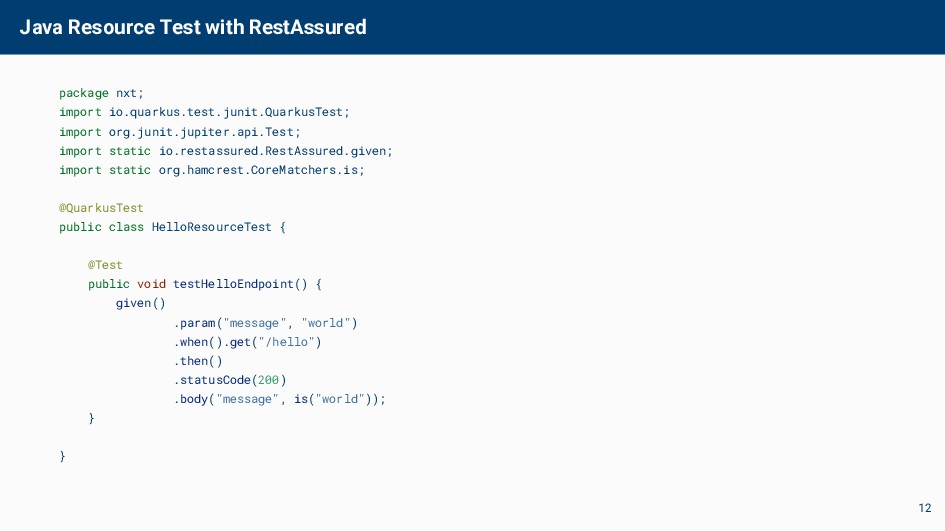
  8. Java Resource Test with RestAssured package nxt; import io.quarkus.test.junit.QuarkusTest; import

    org.junit.jupiter.api.Test; import static io.restassured.RestAssured.given; import static org.hamcrest.CoreMatchers.is; @QuarkusTest public class HelloResourceTest { @Test public void testHelloEndpoint() { given() .param("message", "world") .when().get("/hello") .then() .statusCode(200) .body("message", is("world")); } } 12
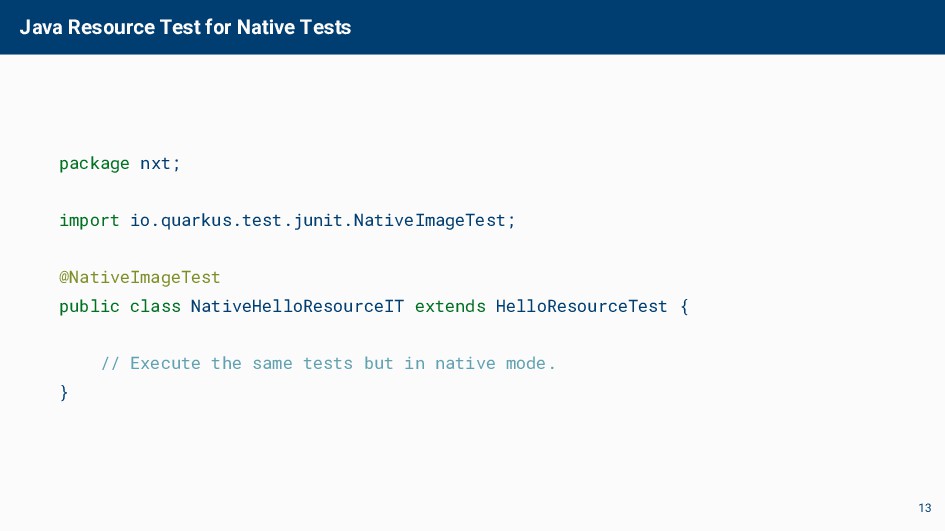
  9. Java Resource Test for Native Tests package nxt; import io.quarkus.test.junit.NativeImageTest;

    @NativeImageTest public class NativeHelloResourceIT extends HelloResourceTest { // Execute the same tests but in native mode. } 13
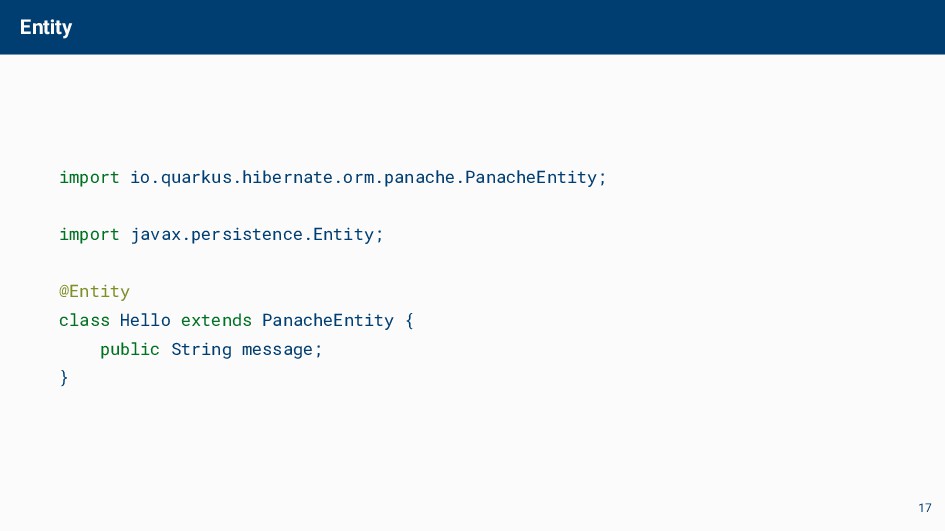
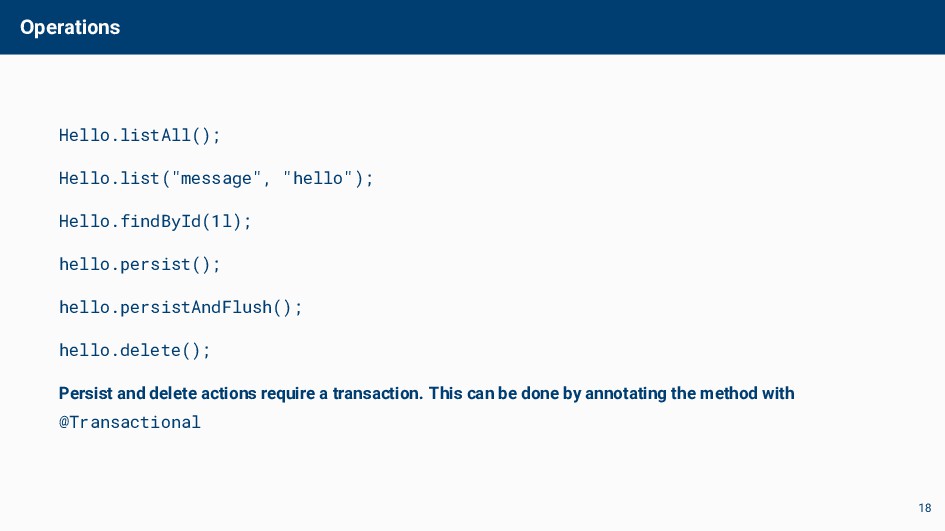
  10. Operations Hello.listAll(); Hello.list("message", "hello"); Hello.findById(1l); hello.persist(); hello.persistAndFlush(); hello.delete(); Persist and

    delete actions require a transaction. This can be done by annotating the method with @Transactional 18
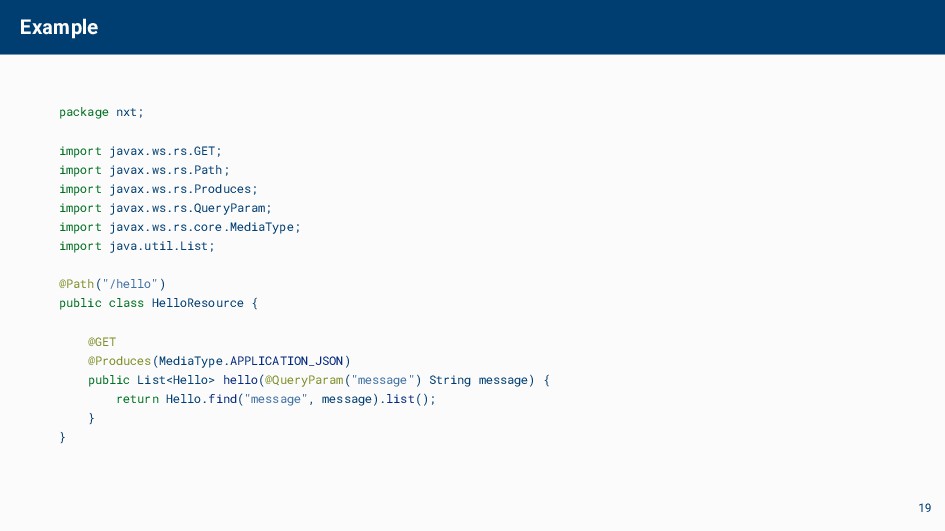
  11. Example package nxt; import javax.ws.rs.GET; import javax.ws.rs.Path; import javax.ws.rs.Produces; import

    javax.ws.rs.QueryParam; import javax.ws.rs.core.MediaType; import java.util.List; @Path("/hello") public class HelloResource { @GET @Produces(MediaType.APPLICATION_JSON) public List<Hello> hello(@QueryParam("message") String message) { return Hello.find("message", message).list(); } } 19
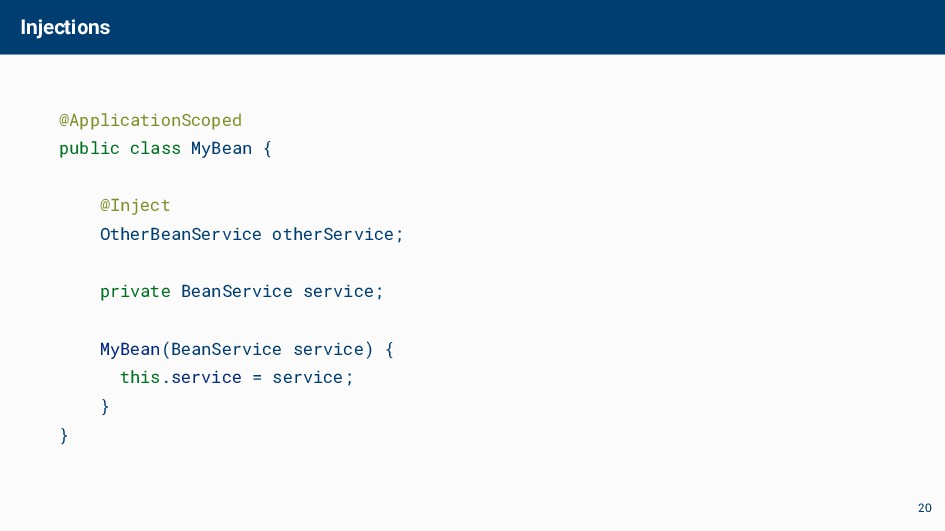
  12. Injections @ApplicationScoped public class MyBean { @Inject OtherBeanService otherService; private

    BeanService service; MyBean(BeanService service) { this.service = service; } } 20
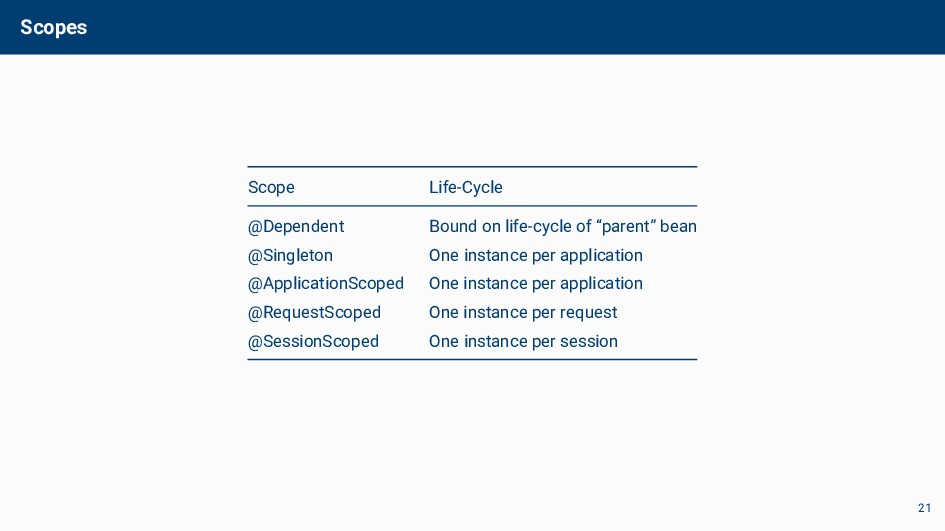
  13. Scopes Scope Life-Cycle @Dependent Bound on life-cycle of “parent” bean

    @Singleton One instance per application @ApplicationScoped One instance per application @RequestScoped One instance per request @SessionScoped One instance per session 21
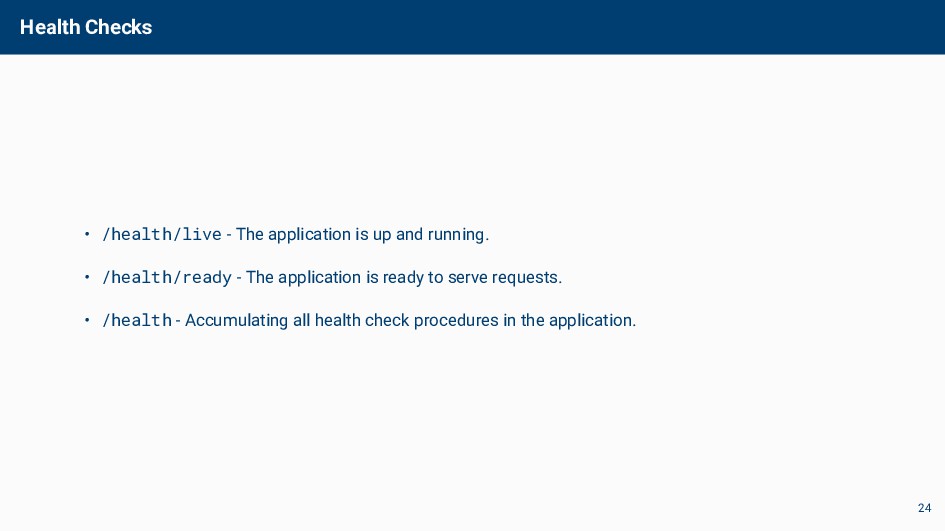
  14. Health Checks • /health/live - The application is up and
    running. • /health/ready - The application is ready to serve requests. • /health - Accumulating all health check procedures in the application. 24
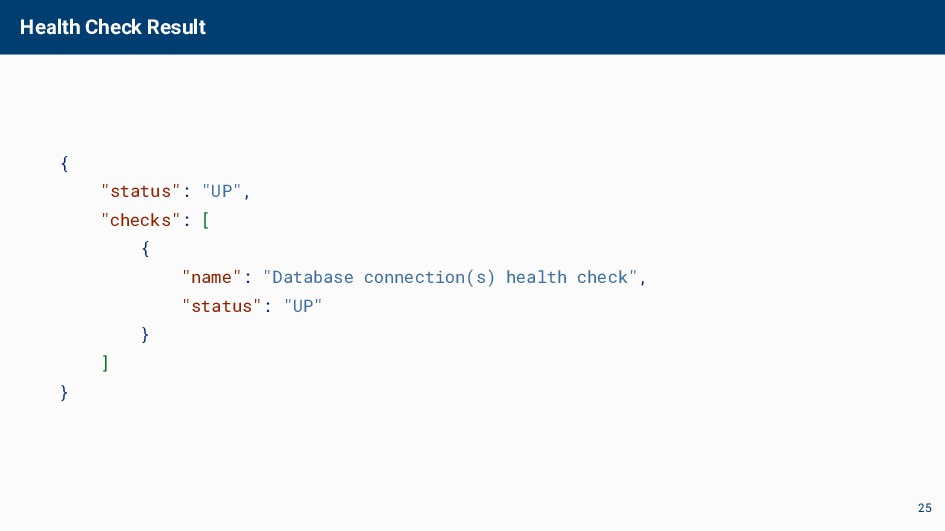
  15. Health Check Result { "status": "UP", "checks": [ { "name":

    "Database connection(s) health check", "status": "UP" } ] } 25
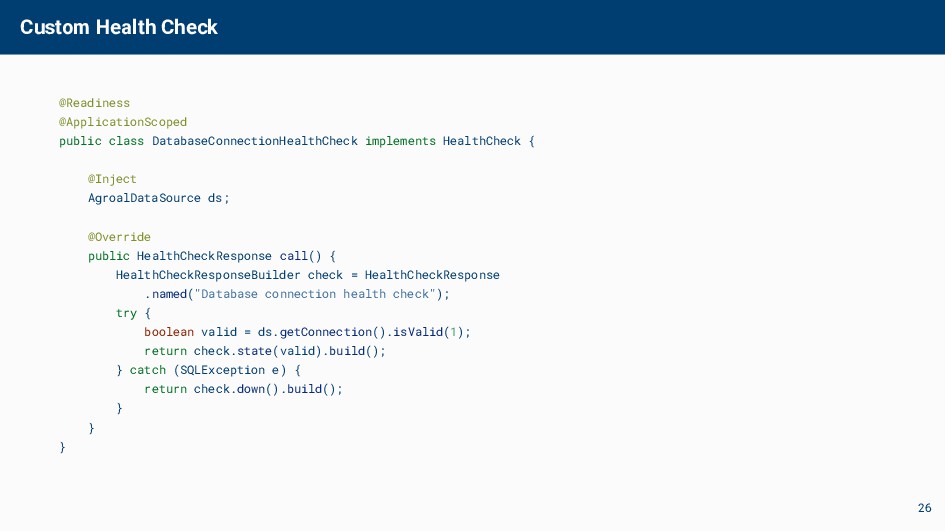
  16. Custom Health Check @Readiness @ApplicationScoped public class DatabaseConnectionHealthCheck implements HealthCheck

    { @Inject AgroalDataSource ds; @Override public HealthCheckResponse call() { HealthCheckResponseBuilder check = HealthCheckResponse .named("Database connection health check"); try { boolean valid = ds.getConnection().isValid(1); return check.state(valid).build(); } catch (SQLException e) { return check.down().build(); } } } 26
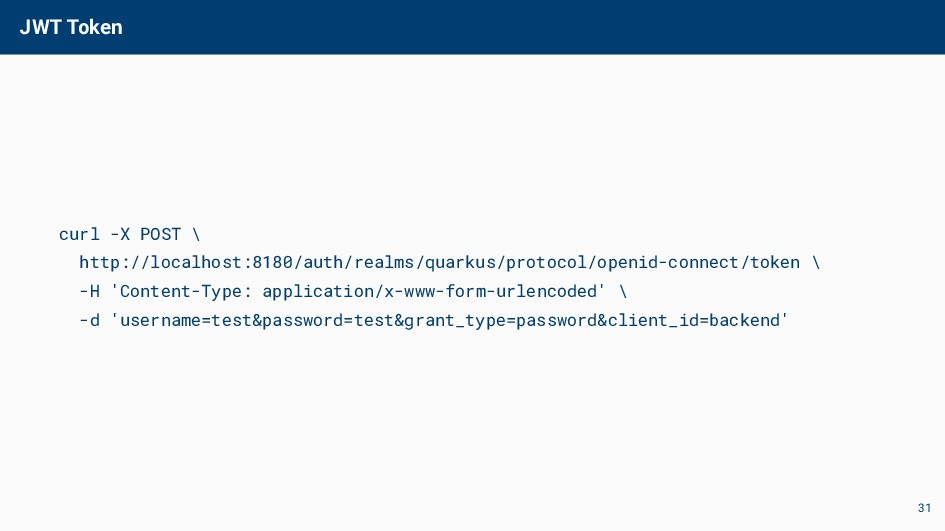
  17. JWT Token curl -X POST \ http://localhost:8180/auth/realms/quarkus/protocol/openid-connect/token \ -H 'Content-Type:

    application/x-www-form-urlencoded' \ -d 'username=test&password=test&grant_type=password&client_id=backend' 31
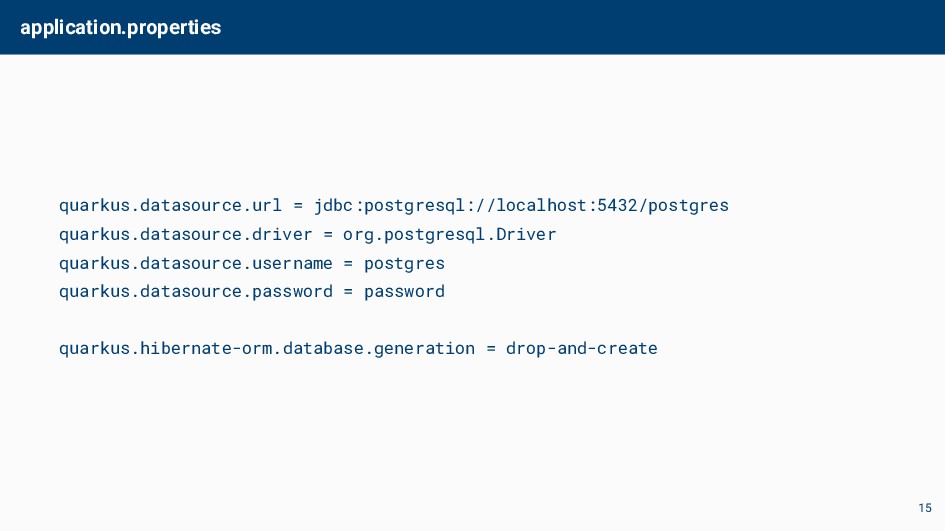
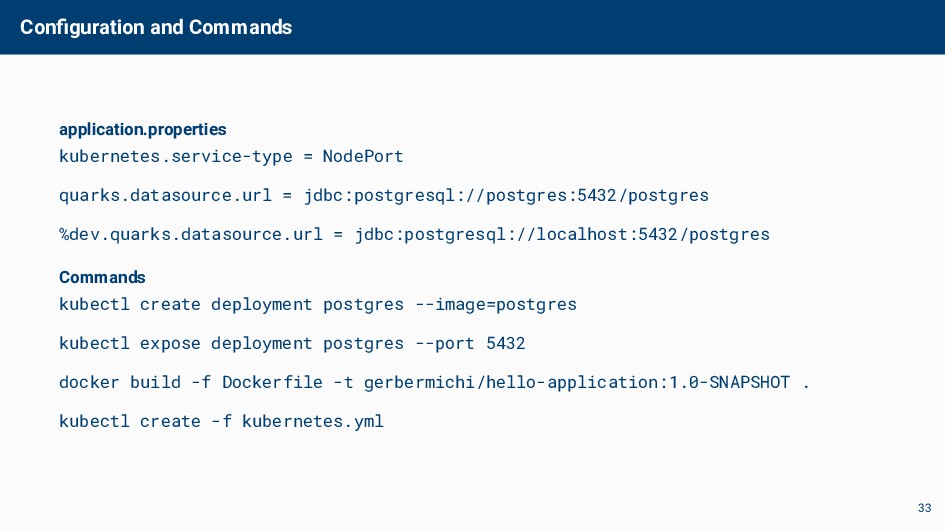
  18. Configuration and Commands application.properties kubernetes.service-type = NodePort quarks.datasource.url = jdbc:postgresql://postgres:5432/postgres

    %dev.quarks.datasource.url = jdbc:postgresql://localhost:5432/postgres Commands kubectl create deployment postgres --image=postgres kubectl expose deployment postgres --port 5432 docker build -f Dockerfile -t gerbermichi/hello-application:1.0-SNAPSHOT . kubectl create -f kubernetes.yml 33