computer • Improve Password Managers like LastPass ◦ Generate strong passwords ◦ Secure access to password database • Two Factor Auth to various web services • Act as a physical SSH key • Other things!
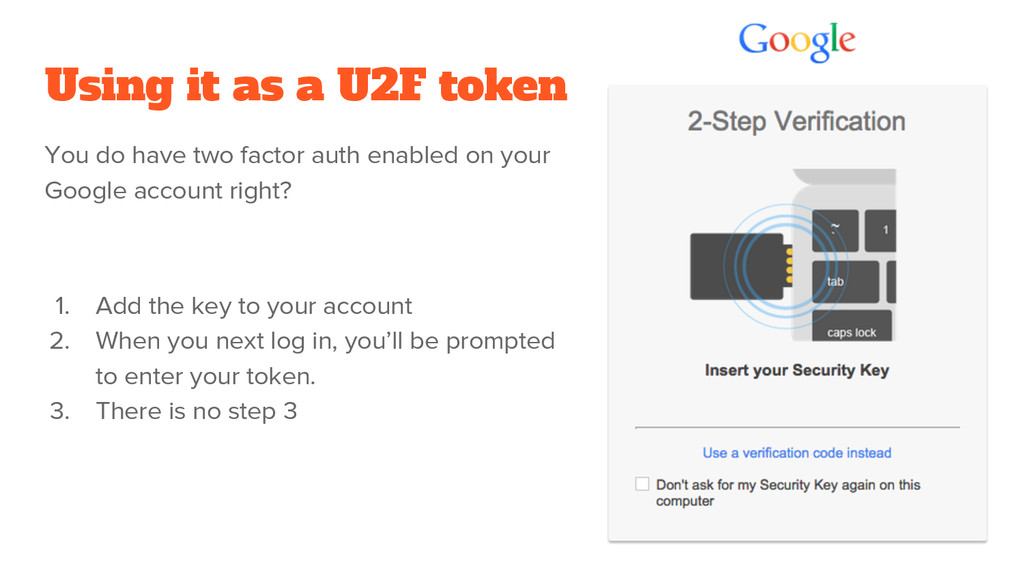
factor auth enabled on your Google account right? 1. Add the key to your account 2. When you next log in, you’ll be prompted to enter your token. 3. There is no step 3
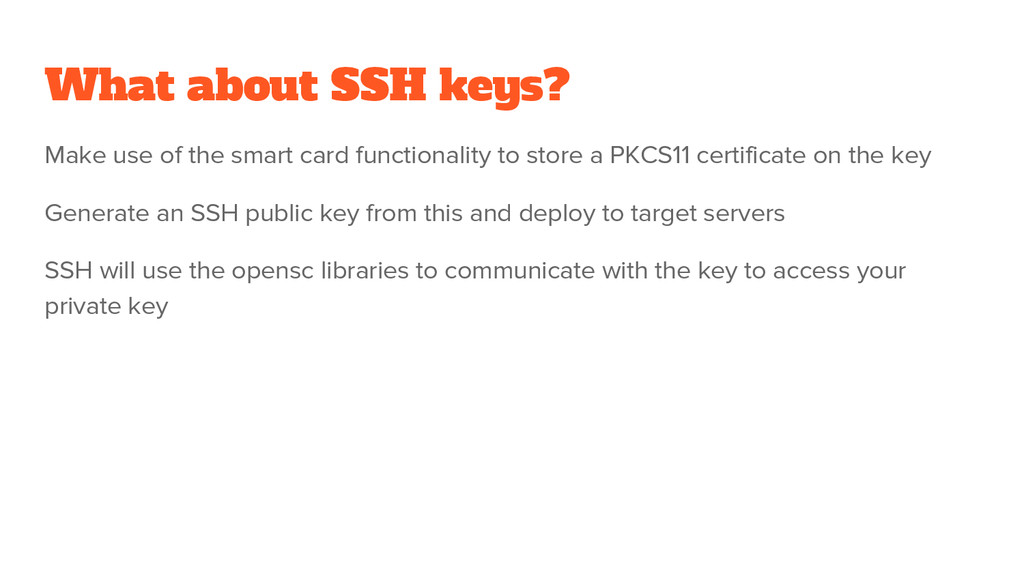
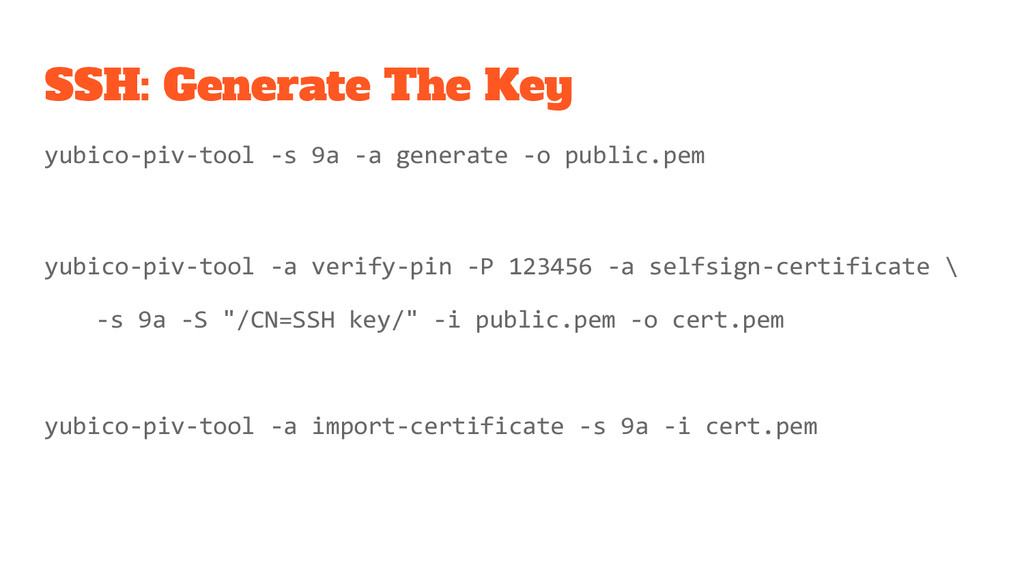
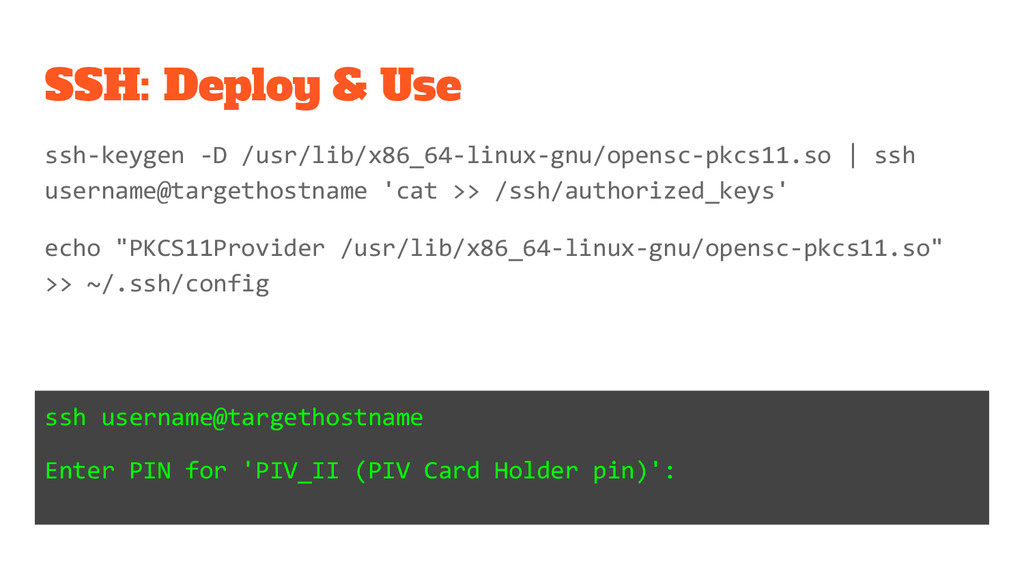
functionality to store a PKCS11 certificate on the key Generate an SSH public key from this and deploy to target servers SSH will use the opensc libraries to communicate with the key to access your private key


 maimyyym
 makocchi
 ymotongpoo
 pfn
pfn
 iktakahiro
 sh_fk2
 occhi
occhi
 techtekt
 yamanoku
 bitkey
 rfdnxbro
 terapyon
 cassininazir
 427marketing
 aleyda
 marktimemedia
 akihiro_kokubo
 trallard
 codingconduct
 aarron
 inesmontani
 kevinliebholz
 kimpetersen
 jacobian