Upgrade to Pro — share decks privately, control downloads, hide ads and more …

How to Create Better Presentations With AI

How to Create Better Presentations With AI

Learn how to create effective presentations with AI using practical prompting techniques, content organization, slide design principles, and quality checks. This guide explains how students, developers, and professionals can use AI presentation makers to develop a first draft, improve readability, verify information, and create audience-ready slides. It also introduces VOLNYN's AI Presentation Maker as a tool worth exploring for AI-assisted presentation creation.

Avatar for Hasnain Alam

Hasnain Alam

October 12, 2026

Other Decks in Technology

Transcript

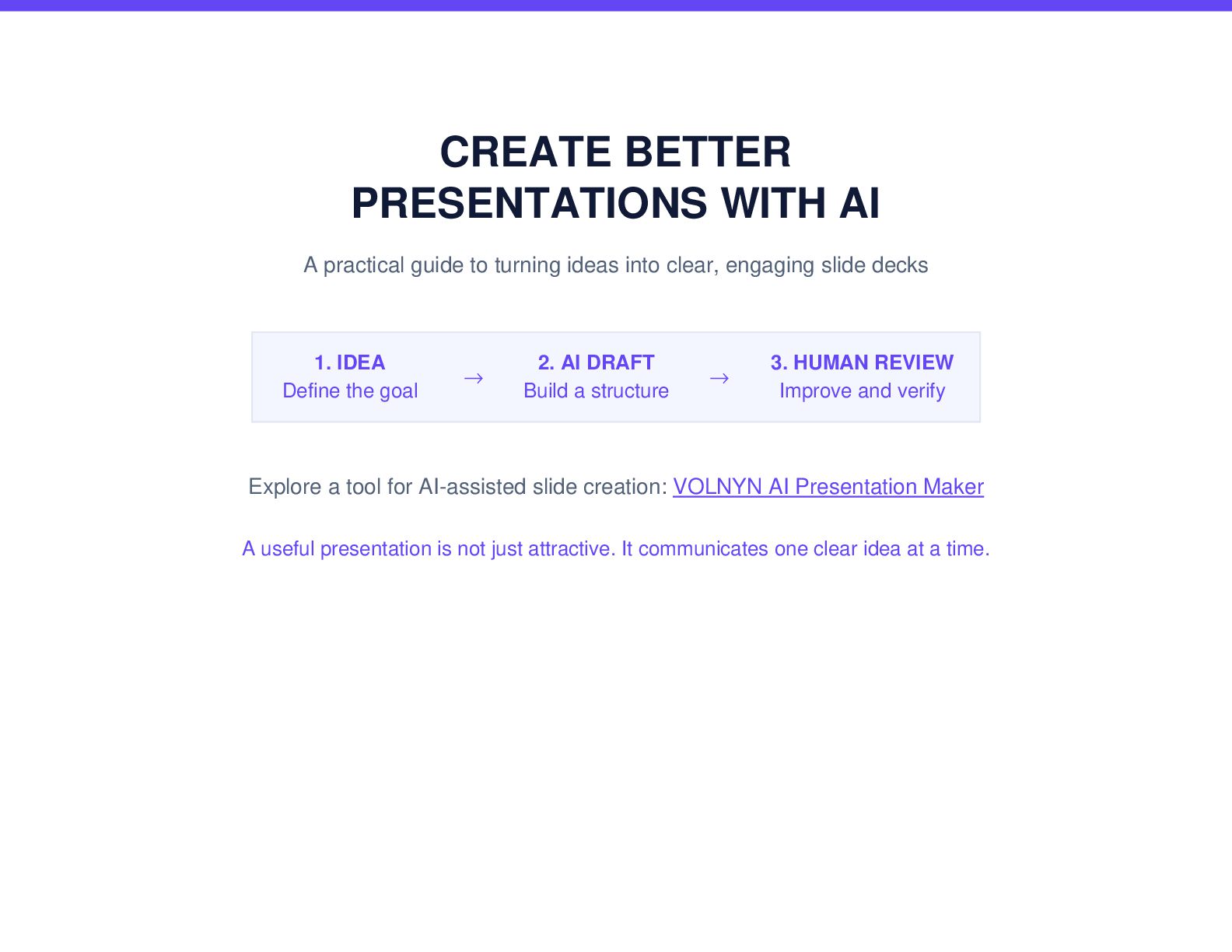
  1. CREATE BETTER PRESENTATIONS WITH AI A practical guide to turning

    ideas into clear, engaging slide decks 1. IDEA Define the goal → 2. AI DRAFT Build a structure → 3. HUMAN REVIEW Improve and verify Explore a tool for AI-assisted slide creation: VOLNYN AI Presentation Maker A useful presentation is not just attractive. It communicates one clear idea at a time.
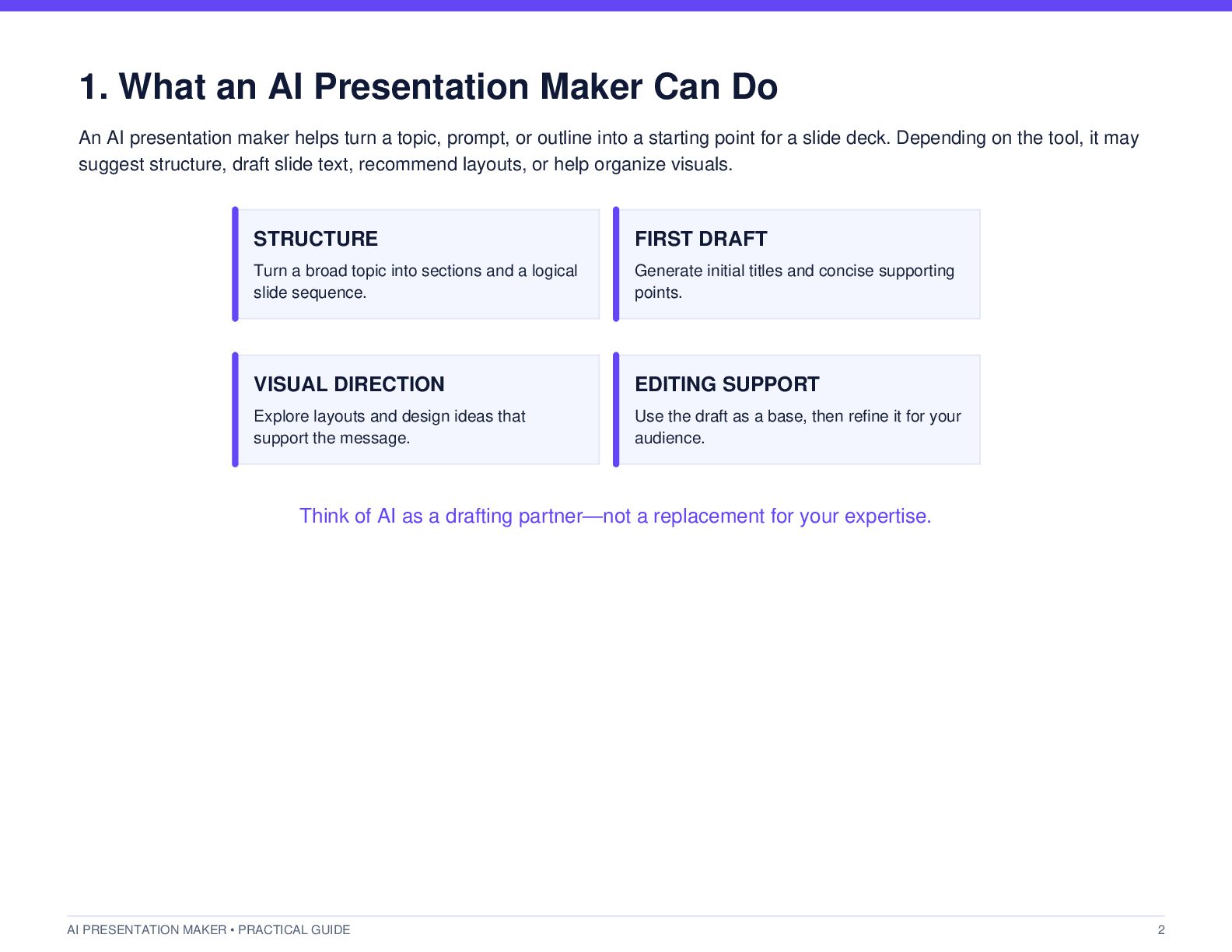
  2. 1. What an AI Presentation Maker Can Do An AI

    presentation maker helps turn a topic, prompt, or outline into a starting point for a slide deck. Depending on the tool, it may suggest structure, draft slide text, recommend layouts, or help organize visuals. STRUCTURE FIRST DRAFT Turn a broad topic into sections and a logical slide sequence. Generate initial titles and concise supporting points. VISUAL DIRECTION EDITING SUPPORT Explore layouts and design ideas that support the message. Use the draft as a base, then refine it for your audience. Think of AI as a drafting partner—not a replacement for your expertise. AI PRESENTATION MAKER • PRACTICAL GUIDE 2
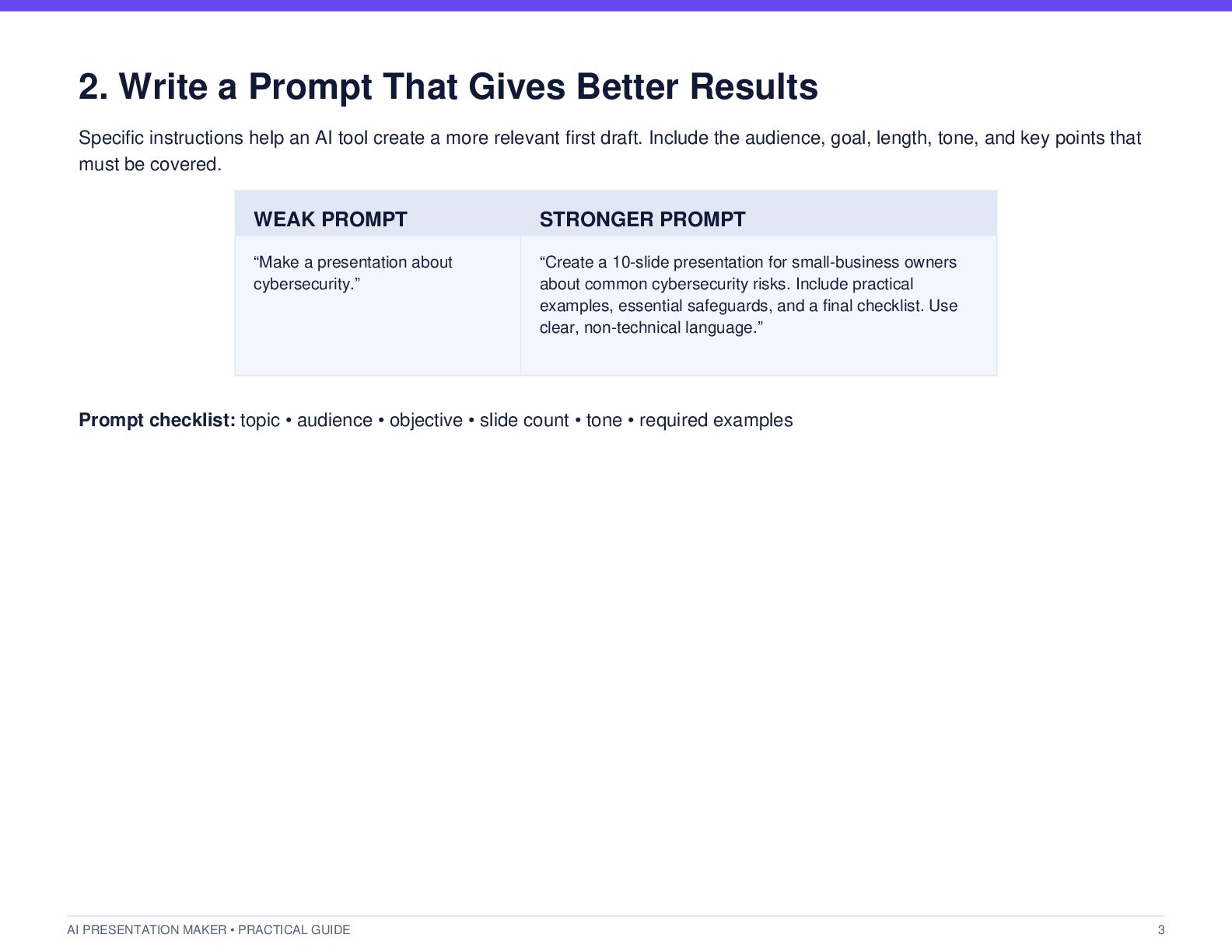
  3. 2. Write a Prompt That Gives Better Results Specific instructions

    help an AI tool create a more relevant first draft. Include the audience, goal, length, tone, and key points that must be covered. WEAK PROMPT STRONGER PROMPT “Make a presentation about cybersecurity.” “Create a 10-slide presentation for small-business owners about common cybersecurity risks. Include practical examples, essential safeguards, and a final checklist. Use clear, non-technical language.” Prompt checklist: topic • audience • objective • slide count • tone • required examples AI PRESENTATION MAKER • PRACTICAL GUIDE 3
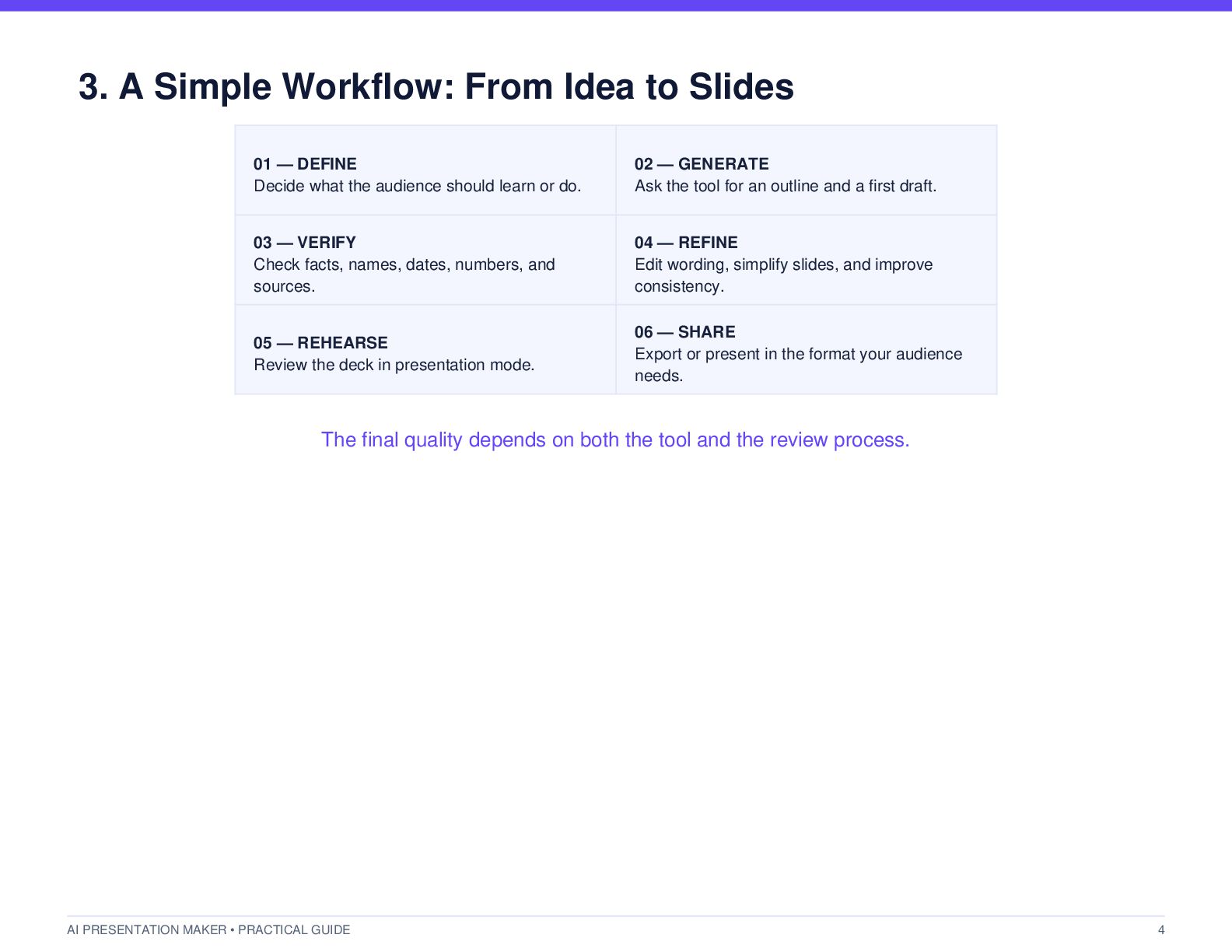
  4. 3. A Simple Workflow: From Idea to Slides 01 —

    DEFINE Decide what the audience should learn or do. 02 — GENERATE Ask the tool for an outline and a first draft. 03 — VERIFY Check facts, names, dates, numbers, and sources. 04 — REFINE Edit wording, simplify slides, and improve consistency. 05 — REHEARSE Review the deck in presentation mode. 06 — SHARE Export or present in the format your audience needs. The final quality depends on both the tool and the review process. AI PRESENTATION MAKER • PRACTICAL GUIDE 4
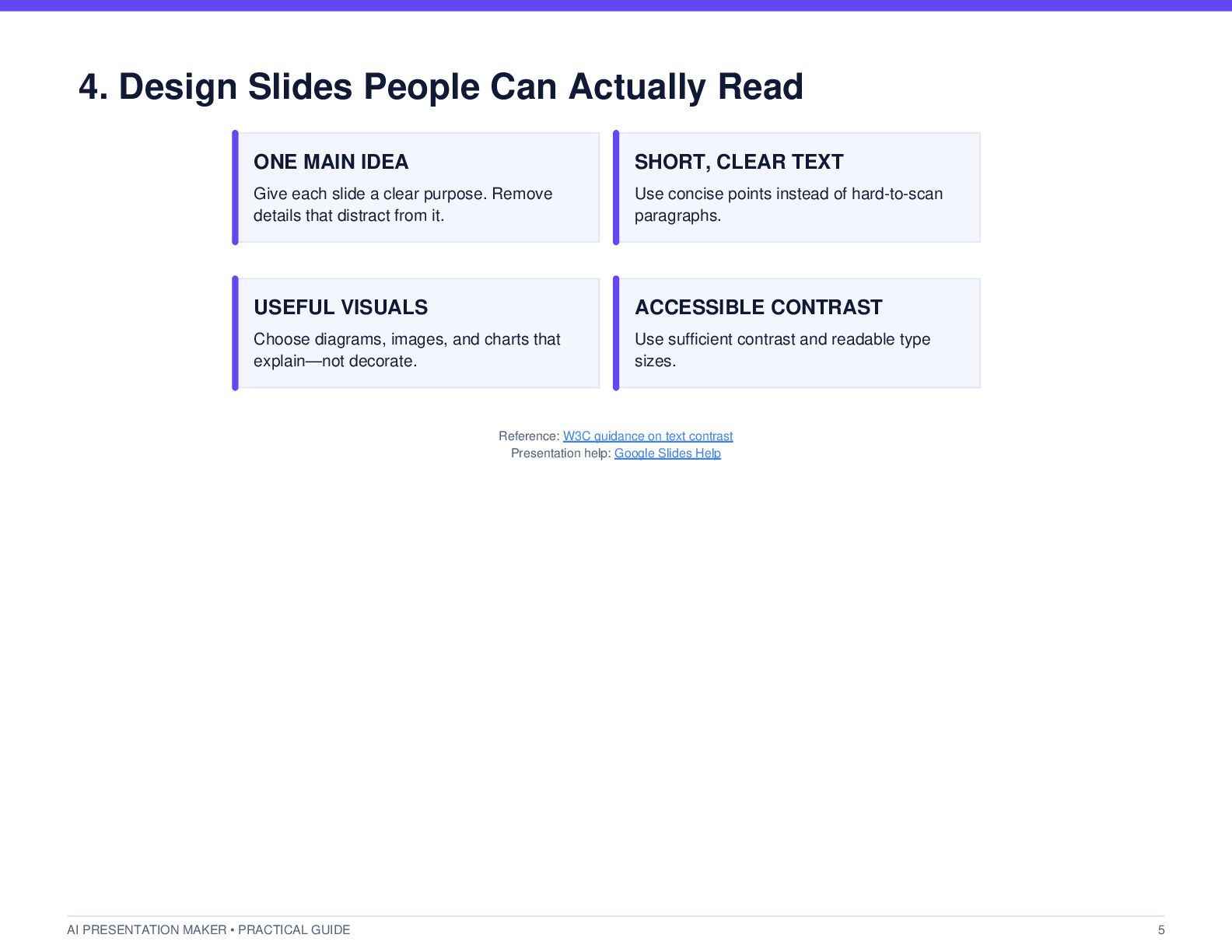
  5. 4. Design Slides People Can Actually Read ONE MAIN IDEA

    SHORT, CLEAR TEXT Give each slide a clear purpose. Remove details that distract from it. Use concise points instead of hard-to-scan paragraphs. USEFUL VISUALS ACCESSIBLE CONTRAST Choose diagrams, images, and charts that explain—not decorate. Use sufficient contrast and readable type sizes. Reference: W3C guidance on text contrast Presentation help: Google Slides Help AI PRESENTATION MAKER • PRACTICAL GUIDE 5
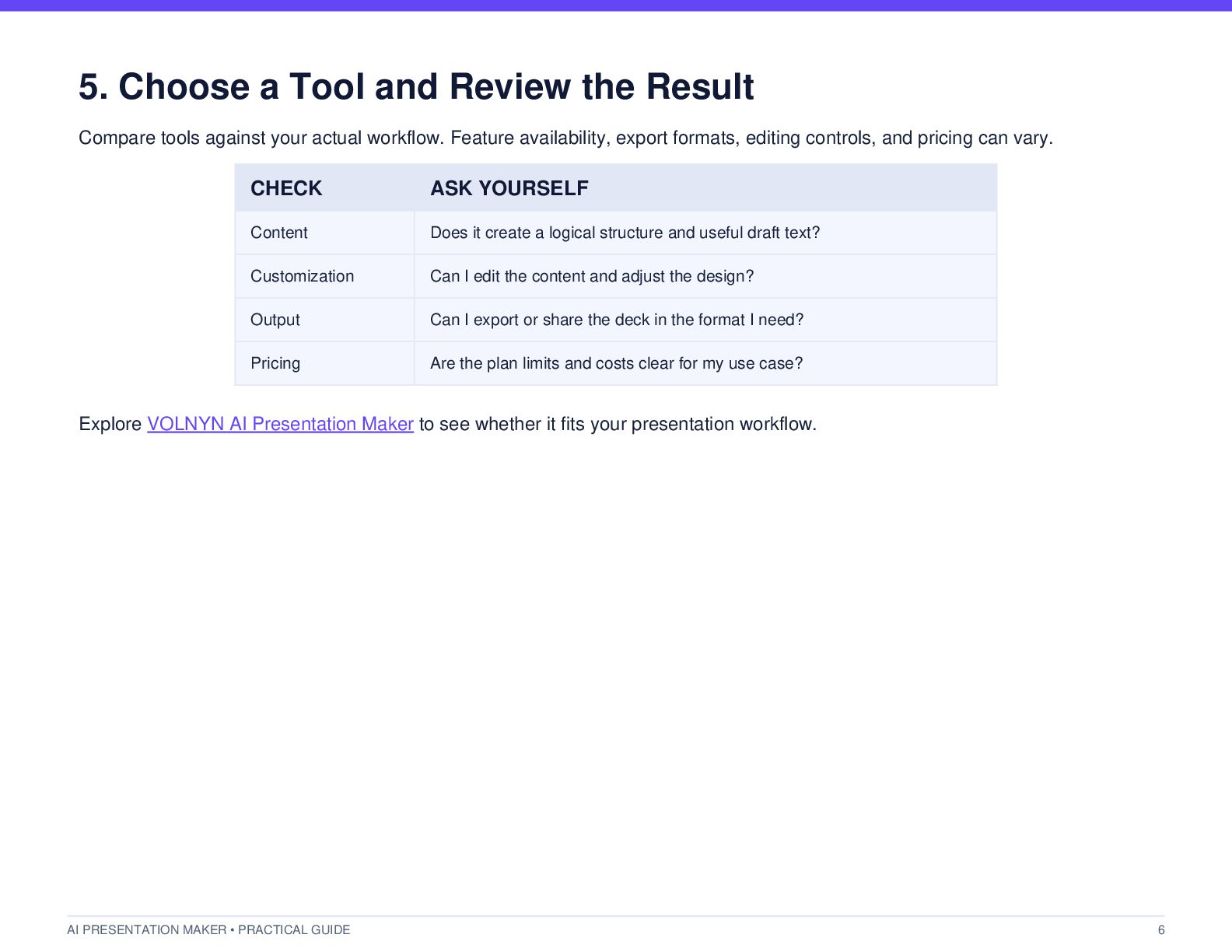
  6. 5. Choose a Tool and Review the Result Compare tools

    against your actual workflow. Feature availability, export formats, editing controls, and pricing can vary. CHECK ASK YOURSELF Content Does it create a logical structure and useful draft text? Customization Can I edit the content and adjust the design? Output Can I export or share the deck in the format I need? Pricing Are the plan limits and costs clear for my use case? Explore VOLNYN AI Presentation Maker to see whether it fits your presentation workflow. AI PRESENTATION MAKER • PRACTICAL GUIDE 6
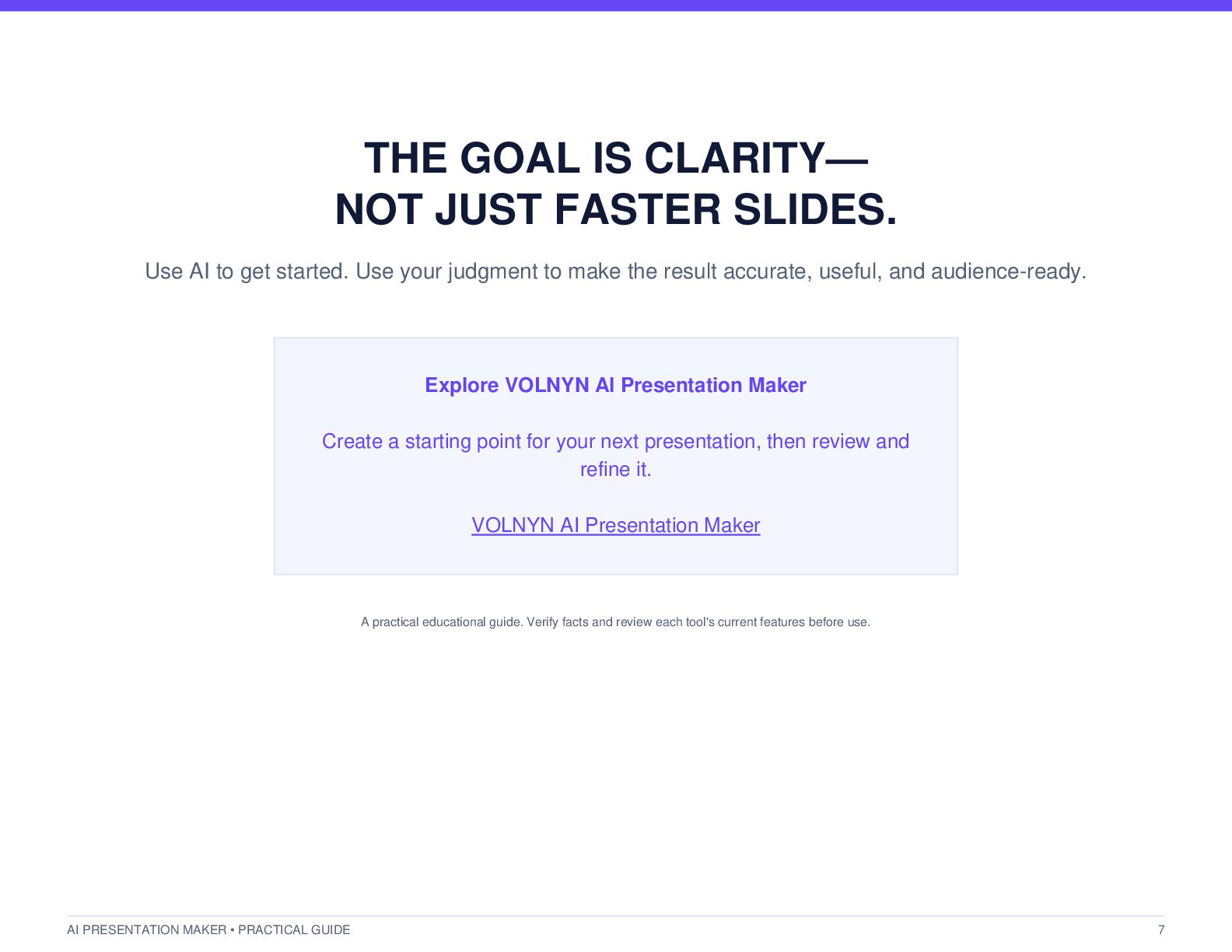
  7. THE GOAL IS CLARITY— NOT JUST FASTER SLIDES. Use AI

    to get started. Use your judgment to make the result accurate, useful, and audience-ready. Explore VOLNYN AI Presentation Maker Create a starting point for your next presentation, then review and refine it. VOLNYN AI Presentation Maker A practical educational guide. Verify facts and review each tool's current features before use. AI PRESENTATION MAKER • PRACTICAL GUIDE 7