Upgrade to Pro
— share decks privately, control downloads, hide ads and more …
Speaker Deck
Sign up for free
Menu
Search
Features
All features
Private URLs
Password Protection
Custom URLS
Scheduled publishing
Remove Branding
Restrict embedding
Deck Collections
Notes
Features
All features
Private URLs
Password Protection
Custom URLS
Scheduled publishing
Remove Branding
Restrict embedding
Deck Collections
Notes
Explore
Featured decks
Featured speakers
Programming
Technology
Storyboards
Explore
Featured decks
Featured speakers
Programming
Technology
Storyboards
Pricing
Search
Sign in
Sign up for free
IntelliJが重すぎて開発環境を変えた話
Search
hatte8
July 05, 2026
7
0
Share
Embed
Copy iframe code
Copy JS code
Copy link
Start on current slide
IntelliJが重すぎて開発環境を変えた話
hatte8
July 05, 2026
Featured
See All Featured
Code Reviewing Like a Champion
maltzj
529
40k
We Are The Robots
honzajavorek
0
400
Designing Experiences People Love
moore
143
24k
How to Ace a Technical Interview
jacobian
280
24k
AI Search: Where Are We & What Can We Do About It?
aleyda
0
8.1k
Stewardship and Sustainability of Urban and Community Forests
pwiseman
0
560
Faster Mobile Websites
deanohume
310
32k
What does AI have to do with Human Rights?
axbom
PRO
1
2.5k
Digital Ethics as a Driver of Design Innovation
axbom
PRO
1
460
What’s in a name? Adding method to the madness
productmarketing
PRO
24
4.2k
A brief & incomplete history of UX Design for the World Wide Web: 1989–2019
jct
2
540
Automating Front-end Workflow
addyosmani
1369
210k
Transcript
IntelliJが重すぎて開発環境を 変えた話 第二回ひまプロLTシンポジウム(2026/7/5) テーマ:推しツール・推しスタック
自己紹介 • hatte8 • 略歴: 前職 営業・企画、エンジニア歴8年目 • Windows +
WSL2 で開発 • 気づけば腱鞘炎
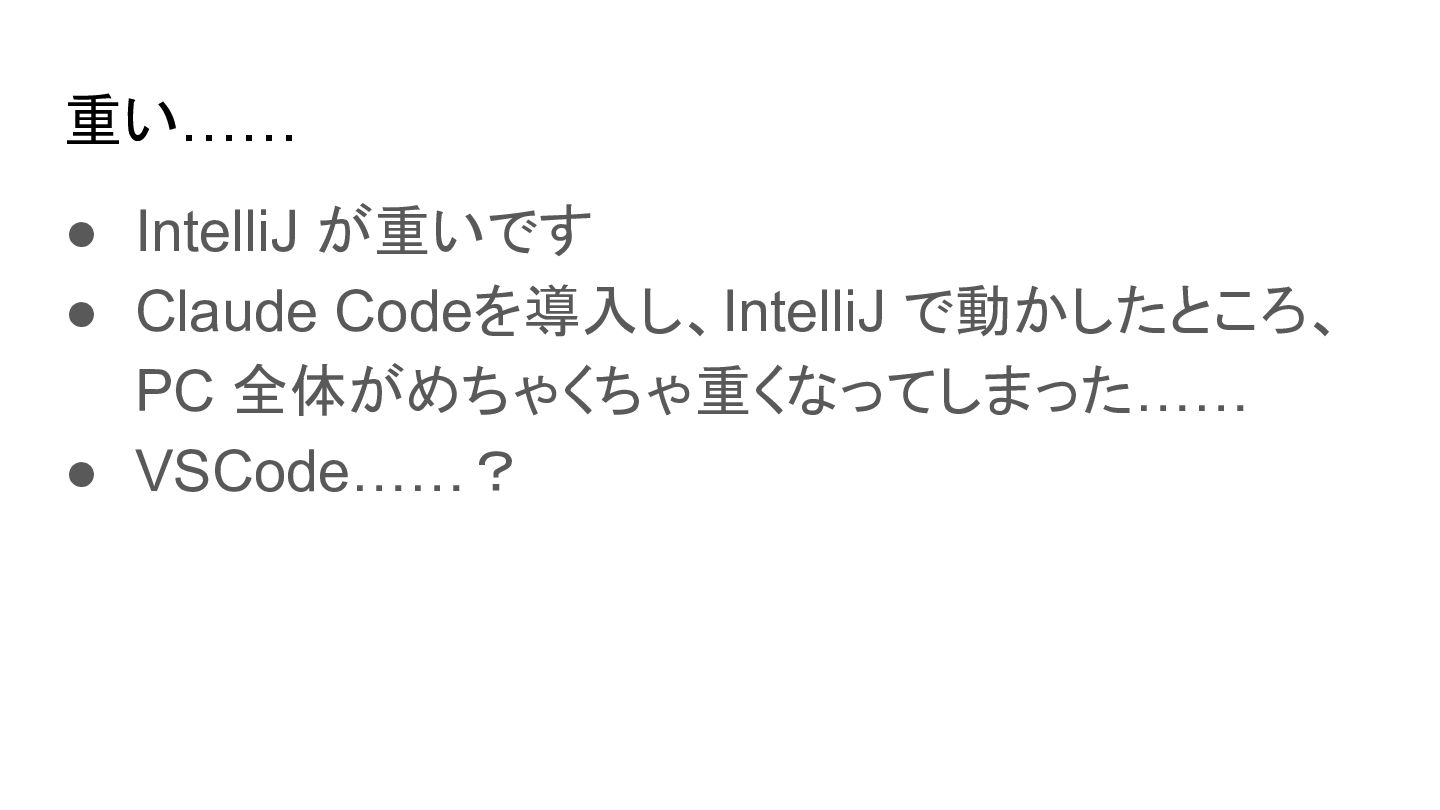
重い…… • IntelliJ が重いです • Claude Codeを導入し、IntelliJ で動かしたところ、 PC 全体がめちゃくちゃ重くなってしまった……
• VSCode……?
WezTerm と出会った
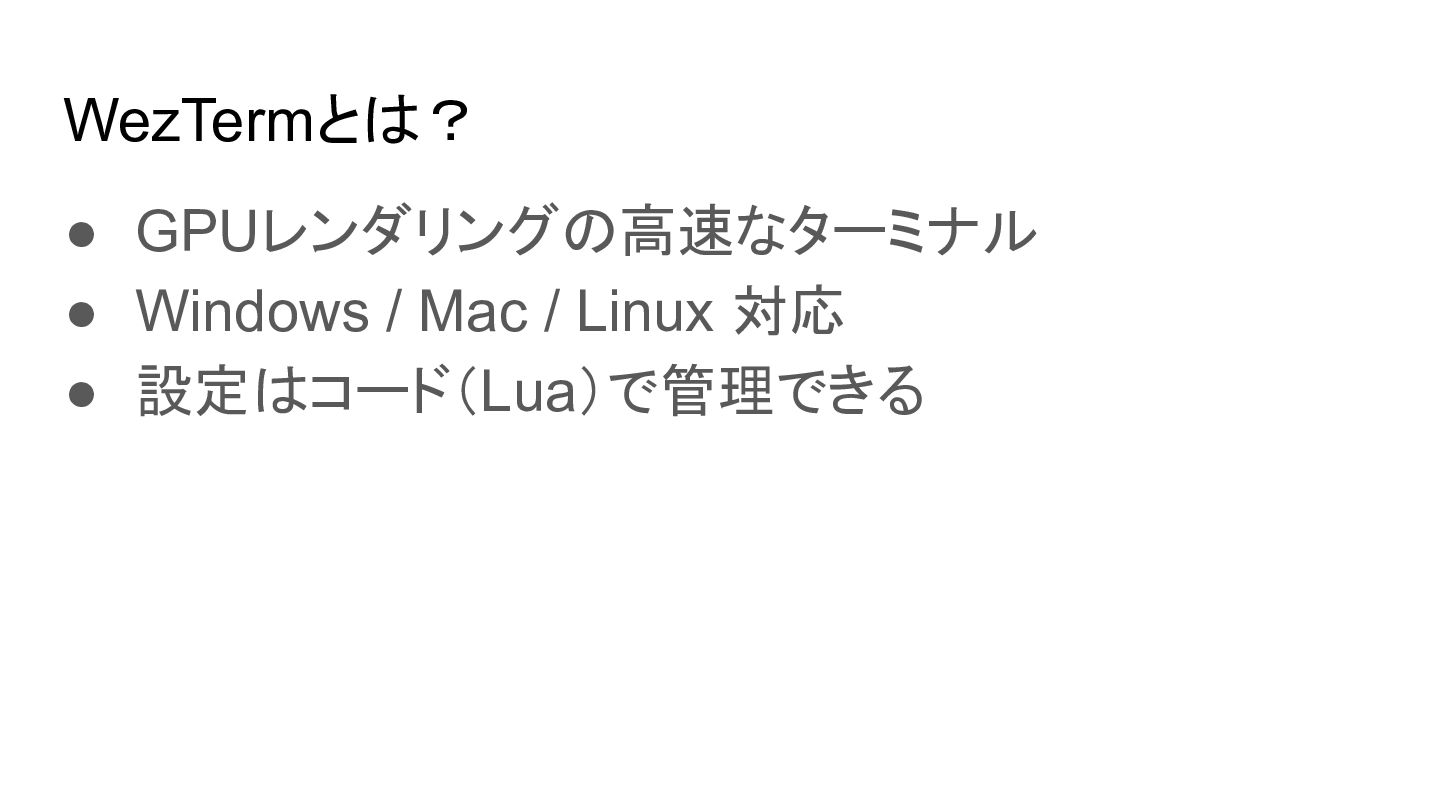
WezTermとは? • GPUレンダリングの高速なターミナル • Windows / Mac / Linux 対応
• 設定はコード(Lua)で管理できる
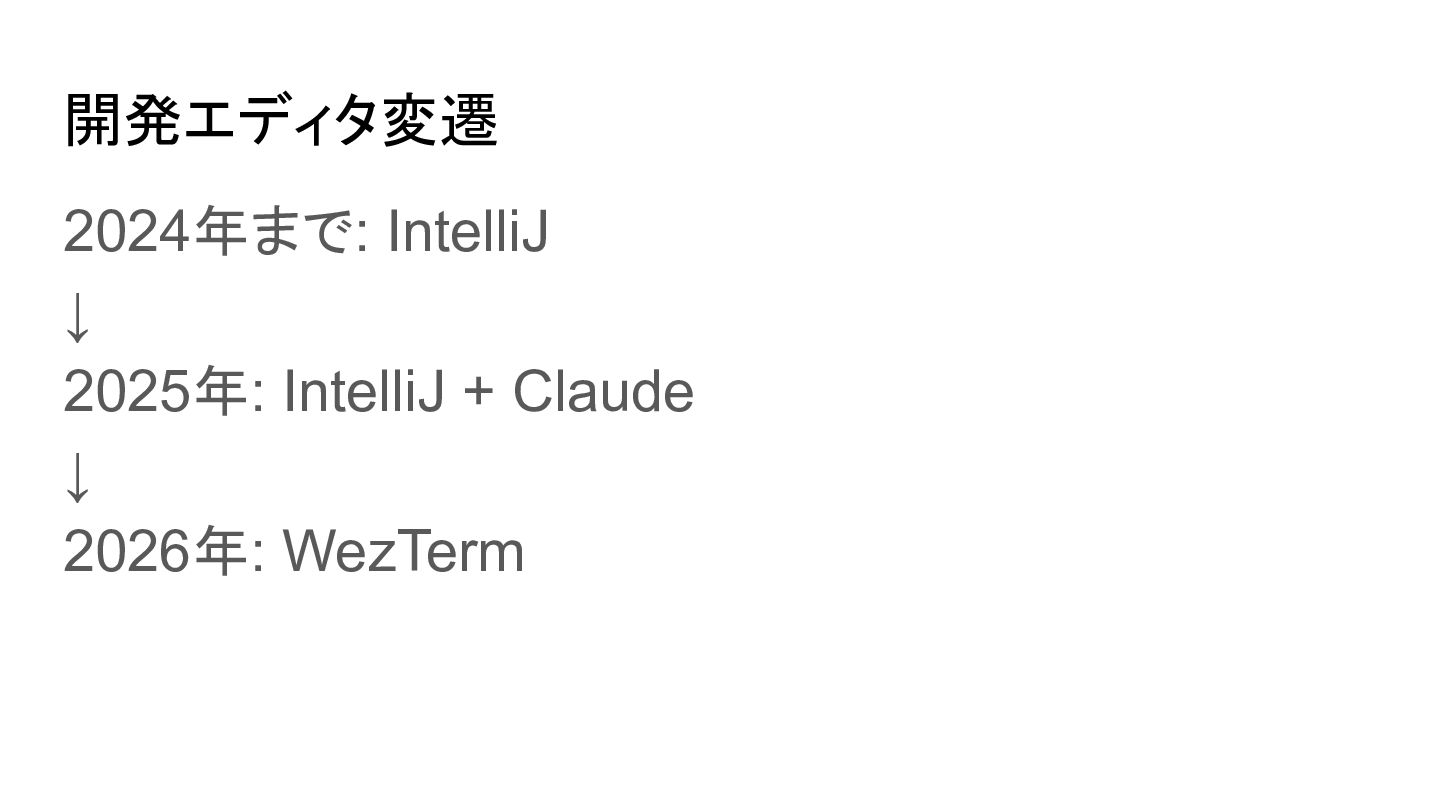
開発エディタ変遷 2024年まで: IntelliJ ↓ 2025年: IntelliJ + Claude ↓ 2026年:
WezTerm
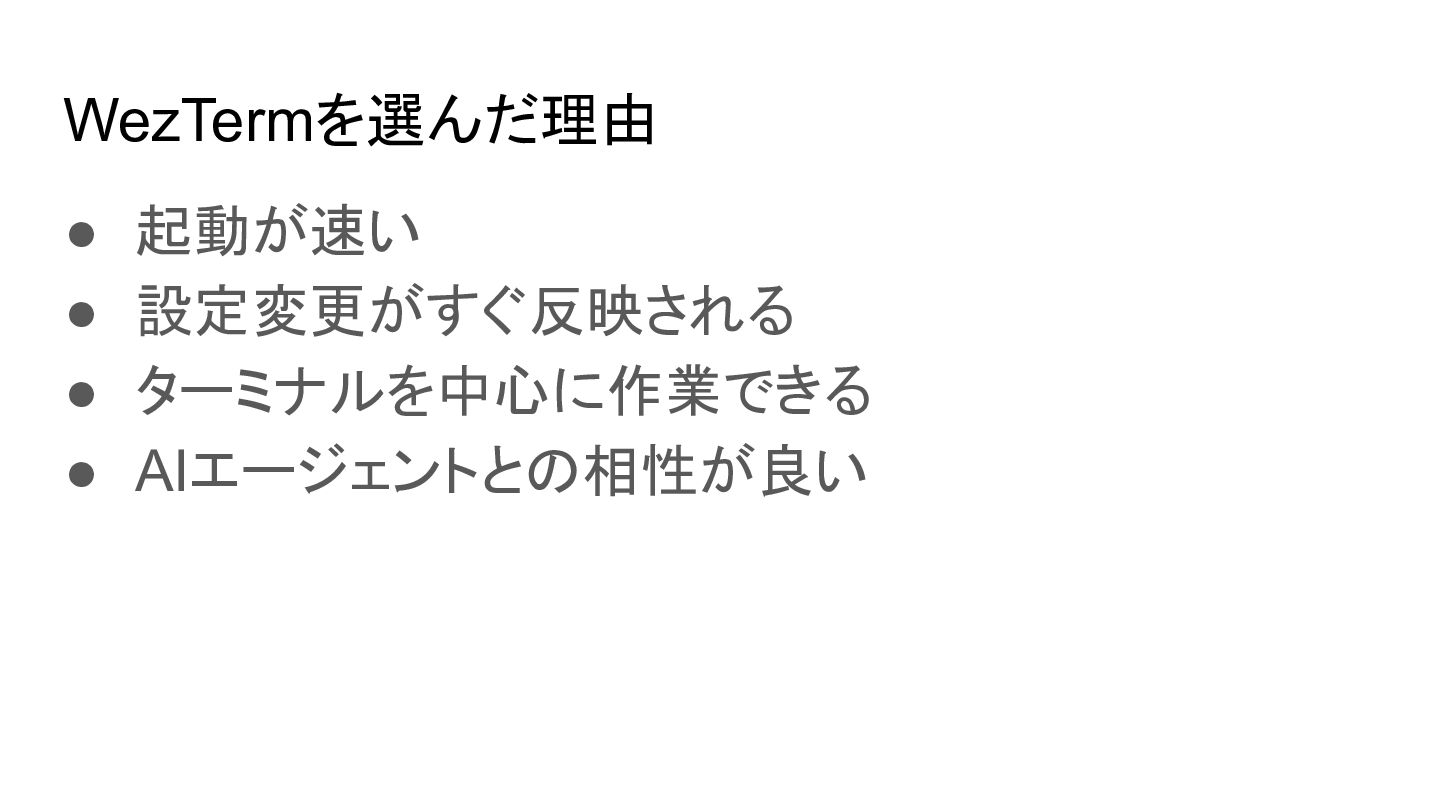
WezTermを選んだ理由 • 起動が速い • 設定変更がすぐ反映される • ターミナルを中心に作業できる • AIエージェントとの相性が良い
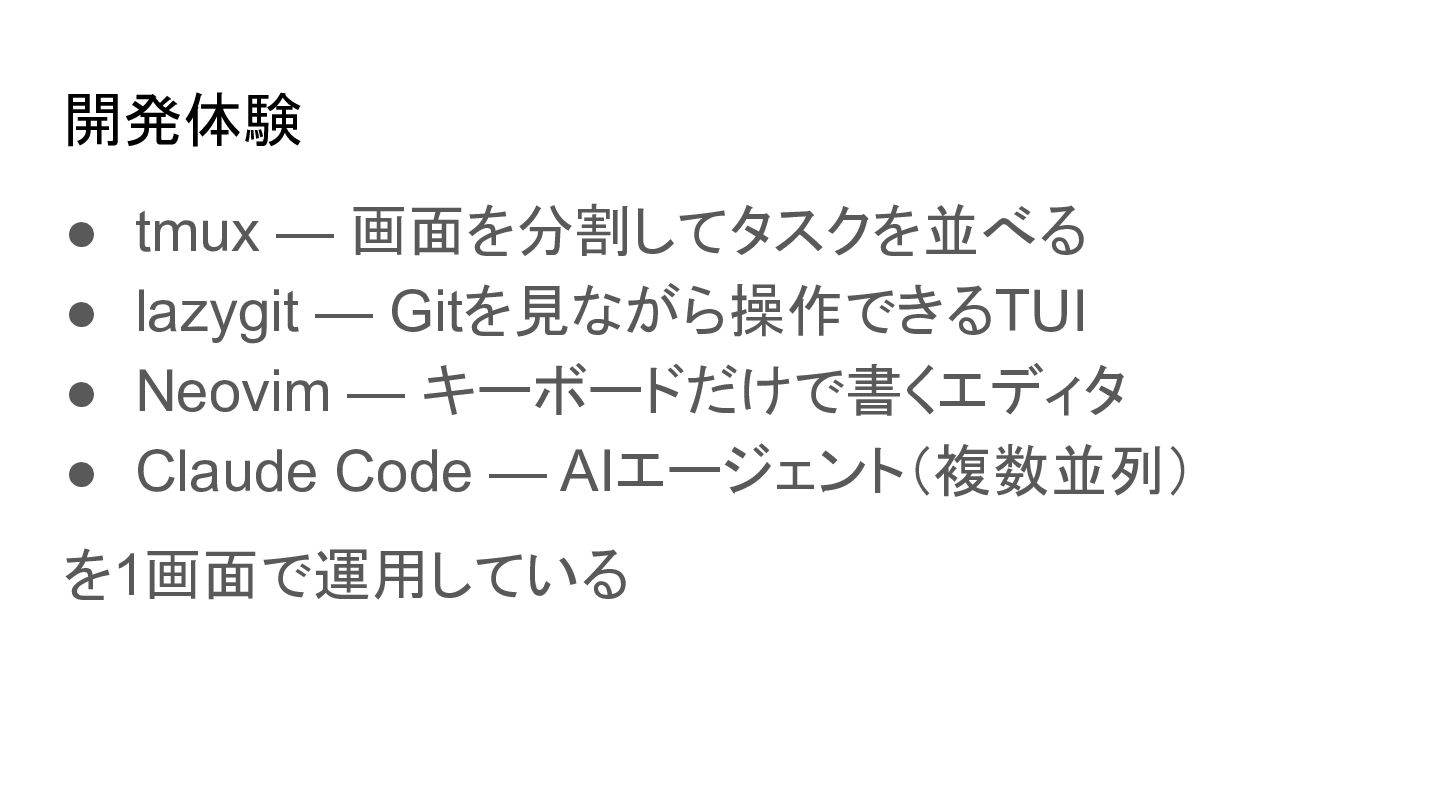
開発体験 • tmux — 画面を分割してタスクを並べる • lazygit — Gitを見ながら操作できるTUI •
Neovim — キーボードだけで書くエディタ • Claude Code — AIエージェント(複数並列) を1画面で運用している
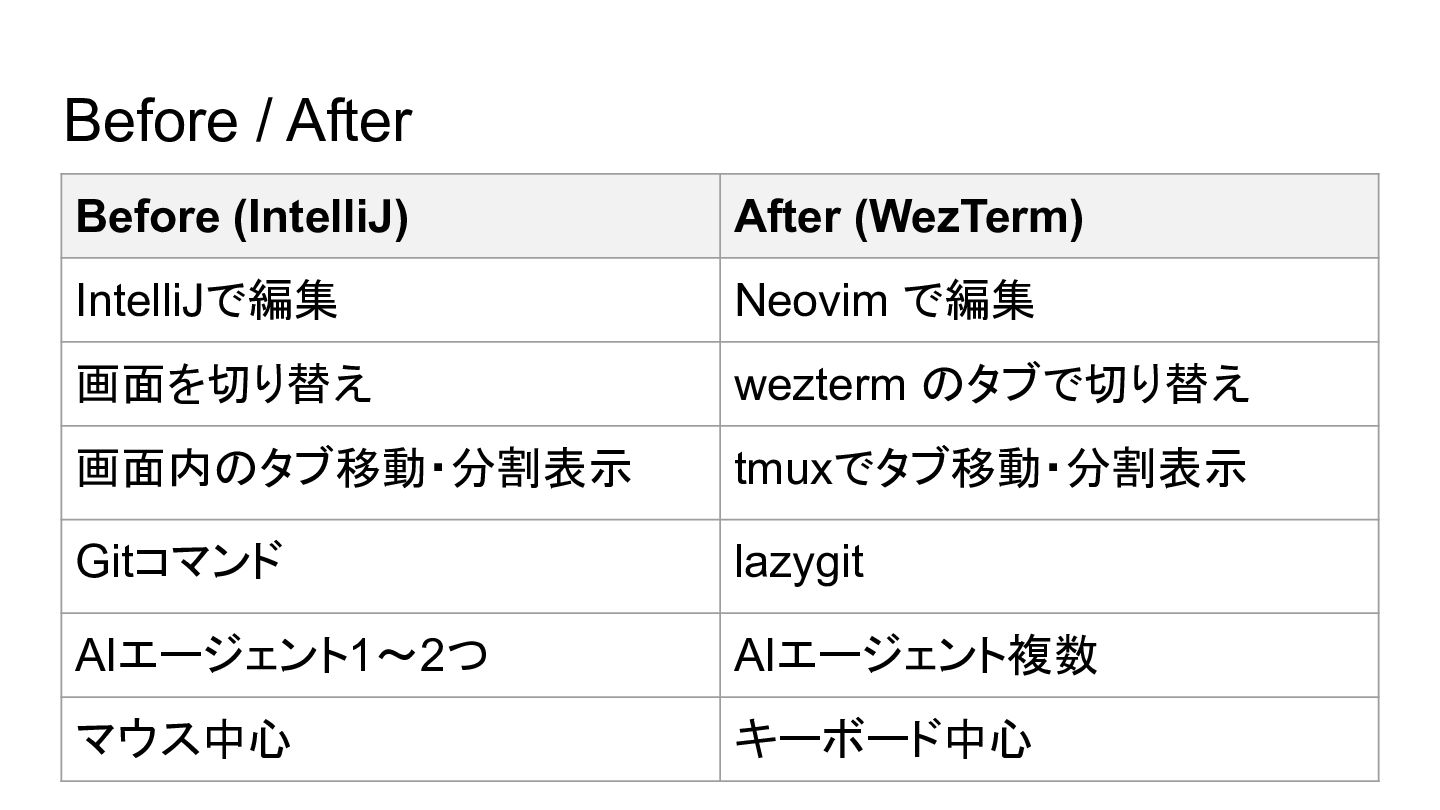
Before / After Before (IntelliJ) After (WezTerm) IntelliJで編集 Neovim で編集
画面を切り替え wezterm のタブで切り替え 画面内のタブ移動・分割表示 tmuxでタブ移動・分割表示 Gitコマンド lazygit AIエージェント1〜2つ AIエージェント複数 マウス中心 キーボード中心
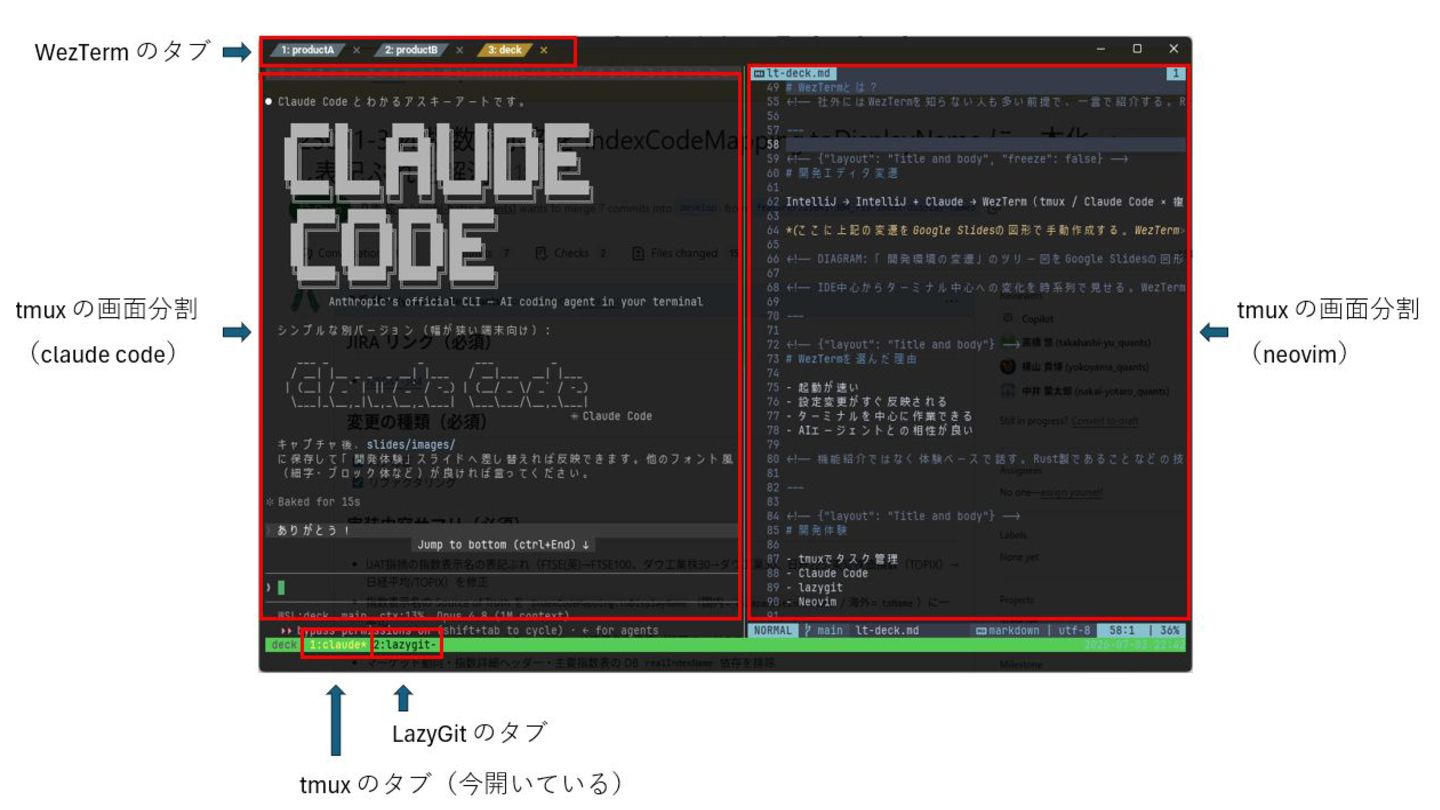
実際の画面
課題 • ターミナルを閉じるとレイアウトが消える • AI通知が分かりづらい • 人間がボトルネックになる
まだ発展途上 • Macなら Ghostty / cmux などの選択肢 • Windowsではまだ厳しい
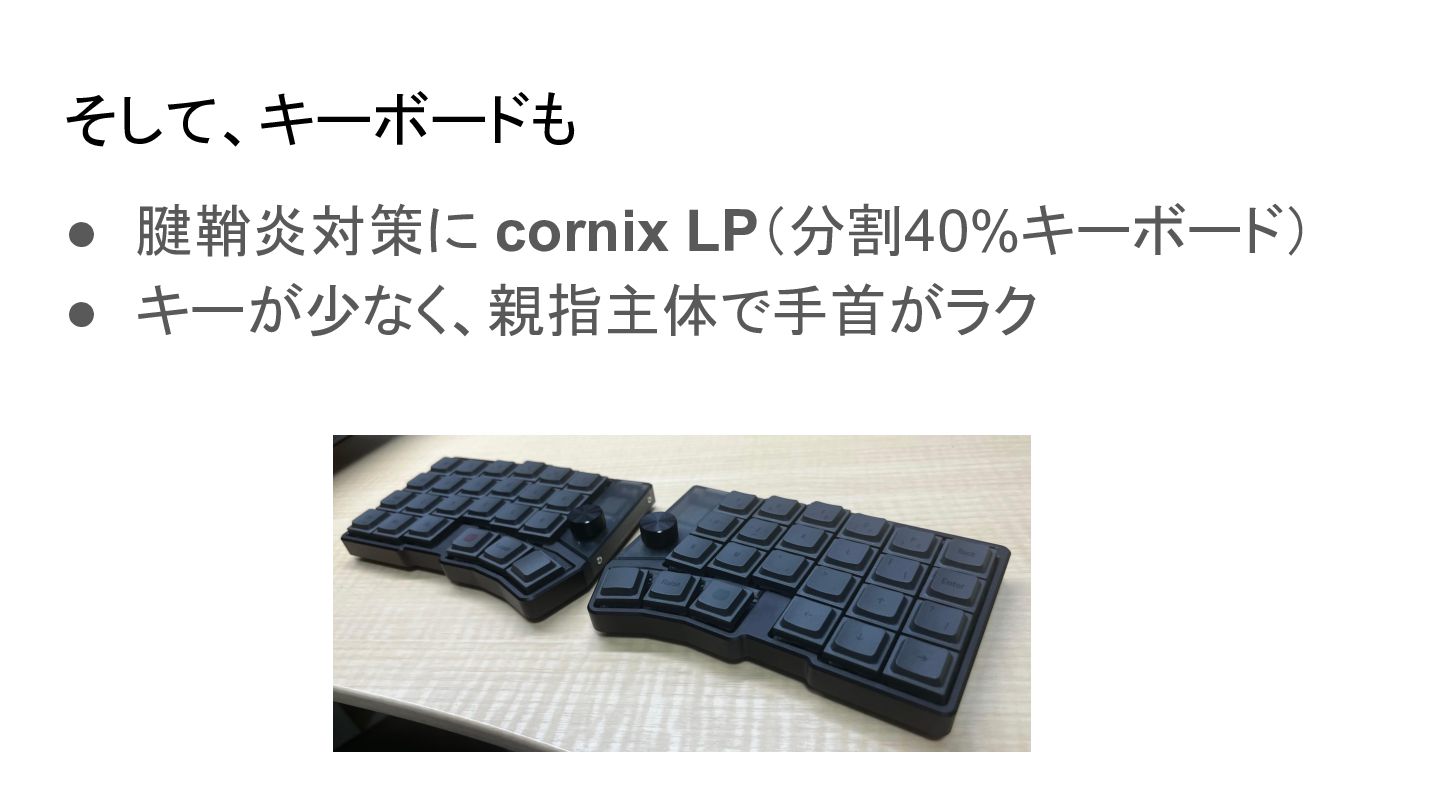
そして、キーボードも • 腱鞘炎対策に cornix LP(分割40%キーボード) • キーが少なく、親指主体で手首がラク
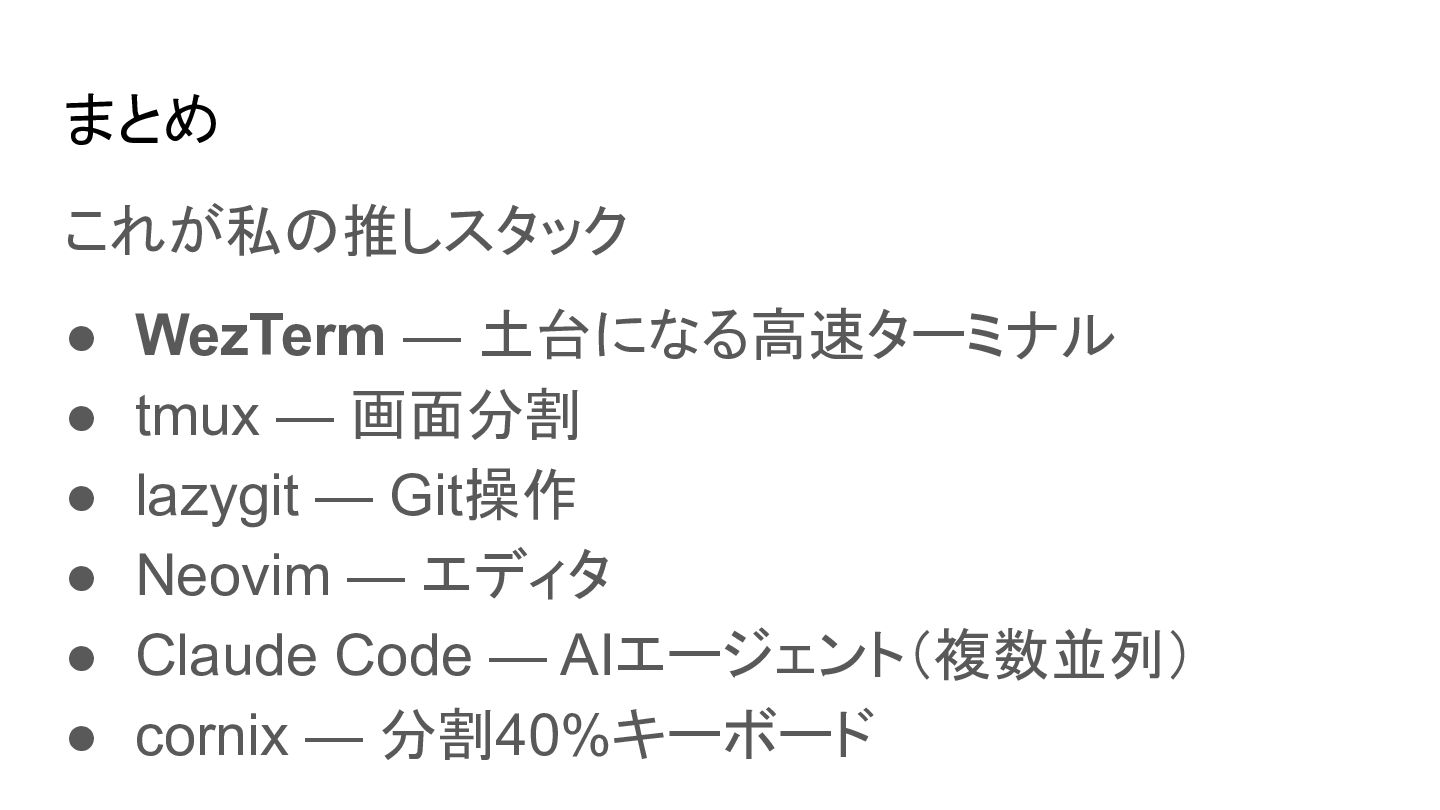
まとめ これが私の推しスタック • WezTerm — 土台になる高速ターミナル • tmux — 画面分割
• lazygit — Git操作 • Neovim — エディタ • Claude Code — AIエージェント(複数並列) • cornix — 分割40%キーボード
さいごに AI時代、本当にIDEが最適解でしょうか? 私はターミナルを選びました。 皆さんなら、これからの開発環境をどう選びます か?
ご清聴ありがとうございました


 maltzj
 honzajavorek
 moore
moore
 jacobian
 aleyda
 pwiseman
 deanohume
 axbom
axbom
 productmarketing
 jct
jct
 addyosmani