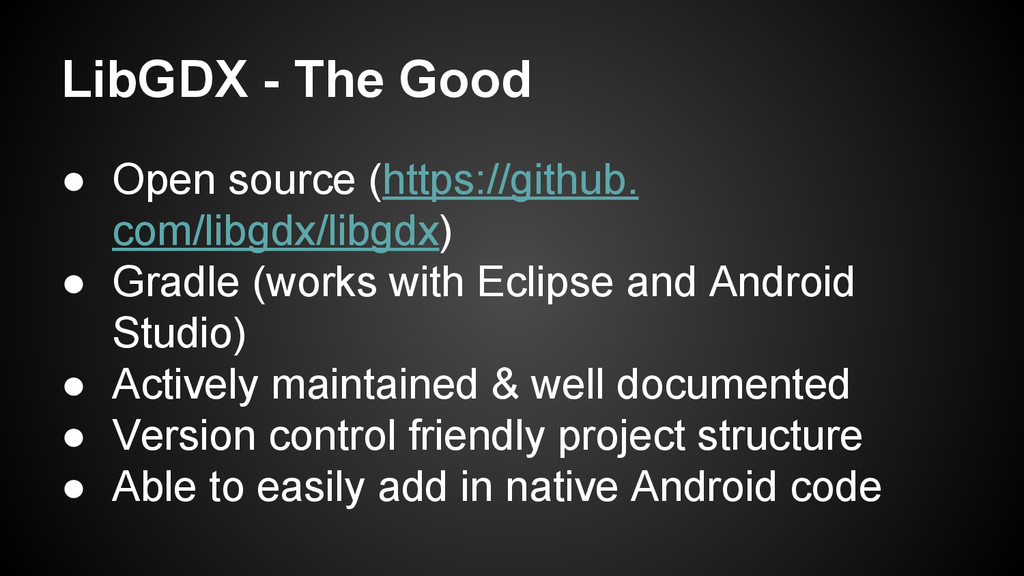
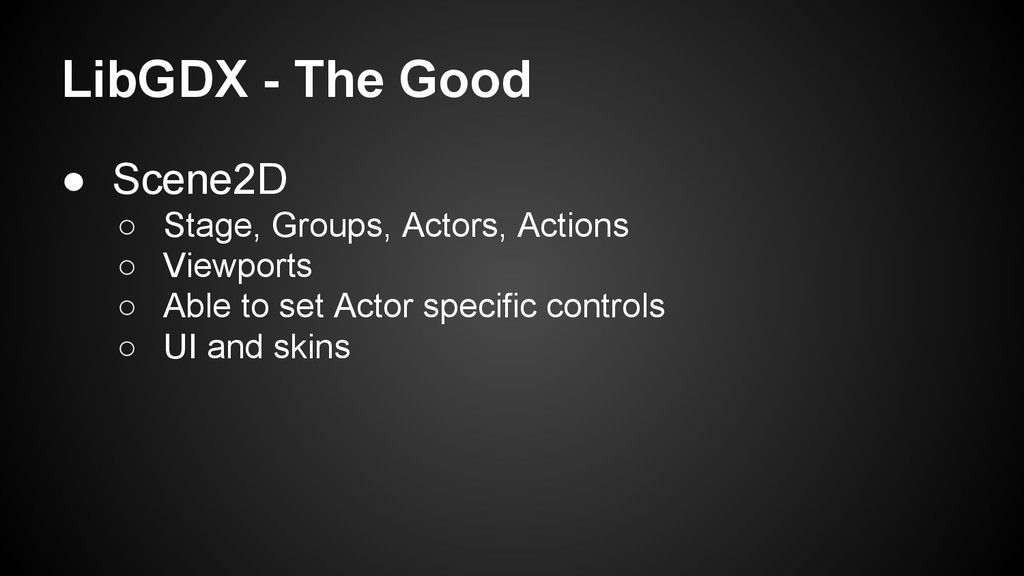
Gradle (works with Eclipse and Android Studio) • Actively maintained & well documented • Version control friendly project structure • Able to easily add in native Android code
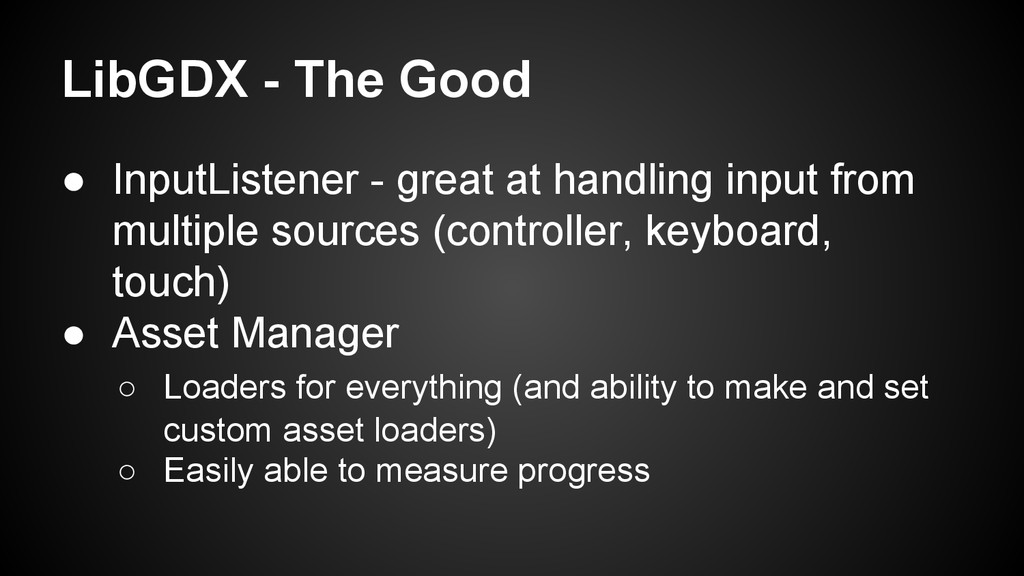
input from multiple sources (controller, keyboard, touch) • Asset Manager ◦ Loaders for everything (and ability to make and set custom asset loaders) ◦ Easily able to measure progress
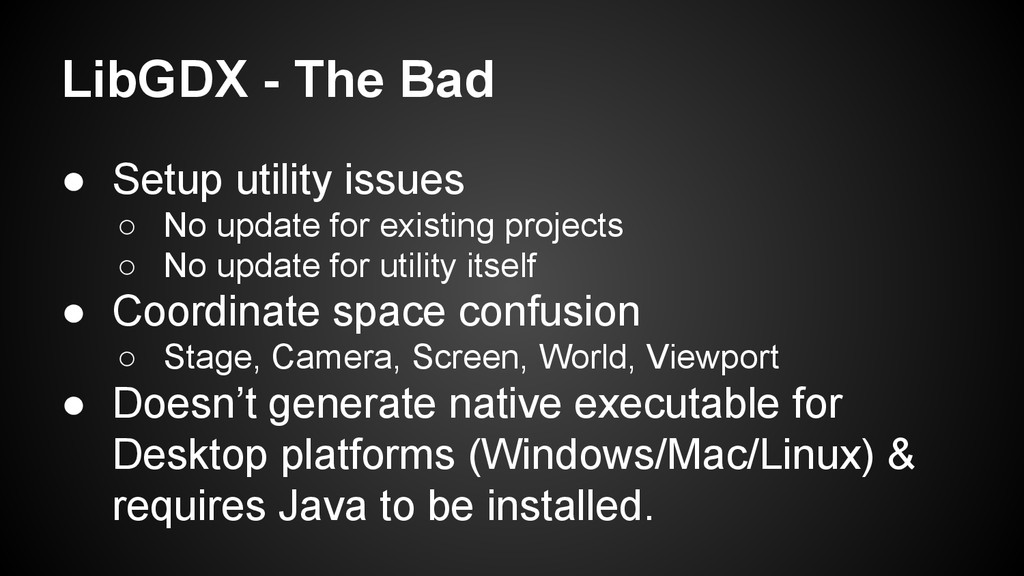
update for existing projects ◦ No update for utility itself • Coordinate space confusion ◦ Stage, Camera, Screen, World, Viewport • Doesn’t generate native executable for Desktop platforms (Windows/Mac/Linux) & requires Java to be installed.
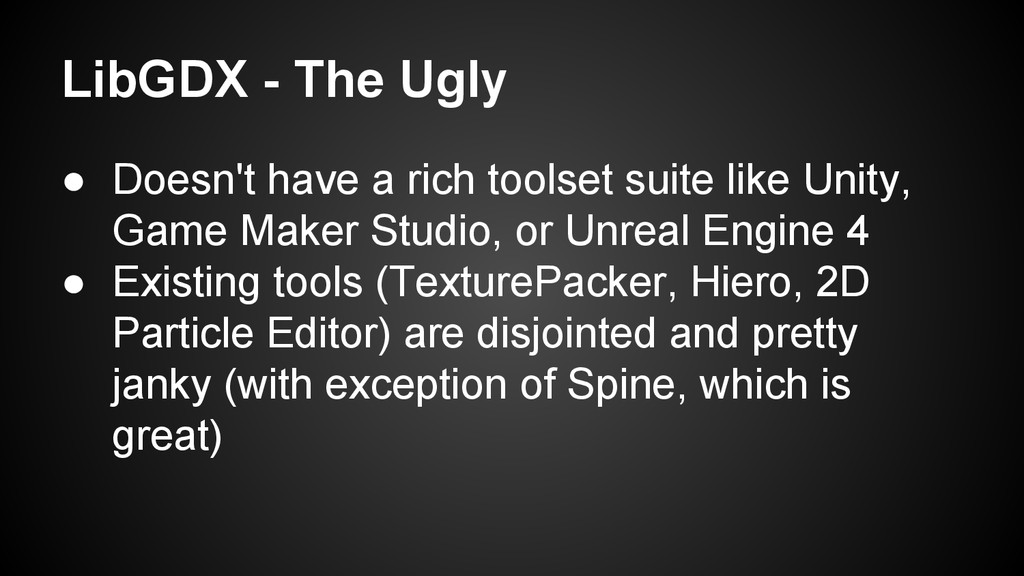
suite like Unity, Game Maker Studio, or Unreal Engine 4 • Existing tools (TexturePacker, Hiero, 2D Particle Editor) are disjointed and pretty janky (with exception of Spine, which is great)
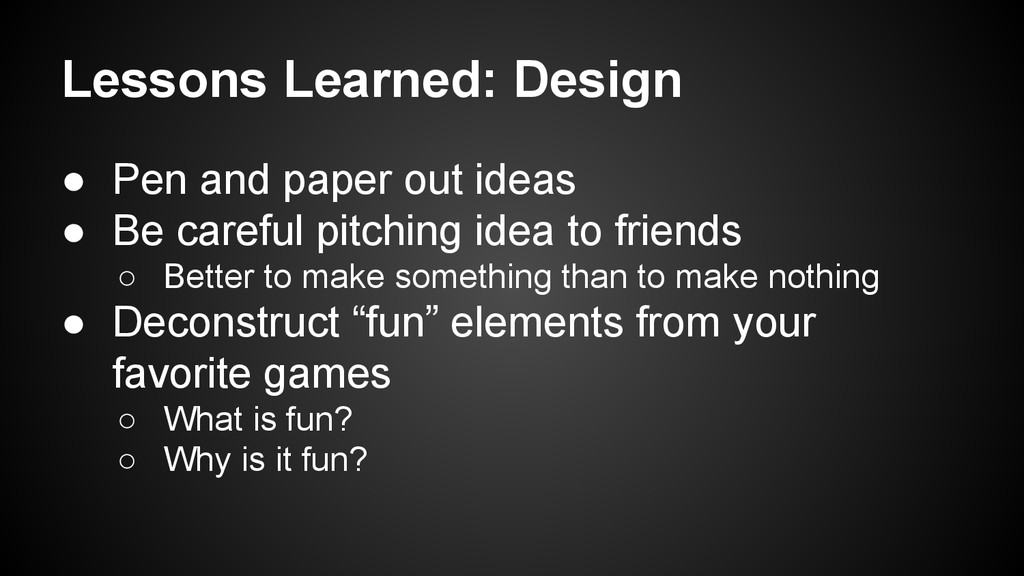
Be careful pitching idea to friends ◦ Better to make something than to make nothing • Deconstruct “fun” elements from your favorite games ◦ What is fun? ◦ Why is it fun?
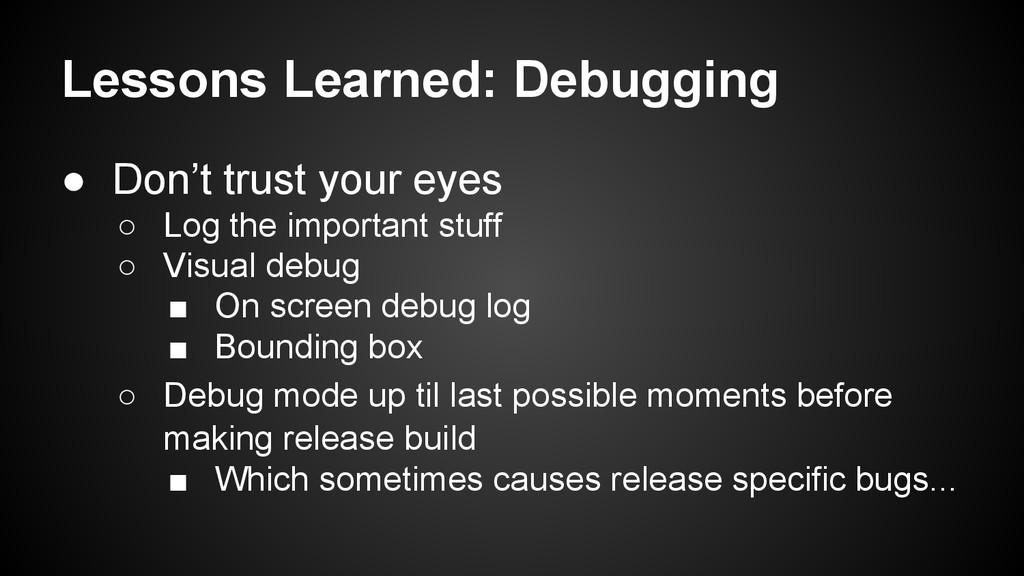
the important stuff ◦ Visual debug ▪ On screen debug log ▪ Bounding box ◦ Debug mode up til last possible moments before making release build ▪ Which sometimes causes release specific bugs...
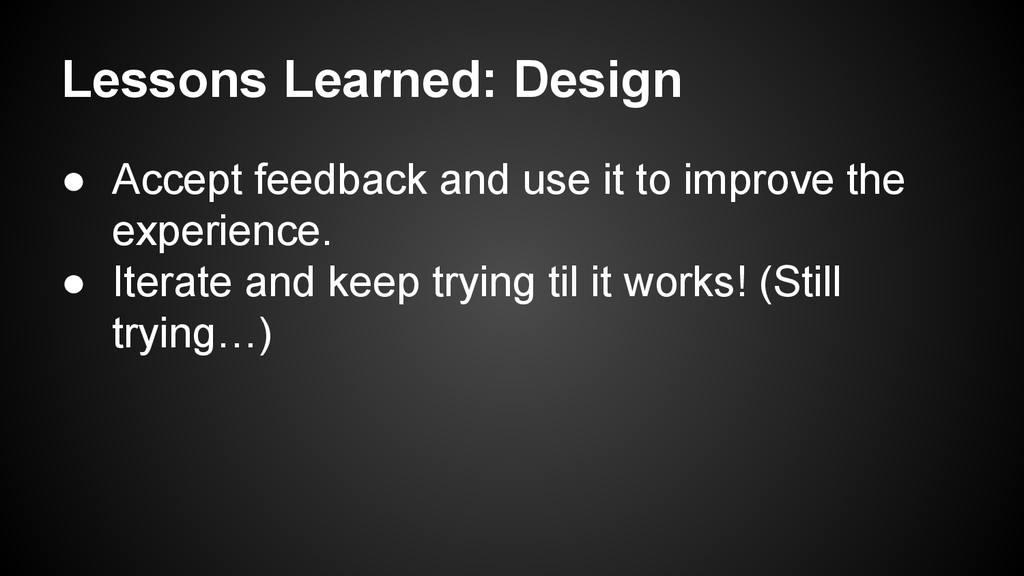
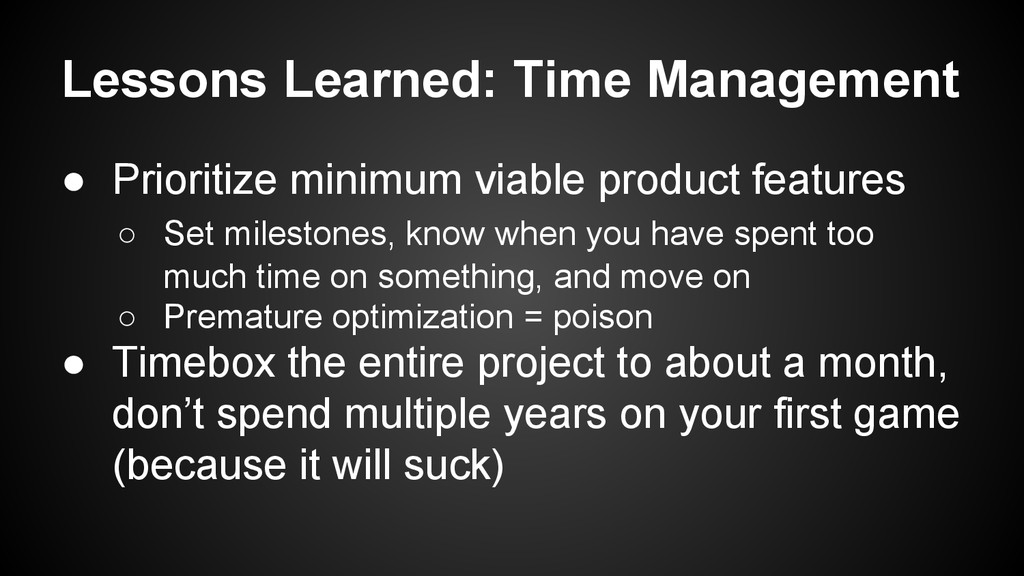
◦ Set milestones, know when you have spent too much time on something, and move on ◦ Premature optimization = poison • Timebox the entire project to about a month, don’t spend multiple years on your first game (because it will suck)


 lef237
 kmars0605
 ivargrimstad
 nabondance
.jpg) yumnumm
yumnumm
 artoy
artoy
 ryu1013
 kinopeee
 timakin
 minodriven
 yutobara
 iwatsukayura
 sergeychernyshev
 techseoconnect
 panda_program
 jonoalderson
 smashingmag
 productmarketing
 kastner
 reverentgeek
 ammeep
 addyosmani
 chriscoyier
 aleyda