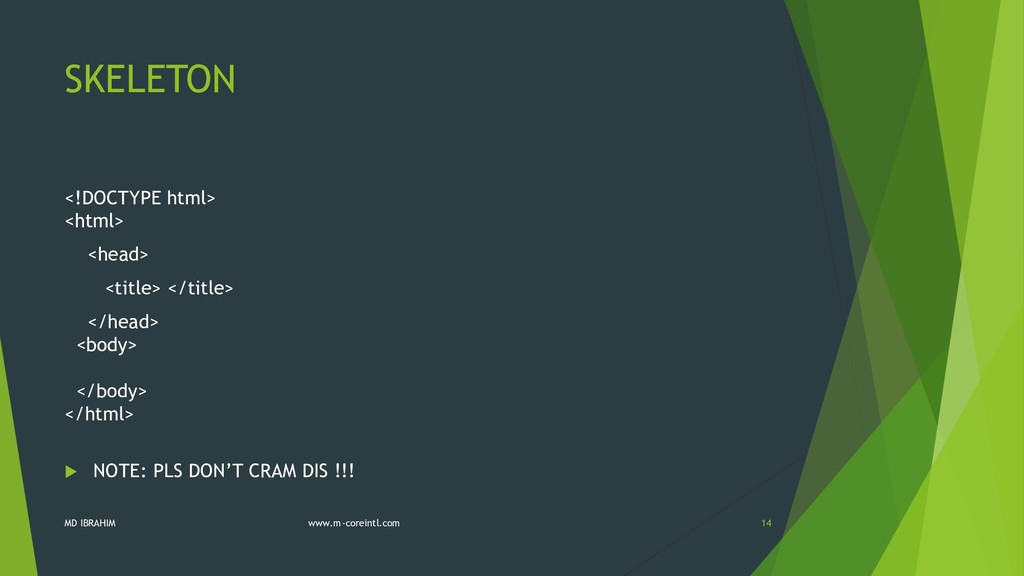
TAGS HTML EDITORS HTML VERSIONS HTML SKELETON The <html> element The <head> element The <body> element HEADINGS AND PARAGRAPHS Html Tips MD IBRAHIM www.m-coreintl.com 3
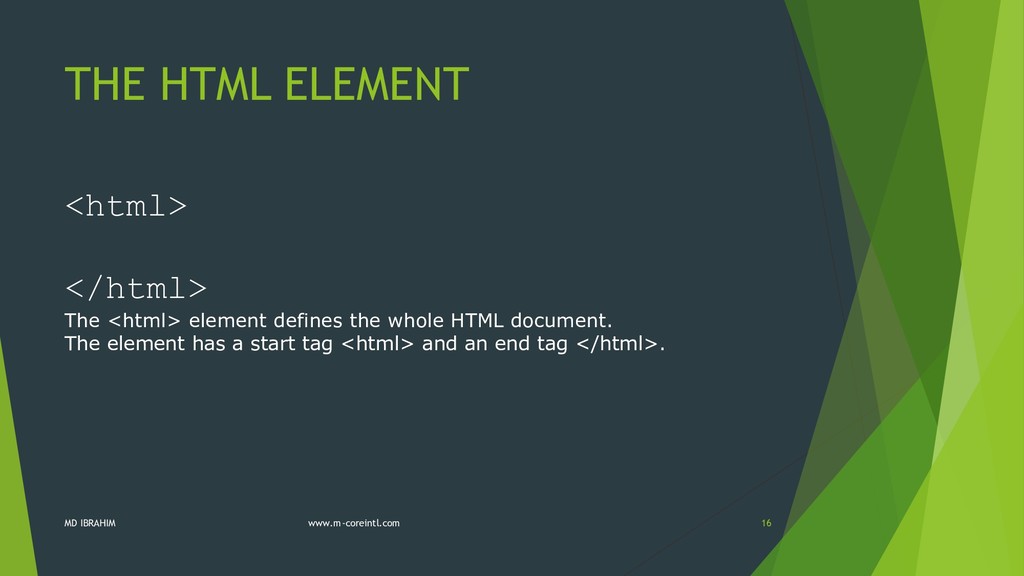
web pages. HTML stands for Hyper Text Markup Language HTML is a markup language A markup language is a set of markup tags The tags describe document content HTML documents contain HTML tags and plain text HTML documents are also called web pages MD IBRAHIM www.m-coreintl.com 4
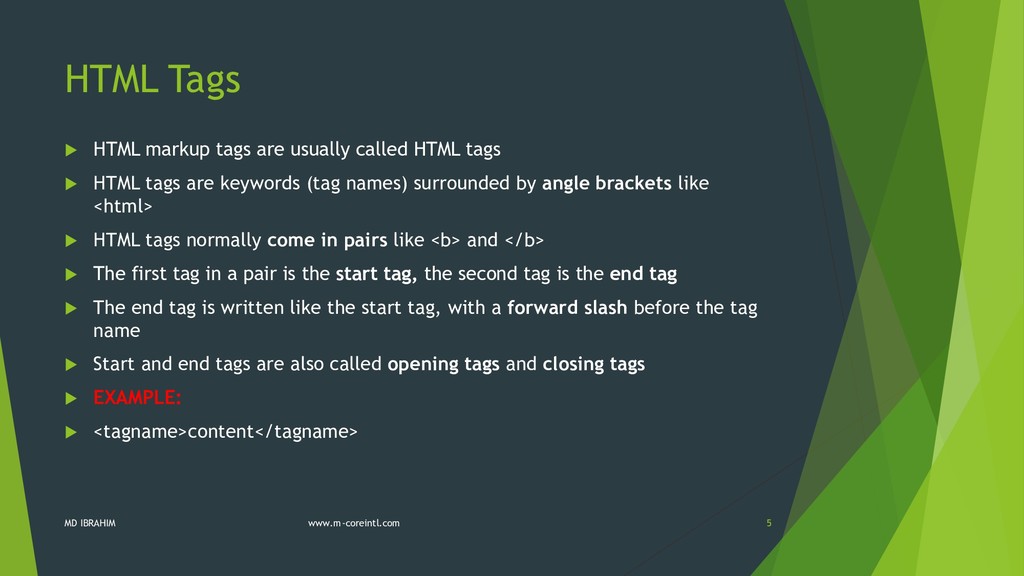
tags HTML tags are keywords (tag names) surrounded by angle brackets like <html> HTML tags normally come in pairs like <b> and </b> The first tag in a pair is the start tag, the second tag is the end tag The end tag is written like the start tag, with a forward slash before the tag name Start and end tags are also called opening tags and closing tags EXAMPLE: <tagname>content</tagname> MD IBRAHIM www.m-coreintl.com 5
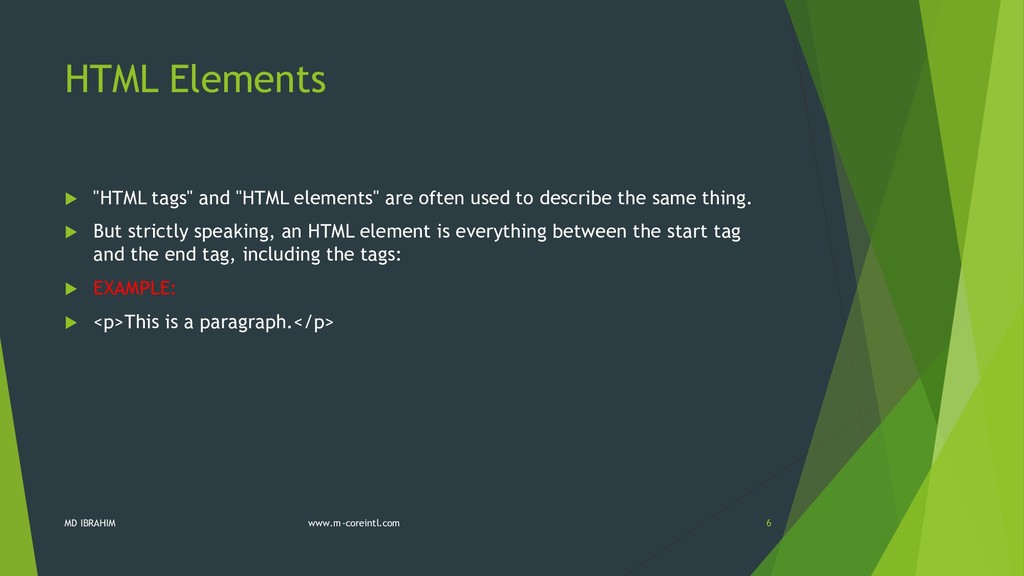
used to describe the same thing. But strictly speaking, an HTML element is everything between the start tag and the end tag, including the tags: EXAMPLE: <p>This is a paragraph.</p> MD IBRAHIM www.m-coreintl.com 6
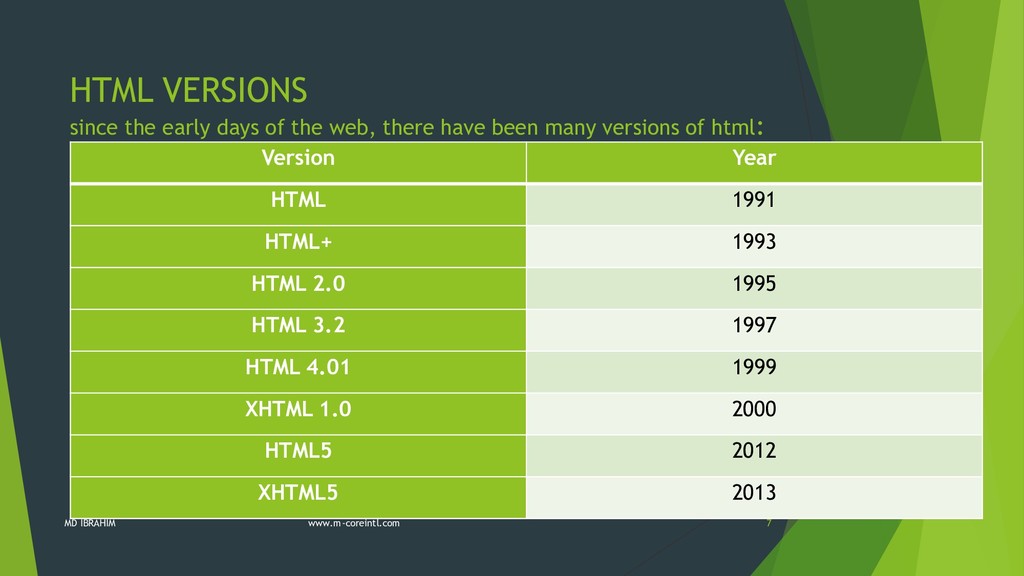
have been many versions of html: Version Year HTML 1991 HTML+ 1993 HTML 2.0 1995 HTML 3.2 1997 HTML 4.01 1999 XHTML 1.0 2000 HTML5 2012 XHTML5 2013 MD IBRAHIM www.m-coreintl.com 7
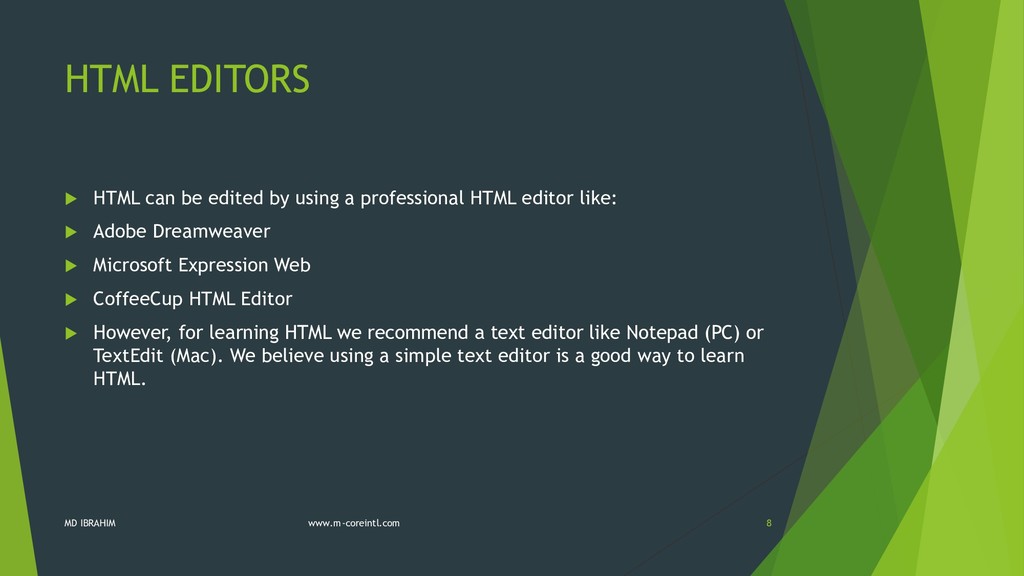
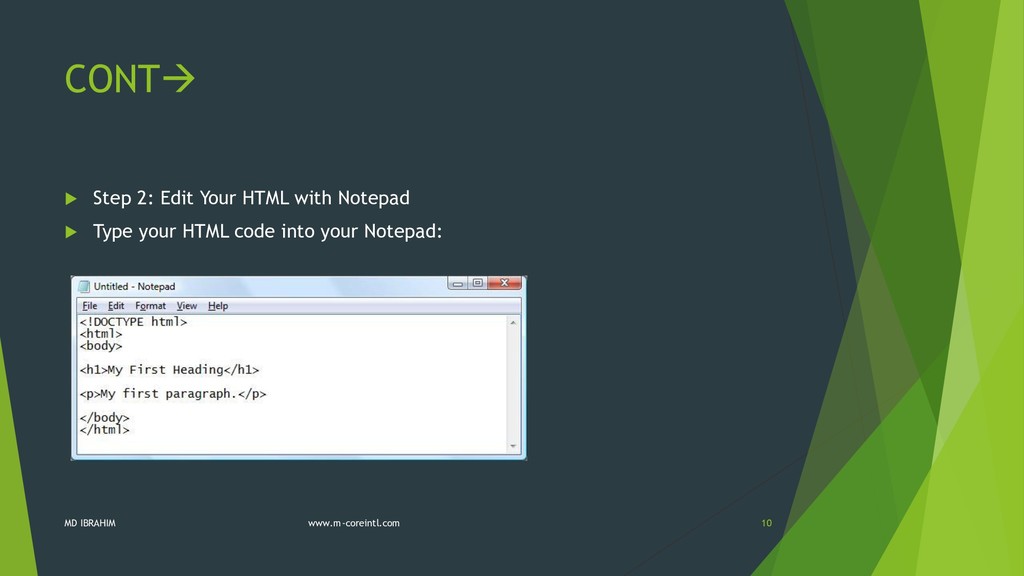
professional HTML editor like: Adobe Dreamweaver Microsoft Expression Web CoffeeCup HTML Editor However, for learning HTML we recommend a text editor like Notepad (PC) or TextEdit (Mac). We believe using a simple text editor is a good way to learn HTML. MD IBRAHIM www.m-coreintl.com 8
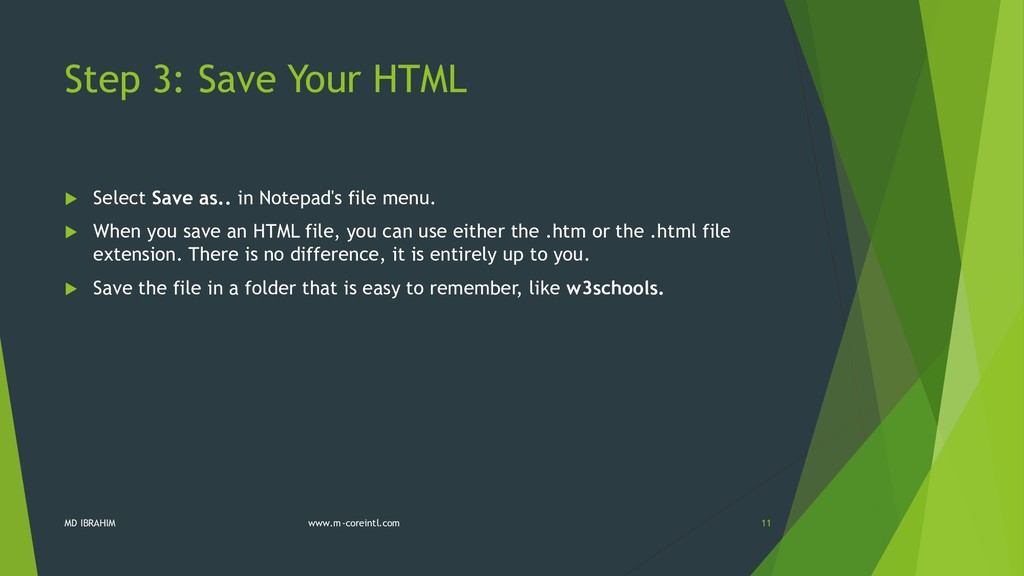
Notepad's file menu. When you save an HTML file, you can use either the .htm or the .html file extension. There is no difference, it is entirely up to you. Save the file in a folder that is easy to remember, like w3schools. MD IBRAHIM www.m-coreintl.com 11
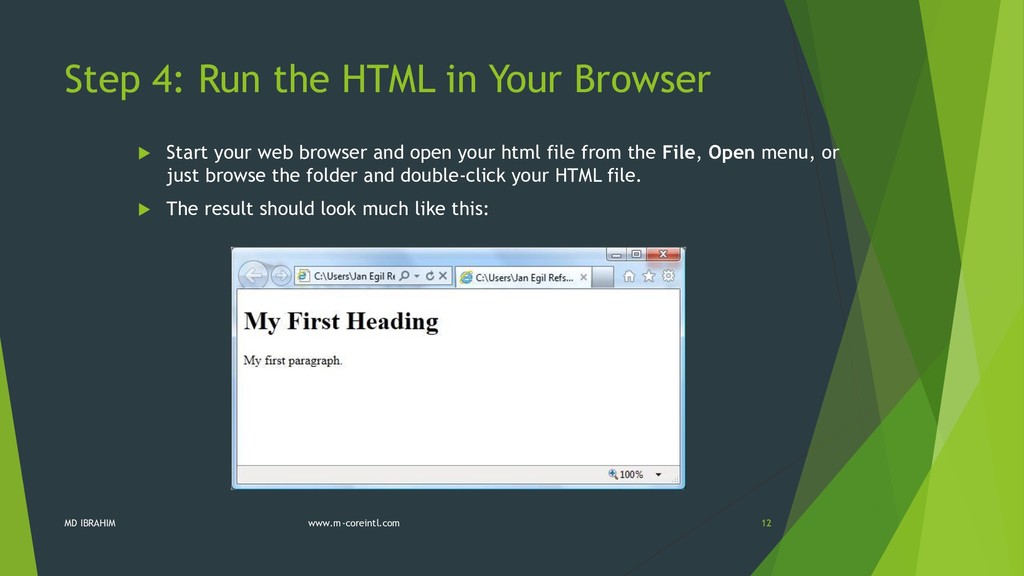
your web browser and open your html file from the File, Open menu, or just browse the folder and double-click your HTML file. The result should look much like this: MD IBRAHIM www.m-coreintl.com 12
as Google Chrome, Internet Explorer, Firefox, Safari) is to read HTML documents and display them as web pages. The browser does not display the HTML tags, but uses the tags to interpret the content of the page: MD IBRAHIM www.m-coreintl.com 13
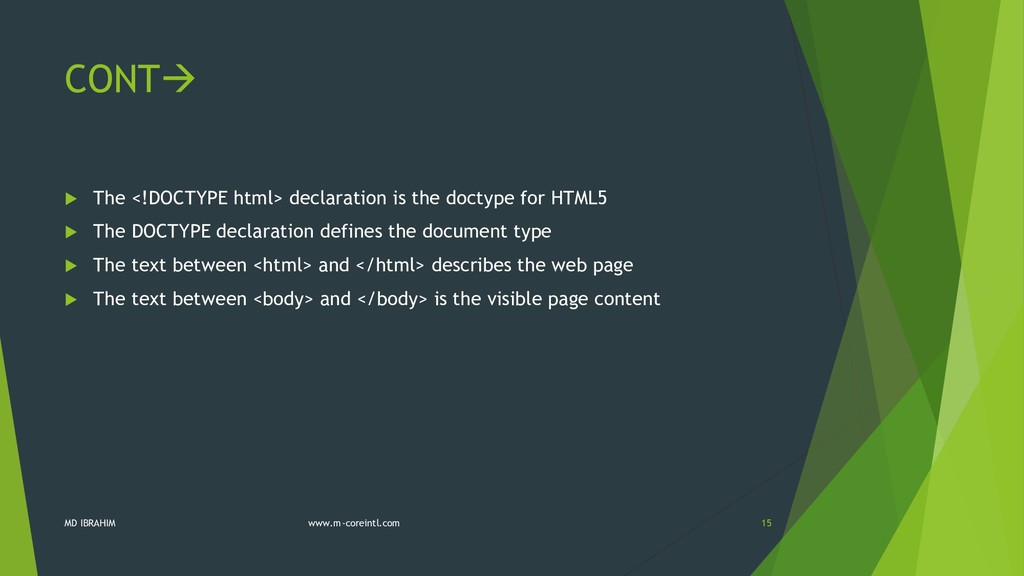
HTML5 The DOCTYPE declaration defines the document type The text between <html> and </html> describes the web page The text between <body> and </body> is the visible page content MD IBRAHIM www.m-coreintl.com 15
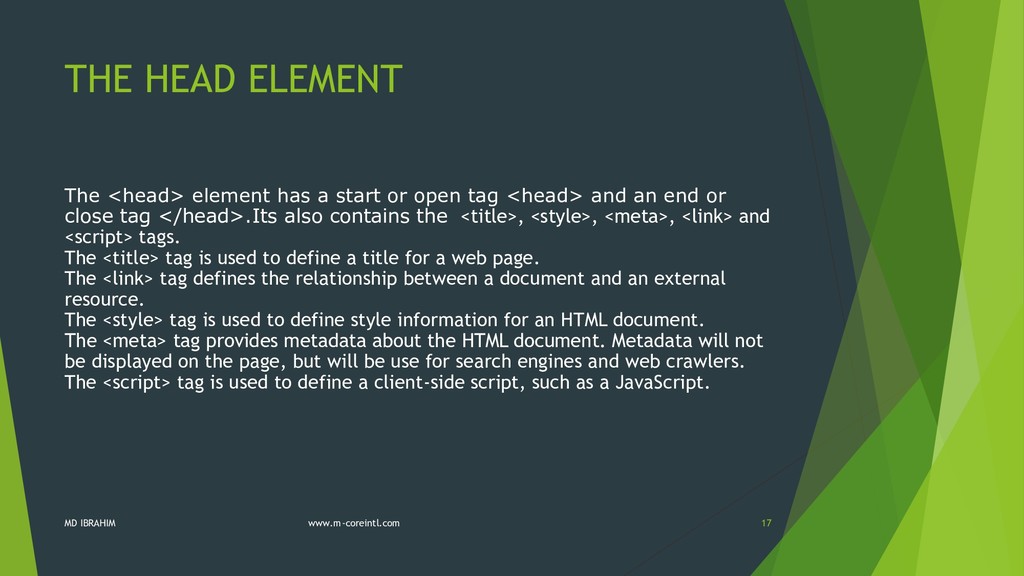
open tag <head> and an end or close tag </head>.Its also contains the <title>, <style>, <meta>, <link> and <script> tags. The <title> tag is used to define a title for a web page. The <link> tag defines the relationship between a document and an external resource. The <style> tag is used to define style information for an HTML document. The <meta> tag provides metadata about the HTML document. Metadata will not be displayed on the page, but will be use for search engines and web crawlers. The <script> tag is used to define a client-side script, such as a JavaScript. MD IBRAHIM www.m-coreintl.com 17
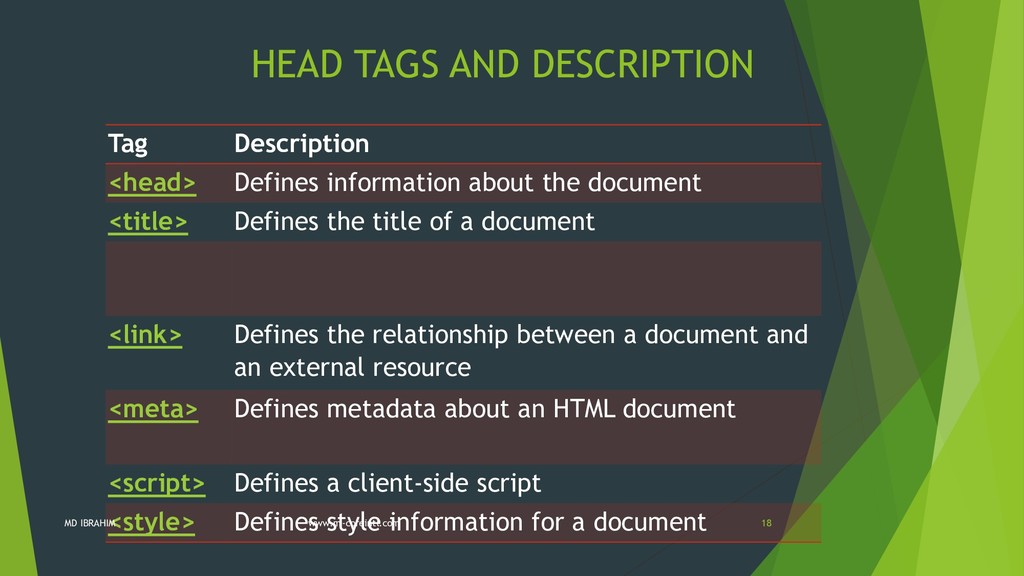
the document <title> Defines the title of a document <link> Defines the relationship between a document and an external resource <meta> Defines metadata about an HTML document <script> Defines a client-side script <style> Defines style information for a document MD IBRAHIM www.m-coreintl.com 18
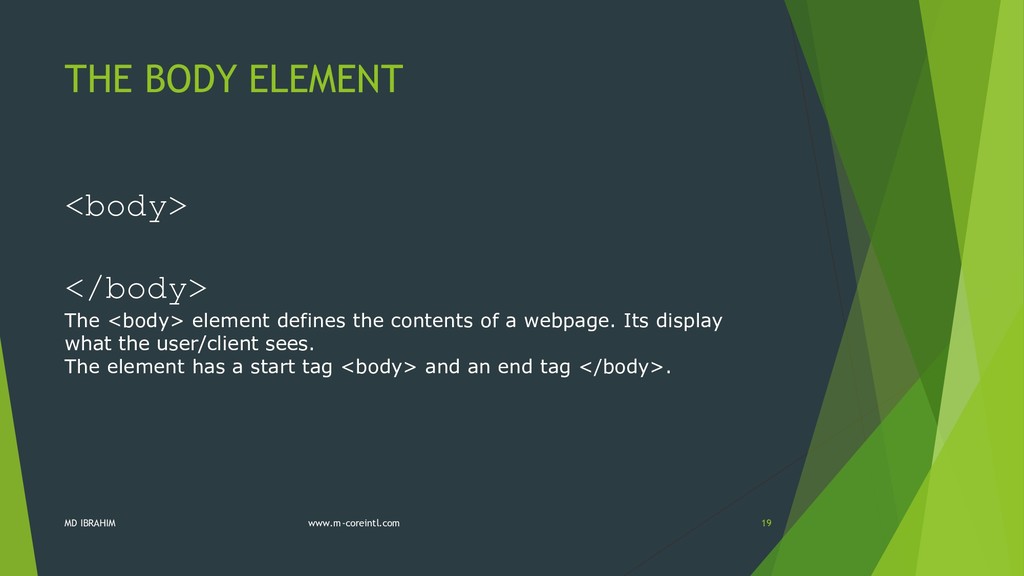
contents of a webpage. Its display what the user/client sees. The element has a start tag <body> and an end tag </body>. MD IBRAHIM www.m-coreintl.com 19
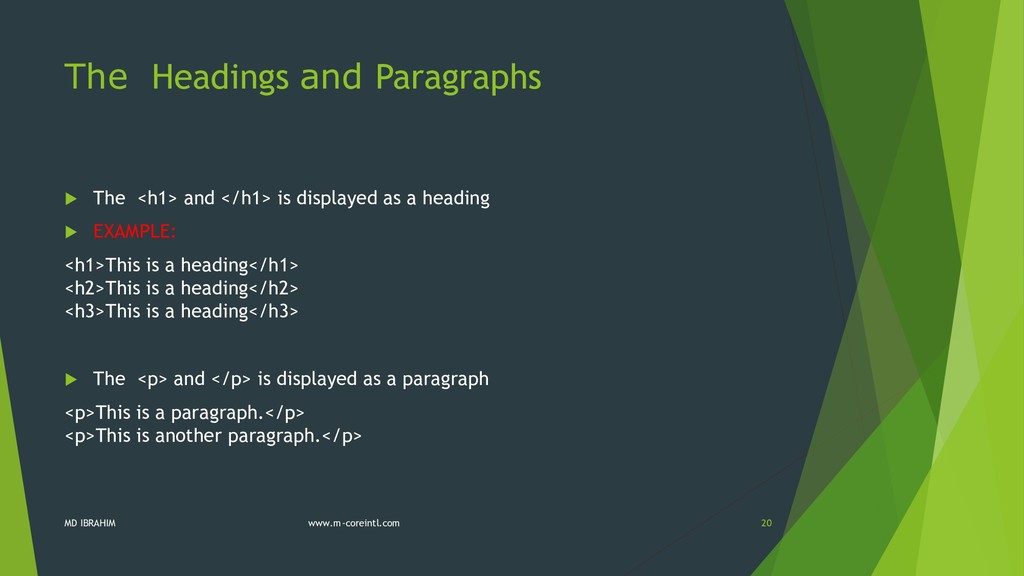
displayed as a heading EXAMPLE: <h1>This is a heading</h1> <h2>This is a heading</h2> <h3>This is a heading</h3> The <p> and </p> is displayed as a paragraph <p>This is a paragraph.</p> <p>This is another paragraph.</p> MD IBRAHIM www.m-coreintl.com 20
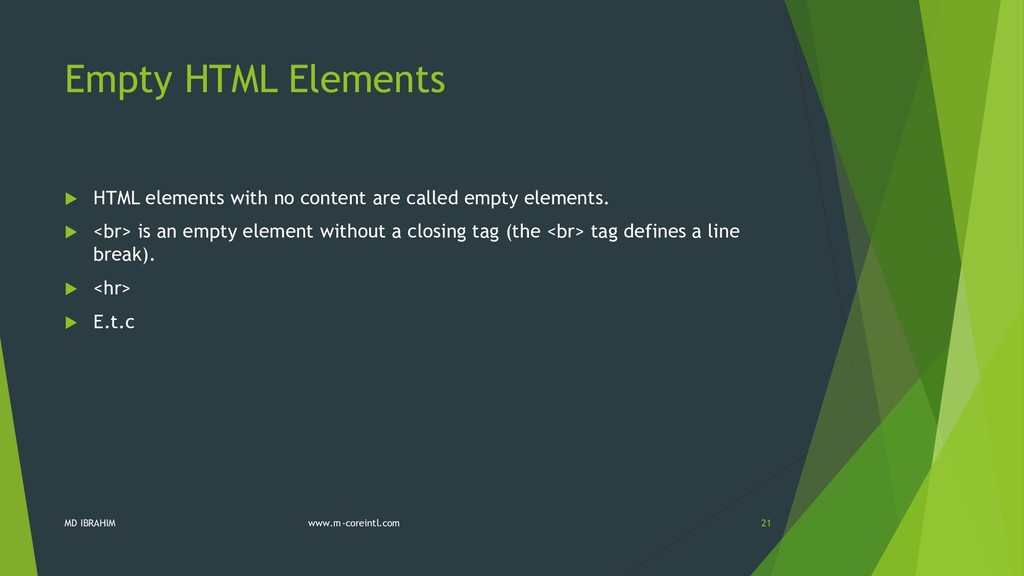
called empty elements. <br> is an empty element without a closing tag (the <br> tag defines a line break). <hr> E.t.c MD IBRAHIM www.m-coreintl.com 21
the same as <p>. Many web sites use uppercase HTML tags. W3Schools use lowercase tags because the World Wide Web Consortium (W3C) recommends lowercase in HTML 4, and demands lowercase tags in XHTML. MD IBRAHIM www.m-coreintl.com 22
O’Reilly Media, Inc., (2nd Edition), Gravenstein Highway North, Sebastopol, CA 95472. Duckett, J., (2004);Beginning Web Programming with HTML, XHTML, and CSS, University of Chicago Press (2nd Edition), Chicago. Richard York(2009); Beginning CSS: Cascading Style Sheets for Web Design, Wiley Publishing, Inc.(1st Edition), Indianapolis, Indiana. http://www.w3schools.com MD IBRAHIM www.m-coreintl.com 23


 idattijo4code
 econanringo
 iwatsukayura
 satoshi256kbyte
 ___akari11
 minodriven
 kishida
 yuta_onishi_97
 mixplace
 mofurune
 neuecc
 morizo_1984
 findyinc
 lara
lara
 jonoalderson
 reverentgeek
 smashingmag
 addyosmani
 lynnandtonic
 csswizardry
 katarinadahlin
 davidcarrasco
 aleyda
 baasie

![CONTACT 0813-591-5350 MD IBRAHIM www.m-coreintl.com 25 @The_Dattijo www.facebook.com/ibrahim.dattijo.9 www.idattijo.blogspot.com [email protected]](https://files.speakerdeck.com/presentations/930856a895b54cd2b6e58a6bb3c375fa/slide_24.jpg)