Upgrade to Pro — share decks privately, control downloads, hide ads and more …

Multipeer Connectivityを使った動画のリアルタイム端末間共有

Sponsored · Your Podcast. Everywhere. Effortlessly. Share. Educate. Inspire. Entertain. You do you. We'll handle the rest. →
Avatar for Imajin Kawabe Imajin Kawabe
September 30, 2021
69

Multipeer Connectivityを使った動画のリアルタイム端末間共有

Avatar for Imajin Kawabe

Imajin Kawabe

September 30, 2021

Transcript

  1. 自己紹介 • 名前 ◦ いまじん, imajin, imjn, @mrimjn • 所属

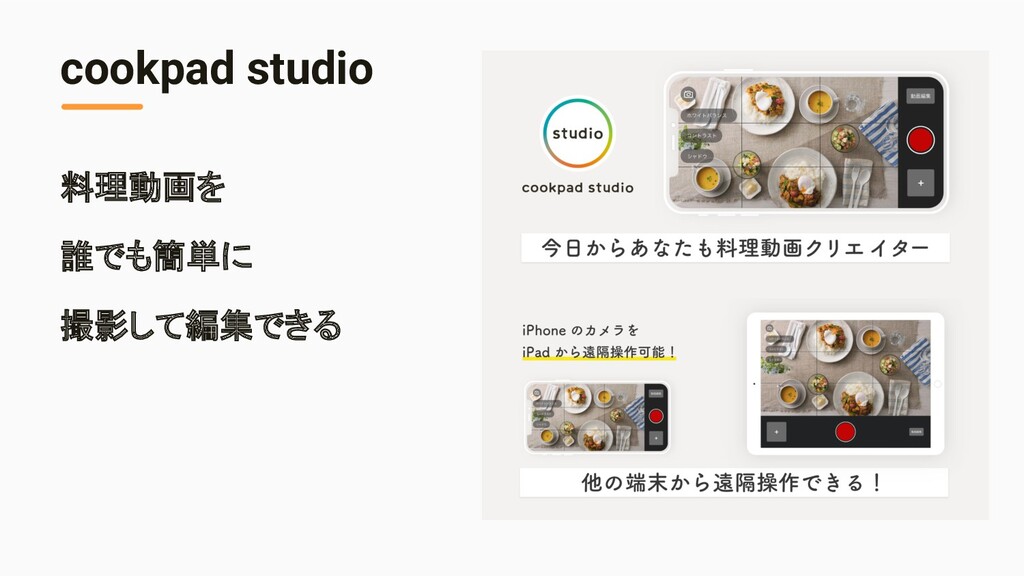
    ◦ クックパッド株式会社 • つくっているもの ◦ cookpadLive, cookpad studio, 個人開発
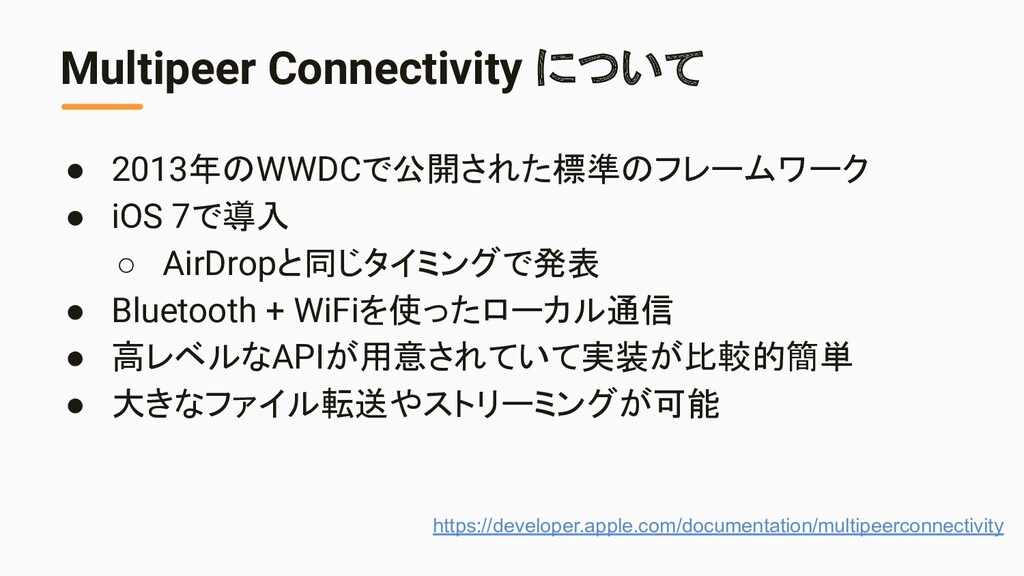
  2. • 2013年のWWDCで公開された標準のフレームワーク • iOS 7で導入 ◦ AirDropと同じタイミングで発表 • Bluetooth +

    WiFiを使ったローカル通信 • 高レベルなAPIが用意されていて実装が比較的簡単 • 大きなファイル転送やストリーミングが可能 Multipeer Connectivity について https://developer.apple.com/documentation/multipeerconnectivity
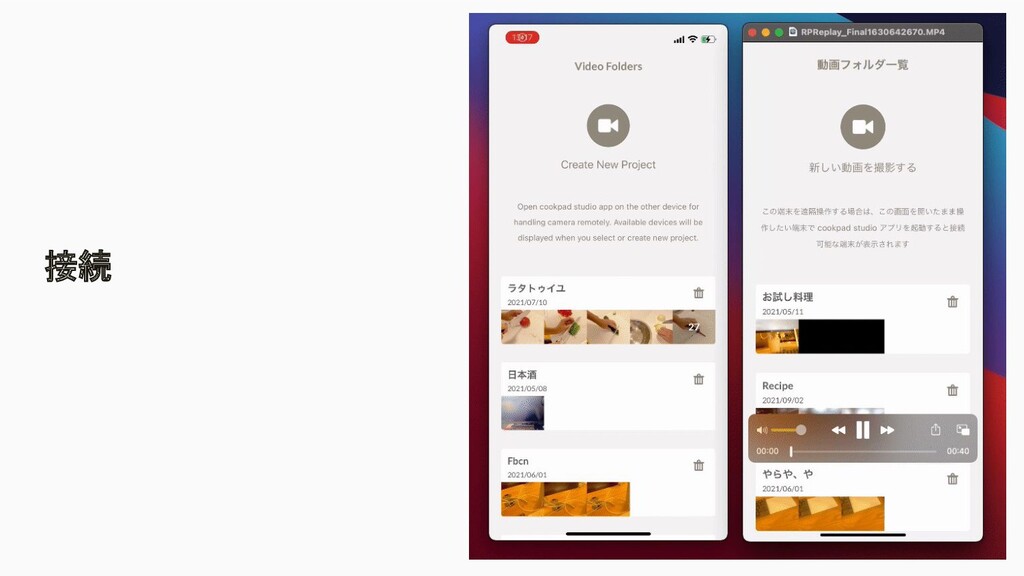
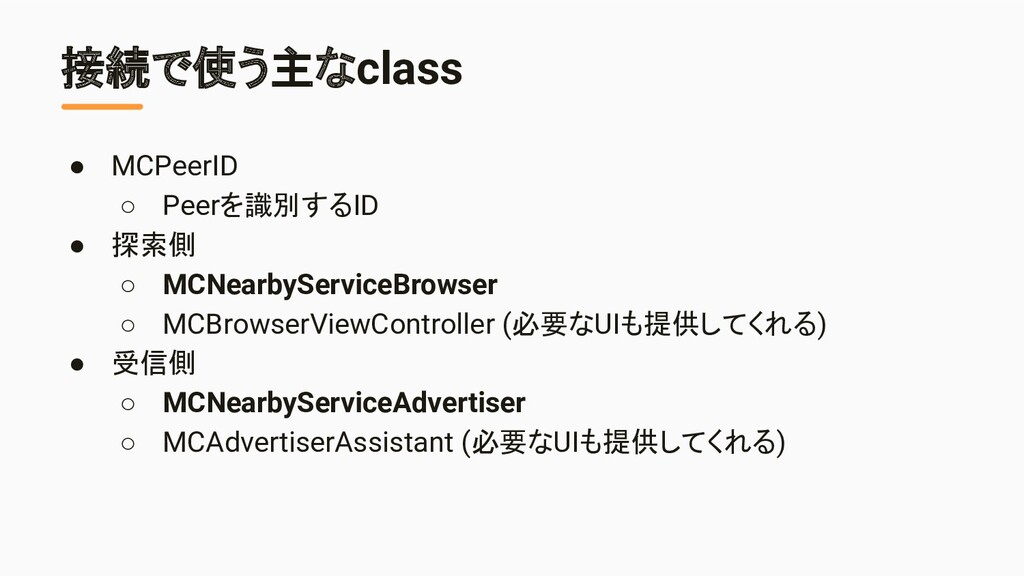
  3. 接続で使う主なclass • MCPeerID ◦ Peerを識別するID • 探索側 ◦ MCNearbyServiceBrowser ◦

    MCBrowserViewController (必要なUIも提供してくれる) • 受信側 ◦ MCNearbyServiceAdvertiser ◦ MCAdvertiserAssistant (必要なUIも提供してくれる)
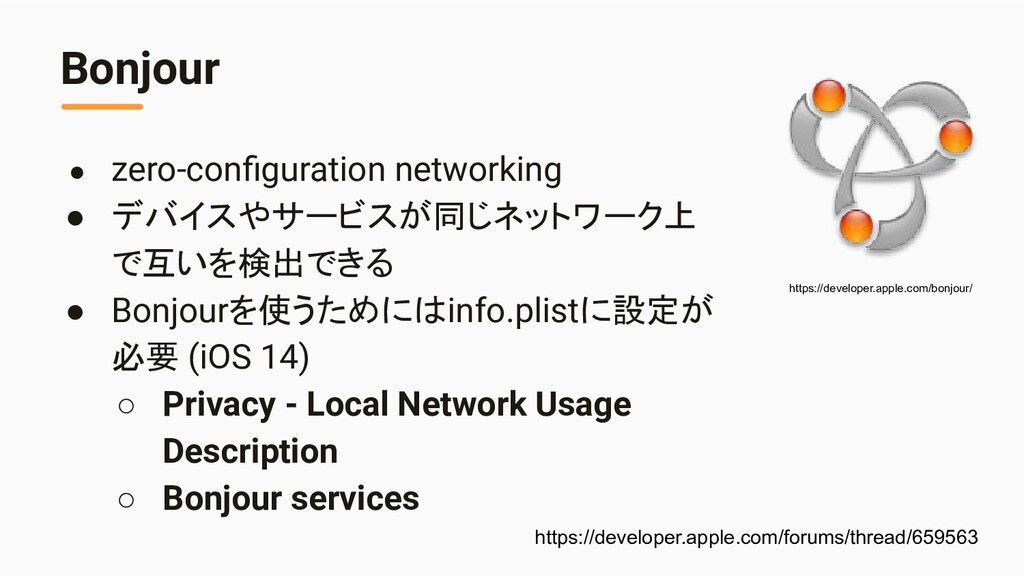
  4. Bonjour • zero-configuration networking • デバイスやサービスが同じネットワーク上 で互いを検出できる • Bonjourを使うためにはinfo.plistに設定が 必要

    (iOS 14) ◦ Privacy - Local Network Usage Description ◦ Bonjour services https://developer.apple.com/bonjour/ https://developer.apple.com/forums/thread/659563
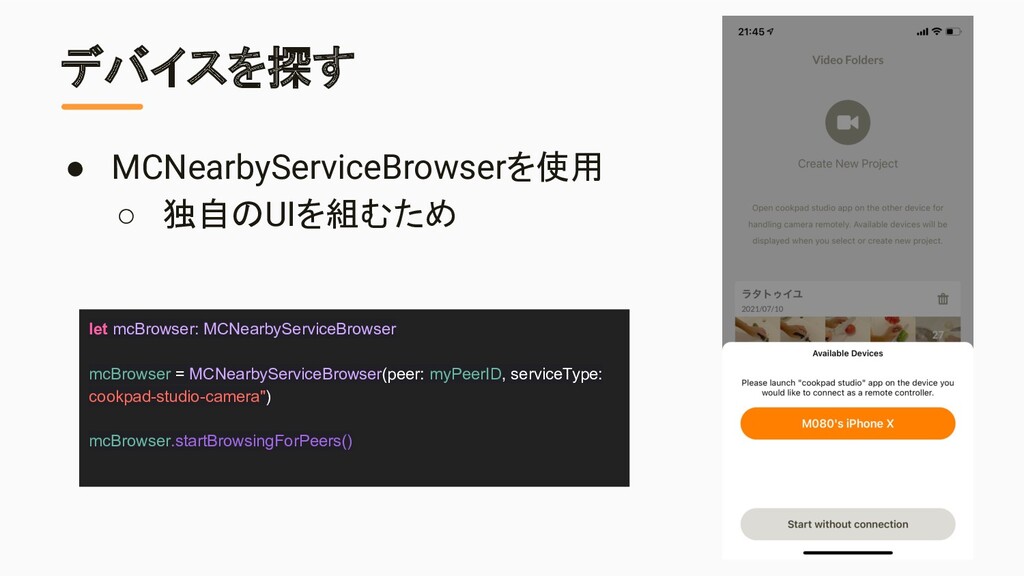
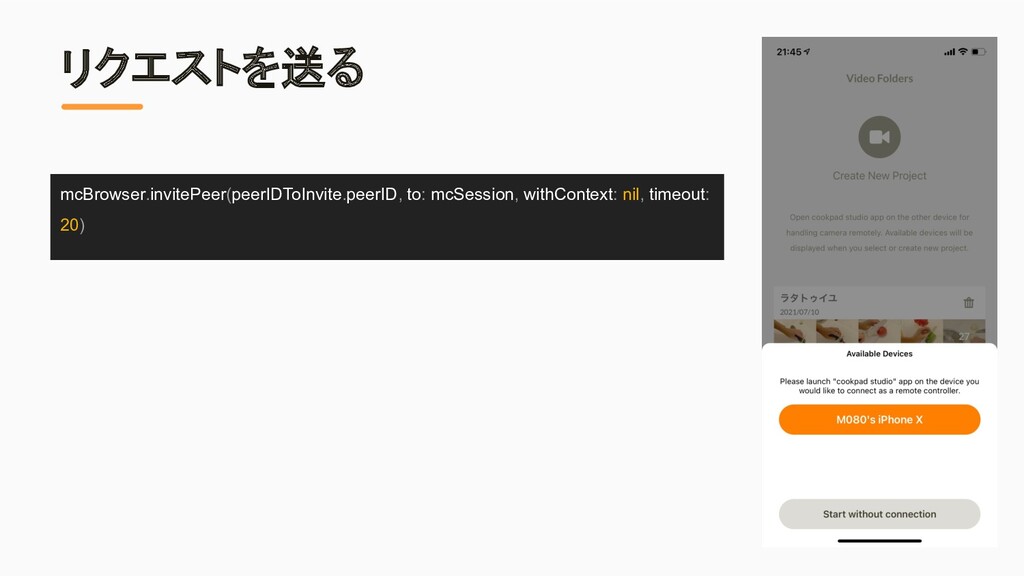
  5. デバイスを探す let mcBrowser: MCNearbyServiceBrowser mcBrowser = MCNearbyServiceBrowser(peer: myPeerID, serviceType: cookpad-studio-camera")

    mcBrowser.startBrowsingForPeers() • MCNearbyServiceBrowserを使用 ◦ 独自のUIを組むため
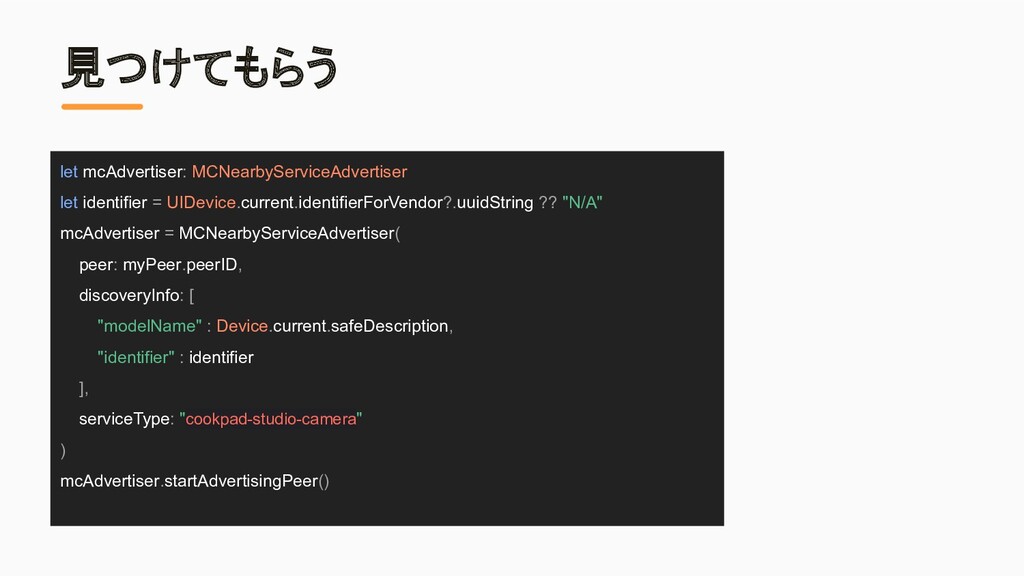
  6. 見つけてもらう let mcAdvertiser: MCNearbyServiceAdvertiser let identifier = UIDevice.current.identifierForVendor?.uuidString ?? "N/A"

    mcAdvertiser = MCNearbyServiceAdvertiser( peer: myPeer.peerID, discoveryInfo: [ "modelName" : Device.current.safeDescription, "identifier" : identifier ], serviceType: "cookpad-studio-camera" ) mcAdvertiser.startAdvertisingPeer()
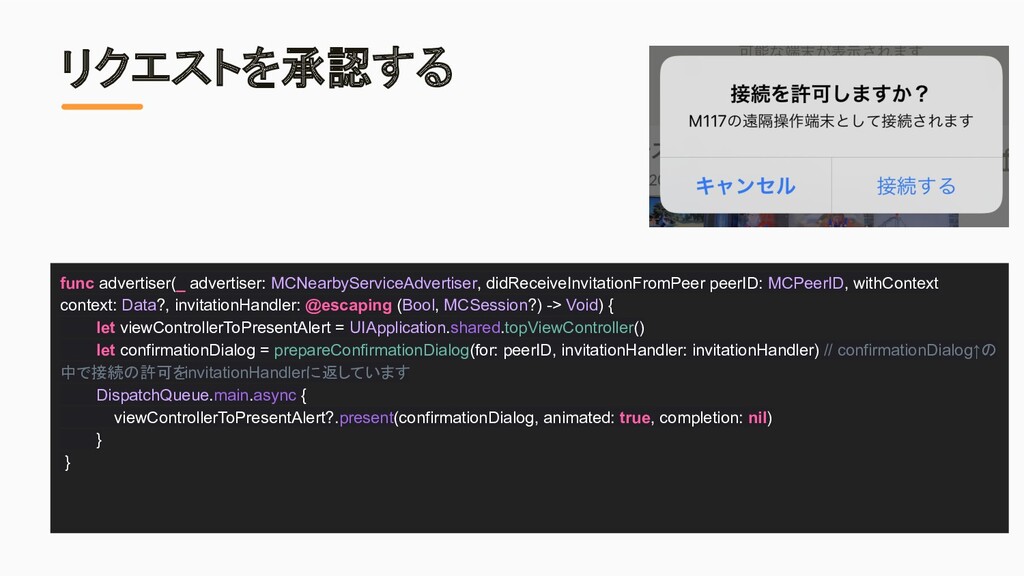
  7. リクエストを承認する func advertiser(_ advertiser: MCNearbyServiceAdvertiser, didReceiveInvitationFromPeer peerID: MCPeerID, withContext context:

    Data?, invitationHandler: @escaping (Bool, MCSession?) -> Void) { let viewControllerToPresentAlert = UIApplication.shared.topViewController() let confirmationDialog = prepareConfirmationDialog(for: peerID, invitationHandler: invitationHandler) // confirmationDialog↑の 中で接続の許可をinvitationHandlerに返しています DispatchQueue.main.async { viewControllerToPresentAlert?.present(confirmationDialog, animated: true, completion: nil) } }
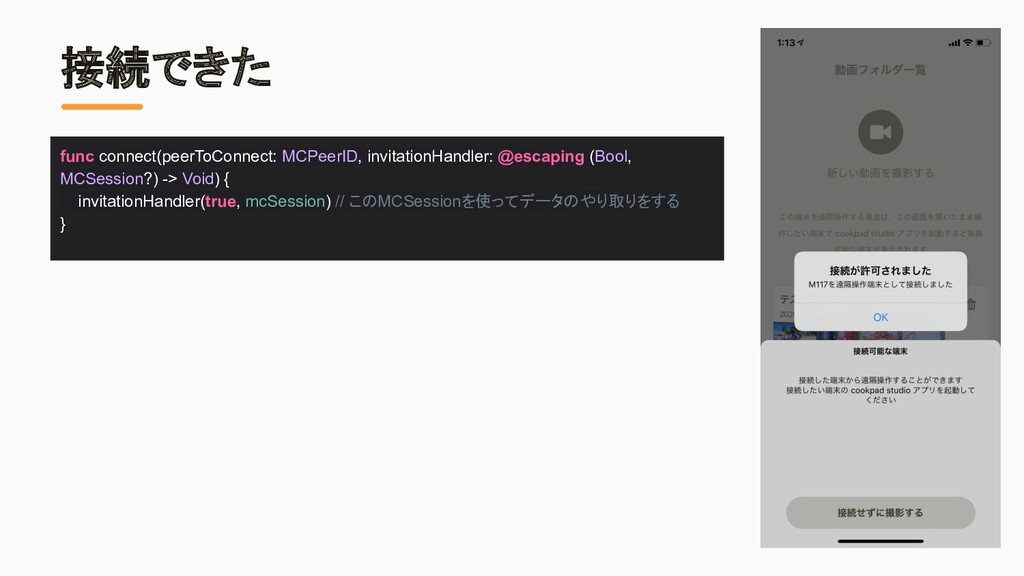
  8. 接続できた func connect(peerToConnect: MCPeerID, invitationHandler: @escaping (Bool, MCSession?) -> Void)

    { invitationHandler(true, mcSession) // このMCSessionを使ってデータのやり取りをする }
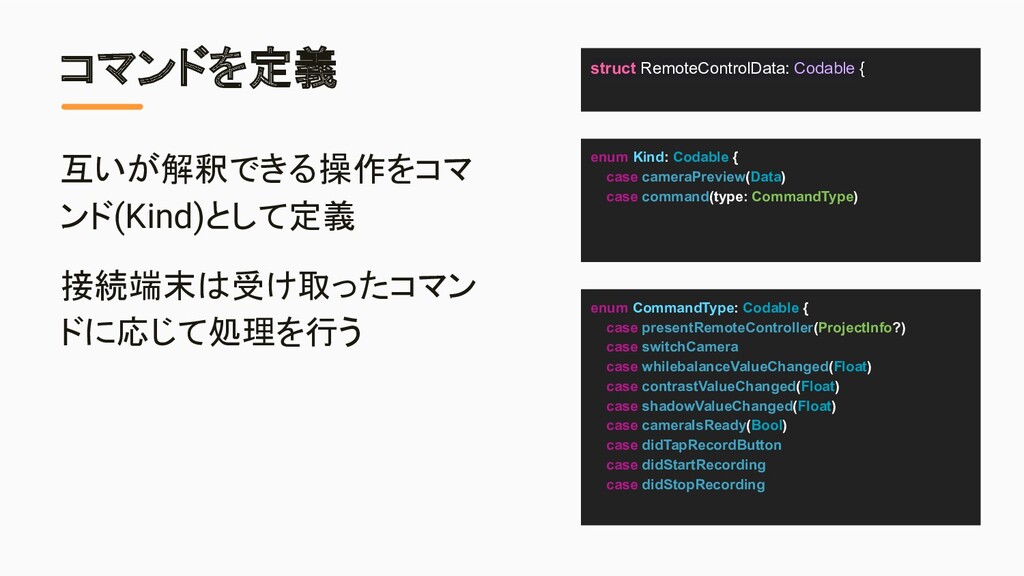
  9. コマンドを定義 互いが解釈できる操作をコマ ンド(Kind)として定義 接続端末は受け取ったコマン ドに応じて処理を行う enum Kind: Codable { case

    cameraPreview(Data) case command(type: CommandType) enum CommandType: Codable { case presentRemoteController(ProjectInfo?) case switchCamera case whilebalanceValueChanged(Float) case contrastValueChanged(Float) case shadowValueChanged(Float) case cameraIsReady(Bool) case didTapRecordButton case didStartRecording case didStopRecording struct RemoteControlData: Codable {
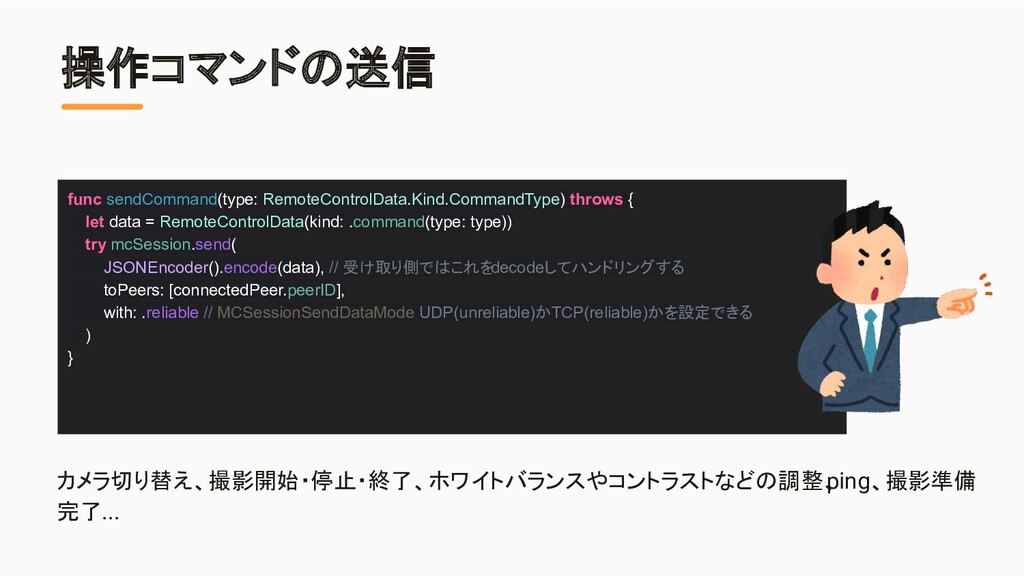
  10. 操作コマンドの送信 カメラ切り替え、撮影開始・停止・終了、ホワイトバランスやコントラストなどの調整、 ping、撮影準備 完了... func sendCommand(type: RemoteControlData.Kind.CommandType) throws { let

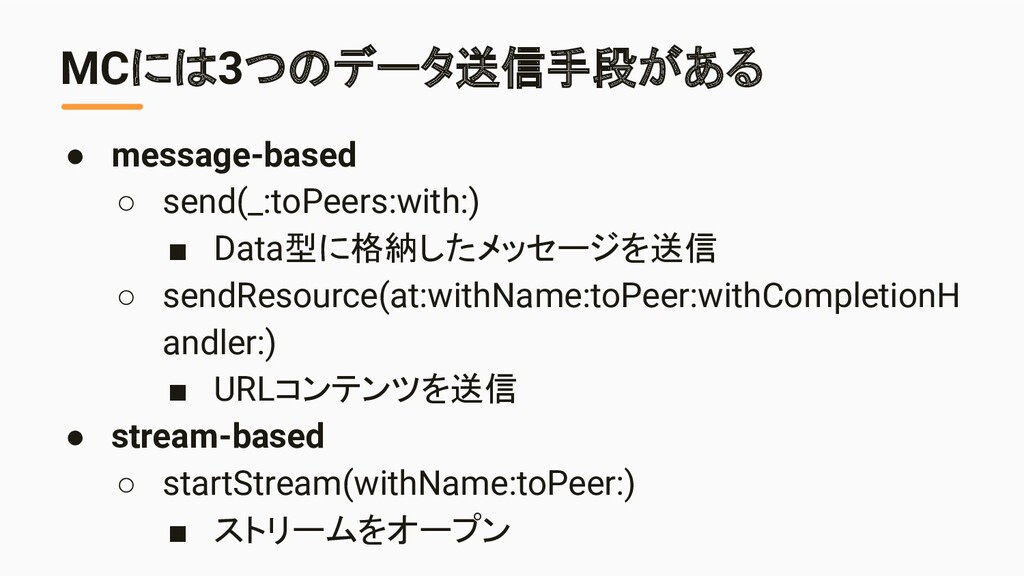
    data = RemoteControlData(kind: .command(type: type)) try mcSession.send( JSONEncoder().encode(data), // 受け取り側ではこれをdecodeしてハンドリングする toPeers: [connectedPeer.peerID], with: .reliable // MCSessionSendDataMode UDP(unreliable)かTCP(reliable)かを設定できる ) }
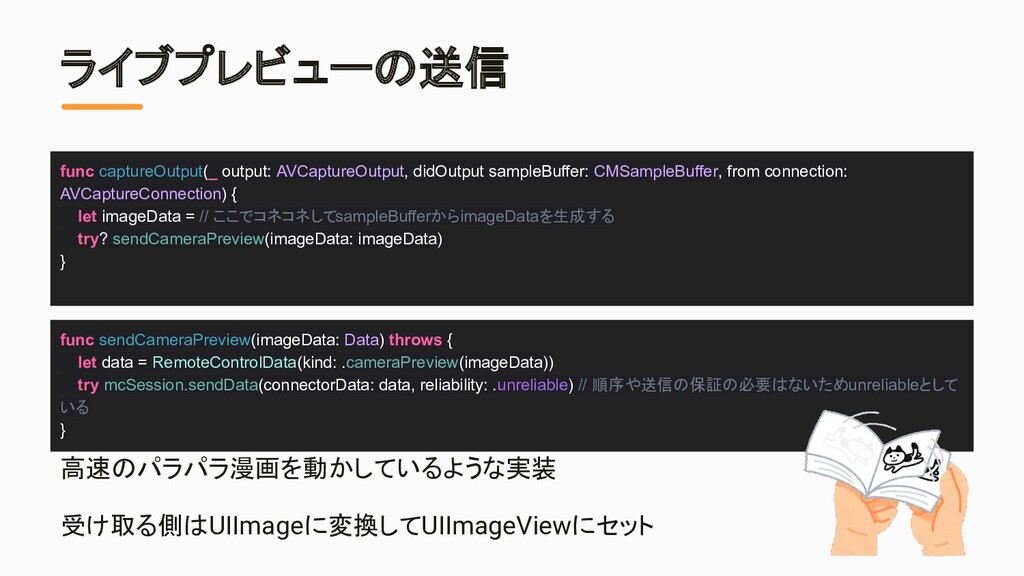
  11. ライブプレビューの送信 高速のパラパラ漫画を動かしているような実装 受け取る側はUIImageに変換してUIImageViewにセット func sendCameraPreview(imageData: Data) throws { let data

    = RemoteControlData(kind: .cameraPreview(imageData)) try mcSession.sendData(connectorData: data, reliability: .unreliable) // 順序や送信の保証の必要はないため .unreliableとして いる } func captureOutput(_ output: AVCaptureOutput, didOutput sampleBuffer: CMSampleBuffer, from connection: AVCaptureConnection) { let imageData = // ここでコネコネしてsampleBufferからimageDataを生成する try? sendCameraPreview(imageData: imageData) }
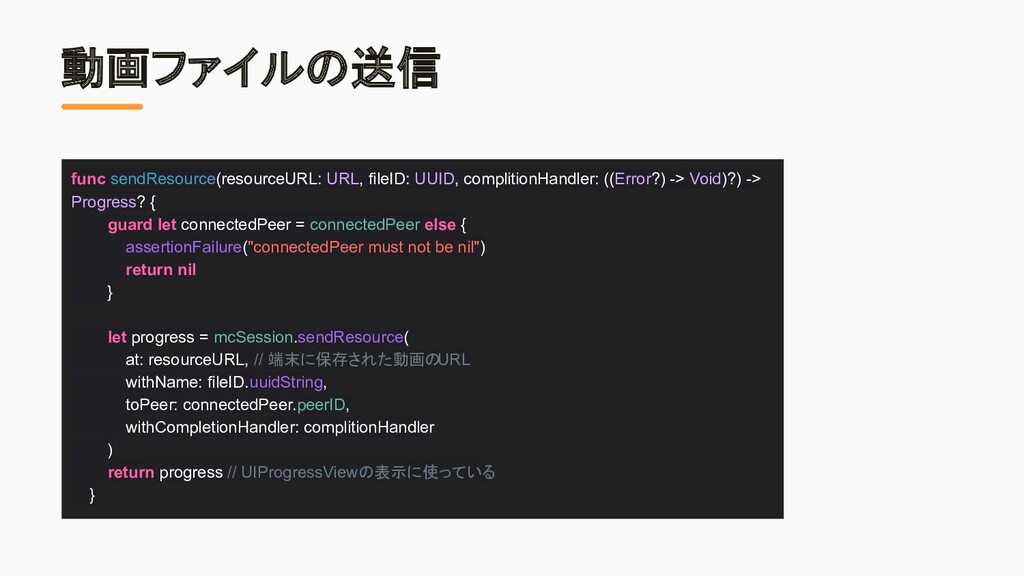
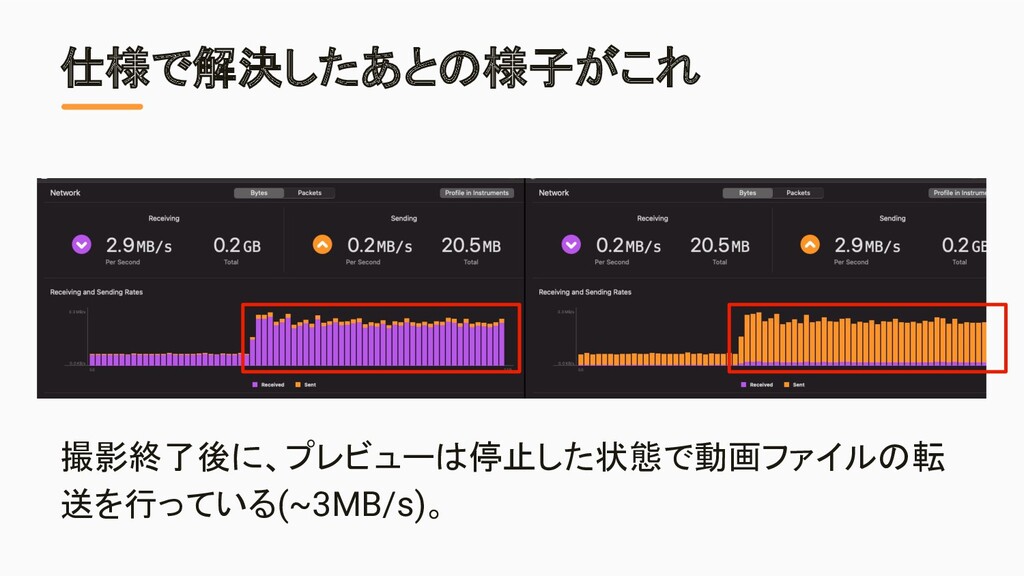
  12. 動画ファイルの送信 func sendResource(resourceURL: URL, fileID: UUID, complitionHandler: ((Error?) -> Void)?)

    -> Progress? { guard let connectedPeer = connectedPeer else { assertionFailure("connectedPeer must not be nil") return nil } let progress = mcSession.sendResource( at: resourceURL, // 端末に保存された動画の URL withName: fileID.uuidString, toPeer: connectedPeer.peerID, withCompletionHandler: complitionHandler ) return progress // UIProgressViewの表示に使っている }
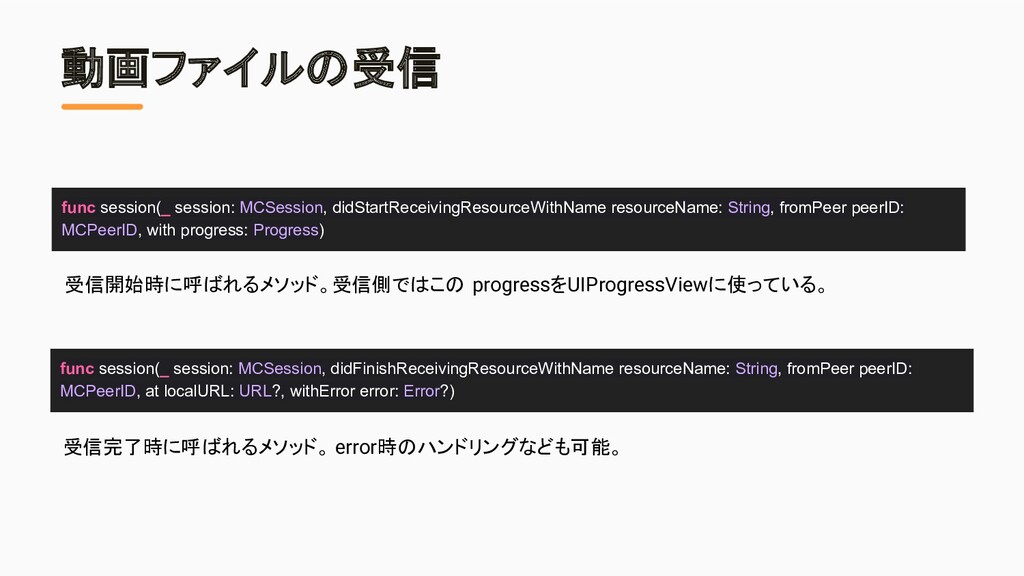
  13. 動画ファイルの受信 func session(_ session: MCSession, didStartReceivingResourceWithName resourceName: String, fromPeer peerID:

    MCPeerID, with progress: Progress) func session(_ session: MCSession, didFinishReceivingResourceWithName resourceName: String, fromPeer peerID: MCPeerID, at localURL: URL?, withError error: Error?) 受信開始時に呼ばれるメソッド。受信側ではこの progressをUIProgressViewに使っている。 受信完了時に呼ばれるメソッド。 error時のハンドリングなども可能。