Quick on the web (Use chat, spaces, and agents ...

Quick on the web (Use chat, spaces, and agents in your browser) | AWS Quick: Zero to Hero 02
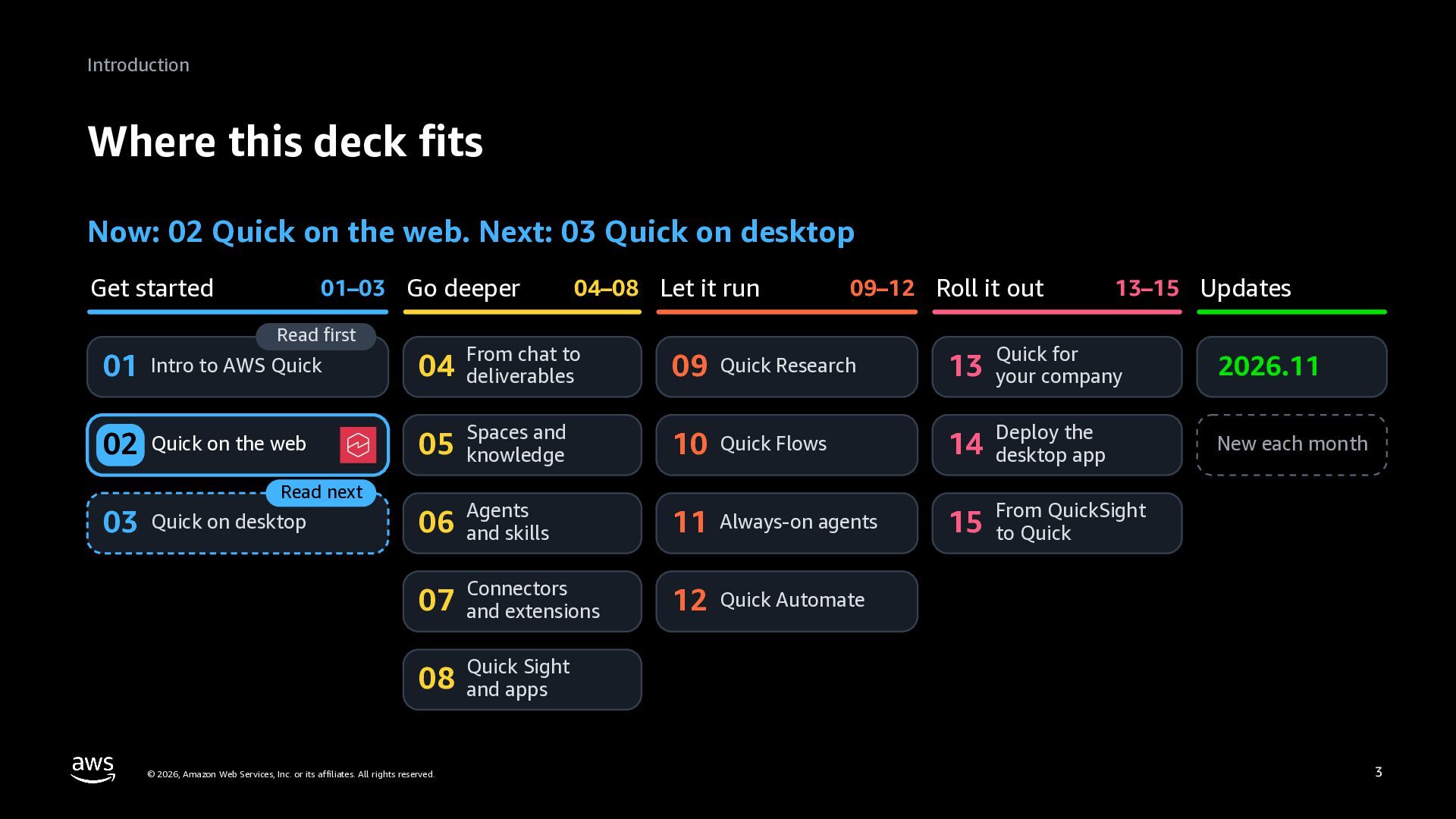
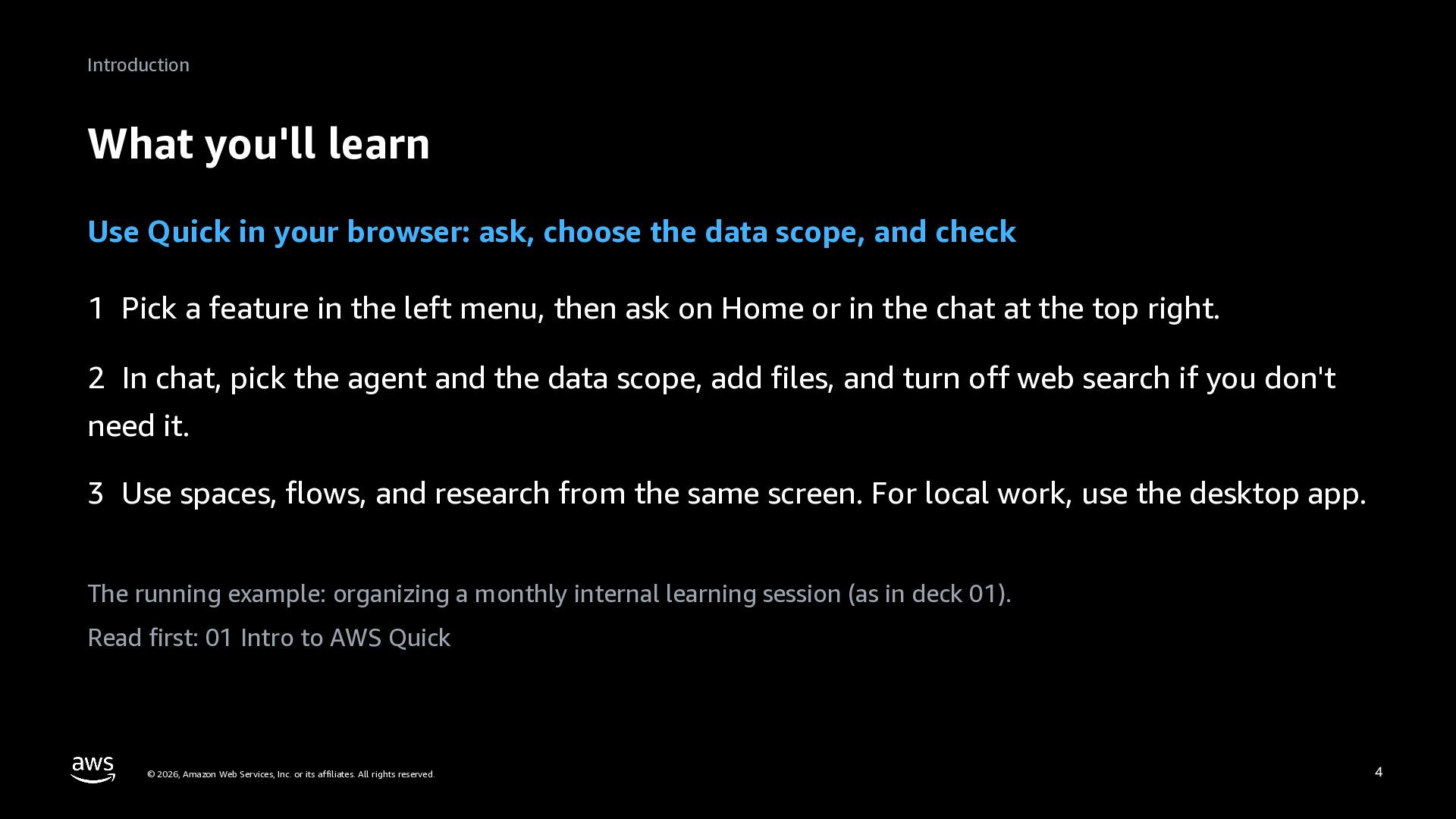
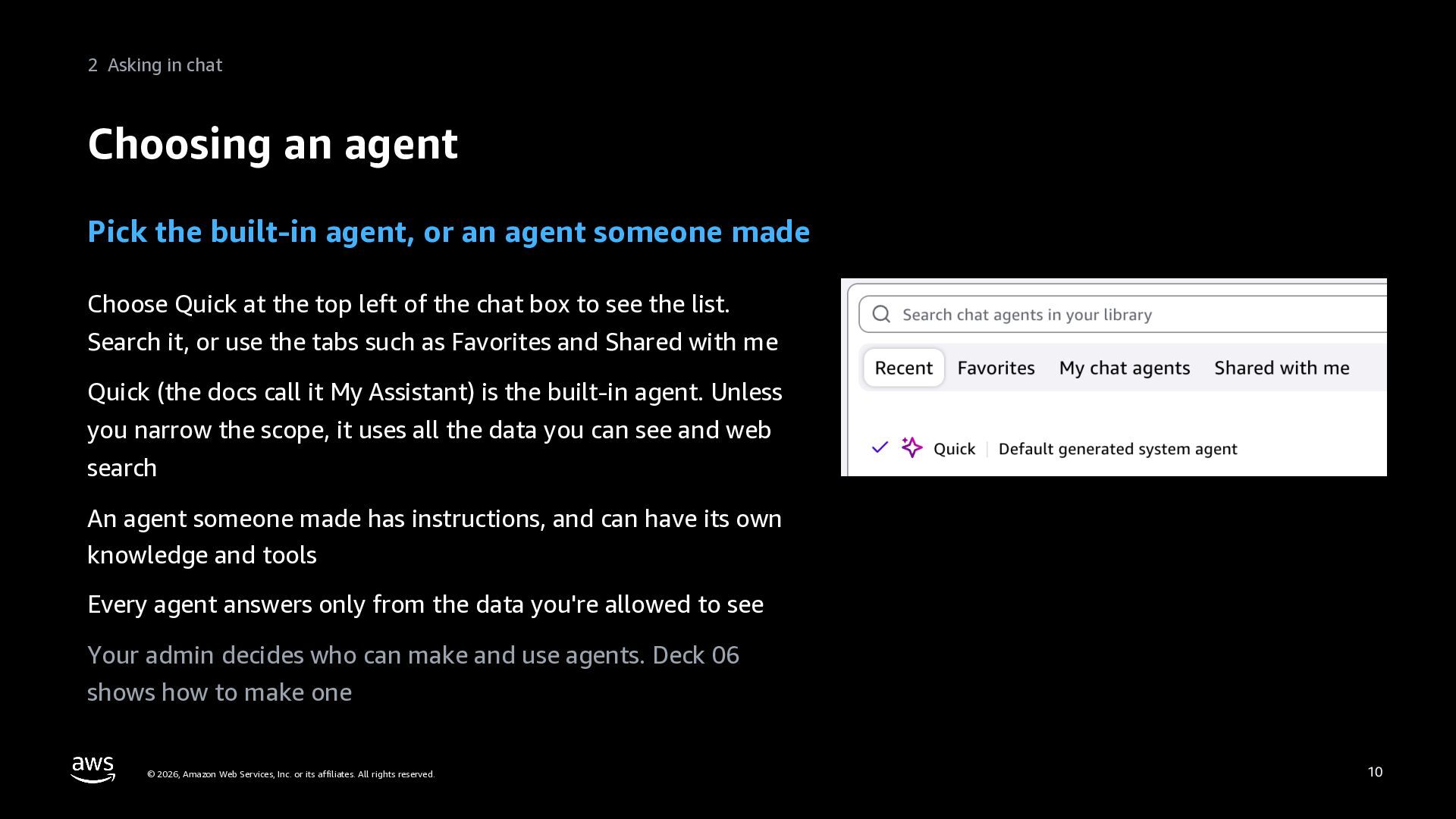
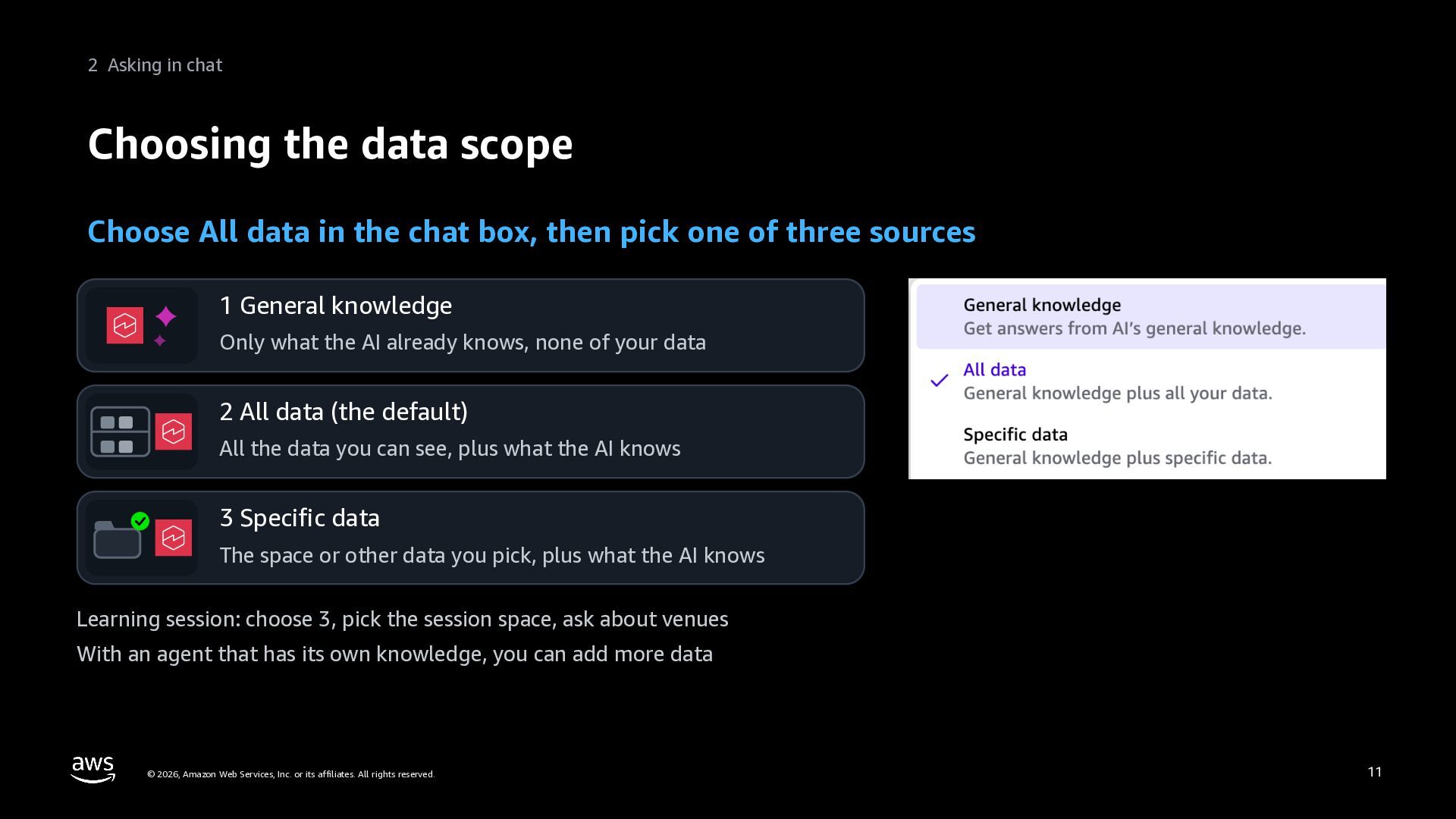
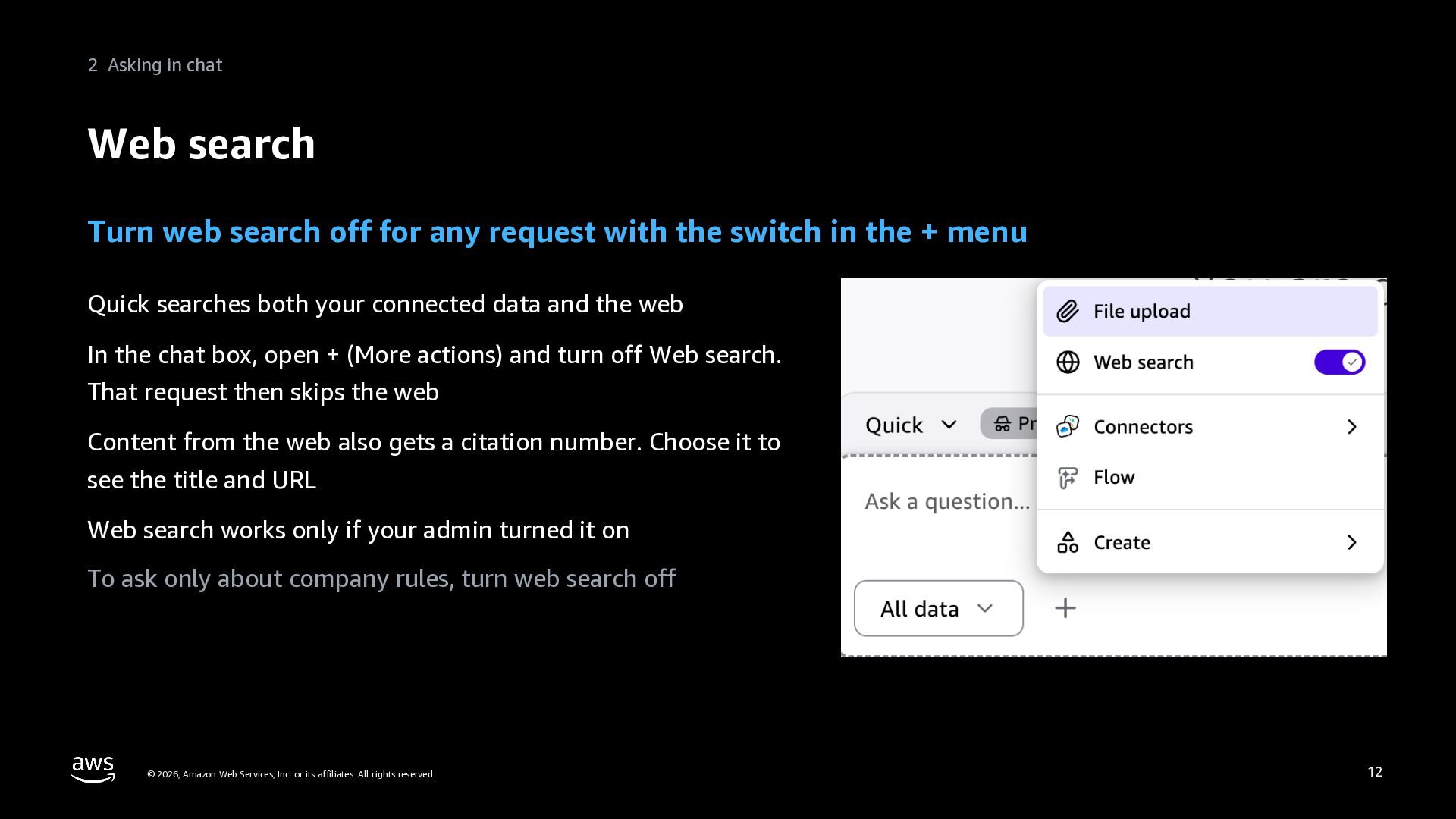
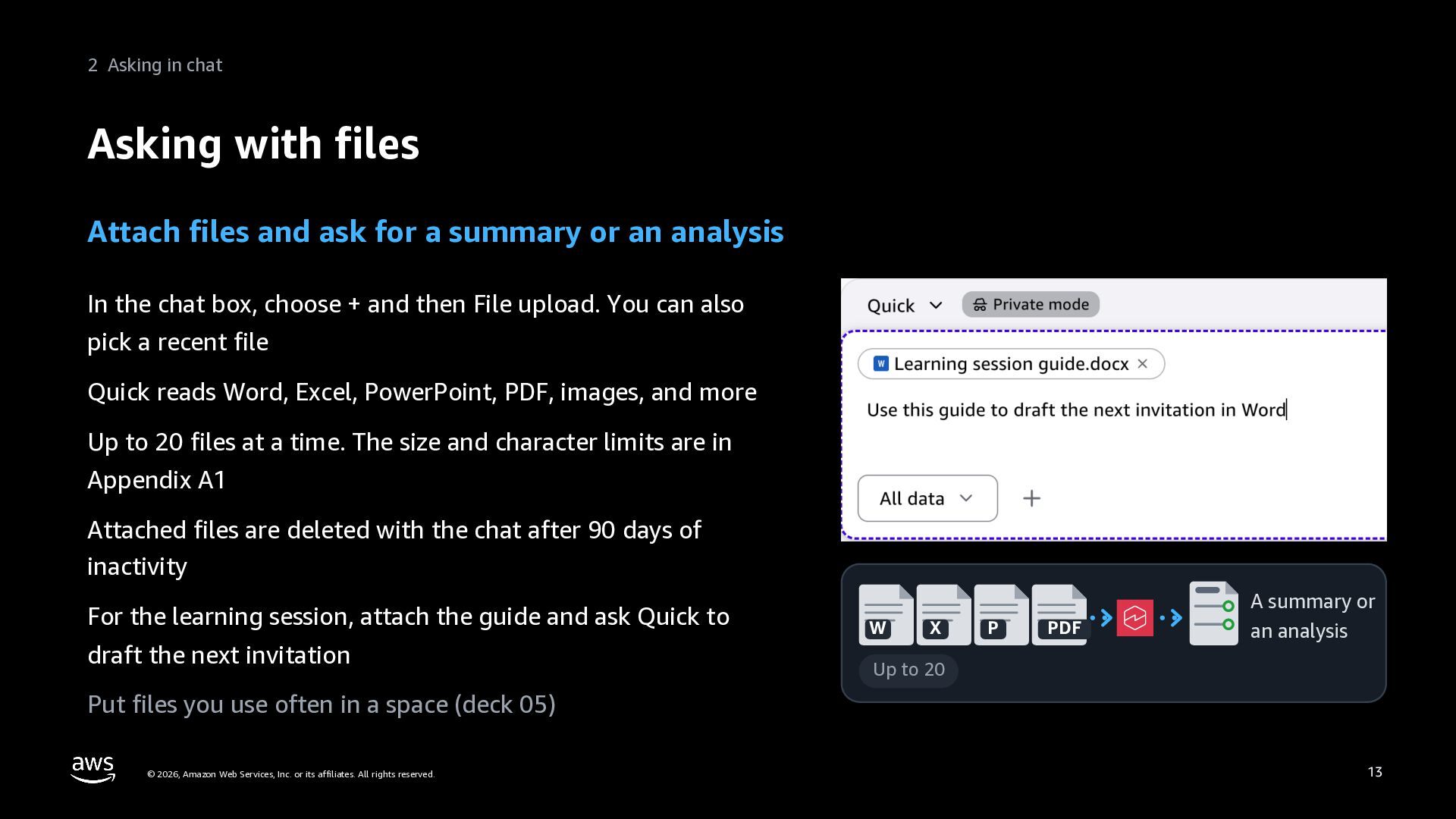
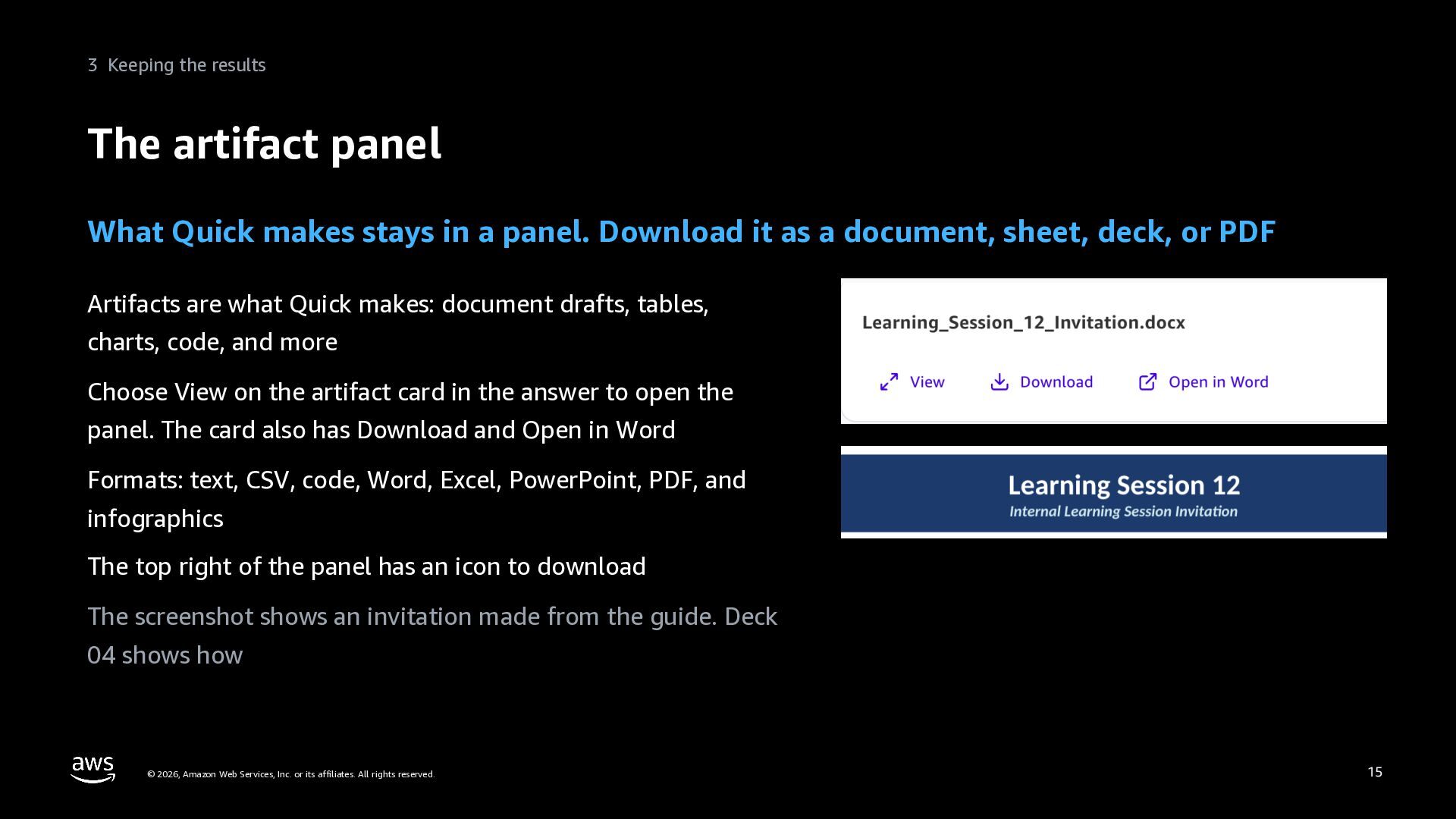
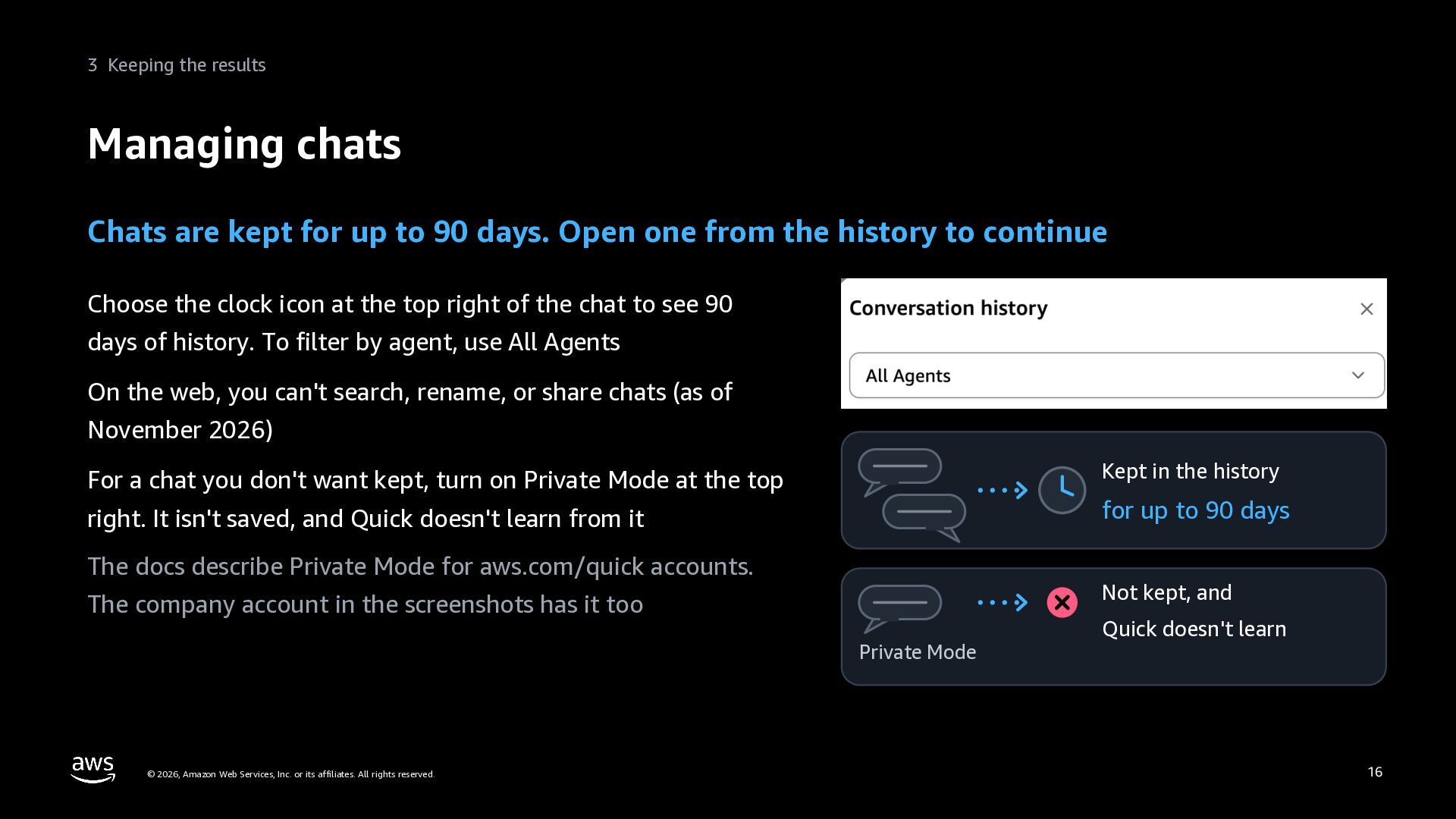
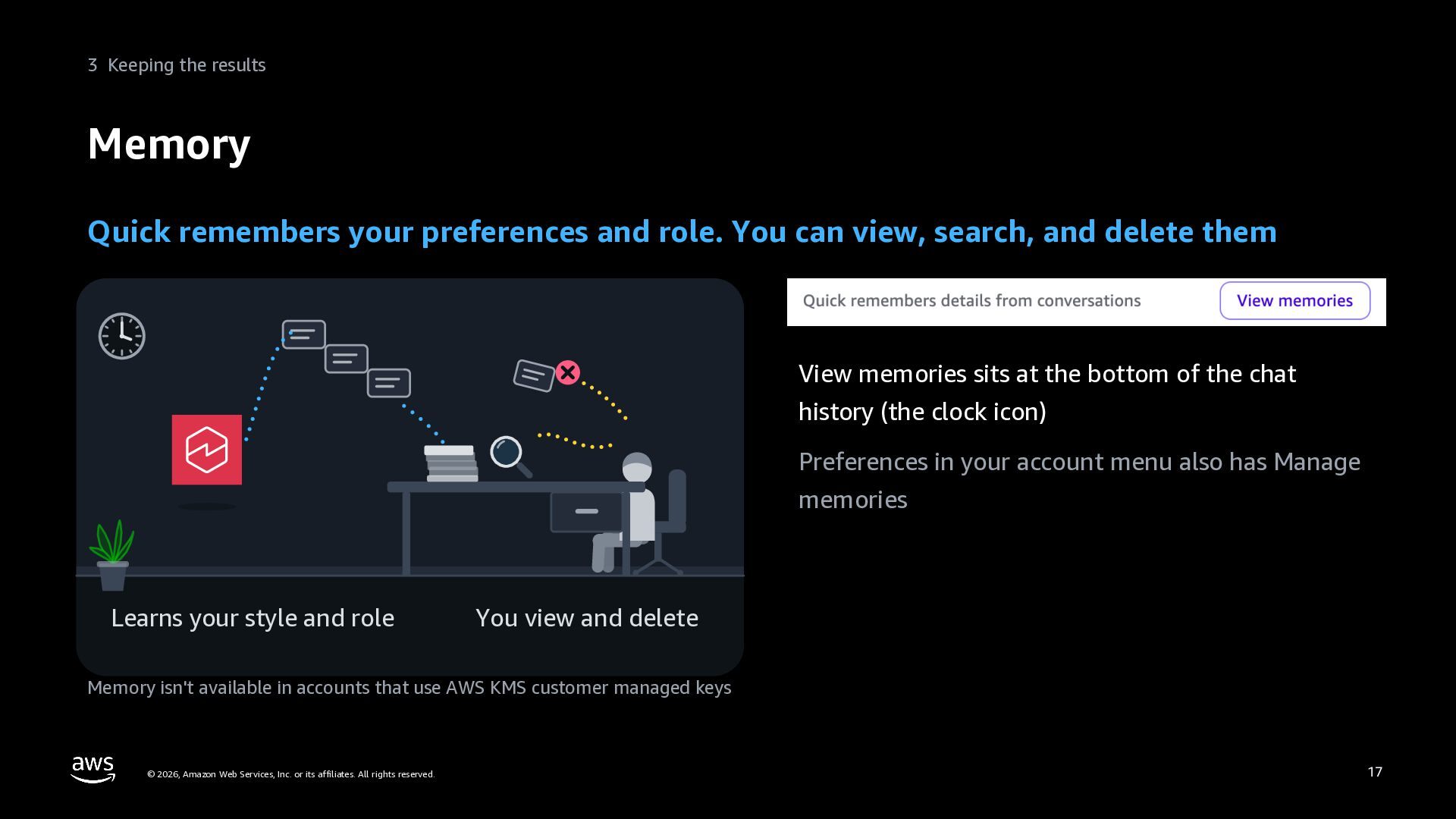
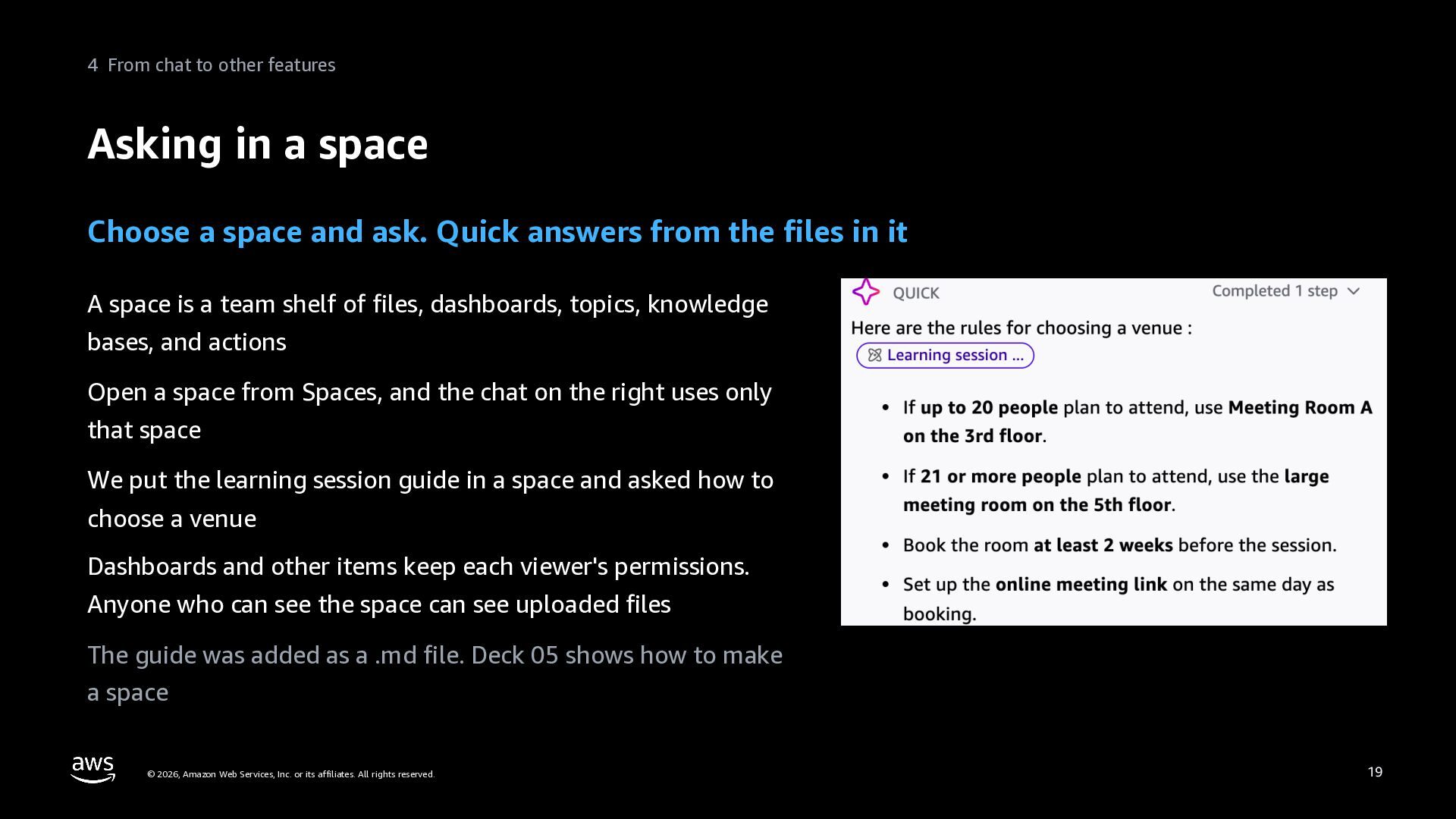
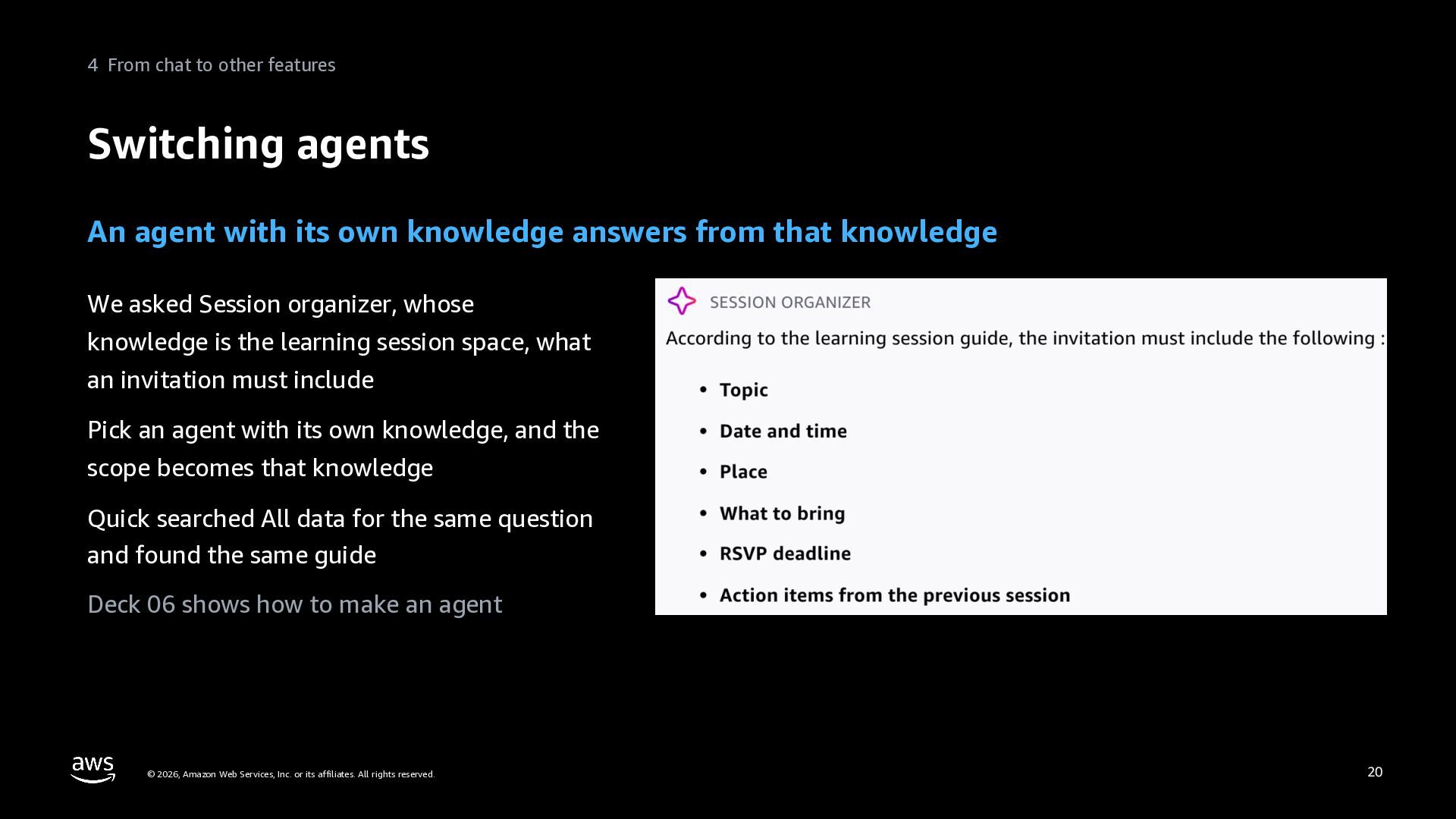
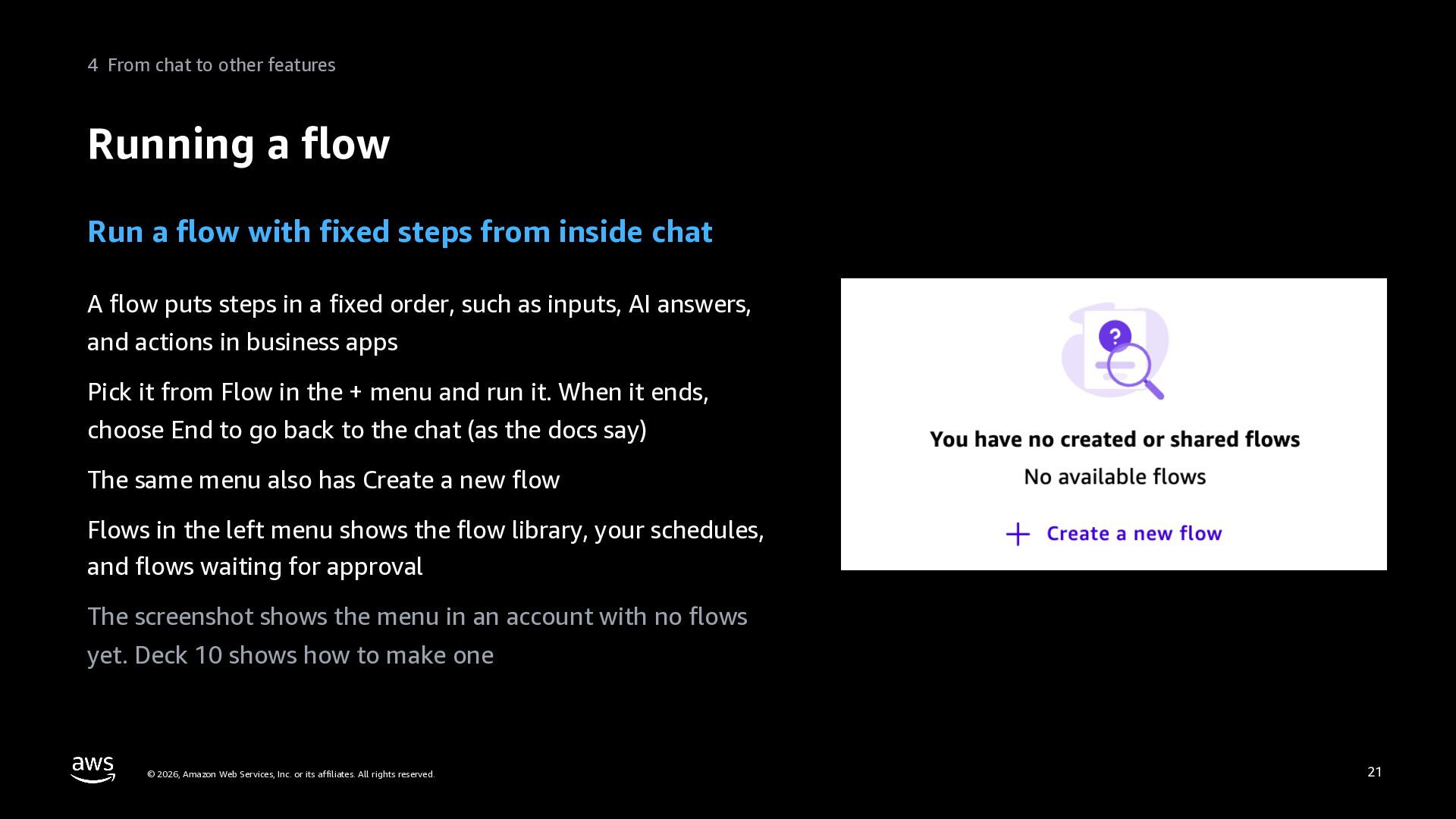
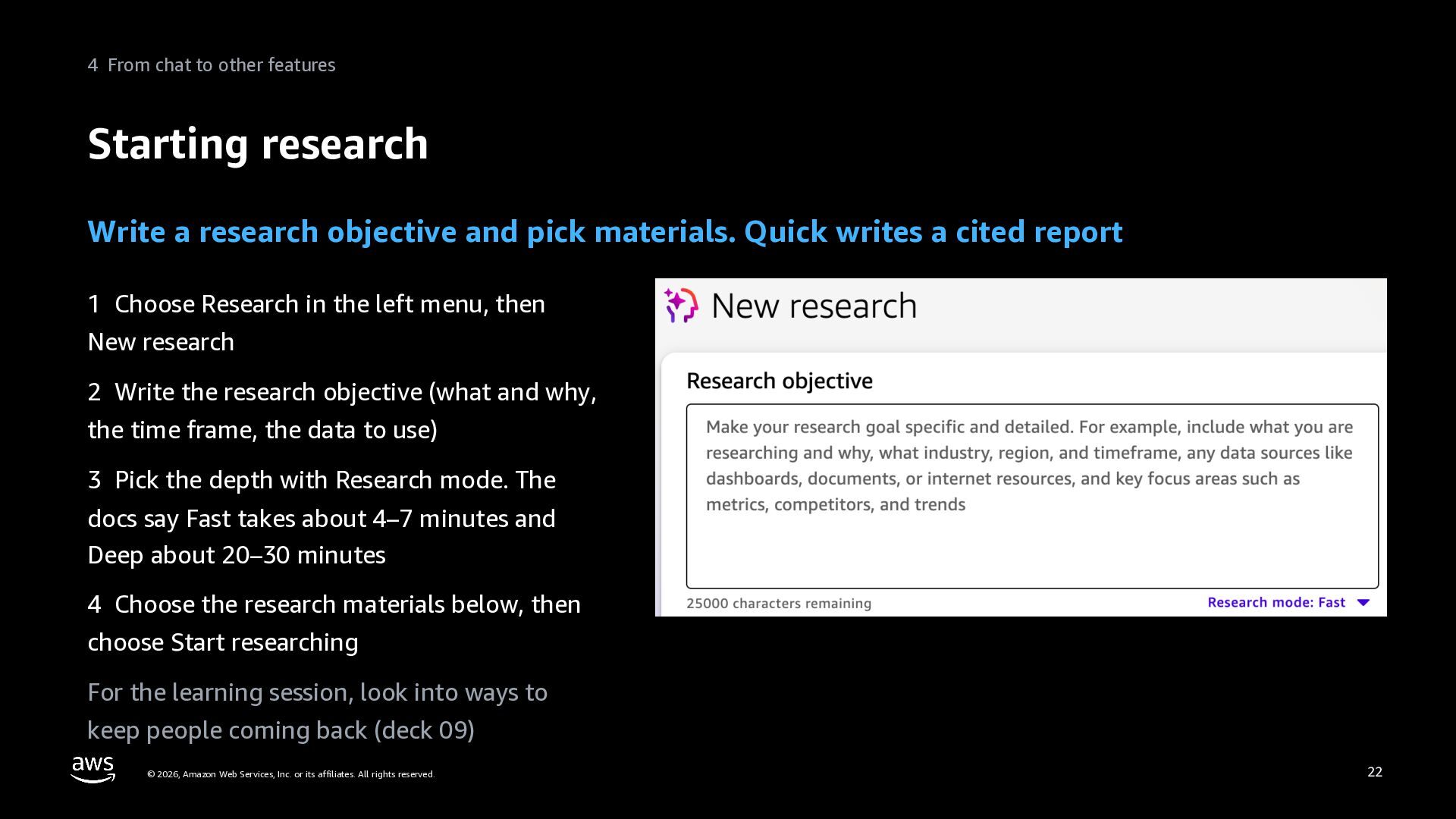
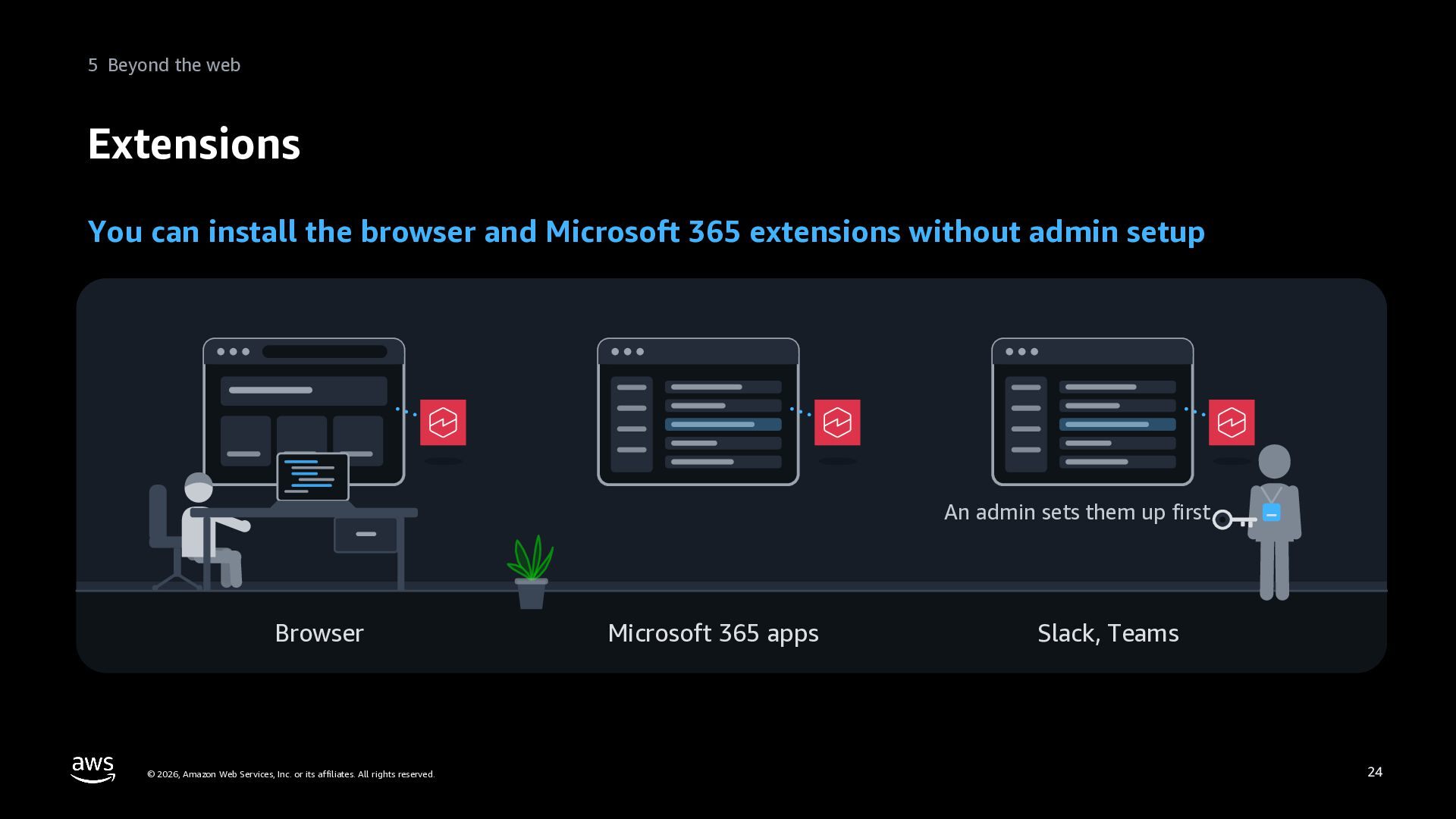
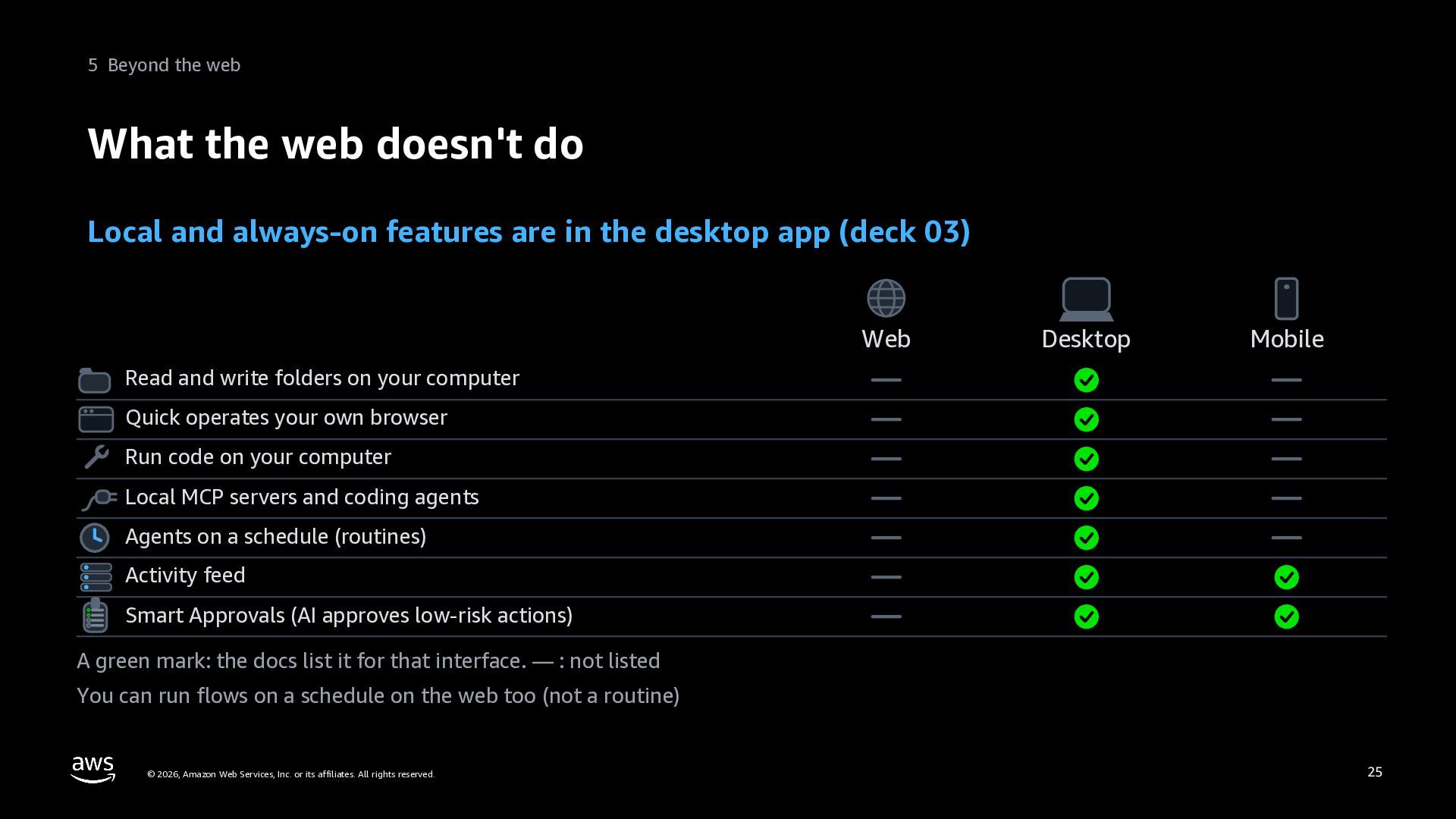
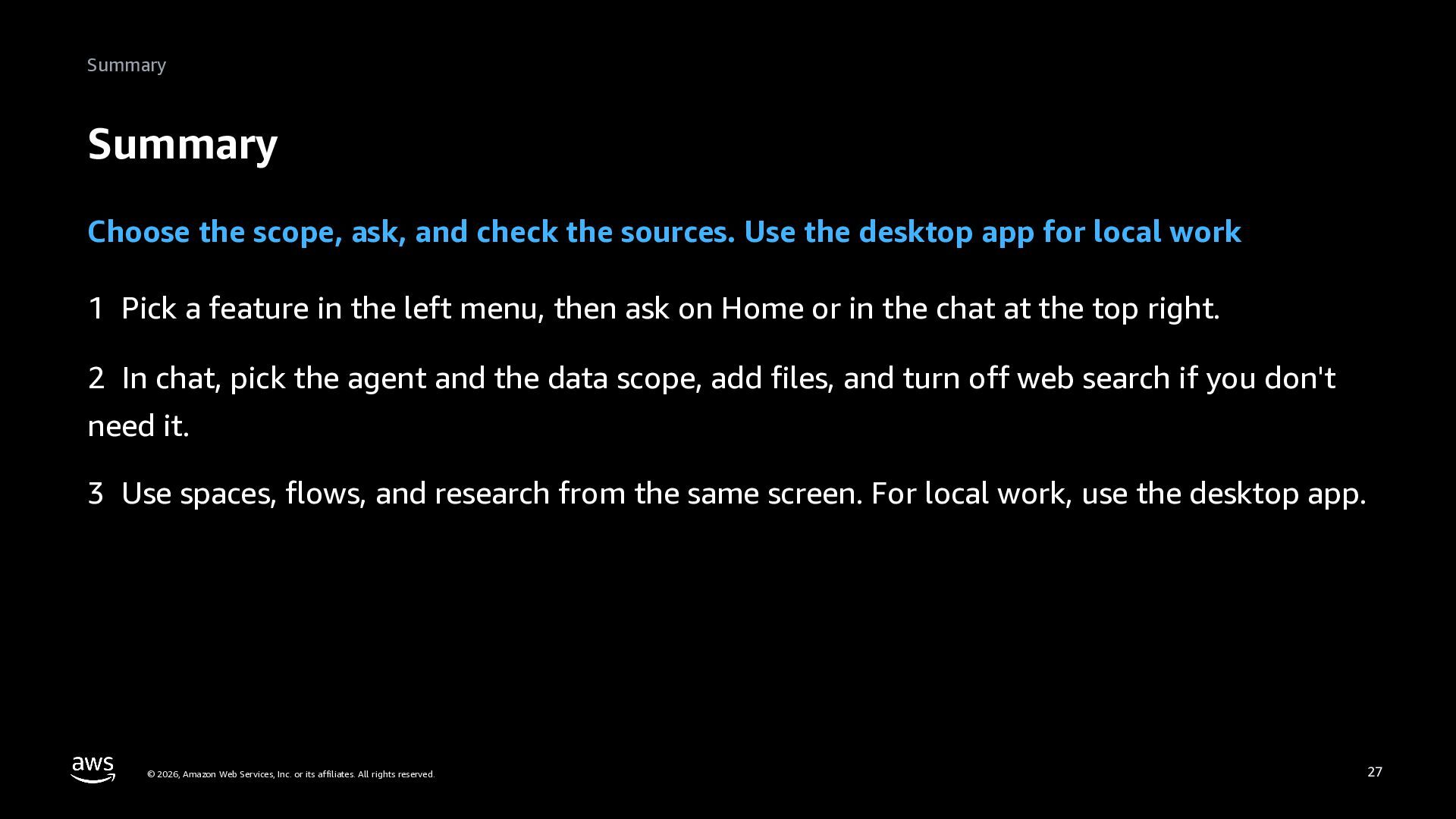
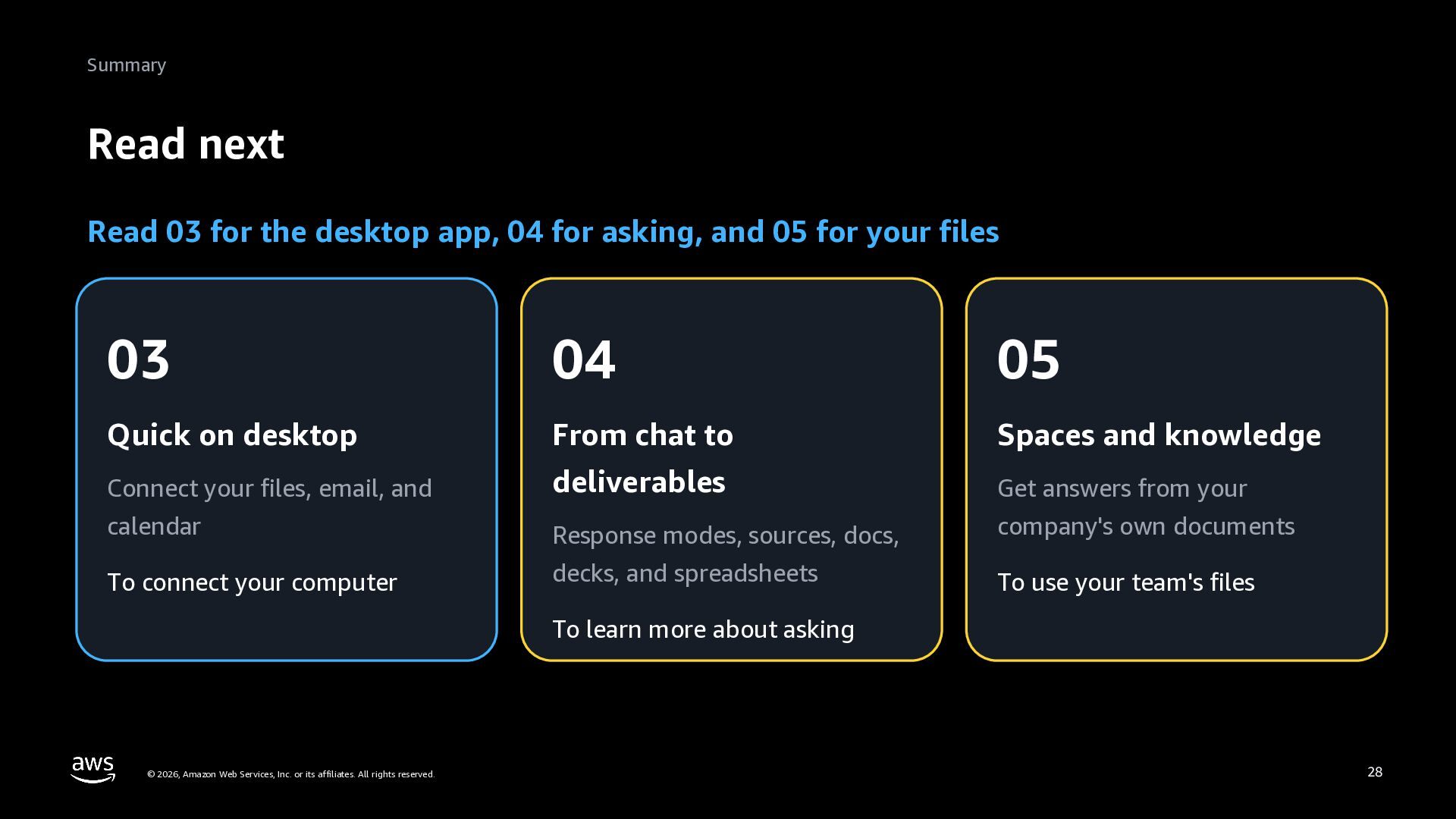
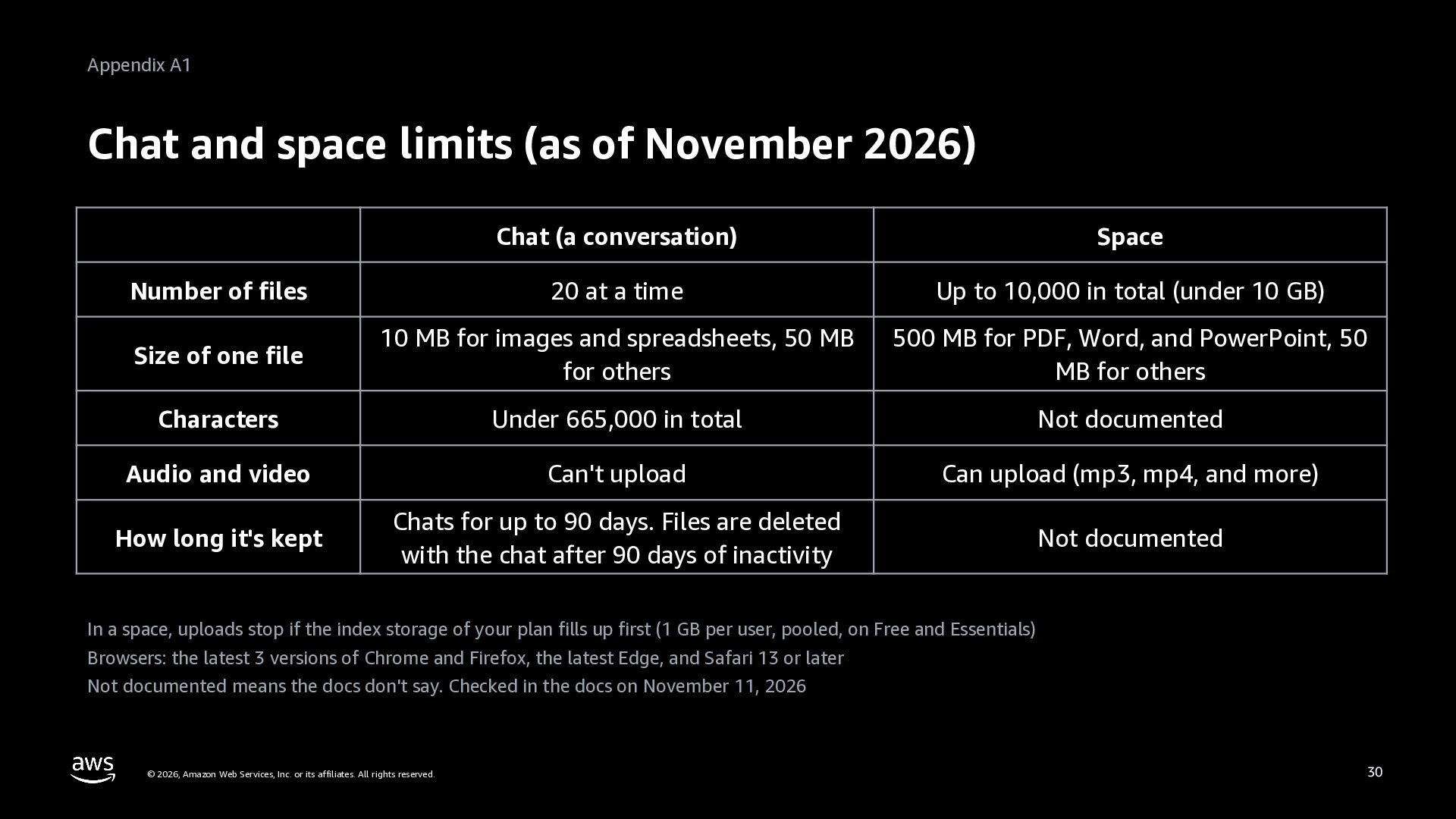
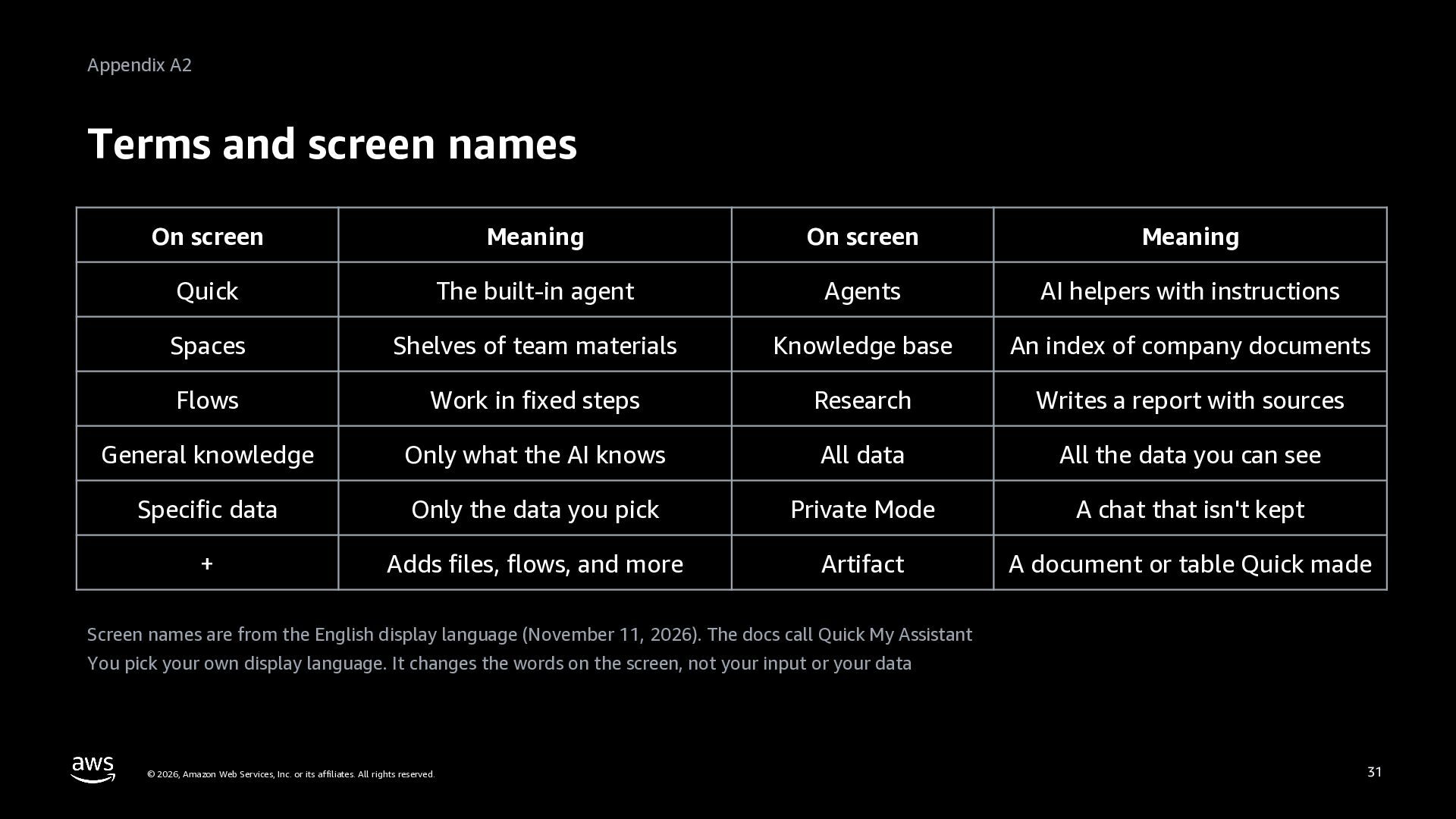
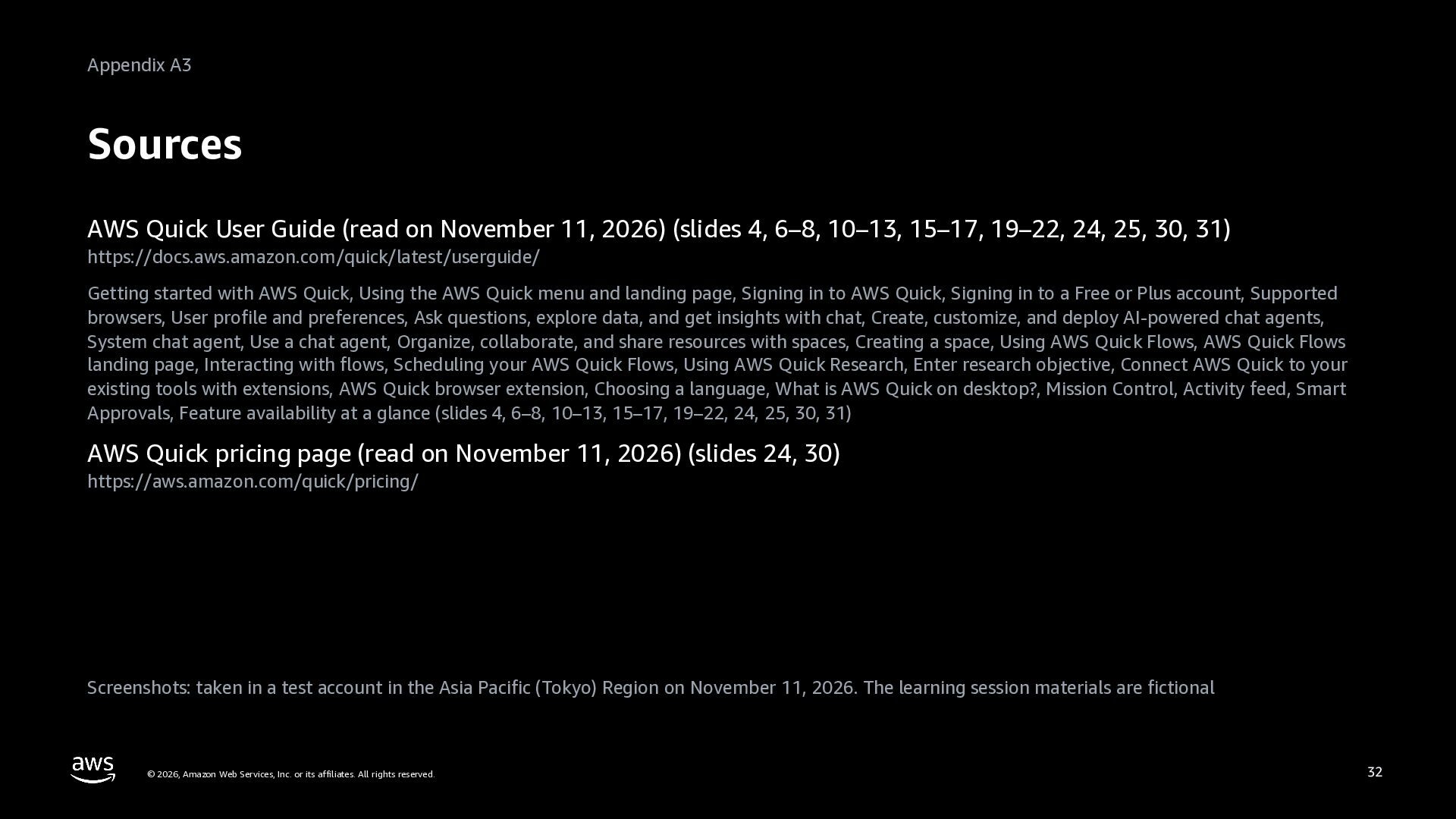
Level 100. A handout for anyone who uses AWS Quick on the web, in a browser. The web screen and signing in: the left menu, the chat box on Home, the two ways to sign in (an aws.com/quick account or a company account), and the two chat modes (collapse and expand). Asking in chat, with a running example of organizing a monthly internal learning session: choosing the built-in agent or an agent someone made, the three data scopes (General knowledge, All data, and Specific data), turning web search off for a request, and attaching files. Keeping the results: the artifact panel and its download formats, chat history for up to 90 days, Private Mode for chats you don't want kept, and memory. From chat to other features: asking in a space, switching to an agent with its own knowledge, running a flow, and starting Quick Research. What the web doesn't do: the browser and Microsoft 365 extensions, and the features that are only in the desktop app or the mobile app. Screens of the web app in English show each step. The appendix has chat and space limits, terms and screen names, and sources. Based on public documentation as of November 2026. Deck 02 (Get started) of the series AWS Quick: Zero to Hero.

Riku INADA PRO
Annual Pro sale · Save $30
Have presentations of your own?
Share with private links, password protection, and more control over your work.
 inariku
 hinalin
 sms_tech
 tascript
 visional_engineering_and_design
 civitaspo
 ivry_presentationmaterials
 ysuzuki
 tkyowa
 qatonchan
 nenonaninu
 sergicalsix
 nakker1218
 csswizardry
 gurzu
 varn
 cassininazir
 caitiem20
 ipullrank
 leimatthew05
 frankvandijk
 inesmontani
 deanohume
 soudai
 addyosmani