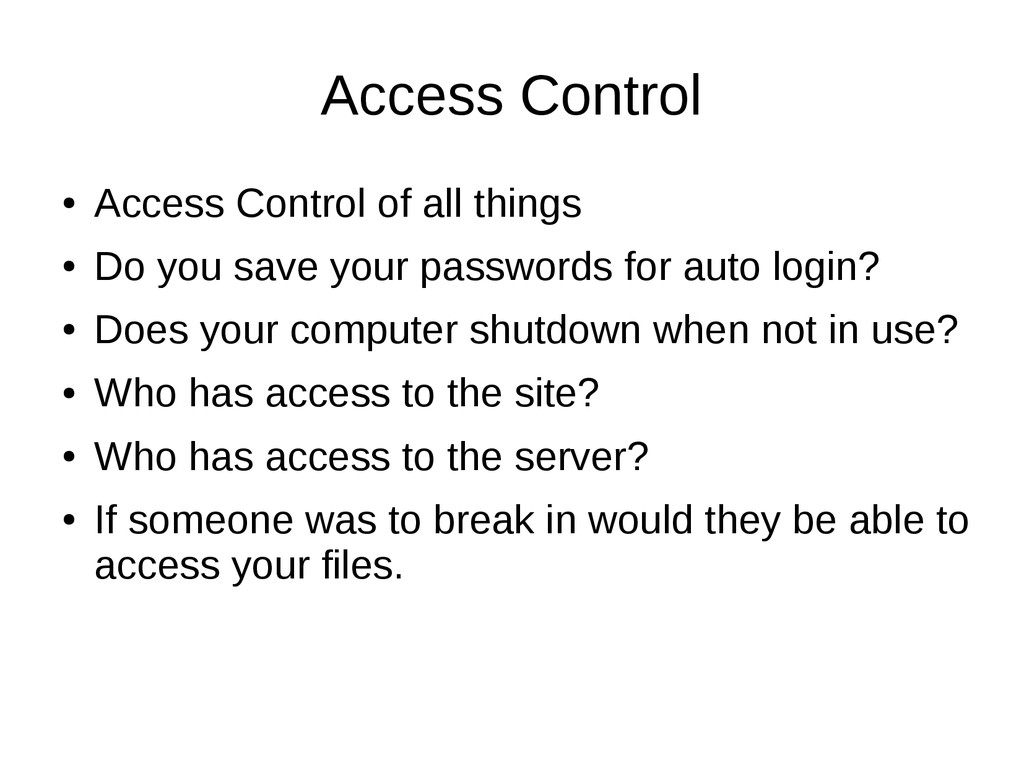
you save your passwords for auto login? • Does your computer shutdown when not in use? • Who has access to the site? • Who has access to the server? • If someone was to break in would they be able to access your files.
access that they need. This reduces unnecessary access and mess ups in the site. • Server Access are you using FTP if so WHY!!! SFTP is more secure however this doesn't always work but when available use it. • Does your office have screensavers that force you to login when you return to prevent unauthorized users.
not long enough. (Consider http://strongpasswordgenerator.com for random passwords) • If your not suer if its weak go here https://howsecureismypassword.net/ • So PLEASE STOP WITH THE ADMIN DEFAULTED PASSWORDS Change them ASAP!
a backup plugin lets try that. • YOU DO NOT HAVE A BACKUP IF IT'S ON SAME CPANEL THAT GOT HACKED • Always backup off the server to another location you can only have backups if they are in multiple locations. (Whether its S2, Dropbox, another sftp etc.)
your not just getting hosting but backups that are on multiple locations. • Ensure how long they keep their backups. • Do you or do they test those backups to see if they can properly restore.
you understand it. • Do not reset the database or change the files unless you know it will work. • Call a company that can unhack your site likely it will be much cheaper than rebuilding and will be.
bring viruses from your desktop or laptop over to your site) • Check site through scanner such as https://sitecheck.sucuri.net// or for malware try http://virustotal.com • Do you see something wrong on those scans? • If not check these items scanners can't catch everything.
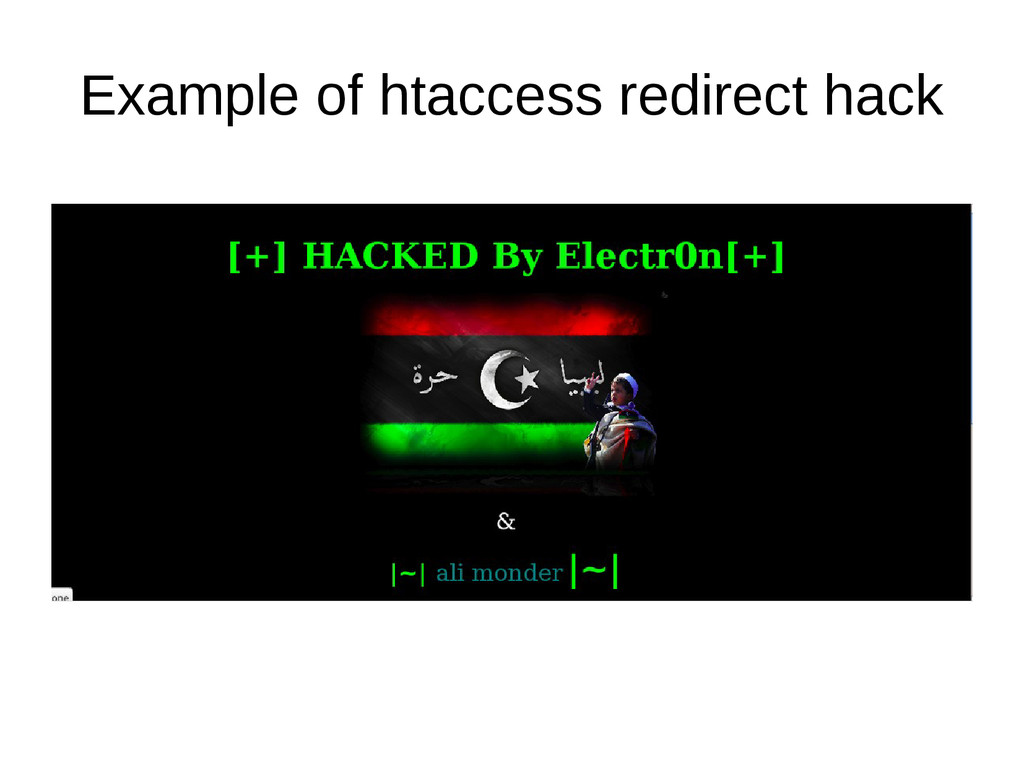
friendly event • Redirects to porn on mobile but leaves desktop and laptop versions completely normal. • Clean up usually involves cleaning up mysql injections and htaccess files sometimes a ghost plugin
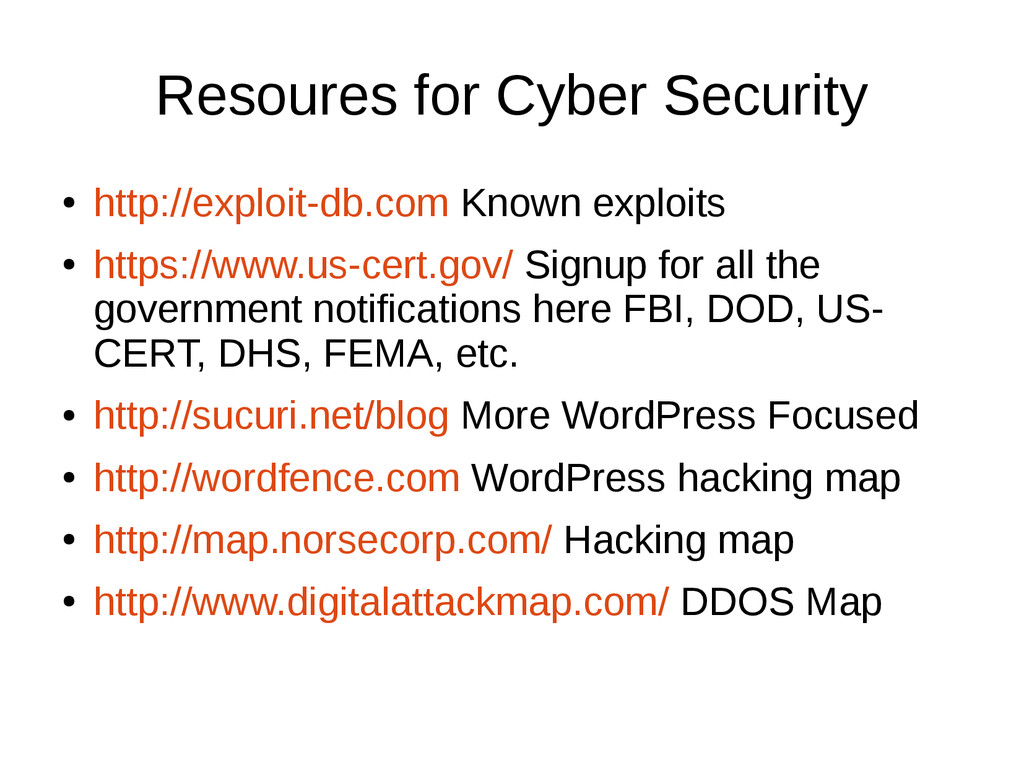
Signup for all the government notifications here FBI, DOD, US- CERT, DHS, FEMA, etc. • http://sucuri.net/blog More WordPress Focused • http://wordfence.com WordPress hacking map • http://map.norsecorp.com/ Hacking map • http://www.digitalattackmap.com/ DDOS Map


 teamlab
 jtakeda
 ezaki
ezaki
 camiha
 codmoninc
 kaminashi
 sudoakiy
 recruitengineers
 kentapapa
 shugo
shugo
 bgpat
bgpat
 riyaamemiya
 samlambert
 akashhashmi
 chrisshort
 bermonpainter
 marcelosomers
 codingconduct
 nonsquared
 tammyeverts
 katiecoart
 rmw
rmw
 aleyda
 addyosmani