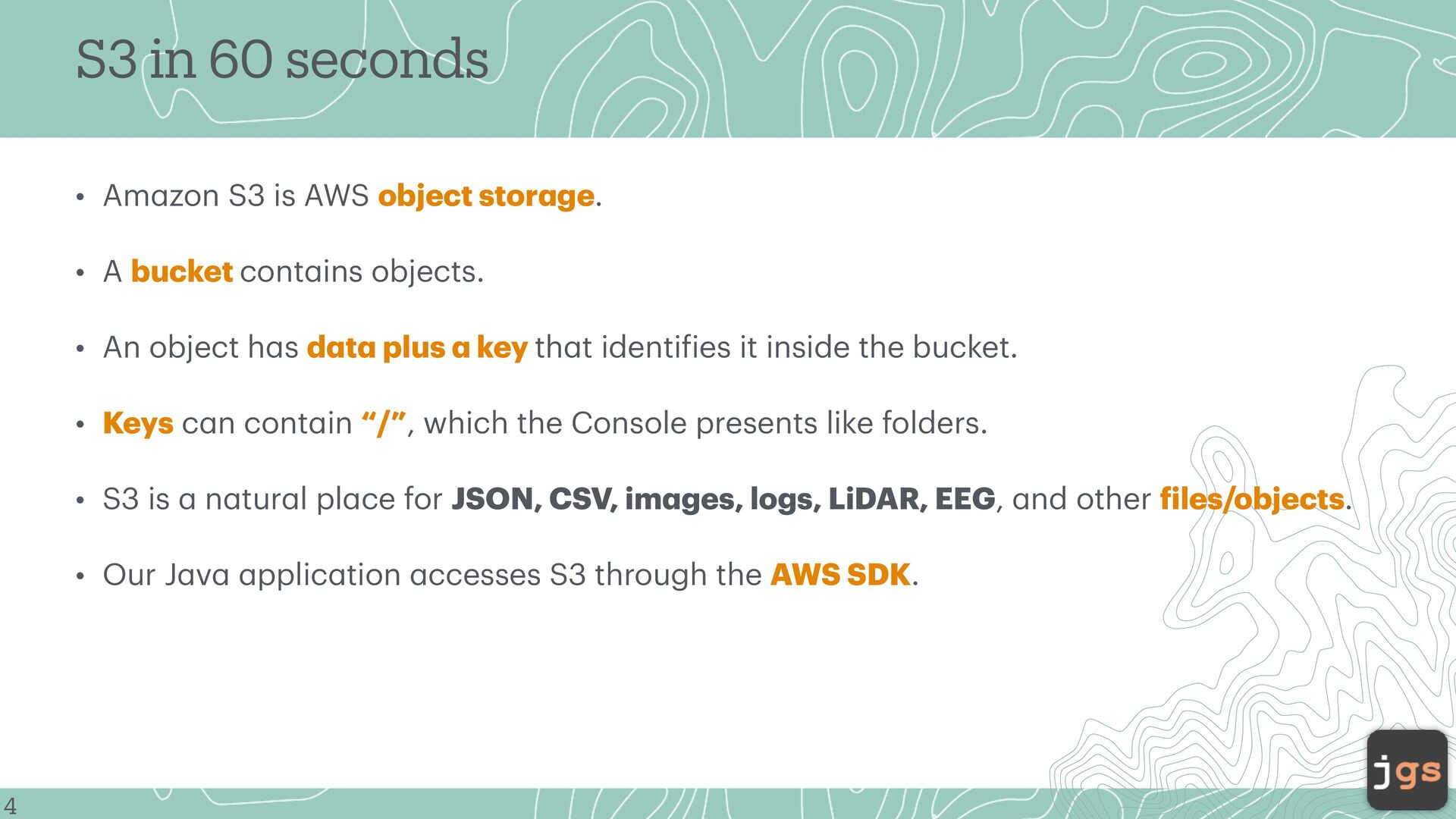
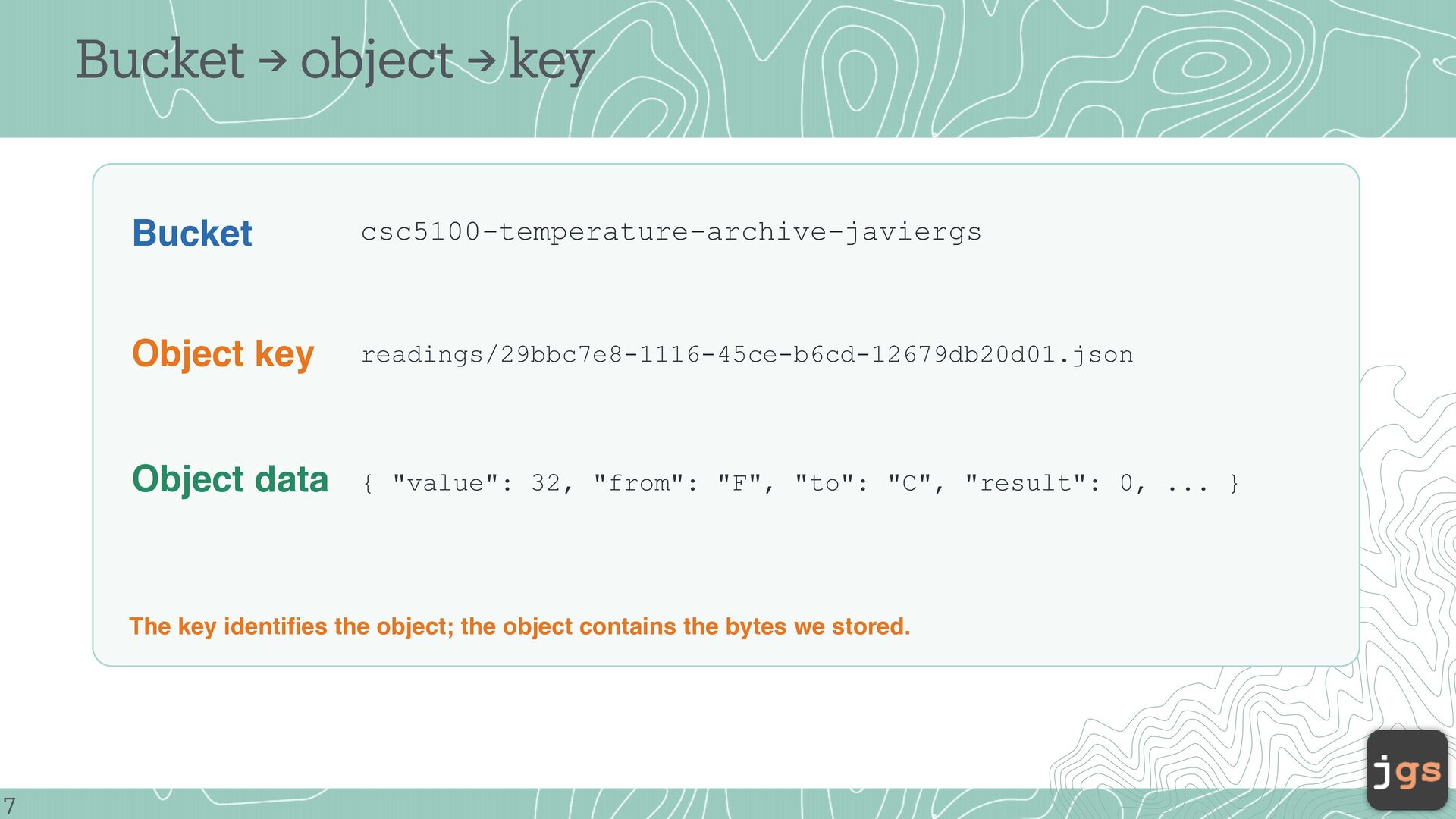
object stor ge. • A bucket cont ins objects. • An object h s d t plus key th t identi ies it inside the bucket. • Keys c n cont in “/”, which the Console presents like folders. n tur l pl ce for JSON, CSV, im ges, logs, LiDAR, EEG, nd other iles/objects. f a f a a a a a a a pplic tion ccesses S3 through the AWS SDK. a a a a a a a a a a a 4 a • Our J v a • S3 is
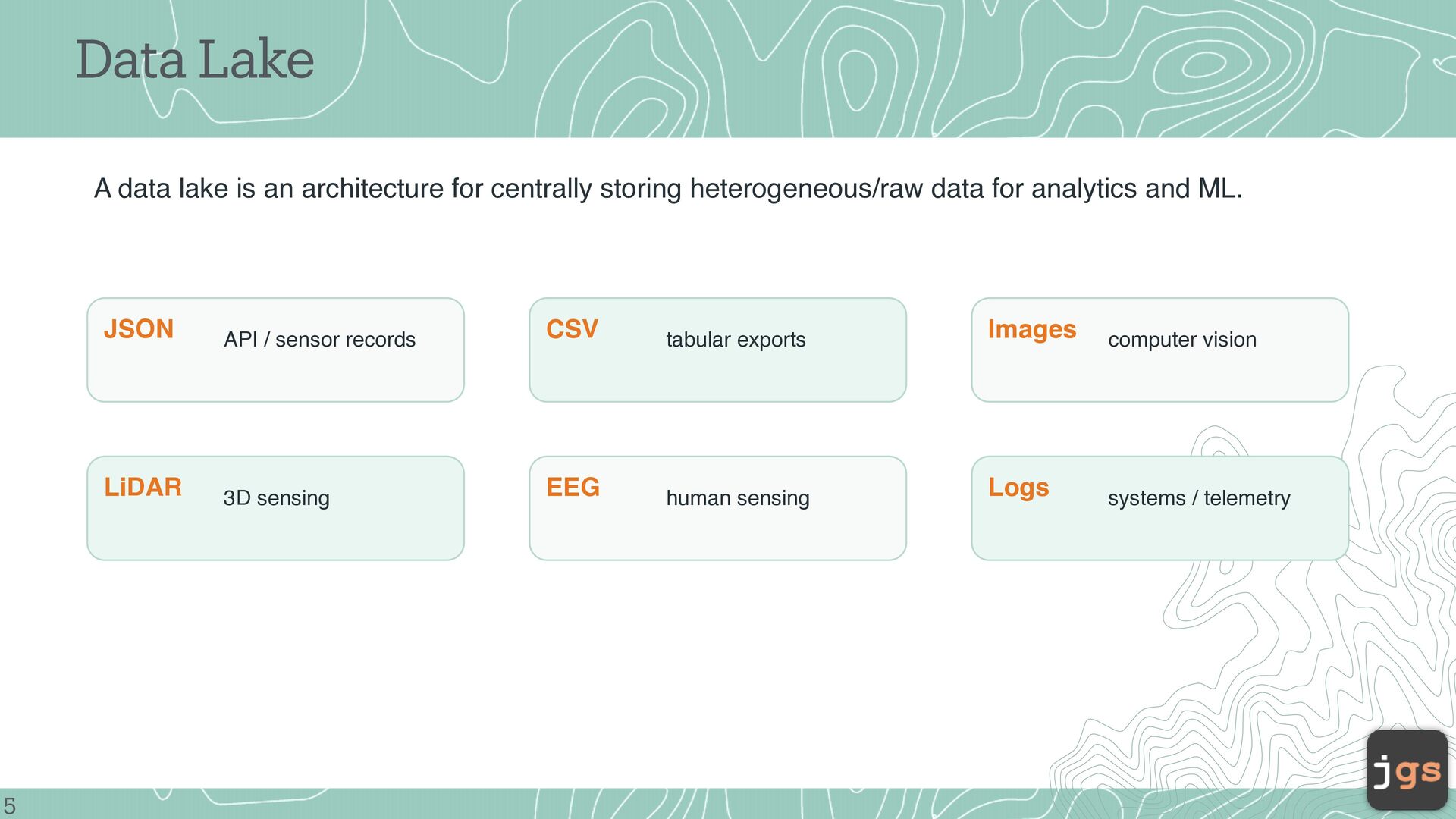
storing heterogeneous/raw data for analytics and ML. 5 JSON API / sensor records CSV tabular exports Images computer vision LiDAR 3D sensing EEG human sensing Logs systems / telemetry
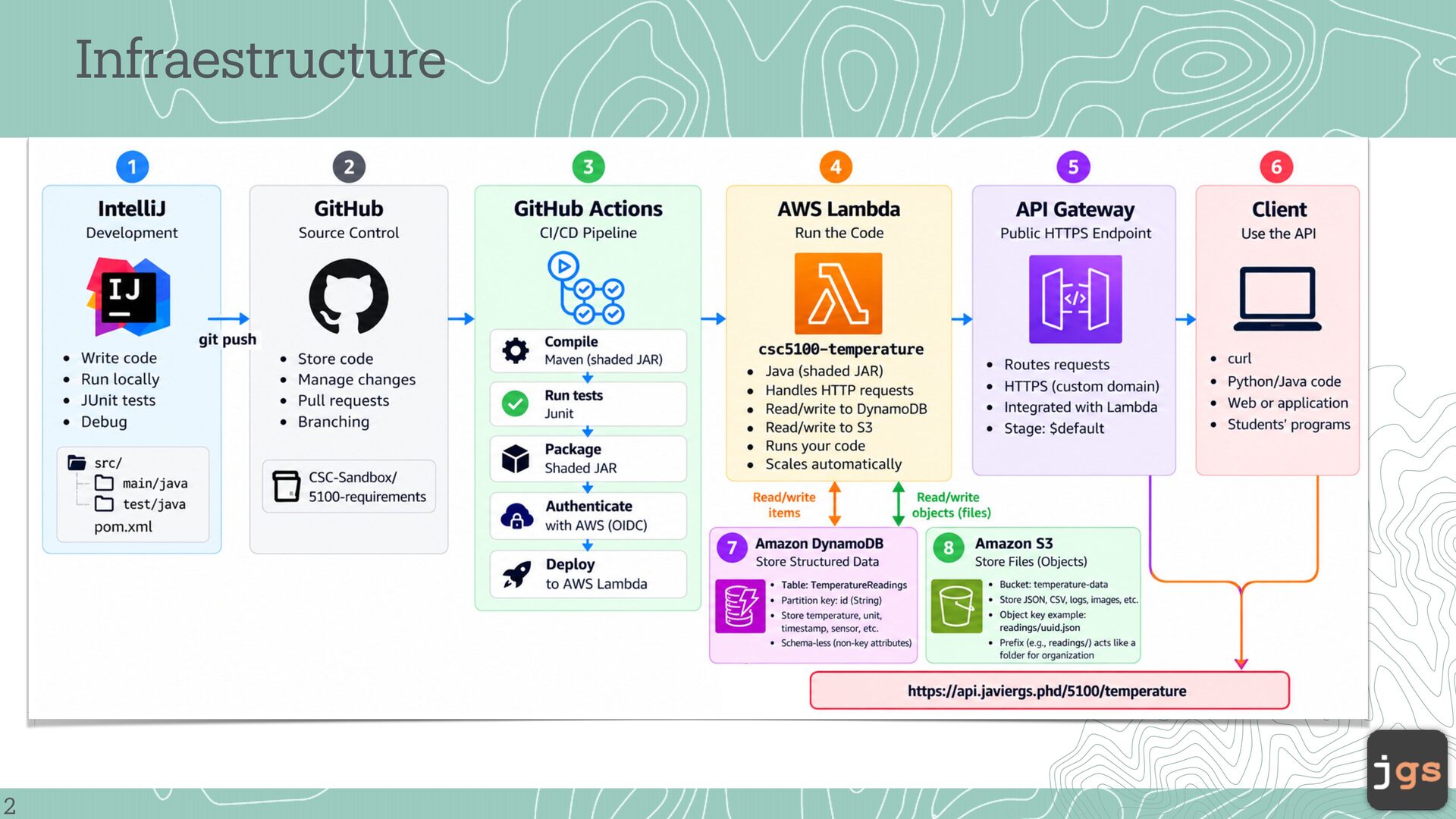
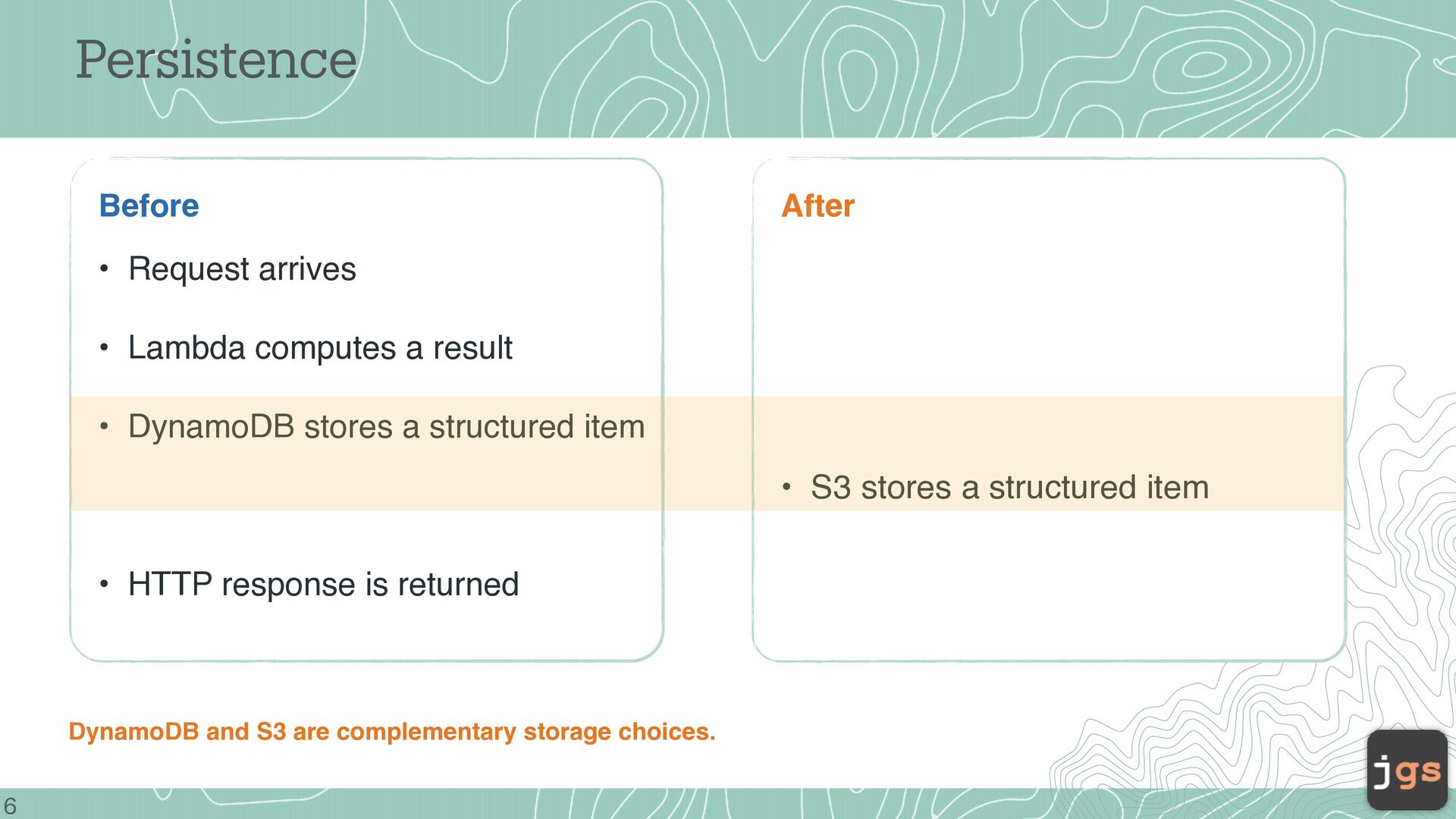
result • DynamoDB stores a structured item • S3 stores a structured item • HTTP response is returned DynamoDB and S3 are complementary storage choices. 6
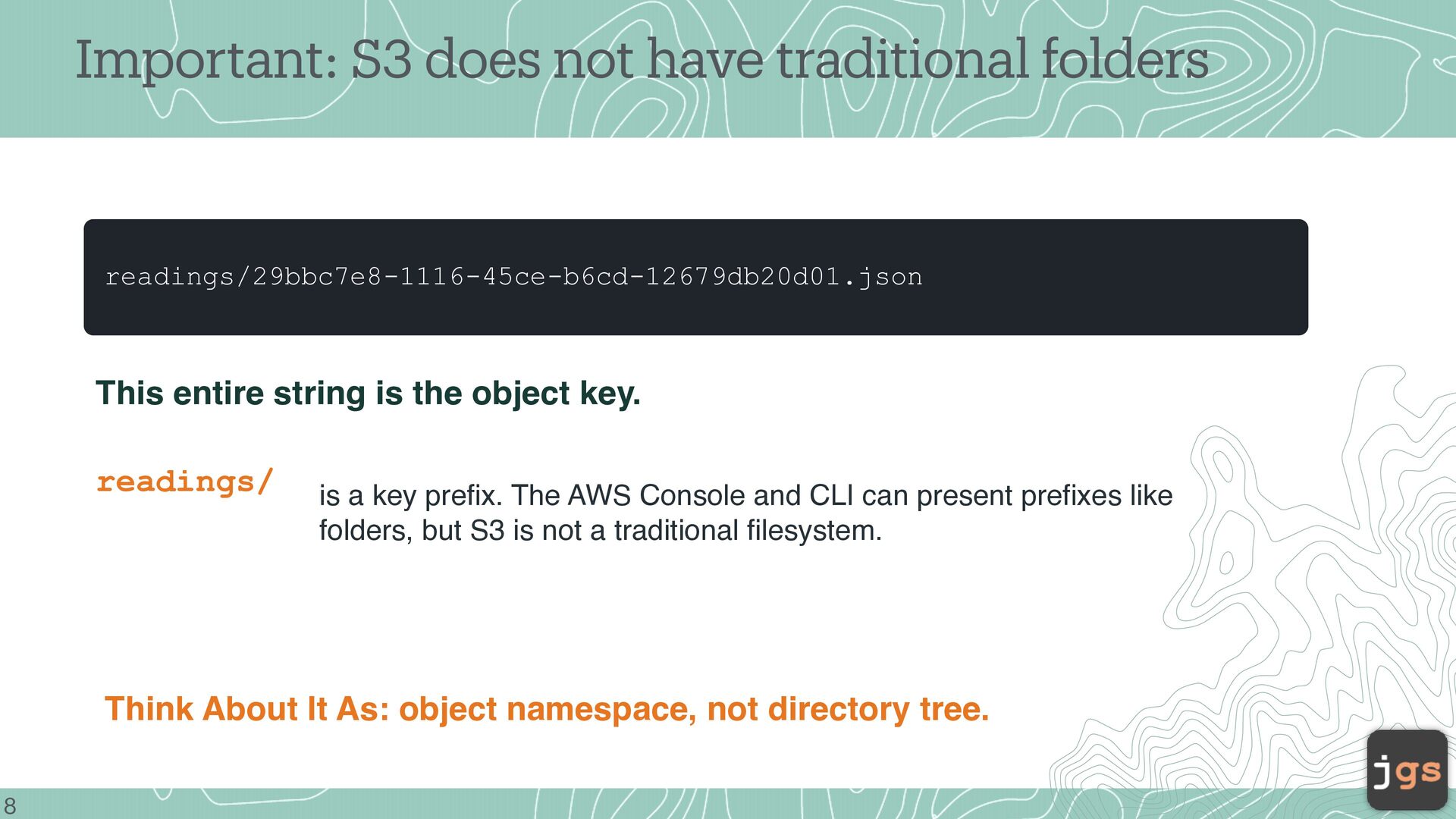
string is the object key. readings/ is a key prefix. The AWS Console and CLI can present prefixes like folders, but S3 is not a traditional filesystem. Think About It As: object namespace, not directory tree. 8
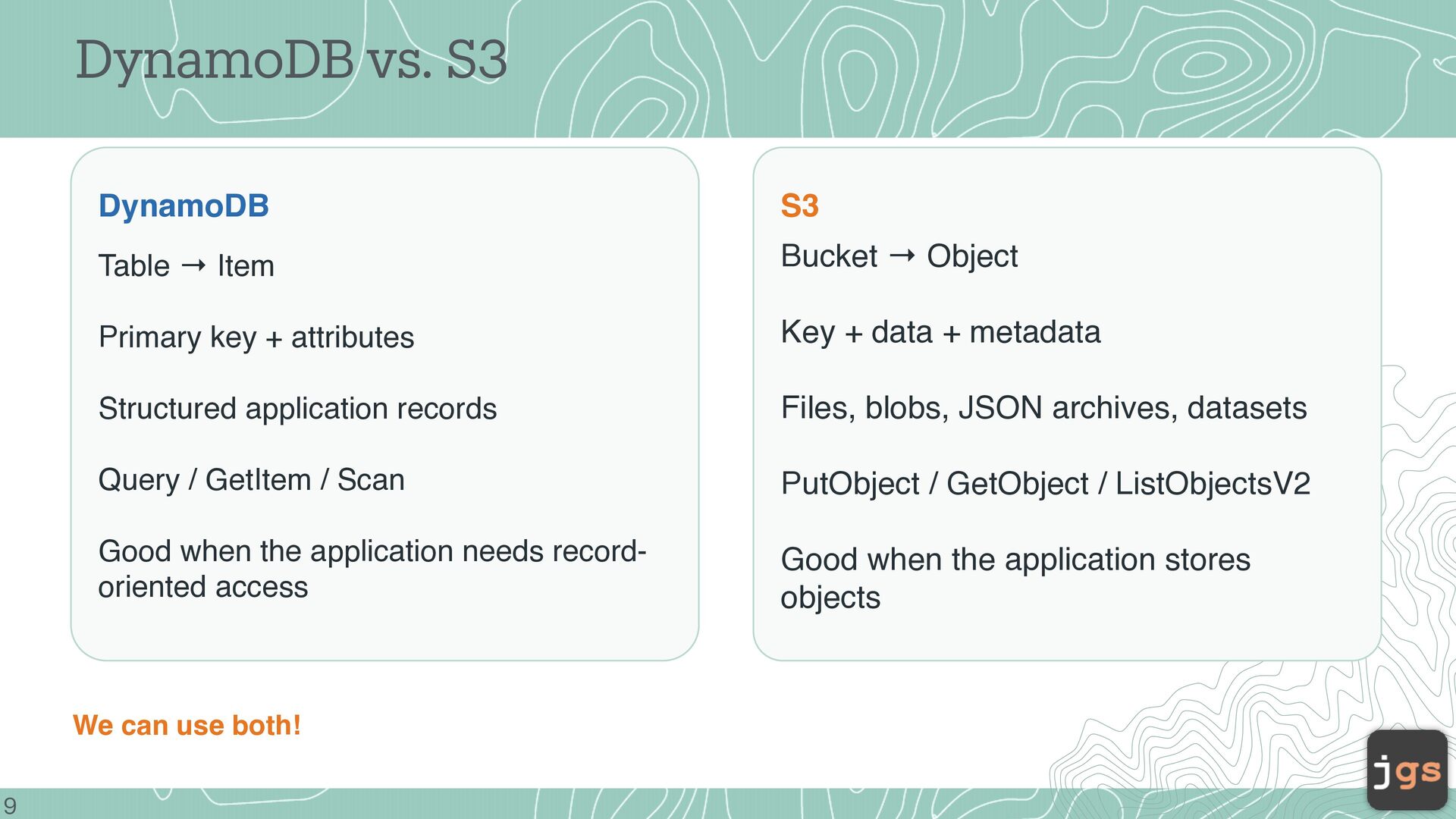
Object Primary key + attributes Key + data + metadata Structured application records Files, blobs, JSON archives, datasets Query / GetItem / Scan PutObject / GetObject / ListObjectsV2 Good when the application needs recordoriented access Good when the application stores objects We can use both! 9
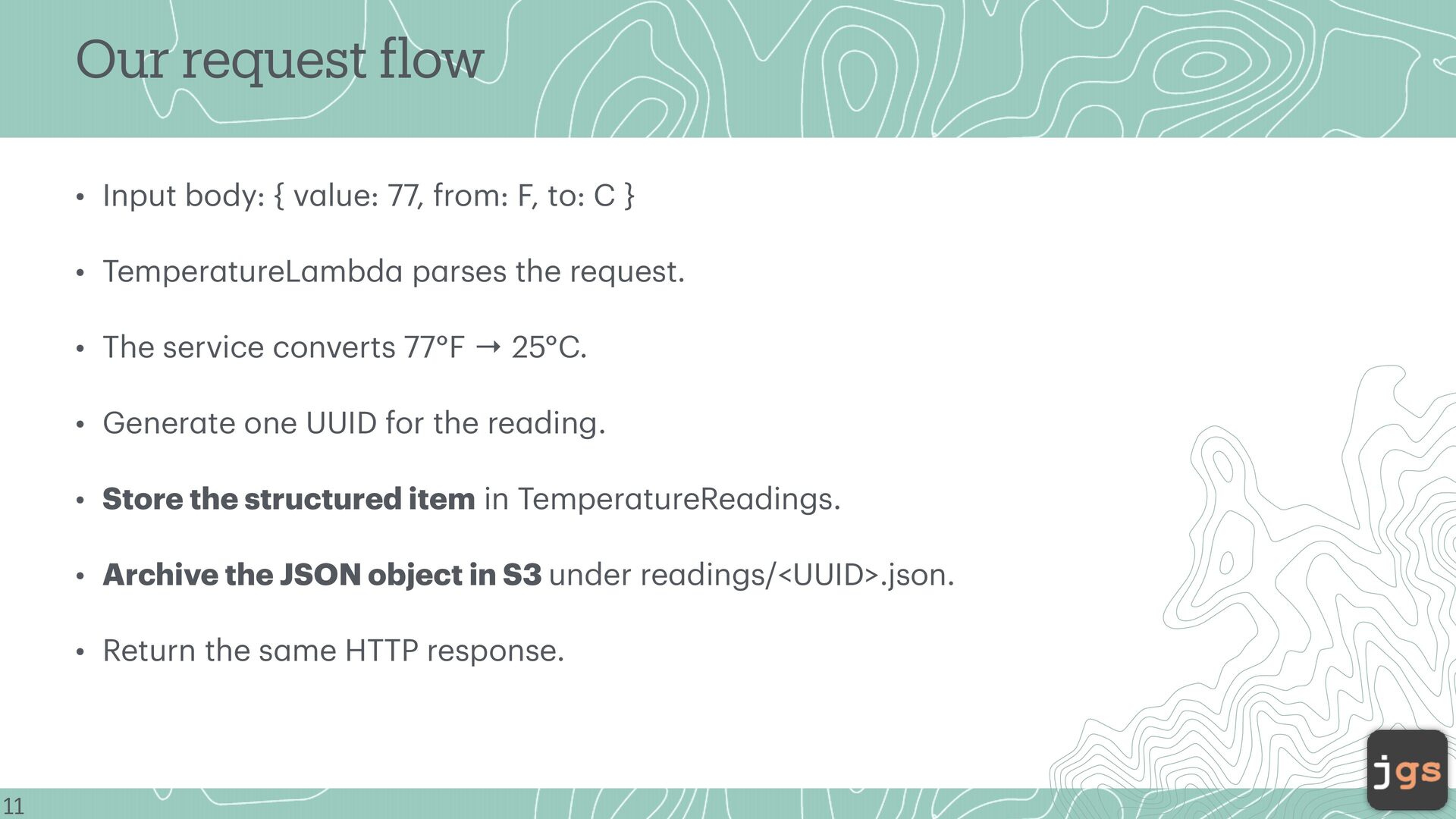
from: F, to: C } • Temper tureL mbd p rses the request. • The service converts 77°F → 25°C. • Gener te one UUID for the re ding. • Store the structured item in Temper tureRe dings. • Archive the JSON object in S3 under re dings/<UUID>.json. a a a a a f a a a a a 11 a • Return the s me HTTP response.
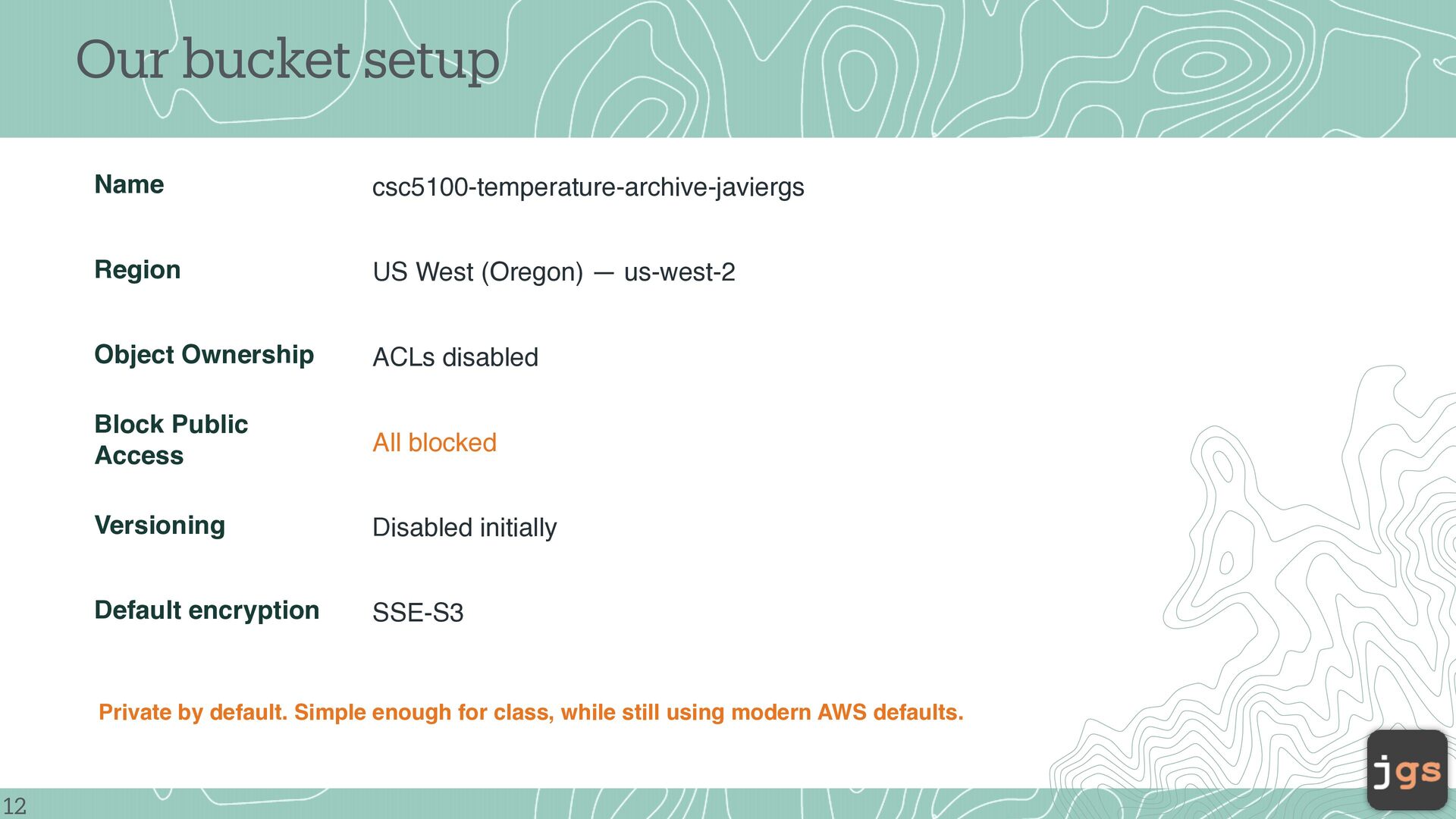
us-west-2 Object Ownership ACLs disabled Block Public Access All blocked Versioning Disabled initially Default encryption SSE-S3 Private by default. Simple enough for class, while still using modern AWS defaults. 12
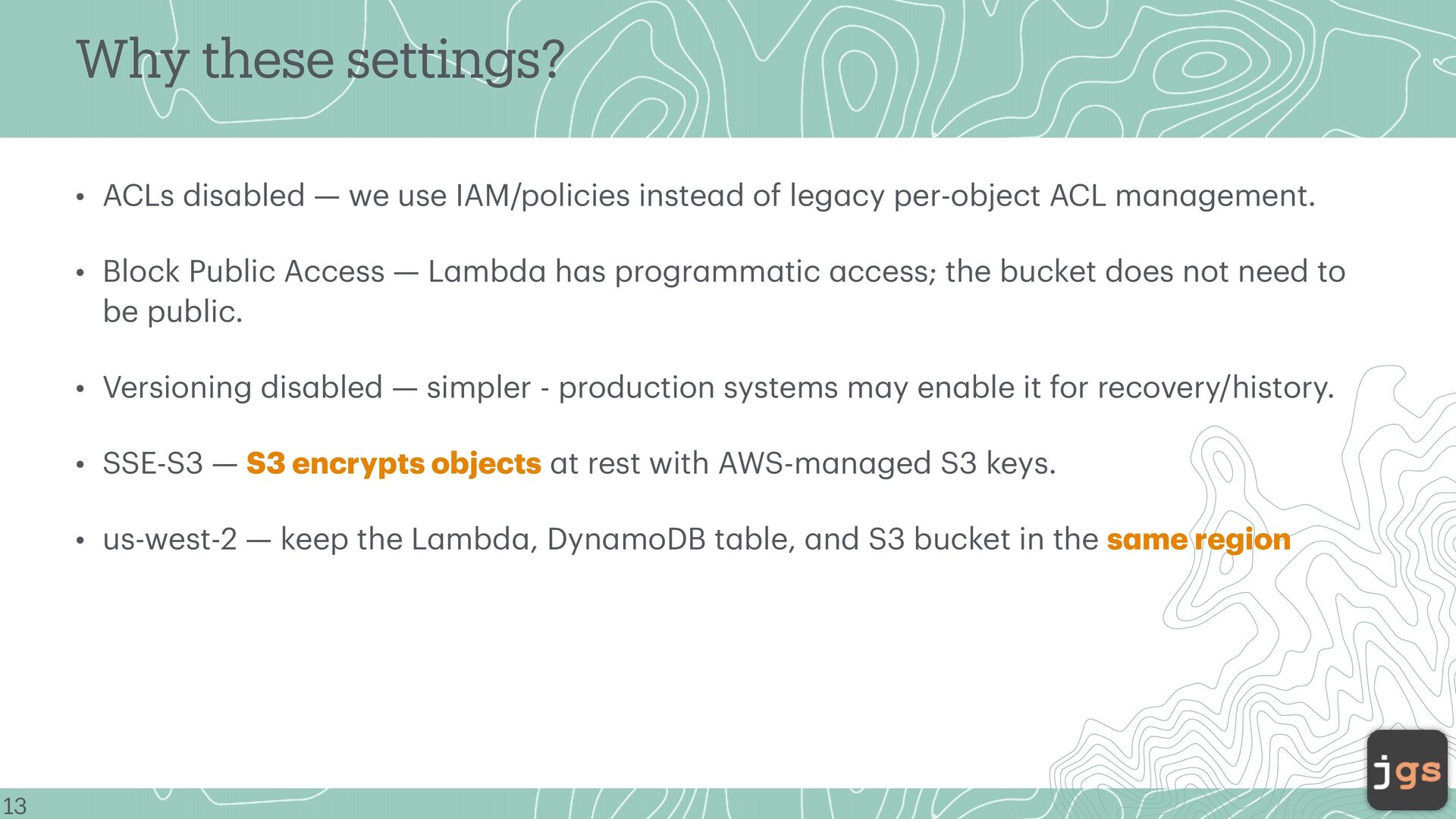
IAM/policies inste d of leg cy per-object ACL m n gement. • Block Public Access — L mbd h s progr mm tic ccess; the bucket does not need to be public. • Versioning dis bled — simpler - production systems m y en ble it for recovery/history. • SSE-S3 — S3 encrypts objects t rest with AWS-m n ged S3 keys. a a a a a a a a a a a a a a a a a a a a a a 13 a • us-west-2 — keep the L mbd , Dyn moDB t ble, nd S3 bucket in the s me region
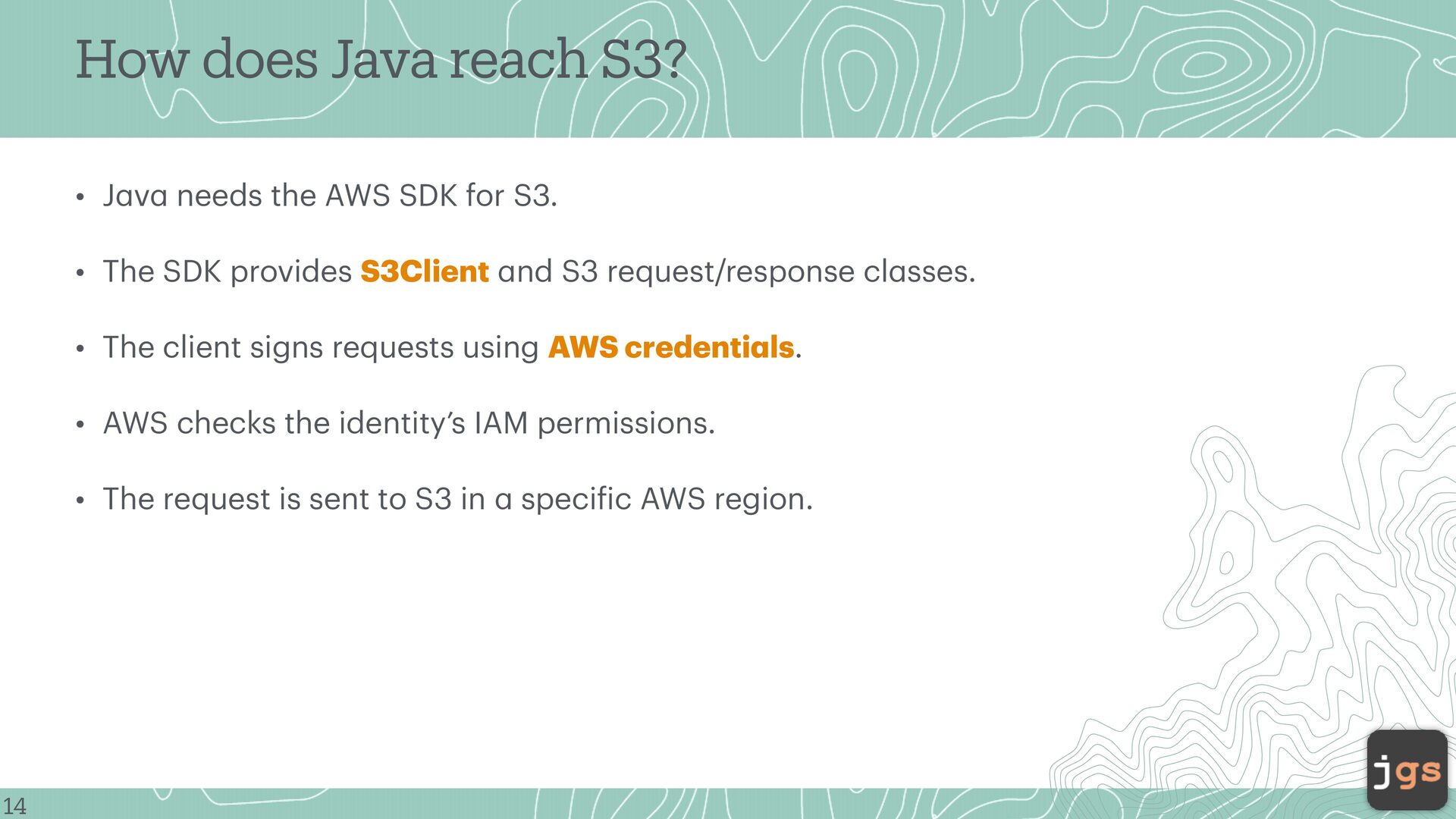
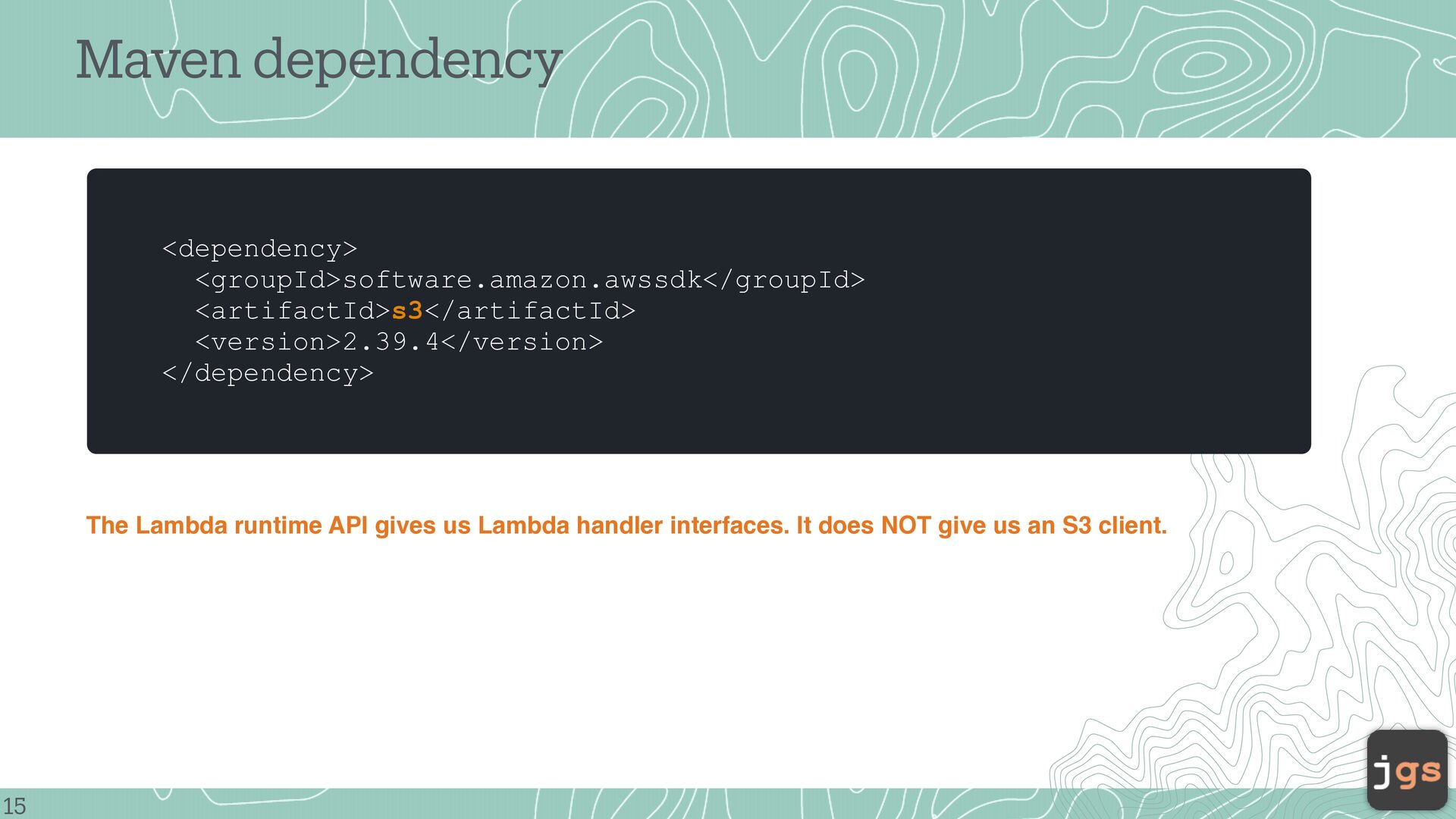
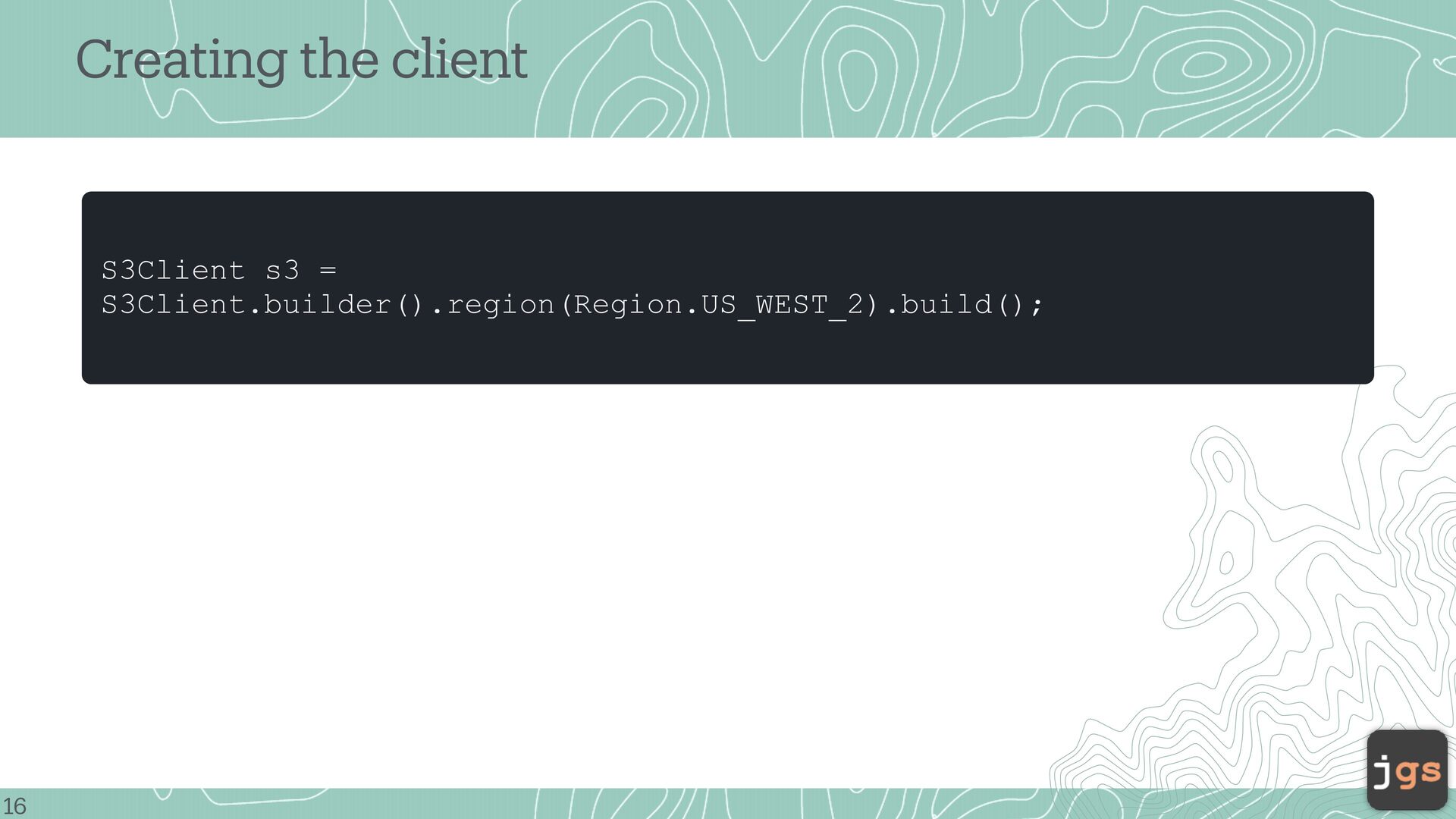
AWS SDK for S3. • The SDK provides S3Client nd S3 request/response cl sses. • The client signs requests using AWS credenti ls. • AWS checks the identity’s IAM permissions. a a speci ic AWS region. f a a a 14 a • The request is sent to S3 in
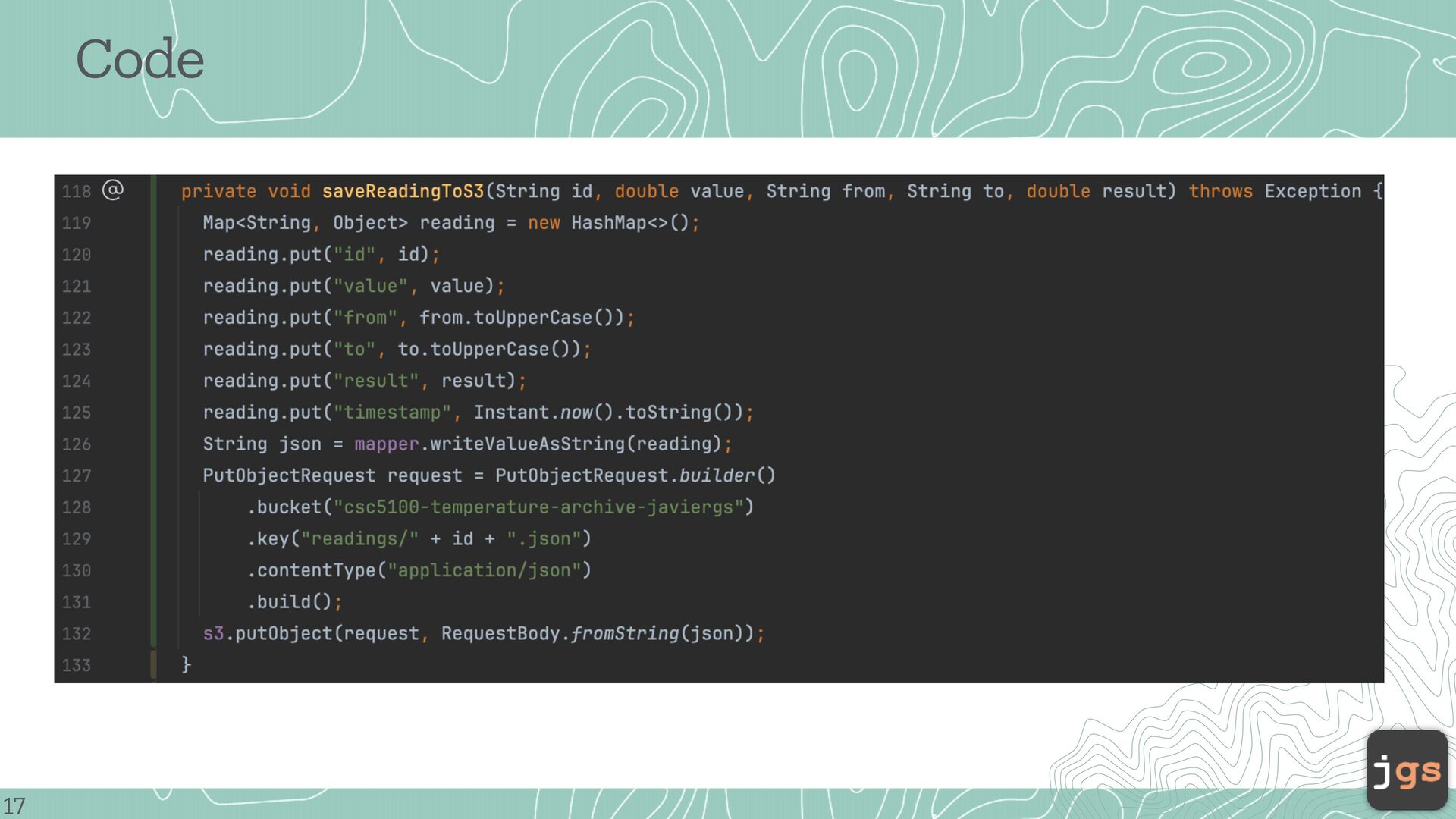
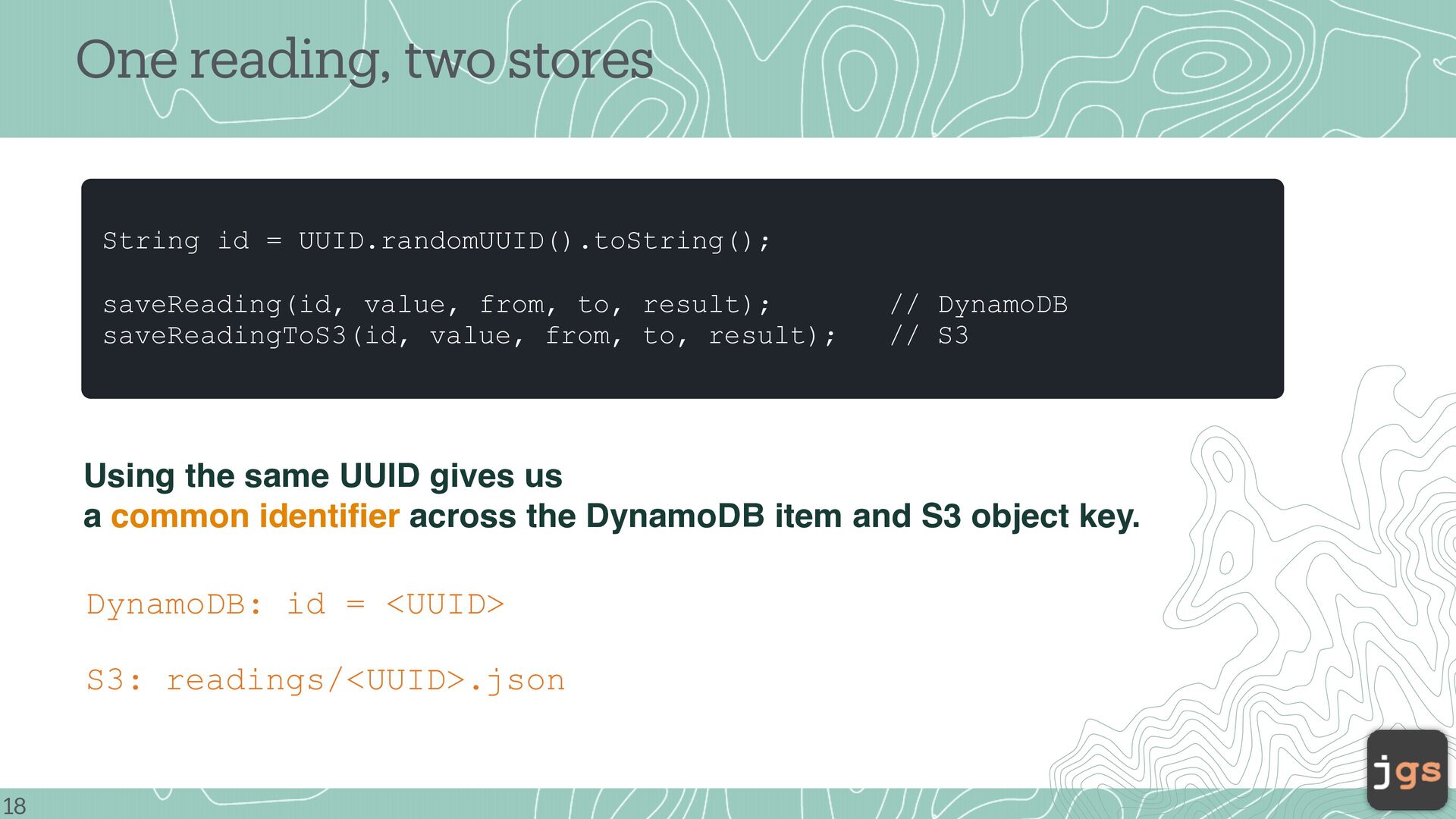
from, to, result); saveReadingToS3(id, value, from, to, result); // DynamoDB // S3 Using the same UUID gives us a common identifier across the DynamoDB item and S3 object key. DynamoDB: id = <UUID> S3: readings/<UUID>.json 18
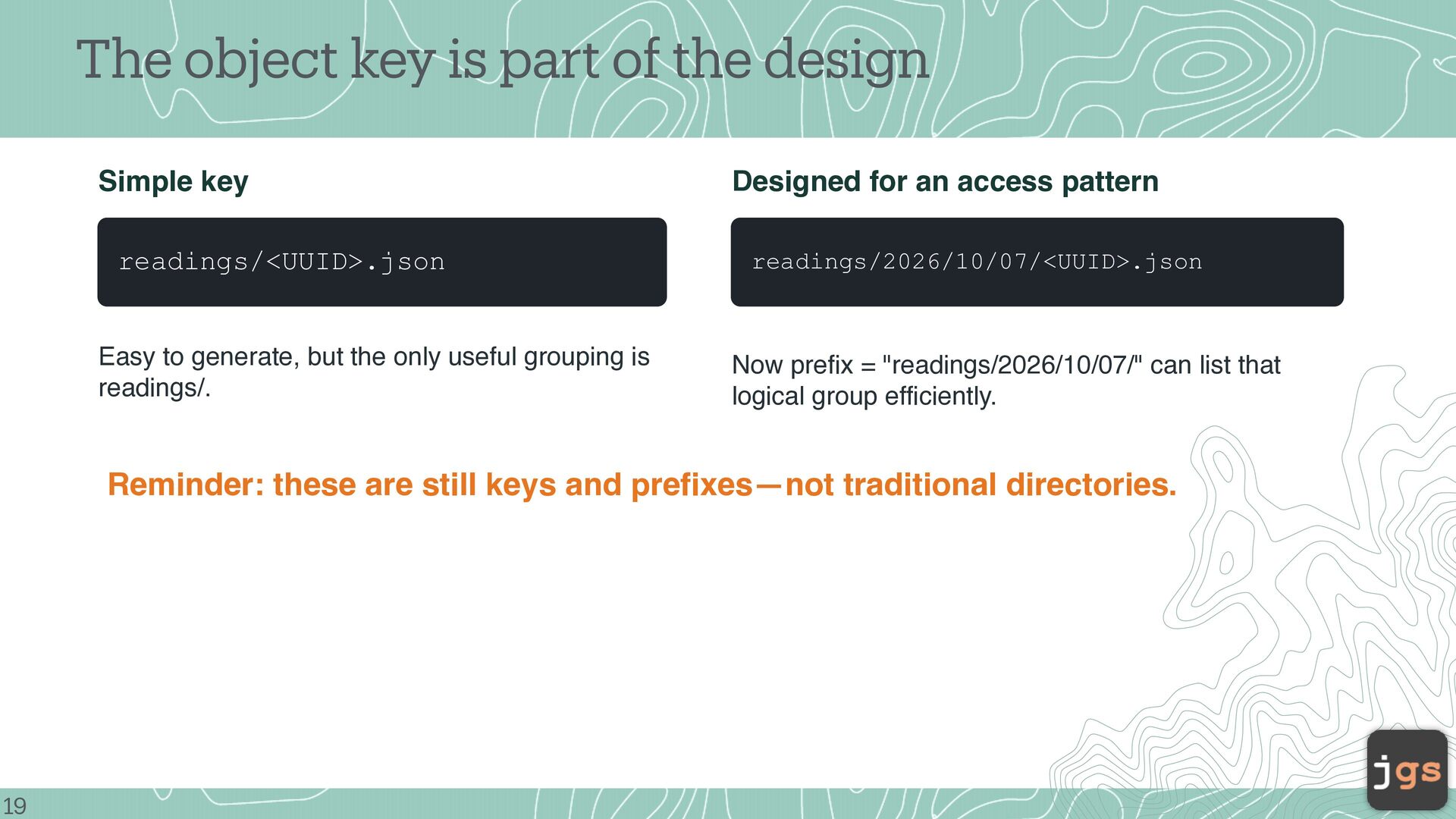
readings/<UUID>.json Easy to generate, but the only useful grouping is readings/. Designed for an access pattern readings/2026/10/07/<UUID>.json Now prefix = "readings/2026/10/07/" can list that logical group efficiently. Reminder: these are still keys and prefixes—not traditional directories. 19
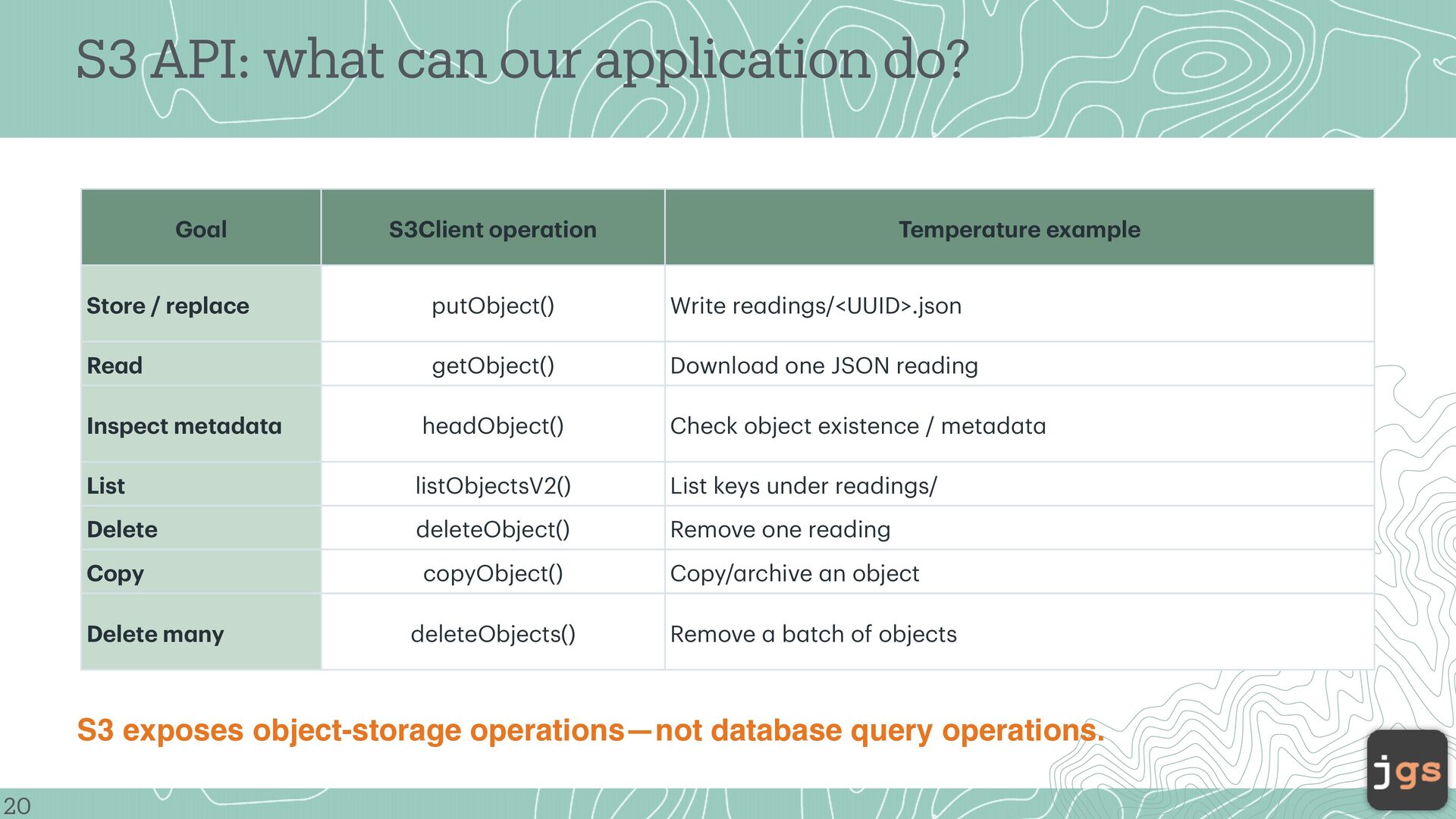
oper tion Temper ture ex mple Store / repl ce putObject() Write re dings/<UUID>.json Re d getObject() Downlo d one JSON re ding Inspect met d t he dObject() Check object existence / met d t List listObjectsV2() List keys under re dings/ Delete deleteObject() Remove one re ding Copy copyObject() Copy/ rchive n object Delete m ny deleteObjects() Remove b tch of objects a a a a a a a a a a a a a a a a a a a a a a 20 a S3 exposes object-storage operations—not database query operations.
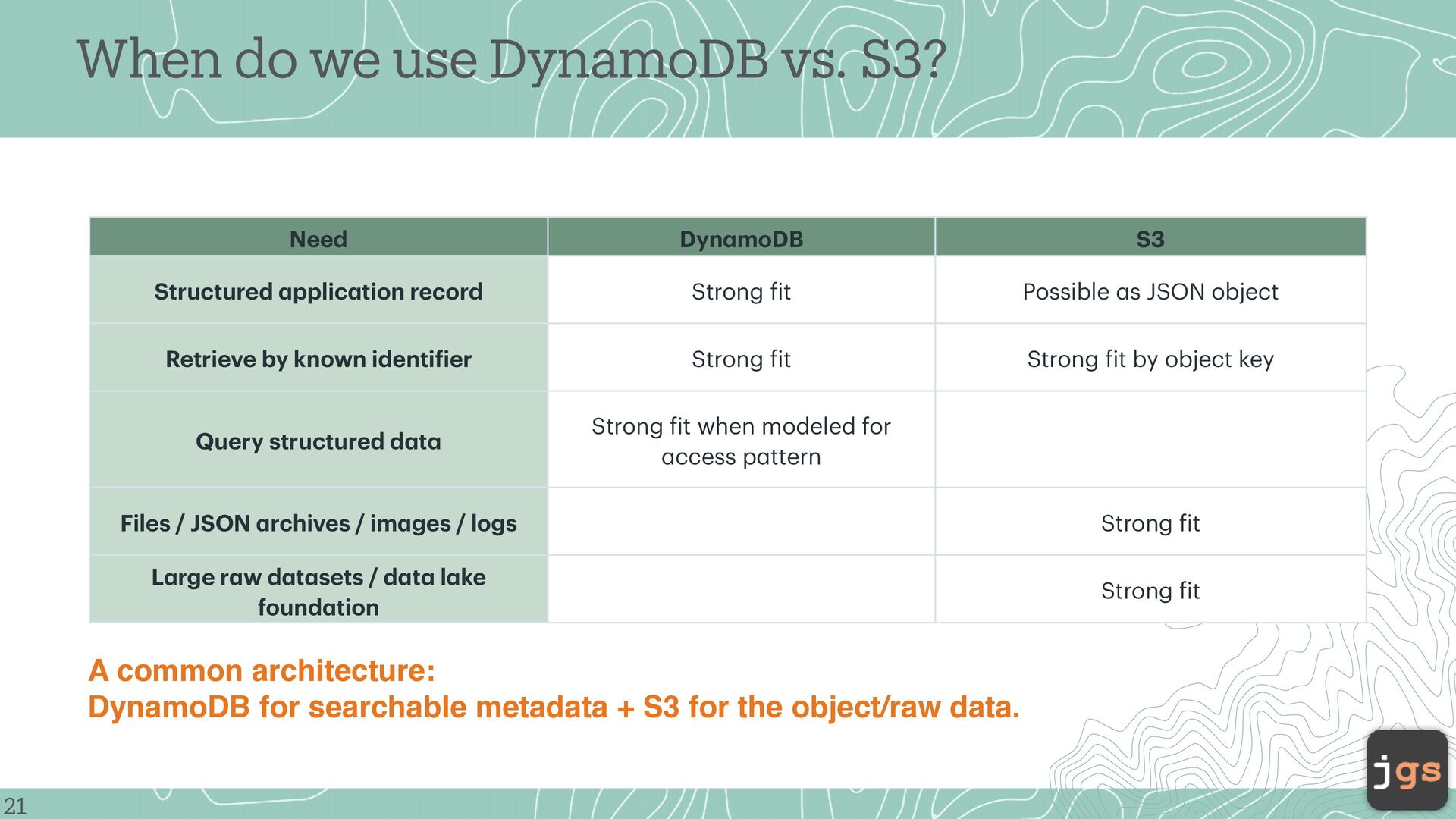
Possible s JSON object Retrieve by known identi ier Strong it Strong it by object key Query structured d t Strong it when modeled for ccess p ttern Files / JSON rchives / im ges / logs Strong it L rge r w d t sets / d t l ke found tion Strong it a a f a a a a a a a a a a a f f f f f a f a 21 a A common architecture: DynamoDB for searchable metadata + S3 for the object/raw data. a a When do we use DynamoDB vs. S3?
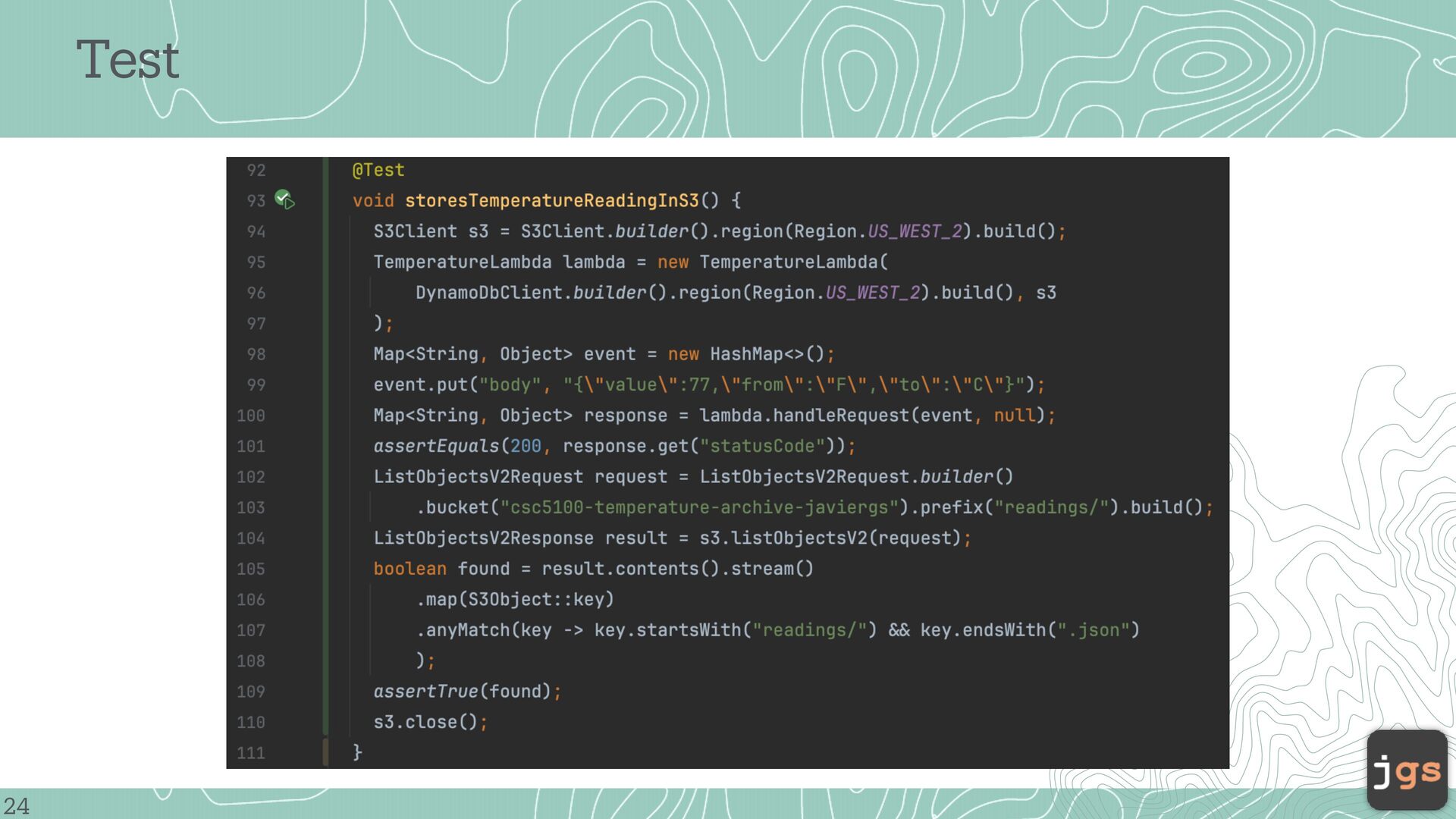
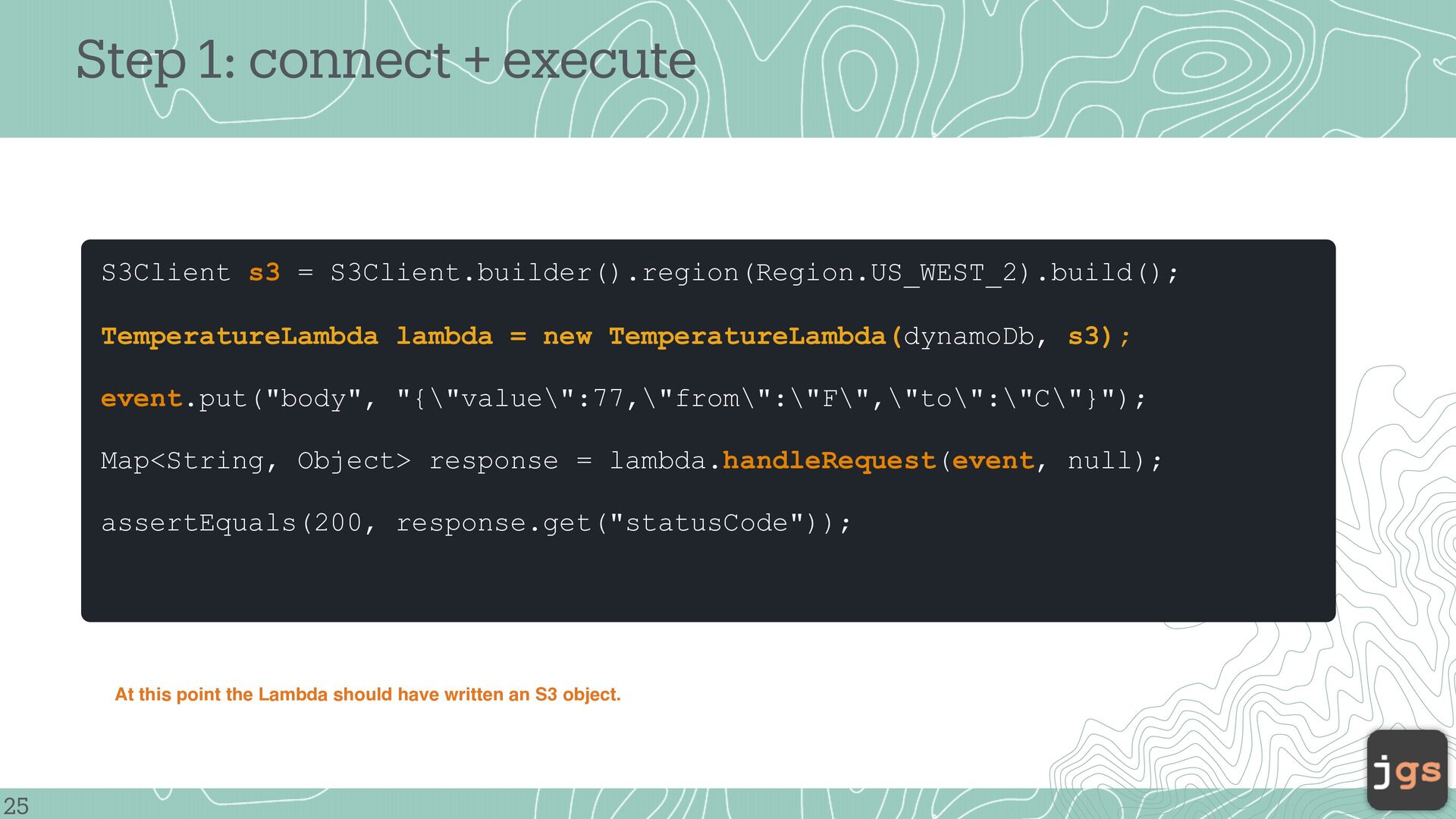
lambda = new TemperatureLambda(dynamoDb, s3); event.put("body", "{\"value\":77,\"from\":\"F\",\"to\":\"C\"}"); Map<String, Object> response = lambda.handleRequest(event, null); assertEquals(200, response.get("statusCode")); At this point the Lambda should have written an S3 object. 25
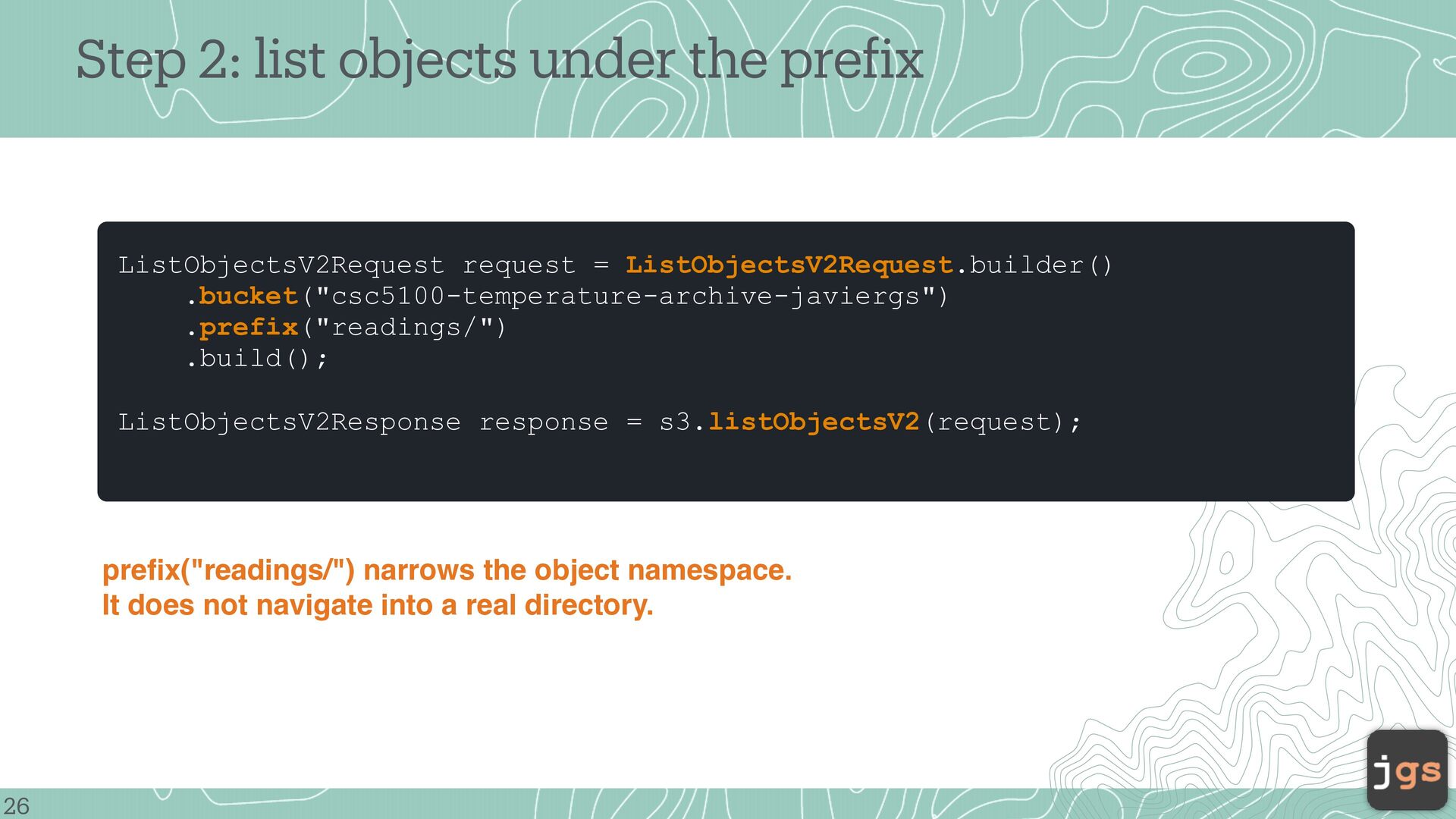
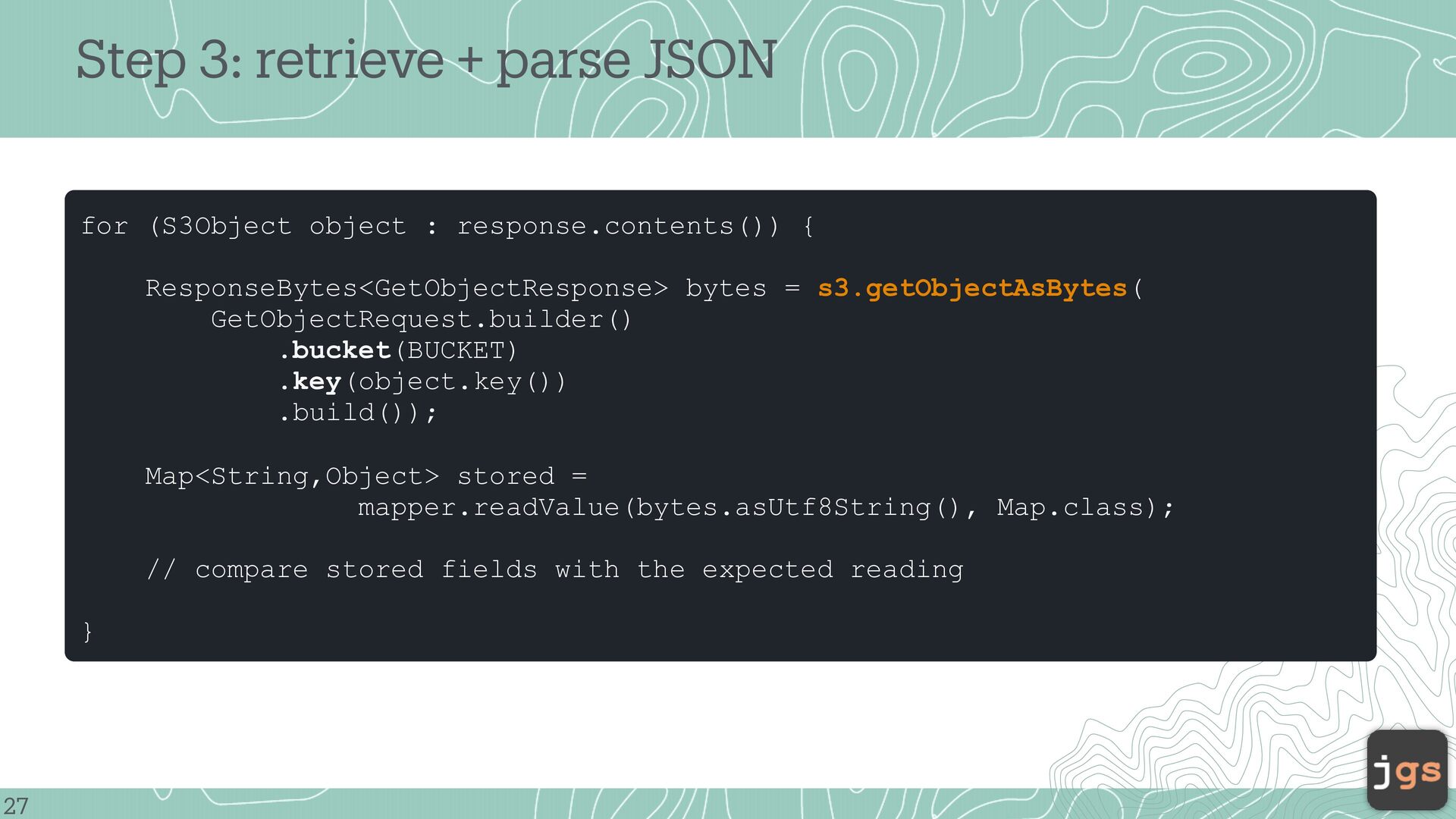
= ListObjectsV2Request.builder() .bucket("csc5100-temperature-archive-javiergs") .prefix("readings/") .build(); ListObjectsV2Response response = s3.listObjectsV2(request); 26 f prefix("readings/") narrows the object namespace. It does not navigate into a real directory.
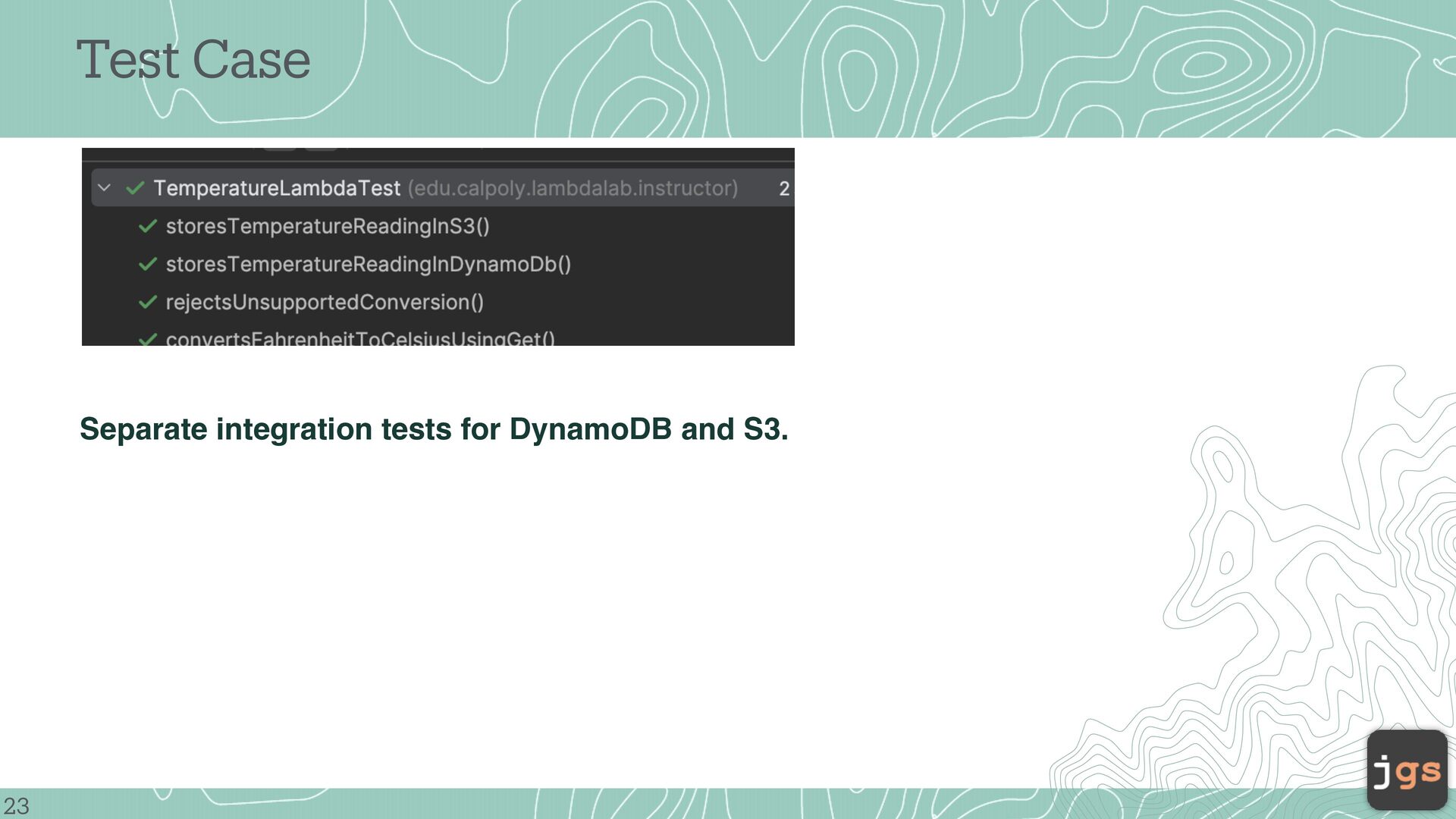
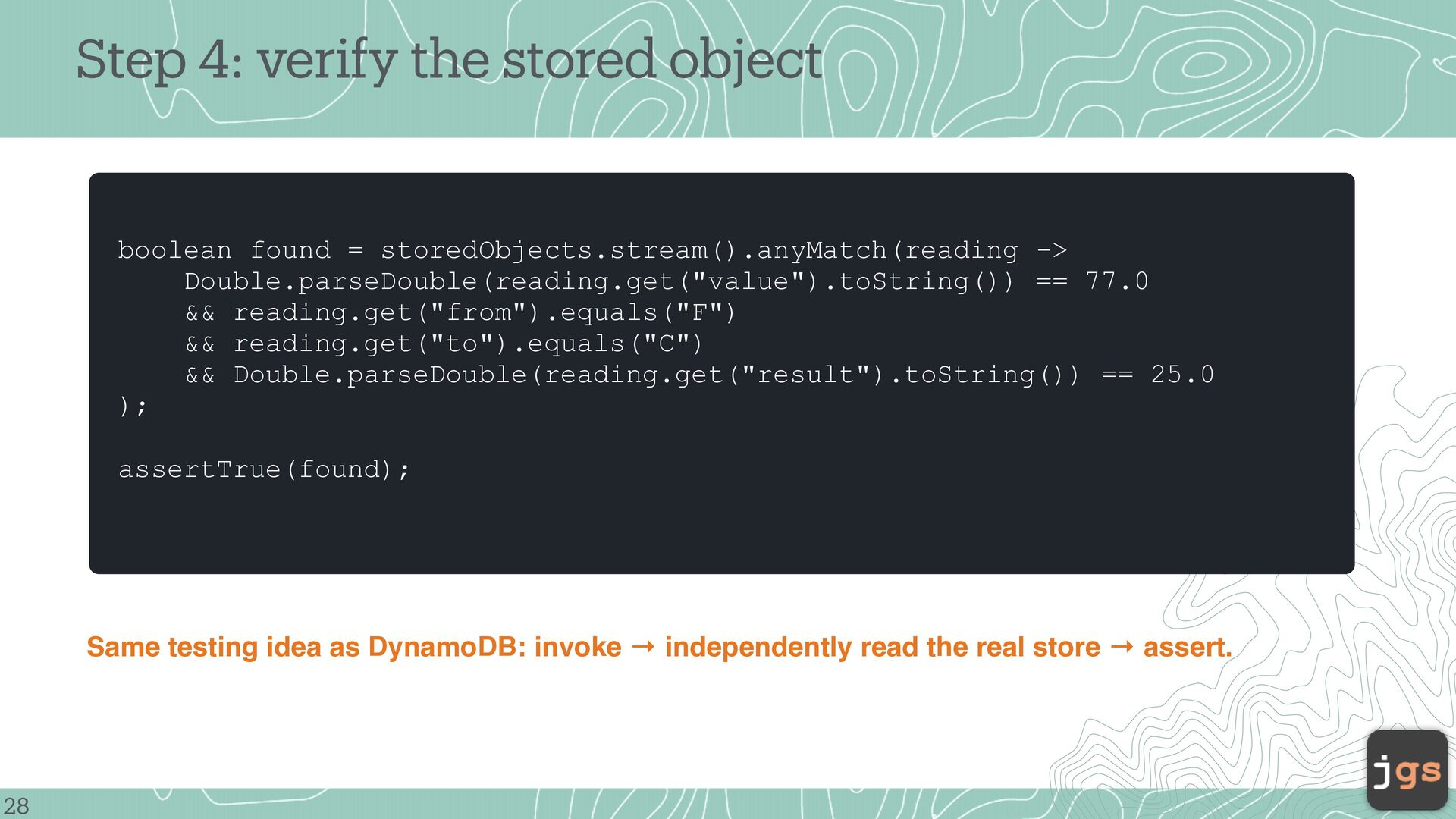
-> Double.parseDouble(reading.get("value").toString()) == 77.0 && reading.get("from").equals("F") && reading.get("to").equals("C") && Double.parseDouble(reading.get("result").toString()) == 25.0 ); assertTrue(found); Same testing idea as DynamoDB: invoke → independently read the real store → assert. 28
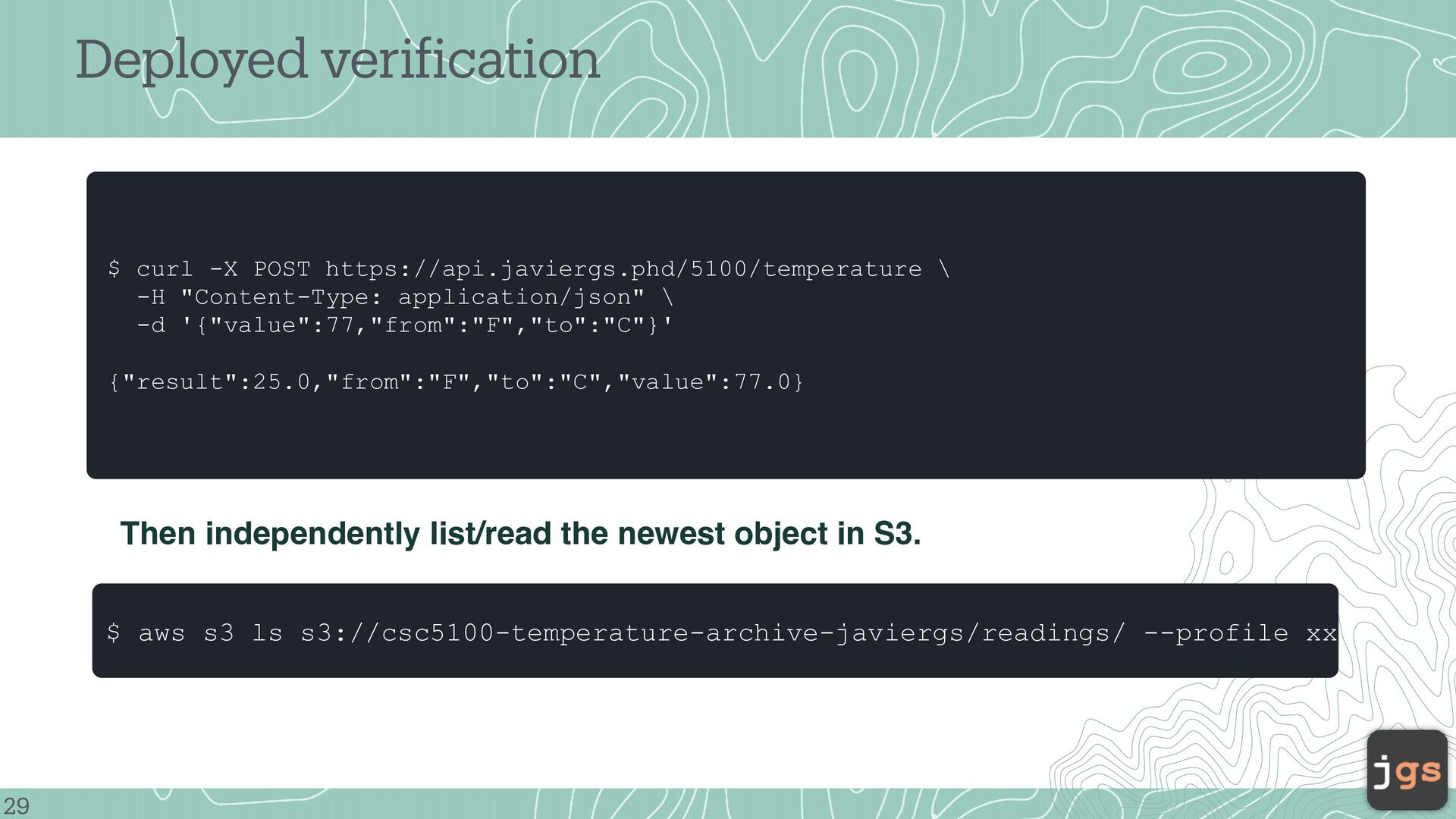
"Content-Type: application/json" \ -d '{"value":77,"from":"F","to":"C"}' {"result":25.0,"from":"F","to":"C","value":77.0} Then independently list/read the newest object in S3. 29 f $ aws s3 ls s3://csc5100-temperature-archive-javiergs/readings/ --profile xx
2026 Copyright. These slides may be used only as study material for CSC 5100 within the California State University system. They may not be distributed or used for any other purpose.


 javiergs
 jnunemaker
 greggifford
 keithpitt
 cromwellryan
 techseoconnect
 reverentgeek
 stuffmc
 gurzu
gurzu
 aleyda
 ryanjones
 matthewcrist
 addyosmani



![CSC 5100 Modern Software Engineering Javier Gonzalez-Sanchez, Ph.D. [email protected] Fall](https://files.speakerdeck.com/presentations/9aaa95f790b84d9999e9a4e76c10f433/slide_30.jpg)