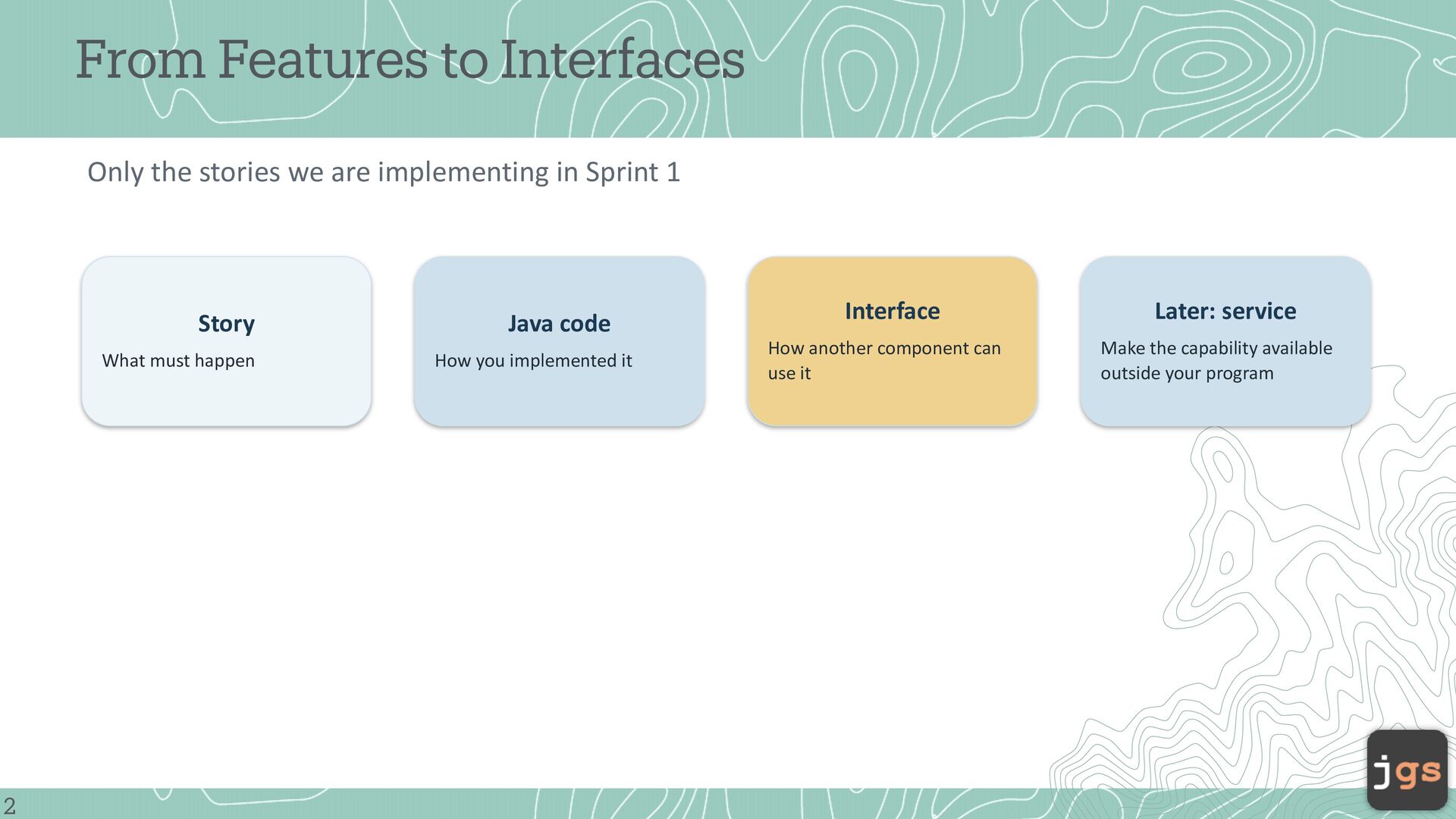
in Sprint 1 Story What must happen 2 Java code How you implemented it Interface Later: service How another component can use it Make the capability available outside your program
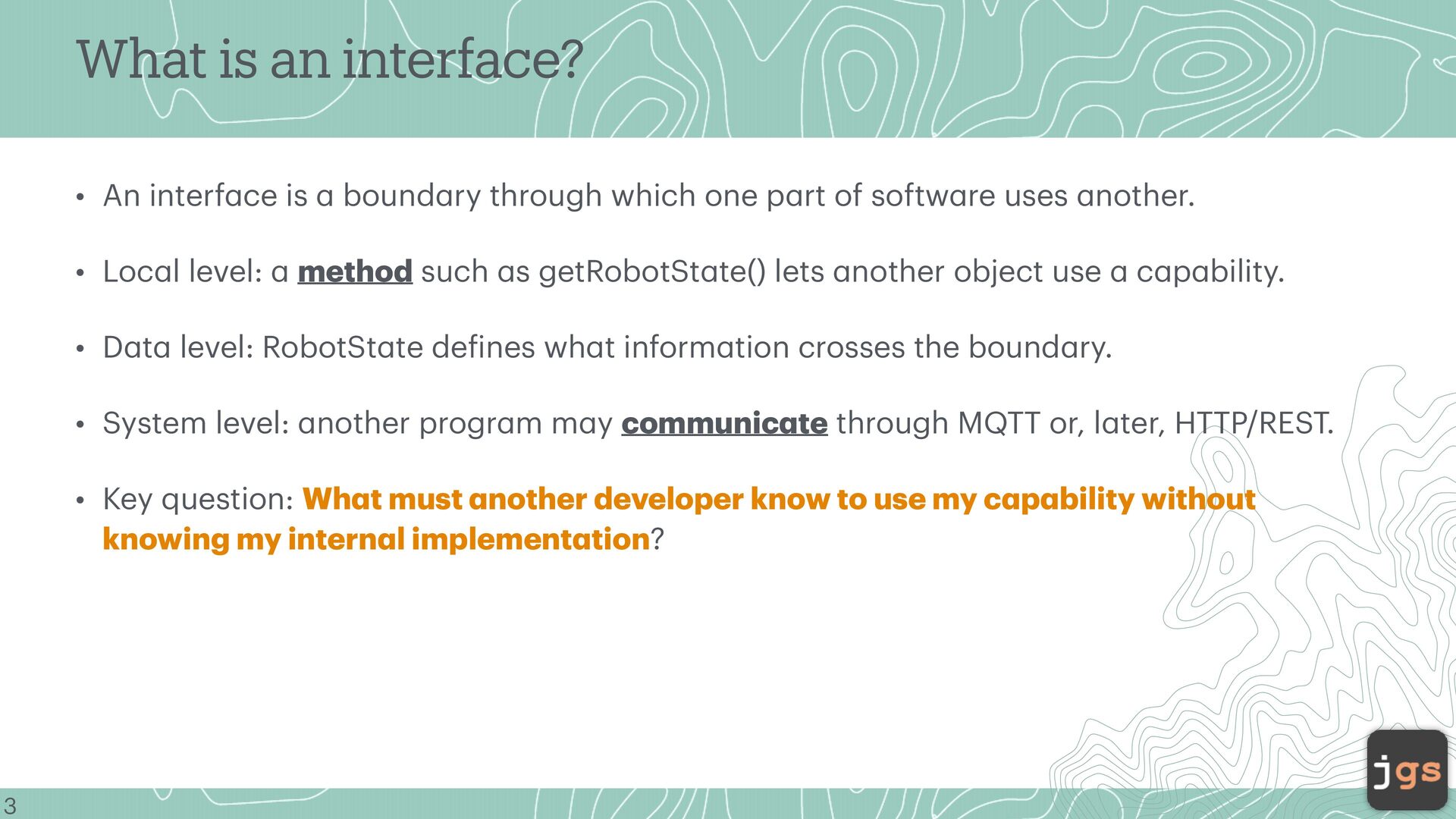
Loc l level: bound ry through which one p rt of softw re uses nother. method such s getRobotSt te() lets nother object use c p bility. • D t level: RobotSt te de ines wh t inform tion crosses the bound ry. • System level: nother progr m m y communic te through MQTT or, l ter, HTTP/REST. a a a a a a a a a a a a a a a a a a a f a a a a a a a a a a a 3 a • Key question: Wh t must nother developer know to use my c p bility without knowing my intern l implement tion?
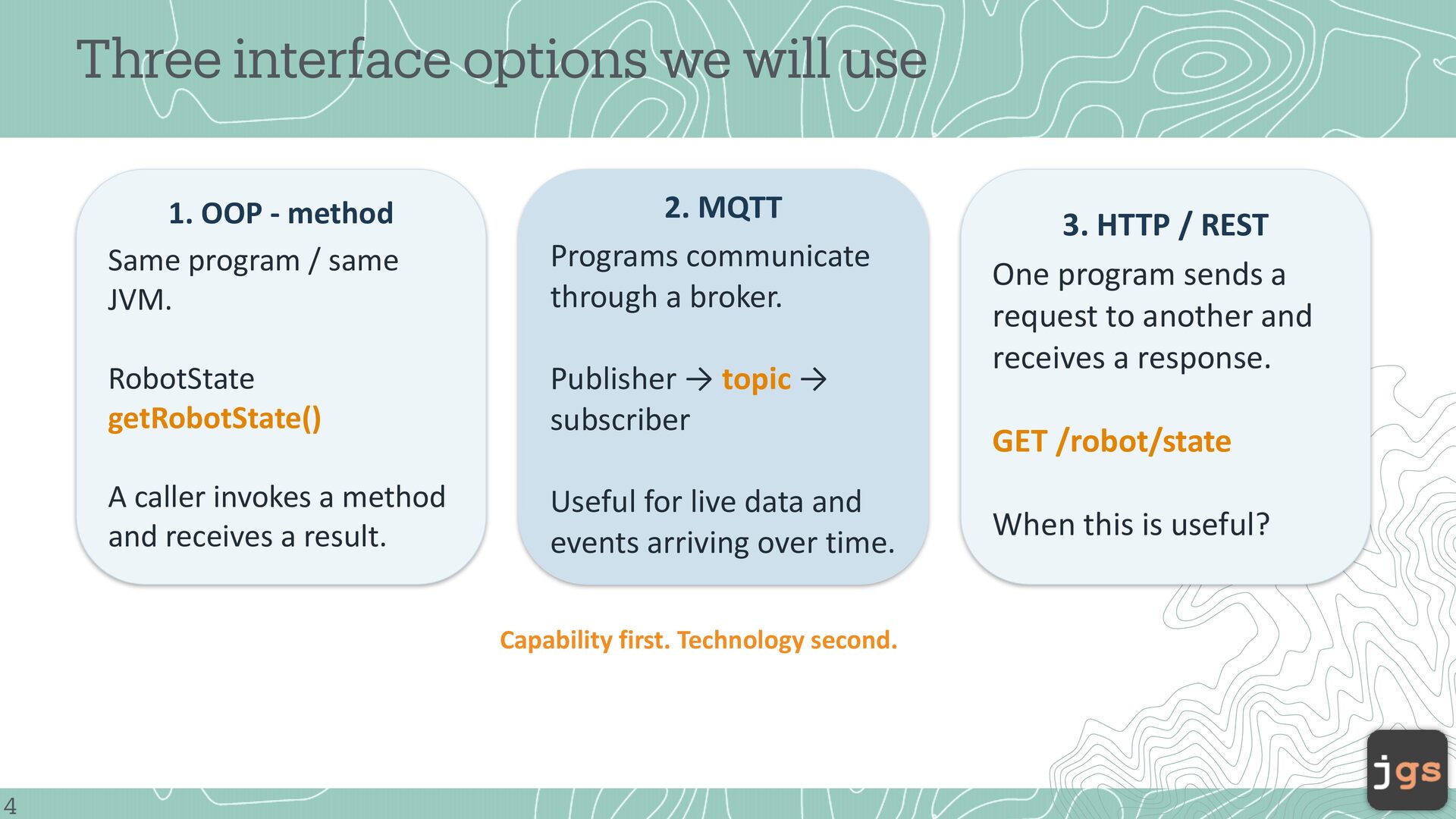
Same program / same JVM. 2. MQTT Programs communicate through a broker. RobotState getRobotState() Publisher → topic → subscriber A caller invokes a method and receives a result. Useful for live data and events arriving over time. Capability first. Technology second. 4 3. HTTP / REST One program sends a request to another and receives a response. GET /robot/state When this is useful?
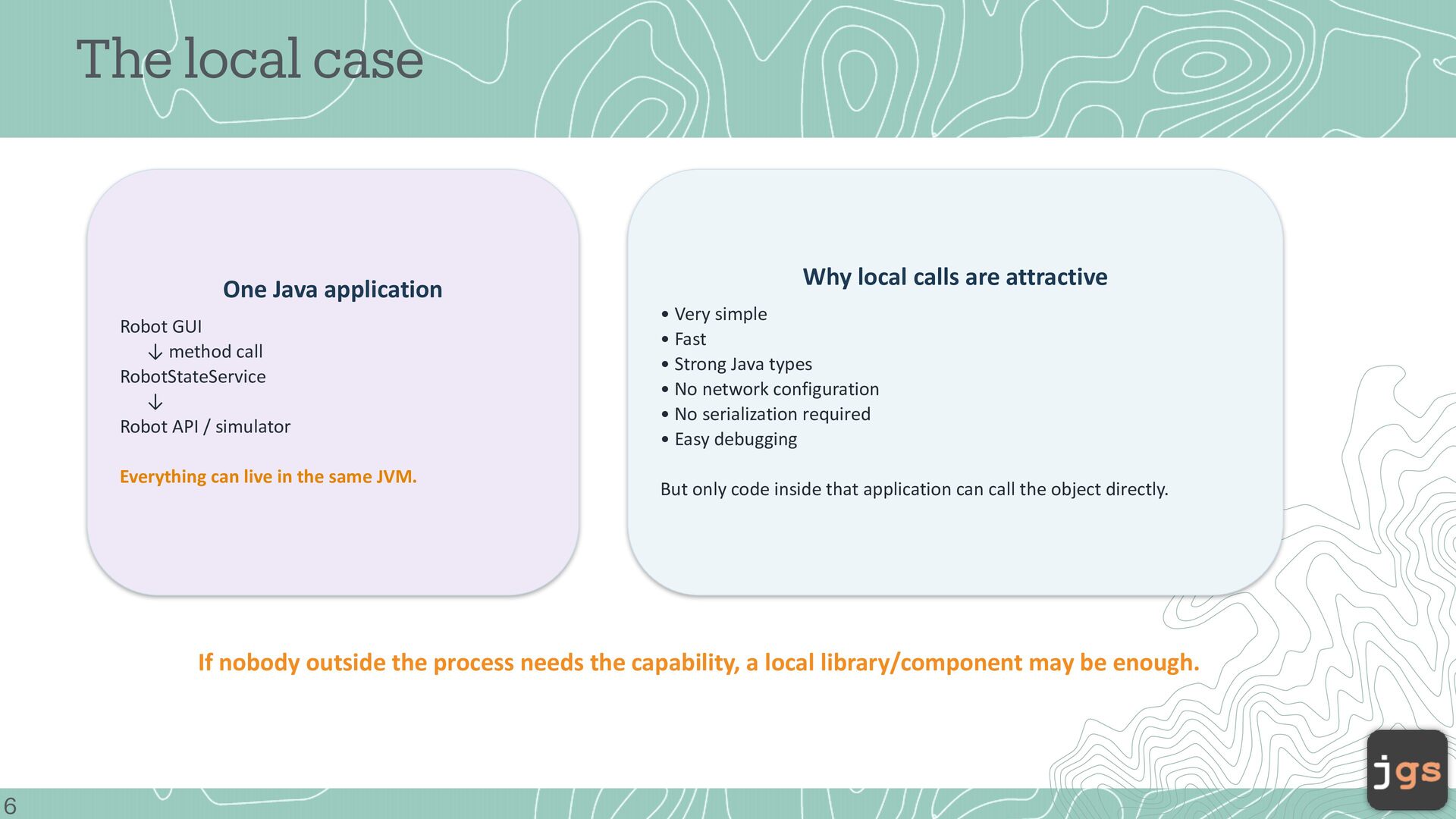
call RobotStateService ↓ Robot API / simulator Everything can live in the same JVM. Why local calls are attractive • Very simple • Fast • Strong Java types • No network configuration • No serialization required • Easy debugging But only code inside that application can call the object directly. If nobody outside the process needs the capability, a local library/component may be enough. 6
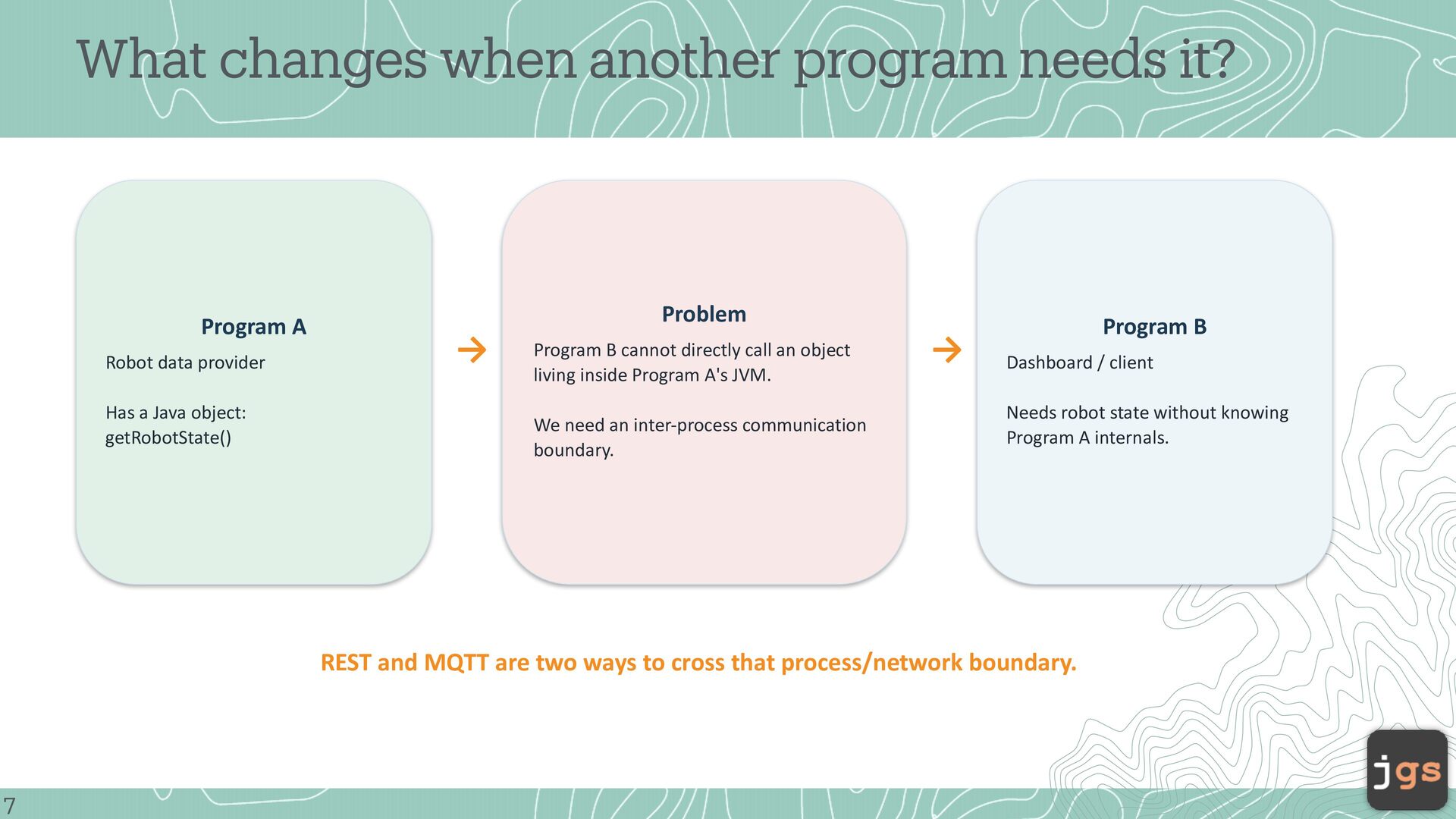
data provider Has a Java object: getRobotState() Problem → Program B cannot directly call an object living inside Program A's JVM. We need an inter-process communication boundary. → Program B Dashboard / client Needs robot state without knowing Program A internals. REST and MQTT are two ways to cross that process/network boundary. 7
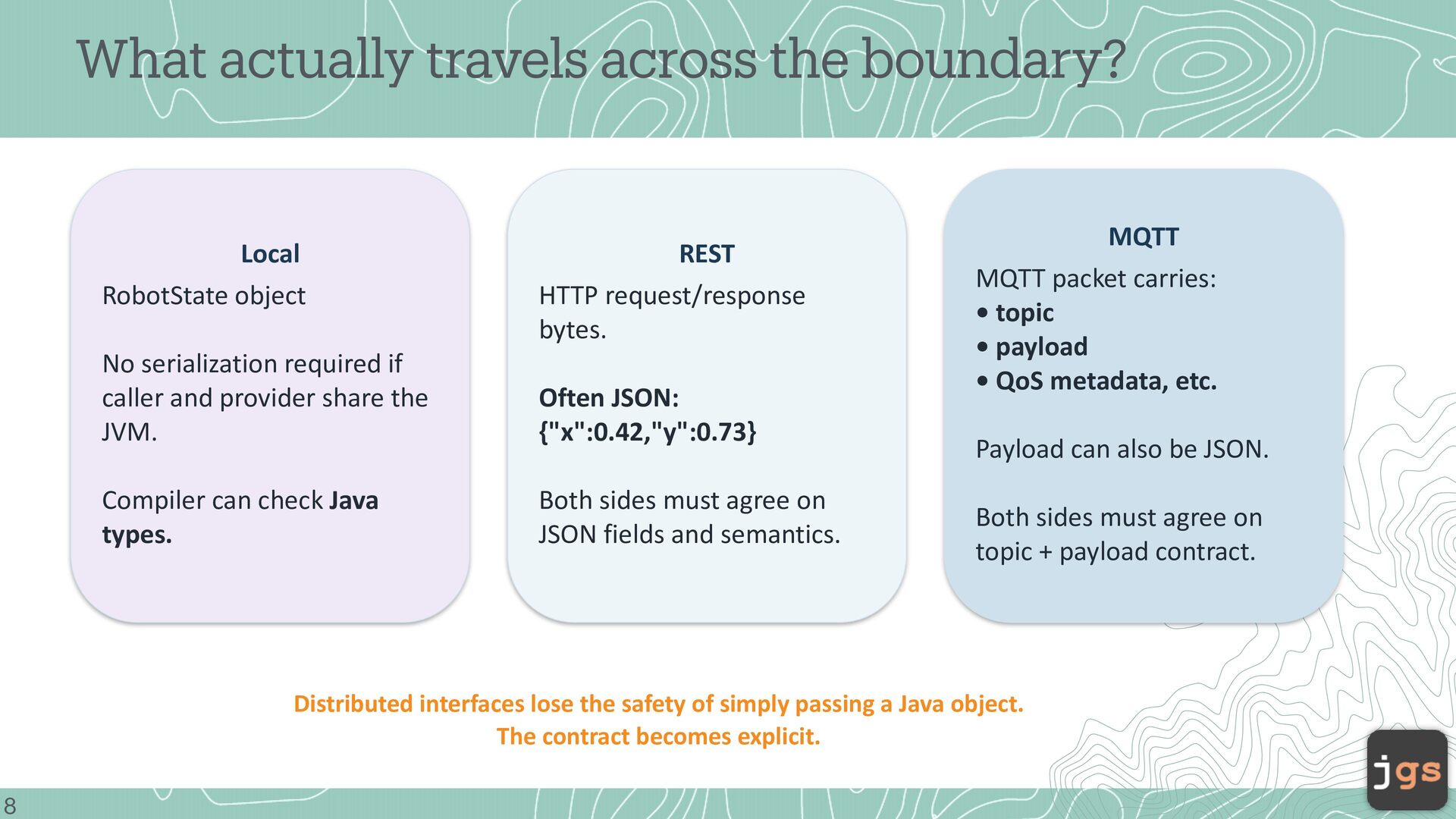
HTTP request/response bytes. No serialization required if caller and provider share the JVM. Often JSON: {"x":0.42,"y":0.73} Compiler can check Java types. Both sides must agree on JSON fields and semantics. MQTT MQTT packet carries: • topic • payload • QoS metadata, etc. Payload can also be JSON. Both sides must agree on topic + payload contract. Distributed interfaces lose the safety of simply passing a Java object. The contract becomes explicit. 8
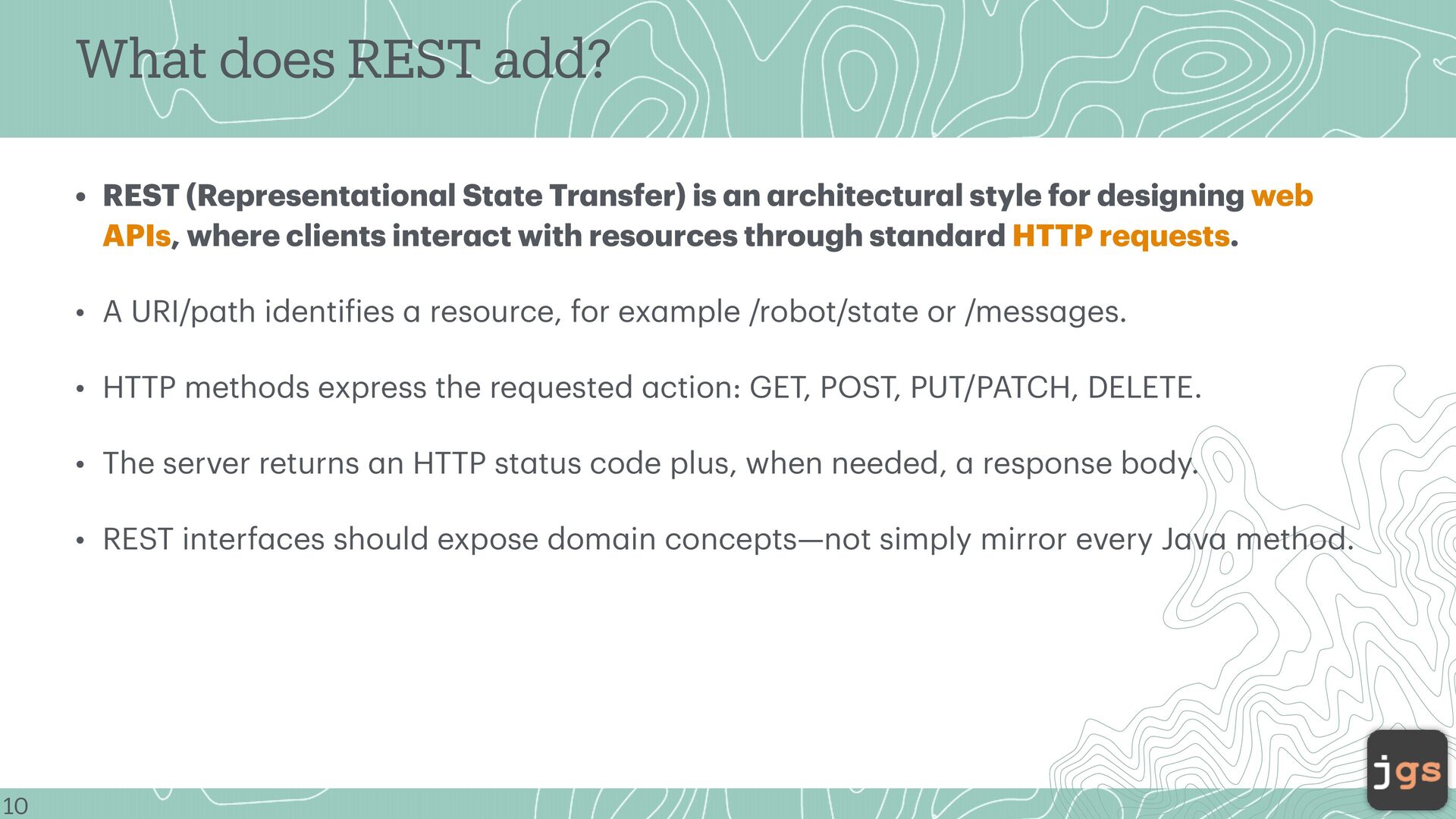
te Tr nsfer) is n rchitectur l style for designing web APIs, where clients inter ct with resources through st nd rd HTTP requests. • A URI/p th identi ies resource, for ex mple /robot/st te or /mess ges. • HTTP methods express the requested ction: GET, POST, PUT/PATCH, DELETE. • The server returns n HTTP st tus code plus, when needed, response body. a a a a a a a a a a a a a a a a a a a a a f a 10 a • REST interf ces should expose dom in concepts—not simply mirror every J v method.
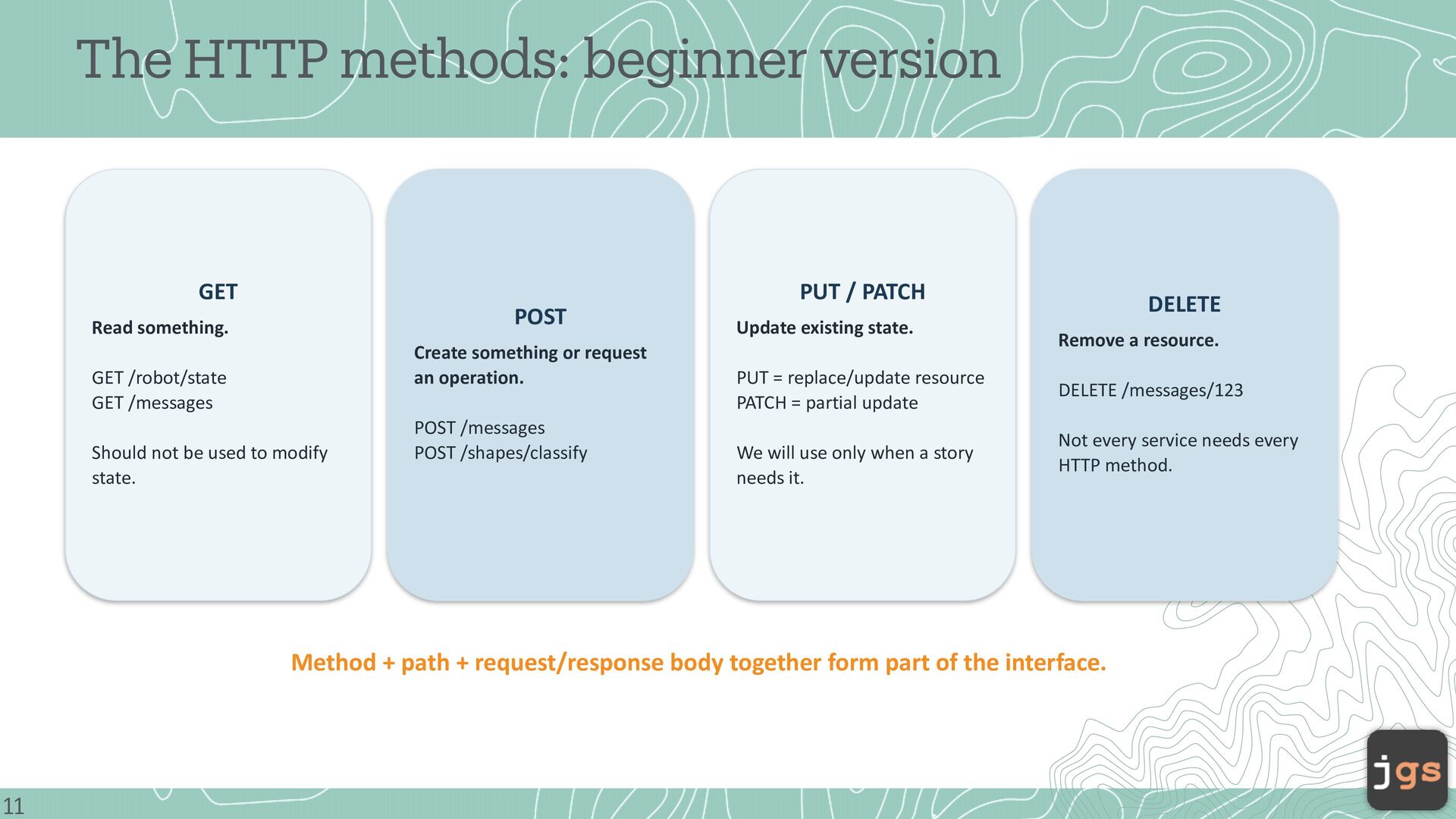
Read something. Create something or request an operation. GET /robot/state GET /messages Should not be used to modify state. POST /messages POST /shapes/classify Update existing state. PUT = replace/update resource PATCH = partial update We will use only when a story needs it. DELETE Remove a resource. DELETE /messages/123 Not every service needs every HTTP method. Method + path + request/response body together form part of the interface. 11
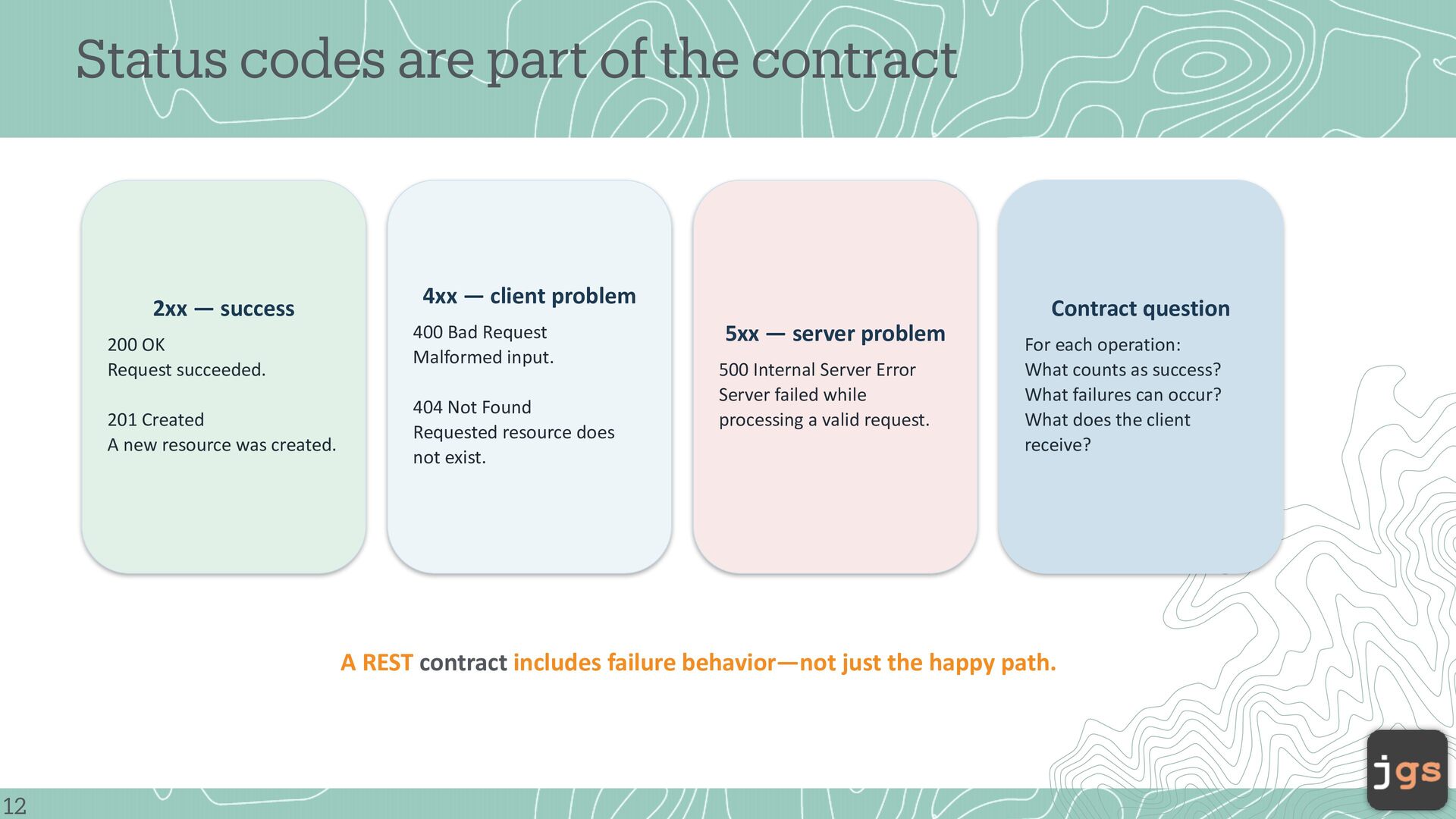
200 OK Request succeeded. 201 Created A new resource was created. 4xx — client problem 400 Bad Request Malformed input. 404 Not Found Requested resource does not exist. Contract question 5xx — server problem 500 Internal Server Error Server failed while processing a valid request. For each operation: What counts as success? What failures can occur? What does the client receive? A REST contract includes failure behavior—not just the happy path. 12
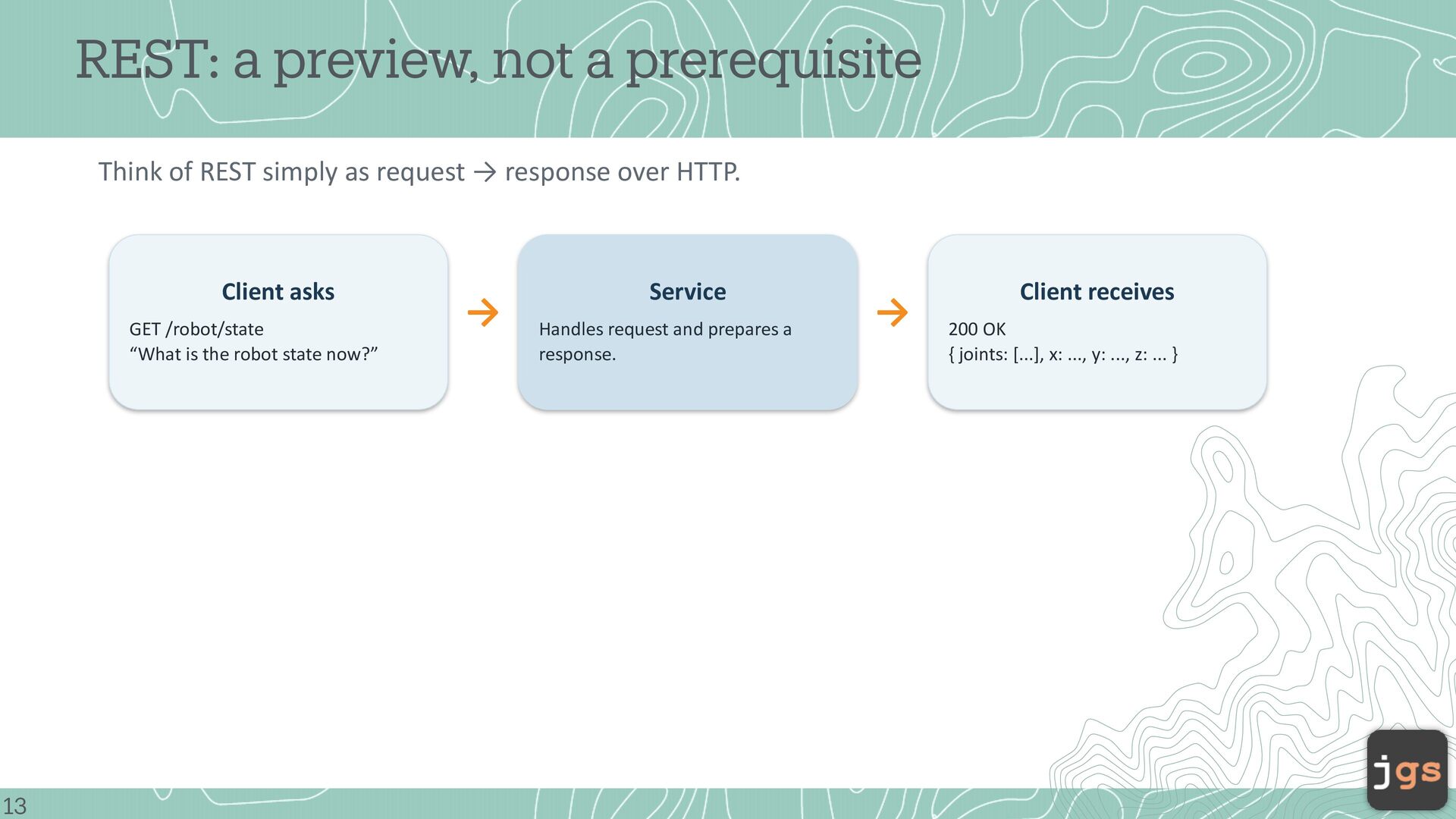
as request → response over HTTP. Client asks GET /robot/state “What is the robot state now?” 13 → Service Handles request and prepares a response. → Client receives 200 OK { joints: [...], x: ..., y: ..., z: ... }
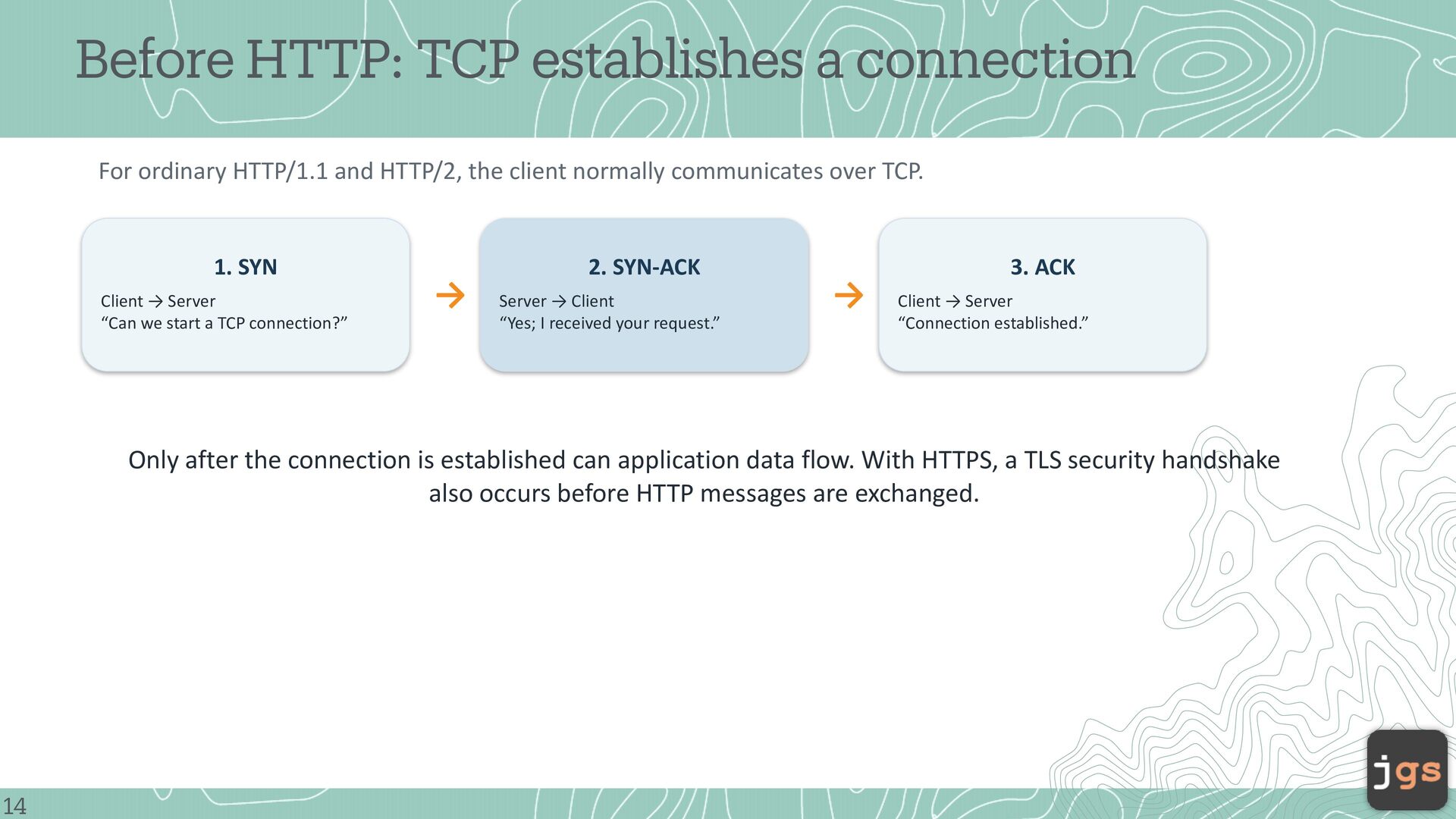
HTTP/2, the client normally communicates over TCP. 1. SYN Client → Server “Can we start a TCP connection?” → 2. SYN-ACK Server → Client “Yes; I received your request.” → 3. ACK Client → Server “Connection established.” Only after the connection is established can application data flow. With HTTPS, a TLS security handshake also occurs before HTTP messages are exchanged. 14
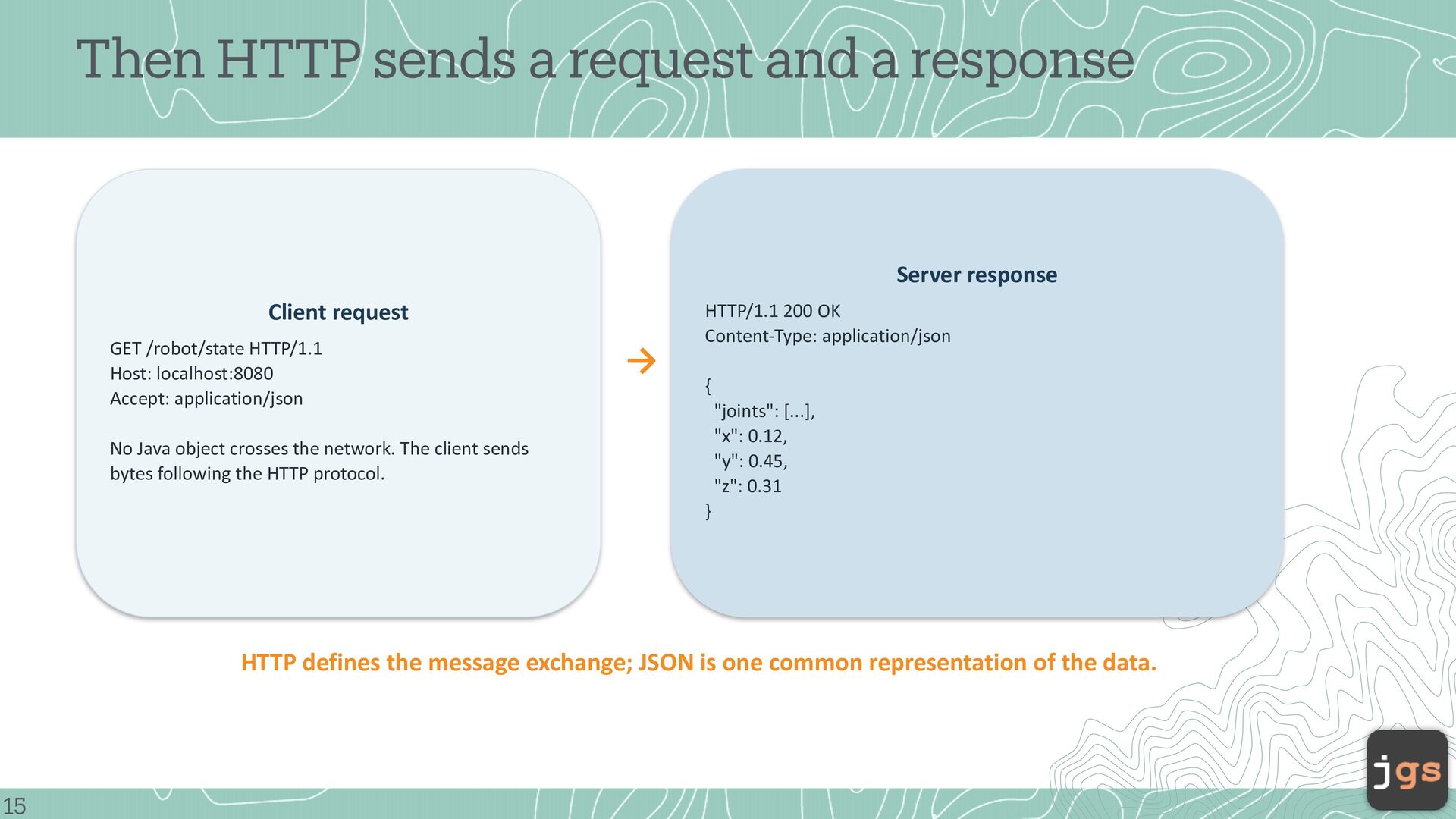
Client request GET /robot/state HTTP/1.1 Host: localhost:8080 Accept: application/json → HTTP/1.1 200 OK Content-Type: application/json { "joints": [...], "x": 0.12, "y": 0.45, "z": 0.31 No Java object crosses the network. The client sends bytes following the HTTP protocol. } HTTP defines the message exchange; JSON is one common representation of the data. 15
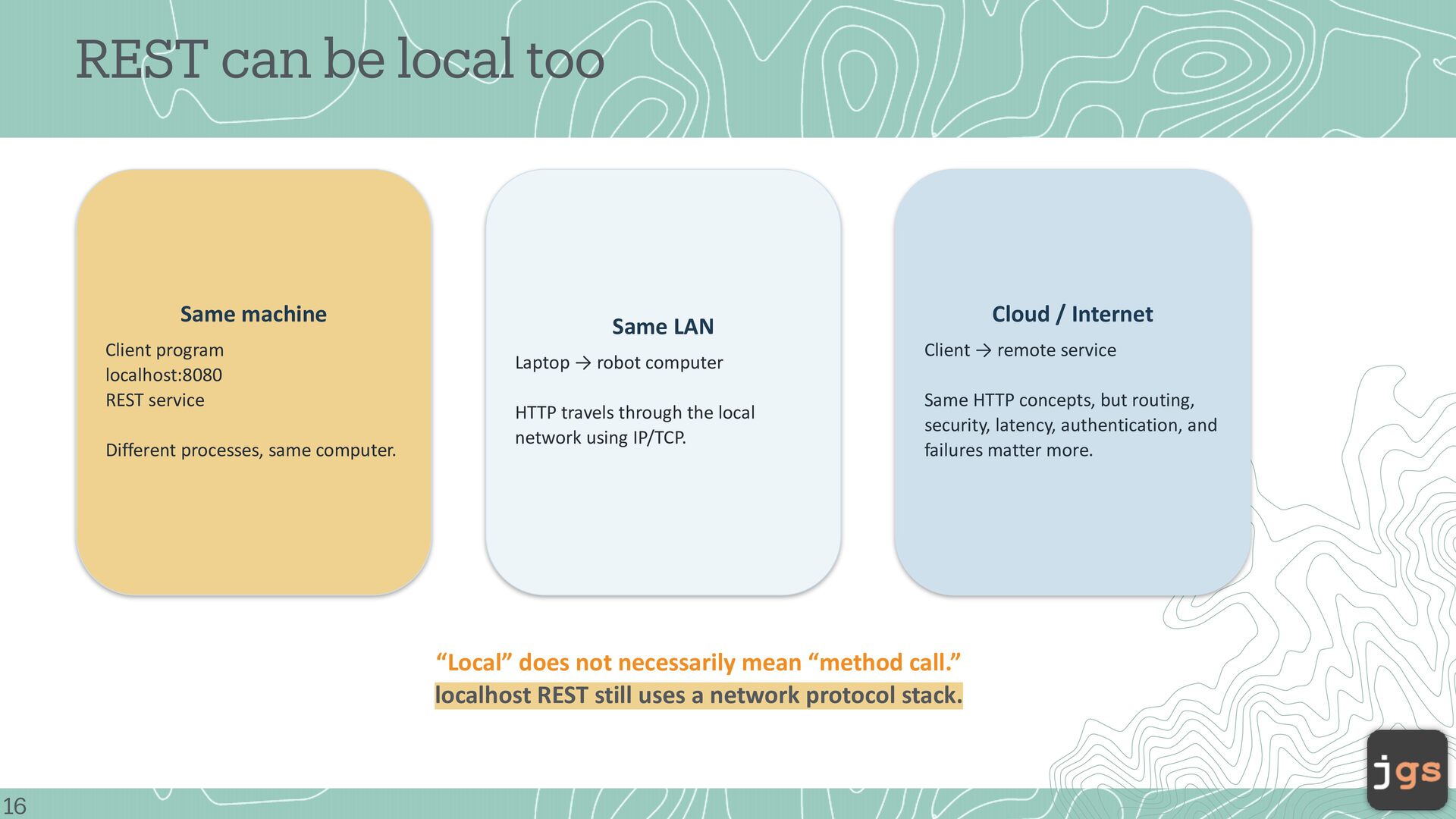
REST service Different processes, same computer. Cloud / Internet Same LAN Laptop → robot computer HTTP travels through the local network using IP/TCP. Client → remote service Same HTTP concepts, but routing, security, latency, authentication, and failures matter more. “Local” does not necessarily mean “method call.” localhost REST still uses a network protocol stack. 16
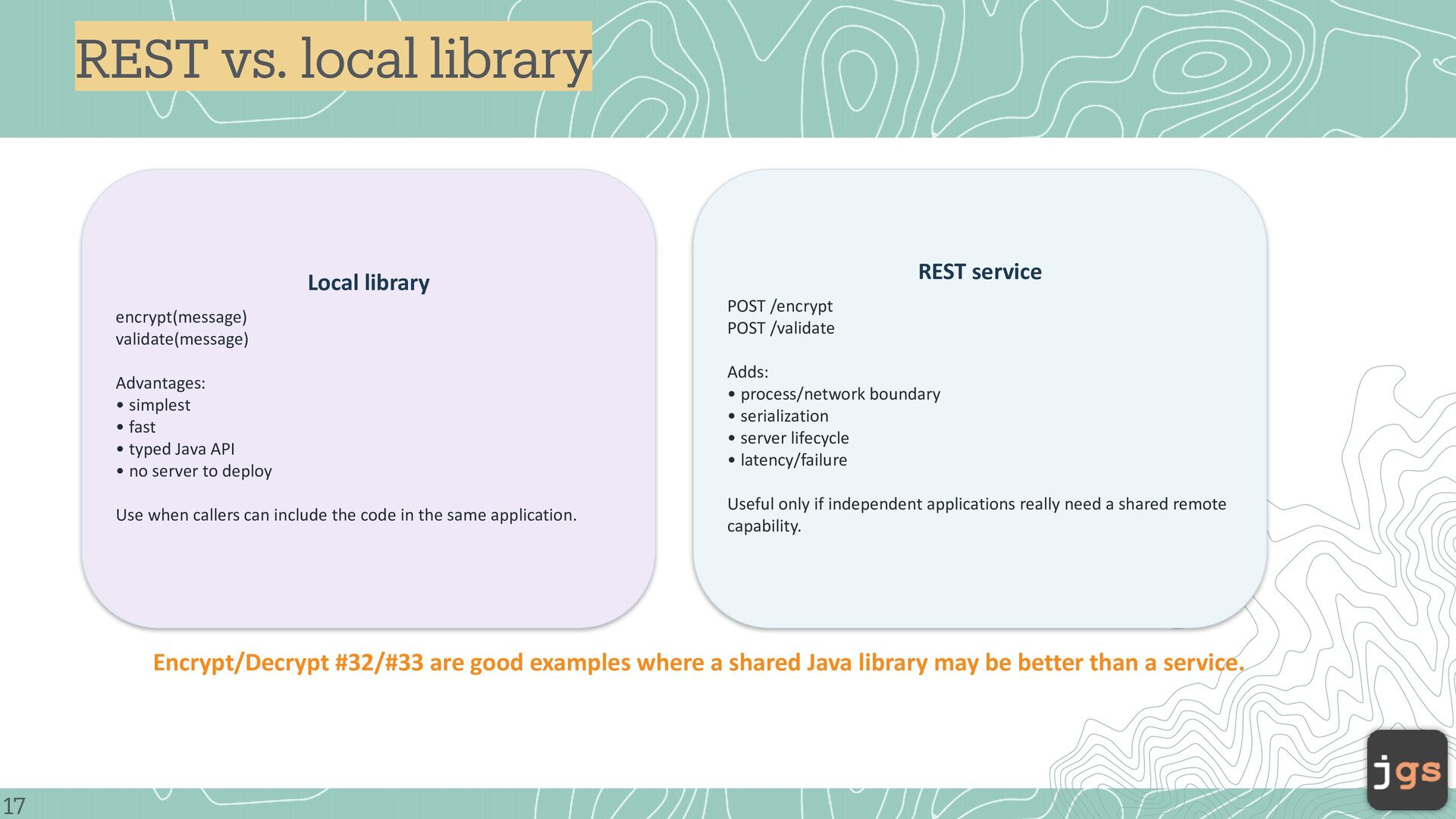
Advantages: • simplest • fast • typed Java API • no server to deploy Use when callers can include the code in the same application. POST /encrypt POST /validate Adds: • process/network boundary • serialization • server lifecycle • latency/failure Useful only if independent applications really need a shared remote capability. Encrypt/Decrypt #32/#33 are good examples where a shared Java library may be better than a service. 17
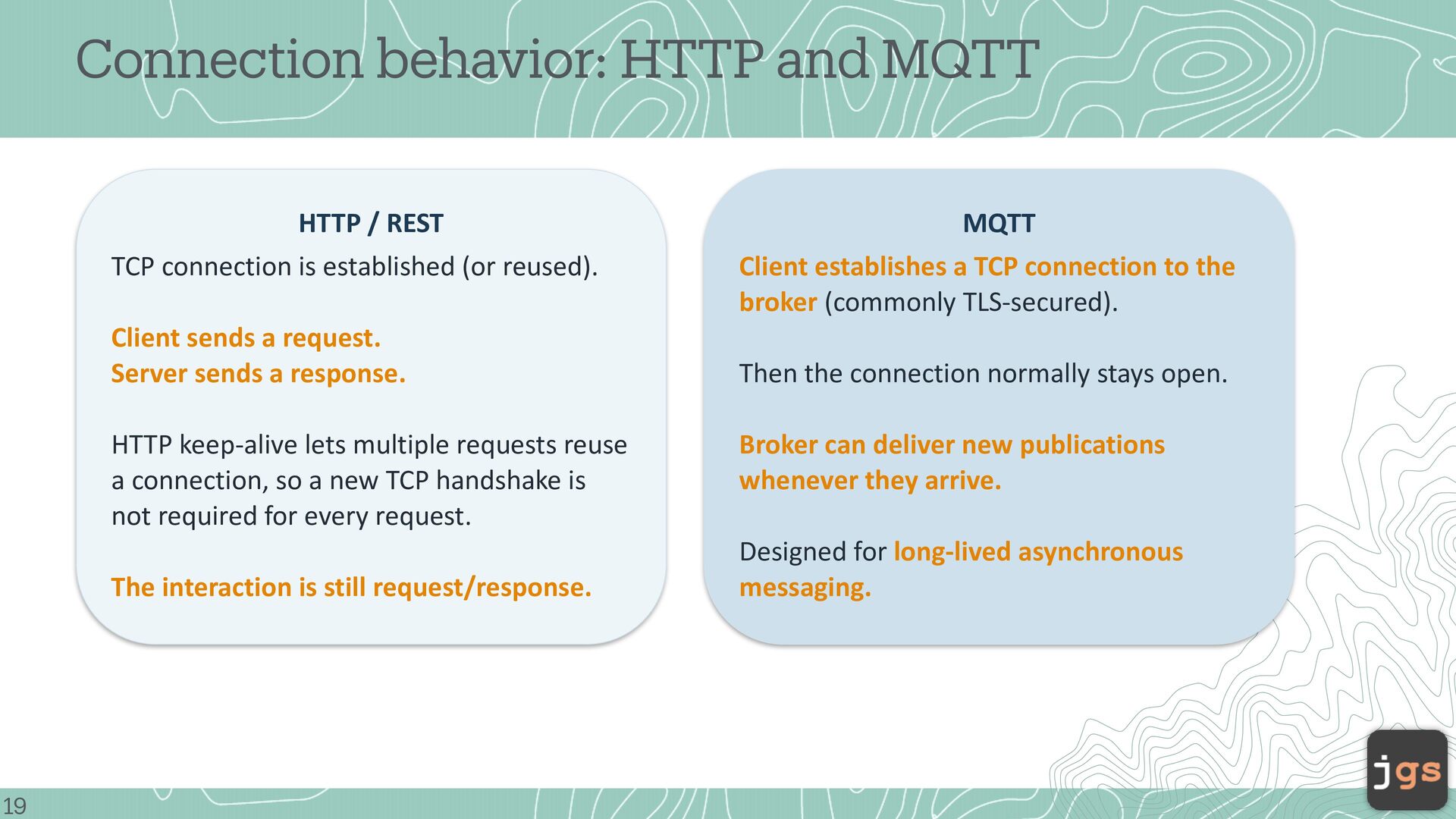
is established (or reused). Client sends a request. Server sends a response. HTTP keep-alive lets multiple requests reuse a connection, so a new TCP handshake is not required for every request. The interaction is still request/response. 19 MQTT Client establishes a TCP connection to the broker (commonly TLS-secured). Then the connection normally stays open. Broker can deliver new publications whenever they arrive. Designed for long-lived asynchronous messaging.
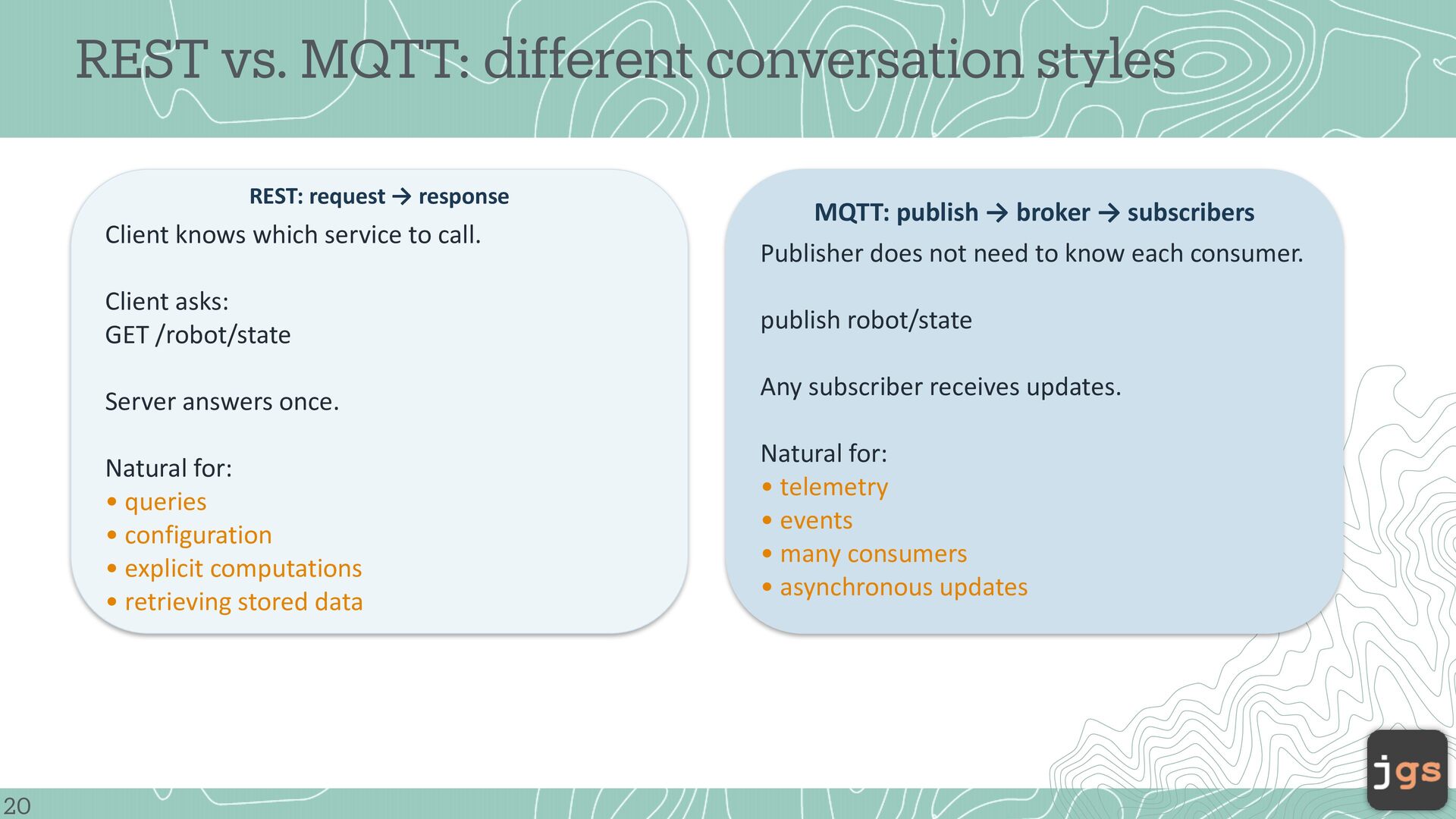
Client knows which service to call. MQTT: publish → broker → subscribers Publisher does not need to know each consumer. Client asks: GET /robot/state publish robot/state Server answers once. Natural for: • queries • configuration • explicit computations • retrieving stored data 20 Any subscriber receives updates. Natural for: • telemetry • events • many consumers • asynchronous updates
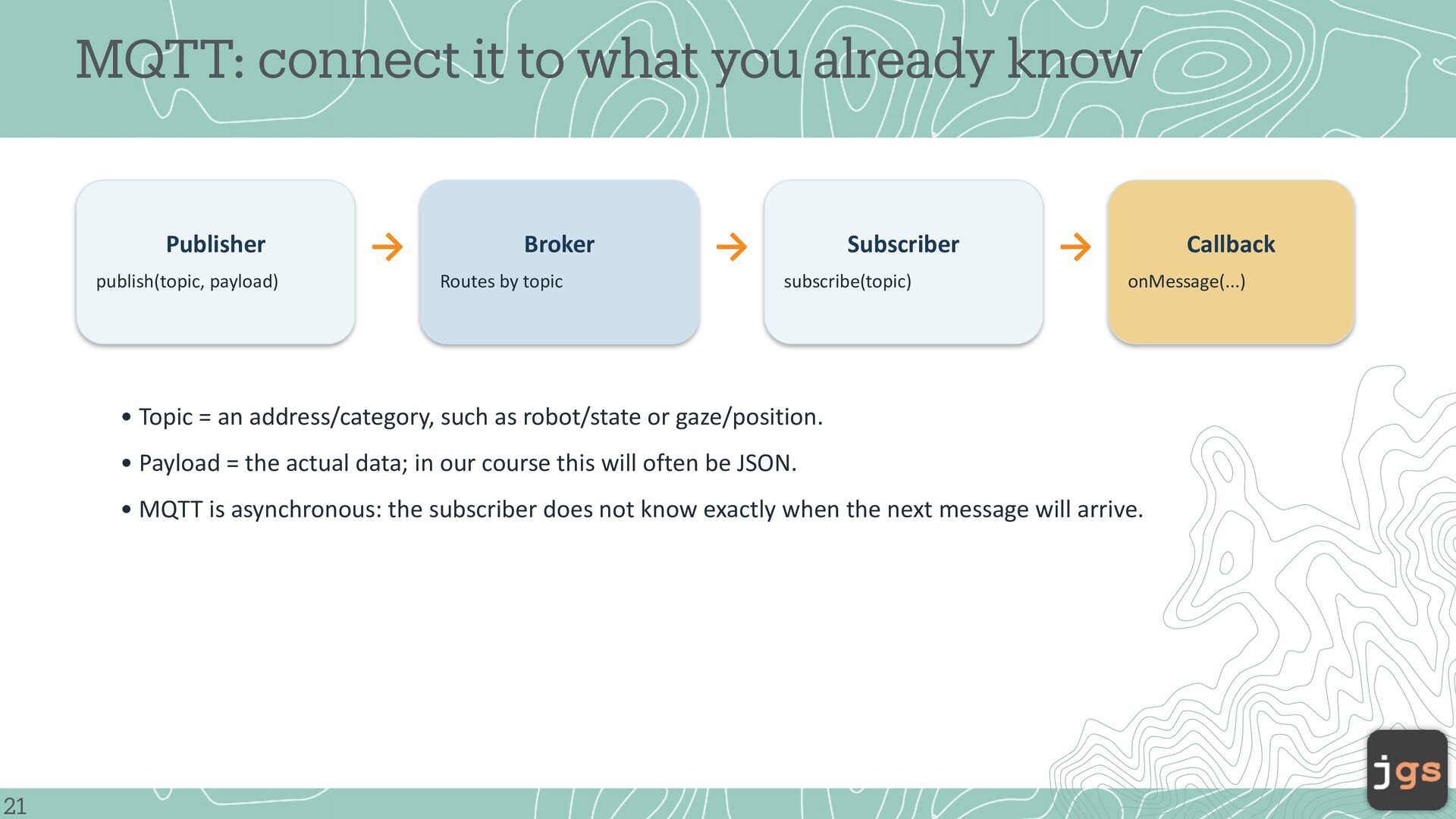
payload) → Broker Routes by topic → Subscriber subscribe(topic) → Callback onMessage(...) • Topic = an address/category, such as robot/state or gaze/position. • Payload = the actual data; in our course this will often be JSON. • MQTT is asynchronous: the subscriber does not know exactly when the next message will arrive. 21
2026 Copyright. These slides may be used only as study material for CSC 5100 within the California State University system. They may not be distributed or used for any other purpose.


 javiergs
 codingconduct
 quramy
 axbom
axbom
 honnibal
 mza
mza
 jnunemaker
 inesmontani
 marketingsoph
 kneath
 sergeychernyshev
 sabderemane
![CSC 5100 Modern Software Engineering Javier Gonzalez-Sanchez, Ph.D. [email protected] Fall](https://files.speakerdeck.com/presentations/9e17d69b2c0941d590a94efd358b0859/slide_22.jpg)