Upgrade to Pro — share decks privately, control downloads, hide ads and more …

Pet Lens - Visual pet search in Flutter

Sponsored · Your Podcast. Everywhere. Effortlessly. Share. Educate. Inspire. Entertain. You do you. We'll handle the rest. →
Avatar for Jawad Jawad
March 23, 2019

Pet Lens - Visual pet search in Flutter

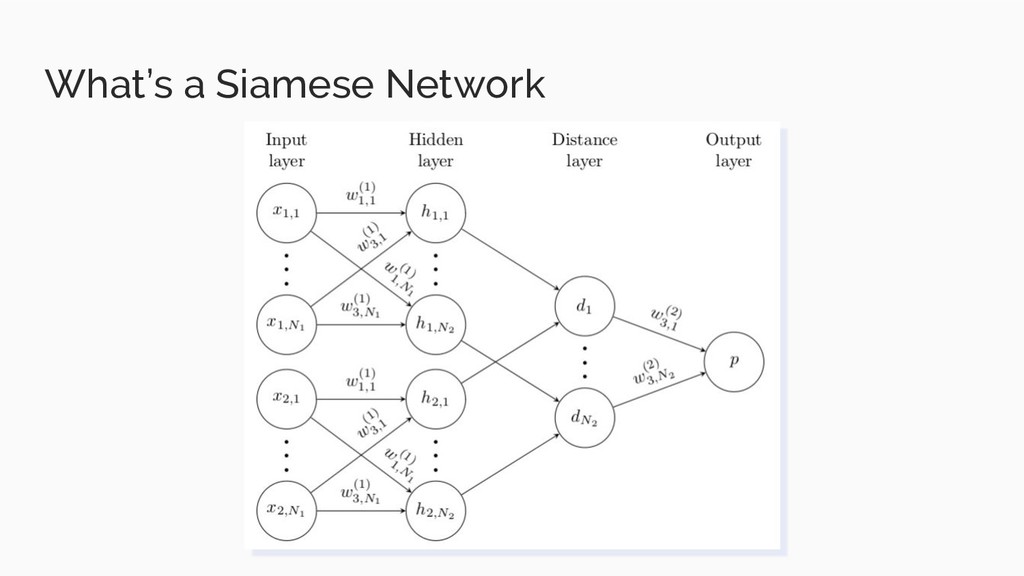
In this presentation I go through our journey of creating an Image Visual Search app on Android using Flutter.
Made for "GDG MAD March 2019"

Avatar for Jawad

Jawad

March 23, 2019

Other Decks in Programming

Transcript

  1. $ whoami Name: Jawad Shaikh Title: Machine learning Engineer at

    difference-engine.ai Interests: Machine Learning, Web dev and Security @0xchr00t on twitter
  2. Why am i here? - We wanted to explore ML

    on Client side - I got lazy, and couldn’t complete this app in time
  3. What is ML? - The art of creating algorithms that

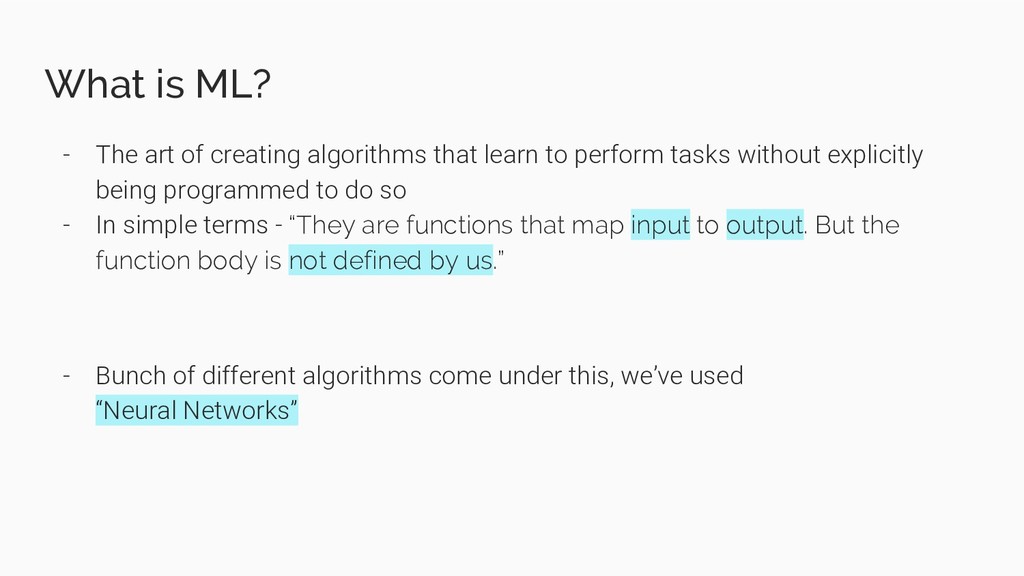
    learn to perform tasks without explicitly being programmed to do so - In simple terms - “They are functions that map input to output. But the function body is not defined by us.” - Bunch of different algorithms come under this, we’ve used “Neural Networks”
  4. Let’s state our Problem We have a collection of pet

    images. Given a new pet’s image, we want to search and retrieve similar looking pets from our collection.
  5. Can’t we just do Classification or Object Detection? - We

    want to search for similar looking pets. Whether they belong to the same breed or not, does not matter. So ...
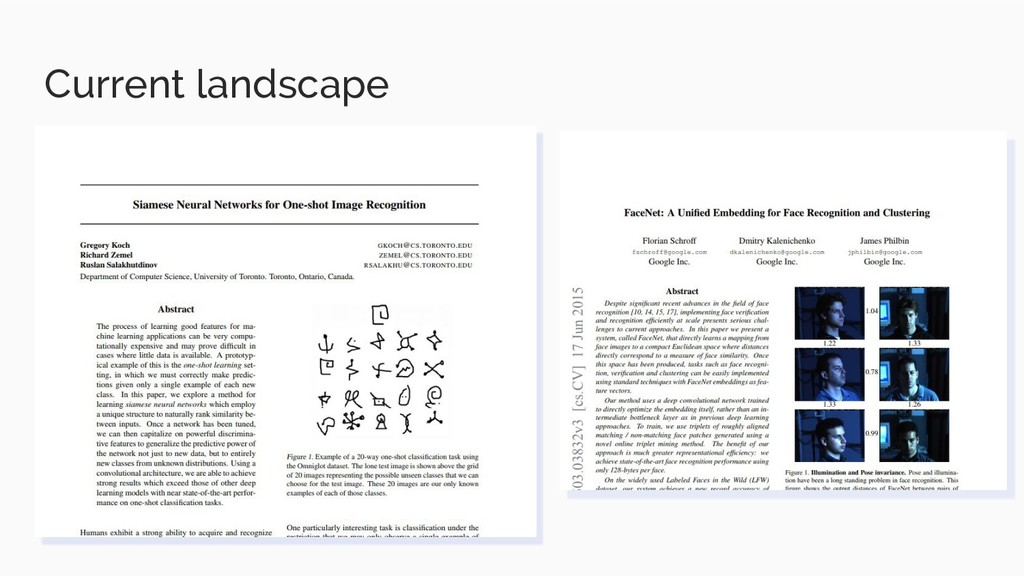
  6. We can use “Similarity Search” techniques - The idea is

    to train a model to identify similarity between 2 given images
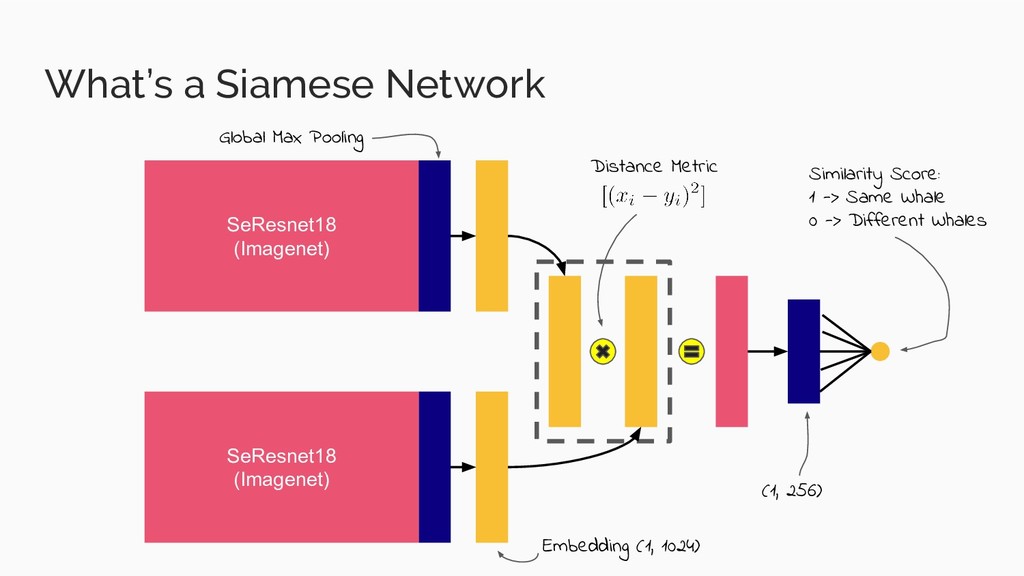
  7. What’s a Siamese Network SeResnet18 (Imagenet) SeResnet18 (Imagenet) Global Max

    Pooling Embedding (1, 1024) Distance Metric (1, 256) Similarity Score: 1 -> Same Whale 0 -> Different Whales
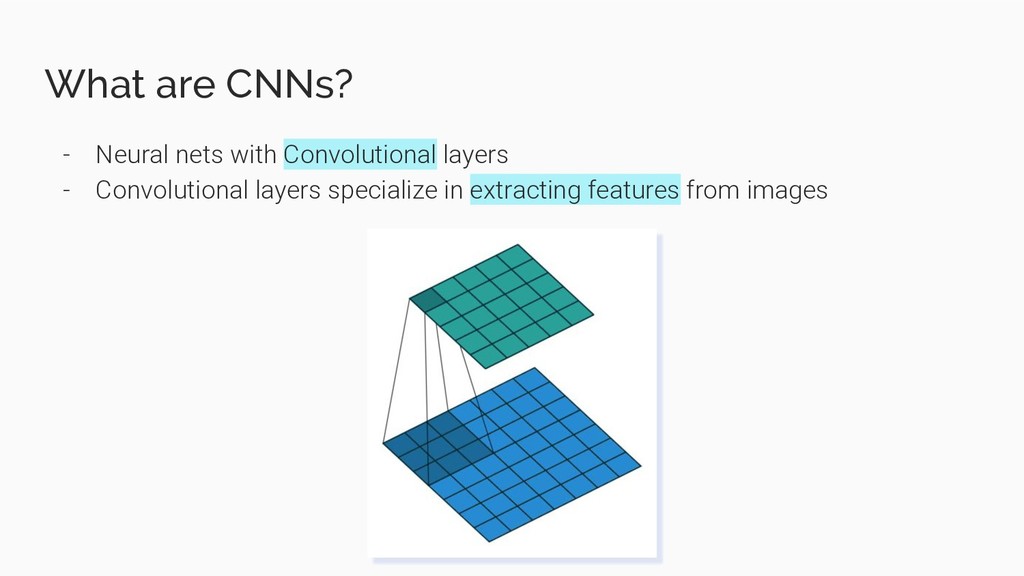
  8. What are CNNs? - Neural nets with Convolutional layers -

    Convolutional layers specialize in extracting features from images
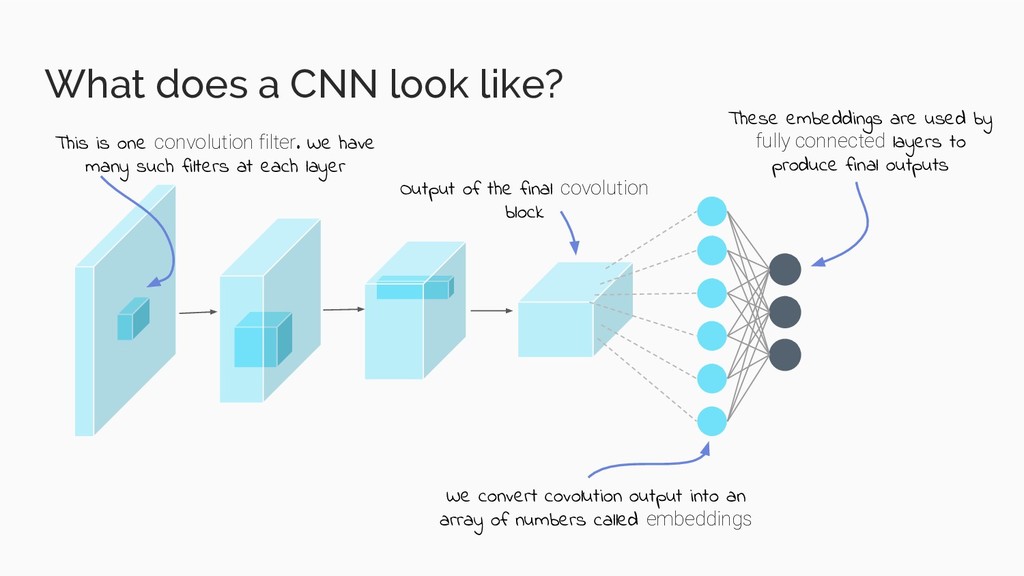
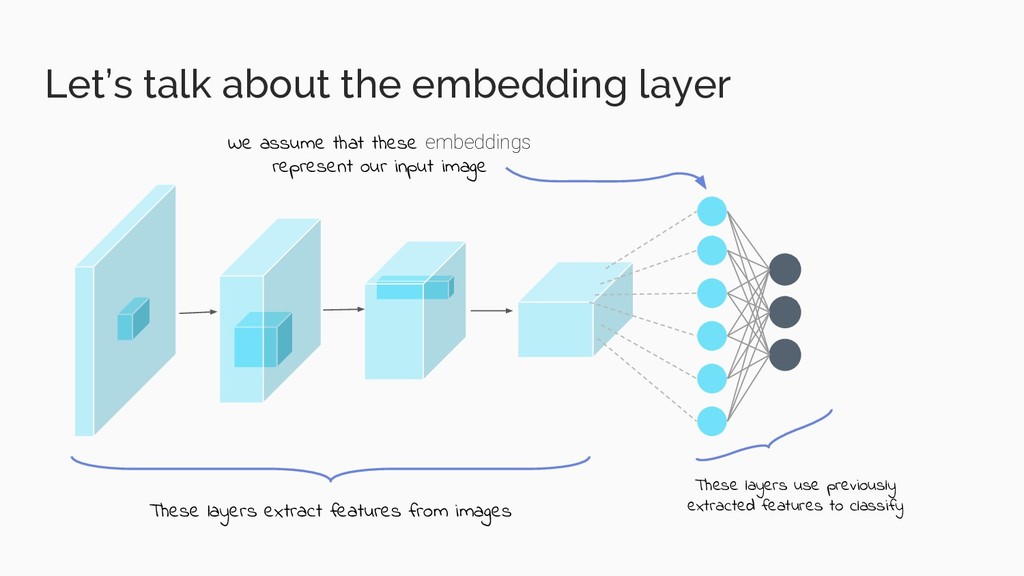
  9. What does a CNN look like? This is one convolution

    filter. We have many such filters at each layer Output of the final covolution block We convert covolution output into an array of numbers called embeddings These embeddings are used by fully connected layers to produce final outputs
  10. Let’s talk about the embedding layer These layers extract features

    from images These layers use previously extracted features to classify We assume that these embeddings represent our input image
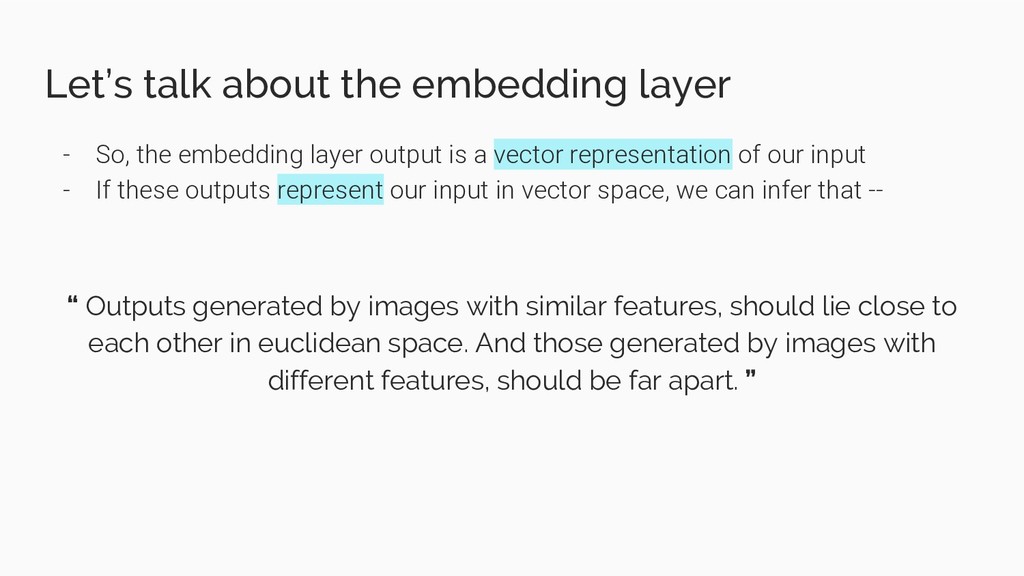
  11. Let’s talk about the embedding layer - So, the embedding

    layer output is a vector representation of our input - If these outputs represent our input in vector space, we can infer that -- “ Outputs generated by images with similar features, should lie close to each other in euclidean space. And those generated by images with different features, should be far apart. ”
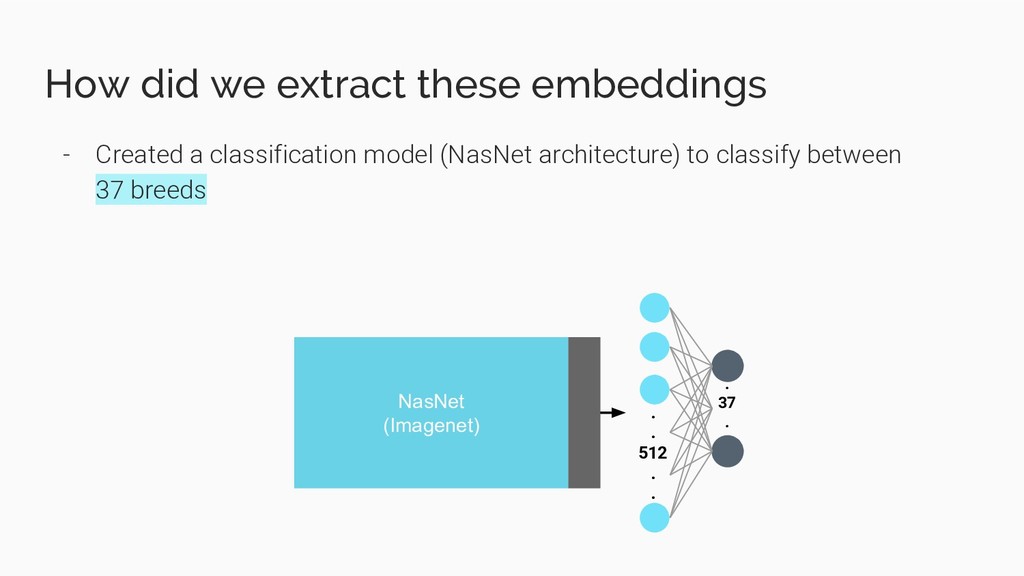
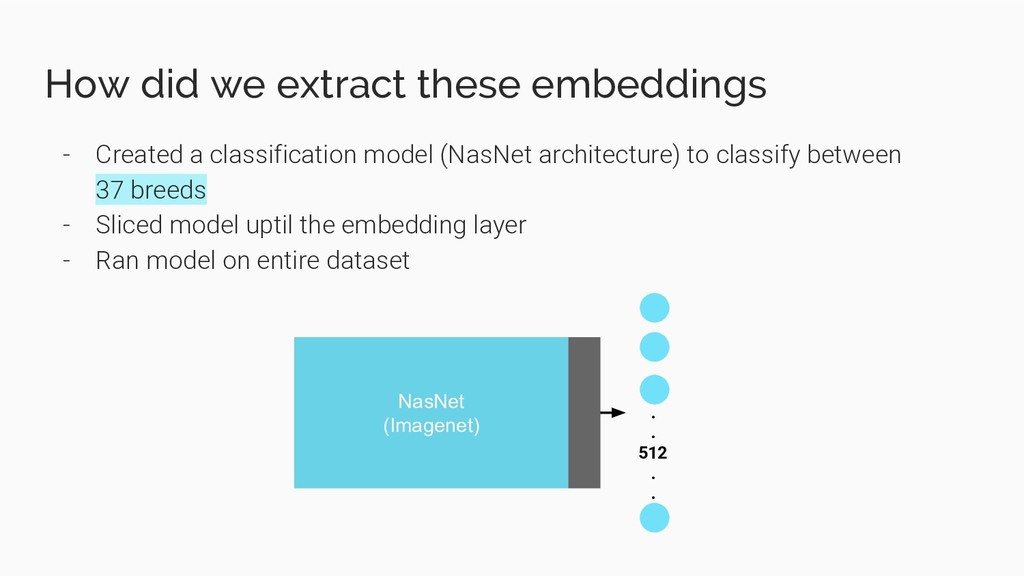
  12. How did we extract these embeddings - Created a classification

    model (NasNet architecture) to classify between 37 breeds NasNet (Imagenet) . . 512 . . . 37 .
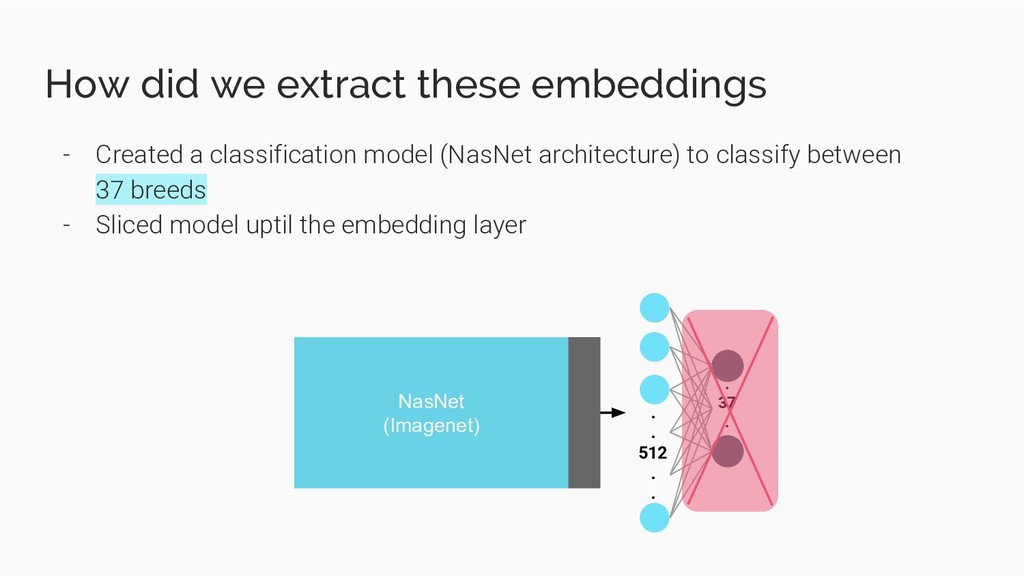
  13. How did we extract these embeddings - Created a classification

    model (NasNet architecture) to classify between 37 breeds - Sliced model uptil the embedding layer NasNet (Imagenet) . . 512 . . . 37 .
  14. How did we extract these embeddings - Created a classification

    model (NasNet architecture) to classify between 37 breeds - Sliced model uptil the embedding layer - Ran model on entire dataset NasNet (Imagenet) . . 512 . .
  15. We have the embeddings, now what? These are the steps

    we follow for a query image: - Calculate embedding vector for query image (let’s call it ‘Q’) - From our pre-calculated embedding vectors, search for those that are at minimum distance from Q (let’s call them set ‘R’) - Retrieve images that correspond to vectors in set ‘R’
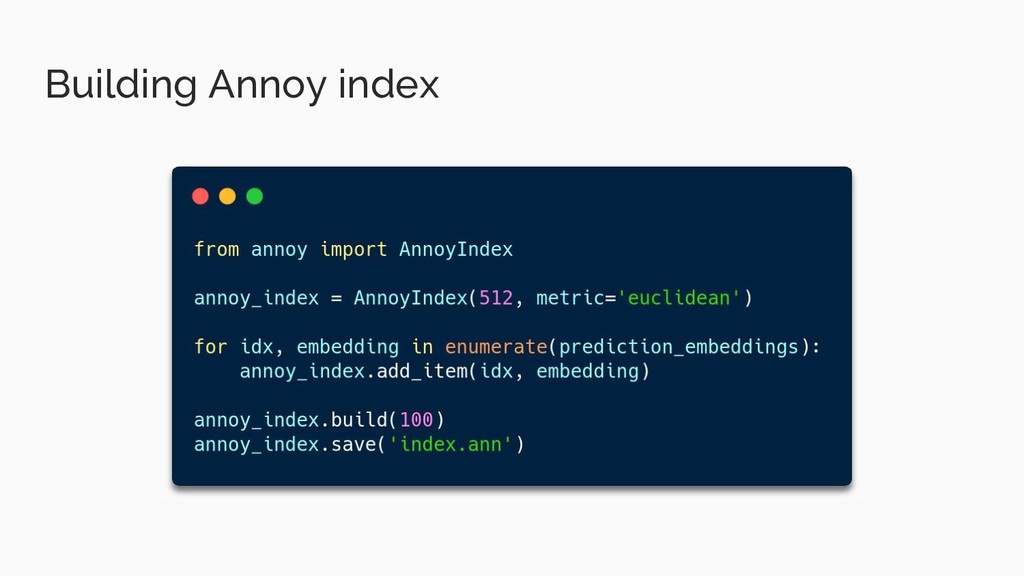
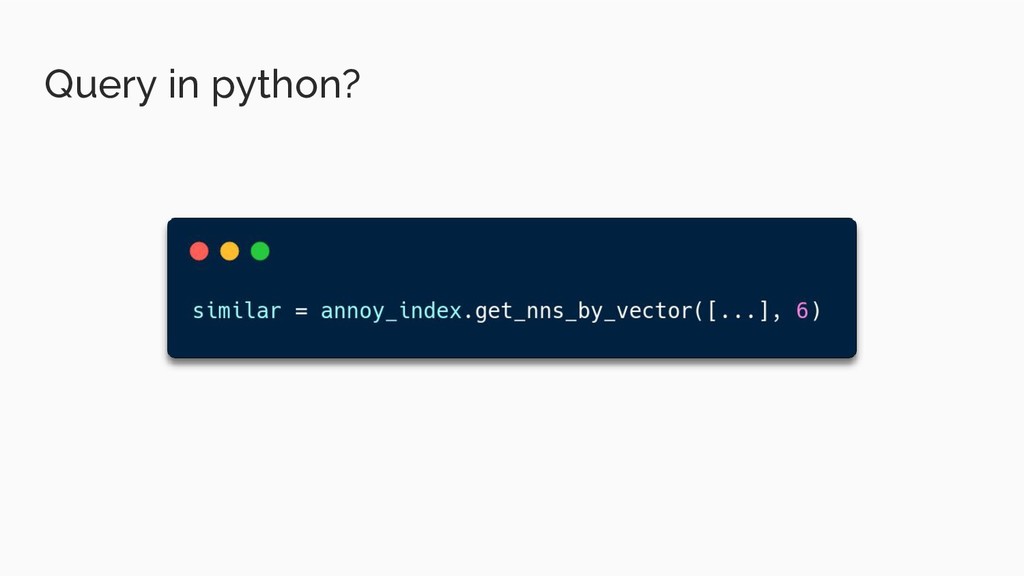
  16. We have the embeddings, now what? The question becomes “How

    do we efficiently find nearest embedding vectors?”
  17. What is it? - Cross Platform native app dev toolkit

    - Heavily inspired from React - Made on Dart
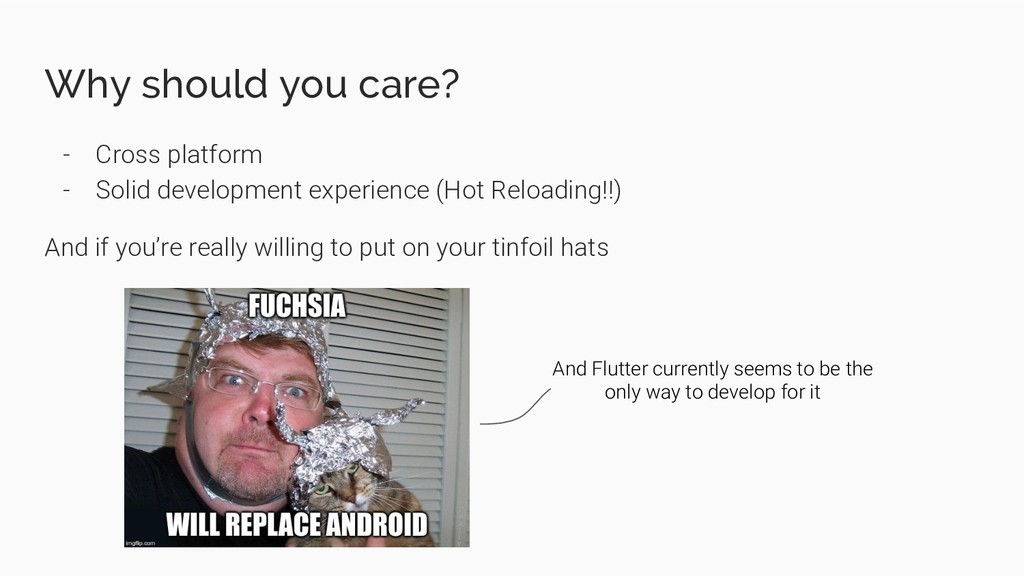
  18. Why should you care? - Cross platform - Solid development

    experience (Hot Reloading!!) And if you’re really willing to put on your tinfoil hats And Flutter currently seems to be the only way to develop for it
  19. Core ideas - Everything is a Widget - Widgets can

    have a local State - This state should define what gets displayed - Widgets should only modify there states in a setState callback
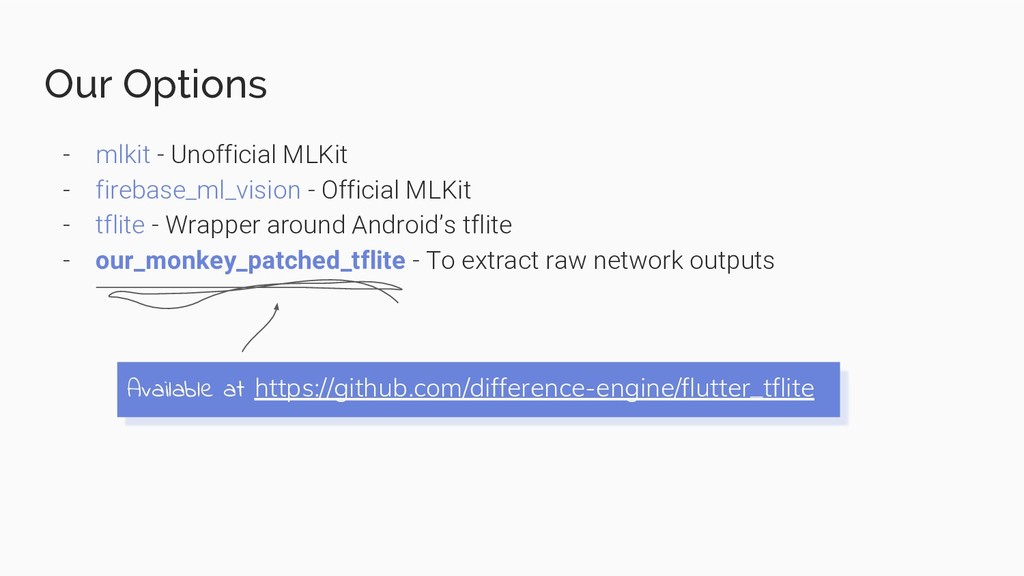
  20. Our Options - mlkit - Unofficial MLKit - firebase_ml_vision -

    Official MLKit - tflite - Wrapper around Android’s tflite - our_monkey_patched_tflite - To extract raw network outputs Available at https://github.com/difference-engine/flutter_tflite
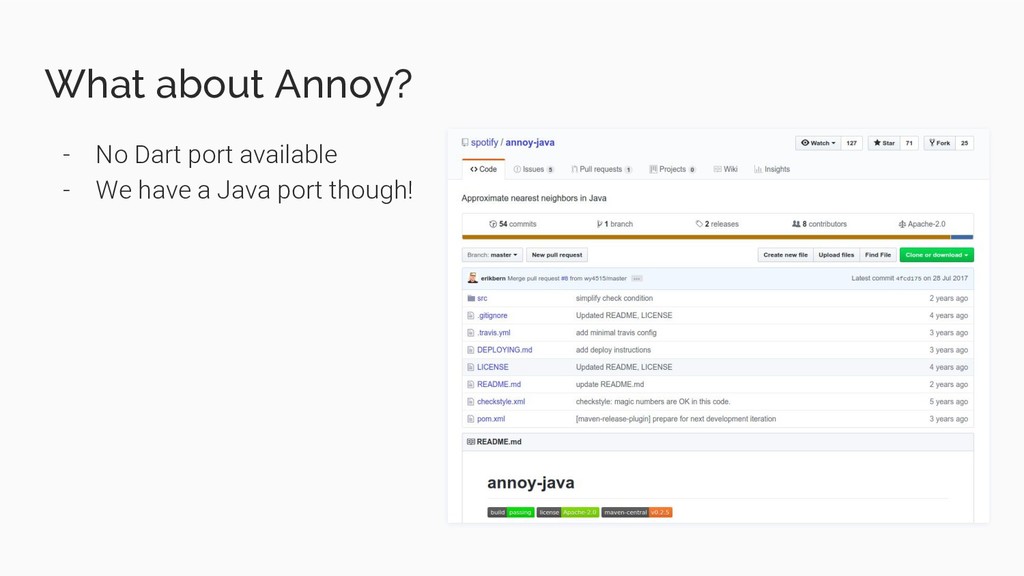
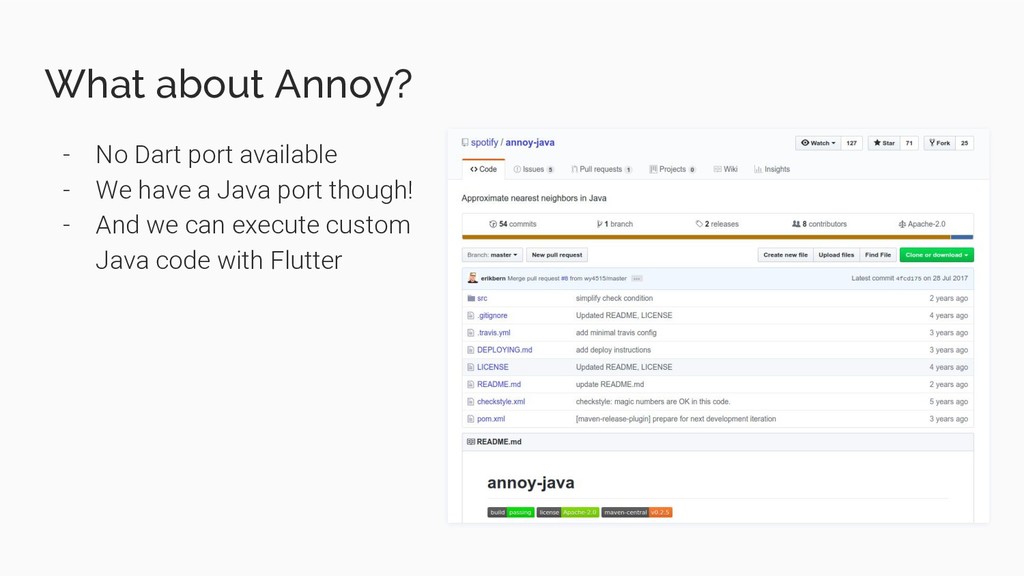
  21. What about Annoy? - No Dart port available - We

    have a Java port though! - And we can execute custom Java code with Flutter
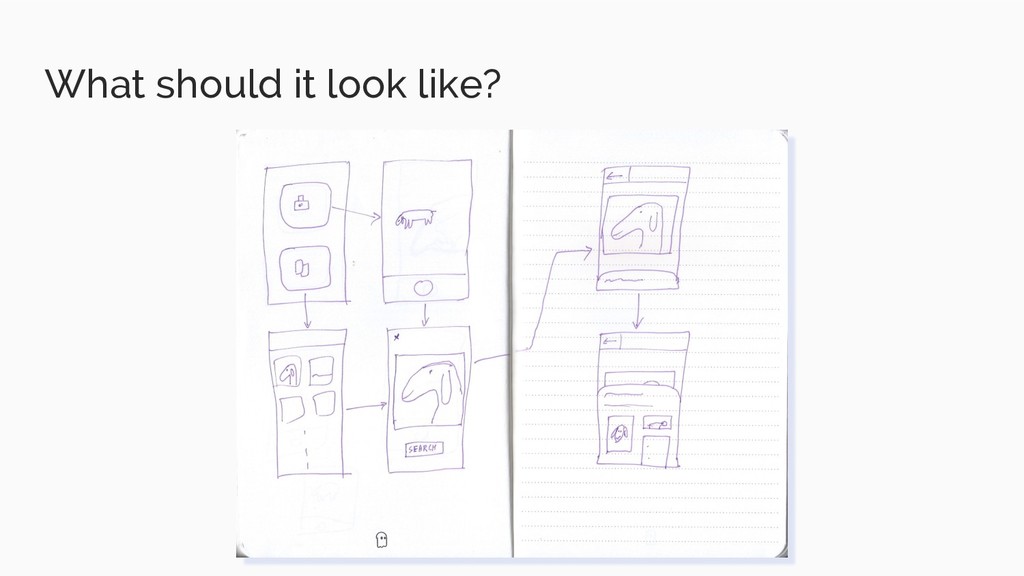
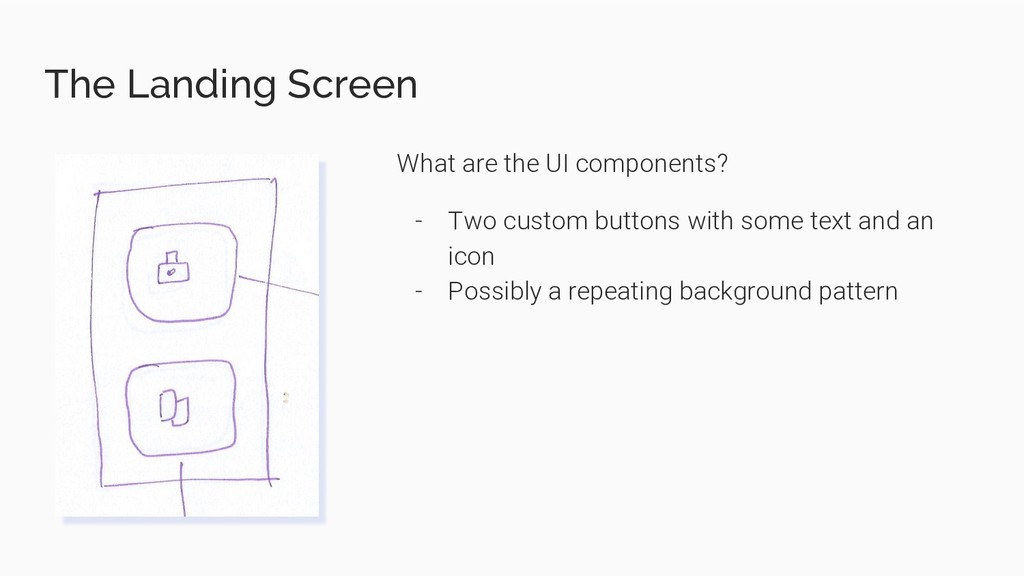
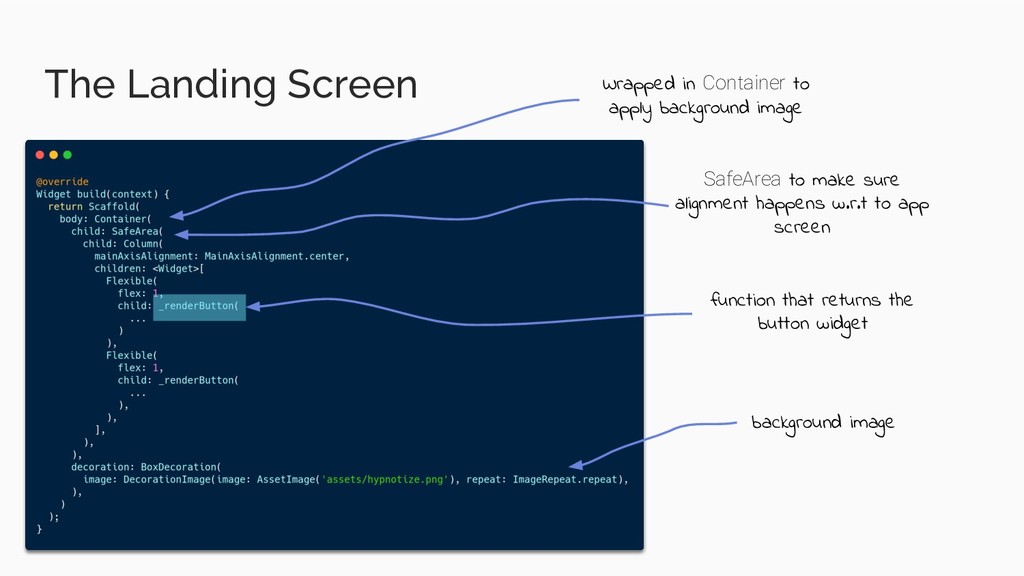
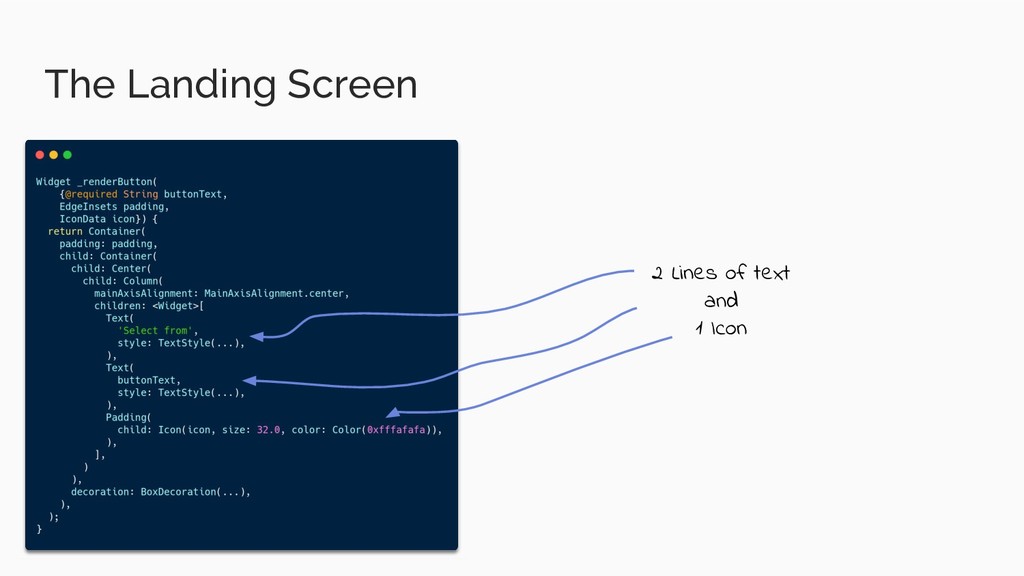
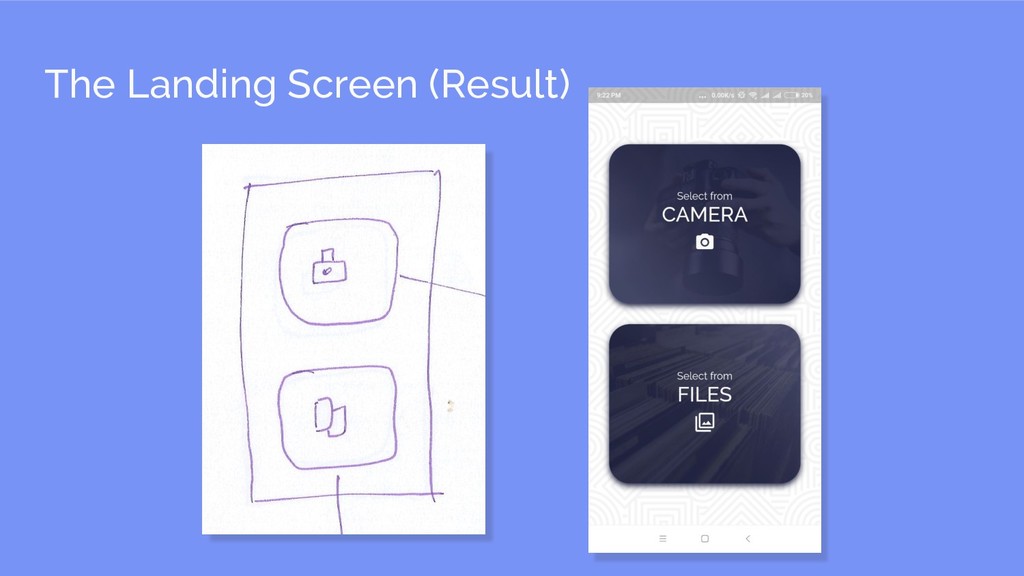
  22. The Landing Screen What are the UI components? - Two

    custom buttons with some text and an icon - Possibly a repeating background pattern
  23. The Landing Screen Wrapped in Container to apply background image

    SafeArea to make sure alignment happens w.r.t to app screen function that returns the button widget background image
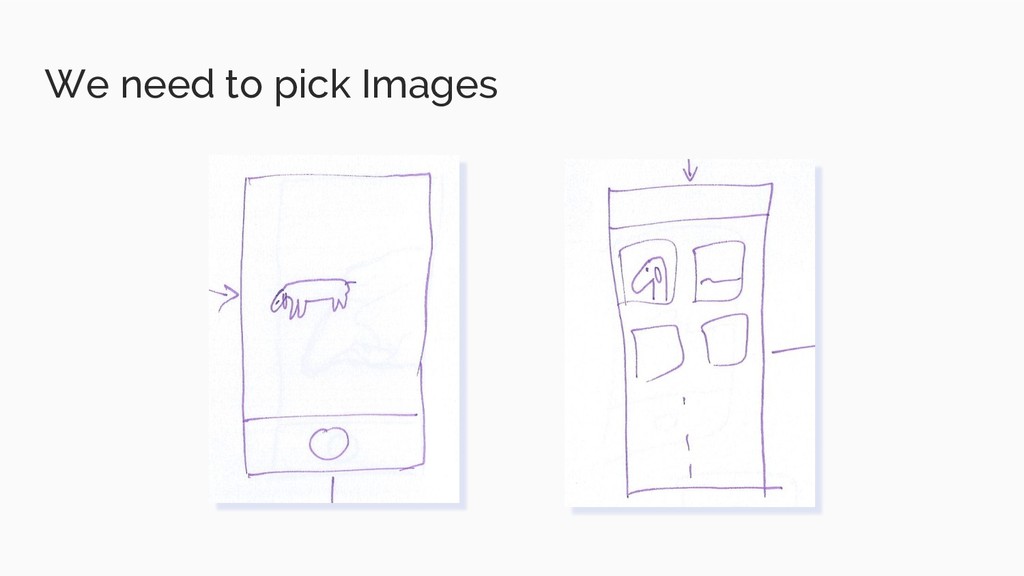
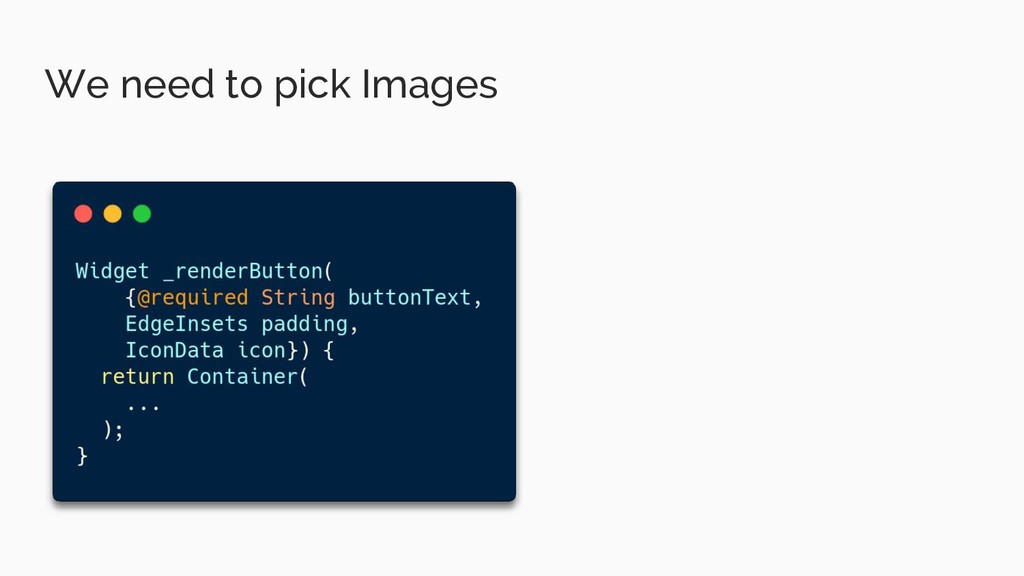
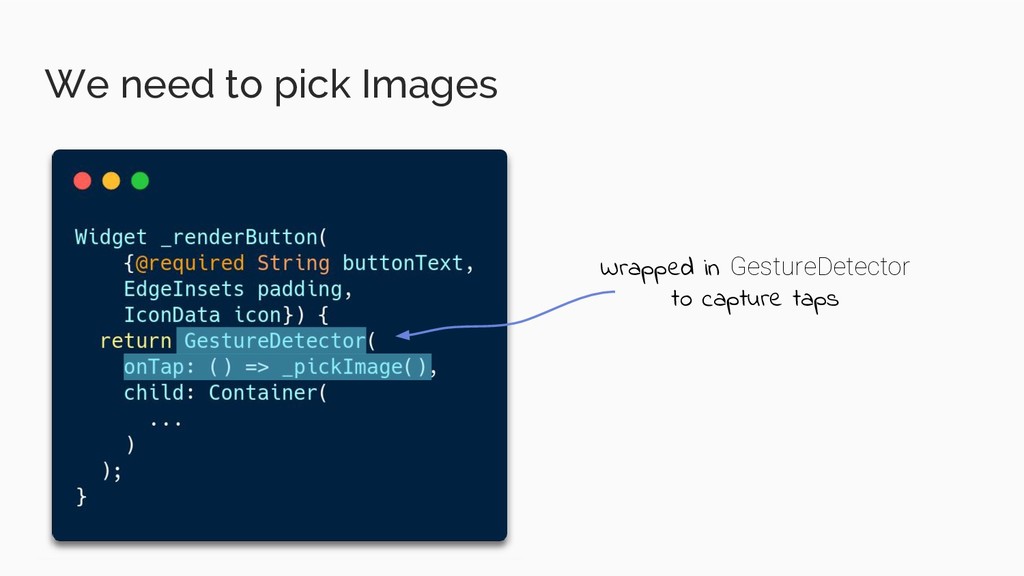
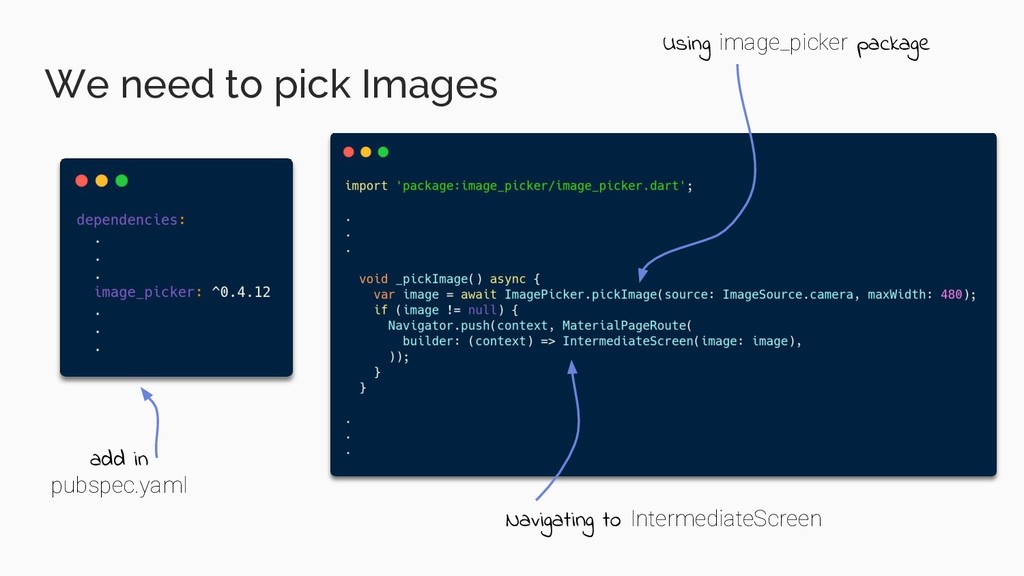
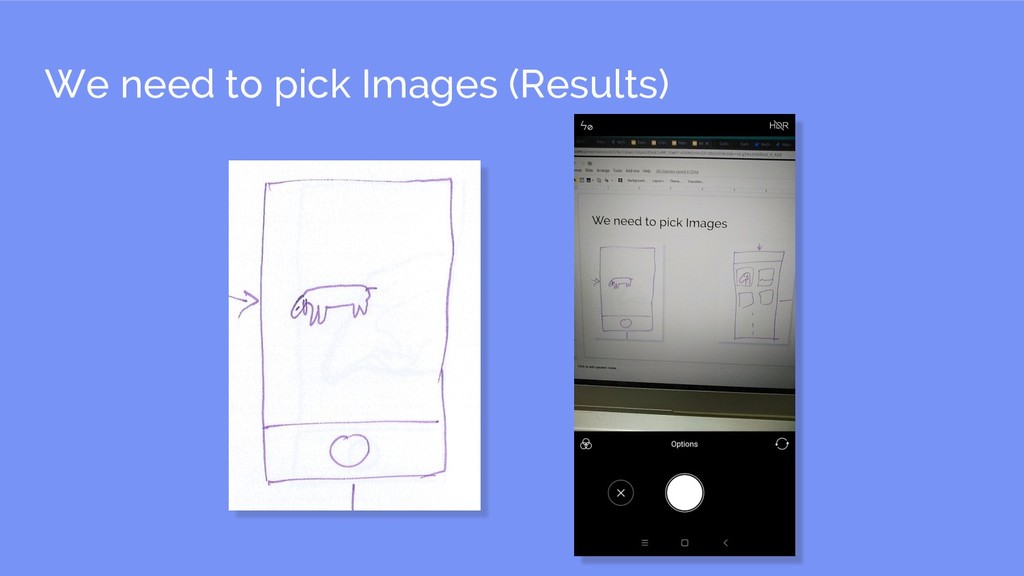
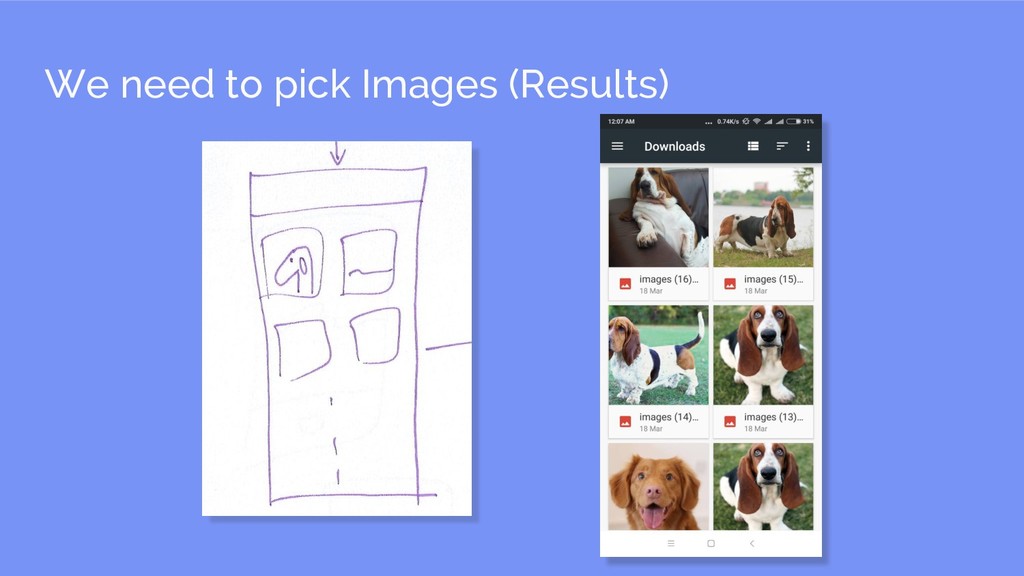
  24. We need to pick Images add in pubspec.yaml Using image_picker

    package Navigating to IntermediateScreen
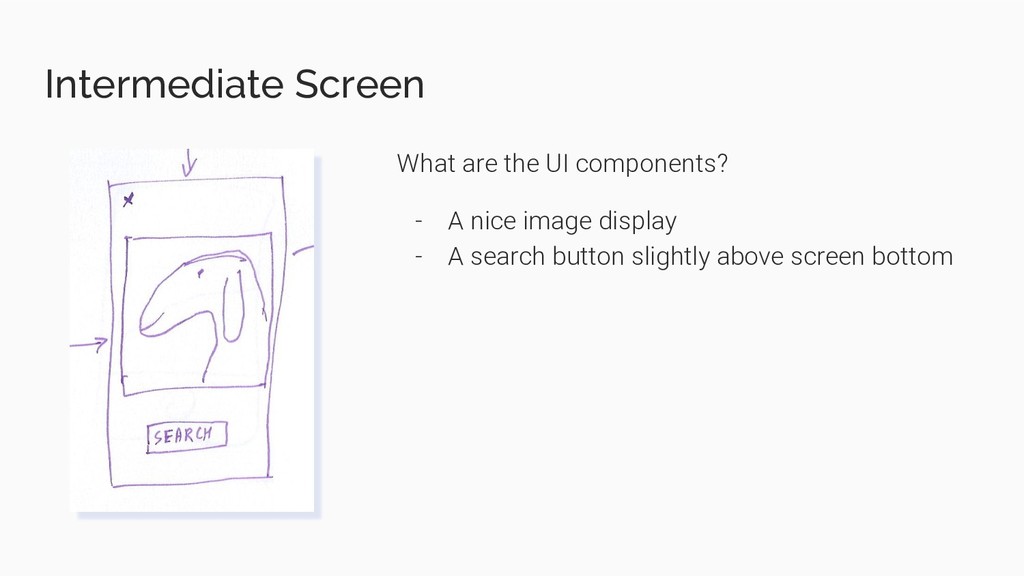
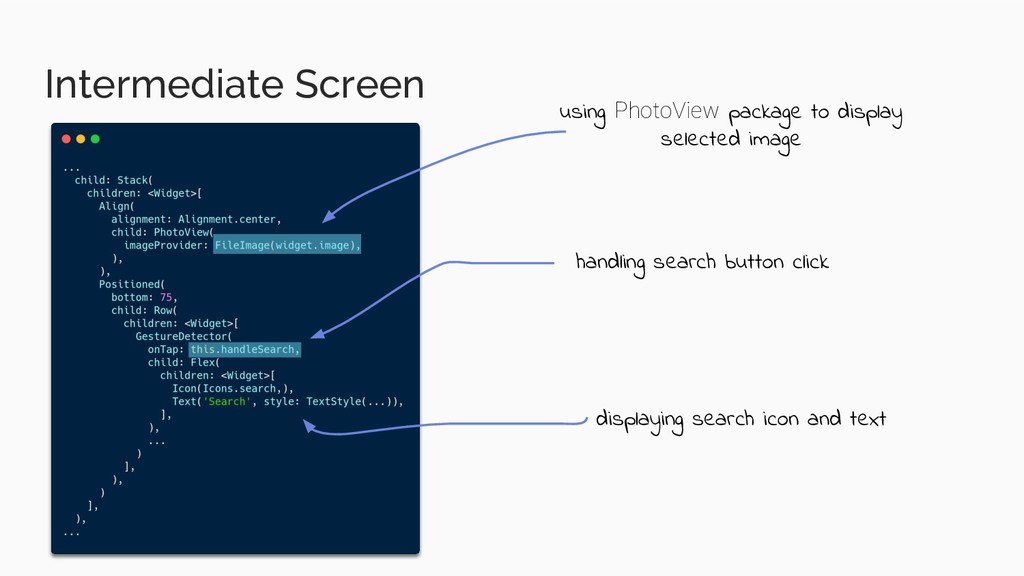
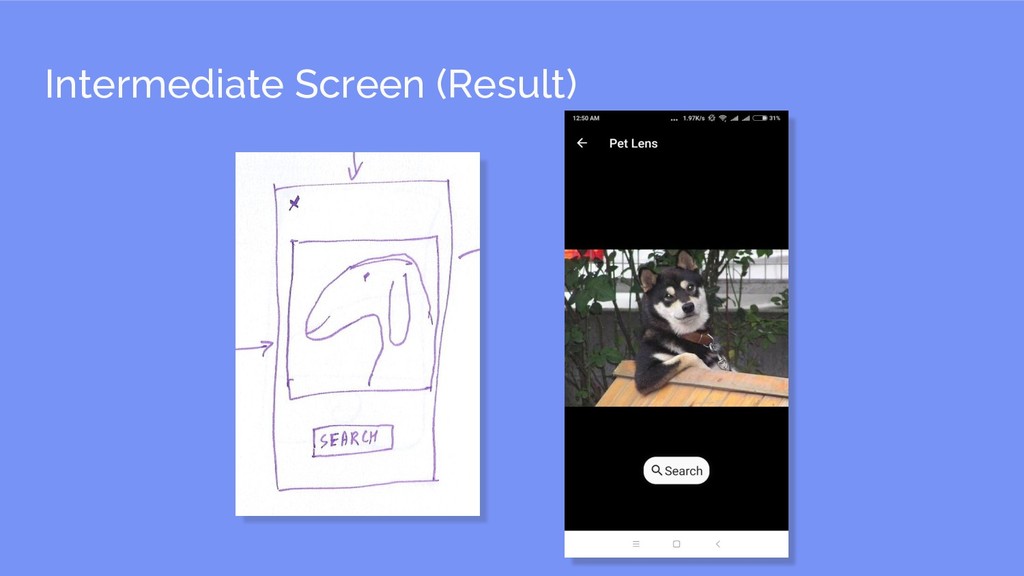
  25. Intermediate Screen What are the UI components? - A nice

    image display - A search button slightly above screen bottom
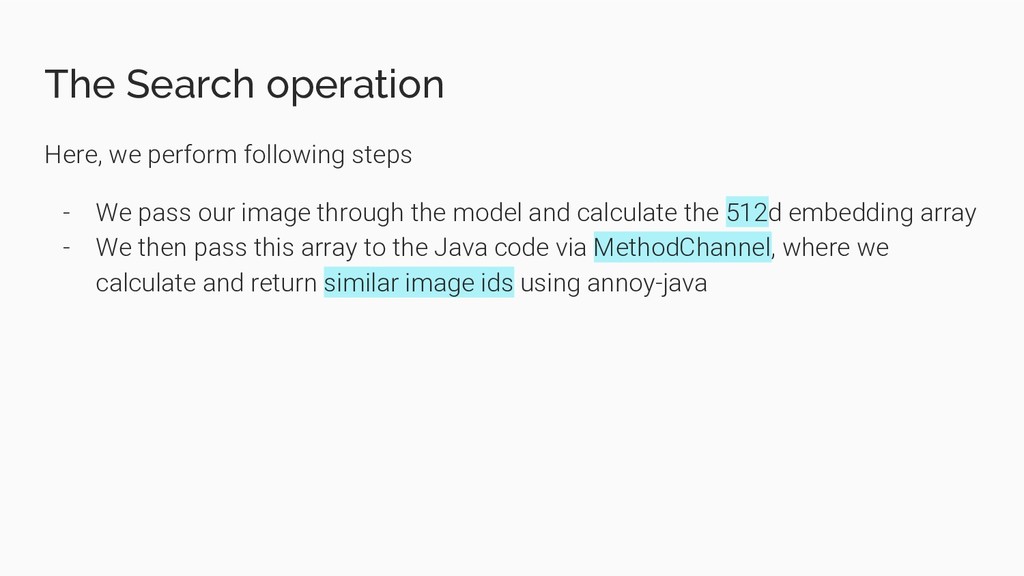
  26. The Search operation Here, we perform following steps - We

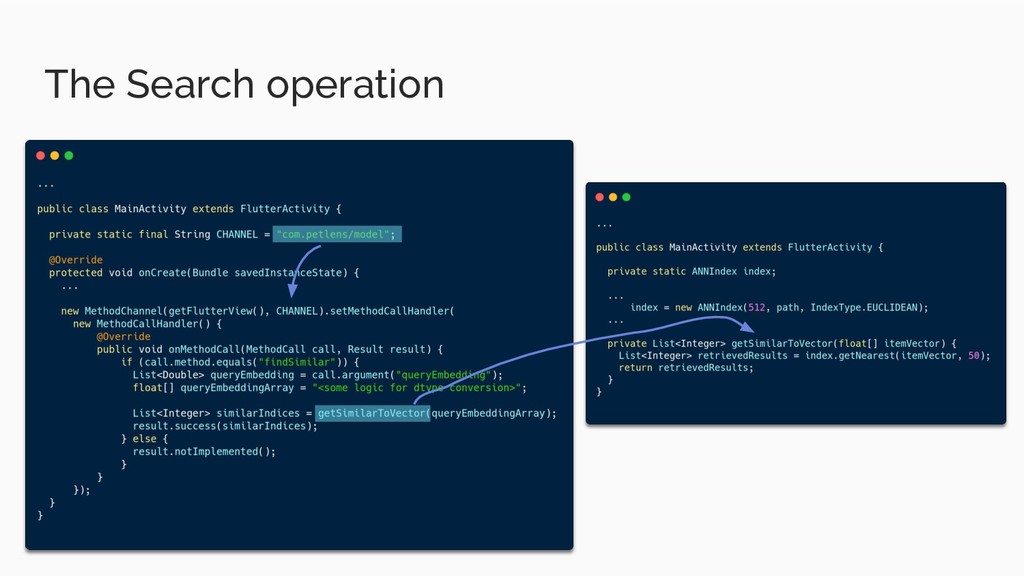
    pass our image through the model and calculate the 512d embedding array - We then pass this array to the Java code via MethodChannel, where we calculate and return similar image ids using annoy-java
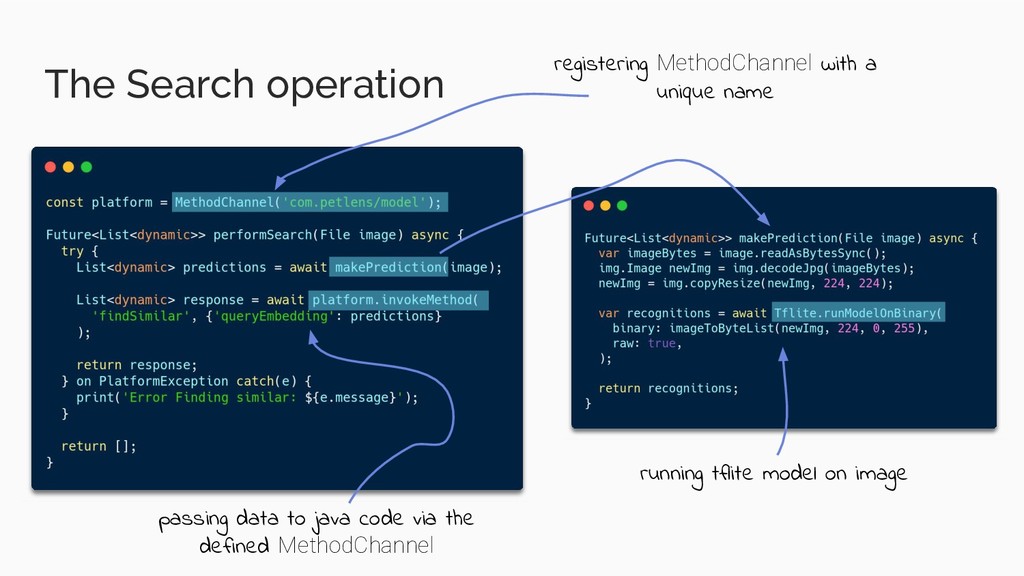
  27. The Search operation running tflite model on image registering MethodChannel

    with a unique name passing data to java code via the defined MethodChannel
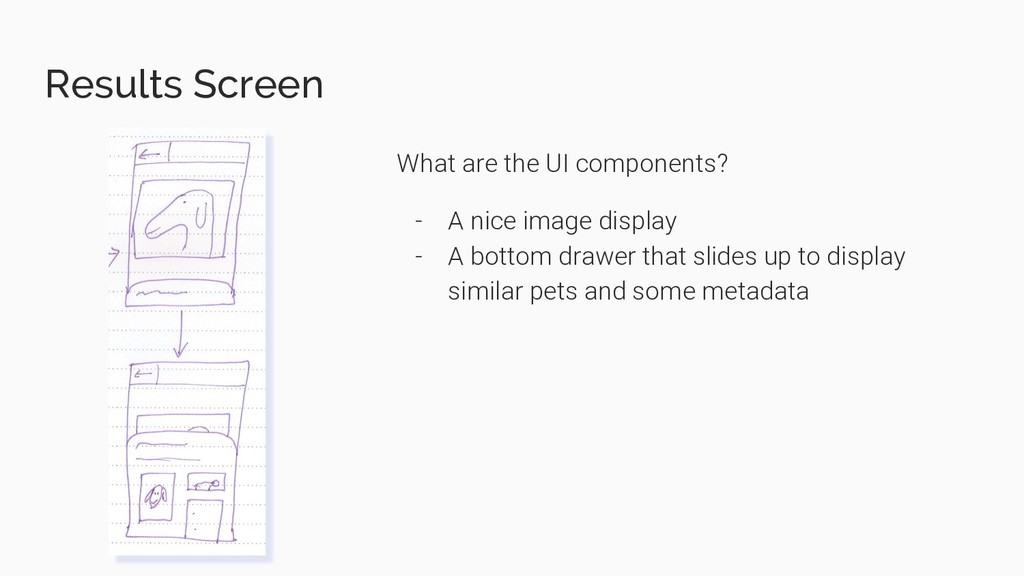
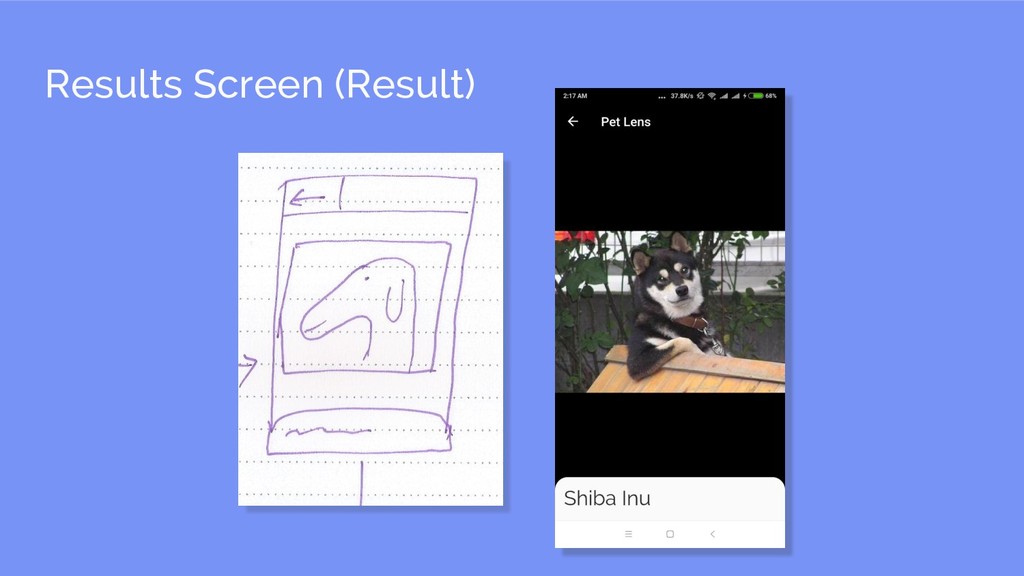
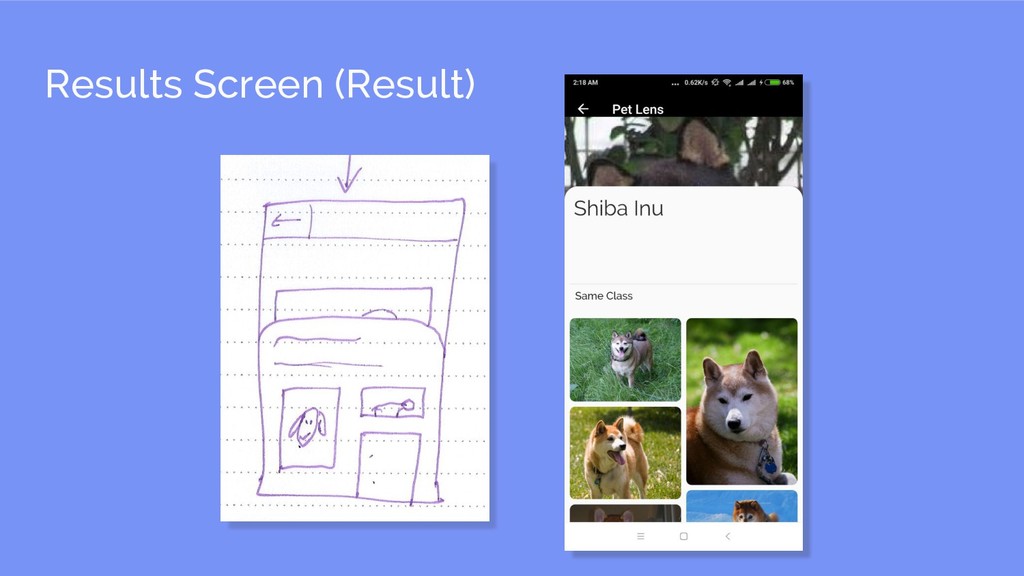
  28. Results Screen What are the UI components? - A nice

    image display - A bottom drawer that slides up to display similar pets and some metadata
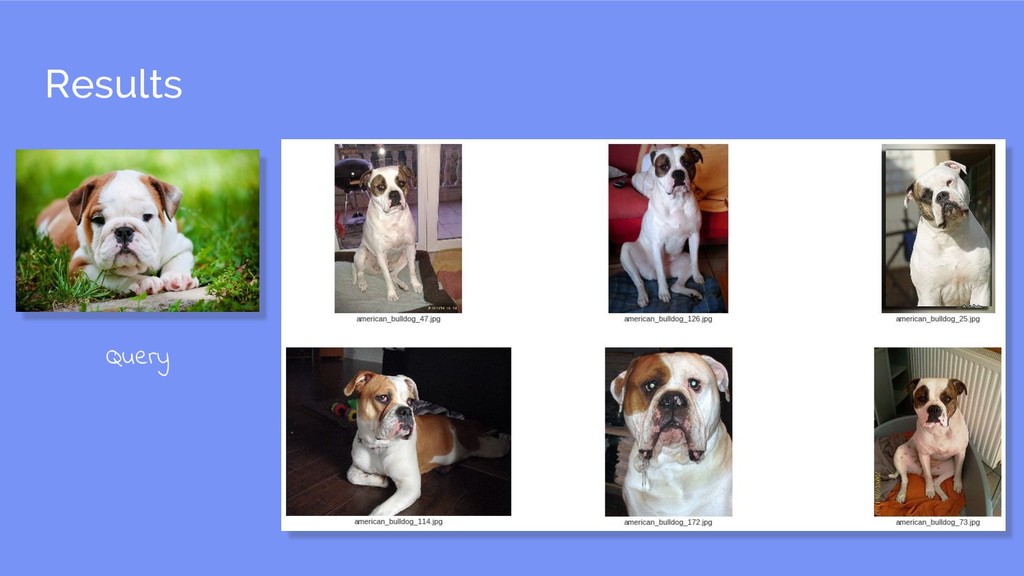
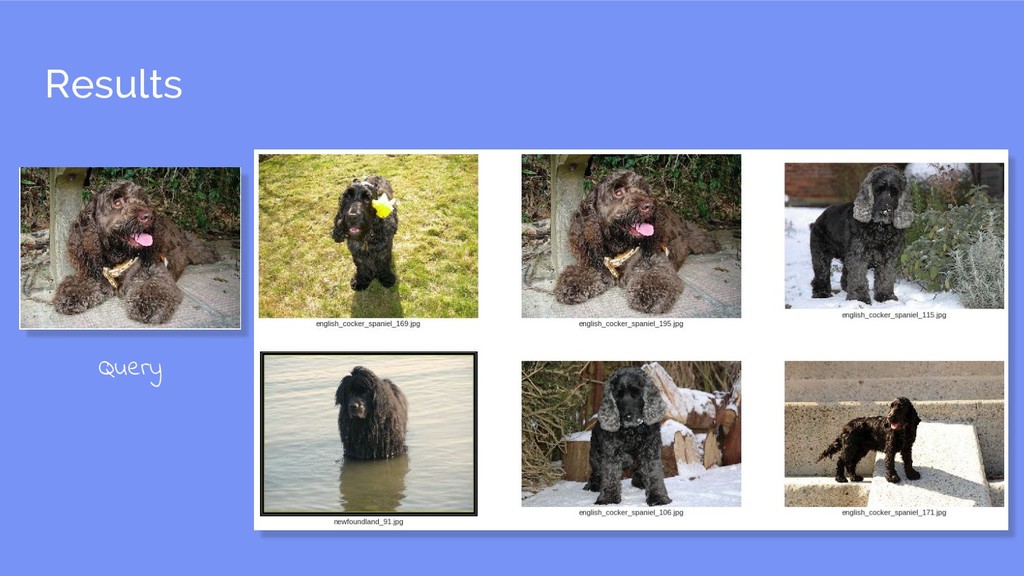
  29. Results Screen - The code turned out to be slightly

    messy ¯\_(ツ)_/¯ - So directly gonna show results, feel free to check out the code at https://github.com/difference-engine/pet_lens
  30. What’s next ... - Flutter is still relatively new, but

    it's growing - Doing ML on android is definitely possible