Upgrade to Pro — share decks privately, control downloads, hide ads and more …

8 uses of RxSwift

Sponsored · Your Podcast. Everywhere. Effortlessly. Share. Educate. Inspire. Entertain. You do you. We'll handle the rest.

8 uses of RxSwift

These are the slides of the talk I gave at Swift Toulouse Meetup. I explore (almost) 8 ways to use RxSwift. From the very basics like networking and binding to more personal tips or examples of my own.

Avatar for Jérôme Alves

Jérôme Alves

April 24, 2018

More Decks by Jérôme Alves

Other Decks in Programming

Transcript

  1. → I'm Jérôme Alves → Lead iOS Developer @ Heetch

    → @jegnux on Twitter, Github, Slack, etc...
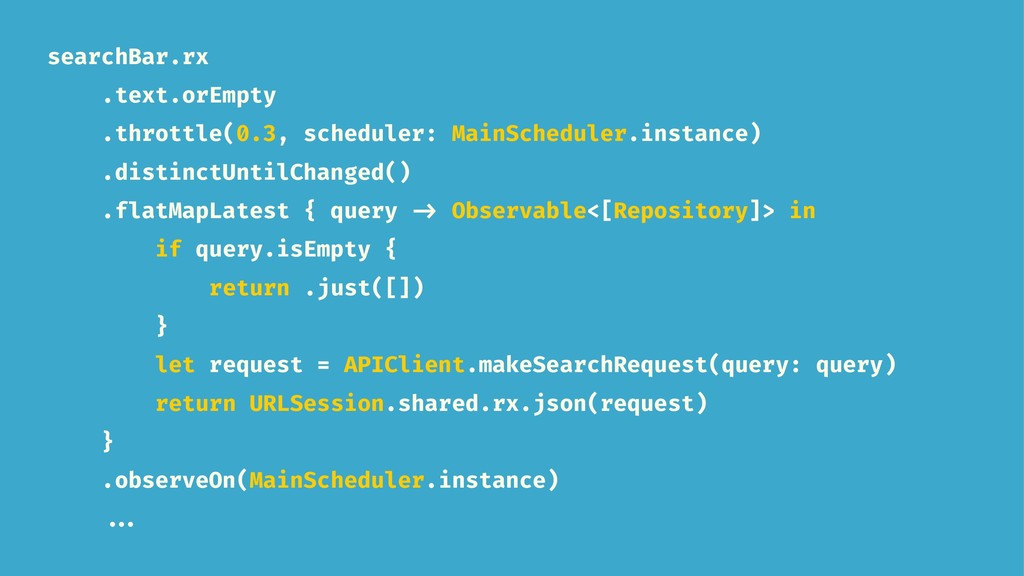
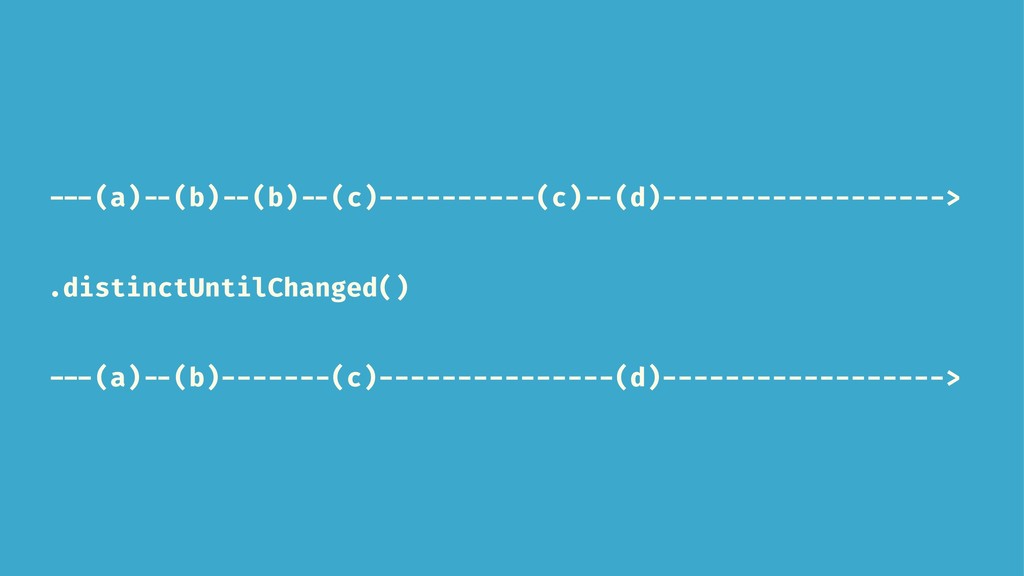
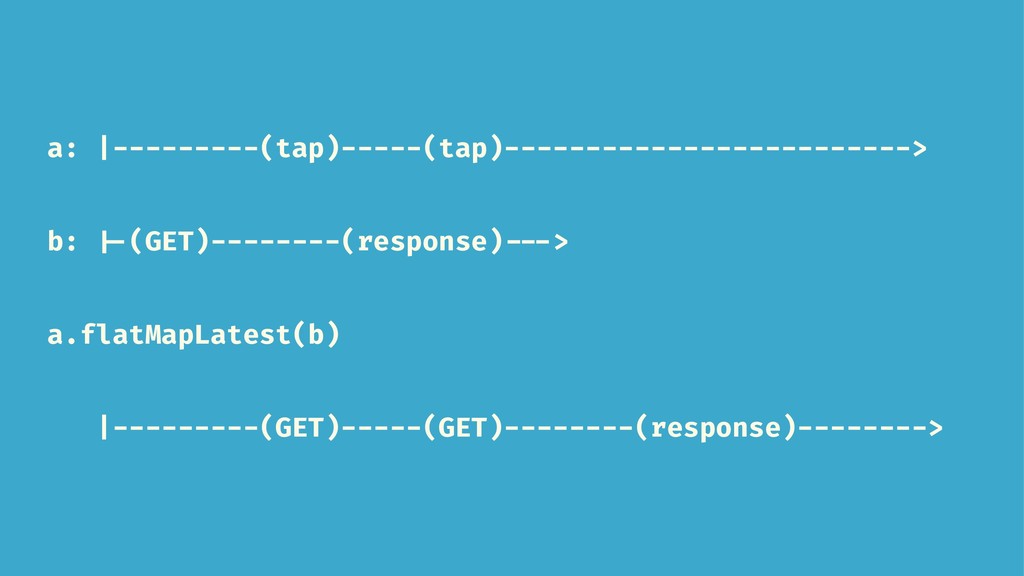
  2. searchBar.rx .text.orEmpty .throttle(0.3, scheduler: MainScheduler.instance) .distinctUntilChanged() .flatMapLatest { query ->

    Observable<[Repository]> in if query.isEmpty { return .just([]) } let request = APIClient.makeSearchRequest(query: query) return URLSession.shared.rx.json(request) } .observeOn(MainScheduler.instance) ...
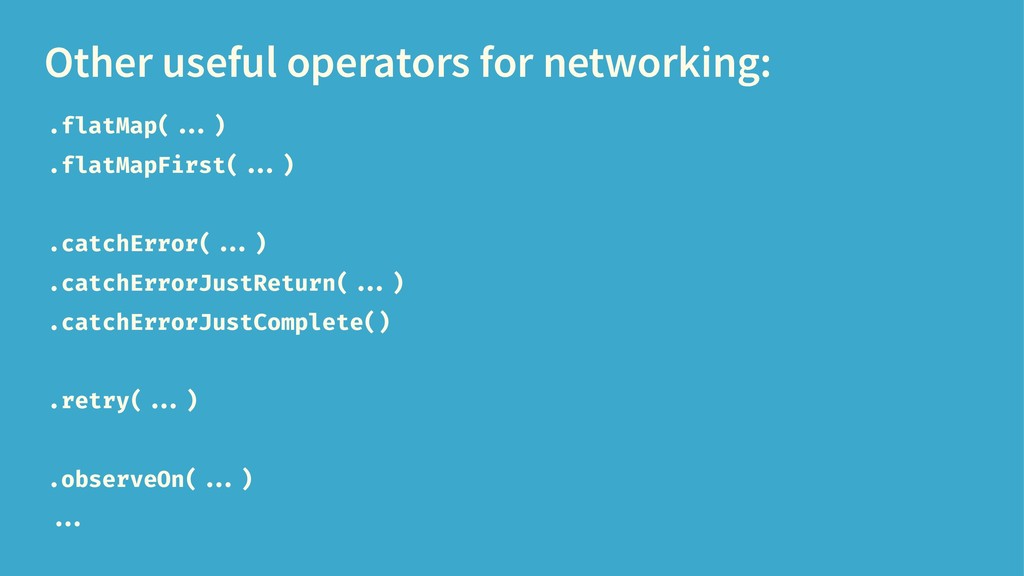
  3. Other useful operators for networking: .flatMap( ...) .flatMapFirst( ...) .catchError(

    ...) .catchErrorJustReturn( ...) .catchErrorJustComplete() .retry( ...) .observeOn( ...) ...
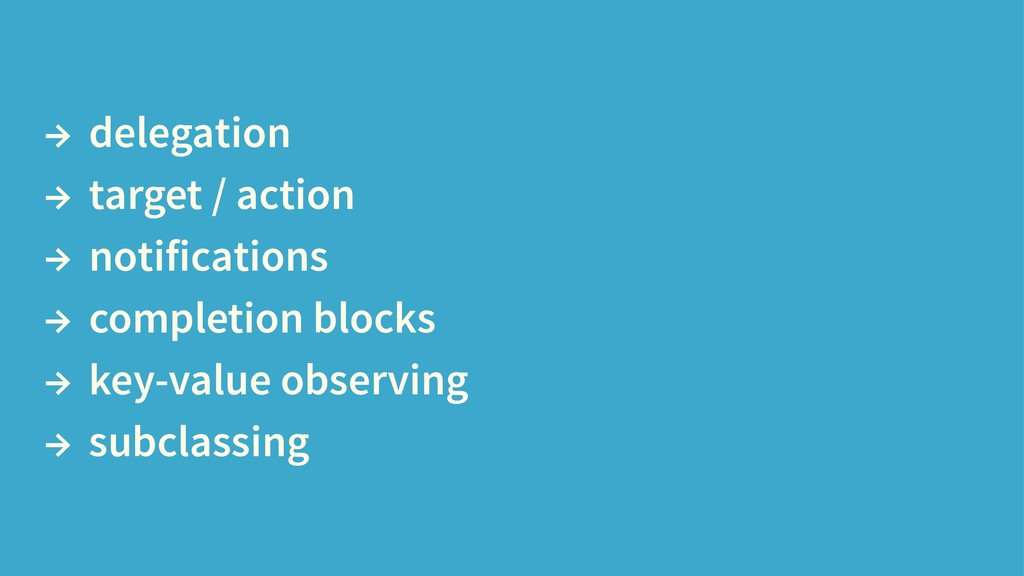
  4. → delegation → target / action → notifications → completion

    blocks → key-value observing → subclassing
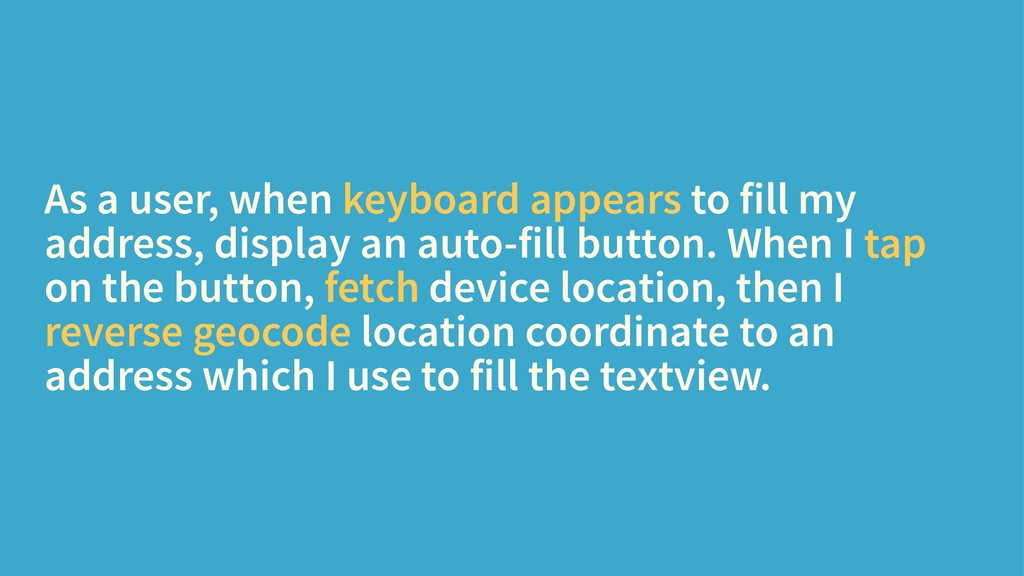
  5. As a user, when keyboard appears to fill my address,

    display an auto-fill button. When I tap on the button, fetch device location, then I reverse geocode location coordinate to an address which I use to fill the textview.
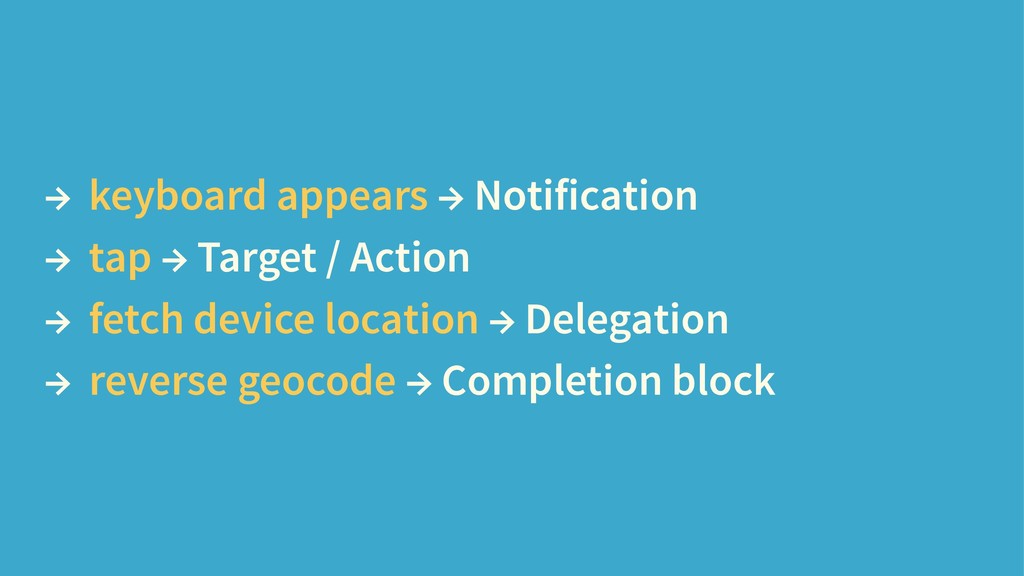
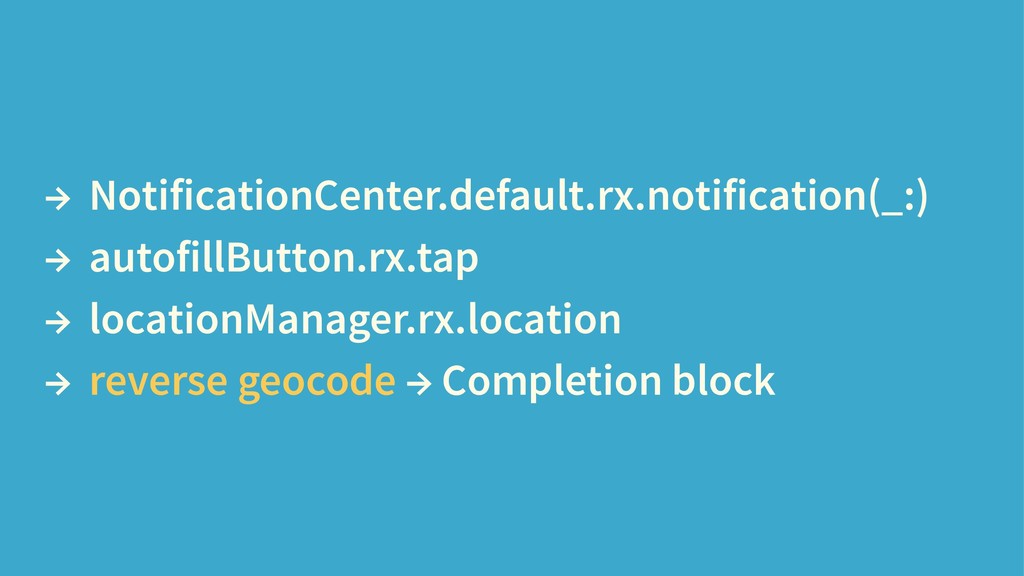
  6. → keyboard appears → Notification → tap → Target /

    Action → fetch device location → Delegation → reverse geocode → Completion block
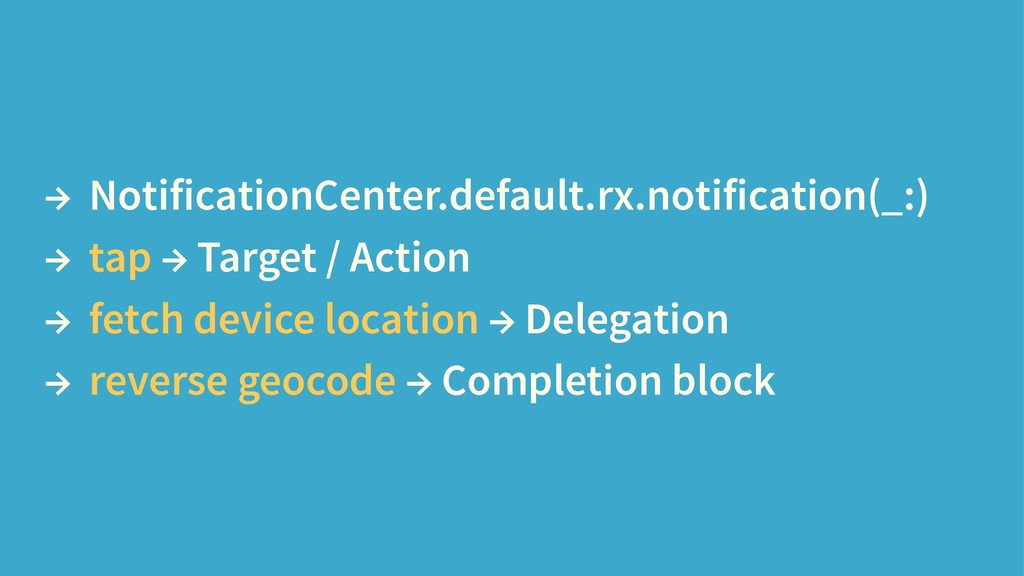
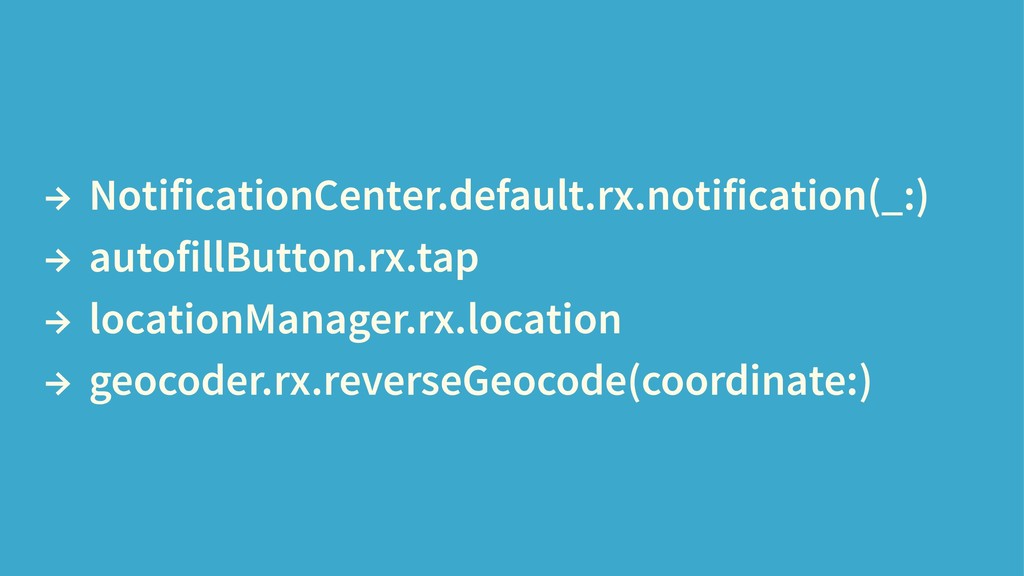
  7. → NotificationCenter.default.rx.notification(_:) → tap → Target / Action → fetch

    device location → Delegation → reverse geocode → Completion block
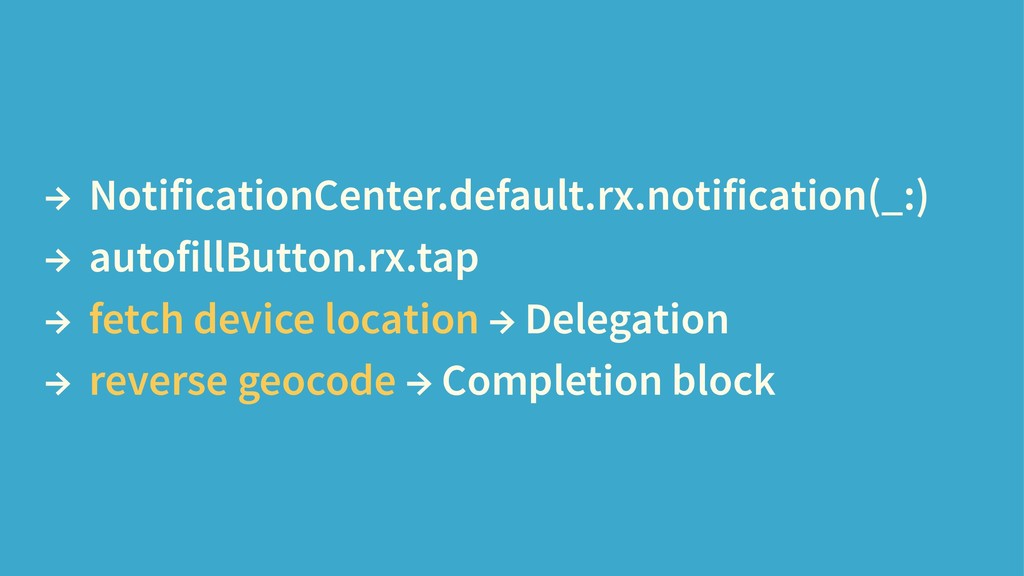
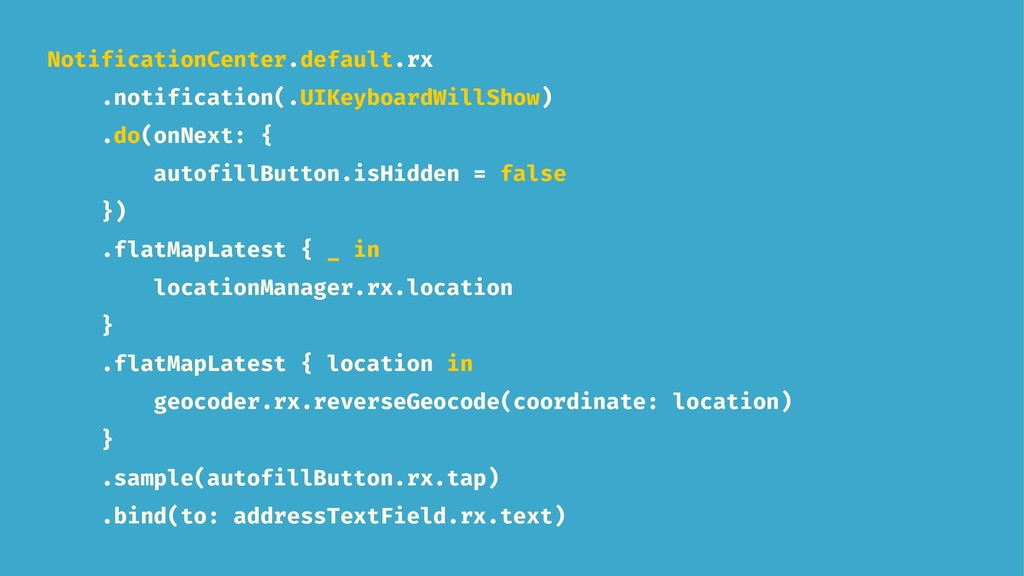
  8. NotificationCenter.default.rx .notification(.UIKeyboardWillShow) .do(onNext: { autofillButton.isHidden = false }) .flatMapLatest {

    _ in locationManager.rx.location } .flatMapLatest { location in geocoder.rx.reverseGeocode(coordinate: location) } .sample(autofillButton.rx.tap) .bind(to: addressTextField.rx.text)
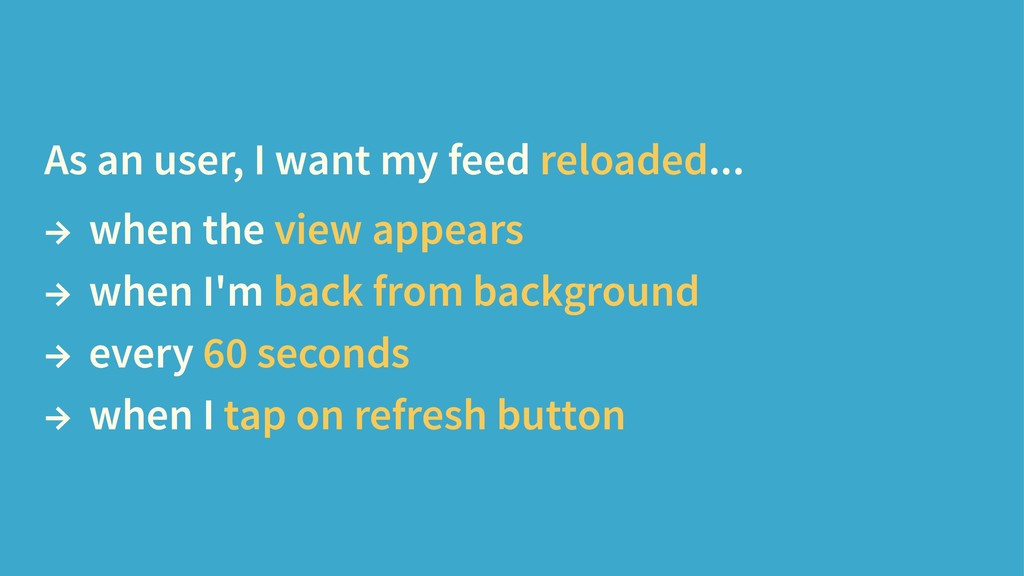
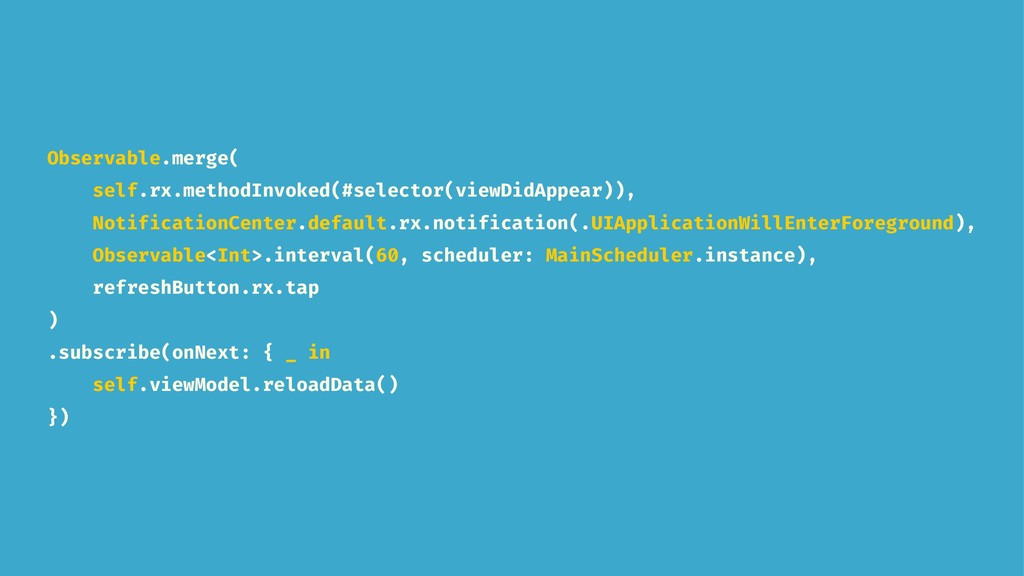
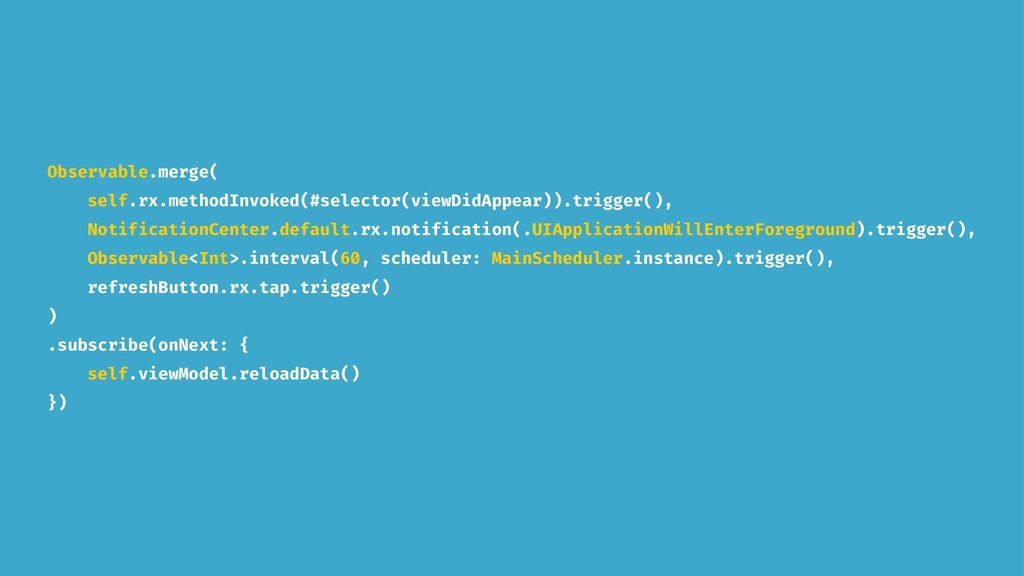
  9. As an user, I want my feed reloaded... → when

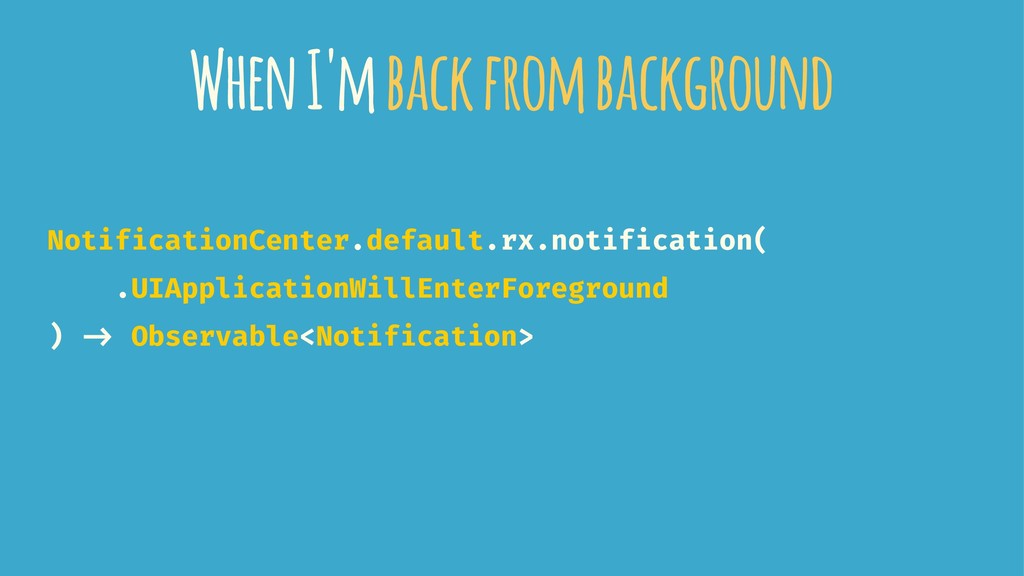
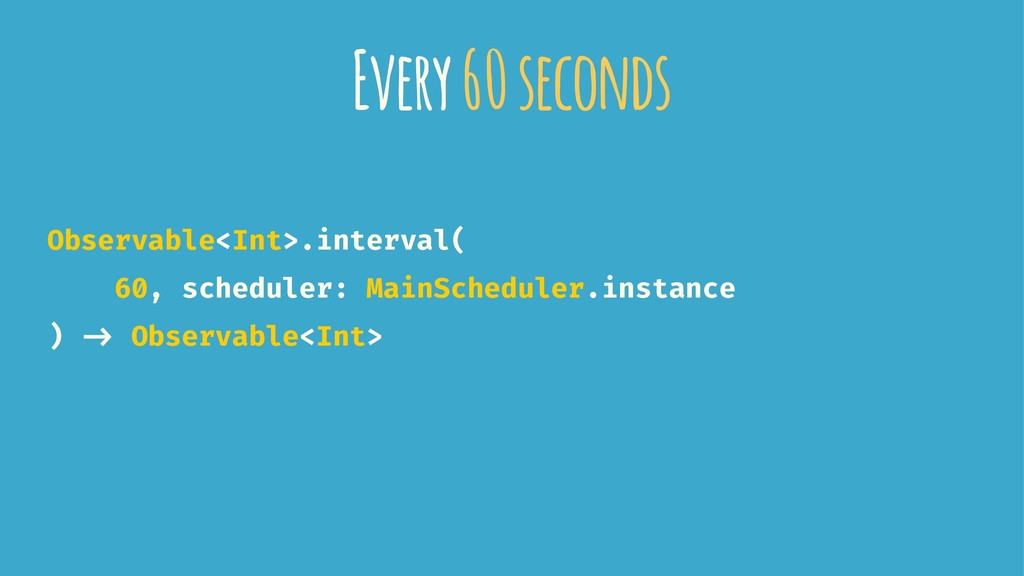
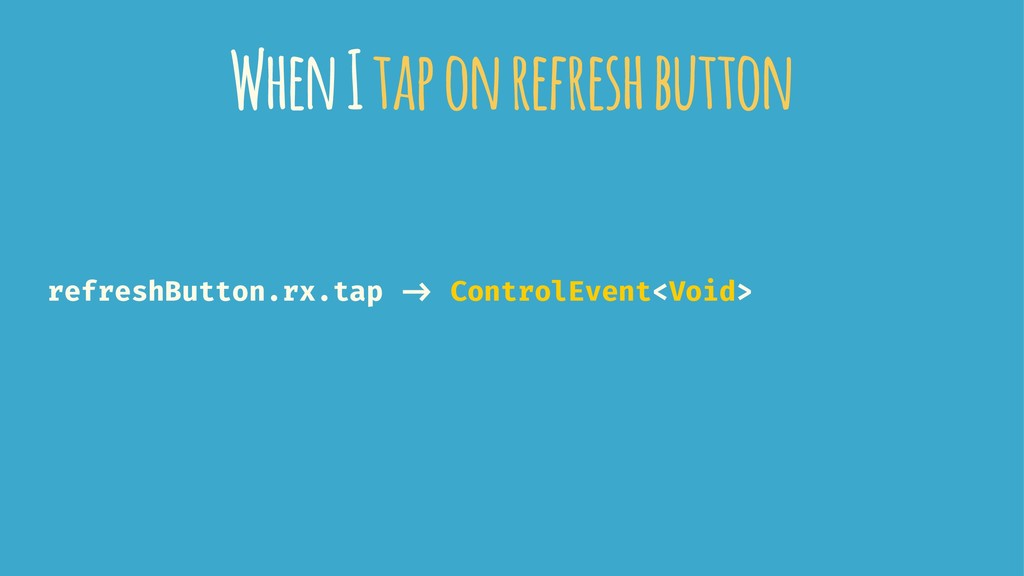
    the view appears → when I'm back from background → every 60 seconds → when I tap on refresh button
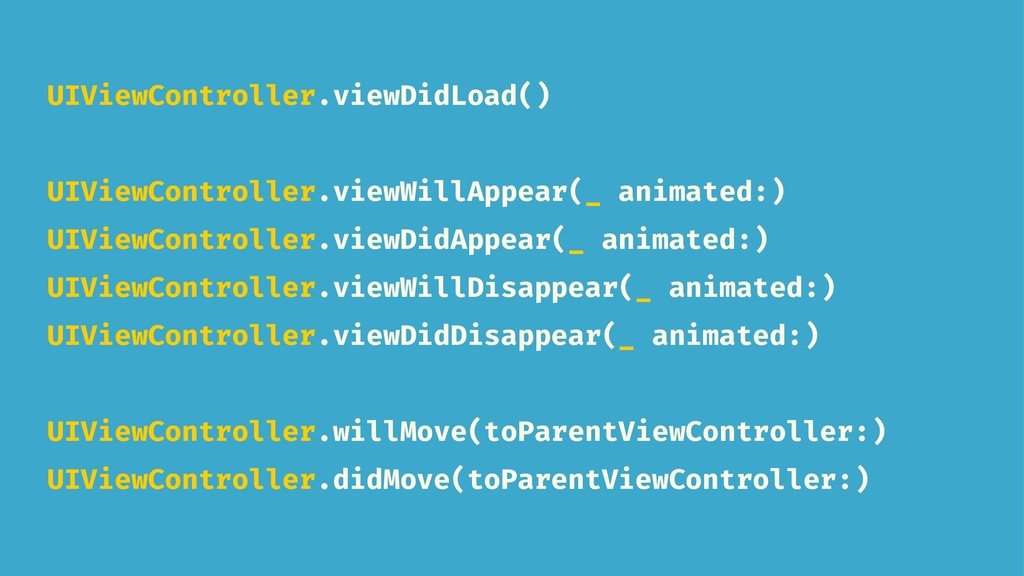
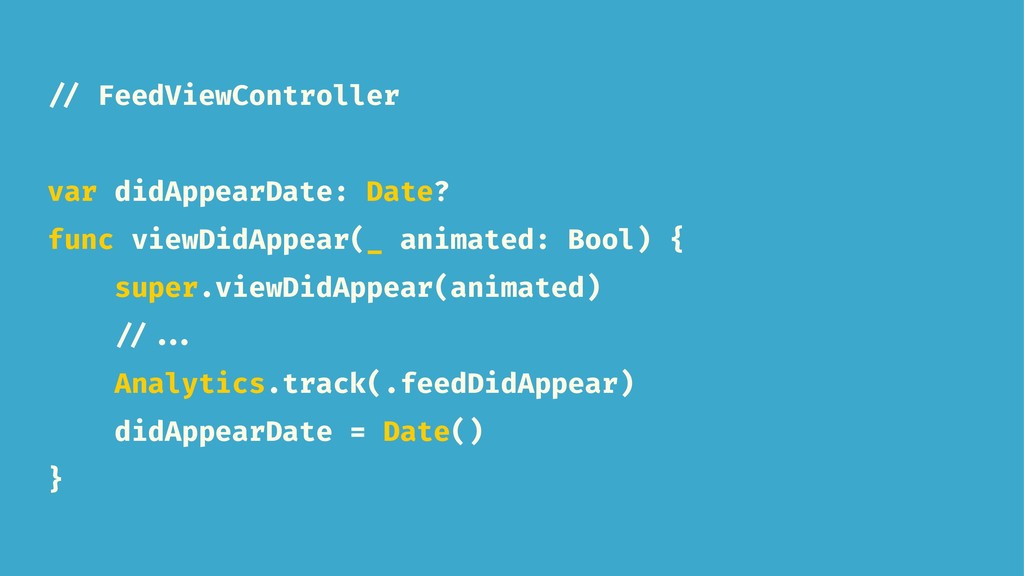
  10. // FeedViewController var didAppearDate: Date? func viewDidAppear(_ animated: Bool) {

    super.viewDidAppear(animated) // ... Analytics.track(.feedDidAppear) didAppearDate = Date() }
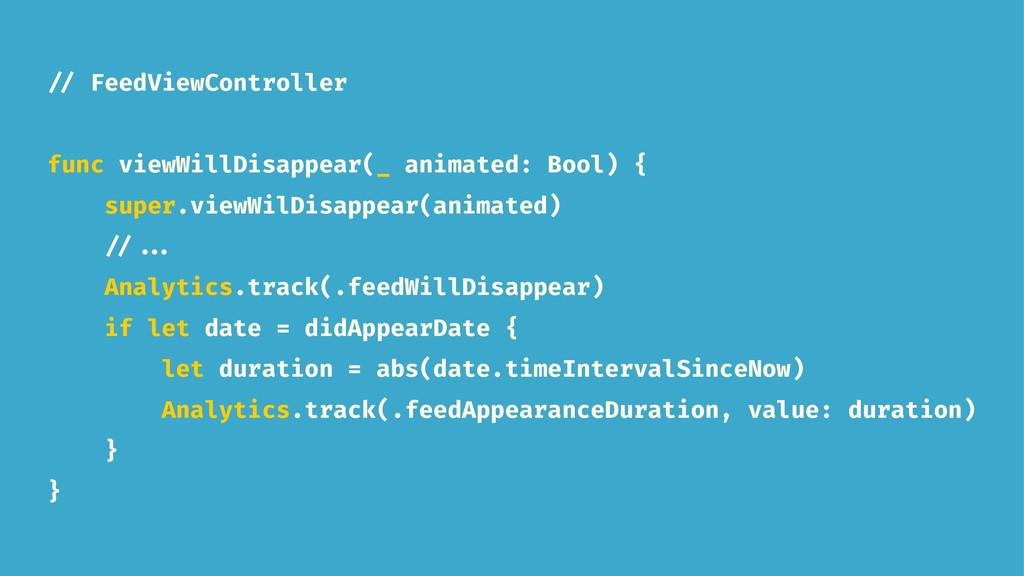
  11. // FeedViewController func viewWillDisappear(_ animated: Bool) { super.viewWilDisappear(animated) // ...

    Analytics.track(.feedWillDisappear) if let date = didAppearDate { let duration = abs(date.timeIntervalSinceNow) Analytics.track(.feedAppearanceDuration, value: duration) } }
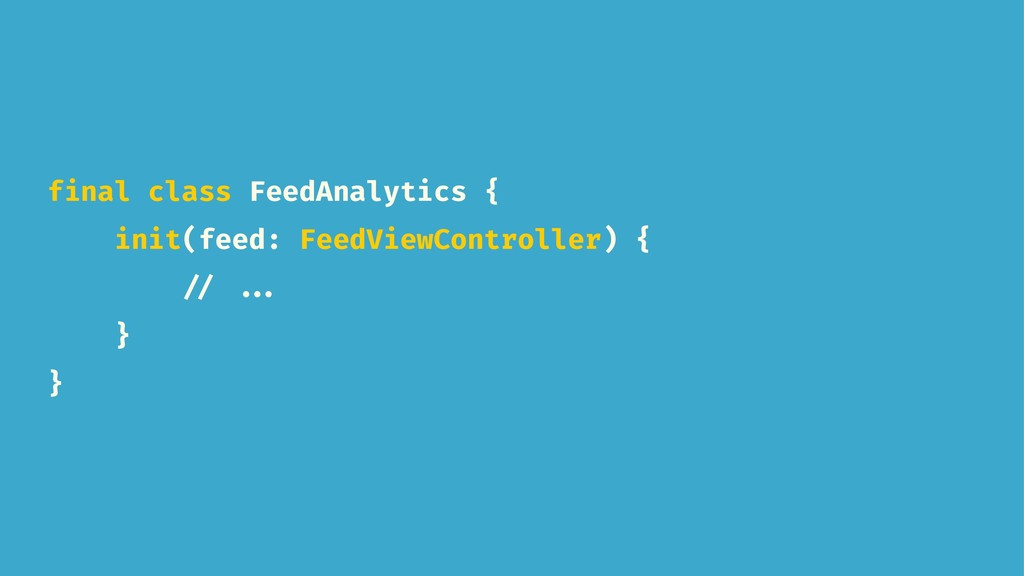
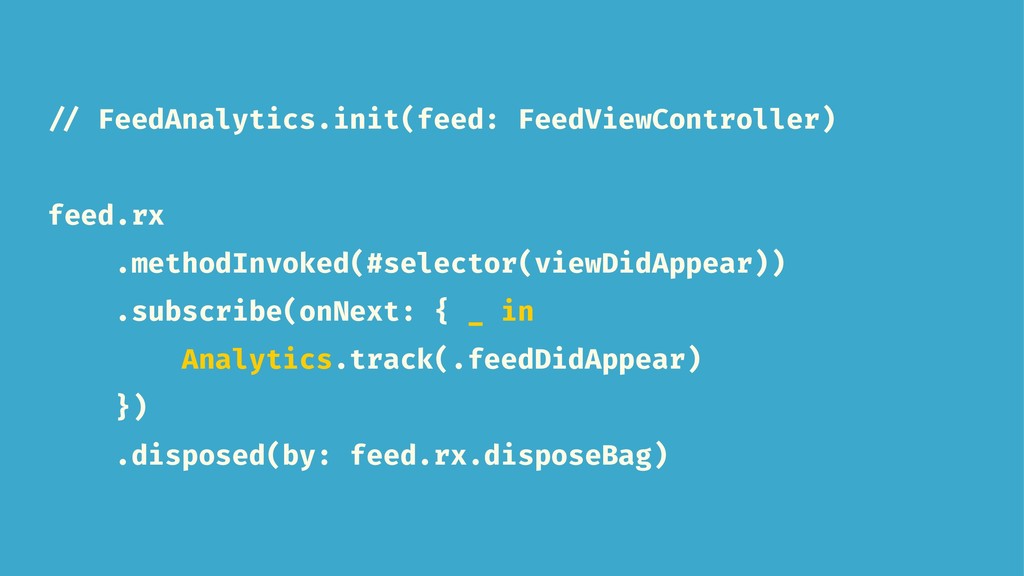
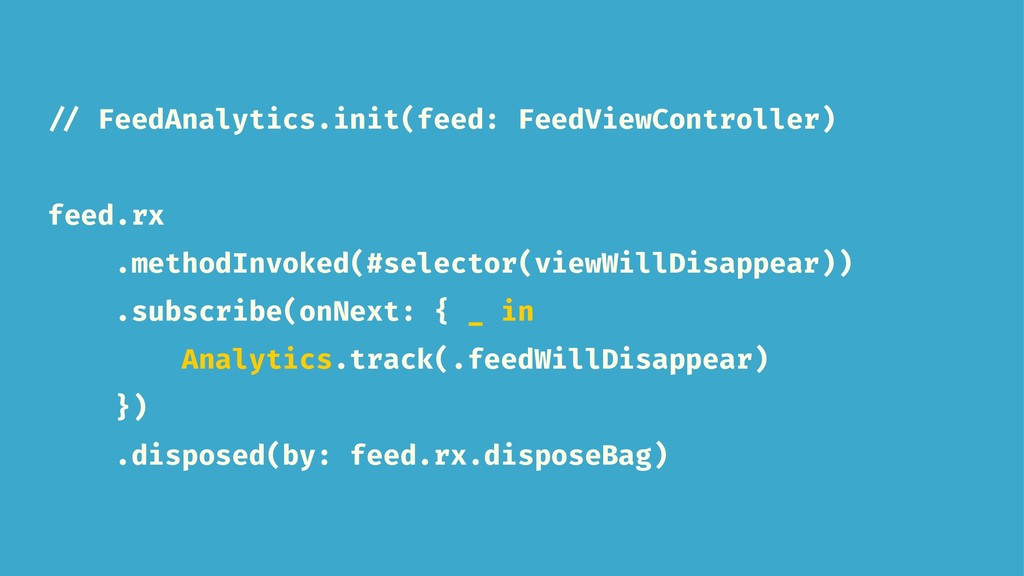
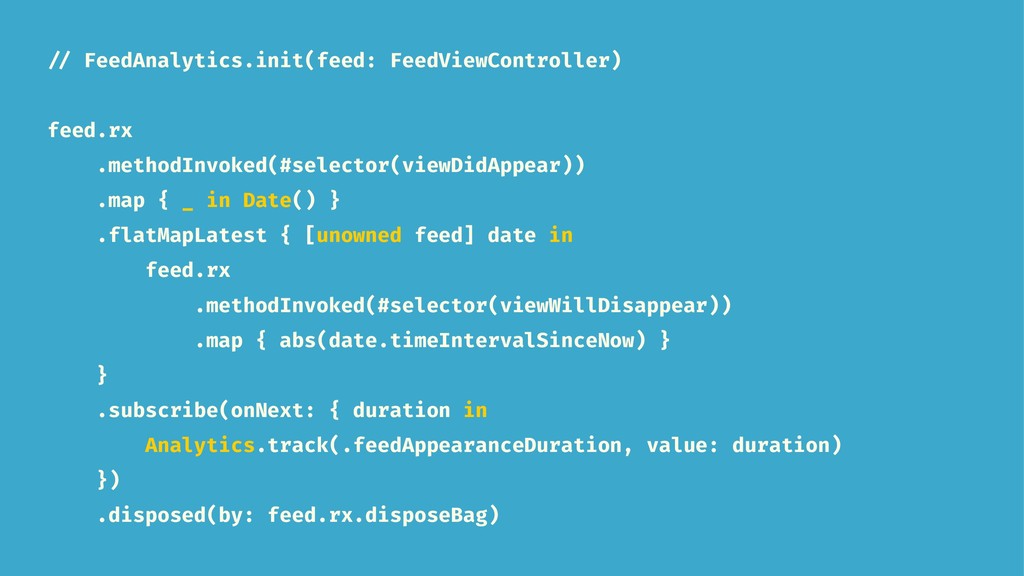
  12. // FeedAnalytics.init(feed: FeedViewController) feed.rx .methodInvoked(#selector(viewDidAppear)) .map { _ in Date()

    } .flatMapLatest { [unowned feed] date in feed.rx .methodInvoked(#selector(viewWillDisappear)) .map { abs(date.timeIntervalSinceNow) } } .subscribe(onNext: { duration in Analytics.track(.feedAppearanceDuration, value: duration) }) .disposed(by: feed.rx.disposeBag)
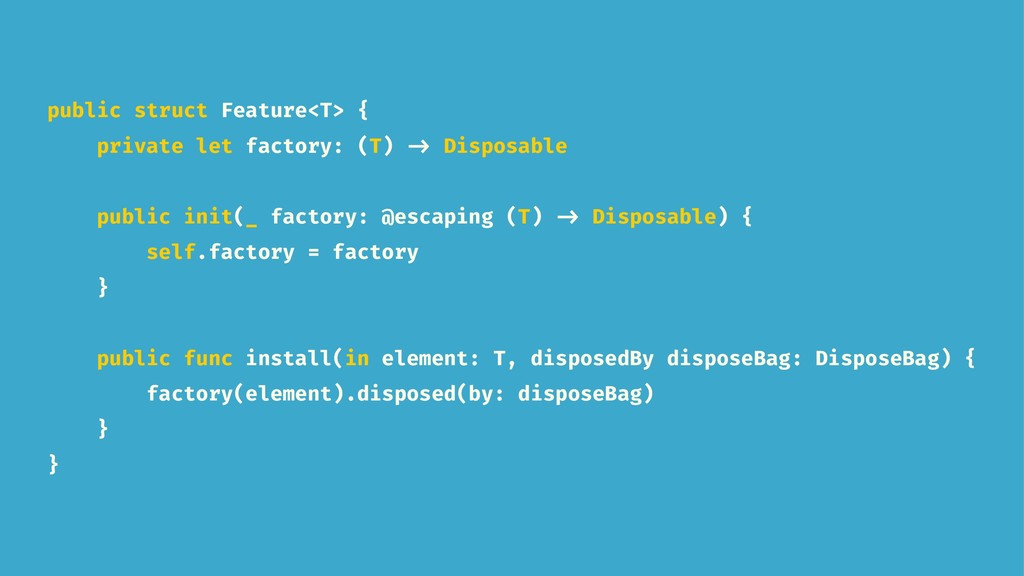
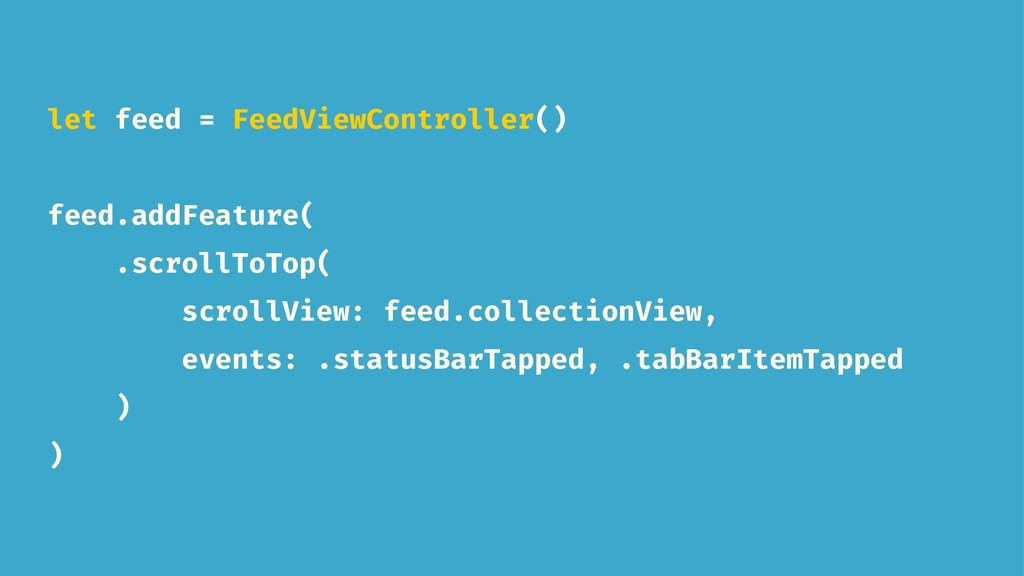
  13. public struct Feature<T> { private let factory: (T) -> Disposable

    public init(_ factory: @escaping (T) -> Disposable) { self.factory = factory } public func install(in element: T, disposedBy disposeBag: DisposeBag) { factory(element).disposed(by: disposeBag) } }
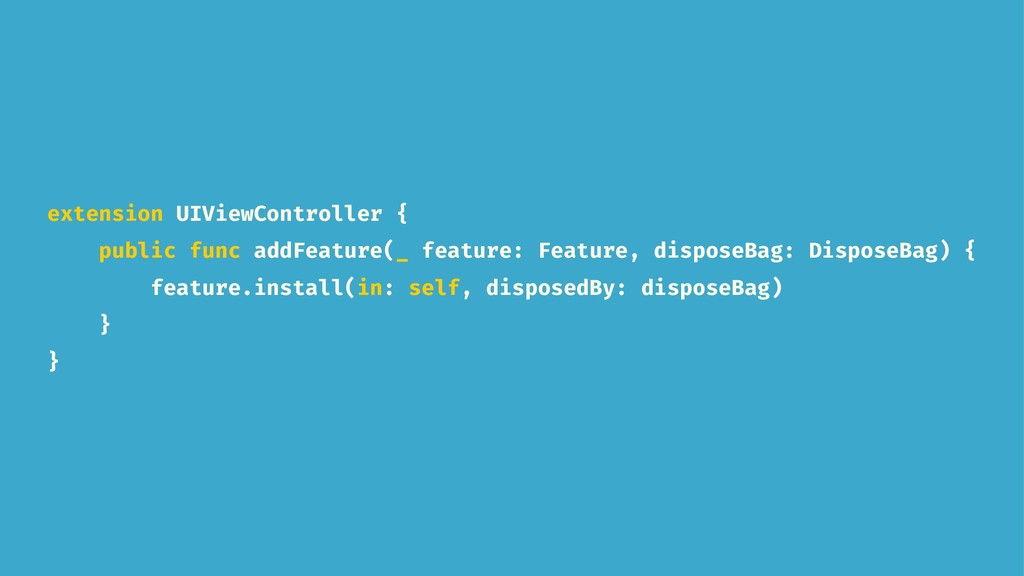
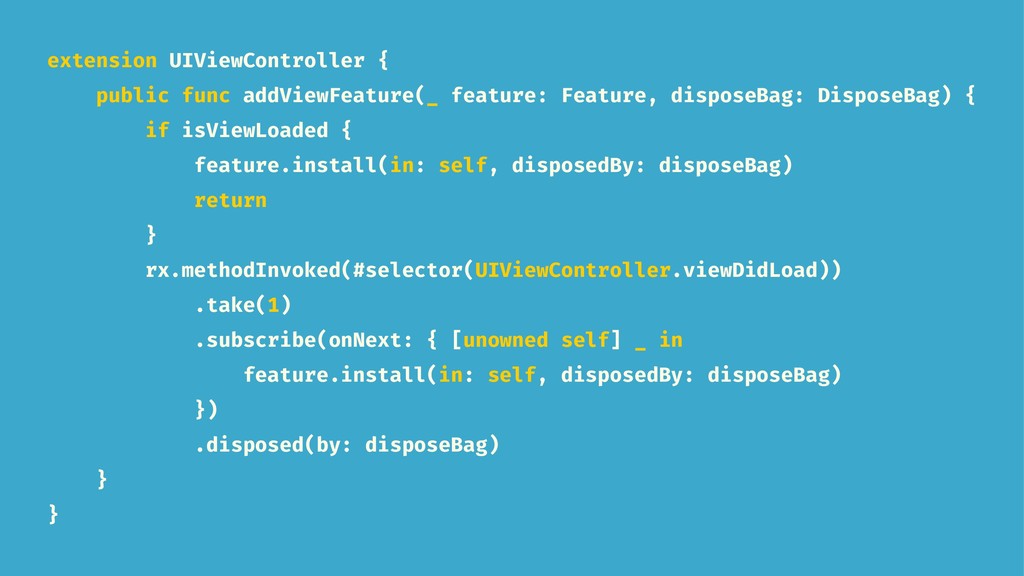
  14. extension UIViewController { public func addViewFeature(_ feature: Feature, disposeBag: DisposeBag)

    { if isViewLoaded { feature.install(in: self, disposedBy: disposeBag) return } rx.methodInvoked(#selector(UIViewController.viewDidLoad)) .take(1) .subscribe(onNext: { [unowned self] _ in feature.install(in: self, disposedBy: disposeBag) }) .disposed(by: disposeBag) } }
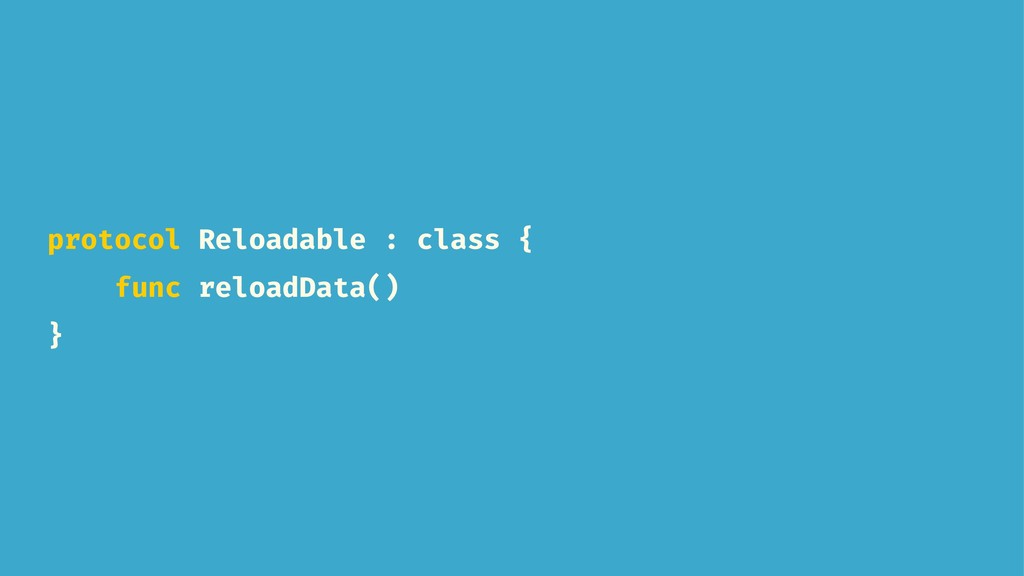
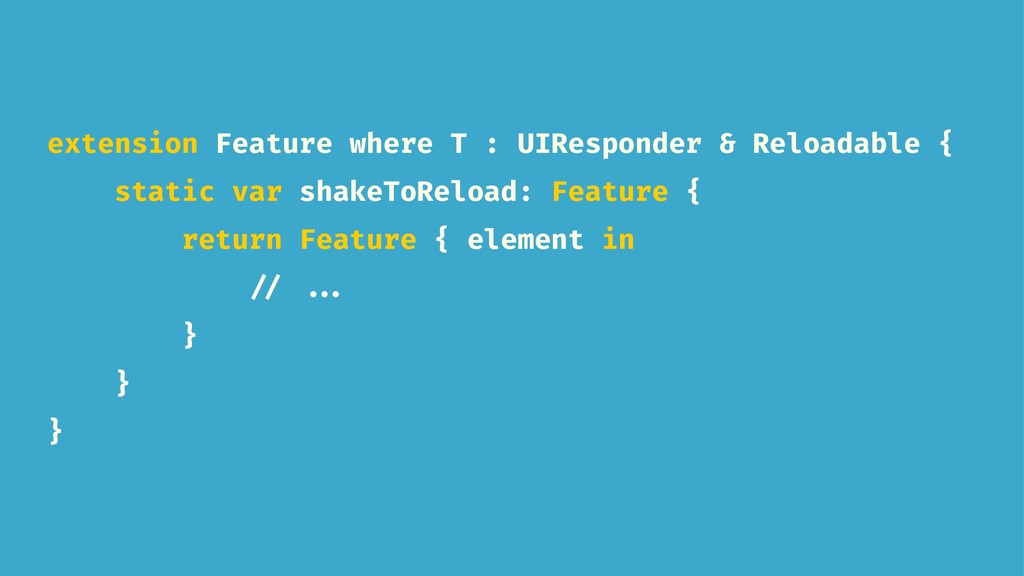
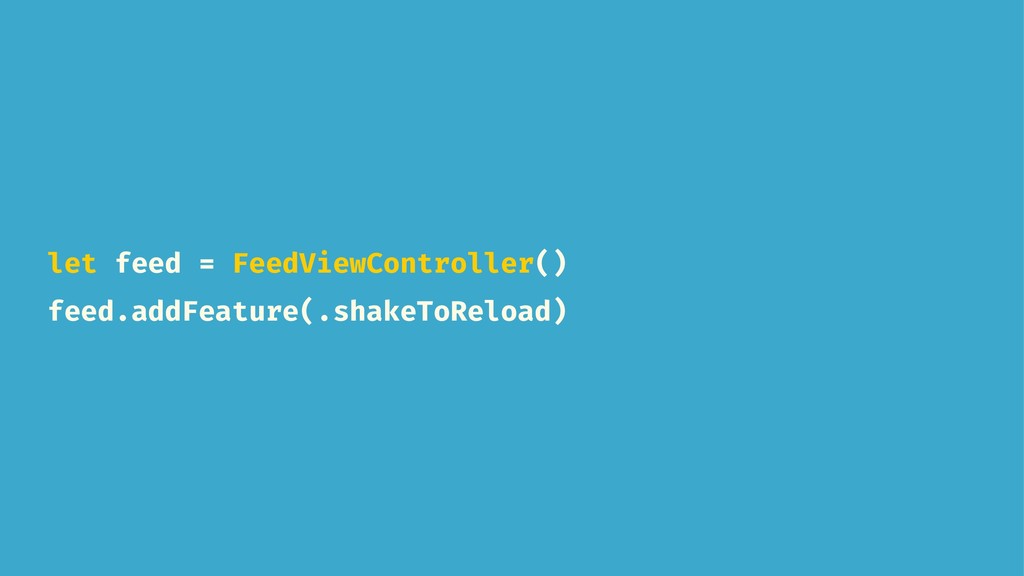
  15. extension Feature where T : UIResponder & Reloadable { static

    var shakeToReload: Feature { return Feature { element in // ... } } }
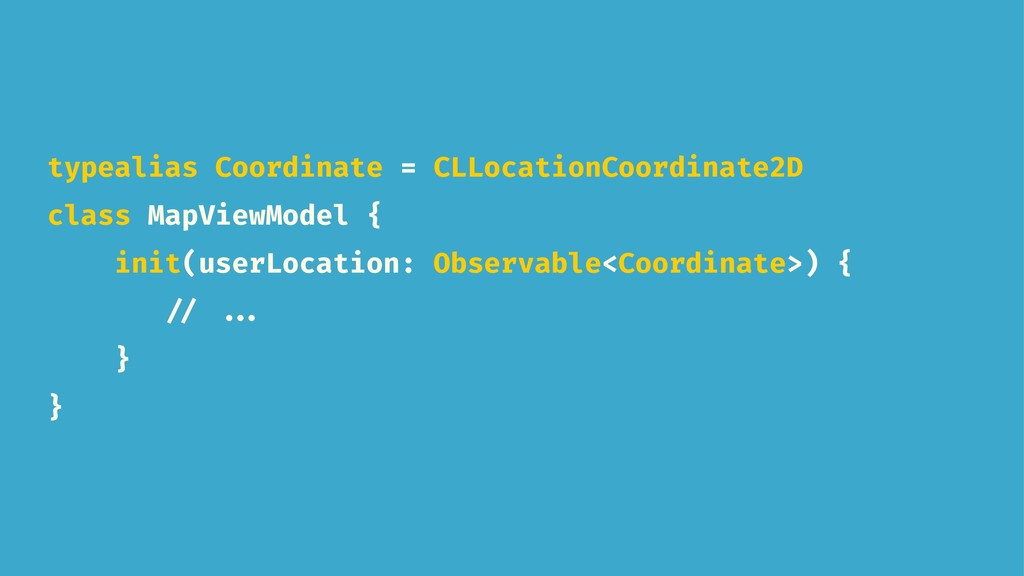
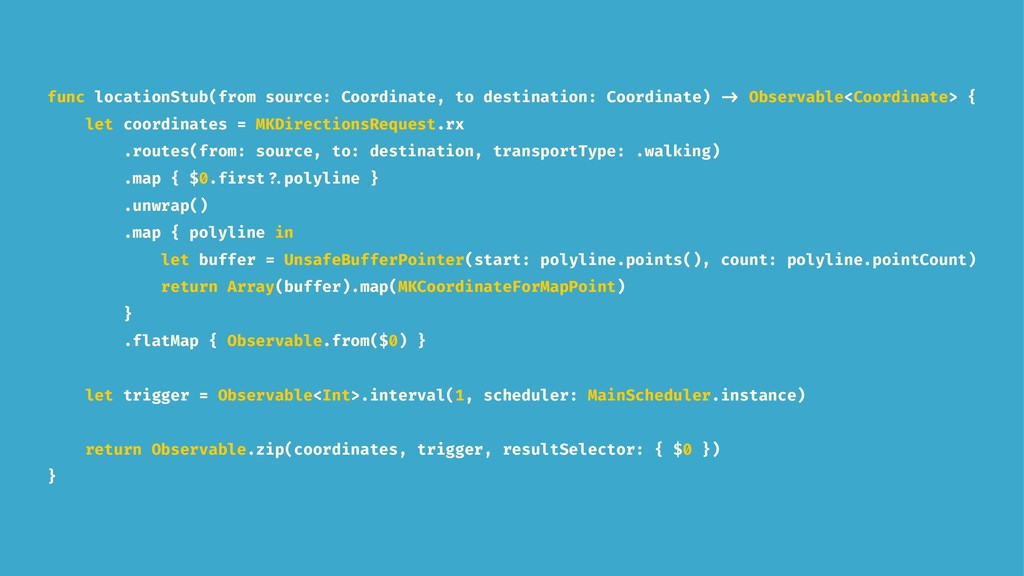
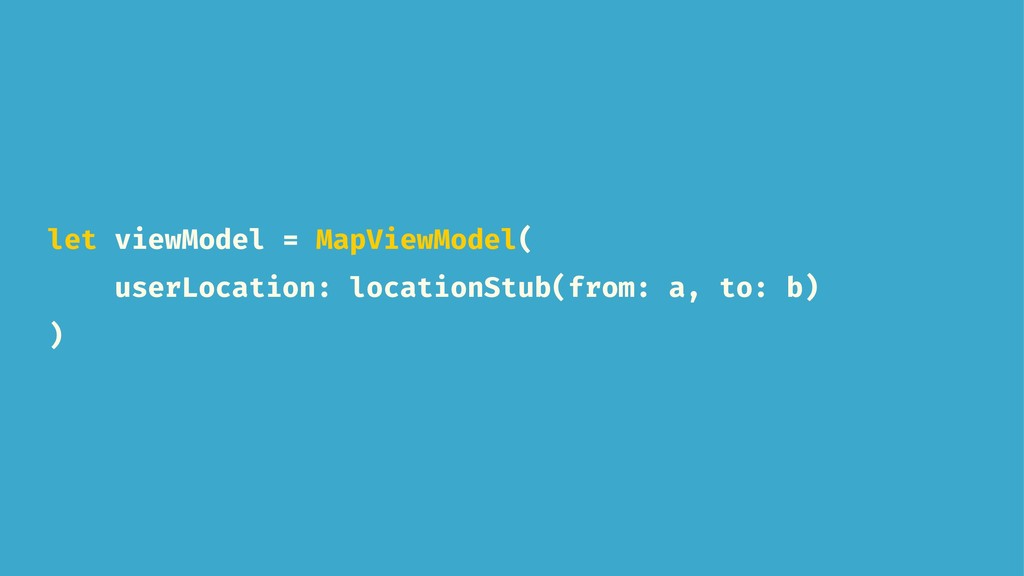
  16. func locationStub(from source: Coordinate, to destination: Coordinate) -> Observable<Coordinate> {

    let coordinates = MKDirectionsRequest.rx .routes(from: source, to: destination, transportType: .walking) .map { $0.first ?.polyline } .unwrap() .map { polyline in let buffer = UnsafeBufferPointer(start: polyline.points(), count: polyline.pointCount) return Array(buffer).map(MKCoordinateForMapPoint) } .flatMap { Observable.from($0) } let trigger = Observable<Int>.interval(1, scheduler: MainScheduler.instance) return Observable.zip(coordinates, trigger, resultSelector: { $0 }) }
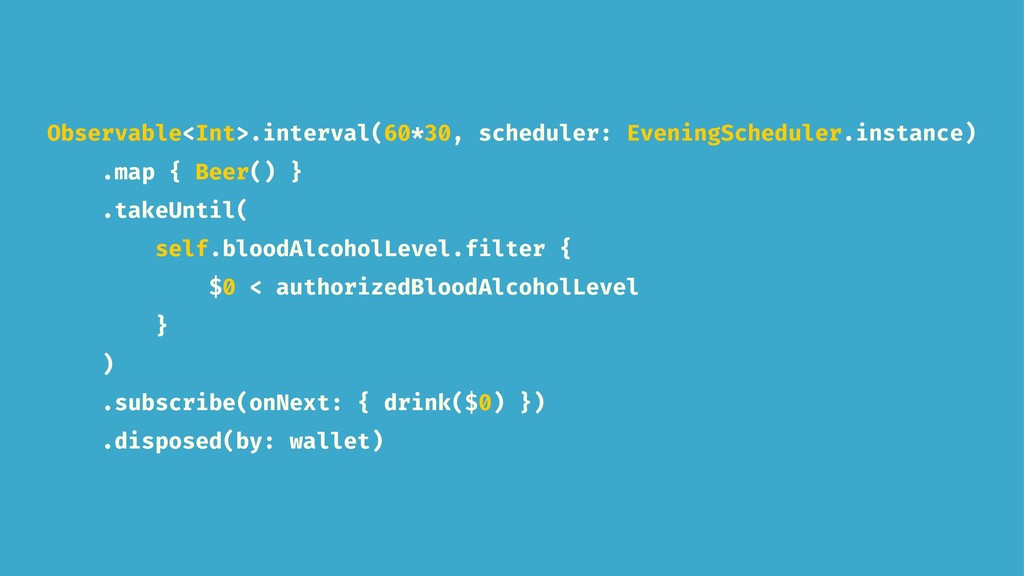
  17. Observable<Int>.interval(60*30, scheduler: EveningScheduler.instance) .map { Beer() } .takeUntil( self.bloodAlcoholLevel.filter {

    $0 < authorizedBloodAlcoholLevel } ) .subscribe(onNext: { drink($0) }) .disposed(by: wallet)