Upgrade to Pro
— share decks privately, control downloads, hide ads and more …
Speaker Deck
Sign up for free
Menu
Search
Features
All features
Private URLs
Password Protection
Custom URLS
Scheduled publishing
Remove Branding
Restrict embedding
Deck Collections
Notes
Features
All features
Private URLs
Password Protection
Custom URLS
Scheduled publishing
Remove Branding
Restrict embedding
Deck Collections
Notes
Explore
Featured decks
Featured speakers
Programming
Technology
Storyboards
Explore
Featured decks
Featured speakers
Programming
Technology
Storyboards
Pricing
Search
Sign in
Sign up for free
Introducción a iBeacons
Search
Juan Ignacio Laube
January 28, 2014
Programming
100
0
Share
Embed
Copy iframe code
Copy JS code
Copy link
Start on current slide
Introducción a iBeacons
Presentación de la charla para el segundo meetup de MobileUY.
Juan Ignacio Laube
January 28, 2014
Other Decks in Programming
See All in Programming
contenteditable と日本語入力に向き合う
colorful12
0
200
ChromeでローカルLLM
ryu1013
0
140
APNsからLive Activityを開始する話
yumnumm
0
170
Next.js: The final boss of Web Performance
guaca
0
250
自サークルのIdPからログアウトできるようになるまで
taiseiue
1
140
IBM Bob Dojo #1 仕様駆動開発入門
oniak3ibm
PRO
0
390
最近”作らせてる” ローカルAIアプリの話
akit37
0
470
ActionController meets Protocol Buffers
sorah
0
520
UnityでSystem.Net.WebSocketsなWebSocketサーバが動かないのでUnity Monoのコードを覗いてみた / about implementing websocket server with unity mono
drumath2237
1
610
3回つくってわかった、 定期実行ジョブ基盤の本質情報
takai
0
460
[2026-09-26]空論ジェネリックプロセス~テスト資産とAIで紡ぐ、再現可能なパフォーマンスチューニングの話~
tosite
0
270
Verilogで学ぶCPU自作入門
uyuki234
8
4.1k
Featured
See All Featured
RailsConf & Balkan Ruby 2019: The Past, Present, and Future of Rails at GitHub
eileencodes
141
35k
AI Search: Where Are We & What Can We Do About It?
aleyda
0
8.1k
New Earth Scene 8
popppiees
4
2.7k
The #1 spot is gone: here's how to win anyway
tamaranovitovic
4
1.2k
CoffeeScript is Beautiful & I Never Want to Write Plain JavaScript Again
sstephenson
162
16k
Practical Tips for Bootstrapping Information Extraction Pipelines
honnibal
25
2.1k
Abbi's Birthday
coloredviolet
4
10k
The Invisible Side of Design
smashingmag
301
52k
Crafting Experiences
bethany
1
380
The Spectacular Lies of Maps
axbom
PRO
1
1.1k
jQuery: Nuts, Bolts and Bling
dougneiner
66
8.6k
Put a Button on it: Removing Barriers to Going Fast.
kastner
60
4.6k
Transcript
MobileUY - 2do meetup Introducción a iBeacons Juan Ignacio Laube!
@jlaube77
¿Que es iBeacon?
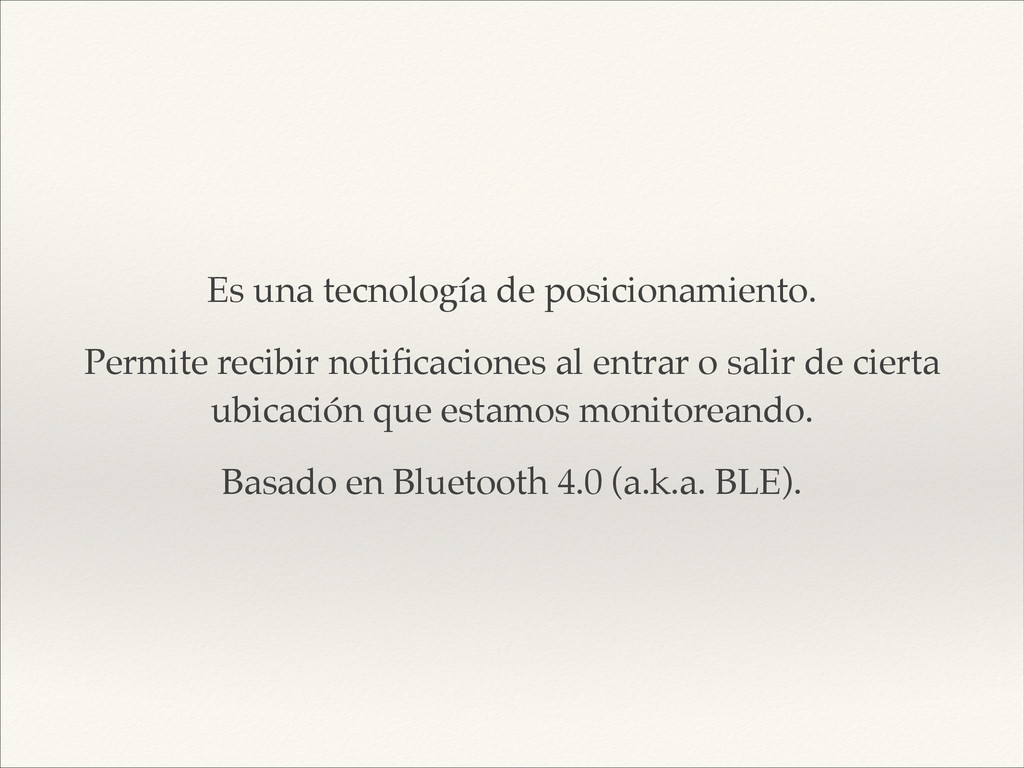
Es una tecnología de posicionamiento.! Permite recibir notificaciones al entrar
o salir de cierta ubicación que estamos monitoreando.! Basado en Bluetooth 4.0 (a.k.a. BLE).
La tecnología por si sola no es lo importante…! Lo
interesante está en todas sus posibles aplicaciones.
¿Que NO es?
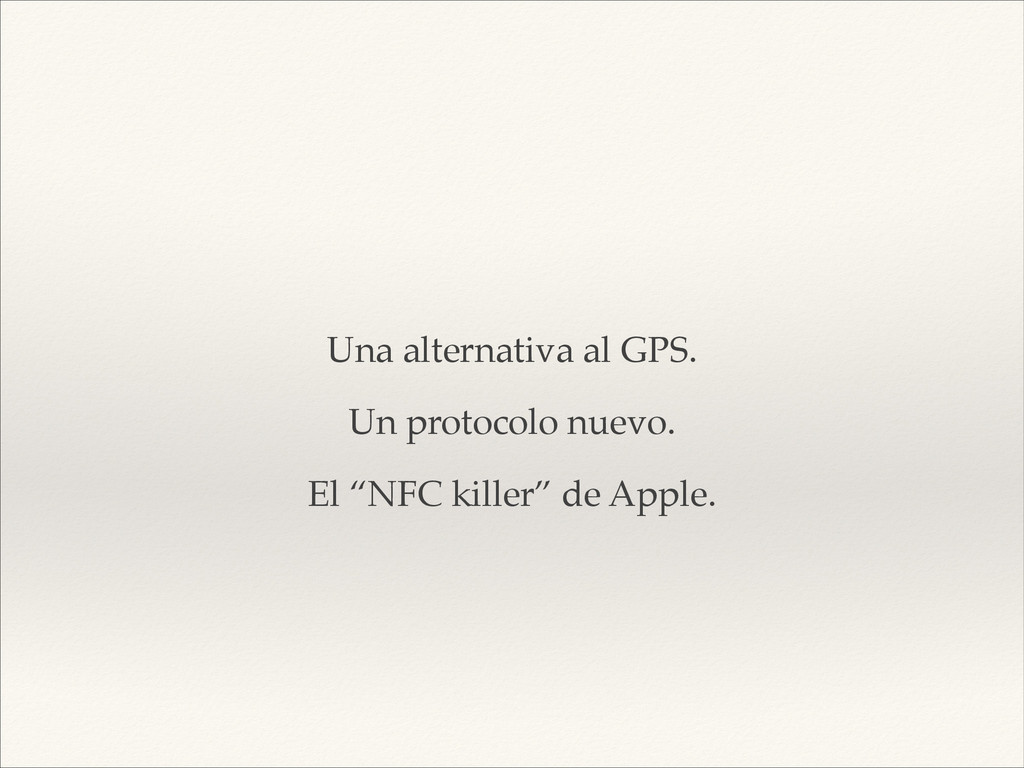
! Una alternativa al GPS.! Un protocolo nuevo.! El “NFC
killer” de Apple.
¿Como funciona?
Dos tipos de dispositivos.! Anunciante y receptor.
Un beacon es un mensaje enviado “en broadcast”.! Compuesto por
un UUID, Identifier, Major y Minor.
UUID e Identifier identifican una región.! Major y Minor son
dos valores numéricos que pueden ser usados por el desarrollador.
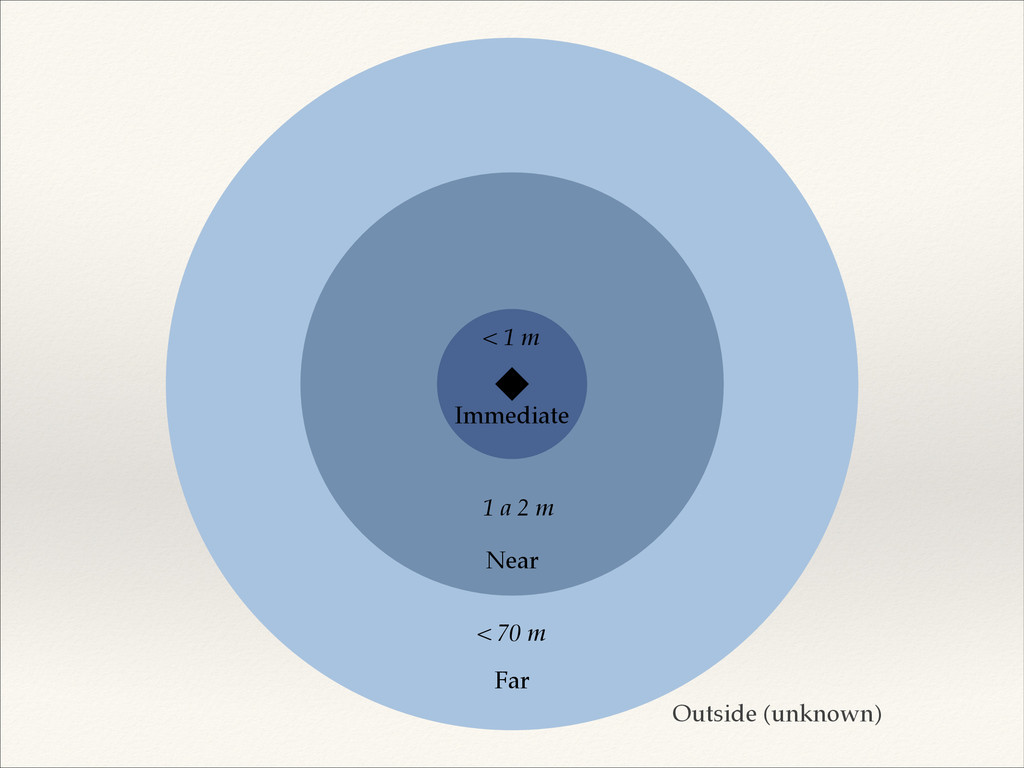
Immediate < 1 m Near 1 a 2 m Far
< 70 m Outside (unknown)
Beacon advertisers
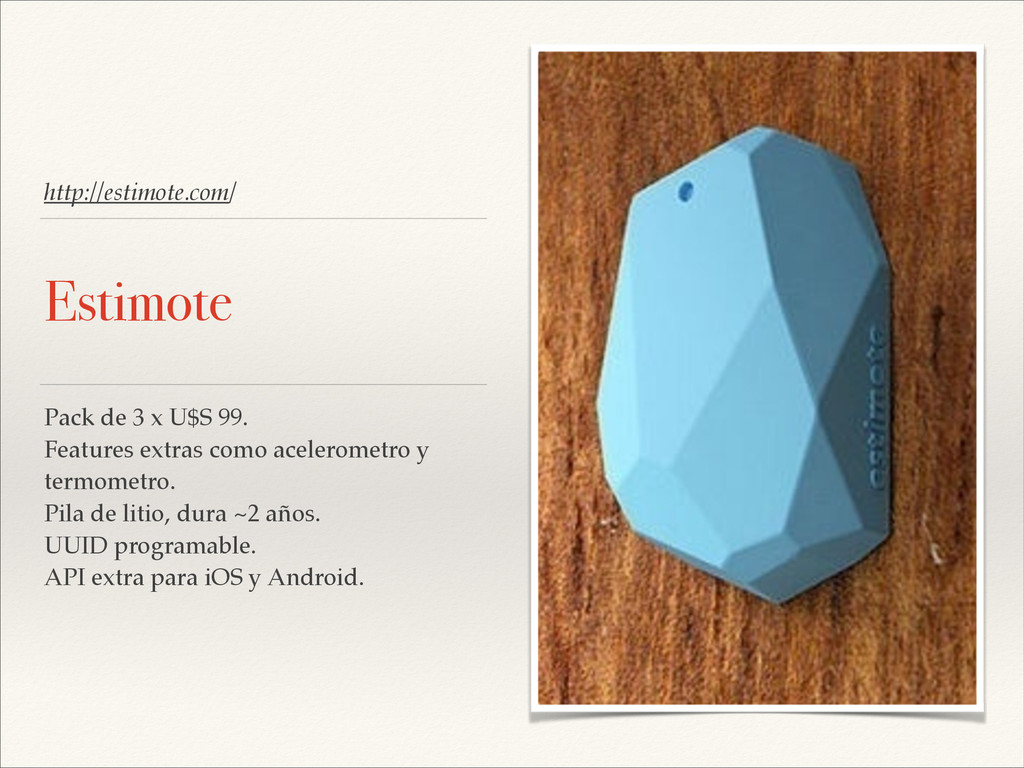
http://estimote.com/ Estimote Pack de 3 x U$S 99.! Features extras
como acelerometro y termometro.! Pila de litio, dura ~2 años.! UUID programable.! API extra para iOS y Android.
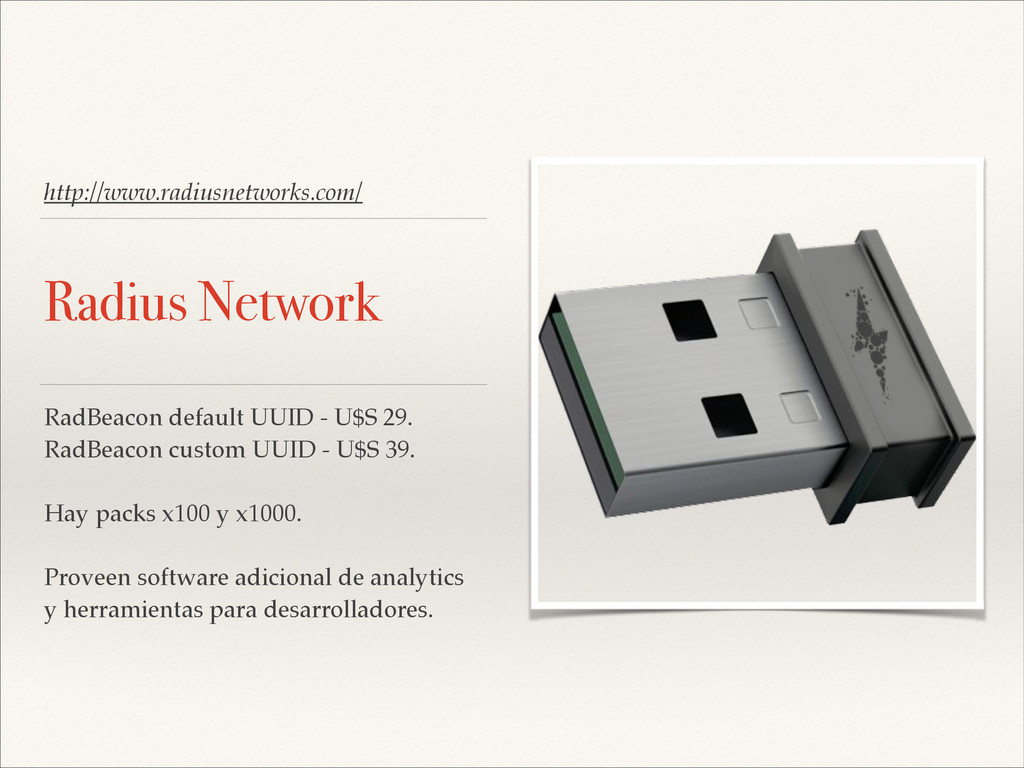
http://www.radiusnetworks.com/ Radius Network RadBeacon default UUID - U$S 29.! RadBeacon
custom UUID - U$S 39.! ! Hay packs x100 y x1000.! ! Proveen software adicional de analytics y herramientas para desarrolladores.
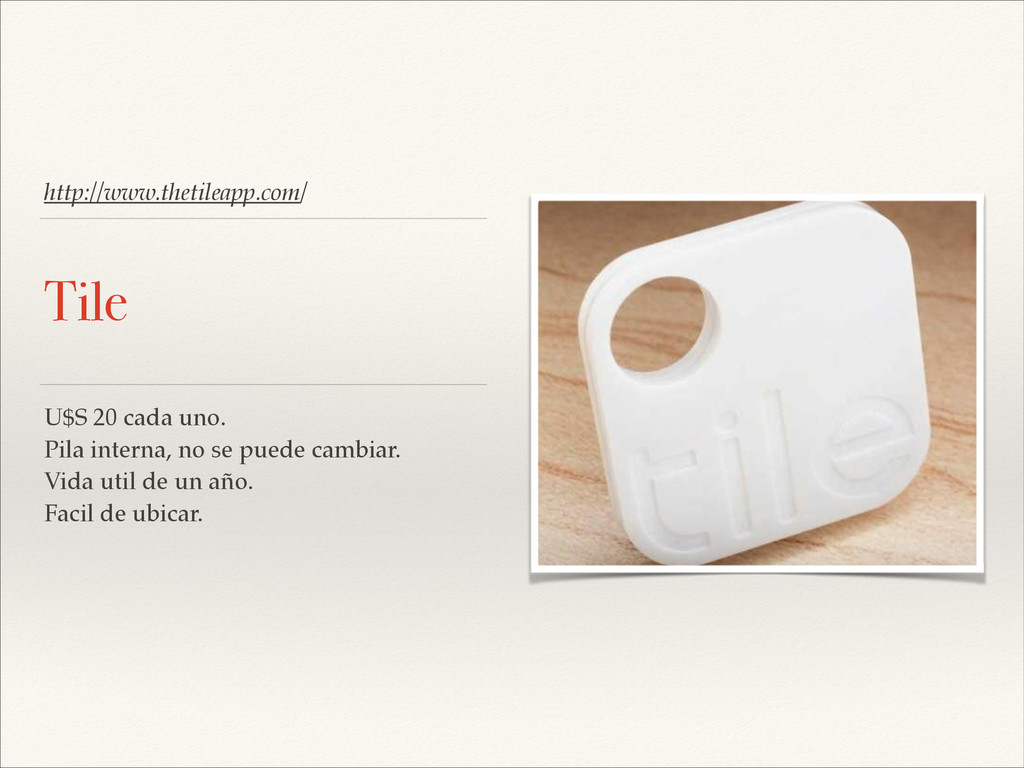
http://www.thetileapp.com/ Tile U$S 20 cada uno.! Pila interna, no se
puede cambiar.! Vida util de un año.! Facil de ubicar.!
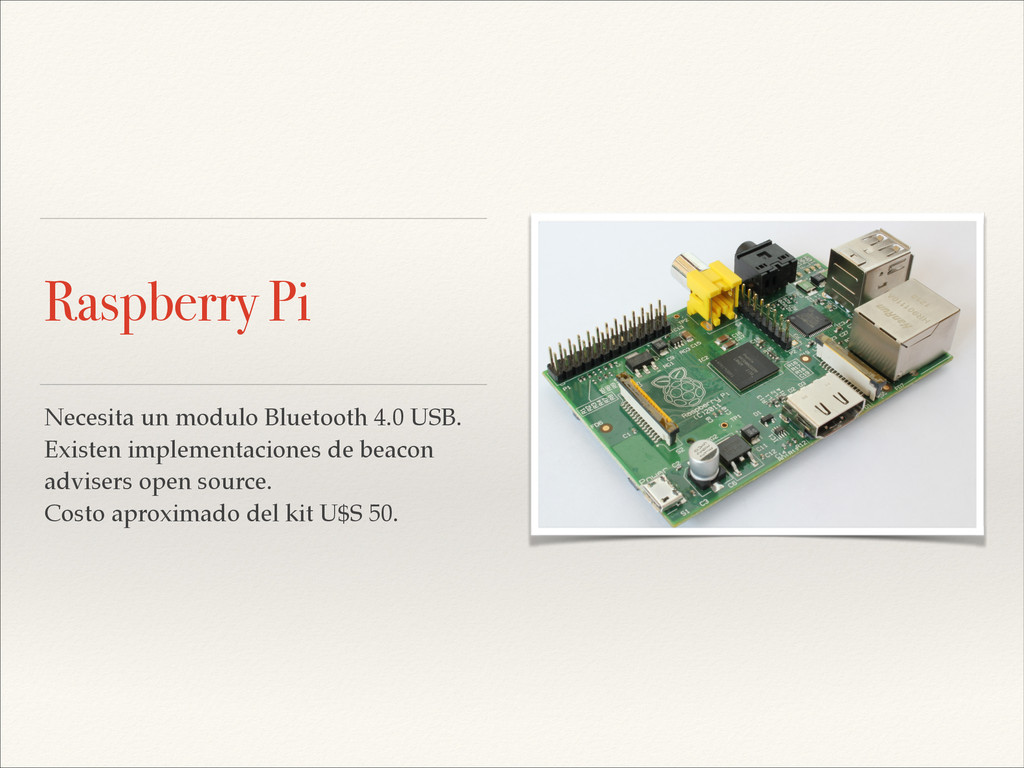
Raspberry Pi Necesita un modulo Bluetooth 4.0 USB.! Existen implementaciones
de beacon advisers open source.! Costo aproximado del kit U$S 50.
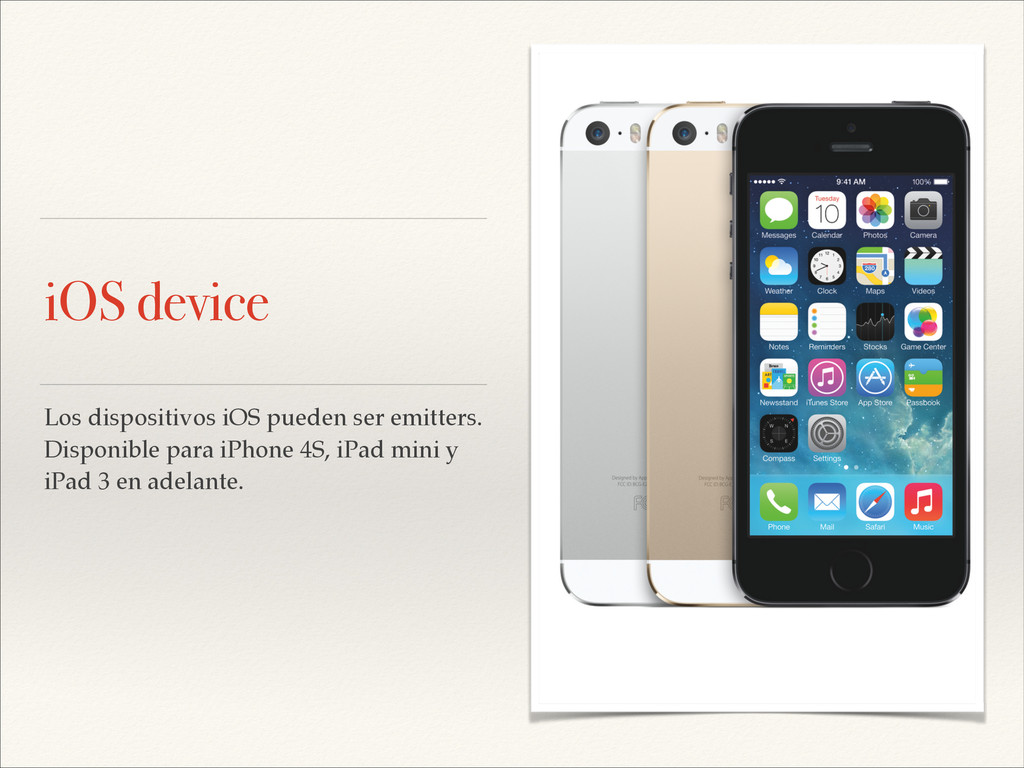
iOS device Los dispositivos iOS pueden ser emitters.! Disponible para
iPhone 4S, iPad mini y iPad 3 en adelante.
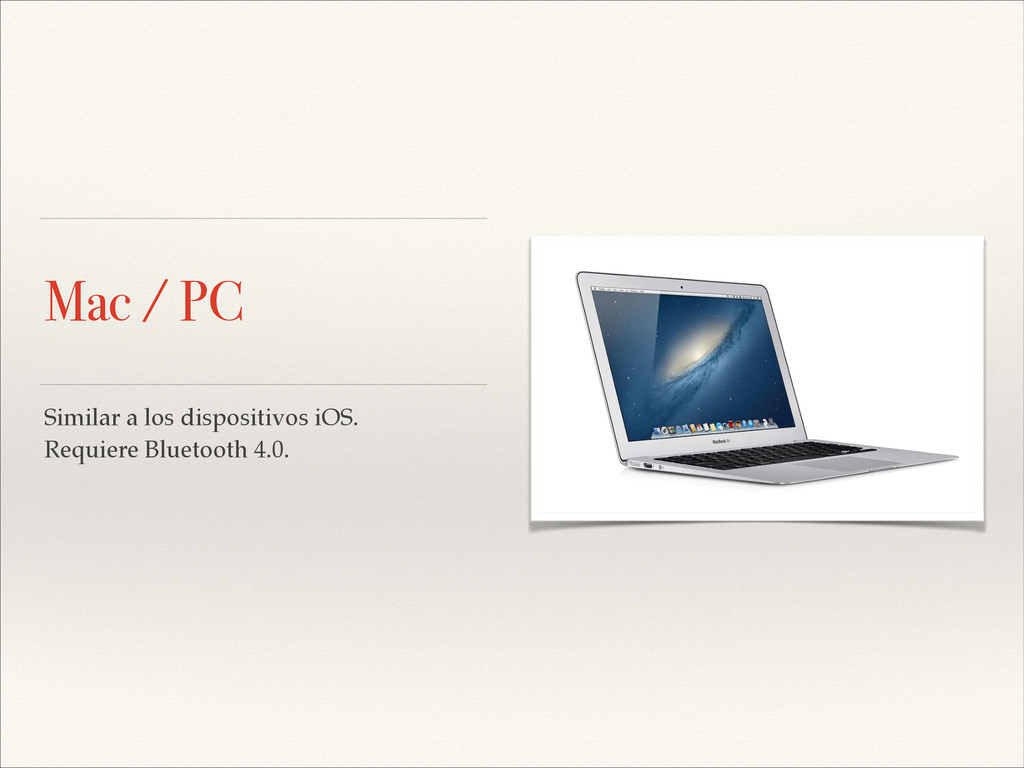
Mac / PC Similar a los dispositivos iOS.! Requiere Bluetooth
4.0.
¿Que usos tiene?
Publicidad.! Mejor comunicación con el usuario.! Localización en espacios reducidos.!
Identificación de objetos personales.! Recorridos por museos.! Juegos.
Casos de éxito Apple Store.! Macy’s.! Estadios de baseball.! Tile
app.
¿Como lo uso en mi app?
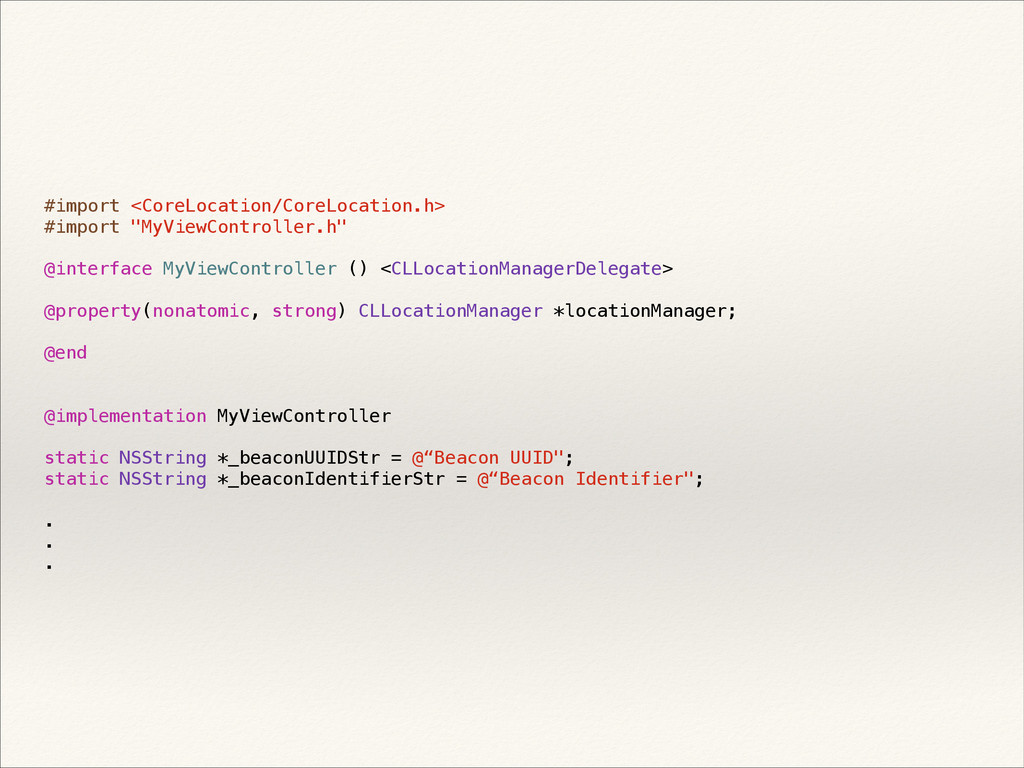
Configurar Background modes (Location)! Importar CoreLocation.framework
#import <CoreLocation/CoreLocation.h> #import "MyViewController.h" ! @interface MyViewController () <CLLocationManagerDelegate> !
@property(nonatomic, strong) CLLocationManager *locationManager; ! @end ! ! @implementation MyViewController ! static NSString *_beaconUUIDStr = @“Beacon UUID"; static NSString *_beaconIdentifierStr = @“Beacon Identifier"; ! . . .
- (void)viewDidLoad { [super viewDidLoad]; self.locationManager = [[CLLocationManager alloc] init];
self.locationManager.delegate = self; NSUUID *uuid = [[NSUUID alloc] initWithUUIDString:_beaconUUIDStr]; CLBeaconRegion *region = [[CLBeaconRegion alloc] initWithProximityUUID:uuid identifier:_beaconIdentifierStr]; ! region.notifyOnEntry = YES; region.notifyOnExit = YES; [self.locationManager startMonitoringForRegion:region]; [self.locationManager requestStateForRegion:region]; }
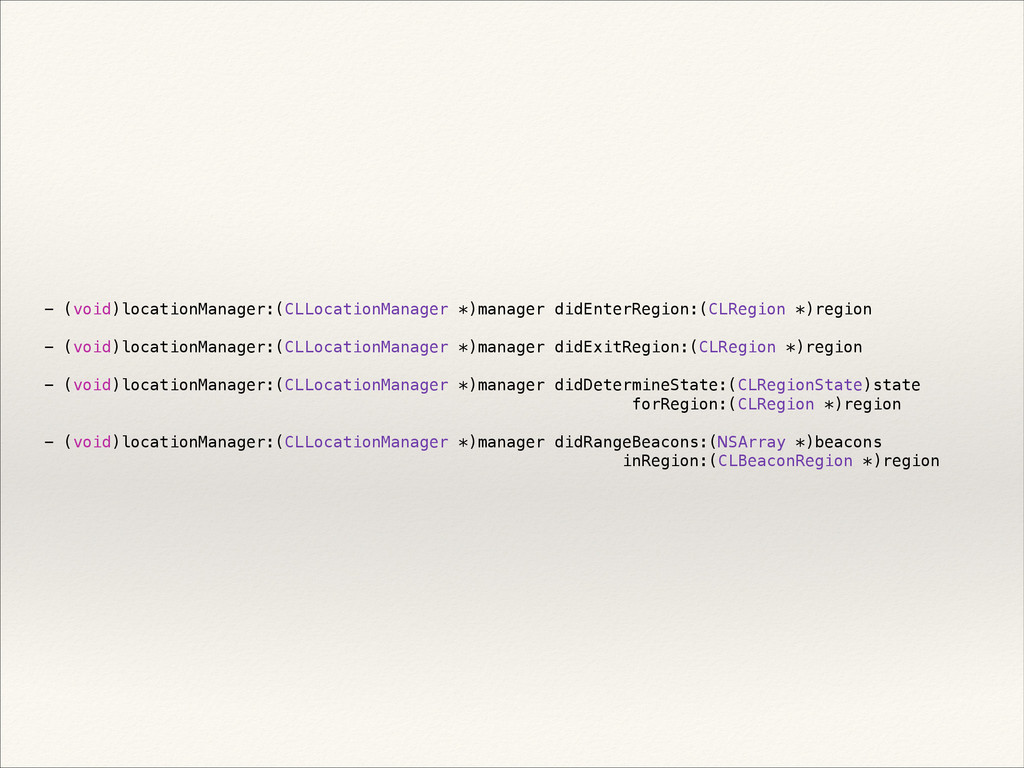
- (void)locationManager:(CLLocationManager *)manager didEnterRegion:(CLRegion *)region ! - (void)locationManager:(CLLocationManager *)manager didExitRegion:(CLRegion
*)region ! - (void)locationManager:(CLLocationManager *)manager didDetermineState:(CLRegionState)state forRegion:(CLRegion *)region ! - (void)locationManager:(CLLocationManager *)manager didRangeBeacons:(NSArray *)beacons inRegion:(CLBeaconRegion *)region
Configurando un advertiser
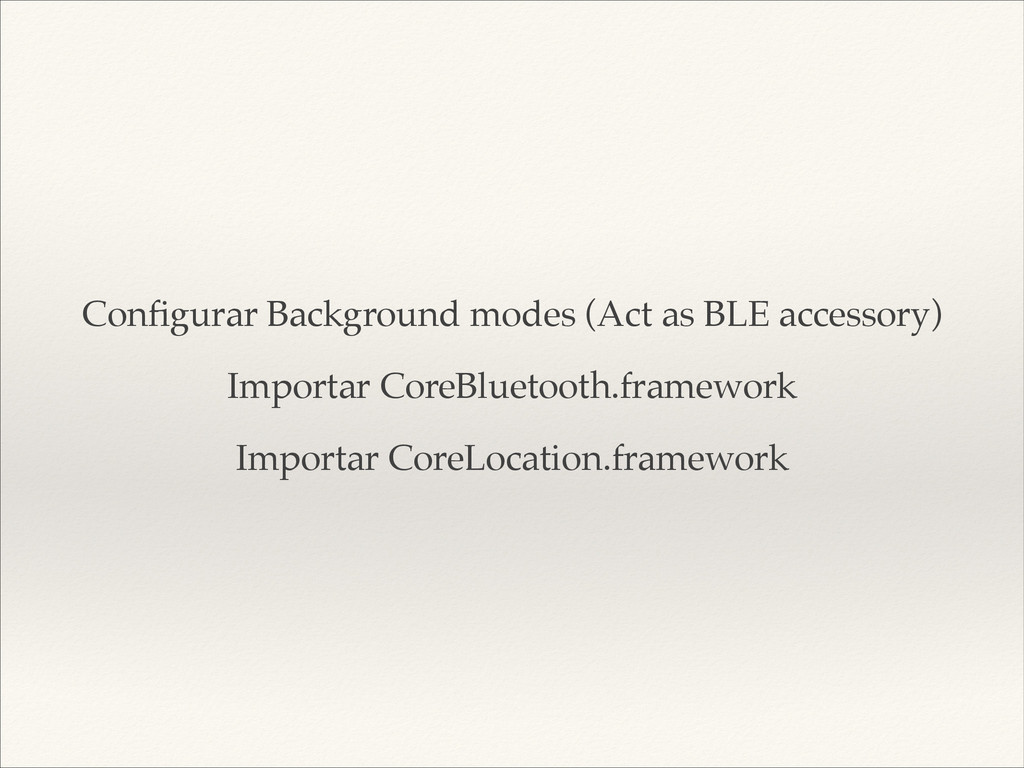
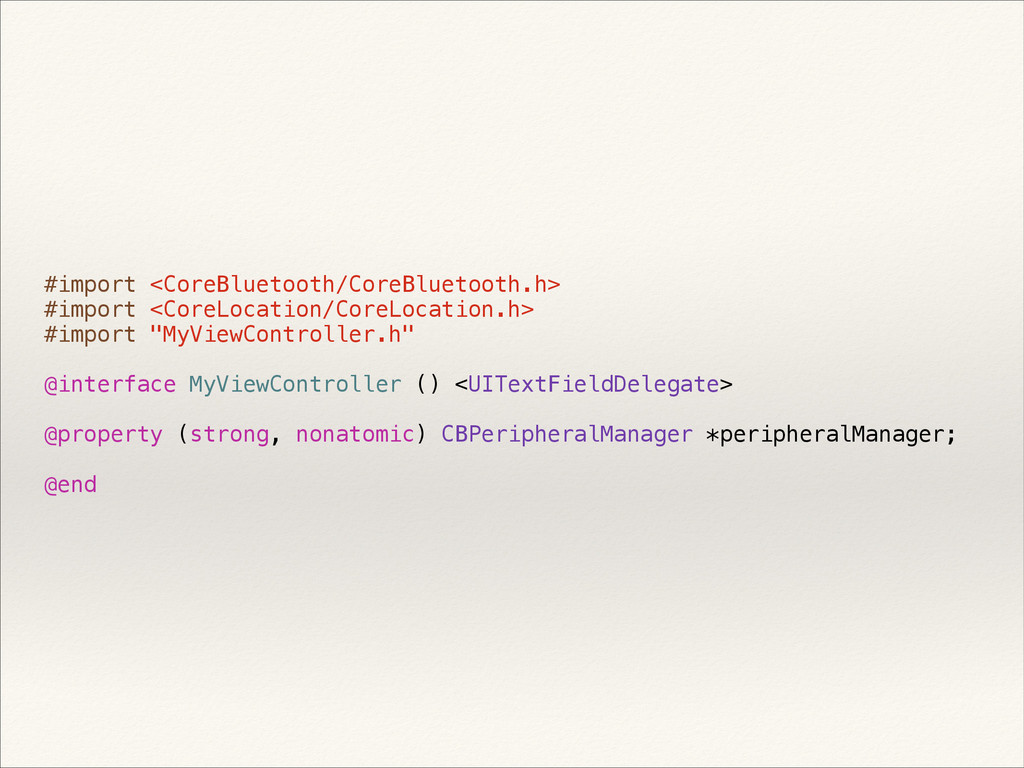
Configurar Background modes (Act as BLE accessory)! Importar CoreBluetooth.framework! Importar
CoreLocation.framework
#import <CoreBluetooth/CoreBluetooth.h> #import <CoreLocation/CoreLocation.h> #import "MyViewController.h" ! @interface MyViewController ()
<UITextFieldDelegate> ! @property (strong, nonatomic) CBPeripheralManager *peripheralManager; ! @end
- (void)startAdvertising { CLBeaconRegion *region = [[CLBeaconRegion alloc] initWithProximityUUID:_beaconUUID major:_major
minor:_minor identifier:_identifier]; NSDictionary *beaconData = [region peripheralDataWithMeasuredPower:nil]; NSLog(@"Start advertising with data: %@", beaconData); [self.peripheralManager startAdvertising:beaconData]; self.isAdvertising = YES; }
- (void)viewDidLoad { [super viewDidLoad]; self.peripheralManager = [[CBPeripheralManager alloc] initWithDelegate:self
queue:dispatch_get_global_queue(DISPATCH_QUEUE_PRIORITY_DEFAULT, 0)]; }
Demo
¿Preguntas?


 colorful12
 ryu1013
.jpg) yumnumm
yumnumm
 guaca
guaca
 taiseiue
 oniak3ibm
 akit37
 sorah
sorah
 drumath2237
 takai
takai
 tosite
 uyuki234
 eileencodes
 aleyda
 popppiees
 tamaranovitovic
 sstephenson
 honnibal
 coloredviolet
 smashingmag
 bethany
 axbom
axbom
 dougneiner
 kastner

![- (void)viewDidLoad { [super viewDidLoad]; self.locationManager = [[CLLocationManager alloc] init];](https://files.speakerdeck.com/presentations/9579753069e901311bd35ae2ac3d3ca4/slide_24.jpg)

![- (void)startAdvertising { CLBeaconRegion *region = [[CLBeaconRegion alloc] initWithProximityUUID:_beaconUUID major:_major](https://files.speakerdeck.com/presentations/9579753069e901311bd35ae2ac3d3ca4/slide_29.jpg)
![- (void)viewDidLoad { [super viewDidLoad]; self.peripheralManager = [[CBPeripheralManager alloc] initWithDelegate:self](https://files.speakerdeck.com/presentations/9579753069e901311bd35ae2ac3d3ca4/slide_30.jpg)