Cheaper by the Dozens: Building Drupal Websites En Masse
A talk looking into building distributions of Drupal websites that empower non-technical users to create an manage entire ecosystems of websites at once.
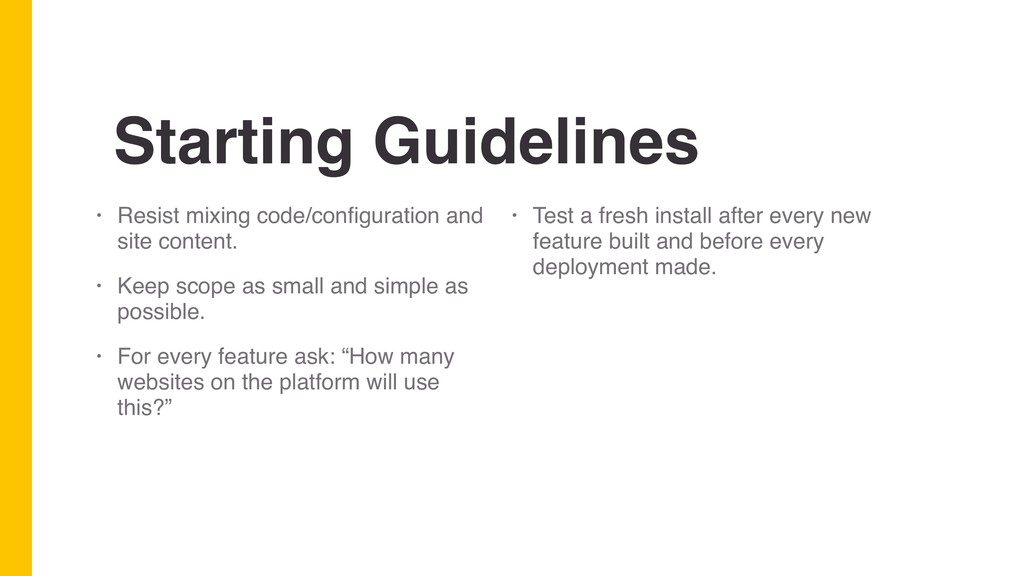
Keep scope as small and simple as possible. • For every feature ask: “How many websites on the platform will use this?” • Test a fresh install after every new feature built and before every deployment made.
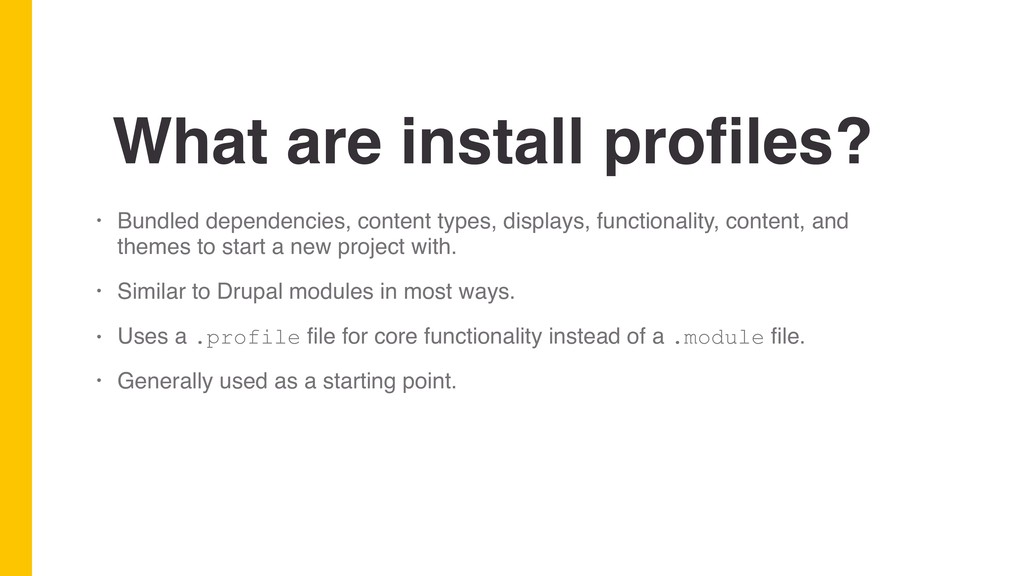
functionality, content, and themes to start a new project with. • Similar to Drupal modules in most ways. • Uses a .profile file for core functionality instead of a .module file. • Generally used as a starting point.
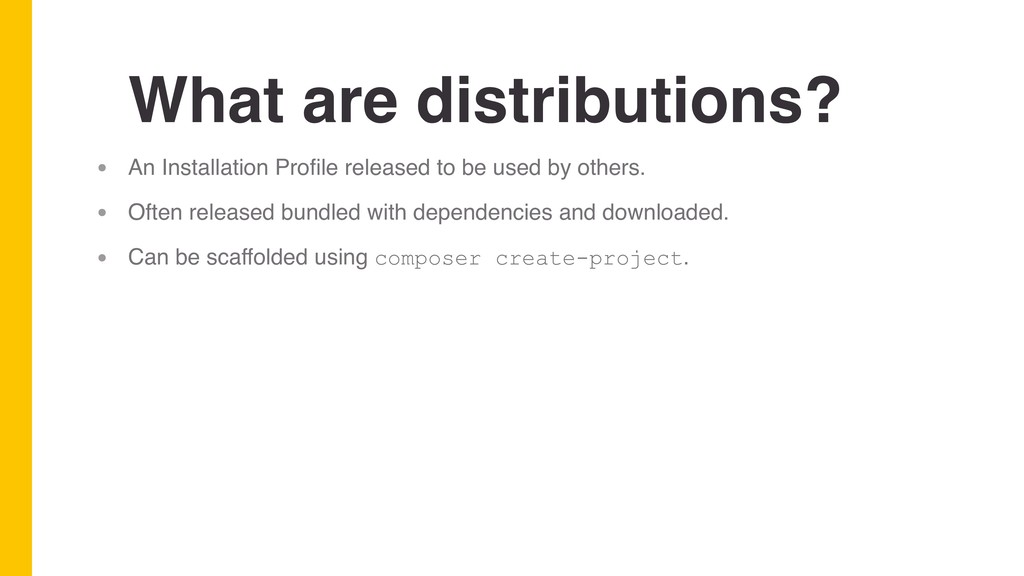
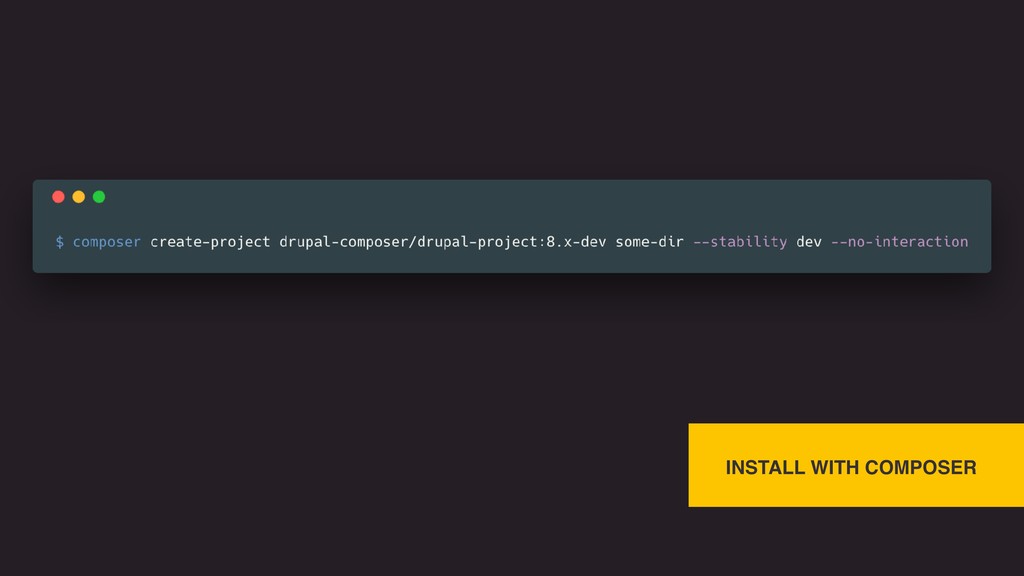
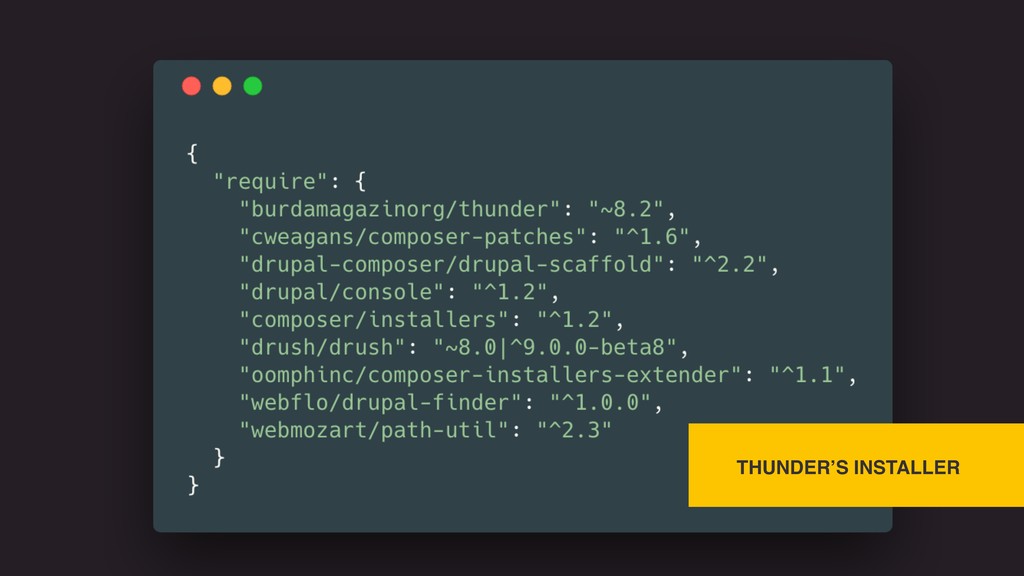
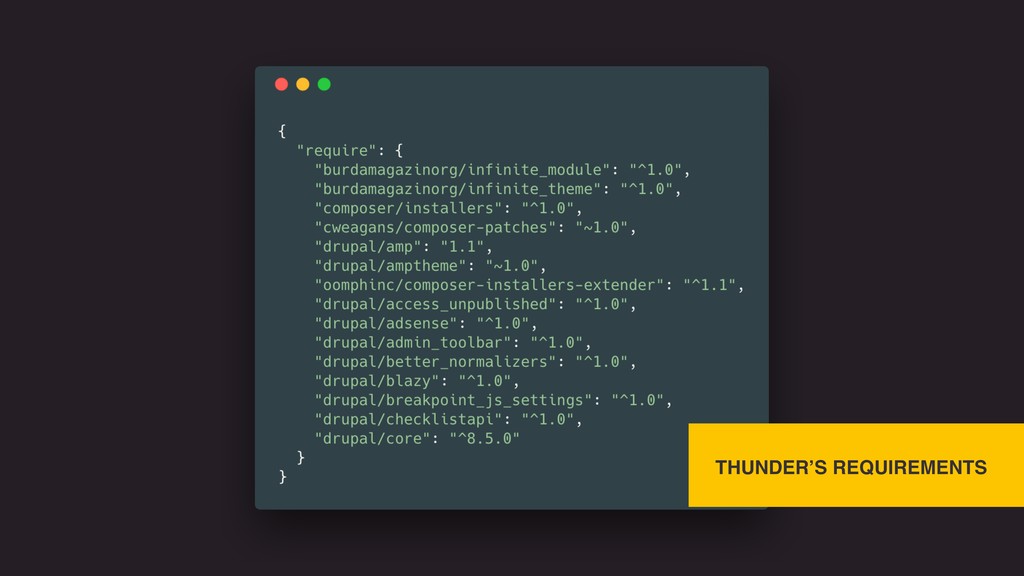
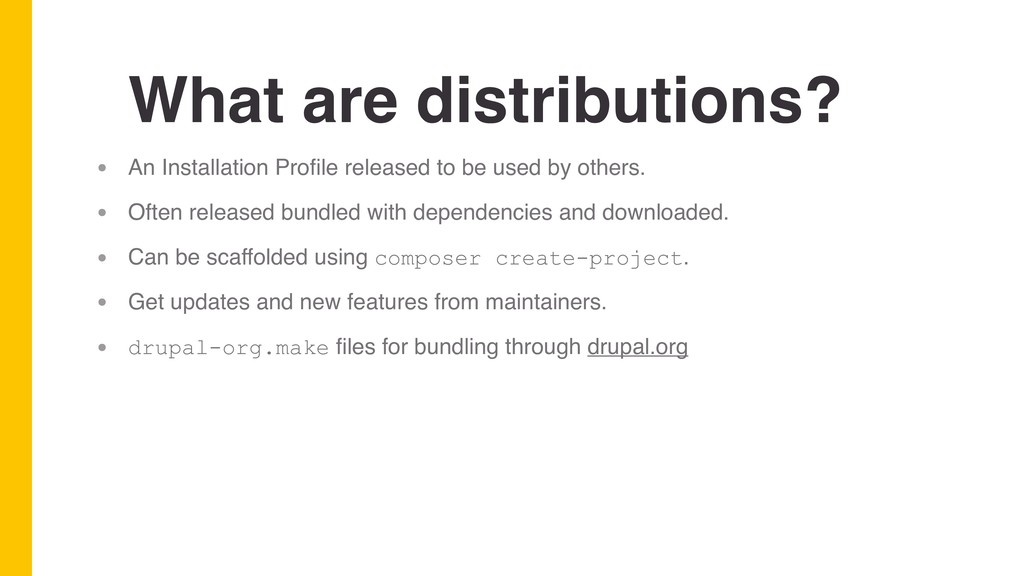
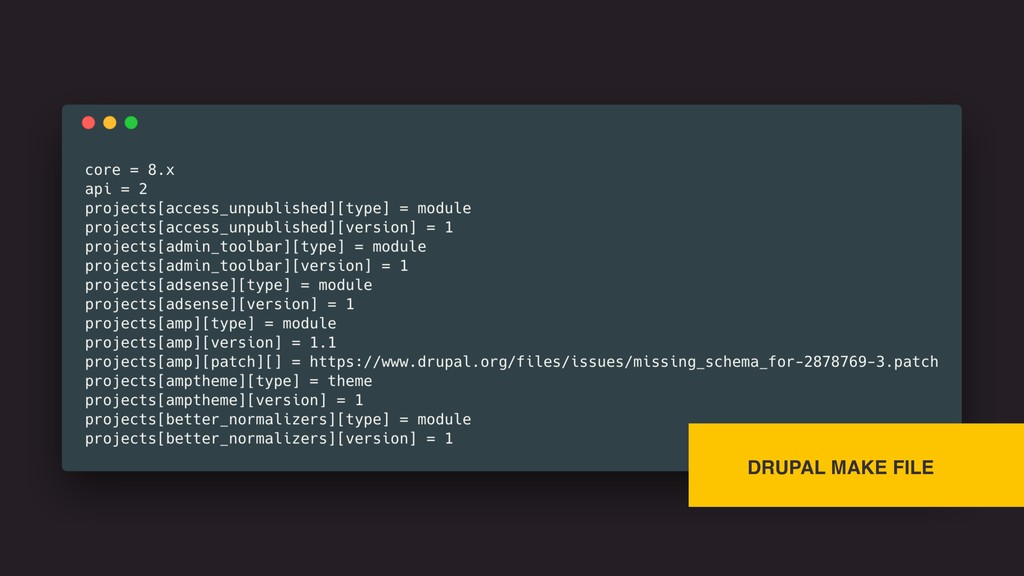
used by others. • Often released bundled with dependencies and downloaded. • Can be scaffolded using composer create-project. • Get updates and new features from maintainers. • drupal-org.make files for bundling through drupal.org
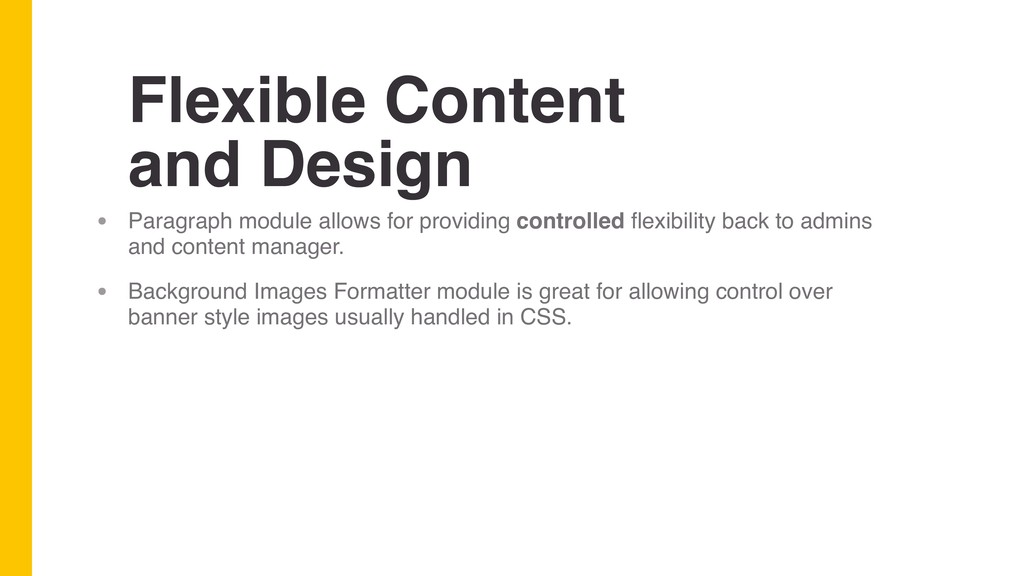
controlled flexibility back to admins and content manager. • Background Images Formatter module is great for allowing control over banner style images usually handled in CSS.
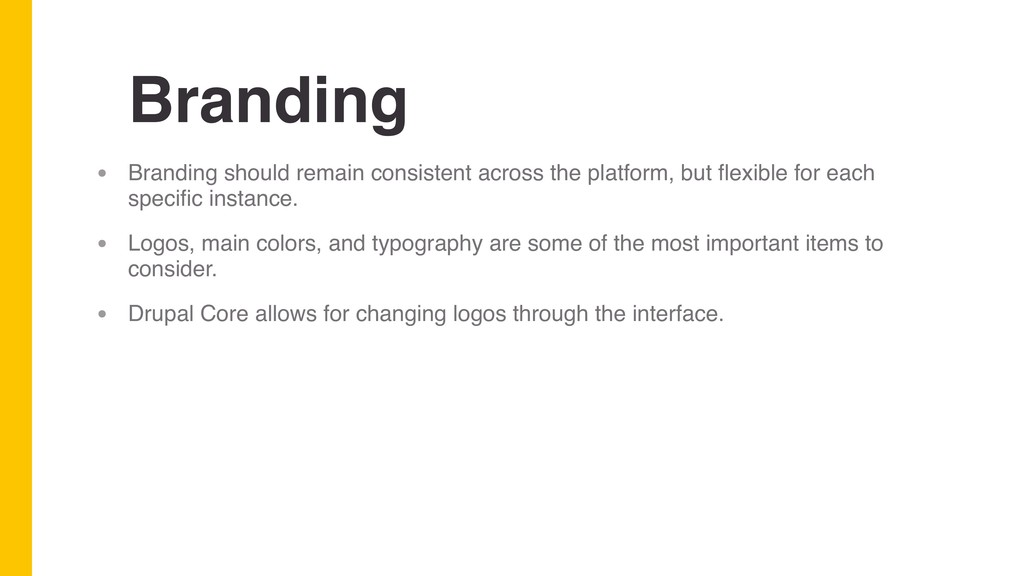
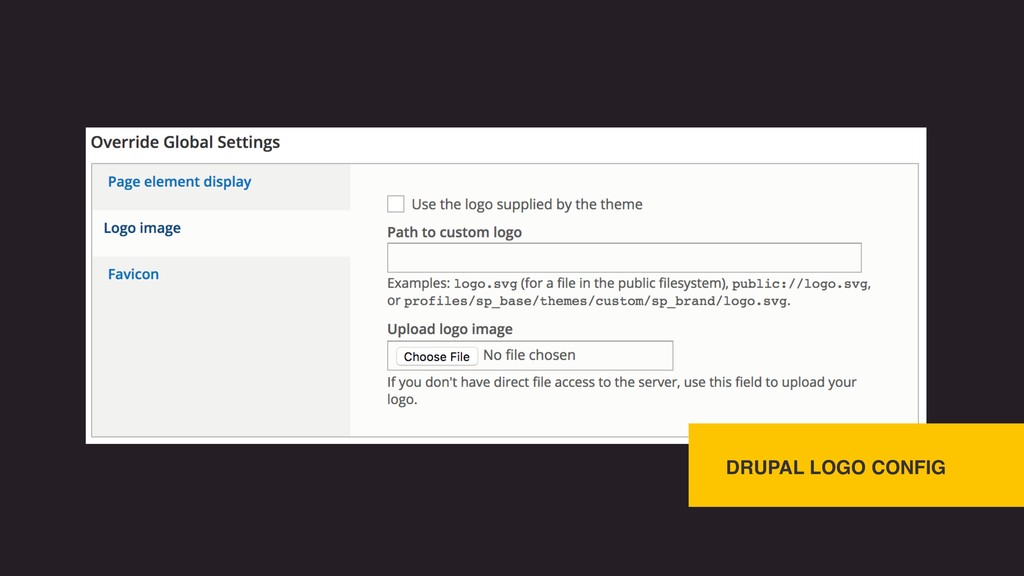
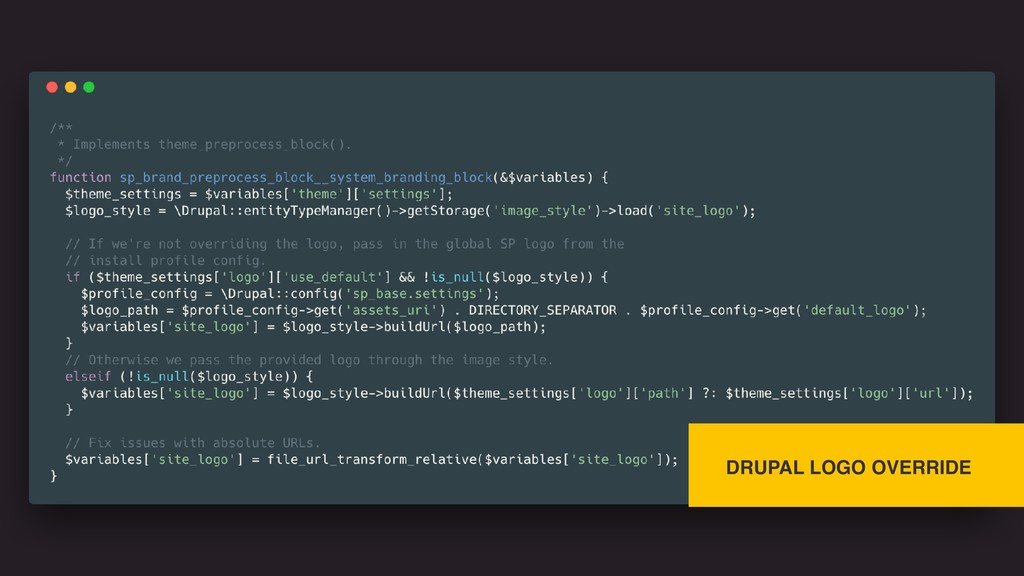
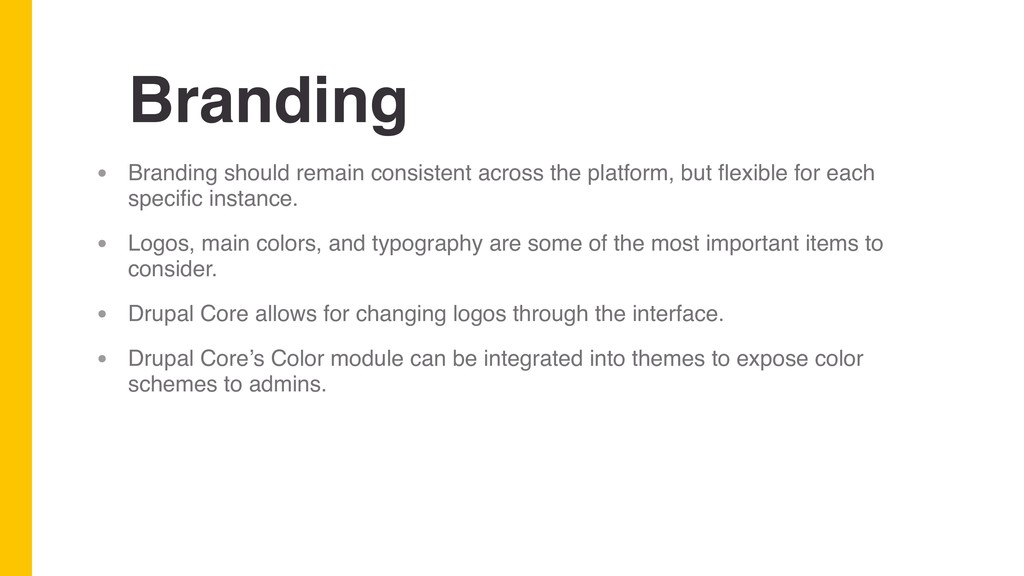
flexible for each specific instance. • Logos, main colors, and typography are some of the most important items to consider. • Drupal Core allows for changing logos through the interface.
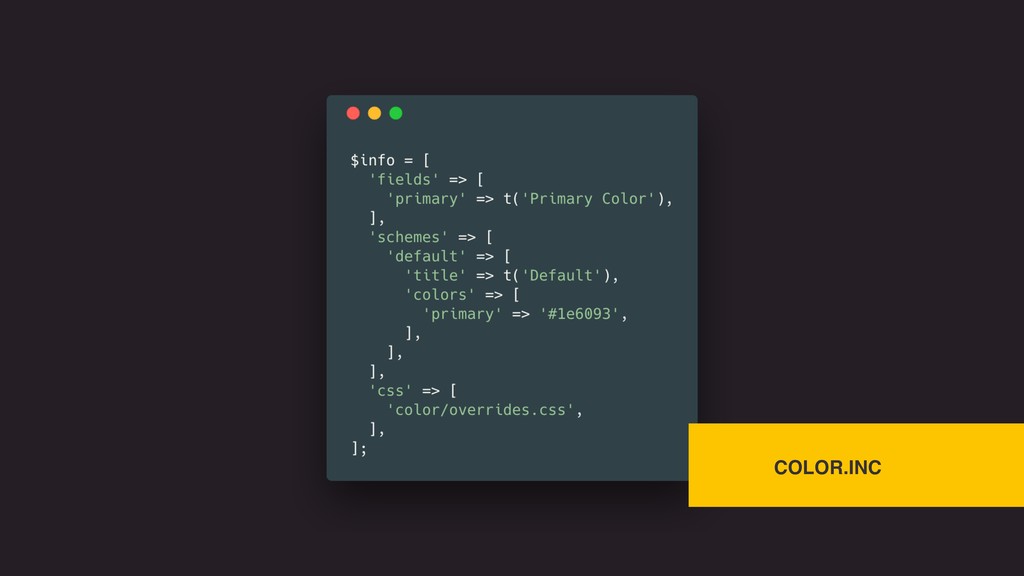
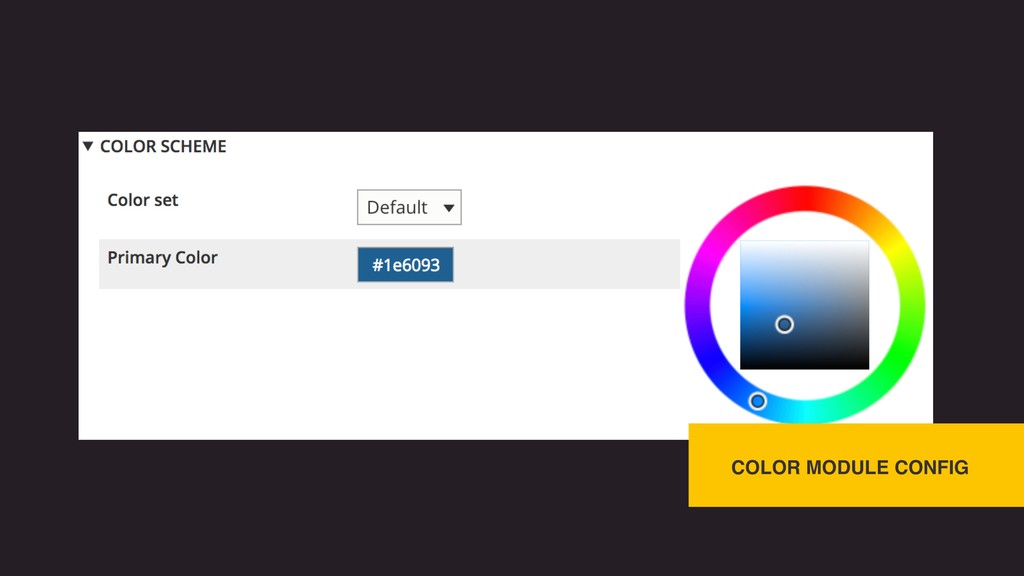
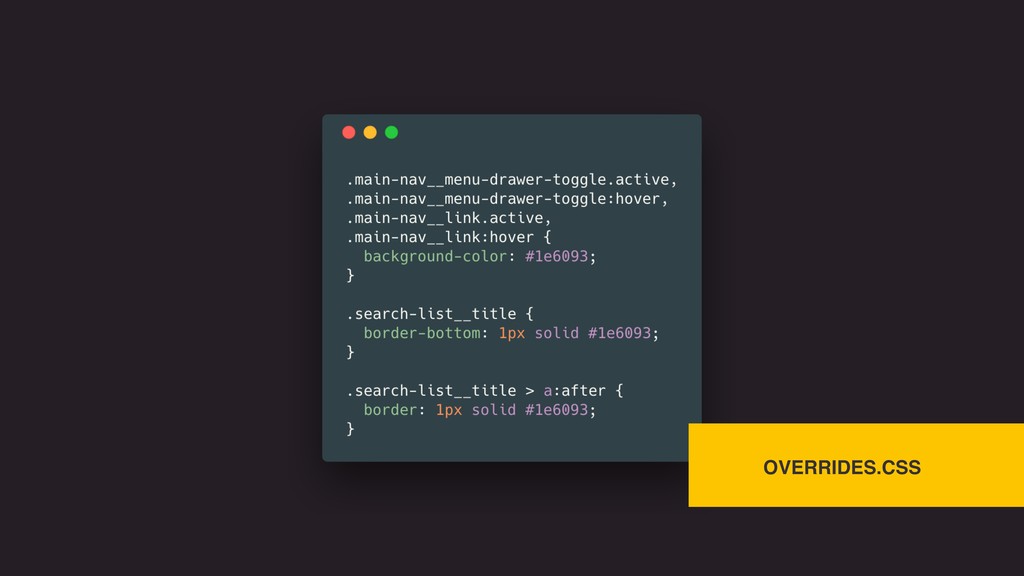
flexible for each specific instance. • Logos, main colors, and typography are some of the most important items to consider. • Drupal Core allows for changing logos through the interface. • Drupal Core’s Color module can be integrated into themes to expose color schemes to admins.
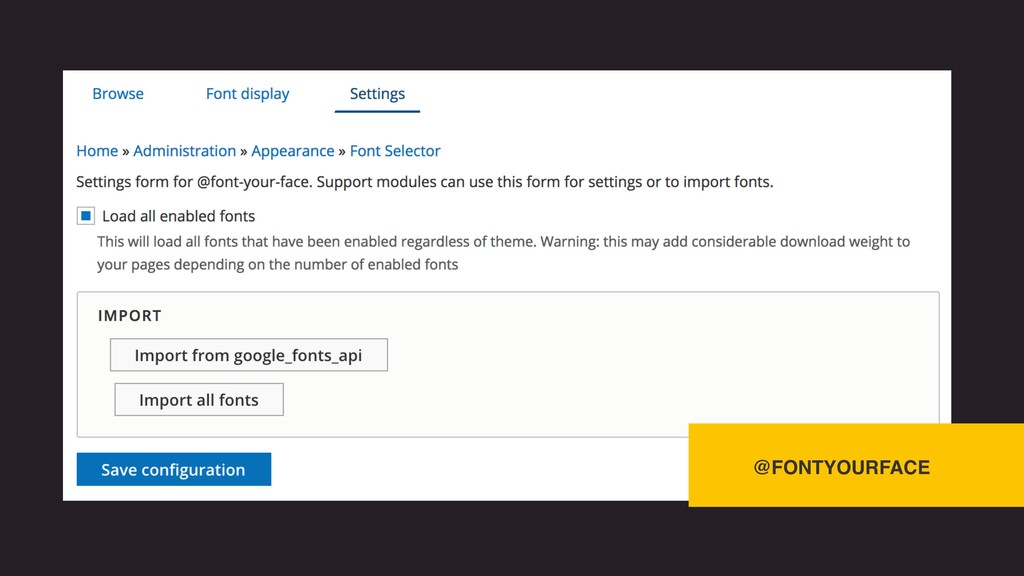
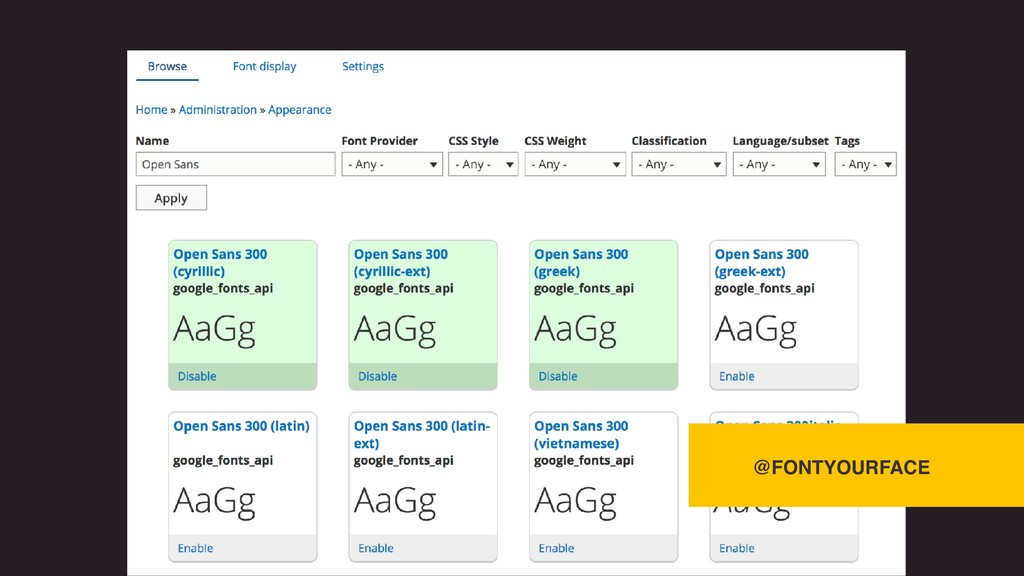
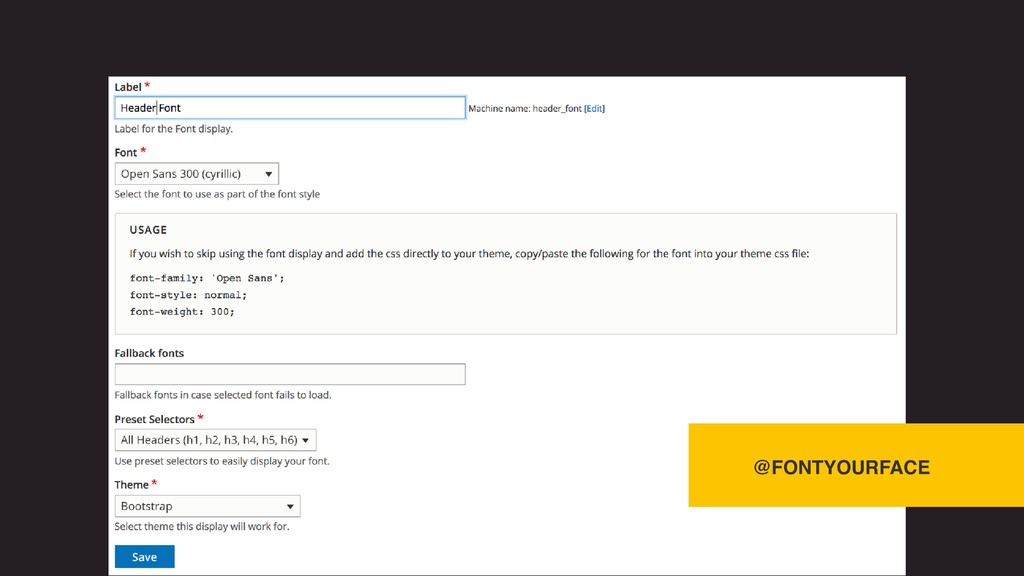
flexible for each specific instance. • Logos, main colors, and typography are some of the most important items to consider. • Drupal Core allows for changing logos through the interface. • Drupal Core’s Color module can be integrated into themes to expose color schemes to admins. • @FontYourFace module exposes theme font faces into configuration.
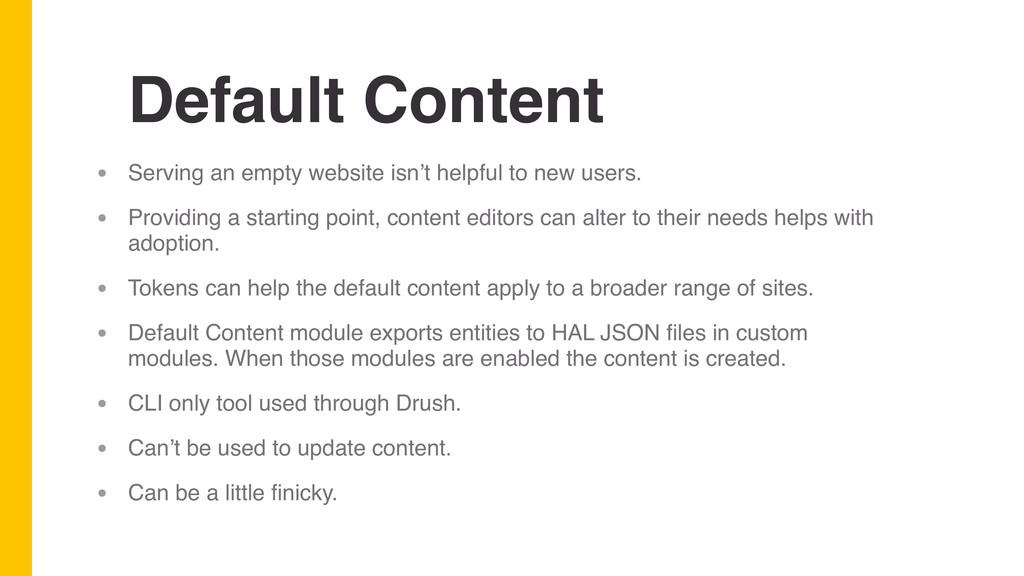
new users. • Providing a starting point, content editors can alter to their needs helps with adoption. • Tokens can help the default content apply to a broader range of sites. • Default Content module exports entities to HAL JSON files in custom modules. When those modules are enabled the content is created. • CLI only tool used through Drush. • Can’t be used to update content. • Can be a little finicky.
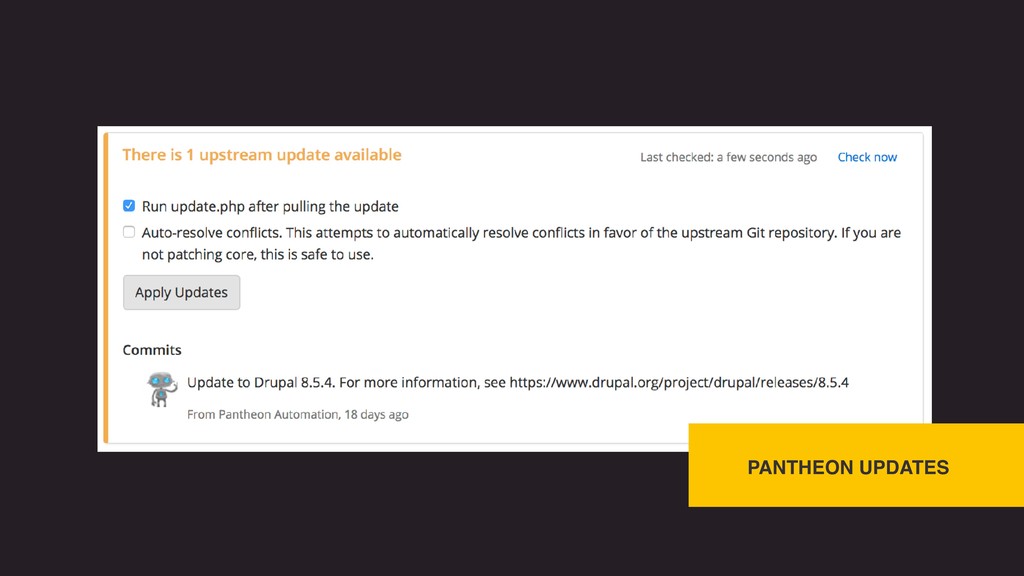
websites in a single click. • Pantheon manages their own Upstreams of Drupal 7 and 8 cores. • Updates to websites can be deployed through the Upstream.
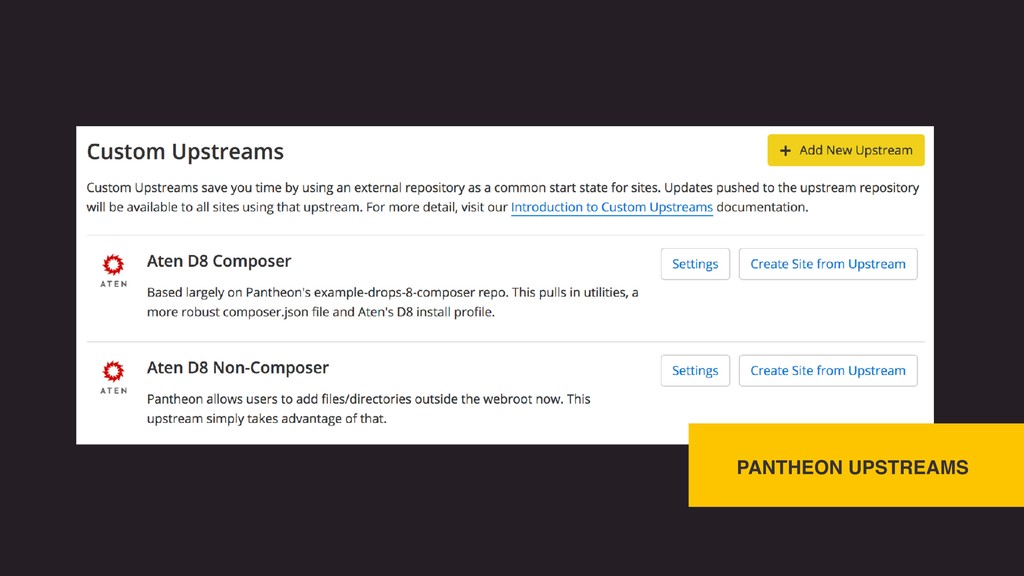
websites in a single click. • Pantheon manages their own Upstreams of Drupal 7 and 8 cores. • Updates to websites can be deployed through the Upstream. • Organization accounts can create their own custom Upstreams.
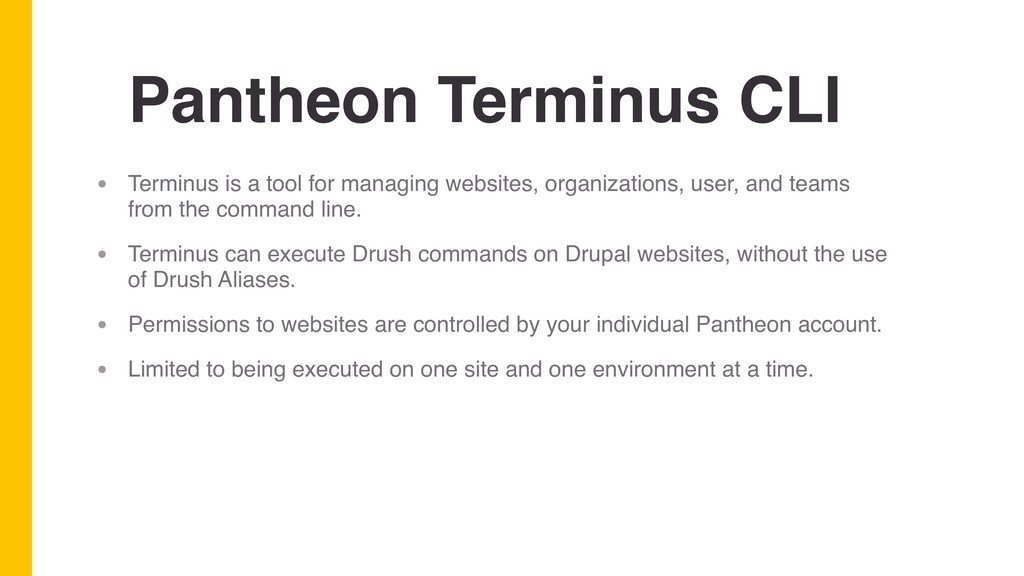
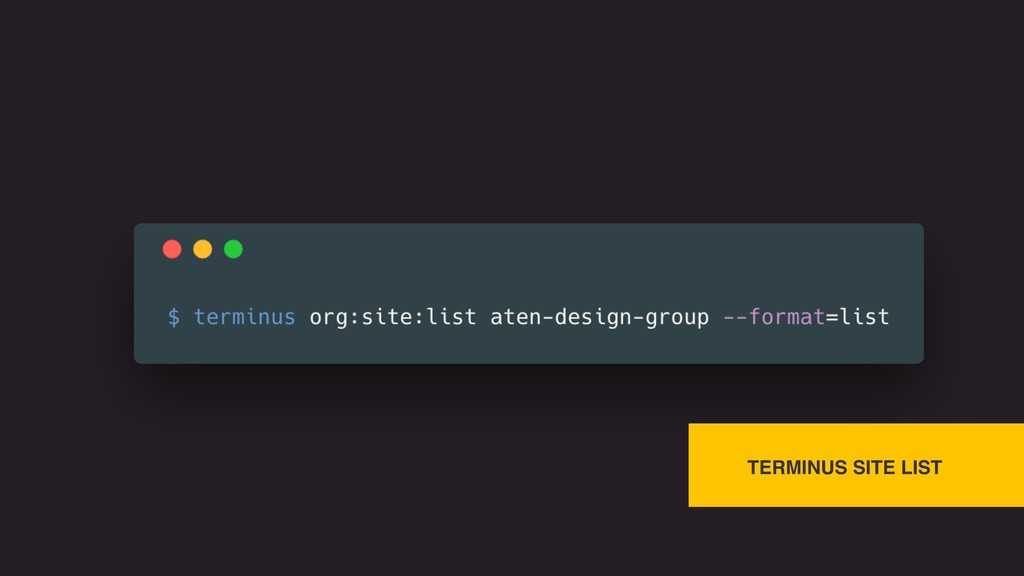
websites, organizations, user, and teams from the command line. • Terminus can execute Drush commands on Drupal websites, without the use of Drush Aliases. • Permissions to websites are controlled by your individual Pantheon account. • Limited to being executed on one site and one environment at a time.
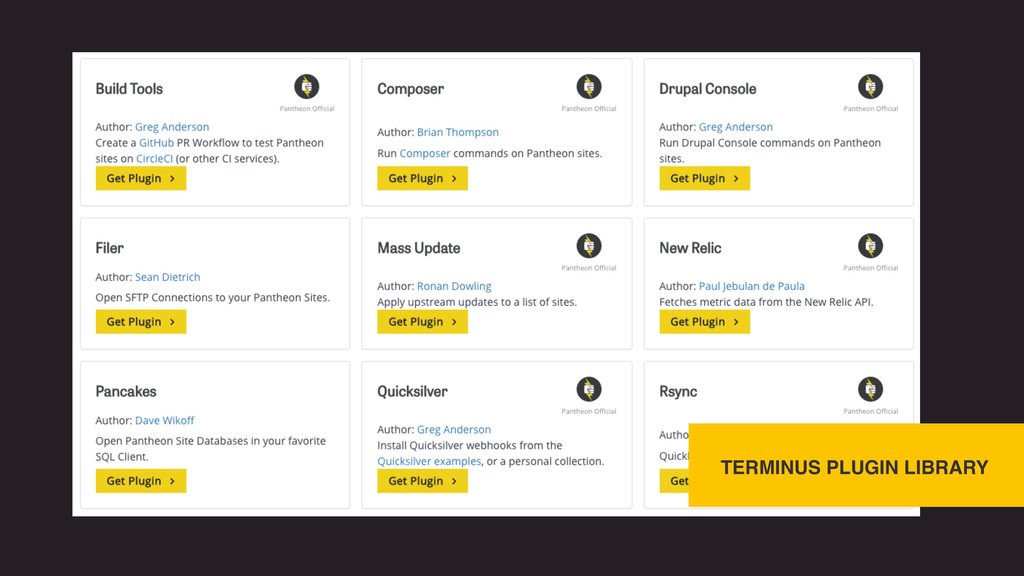
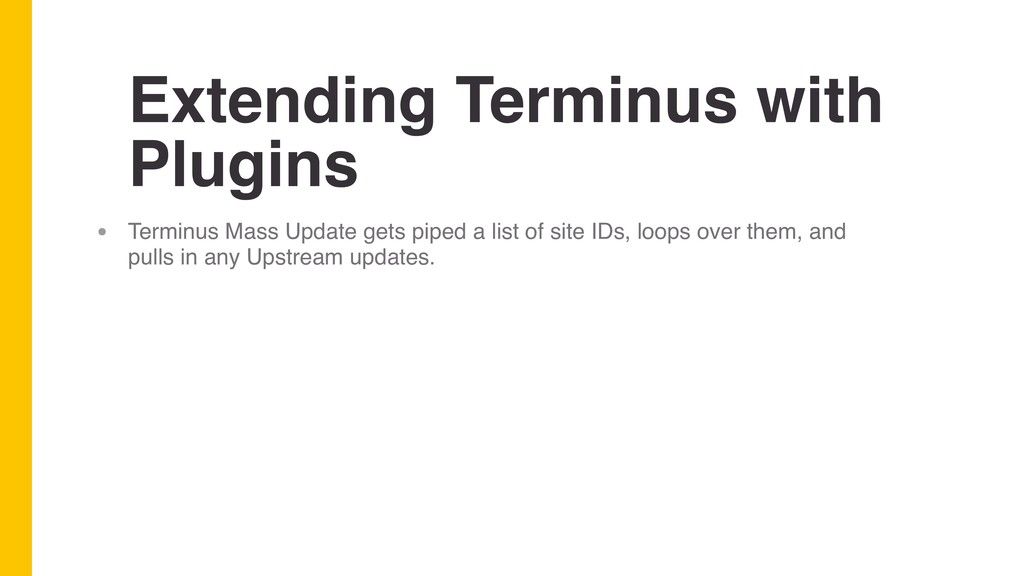
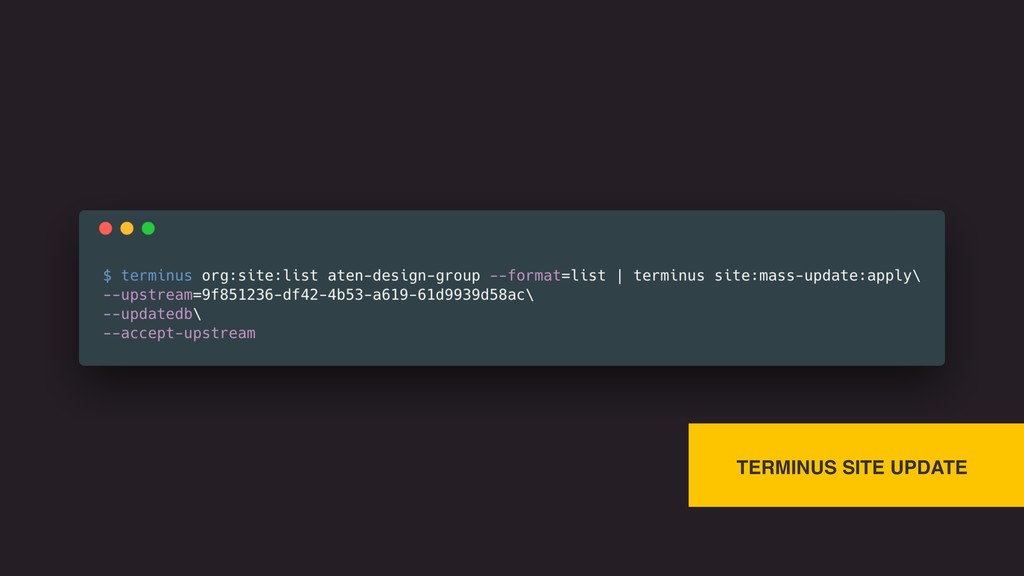
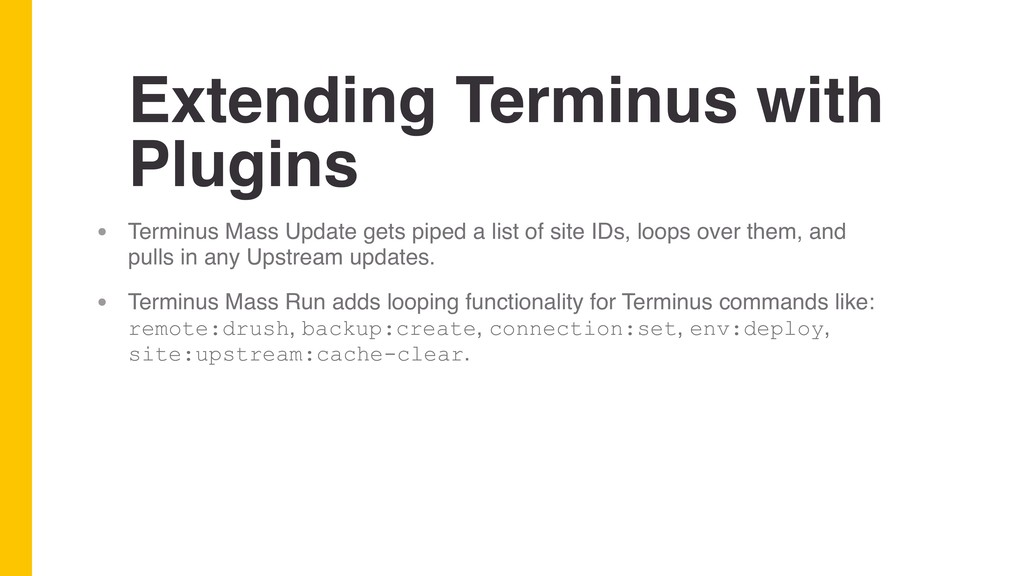
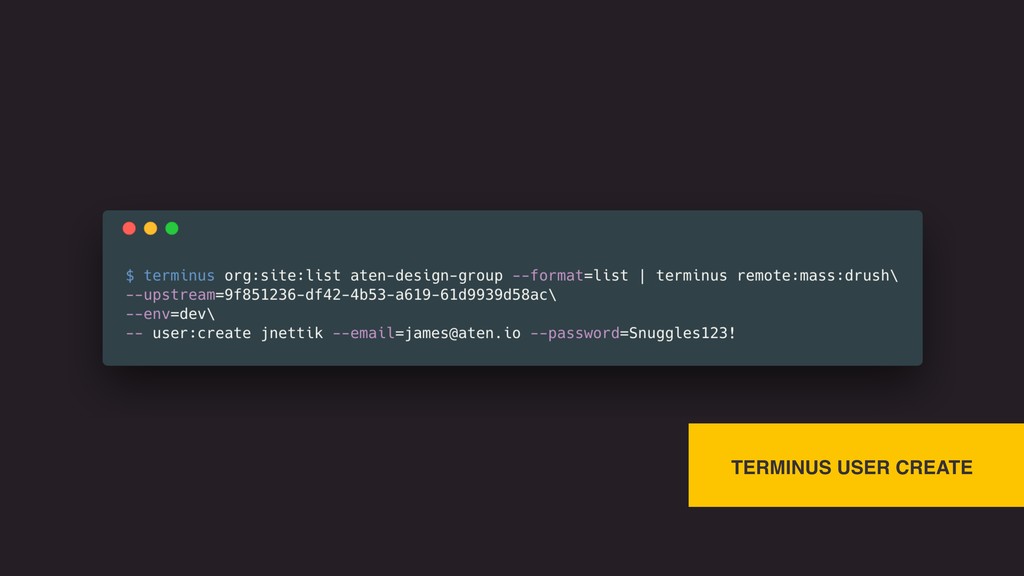
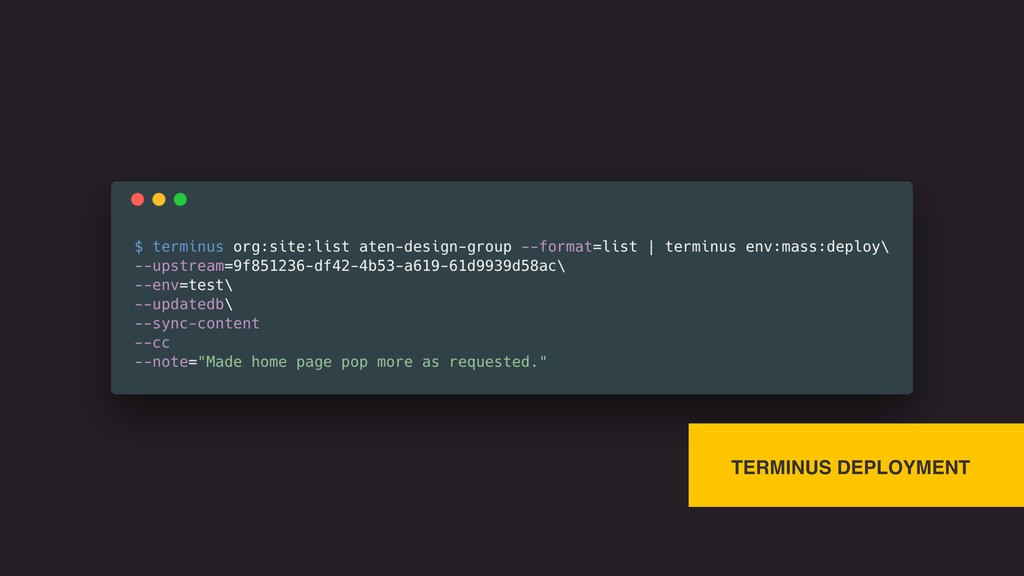
a list of site IDs, loops over them, and pulls in any Upstream updates. • Terminus Mass Run adds looping functionality for Terminus commands like: remote:drush, backup:create, connection:set, env:deploy, site:upstream:cache-clear.


 jnettik
 sansantech
 gogutan
 yahonda
 rfdnxbro
 terapyon
 onk
onk
 stomk
stomk
 ezaki
ezaki
 kworkdev
 grimoh
 kash1064
 teamlab
 portentint
 colly
colly
 aleyda
 rmw
rmw
 wjessup
 bethany
 tanoku
 szymonslowik
 addyosmani
 kneath
 jcasabona
 malarkey

![Thanks! James Nettik [email protected] @jnettik](https://files.speakerdeck.com/presentations/9df50bc7889b443daf5ed3396674de17/slide_47.jpg)