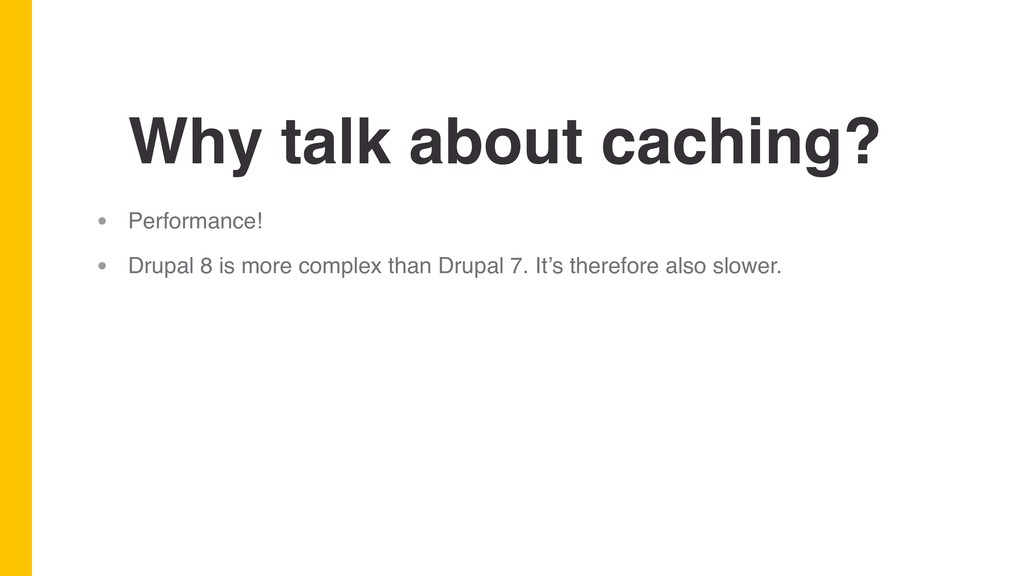
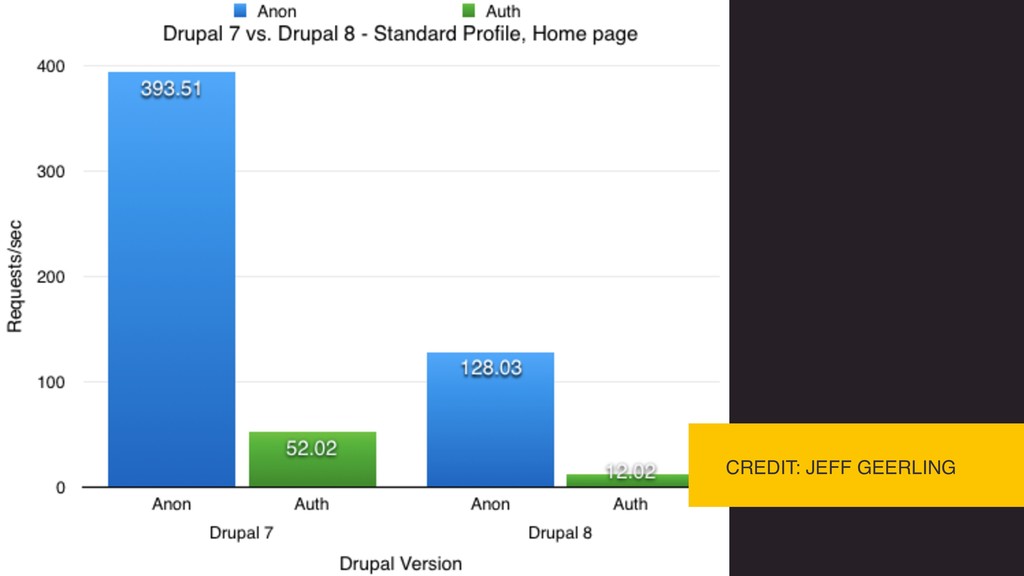
more complex than Drupal 7. It’s therefore also slower. • Drupal 8’s complexity grants us more potential. • Drupal 8’s complexity makes intelligent caching more complex as well.
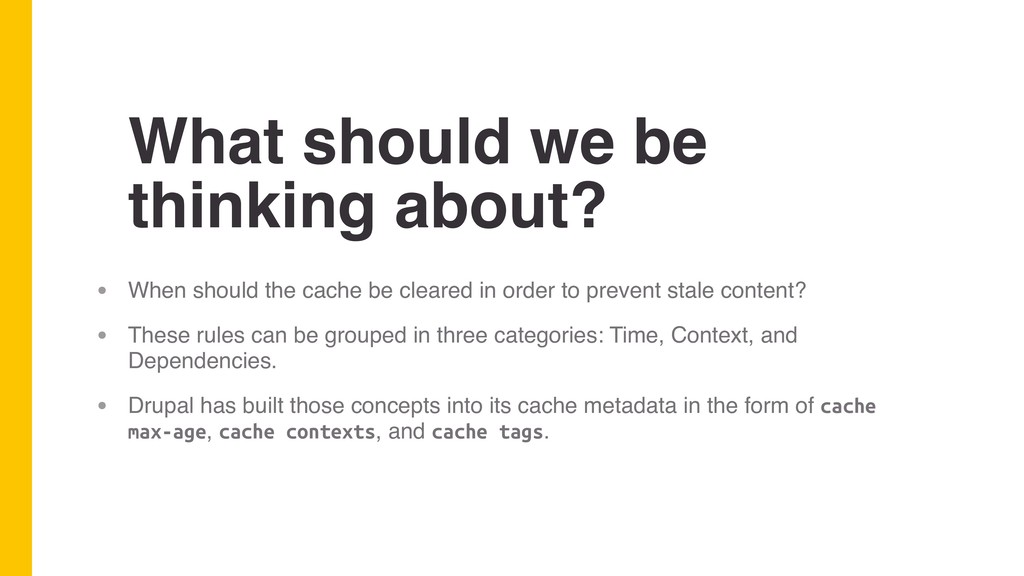
cache be cleared in order to prevent stale content? • These rules can be grouped in three categories: Time, Context, and Dependencies. • Drupal has built those concepts into its cache metadata in the form of cache max-age, cache contexts, and cache tags.
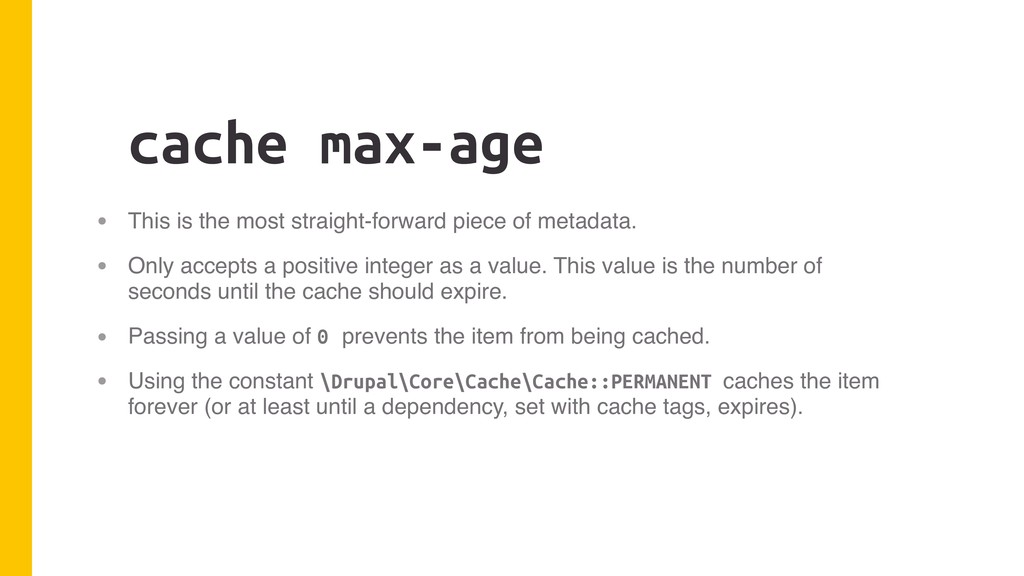
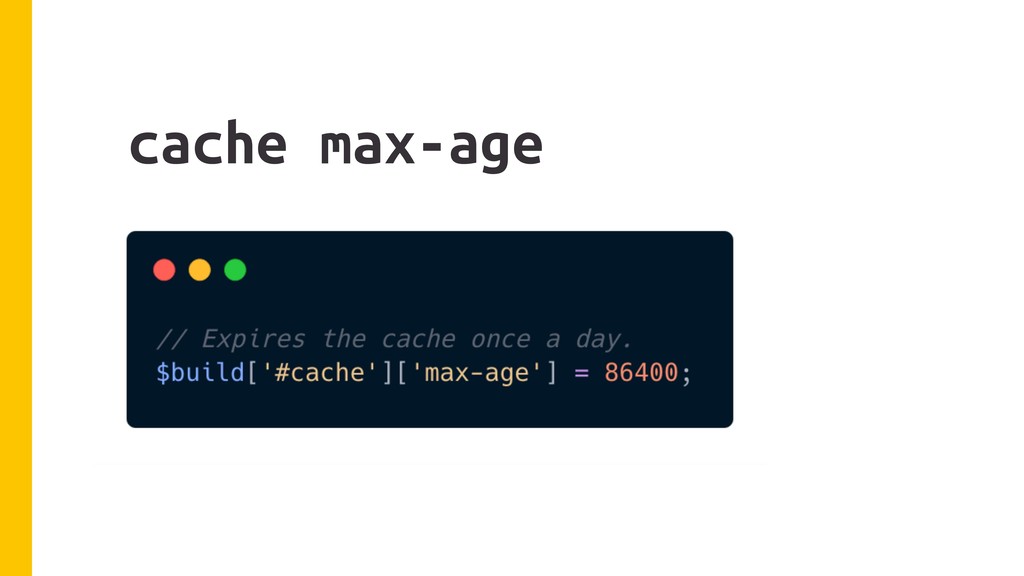
metadata. • Only accepts a positive integer as a value. This value is the number of seconds until the cache should expire. • Passing a value of 0 prevents the item from being cached. • Using the constant \Drupal\Core\Cache\Cache::PERMANENT caches the item forever (or at least until a dependency, set with cache tags, expires).
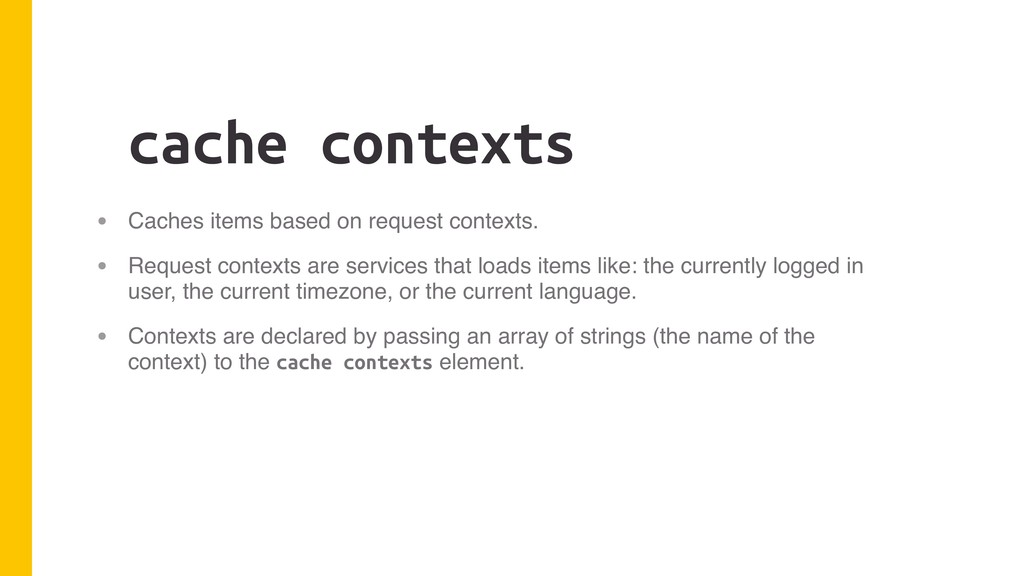
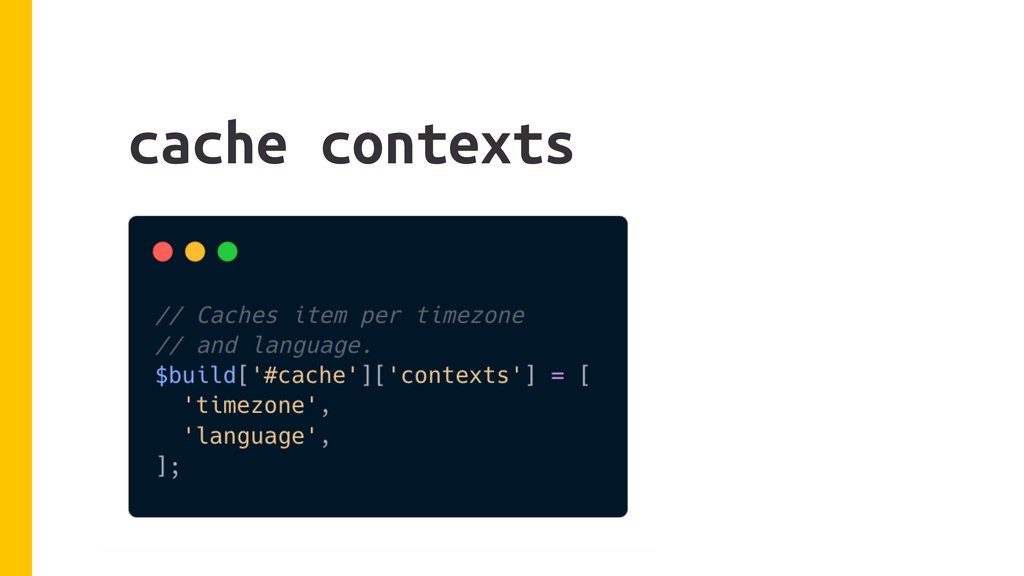
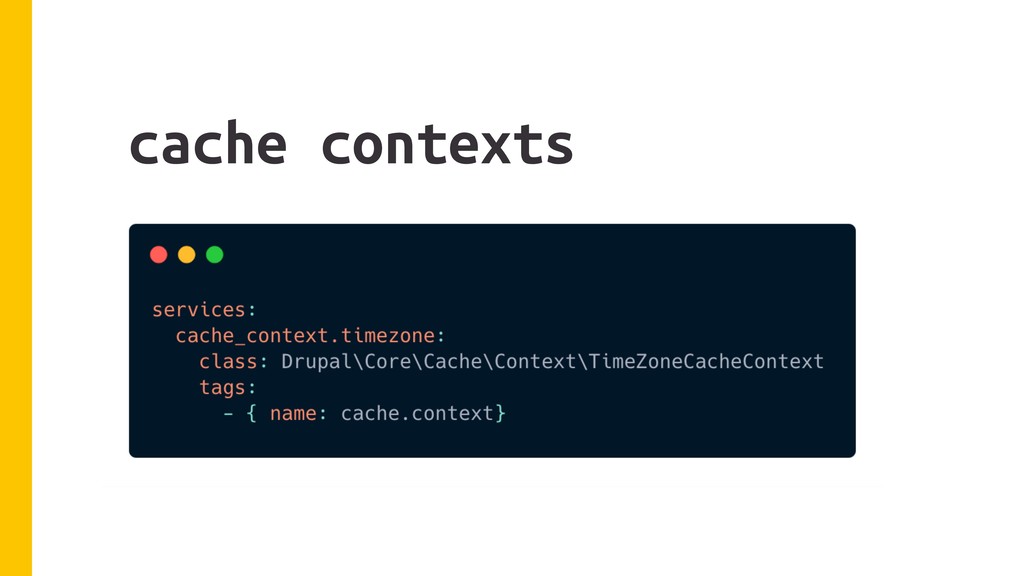
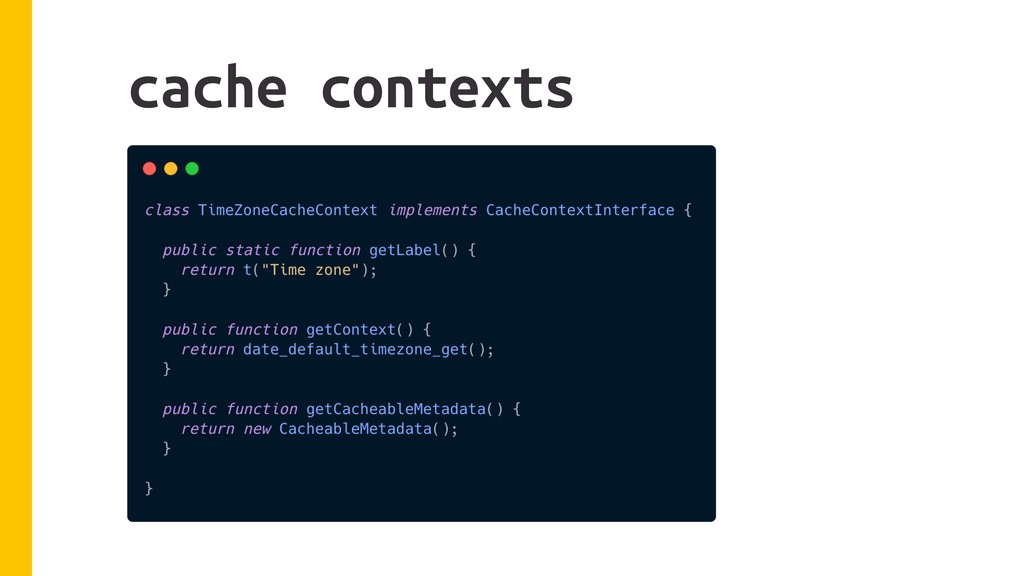
Request contexts are services that loads items like: the currently logged in user, the current timezone, or the current language. • Contexts are declared by passing an array of strings (the name of the context) to the cache contexts element.
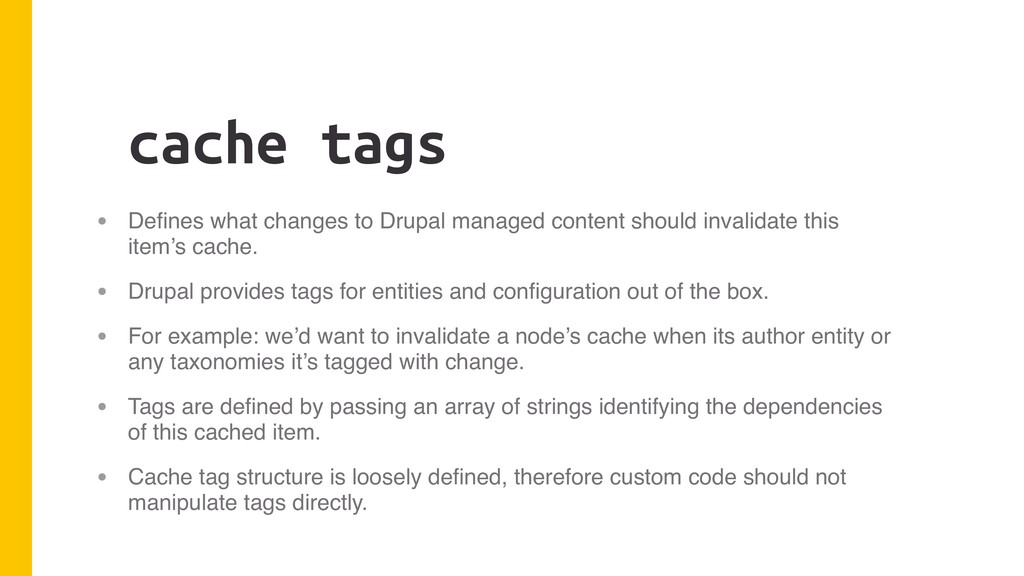
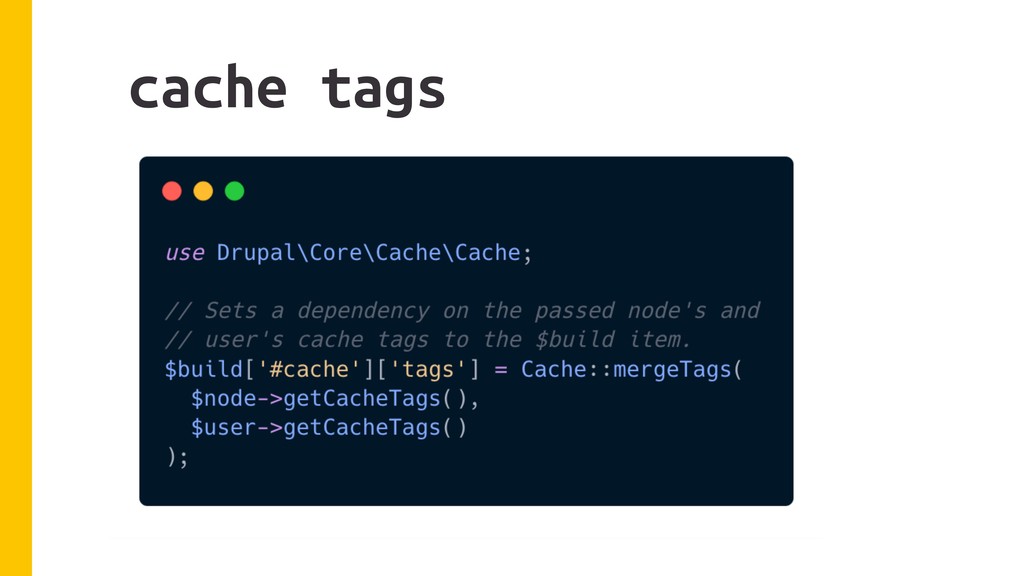
should invalidate this item’s cache. • Drupal provides tags for entities and configuration out of the box. • For example: we’d want to invalidate a node’s cache when its author entity or any taxonomies it’s tagged with change. • Tags are defined by passing an array of strings identifying the dependencies of this cached item. • Cache tag structure is loosely defined, therefore custom code should not manipulate tags directly.
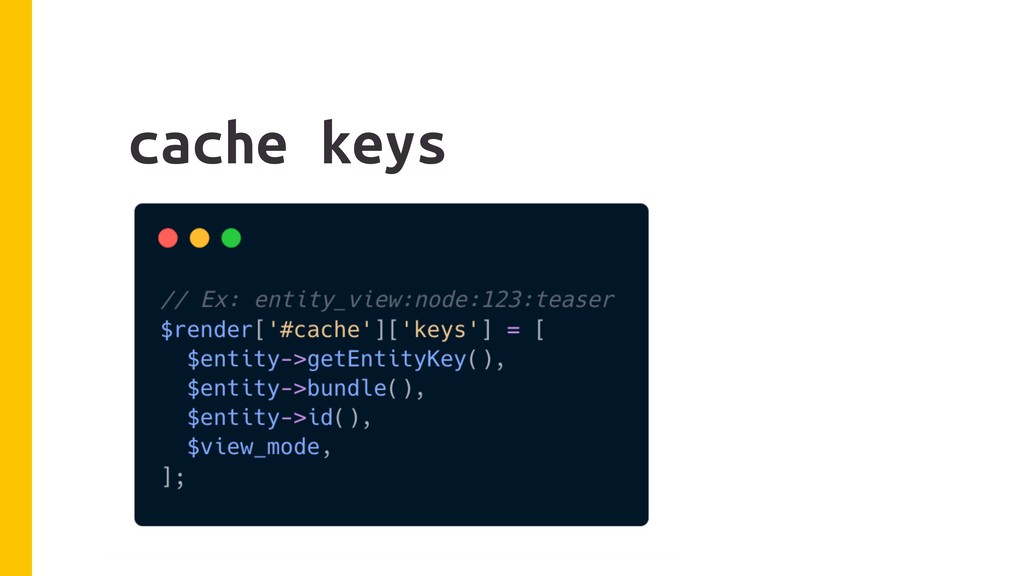
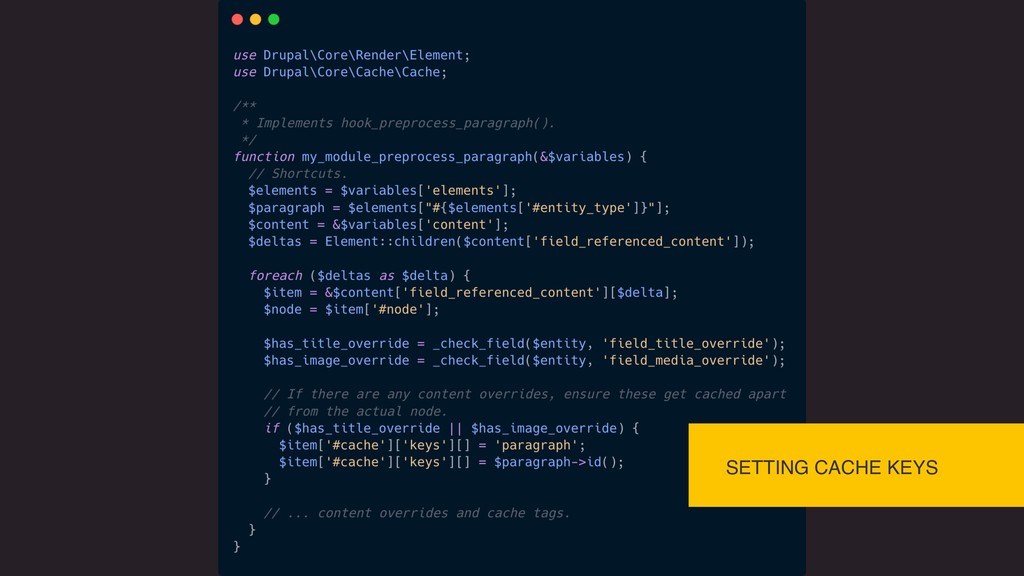
the cached markup’s ID in the database. • Keys are optional. They’re only included on items who’s render array should be cached. Otherwise, the rest of the metadata only bubbles up to it’s parents. • Keys are defined by an array of strings that will become concatenated.
for keys) bubbles up from child to parent until it reaches the page response object. • The detailed information provided by metadata and the bubbling is what allows for automatic cache invalidation for both anonymous and authenticated users (something we didn’t have in Drupal 7). • It’s a beautiful things that Just Works™… unless you break it.
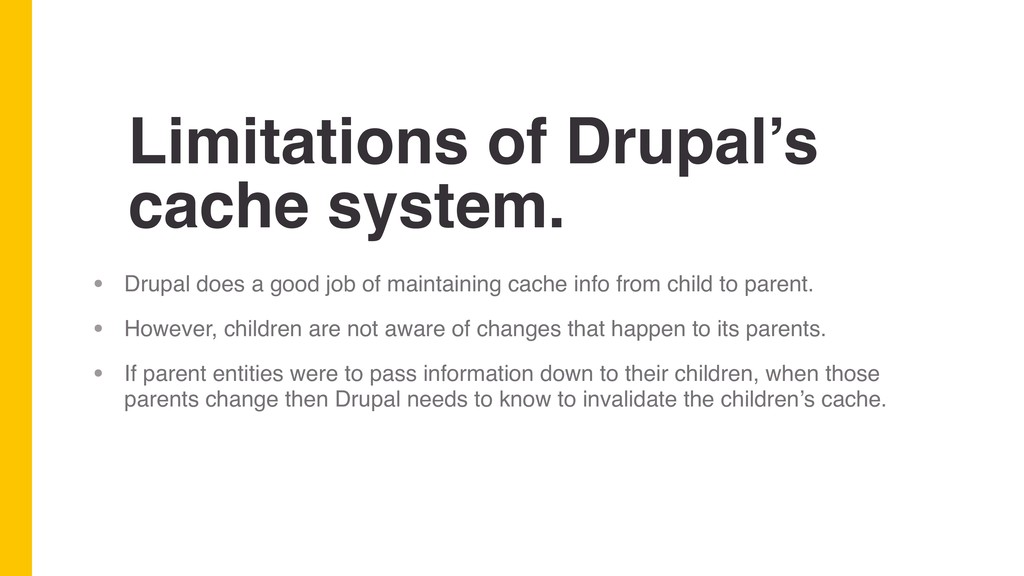
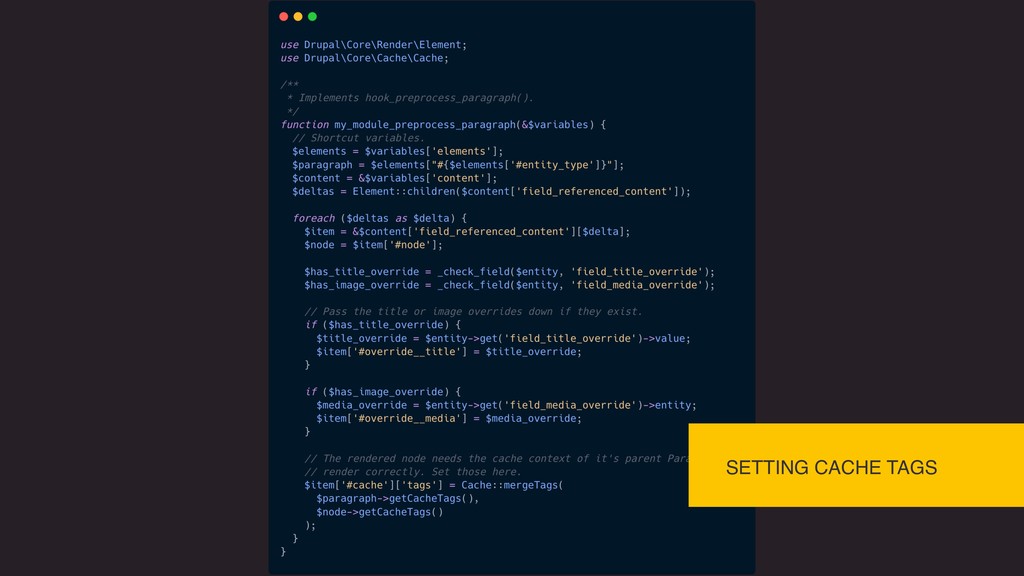
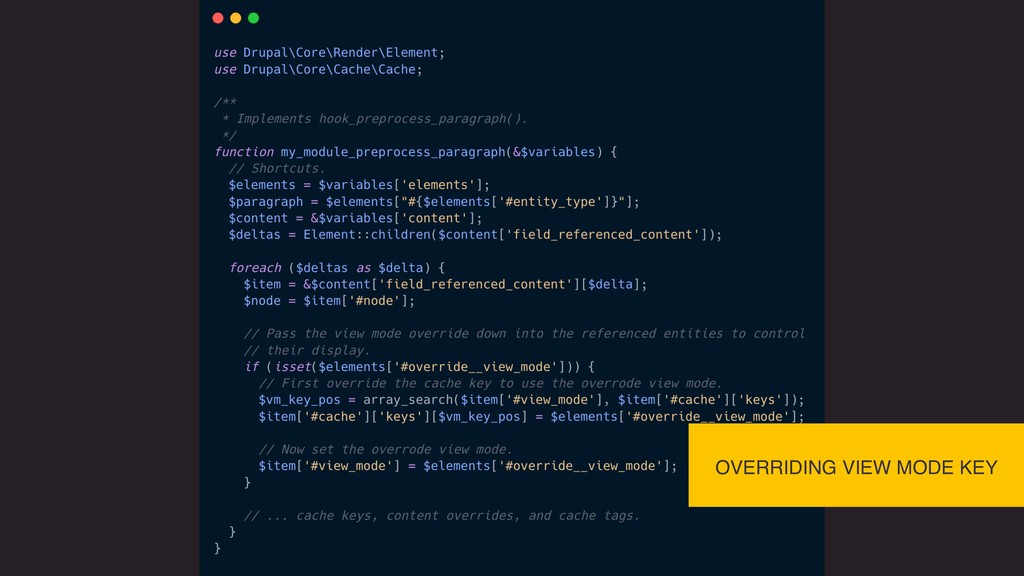
job of maintaining cache info from child to parent. • However, children are not aware of changes that happen to its parents. • If parent entities were to pass information down to their children, when those parents change then Drupal needs to know to invalidate the children’s cache.
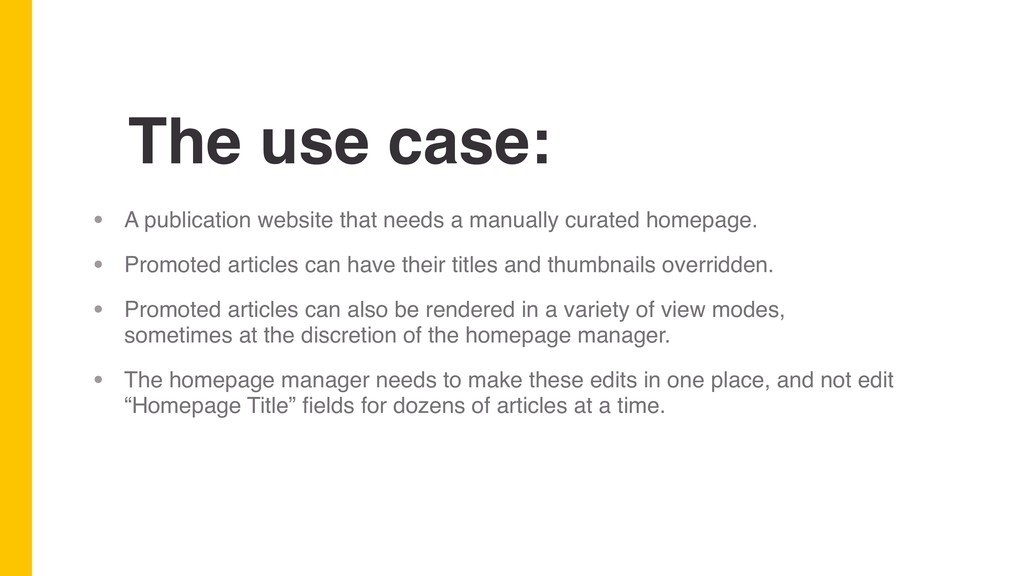
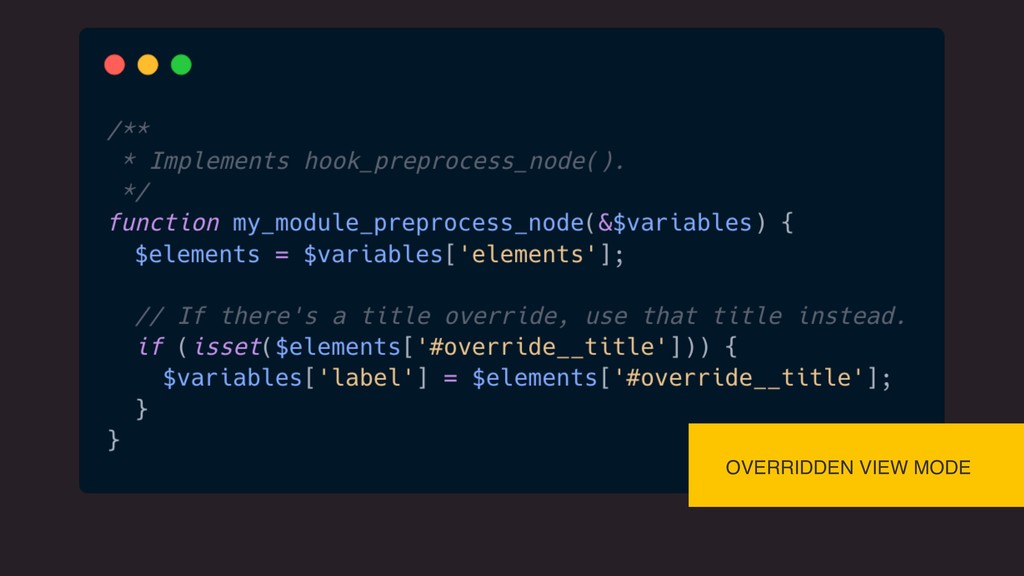
manually curated homepage. • Promoted articles can have their titles and thumbnails overridden. • Promoted articles can also be rendered in a variety of view modes, sometimes at the discretion of the homepage manager. • The homepage manager needs to make these edits in one place, and not edit “Homepage Title” fields for dozens of articles at a time.
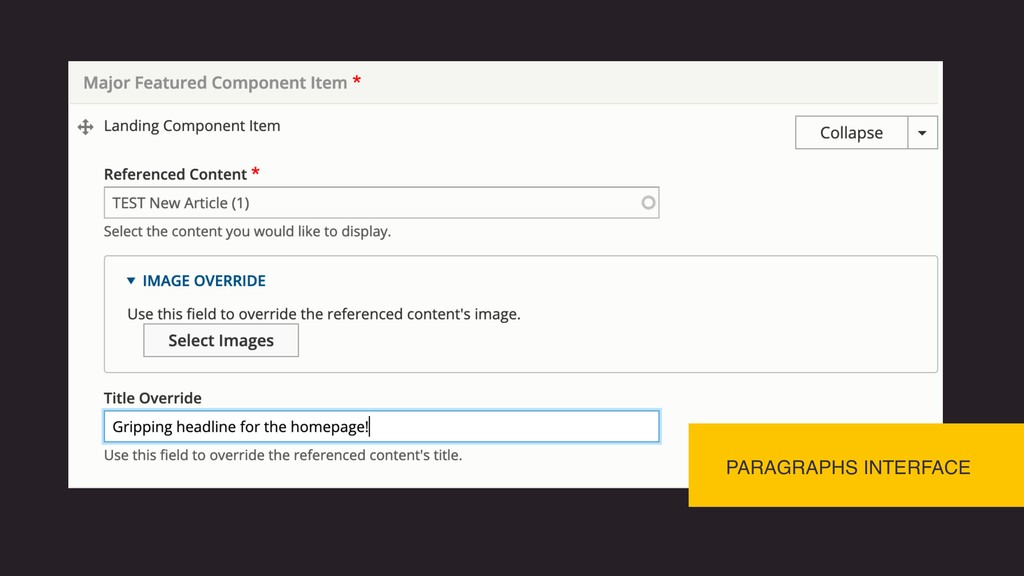
“Page Builder” on a new content type for the homepage. • Each Paragraph item references the article to promote, as well as optional fields for customizations like title, thumbnail, or view mode.
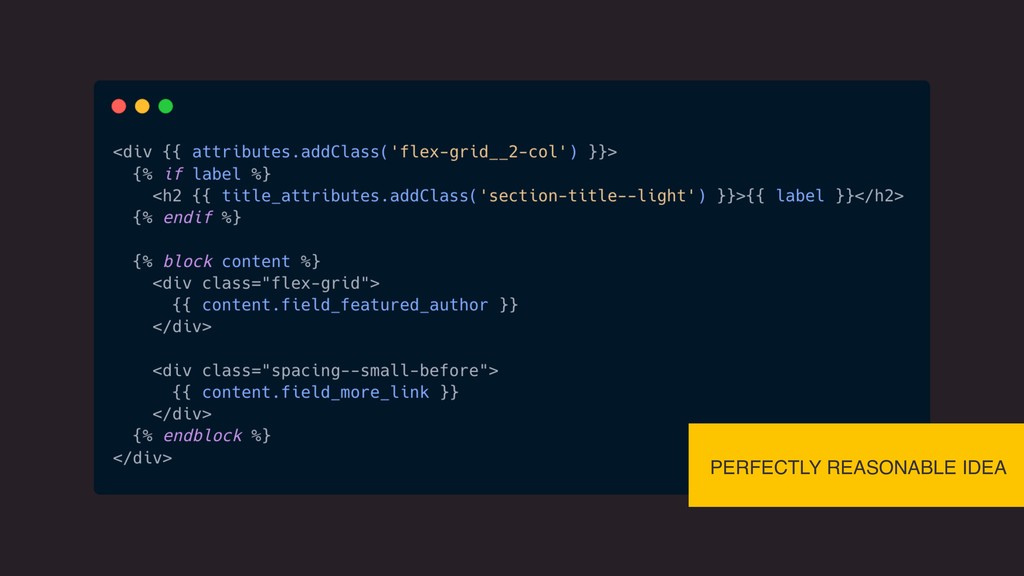
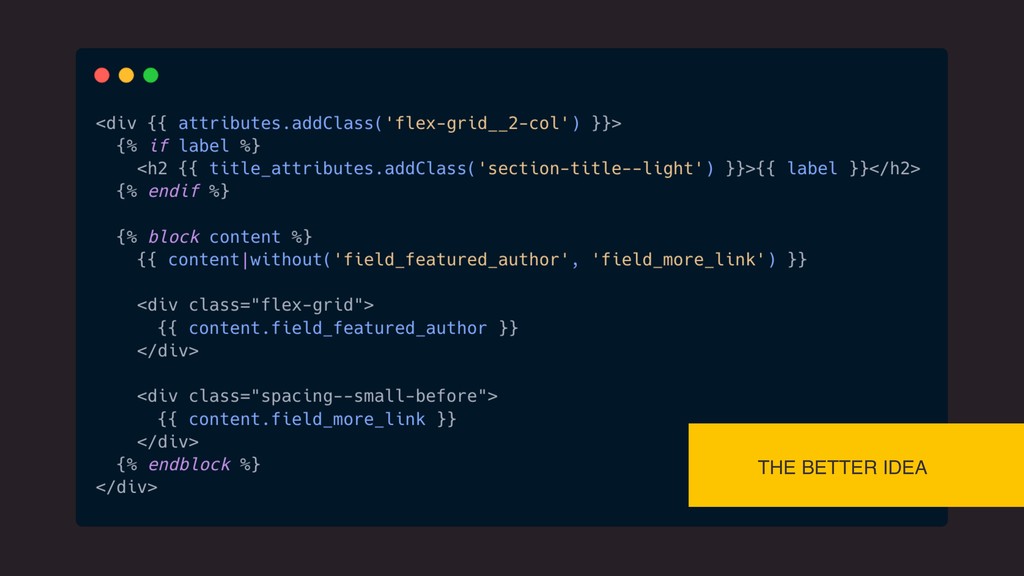
the display of the referenced article. • The referenced article needs to have the Paragraph’s cache tags passed down to its render array. • Whenever the parent Paragraph is changed, Drupal will invalidate the cache of the article.
all entities. This caches the render data for the entity type, the entity ID, and the view mode being rendered. • entity_view:node:123:teaser • If our customized article is the first to get cached, anywhere else those keys are used pulls the homepage variation.


 jnettik
 genda
genda
 yamanoku
 teamlab
 raspython3
 nealle
 iktakahiro
 yu23ki14
 shuta13
 terurou
 shogo4131
 shumei_ito
 jtakeda
 rkendrick25
 sachag
 tmiket
 palkan
 varn
varn
 pedronauck
 reverentgeek
 ammeep
 aleyda
 ryanjones
 retrage