Upgrade to Pro — share decks privately, control downloads, hide ads and more …

Starting From Scratch in 2017 v2

Avatar for joecks joecks
November 04, 2017

Starting From Scratch in 2017 v2

Android development changed significantly in 2017 (Kotlin, Architecture Components and much more). Some of the most tricky and debatable questions now are: how to start a scalable project from scratch? How to decide which technology/library to use?

The HERE WeGo App team has worked for years to define a sophisticated release and development process, with a high level of automation that allowed to quickly followup on user issues and actively develop features. But legacy code and a large framework made it difficult to move even faster.

Lessons learned? We will discuss how to start over with all the learnings on a greenfield project.

Technologies that will be covered: Kotlin, Jenkins, JobDsl, Architecture Components, GraphQL, gRPC and more.

Avatar for joecks

joecks

November 04, 2017

Other Decks in Programming

Transcript

  1. Android development in 2017 • Different languages J • Stable/tested/validated

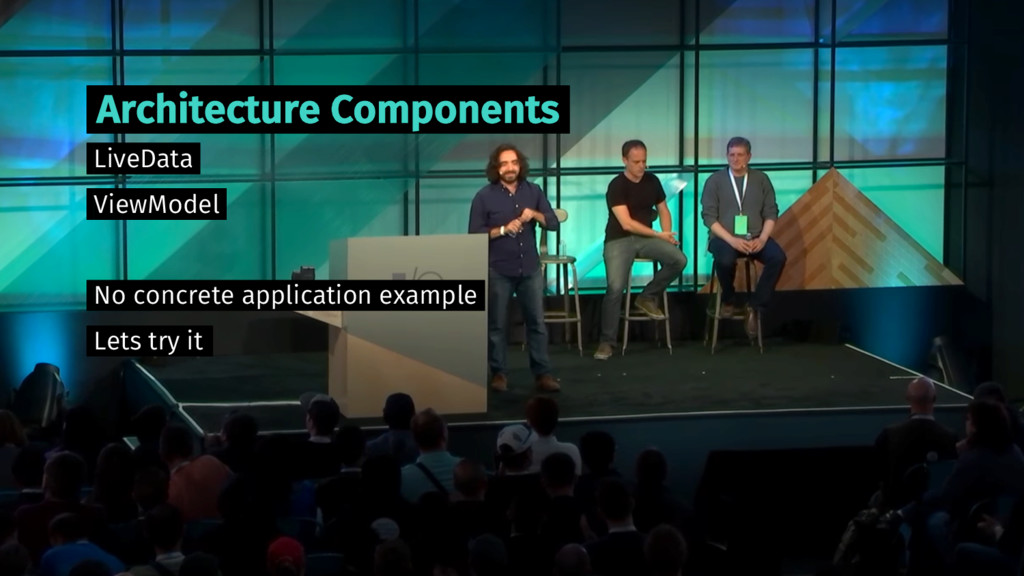
    libraries for (almost) everything • Extremely active community • Modern IDE and tooling • Android Architecture Components
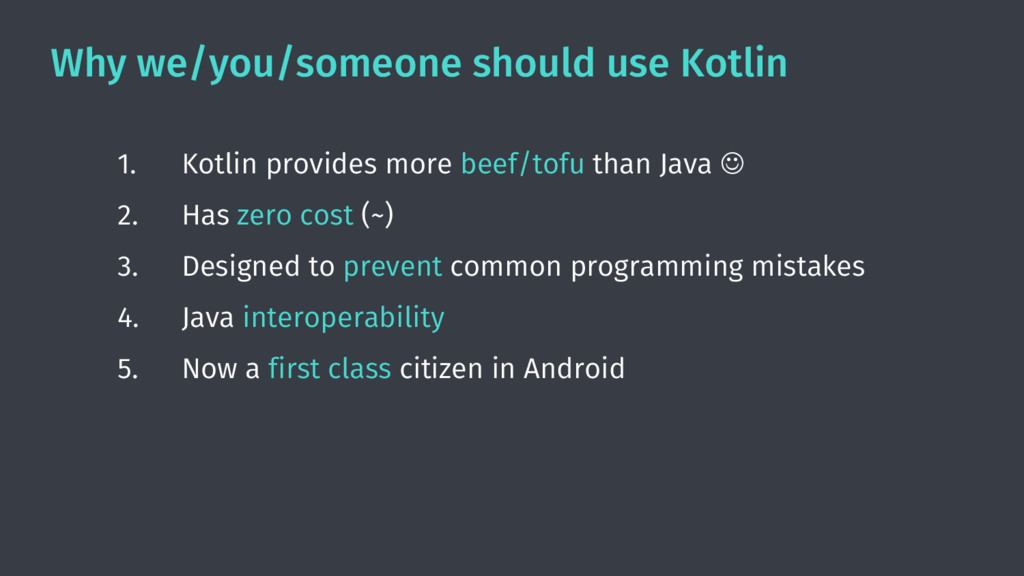
  2. Why we/you/someone should use Kotlin 1. Kotlin provides more beef/tofu

    than Java J 2. Has zero cost (~) 3. Designed to prevent common programming mistakes 4. Java interoperability 5. Now a first class citizen in Android
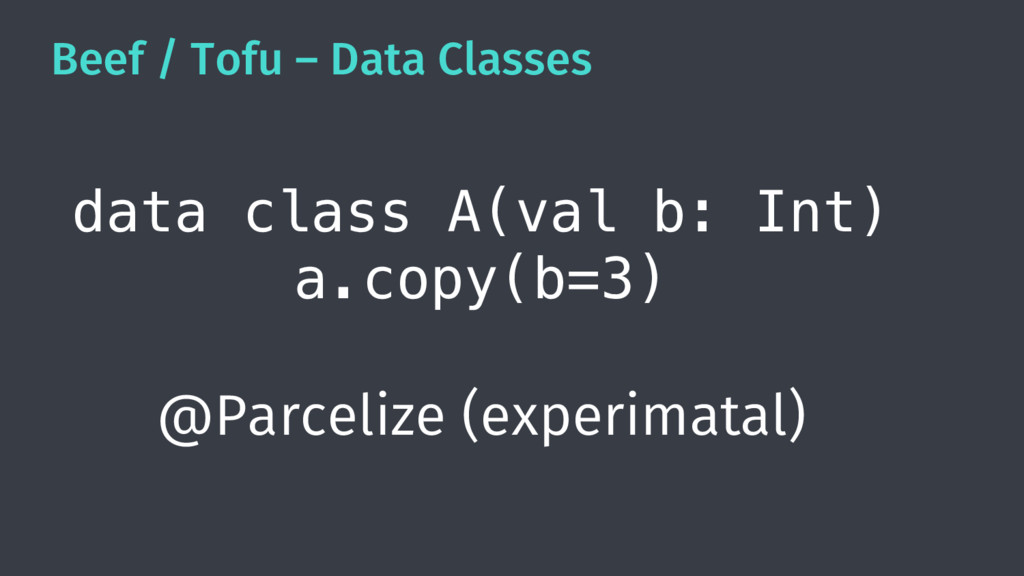
  3. Beef / Tofu – Data Classes data class A(val b:

    Int) a.copy(b=3) @Parcelize (experimatal)
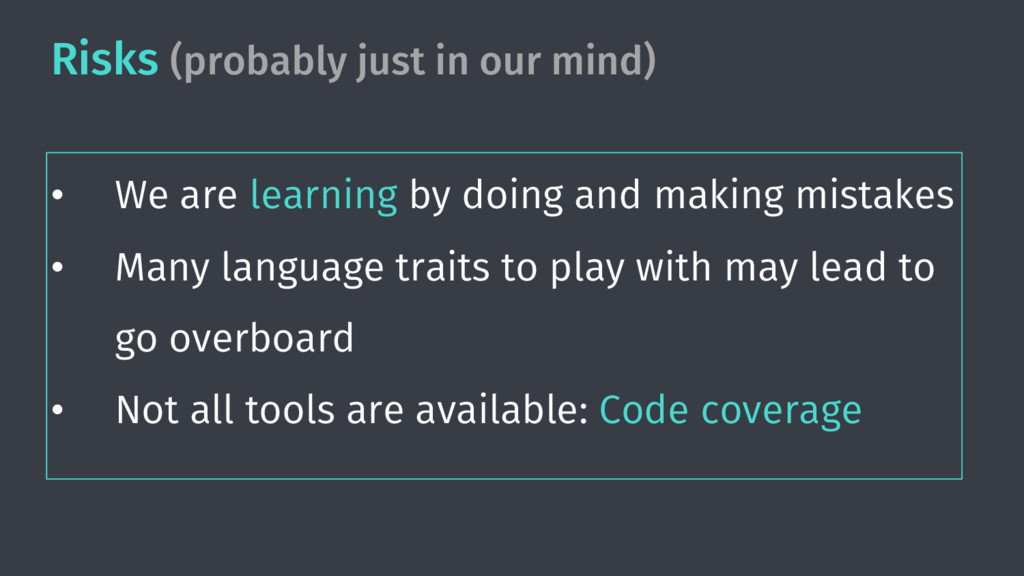
  4. Risks (probably just in our mind) • We are learning

    by doing and making mistakes • Many language traits to play with may lead to go overboard • Not all tools are available: Code coverage
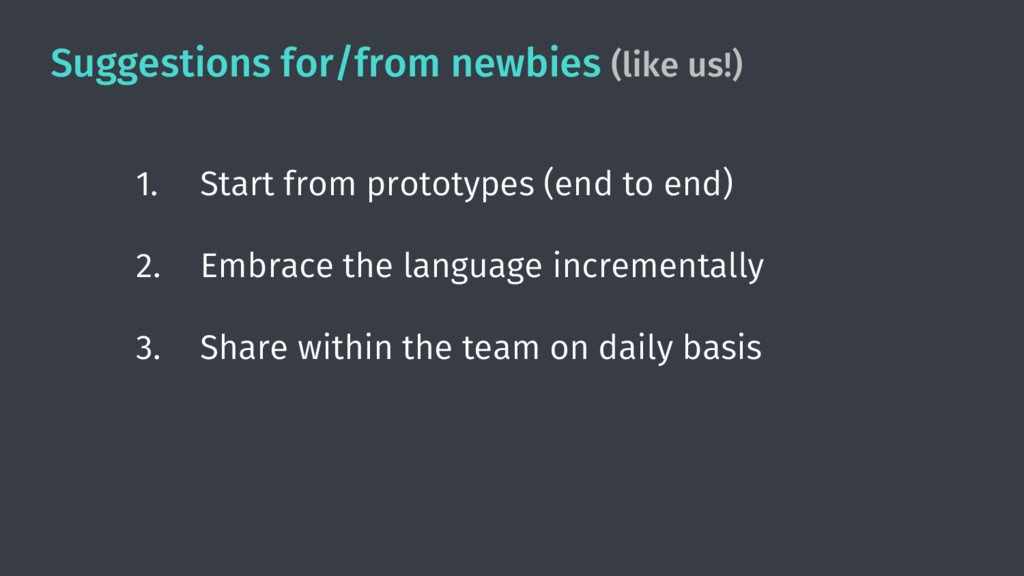
  5. Suggestions for/from newbies (like us!) 1. Start from prototypes (end

    to end) 2. Embrace the language incrementally 3. Share within the team on daily basis
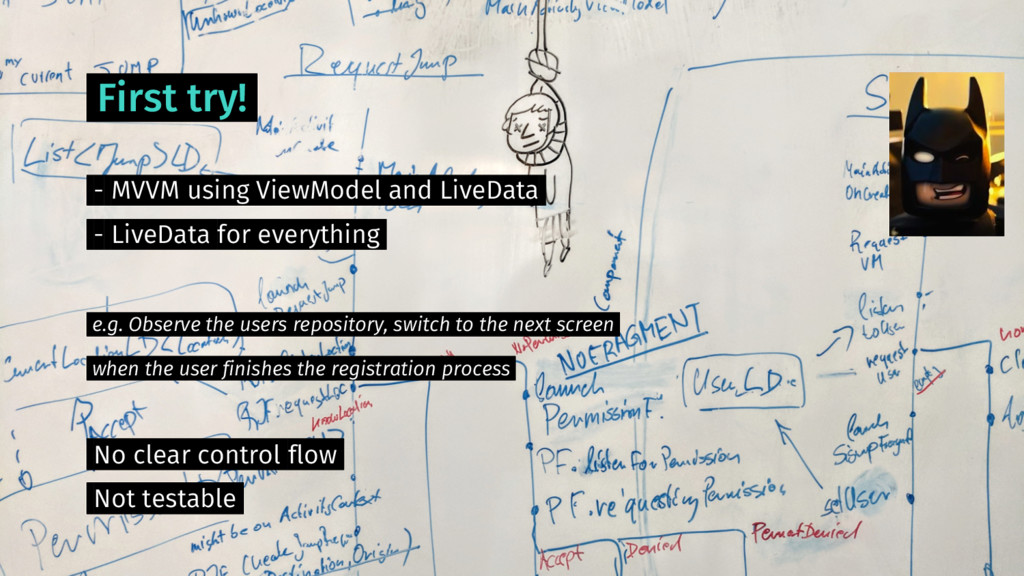
  6. First try! - MVVM using ViewModel and LiveData - LiveData

    for everything e.g. Observe the users repository, switch to the next screen when the user finishes the registration process No clear control flow Not testable
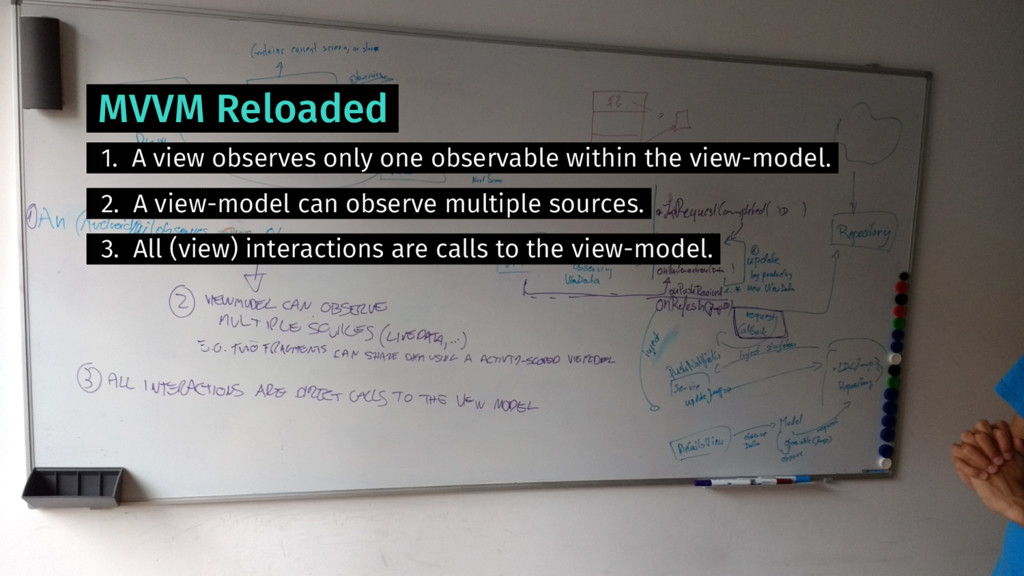
  7. MVVM Reloaded 1. A view observes only one observable within

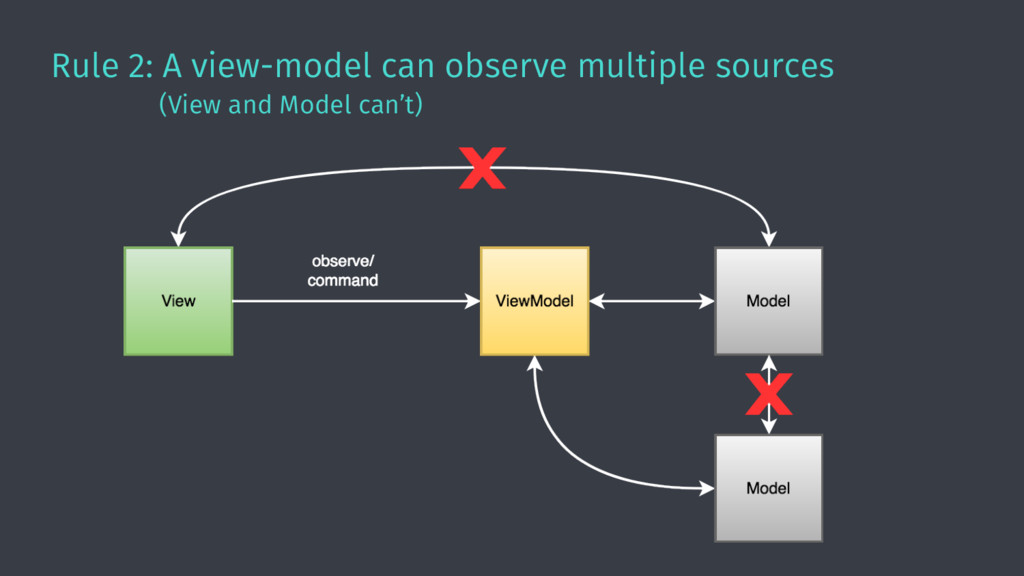
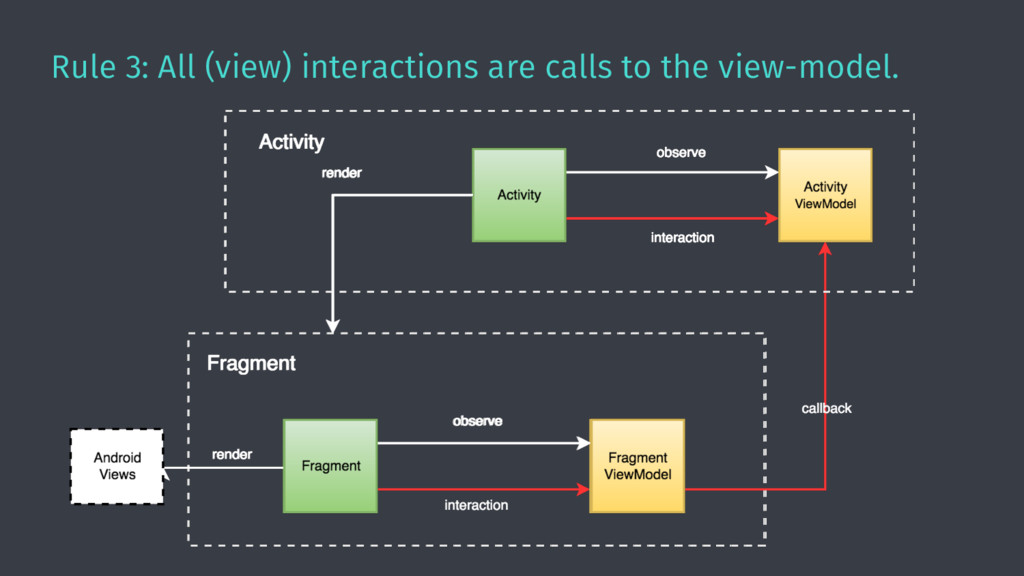
    the view-model. 2. A view-model can observe multiple sources. 3. All (view) interactions are calls to the view-model.
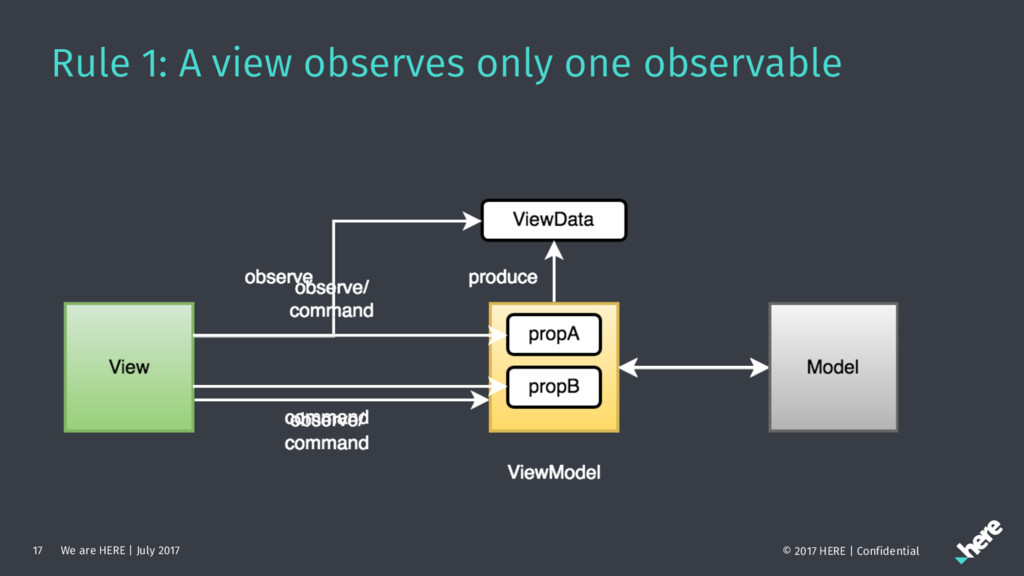
  8. Rule 1: A view observes only one observable We are

    HERE | July 2017 17 © 2017 HERE | Confidential
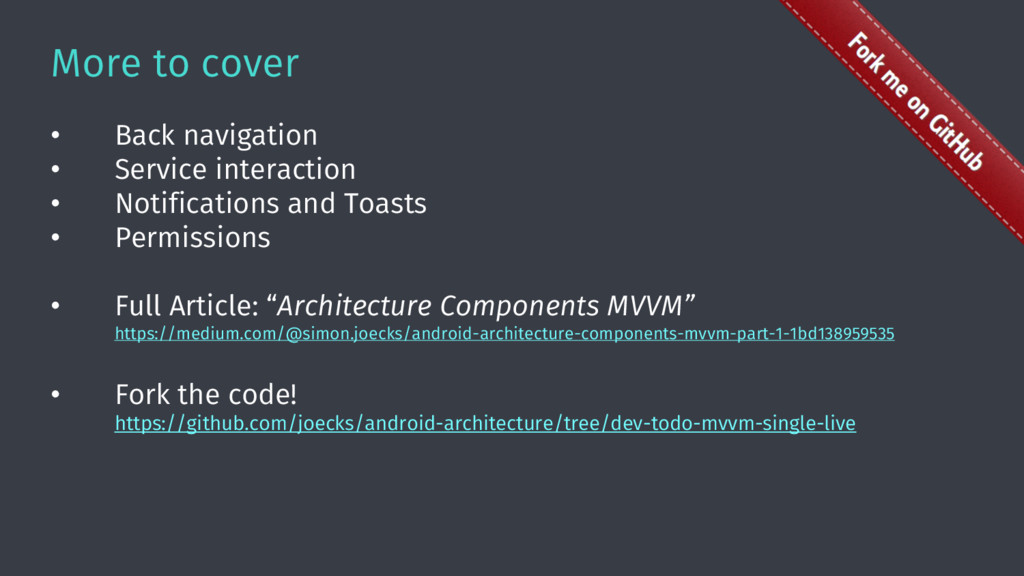
  9. More to cover • Back navigation • Service interaction •

    Notifications and Toasts • Permissions • Full Article: “Architecture Components MVVM” https://medium.com/@simon.joecks/android-architecture-components-mvvm-part-1-1bd138959535 • Fork the code! https://github.com/joecks/android-architecture/tree/dev-todo-mvvm-single-live
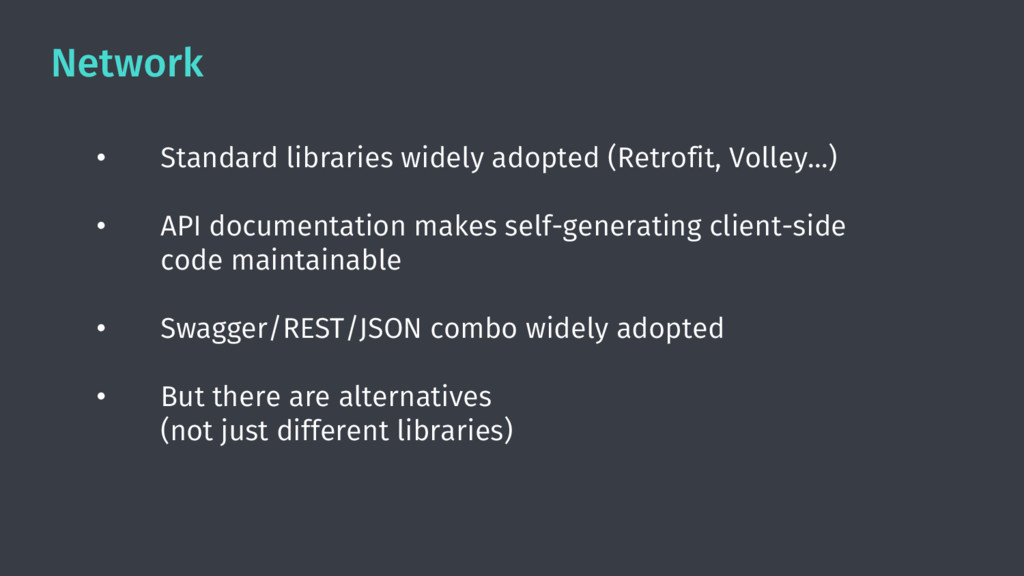
  10. Network • Standard libraries widely adopted (Retrofit, Volley…) • API

    documentation makes self-generating client-side code maintainable • Swagger/REST/JSON combo widely adopted • But there are alternatives (not just different libraries)
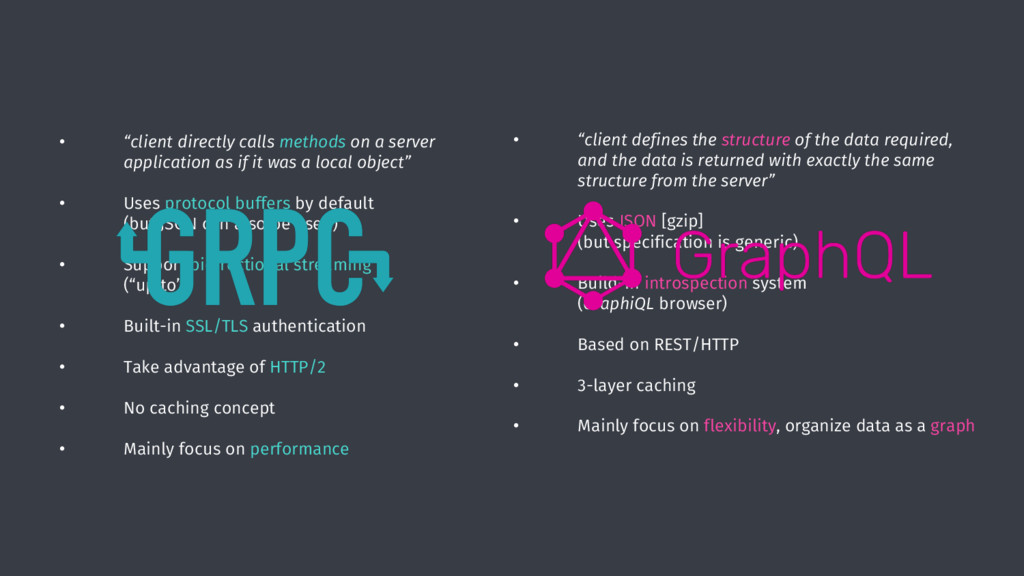
  11. • “client directly calls methods on a server application as

    if it was a local object” • Uses protocol buffers by default (but JSON can also be used) • Support bidirectional streaming (“up to”) • Built-in SSL/TLS authentication • Take advantage of HTTP/2 • No caching concept • Mainly focus on performance • “client defines the structure of the data required, and the data is returned with exactly the same structure from the server” • Uses JSON [gzip] (but specification is generic) • Build-in introspection system (GraphiQL browser) • Based on REST/HTTP • 3-layer caching • Mainly focus on flexibility, organize data as a graph
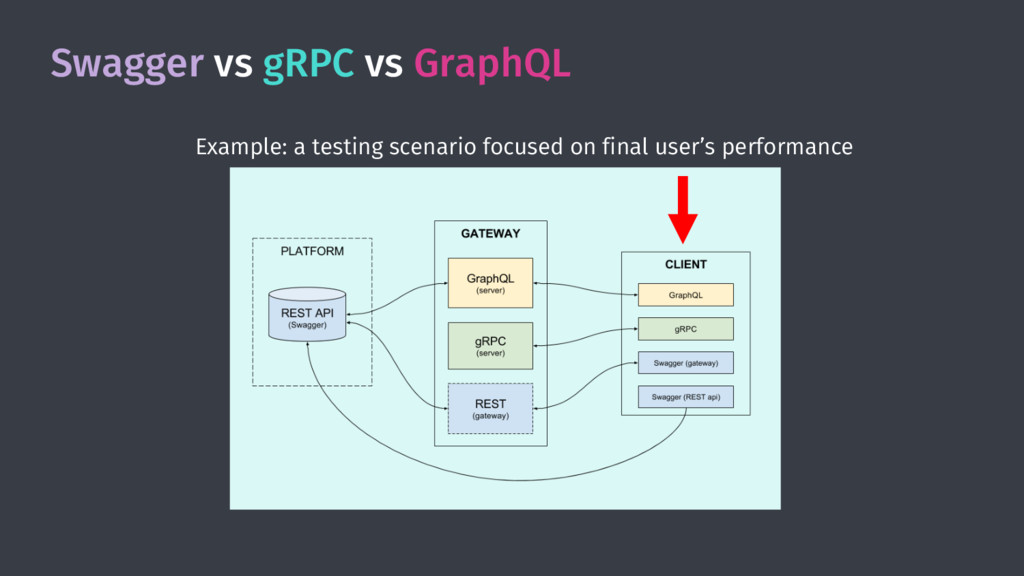
  12. Swagger vs gRPC vs GraphQL • Difficult to choose “on

    the paper” • Licensing model can be a blocker (e.g. Facebook’s patent clause using GraphQL) • Create a working end-to-end scenario (close to the real problem) can facilitate the decision process - ”hands on” experience - benchmarking
  13. Caching/Persistence/Offline • Is “offline first” always the way to go?

    • Caching is usually good enough for “online” apps • Repository pattern allows to defer decisions
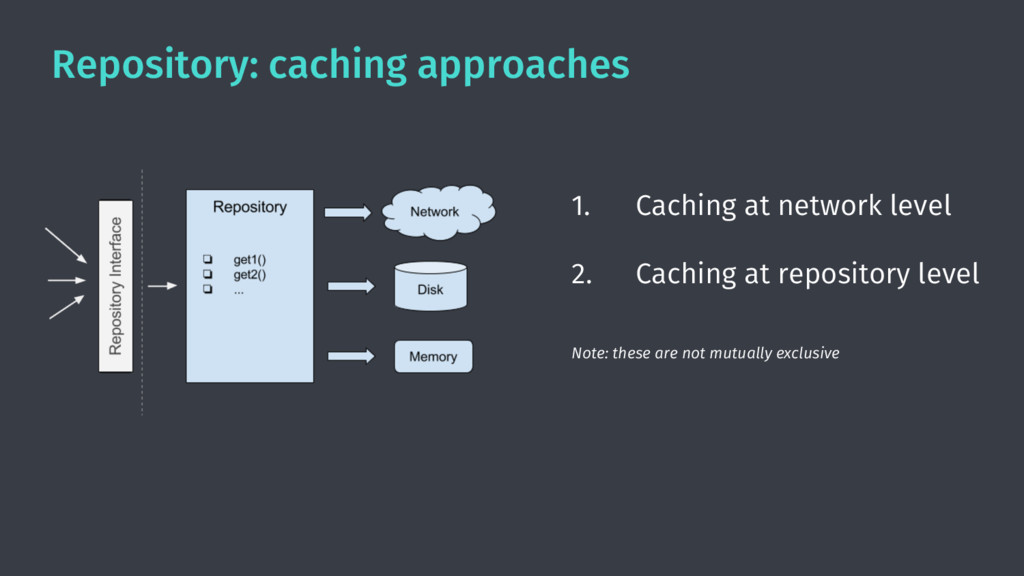
  14. Repository: caching approaches 1. Caching at network level 2. Caching

    at repository level Note: these are not mutually exclusive
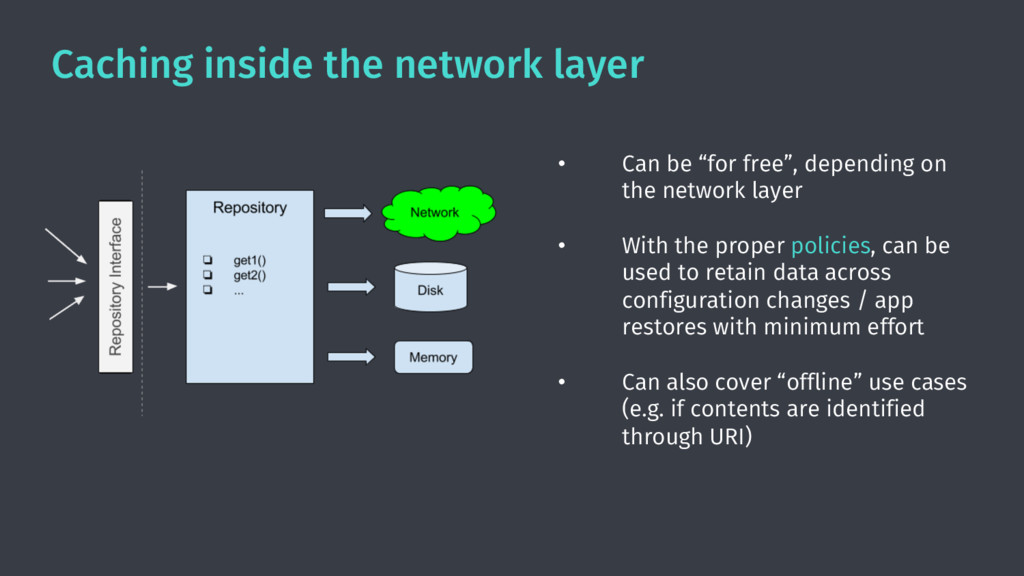
  15. Caching inside the network layer • Can be “for free”,

    depending on the network layer • With the proper policies, can be used to retain data across configuration changes / app restores with minimum effort • Can also cover “offline” use cases (e.g. if contents are identified through URI)
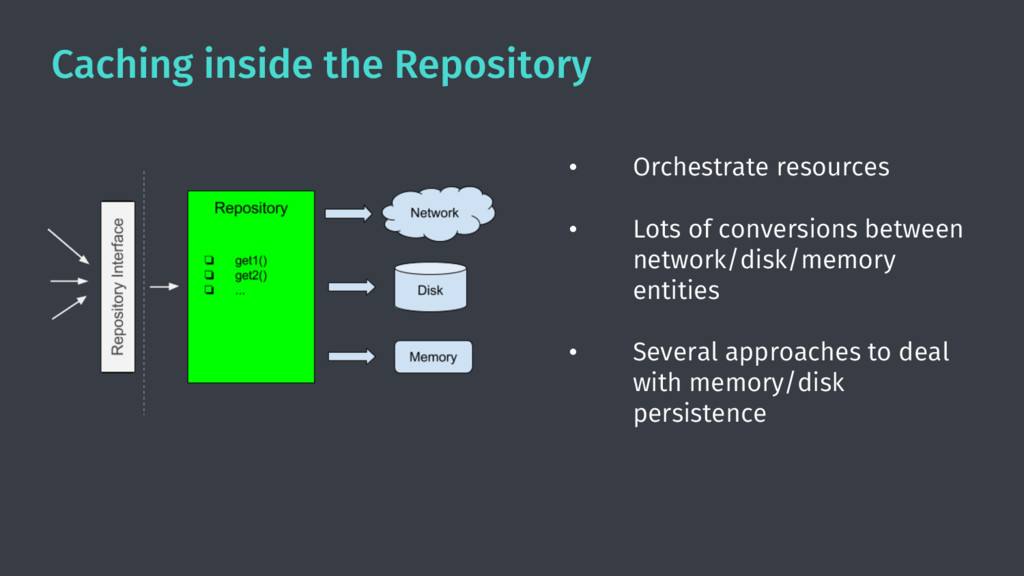
  16. Caching inside the Repository • Orchestrate resources • Lots of

    conversions between network/disk/memory entities • Several approaches to deal with memory/disk persistence
  17. CI

  18. Continuous Integration is feedback to the developer • Did I

    build it right? • Did I break something?
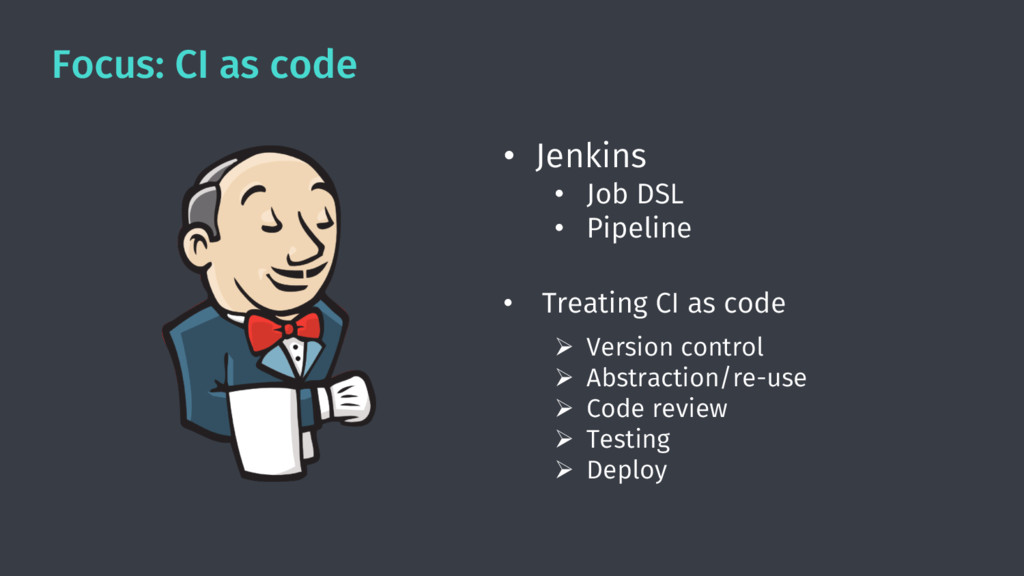
  19. Focus: CI as code • Jenkins • Job DSL •

    Pipeline • Treating CI as code Ø Version control Ø Abstraction/re-use Ø Code review Ø Testing Ø Deploy
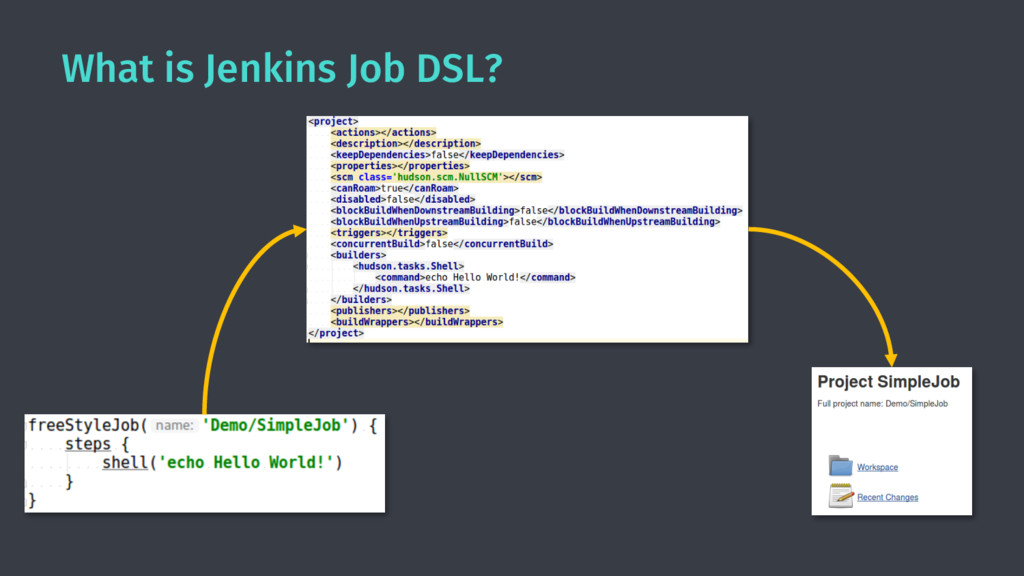
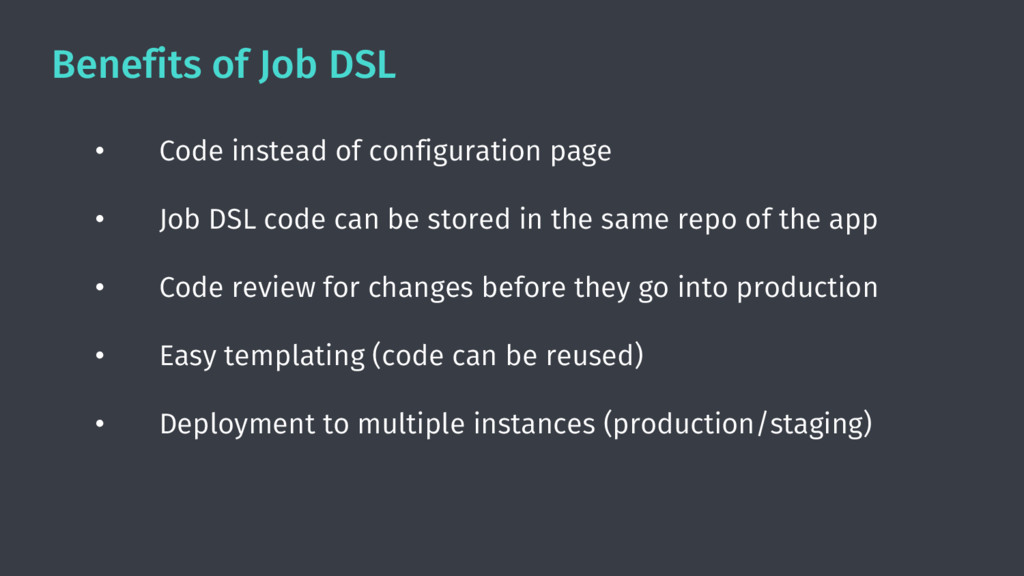
  20. Benefits of Job DSL • Code instead of configuration page

    • Job DSL code can be stored in the same repo of the app • Code review for changes before they go into production • Easy templating (code can be reused) • Deployment to multiple instances (production/staging)
  21. Bonus: Gradle Job DSL Plugin • A Gradle plugin to

    manage Job DSL scripts • Created for the HERE WeGo mobile apps CI (Android/iOS), currently used by many project inside HERE https://github.com/heremaps/gradle-jenkins-jobdsl-plugin
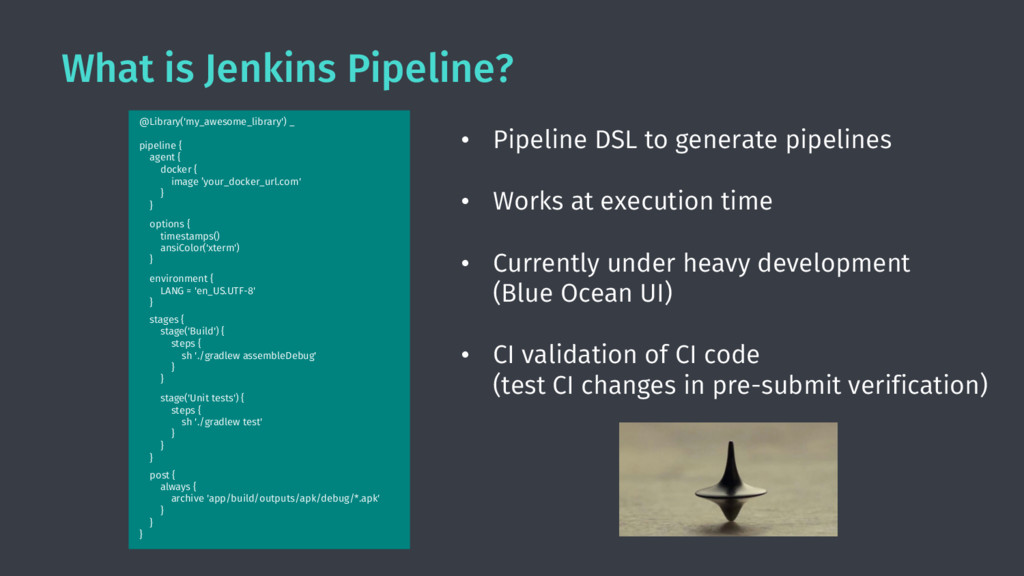
  22. What is Jenkins Pipeline? • Pipeline DSL to generate pipelines

    • Works at execution time • Currently under heavy development (Blue Ocean UI) • CI validation of CI code (test CI changes in pre-submit verification) Jenkins job @Library('my_awesome_library') _ pipeline { agent { docker { image ’your_docker_url.com' } } options { timestamps() ansiColor('xterm') } environment { LANG = 'en_US.UTF-8' } stages { stage('Build') { steps { sh './gradlew assembleDebug' } } stage('Unit tests') { steps { sh './gradlew test' } } } post { always { archive 'app/build/outputs/apk/debug/*.apk' } } }
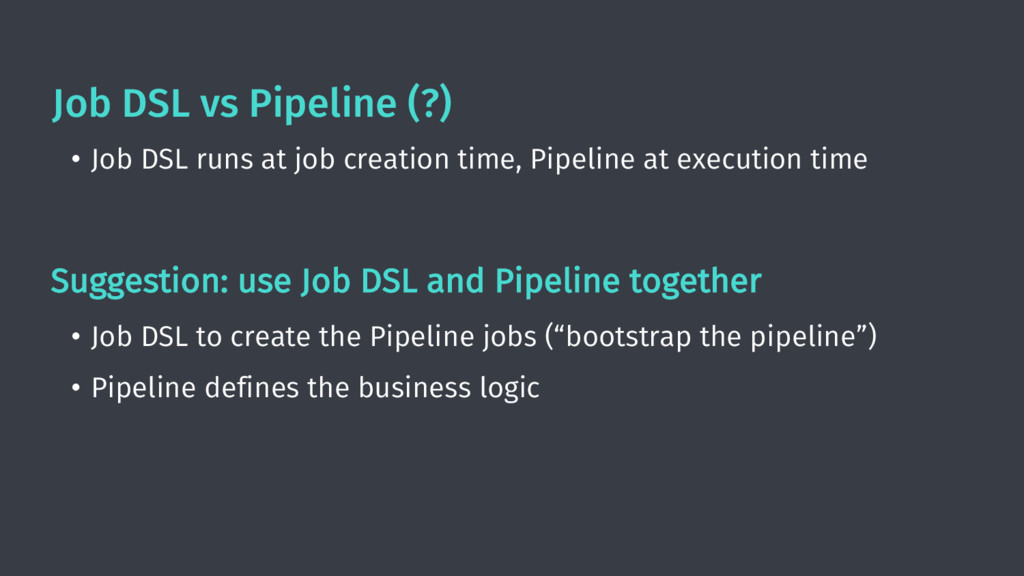
  23. Job DSL vs Pipeline (?) • Job DSL runs at

    job creation time, Pipeline at execution time Suggestion: use Job DSL and Pipeline together • Job DSL to create the Pipeline jobs (“bootstrap the pipeline”) • Pipeline defines the business logic
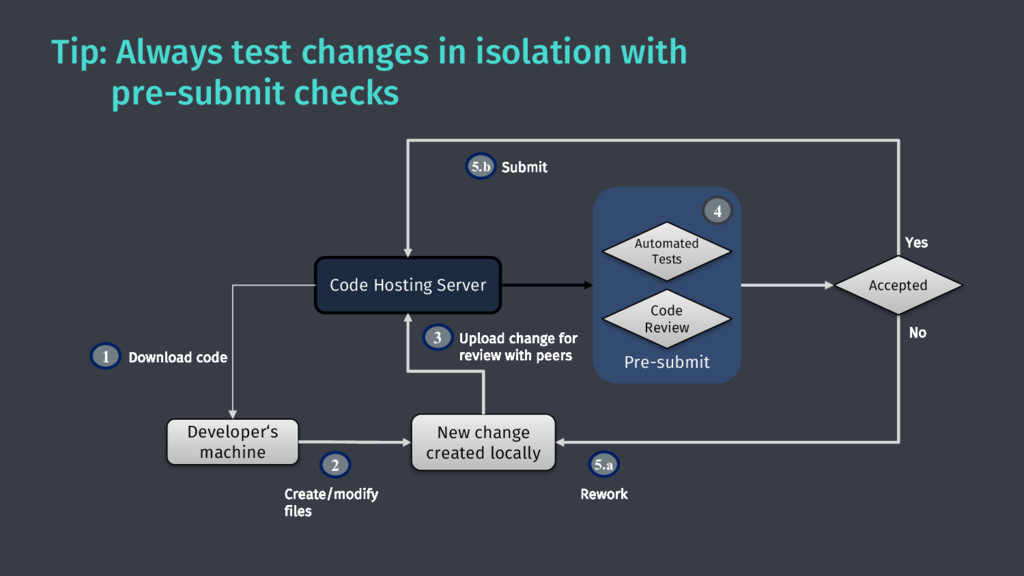
  24. Tip: Always test changes in isolation with pre-submit checks Developer‘s

    machine Download code Code Hosting Server 1 New change created locally Create/modify files 2 Upload change for review with peers 3 No Yes Rework 5.a Submit 5.b Accepted Pre-submit 4 Code Review Automated Tests
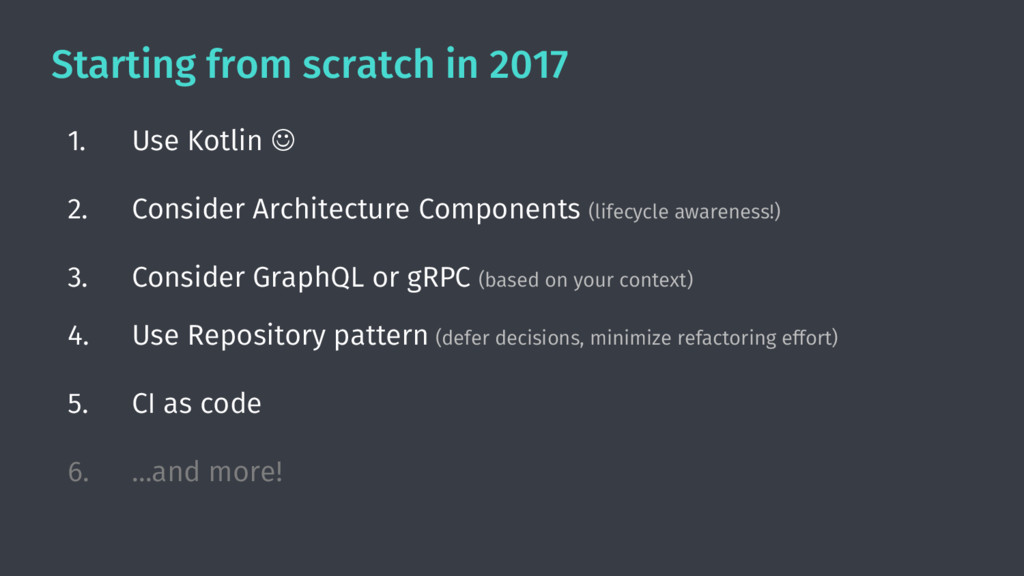
  25. Starting from scratch in 2017 1. Use Kotlin J 2.

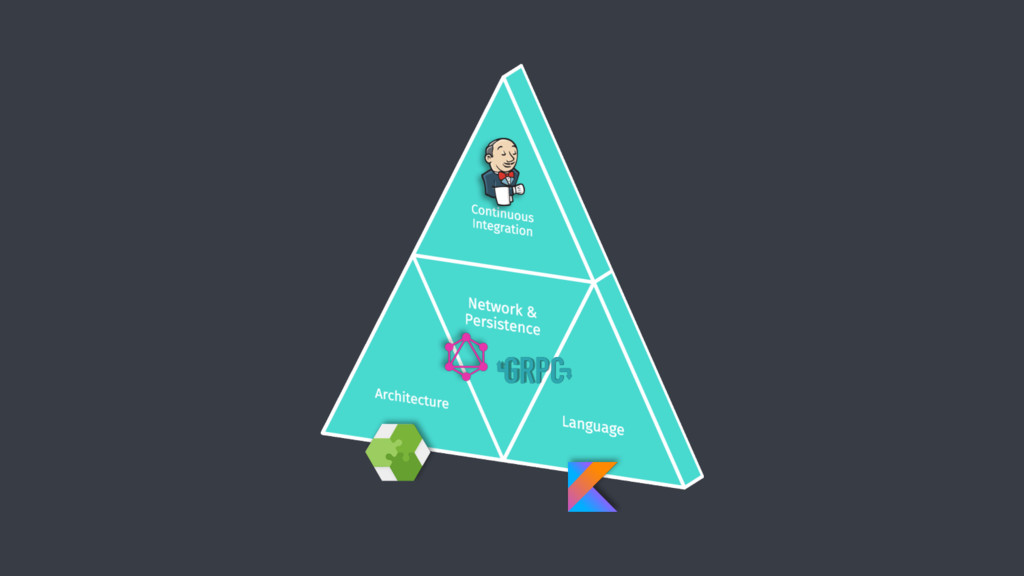
    Consider Architecture Components (lifecycle awareness!) 3. Consider GraphQL or gRPC (based on your context) 4. Use Repository pattern (defer decisions, minimize refactoring effort) 5. CI as code 6. …and more!
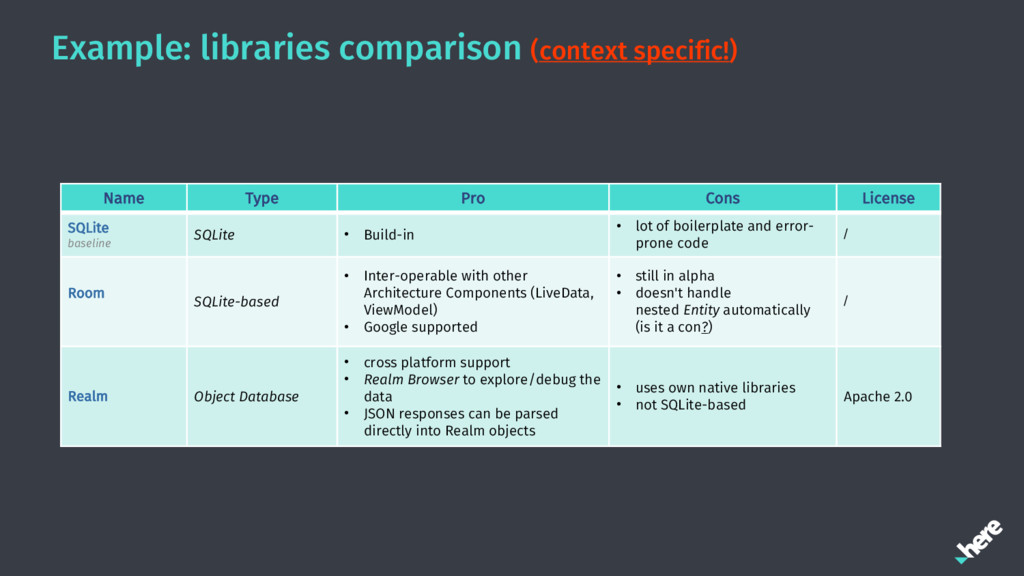
  26. Example: libraries comparison (context specific!) Name Type Pro Cons License

    SQLite baseline SQLite • Build-in • lot of boilerplate and error- prone code / Room SQLite-based • Inter-operable with other Architecture Components (LiveData, ViewModel) • Google supported • still in alpha • doesn't handle nested Entity automatically (is it a con?) / Realm Object Database • cross platform support • Realm Browser to explore/debug the data • JSON responses can be parsed directly into Realm objects • uses own native libraries • not SQLite-based Apache 2.0
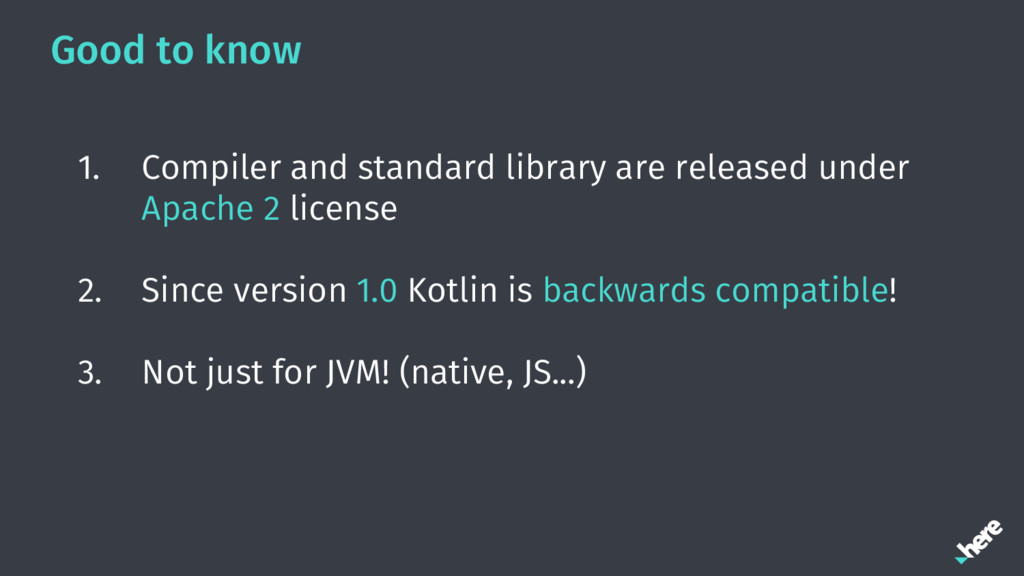
  27. Good to know 1. Compiler and standard library are released

    under Apache 2 license 2. Since version 1.0 Kotlin is backwards compatible! 3. Not just for JVM! (native, JS...)
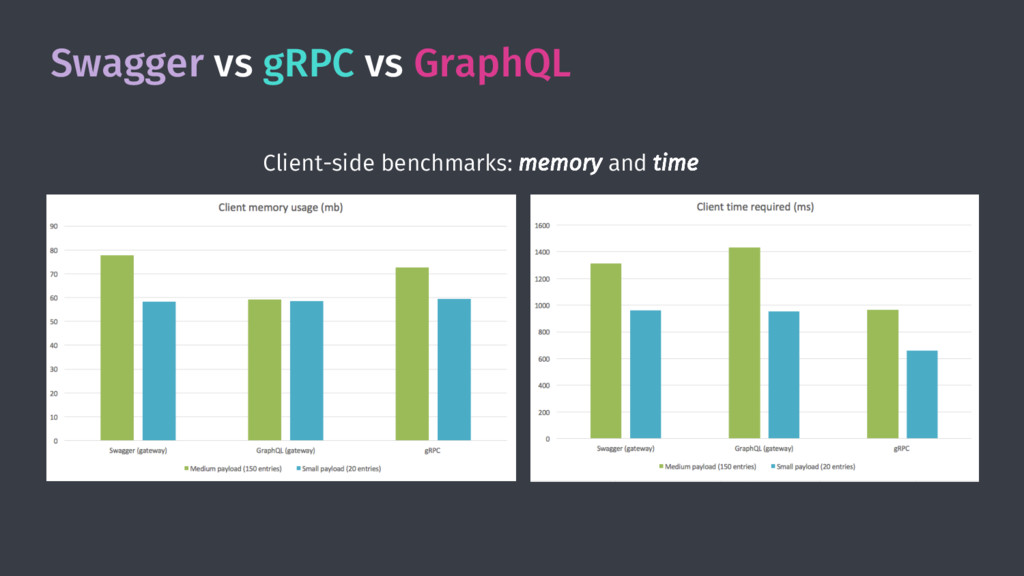
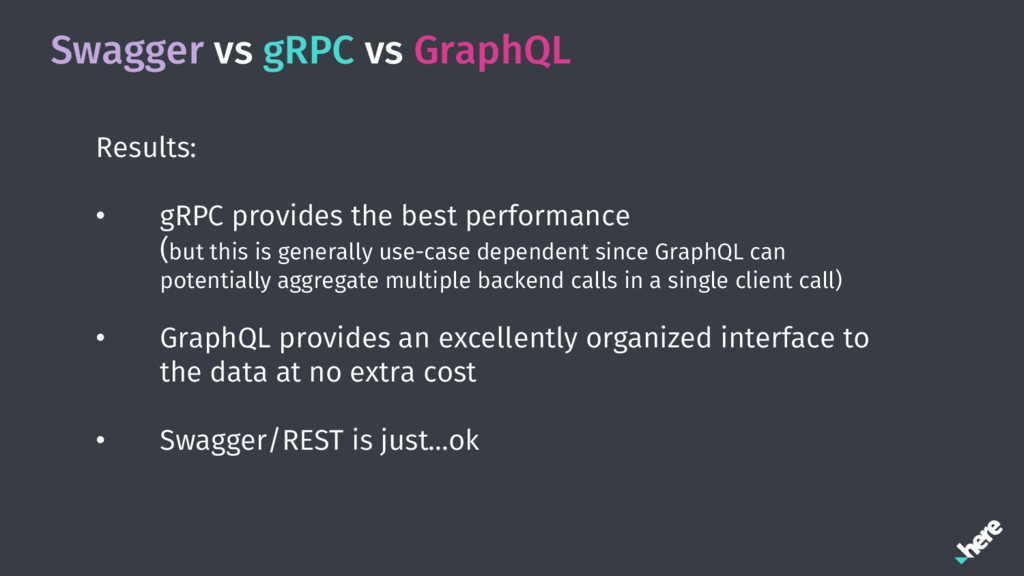
  28. Swagger vs gRPC vs GraphQL Results: • gRPC provides the

    best performance (but this is generally use-case dependent since GraphQL can potentially aggregate multiple backend calls in a single client call) • GraphQL provides an excellently organized interface to the data at no extra cost • Swagger/REST is just…ok
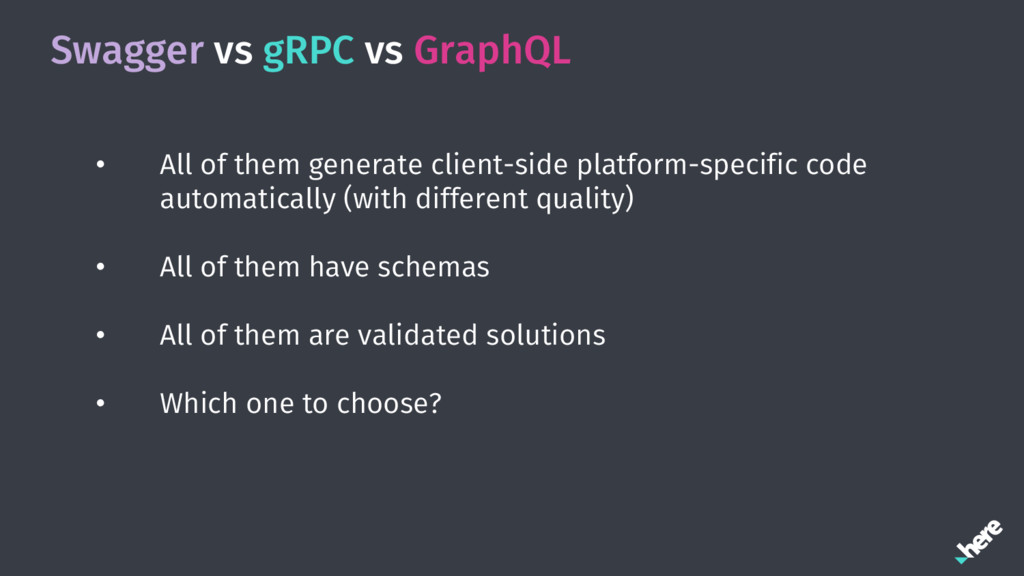
  29. Swagger vs gRPC vs GraphQL • All of them generate

    client-side platform-specific code automatically (with different quality) • All of them have schemas • All of them are validated solutions • Which one to choose?