Upgrade to Pro — share decks privately, control downloads, hide ads and more …

Deploying A Dockerized app on GCP with Kubernetes

Avatar for Kariuki Kariuki
January 04, 2017

Deploying A Dockerized app on GCP with Kubernetes

Deploying A Dockerized app on GCP with Kubernetes

Avatar for Kariuki

Kariuki

January 04, 2017

Other Decks in Programming

Transcript

  1. DOCKER + GCP + Kubernetes Deploying A Dockerized app on

    GCP with Kubernetes John Kariuki @_kar_is
  2. Docker is a containerization platform. Docker containers wrap a piece

    of software in a complete filesystem that contains everything needed to run: code, runtime, system tools, system libraries – anything that can be installed on a server. This guarantees that the software will always run the same, regardless of its environment.
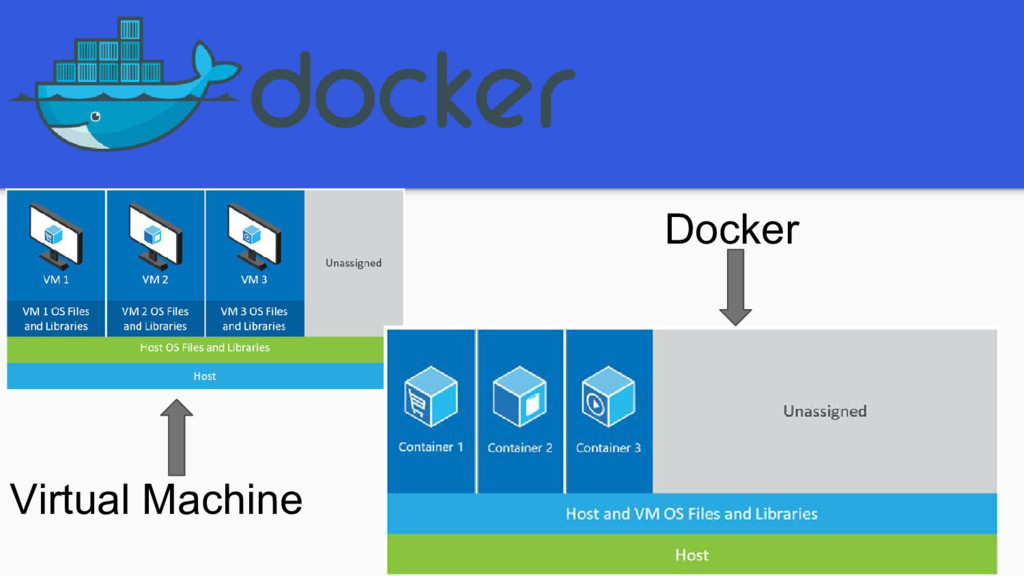
  3. Docker, basically containers, supports OS virtualization i.e. your application feels

    that it has a complete instance of an OS whereas VM supports hardware virtualization. You feel like it is a physical machine in which you can boot any OS.
  4. Kubernetes is an open-source platform for automating deployment, scaling, and

    operations of application containers across clusters of hosts, providing container-centric infrastructure. • Deploy your applications quickly and predictably. • Auto scaling apps. • Roll out new features / Rollback failing features. • Docker container management.
  5. Installing Gcloud https://cloud.google.com/sdk/docs/quickstart-mac-os-x Setup - gcloud init Login - gcloud

    auth login Check Login credentials / config - gcloud auth list / gcloud config list
  6. Dockerfile - Set of instructions for building a docker image.

    docker build -t gcr.io/{$project_id}/{image}:{tag} . Creating a container: docker run -d -p 8000:8000 --name {app} gcr.io/{project_id}/{image}:{tag}
  7. Clusters Group of Google Compute Engine instances running kubernetes. Pods,

    services, and replication controllers all run on top of a cluster.
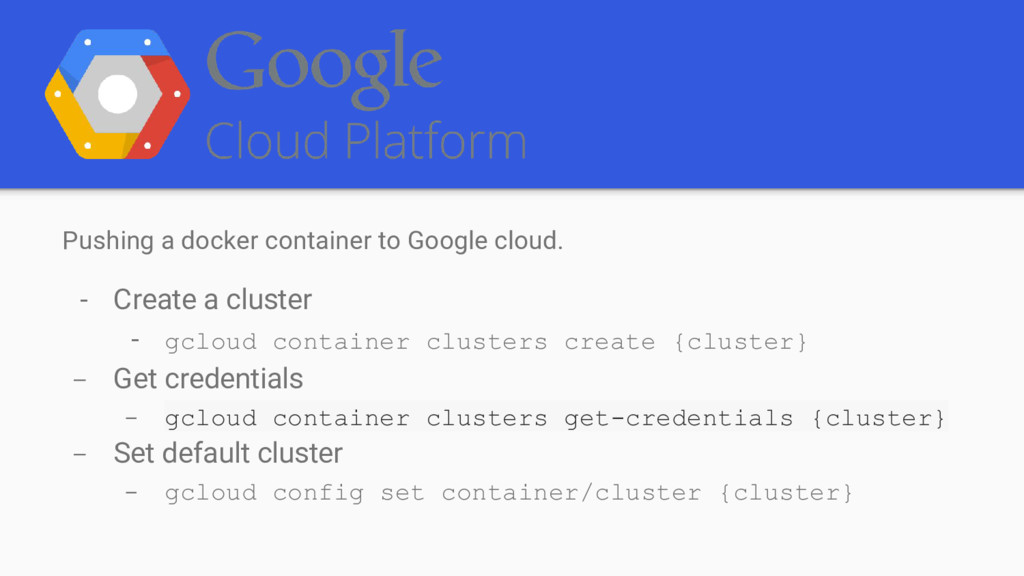
  8. Pushing a docker container to Google cloud. - Create a

    cluster - gcloud container clusters create {cluster} - Get credentials - gcloud container clusters get-credentials {cluster} - Set default cluster - gcloud config set container/cluster {cluster}
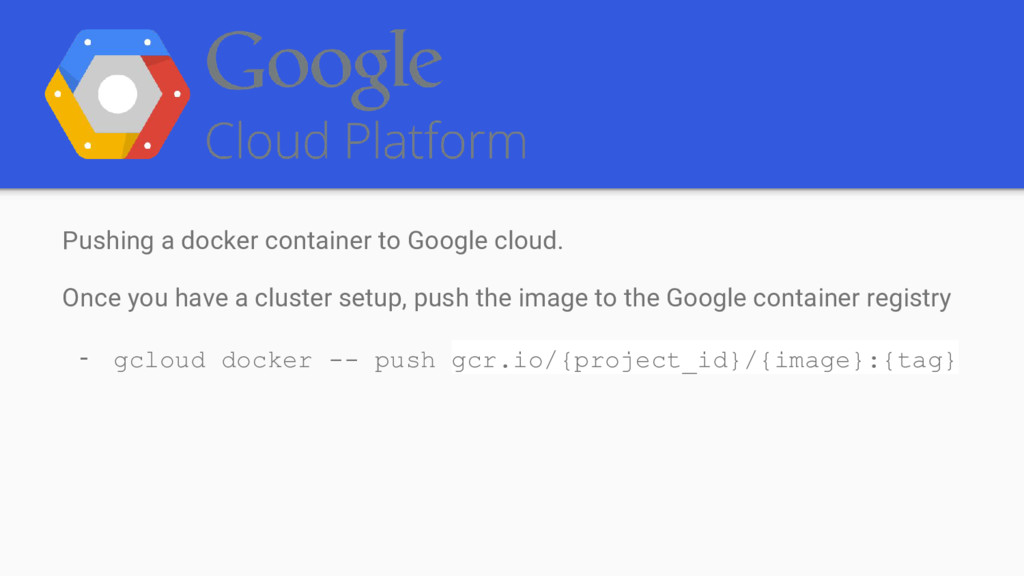
  9. Pushing a docker container to Google cloud. Once you have

    a cluster setup, push the image to the Google container registry - gcloud docker -- push gcr.io/{project_id}/{image}:{tag}
  10. PODS A Kubernetes pod is a group of containers, tied

    together for the purposes of administration and networking Group of one or more containers(Docker containers) and their storage. Pods are always co-located and co-scheduled, and run in a shared context. Containers within a pod share an IP address and port space, and can find each other via localhost.
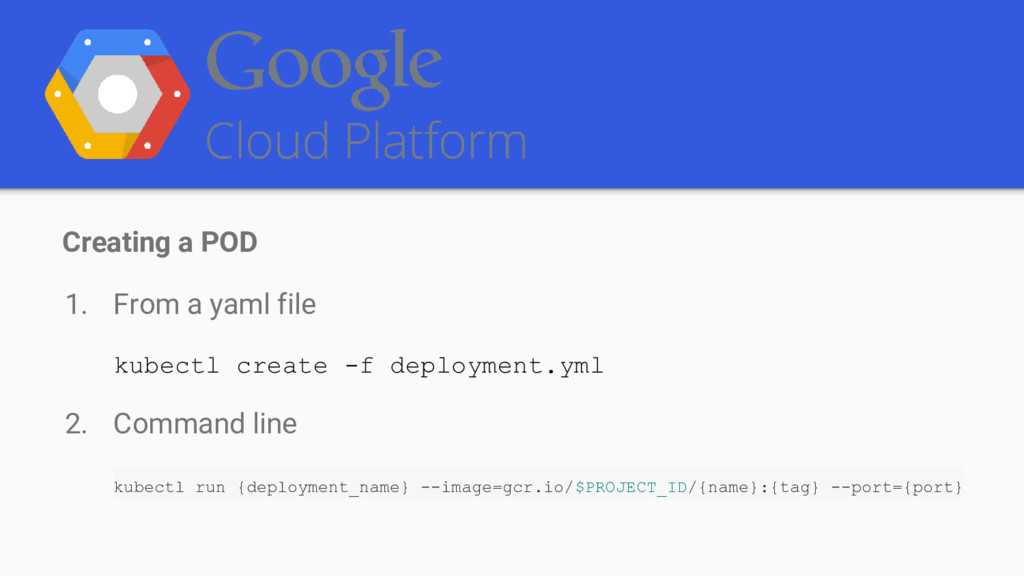
  11. Creating a POD 1. From a yaml file kubectl create

    -f deployment.yml 2. Command line kubectl run {deployment_name} --image=gcr.io/$PROJECT_ID/{name}:{tag} --port={port}
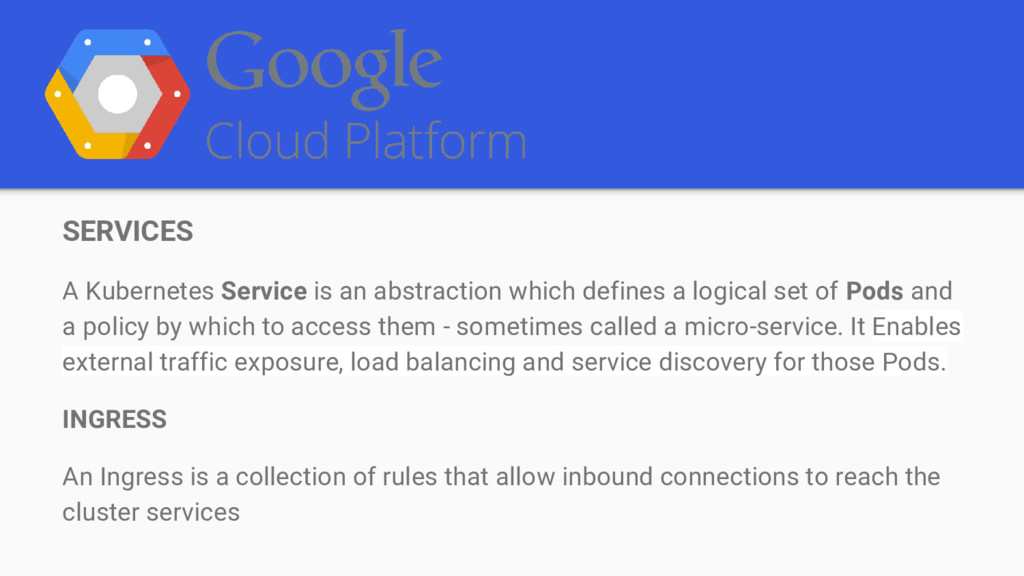
  12. SERVICES A Kubernetes Service is an abstraction which defines a

    logical set of Pods and a policy by which to access them - sometimes called a micro-service. It Enables external traffic exposure, load balancing and service discovery for those Pods. INGRESS An Ingress is a collection of rules that allow inbound connections to reach the cluster services
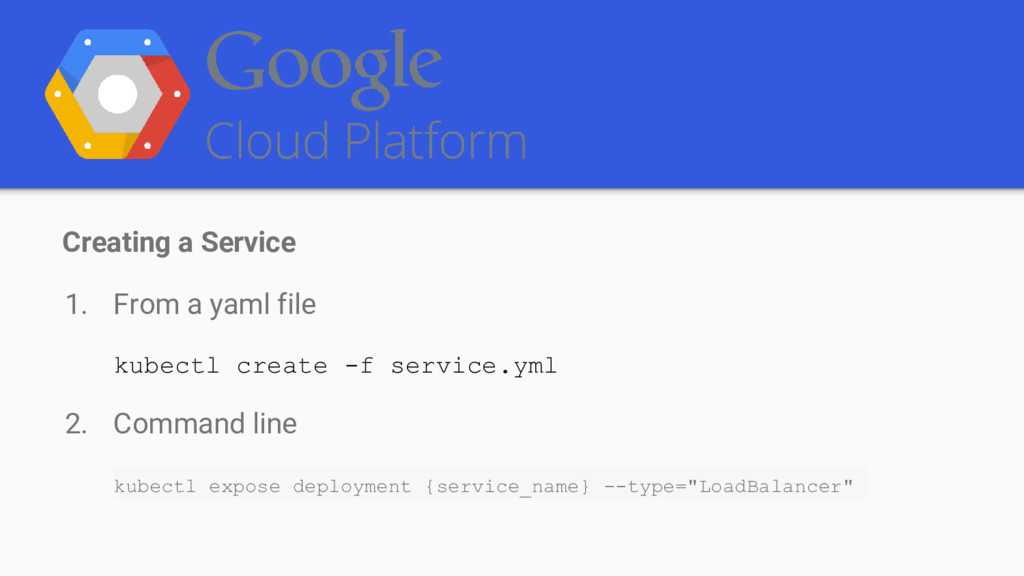
  13. Creating a Service 1. From a yaml file kubectl create

    -f service.yml 2. Command line kubectl expose deployment {service_name} --type="LoadBalancer"