Upgrade to Pro — share decks privately, control downloads, hide ads and more …

Maestro: Reliable E2E testing made easy

Maestro: Reliable E2E testing made easy

End-to-end tests are often brittle, slow, and painful to maintain. But what if you could write E2E tests as easily as user stories, run them locally and in CI, and skip the flaky UI tests that break on every layout change?

In this talk, I’ll walk you through how Maestro, an open-source mobile UI testing framework, is reshaping the way we think about mobile E2E testing. We’ll explore how to set it up in under 5 minutes, write human-readable flows, integrate with CI, and gain confidence in your critical user journeys - from login to money transfer.

Whether you’re a test automation skeptic or looking for simpler tools, this session will give you a practical, production-ready approach to mobile E2E testing.

Avatar for Zhanibek Marshal

Zhanibek Marshal

May 31, 2026

More Decks by Zhanibek Marshal

Other Decks in Programming

Transcript

  1. Topic Zhanibek Marshal Senior Engineer at Trade Republic Hello, World!

    Hallo, Сəлем, Selam, Привет, こんにちは 👋 • LinkedIn: linkedin.com/in/johnmarshal • Mastodon: @[email protected] • TR engineering blog: engineering.traderepublic.com 2
  2. 01. The Problem E2E testing is complex, slow feedback and

    fragile 02. Integration of Maestro Explanation of the steps taken to integrate Maestro into Android project and iOS 03. Writing Test Case Overview of the approach to writing test case flows using Maestro 04. Maestro Studio An overview of Maestro Studio, the integrated development environment (IDE) for creating Maestro test cases. 05. Best Practices All views mine, no one else’s. 3
  3. 1. Develop a feature 2. Test this feature 3. Release

    to production 4. Automate regression test scenario with UI test 6
  4. 1. Develop a feature 2. Test this feature 3. Release

    to production 4. Automate regression test scenario with UI test 7
  5. 1. Develop a feature 2. Test this feature 3. Release

    to production 4. Automate regression test scenario with UI test 8
  6. 1. Develop a feature 2. Test this feature 3. Release

    to production 4. Automate regression test scenario with UI test 9
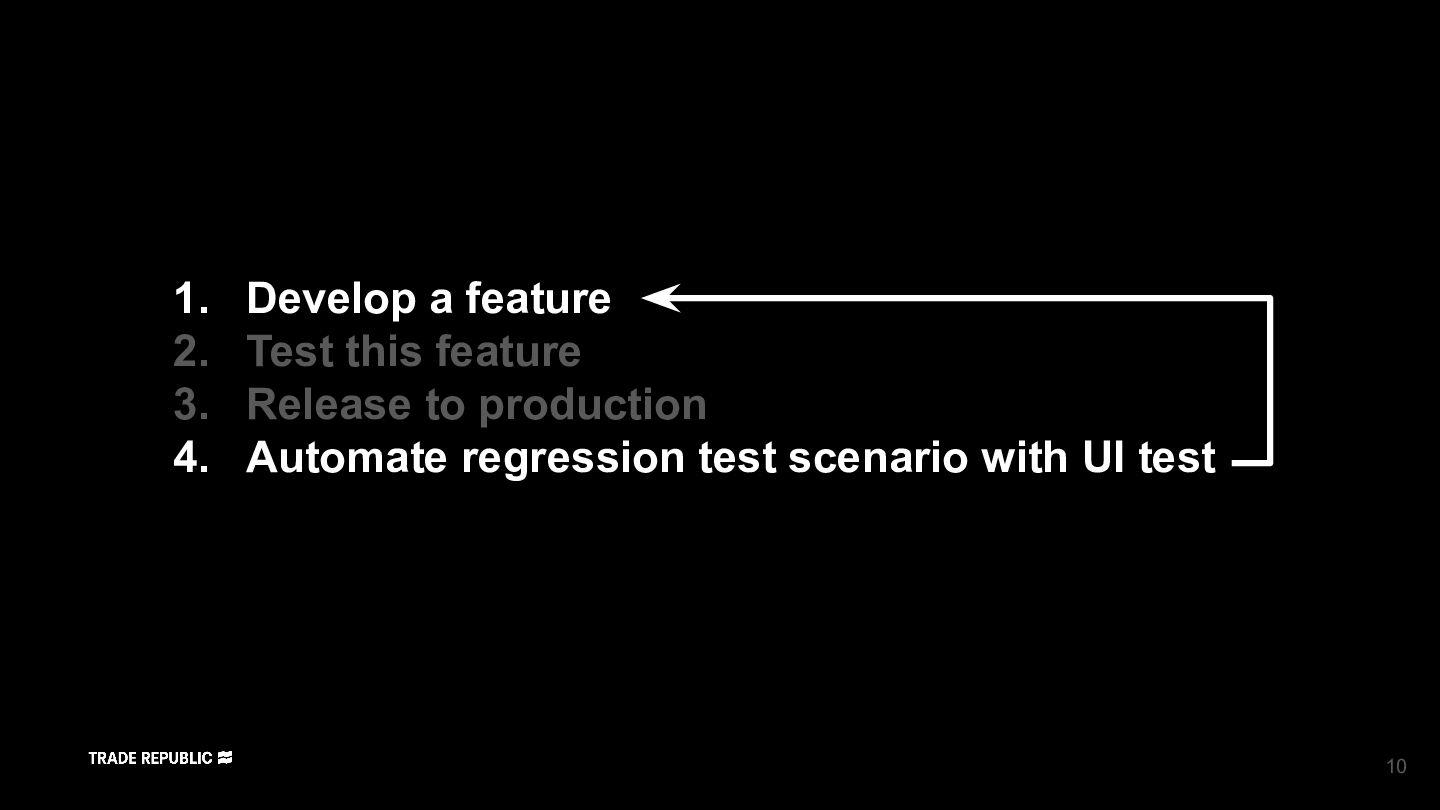
  7. 1. Develop a feature 2. Test this feature 3. Release

    to production 4. Automate regression test scenario with UI test 10
  8. 1. Develop a feature 2. Test this feature 3. Release

    to production 4. Automate regression test scenario with UI test 11
  9. 12

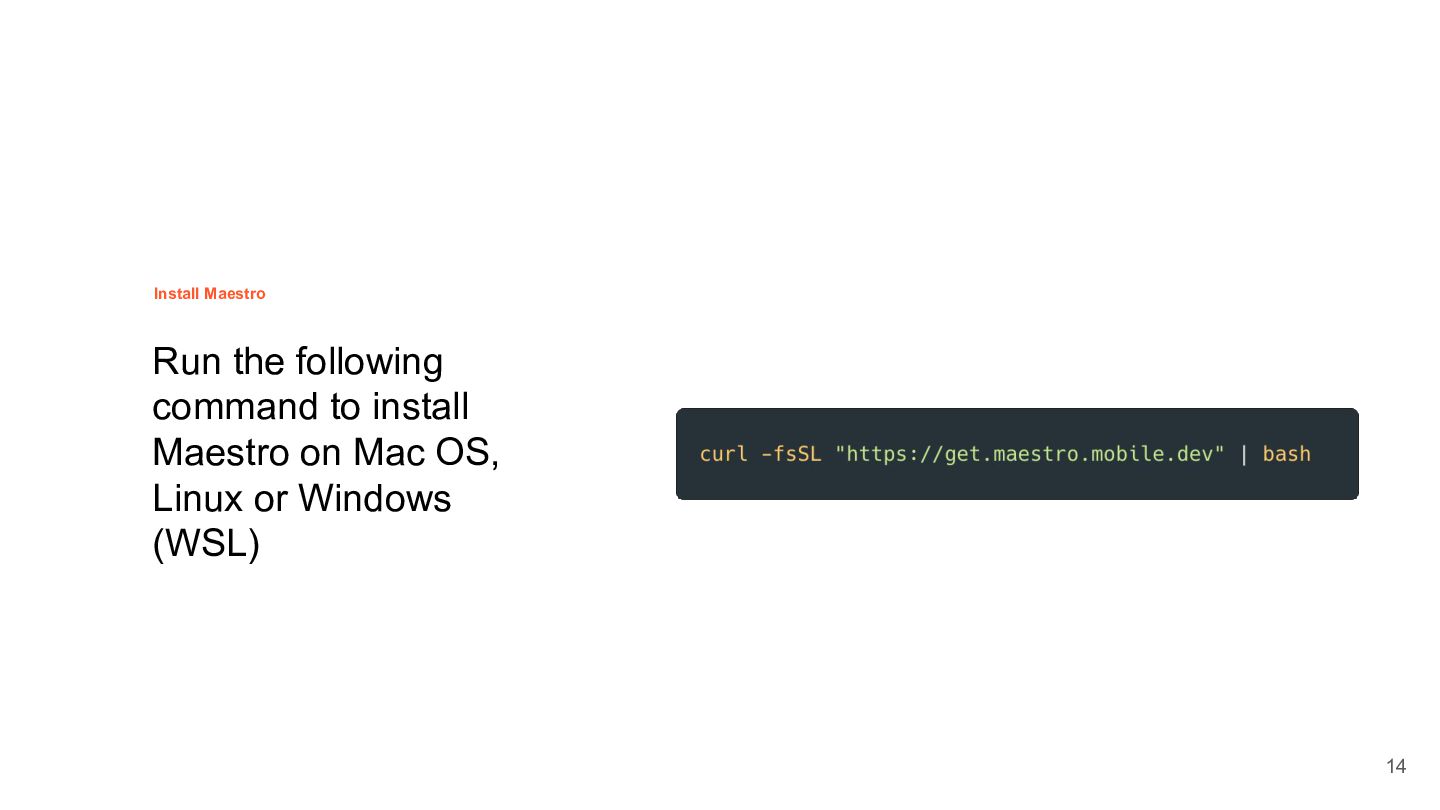
  10. Topic Run the following command to install Maestro on Mac

    OS, Linux or Windows (WSL) Install Maestro 14
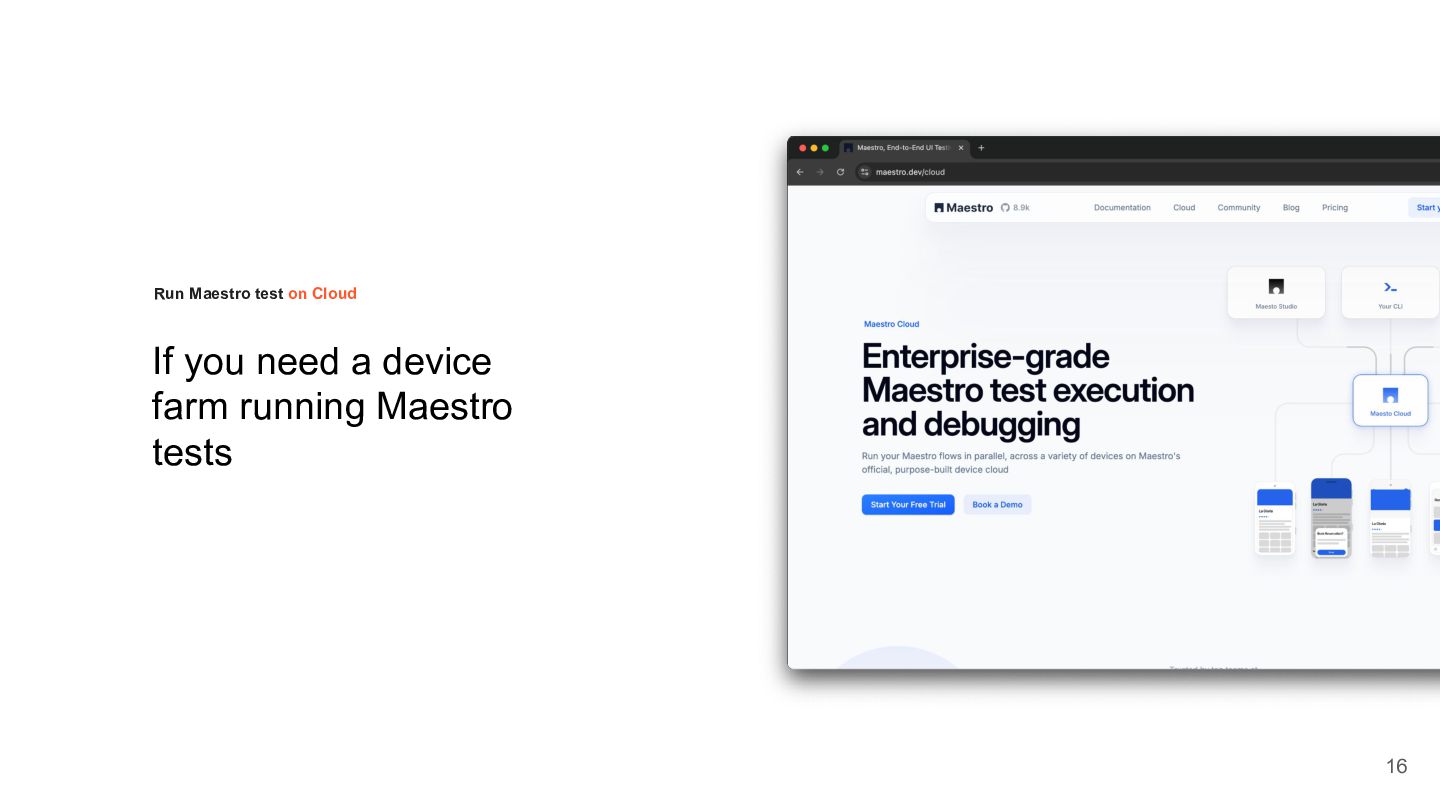
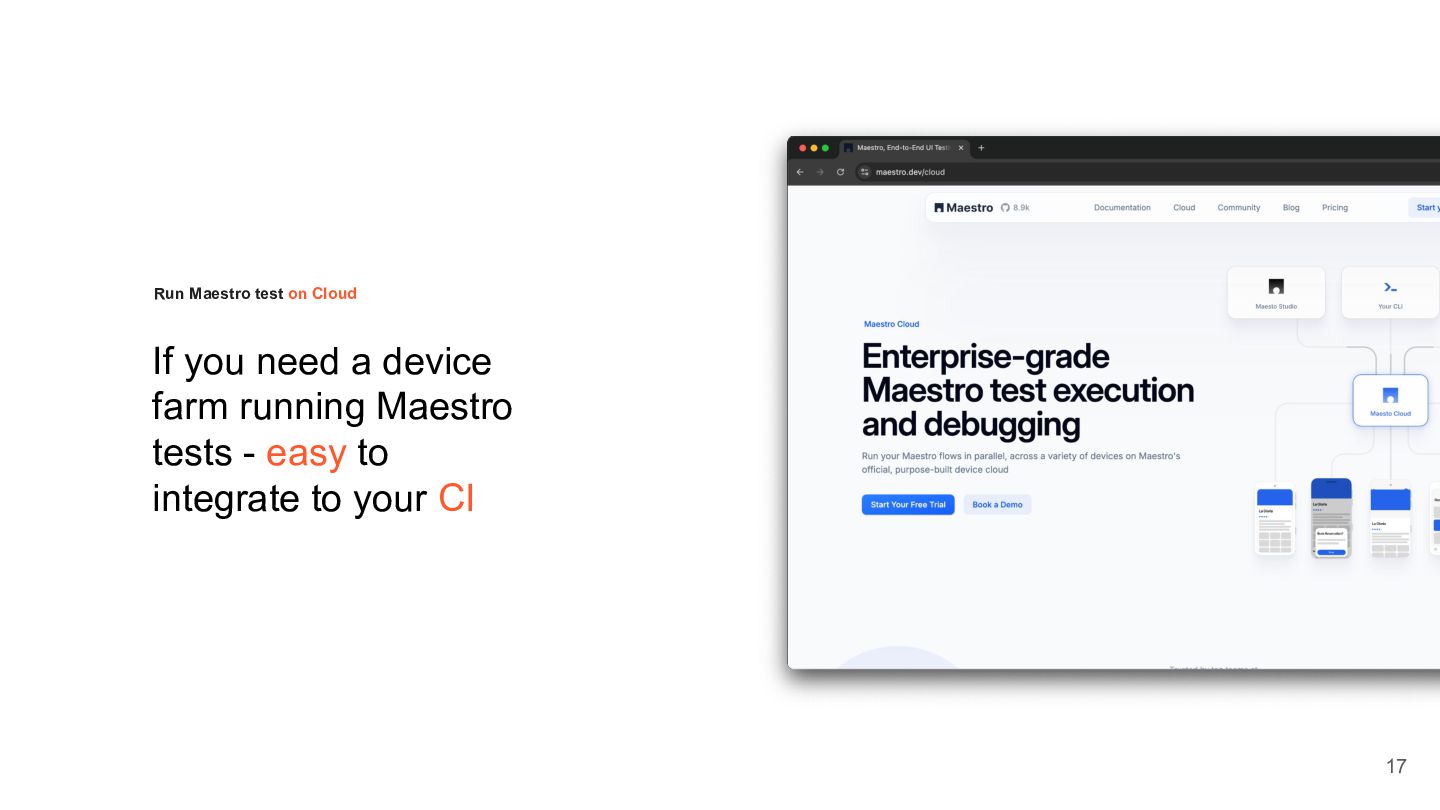
  11. If you need a device farm running Maestro tests -

    easy to integrate to your CI Run Maestro test on Cloud 17
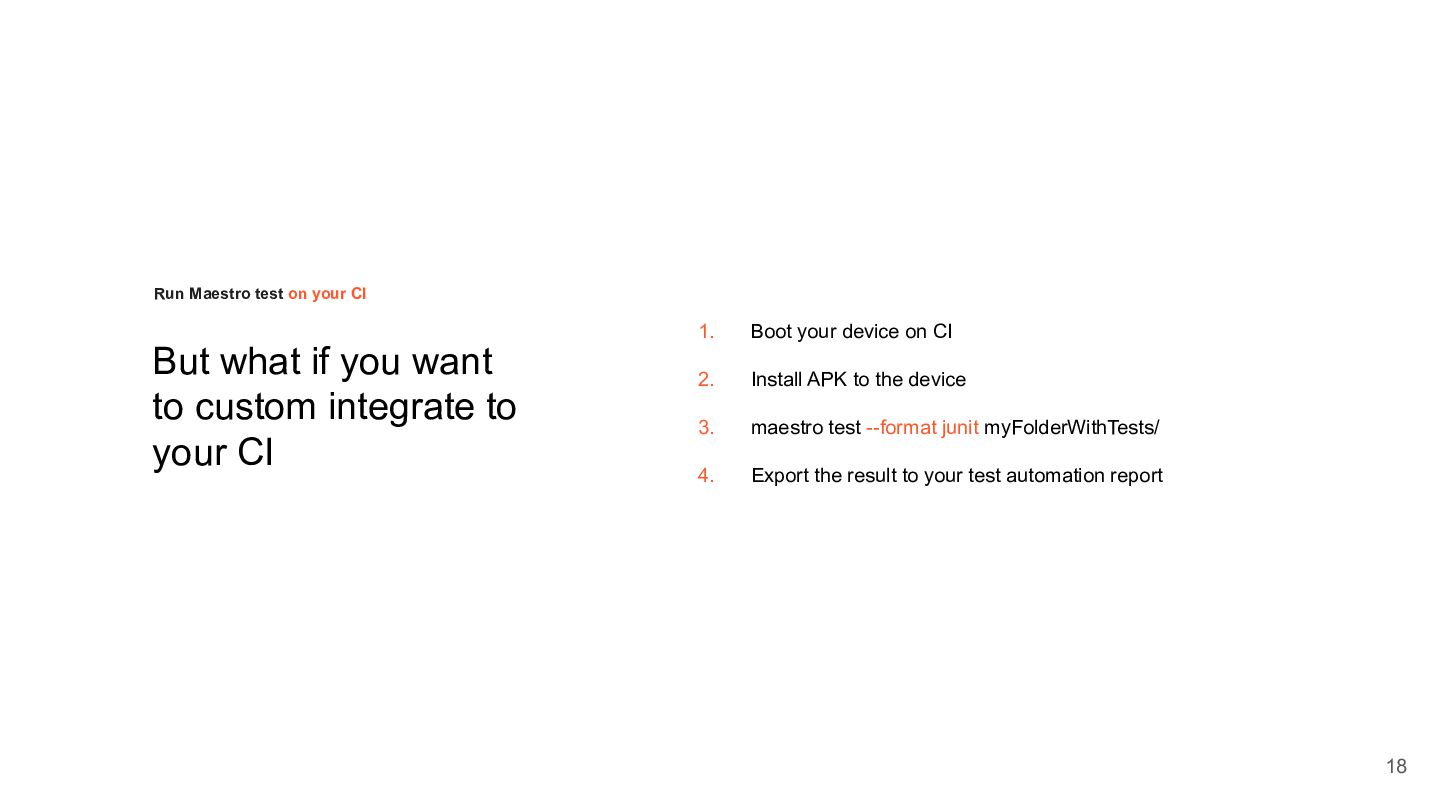
  12. But what if you want to custom integrate to your

    CI Run Maestro test on your CI 18 1. Boot your device on CI 2. Install APK to the device 3. maestro test --format junit myFolderWithTests/ 4. Export the result to your test automation report
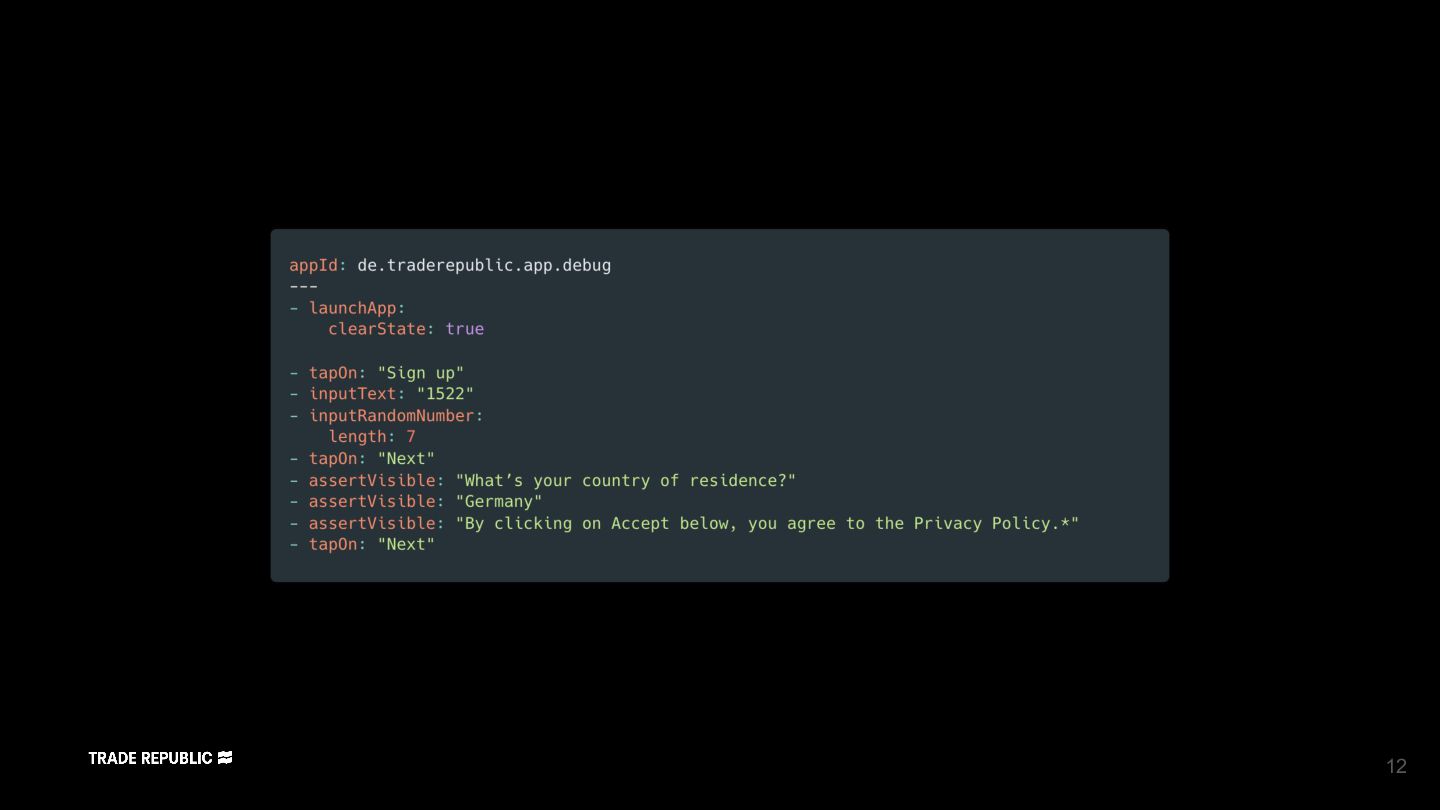
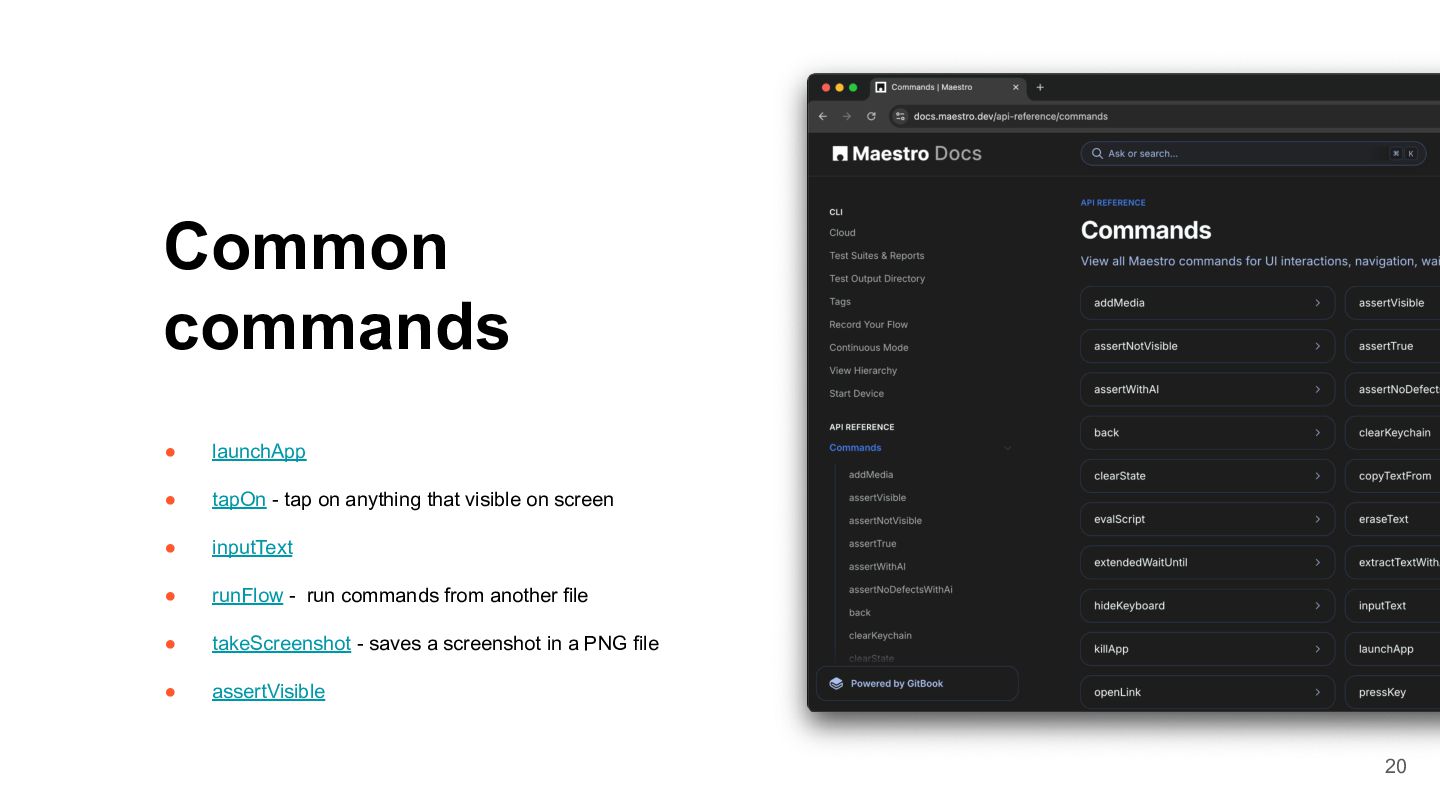
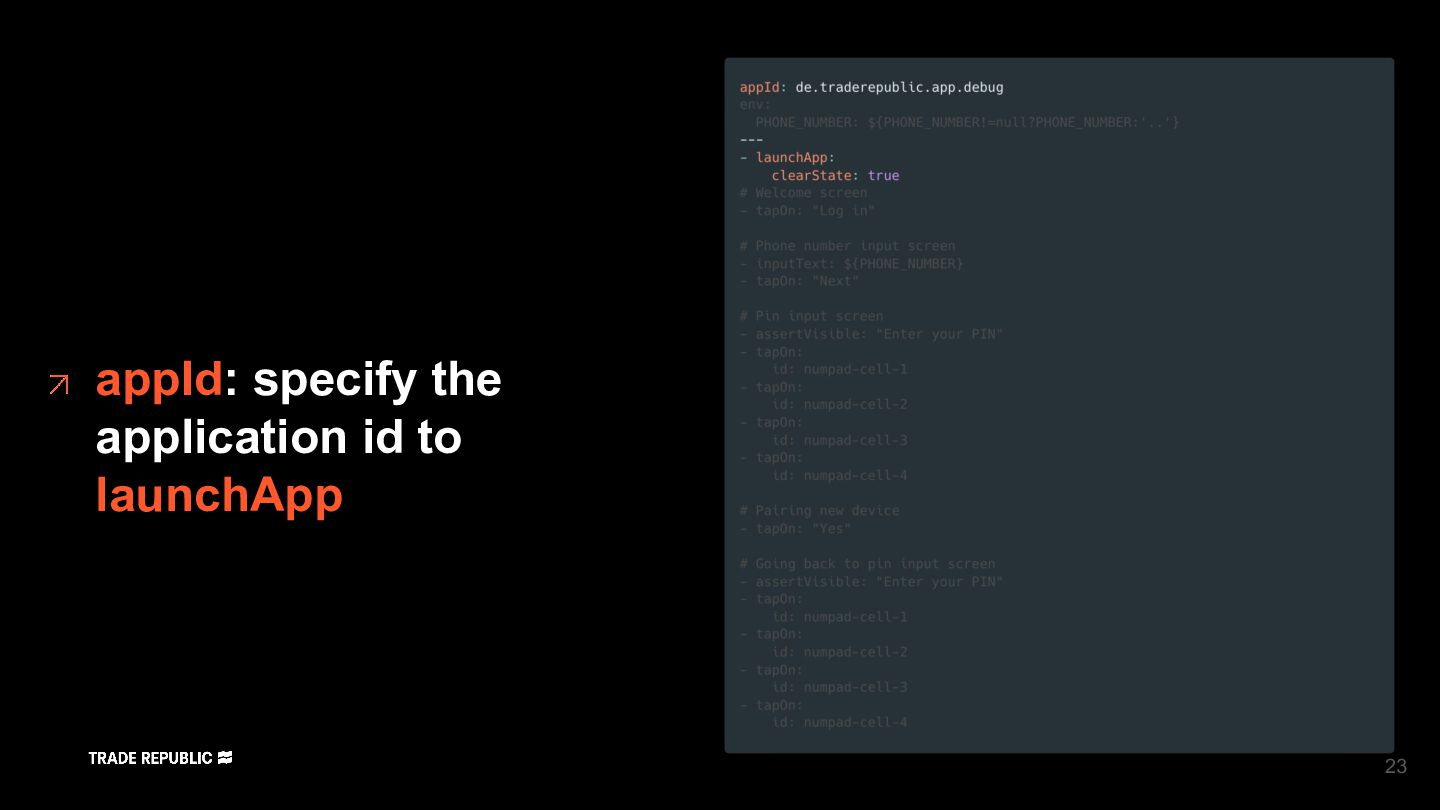
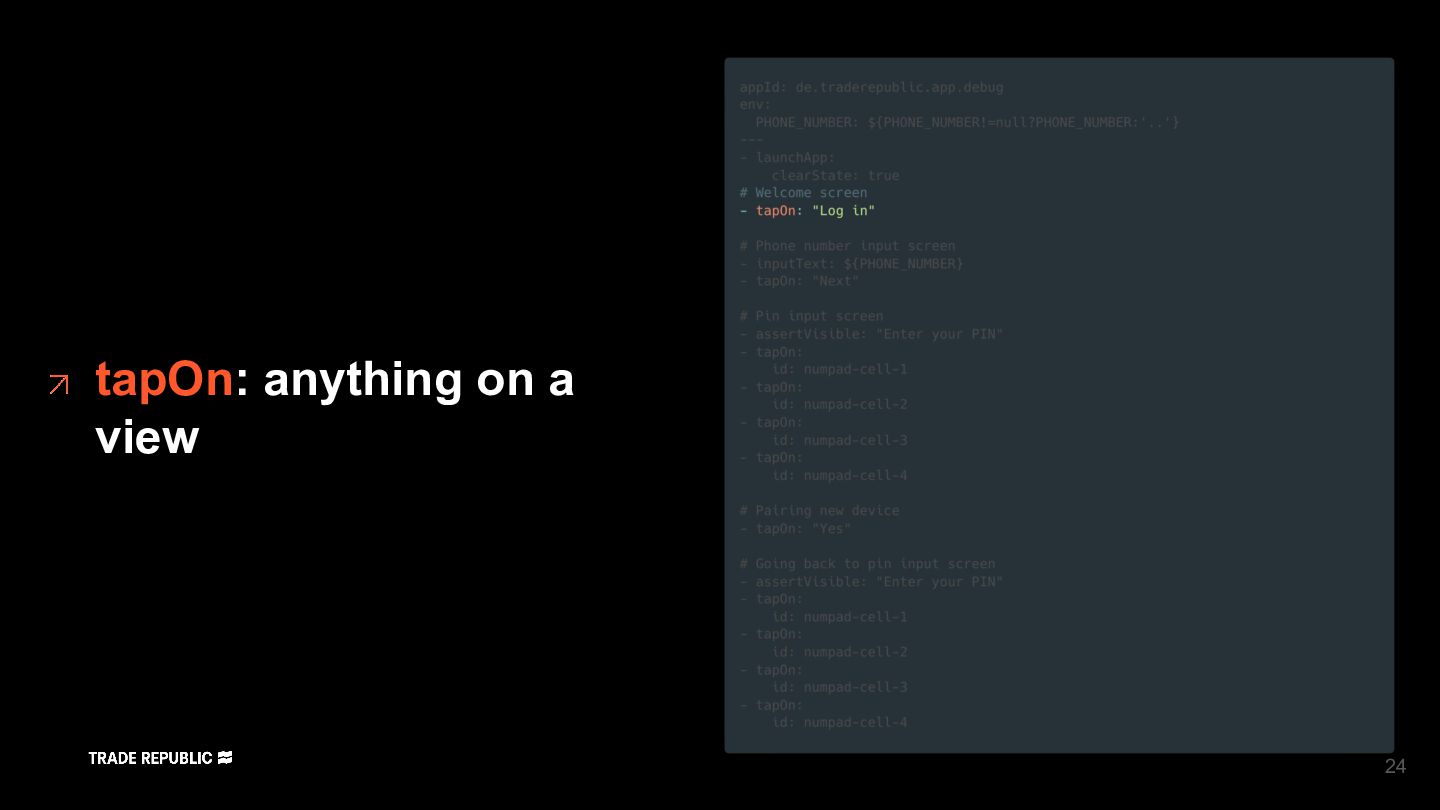
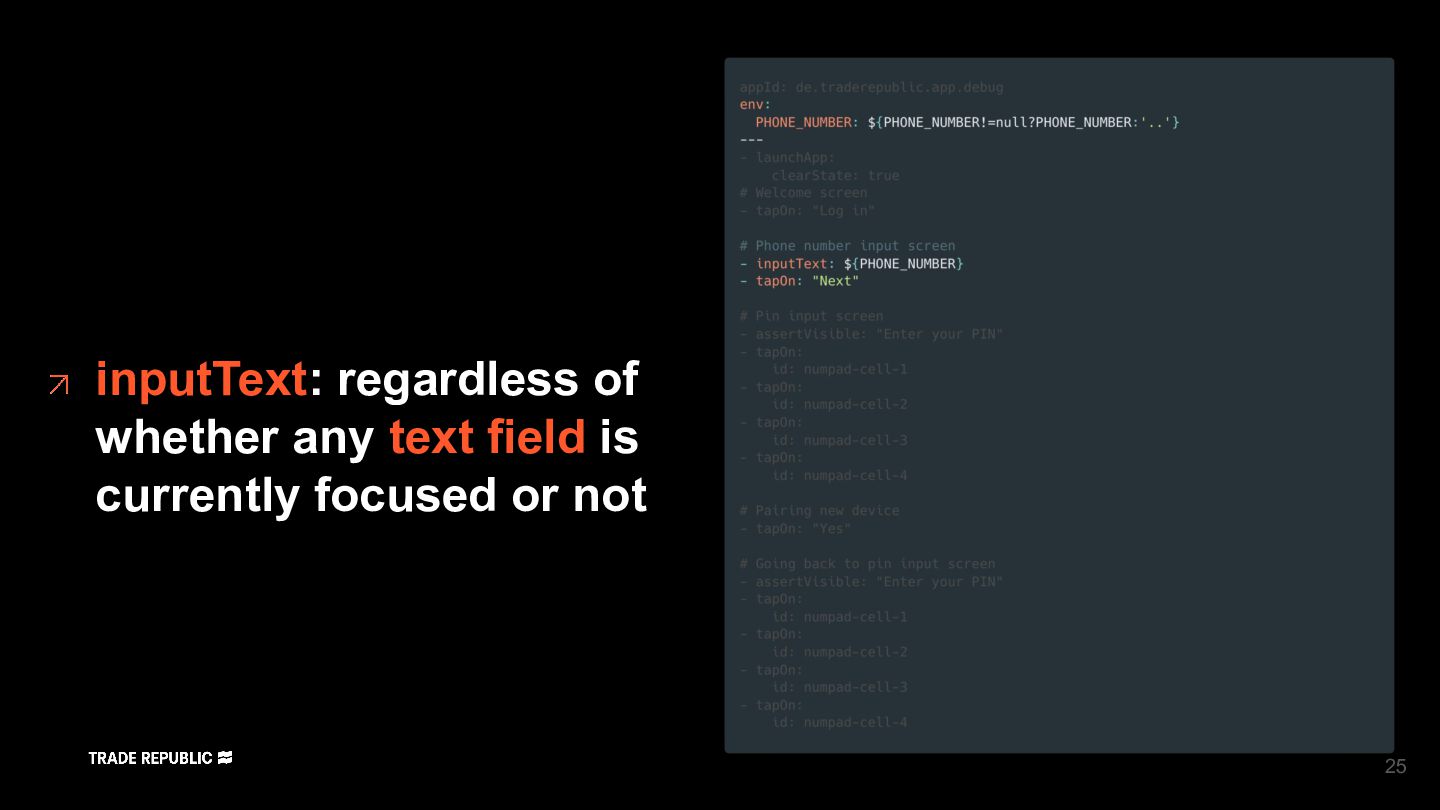
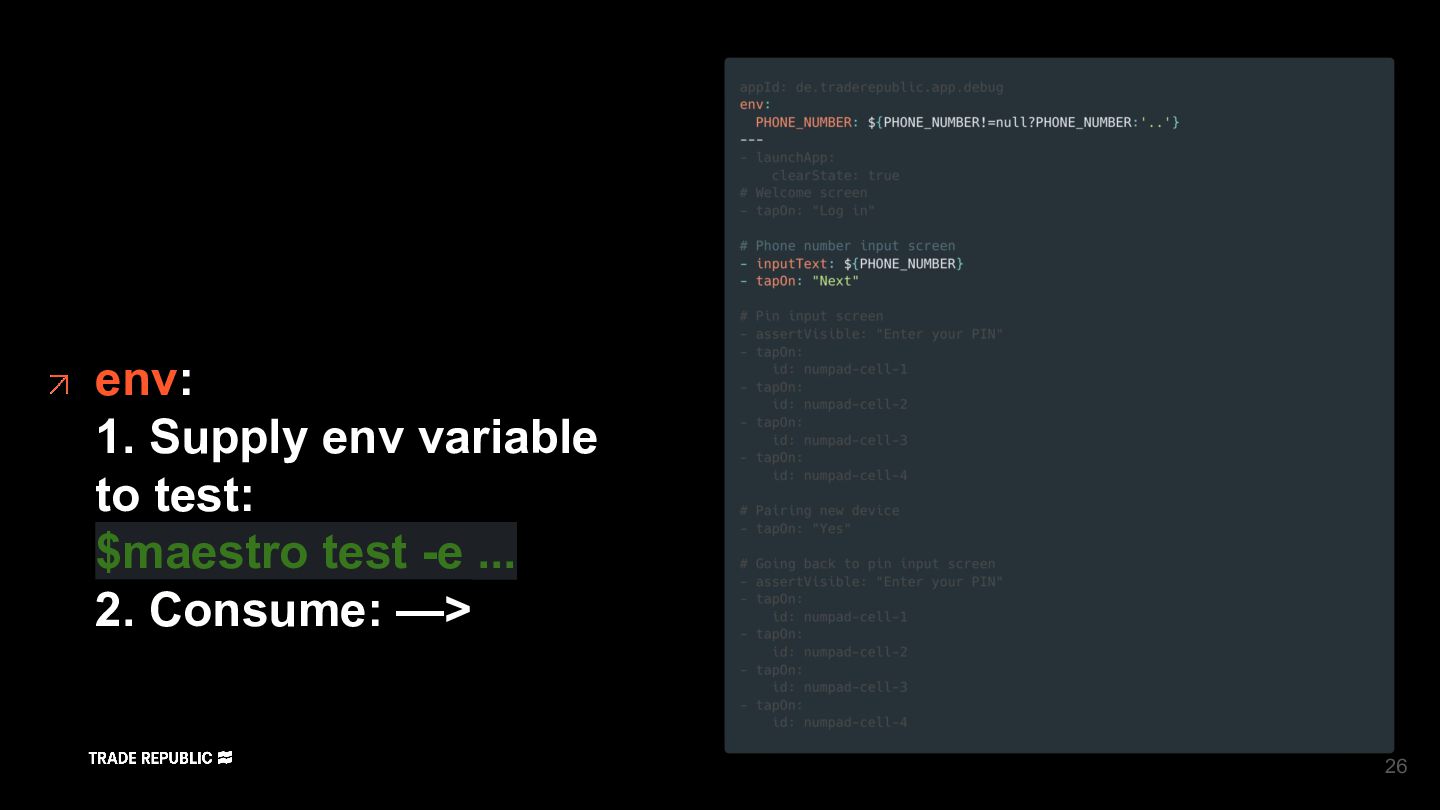
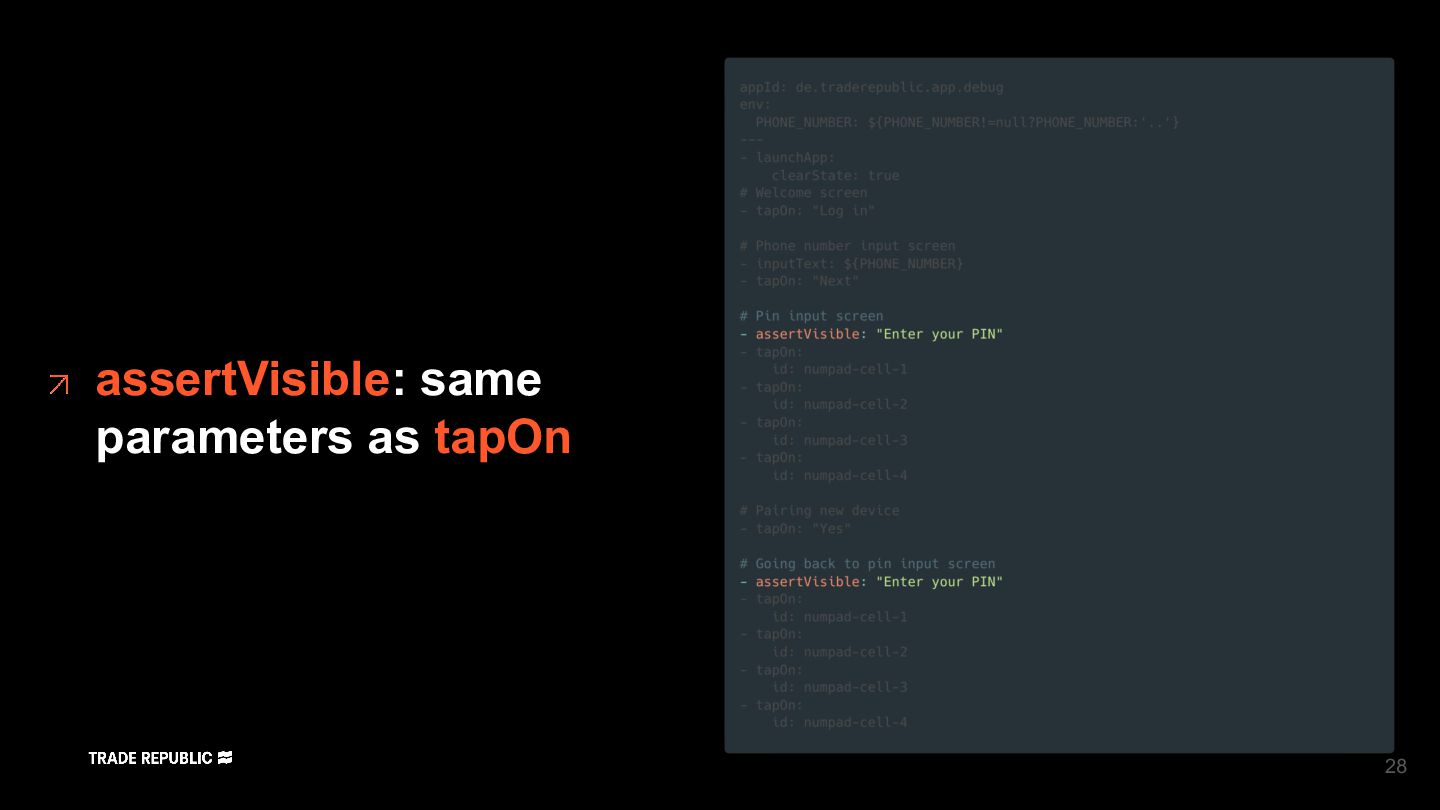
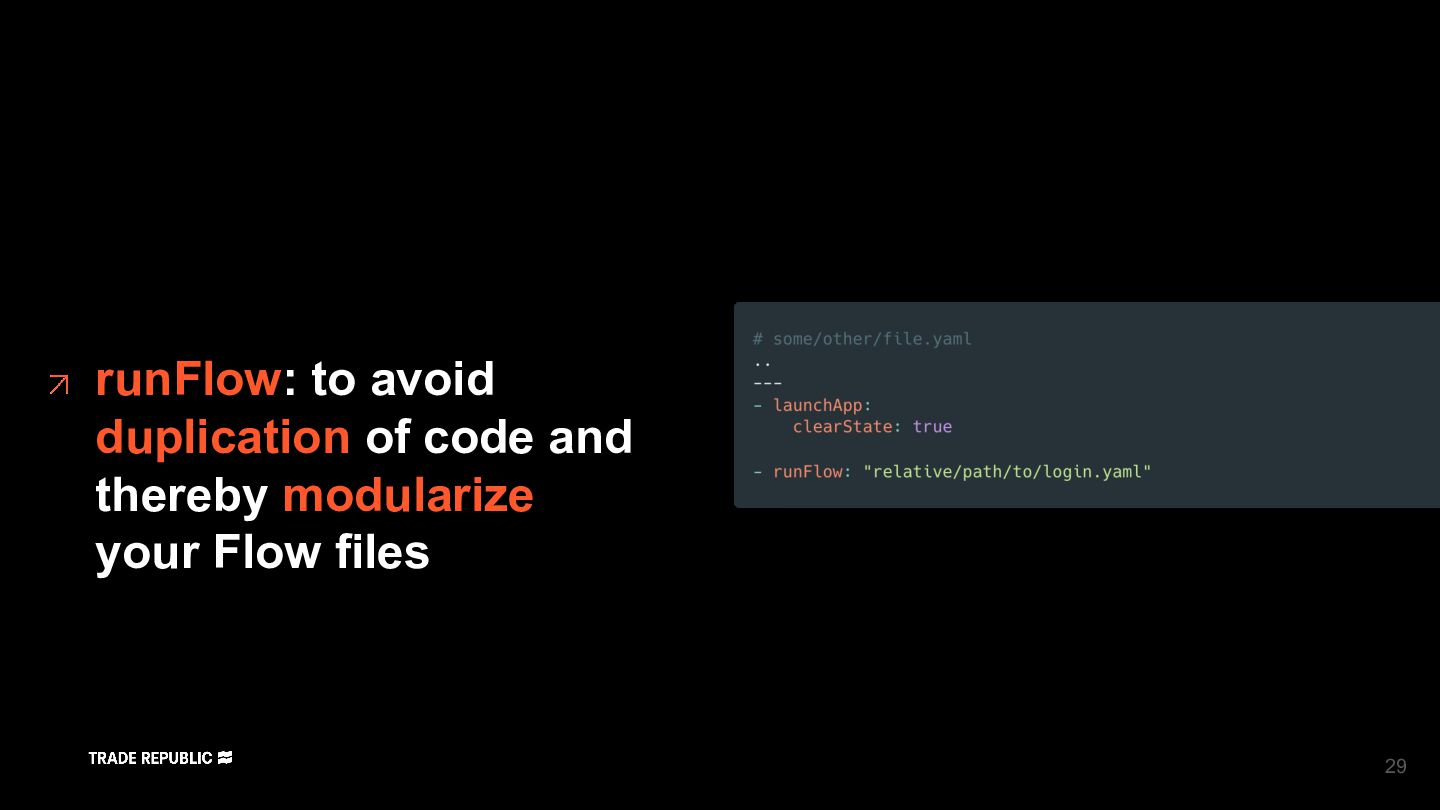
  13. Topic • launchApp • tapOn - tap on anything that

    visible on screen • inputText • runFlow - run commands from another file • takeScreenshot - saves a screenshot in a PNG file • assertVisible Common commands 20
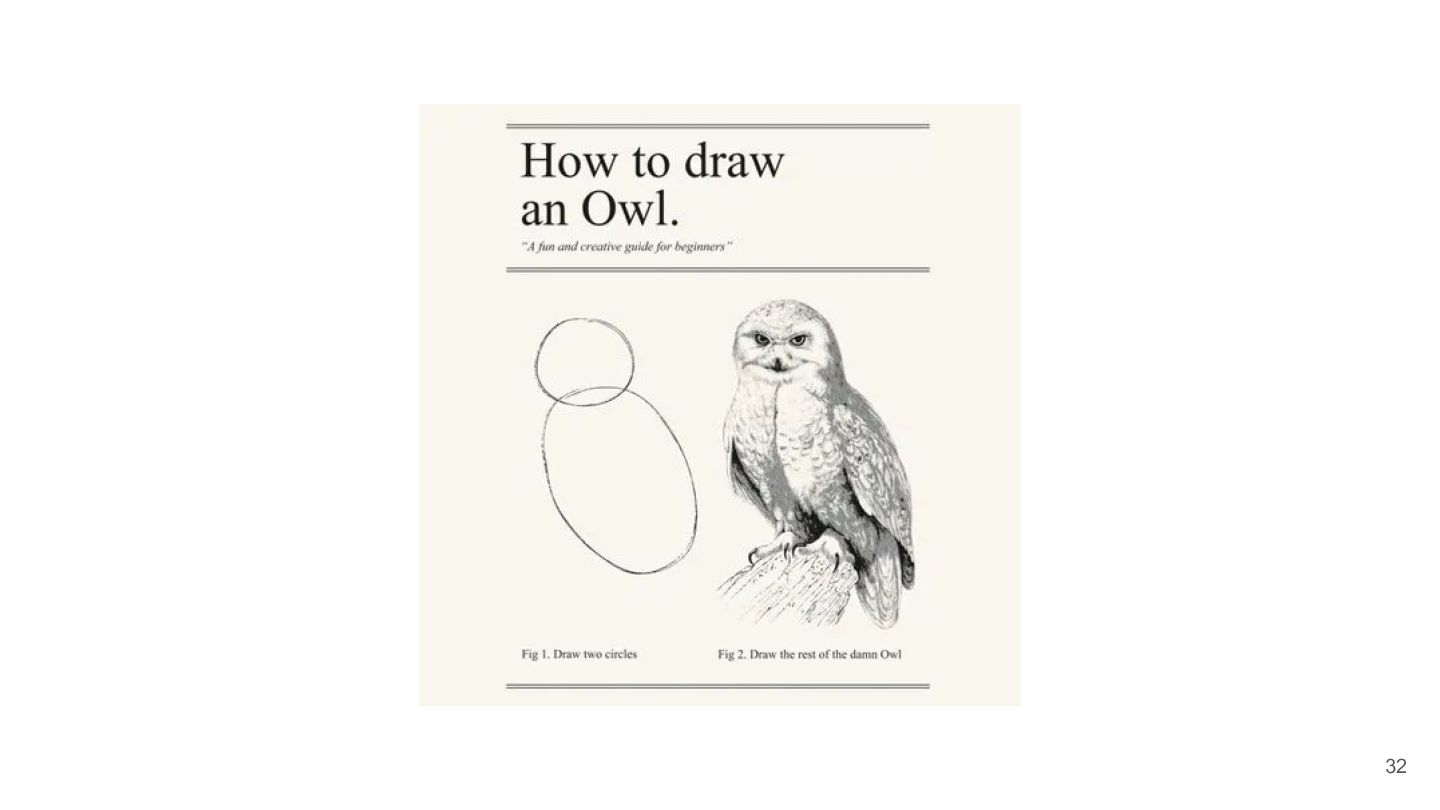
  14. 32

  15. Maestro Studio An overview of Maestro Studio, the integrated development

    environment (IDE) for creating Maestro test cases. 33
  16. 35

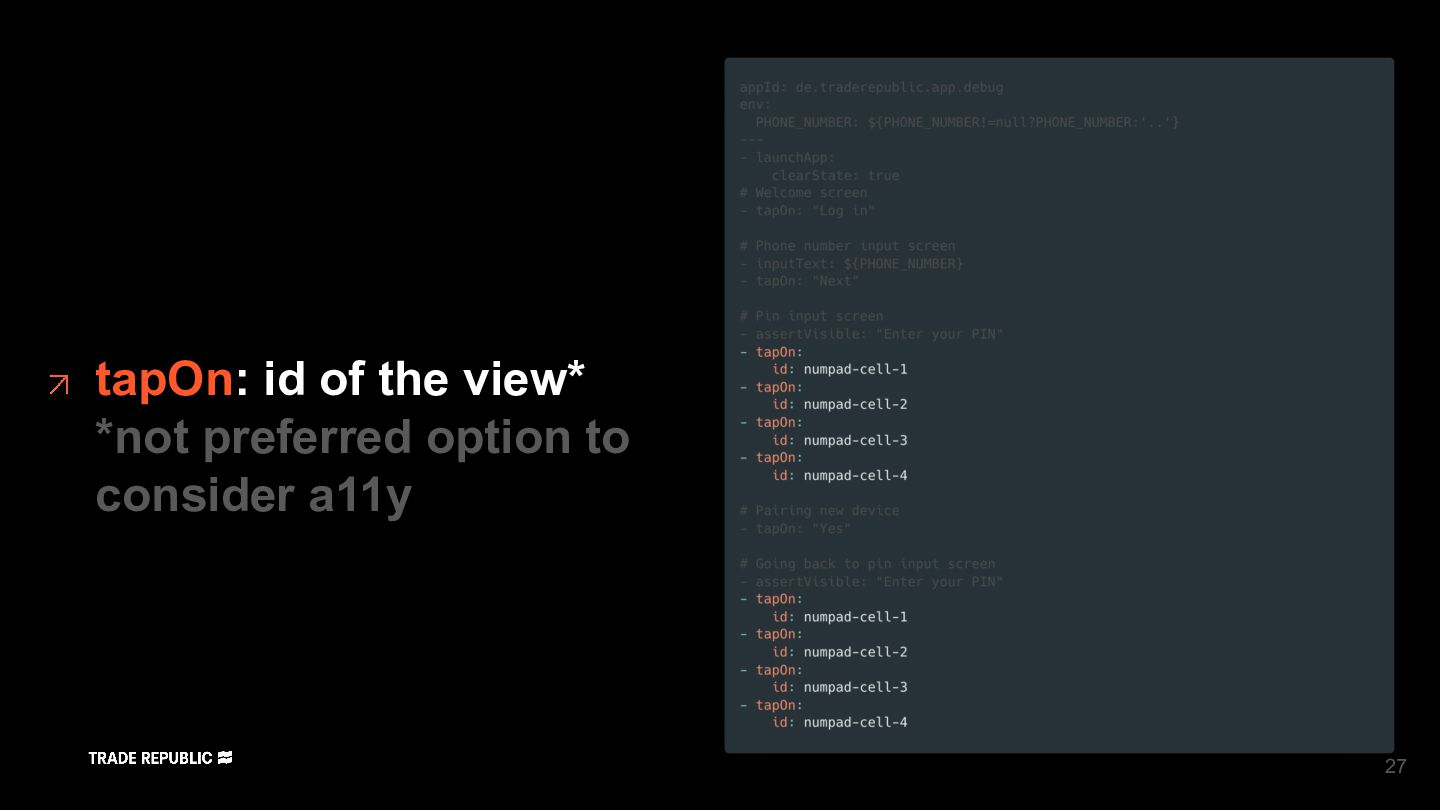
  17. 1: Don’t rely on id and instead access by text

    Then we can run regression testing on both Android and iOS 37
  18. 2: Don’t rely on id and instead access by text

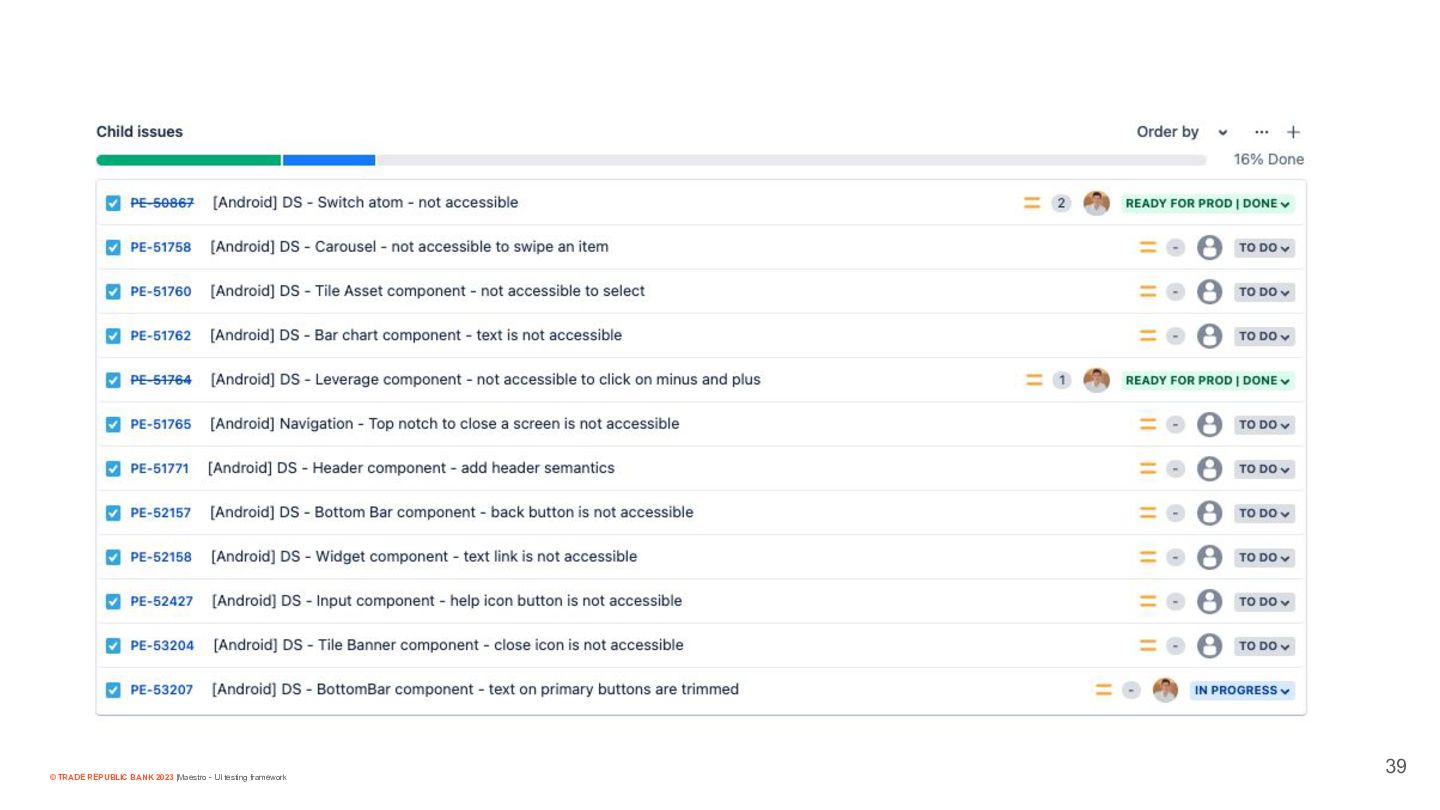
    Then we can find many issues with a11y and improve them 38
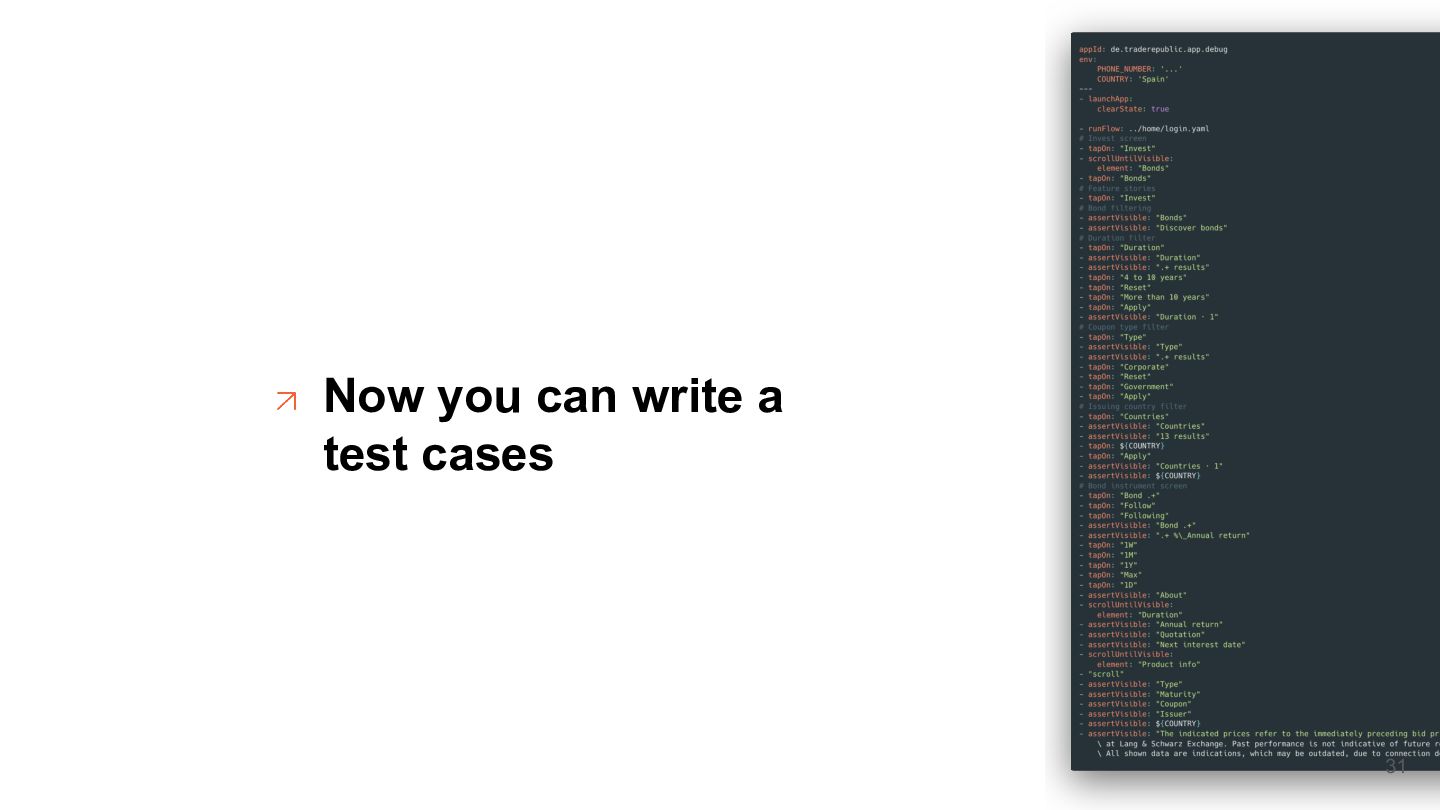
  19. 3: It’s really easy to write a regression test No

    extra setup required on a platform and everybody without knowledge of the platform can write them. 40
  20. 4: For some use cases I had to write js

    code Like using runScript command to retrieve OTP code on login flow 41
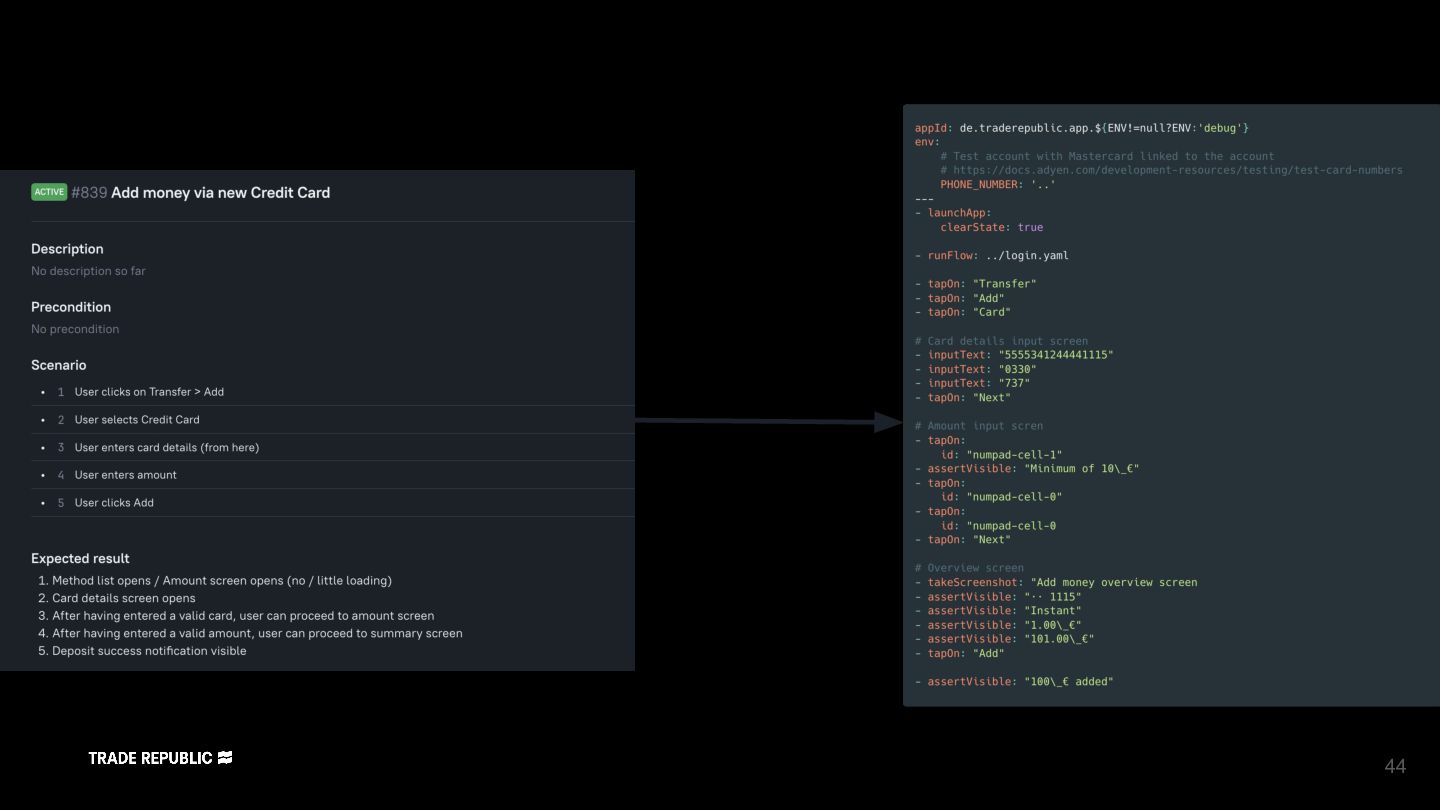
  21. 44

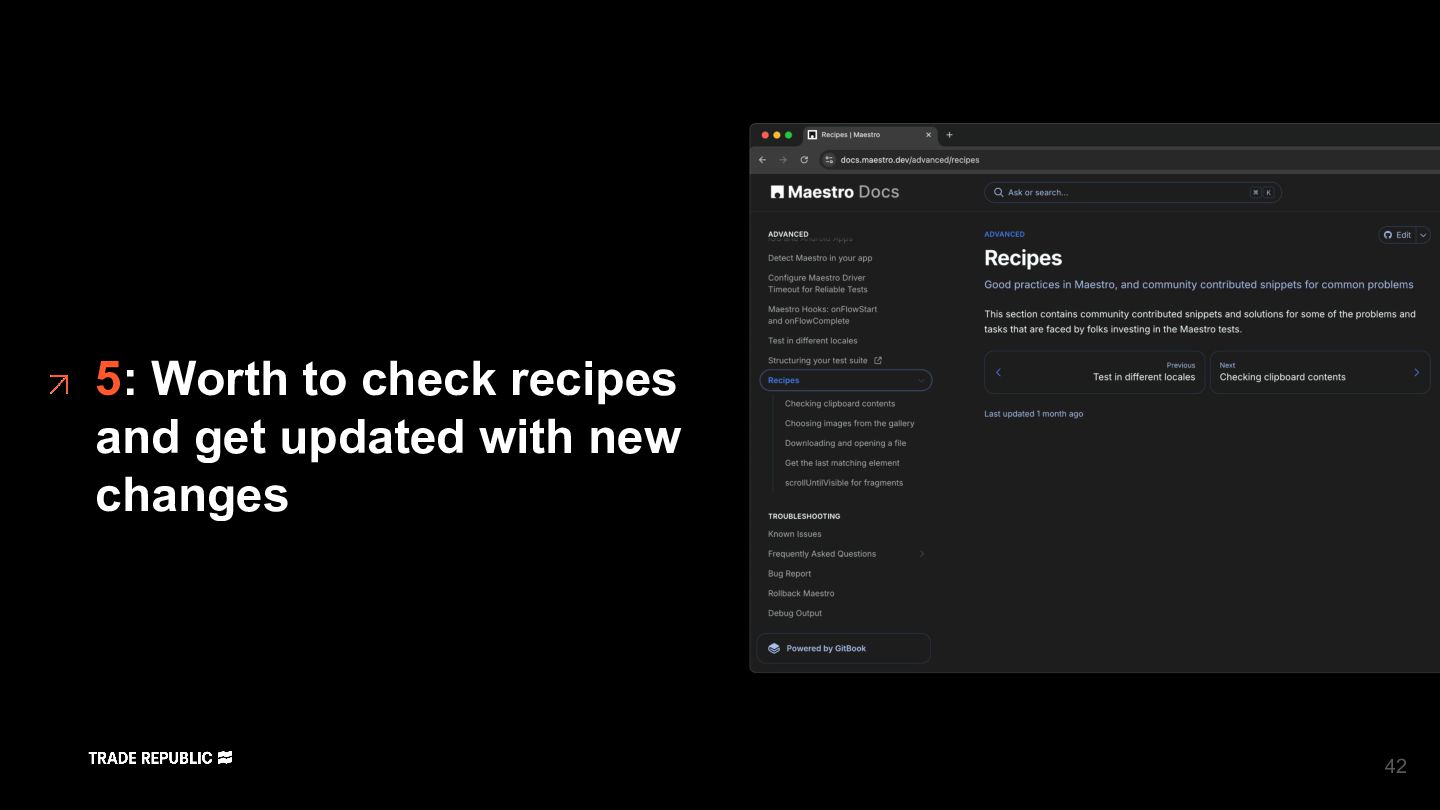
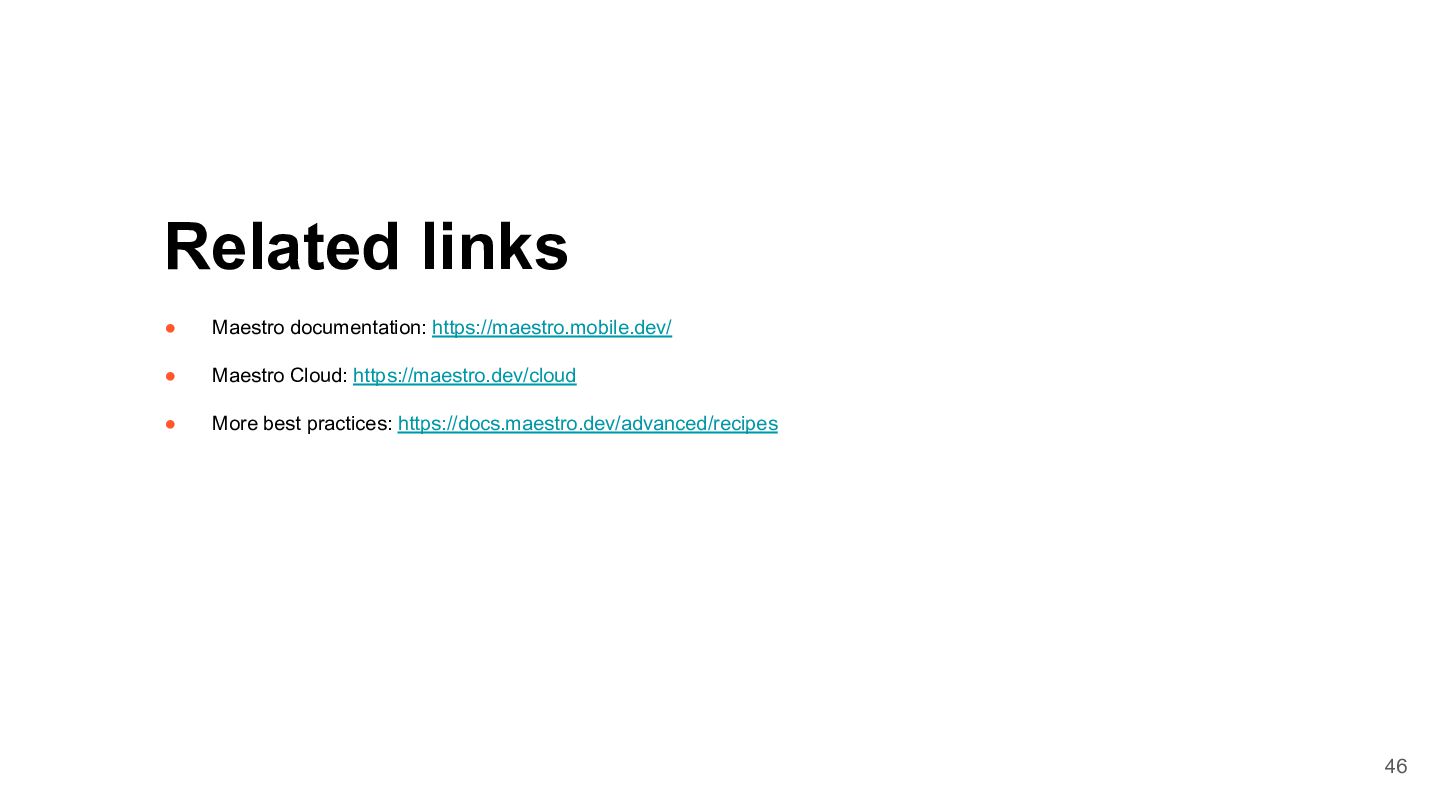
  22. • Maestro documentation: https://maestro.mobile.dev/ • Maestro Cloud: https://maestro.dev/cloud • More

    best practices: https://docs.maestro.dev/advanced/recipes Related links 46